Teaching in the
Digital Age
Assessment 2
Prototyping – Describing the teaching idea
Key Teaching Challenges
in the Digital Age
• Keeping students engaged.
• Keeping up with the changing technology and
applications.
• Growth of open education concepts and hybrid
learning models.
• While technology is evolving, there are still gaps that
it can not fill.
Technology in Education
• Blogging
• Social Media
• Forums
• Web 2.0 which involves feedback from users and
multi-directional communications.
• There are also a range of digital tools for creating
documents and presenting information for visual
communication purposes.
Teaching Idea
• How colours communicate to us; and
• How we can use colours to communicate with each
other.
• How can we apply that knowledge; and
• Create our own personal identity card
Approach to the lesson
• Using a flip class teaching model
• Relying on scaffolding, providing the information in a
staged approach
• Constructing the knowledge with each step
• Students can come up with ideas of their own and
contribute to the process
• The approach will be enquiry based learning, using
technology to communicate with each other and share
ideas.
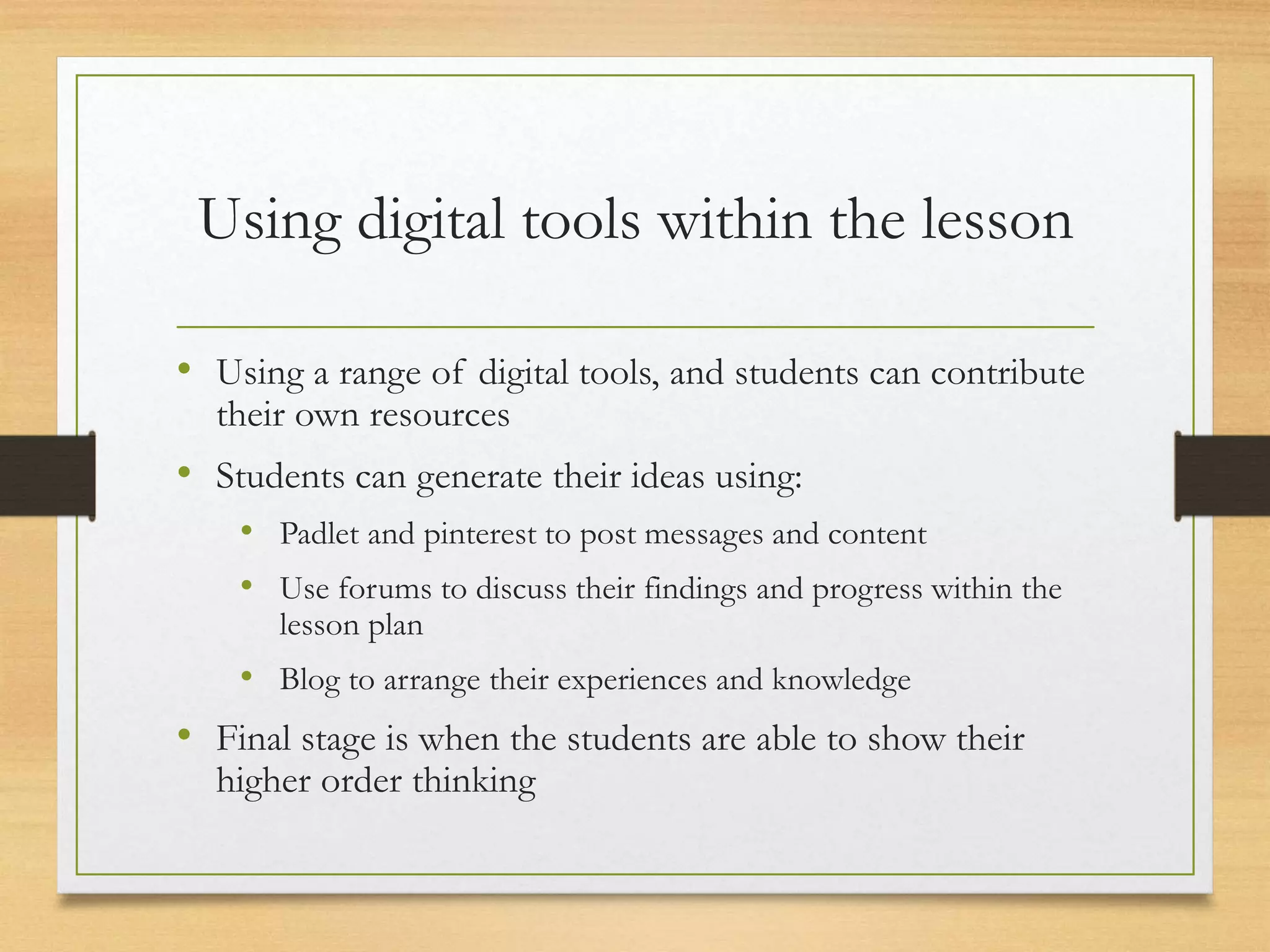
Using digital tools within the lesson
• Using a range of digital tools, and students can contribute
their own resources
• Students can generate their ideas using:
• Padlet and pinterest to post messages and content
• Use forums to discuss their findings and progress within the
lesson plan
• Blog to arrange their experiences and knowledge
• Final stage is when the students are able to show their
higher order thinking
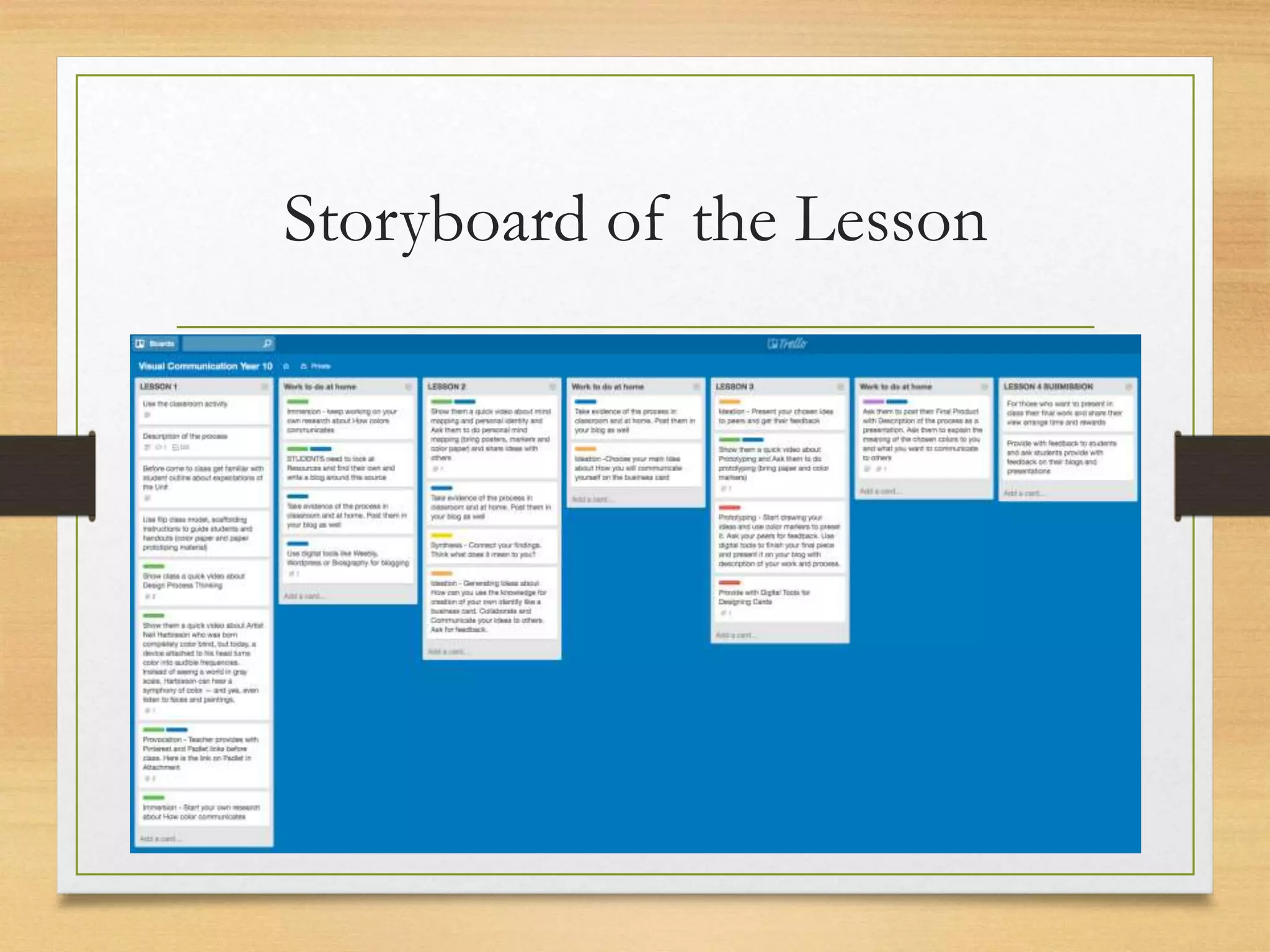
Storyboard of the Lesson
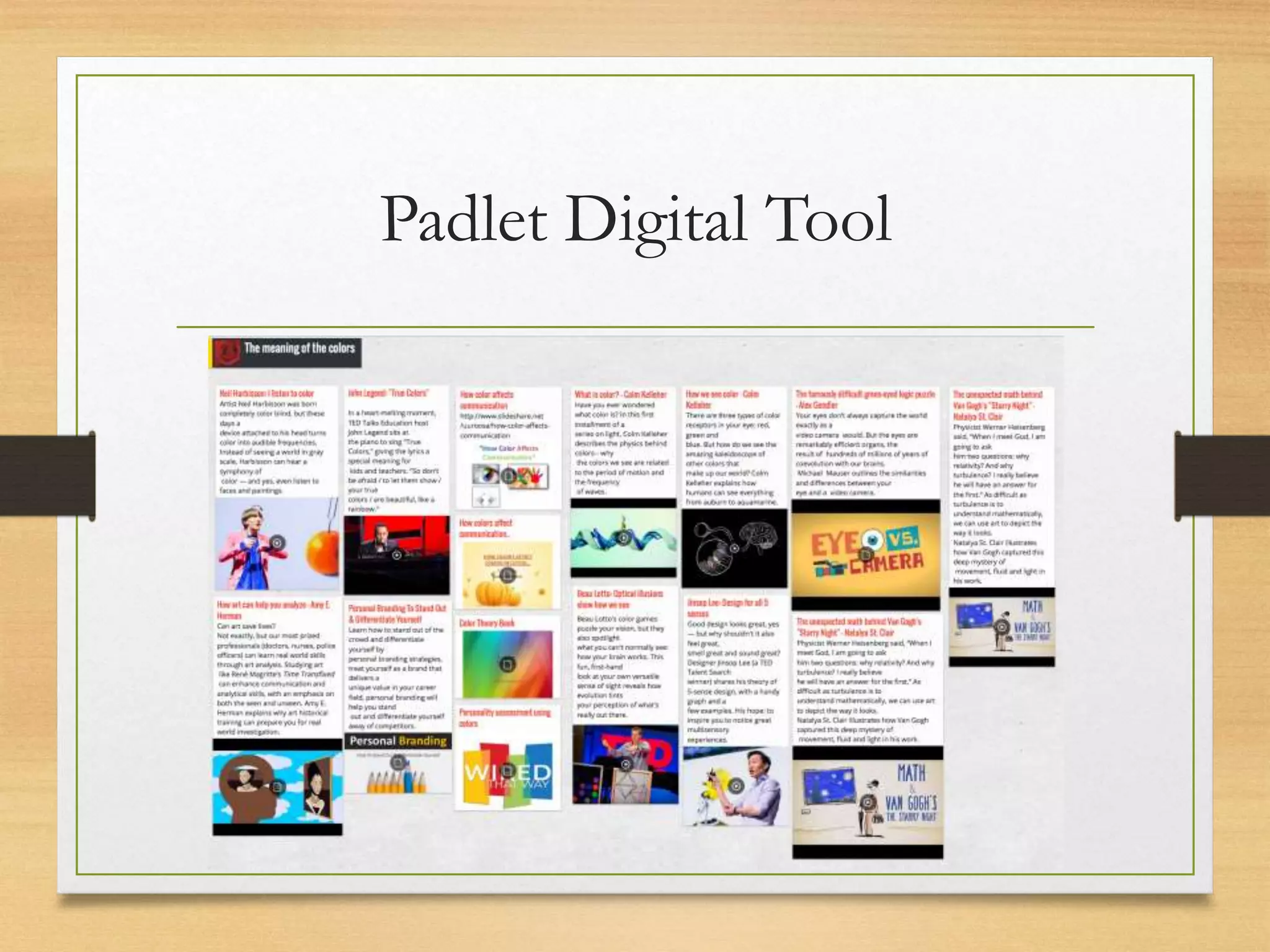
Padlet Digital Tool
Pinterest collection of ideas
Colour Meaning
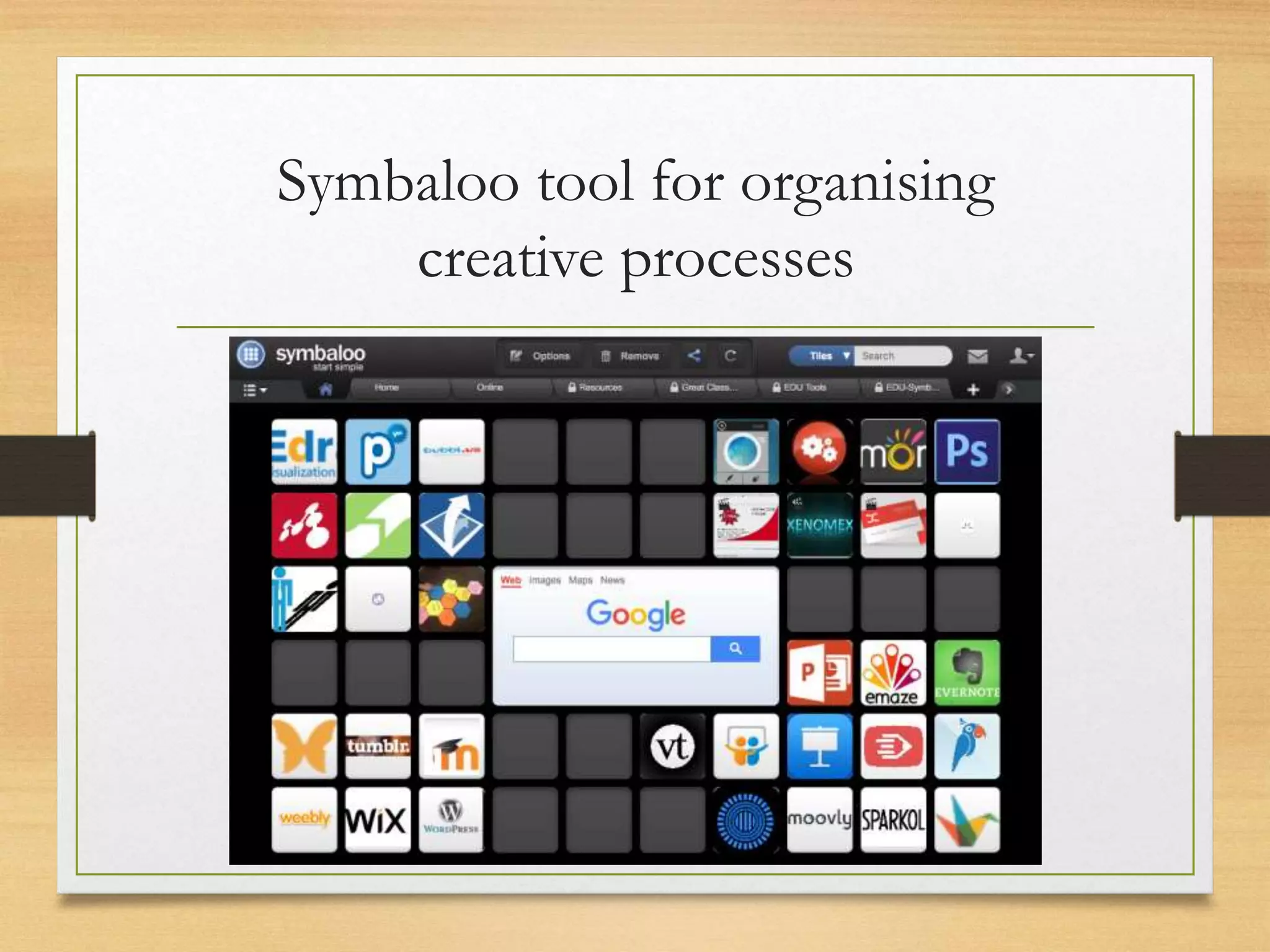
Symbaloo tool for organising
creative processes
Expected Student Outcomes
• Chance to develop Critical Thinking
• Develop communications and organise design thinking
• Creativity where students can organise design elements
• Engagement in social platforms
• Exploration of manual and digital tools to analyse, apply,
evaluate, create and present their ideas
• Embrace Technology
Thank You
Your feedback will be highly appreciated
follow this link : about.me/AlenaKrasnopeeva
Or leave a comment on SlideShare : www.slideshare.net/fattahi0410
Student Name: Alena Krasnopeeva
Student Number: 100641247

Teaching in the digital age

  • 1.
    Teaching in the DigitalAge Assessment 2 Prototyping – Describing the teaching idea
  • 2.
    Key Teaching Challenges inthe Digital Age • Keeping students engaged. • Keeping up with the changing technology and applications. • Growth of open education concepts and hybrid learning models. • While technology is evolving, there are still gaps that it can not fill.
  • 3.
    Technology in Education •Blogging • Social Media • Forums • Web 2.0 which involves feedback from users and multi-directional communications. • There are also a range of digital tools for creating documents and presenting information for visual communication purposes.
  • 4.
    Teaching Idea • Howcolours communicate to us; and • How we can use colours to communicate with each other. • How can we apply that knowledge; and • Create our own personal identity card
  • 5.
    Approach to thelesson • Using a flip class teaching model • Relying on scaffolding, providing the information in a staged approach • Constructing the knowledge with each step • Students can come up with ideas of their own and contribute to the process • The approach will be enquiry based learning, using technology to communicate with each other and share ideas.
  • 6.
    Using digital toolswithin the lesson • Using a range of digital tools, and students can contribute their own resources • Students can generate their ideas using: • Padlet and pinterest to post messages and content • Use forums to discuss their findings and progress within the lesson plan • Blog to arrange their experiences and knowledge • Final stage is when the students are able to show their higher order thinking
  • 7.
  • 8.
  • 9.
    Pinterest collection ofideas Colour Meaning
  • 10.
    Symbaloo tool fororganising creative processes
  • 11.
    Expected Student Outcomes •Chance to develop Critical Thinking • Develop communications and organise design thinking • Creativity where students can organise design elements • Engagement in social platforms • Exploration of manual and digital tools to analyse, apply, evaluate, create and present their ideas • Embrace Technology
  • 12.
    Thank You Your feedbackwill be highly appreciated follow this link : about.me/AlenaKrasnopeeva Or leave a comment on SlideShare : www.slideshare.net/fattahi0410 Student Name: Alena Krasnopeeva Student Number: 100641247

Editor's Notes

  • #2 Hello and welcome to my presentation on Teaching in the Digital Age. This is a presentation on Prototyping where I will describe and outline my teaching idea using digital tools to engage students.
  • #3 Some of the key challenges today in the digital age include: Keeping students engaged. With new technology, the speed of information being delivered to students is very fast. The rate of change for technology is becoming faster and faster. Applications compete heavily for users attention and to make use of the functions on the device. Students have no problem keeping up, forcing schools and teachers to continue to maintain their education in this space. While technology is evolving, there are still gaps that cannot be filled. For example, its not easy for a teacher to mark and provide feedback on an assessment via an ipad yet.
  • #4 There are a range of applications in technology that is available to the education process. Blogging Social media. Forums. Web 2.0 which involves feedback from users and multi-directional communications. There are also a range of digital tools for creating documents and presenting information for visual communication purposes. Students can share their experiences and teachers can both observe and interact with that learning and sharing process. In todays classroom, students are utilising many digital tools to communicate their work. This work can be communicated through: Word documents Presentations Photo and video editing software such as PhotoShop and iMovie.
  • #5 Colours communicate with us and they have their own energy. They have their own visual representation. Like Yellow, it’s a warm colour that people associate with fun and creativity. Green is a balanced colour, of harmony and nature Blue is peace honesty, kindness and truth. Red is a colour that stimulates stability, passion, stamina Orange is productivity, optimism, and emotional expression. My teaching idea is for students to learn from this and share their own knowledge about the topic as they learn for themselves. Many companies use colours in their logo designs to create sentiment towards their brands. In the same way, students can explore how colours can be used to create and communicate their own personal identity.
  • #6 My class idea is an Inquiry Based Project which will unfolds within four lessons through achieving objectives and using flip class model with some information and tutorials online based before actual class starts. It gives more time for the teacher to design a more personalised learning approach and set up the right environment for Collaboration, Communication and Creativity. At the end of the four lessons, the students will have to come up with a final personally developed product using that which they have learned in the class.
  • #7 Using a range of digital tools, and students can contribute their own resources as well Students can generate their ideas using: Padlet and pinterest to post messages and content Use forums to discuss their findings and progress within the lesson plan Blog to arrange their experiences and knowledge Final stage is when the students are able to show their higher order thinking (Bloom Taxonomy: remember, understanding, applying, analysing, evaluating and creating) by Developing their own identity card Reflecting upon the process and learning (whighting a blog or journal) Representing their final product to the world via online presentation or in classcoom
  • #8 This is the tool that I used to organise the lesson and create the process visually and following the design thinking process. The tool used is called Trello. The tool allows the user to create a series of story boards, arrange and share them. The tool is highly visual and engaging yet it is fairly quick to use. The tool in this case has been used to create the lesson plan and drill down on the steps of each lesson. This is essentially a visual representation of a scaffolding process. The steps can be assigned processes: Where there is blue, the students are to be engaged Where there is green, this indicates the provocation and immersion stage Yellow indicates the synthesis stage Orange indicates the ideation stage Red indicates the prototyping stage Purple is the testing (which is the presenting stage)
  • #9 My resources provide with variety of Multimodal texts those delivered via digital technologies like Pinterst, Padlet, Symboo with chance for students to Collaborate and add some their own ideas. The environment that I would like to set up is webpage FAQ that enable students openly ask questions and share their experience. The creation of a class online community will help to be connected and communicate in real time, posting, responding, as well as giving and getting feedback. The padlet tool allows the users to collect their ideas on the topic and create or share their own padlets. They can also add to the main padlet, resulting in a collaboration of work among the students. The tool involves the clipping of articles, links, videos, documents and images on to the board so that they can be shared, grouped or arranged.
  • #10 Another resource created to explore the meaning of colours is using the pinterest platform where the students can pin their collection of ideas, information and photos that they are interested in. These can be saved on a collective board or their own individual boards to be organised on any topic. The tool encourages the students to be social, leave comments and share their information with others.
  • #11 My resource is a digital media mashup that contains text, graphical, audio, video and animation, which recombines and modifies existing digital work to create a derivative work. It is a creative digital artefact that use more than one form of media, such as video combine with audio. It is original work that is very innovative and creative. The resource has an ability to manipulate different digital formats, files and create new artefacts that would contribute to digital proficiency. Students can be involve and create digital content by addicting they own artefacts by developing critical thinking skill.
  • #12 Students outcome: Students always have a chance to choose which help them to develop Critical thinking  Communication - Students use a design process to generate and develop communications. The design process a structure to organise design thinking and it combines and shaped by functional and aesthetical, as well as social, environmental and economic factors. Creativity - Students develop the skills to manipulate and organise design elements (particular colour) Engagement in social platform create the right environment for Collaboration. Throughout the 4 lessons students explore manual and digital methods and tools to understand, analyse, apply, evaluate, create, and present their ideas (Embrace Technology across all aspects)
  • #13 Thank you for your attention, I would like to hear your feedback on the tools and the presentation. Please follow one of the links below and you can send me an email, or leave a comment on slideshare where this presentation can be downloaded. Thank you for your time.