About Me
• Ph.D. in C & I,
SLU, 2012
• B.A. & M.A.T. in
Ed Tech, Webster
University
• 20 total years in
education
• #GrandBabyChat
Research & Passion
Authentic integration
of technology into the
curriculum and the
use of social media for
informal professional
learning.
Communicate & Connect
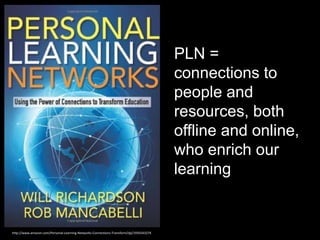
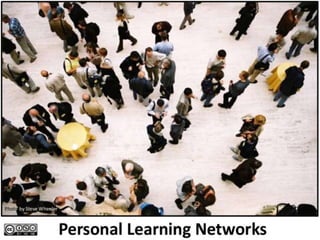
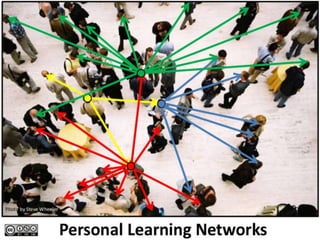
• Personal Learning Network aka
PLN =
connections to
people and
resources, both
offline and online,
who enrich our
learning
http://www.amazon.com/Personal-Learning-Networks-Connections-Transform/dp/193554327X
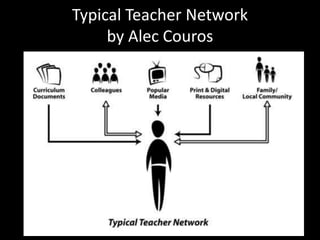
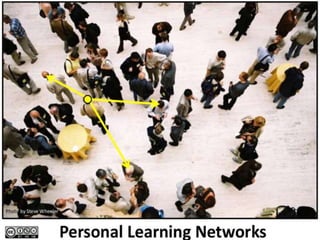
Typical Teacher Network
by Alec Couros
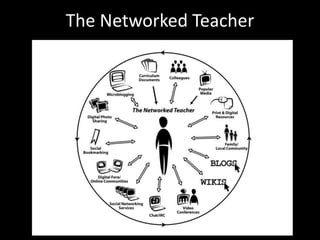
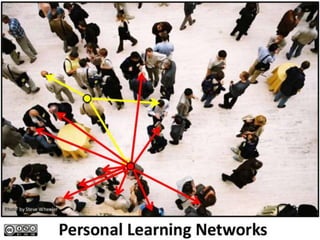
The Networked Teacher
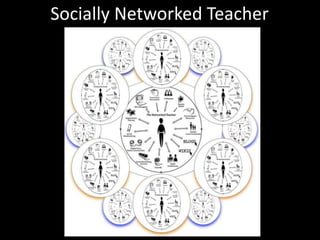
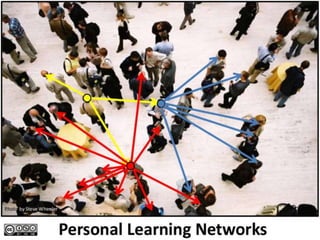
Socially Networked Teacher
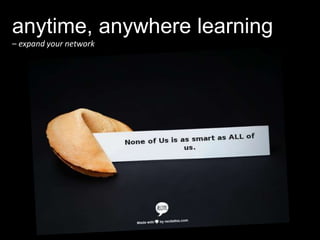
anytime, anywhere learning
– expand your network
Findings
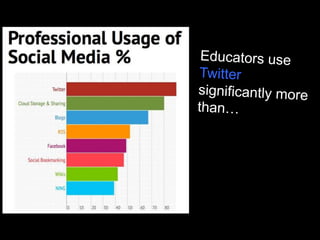
Favorite social media application to use
for informal professional development:
http://bettergraphic.com/free-and-paid-fonts-used-in-logos-of-popular-
brands/
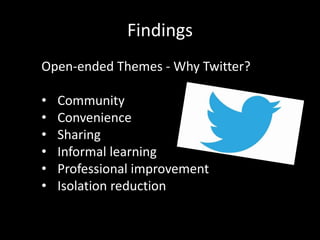
Findings
Open-ended Themes - Why Twitter?
• Community
• Convenience
• Sharing
• Informal learning
• Professional improvement
• Isolation reduction
PLN – Personal Learning Network
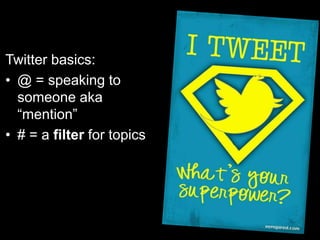
Twitter basics:
• @ = speaking to
someone aka
“mention”
• # = a filter for topics
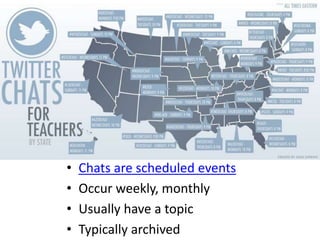
• Chats are scheduled events
• Occur weekly, monthly
• Usually have a topic
• Typically archived
…and because it’s not just about Twitter
• Remind – an easy way for your parents,
students, or staff to receive one-way text
messages. Think reminders, announcements,
kuddos!
• Skype – author chats
• Facebook – Edutopia, WeAreTeachers
• Edmodo – think Facebook for schools
• And…
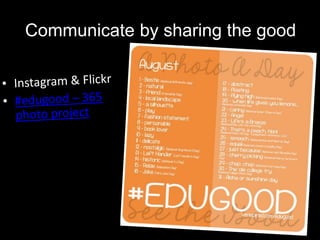
Communicate by sharing the good!
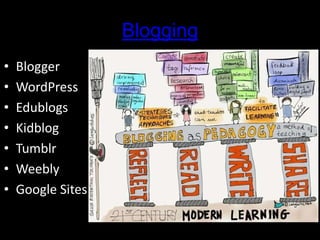
Blogging
• Blogger
• WordPress
• Edublogs
• Kidblog
• Tumblr
• Weebly
• Google Sites
EdcampSTL is a FREE one-day conference
in the participant-driven, ‘unconference’ format.
#edcampstl – February 7, 2015
All are welcome to join us!
The next best thing to being wise
oneself is to live in a circle of those
who are. ~ C. S. Lewis
How have you used technology
to communicate or connect?
How have you used tech to
enhance your learning?
Inspired to try something new?
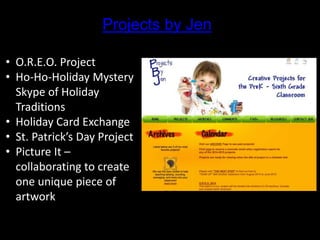
Projects by Jen
• O.R.E.O. Project
• Ho-Ho-Holiday Mystery
Skype of Holiday
Traditions
• Holiday Card Exchange
• St. Patrick’s Day Project
• Picture It –
collaborating to create
one unique piece of
artwork
Google Apps for Education
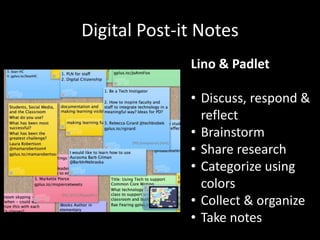
Digital Post-it Notes
Lino & Padlet
• Discuss, respond &
reflect
• Brainstorm
• Share research
• Categorize using
colors
• Collect & organize
• Take notes
Content Curation
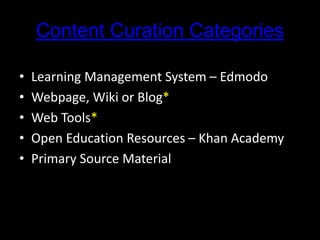
Content Curation Categories
• Learning Management System – Edmodo
• Webpage, Wiki or Blog*
• Web Tools*
• Open Education Resources – Khan Academy
• Primary Source Material
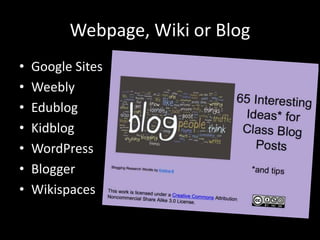
Webpage, Wiki or Blog
• Google Sites
• Weebly
• Edublog
• Kidblog
• WordPress
• Blogger
• Wikispaces
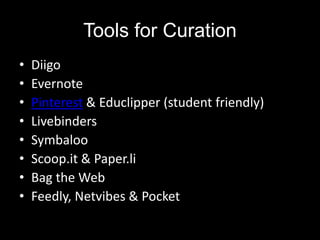
Tools for Curation
• Diigo
• Evernote
• Pinterest & Educlipper (student friendly)
• Livebinders
• Symbaloo
• Scoop.it & Paper.li
• Bag the Web
• Feedly, Netvibes & Pocket
My Favorite Things
• Twitter
• Diigo
• Pinterest
• Wikispaces
• Feedly
• Evernote
• Pocket
• Newest favorite: Weebly – easy, peasy
• What are your favorite content curation
tools?
• What are your favorite collaboration tools?
• What tools are you curious about?
• Questions?
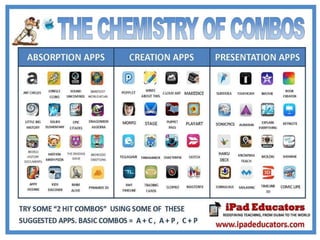
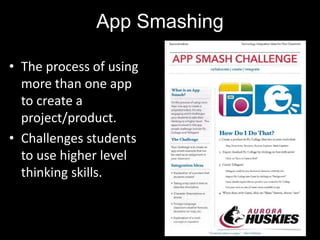
App Smashing
• The process of using
more than one app
to create a
project/product.
• Challenges students
to use higher level
thinking skills.
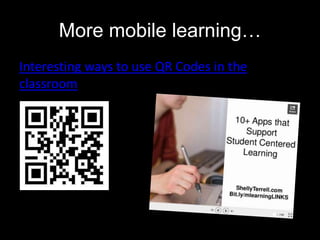
More mobile learning…
Interesting ways to use QR Codes in the
classroom
Project ideas w/ digital images
• Scrapbooks: ABCs, nature, literary character
• Motivational posters & Desktop backgrounds
• Create an online books
• Enhance poems
• Use images for presentations
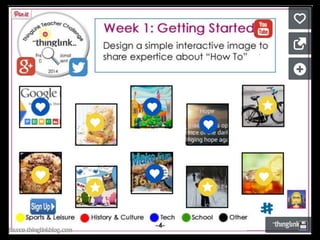
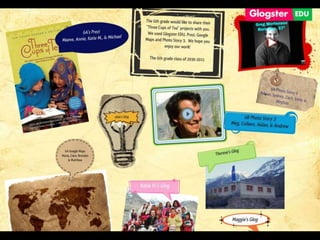
• ThinglinkEDU to create interactive images
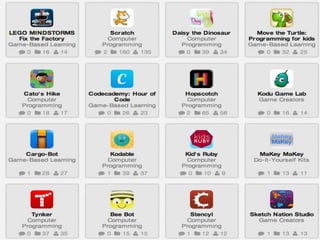
become a maker, a creator, an innovator
Hour of Code
"Steve Jobs, Mark Zuckerberg and Bill Gates
have all said that students should learn how to
code. It’s a skill that not only teaches you how to
work with computers, but also teaches you how
to think about solving problems with systems."
Coding resources
Digital Storytelling
“To address the most important issue first: there
is no such thing as digital storytelling. There’s
only storytelling in the digital age. . .Digital is
not the difficult part in digital storytelling.
Storytelling is.”
~ Jasper Visser
Digital Storytelling
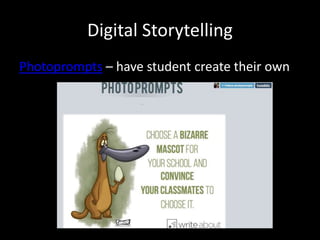
Photoprompts – have student create their own
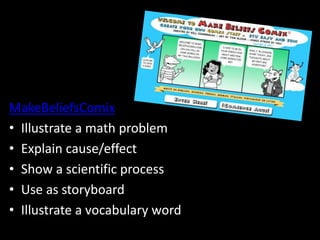
MakeBeliefsComix
• Illustrate a math problem
• Explain cause/effect
• Show a scientific process
• Use as storyboard
• Illustrate a vocabulary word
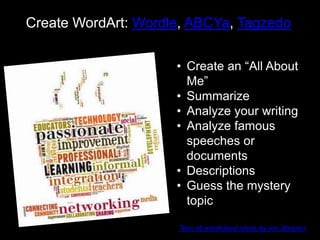
Create WordArt: Wordle, ABCYa, Tagzedo
• Create an “All About
Me”
• Summarize
• Analyze your writing
• Analyze famous
speeches or
documents
• Descriptions
• Guess the mystery
topic
Tons of wordcloud ideas by Jen Wagner
Digital Storytelling
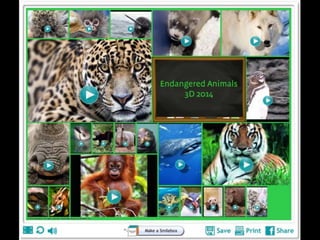
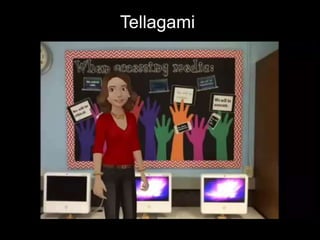
Tellagami
Media & Digital Literacy
“… ten years ago, not one student in a
hundred, nay, one in a thousand, could have
produced videos like this. It’s a whole new
skill, a vital and important skill, and one utterly
necessary not simply from the perspective of
creating but also of comprehending video
communication today.” ~ Stephen Downes
10 Ideas for Classroom Video Projects
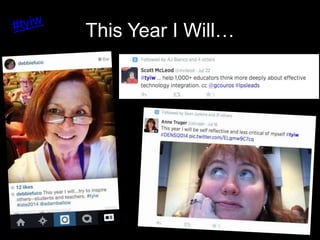
This Year I Will…
Thank you!
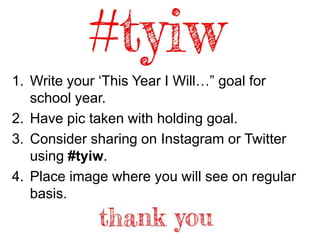
1. Write your ‘This Year I Will…” goal for
school year.
2. Have pic taken with holding goal.
3. Consider sharing on Instagram or Twitter
using #tyiw.
4. Place image where you will see on regular
basis.
Find me at:
Twitter: @debbiefuco
Blog: The Educators’ Café
Email: debbie.fucoloro@gmail.com

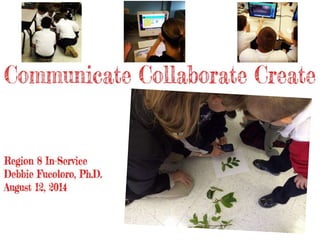
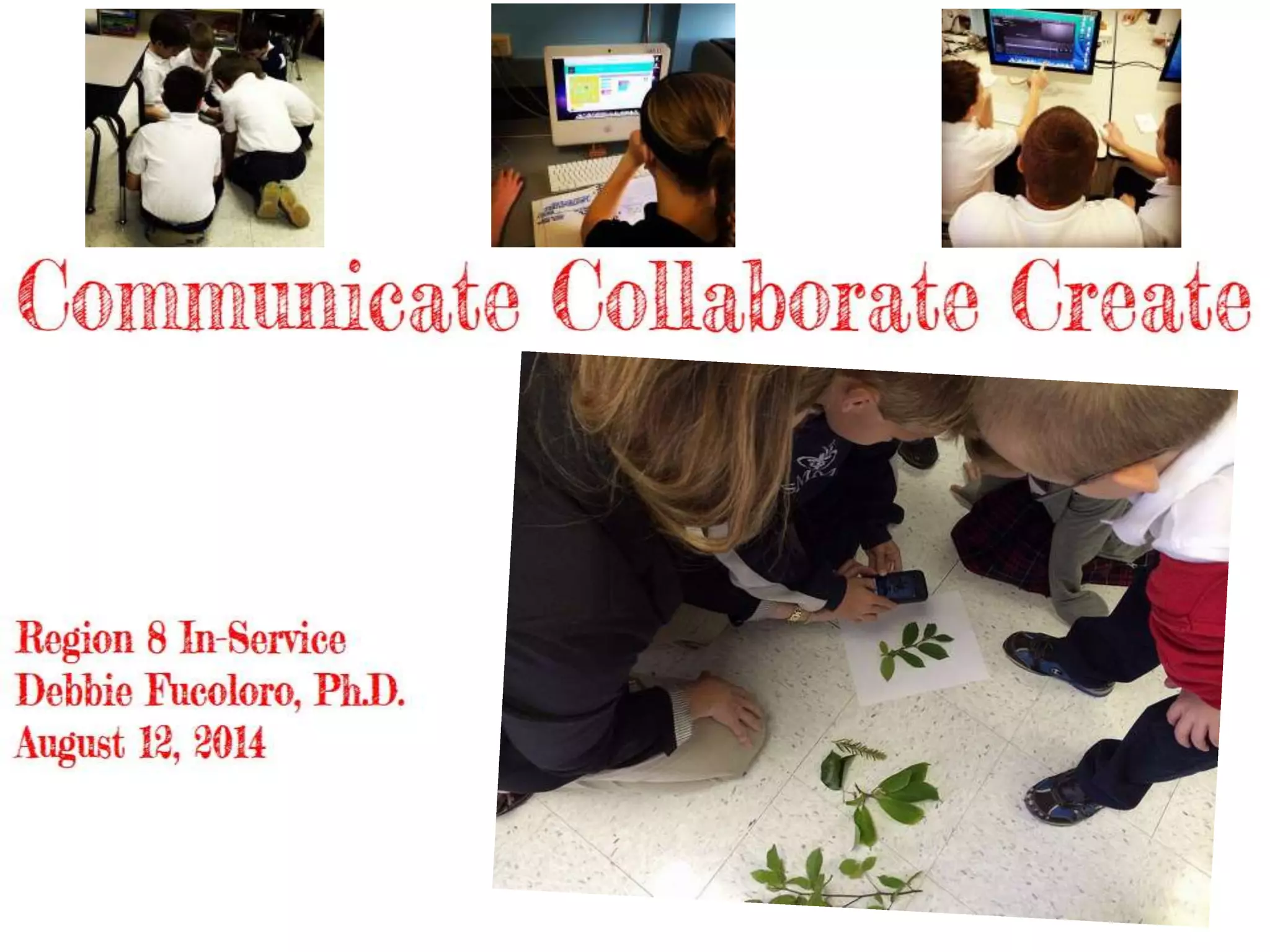
Communicate Collaborate Create

  • 2.
    About Me • Ph.D.in C & I, SLU, 2012 • B.A. & M.A.T. in Ed Tech, Webster University • 20 total years in education • #GrandBabyChat
  • 3.
    Research & Passion Authenticintegration of technology into the curriculum and the use of social media for informal professional learning.
  • 4.
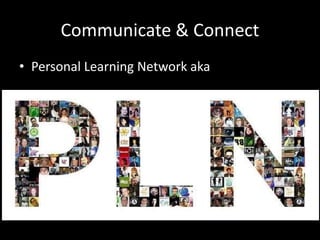
    Communicate & Connect •Personal Learning Network aka
  • 5.
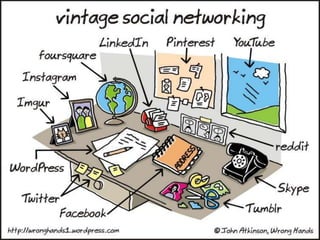
    PLN = connections to peopleand resources, both offline and online, who enrich our learning http://www.amazon.com/Personal-Learning-Networks-Connections-Transform/dp/193554327X
  • 6.
  • 7.
  • 8.
  • 14.
    anytime, anywhere learning –expand your network
  • 16.
    Findings Favorite social mediaapplication to use for informal professional development: http://bettergraphic.com/free-and-paid-fonts-used-in-logos-of-popular- brands/
  • 17.
    Findings Open-ended Themes -Why Twitter? • Community • Convenience • Sharing • Informal learning • Professional improvement • Isolation reduction
  • 18.
    PLN – PersonalLearning Network
  • 20.
    Twitter basics: • @= speaking to someone aka “mention” • # = a filter for topics
  • 21.
    • Chats arescheduled events • Occur weekly, monthly • Usually have a topic • Typically archived
  • 25.
    …and because it’snot just about Twitter • Remind – an easy way for your parents, students, or staff to receive one-way text messages. Think reminders, announcements, kuddos! • Skype – author chats • Facebook – Edutopia, WeAreTeachers • Edmodo – think Facebook for schools • And…
  • 27.
  • 28.
    Blogging • Blogger • WordPress •Edublogs • Kidblog • Tumblr • Weebly • Google Sites
  • 29.
    EdcampSTL is aFREE one-day conference in the participant-driven, ‘unconference’ format. #edcampstl – February 7, 2015 All are welcome to join us!
  • 30.
    The next bestthing to being wise oneself is to live in a circle of those who are. ~ C. S. Lewis
  • 31.
    How have youused technology to communicate or connect? How have you used tech to enhance your learning? Inspired to try something new?
  • 36.
    Projects by Jen •O.R.E.O. Project • Ho-Ho-Holiday Mystery Skype of Holiday Traditions • Holiday Card Exchange • St. Patrick’s Day Project • Picture It – collaborating to create one unique piece of artwork
  • 38.
    Google Apps forEducation
  • 39.
    Digital Post-it Notes Lino& Padlet • Discuss, respond & reflect • Brainstorm • Share research • Categorize using colors • Collect & organize • Take notes
  • 42.
  • 43.
    Content Curation Categories •Learning Management System – Edmodo • Webpage, Wiki or Blog* • Web Tools* • Open Education Resources – Khan Academy • Primary Source Material
  • 44.
    Webpage, Wiki orBlog • Google Sites • Weebly • Edublog • Kidblog • WordPress • Blogger • Wikispaces
  • 45.
    Tools for Curation •Diigo • Evernote • Pinterest & Educlipper (student friendly) • Livebinders • Symbaloo • Scoop.it & Paper.li • Bag the Web • Feedly, Netvibes & Pocket
  • 46.
    My Favorite Things •Twitter • Diigo • Pinterest • Wikispaces • Feedly • Evernote • Pocket • Newest favorite: Weebly – easy, peasy
  • 47.
    • What areyour favorite content curation tools? • What are your favorite collaboration tools? • What tools are you curious about? • Questions?
  • 52.
    App Smashing • Theprocess of using more than one app to create a project/product. • Challenges students to use higher level thinking skills.
  • 53.
    More mobile learning… Interestingways to use QR Codes in the classroom
  • 54.
    Project ideas w/digital images • Scrapbooks: ABCs, nature, literary character • Motivational posters & Desktop backgrounds • Create an online books • Enhance poems • Use images for presentations • ThinglinkEDU to create interactive images

  • 56.
    become a maker,a creator, an innovator Hour of Code "Steve Jobs, Mark Zuckerberg and Bill Gates have all said that students should learn how to code. It’s a skill that not only teaches you how to work with computers, but also teaches you how to think about solving problems with systems." Coding resources
  • 58.
    Digital Storytelling “To addressthe most important issue first: there is no such thing as digital storytelling. There’s only storytelling in the digital age. . .Digital is not the difficult part in digital storytelling. Storytelling is.” ~ Jasper Visser
  • 59.
    Digital Storytelling Photoprompts –have student create their own
  • 60.
    MakeBeliefsComix • Illustrate amath problem • Explain cause/effect • Show a scientific process • Use as storyboard • Illustrate a vocabulary word
  • 61.
    Create WordArt: Wordle,ABCYa, Tagzedo • Create an “All About Me” • Summarize • Analyze your writing • Analyze famous speeches or documents • Descriptions • Guess the mystery topic Tons of wordcloud ideas by Jen Wagner
  • 62.
  • 63.
  • 66.
    Media & DigitalLiteracy “… ten years ago, not one student in a hundred, nay, one in a thousand, could have produced videos like this. It’s a whole new skill, a vital and important skill, and one utterly necessary not simply from the perspective of creating but also of comprehending video communication today.” ~ Stephen Downes 10 Ideas for Classroom Video Projects

  • 69.
    This Year IWill…
  • 70.
    Thank you! 1. Writeyour ‘This Year I Will…” goal for school year. 2. Have pic taken with holding goal. 3. Consider sharing on Instagram or Twitter using #tyiw. 4. Place image where you will see on regular basis.
  • 71.
    Find me at: Twitter:@debbiefuco Blog: The Educators’ Café Email: debbie.fucoloro@gmail.com

Editor's Notes

  • #23 Also #catholicedchat
  • #24 Julie Smith Twitter Basics
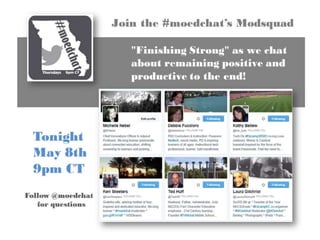
  • #27 FREE! Turns your smart phone into a walkie talkie. Great for collaborating with a team! MOedchat.
  • #29 Blogging – reflection, sharing, communicating, curating
  • #30 There are many more around the state: EdcampKC, Edcamp(Springfield), EdcampJC, etc.