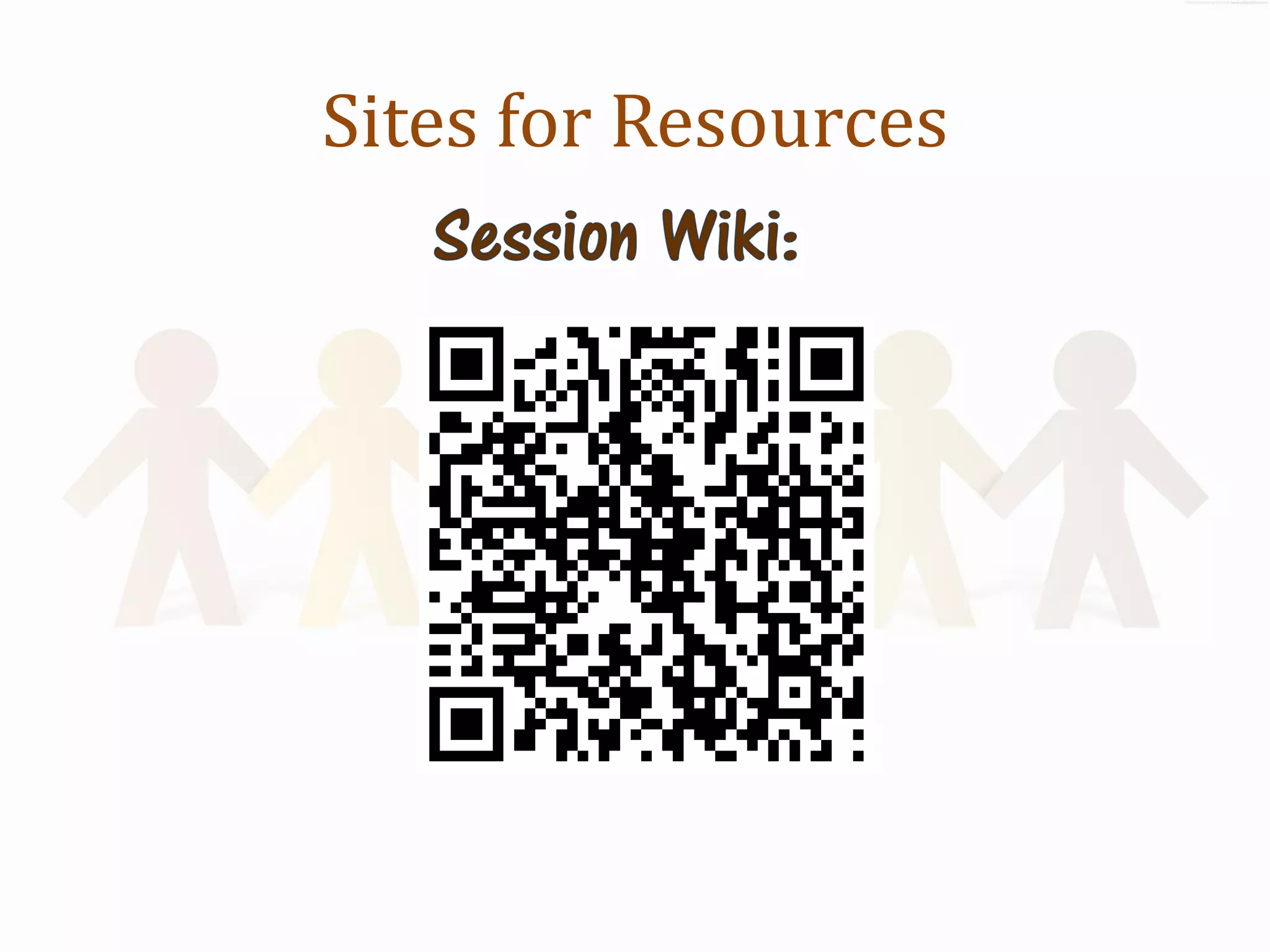
Sites for Resources
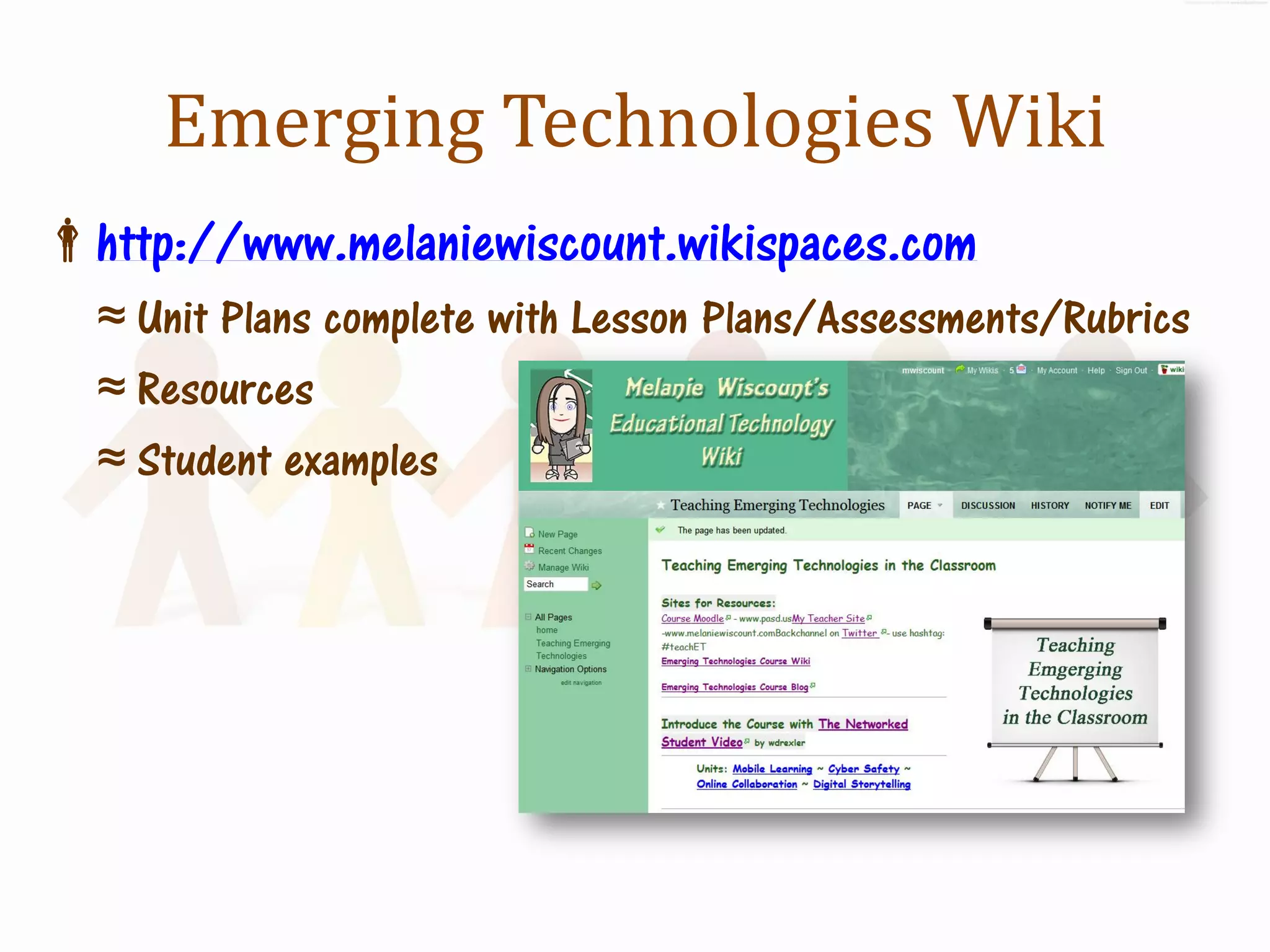
Emerging Technologies Wiki
http://www.melaniewiscount.wikispaces.com
  ≈ Unit Plans complete with Lesson Plans/Assessments/Rubrics
  ≈ Resources
  ≈ Student examples
Sites for Resources
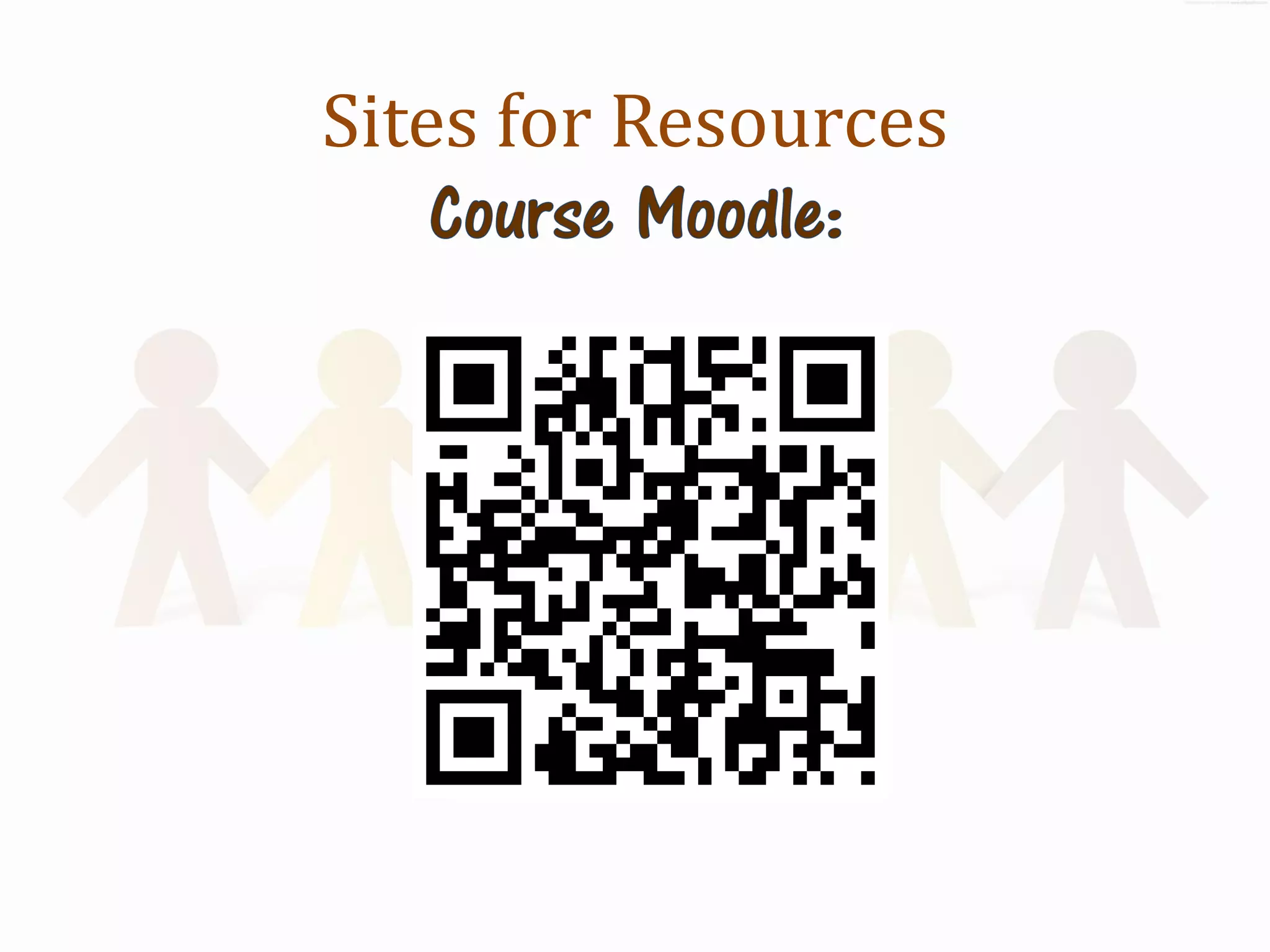
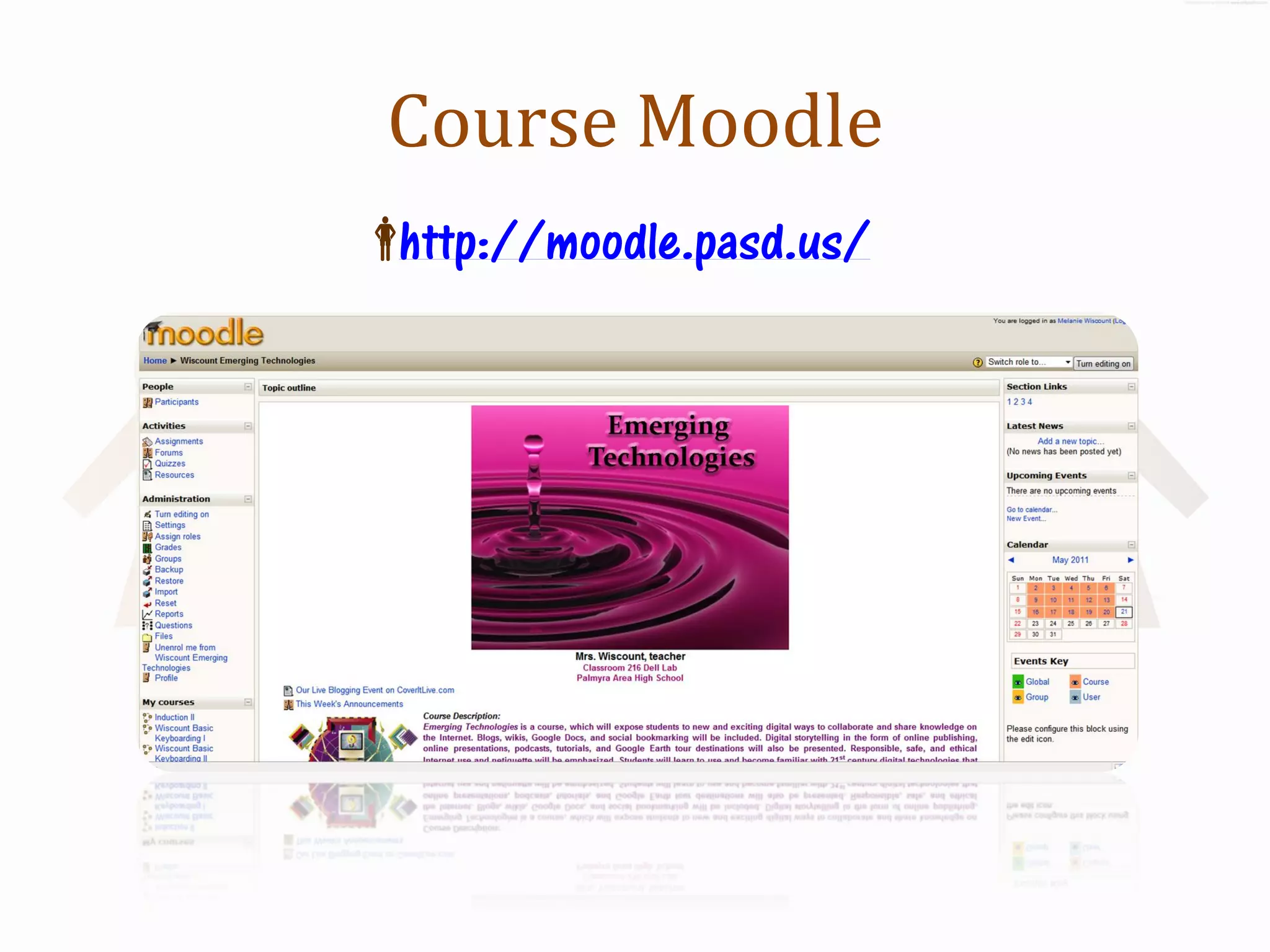
Course Moodle
http://moodle.pasd.us/
Teach Emerging Technologies
        in Every Course!


         Melanie Wiscount
             PETE+C
          February 2012
Welcome!
What?
    ≈ Learn how to Integrate emerging technologies
                    into any course


         ≈ Develop 21stC Skills in our Students
             ≈ Make learning multi-media
                ≈ Encourage creativity
         ≈ Students build and share knowledge
Thank You!
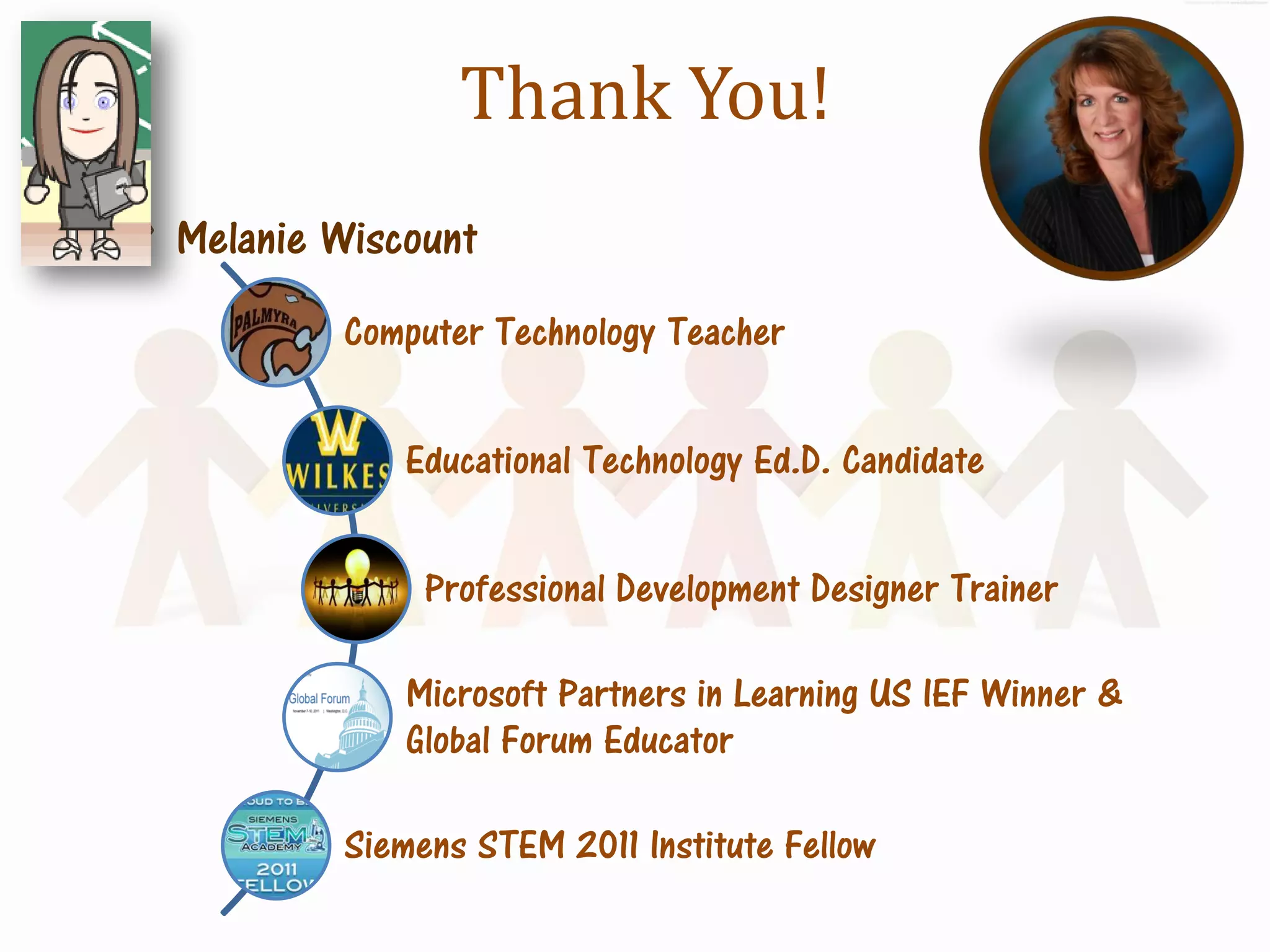
Melanie Wiscount
          Computer Technology Teacher


             Educational Technology Ed.D. Candidate


               Professional Development Designer Trainer

             Microsoft Partners in Learning US IEF Winner &
             Global Forum Educator

          Siemens STEM 2011 Institute Fellow
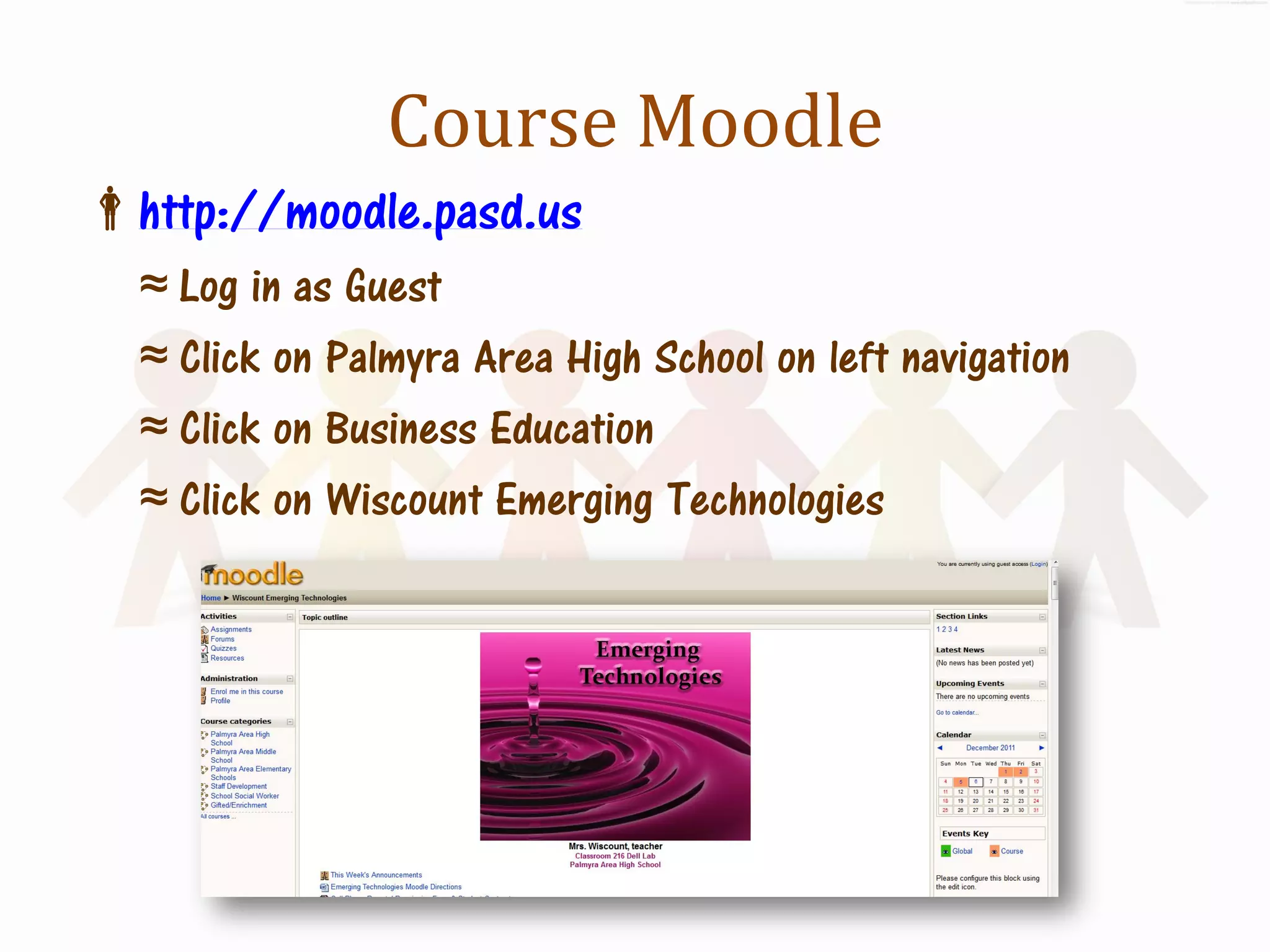
Course Moodle
http://moodle.pasd.us
  ≈ Log in as Guest
  ≈ Click on Palmyra Area High School on left navigation
  ≈ Click on Business Education
  ≈ Click on Wiscount Emerging Technologies
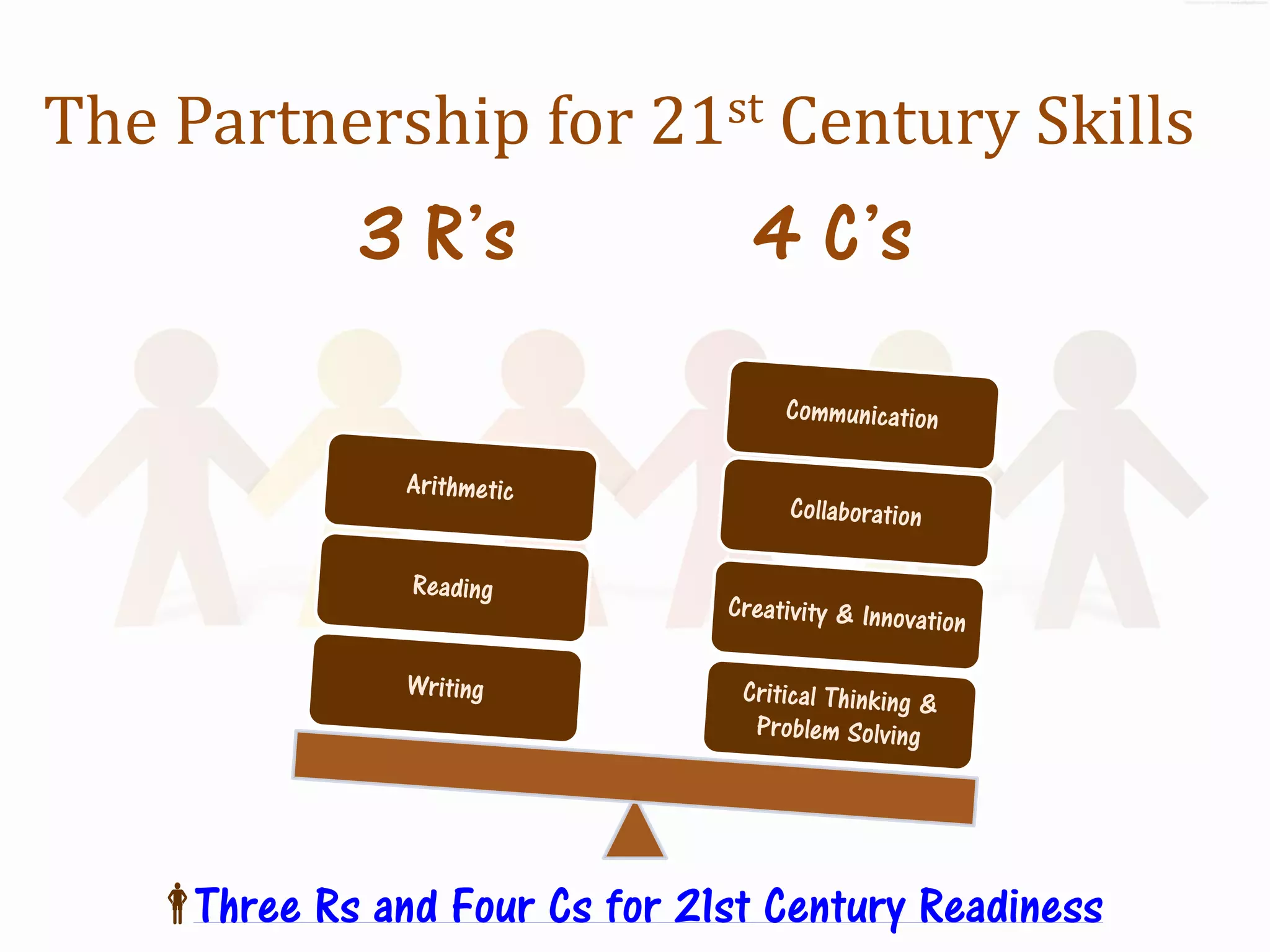
The Partnership for 21st Century Skills
             3 R’s               4 C’s


   Three Rs and Four Cs for 21st Century Readiness
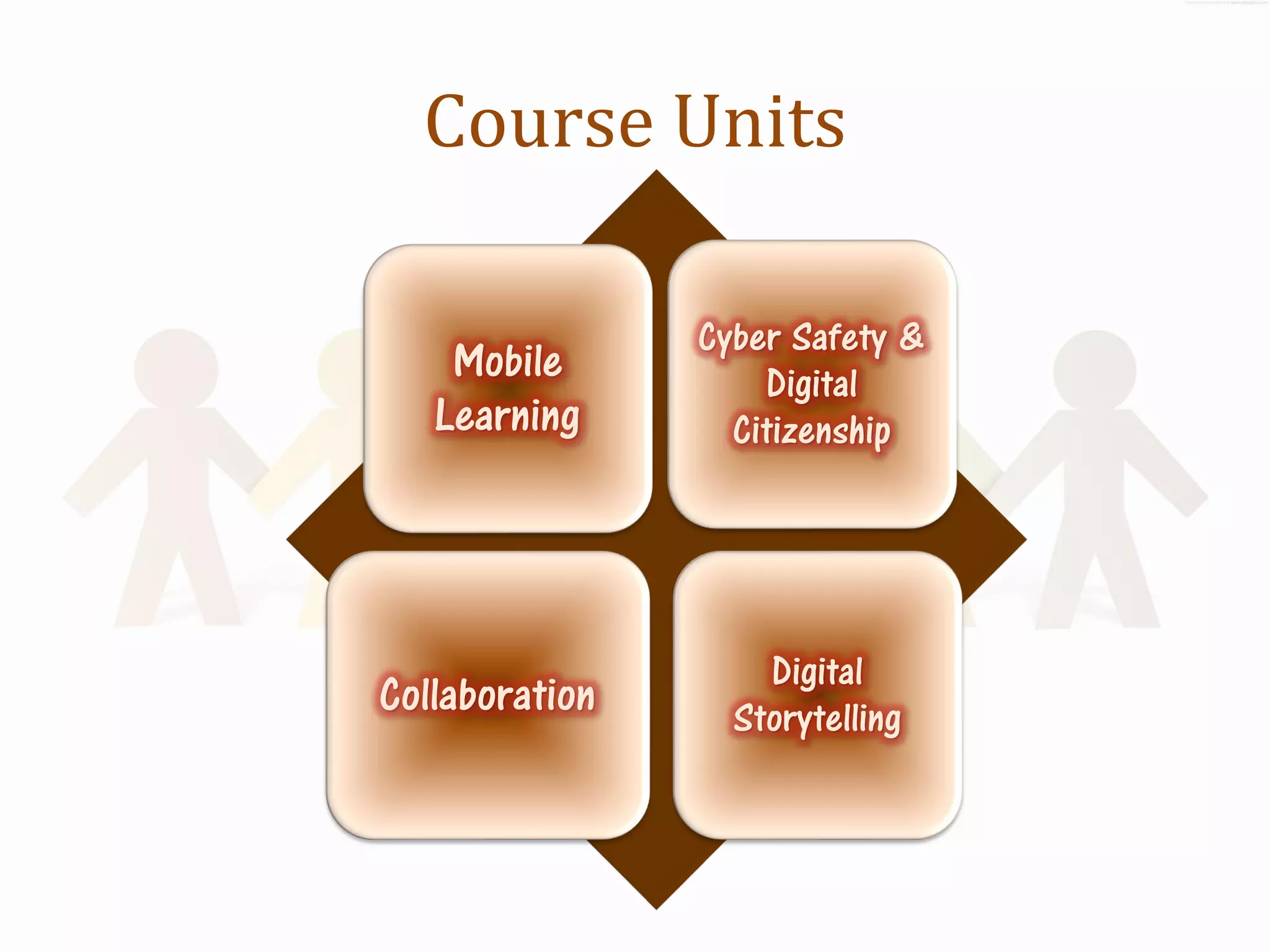
Course Units

                Cyber Safety &
    Mobile          Digital
   Learning       Citizenship


                    Digital
Collaboration     Storytelling
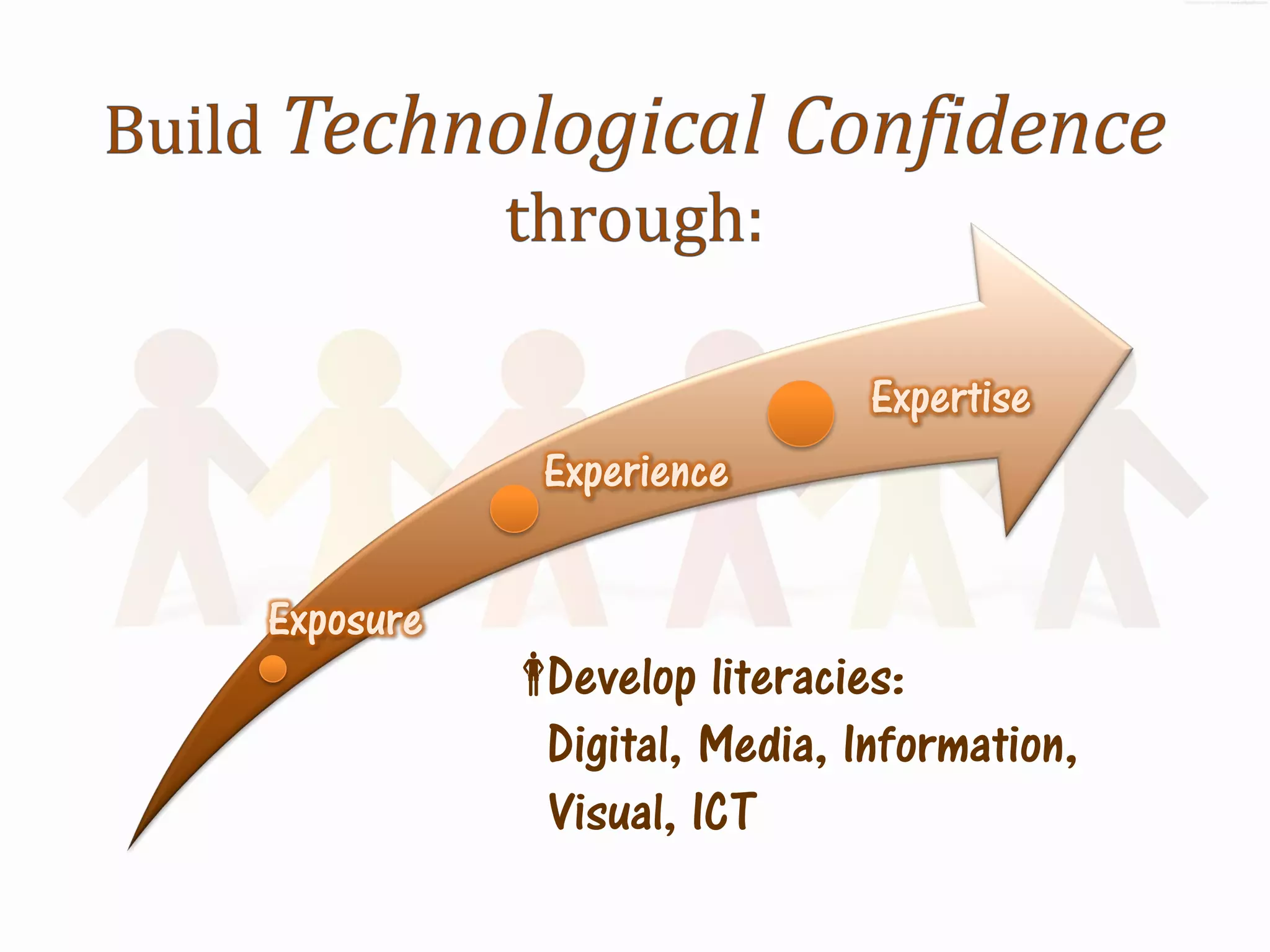
Expertise
             Experience


Exposure
           Develop literacies:
             Digital, Media, Information,
             Visual, ICT
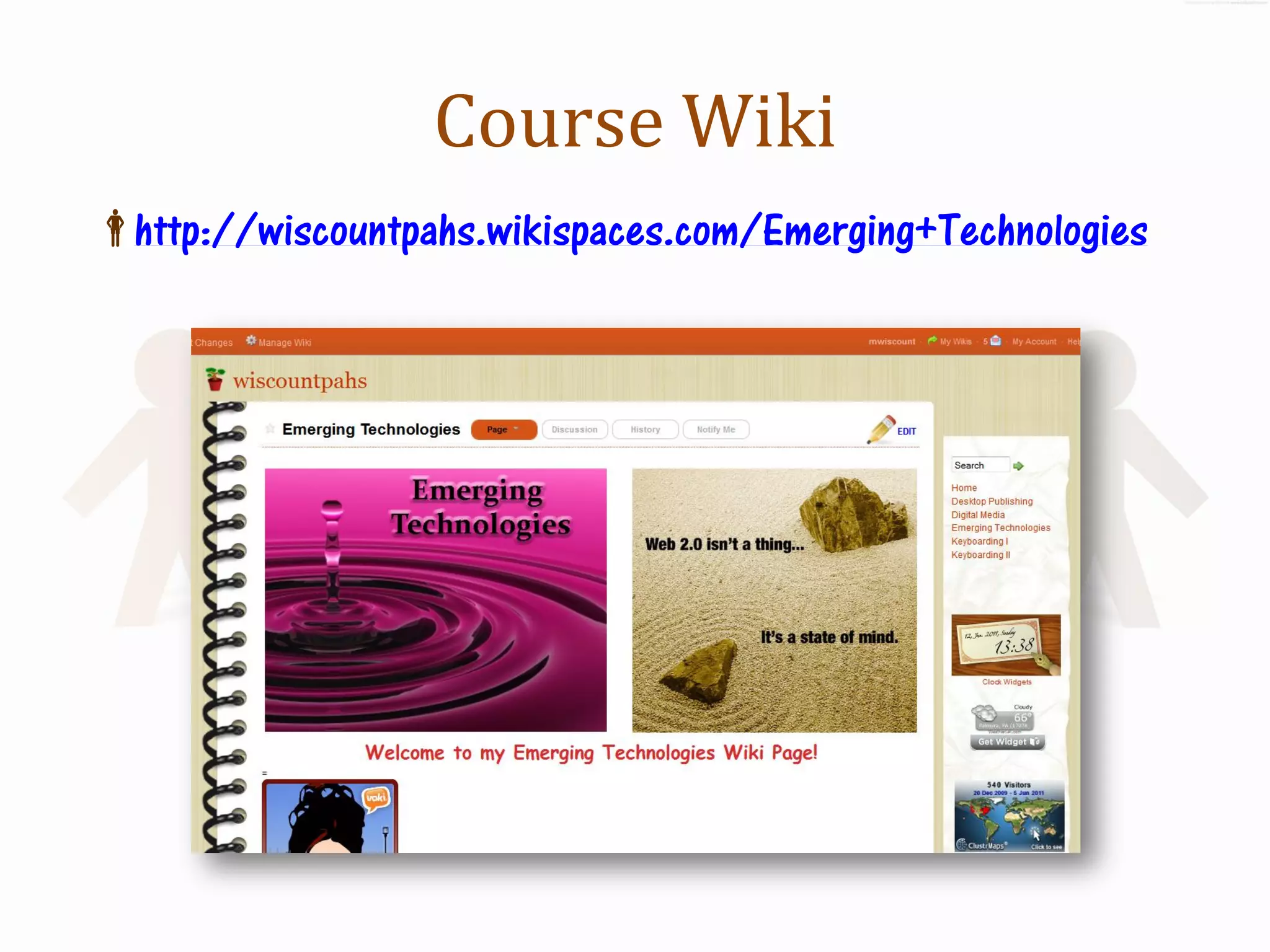
Course Wiki
http://wiscountpahs.wikispaces.com/Emerging+Technologies
Mobile Learning
Cellphones in the Classroom


   Learning On the Go!
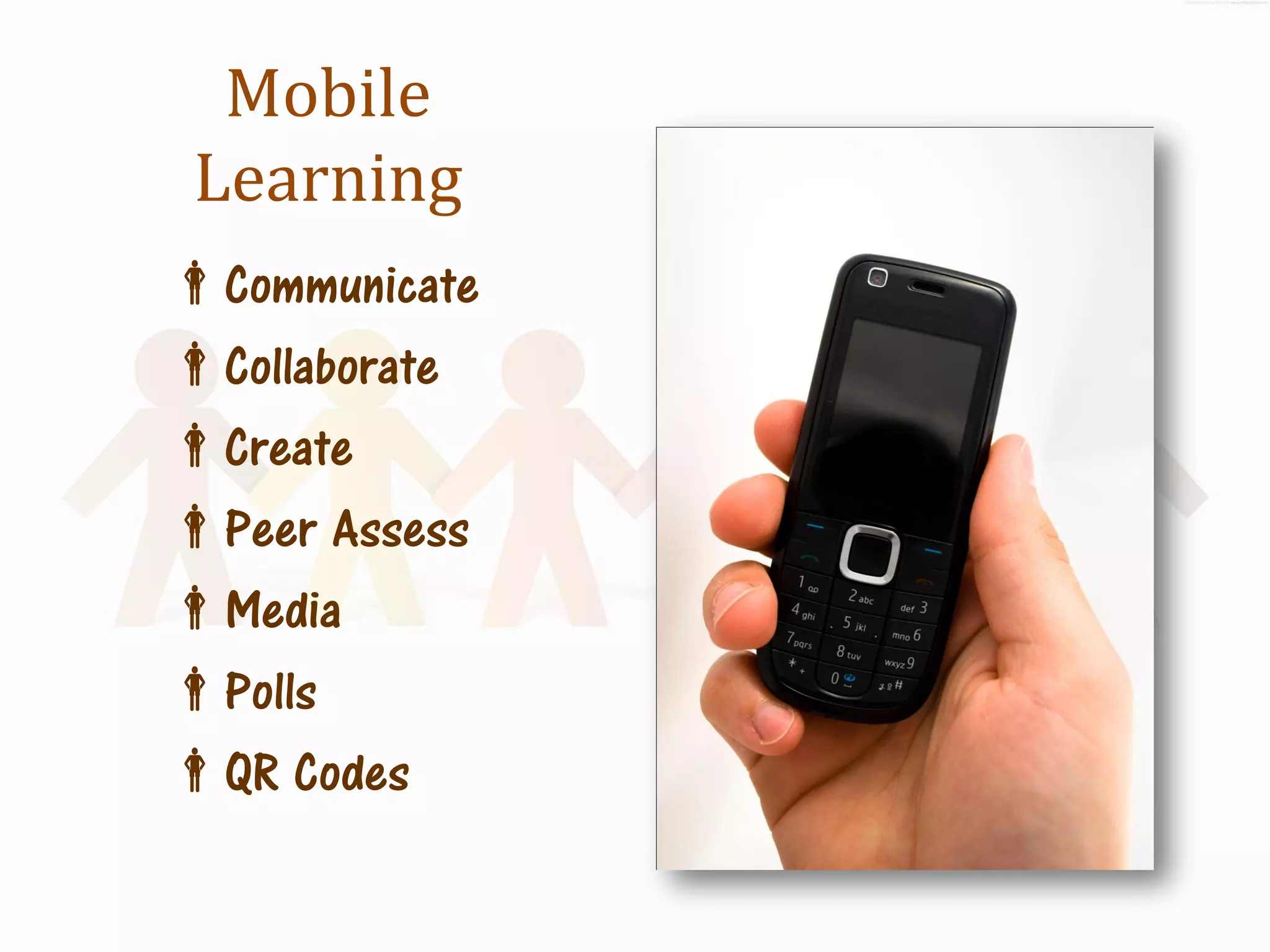
Mobile
 Learning
Communicate
Collaborate
Create
Peer Assess
Media
Polls
QR Codes
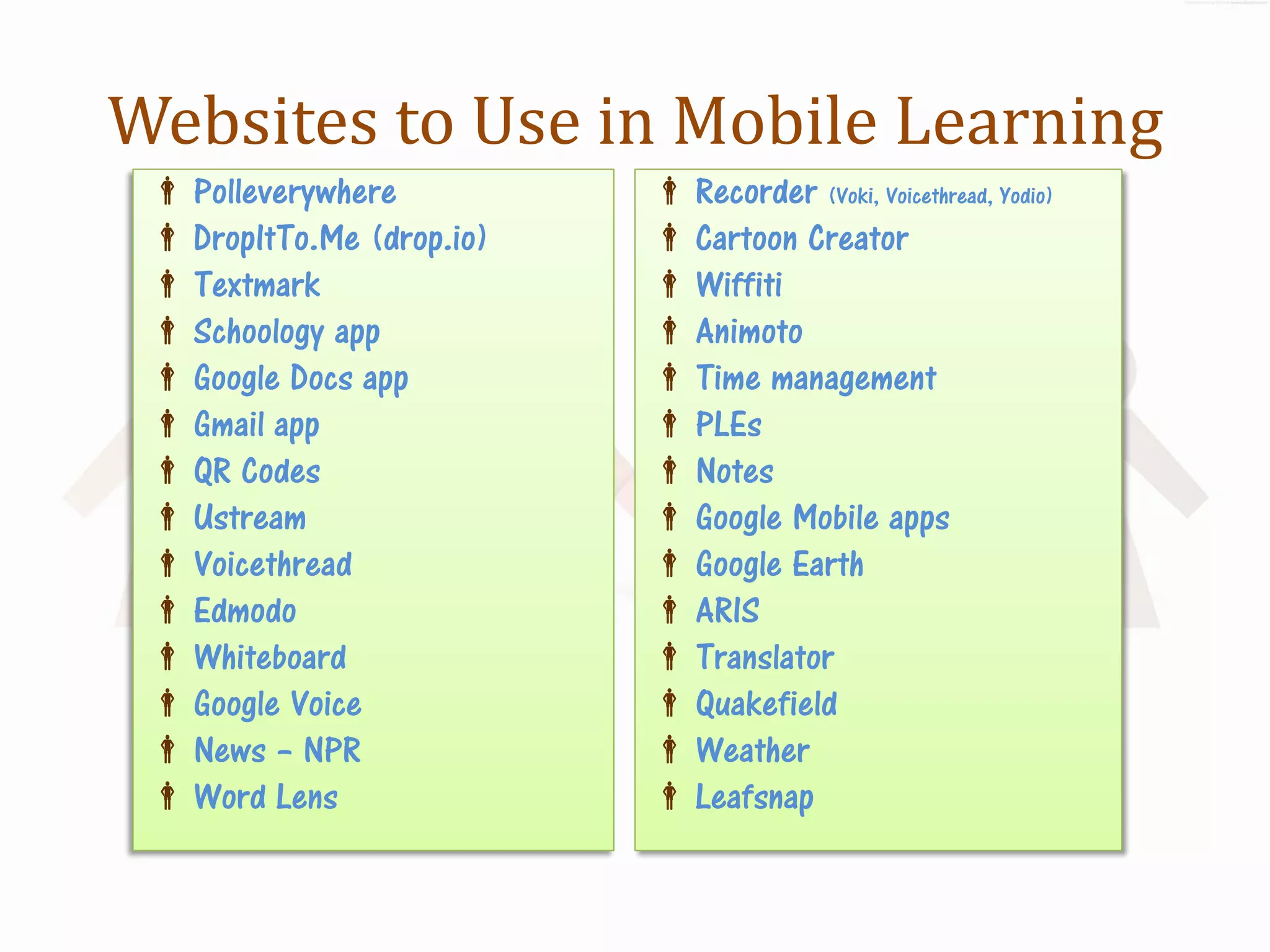
Websites to Use in Mobile Learning
  Polleverywhere           Recorder (Voki, Voicethread, Yodio)
  DropItTo.Me (drop.io)    Cartoon Creator
  Textmark                 Wiffiti
  Schoology app            Animoto
  Google Docs app          Time management
  Gmail app                PLEs
  QR Codes                 Notes
  Ustream                  Google Mobile apps
  Voicethread              Google Earth
  Edmodo                   ARIS
  Whiteboard               Translator
  Google Voice             Quakefield
  News – NPR               Weather
  Word Lens                Leafsnap
Cyber Safety
Digital Security, Digital Citizenship,
     Digital Communication, &
           Digital Media


        Making Safe, Secure,
      Responsible, Accountable &
       Ethical Decisions online!
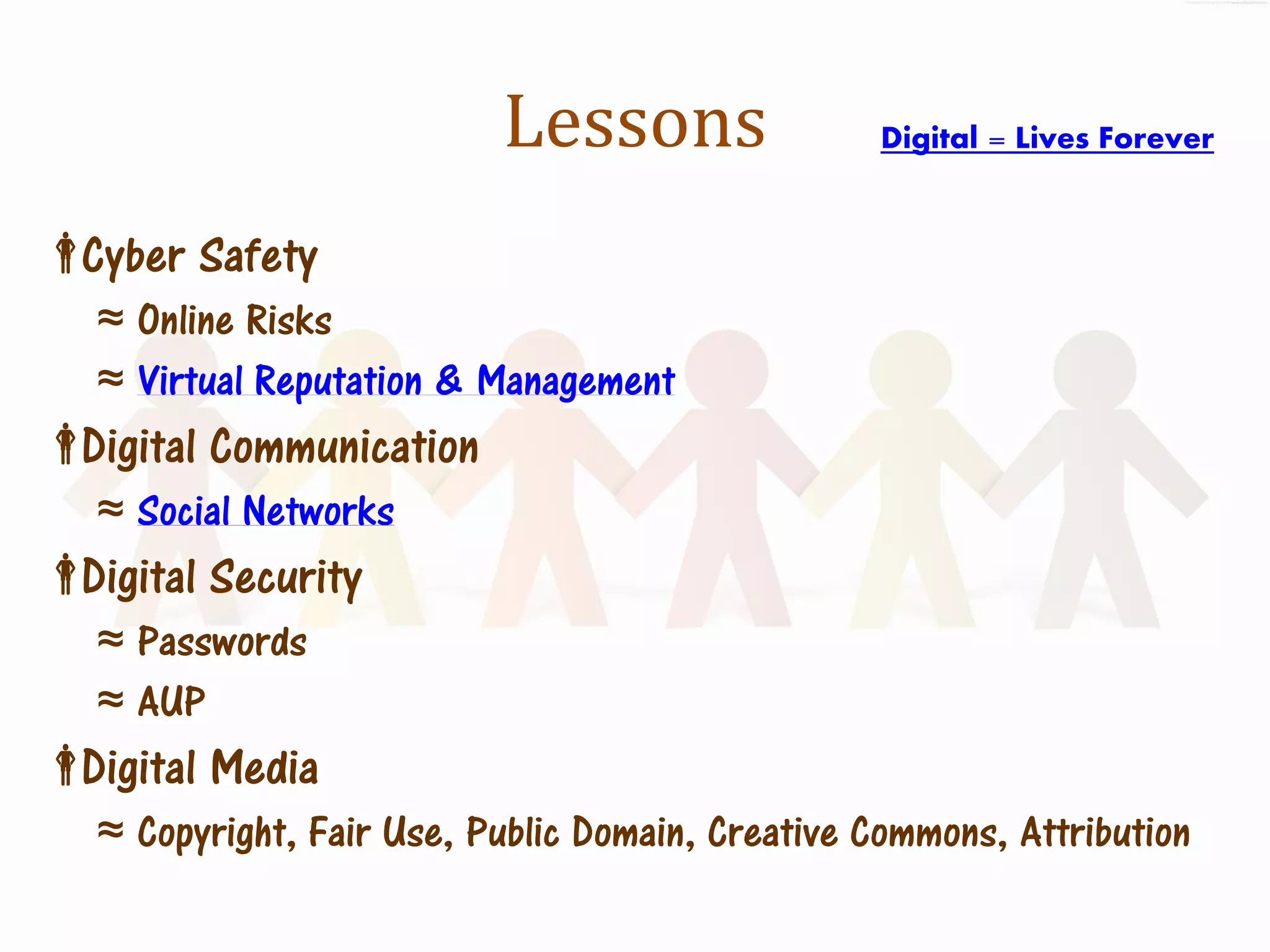
Lessons                Digital = Lives Forever


Cyber Safety
   ≈ Online Risks
   ≈ Virtual Reputation & Management
Digital Communication
   ≈ Social Networks
Digital Security
   ≈ Passwords
   ≈ AUP
Digital Media
   ≈ Copyright, Fair Use, Public Domain, Creative Commons, Attribution
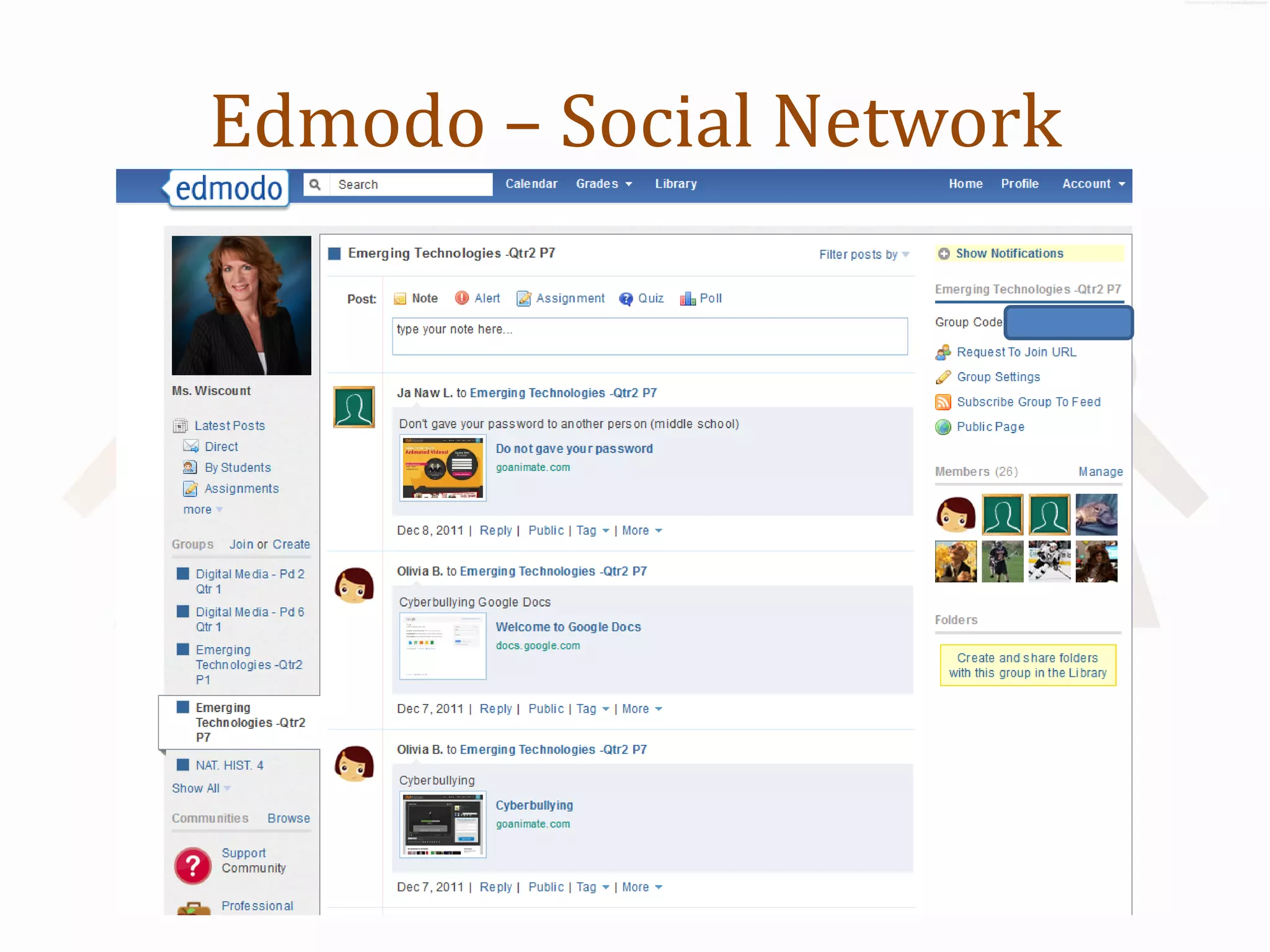
Edmodo – Social Network
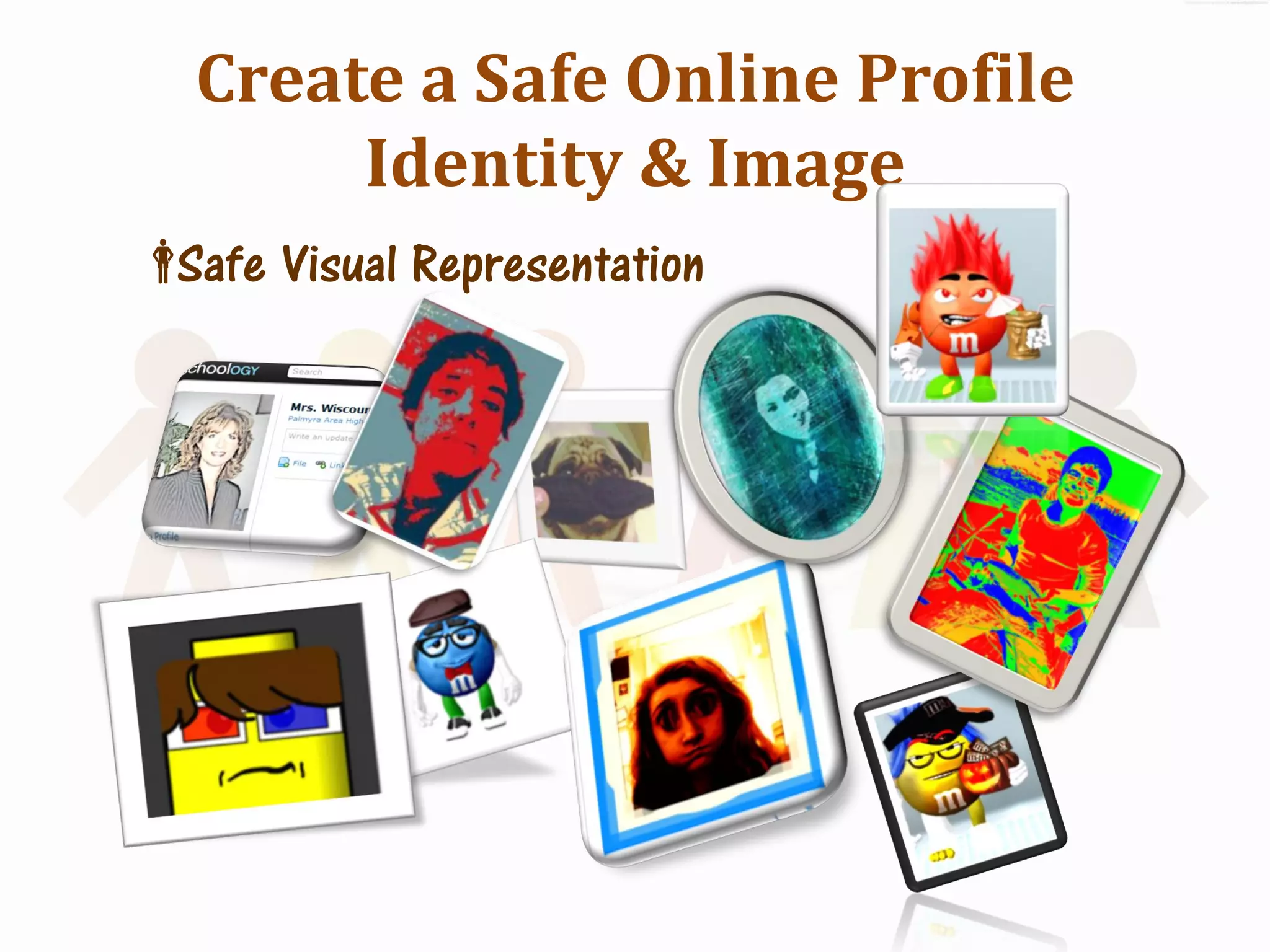
Create a Safe Online Profile
       Identity & Image
 Visual Representation
 Safe
Online Collaboration &
 Knowledge Sharing
Web 2.0 Communication & Creation


       Two Heads ARE Better
            than One!
Lessons
Wikis
Google Docs
Social Bookmarking
 Feedburners, Aggregators
 RSS,
Blogs
 Blog
 Live
Webcasts
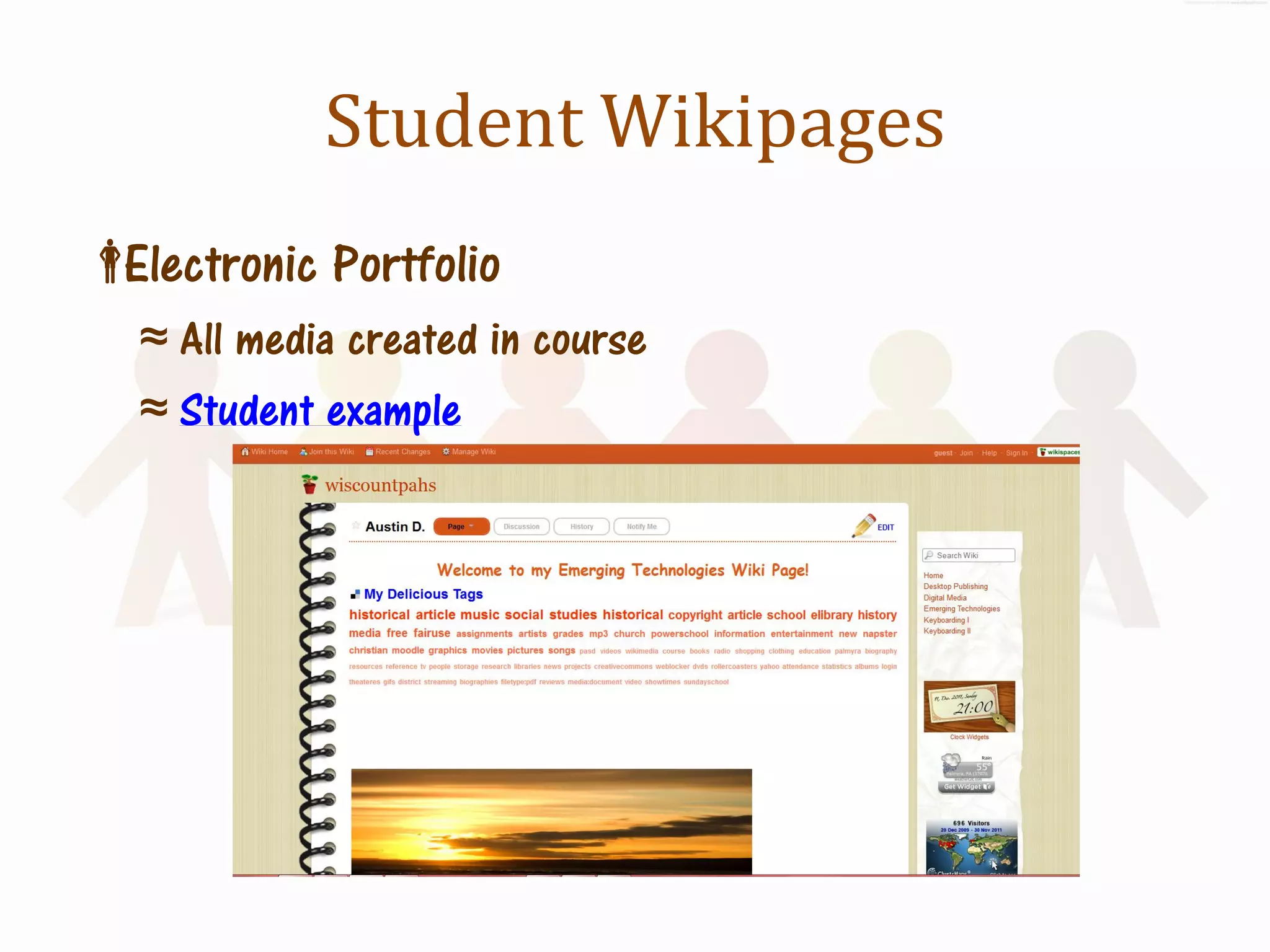
Student Wikipages
Electronic Portfolio
   ≈ All media created in course
   ≈ Student example
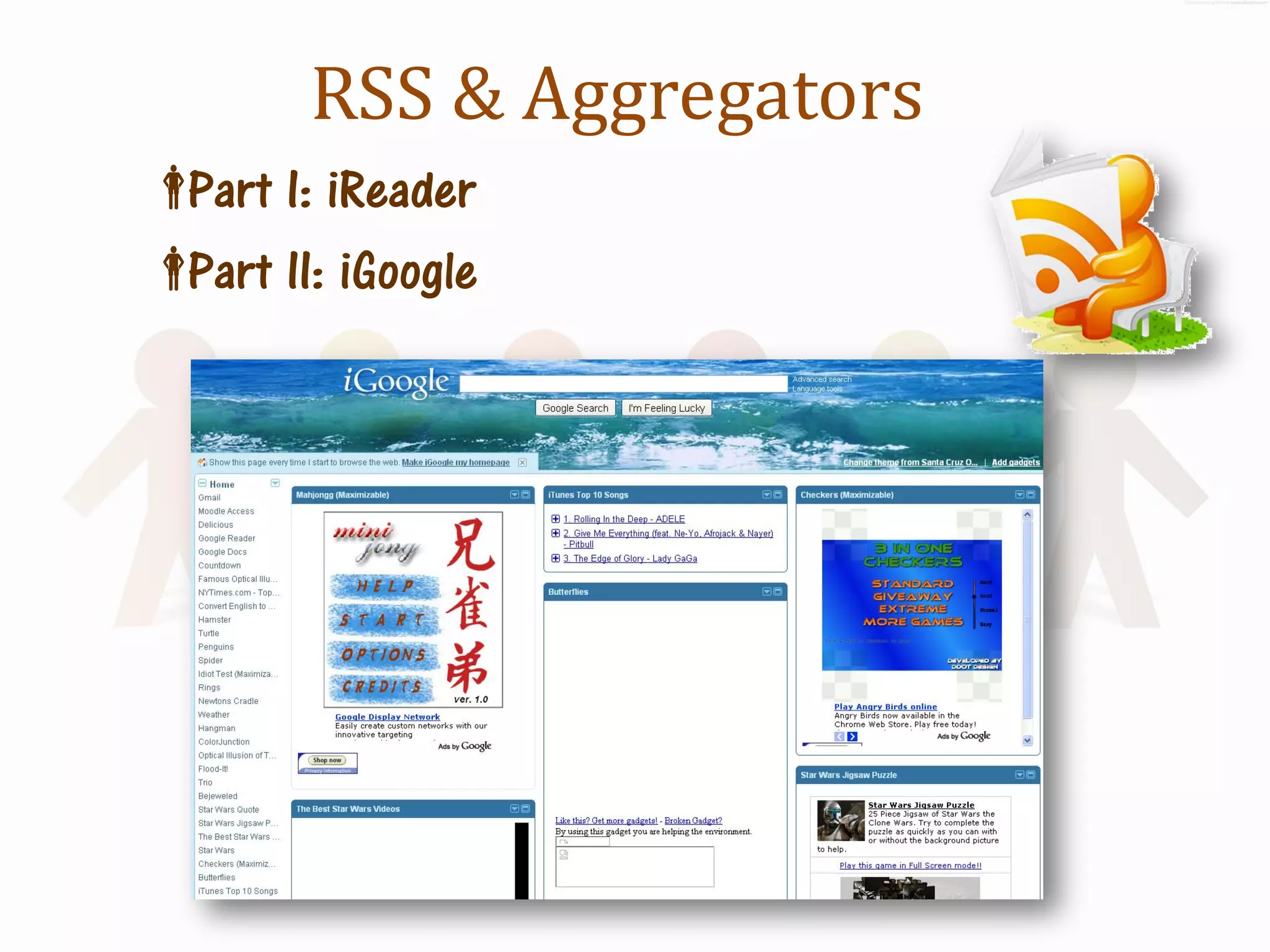
RSS & Aggregators
 I: iReader
 Part
 II: iGoogle
 Part
Digital Storytelling
Create, Build and Share with Media


        The Power of Media!
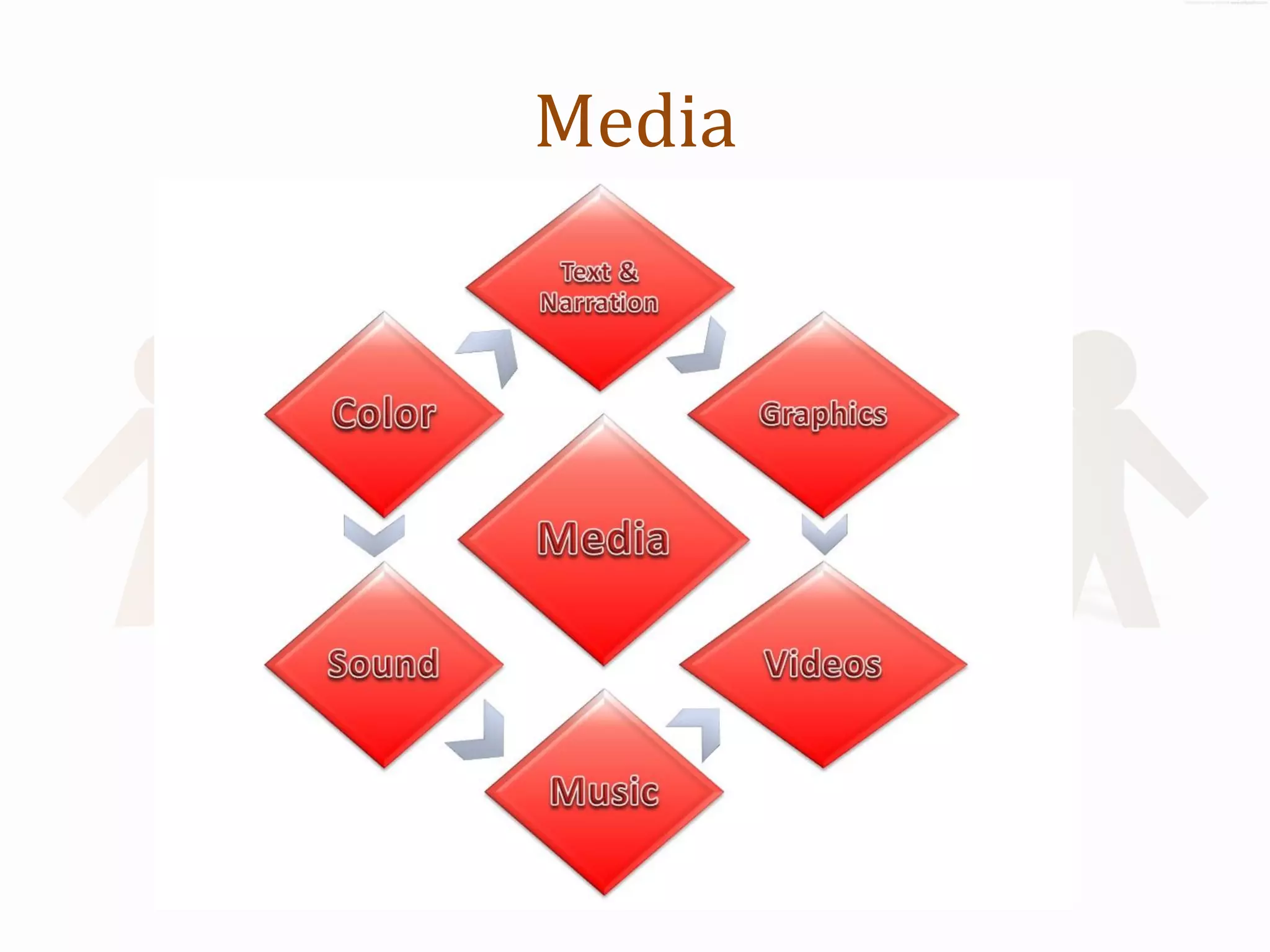
Media
Media
http://www.melaniewiscount.com/media
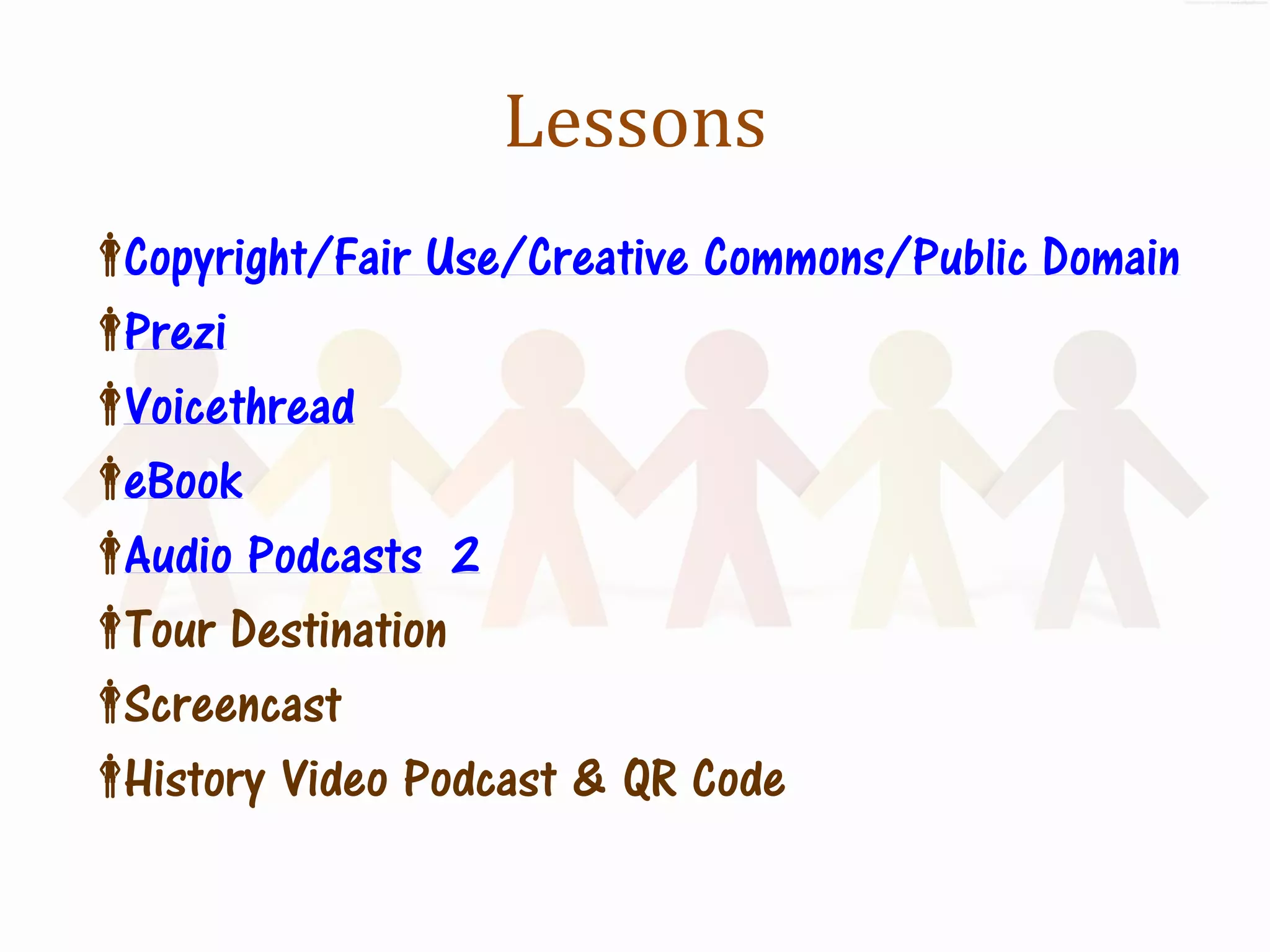
Lessons
Copyright/Fair Use/Creative Commons/Public Domain
Prezi
Voicethread
eBook
Audio Podcasts 2
 Destination
 Tour
Screencast
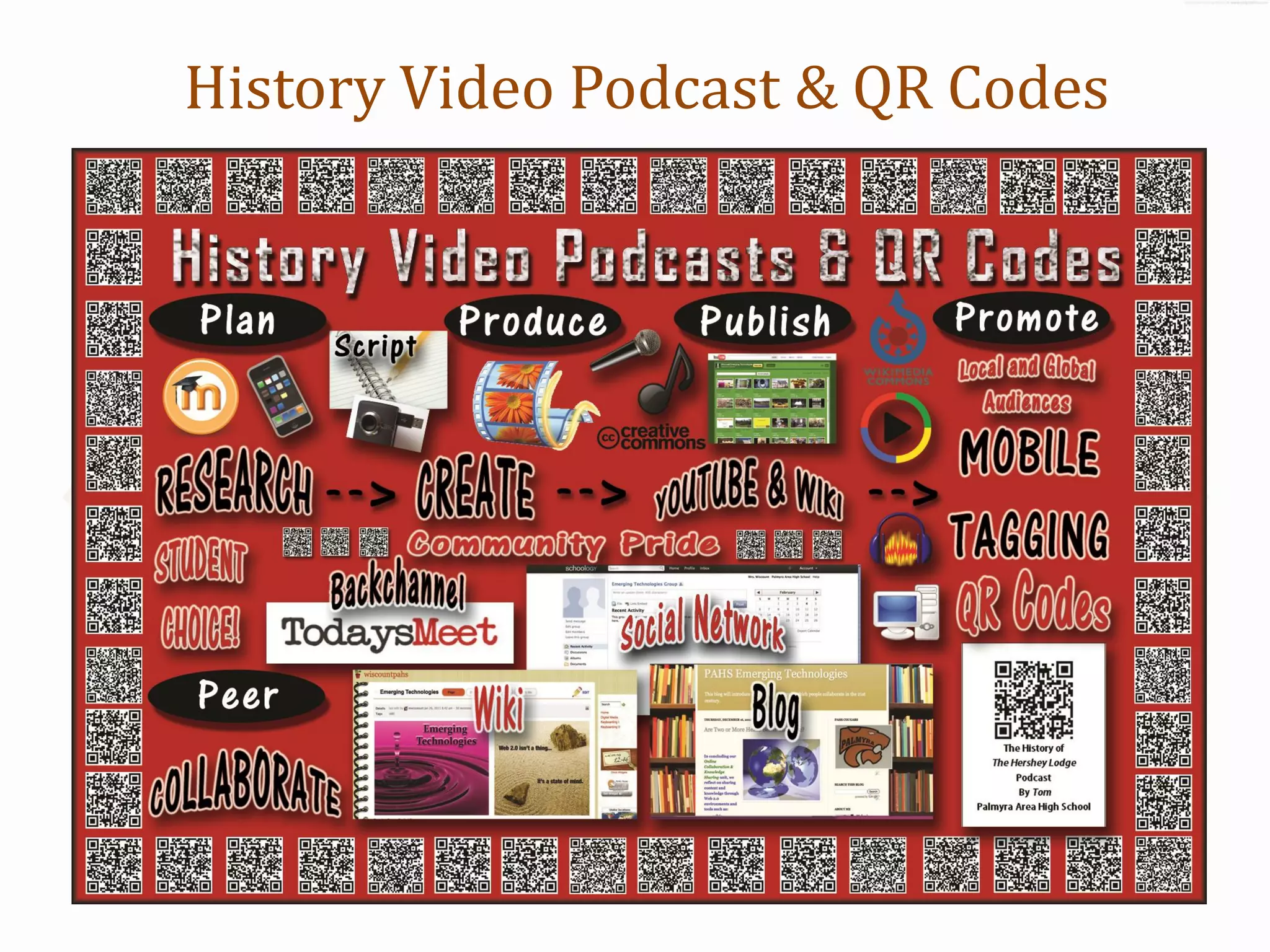
History Video Podcast & QR Code
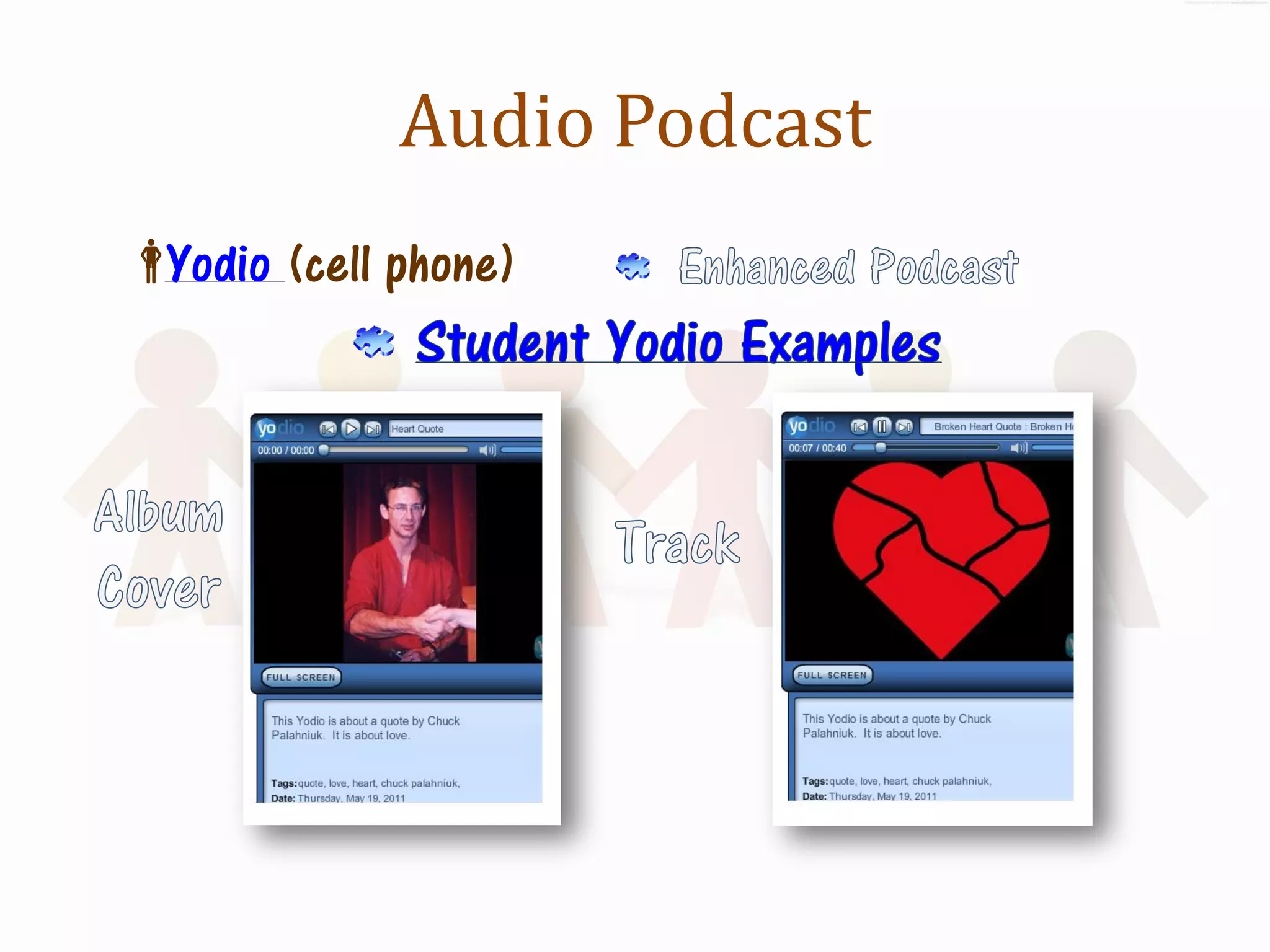
Audio Podcast
 (cell phone)
 Yodio
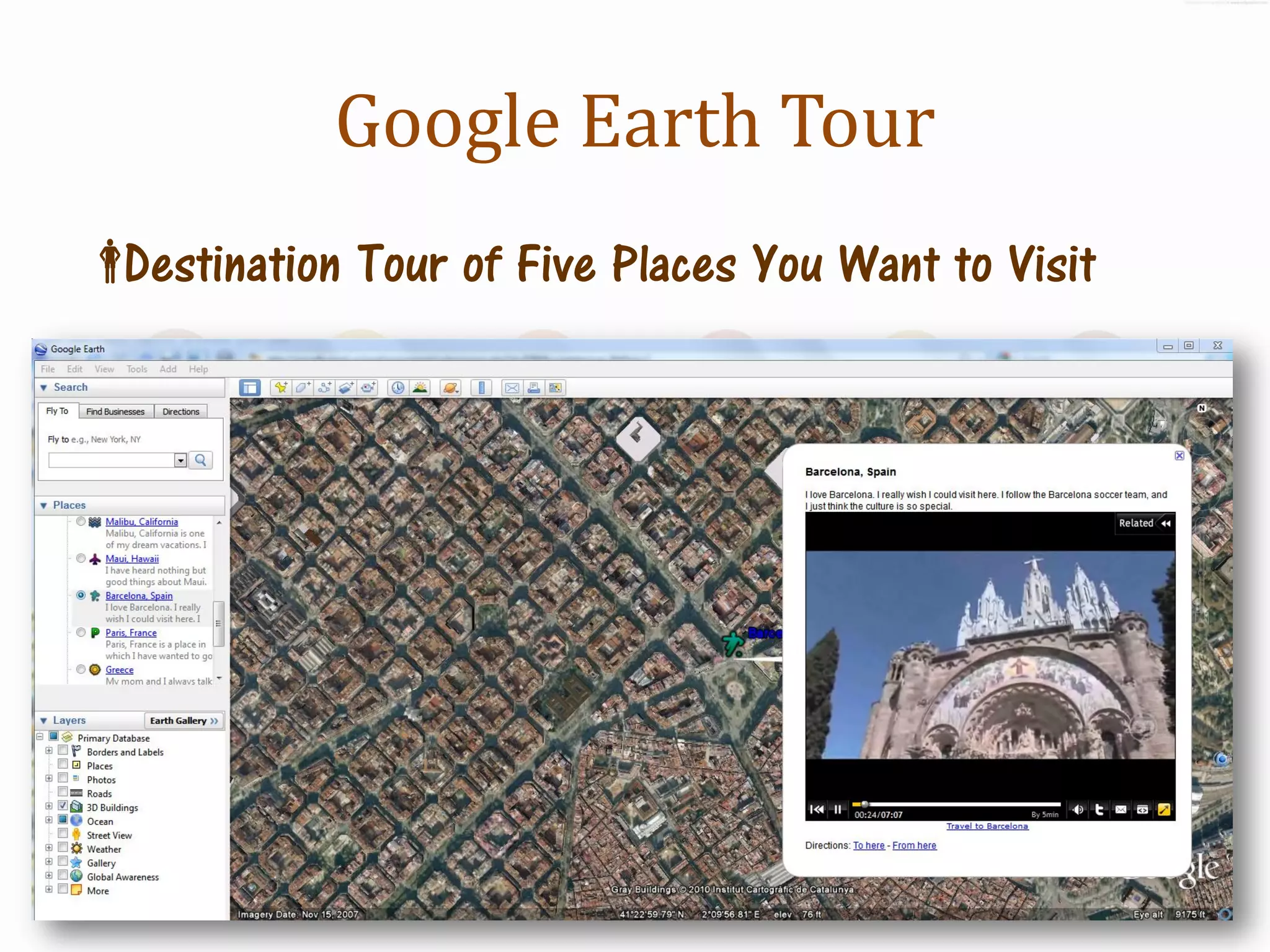
Google Earth Tour
Destination Tour of Five Places You Want to Visit
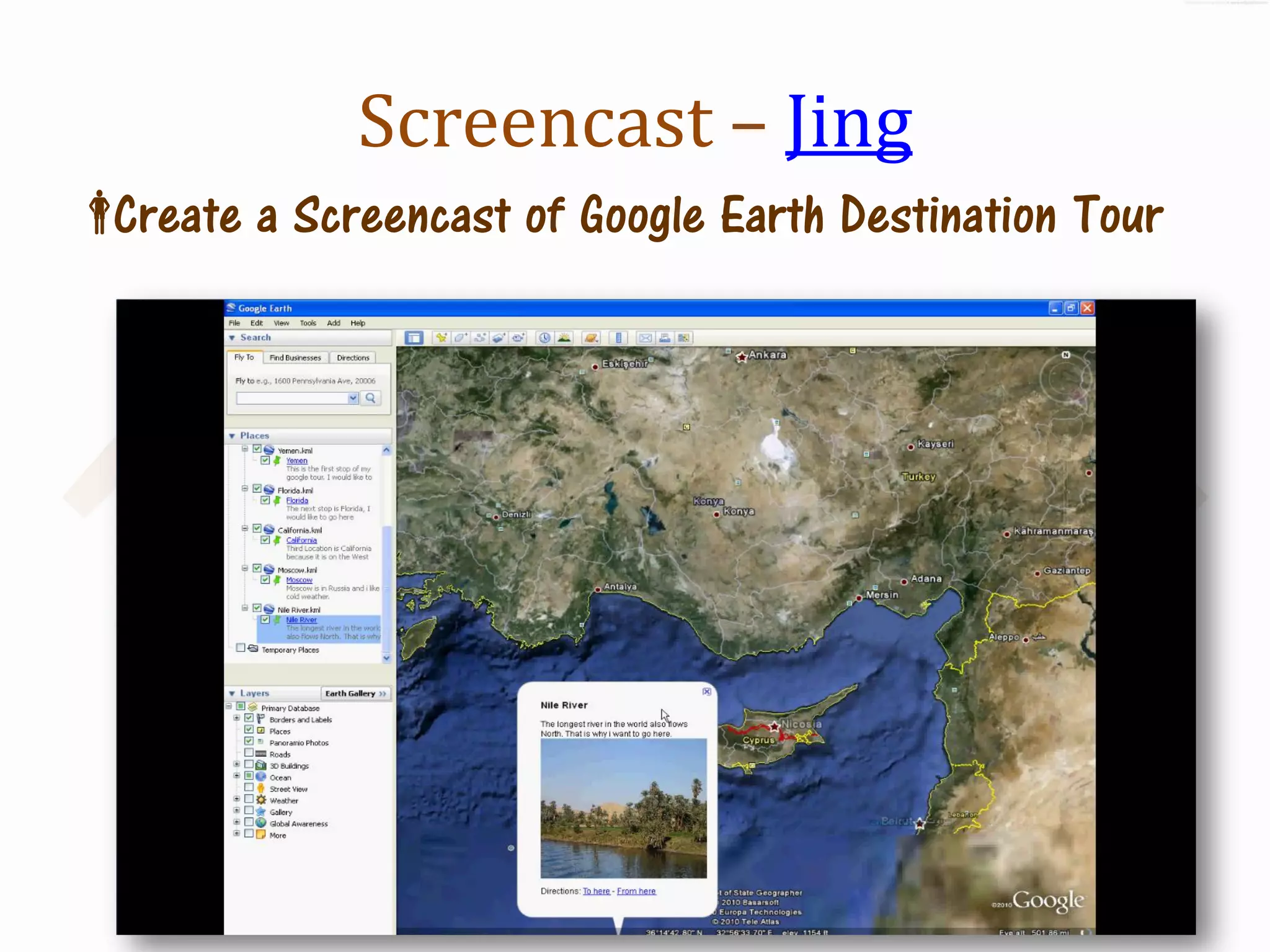
Screencast – Jing
Create a Screencast of Google Earth Destination Tour
History Video Podcast & QR Codes
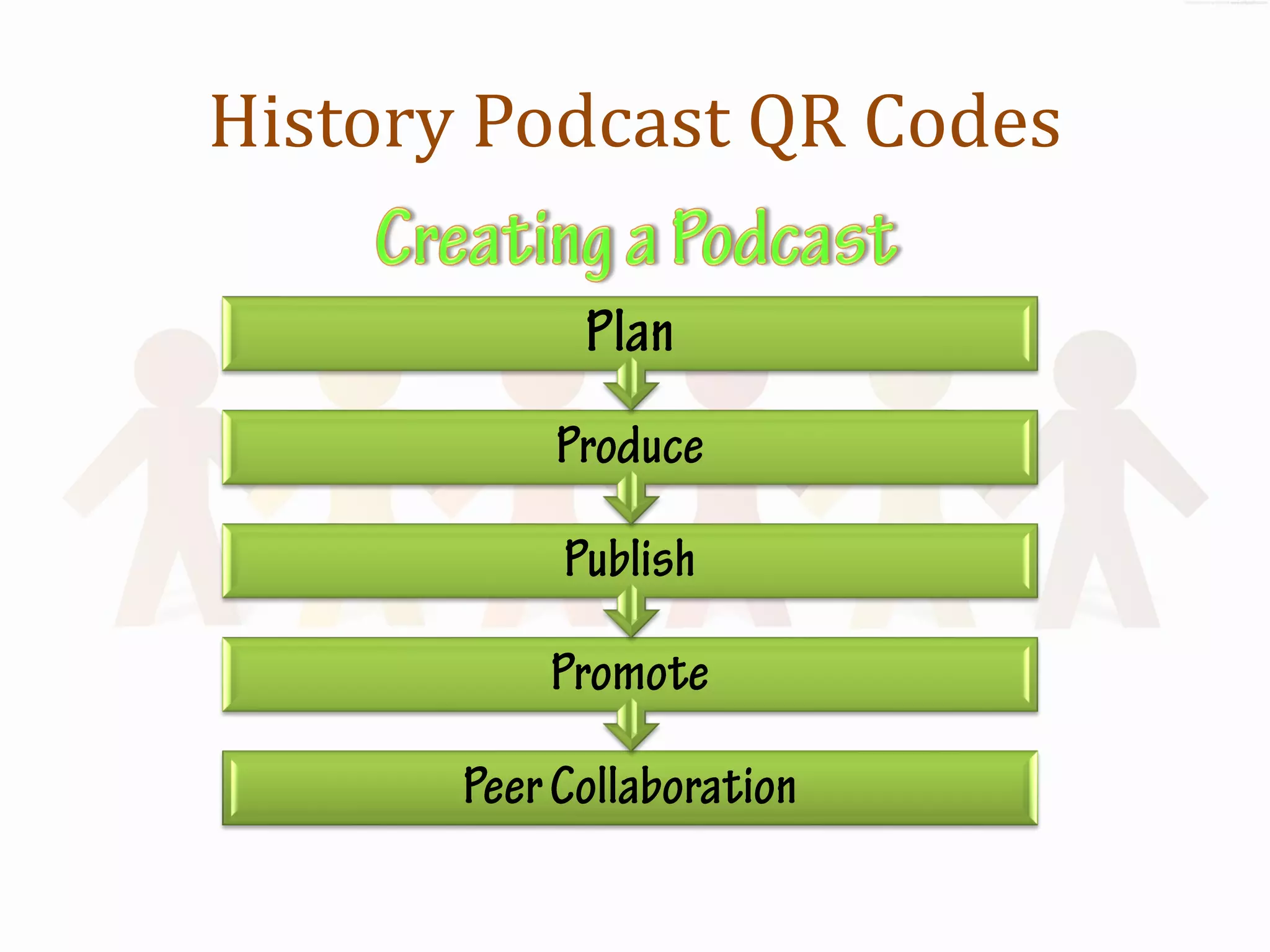
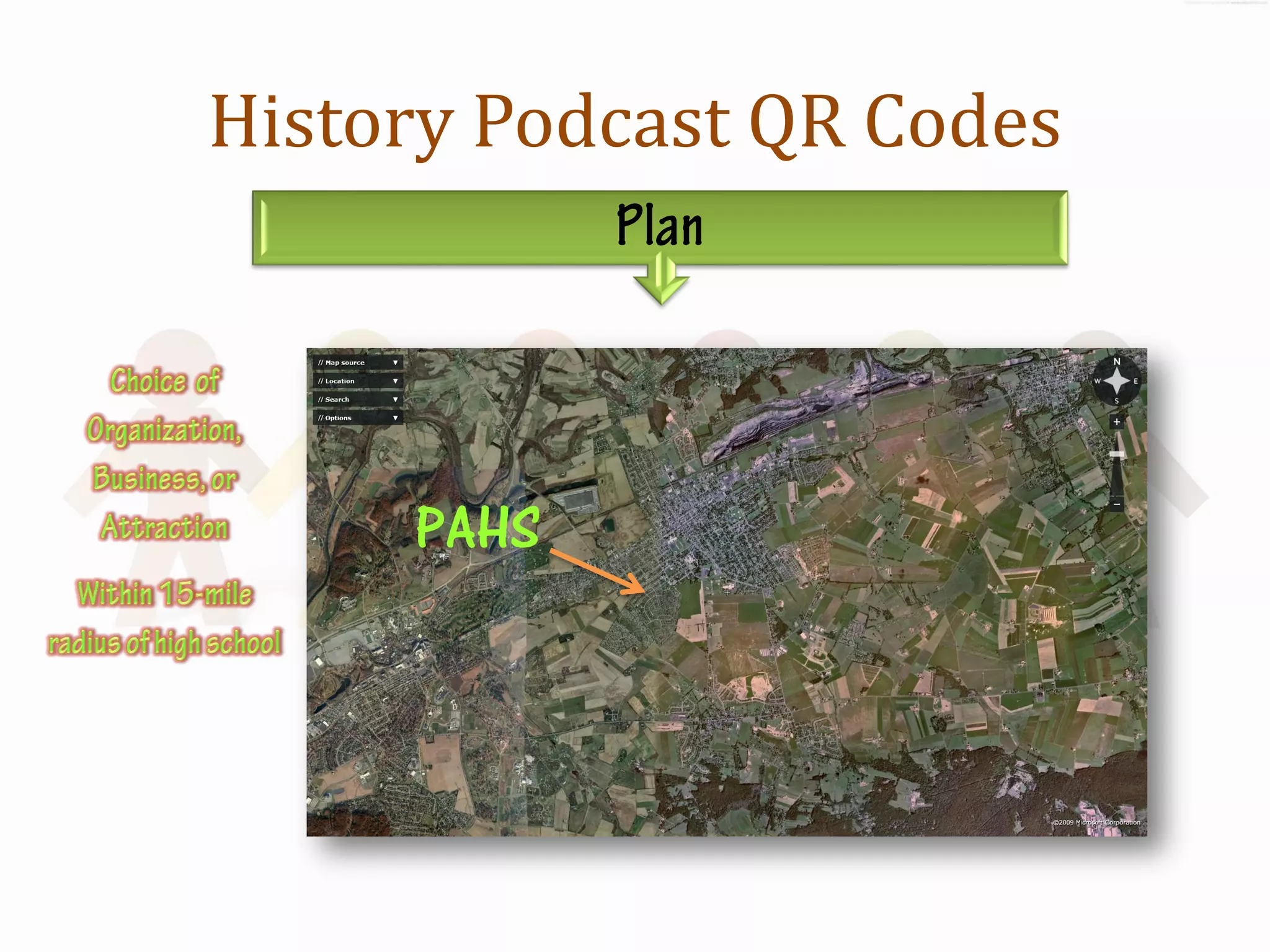
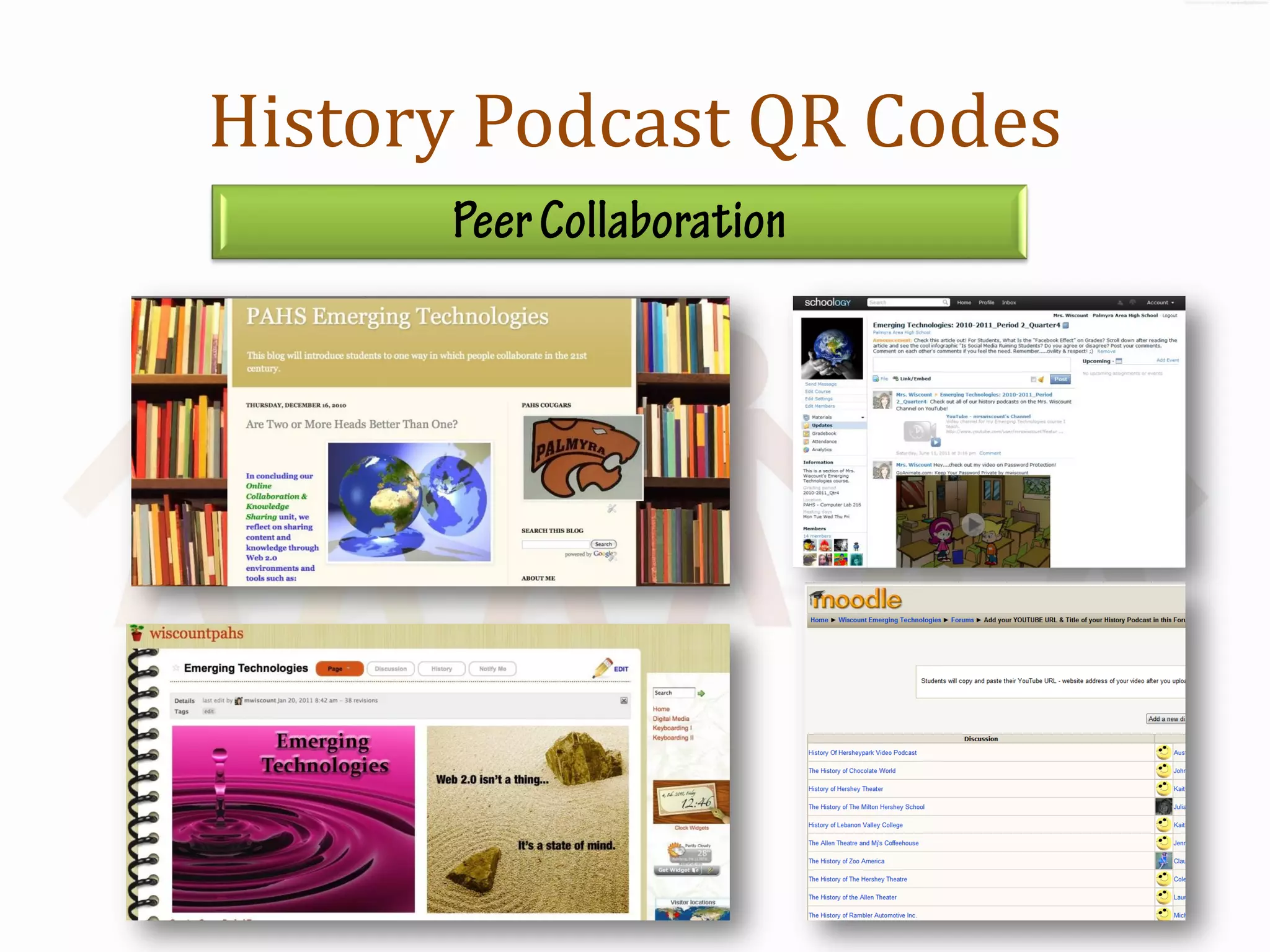
History Podcast QR Codes


     PAHS
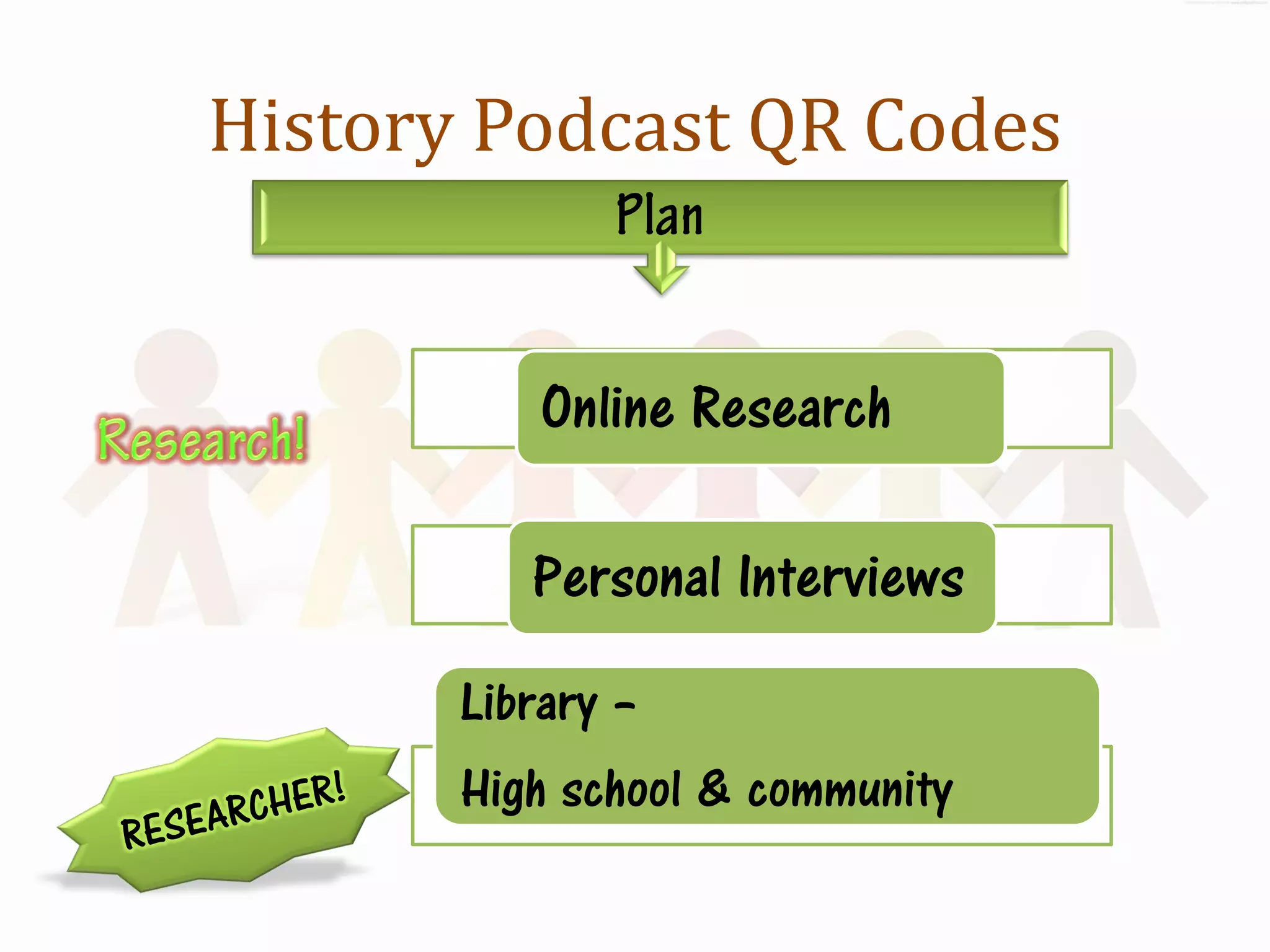
History Podcast QR Codes


           Online Research

          Personal Interviews
       Library –
       High school & community
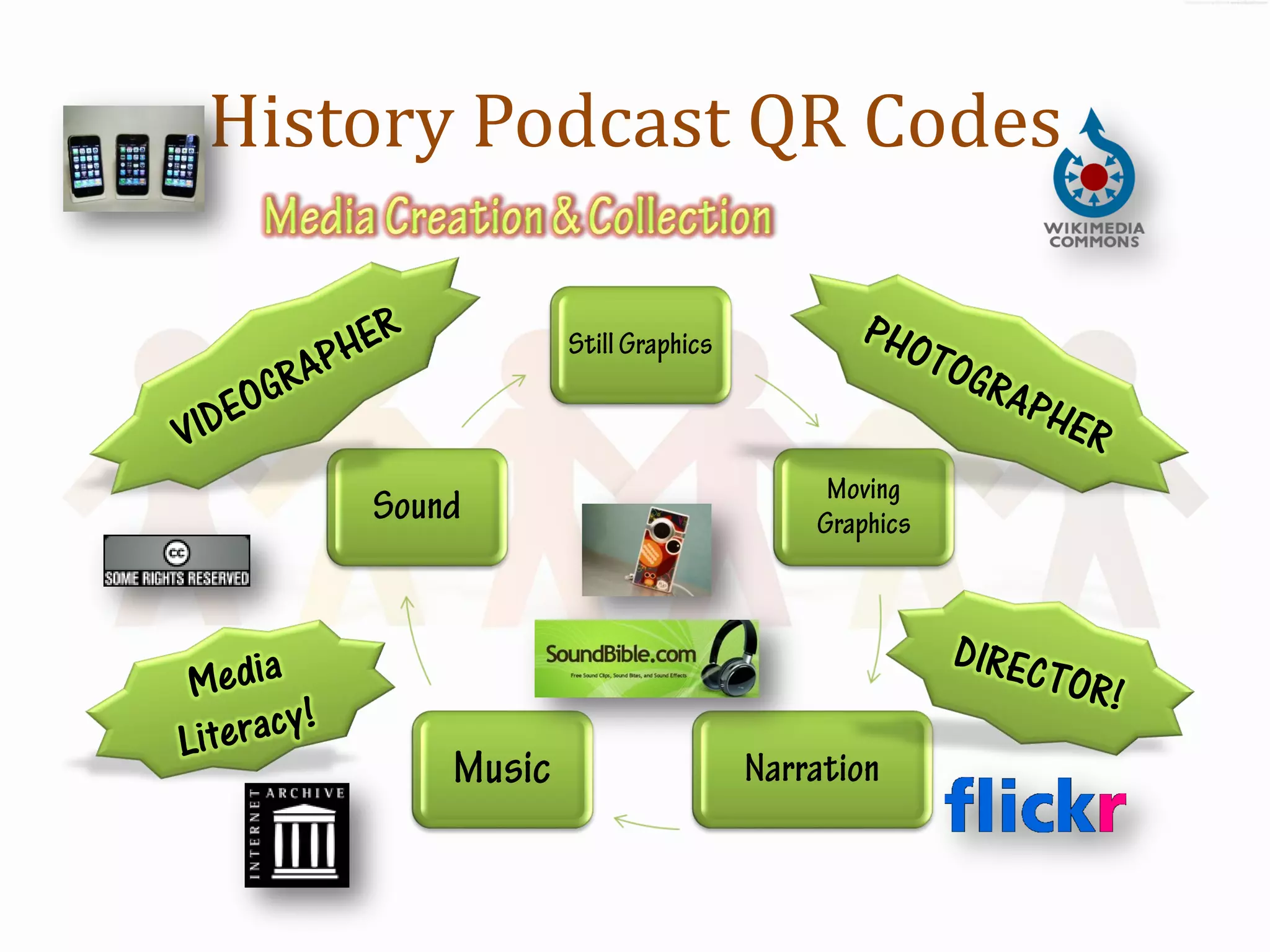
History Podcast QR Codes
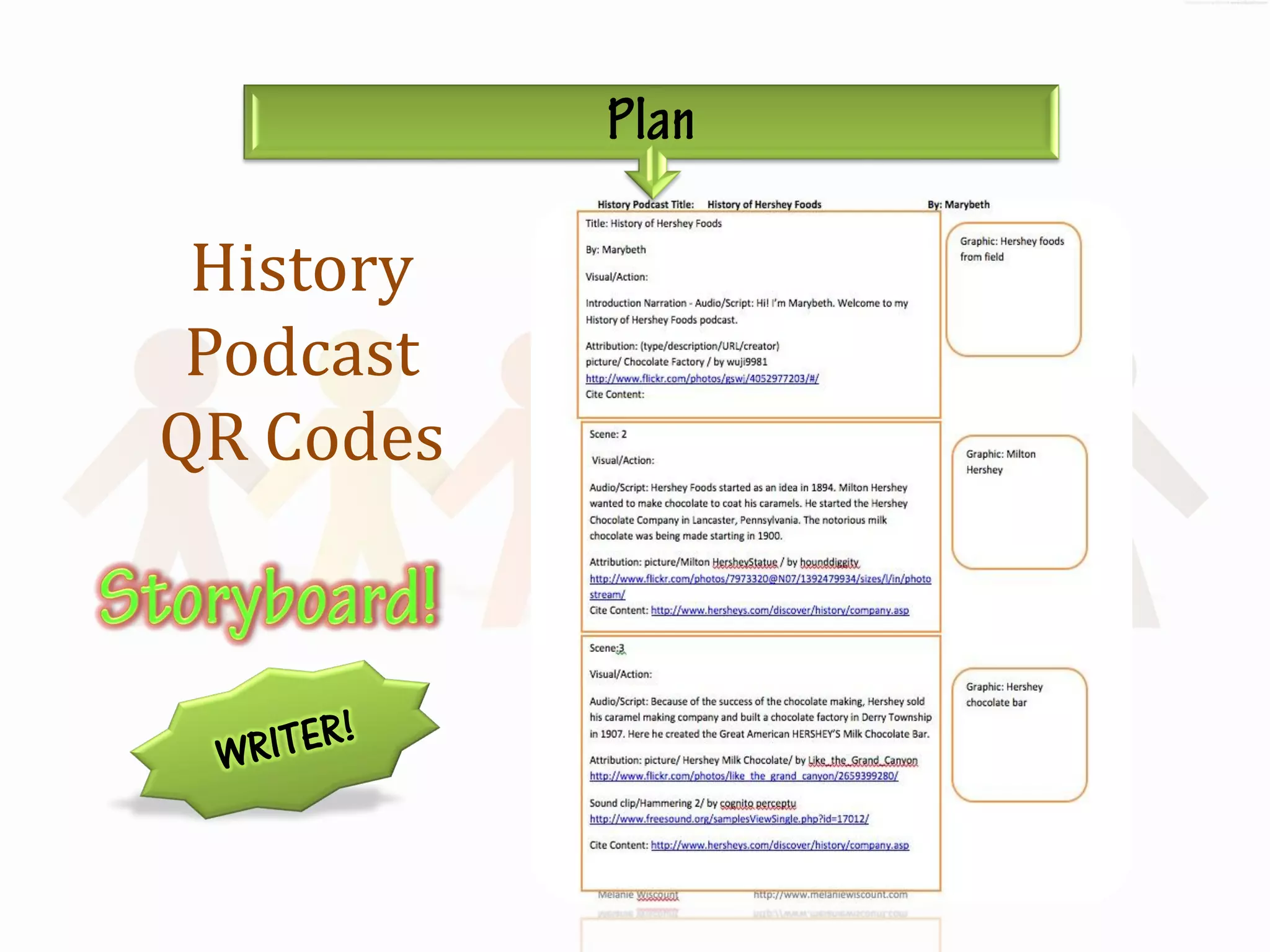
History
 Podcast
QR Codes
History Podcast QR Codes


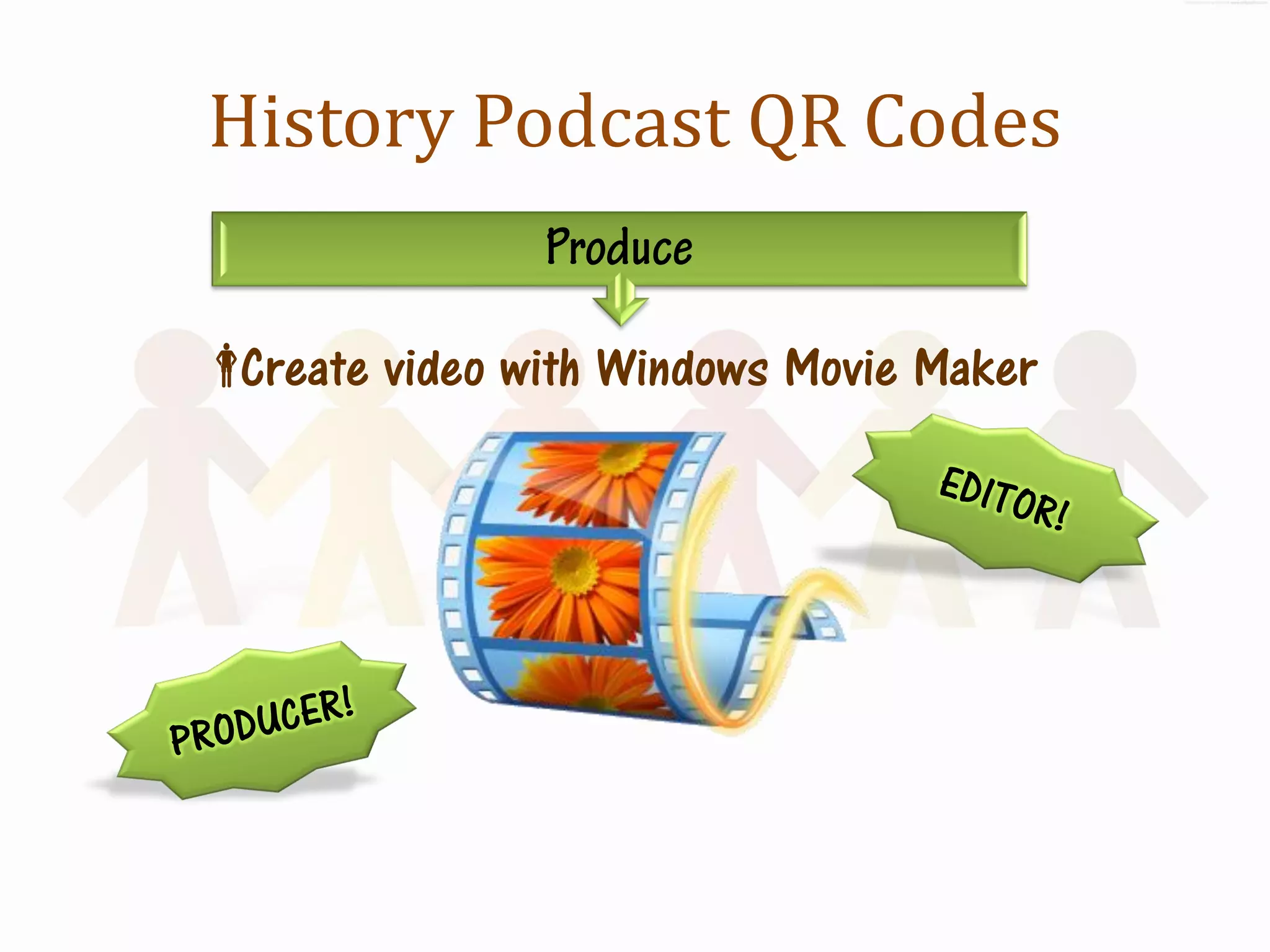
Create video with Windows Movie Maker
History Podcast QR Codes


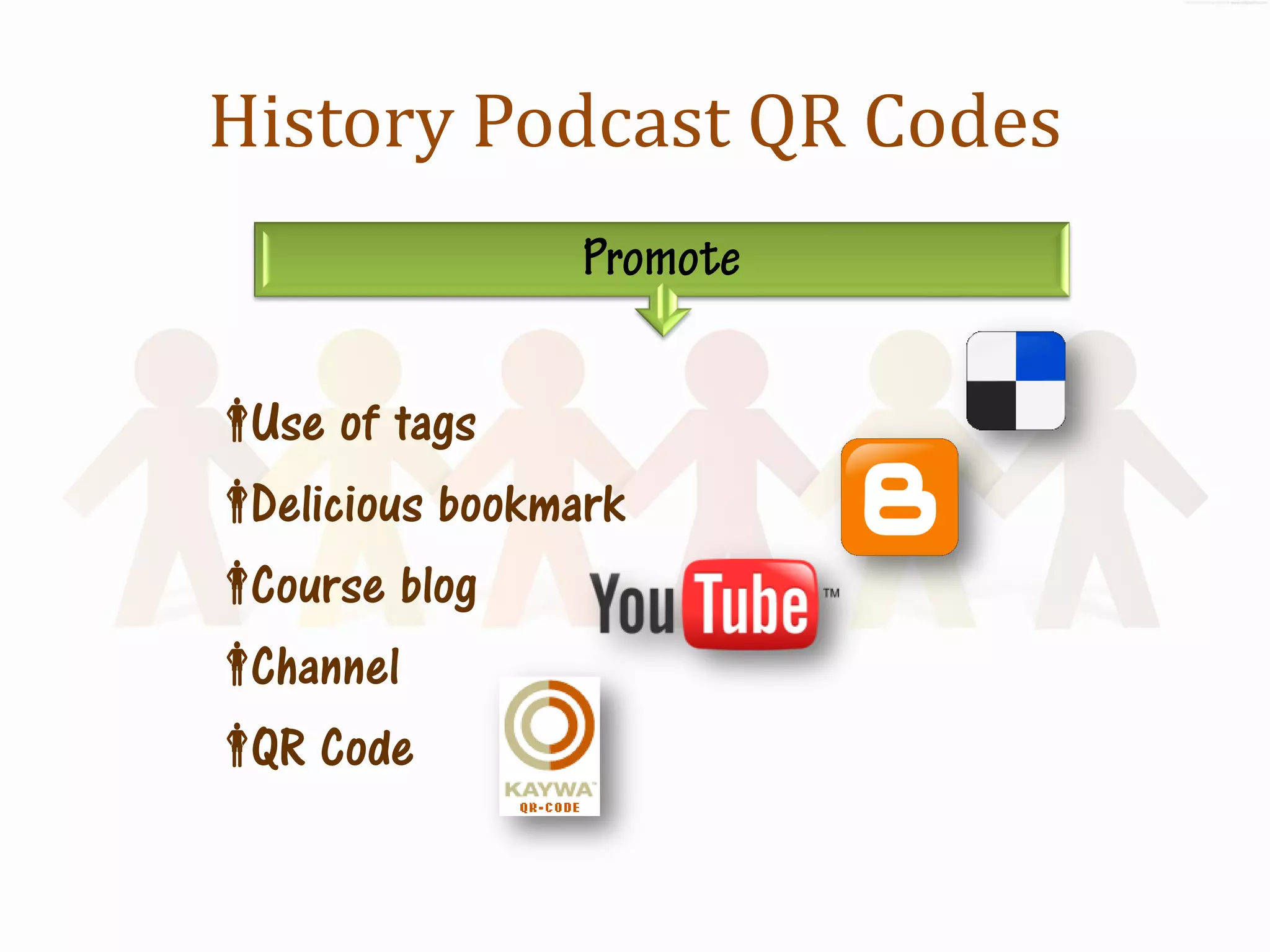
 of tags
 Use
Delicious bookmark
Course blog
Channel
 Code
 QR
History Podcast QR Codes

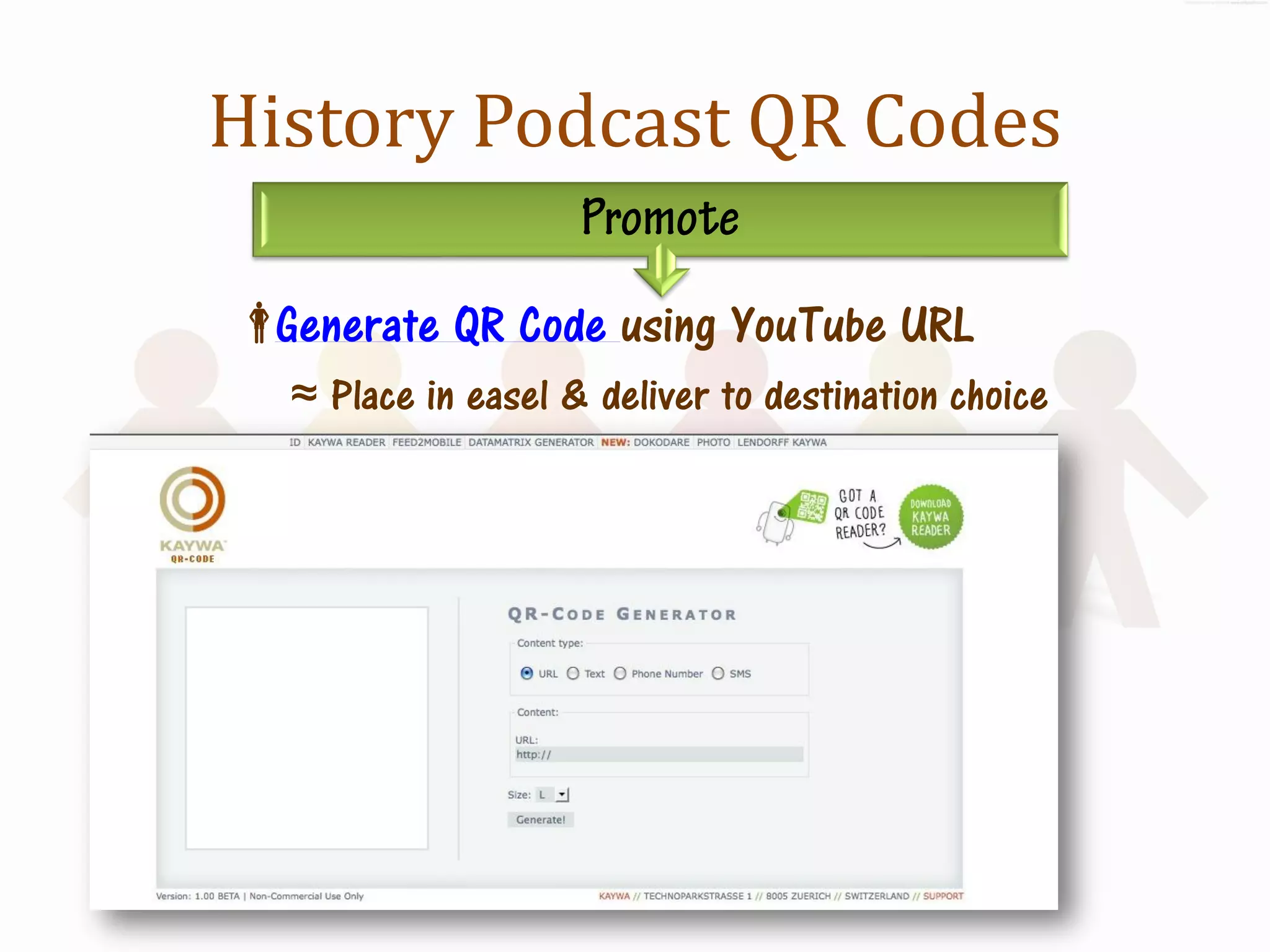
Generate QR Code using YouTube URL
  ≈ Place in easel & deliver to destination choice
History Podcast QR Codes
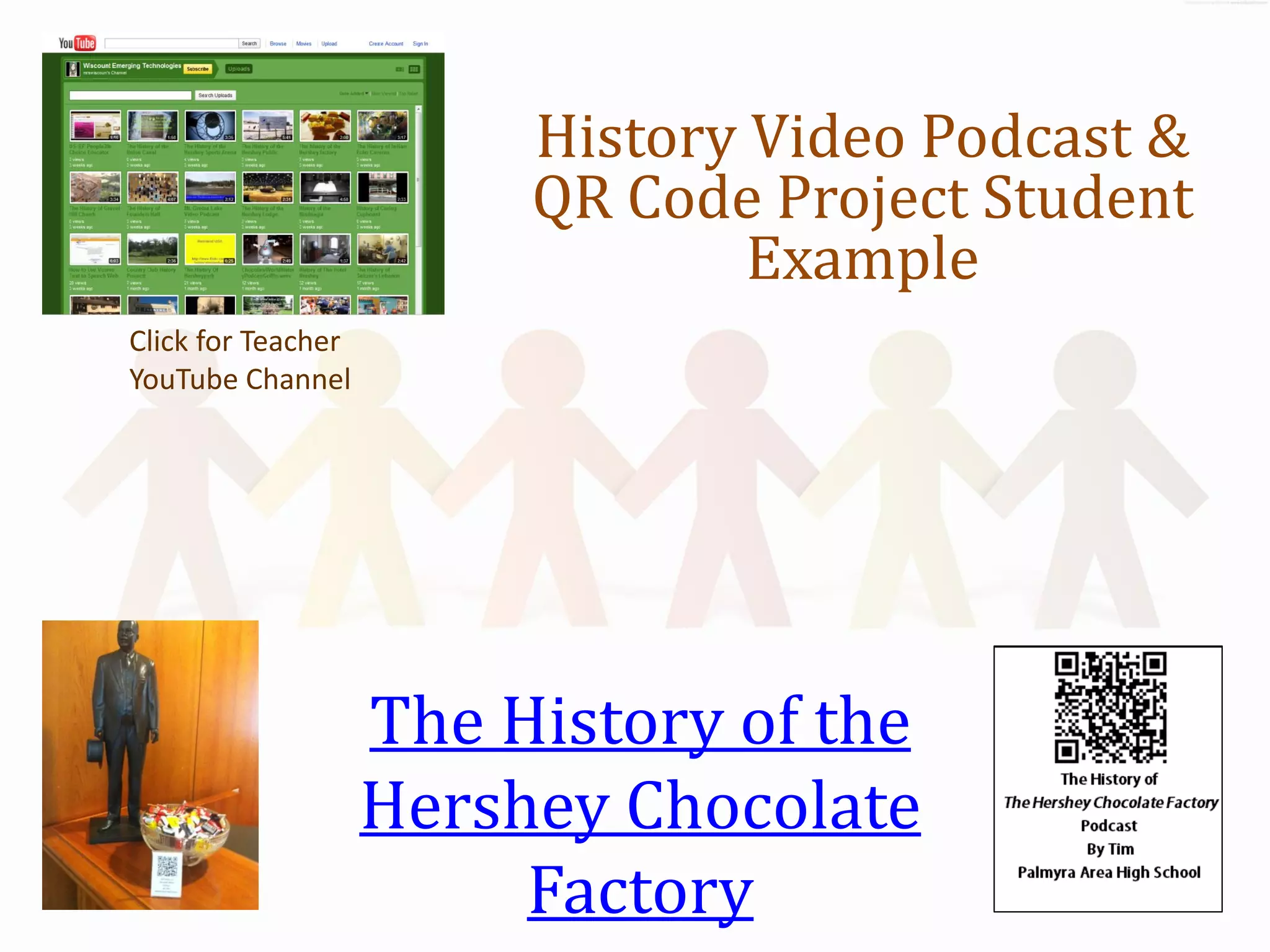
History Video Podcast &
                         QR Code Project Student
                                 Example
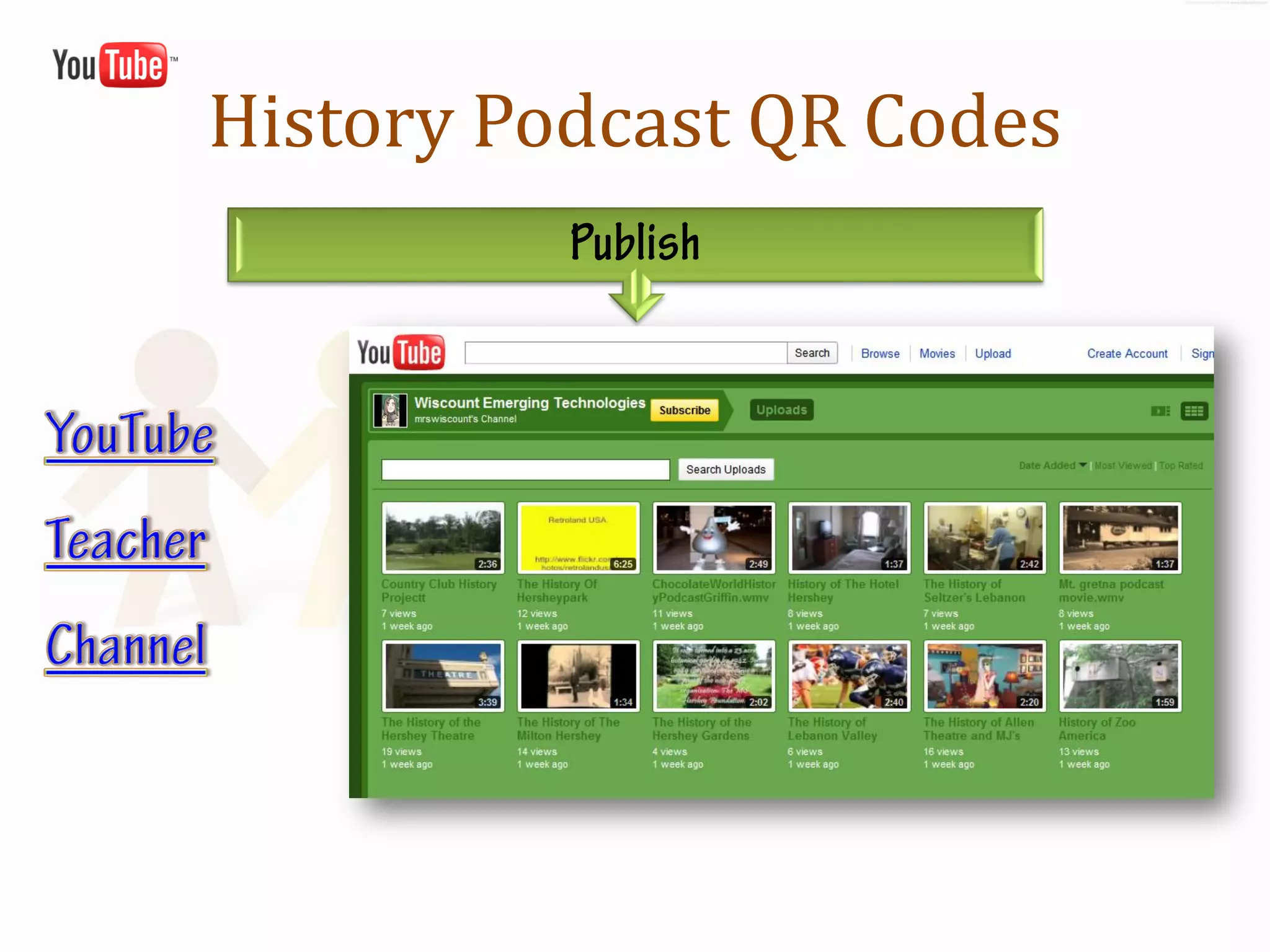
Click for Teacher
YouTube Channel


                    The History of the
                    Hershey Chocolate
                         Factory
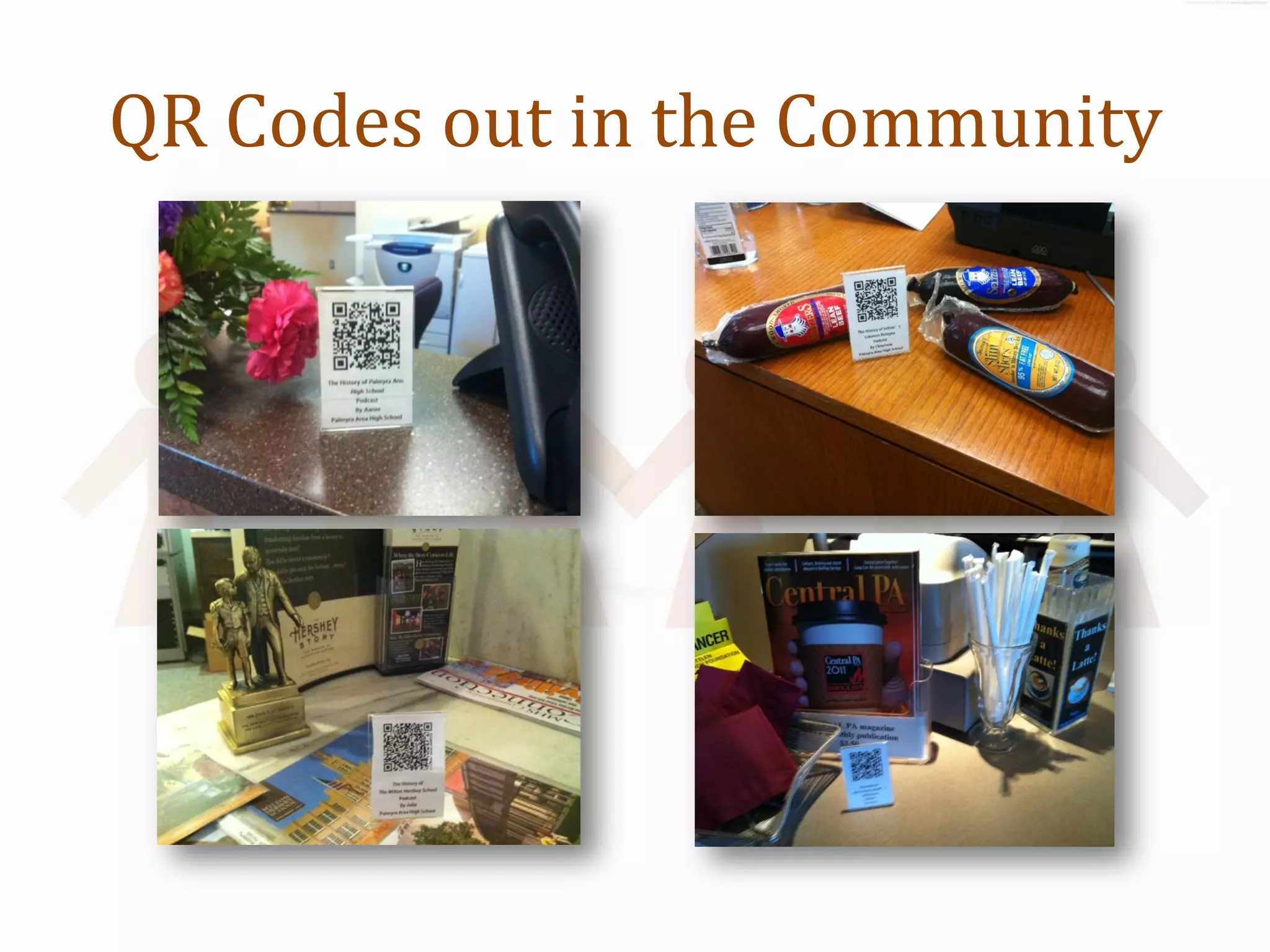
QR Codes out in the Community
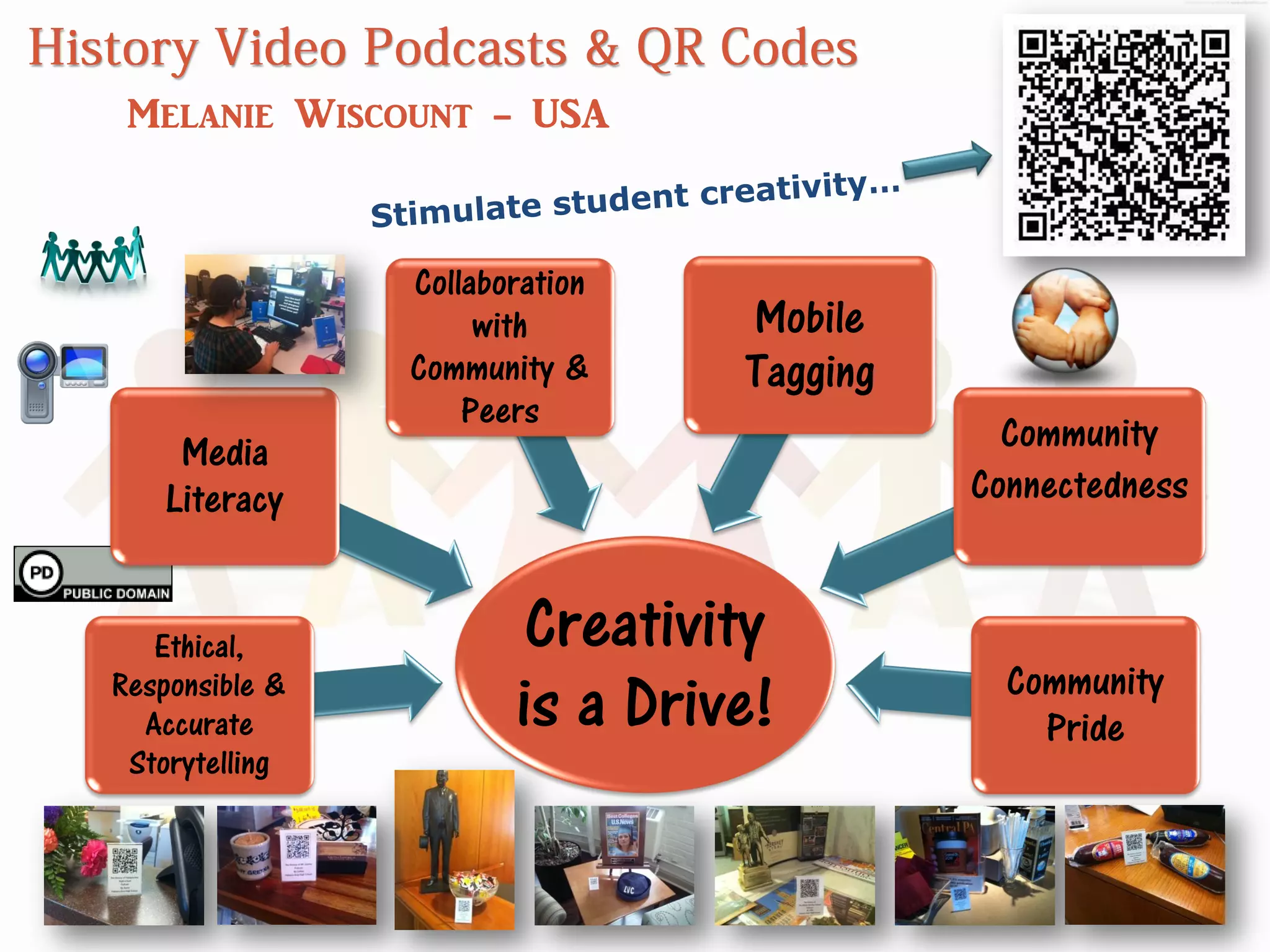
Melanie Wiscount - USA


                Collaboration
                     with       Mobile
                Community &     Tagging
                    Peers
     Media                                  Community
    Literacy                              Connectedness


   Ethical,             Creativity
                                            Community
Responsible &
  Accurate             is a Drive!            Pride
 Storytelling
http://p21.org/
http://www.iste.org/standards/nets-for-students.aspx
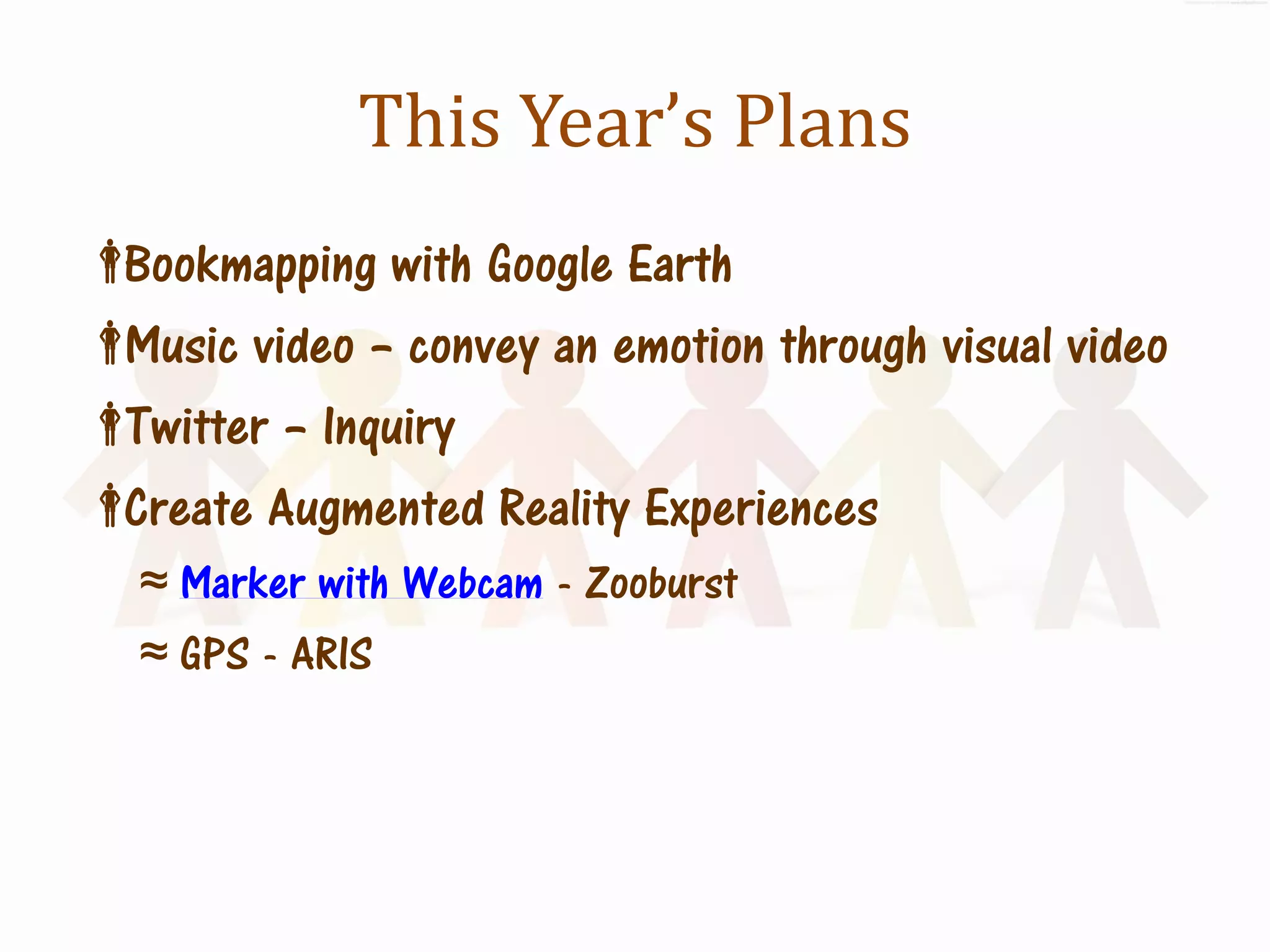
This Year’s Plans
Bookmapping with Google Earth
Music video – convey an emotion through visual video
Twitter – Inquiry
Create Augmented Reality Experiences
   ≈ Marker with Webcam - Zooburst
   ≈ GPS - ARIS
Are Your Students Ready?
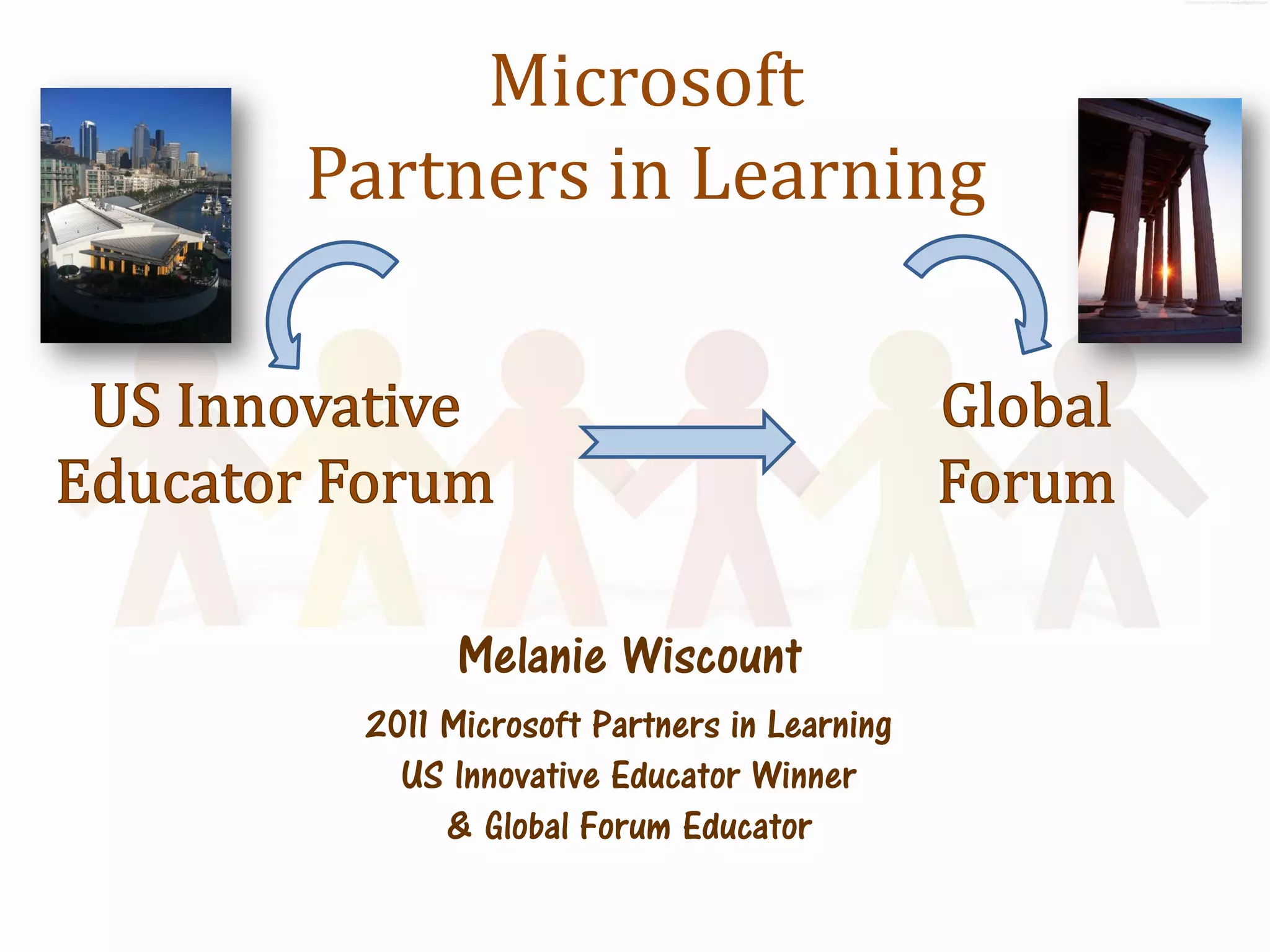
Microsoft
Partners in Learning


       Melanie Wiscount
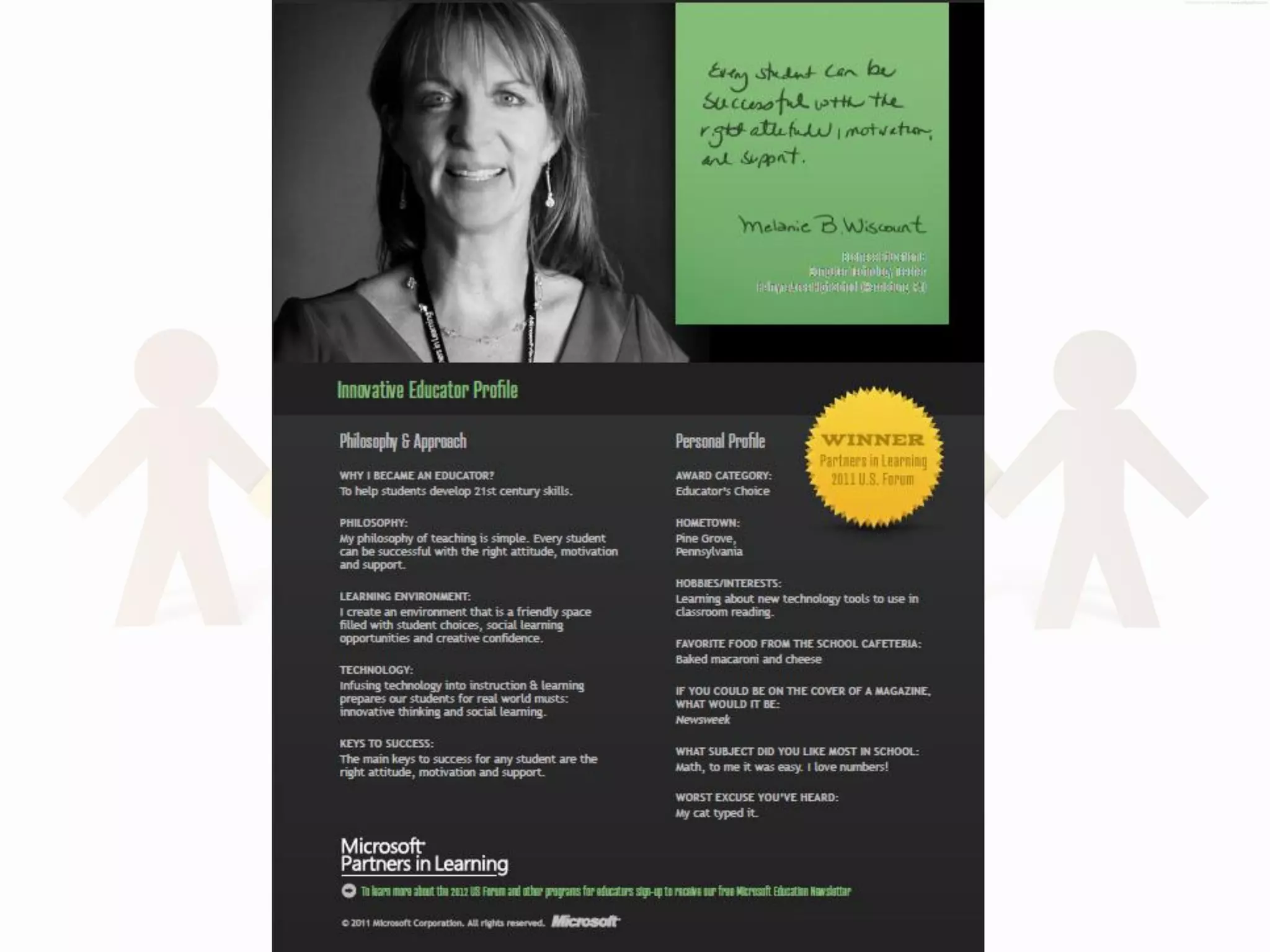
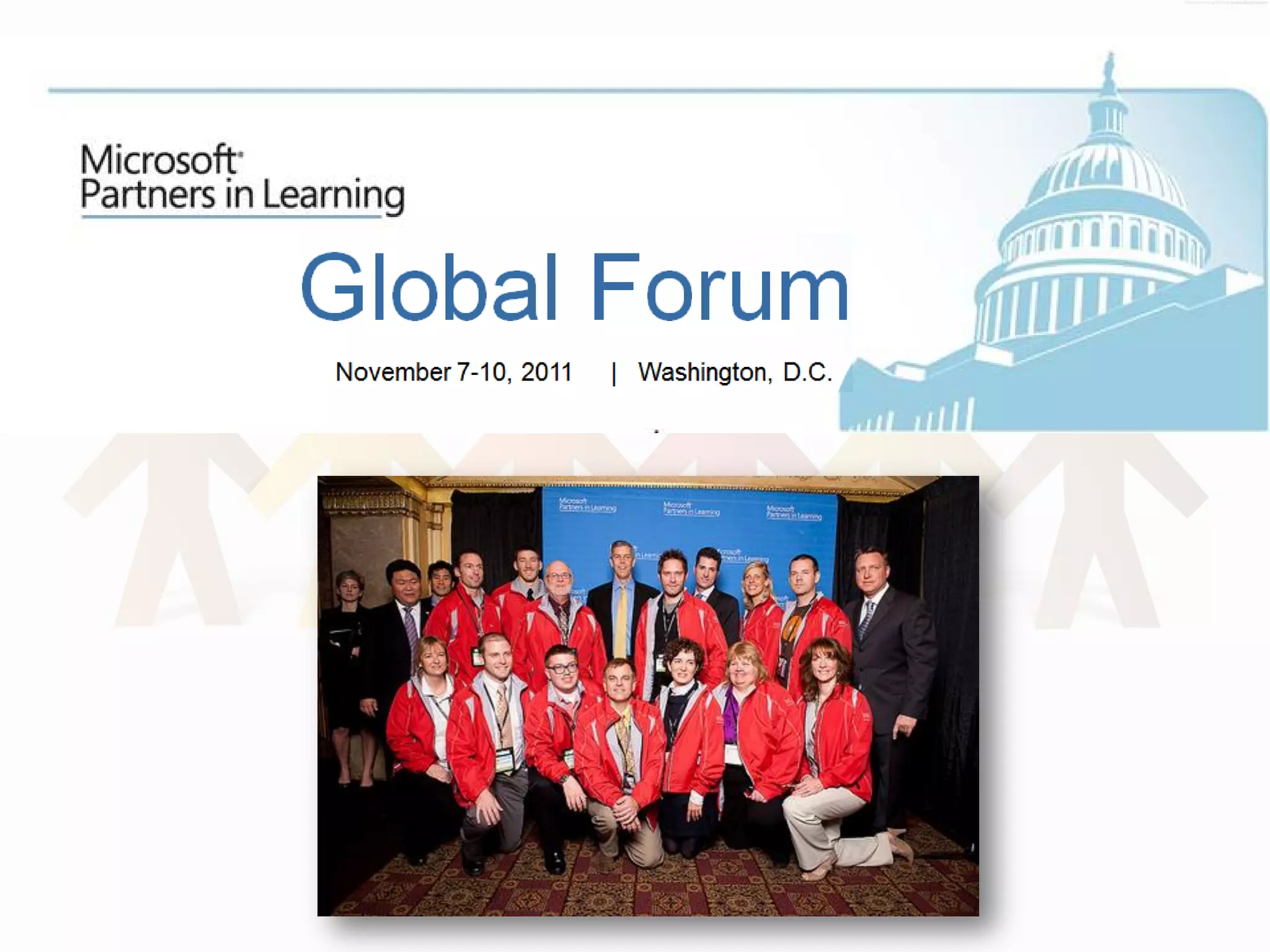
 2011 Microsoft Partners in Learning
   US Innovative Educator Winner
      & Global Forum Educator
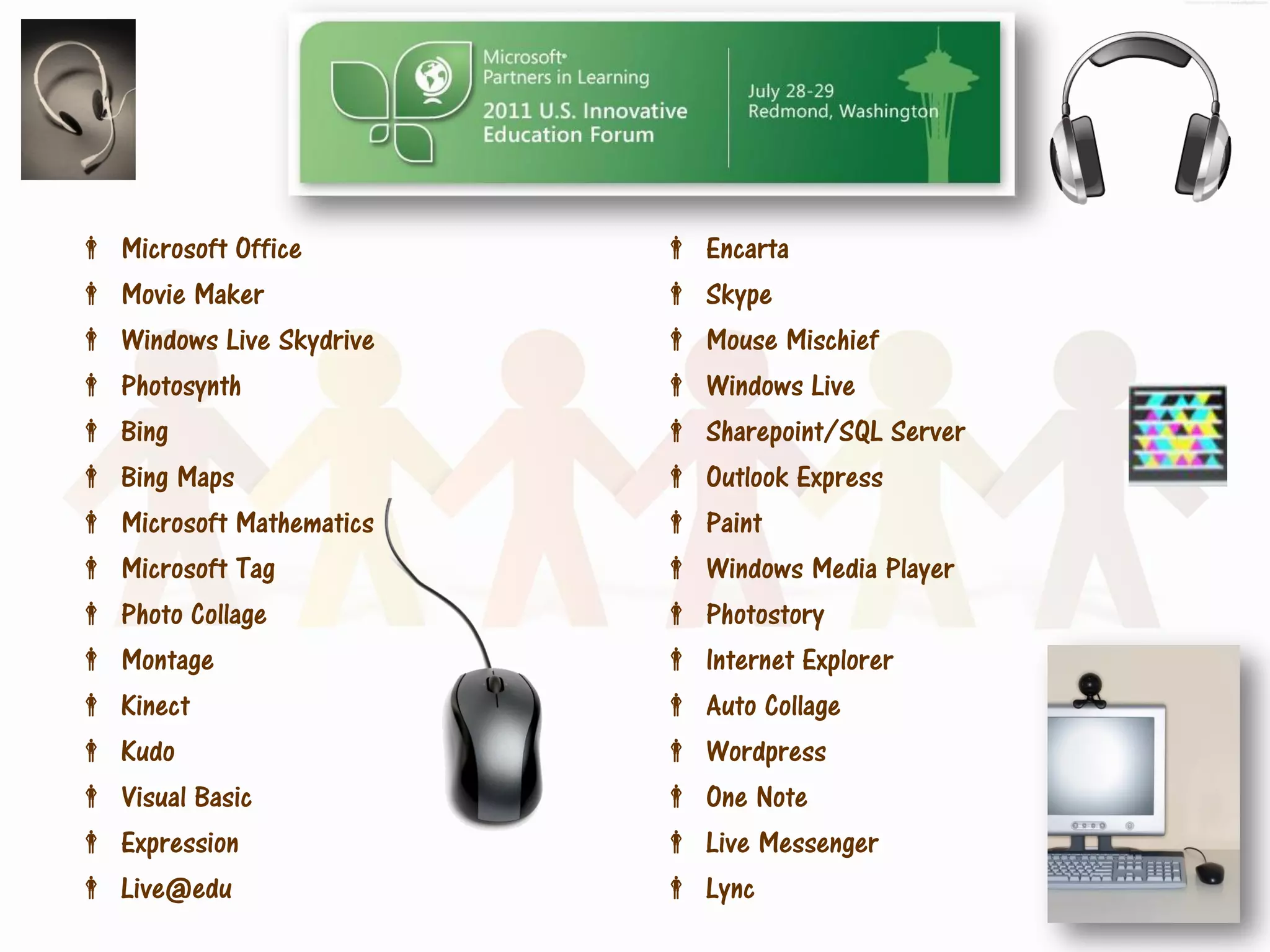
   Microsoft Office           Encarta
   Movie Maker                Skype
   Windows Live Skydrive      Mouse Mischief
   Photosynth                 Windows Live
   Bing                       Sharepoint/SQL Server
   Bing Maps                  Outlook Express
   Microsoft Mathematics      Paint
   Microsoft Tag              Windows Media Player
   Photo Collage              Photostory
   Montage                    Internet Explorer
   Kinect                     Auto Collage
   Kudo                       Wordpress
   Visual Basic               One Note
   Expression                 Live Messenger
   Live@edu                   Lync
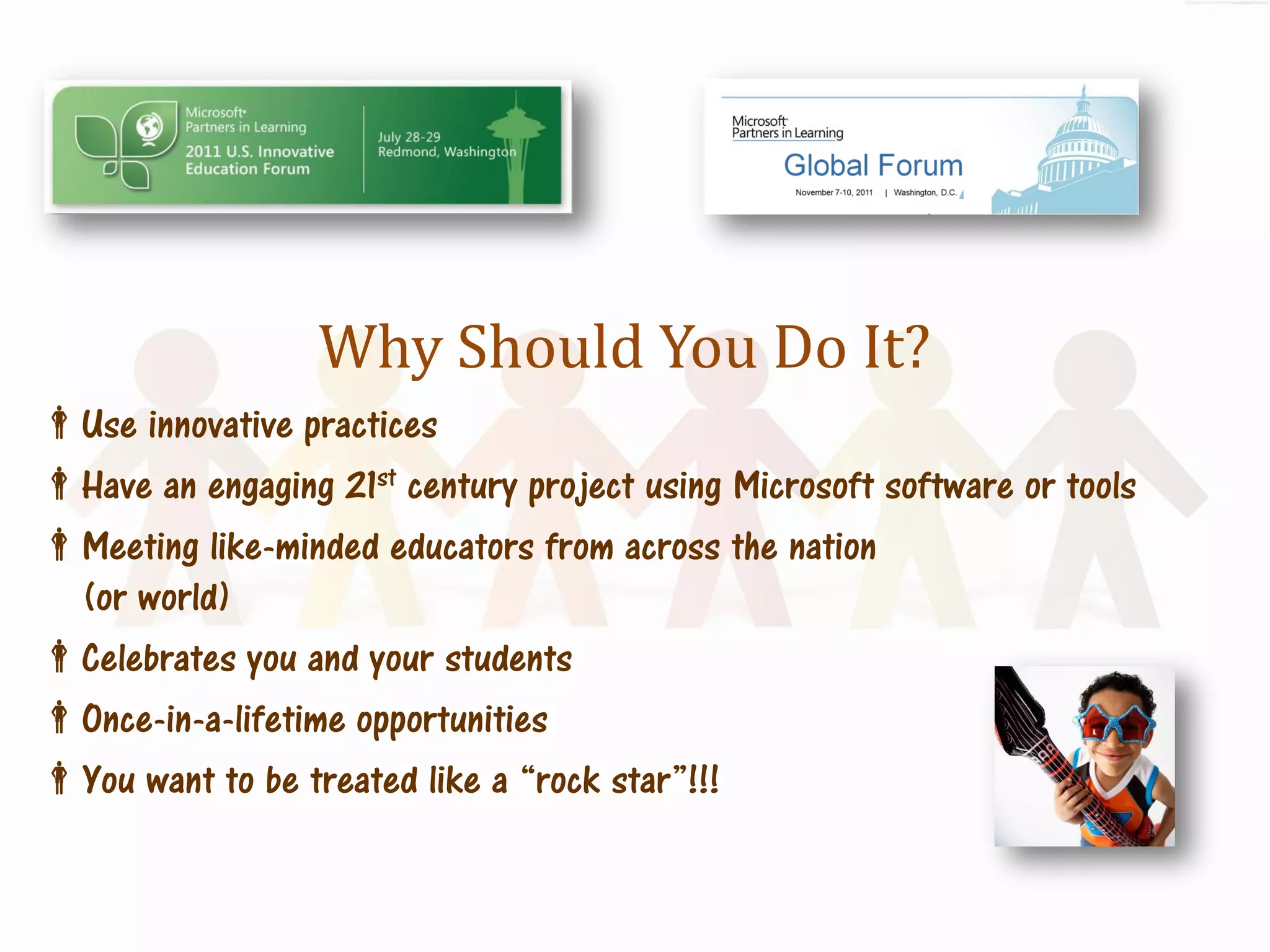
Why Should You Do It?
Use innovative practices
Have an engaging 21st century project using Microsoft software or tools
Meeting like-minded educators from across the nation
 (or world)
Celebrates you and your students
Once-in-a-lifetime opportunities
You want to be treated like a “rock star”!!!
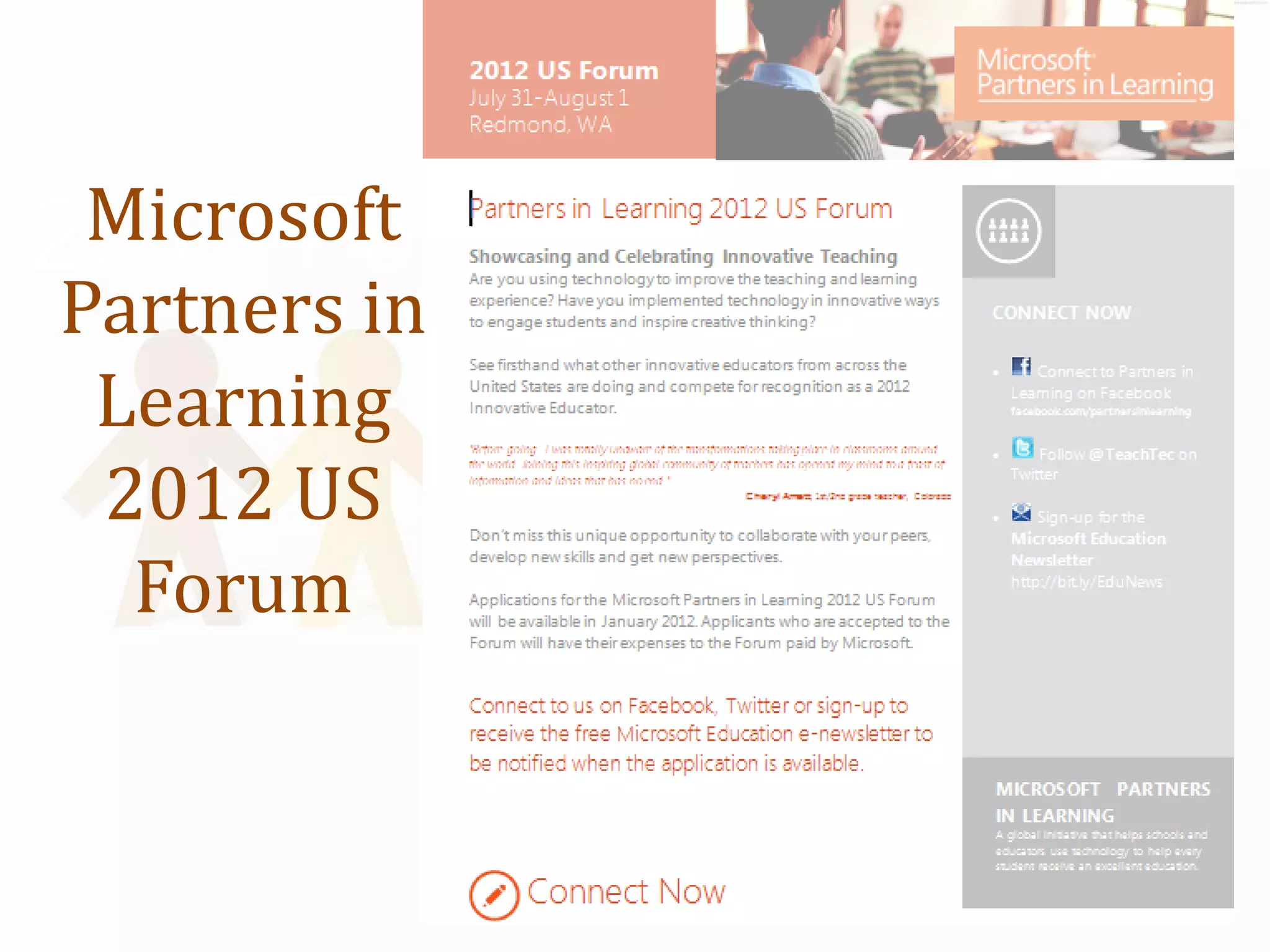
Microsoft
2012 Forum
 Partners in
  Learning
  2012 US
   Forum
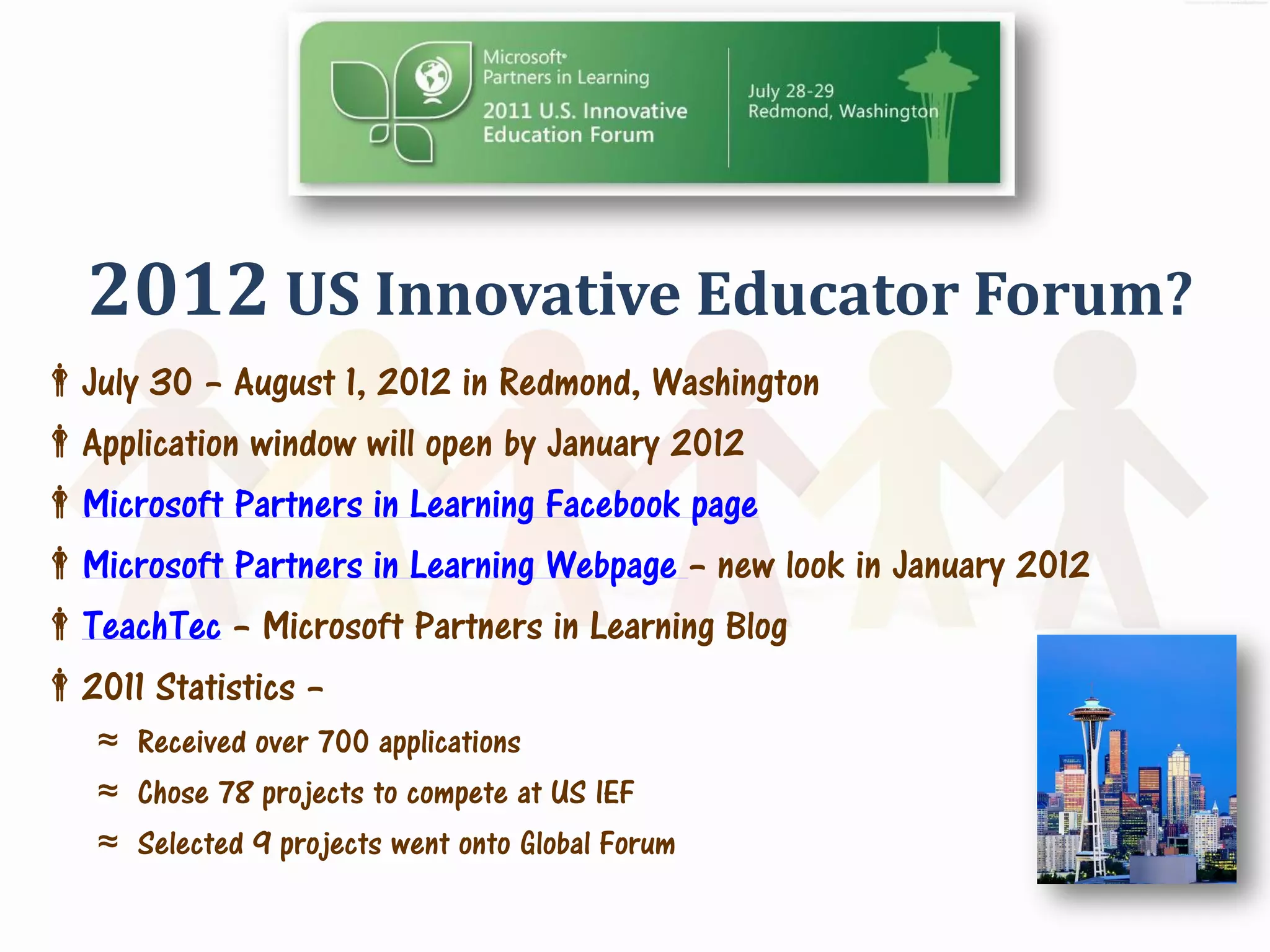
2012 US Innovative Educator Forum?
July 30 – August 1, 2012 in Redmond, Washington
Application window will open by January 2012
Microsoft Partners in Learning Facebook page
Microsoft Partners in Learning Webpage – new look in January 2012
TeachTec – Microsoft Partners in Learning Blog
2011 Statistics –
   ≈ Received over 700 applications
   ≈ Chose 78 projects to compete at US IEF
   ≈ Selected 9 projects went onto Global Forum
Information
Mobile Business Card – Text mwiscount to 50500
Email: mwiscount@gmail.com
Twitter: @mwiscount
Website & Blog: http://www.melaniewiscount.com
LinkedIn: http://www.linkedin.com/in/melaniewiscount
Thanks You For Being a Part of
       the Audience!


       Any Questions?
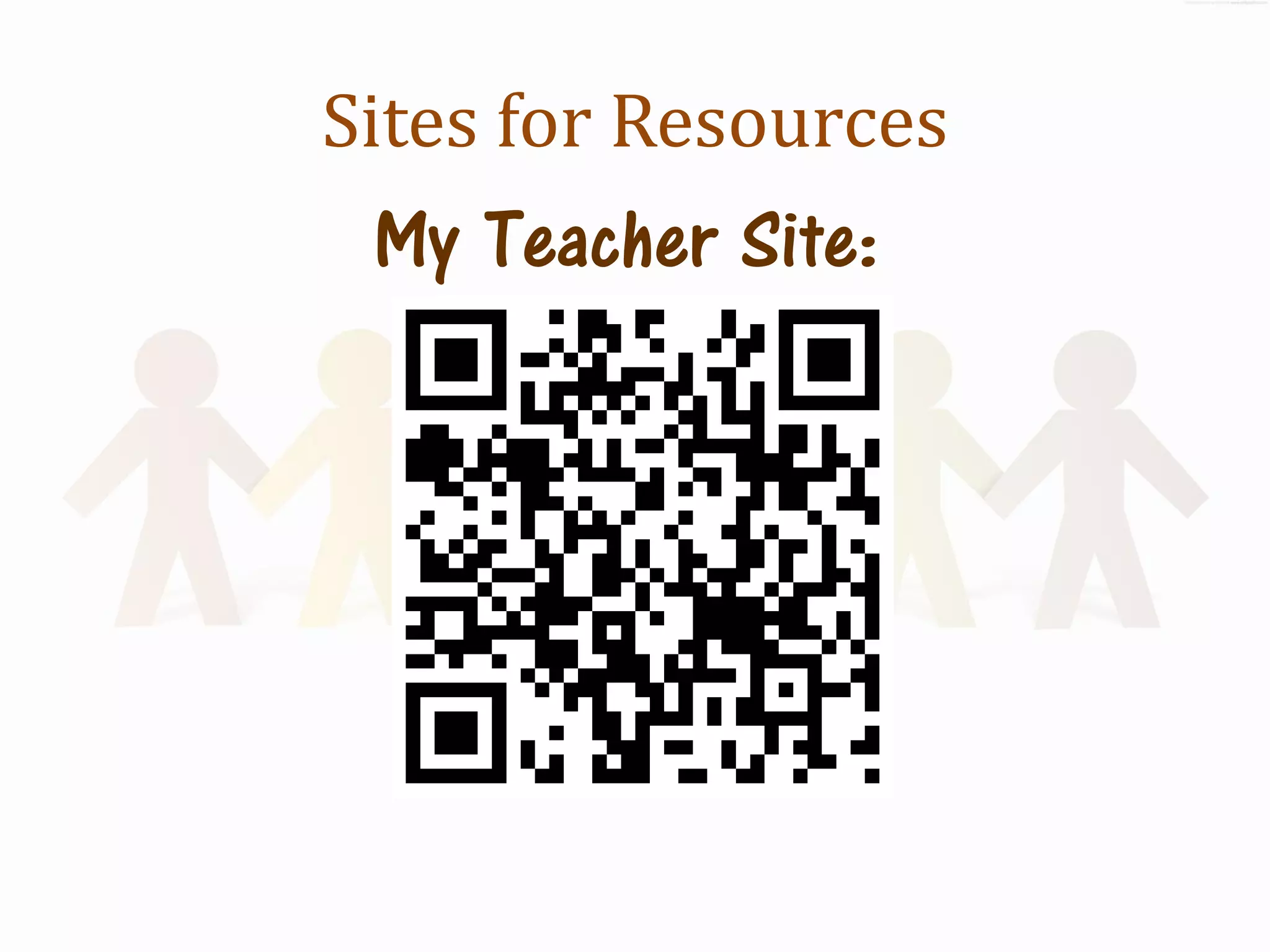
Sites for Resources
 My Teacher Site:
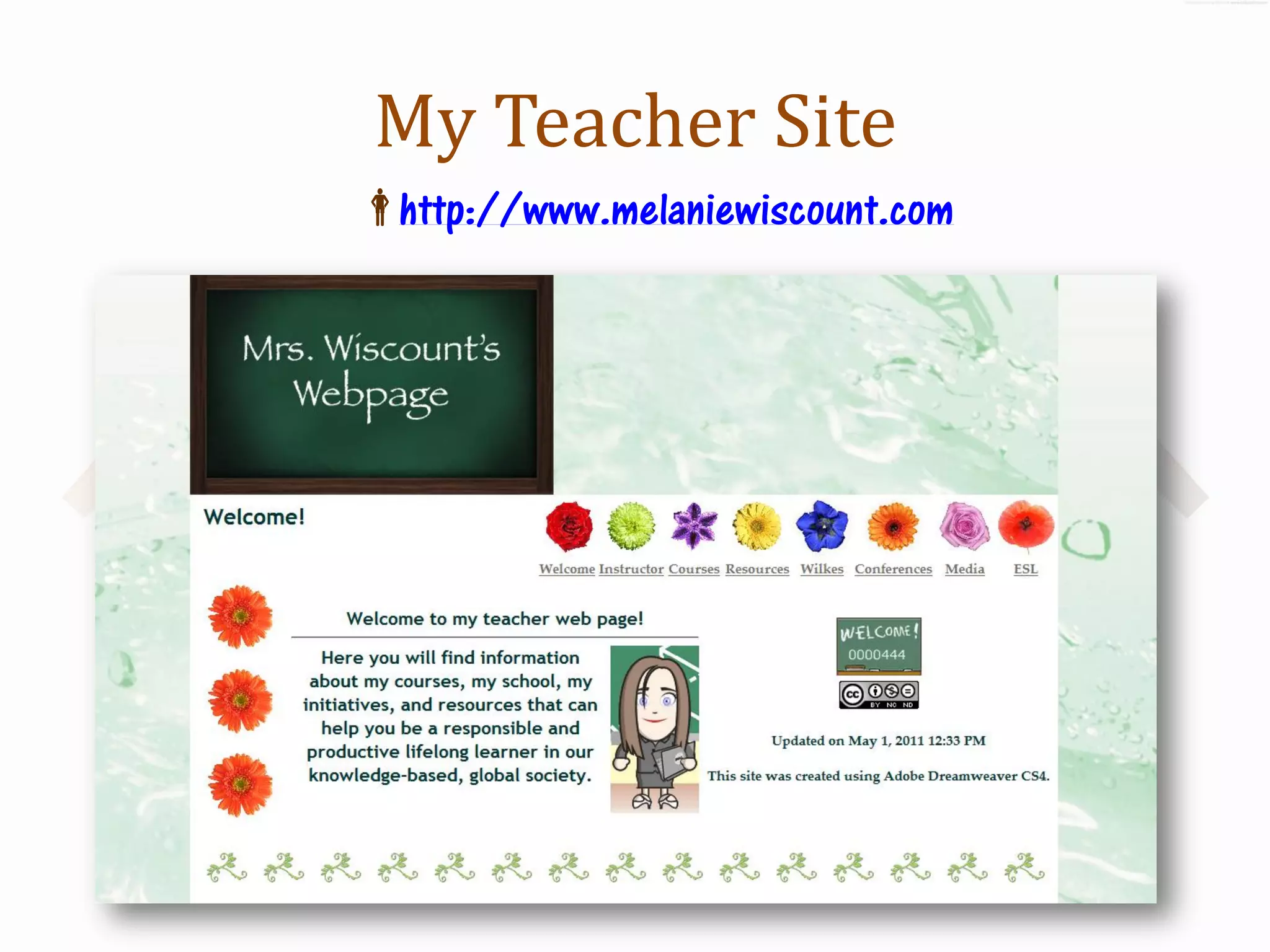
My Teacher Site
http://www.melaniewiscount.com
References
     Paper Cut-out Chain background - http://www.psdgraphics.com/backgrounds/paper-people-chain-background/
    Creative Commons logo - http://commons.wikimedia.org/wiki/File:CC_some_rights_reserved_new_2.svg by Quibik
    Flickr logo - http://commons.wikimedia.org/wiki/File:Flickr_wordmark.svg by Yarnalgo
    Kaywa QRCode logo - http://qrcode.kaywa.com/
    Vozme screen shot logo - http://vozme.com/index.php?lang=en
    Course wiki screen shot - http://wiscountpahs.wikispaces.com/Emerging+Technologies
    Course Social Network - http://www.schoology.com/group/899216
    Kaywa screenshot - http://qrcode.kaywa.com/
 Course blog - http://pahsemergingtechnologies.blogspot.com/
    RSS reader - Image found on flickr at http://www.flickr.com/photos/curiouslee/3602683294/ by curiouslee
    Delicious logo - http://commons.wikimedia.org/wiki/File:Delicious.svg by ZyMOS
    Wikimedia Commons logo - http://commons.wikimedia.org/wiki/File:Commons-logo-en.svg by DGuy
    Windows MovieMaker logo - http://en.wikipedia.org/wiki/File:Windows_Live_Movie_Maker_logo.png by Damaster98
    FlipCam - http://www.flickr.com/photos/venosdale/4427529823/ by KTVee
    YouTube Logo - http://en.wikipedia.org/wiki/File:YouTube_Logo.png by Zanwifi
    iPhone - http://commons.wikimedia.org/wiki/File:Iphone2g3g3gson.jpg by Reggel
    Internet Archive logo - http://commons.wikimedia.org/wiki/File:IA_logo.png by Perhelion
    Creative Commons logo - http://commons.wikimedia.org/wiki/File:Creative_commons.jpg by john randell
    Cellphone in hand - http://www.sxc.hu/photo/1225931/?forcedownload=1 by mihow
    iPhone - http://www.flickr.com/photos/williamhook/2830319467/sizes/z/ by William Hook

Teaching Emerging Technologies in Every Course

  • 1.
  • 2.
    Emerging Technologies Wiki http://www.melaniewiscount.wikispaces.com ≈ Unit Plans complete with Lesson Plans/Assessments/Rubrics ≈ Resources ≈ Student examples
  • 3.
  • 4.
  • 5.
    Teach Emerging Technologies in Every Course! Melanie Wiscount PETE+C February 2012
  • 6.
    Welcome! What? ≈ Learn how to Integrate emerging technologies into any course ≈ Develop 21stC Skills in our Students ≈ Make learning multi-media ≈ Encourage creativity ≈ Students build and share knowledge
  • 7.
    Thank You! Melanie Wiscount Computer Technology Teacher Educational Technology Ed.D. Candidate Professional Development Designer Trainer Microsoft Partners in Learning US IEF Winner & Global Forum Educator Siemens STEM 2011 Institute Fellow
  • 8.
    Course Moodle http://moodle.pasd.us ≈ Log in as Guest ≈ Click on Palmyra Area High School on left navigation ≈ Click on Business Education ≈ Click on Wiscount Emerging Technologies
  • 9.
    The Partnership for21st Century Skills 3 R’s 4 C’s Three Rs and Four Cs for 21st Century Readiness
  • 10.
    Course Units Cyber Safety & Mobile Digital Learning Citizenship Digital Collaboration Storytelling
  • 11.
    Expertise Experience Exposure Develop literacies: Digital, Media, Information, Visual, ICT
  • 12.
  • 13.
    Mobile Learning Cellphones inthe Classroom Learning On the Go!
  • 14.
  • 15.
    Websites to Usein Mobile Learning  Polleverywhere  Recorder (Voki, Voicethread, Yodio)  DropItTo.Me (drop.io)  Cartoon Creator  Textmark  Wiffiti  Schoology app  Animoto  Google Docs app  Time management  Gmail app  PLEs  QR Codes  Notes  Ustream  Google Mobile apps  Voicethread  Google Earth  Edmodo  ARIS  Whiteboard  Translator  Google Voice  Quakefield  News – NPR  Weather  Word Lens  Leafsnap
  • 16.
    Cyber Safety Digital Security,Digital Citizenship, Digital Communication, & Digital Media Making Safe, Secure, Responsible, Accountable & Ethical Decisions online!
  • 17.
    Lessons Digital = Lives Forever Cyber Safety ≈ Online Risks ≈ Virtual Reputation & Management Digital Communication ≈ Social Networks Digital Security ≈ Passwords ≈ AUP Digital Media ≈ Copyright, Fair Use, Public Domain, Creative Commons, Attribution
  • 18.
  • 19.
    Create a SafeOnline Profile Identity & Image  Visual Representation Safe
  • 20.
    Online Collaboration & Knowledge Sharing Web 2.0 Communication & Creation Two Heads ARE Better than One!
  • 21.
    Lessons Wikis Google Docs Social Bookmarking Feedburners, Aggregators RSS, Blogs  Blog Live Webcasts
  • 22.
    Student Wikipages Electronic Portfolio ≈ All media created in course ≈ Student example
  • 23.
    RSS & Aggregators I: iReader Part  II: iGoogle Part
  • 24.
    Digital Storytelling Create, Buildand Share with Media The Power of Media!
  • 25.
  • 26.
  • 27.
    Lessons Copyright/Fair Use/Creative Commons/PublicDomain Prezi Voicethread eBook Audio Podcasts 2  Destination Tour Screencast History Video Podcast & QR Code
  • 28.
  • 29.
    Google Earth Tour DestinationTour of Five Places You Want to Visit
  • 30.
    Screencast – Jing Createa Screencast of Google Earth Destination Tour
  • 31.
  • 32.
  • 33.
  • 34.
    History Podcast QRCodes Online Research Personal Interviews Library – High school & community
  • 35.
  • 36.
  • 37.
    History Podcast QRCodes Create video with Windows Movie Maker
  • 38.
  • 39.
    History Podcast QRCodes  of tags Use Delicious bookmark Course blog Channel  Code QR
  • 40.
    History Podcast QRCodes Generate QR Code using YouTube URL ≈ Place in easel & deliver to destination choice
  • 41.
  • 42.
    History Video Podcast& QR Code Project Student Example Click for Teacher YouTube Channel The History of the Hershey Chocolate Factory
  • 43.
    QR Codes outin the Community
  • 44.
    Melanie Wiscount -USA Collaboration with Mobile Community & Tagging Peers Media Community Literacy Connectedness Ethical, Creativity Community Responsible & Accurate is a Drive! Pride Storytelling
  • 45.
  • 46.
  • 47.
    This Year’s Plans Bookmappingwith Google Earth Music video – convey an emotion through visual video Twitter – Inquiry Create Augmented Reality Experiences ≈ Marker with Webcam - Zooburst ≈ GPS - ARIS
  • 48.
  • 49.
    Microsoft Partners in Learning Melanie Wiscount 2011 Microsoft Partners in Learning US Innovative Educator Winner & Global Forum Educator
  • 50.
    Microsoft Office  Encarta  Movie Maker  Skype  Windows Live Skydrive  Mouse Mischief  Photosynth  Windows Live  Bing  Sharepoint/SQL Server  Bing Maps  Outlook Express  Microsoft Mathematics  Paint  Microsoft Tag  Windows Media Player  Photo Collage  Photostory  Montage  Internet Explorer  Kinect  Auto Collage  Kudo  Wordpress  Visual Basic  One Note  Expression  Live Messenger  Live@edu  Lync
  • 51.
    Why Should YouDo It? Use innovative practices Have an engaging 21st century project using Microsoft software or tools Meeting like-minded educators from across the nation (or world) Celebrates you and your students Once-in-a-lifetime opportunities You want to be treated like a “rock star”!!!
  • 53.
    Microsoft 2012 Forum Partnersin Learning 2012 US Forum
  • 54.
    2012 US InnovativeEducator Forum? July 30 – August 1, 2012 in Redmond, Washington Application window will open by January 2012 Microsoft Partners in Learning Facebook page Microsoft Partners in Learning Webpage – new look in January 2012 TeachTec – Microsoft Partners in Learning Blog 2011 Statistics – ≈ Received over 700 applications ≈ Chose 78 projects to compete at US IEF ≈ Selected 9 projects went onto Global Forum
  • 56.
    Information Mobile Business Card– Text mwiscount to 50500 Email: mwiscount@gmail.com Twitter: @mwiscount Website & Blog: http://www.melaniewiscount.com LinkedIn: http://www.linkedin.com/in/melaniewiscount
  • 57.
    Thanks You ForBeing a Part of the Audience! Any Questions?
  • 58.
    Sites for Resources My Teacher Site:
  • 59.
  • 60.
    References  Paper Cut-out Chain background - http://www.psdgraphics.com/backgrounds/paper-people-chain-background/  Creative Commons logo - http://commons.wikimedia.org/wiki/File:CC_some_rights_reserved_new_2.svg by Quibik  Flickr logo - http://commons.wikimedia.org/wiki/File:Flickr_wordmark.svg by Yarnalgo  Kaywa QRCode logo - http://qrcode.kaywa.com/  Vozme screen shot logo - http://vozme.com/index.php?lang=en  Course wiki screen shot - http://wiscountpahs.wikispaces.com/Emerging+Technologies  Course Social Network - http://www.schoology.com/group/899216  Kaywa screenshot - http://qrcode.kaywa.com/  Course blog - http://pahsemergingtechnologies.blogspot.com/  RSS reader - Image found on flickr at http://www.flickr.com/photos/curiouslee/3602683294/ by curiouslee  Delicious logo - http://commons.wikimedia.org/wiki/File:Delicious.svg by ZyMOS  Wikimedia Commons logo - http://commons.wikimedia.org/wiki/File:Commons-logo-en.svg by DGuy  Windows MovieMaker logo - http://en.wikipedia.org/wiki/File:Windows_Live_Movie_Maker_logo.png by Damaster98  FlipCam - http://www.flickr.com/photos/venosdale/4427529823/ by KTVee  YouTube Logo - http://en.wikipedia.org/wiki/File:YouTube_Logo.png by Zanwifi  iPhone - http://commons.wikimedia.org/wiki/File:Iphone2g3g3gson.jpg by Reggel  Internet Archive logo - http://commons.wikimedia.org/wiki/File:IA_logo.png by Perhelion  Creative Commons logo - http://commons.wikimedia.org/wiki/File:Creative_commons.jpg by john randell  Cellphone in hand - http://www.sxc.hu/photo/1225931/?forcedownload=1 by mihow  iPhone - http://www.flickr.com/photos/williamhook/2830319467/sizes/z/ by William Hook