Sarah & Tucker
April 25, 2012
   EDCT 203
 Word processing
 Spreadsheets
 Presentation tools
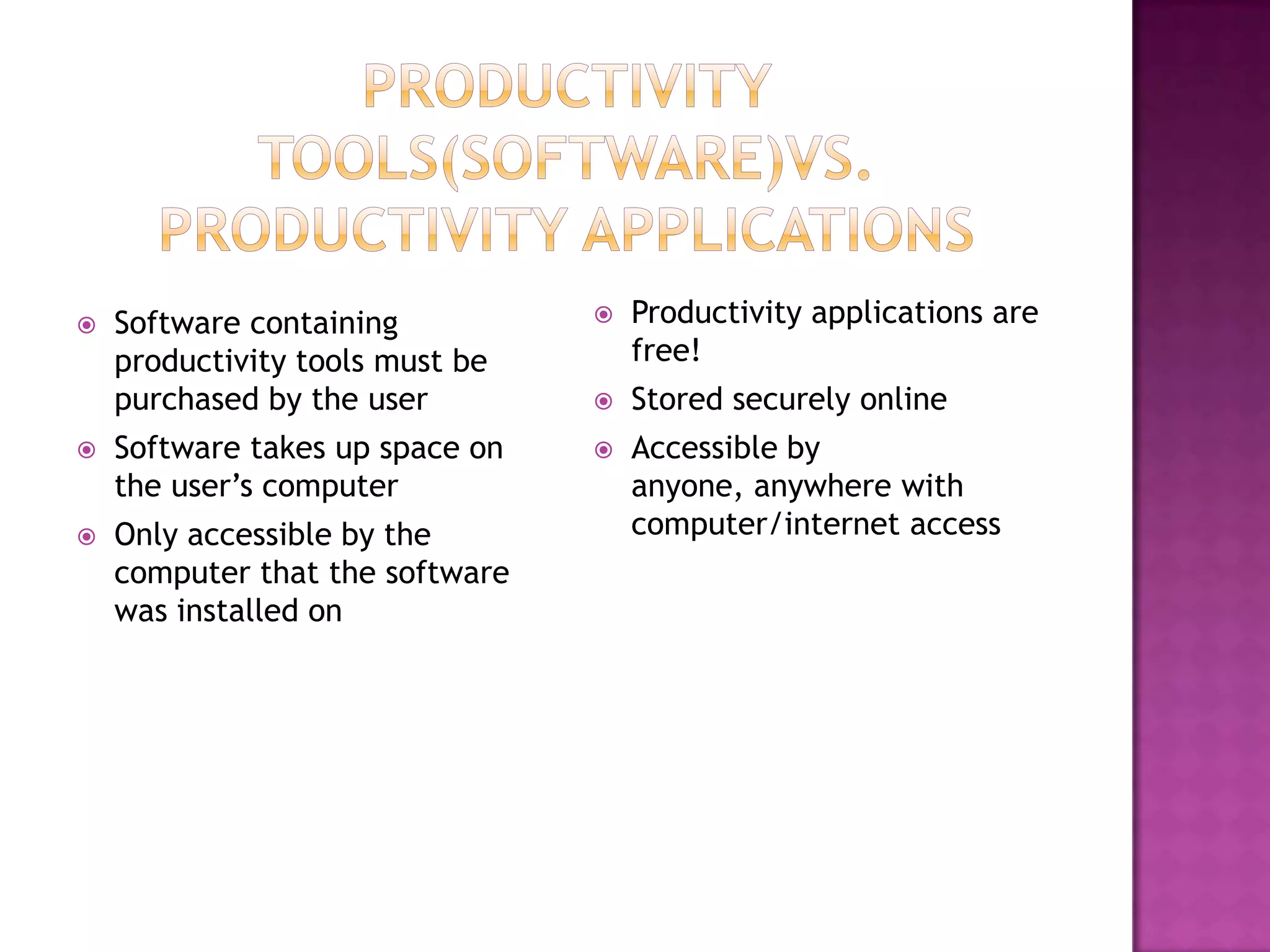
   Software containing             Productivity applications are
    productivity tools must be       free!
    purchased by the user           Stored securely online
   Software takes up space on      Accessible by
    the user’s computer              anyone, anywhere with
   Only accessible by the           computer/internet access
    computer that the software
    was installed on
 Offers
       the largest suite of productivity tools
 currently available
     word processing, spreadsheet, presentation
     tool, calendar
    Google reader
    Google sites
 “Read   it Later” feature


          http://www.instapaper.com/u
 Just like every website, you always run the
  risk of a page or internet browser crashing.
 The page may not load appropriately, and
  certain features may not work properly.
 If you haven’t got an internet
  connection, you’ll probably have a hard time
  using them.
SlideShare is a really neat Productivity App. It
  allows you to not only upload and share your
  own powerpoint presentations, but you can
  also browse from a giant selection of
  previously made presentations.


         http://www.slideshare.net/
 How  will Productivity Applications help you in
  the classroom?
 What do you think the most useful
  Productivity App is? Why?
 Which ones do you plan on using?
Productivity applications

Productivity applications

  • 1.
    Sarah & Tucker April25, 2012 EDCT 203
  • 2.
     Word processing Spreadsheets  Presentation tools
  • 3.
    Software containing  Productivity applications are productivity tools must be free! purchased by the user  Stored securely online  Software takes up space on  Accessible by the user’s computer anyone, anywhere with  Only accessible by the computer/internet access computer that the software was installed on
  • 4.
     Offers the largest suite of productivity tools currently available  word processing, spreadsheet, presentation tool, calendar  Google reader  Google sites
  • 5.
     “Read it Later” feature http://www.instapaper.com/u
  • 6.
     Just likeevery website, you always run the risk of a page or internet browser crashing.  The page may not load appropriately, and certain features may not work properly.  If you haven’t got an internet connection, you’ll probably have a hard time using them.
  • 7.
    SlideShare is areally neat Productivity App. It allows you to not only upload and share your own powerpoint presentations, but you can also browse from a giant selection of previously made presentations. http://www.slideshare.net/
  • 8.
     How will Productivity Applications help you in the classroom?  What do you think the most useful Productivity App is? Why?  Which ones do you plan on using?