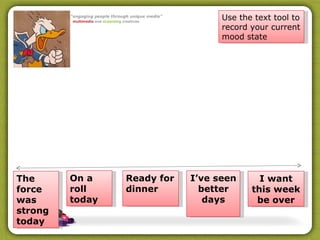
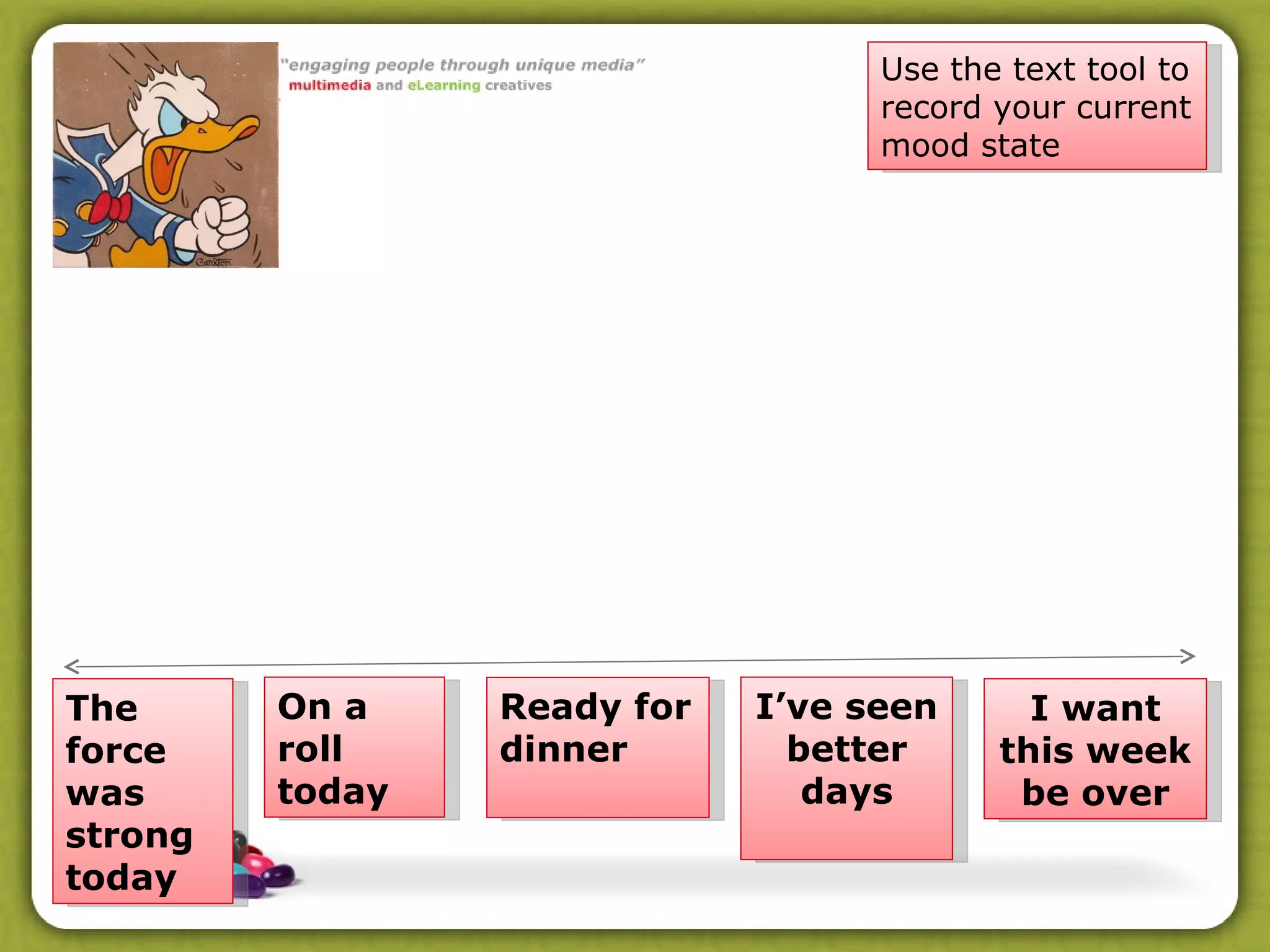
The force was strong today I want this week be over Ready for dinner On a roll today I’ve seen better days Use the text tool to record your current mood state
Video
Preparing for your trial Send out your  welcome email  and any instructions for work to be completed prior to your Elluminate session (we will send out email details of you all tonight – remember to cc us in! Email us names of anyone you want to add to the trial of your Moodle material Make a time with us if you have not so far (see Doodle link)
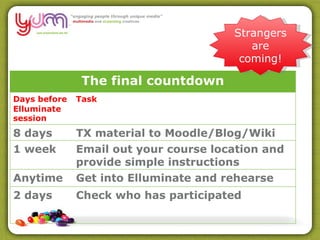
Strangers are coming!
After your trial Send us your completed peer review sheet for the Elluminate session Send us the results of your survey (PDF) Complete a short report on your trail
Final Report Progress with learners Unexpected issues, difficulties in the online environment Alterations, adaptations or enhancements Re-evaluation and adaption of delivery plan Any additional support or help you require to enhance the delivery to your learners Insights and examples of learner feedback Implications of your experience with this delivery trial for e learning at your organisation Any other issues of relevance
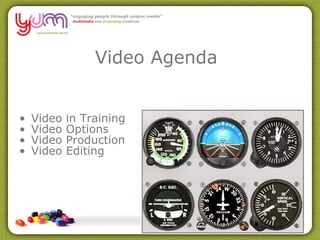
Video Agenda Video in Training Video Options Video Production  Video Editing
About Video Video files by trainers can provide a wide range of applications in the training environment and augment existing content delivery strategies.  Video files can be downloaded and played by learners from their computer, television sets,  on portable mp3 players and mobile phones. videos are highly transferable i.e. you can embed them on web sites/LMS/blogs/wikis for your students to view or embed them in PowerPoint
Video in Training Good for demonstrations and illustrating concepts, ideas and examples.  They can be supported by text, captions, diagrams, still images, descriptions, interviews and interactions.
Video in Training You can use Video to support learners to think out and present workplace processes and work flows using video.  When you create your our own videos as a group with learners as opposed to viewing 'others films', it enhances interactions and personalizes within the groups.
Video in Training Videos are good for illustration purposes.  They are supported by text and interactions.  20 second video can replace a full page of text when trying to explain a detailed process  Use to highlight, freeze-frame or slow-motion an event/process  Using video to depict real scenario can make whole situation so much more engaging  http://designing.flexiblelearning.net.au/gallery/activities/videosharing.htm
Video in Training Promote identification with job roles, contexts and workplace processes Can be story driven (narrative) Support a range of learner preferences (visual, reflective learners)
Video in Training Scaffolding activities using video ensures active learning – quizzes, decision making trees, scenarios, case studies and demonstrations can be enhanced by integrating video into the decision making and problem solving resources and examples available to the learner.
Hardware Video cameras are becoming cheap and ubiquitous. Standard Definition High Definition http://www.theflip.com.au/
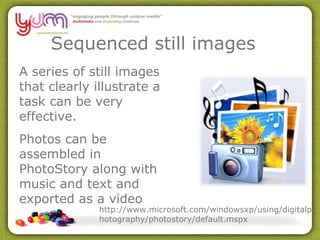
Sequenced still images  A series of still images that clearly illustrate a task can be very effective. Photos can be assembled in PhotoStory along with music and text and exported as a video http://www.microsoft.com/windowsxp/using/digitalphotography/photostory/default.mspx
Video Formats The AVI Format The Windows Media Format The MPEG Format The MOV Format The RealVideo Format The Shockwave (Flash) Format The Flash Video Format The Mobile Video Format 3gp
Video Formats How will we deliver to our learners? CD/DVD Intranet/Internet – LMS/Blog/Wiki etc Will the viewer need a  plug in  on their browser to watch the video? These decisions influence the codec we will use to export the final video
Video files, which, uncompressed, are HUGE Codec's can take a very large video file that can’t be downloaded and make it into a file that can be “streamed” online MOV Flash Video (FLV) h.264   AVI http://www.zamzar.com/
DEMO
Next session Tuesday 27 th  April 6.30pm
Thank you for playing

Presentation11

  • 1.
    The force wasstrong today I want this week be over Ready for dinner On a roll today I’ve seen better days Use the text tool to record your current mood state
  • 2.
  • 3.
    Preparing for yourtrial Send out your welcome email and any instructions for work to be completed prior to your Elluminate session (we will send out email details of you all tonight – remember to cc us in! Email us names of anyone you want to add to the trial of your Moodle material Make a time with us if you have not so far (see Doodle link)
  • 4.
  • 5.
    After your trialSend us your completed peer review sheet for the Elluminate session Send us the results of your survey (PDF) Complete a short report on your trail
  • 6.
    Final Report Progresswith learners Unexpected issues, difficulties in the online environment Alterations, adaptations or enhancements Re-evaluation and adaption of delivery plan Any additional support or help you require to enhance the delivery to your learners Insights and examples of learner feedback Implications of your experience with this delivery trial for e learning at your organisation Any other issues of relevance
  • 7.
    Video Agenda Videoin Training Video Options Video Production Video Editing
  • 8.
    About Video Videofiles by trainers can provide a wide range of applications in the training environment and augment existing content delivery strategies. Video files can be downloaded and played by learners from their computer, television sets, on portable mp3 players and mobile phones. videos are highly transferable i.e. you can embed them on web sites/LMS/blogs/wikis for your students to view or embed them in PowerPoint
  • 9.
    Video in TrainingGood for demonstrations and illustrating concepts, ideas and examples. They can be supported by text, captions, diagrams, still images, descriptions, interviews and interactions.
  • 10.
    Video in TrainingYou can use Video to support learners to think out and present workplace processes and work flows using video. When you create your our own videos as a group with learners as opposed to viewing 'others films', it enhances interactions and personalizes within the groups.
  • 11.
    Video in TrainingVideos are good for illustration purposes. They are supported by text and interactions. 20 second video can replace a full page of text when trying to explain a detailed process Use to highlight, freeze-frame or slow-motion an event/process Using video to depict real scenario can make whole situation so much more engaging http://designing.flexiblelearning.net.au/gallery/activities/videosharing.htm
  • 12.
    Video in TrainingPromote identification with job roles, contexts and workplace processes Can be story driven (narrative) Support a range of learner preferences (visual, reflective learners)
  • 13.
    Video in TrainingScaffolding activities using video ensures active learning – quizzes, decision making trees, scenarios, case studies and demonstrations can be enhanced by integrating video into the decision making and problem solving resources and examples available to the learner.
  • 14.
    Hardware Video camerasare becoming cheap and ubiquitous. Standard Definition High Definition http://www.theflip.com.au/
  • 15.
    Sequenced still images A series of still images that clearly illustrate a task can be very effective. Photos can be assembled in PhotoStory along with music and text and exported as a video http://www.microsoft.com/windowsxp/using/digitalphotography/photostory/default.mspx
  • 16.
    Video Formats TheAVI Format The Windows Media Format The MPEG Format The MOV Format The RealVideo Format The Shockwave (Flash) Format The Flash Video Format The Mobile Video Format 3gp
  • 17.
    Video Formats Howwill we deliver to our learners? CD/DVD Intranet/Internet – LMS/Blog/Wiki etc Will the viewer need a plug in on their browser to watch the video? These decisions influence the codec we will use to export the final video
  • 18.
    Video files, which,uncompressed, are HUGE Codec's can take a very large video file that can’t be downloaded and make it into a file that can be “streamed” online MOV Flash Video (FLV) h.264 AVI http://www.zamzar.com/
  • 19.
    Video files, which,uncompressed, are HUGE Codec's can take a very large video file that can’t be downloaded and make it into a file that can be “streamed” online MOV Flash Video (FLV) h.264 AVI http://www.zamzar.com/
  • 20.
  • 21.
    Next session Tuesday27 th April 6.30pm
  • 22.