ACPET - Vic Government  e-Learning Program 2011 Public Workshop Series
Content Methods Developing/Buying bespoke content (rapid tools) Development/Purchase of bespoke content (non rapid) Purchase of generic content Informal learning content (e-books, web resources, search tools) Formal collaboration tools between learner and tutor such as web conferences, Virtual Learning Environments, video conferencing, Informal collaboration tools such as chat, wikis, and blogs. http://www.towardsmaturity.org/article/2010/03/12/towards-maturity-impact-indicator-looks-e-learning/
Passive Learning Most e learning courses purpose is to share information or  change/improve job role performance.  However, most courses  focuses on sharing information rather than performance improvements.  This happens because most people focus on delivering content rather than on changing job role performance.
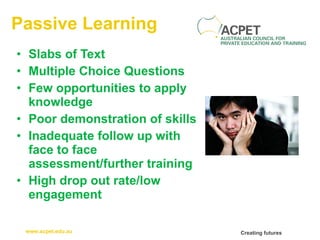
Passive Learning Slabs of Text Multiple Choice Questions Few opportunities to apply knowledge Poor demonstration of skills Inadequate follow up with face to face assessment/further training High drop out rate/low engagement
Passive Learning Slabs of Text Reading is best done offline.  Many elearning courses require a lot of reading.  If most of your course is text-based, find a solution that best supports reading rather than building a course
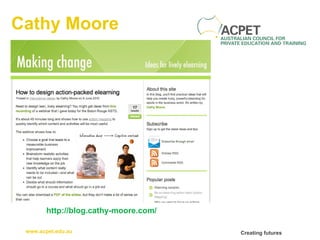
Cathy Moore Don’t create a course unless it’s really necessary and useful. Write activities in which a character faces a realistic challenge. Put the information outside the course. Use the course to show how to use the job aids. Let the activities, not the content, drive the design. http://blog.cathy-moore.com/2010/05/how-to-design-elearning-thats-memorable-and-budget-friendly/
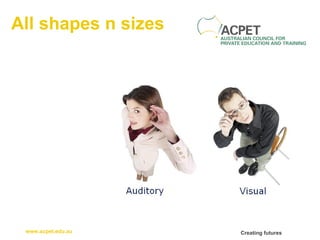
All shapes n sizes
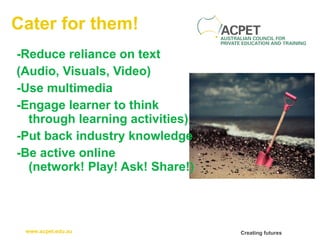
Cater for them! -Reduce reliance on text  (Audio, Visuals, Video) -Use multimedia -Engage learner to think through learning activities) -Put back industry knowledge -Be active online (network! Play! Ask! Share!)
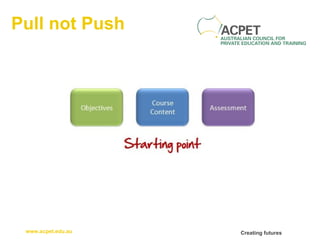
Pull not Push
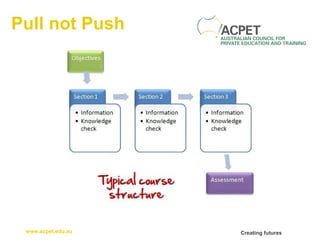
Pull not Push
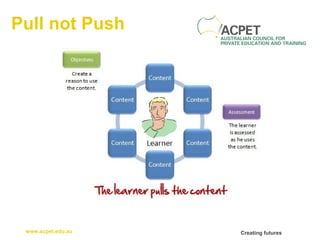
Pull not Push
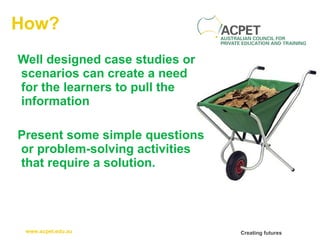
How? Well designed case studies or scenarios can create a need for the learners to pull the information Present some simple questions or problem-solving activities that require a solution.
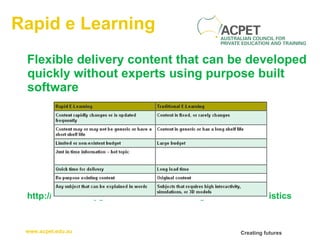
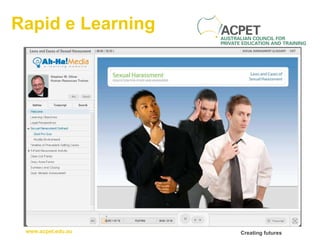
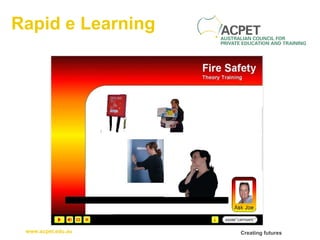
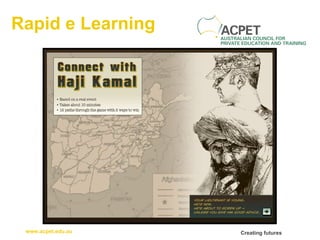
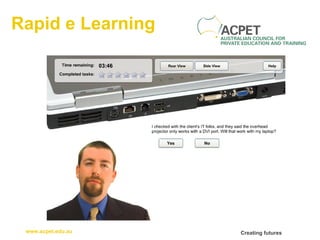
Rapid e Learning Flexible delivery content that can be developed quickly without experts using purpose built software http://www.readygo.com/web02/01web02g.htm#characteristics
Rapid e Learning Short learning curve Navigation built in  Instructional design encouraged through tools structure and visual queues Does not require any programming knowledge Advanced features such as creating links, tests, glossary, FAQ, drill down pages are built-in. Does not require any advanced skills, programming, or HTML knowledge Easy to import Multimedia
Industry Knowledge Complimenting E Learning approaches to ensure learners have access to industry knowledge sharing and building Discussions Guest Presenters Audio Recordings/Podcasts Group projects and presentations Video Demonstrations Using a Virtual Classroom Problem Solving
Rapid e Learning
Rapid e Learning
Rapid e Learning
Rapid e Learning
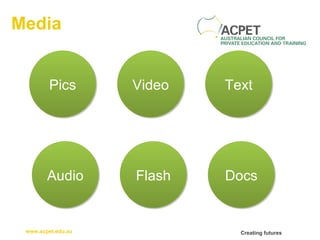
Media Audio Pics Video Flash Text Docs
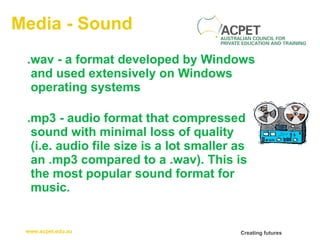
Media - Sound .wav - a format developed by Windows and used extensively on Windows operating systems  .mp3 - audio format that compressed sound with minimal loss of quality  (i.e. audio file size is a lot smaller as an .mp3 compared to a .wav). This is the most popular sound format for music.
Media - Pics .gif -  supports a palette with 256 colors while JPG's palette supports 16 million colors. .jpg -  palette supports 16 million colors.
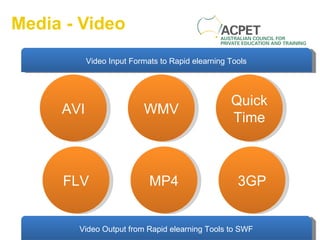
Media - Video FLV AVI WMV MP4 QuickTime 3GP Video Output from Rapid elearning Tools to SWF Video Input Formats to Rapid elearning Tools
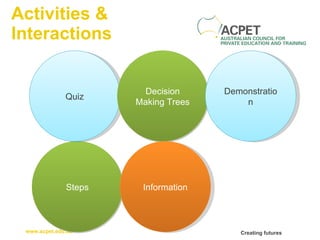
Activities & Interactions Steps Quiz Decision Making Trees Information Demonstration
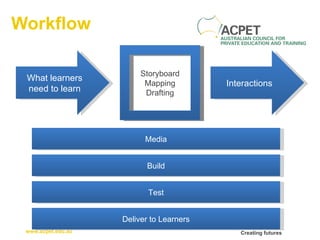
Workflow What learners need to learn Storyboard Mapping Drafting Interactions Media Build Test Deliver to Learners
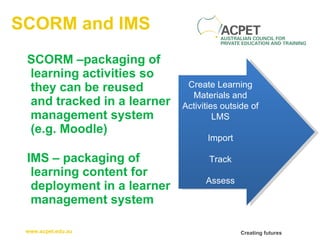
SCORM and IMS SCORM –packaging of learning activities so they can be reused  and tracked in a learner management system (e.g. Moodle) IMS – packaging of learning content for deployment in a learner management system Create Learning Materials and Activities outside of LMS Import Track Assess
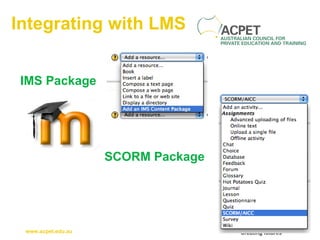
Integrating with LMS IMS Package SCORM Package
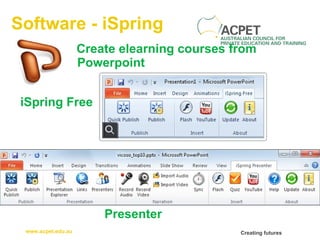
Software - iSpring iSpring Free Create elearning courses from Powerpoint Presenter
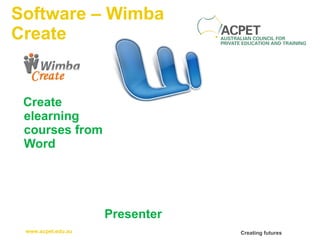
Software – Wimba Create Create elearning courses from Word Presenter
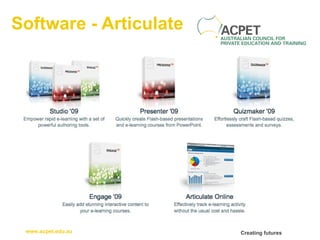
Software - Articulate
Cathy Moore http://blog.cathy-moore.com/
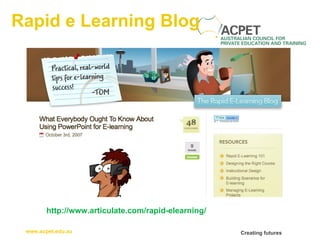
Rapid e Learning Blog http://www.articulate.com/rapid-elearning/
Tools

Rapid eLearning

  • 1.
    ACPET - VicGovernment e-Learning Program 2011 Public Workshop Series
  • 2.
    Content Methods Developing/Buyingbespoke content (rapid tools) Development/Purchase of bespoke content (non rapid) Purchase of generic content Informal learning content (e-books, web resources, search tools) Formal collaboration tools between learner and tutor such as web conferences, Virtual Learning Environments, video conferencing, Informal collaboration tools such as chat, wikis, and blogs. http://www.towardsmaturity.org/article/2010/03/12/towards-maturity-impact-indicator-looks-e-learning/
  • 3.
    Passive Learning Moste learning courses purpose is to share information or change/improve job role performance. However, most courses focuses on sharing information rather than performance improvements. This happens because most people focus on delivering content rather than on changing job role performance.
  • 4.
    Passive Learning Slabsof Text Multiple Choice Questions Few opportunities to apply knowledge Poor demonstration of skills Inadequate follow up with face to face assessment/further training High drop out rate/low engagement
  • 5.
    Passive Learning Slabsof Text Reading is best done offline. Many elearning courses require a lot of reading. If most of your course is text-based, find a solution that best supports reading rather than building a course
  • 6.
    Cathy Moore Don’tcreate a course unless it’s really necessary and useful. Write activities in which a character faces a realistic challenge. Put the information outside the course. Use the course to show how to use the job aids. Let the activities, not the content, drive the design. http://blog.cathy-moore.com/2010/05/how-to-design-elearning-thats-memorable-and-budget-friendly/
  • 7.
  • 8.
    Cater for them!-Reduce reliance on text (Audio, Visuals, Video) -Use multimedia -Engage learner to think through learning activities) -Put back industry knowledge -Be active online (network! Play! Ask! Share!)
  • 9.
  • 10.
  • 11.
  • 12.
    How? Well designedcase studies or scenarios can create a need for the learners to pull the information Present some simple questions or problem-solving activities that require a solution.
  • 13.
    Rapid e LearningFlexible delivery content that can be developed quickly without experts using purpose built software http://www.readygo.com/web02/01web02g.htm#characteristics
  • 14.
    Rapid e LearningShort learning curve Navigation built in Instructional design encouraged through tools structure and visual queues Does not require any programming knowledge Advanced features such as creating links, tests, glossary, FAQ, drill down pages are built-in. Does not require any advanced skills, programming, or HTML knowledge Easy to import Multimedia
  • 15.
    Industry Knowledge ComplimentingE Learning approaches to ensure learners have access to industry knowledge sharing and building Discussions Guest Presenters Audio Recordings/Podcasts Group projects and presentations Video Demonstrations Using a Virtual Classroom Problem Solving
  • 16.
  • 17.
  • 18.
  • 19.
  • 20.
    Media Audio PicsVideo Flash Text Docs
  • 21.
    Media - Sound.wav - a format developed by Windows and used extensively on Windows operating systems .mp3 - audio format that compressed sound with minimal loss of quality (i.e. audio file size is a lot smaller as an .mp3 compared to a .wav). This is the most popular sound format for music.
  • 22.
    Media - Pics.gif - supports a palette with 256 colors while JPG's palette supports 16 million colors. .jpg - palette supports 16 million colors.
  • 23.
    Media - VideoFLV AVI WMV MP4 QuickTime 3GP Video Output from Rapid elearning Tools to SWF Video Input Formats to Rapid elearning Tools
  • 24.
    Activities & InteractionsSteps Quiz Decision Making Trees Information Demonstration
  • 25.
    Workflow What learnersneed to learn Storyboard Mapping Drafting Interactions Media Build Test Deliver to Learners
  • 26.
    SCORM and IMSSCORM –packaging of learning activities so they can be reused and tracked in a learner management system (e.g. Moodle) IMS – packaging of learning content for deployment in a learner management system Create Learning Materials and Activities outside of LMS Import Track Assess
  • 27.
    Integrating with LMSIMS Package SCORM Package
  • 28.
    Software - iSpringiSpring Free Create elearning courses from Powerpoint Presenter
  • 29.
    Software – WimbaCreate Create elearning courses from Word Presenter
  • 30.
  • 31.
  • 32.
    Rapid e LearningBlog http://www.articulate.com/rapid-elearning/
  • 33.