How To Give A Powerful Presentation To Your ClassroomEME2040 Classmates
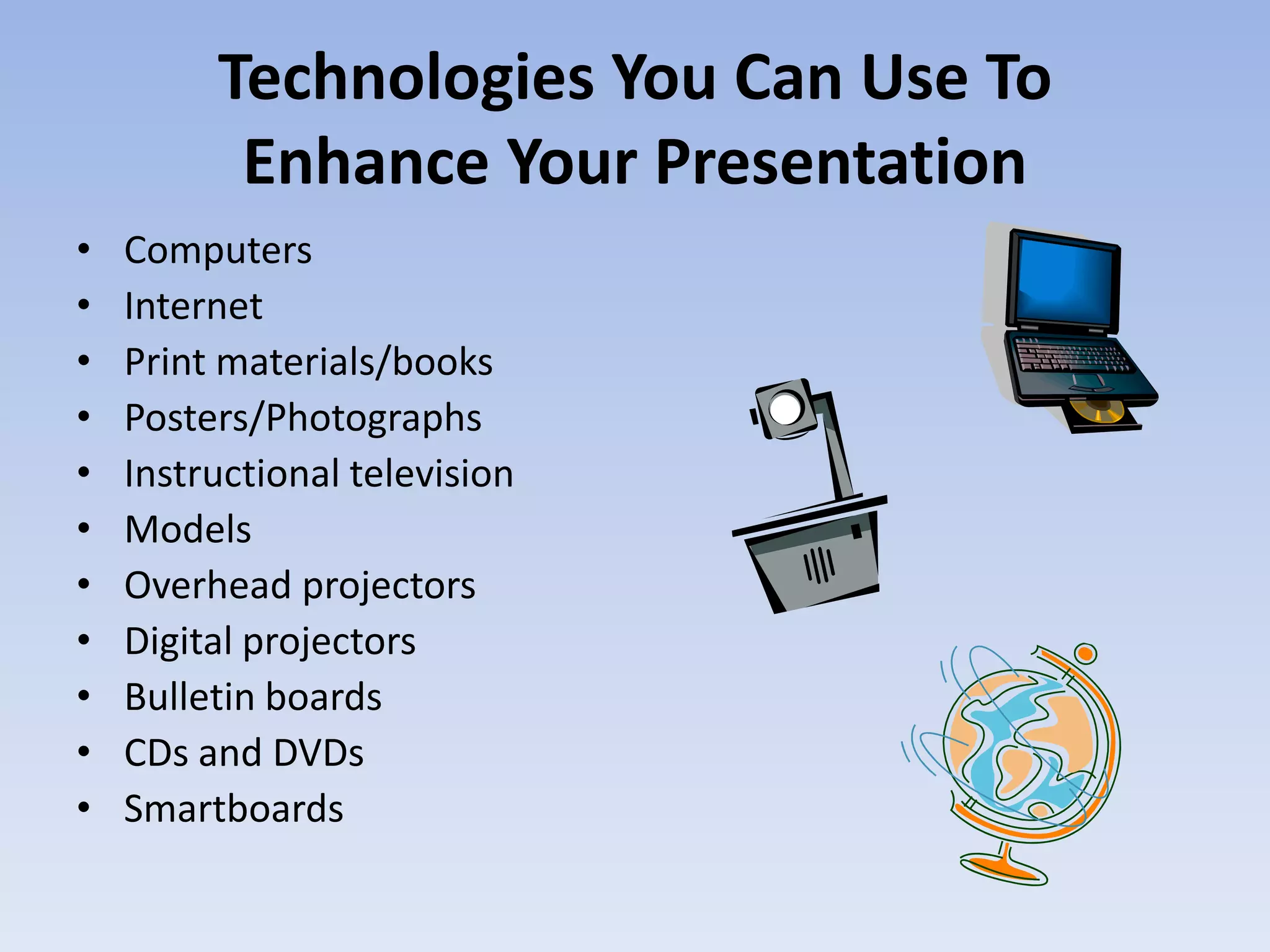
Technologies You Can Use To Enhance Your PresentationComputersInternetPrint materials/booksPosters/PhotographsInstructional televisionModelsOverhead projectorsDigital projectorsBulletin boardsCDs and DVDsSmartboards
Setting Up Your PresentationResearch thoroughly to find the right resources and informationCreate an outline or lesson plan of the material you are presentingOrganize the lesson appropriatelyLeave out any unneeded information. Keep presentations short and to the pointChoose a technology that will best support your presentationAlways leave enough time for questions and answers
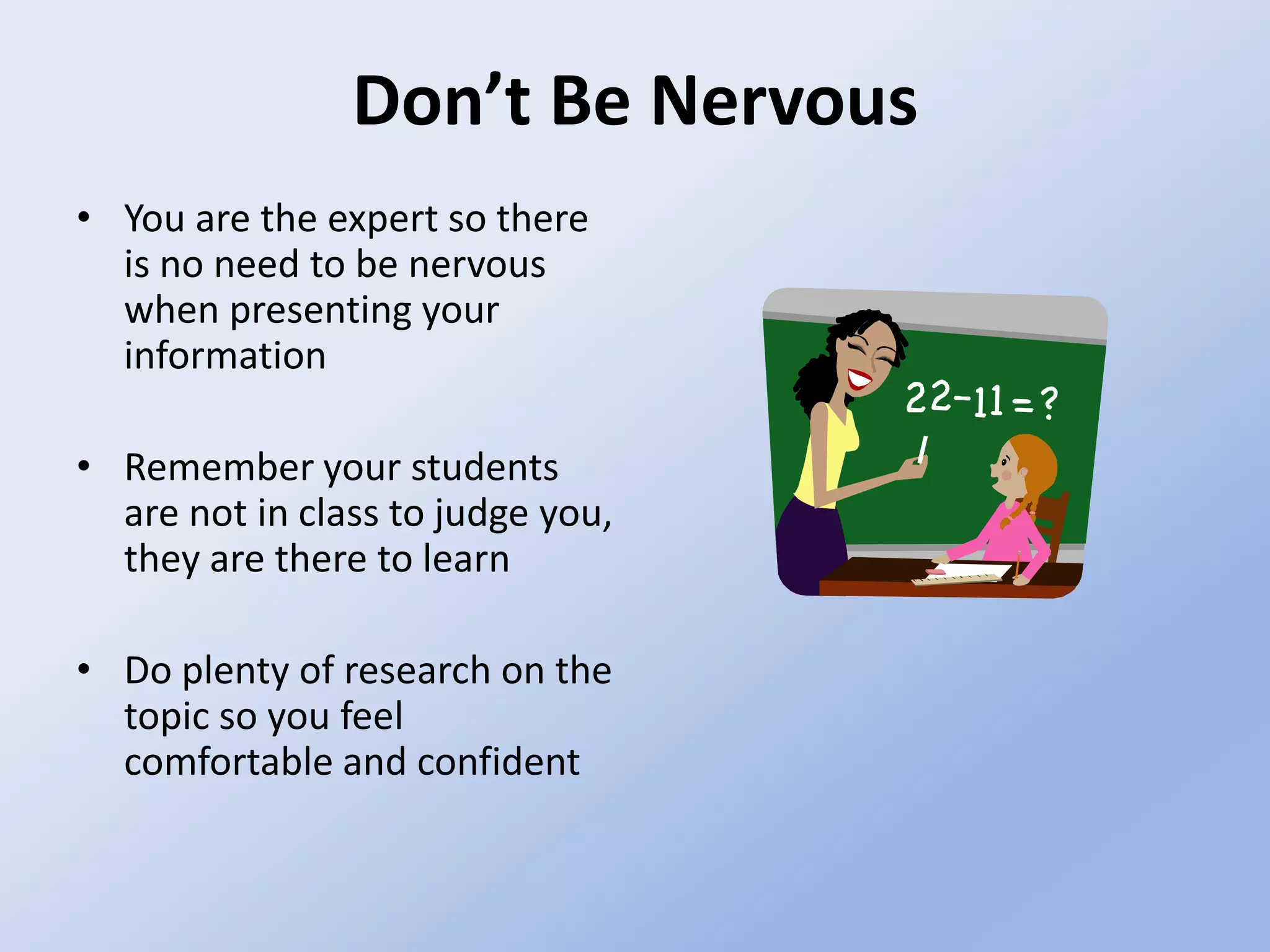
Don’t Be NervousYou are the expert so there is no need to be nervous when presenting your informationRemember your students are not in class to judge you, they are there to learnDo plenty of research on the topic so you feel comfortable and confident
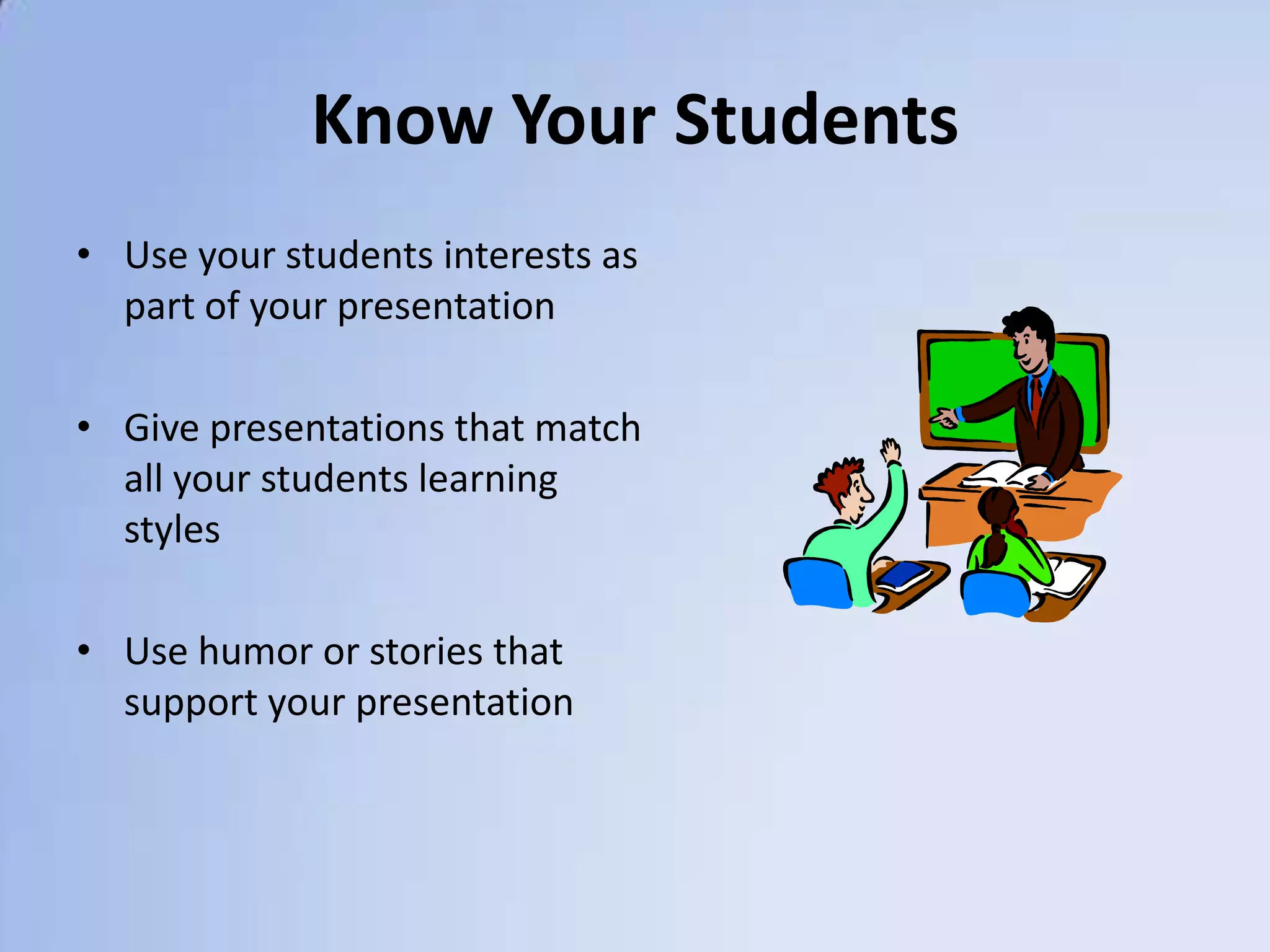
Know Your StudentsUse your students interests as part of your presentationGive presentations that match all your students learning stylesUse humor or stories that support your presentation
ReferencesJukes, Ian. Bringing Down the House: Creating Sensational Knock-Your- Socks Off Presentations: How to Deliver Your Message with Power and Pizzazz. May2005. PDF.Lever-Duffy, Judy. McDonald, Jean B. Teaching and Learning with Technology. Pearson,  2007. Text. 6, 286-311.

Powerful presentation

  • 1.
    How To GiveA Powerful Presentation To Your ClassroomEME2040 Classmates
  • 2.
    Technologies You CanUse To Enhance Your PresentationComputersInternetPrint materials/booksPosters/PhotographsInstructional televisionModelsOverhead projectorsDigital projectorsBulletin boardsCDs and DVDsSmartboards
  • 3.
    Setting Up YourPresentationResearch thoroughly to find the right resources and informationCreate an outline or lesson plan of the material you are presentingOrganize the lesson appropriatelyLeave out any unneeded information. Keep presentations short and to the pointChoose a technology that will best support your presentationAlways leave enough time for questions and answers
  • 4.
    Don’t Be NervousYouare the expert so there is no need to be nervous when presenting your informationRemember your students are not in class to judge you, they are there to learnDo plenty of research on the topic so you feel comfortable and confident
  • 5.
    Know Your StudentsUseyour students interests as part of your presentationGive presentations that match all your students learning stylesUse humor or stories that support your presentation
  • 6.
    ReferencesJukes, Ian. BringingDown the House: Creating Sensational Knock-Your- Socks Off Presentations: How to Deliver Your Message with Power and Pizzazz. May2005. PDF.Lever-Duffy, Judy. McDonald, Jean B. Teaching and Learning with Technology. Pearson, 2007. Text. 6, 286-311.