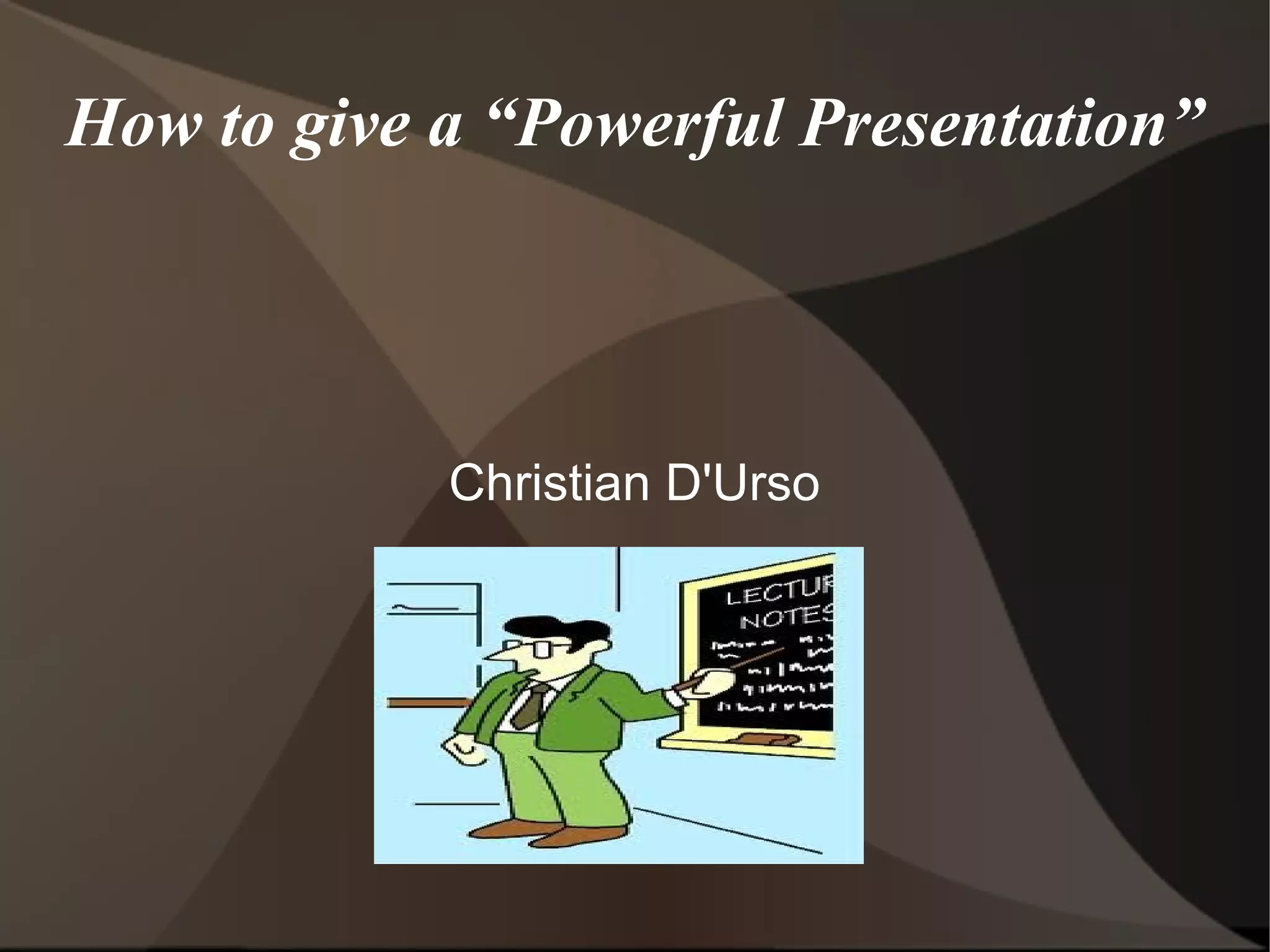
How to give a “Powerful Presentation” Christian D'Urso
Before Presenting Ask yourself “what do you want the students to know at the end?" “ Conduct thorough research to obtain the right information”(Jukes 5) “ Develop an effective opening.”(Jukes 5)- Catch the students attention.
Before Presenting Continued “ Choose a structure”(Jukes 5)- Do want to introduce the information chronologically, level of importance, seperately, etc. Make a rough draft of everything you want to say. Preview your draft and start to cut out any unnecessary information. Make a final draft.
Technology and Methods Use a variety of technology during the presentation. But not to much. Technology can make the presentation more interesting than just standing and talking Use a Digital Projector to display Powerpoints, videos, picture and internet sites. Use PowerPoint to display information about the  subject.
Technology and Methods Continued Allows students to take notes Lecture as well when PowerPoint is up. Add extra information when lecturing. Don't just repeat what the PowerPoint presentation says. Use pictures that are  RELEVANT  to the subject. To many pictures, though, can be distracting.
Continued As well as supplying more  RELEVANT  information on the subject. Use short movies. Longer movies give the students to loose interest. According to,  Teaching and Learning with Technology, “ It is a good idea to prepare your students for viewing by reviewing the concepts the video presents and discussing the objectives of the video and the key ideas it will present.”(Lever-Duffy 309).
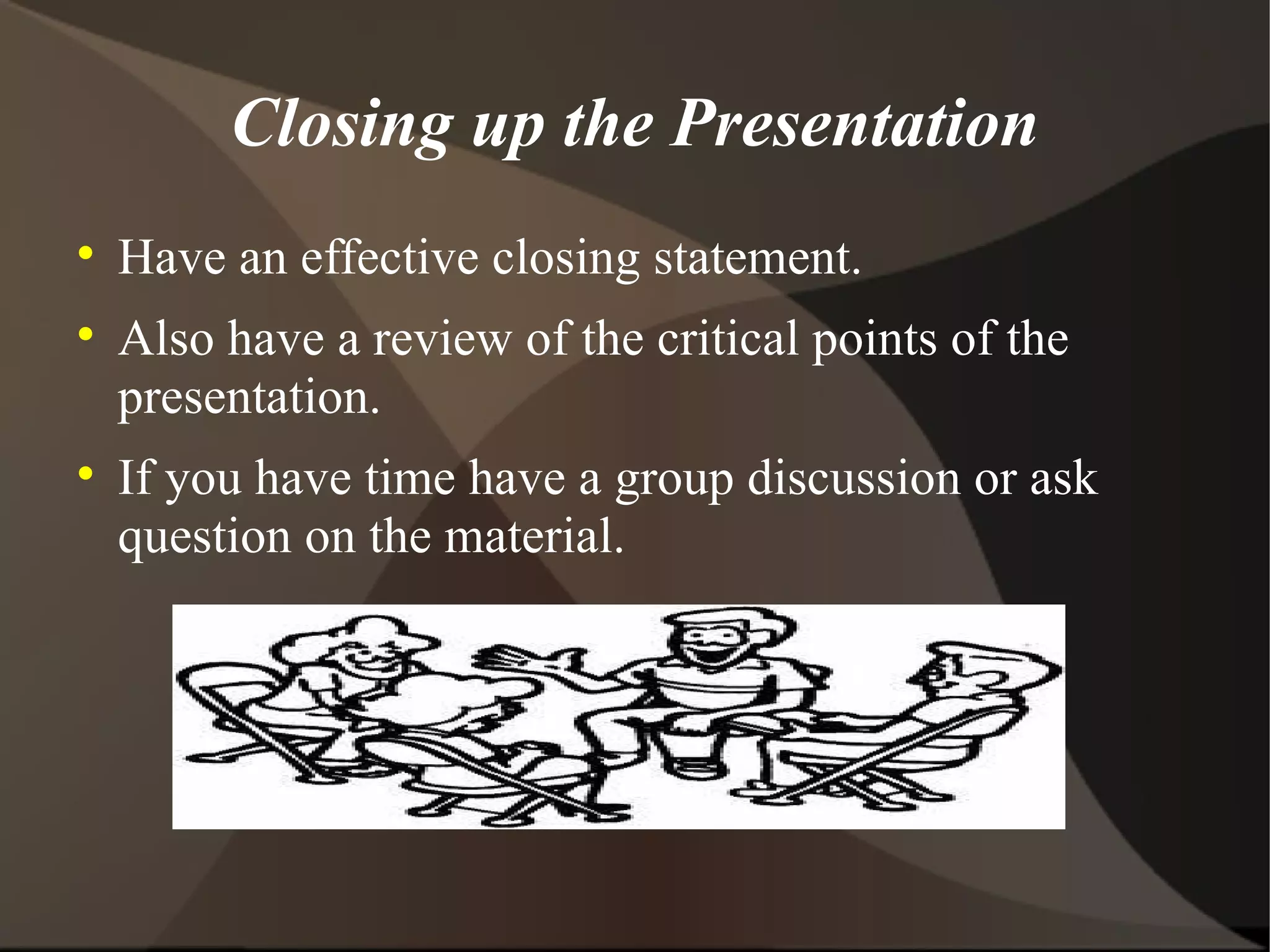
Closing up the Presentation Have an effective closing statement. Also have a review of the critical points of the presentation. If you have time have a group discussion or ask question on the material.
Visual Aids Here is a website that gives you examples of visual aids As well as effective ways to use them And some interesting statistics. http://www.osha.gov/doc/outreachtraining/htmlfiles/traintec.html
References Jukes, Ian.  Bringing Down the House: Creating Sensational Knock-Your-Socks Off Presentations: How to Deliver Your Message with Power and Pizzazz . The InfoSavvy Group, 2005. 46. Lever-Duffy, Judy, and Jean McDonald. Teaching and Learning with Technology. fourth. Boston: Pearson, 2011. 309. Print.

Tech pp

  • 1.
    How to givea “Powerful Presentation” Christian D'Urso
  • 2.
    Before Presenting Askyourself “what do you want the students to know at the end?" “ Conduct thorough research to obtain the right information”(Jukes 5) “ Develop an effective opening.”(Jukes 5)- Catch the students attention.
  • 3.
    Before Presenting Continued“ Choose a structure”(Jukes 5)- Do want to introduce the information chronologically, level of importance, seperately, etc. Make a rough draft of everything you want to say. Preview your draft and start to cut out any unnecessary information. Make a final draft.
  • 4.
    Technology and MethodsUse a variety of technology during the presentation. But not to much. Technology can make the presentation more interesting than just standing and talking Use a Digital Projector to display Powerpoints, videos, picture and internet sites. Use PowerPoint to display information about the subject.
  • 5.
    Technology and MethodsContinued Allows students to take notes Lecture as well when PowerPoint is up. Add extra information when lecturing. Don't just repeat what the PowerPoint presentation says. Use pictures that are RELEVANT to the subject. To many pictures, though, can be distracting.
  • 6.
    Continued As wellas supplying more RELEVANT information on the subject. Use short movies. Longer movies give the students to loose interest. According to, Teaching and Learning with Technology, “ It is a good idea to prepare your students for viewing by reviewing the concepts the video presents and discussing the objectives of the video and the key ideas it will present.”(Lever-Duffy 309).
  • 7.
    Closing up thePresentation Have an effective closing statement. Also have a review of the critical points of the presentation. If you have time have a group discussion or ask question on the material.
  • 8.
    Visual Aids Hereis a website that gives you examples of visual aids As well as effective ways to use them And some interesting statistics. http://www.osha.gov/doc/outreachtraining/htmlfiles/traintec.html
  • 9.
    References Jukes, Ian. Bringing Down the House: Creating Sensational Knock-Your-Socks Off Presentations: How to Deliver Your Message with Power and Pizzazz . The InfoSavvy Group, 2005. 46. Lever-Duffy, Judy, and Jean McDonald. Teaching and Learning with Technology. fourth. Boston: Pearson, 2011. 309. Print.