Time Saving Tips
 When Teaching Online
Jim Marteney
Distance Education Trainer
Teaching
  Online
Takes Time
The Right
Tools Save
  Time
Get a
Laptop
Or an iPad
or, an
iPhone
MOBILE DEVICES
 Defined by Penn State University
MOBILE DEVICES
      Defined by Penn State University


A Device That Is:
MOBILE DEVICES
      Defined by Penn State University


A Device That Is:

      Portable
MOBILE DEVICES
      Defined by Penn State University


A Device That Is:

      Portable

      Always On
MOBILE DEVICES
      Defined by Penn State University


A Device That Is:

      Portable

      Always On

      Always Connected
INTRODUCING
INTRODUCING
IPHONE
 ICON
IPHONE
 ICON
YOUR LOG
IN SCREEN
YOUR LOG
IN SCREEN
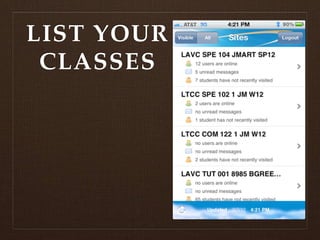
LIST YOUR
 CLASSES
But,
If you prefer
    using a
   desktop
  computer
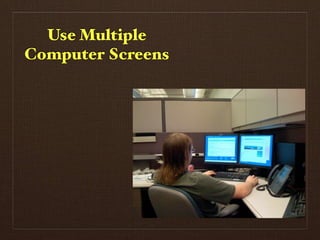
Use Multiple
Computer Screens
Use Multiple
Computer Screens
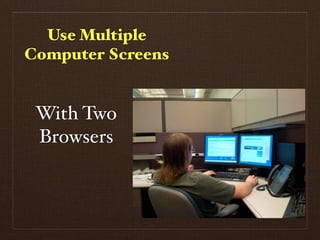
Use Multiple
Computer Screens


 With Two
 Browsers
If two is good.....
If two is good.....
Why stop there?
Why stop there?
Strategies:
   To save
time during
     the
  semester
Key:
Do as much
as you can
 ahead of
   time!
Key:
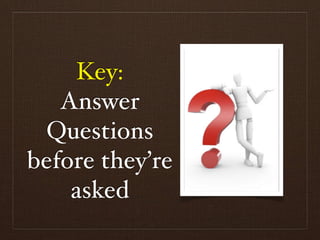
   Answer
 Questions
before they’re
    asked
Begins
Before the
Class Starts
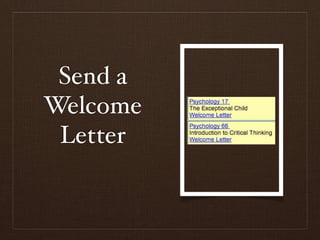
Send a
Welcome
 Letter
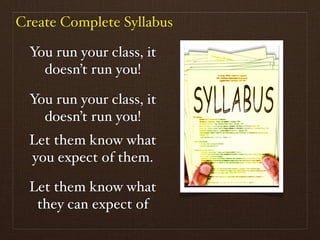
Create Complete Syllabus

  You run your class, it
    doesn’t run you!

  You run your class, it
    doesn’t run you!
  Let them know what
  you expect of them.

  Let them know what
   they can expect of
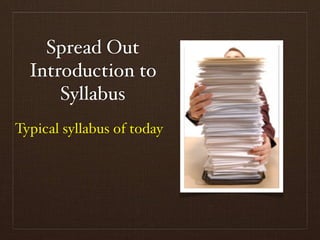
Spread Out
  Introduction to
      Syllabus
Typical syllabus of today
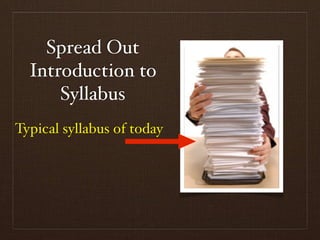
Spread Out
  Introduction to
      Syllabus
Typical syllabus of today
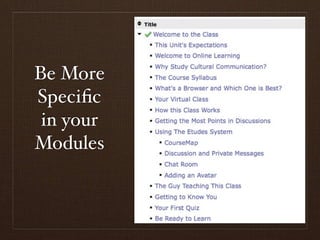
Be More
Specific
 in your
Modules
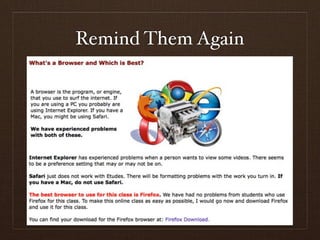
Remind Them Again
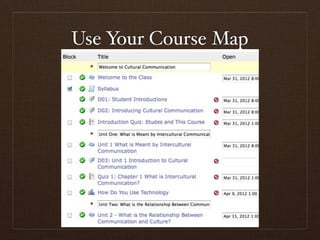
Use Your Course Map
Automate
Everything
Automate
Everything
 Modules
Automate
Everything
 Modules
Discussions
Automate
Everything
 Modules
Discussions
Assignments
Automate
Everything
   Modules
 Discussions
 Assignments
Announcements
Over Write
Instructions
Over Write
Instructions
We cannot clean up
online as easily as we
     can in class.
Over Write
 Instructions
 We cannot clean up
 online as easily as we
      can in class.

    So guess what
questions will be asked.
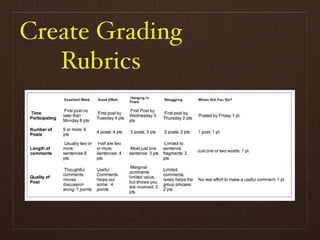
Create Grading
   Rubrics
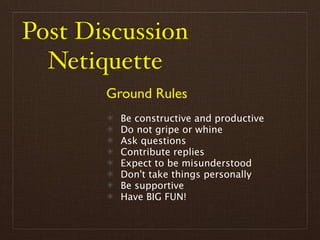
Post Discussion
  Netiquette
       Ground Rules
         Be constructive and productive
         Do not gripe or whine
         Ask questions
         Contribute replies
         Expect to be misunderstood
         Don't take things personally
         Be supportive
         Have BIG FUN!
During
  Class
Strategies
First Week of Class
Introduce Students
 to How You Will
 Teach Your Class
Focus on How the
  Class Works
 Have Students Try
 The Class Features
  Build Trust and
   Community
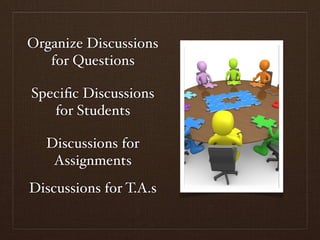
Organize Discussions
   for Questions

Specific Discussions
   for Students

  Discussions for
   Assignments
Discussions for T.A.s
Preview
Each Week
Review
Each Week
Remember:
The more times
    a student
  can “bump”
       into
 information,
   the better.
Keep Track of
Repeating Questions


Keep Track of
Problems and
Ways to improve
Use the Bookmark Feature
Reduce
Redundant
Questions
Dedicated Question
 Discussion Board

 Use Students to
Answer Questions

  Builds Learning
   Community
Online Office
   Hours

By Using The
Chat Function
Can Stagger Times
Can Stagger Times

Can focus on a class
       topic
Can Stagger Times

Can focus on a class
       topic

Don’t Feel Bad If No
  One Shows Up
Use Announcements

      Change
   Announcements
       Often

 Make them Friendly

       Target
  Announcements to
   Specific Groups
Clear
Grading
Criteria
Use Grading
 Shortcuts
It is OK to
Reuse Good
 Answers
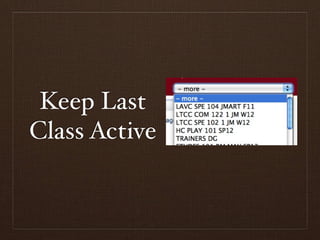
Keep Last
Class Active
Remember:
Be Nice and Be
    Patient.
What is clear to
you may not be
clear to others.
Remember:
 There will be
  less and less
 problems the
more you teach
   your class.
Above All

Enjoy your
 classes
Thank You

Timesaving Tips for an Online Course