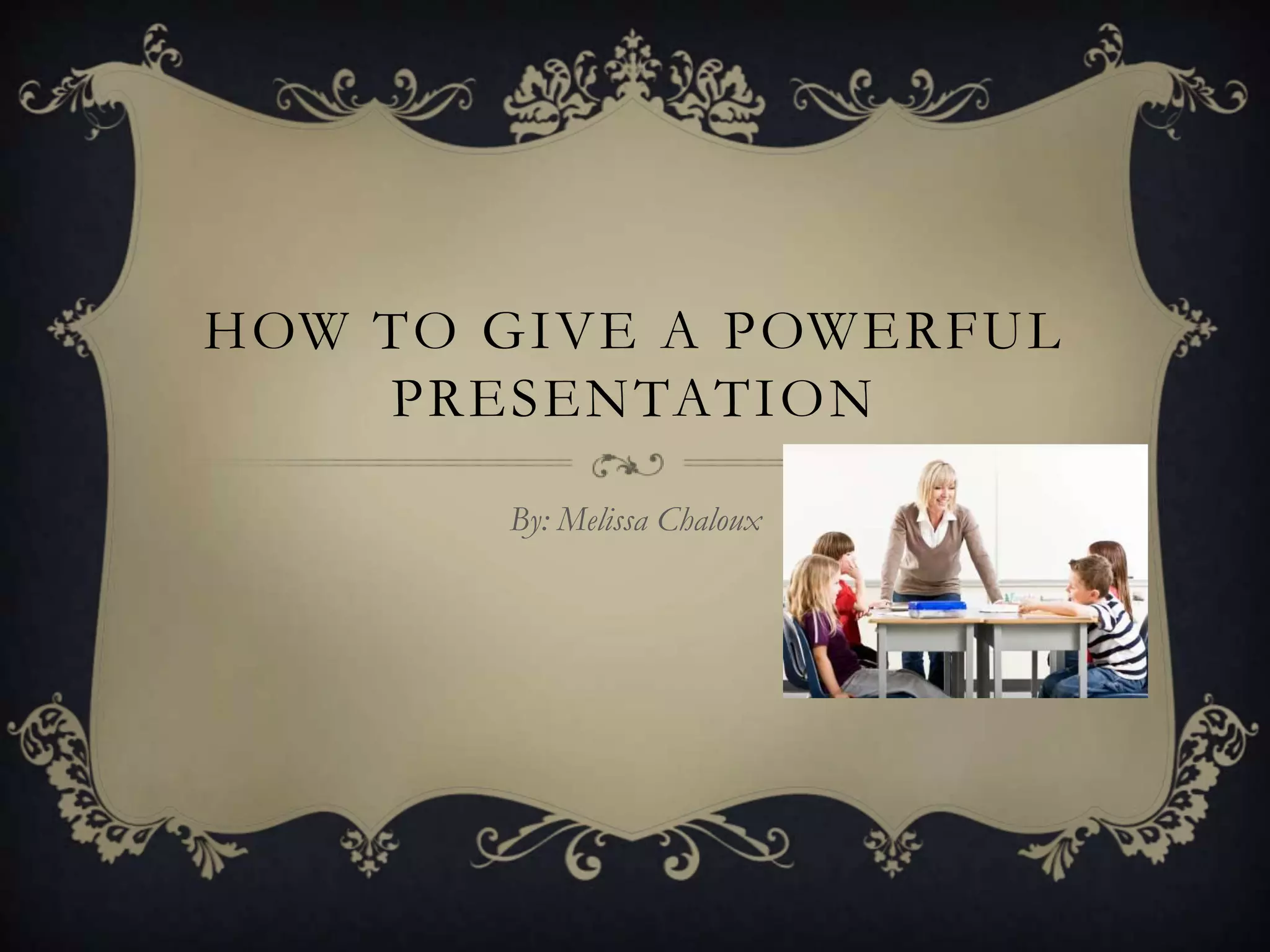
HOW TO GIVE A POWERFUL
    PRESENTATION

       By: Melissa Chaloux
KEEP THE END IN MIND,
     IN THE BEGINNING

Before even giving a presentation, ask yourself
what you would like your students to learn from
this.

 Think of a single theme mission statement.
RESEARCH

● It helps to make an outline before
giving a presentation, so you don’t forget
or leave out anything.

● It also helps so you are well aware of
what you want your

objectives to be.
GIVE A KILLER INTRO

 ● Your intro needs to be big, to capture the student's attention.

 ● Try using a song or a short video clip about your subject
ORGANIZE EVERYTHING

 When explaining a series of events, or when something
happened, make sure it is explained in your presentation
sequentially.

    If you are speaking about cause and effect, you can speak
more casually.

    Having your presentation organized properly will allow the
viewers to be able to follow it easily and absorb the information.
REPEAT, REPEAT,REPEAT

Repetition is a great way to reinforce material.

● Your repetitive points should be given in both
the introduction and the conclusion.

● Be sure to change up the wording, you want to
keep your main focus fresh yet familiar.
TECHNOLOGY YOU CAN
            USE

 ● Electronic Whiteboards

● These convert whiteboard images and text into computer
files.

● Electronic whiteboards allow you to work interactively with
your

classroom's displays and save or print for future reference.

Think about what in your classroom is readily available as
well.
WHY I LOVE ELECTRONIC
      WHITEBOARDS


 http://www.squidoo.com/electronic-whiteboards-presentation
TIPS

 http://www.youtube.com/watch?v=NrwziH1nFi8
CITATION

 Lever-Duffy Judy, Teaching and Learning with Technology, Fourth
Edition.

 Jukes, Ian. “Powerful presentations. “Bringing Down the House:
Creating Sensational Knock-your-socks-off presentations(2005)Web
February 11 2012.

How to give a powerful presentation

  • 1.
    HOW TO GIVEA POWERFUL PRESENTATION By: Melissa Chaloux
  • 2.
    KEEP THE ENDIN MIND, IN THE BEGINNING Before even giving a presentation, ask yourself what you would like your students to learn from this.  Think of a single theme mission statement.
  • 3.
    RESEARCH ● It helpsto make an outline before giving a presentation, so you don’t forget or leave out anything. ● It also helps so you are well aware of what you want your objectives to be.
  • 4.
    GIVE A KILLERINTRO  ● Your intro needs to be big, to capture the student's attention.  ● Try using a song or a short video clip about your subject
  • 5.
    ORGANIZE EVERYTHING  Whenexplaining a series of events, or when something happened, make sure it is explained in your presentation sequentially.  If you are speaking about cause and effect, you can speak more casually.  Having your presentation organized properly will allow the viewers to be able to follow it easily and absorb the information.
  • 6.
    REPEAT, REPEAT,REPEAT Repetition isa great way to reinforce material. ● Your repetitive points should be given in both the introduction and the conclusion. ● Be sure to change up the wording, you want to keep your main focus fresh yet familiar.
  • 7.
    TECHNOLOGY YOU CAN USE  ● Electronic Whiteboards ● These convert whiteboard images and text into computer files. ● Electronic whiteboards allow you to work interactively with your classroom's displays and save or print for future reference. Think about what in your classroom is readily available as well.
  • 8.
    WHY I LOVEELECTRONIC WHITEBOARDS  http://www.squidoo.com/electronic-whiteboards-presentation
  • 9.
  • 10.
    CITATION  Lever-Duffy Judy,Teaching and Learning with Technology, Fourth Edition.  Jukes, Ian. “Powerful presentations. “Bringing Down the House: Creating Sensational Knock-your-socks-off presentations(2005)Web February 11 2012.