Powerful Presentations By: Danielle Sabella
BASIC COMPONENTS As an educator it is important to create a presentation that will both enrich and entertain using age appropriate tools.  An enthusiastic voice will arouse curiosity and interest in students.  Interactive presentations are an excellent way to involve students. Auditory, visual, and (if possible) hands on presentations work best in a classroom setting because it includes all learners.  A short “quiz” which could be a simple matching activity after the presentation challenges students to pay attention throughout the presentation. Consistency is crucial.  Students will recognize patterns and similarities which helps them relate to their own lives.  Using appropriate technologies is important for advancement.
Students learn differently! Students learn and progress differently.  It is very important to be aware of this when teaching the class as whole.  Some students learn best with visuals such as pictures on the walls, books, cartoon images, etc.  They sensory they respond to well to is bright colors and lots to look at! Other students will respond successfully to auditory, or hearing.  Using sounds or animal noises in a presentation is a good tool to reach auditory students.  Hands on learners enjoy textures.  Using hand outs during a presentation works well.
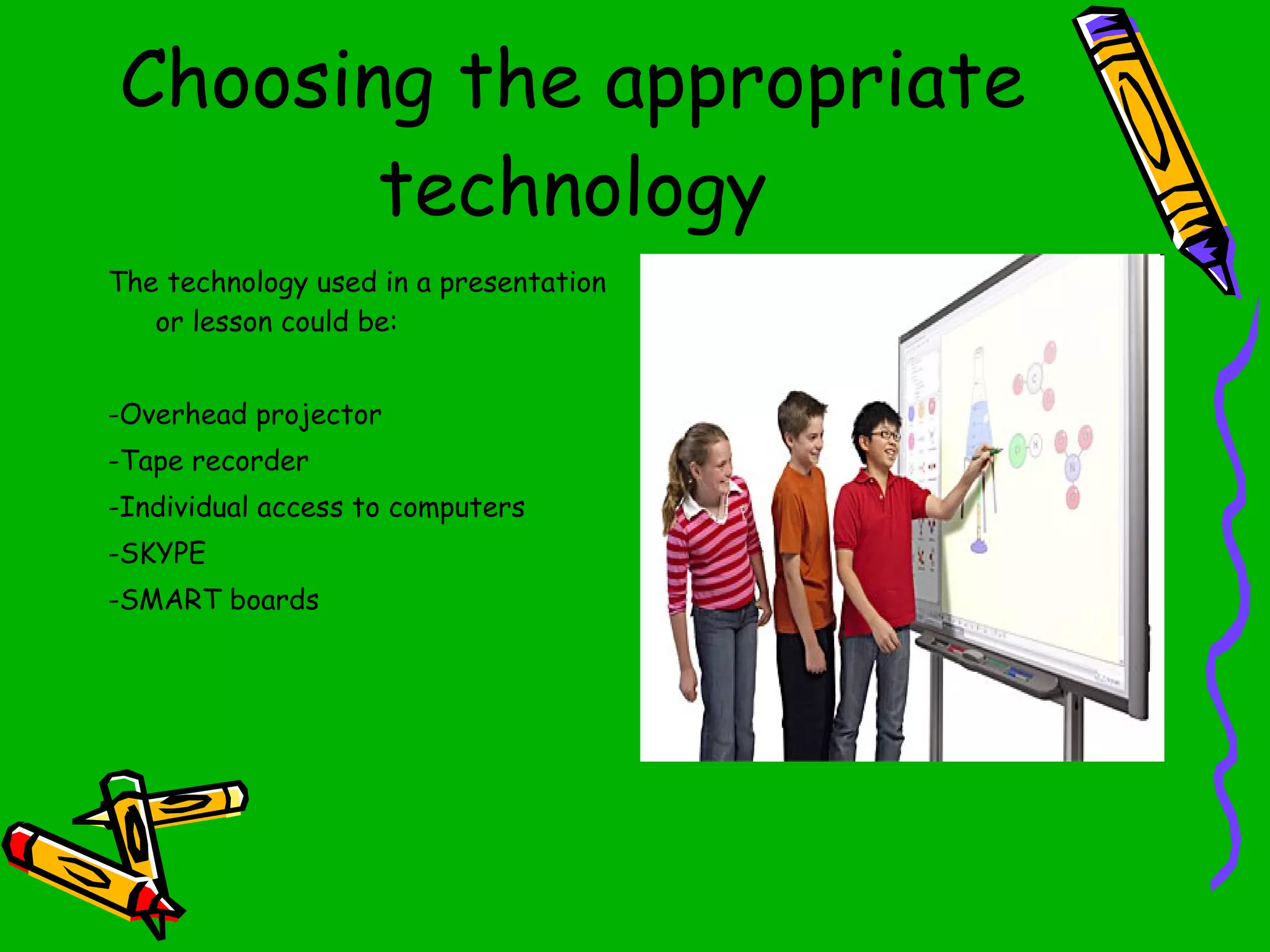
Choosing the appropriate technology The technology used in a presentation or lesson could be: -Overhead projector -Tape recorder -Individual access to computers -SKYPE -SMART boards
Staying current As technology advances so does opportunities for growth in the classroom.  Here is a list of some great websites to follow technology advances: http://www.ncrel.org/sdrs/areas/issues/methods/technlgy/te800.htm http://www.netop.com/fileadmin/netop/resources/products/education/vision/whitepapers/Vision6_Whitepaper_Classroom%20Management_EN_Print_NRB.pdf http://www.wcer.wisc.edu/news/coverstories/new_technology_advances_research.php
Mental checklist Order is just as important as material.  As a teacher you should have the presentation well prepared ahead of time.  Mentally, or on paper have a checklist on what needs to be covered during the presentation.  A sample outline may include: Opening Slide show (using smart board) Interactive activity (in partners or small groups) Conclusion (touch up on important points) “ Quiz” matching activity
Peer to Peer Students can get antsy if they sit for too long during a presentation, so it is wise to have breaks which allow students to work in groups on the topic at hand. For example : A 2 nd  grade lesson on underwater life.  You could start with pictures and sounds of major sea life categories and break into a few small ones.  Then pair your students off and have them choose their favorite animal and use the internet to research a few fun facts about that creature. The internet is a great tool for students to explore on their own.
Just to review… Speak slowly Make eye contact Have activities ready to hand out Allow time for group assignments Use proper tools (smart board, etc) Use consistent visuals STAY on topic! The younger the class, the more important it is to repeat important points
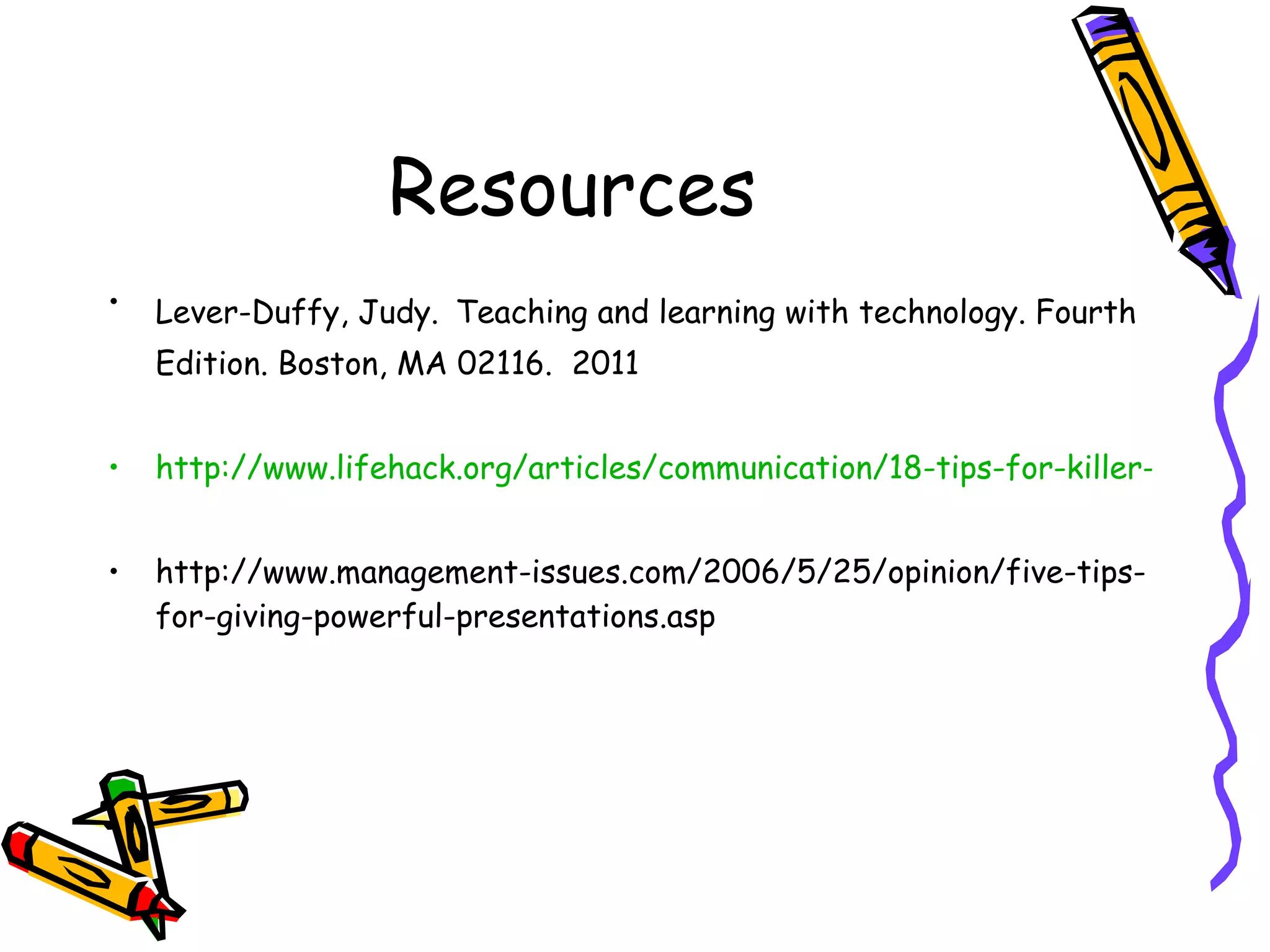
Resources Lever-Duffy, Judy.   Teaching and learning with technology. Fourth Edition. Boston, MA 02116.  2011 http://www.lifehack.org/articles/communication/18-tips-for-killer-presentations.html http://www.management-issues.com/2006/5/25/opinion/five-tips-for-giving-powerful-presentations.asp

Powerful presentations

  • 1.
  • 2.
    BASIC COMPONENTS Asan educator it is important to create a presentation that will both enrich and entertain using age appropriate tools. An enthusiastic voice will arouse curiosity and interest in students. Interactive presentations are an excellent way to involve students. Auditory, visual, and (if possible) hands on presentations work best in a classroom setting because it includes all learners. A short “quiz” which could be a simple matching activity after the presentation challenges students to pay attention throughout the presentation. Consistency is crucial. Students will recognize patterns and similarities which helps them relate to their own lives. Using appropriate technologies is important for advancement.
  • 3.
    Students learn differently!Students learn and progress differently. It is very important to be aware of this when teaching the class as whole. Some students learn best with visuals such as pictures on the walls, books, cartoon images, etc. They sensory they respond to well to is bright colors and lots to look at! Other students will respond successfully to auditory, or hearing. Using sounds or animal noises in a presentation is a good tool to reach auditory students. Hands on learners enjoy textures. Using hand outs during a presentation works well.
  • 4.
    Choosing the appropriatetechnology The technology used in a presentation or lesson could be: -Overhead projector -Tape recorder -Individual access to computers -SKYPE -SMART boards
  • 5.
    Staying current Astechnology advances so does opportunities for growth in the classroom. Here is a list of some great websites to follow technology advances: http://www.ncrel.org/sdrs/areas/issues/methods/technlgy/te800.htm http://www.netop.com/fileadmin/netop/resources/products/education/vision/whitepapers/Vision6_Whitepaper_Classroom%20Management_EN_Print_NRB.pdf http://www.wcer.wisc.edu/news/coverstories/new_technology_advances_research.php
  • 6.
    Mental checklist Orderis just as important as material. As a teacher you should have the presentation well prepared ahead of time. Mentally, or on paper have a checklist on what needs to be covered during the presentation. A sample outline may include: Opening Slide show (using smart board) Interactive activity (in partners or small groups) Conclusion (touch up on important points) “ Quiz” matching activity
  • 7.
    Peer to PeerStudents can get antsy if they sit for too long during a presentation, so it is wise to have breaks which allow students to work in groups on the topic at hand. For example : A 2 nd grade lesson on underwater life. You could start with pictures and sounds of major sea life categories and break into a few small ones. Then pair your students off and have them choose their favorite animal and use the internet to research a few fun facts about that creature. The internet is a great tool for students to explore on their own.
  • 8.
    Just to review…Speak slowly Make eye contact Have activities ready to hand out Allow time for group assignments Use proper tools (smart board, etc) Use consistent visuals STAY on topic! The younger the class, the more important it is to repeat important points
  • 9.
    Resources Lever-Duffy, Judy. Teaching and learning with technology. Fourth Edition. Boston, MA 02116. 2011 http://www.lifehack.org/articles/communication/18-tips-for-killer-presentations.html http://www.management-issues.com/2006/5/25/opinion/five-tips-for-giving-powerful-presentations.asp