Pecha Kucha
    Exploring Digsby as a PIM tool
Presented by Stephanie L. Gross, MLS
 METRO Thursday, March 11th, 2010
What do I organize?
 SocialMedia
 Instant Messaging (IM & Chat)

 Email
Social Media
 Facebook

 LinkedIn

 MySpace

 Twitter
Instant Messaging
 Digsby   has built-in Meebo widget
 Also provides for Google/Yahoo, etc.
  Chat
 Trillian and Pidgeon on hormones
Personal Use
 So  far, not for mobile reference @ YU
 Main interest: Keeping abreast of
  edu-tech trends and technology
  [SLG]
 Alternate with Google Reader AND

 RSS feeds to email

 Listservs: Copyright, electronic
  reserves (not on s/media sites)
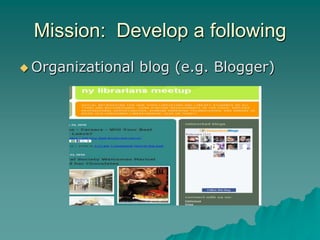
Mission: Develop a following
 Organizational   blog (e.g. Blogger)
Be a critical follower
 Twitter  microblog most popular
 Follow “mavens”

 Blogs, listservs, wikis

 No pressure to converse with all

 Answer occasional email query or
  Twitter DM (Direct Message)
 Post answers on LinkedIn
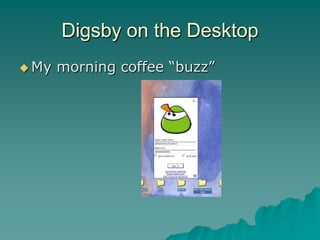
Digsby on the Desktop
 My   morning coffee “buzz”
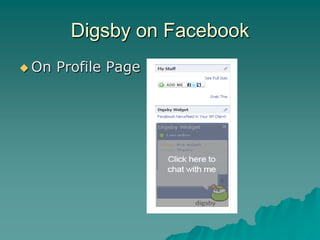
Digsby on Facebook
 On   Profile Page
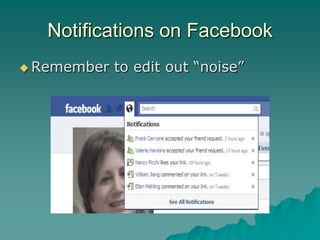
Notifications on Facebook
 Remember   to edit out “noise”
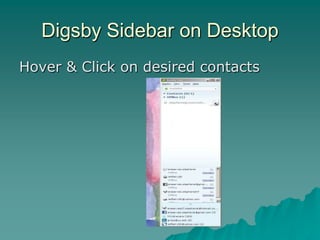
Digsby Sidebar on Desktop
Hover & Click on desired contacts
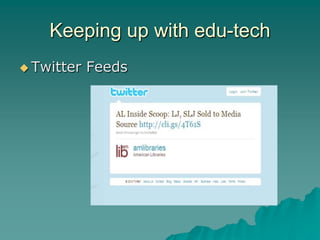
Keeping up with edu-tech
 Twitter   Feeds
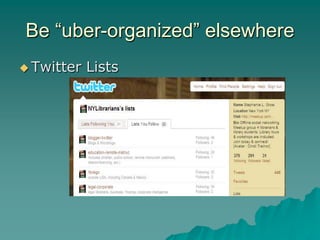
Be “uber-organized” elsewhere
 Twitter   Lists
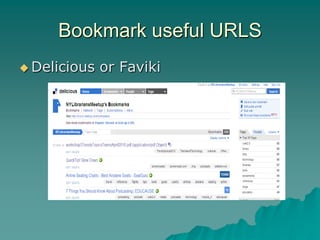
Bookmark useful URLS
 Delicious   or Faviki
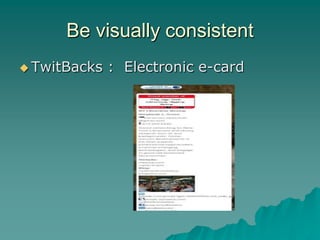
Be visually consistent
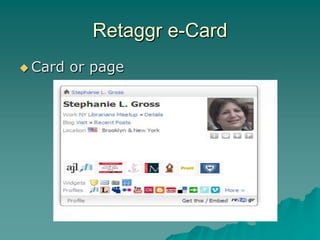
 TwitBacks   : Electronic e-card
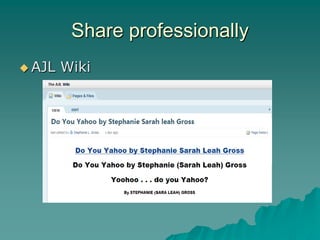
Share professionally
 AJL   Wiki
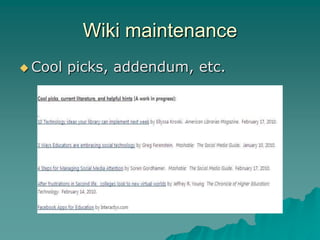
Wiki maintenance
 Cool   picks, addendum, etc.
Instant messaging and Chat
 Remember    “Netiquette”
 Chat to touch bases for quick
  consult.
 Use email for longer discussions.
 IM useful for working with groups.
  Helpful for keeping in touch with
  members (NYLM 430+). Personal
  touch.
Time Management
 Know   when to use Digsby & when
  NOT to
 Literature (Mashable 2010) suggests
  the more we multi-task, the worse
  we become
 Alternate between email alerts & RSS
  feeds and Digsby.
 Set aside time during day/week.
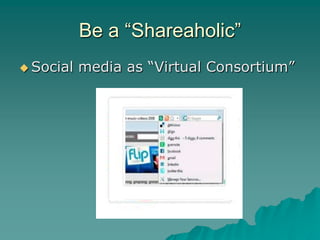
Be a “Shareaholic”
 Social   media as “Virtual Consortium”
Retaggr e-Card
 Card   or page

Pecha Kucha draft