Microsoft Excel
2007
-simply a row and column data
used to enter, calculate
manipulate, and analyze
numbers.
Parts of
Microsoft Excel
2007
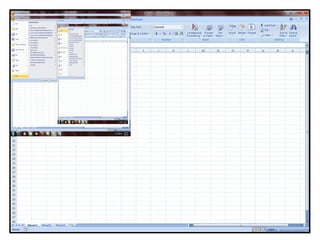
Microsoft Office
Button
-this button allows you to create a
new workbook, Open an existing
workbook, save and save as,
print, send, or close.
Quick Access Toolbar
-is a customizable toolbar that contains
commands that you may want to use.
Title Bar
- It indicates the name of your file
and the name of the program.
Minimize, Restore, Close
Button
Ribbon
-The ribbon is the panel at the top portion
of the document
Tab
-consist of Home, Insert, Page
Layout, Formulas, Data,
Review, View and Developer
Command Group
-are logical collections of features
designed to perform function that you
will utilize in developing or editing your
spreadsheets
Commands
-tools that you can use in your
spread sheet
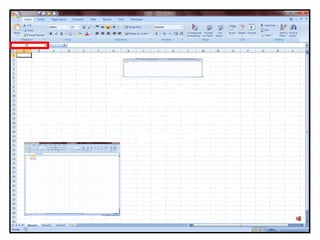
Name Box
-displays the cell reference for the
active cell
Formula Bar
-displays the content of an active
cell
Column Letter
-identified by letters in the
alphabet
Row Number
-identified by numbers
Cell
-the point at which a column and a
row intersects or meets
Active Cell
-cell in which you are currently
working
Fill Handle
-it can use to easily copy the data
by dragging it
Grid Lines
-it serve as the
division of the
cell.
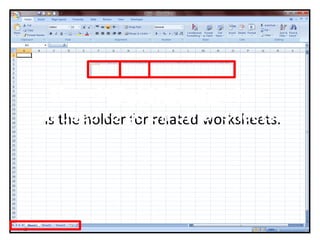
Workbook
-is the holder for related worksheets.
WorksheetSheet Tab Navigator
-it used to go on other sheets
Horizontal & Vertical
Scroll Bar
-Shifts text vertically and horizontally
on the screen so you can see
different parts of the spreadsheet.
Status Bar
-Provides information regarding the
status of the document
View Choices
-Switch the document between five
different views:slide show, slide sorter
and normal view
Zoom
-you can view your spreadsheet
larger or smaller.

Partsofexcel