Is an office tool that makes it easy
for professionals and students alike
to access, analyze and organize data.
SPREADSHEET
MS Office Excel
Is used to organize numbers and other
bookkeeping in data accounting
worksheets.
HOW TO OPEN EXCEL 2007
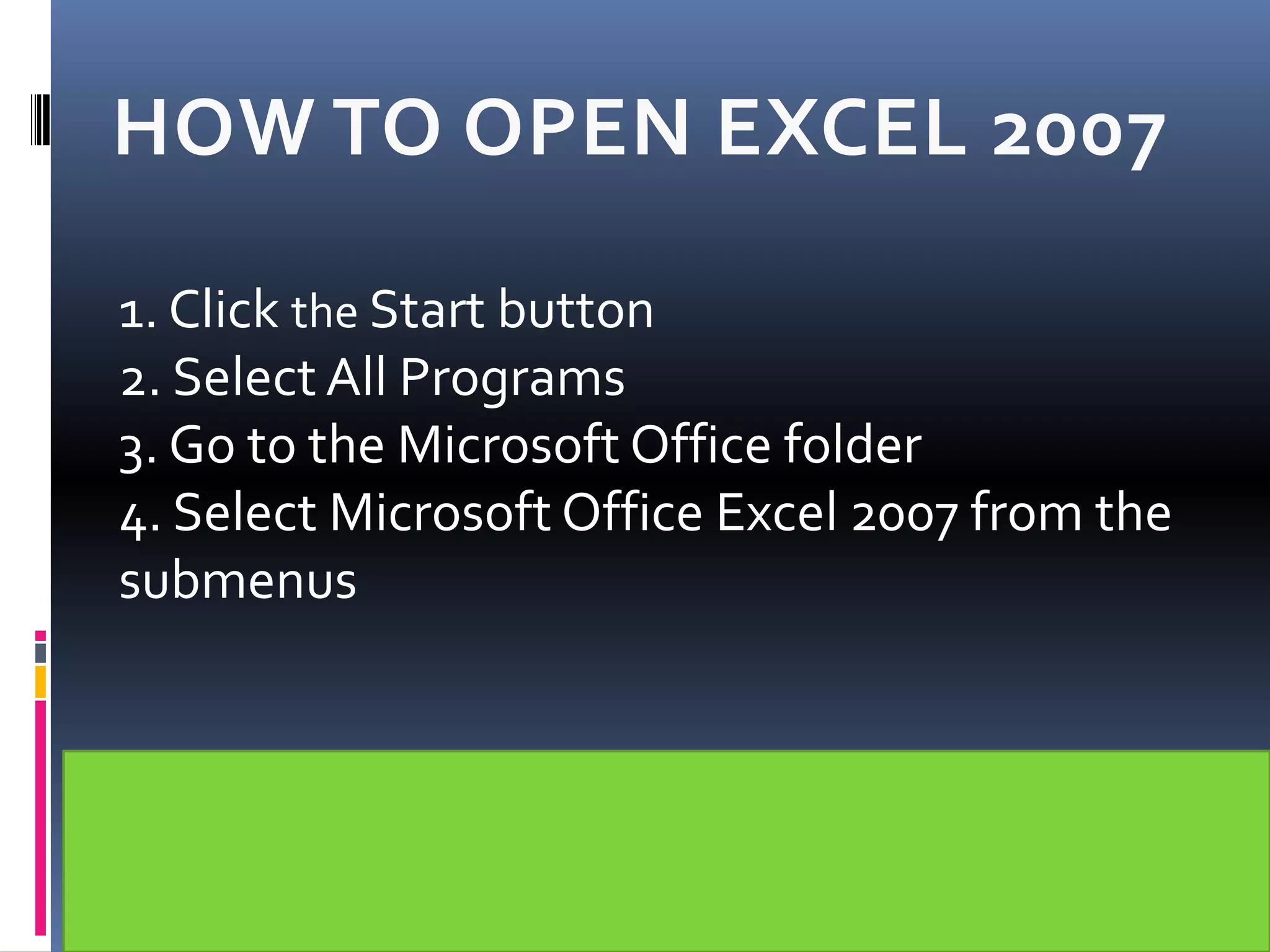
1. Click the Start button
2. Select All Programs
3. Go to the Microsoft Office folder
4. Select Microsoft Office Excel 2007 from the
submenus
PARTS OF THE EXCEL WINDOW
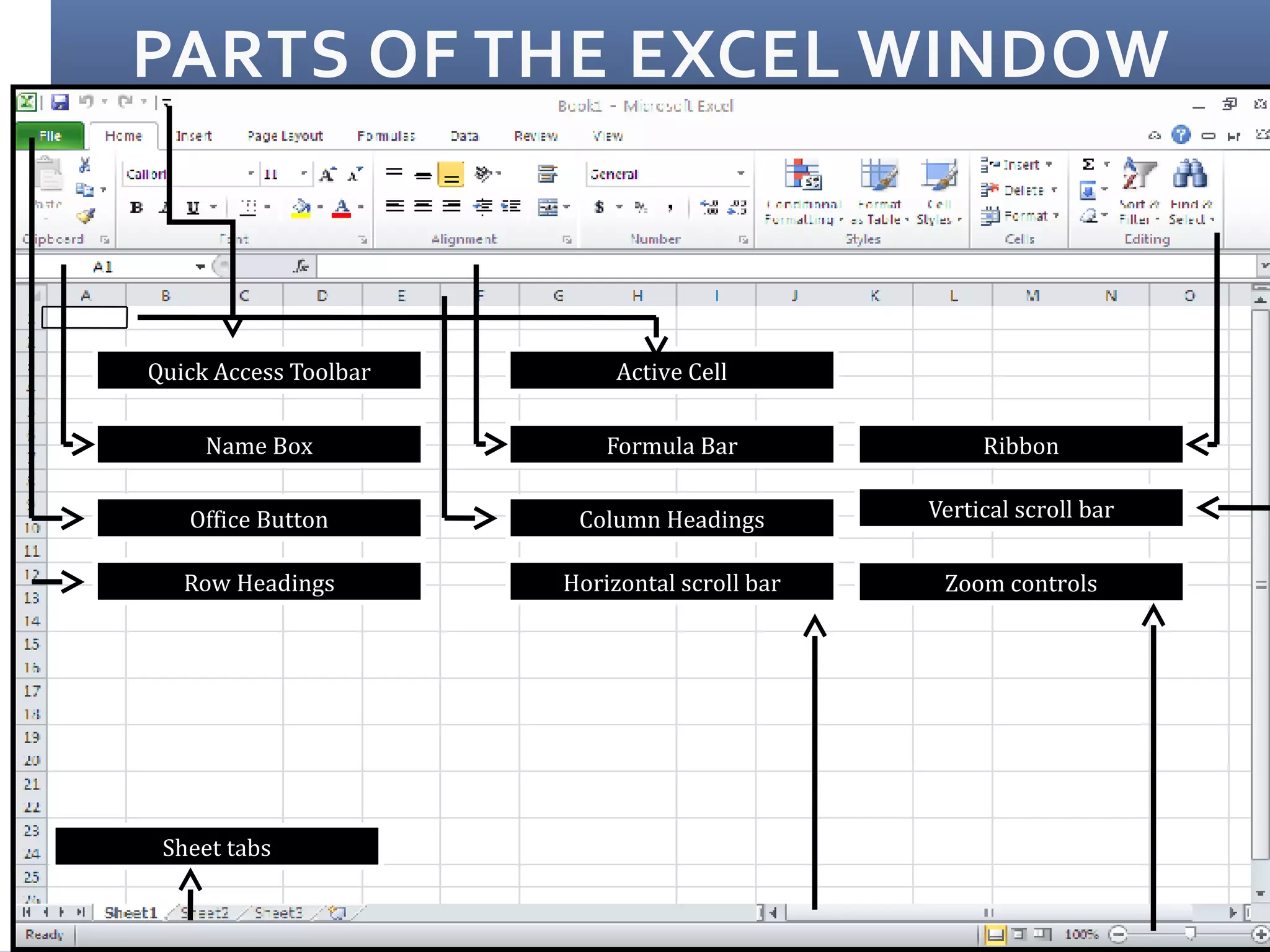
Quick Access Toolbar
Name Box
Office Button
Row Headings
Active Cell
Formula Bar
Column Headings
Horizontal scroll bar
Sheet tabs
Ribbon
Vertical scroll bar
Zoom controls
FUNCTION
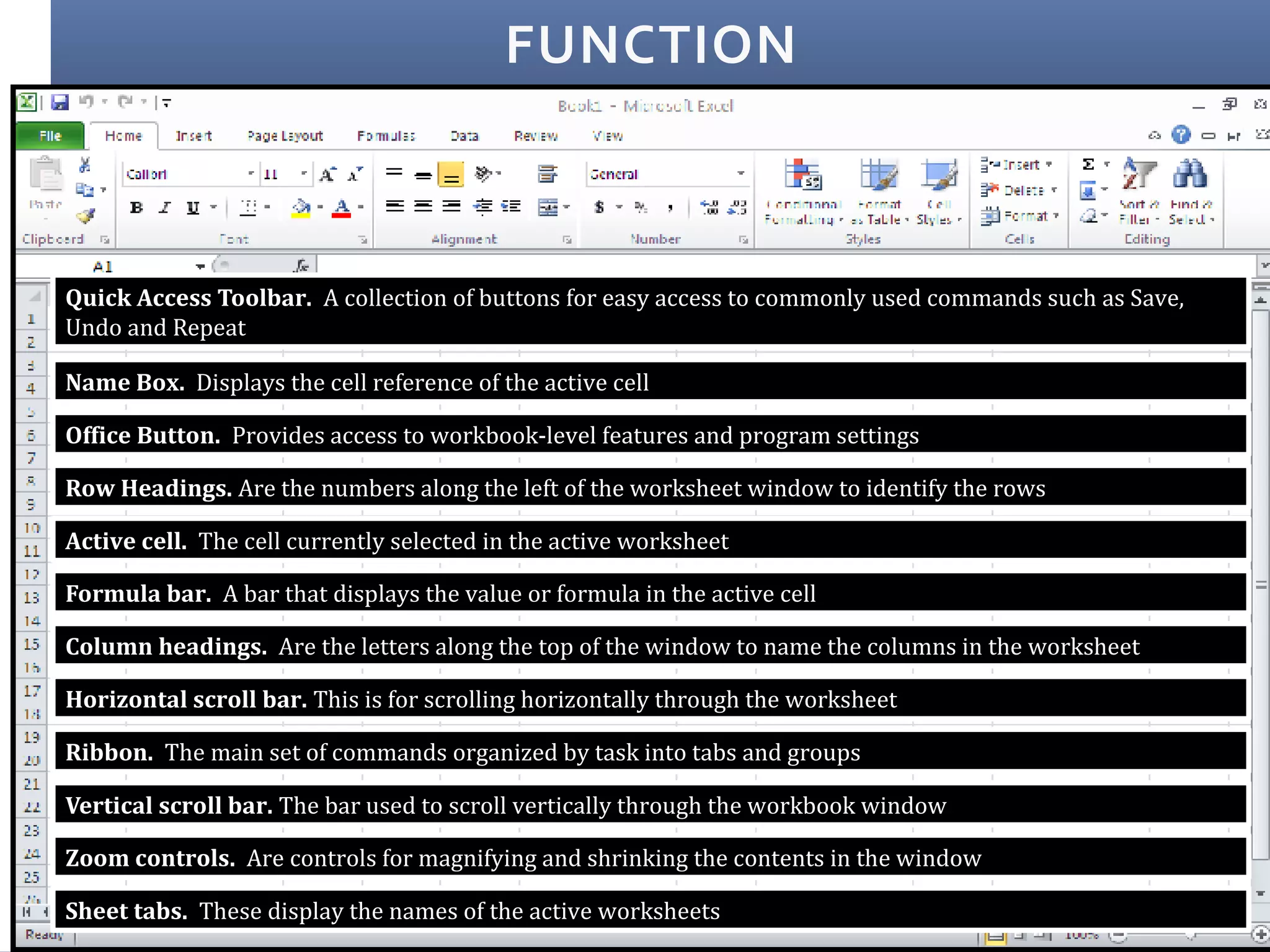
Quick Access Toolbar. A collection of buttons for easy access to commonly used commands such as Save,
Undo and Repeat
Name Box. Displays the cell reference of the active cell
Office Button. Provides access to workbook-level features and program settings
Row Headings. Are the numbers along the left of the worksheet window to identify the rows
Active cell. The cell currently selected in the active worksheet
Formula bar. A bar that displays the value or formula in the active cell
Column headings. Are the letters along the top of the window to name the columns in the worksheet
Horizontal scroll bar. This is for scrolling horizontally through the worksheet
Ribbon. The main set of commands organized by task into tabs and groups
Vertical scroll bar. The bar used to scroll vertically through the workbook window
Zoom controls. Are controls for magnifying and shrinking the contents in the window
Sheet tabs. These display the names of the active worksheets

Microsoft excel 2007

  • 1.
    Is an officetool that makes it easy for professionals and students alike to access, analyze and organize data. SPREADSHEET MS Office Excel Is used to organize numbers and other bookkeeping in data accounting worksheets.
  • 2.
    HOW TO OPENEXCEL 2007 1. Click the Start button 2. Select All Programs 3. Go to the Microsoft Office folder 4. Select Microsoft Office Excel 2007 from the submenus
  • 3.
    PARTS OF THEEXCEL WINDOW Quick Access Toolbar Name Box Office Button Row Headings Active Cell Formula Bar Column Headings Horizontal scroll bar Sheet tabs Ribbon Vertical scroll bar Zoom controls
  • 4.
    FUNCTION Quick Access Toolbar.A collection of buttons for easy access to commonly used commands such as Save, Undo and Repeat Name Box. Displays the cell reference of the active cell Office Button. Provides access to workbook-level features and program settings Row Headings. Are the numbers along the left of the worksheet window to identify the rows Active cell. The cell currently selected in the active worksheet Formula bar. A bar that displays the value or formula in the active cell Column headings. Are the letters along the top of the window to name the columns in the worksheet Horizontal scroll bar. This is for scrolling horizontally through the worksheet Ribbon. The main set of commands organized by task into tabs and groups Vertical scroll bar. The bar used to scroll vertically through the workbook window Zoom controls. Are controls for magnifying and shrinking the contents in the window Sheet tabs. These display the names of the active worksheets