Downloaded 117 times







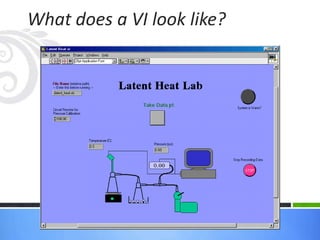

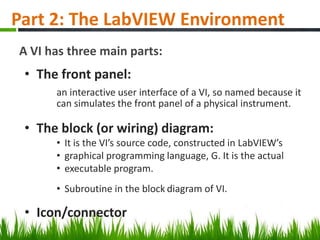
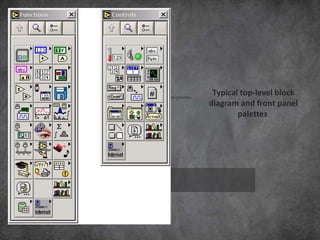
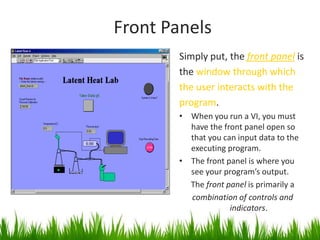
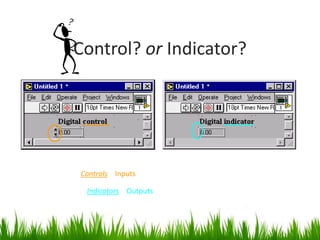
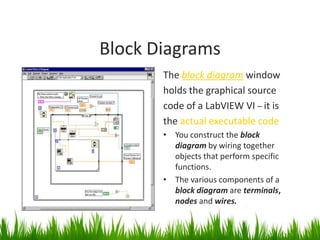
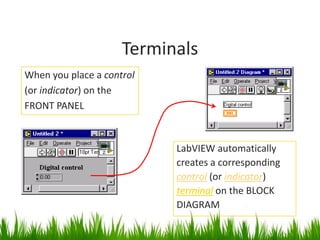
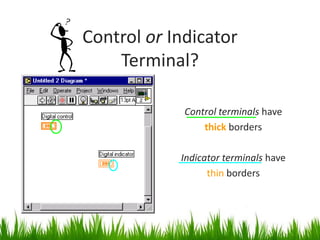
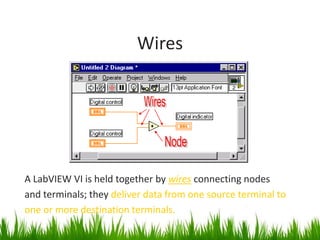
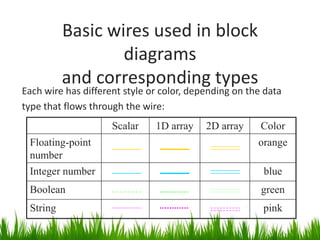


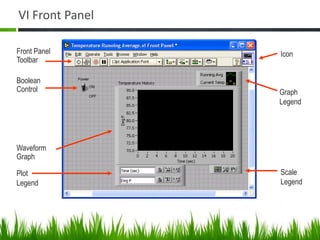
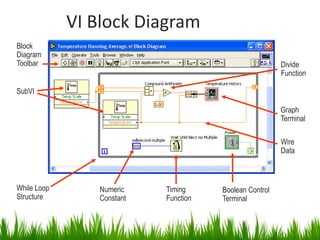
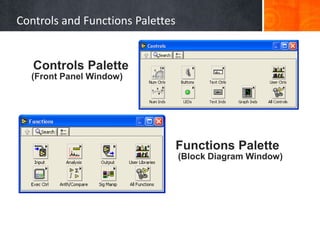
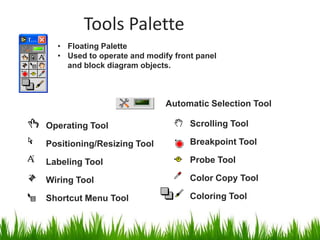
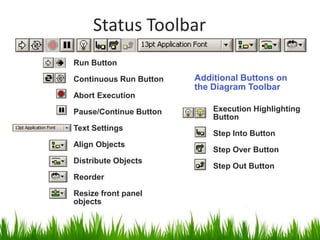
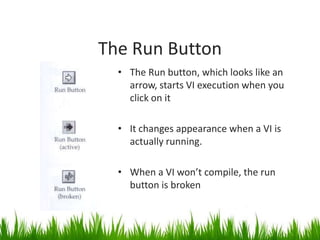
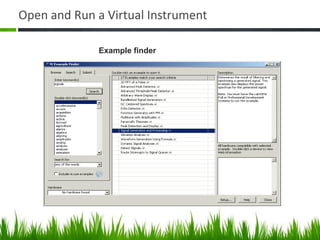
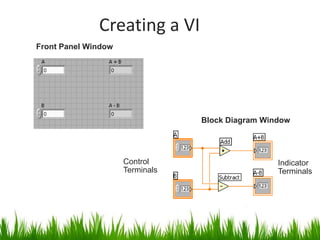
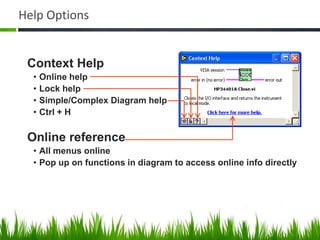
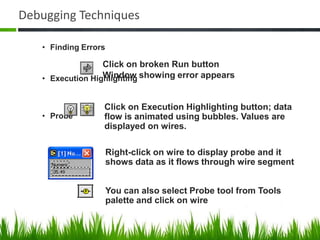





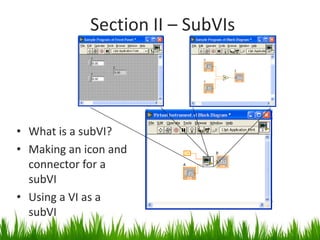
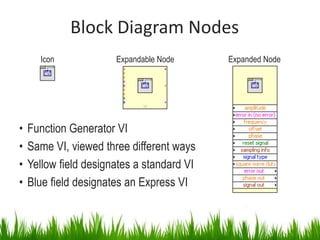
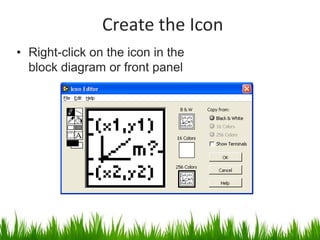
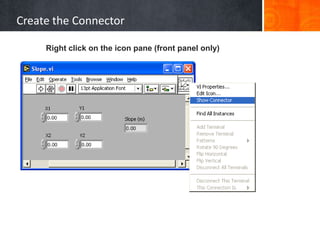
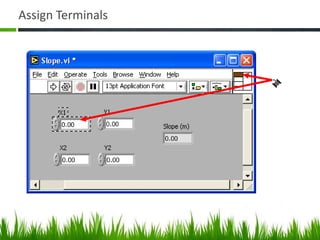
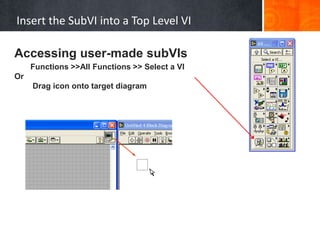






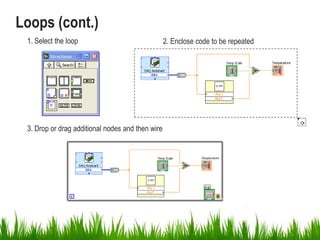
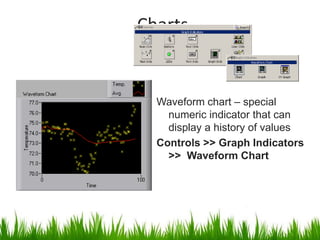
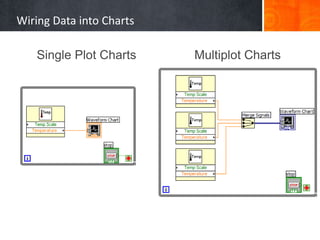

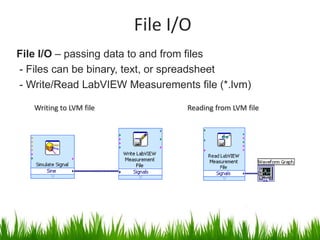
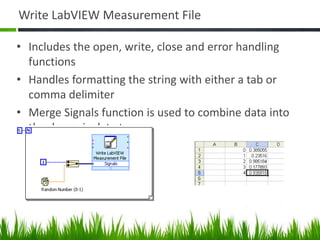

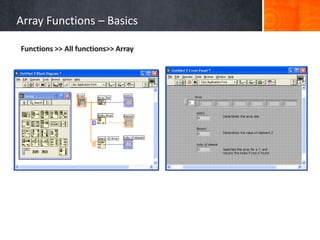
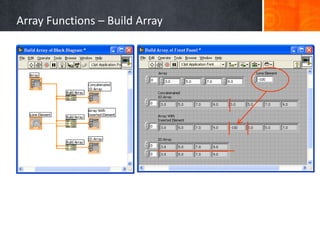
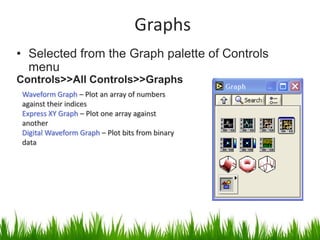
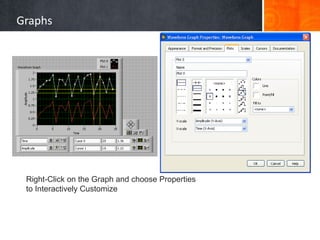




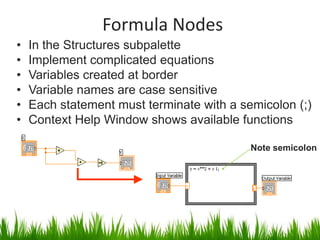



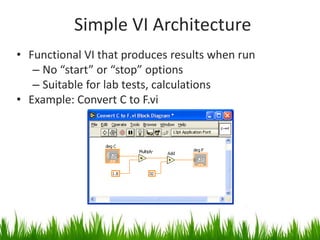
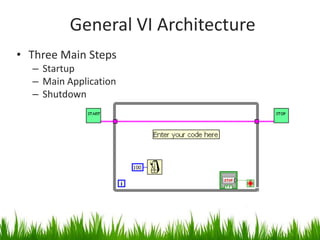
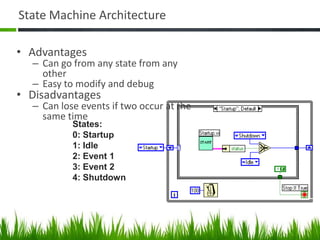












Here are the key steps to create a basic VI: 1. Open LabVIEW and select Blank VI from the Start Page or File menu. This opens an empty VI block diagram and front panel. 2. Add controls and indicators to the front panel by dragging them from the Controls and Functions palettes. Controls represent inputs, indicators represent outputs. 3. Add nodes representing functions to the block diagram by dragging from the Functions palette. These perform operations on the data. 4. Draw wires to connect the control/indicator terminals to the function nodes to define the data flow and program logic. 5. Run the VI by clicking the Run button. Data will flow through the block diagram and the output will display in


