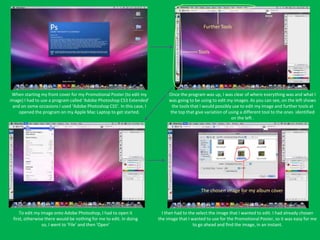
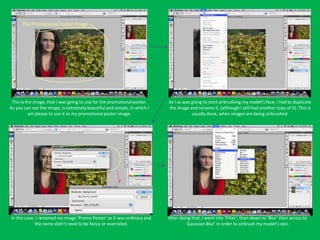
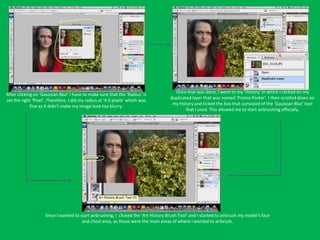
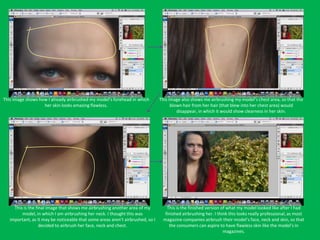
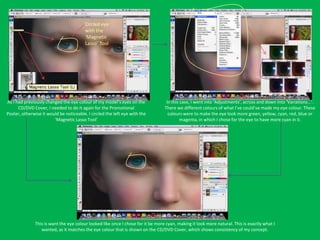
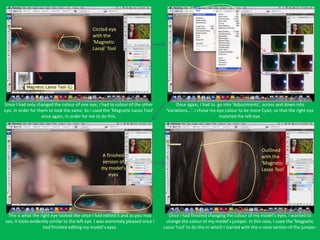
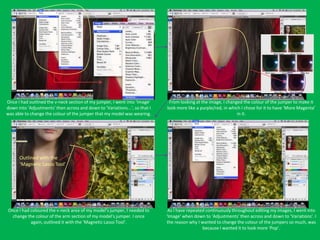
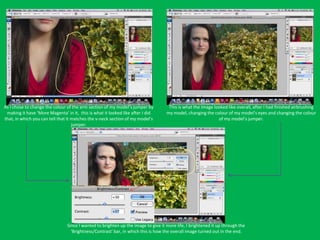
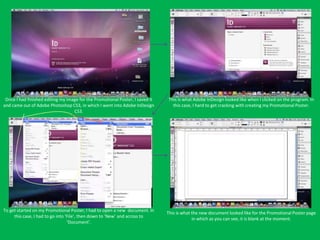
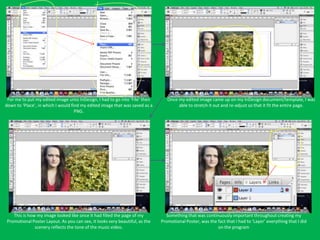
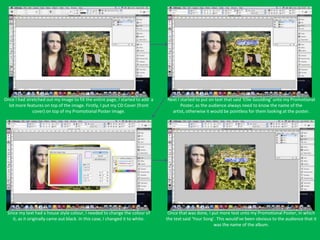
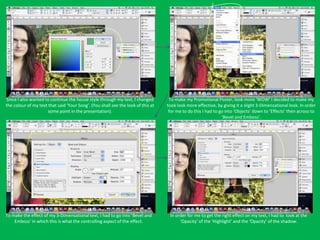
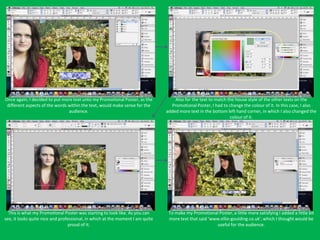
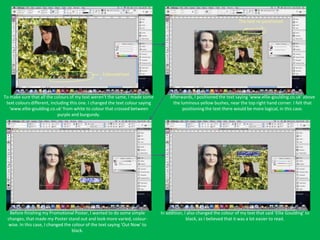
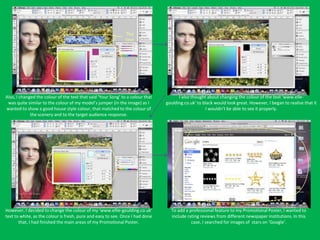
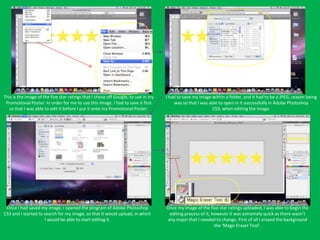
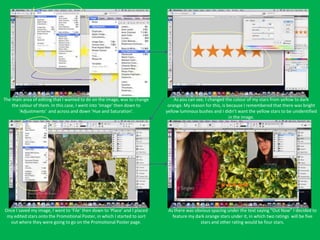
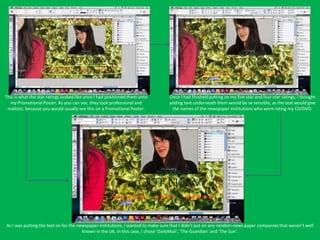
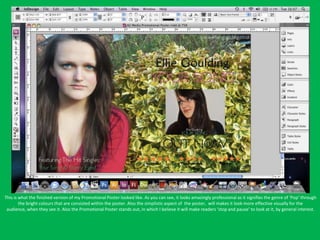
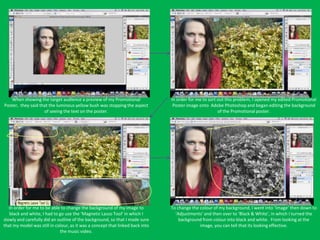
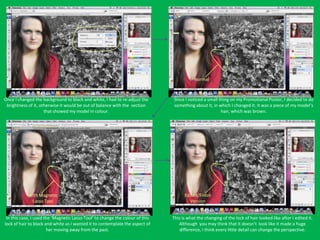
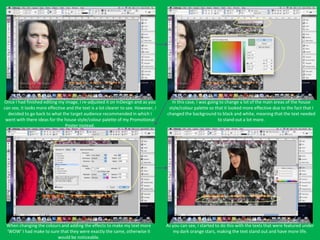
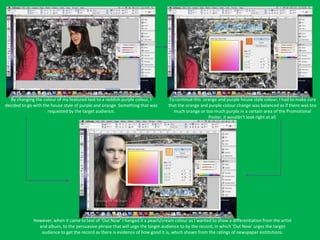
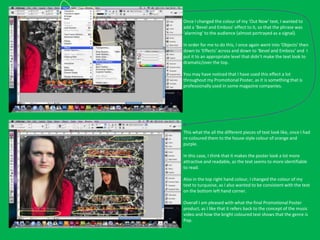
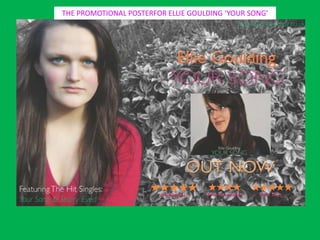
The document discusses editing a promotional poster image using Adobe Photoshop and InDesign. Key steps included opening the image in Photoshop, airbrushing the model's face and neck, changing the eye and jumper colors, and brightening the overall image. Once editing was complete, the image was saved and opened in InDesign to begin creating the promotional poster layout.