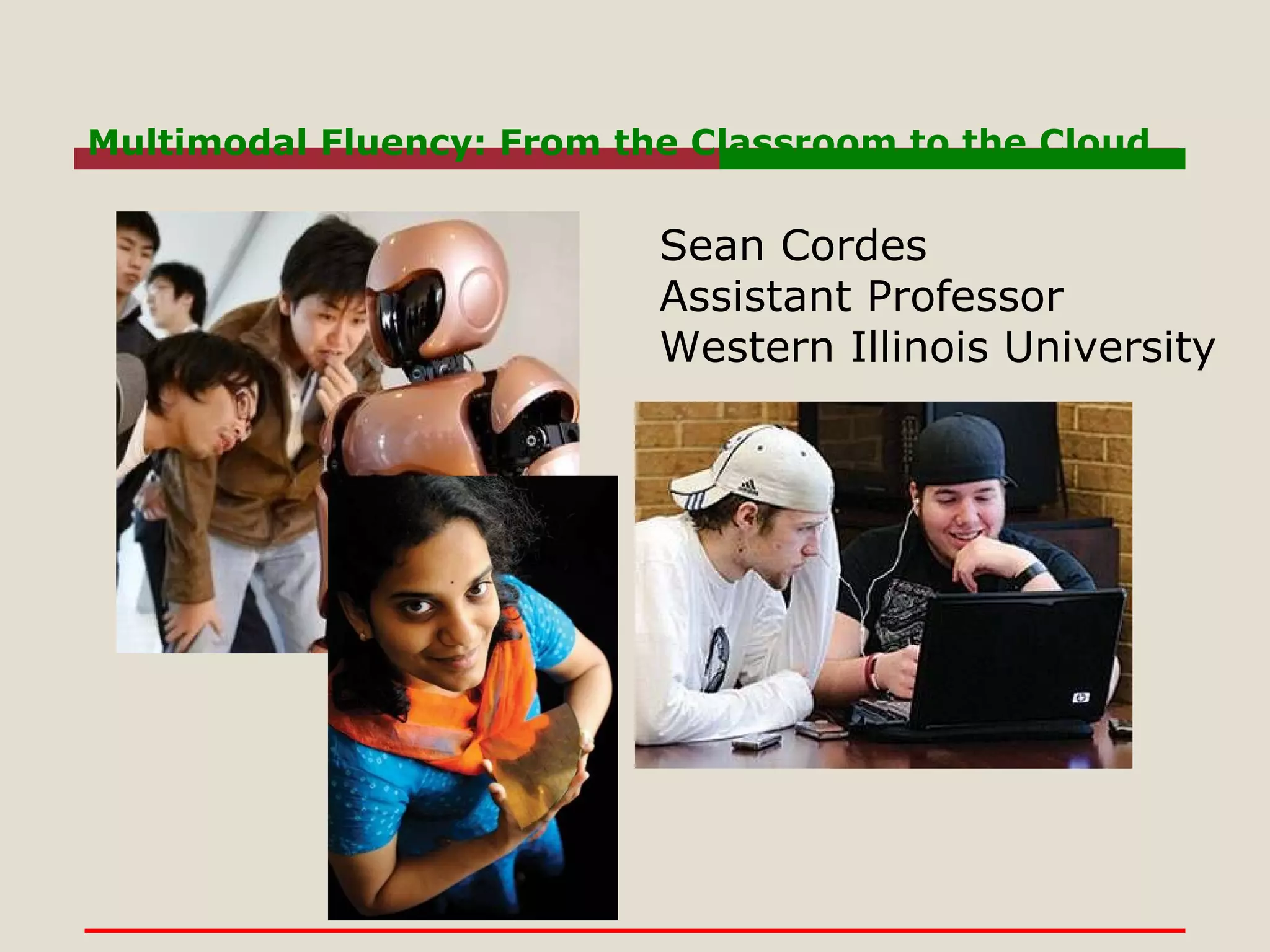
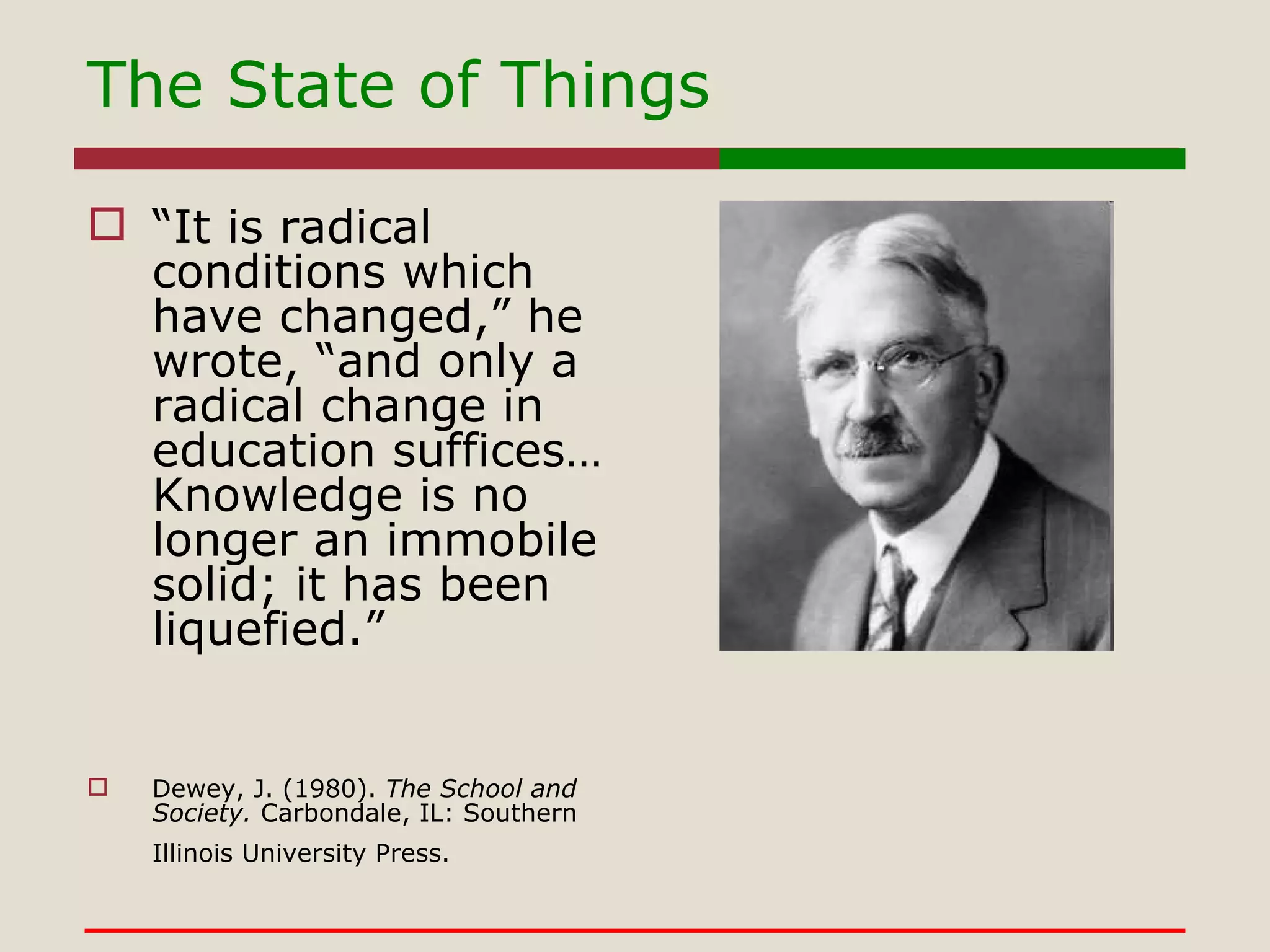
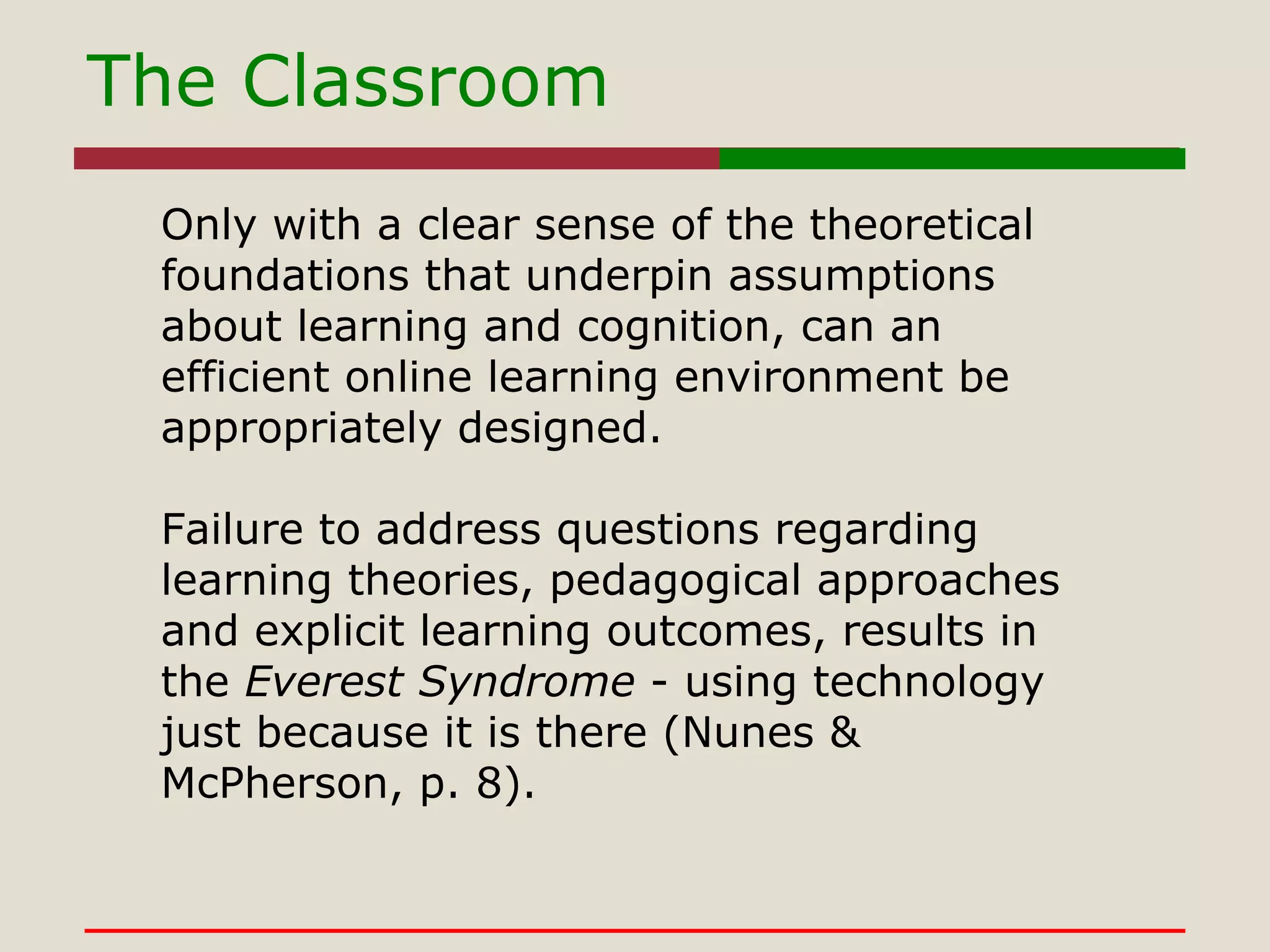
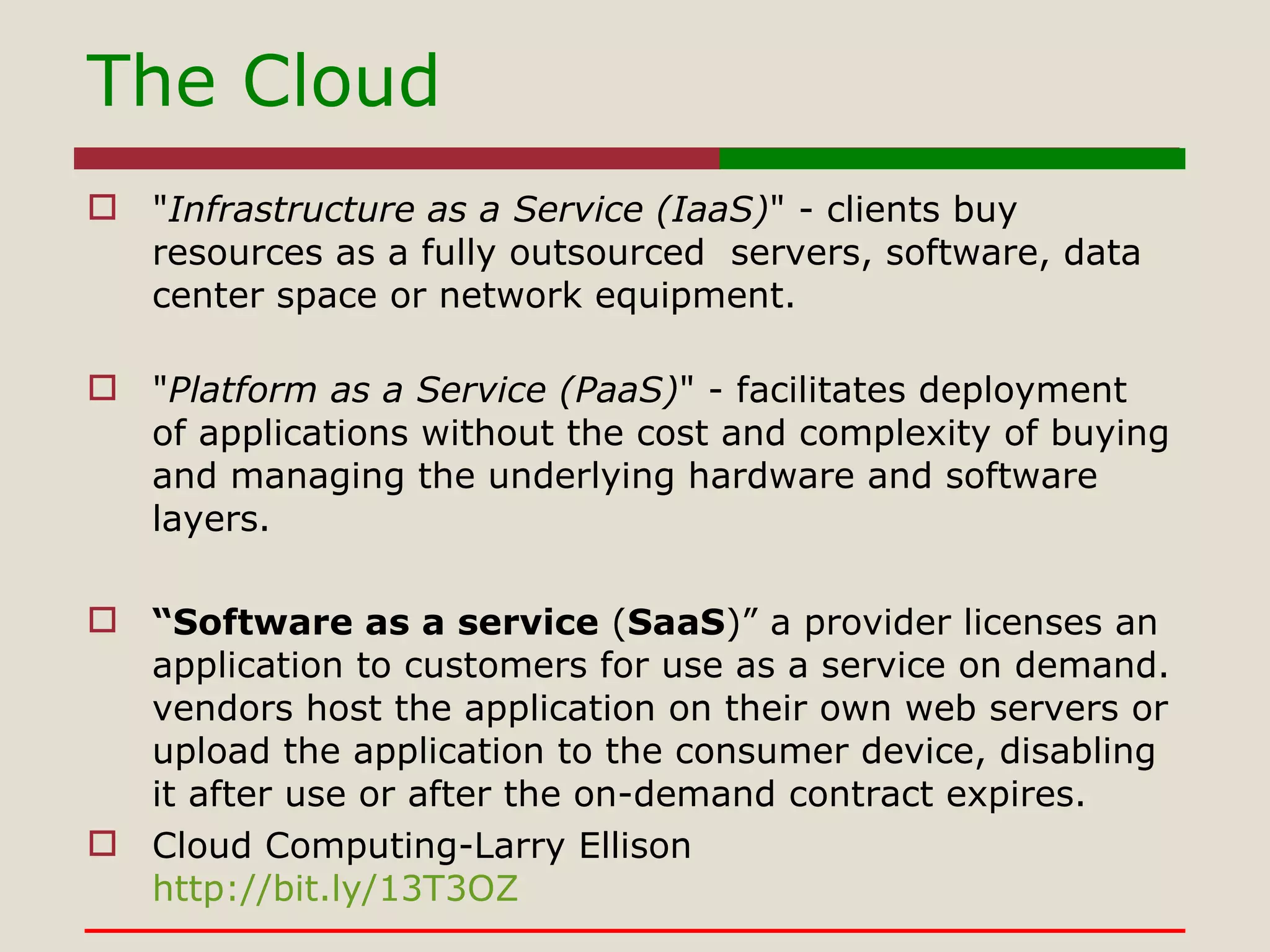
Multimodal Fluency: From the Classroom to the Cloud Sean Cordes Assistant Professor Western Illinois University
The State of Things “ It is radical conditions which have changed,” he wrote, “and only a radical change in education suffices… Knowledge is no longer an immobile solid; it has been liquefied.” Dewey, J. (1980).  The School and Society.  Carbondale, IL: Southern Illinois University Press.
The Classroom Only with a clear sense of the theoretical foundations that underpin assumptions about learning and cognition, can an efficient online learning environment be appropriately designed.   Failure to address questions regarding learning theories, pedagogical approaches and explicit learning outcomes, results in the  Everest Syndrome  - using technology just because it is there (Nunes & McPherson, p. 8). 
The Cloud " Infrastructure as a Service (IaaS) " - clients buy resources as a fully outsourced  servers, software, data center space or network equipment. " Platform as a Service (PaaS) " - facilitates deployment of applications without the cost and complexity of buying and managing the underlying hardware and software layers. “ Software as a service  ( SaaS )” a provider licenses an application to customers for use as a service on demand. vendors host the application on their own web servers or upload the application to the consumer device, disabling it after use or after the on-demand contract expires.  Cloud Computing-Larry Ellison http://bit.ly/13T3OZ
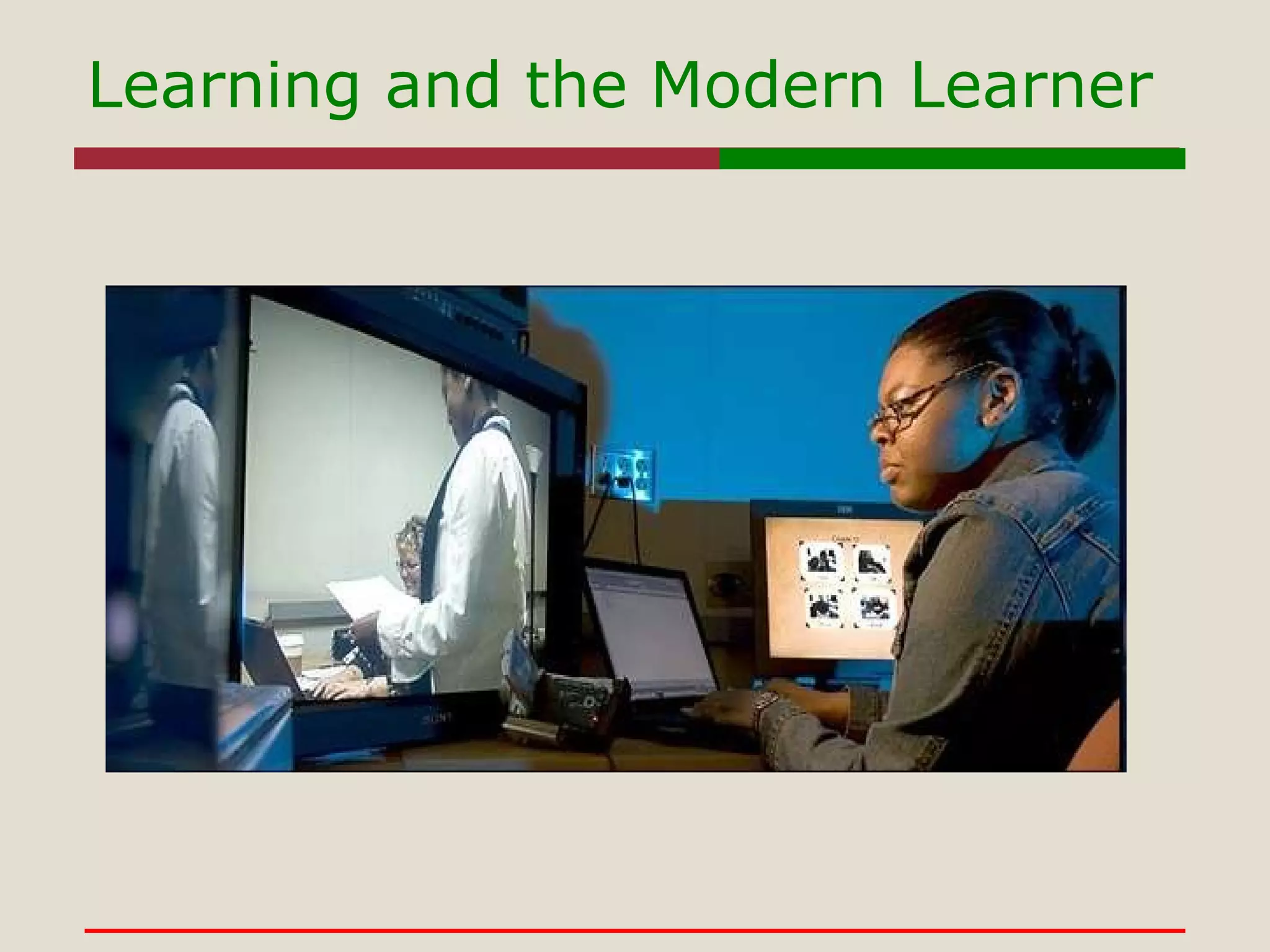
Learning and the Modern Learner
Information will be pervasive Informational computing will be an extension of the self Those with access and ability to information and technologies will have the edge over those who do not Educators will be on the trailing edge in some cases, the leading edge in others. Learning and the Modern Learner
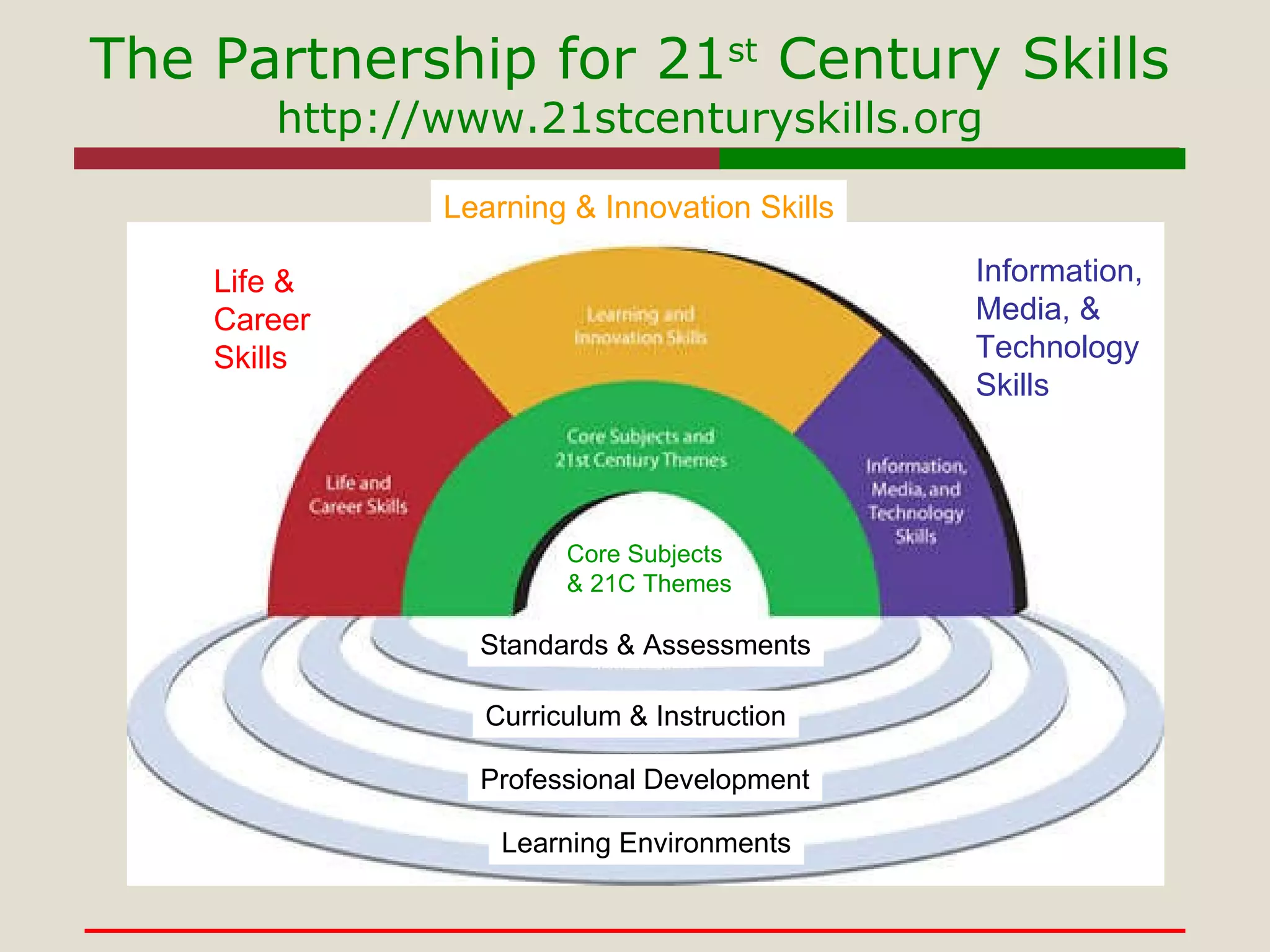
The Partnership for 21 st  Century Skills http://www.21stcenturyskills.org Standards & Assessments Curriculum & Instruction Professional Development Learning Environments Life & Career Skills Learning & Innovation   Skills Core Subjects   & 21C Themes Information, Media, & Technology Skills
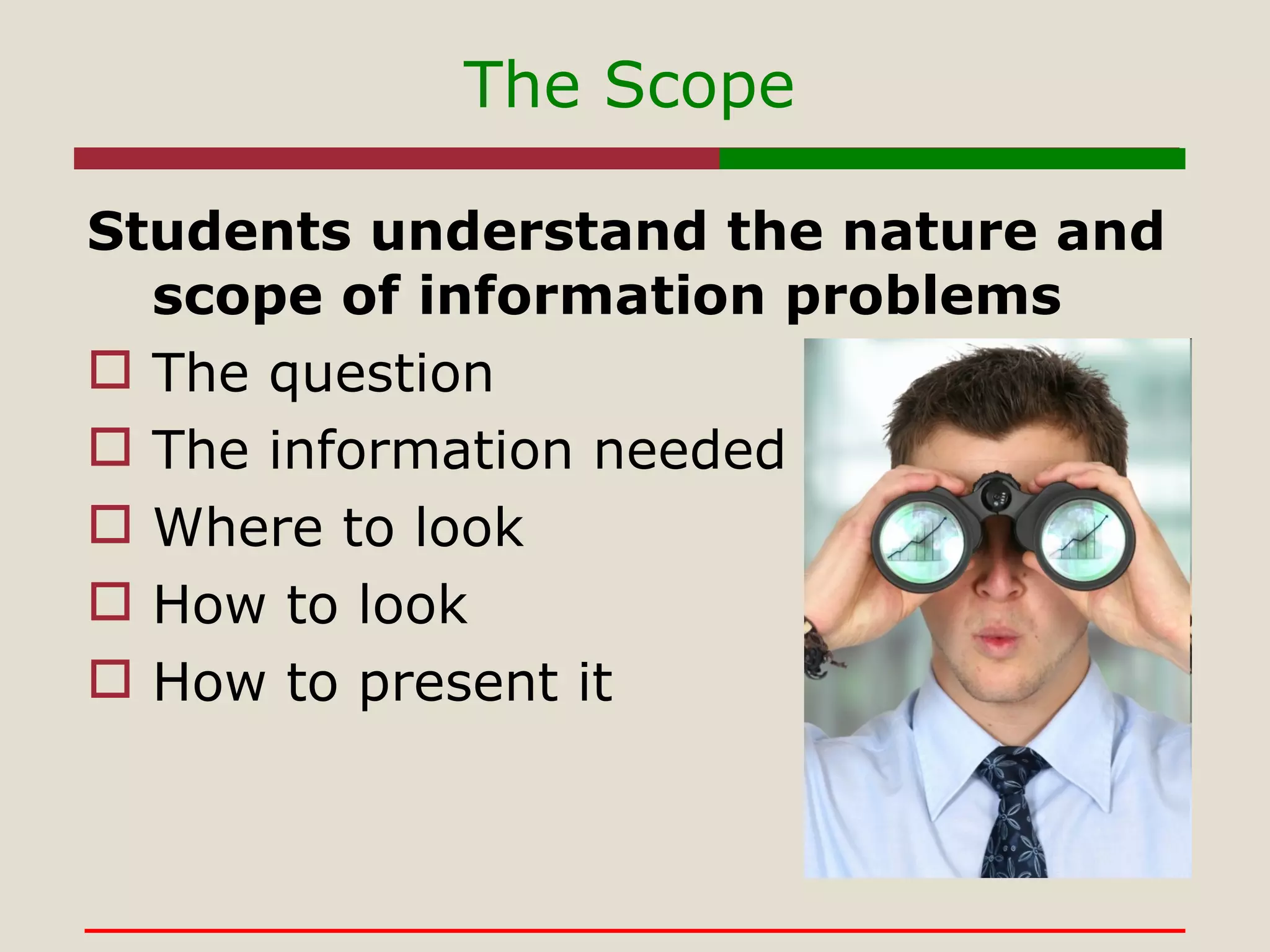
The Scope Students understand the nature and scope of information problems The question The information needed Where to look How to look How to present it
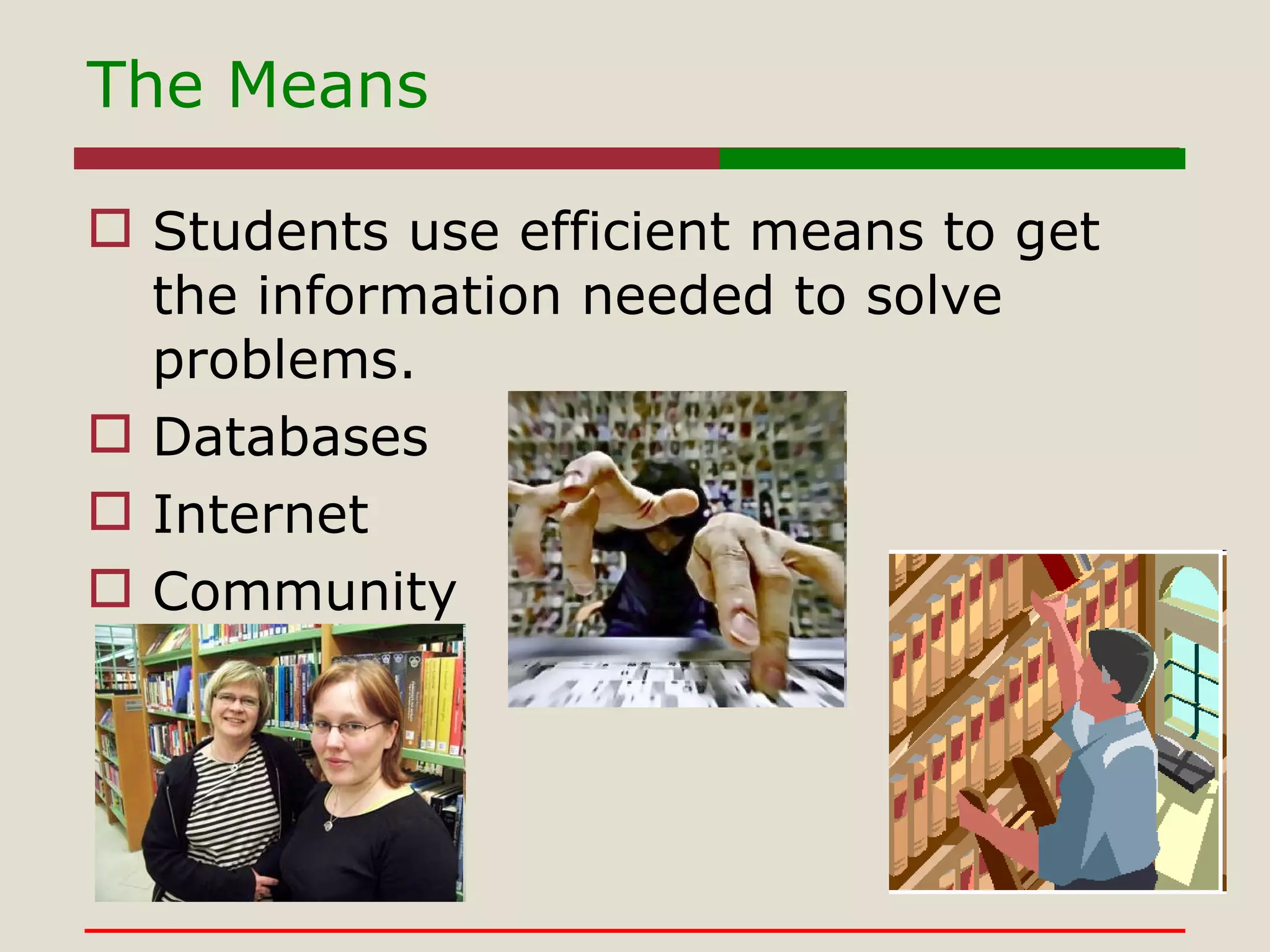
The Means Students use efficient means to get the information needed to solve problems. Databases Internet Community
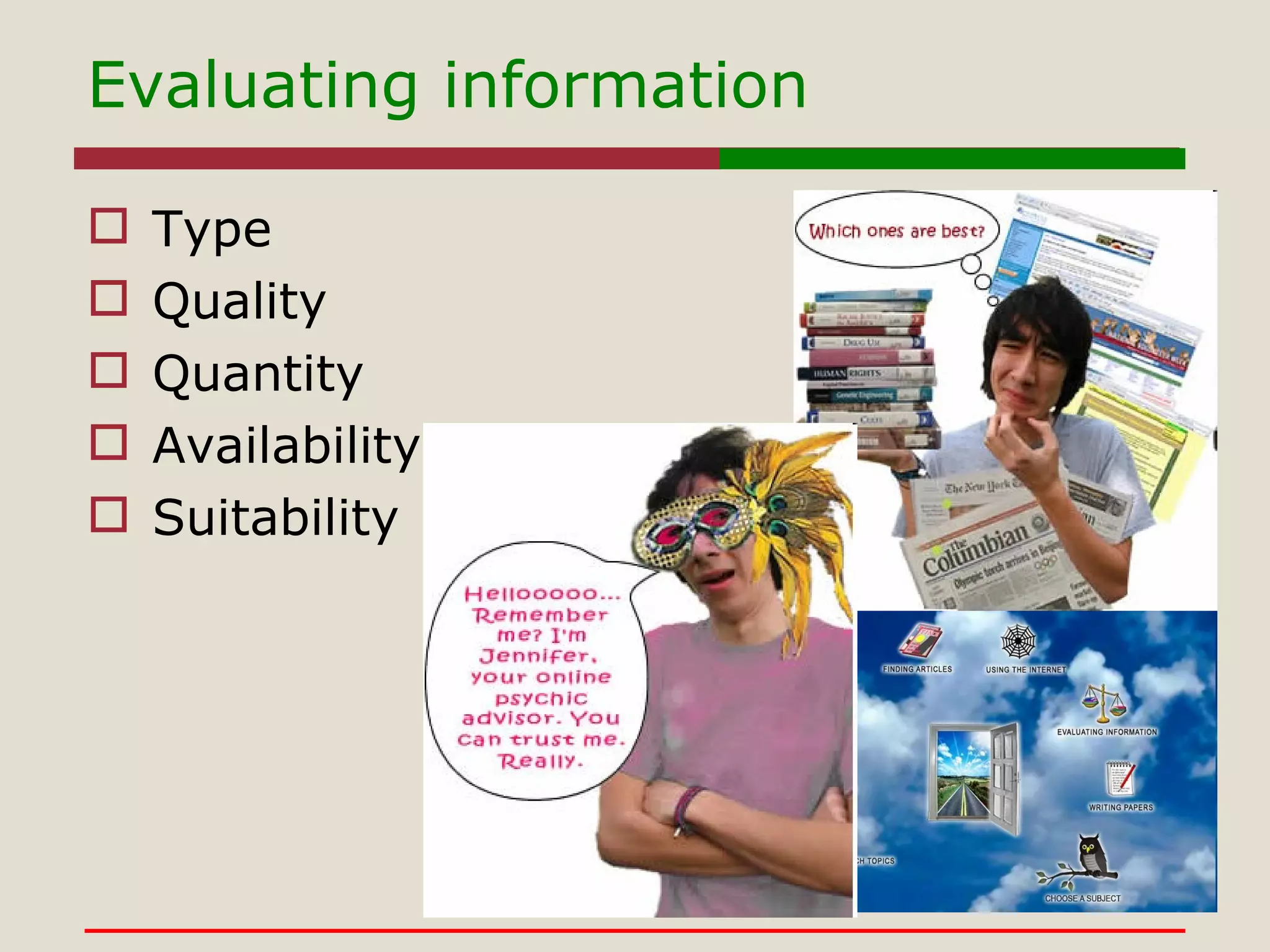
Evaluating information Type Quality Quantity Availability Suitability
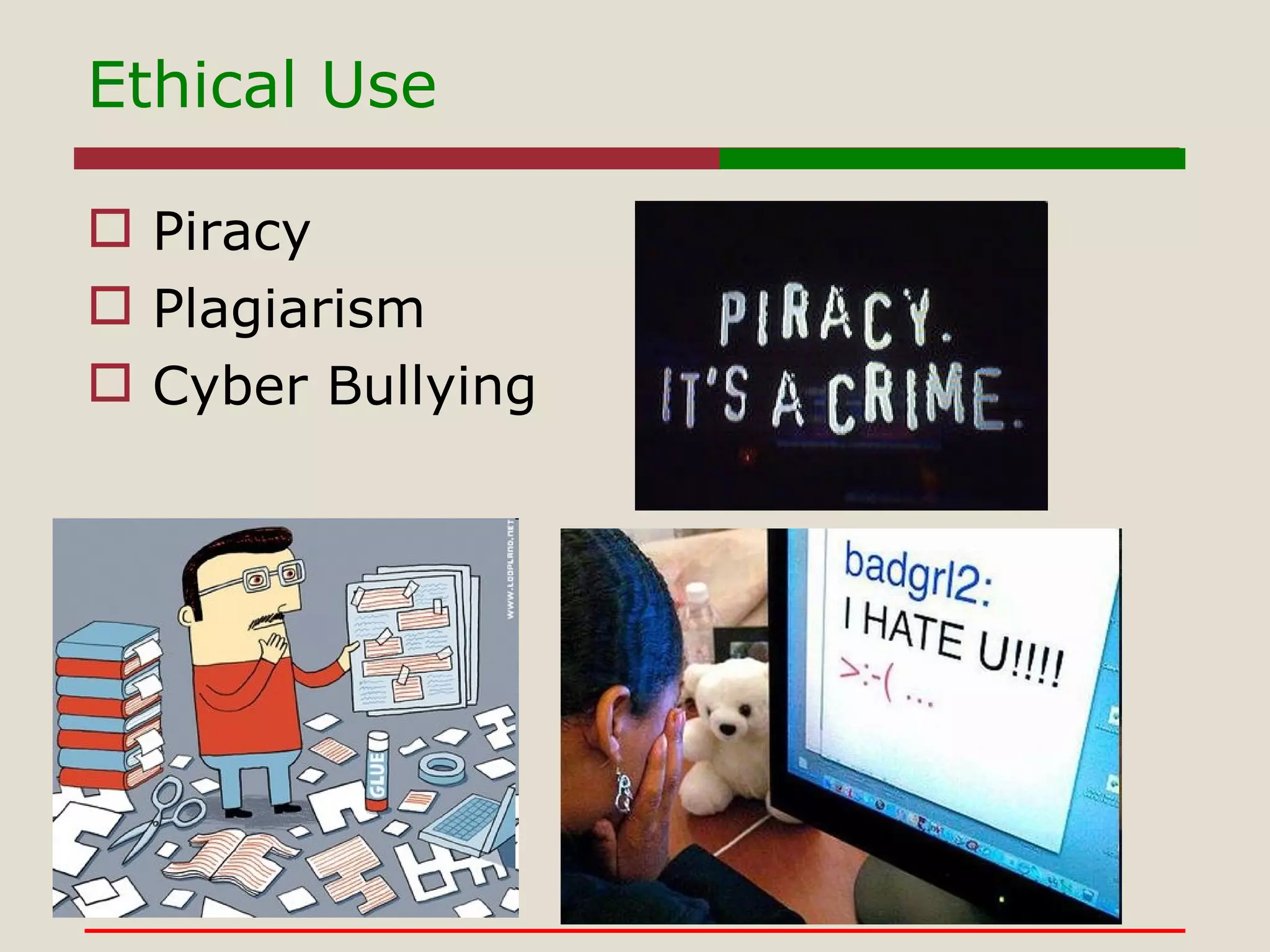
Ethical Use Piracy Plagiarism Cyber Bullying
Skill Sets for Survival Information Literacy Skills Management Skills Digital Literacy Skills Inter-Personal Skills
What Gains?
What gives?
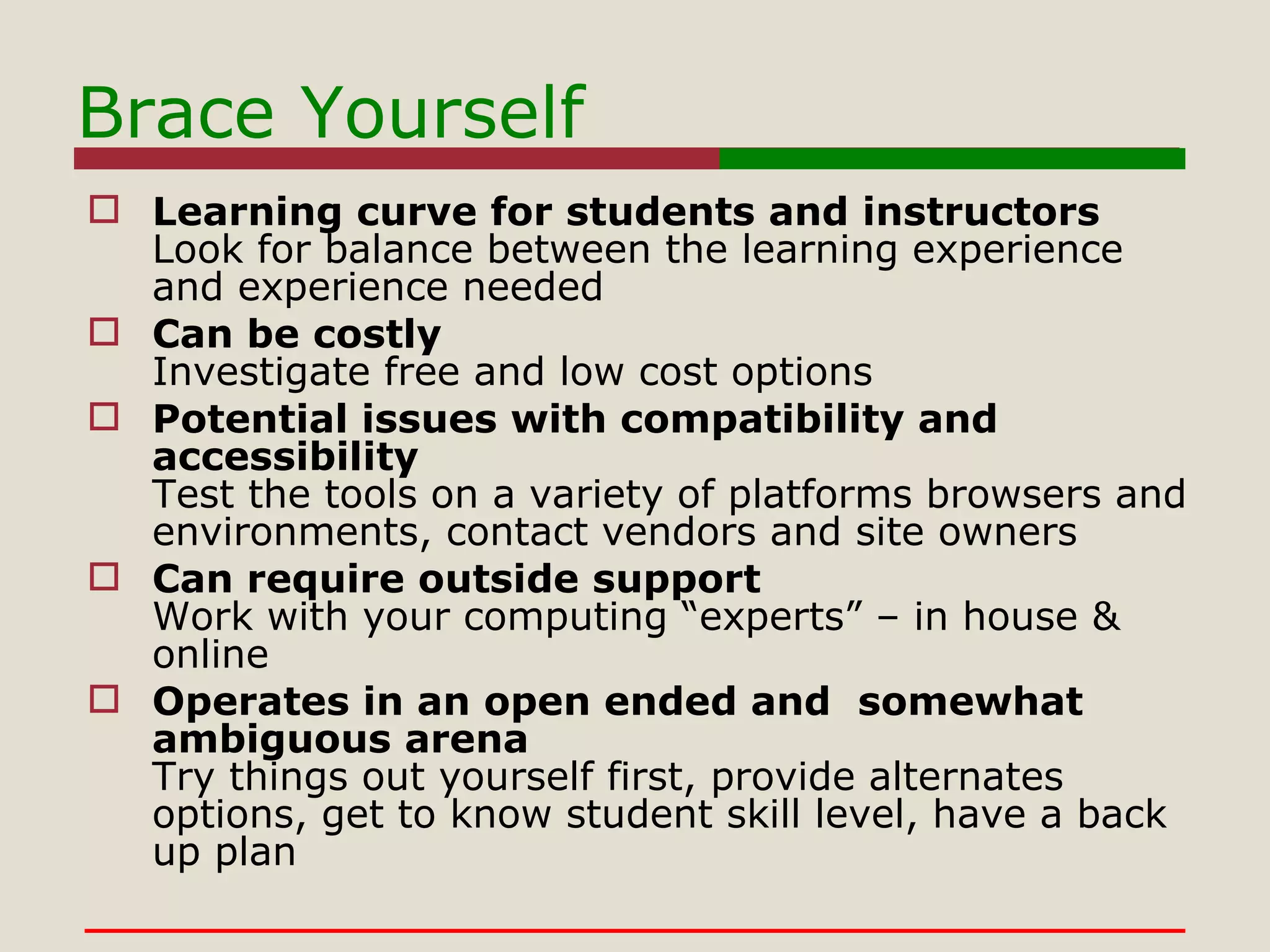
Brace Yourself Learning curve for students and instructors Look for balance between the learning experience and experience needed Can be costly Investigate free and low cost options Potential issues with compatibility and accessibility Test the tools on a variety of platforms browsers and environments, contact vendors and site owners Can require outside support Work with your computing “experts” – in house & online Operates in an open ended and  somewhat ambiguous arena Try things out yourself first, provide alternates options, get to know student skill level, have a back up plan
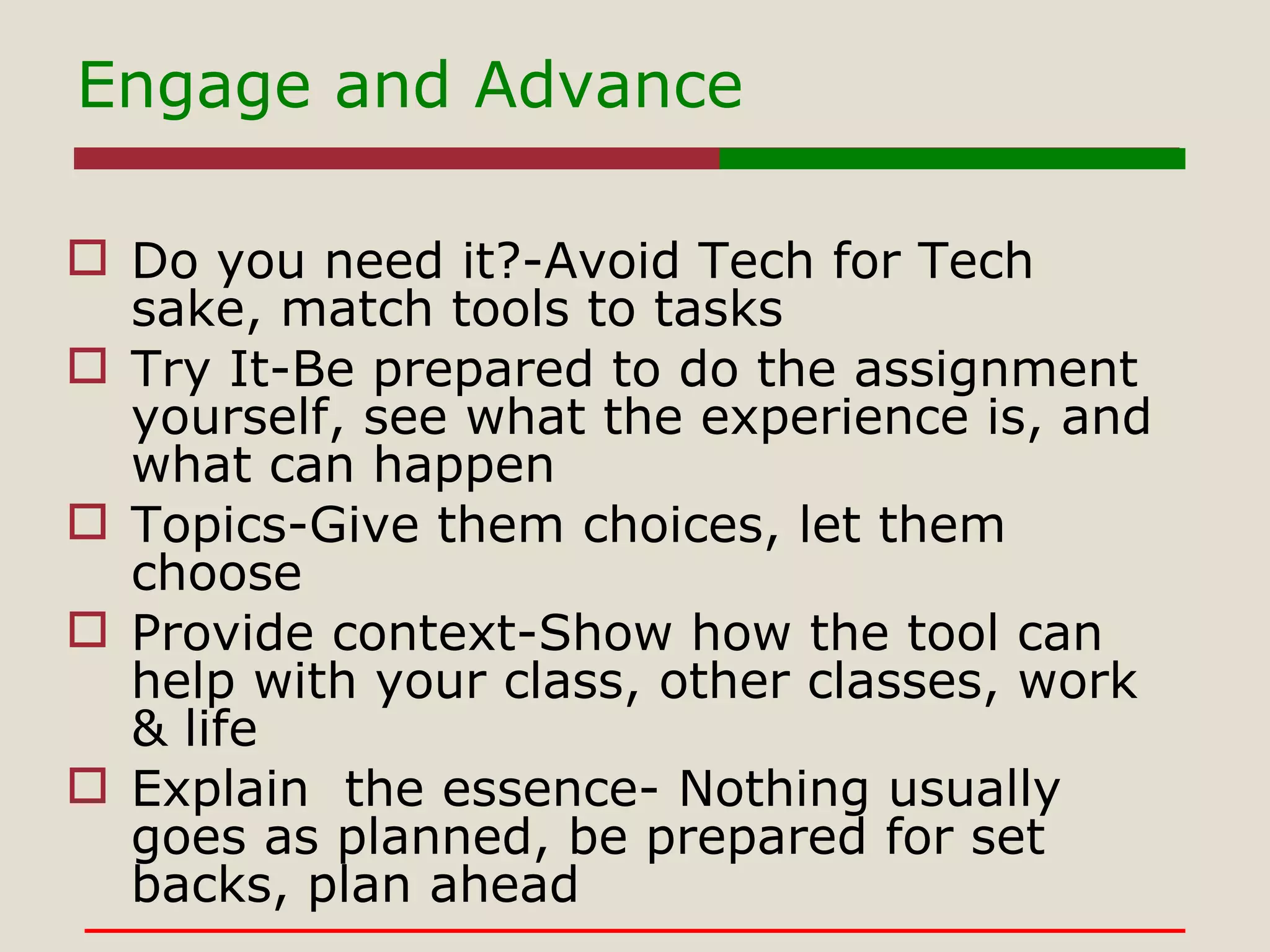
Engage and Advance Do you need it?-Avoid Tech for Tech sake, match tools to tasks Try It-Be prepared to do the assignment yourself, see what the experience is, and what can happen Topics-Give them choices, let them choose Provide context-Show how the tool can help with your class, other classes, work & life Explain  the essence- Nothing usually goes as planned, be prepared for set backs, plan ahead
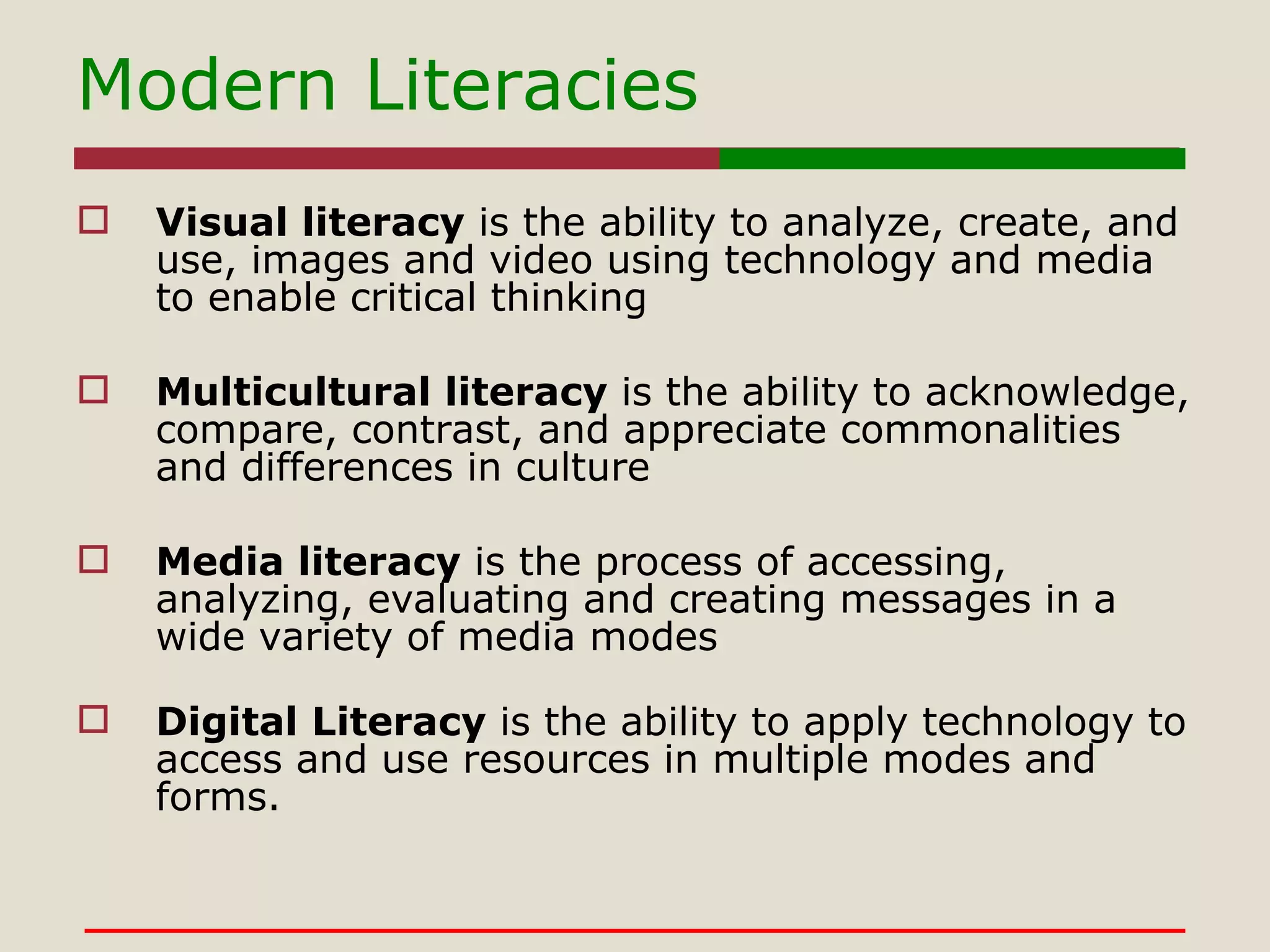
Modern Literacies Visual literacy  is the ability to analyze, create, and use, images and video using technology and media to enable critical thinking  Multicultural literacy  is the ability to acknowledge, compare, contrast, and appreciate commonalities and differences in culture Media literacy  is the process of accessing, analyzing, evaluating and creating messages in a wide variety of media modes Digital Literacy  is the ability to apply technology to access and use resources in multiple modes and forms.
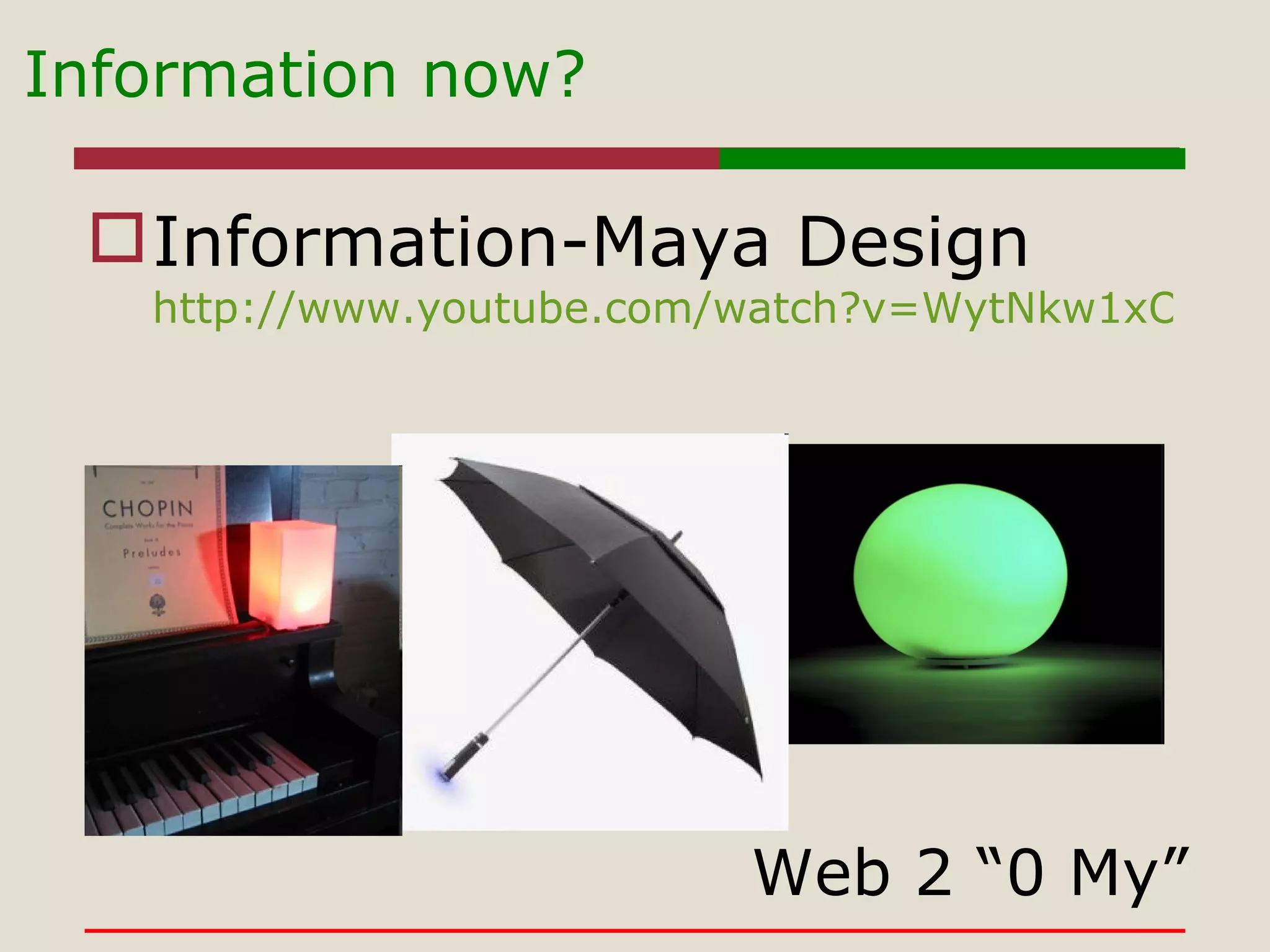
Information now?  Information-Maya Design http://www.youtube.com/watch?v=WytNkw1xOIc&feature=player_embedded# Web 2 “0 My”
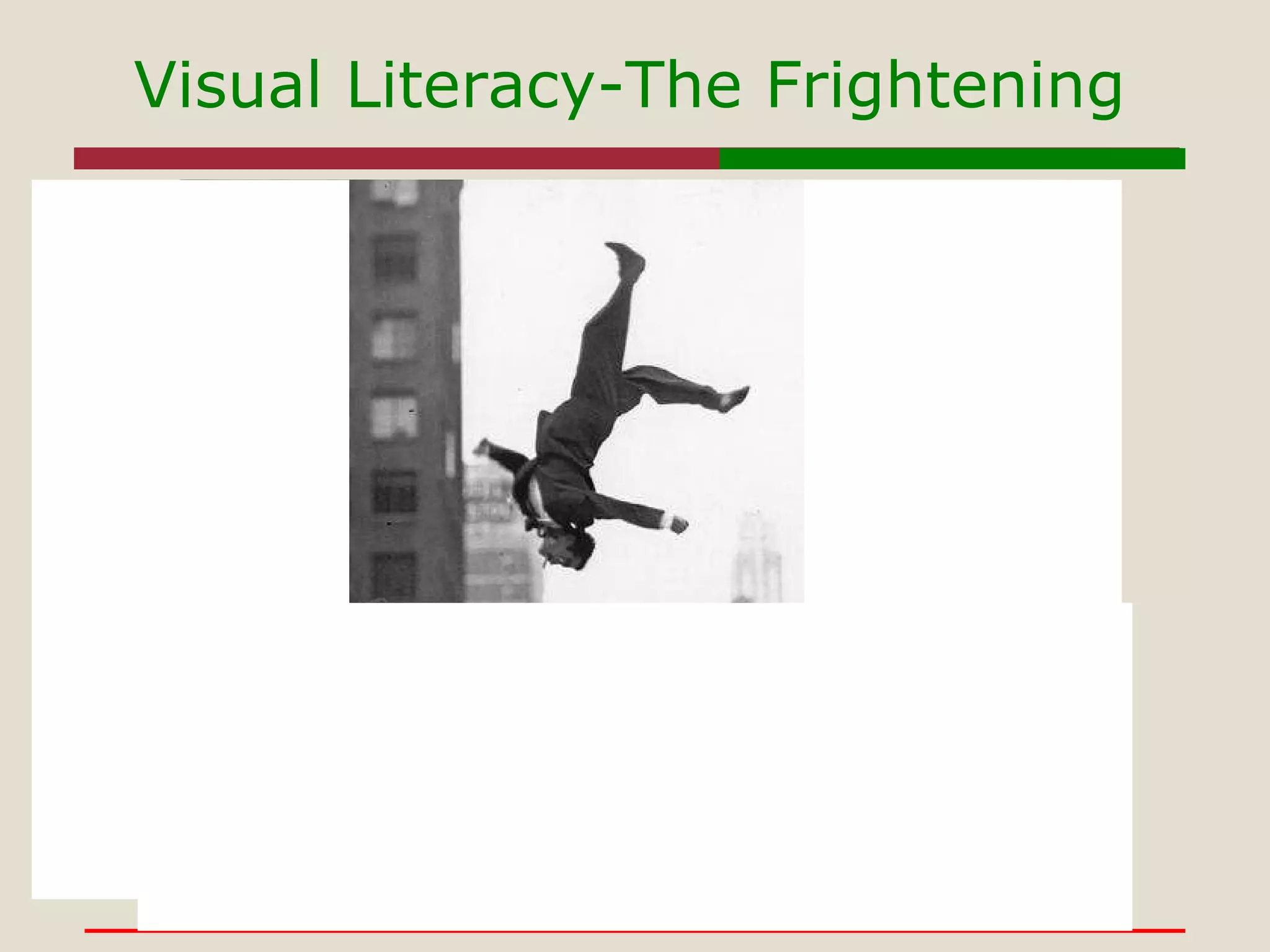
Visual Literacy-The Frightening
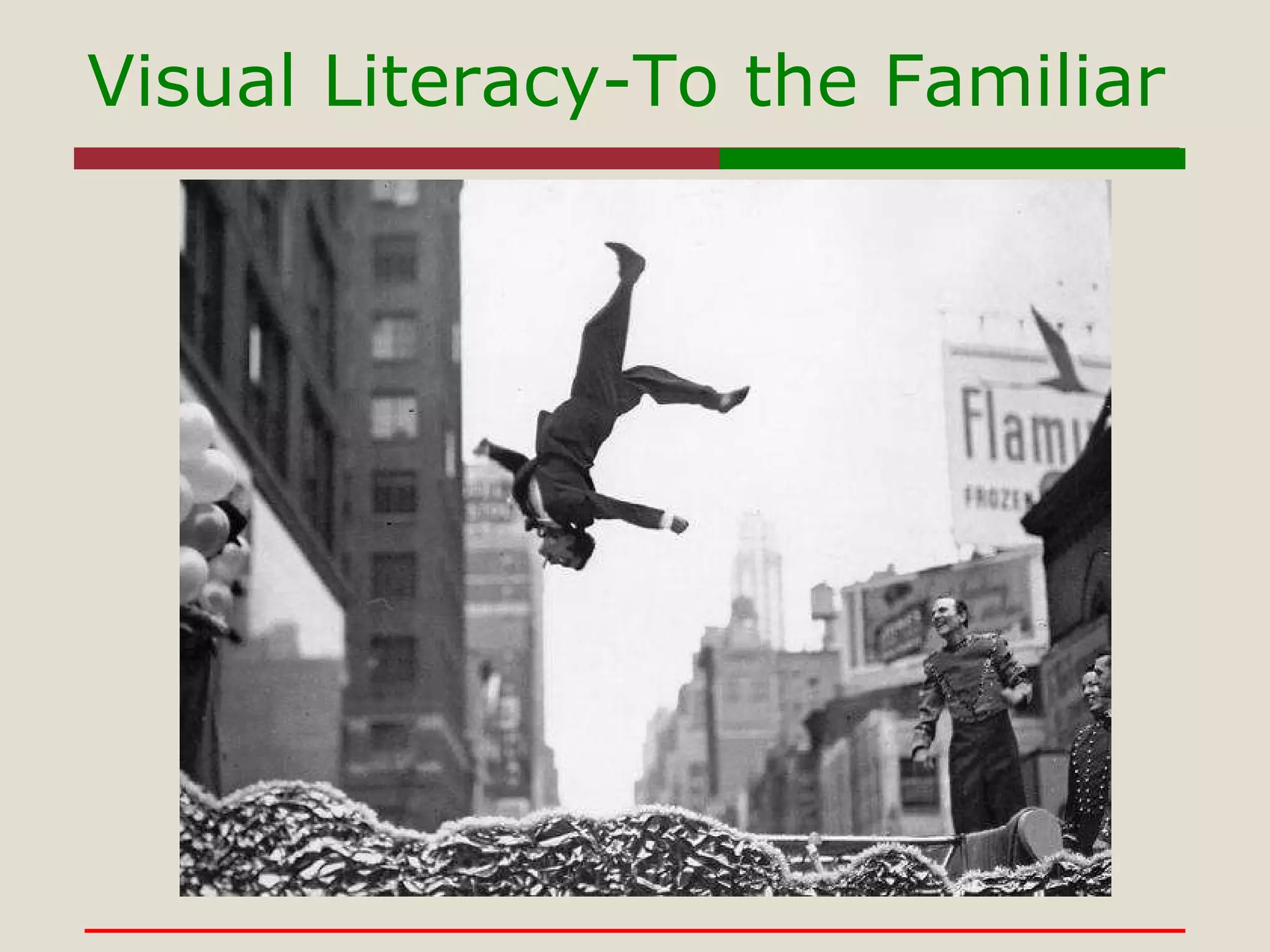
Visual Literacy-To the Familiar
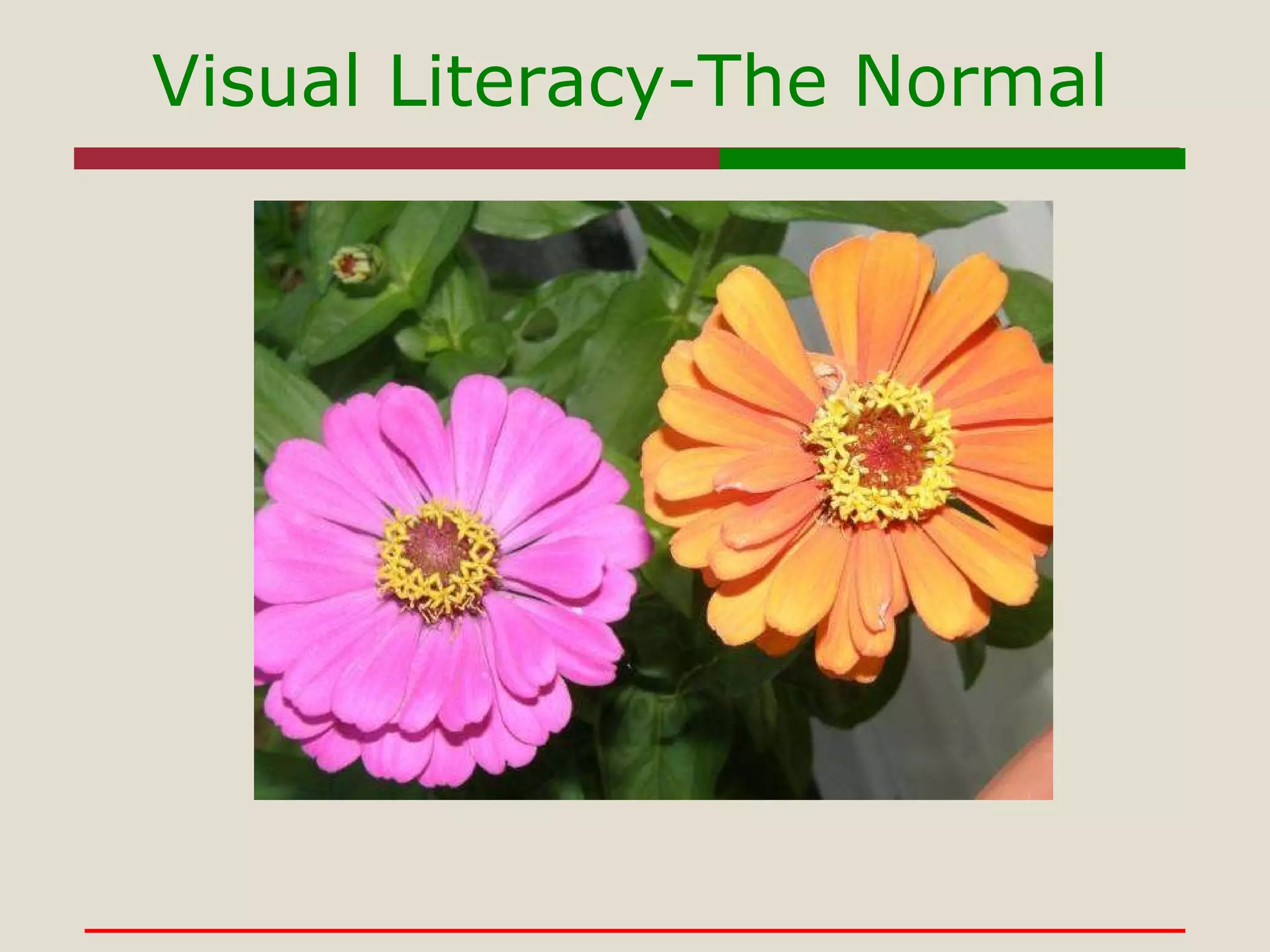
Visual Literacy-The Normal
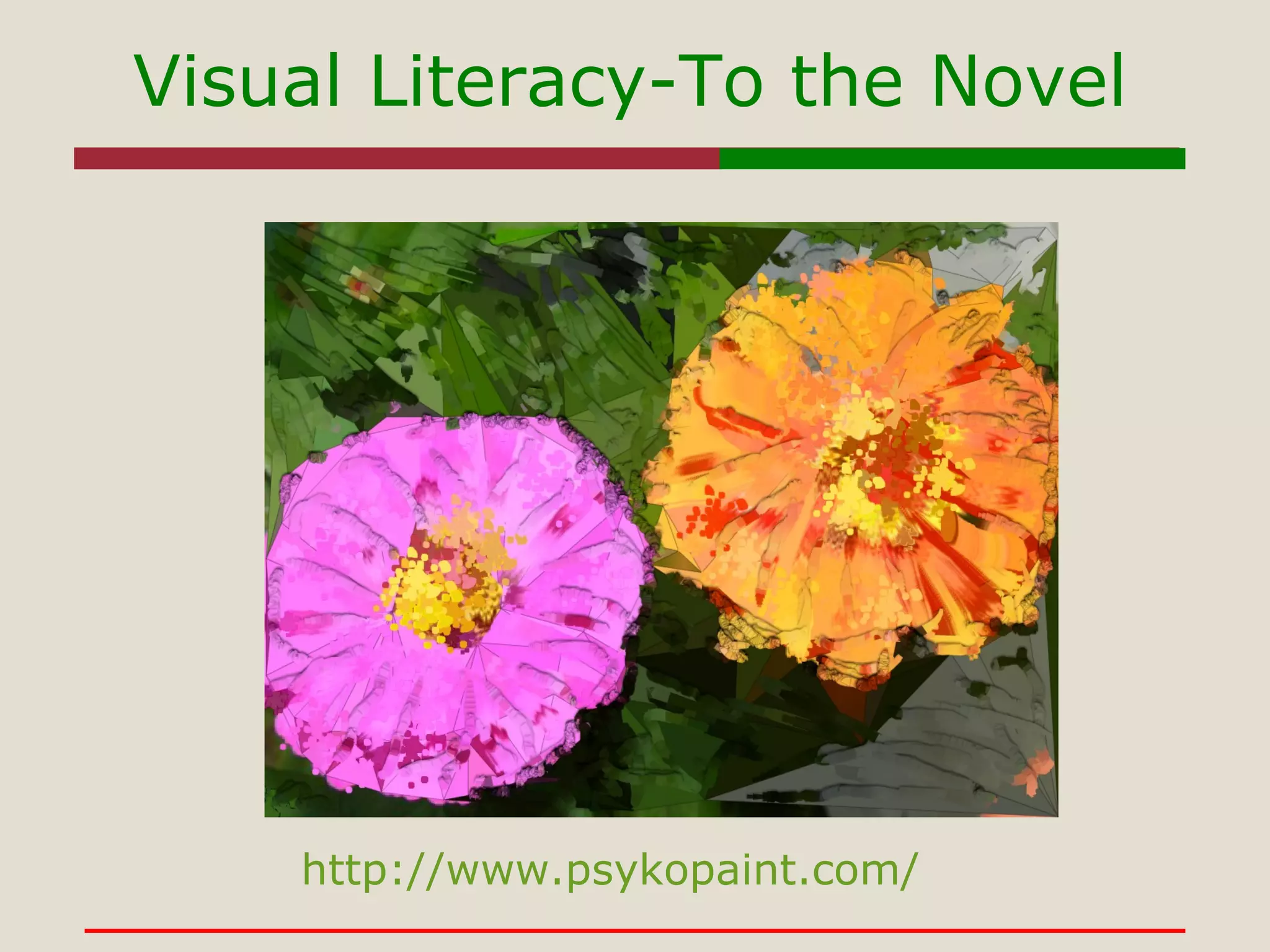
Visual Literacy-To the Novel http://www.psykopaint.com/
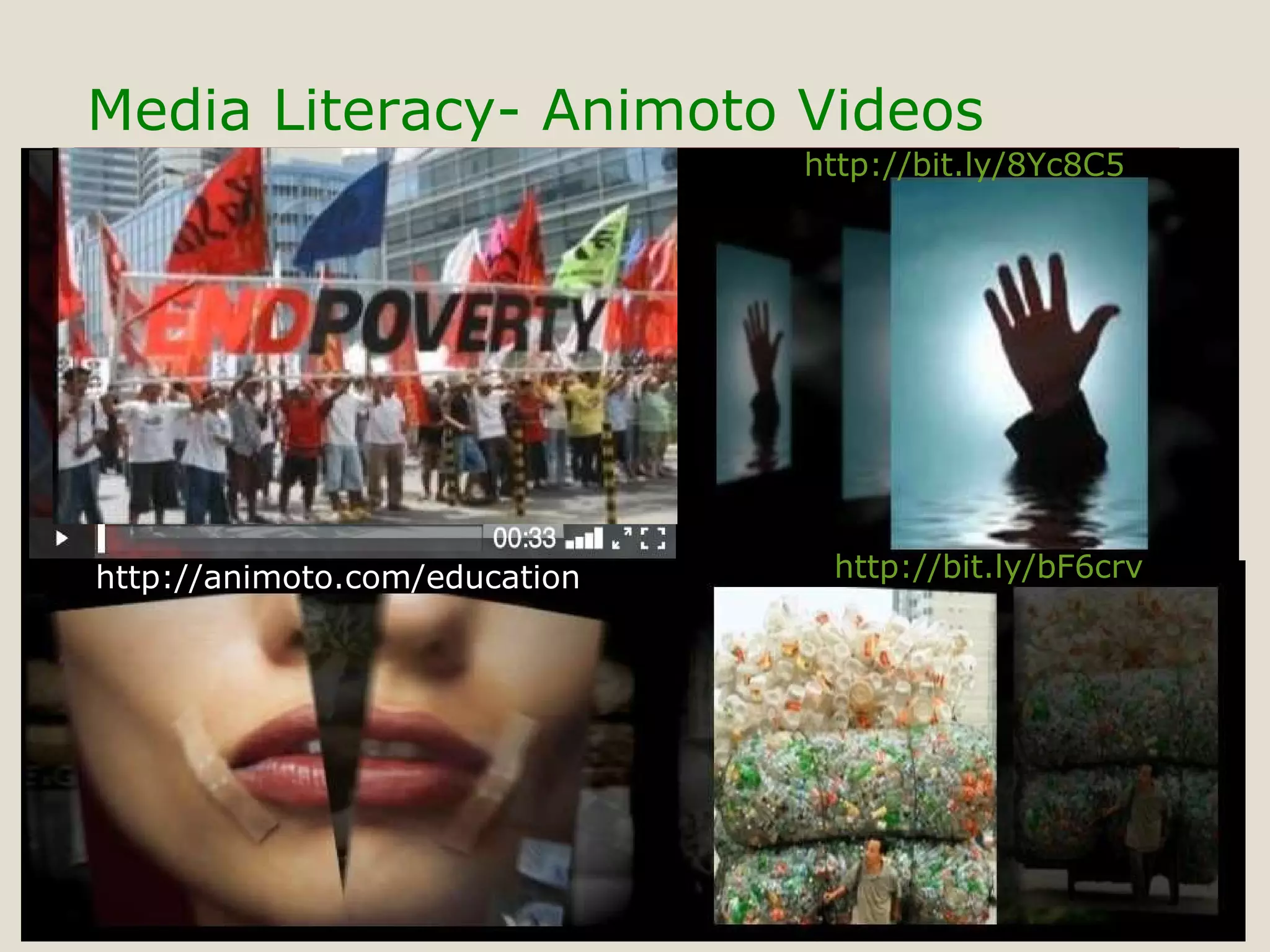
Media Literacy- Animoto Videos http://animoto.com/education http://bit.ly/bF6crv http://bit.ly/8Yc8C5
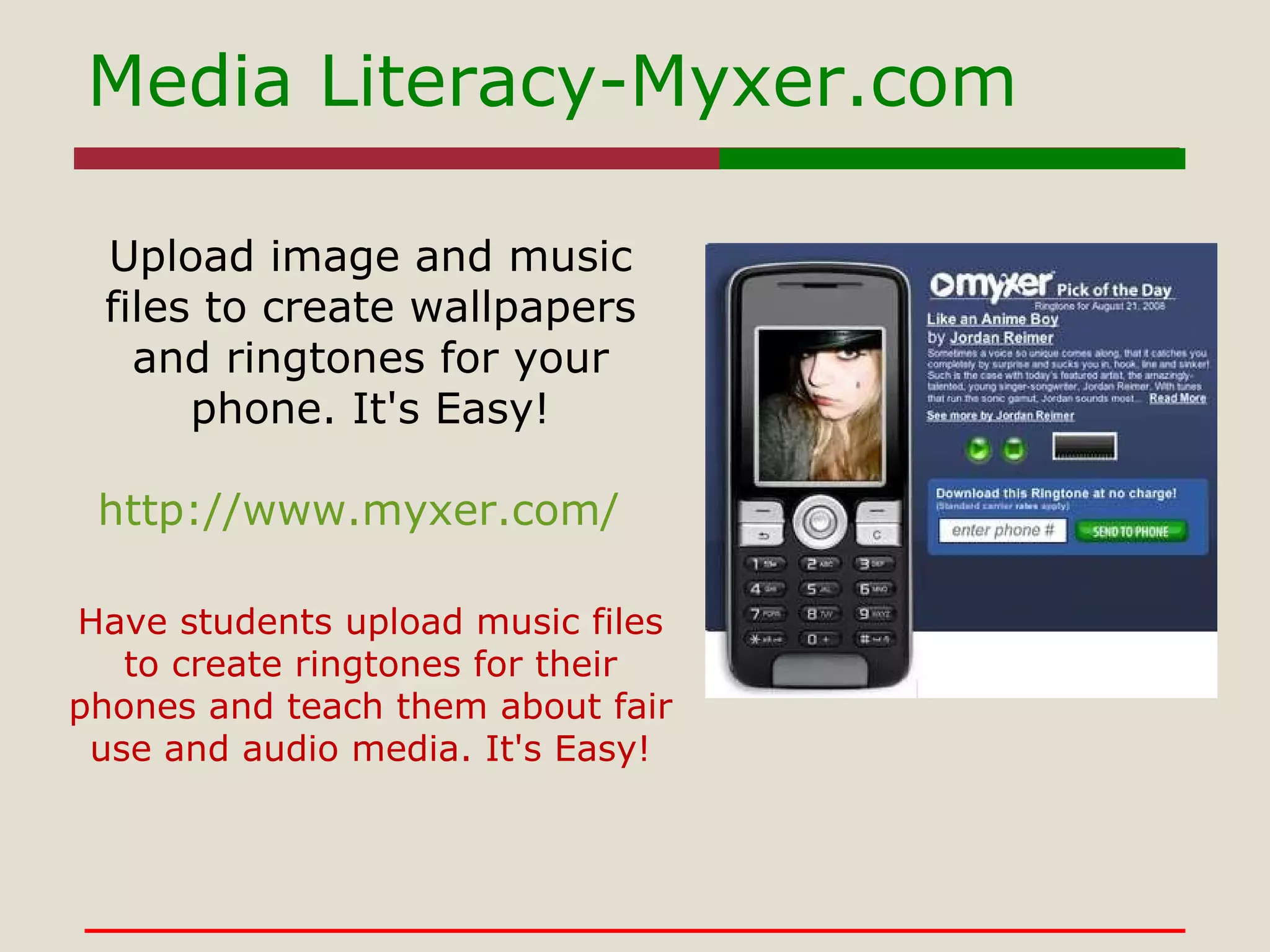
Media Literacy-Myxer.com http://www.myxer.com/ Upload image and music files to create wallpapers and ringtones for your phone. It's Easy! Have students upload music files to create ringtones for their phones and teach them about fair use and audio media. It's Easy!
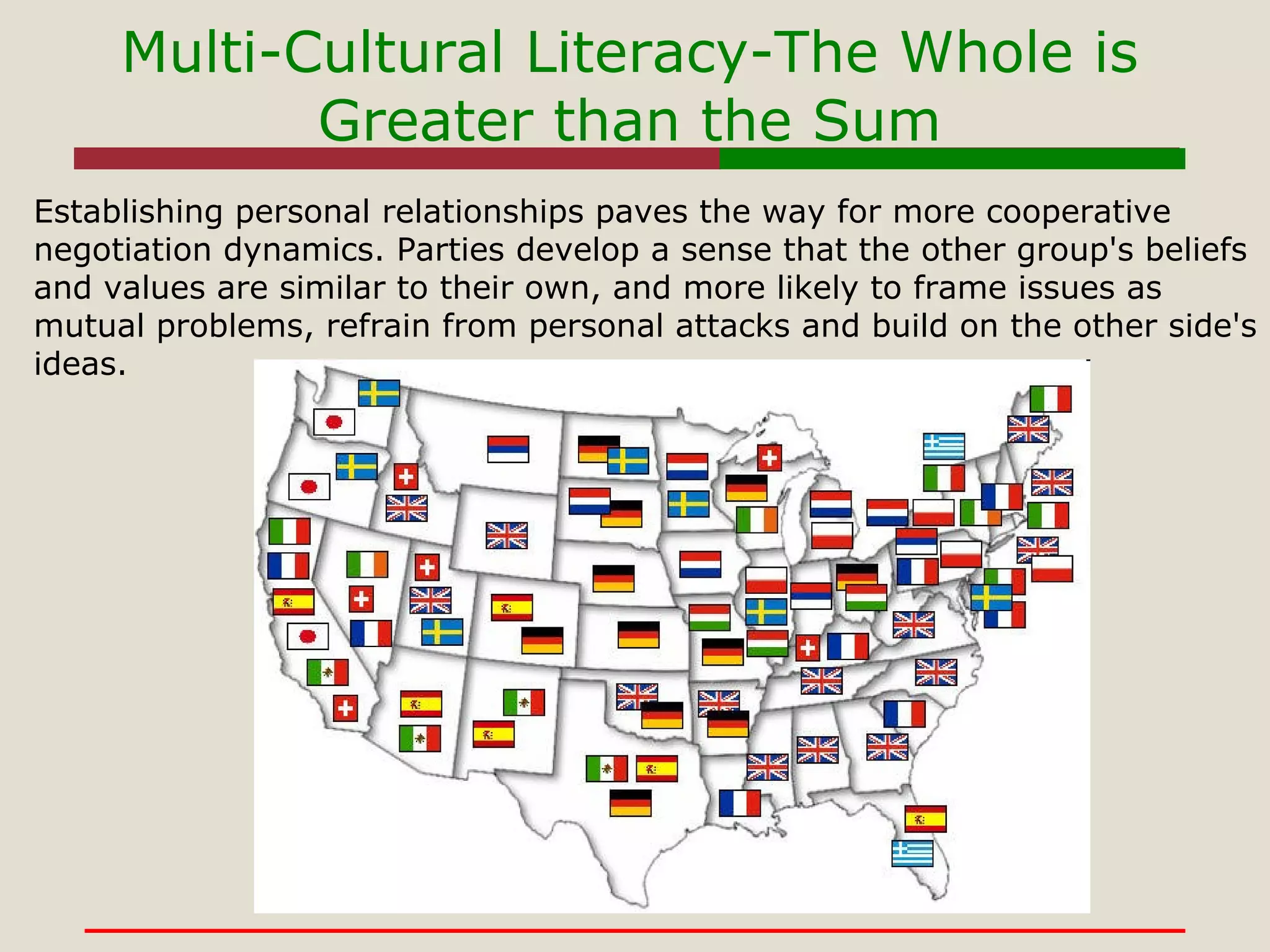
Multi-Cultural Literacy-The Whole is Greater than the Sum Establishing personal relationships paves the way for more cooperative negotiation dynamics. Parties develop a sense that the other group's beliefs and values are similar to their own, and more likely to frame issues as mutual problems, refrain from personal attacks and build on the other side's ideas.
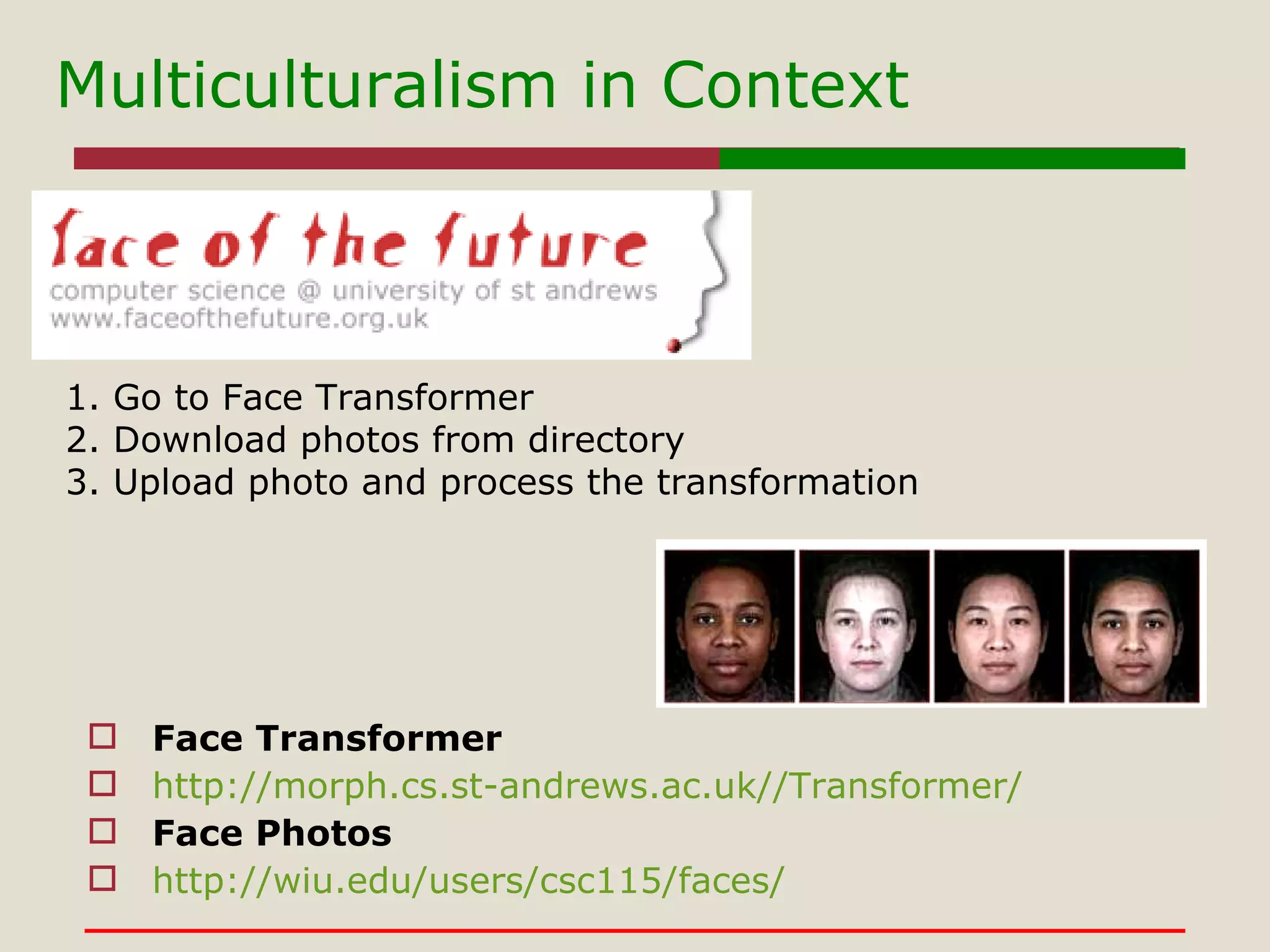
Multiculturalism in Context Face Transformer http://morph.cs.st-andrews.ac.uk//Transformer/ Face Photos http://wiu.edu/users/csc115/faces/ 1. Go to Face Transformer 2. Download photos from directory 3. Upload photo and process the transformation
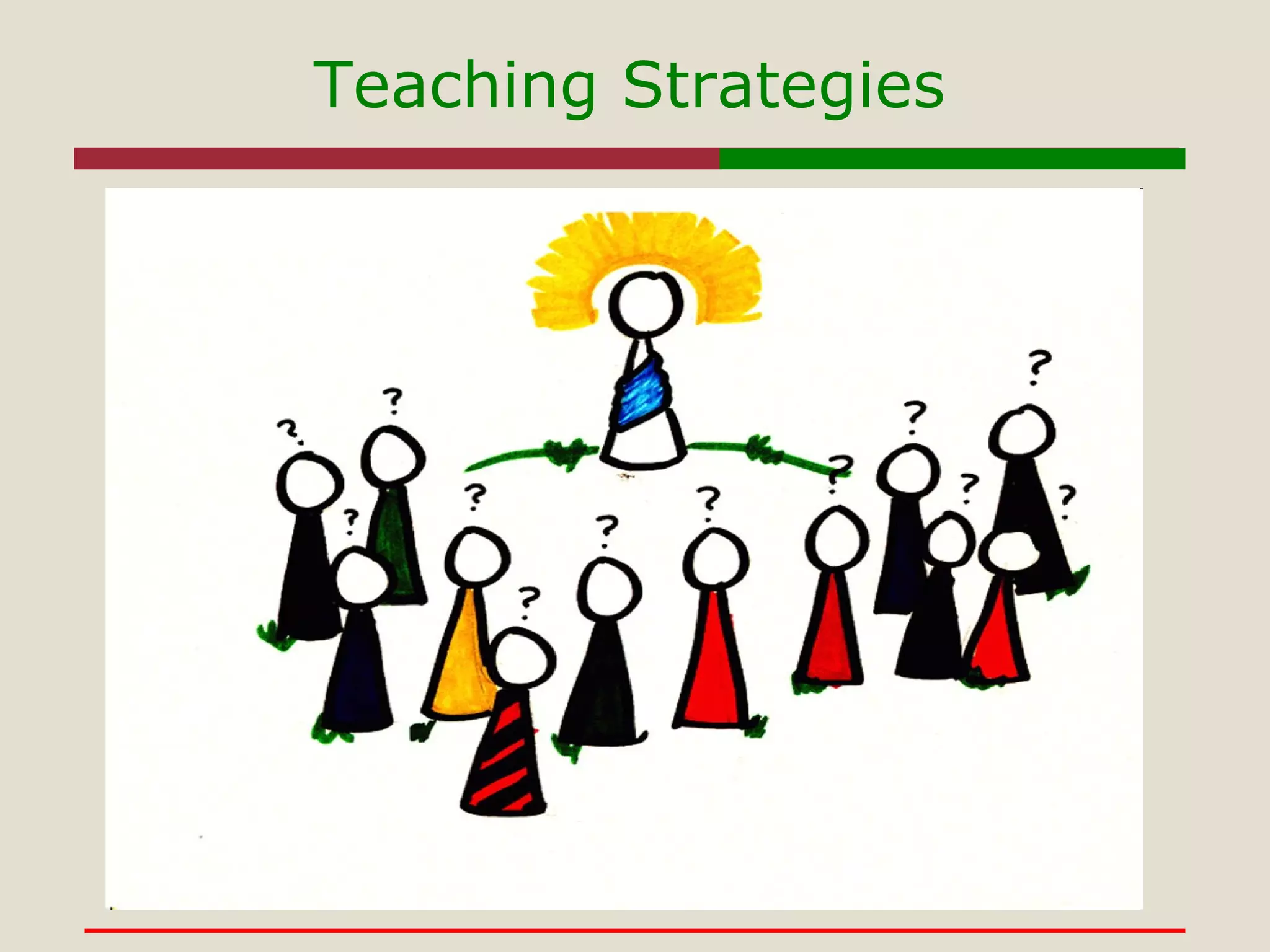
Teaching Strategies
IBL Teaching Strategies Inquiry-based learning- Learning should be based around student's questions. Requires students to work together to solve problems rather than receiving direct instructions  The teacher's job in an inquiry learning environment is to help students along the process of discovering knowledge themselves.
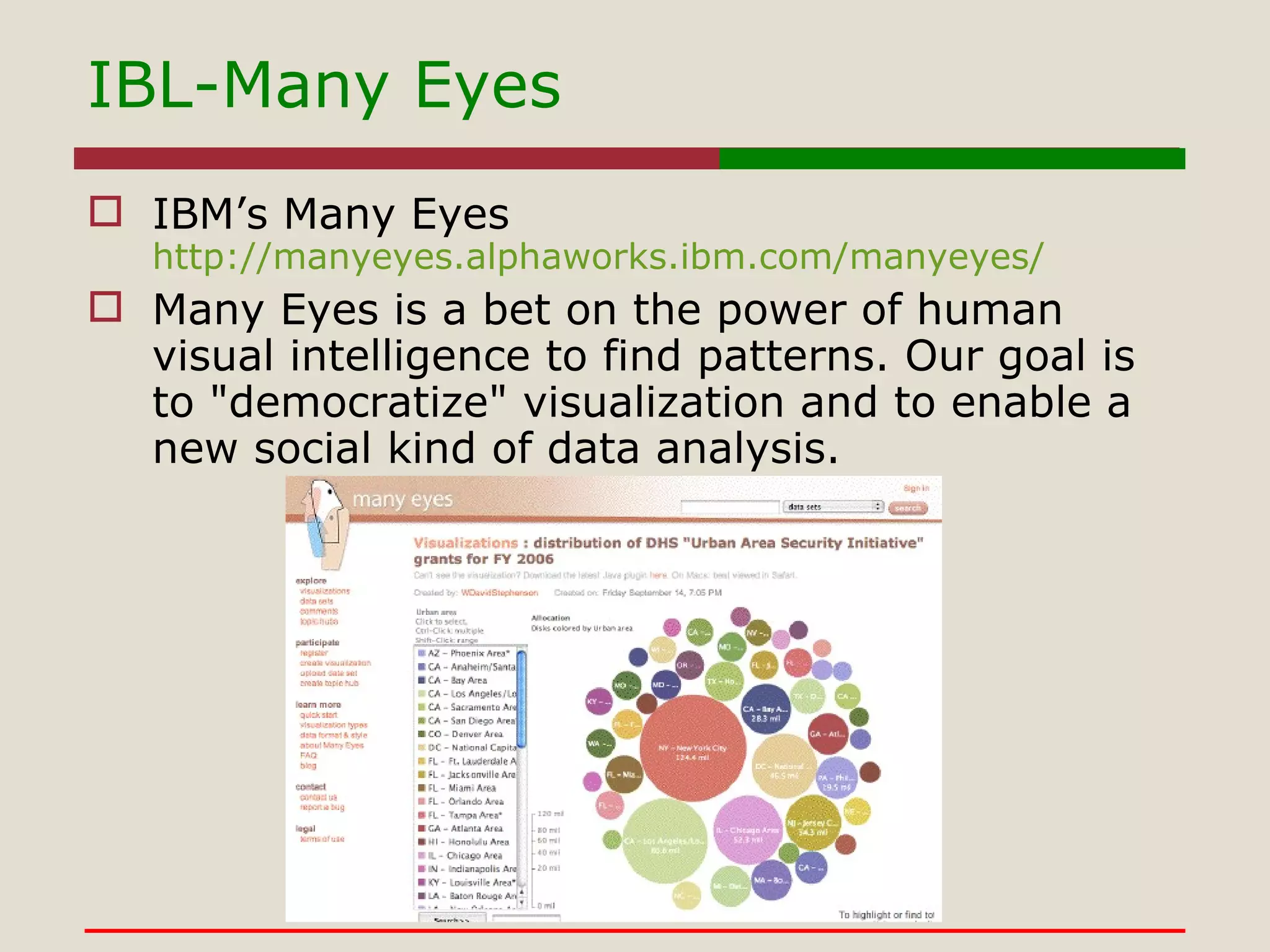
IBM’s Many Eyes http://manyeyes.alphaworks.ibm.com/manyeyes/ Many Eyes is a bet on the power of human visual intelligence to find patterns. Our goal is to "democratize" visualization and to enable a new social kind of data analysis.  IBL-Many Eyes
IBL-MindMeister As a group create a mind map on the topic of Instructional Resources Group leader(s) sets up account on  www.mindemeister.com Members contribute ideas for group branches on collaborative map Group leader(s) inputs content to map. GoogleApps http://blog.mindmeister.com/2010/03/10/mindmeister-now-available-at-the-new-google-apps-marketplace/
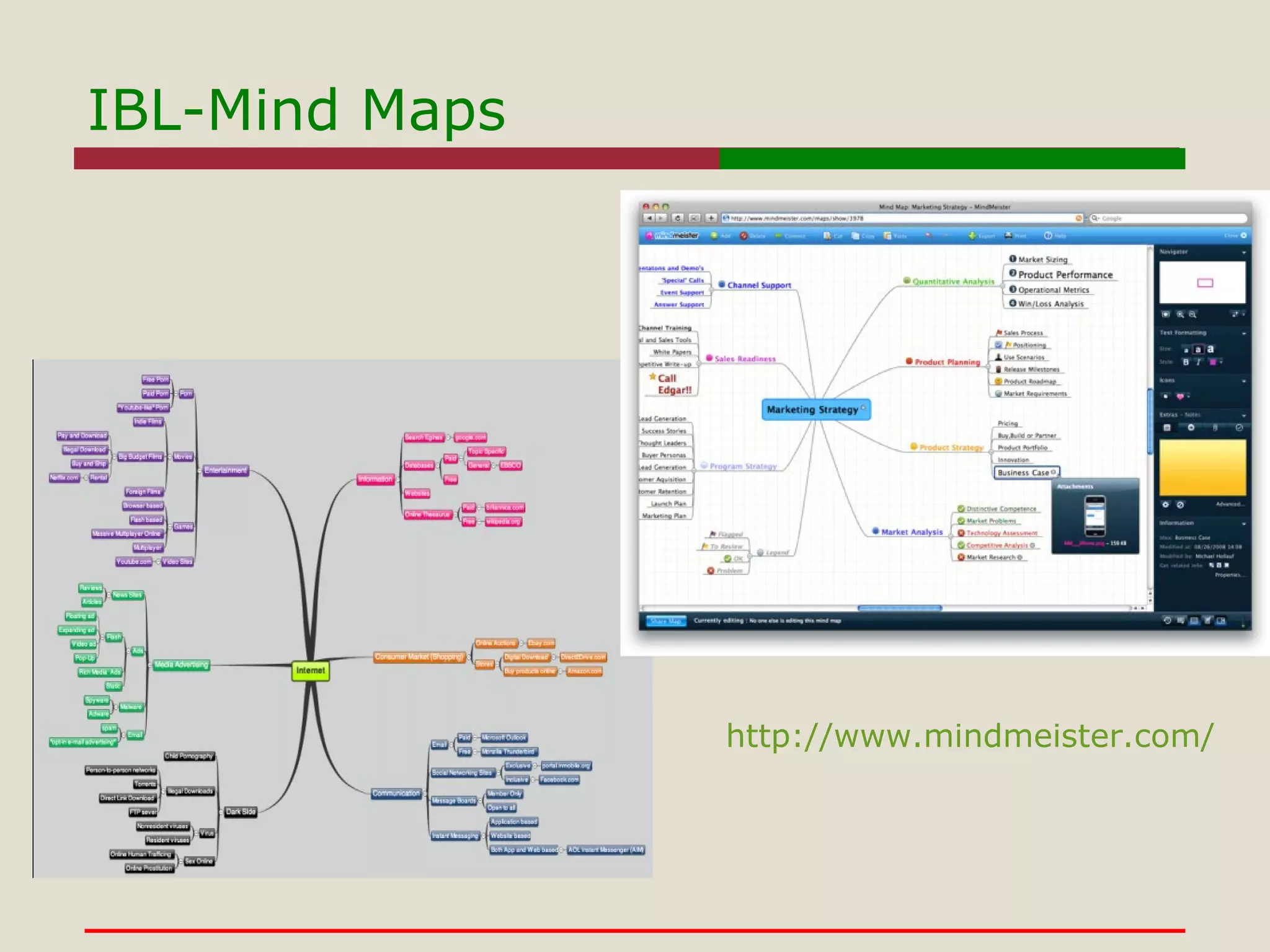
IBL-Mind Maps http://www.mindmeister.com/
What We Learn Turn information into useful knowledge. Stresses skill development and nurtures the development of  good habits of mind.  Provides useful context, and application for information Develops connections between activities within a particular subject.
Teaching Strategies Problem-based learning- is a student-centered instructional strategy in which students collaboratively solve problems and reflect on their experiences. Characteristics of PBL are: Learning is driven by challenging,  open-ended problems.  Students work in small collaborative groups.  Teachers take on the role as "facilitators" of learning.
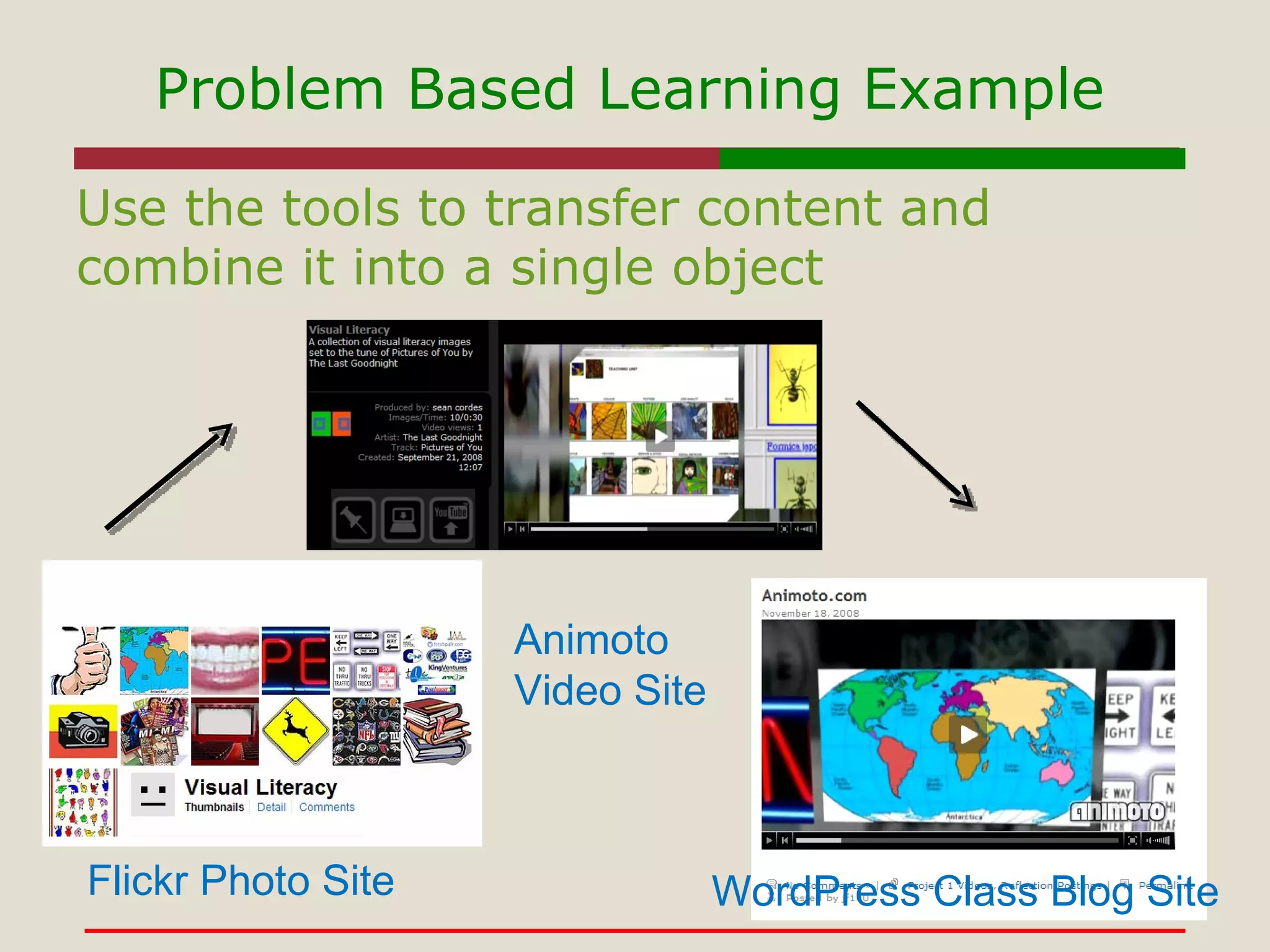
Problem Based Learning Example Use the tools to transfer content and combine it into a single object Flickr Photo Site Animoto  Video Site WordPress Class Blog Site
To create meaningful information objects by combining media types including language and objects To understand the process of trial, error, and consequence relating to technology use To understand the relationship of rules, tools, labor, and community relating to information systems What we learn
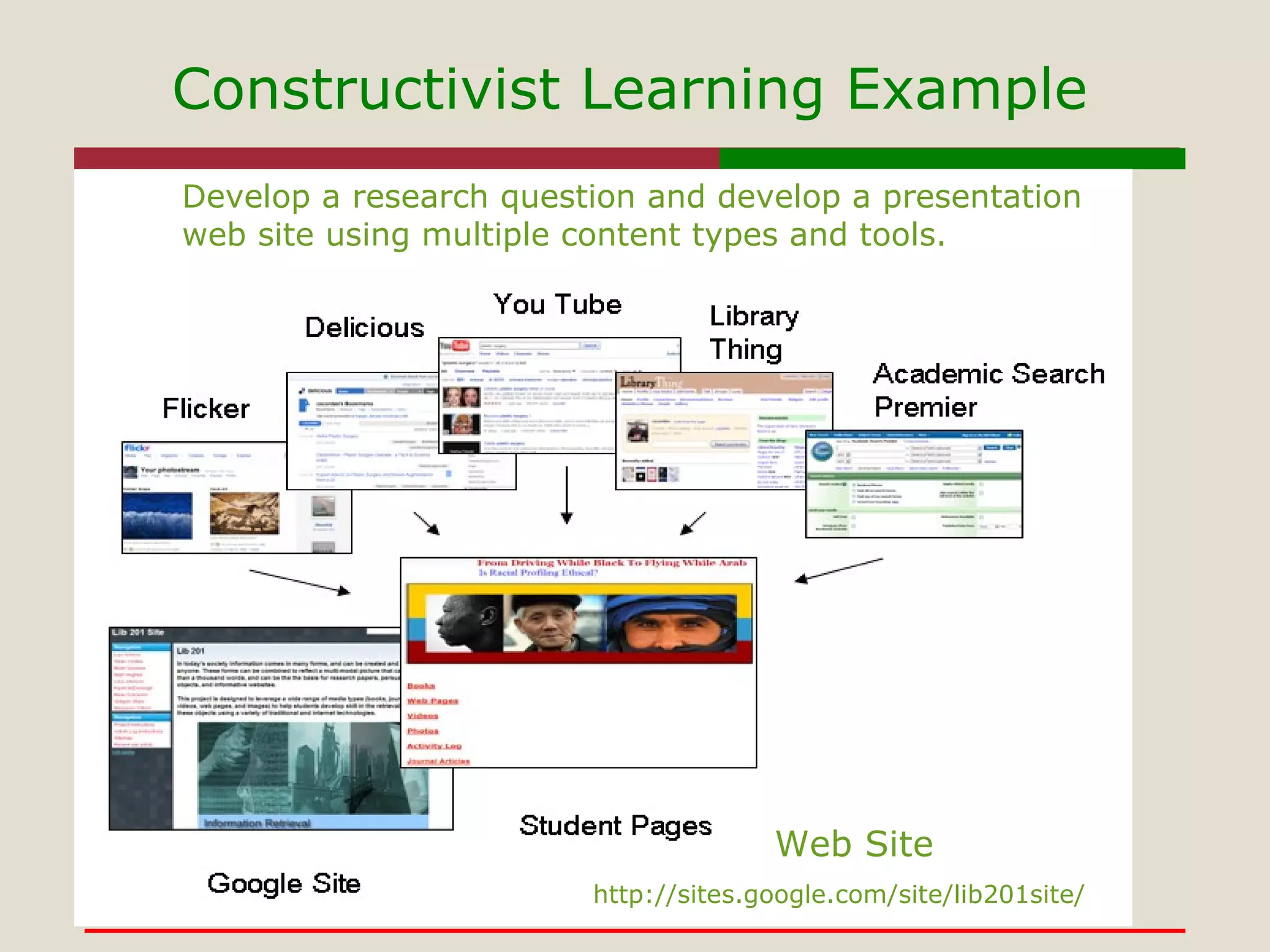
Teaching Strategies Contstructivism  assumes that learners construct their own knowledge on the basis of interaction with their environment.  Knowledge is physically constructed by learners who are involved in active learning  Knowledge is symbolically constructed by learners who are making their own representations of action  Knowledge is socially constructed by learners who convey their meaning making to others;  Knowledge is theoretically constructed by learners who try to explain things they don't completely understand Example-Google Site http://sites.google.com/site/lib201site/
Constructivist Learning Example Web Site Develop a research question and develop a presentation web site using multiple content types and tools. http://sites.google.com/site/lib201site/
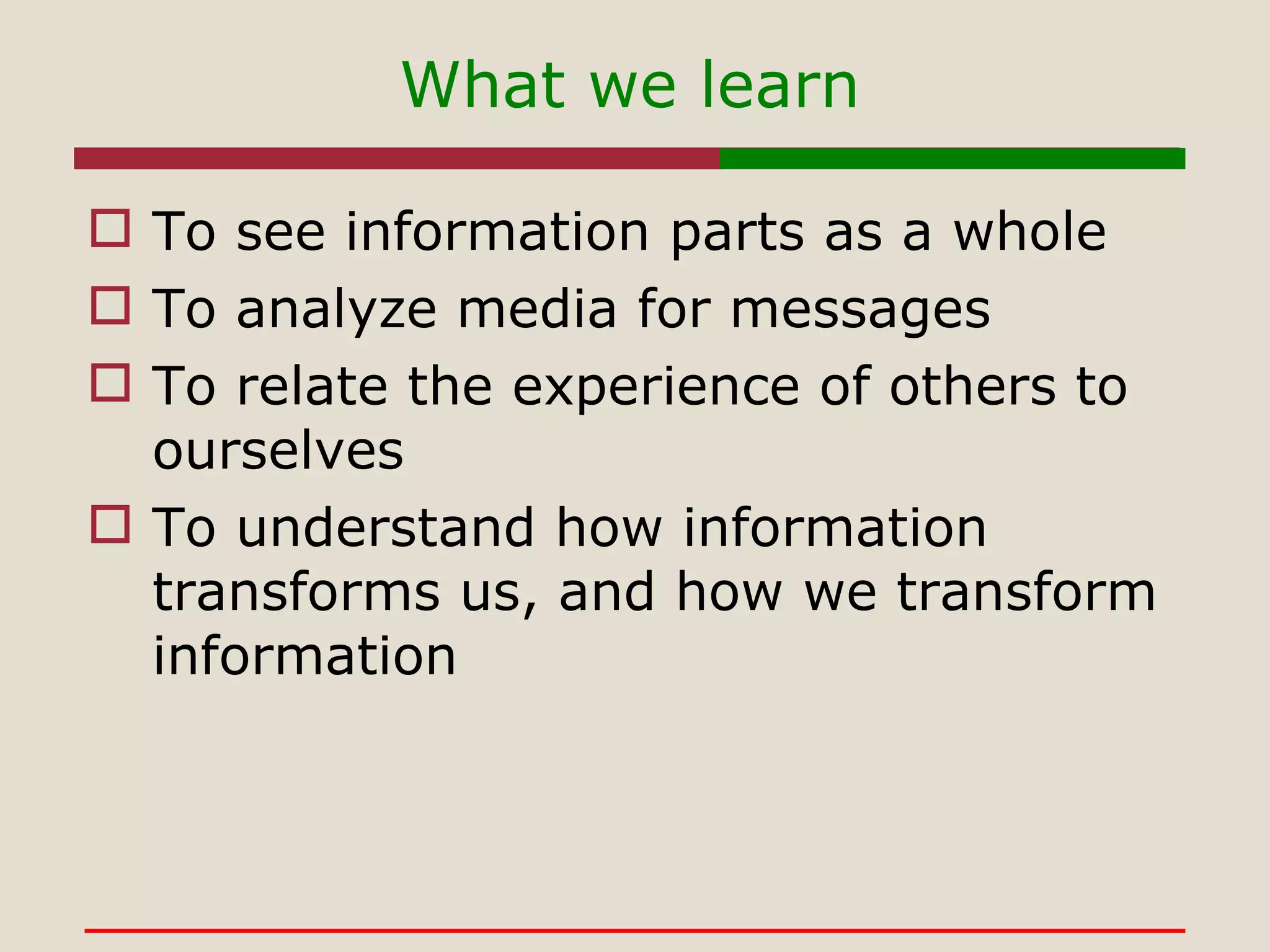
What we learn To see information parts as a whole To analyze media for messages To relate the experience of others to ourselves To understand how information transforms us, and how we transform information
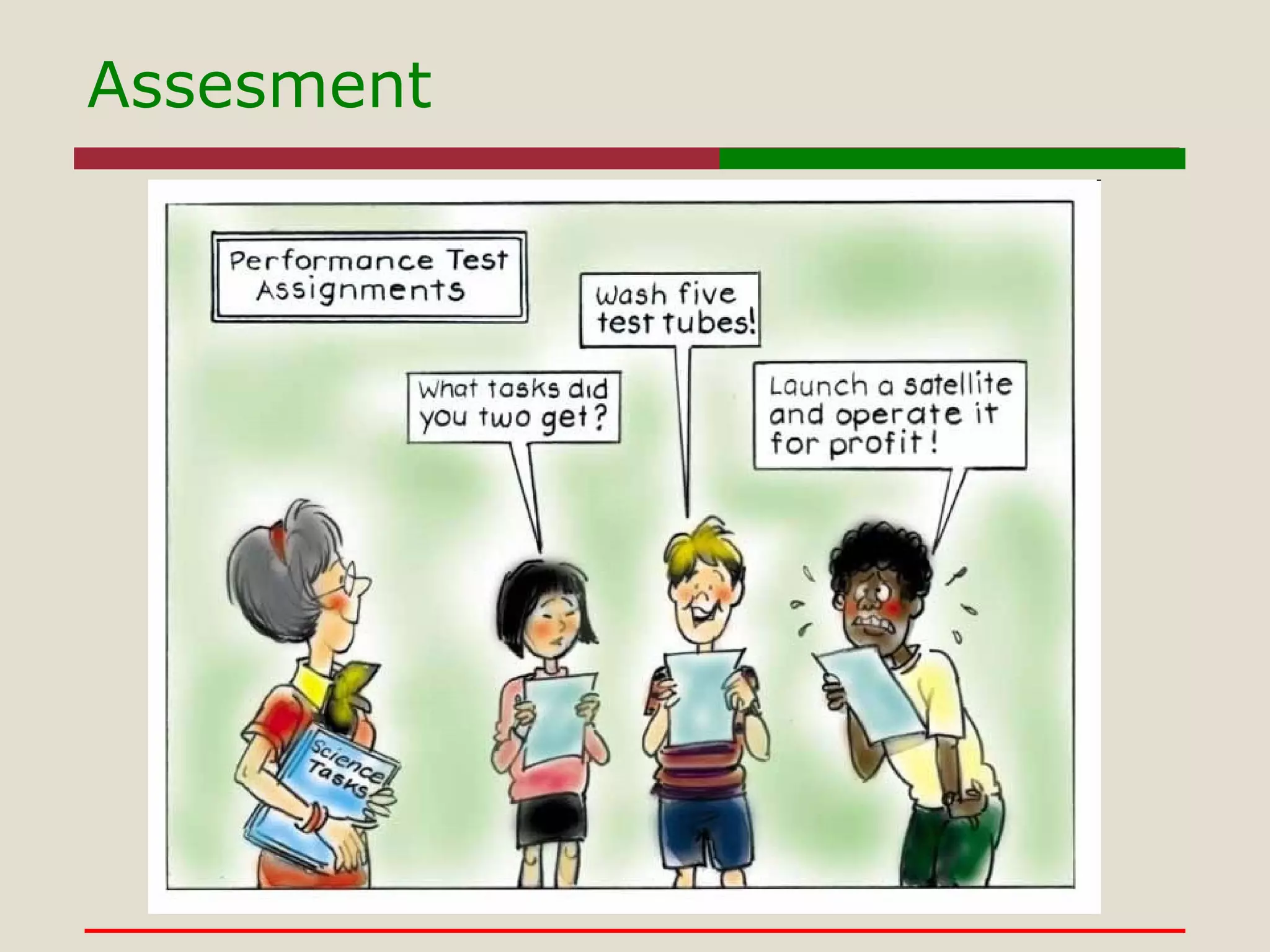
Assesment
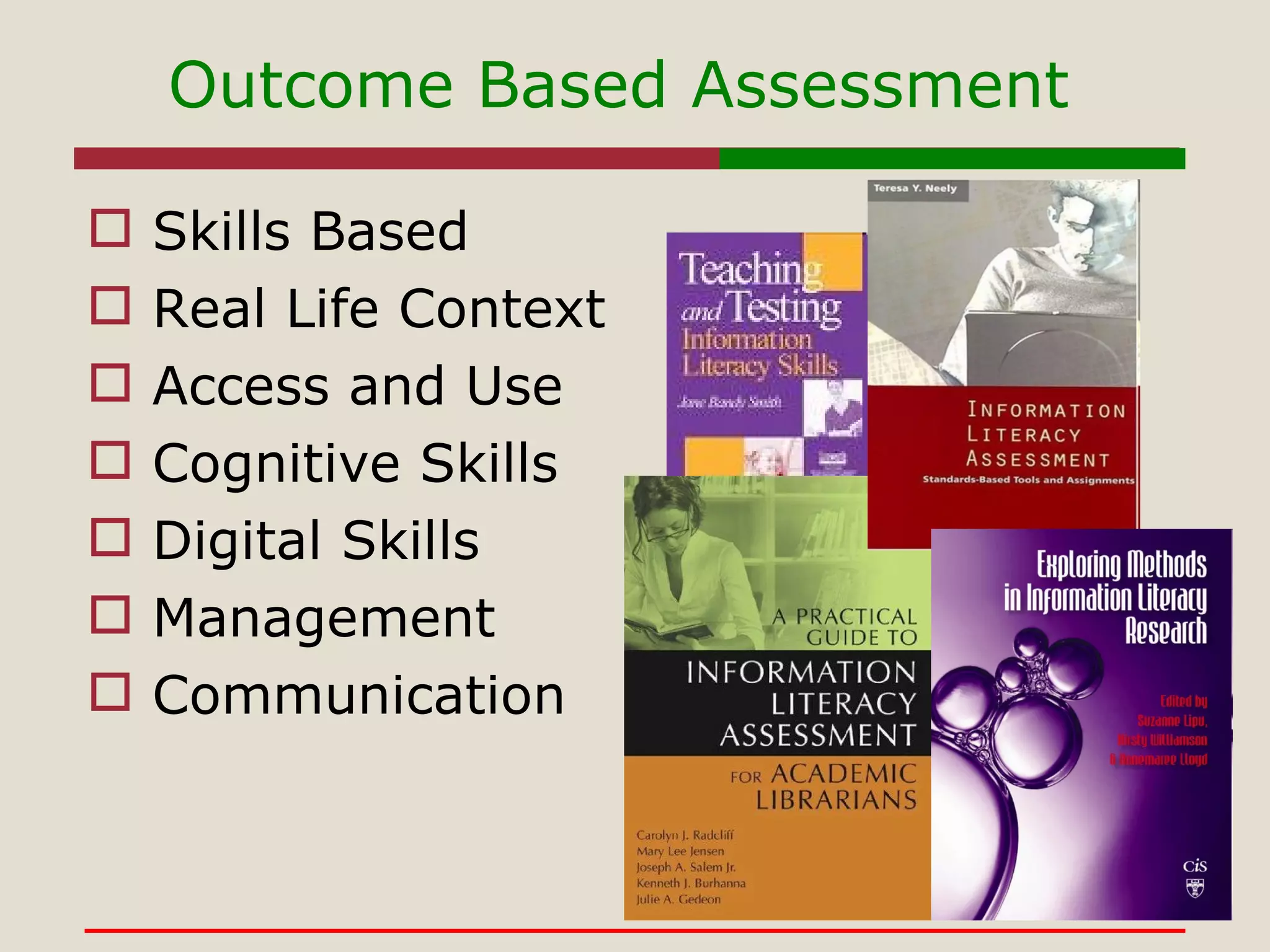
Outcome Based Assessment  Skills Based Real Life Context Access and Use Cognitive Skills Digital Skills Management Communication
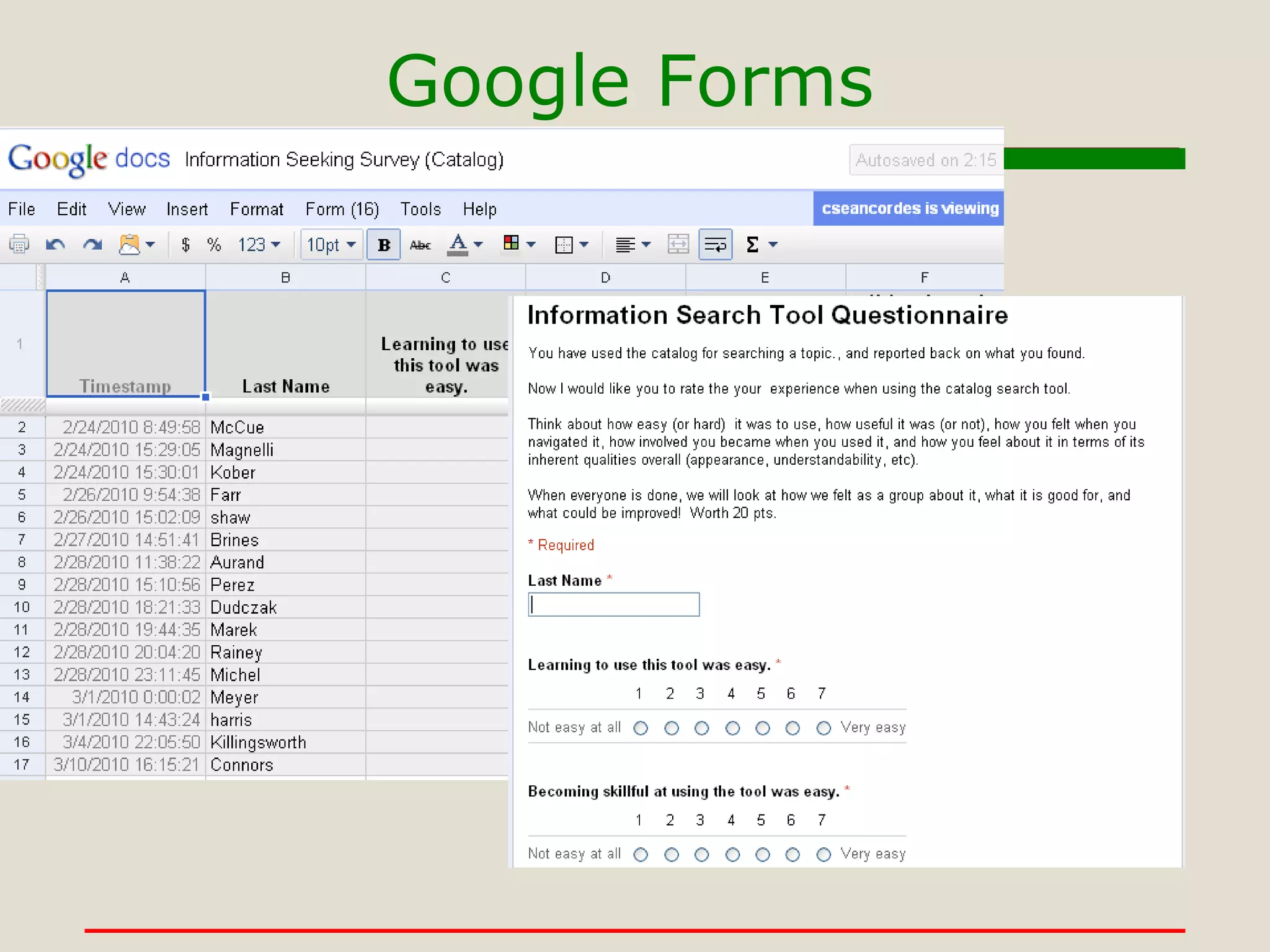
Google Forms
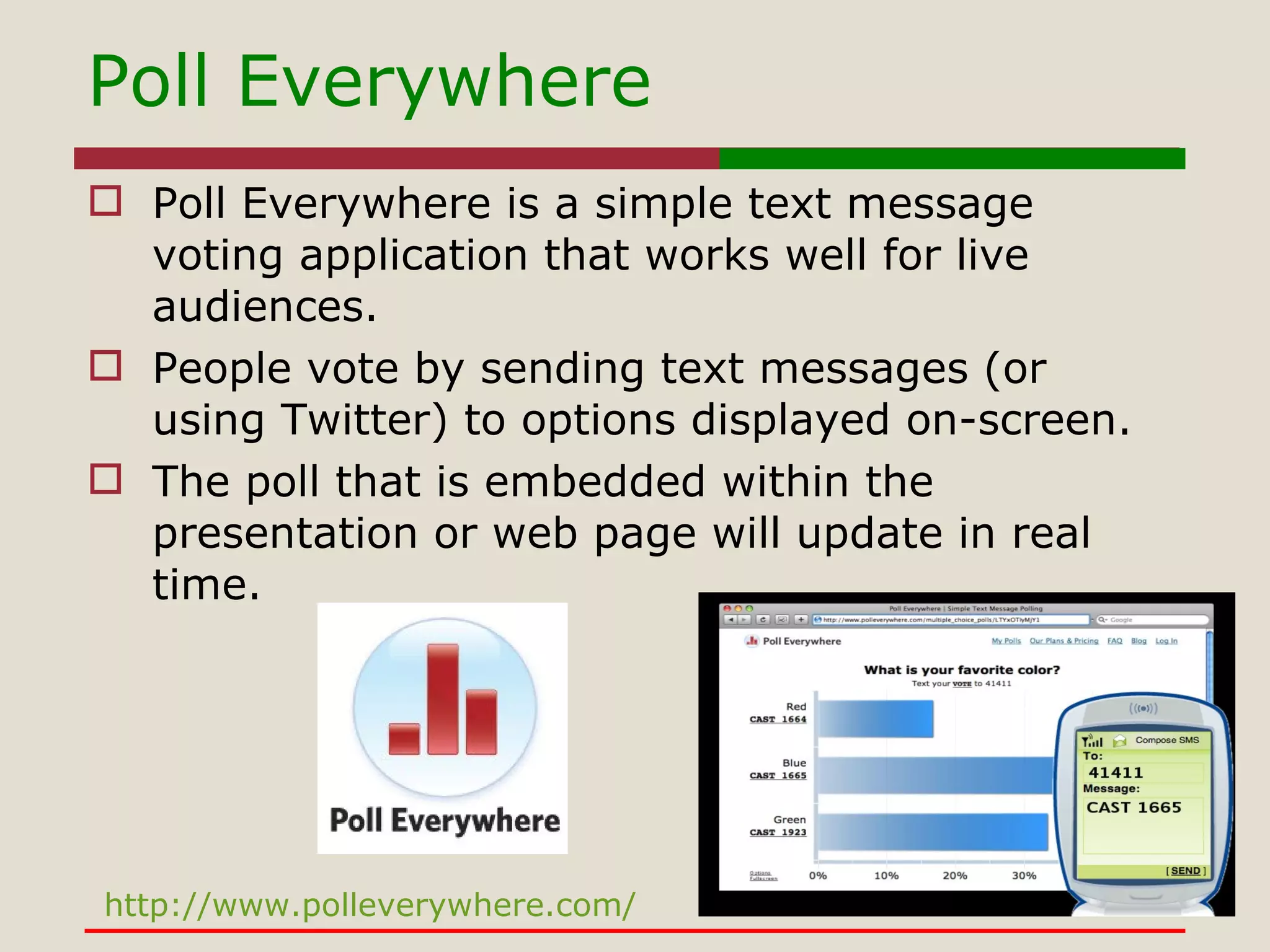
Poll Everywhere Poll Everywhere is a simple text message voting application that works well for live audiences.  People vote by sending text messages (or using Twitter) to options displayed on-screen.  The poll that is embedded within the presentation or web page will update in real time. http://www.polleverywhere.com/
Thank  You! [email_address] http://bit.ly/cZZf4J Got Slides?

Multimodal Fluency: Classroom to the Cloud

  • 1.
    Multimodal Fluency: Fromthe Classroom to the Cloud Sean Cordes Assistant Professor Western Illinois University
  • 2.
    The State ofThings “ It is radical conditions which have changed,” he wrote, “and only a radical change in education suffices… Knowledge is no longer an immobile solid; it has been liquefied.” Dewey, J. (1980). The School and Society. Carbondale, IL: Southern Illinois University Press.
  • 3.
    The Classroom Onlywith a clear sense of the theoretical foundations that underpin assumptions about learning and cognition, can an efficient online learning environment be appropriately designed.  Failure to address questions regarding learning theories, pedagogical approaches and explicit learning outcomes, results in the Everest Syndrome - using technology just because it is there (Nunes & McPherson, p. 8). 
  • 4.
    The Cloud "Infrastructure as a Service (IaaS) " - clients buy resources as a fully outsourced servers, software, data center space or network equipment. " Platform as a Service (PaaS) " - facilitates deployment of applications without the cost and complexity of buying and managing the underlying hardware and software layers. “ Software as a service ( SaaS )” a provider licenses an application to customers for use as a service on demand. vendors host the application on their own web servers or upload the application to the consumer device, disabling it after use or after the on-demand contract expires. Cloud Computing-Larry Ellison http://bit.ly/13T3OZ
  • 5.
    Learning and theModern Learner
  • 6.
    Information will bepervasive Informational computing will be an extension of the self Those with access and ability to information and technologies will have the edge over those who do not Educators will be on the trailing edge in some cases, the leading edge in others. Learning and the Modern Learner
  • 7.
    The Partnership for21 st Century Skills http://www.21stcenturyskills.org Standards & Assessments Curriculum & Instruction Professional Development Learning Environments Life & Career Skills Learning & Innovation Skills Core Subjects & 21C Themes Information, Media, & Technology Skills
  • 8.
    The Scope Studentsunderstand the nature and scope of information problems The question The information needed Where to look How to look How to present it
  • 9.
    The Means Studentsuse efficient means to get the information needed to solve problems. Databases Internet Community
  • 10.
    Evaluating information TypeQuality Quantity Availability Suitability
  • 11.
    Ethical Use PiracyPlagiarism Cyber Bullying
  • 12.
    Skill Sets forSurvival Information Literacy Skills Management Skills Digital Literacy Skills Inter-Personal Skills
  • 13.
  • 14.
  • 15.
    Brace Yourself Learningcurve for students and instructors Look for balance between the learning experience and experience needed Can be costly Investigate free and low cost options Potential issues with compatibility and accessibility Test the tools on a variety of platforms browsers and environments, contact vendors and site owners Can require outside support Work with your computing “experts” – in house & online Operates in an open ended and somewhat ambiguous arena Try things out yourself first, provide alternates options, get to know student skill level, have a back up plan
  • 16.
    Engage and AdvanceDo you need it?-Avoid Tech for Tech sake, match tools to tasks Try It-Be prepared to do the assignment yourself, see what the experience is, and what can happen Topics-Give them choices, let them choose Provide context-Show how the tool can help with your class, other classes, work & life Explain the essence- Nothing usually goes as planned, be prepared for set backs, plan ahead
  • 17.
    Modern Literacies Visualliteracy is the ability to analyze, create, and use, images and video using technology and media to enable critical thinking Multicultural literacy is the ability to acknowledge, compare, contrast, and appreciate commonalities and differences in culture Media literacy is the process of accessing, analyzing, evaluating and creating messages in a wide variety of media modes Digital Literacy is the ability to apply technology to access and use resources in multiple modes and forms.
  • 18.
    Information now? Information-Maya Design http://www.youtube.com/watch?v=WytNkw1xOIc&feature=player_embedded# Web 2 “0 My”
  • 19.
  • 20.
  • 21.
  • 22.
    Visual Literacy-To theNovel http://www.psykopaint.com/
  • 23.
    Media Literacy- AnimotoVideos http://animoto.com/education http://bit.ly/bF6crv http://bit.ly/8Yc8C5
  • 24.
    Media Literacy-Myxer.com http://www.myxer.com/Upload image and music files to create wallpapers and ringtones for your phone. It's Easy! Have students upload music files to create ringtones for their phones and teach them about fair use and audio media. It's Easy!
  • 25.
    Multi-Cultural Literacy-The Wholeis Greater than the Sum Establishing personal relationships paves the way for more cooperative negotiation dynamics. Parties develop a sense that the other group's beliefs and values are similar to their own, and more likely to frame issues as mutual problems, refrain from personal attacks and build on the other side's ideas.
  • 26.
    Multiculturalism in ContextFace Transformer http://morph.cs.st-andrews.ac.uk//Transformer/ Face Photos http://wiu.edu/users/csc115/faces/ 1. Go to Face Transformer 2. Download photos from directory 3. Upload photo and process the transformation
  • 27.
  • 28.
    IBL Teaching StrategiesInquiry-based learning- Learning should be based around student's questions. Requires students to work together to solve problems rather than receiving direct instructions The teacher's job in an inquiry learning environment is to help students along the process of discovering knowledge themselves.
  • 29.
    IBM’s Many Eyeshttp://manyeyes.alphaworks.ibm.com/manyeyes/ Many Eyes is a bet on the power of human visual intelligence to find patterns. Our goal is to "democratize" visualization and to enable a new social kind of data analysis. IBL-Many Eyes
  • 30.
    IBL-MindMeister As agroup create a mind map on the topic of Instructional Resources Group leader(s) sets up account on www.mindemeister.com Members contribute ideas for group branches on collaborative map Group leader(s) inputs content to map. GoogleApps http://blog.mindmeister.com/2010/03/10/mindmeister-now-available-at-the-new-google-apps-marketplace/
  • 31.
  • 32.
    What We LearnTurn information into useful knowledge. Stresses skill development and nurtures the development of good habits of mind. Provides useful context, and application for information Develops connections between activities within a particular subject.
  • 33.
    Teaching Strategies Problem-basedlearning- is a student-centered instructional strategy in which students collaboratively solve problems and reflect on their experiences. Characteristics of PBL are: Learning is driven by challenging, open-ended problems. Students work in small collaborative groups. Teachers take on the role as "facilitators" of learning.
  • 34.
    Problem Based LearningExample Use the tools to transfer content and combine it into a single object Flickr Photo Site Animoto Video Site WordPress Class Blog Site
  • 35.
    To create meaningfulinformation objects by combining media types including language and objects To understand the process of trial, error, and consequence relating to technology use To understand the relationship of rules, tools, labor, and community relating to information systems What we learn
  • 36.
    Teaching Strategies Contstructivism assumes that learners construct their own knowledge on the basis of interaction with their environment. Knowledge is physically constructed by learners who are involved in active learning Knowledge is symbolically constructed by learners who are making their own representations of action Knowledge is socially constructed by learners who convey their meaning making to others; Knowledge is theoretically constructed by learners who try to explain things they don't completely understand Example-Google Site http://sites.google.com/site/lib201site/
  • 37.
    Constructivist Learning ExampleWeb Site Develop a research question and develop a presentation web site using multiple content types and tools. http://sites.google.com/site/lib201site/
  • 38.
    What we learnTo see information parts as a whole To analyze media for messages To relate the experience of others to ourselves To understand how information transforms us, and how we transform information
  • 39.
  • 40.
    Outcome Based Assessment Skills Based Real Life Context Access and Use Cognitive Skills Digital Skills Management Communication
  • 41.
  • 42.
    Poll Everywhere PollEverywhere is a simple text message voting application that works well for live audiences. People vote by sending text messages (or using Twitter) to options displayed on-screen. The poll that is embedded within the presentation or web page will update in real time. http://www.polleverywhere.com/
  • 43.
    Thank You![email_address] http://bit.ly/cZZf4J Got Slides?

Editor's Notes

  • #16 Choose tools that will provide the best experience in the topic that is not too easy, to hard, or to costly.