Metronet Information Literacy
Initiative
An Introduction to a Year Devoted to
Research, Reliable Resources, &
Responsible Use
www.flickr.com/photos/39735679@N00/420390416
Metronet
• Multicounty multitype library system
• One of 7 in Minnesota
• Serve libraries of all types with
continuing education,
networking, and special projects
• Metronet Board is committed to the
cause of Information Literacy &
teaching the skills needed for lifelong
learning
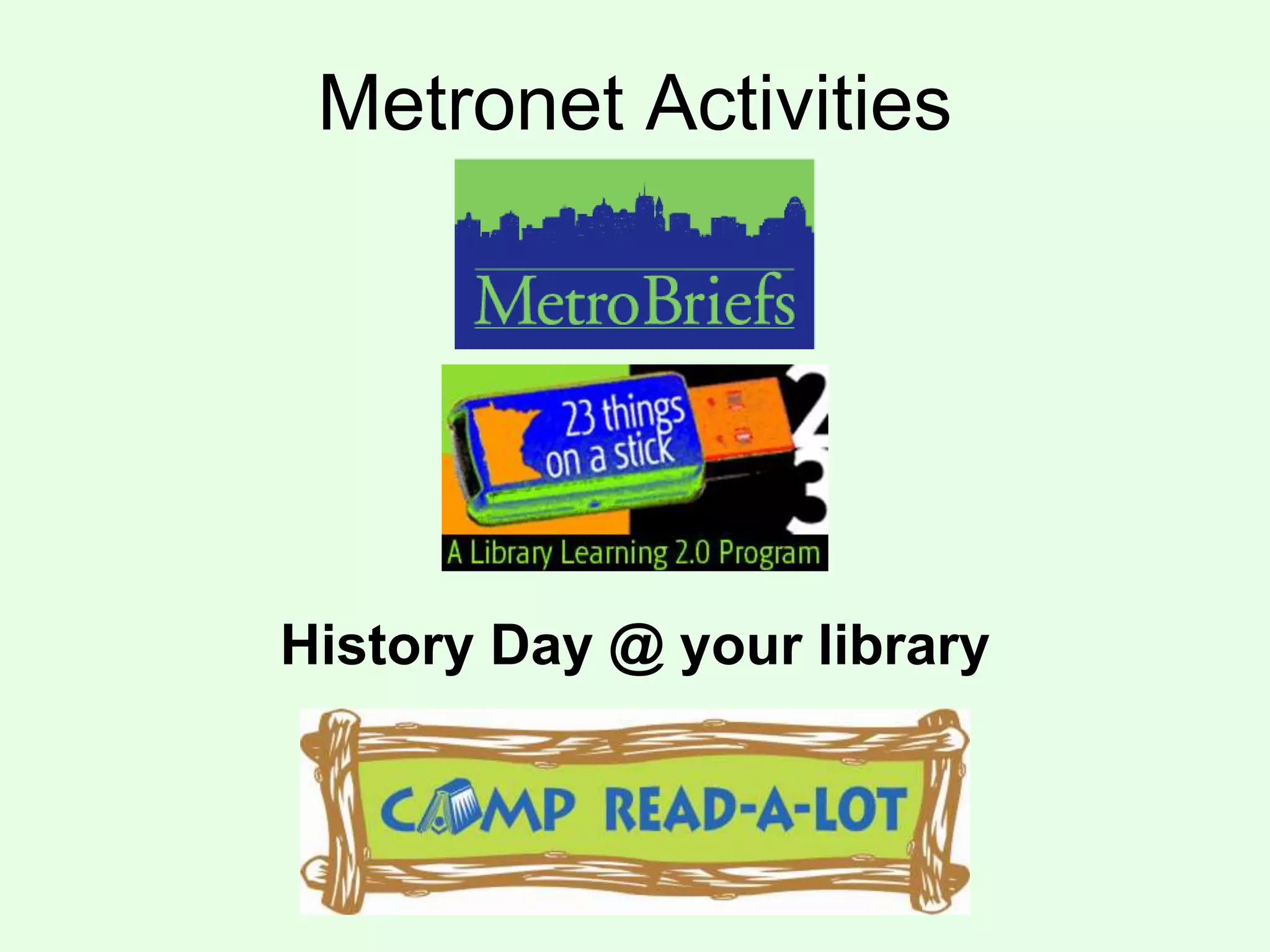
Metronet Activities
History Day @ your library
INFORMATION LITERACY &
21ST CENTURY SKILLS
Information is now as infinite as the
universe, but finding the answers
you need is harder than ever.
http://www.flickr.com/photos/10710442@N08/5608109065
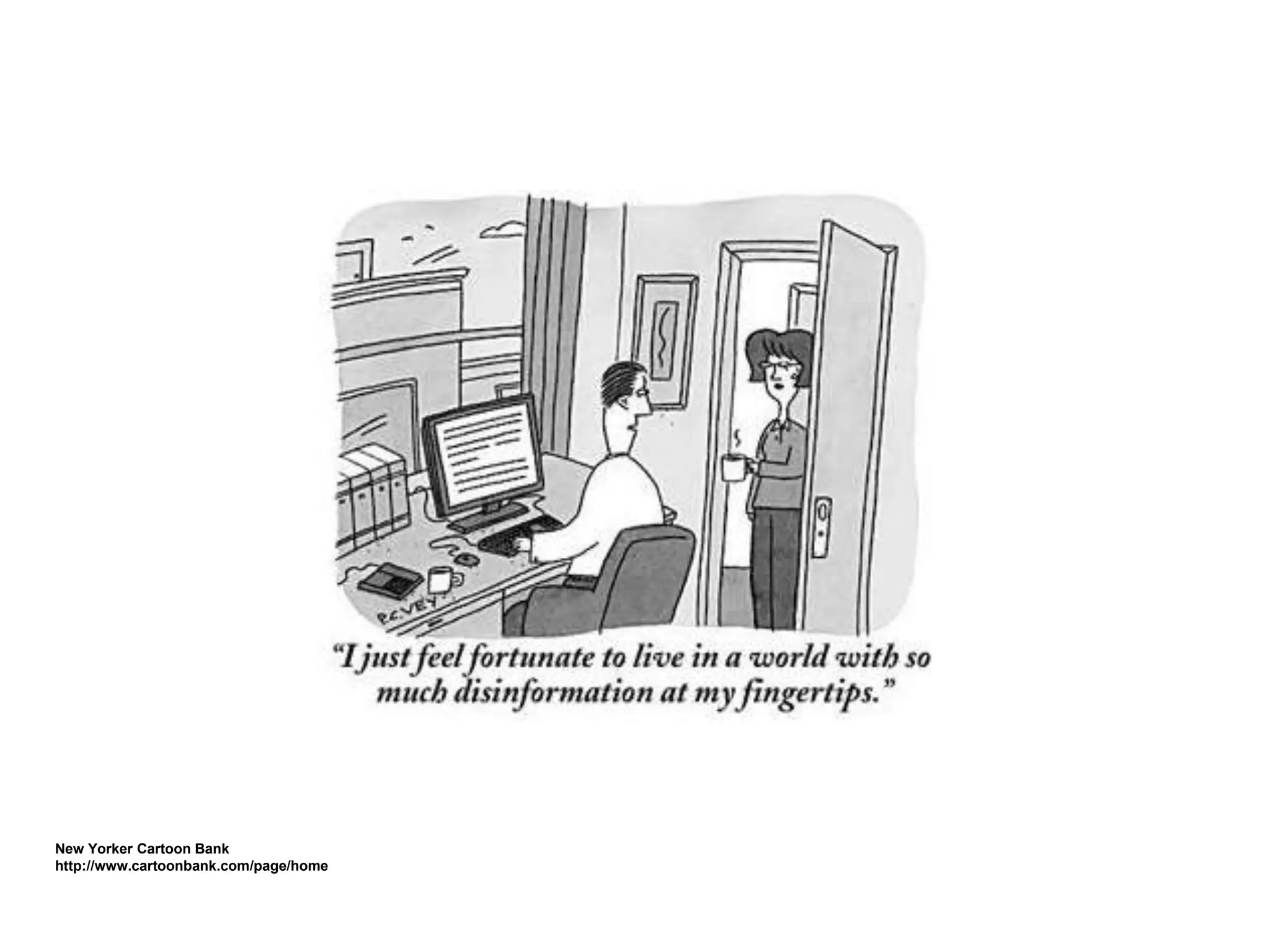
New Yorker Cartoon Bank
http://www.cartoonbank.com/page/home
What is Information Literacy?
"To be information literate, a person must
be able to recognize when information
is needed and have the ability to locate,
evaluate, and use effectively the
needed information."The American Library Association’s (ALA) Presidential Committee on Information Literacy, Final Report, 1989
www.flickr.com/photos/66606673@N00/2297933452
In the real world…
• The ability to solve problems &
answer questions using information
& technology
• An understanding of the
ethical/legal issues surrounding the
access and use of information
https://secure.flickr.com/photos/organised/8830572/sizes/m/in/photostream/
Information & Communication
Skills
• Interpret text, data, media,
& more for context &
meaning
• Communicate concepts,
ideas, conclusions…
www.flickr.com/photos/66208256@N00/2697847277
Thinking & problem-solving
• Critical thinking & systems
thinking
• Problem identification,
formulation & solution
• Creativity & intellectual
curiosity
http://www.flickr.com/photos/84959877@N00/144868194
Interpersonal &
self-direction skills
• Lead & follow: collaborative
skills
• Manage time & information
• Accountability & adaptability
• Social responsibility
www.flickr.com/photos/elsie/8229790/
More 21st Century Skills
• Global awareness
• Financial, economic and business
literacy, and developing entrepreneurial
skills to enhance workplace productivity
and career options
• Civic literacy
http://www.21stcenturyskills.org/index.php
Information Literacy
Key to Success
• Academic
• Work life
• Daily life
• Lifelong learning
NEW WORLD: WEB 2.0,
CLASSROOM 2.0, & LIBRARY
2.0
In the beginning of the Web
• Static Web sites
• Source of information/simple answers
• Limited media--photos & illustrations
• One-way communication
• Needed design & coding skills
• Needed proprietary software
• Access to a server
www.flickr.com/photos/51512551@N00/3359491617
Web 1.0 Web 2.0
Read only Read/Write/Collaborate
Web as reading platform Web as publishing platform
Developer authorship Public authorship
Software applications Web as software platform
Commercial/Proprietary Open source/shared
Static Dynamic
Impersonal It knows you and your needs
Restricted collaboration Collaborative
Short Tail Long Tail
Official Releases Constantly versioning—Beta
HD as storage platform Web as storage platform
Lecture Conversation
http://web20meetsstandards.wikispaces.com/
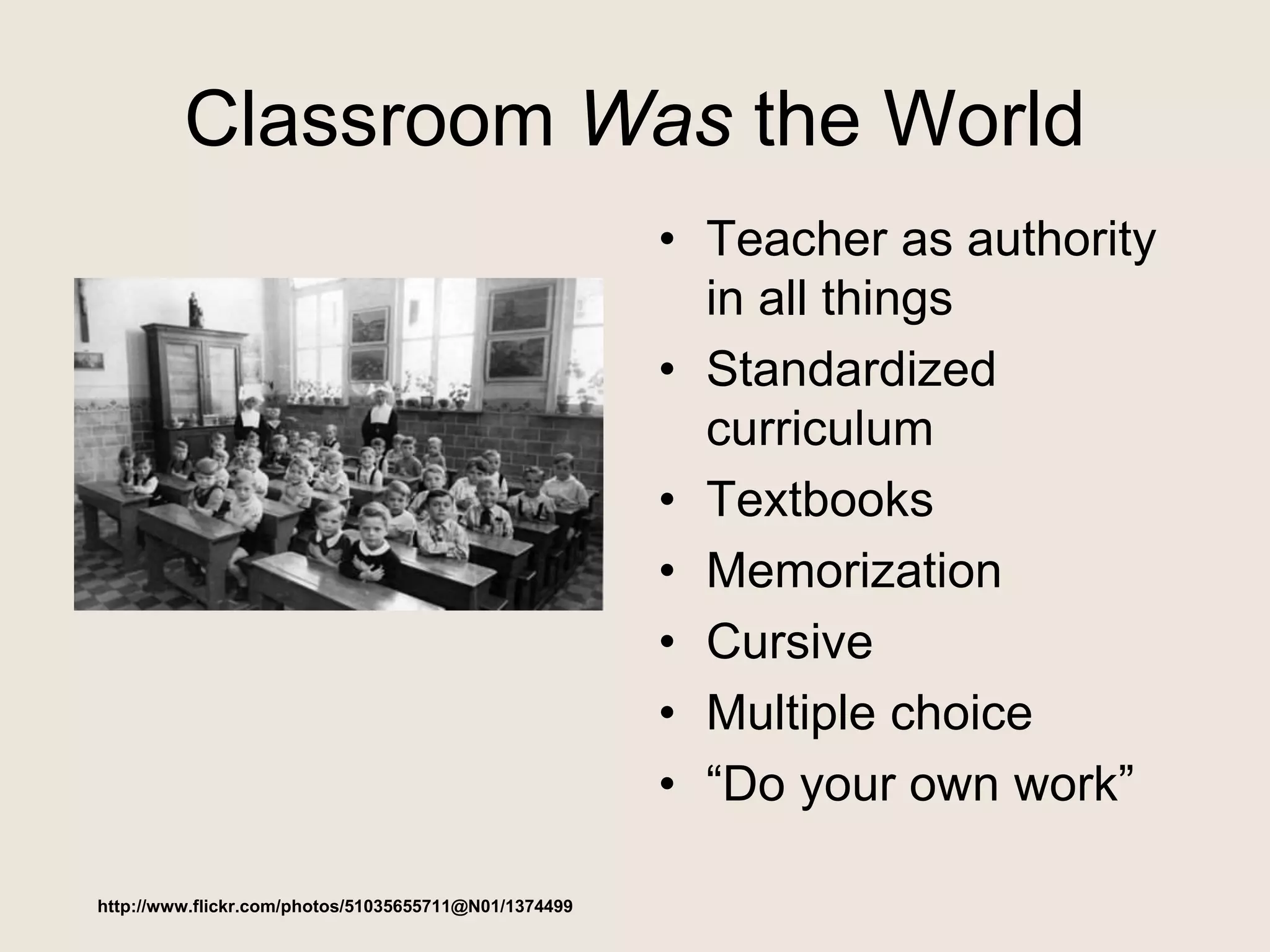
Classroom Was the World
• Teacher as authority
in all things
• Standardized
curriculum
• Textbooks
• Memorization
• Cursive
• Multiple choice
• “Do your own work”
http://www.flickr.com/photos/51035655711@N01/1374499
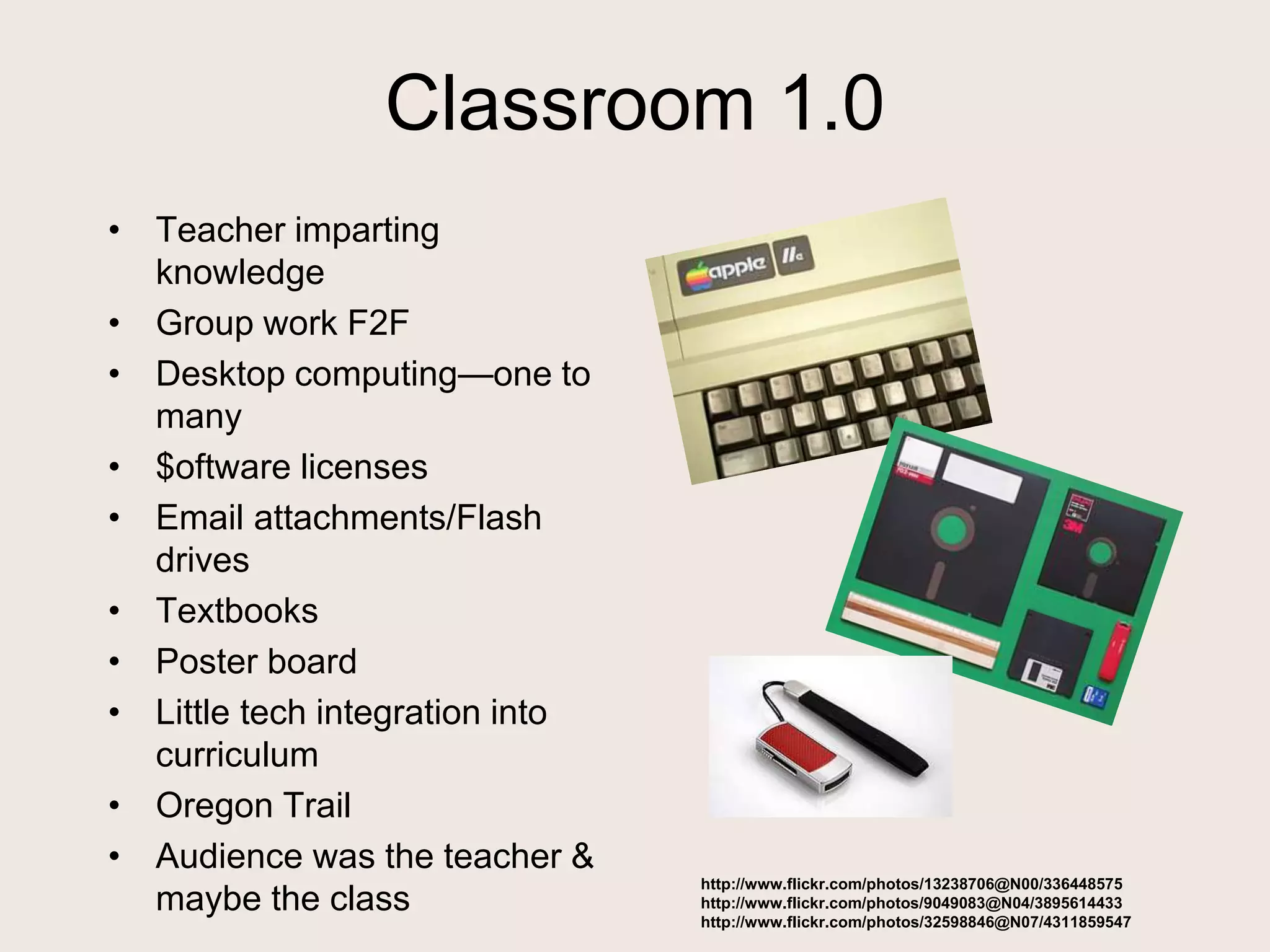
Classroom 1.0
• Teacher imparting
knowledge
• Group work F2F
• Desktop computing—one to
many
• $oftware licenses
• Email attachments/Flash
drives
• Textbooks
• Poster board
• Little tech integration into
curriculum
• Oregon Trail
• Audience was the teacher &
maybe the class
http://www.flickr.com/photos/13238706@N00/336448575
http://www.flickr.com/photos/9049083@N04/3895614433
http://www.flickr.com/photos/32598846@N07/4311859547
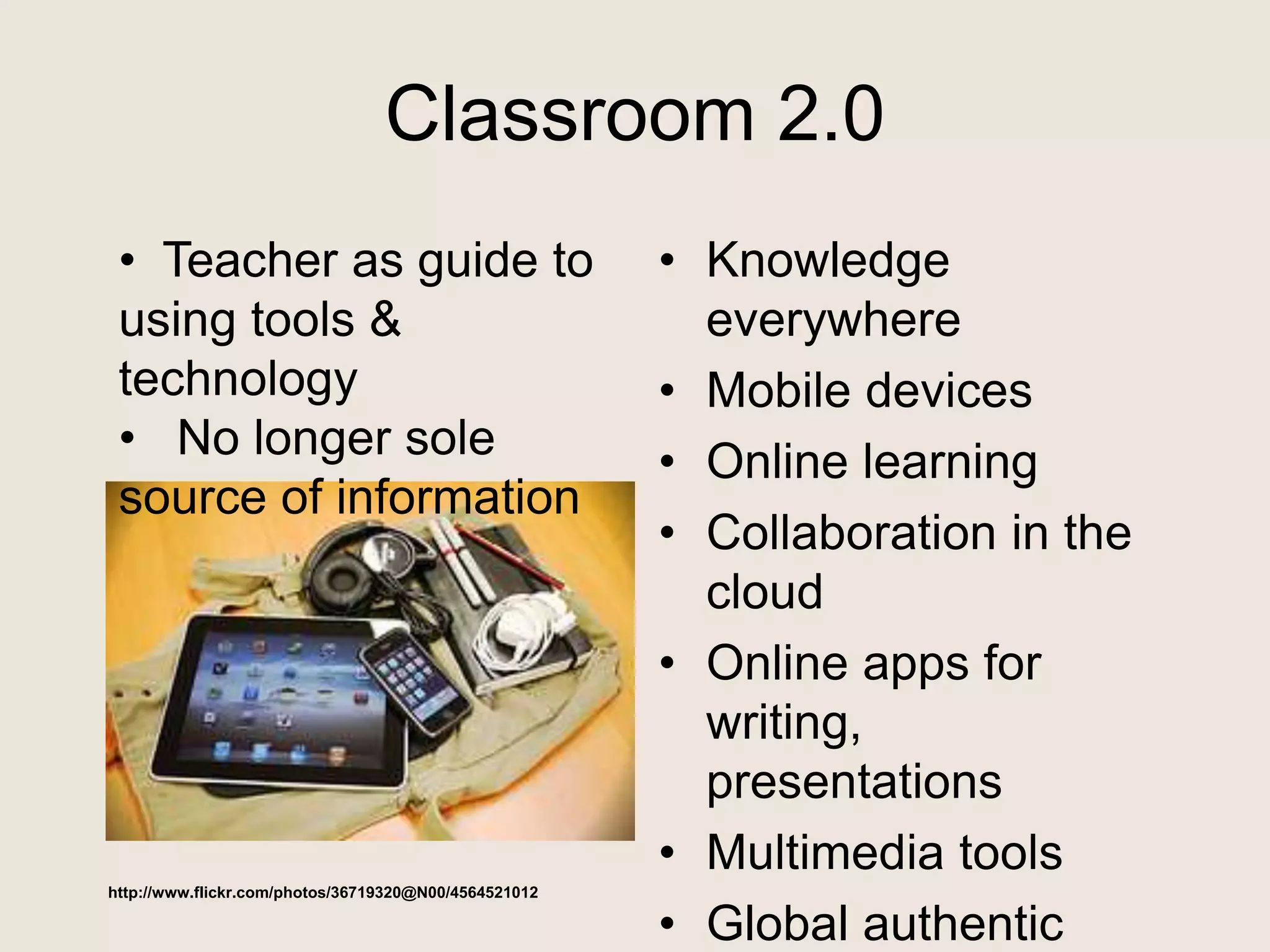
Classroom 2.0
• Knowledge
everywhere
• Mobile devices
• Online learning
• Collaboration in the
cloud
• Online apps for
writing,
presentations
• Multimedia tools
• Global authentic
http://www.flickr.com/photos/36719320@N00/4564521012
• Teacher as guide to
using tools &
technology
• No longer sole
source of information
Why Classroom 2.0?
• Encourage collaboration and
engagement to involve every student in
something that is personally engaging
• More opportunities for content creation
on a broader stage
• Involves the students in a very proactive
learning environment
• It’s the future—school, work, life
www.flickr.com/photos/59089413@N00/1516930505
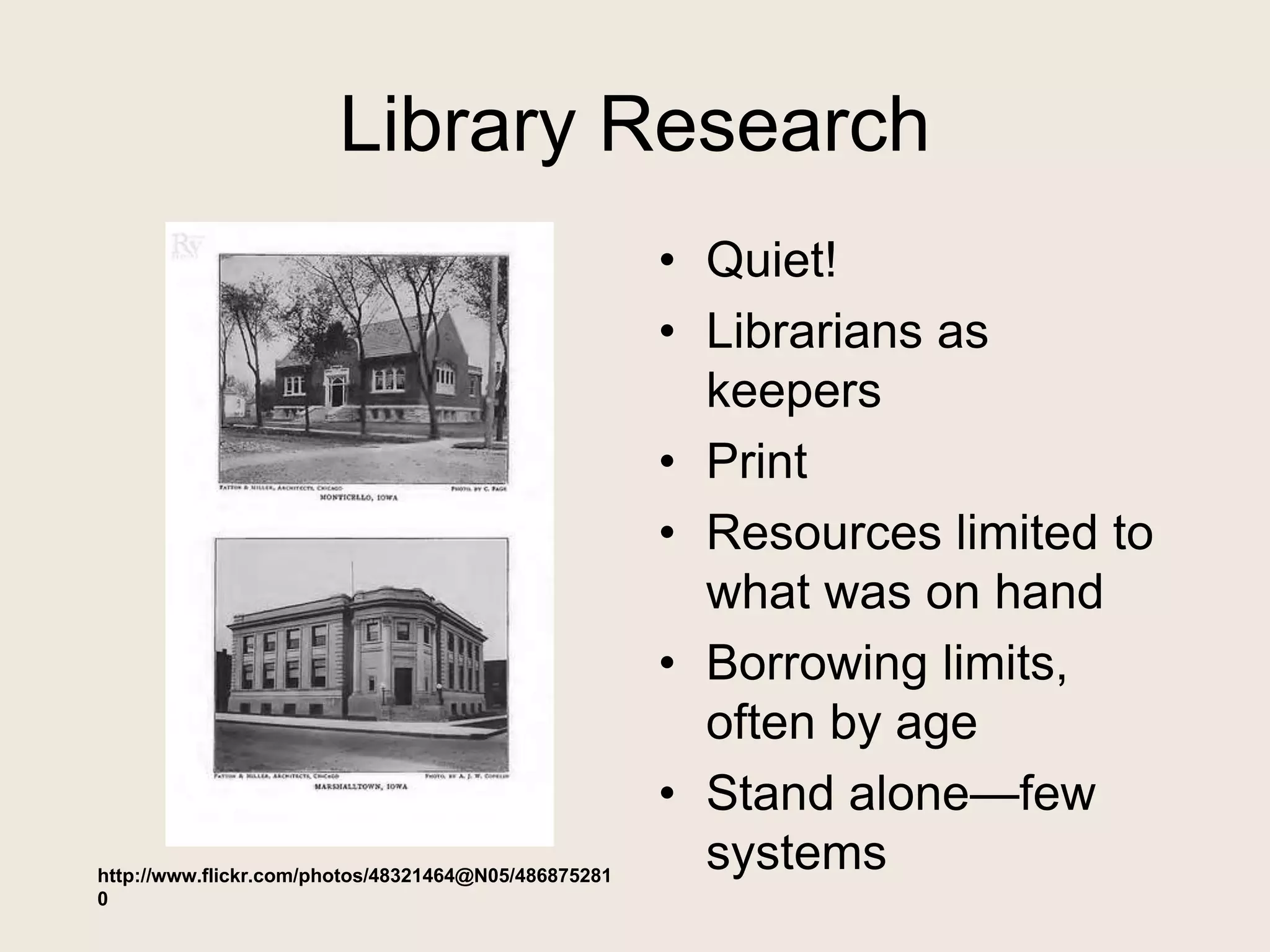
Library Research
• Quiet!
• Librarians as
keepers
• Print
• Resources limited to
what was on hand
• Borrowing limits,
often by age
• Stand alone—few
systemshttp://www.flickr.com/photos/48321464@N05/486875281
0
Library Research 1.0
• Librarian as teacher
• Print encyclopedia,
books
• Citation manuals
• Readers’ Guide
• Specialized indexes
• Interlibrary Loan
• Fax
• Local sources
• Microfilm/fiche
• CD-ROM
encyclopedia
• Photocopies
• Index cards
• Static presentations
– Research papers
– Posters
Image: '"Citation needed"'
http://www.flickr.com/photos/87913776@N00/5129607997
Library Research 2.0
• Librarian as guide
• eBooks
• Multimedia
presentation
• Wikipedia
• WorldCat
• Google
• ELM subscription
databases
• Document delivery
• Skype, Twitter,
Facebook
• Citation tools
• Delicious, Diigo,
Evernote …
• Google
Book/Scholar
• Mobile apps
http://www.flickr.com/photos/26406919@N00/2217375343
Characteristics of Web 2.0 Tools
• Not tied to a device-
-Internet access
needed
• Portability--available
from any device
• No software--but
Web plug-ins
• No programming
• OS not an issue
usually (although
browser may matter)
• User-generated
content
• Sharing--content,
expertise
• Global connections
• Perpetual Beta
www.flickr.com/photos/11979533@N00/4
41921094
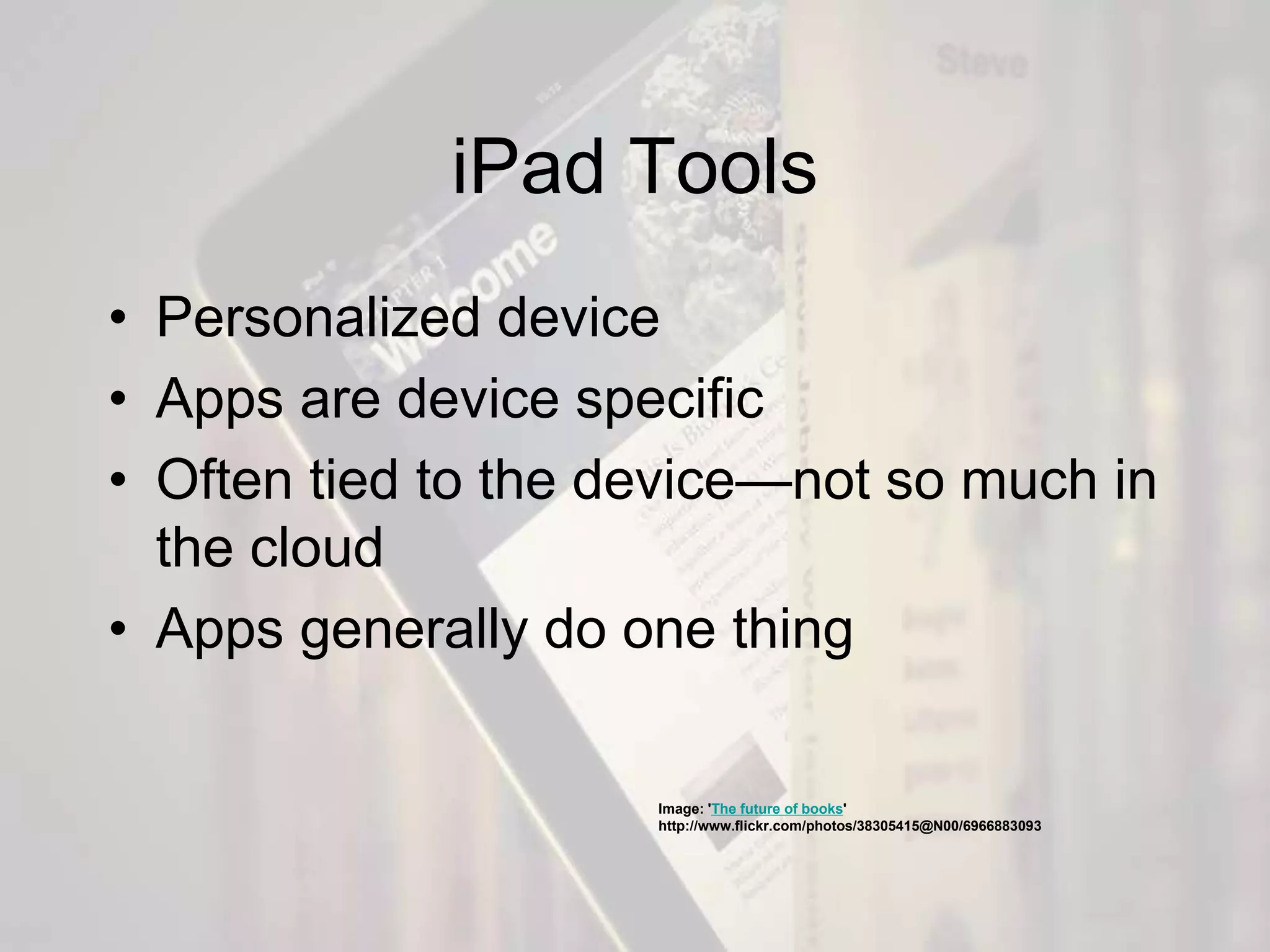
iPad Tools
• Personalized device
• Apps are device specific
• Often tied to the device—not so much in
the cloud
• Apps generally do one thing
Image: 'The future of books'
http://www.flickr.com/photos/38305415@N00/6966883093
• Improve productivity
• Manage information
• Collaborate
• Expand our reach
Classroom/Library/Web 2.0
tools help us
www.flickr.com/photos/17258892@N05/258834
7668
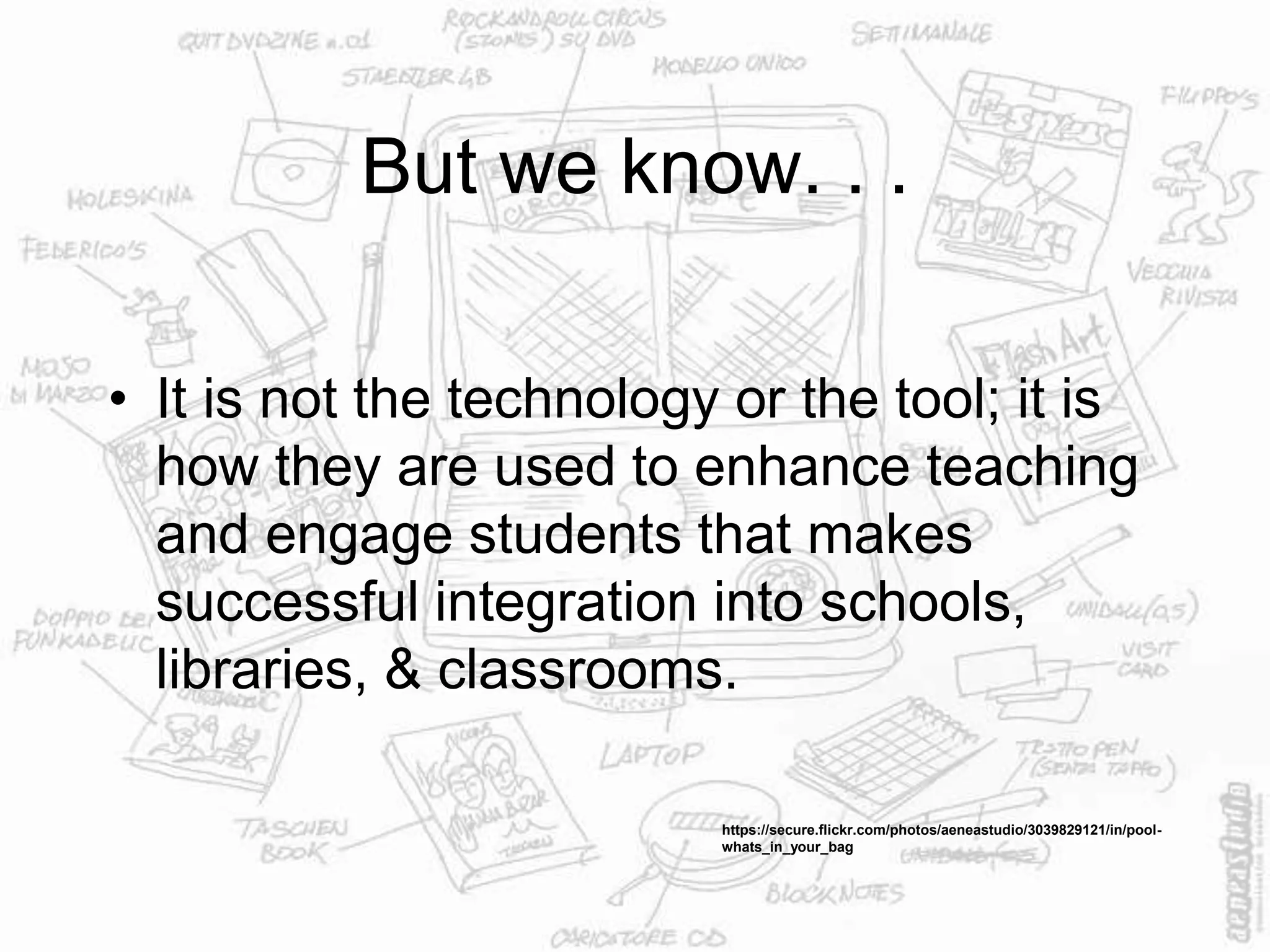
But we know. . .
• It is not the technology or the tool; it is
how they are used to enhance teaching
and engage students that makes
successful integration into schools,
libraries, & classrooms.
https://secure.flickr.com/photos/aeneastudio/3039829121/in/pool-
whats_in_your_bag
Why does information
literacy matter?
www.flickr.com/photos/49462908@N00/143623934
Students are content creators
www.flickr.com/photos/81571077@N00/488412425
They need traditional & new
skills
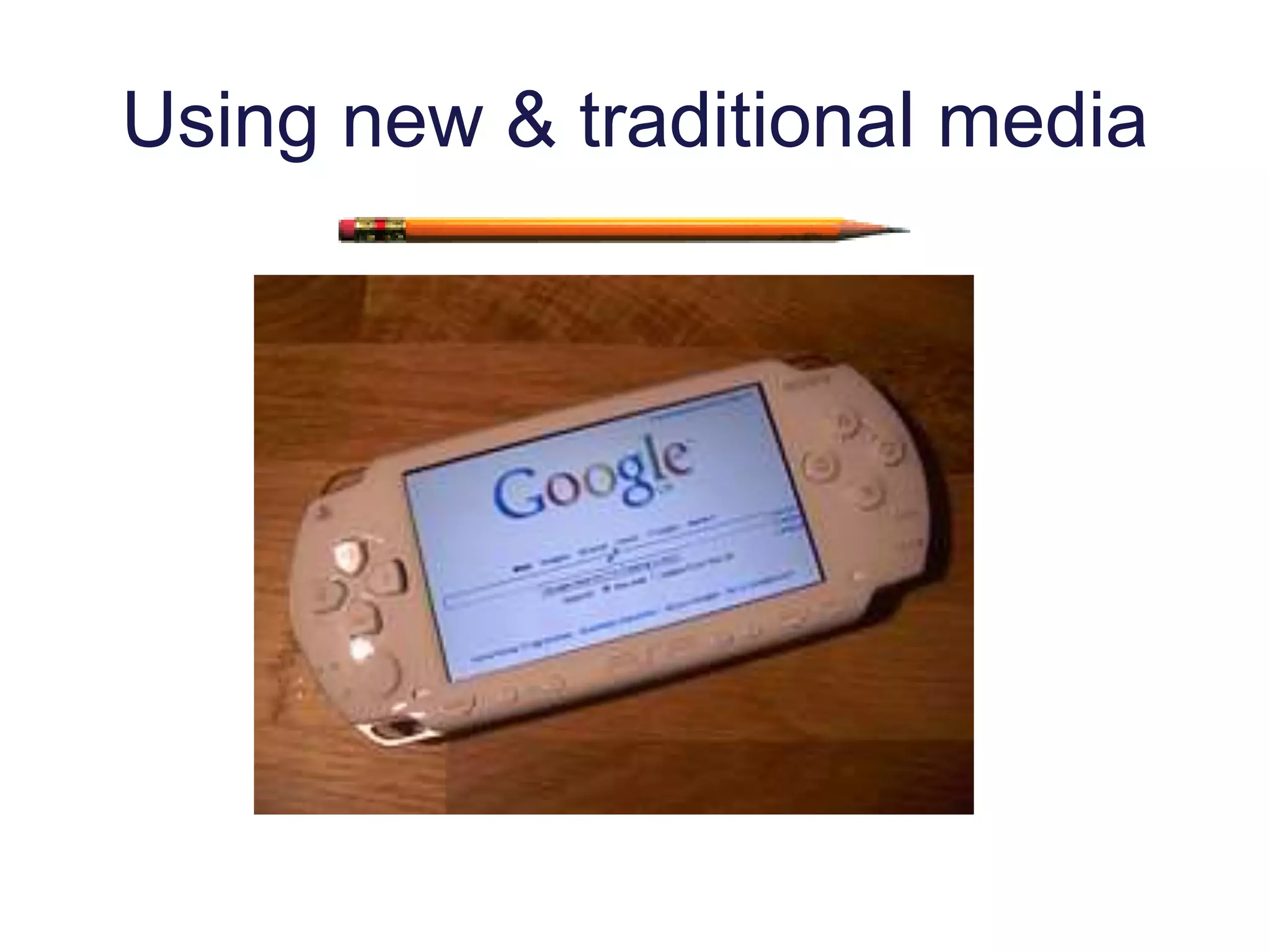
Using new & traditional media
To understand their need for
information
Image: 'Q & A 2.0: Nothing Is Off Limits!'
http://www.flickr.com/photos/8727793@N05/2887622999
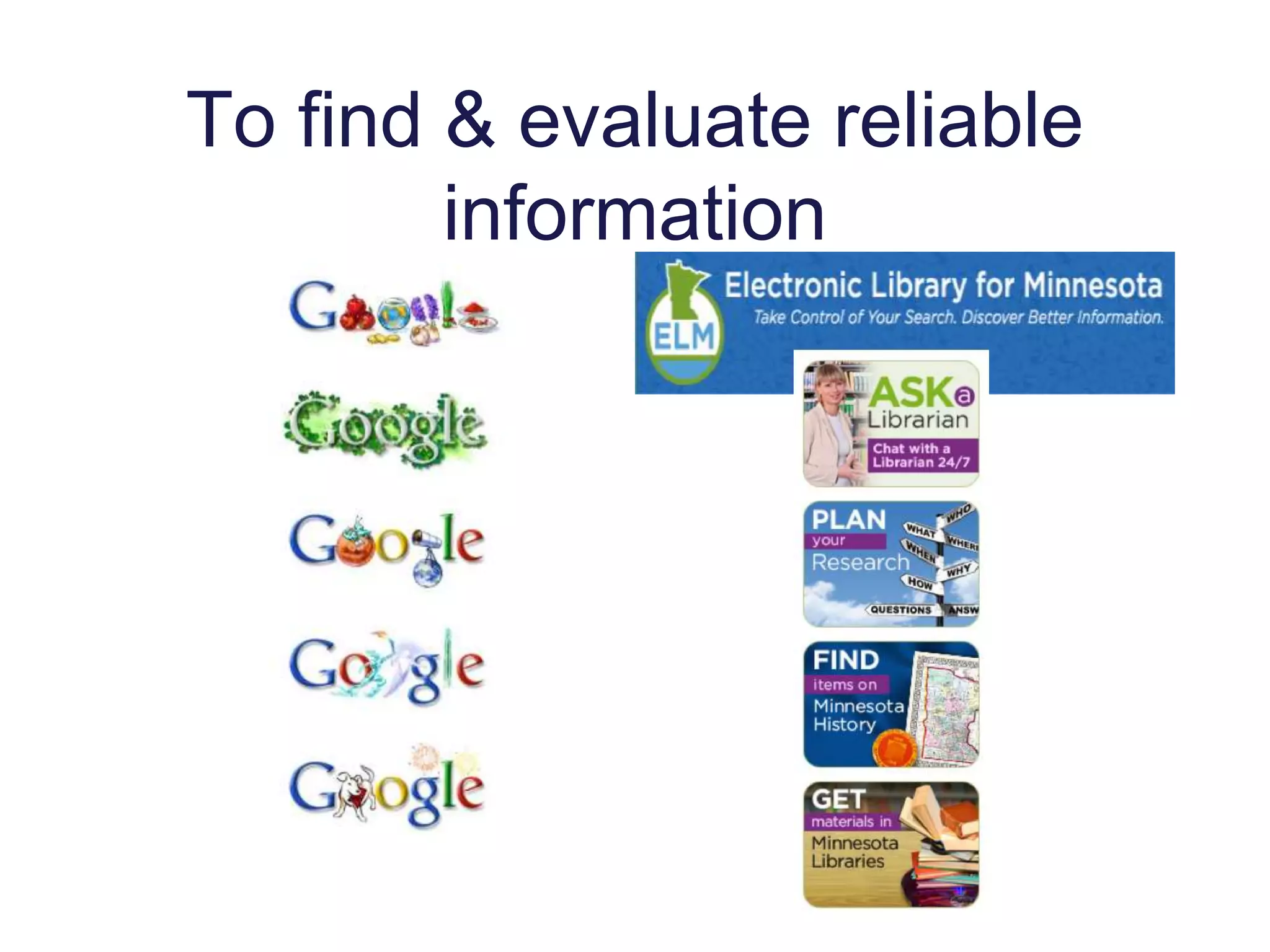
To find & evaluate reliable
information
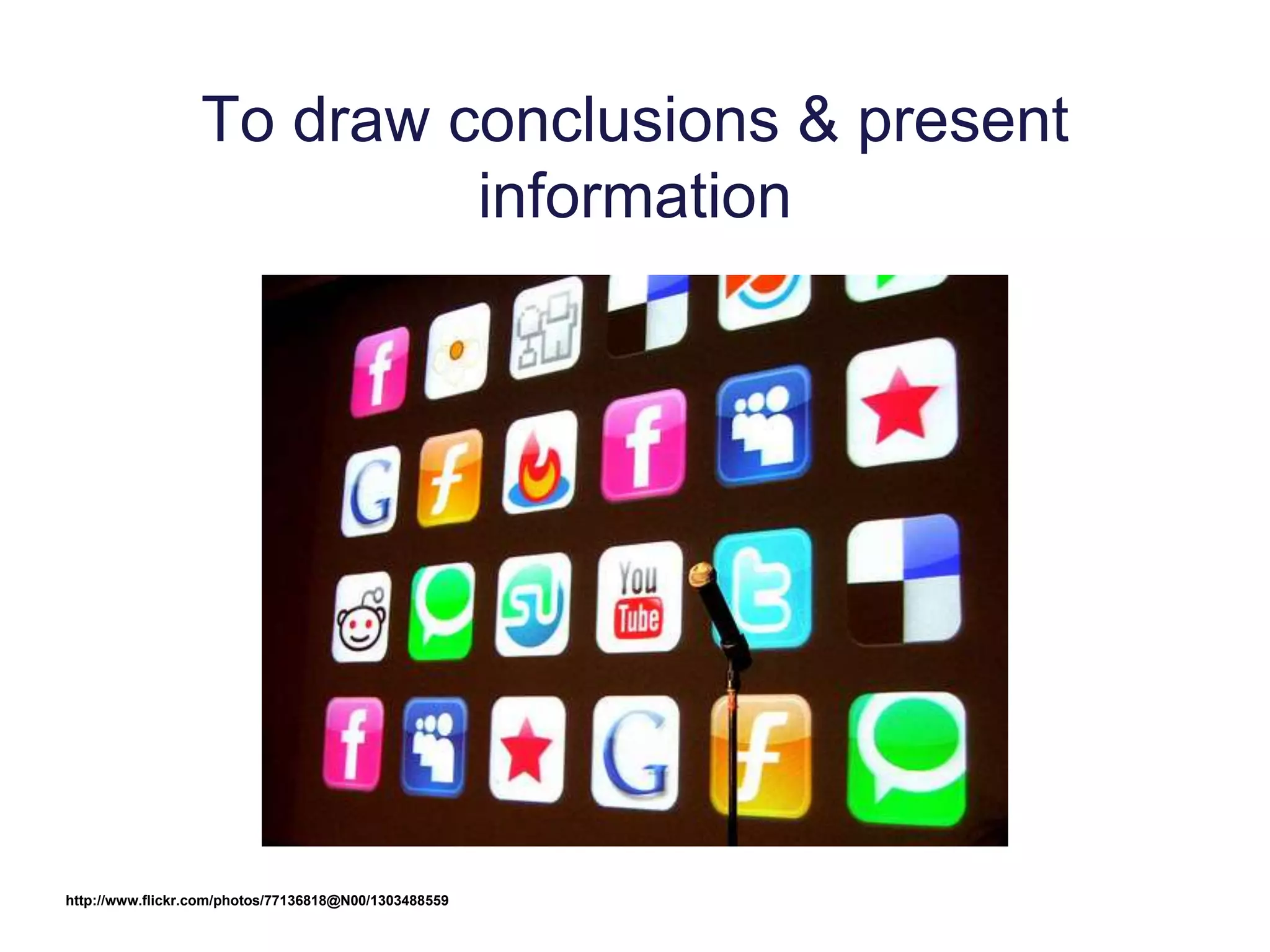
To draw conclusions & present
information
http://www.flickr.com/photos/77136818@N00/1303488559
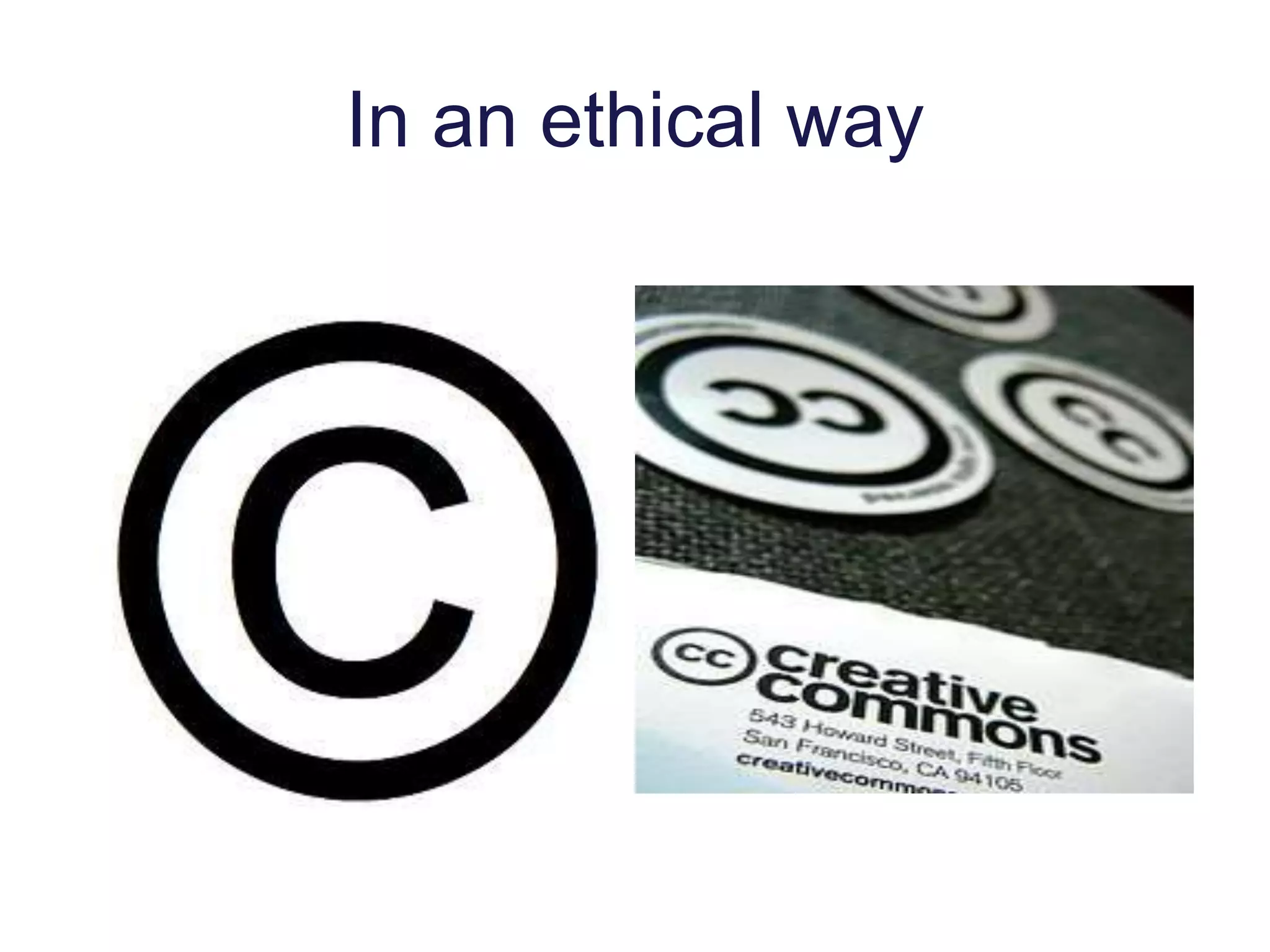
In an ethical way
To prepare
for post-
secondary
education
and
www.flickr.com/photos/27304596@N00/583749159
for the global
society &
economy
they will face.
www.flickr.com/photos/85966598@N00/204252734
And, because . . .
We limit students if we do not help them
develop and use information literacy skills
across the curriculum.
WHAT WE KNOW
Technology
• Profoundly affects the way we work,
collaborate, communicate, and succeed
• Changes how people work, play, learn,
socialize, and collaborate
• Explosive growth of mobile devices and
applications drives more—daily—
change
http://www.flickr.com/photos/44124348109@N01/227904949
Business & Society
and maybe school
• User-created content
• Social networking
• Collaborative work
• Collective intelligence to solve problems
• Participatory Leadership
• Online civic engagement
• Global reach and influence
http://www.flickr.com/photos/21936447@N04/2744217176
Moving (fast) Towards . . .
• Tablet Computing
• Mobile Devices & Apps
• Cloud apps, storage, collaboration
• Collaborative Environments
• Game-based learning
• Personal Learning Environments
The Horizon Report K-12 http://www.nmc.org/publications/2012-horizon-
report-k12
http://www.flickr.com/photos/38305415@N00/2968794599
Students are changing
• Technology is how they communicate &
socialize
• Ubiquitous, transparent part of their
lives
• Empowered by being connected to
information & each other 24/7
• Globally connected
• Expect guides not expertshttp://www.flickr.com/photos/8166472@N03/3866208804
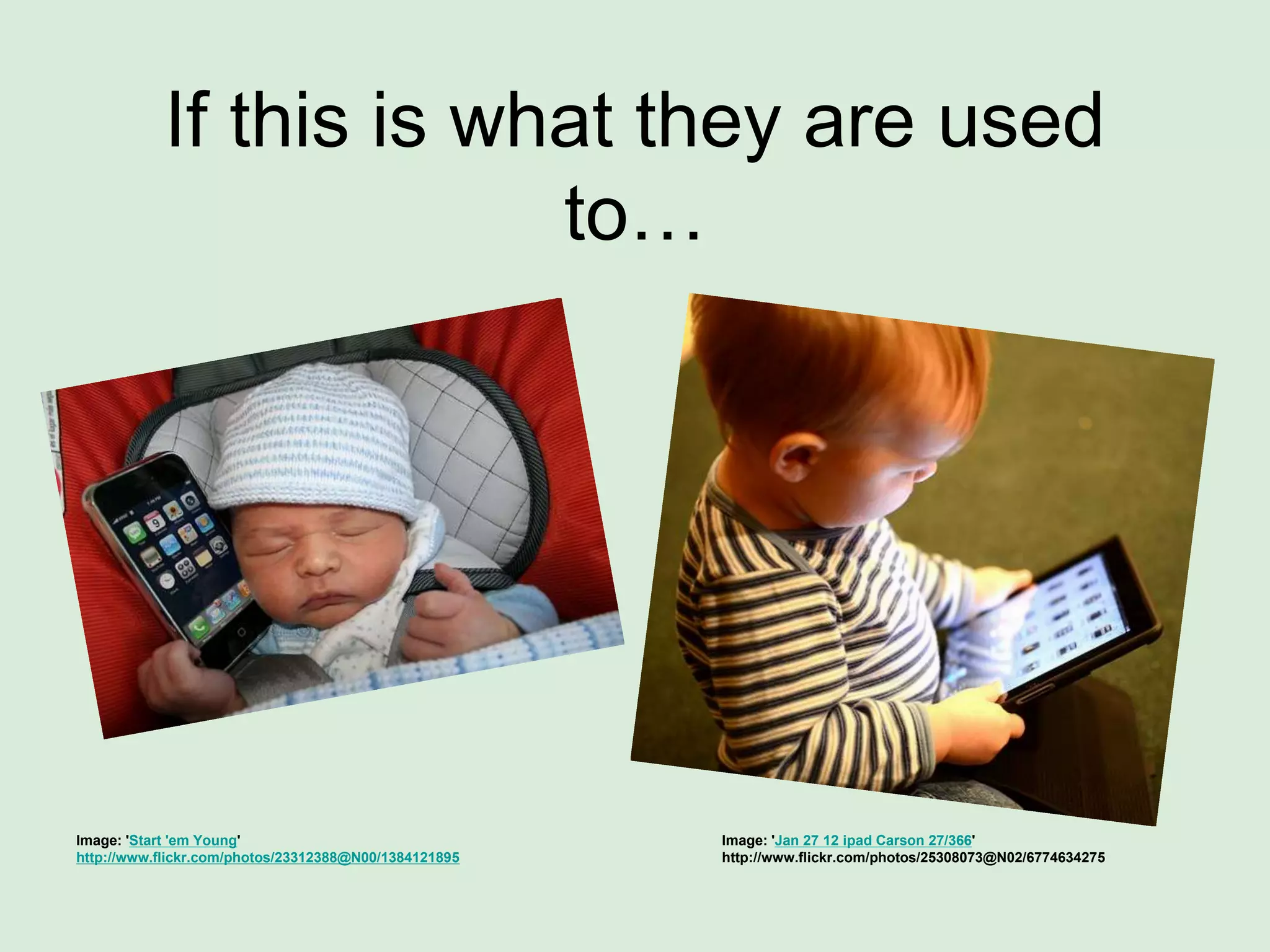
If this is what they are used
to…
Image: 'Jan 27 12 ipad Carson 27/366'
http://www.flickr.com/photos/25308073@N02/6774634275
Image: 'Start 'em Young'
http://www.flickr.com/photos/23312388@N00/1384121895
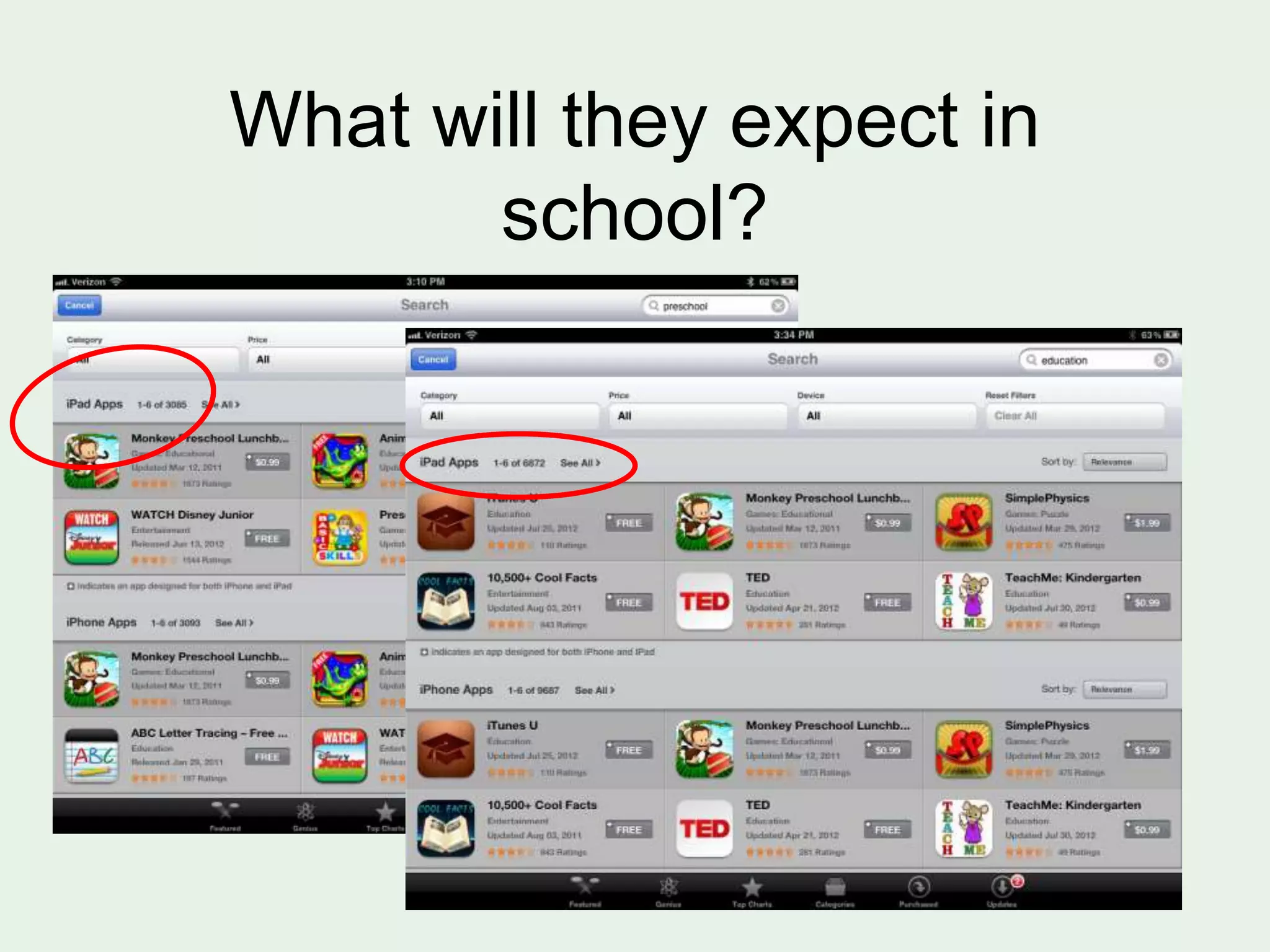
What will they expect in
school?
Students’Expectations are changing
• Want interactive communication
• Use tools in the classroom that they use
in the real world
• 24/7 assignments
• Creativity in assignments
• Hands-on learning
• Real life experience/application
Image: 'pencil case'
http://www.flickr.com/photos/53297933@N00/113711899
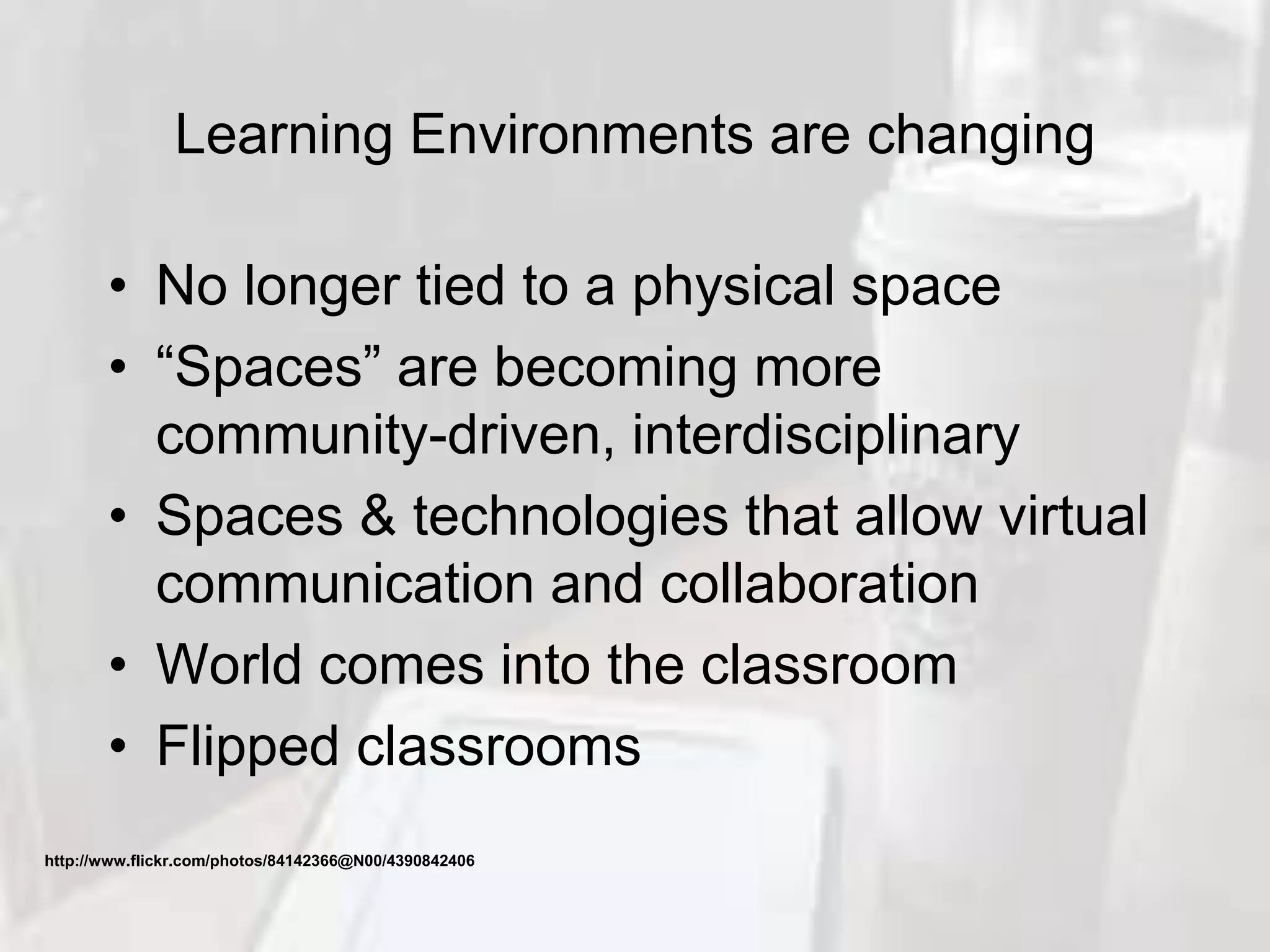
Learning Environments are changing
• No longer tied to a physical space
• “Spaces” are becoming more
community-driven, interdisciplinary
• Spaces & technologies that allow virtual
communication and collaboration
• World comes into the classroom
• Flipped classrooms
http://www.flickr.com/photos/84142366@N00/4390842406
Access beyond the walls
• Online learning
• ELM and other database access
• Public/academic libraries online
resources
• Virtual collaboration
Image: 'Chairs'
http://www.flickr.com/photos/89898604@N00/6550520
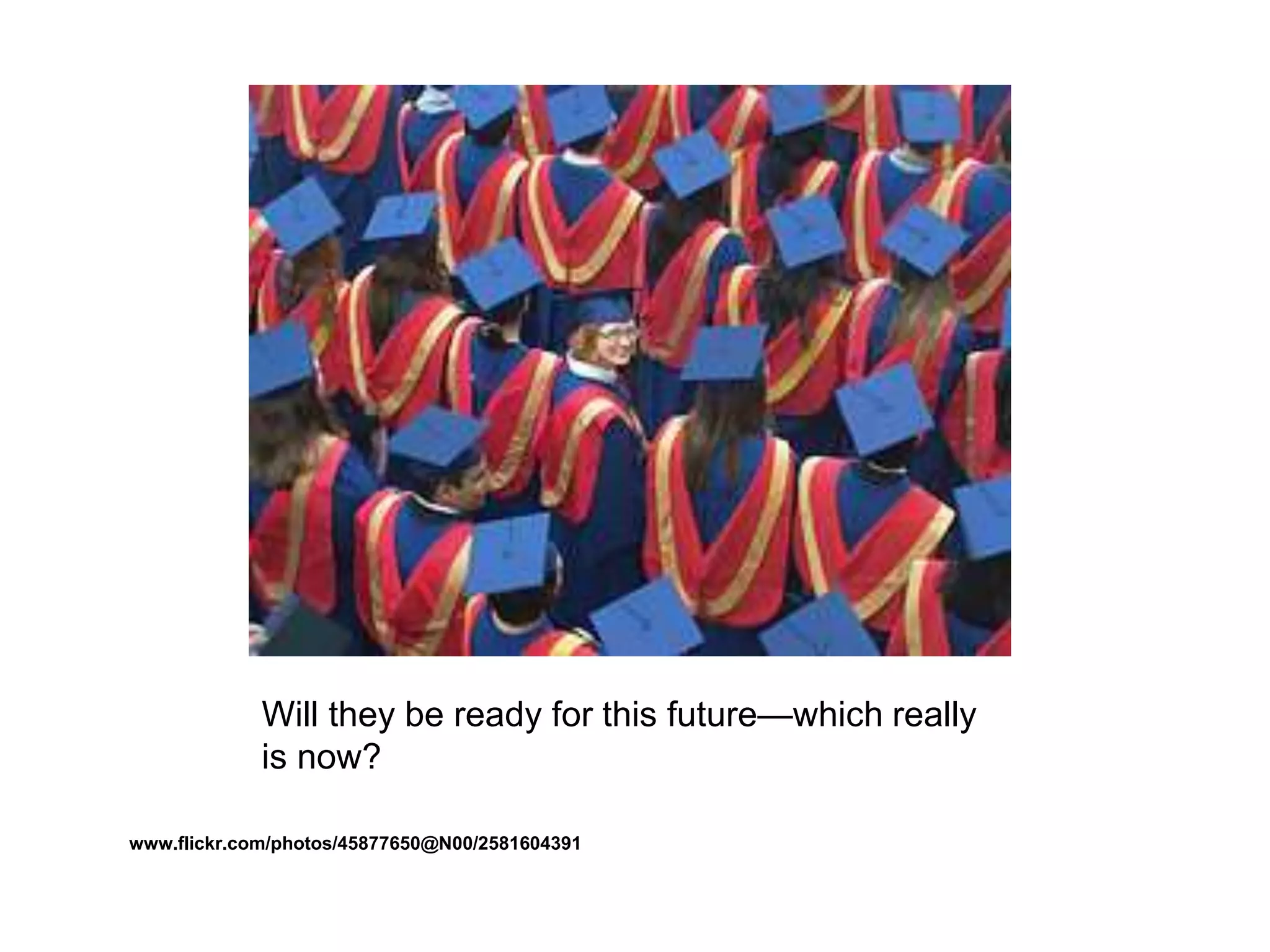
Will they be ready for this future—which really
is now?
www.flickr.com/photos/45877650@N00/2581604391
If. . .
Image: 'Yes!'
http://www.flickr.com/photos/40646519@N00/3584172834
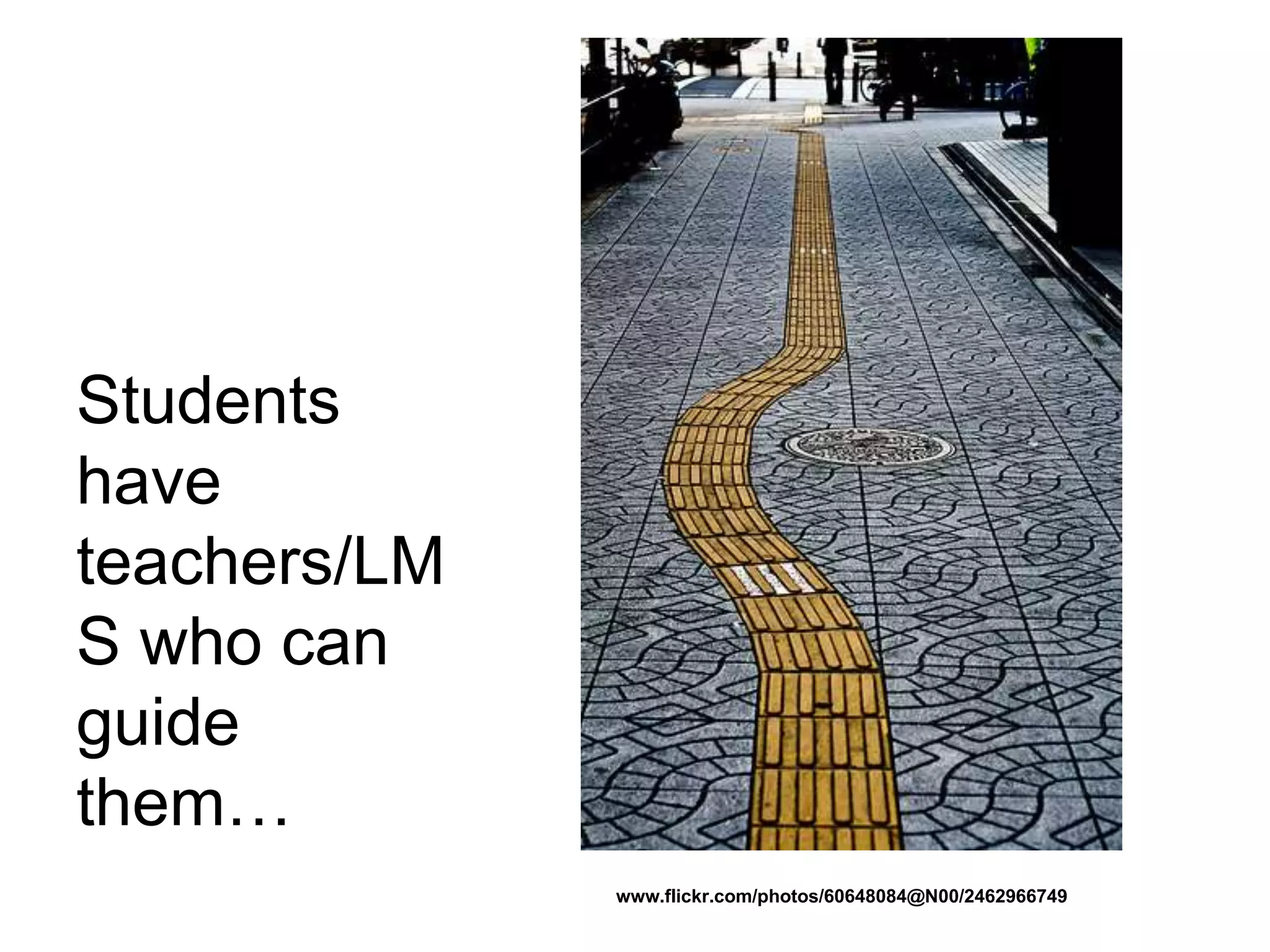
Students
have
teachers/LM
S who can
guide
them…
www.flickr.com/photos/60648084@N00/2462966749
Through the research process
www.flickr.com/photos/91409160@N00/3139332908
To reliable resources
www.flickr.com/photos/88935916@N00/3
2415987
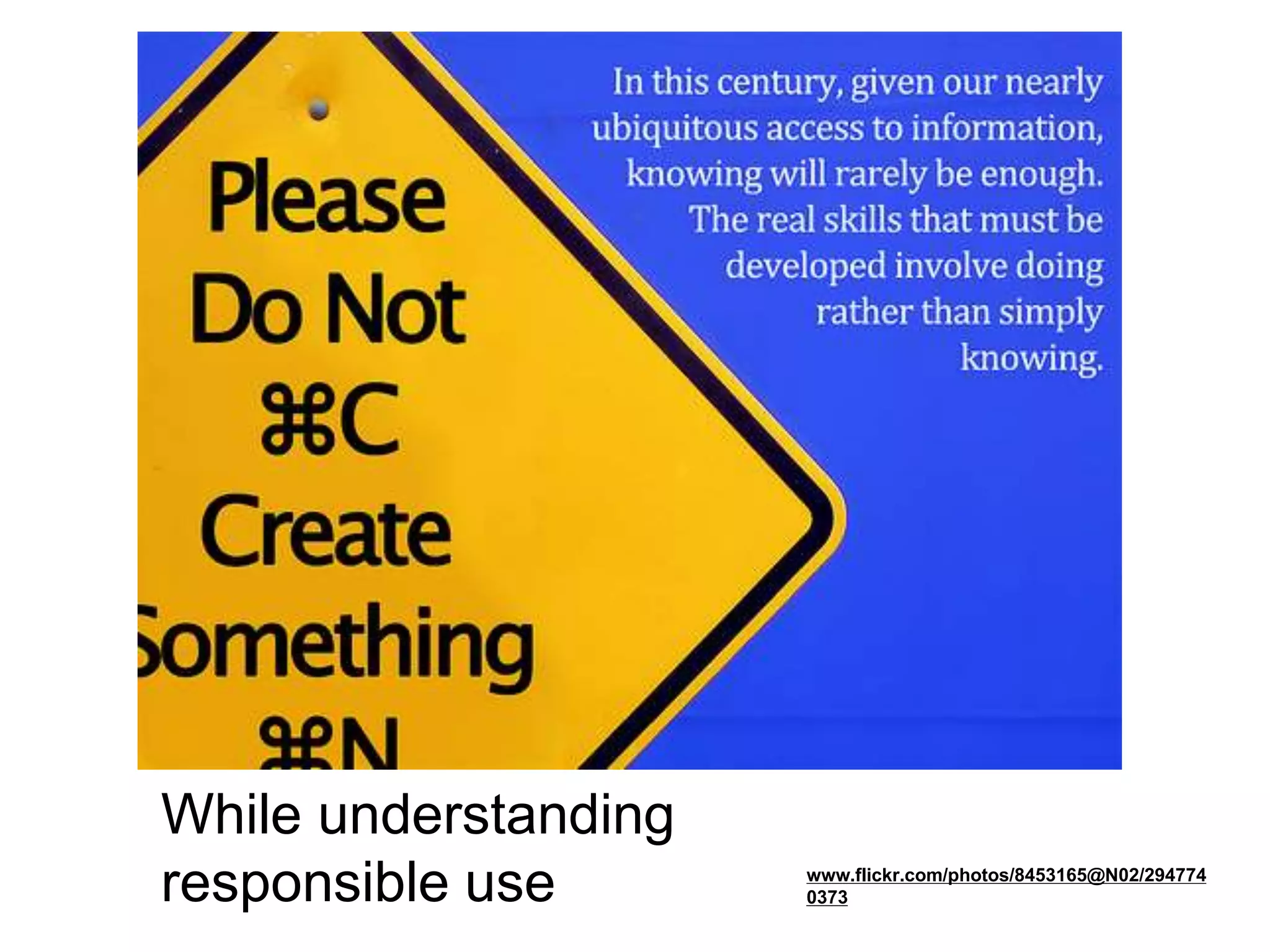
While understanding
responsible use www.flickr.com/photos/8453165@N02/294774
0373
WHAT IS MILI?
HOW WILL MILI HELP?
MILI’s Purpose
• Influence how you teach the research
process
• Encourage more collaboration between
LMS & teachers around the research
process
• Encourage teachers/LMS to
incorporate the 3 Rs into teaching
• Help you integrate information literacy
skills into your curriculum
www.flickr.com/photos/34017702@N00/74907741
Libraries & Librarians
Vital for research at all levels
• Information experts
• Access to resources
• Ability to connect people &
resources
• Ability to connect information &
technology
• On the front lines in the infowww.flickr.com/photos/99051133@N00/3550839523
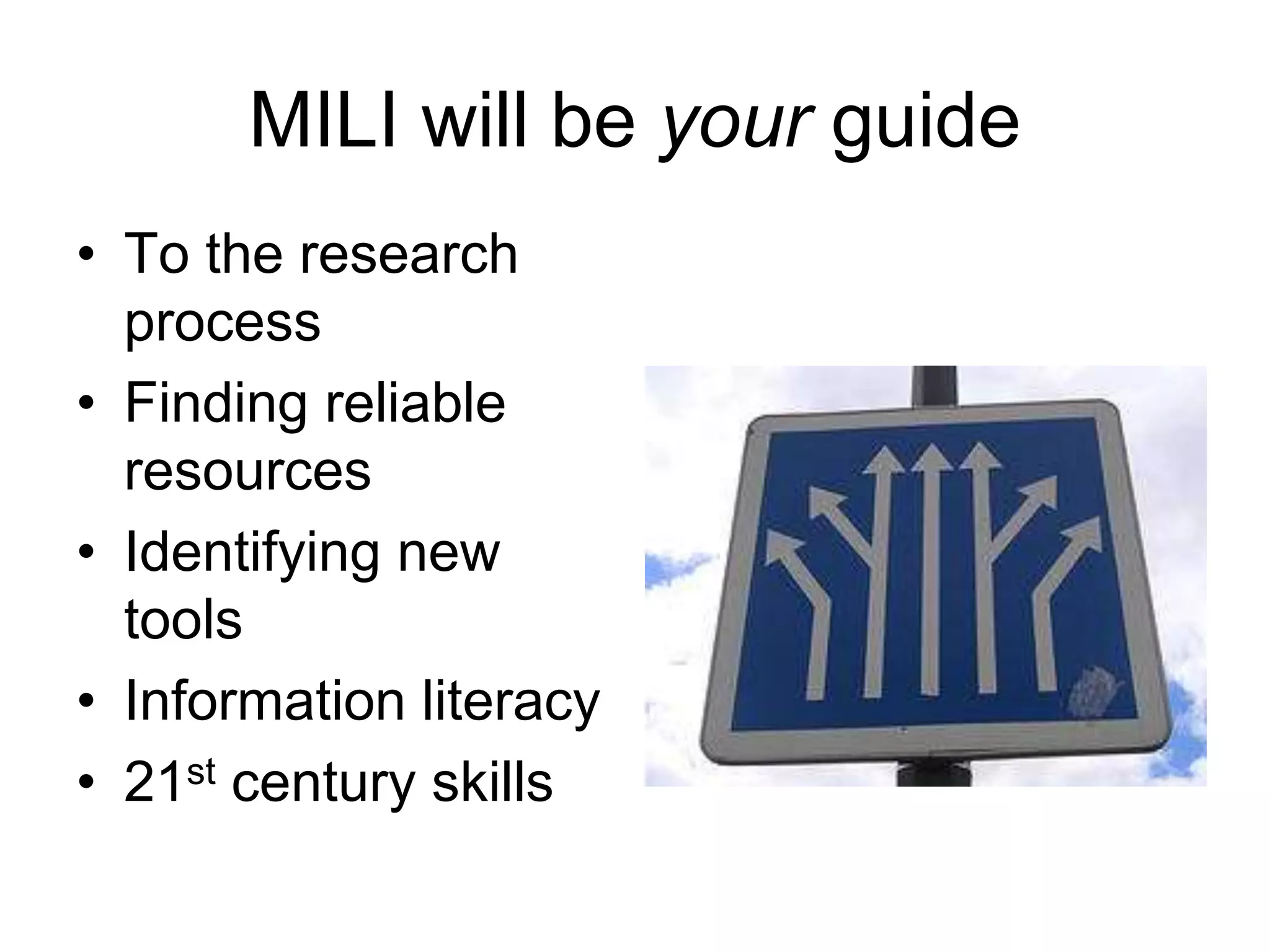
MILI will be your guide
• To the research
process
• Finding reliable
resources
• Identifying new
tools
• Information literacy
• 21st century skills
MILI Focus
• On the research process
• On the resources
• On the tools that make it
happen
www.flickr.com/photos/26887305@N00/79952661
The MILI 3 Rs
•Research Process
•Reliable Resources
•Responsible Use
www.flickr.com/photos/49968232@N00/101563312
Research
Improve the ability of students & teachers to conduct effective research
by using a process that includes 5 steps
• Question
• Gather & Evaluate information
• Conclude
• Communicate information &
conclusion
• Evaluate process & product
www.flickr.com/photos/47643206@N00/185651630
Reliable Resources
Identify & use available, reliable resources
• “Format agnostic”--the format of the
information is not the point
• Evaluate all print, electronic, online,
& human resources for authenticity
& accuracy
• Resource is appropriate in the
context of this research
www.flickr.com/photos/96586445@N00/816524
Responsible Use
Promote the understanding & practice of the
responsible use of information & technology
• Advise & assist teachers in the
creation of plagiarism-proof
assignments
• Provide resources for teaching
responsible use including copyright,
Creative Commons, technology use
www.flickr.com/photos/34427470616@N01/1141305603
By developing research projects that
encourage 21st Century Learning skills
& promote Information Literacy
Creating assignments that encourage
building knowledge, not just repeating
information
www.flickr.com/photos/85966598@N00/98179665
Together, we can
• Improve your research project to
incorporate the 5 steps
• Learn Web 2.0 tools that work in
classrooms and school buildings for
collaboration, communication, &
creation
• Share what we know & what we
learn
www.flickr.com/photos/41894194320@N01/83992798
STANDARDS & RESEARCH
Standards & Classroom 2.0
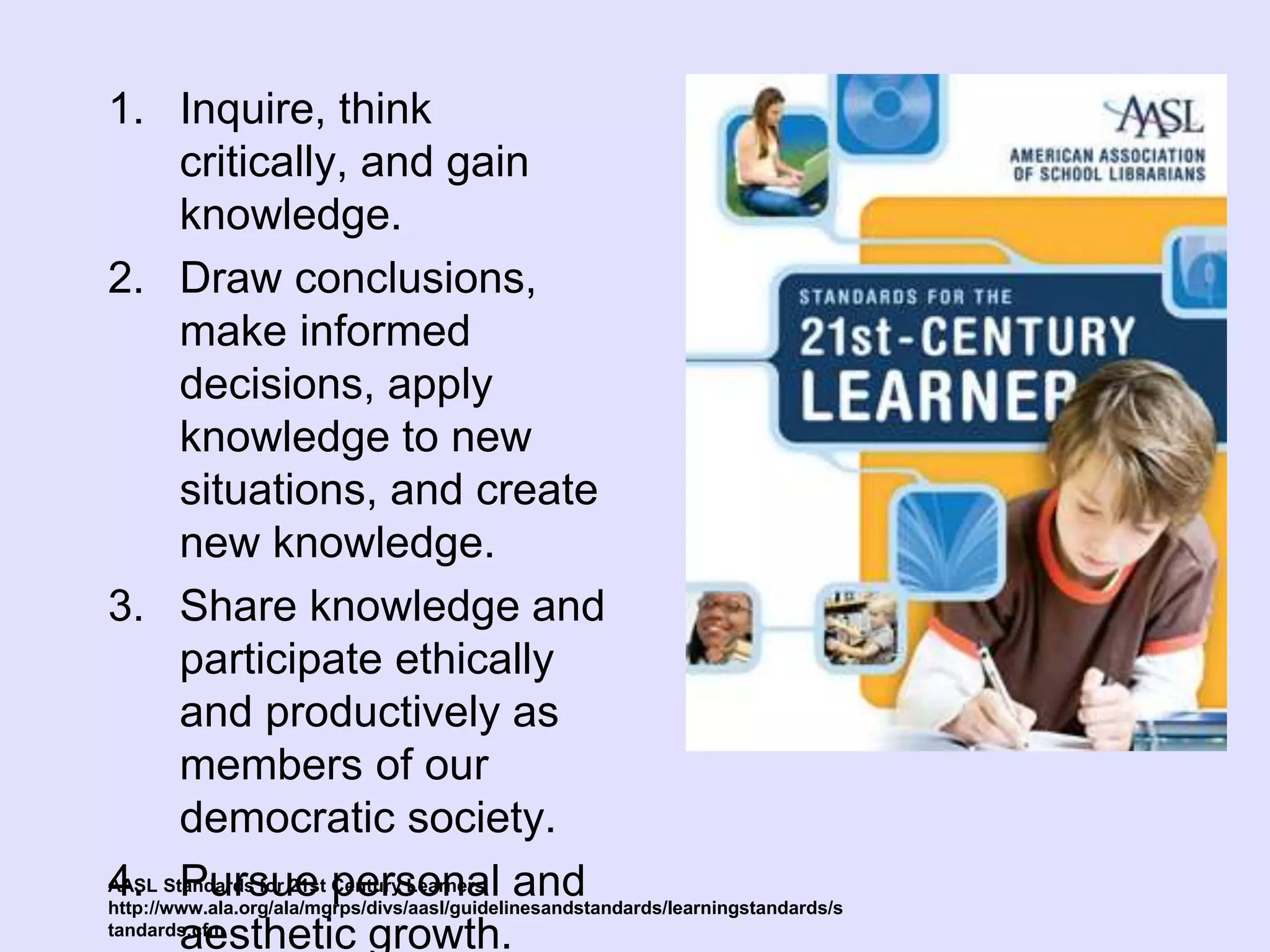
• AASL-Standards for 21st
Century Learners
• ISTE-National Educational
Technology Standards
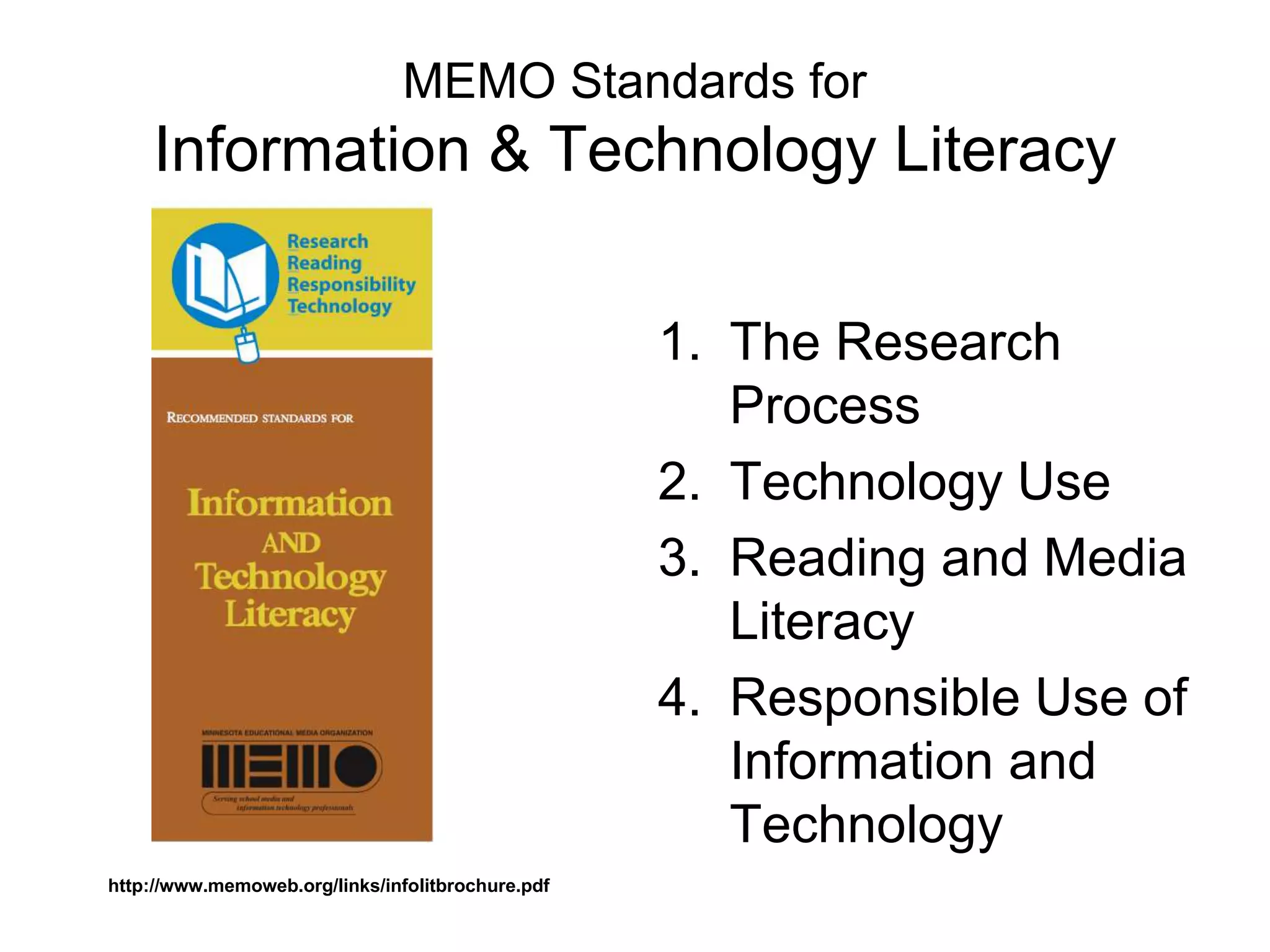
• MEMO-Information &
Technology Literacy Standards
1. Inquire, think
critically, and gain
knowledge.
2. Draw conclusions,
make informed
decisions, apply
knowledge to new
situations, and create
new knowledge.
3. Share knowledge and
participate ethically
and productively as
members of our
democratic society.
4. Pursue personal and
aesthetic growth.
AASL Standards for 21st Century Learners
http://www.ala.org/ala/mgrps/divs/aasl/guidelinesandstandards/learningstandards/s
tandards.cfm
ISTE
National Educational Technology
Standards (NETS)
1. Creativity and Innovation
2. Communication and Collaboration
3. Research and Information Fluency
4. Critical Thinking, Problem Solving,
and Decision Making
5. Digital Citizenship
6. Technology Operations and
Conceptshttp://www.iste.org/AM/Template.cfm?Section=NETS
www.flickr.com/photos/77265262@N00/2938074434
MEMO Standards for
Information & Technology Literacy
1. The Research
Process
2. Technology Use
3. Reading and Media
Literacy
4. Responsible Use of
Information and
Technology
http://www.memoweb.org/links/infolitbrochure.pdf
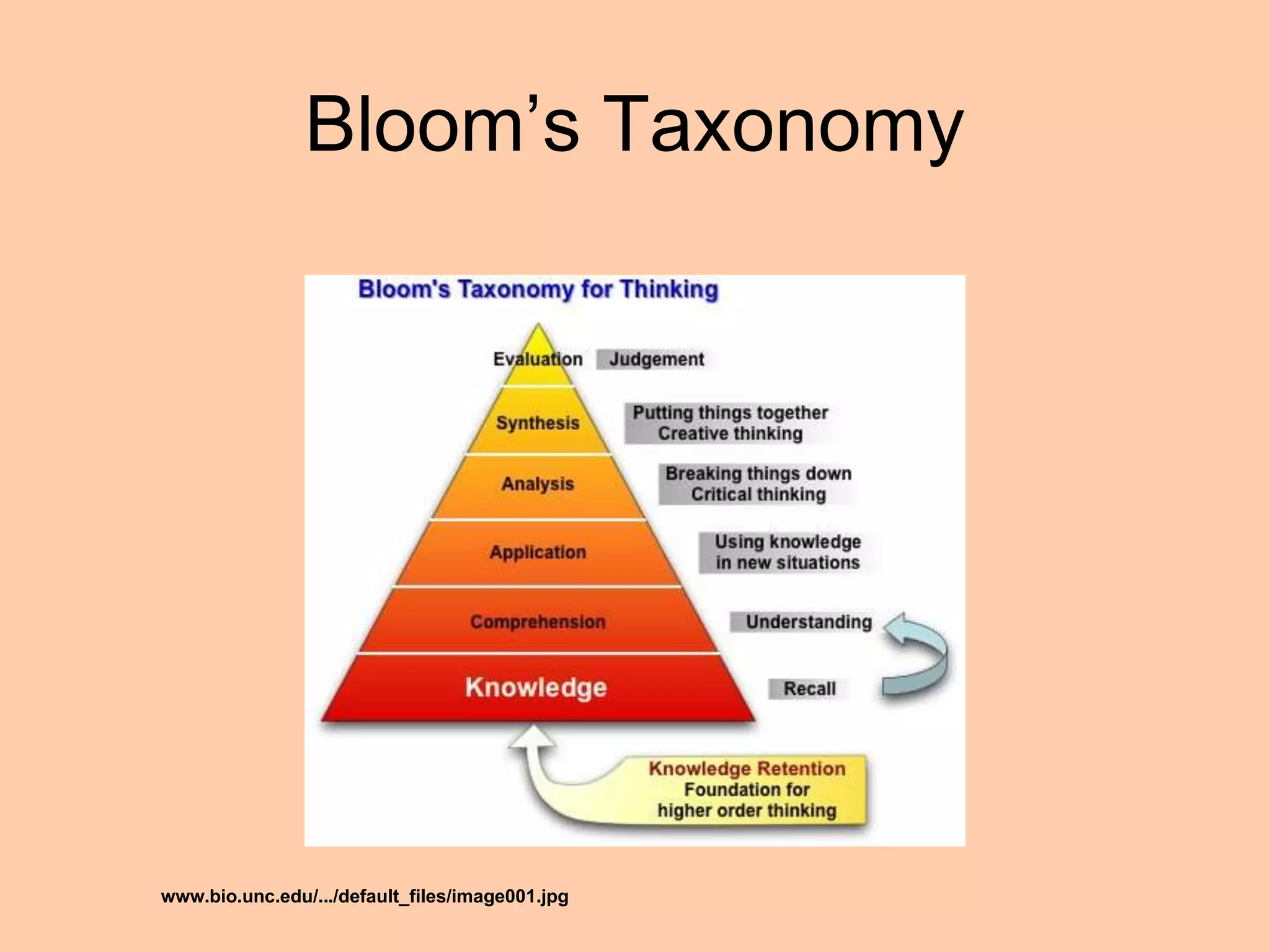
Bloom’s Taxonomy
www.bio.unc.edu/.../default_files/image001.jpg
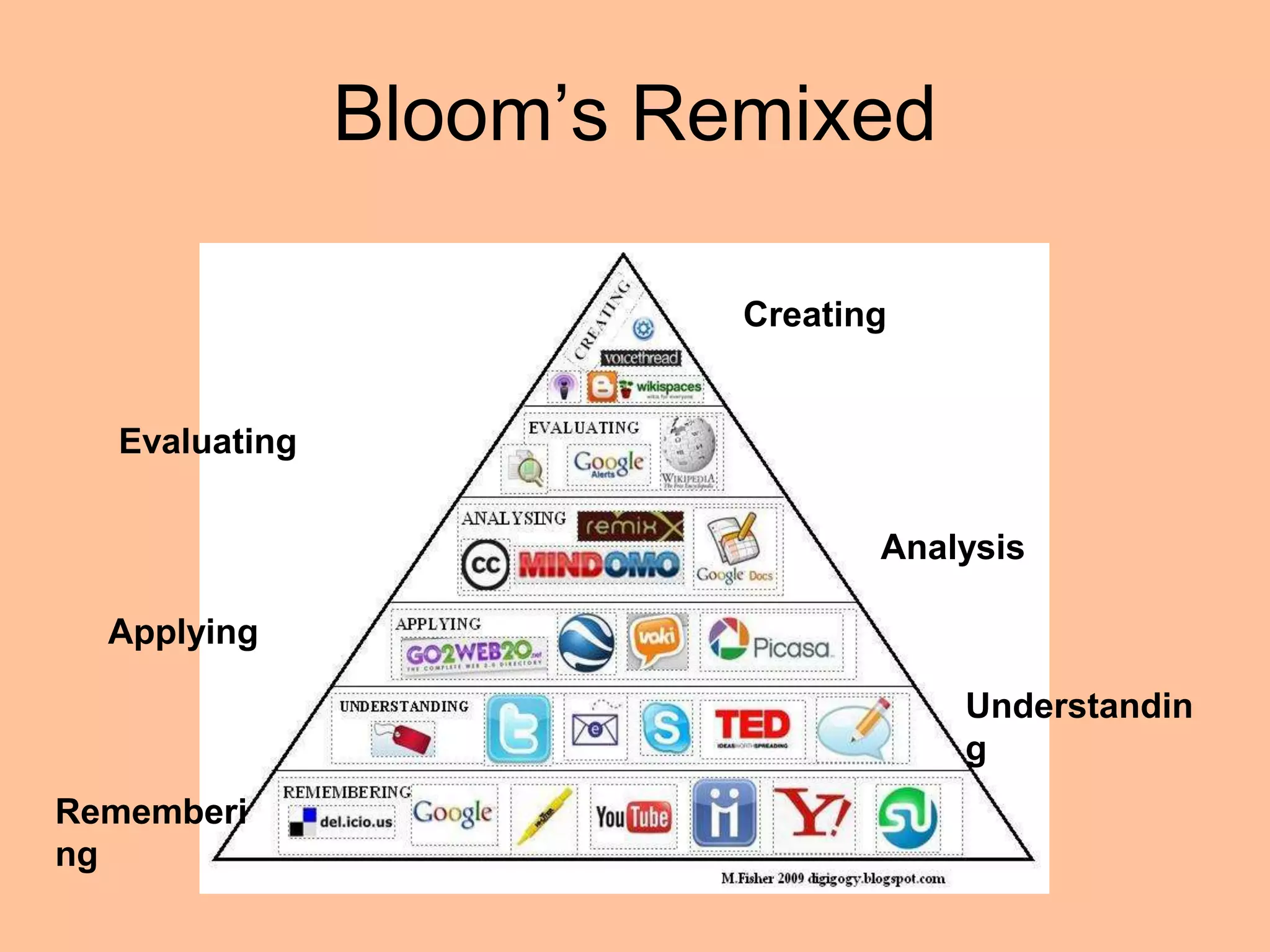
Bloom’s Remixed
Creating
Evaluating
Analysis
Applying
Understandin
g
Rememberi
ng
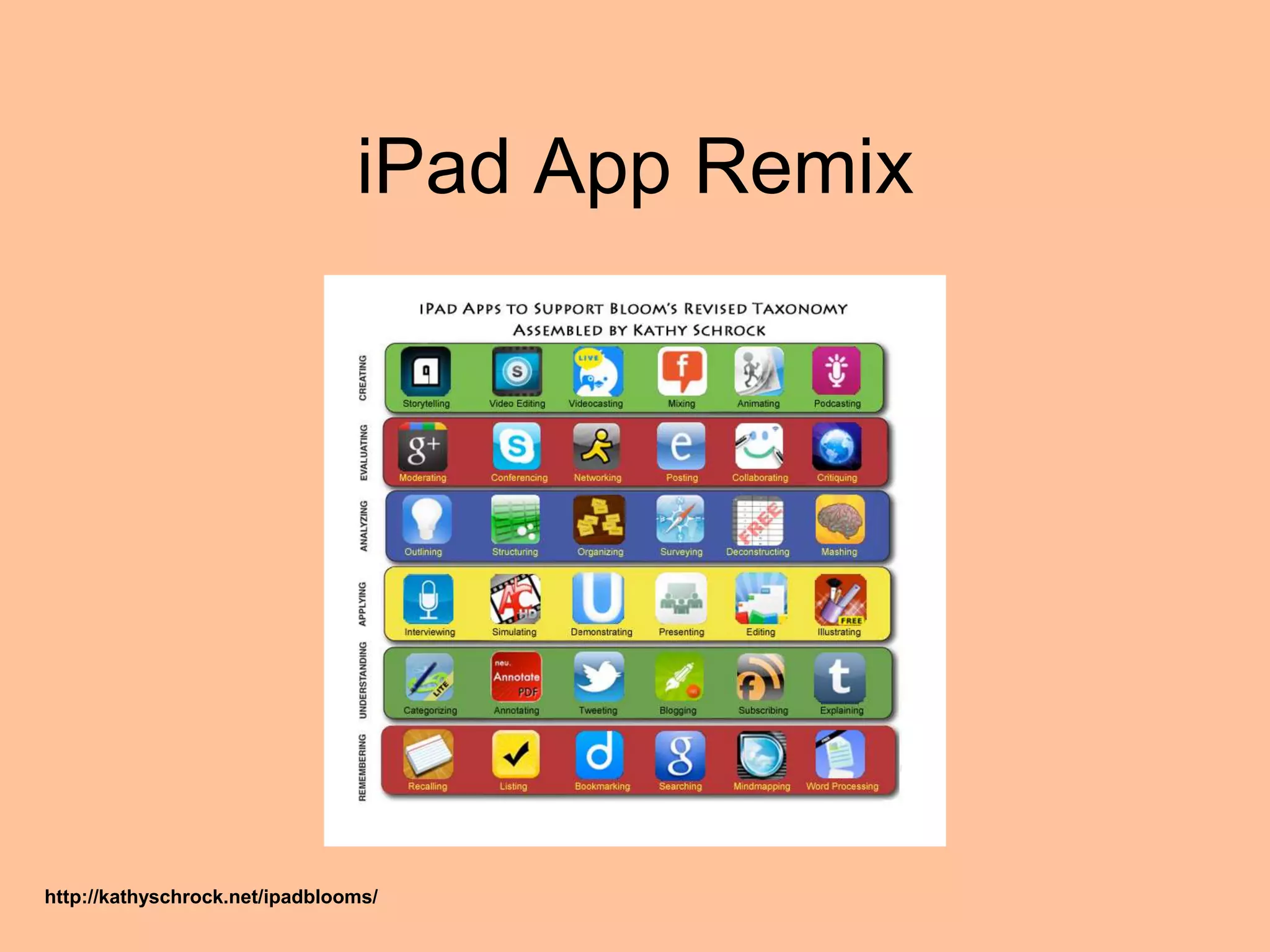
iPad App Remix
http://kathyschrock.net/ipadblooms/
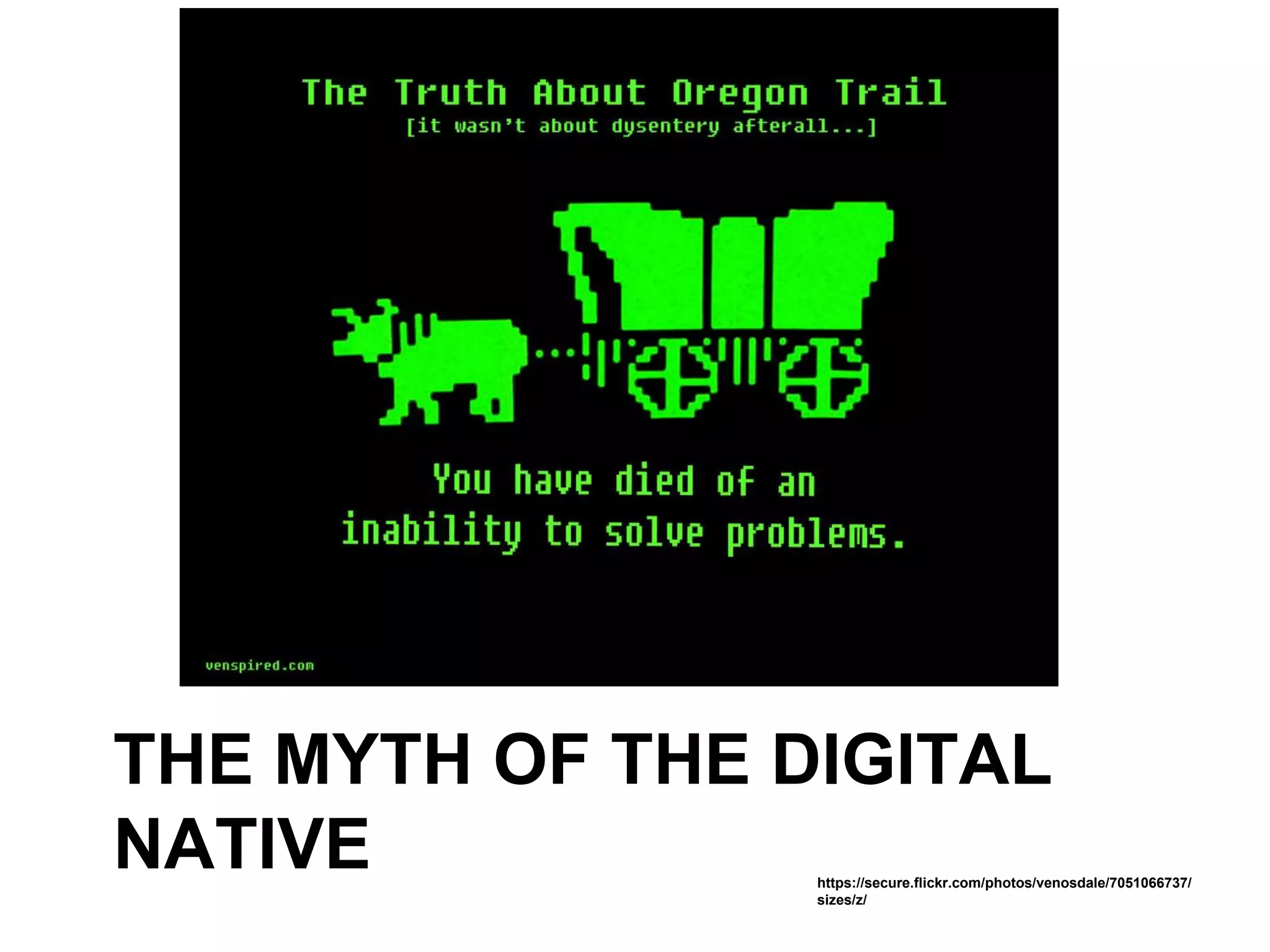
THE MYTH OF THE DIGITAL
NATIVE https://secure.flickr.com/photos/venosdale/7051066737/
sizes/z/
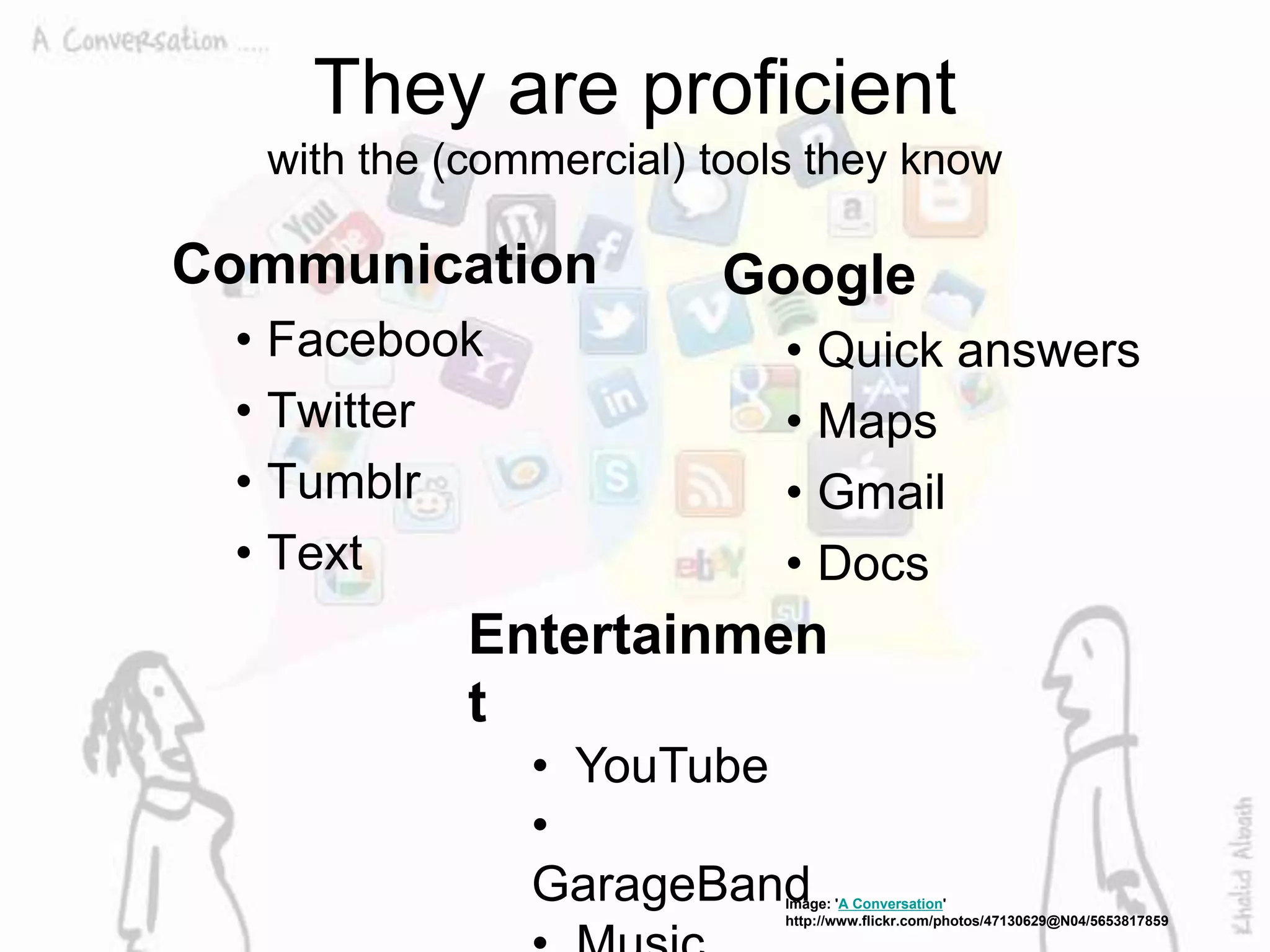
They are proficient
with the (commercial) tools they know
Communication
• Facebook
• Twitter
• Tumblr
• Text
Google
• Quick answers
• Maps
• Gmail
• Docs
Image: 'A Conversation'
http://www.flickr.com/photos/47130629@N04/5653817859
Entertainmen
t
• YouTube
•
GarageBand
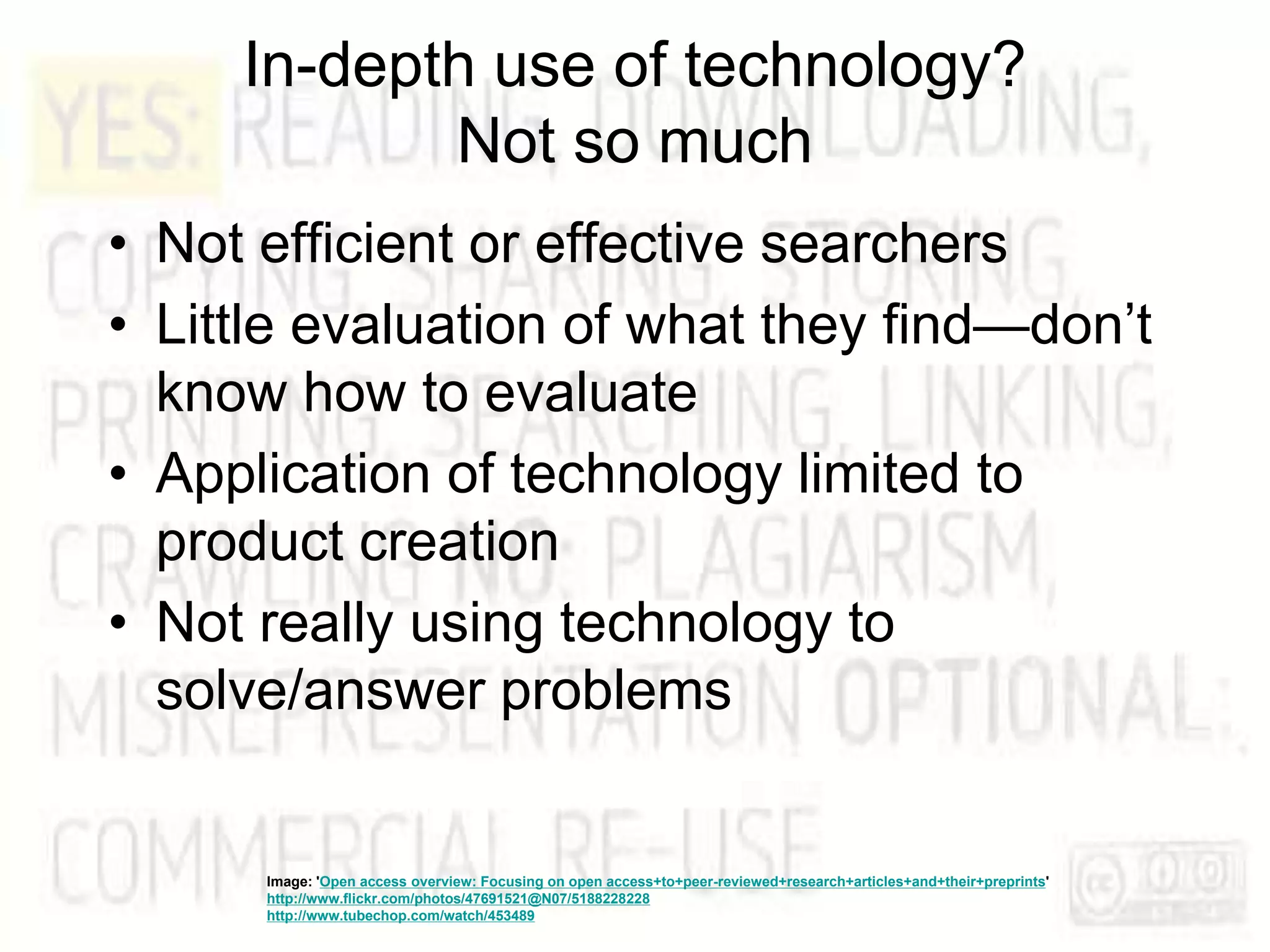
In-depth use of technology?
Not so much
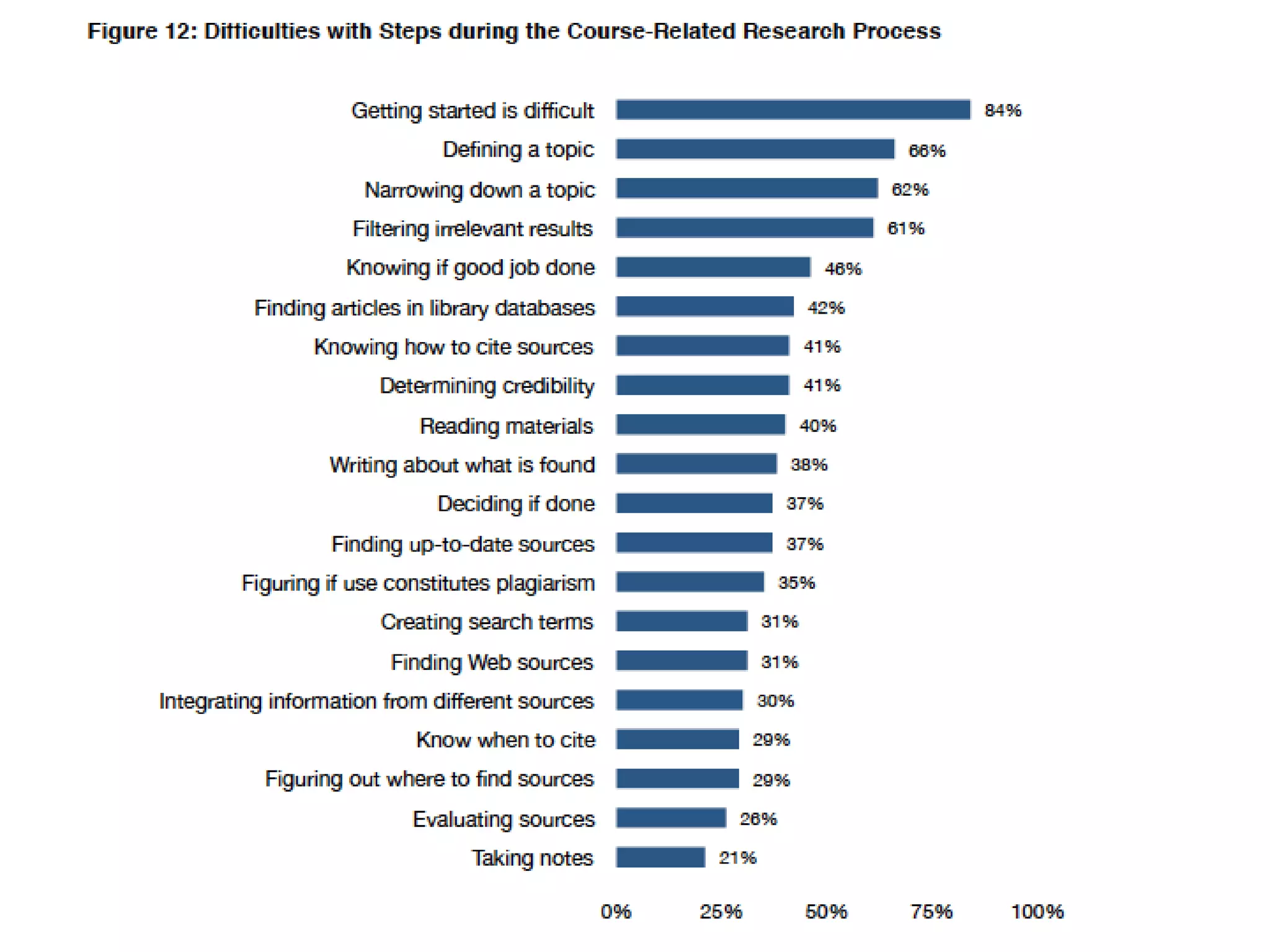
• Not efficient or effective searchers
• Little evaluation of what they find—don’t
know how to evaluate
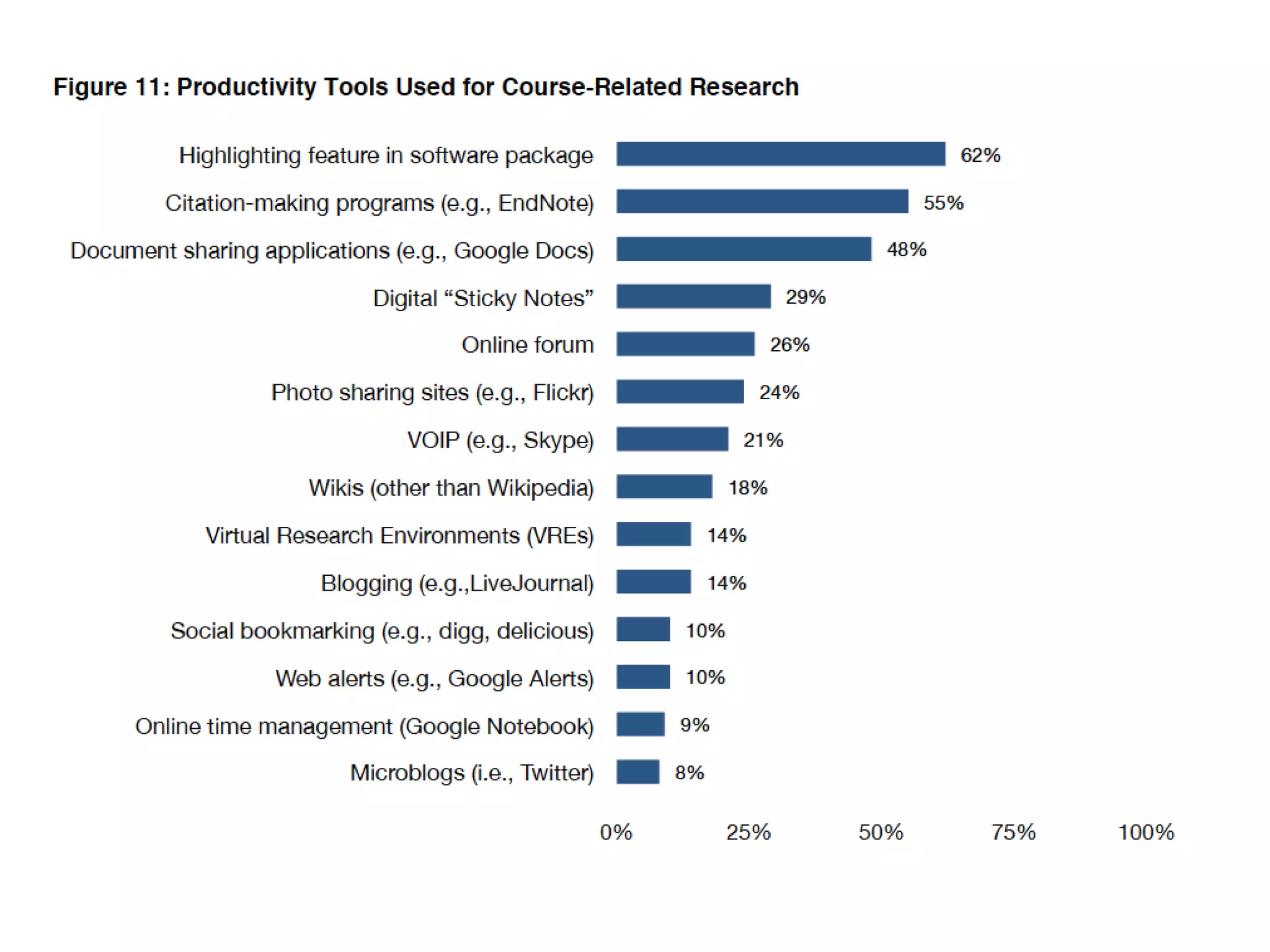
• Application of technology limited to
product creation
• Not really using technology to
solve/answer problems
Image: 'Open access overview: Focusing on open access+to+peer-reviewed+research+articles+and+their+preprints'
http://www.flickr.com/photos/47691521@N07/5188228228
http://www.tubechop.com/watch/453489
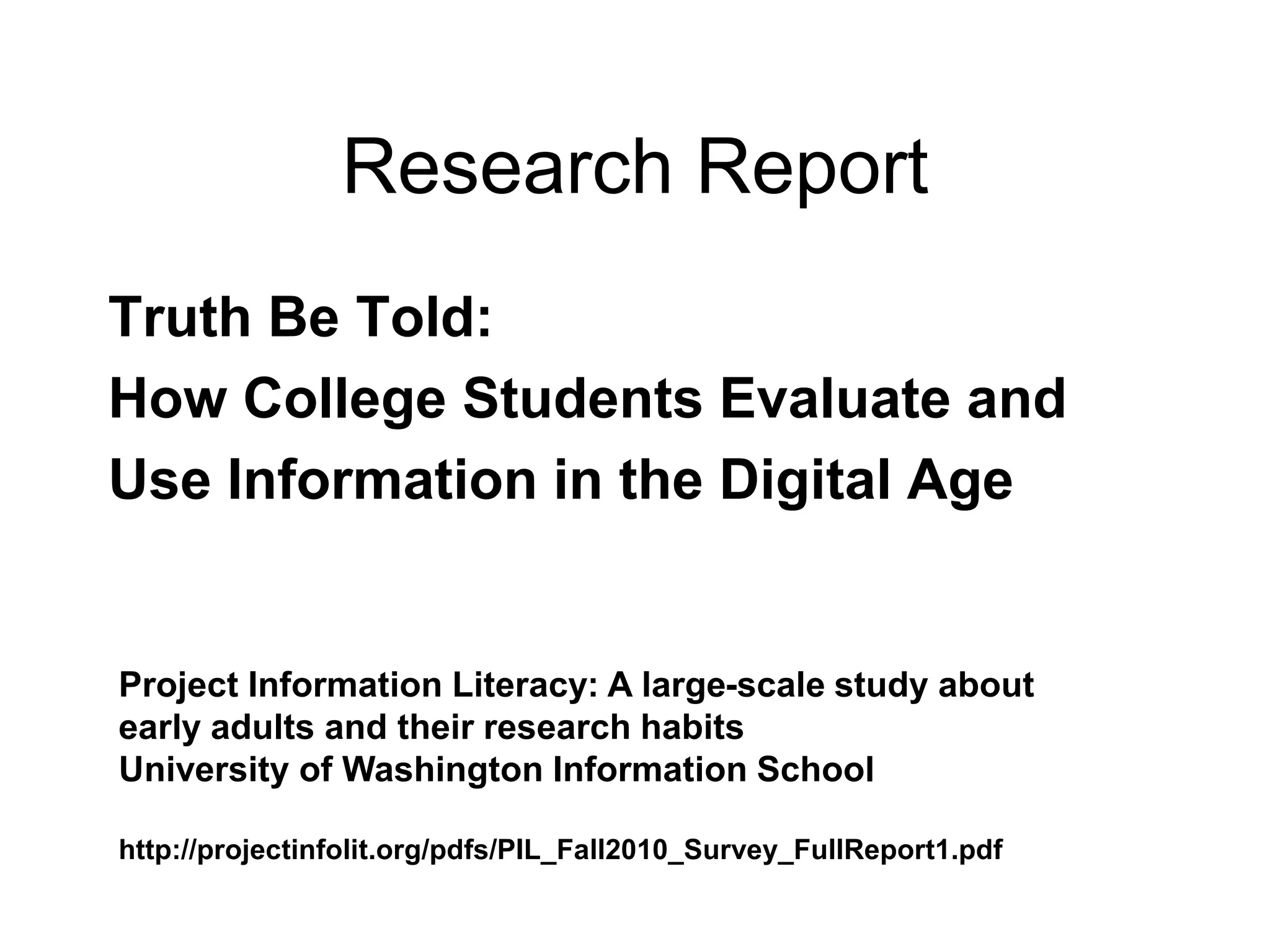
Research Report
Truth Be Told:
How College Students Evaluate and
Use Information in the Digital Age
Project Information Literacy: A large-scale study about
early adults and their research habits
University of Washington Information School
http://projectinfolit.org/pdfs/PIL_Fall2010_Survey_FullReport1.pdf
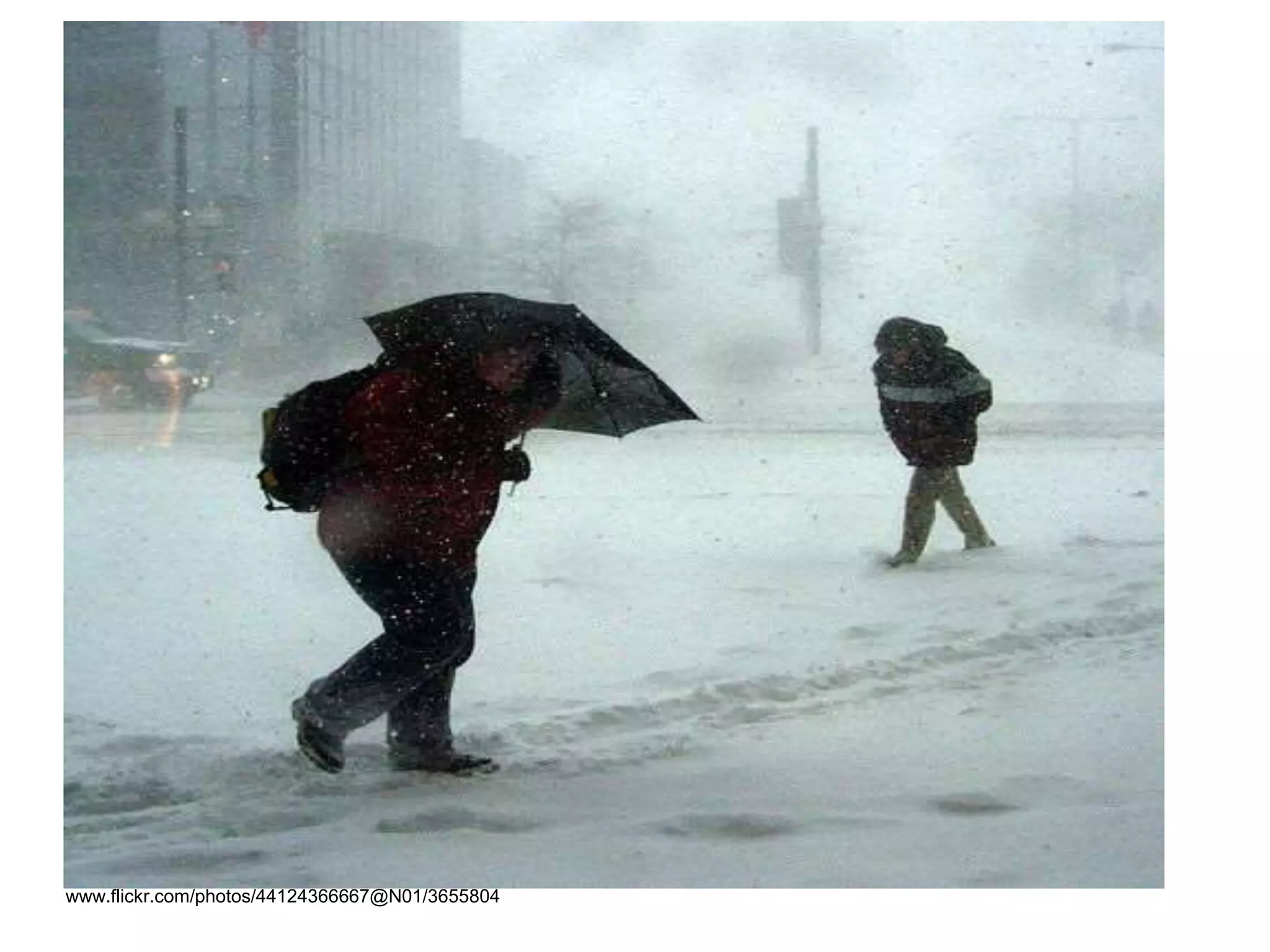
MAYBE YOU FEEL LIKE THIS
NOW
www.flickr.com/photos/44124366667@N01/3655804
MILI will help you
Image: '2007 ... agoodtimewashadbyall'
www.flickr.com/photos/73645804@N00/2102790208
• Emphasize the lifelong learning skills
embodied in information literacy to help
students be ready for their next step
Image: 'Upwards Spiral'
http://www.flickr.com/photos/40646519@N00/242075733
• Weave these new tools & concepts into
the fabric of what you teach
Image: 'basket-weaving'
http://www.flickr.com/photos/7941044@N06/2697286103
The Gift of Time
www.flickr.com/photos/21046489@N06/3387189144
The Gift of Our Time
http://www.flickr.com/photos/24183489@N00/284995199
NUTS & BOLTS
Image: 'Stand up stand out'
http://www.flickr.com/photos/14821912@N00/80080250
EXPECTATIONS FOR ALL
PARTICIPANTS
www.flickr.com/photos/49968232@N00/32254027
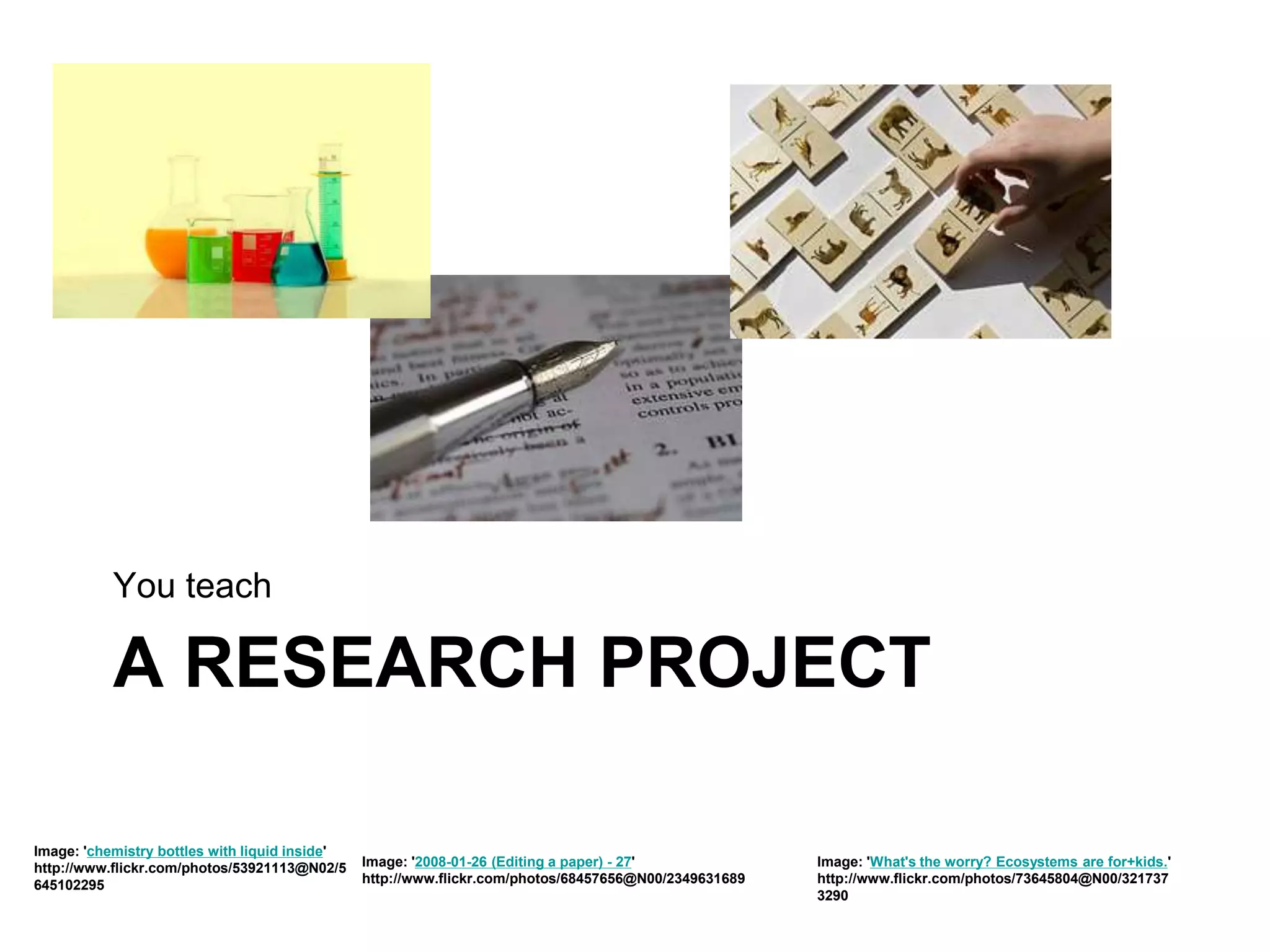
A RESEARCH PROJECT
You teach
Image: 'chemistry bottles with liquid inside'
http://www.flickr.com/photos/53921113@N02/5
645102295
Image: '2008-01-26 (Editing a paper) - 27'
http://www.flickr.com/photos/68457656@N00/2349631689
Image: 'What's the worry? Ecosystems are for+kids.'
http://www.flickr.com/photos/73645804@N00/321737
3290
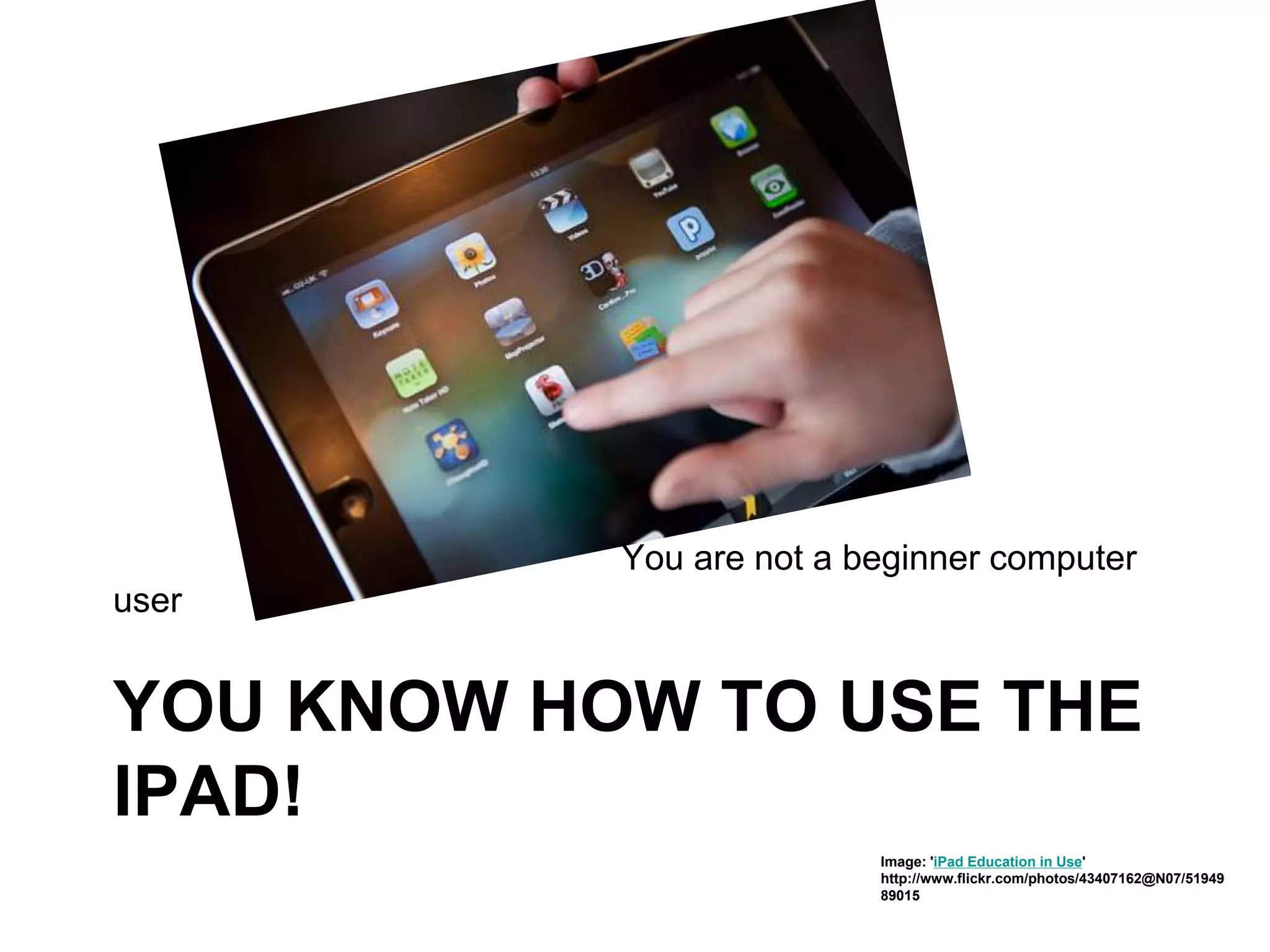
YOU KNOW HOW TO USE THE
IPAD!
You are not a beginner computer
user
Image: 'iPad Education in Use'
http://www.flickr.com/photos/43407162@N07/51949
89015
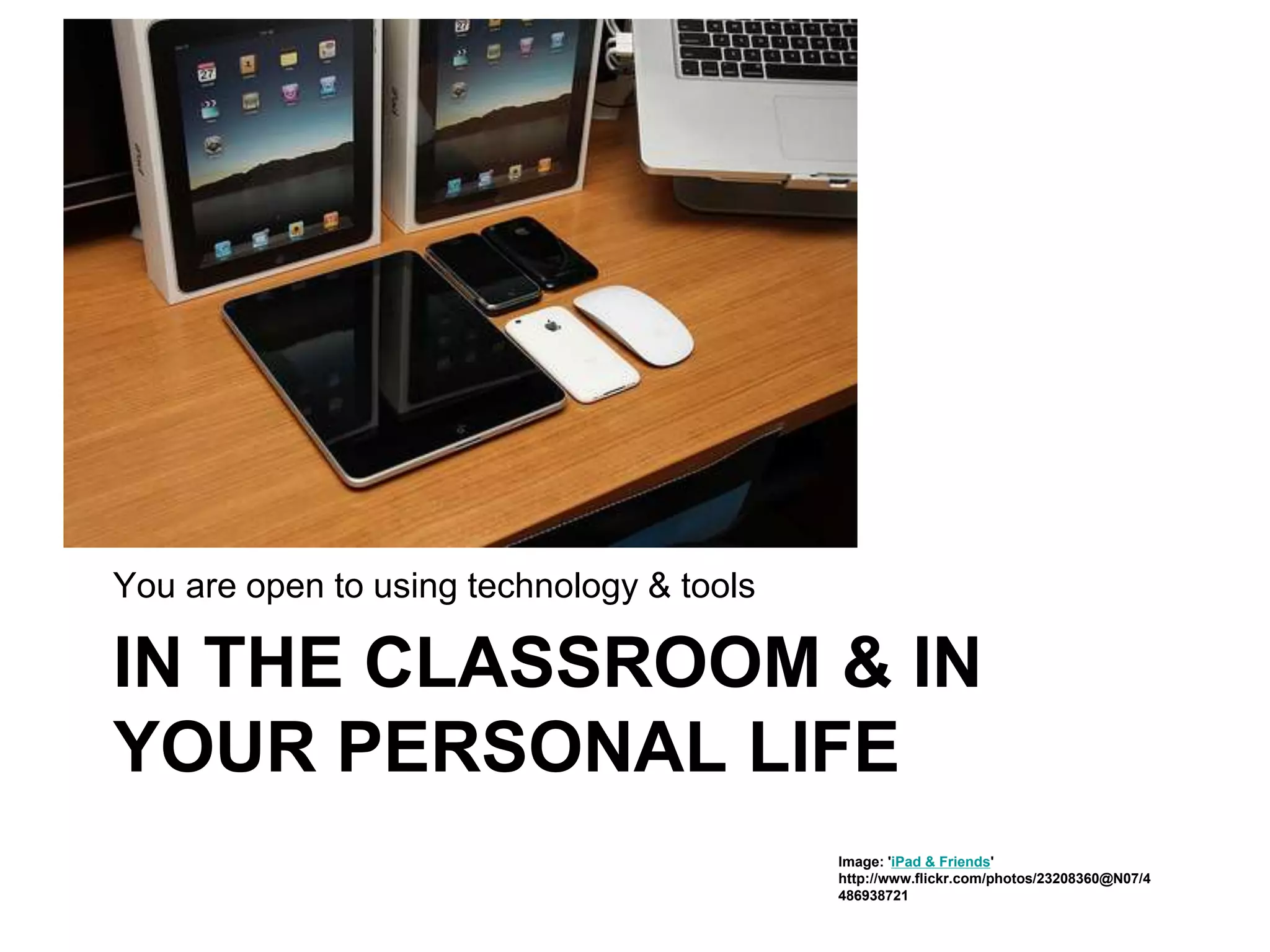
IN THE CLASSROOM & IN
YOUR PERSONAL LIFE
You are open to using technology & tools
Image: 'iPad & Friends'
http://www.flickr.com/photos/23208360@N07/4
486938721
YOU DID NOT JOIN MILI FOR
THE EQUIPMENT
iPad
mage: 'A Sad Key on my Continsouza'
http://www.flickr.com/photos/68557373@N08/635086052
2
LEARN NEW THINGS
You want to
Image: 'Teach/Learn'
http://www.flickr.com/photos/32127264@N08/4530185934
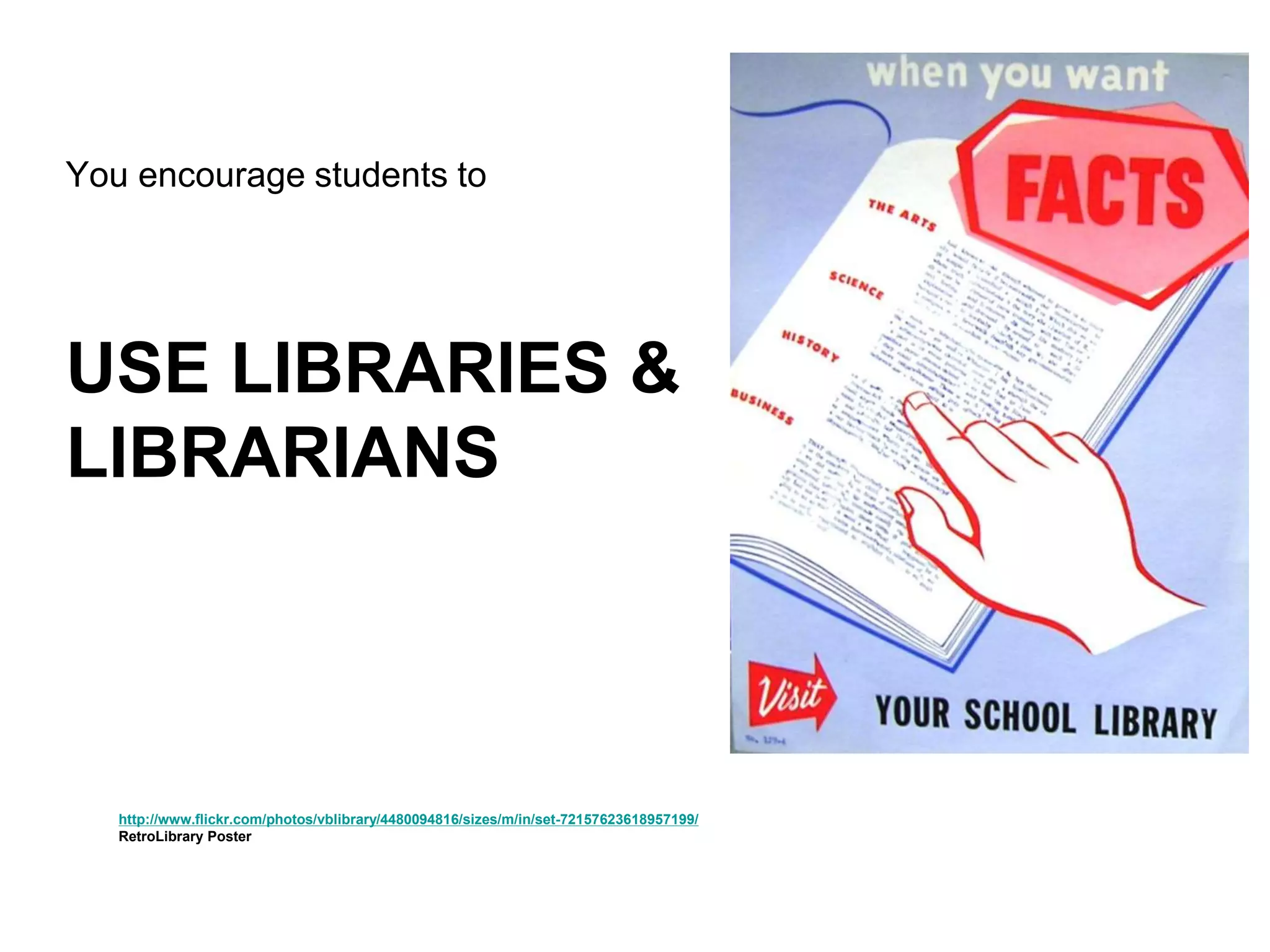
USE LIBRARIES &
LIBRARIANS
You encourage students to
http://www.flickr.com/photos/vblibrary/4480094816/sizes/m/in/set-72157623618957199/
RetroLibrary Poster
PUBLIC LIBRARY CARD
You have a
YOUR RESPONSIBILITIES
http://www.flickr.com/photos/49968232@N00/143980737
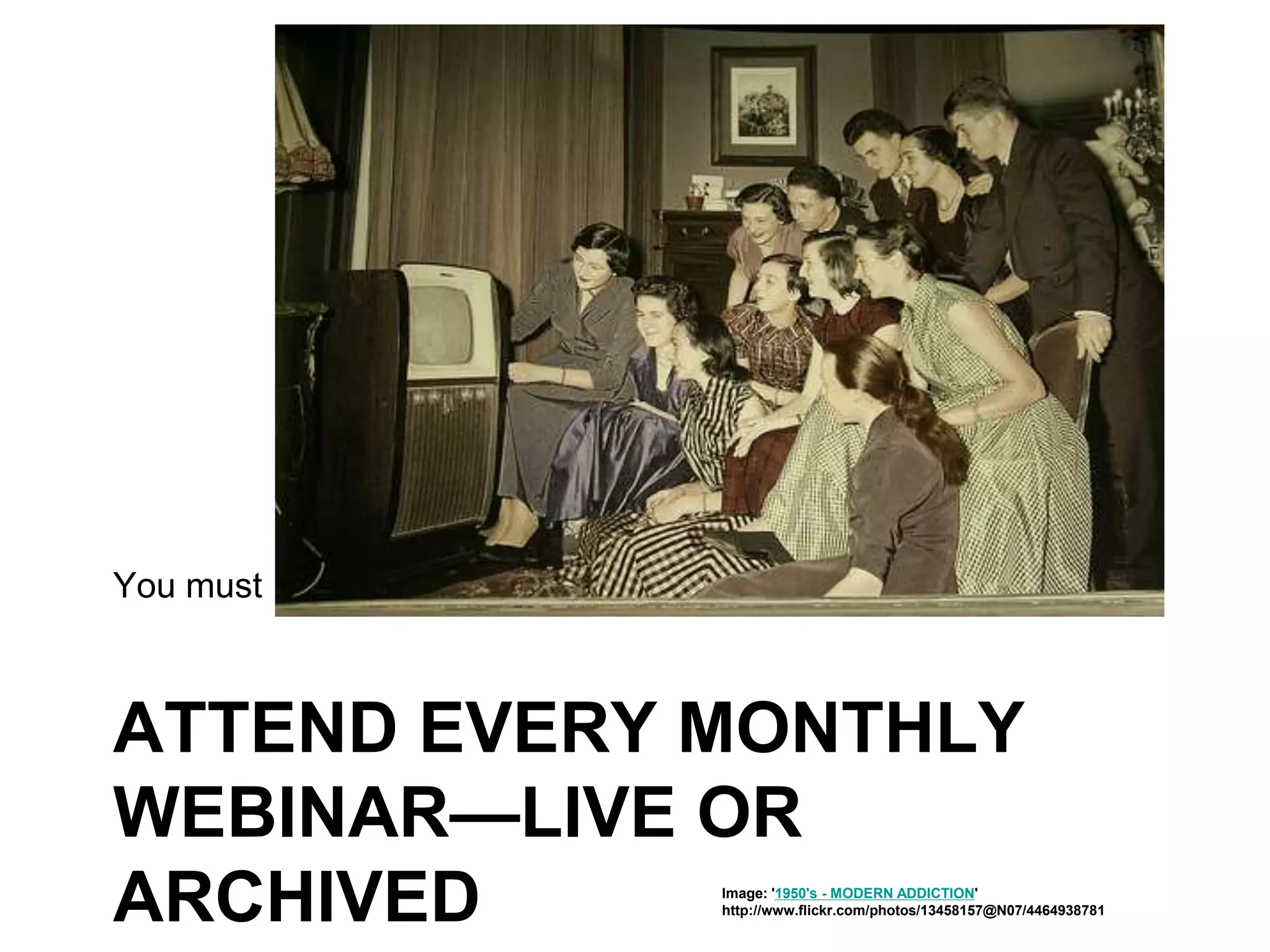
ATTEND EVERY MONTHLY
WEBINAR—LIVE OR
ARCHIVED
You must
Image: '1950's - MODERN ADDICTION'
http://www.flickr.com/photos/13458157@N07/4464938781
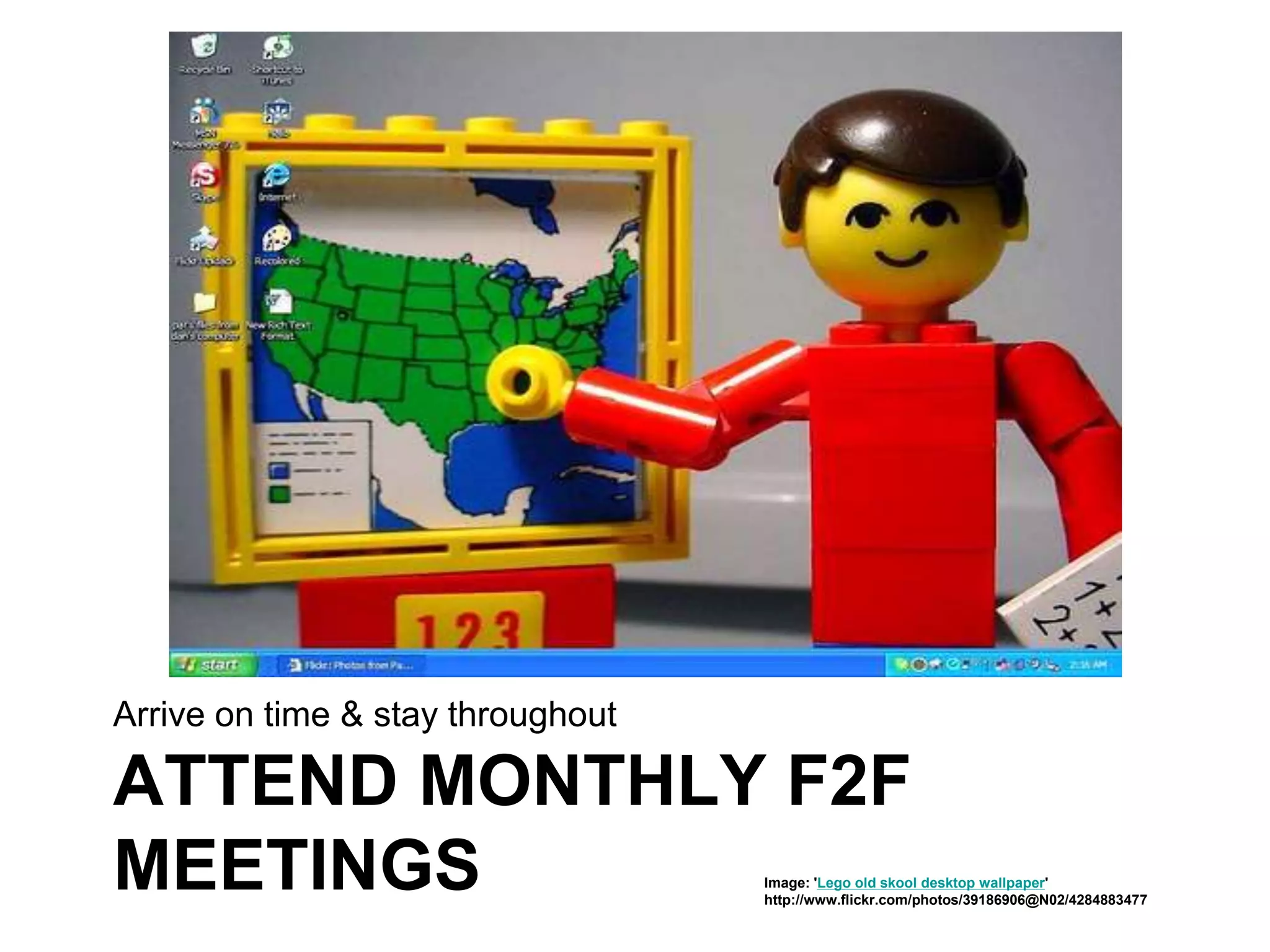
ATTEND MONTHLY F2F
MEETINGS
Arrive on time & stay throughout
Image: 'Lego old skool desktop wallpaper'
http://www.flickr.com/photos/39186906@N02/4284883477
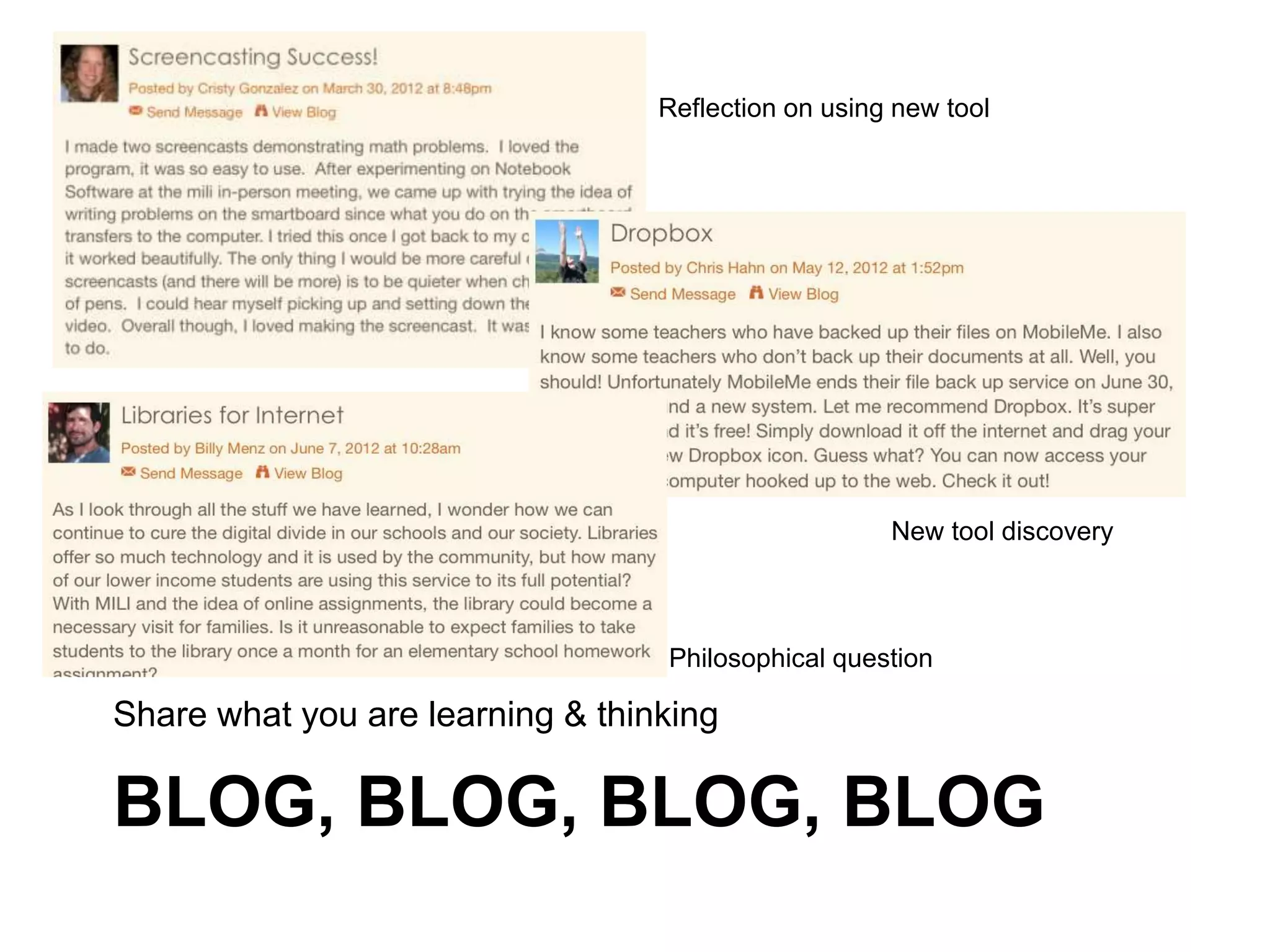
BLOG, BLOG, BLOG, BLOG
Share what you are learning & thinking
Reflection on using new tool
New tool discovery
Philosophical question
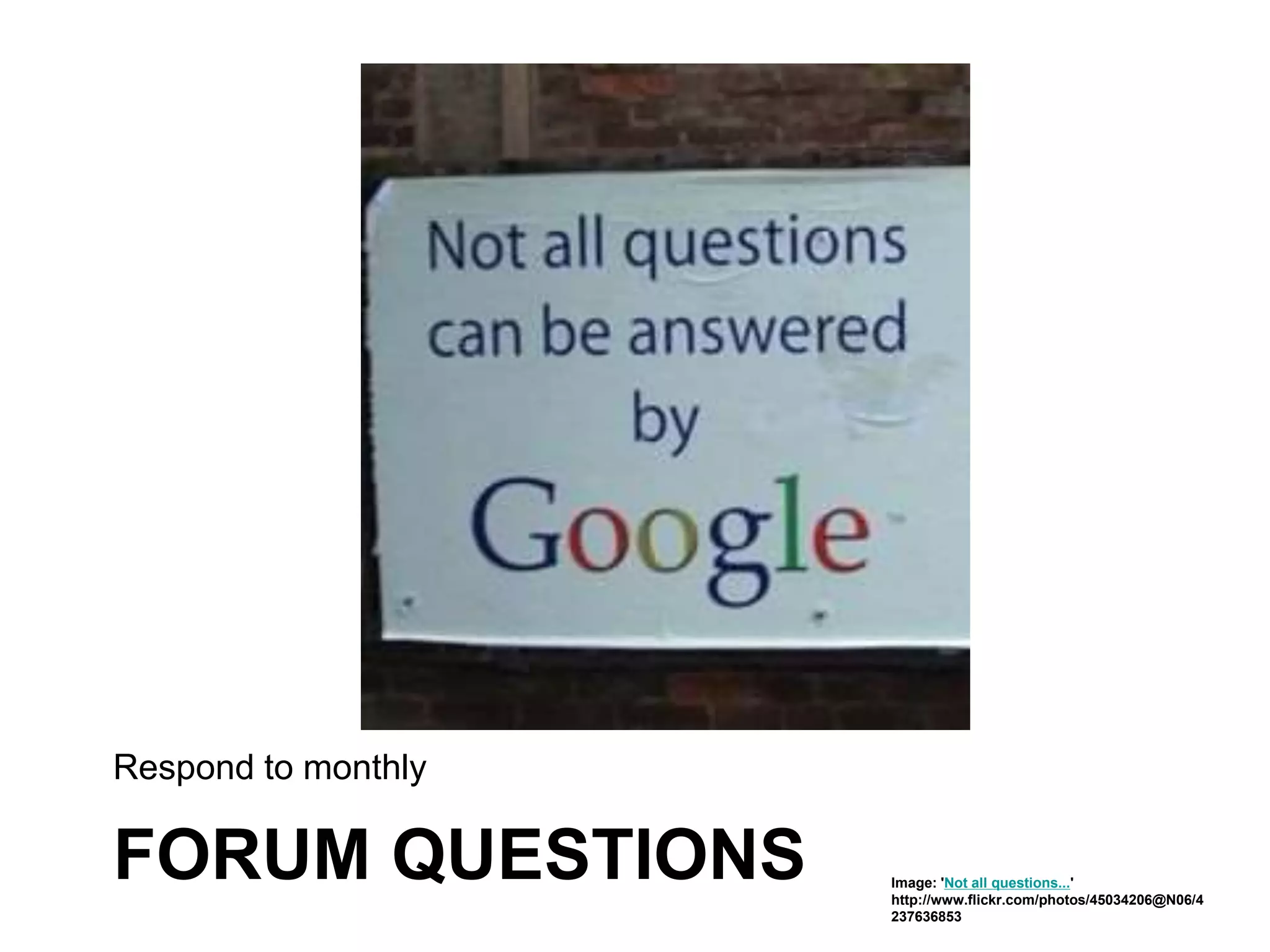
FORUM QUESTIONS
Respond to monthly
Image: 'Not all questions...'
http://www.flickr.com/photos/45034206@N06/4
237636853
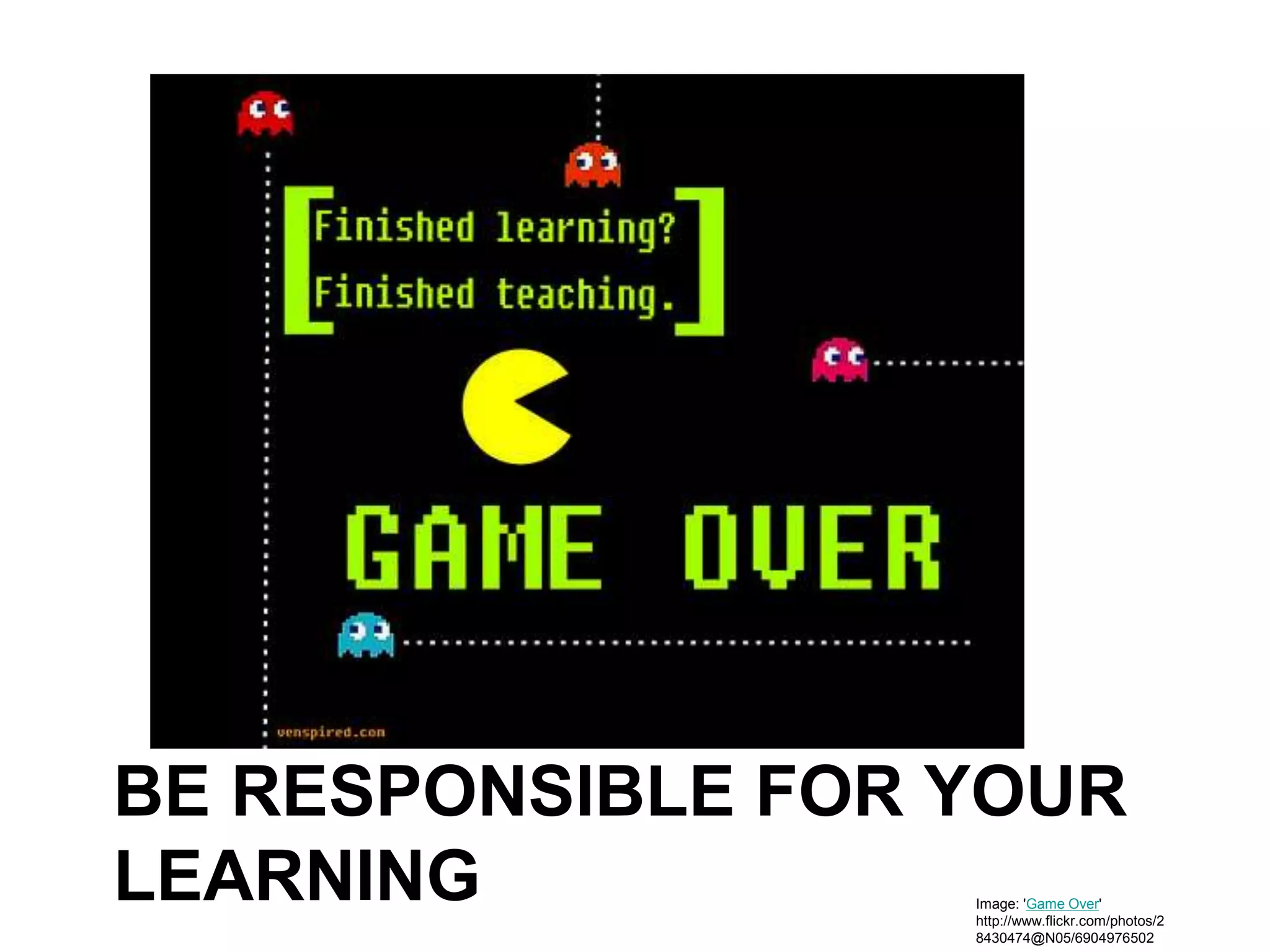
BE RESPONSIBLE FOR YOUR
LEARNING Image: 'Game Over'
http://www.flickr.com/photos/2
8430474@N05/6904976502
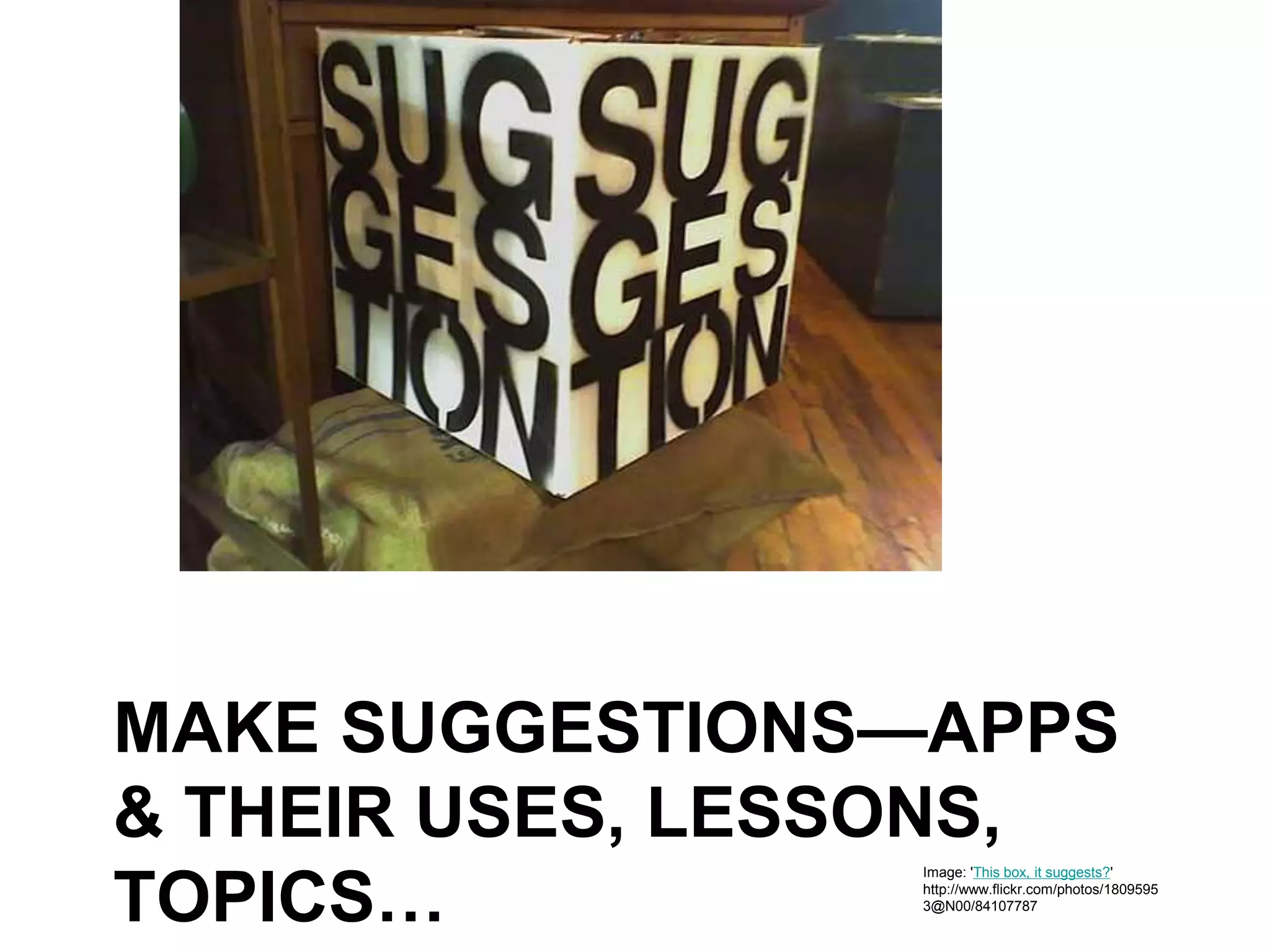
MAKE SUGGESTIONS—APPS
& THEIR USES, LESSONS,
TOPICS…
Image: 'This box, it suggests?'
http://www.flickr.com/photos/1809595
3@N00/84107787
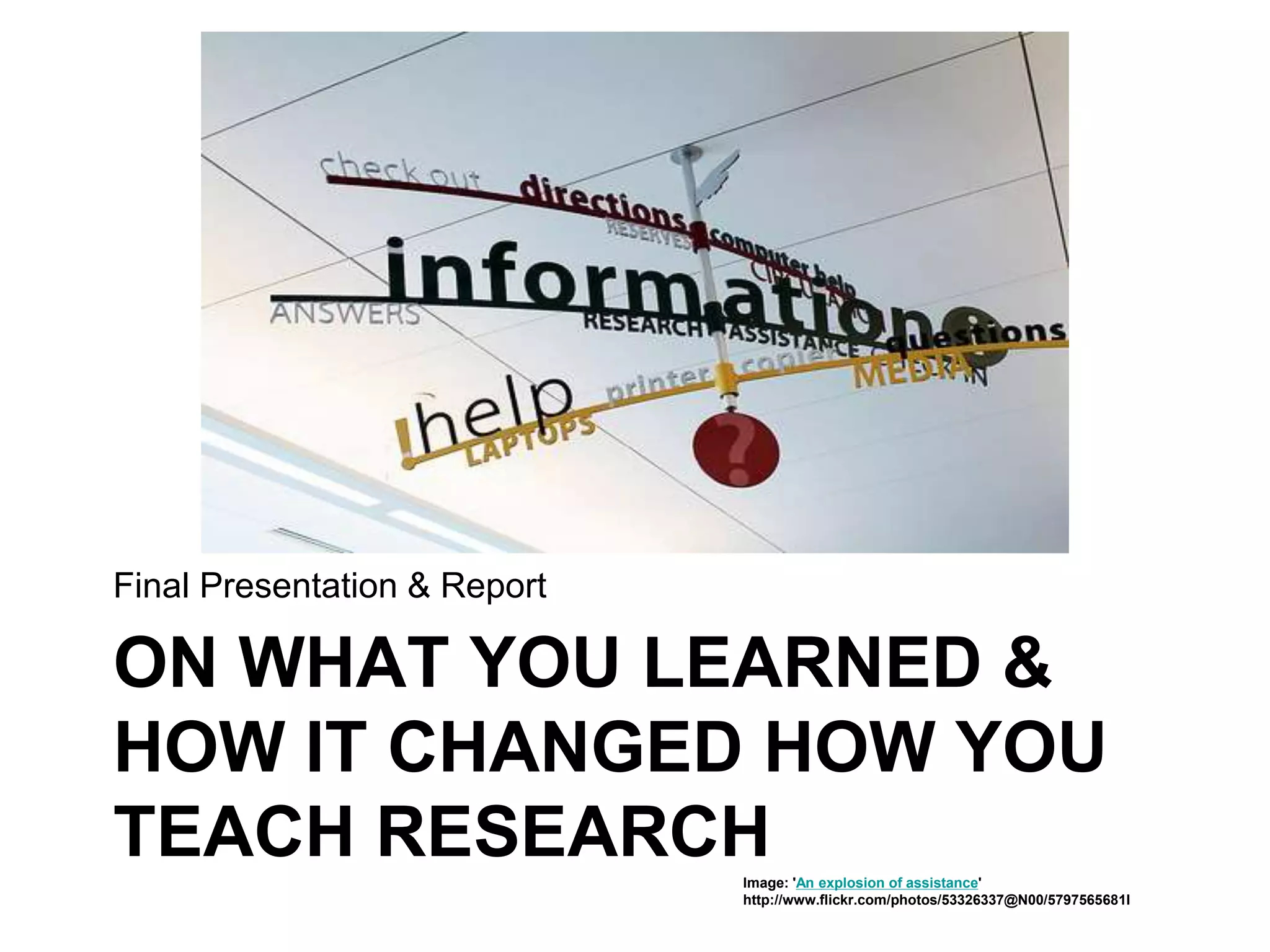
ON WHAT YOU LEARNED &
HOW IT CHANGED HOW YOU
TEACH RESEARCH
Final Presentation & Report
Image: 'An explosion of assistance'
http://www.flickr.com/photos/53326337@N00/5797565681I
• Manage credits for CE, Board
Credits, other incentive, etc.
• Monitor attendance & compliance
for participation using rubric
• Make it possible for teachers/LMS
to use tools in class
www.flickr.com/photos/9223655@N07/765323437
School District
Metronet will
• Design & conduct orientation +
monthly Webinars and F2Fafter
school meetings
• Work with district on the rubric for
credit
• Maintain the MILI Ning
• Provide support via the Wiki, email,
newsletter…
• Food! (You provide beverage)
www.flickr.com/photos/85966598@N00/210586449
MILI will help you help
students…
www.flickr.com/photos/13597901@N00/254102459
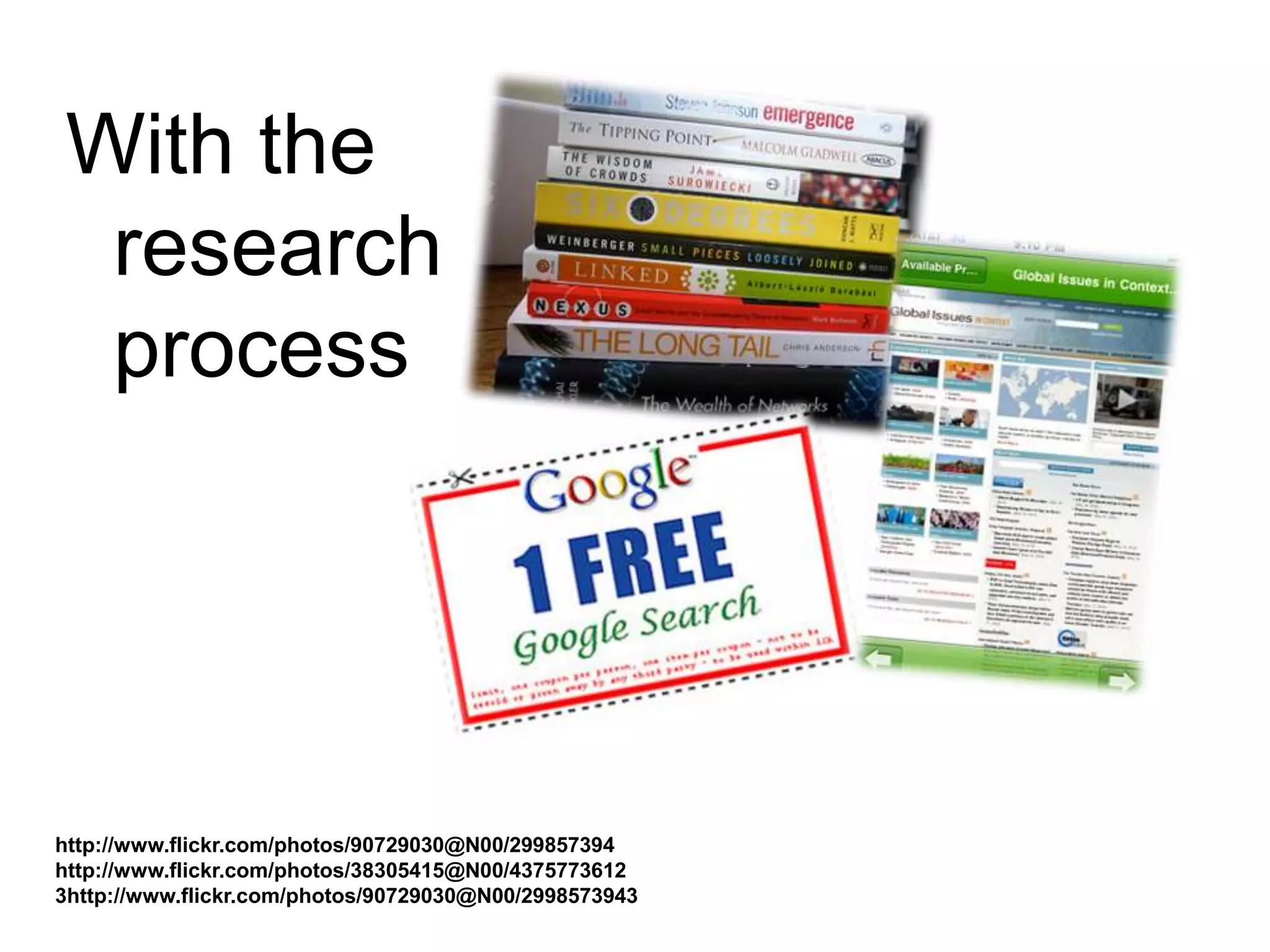
With the
research
process
http://www.flickr.com/photos/90729030@N00/299857394
http://www.flickr.com/photos/38305415@N00/4375773612
3http://www.flickr.com/photos/90729030@N00/2998573943
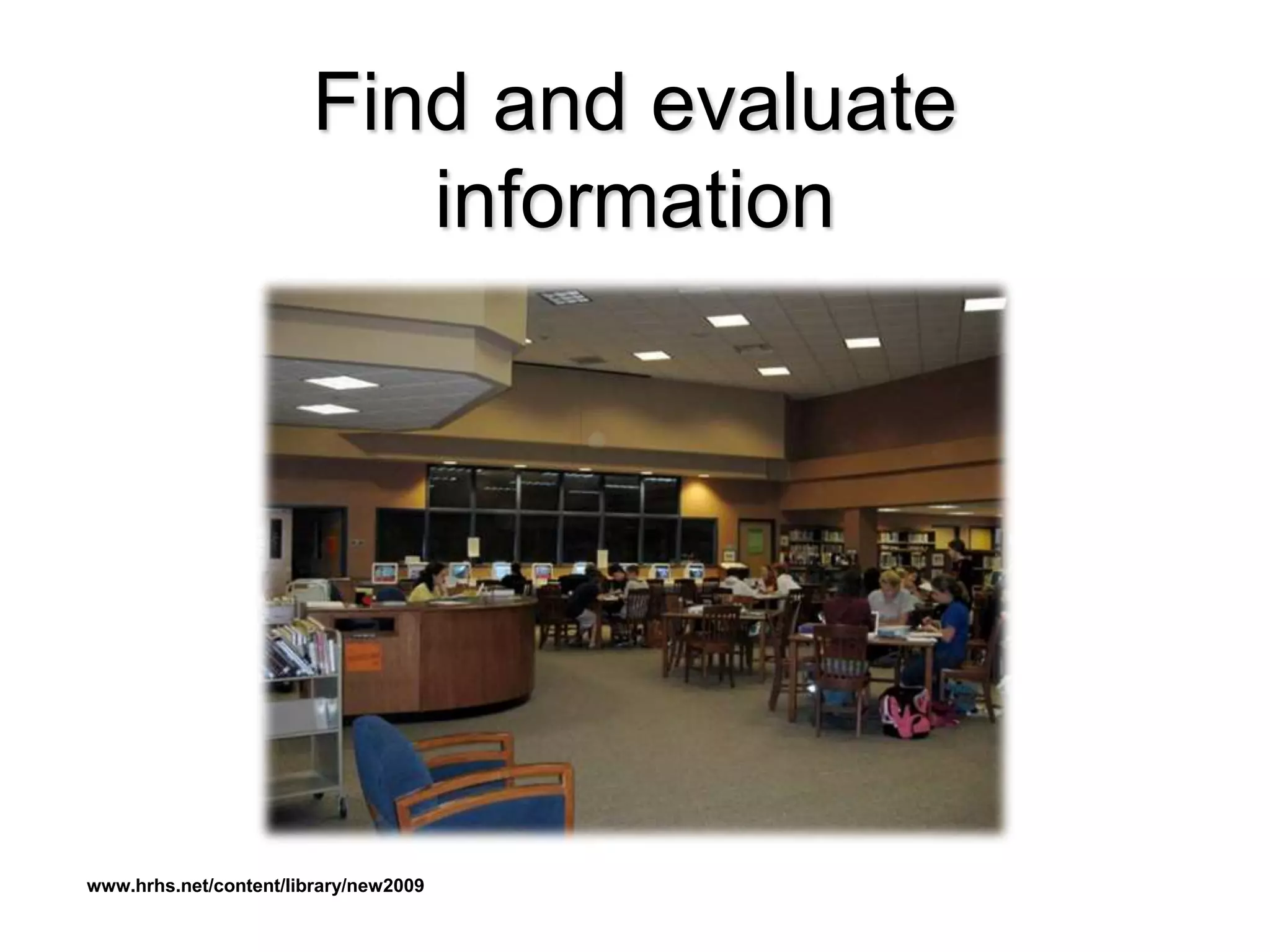
Find and evaluate
information
www.hrhs.net/content/library/new2009
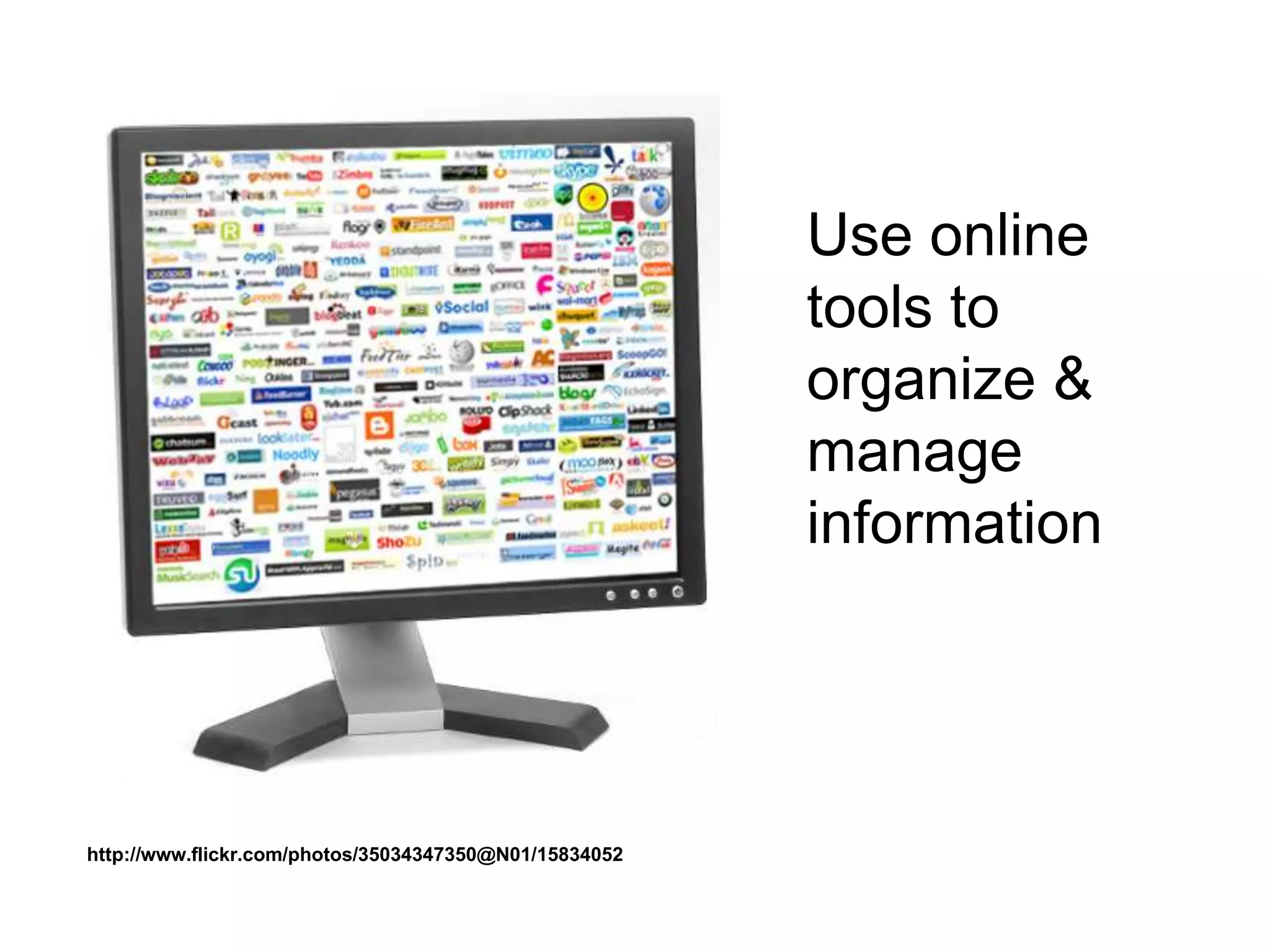
Use online
tools to
organize &
manage
information
http://www.flickr.com/photos/35034347350@N01/15834052
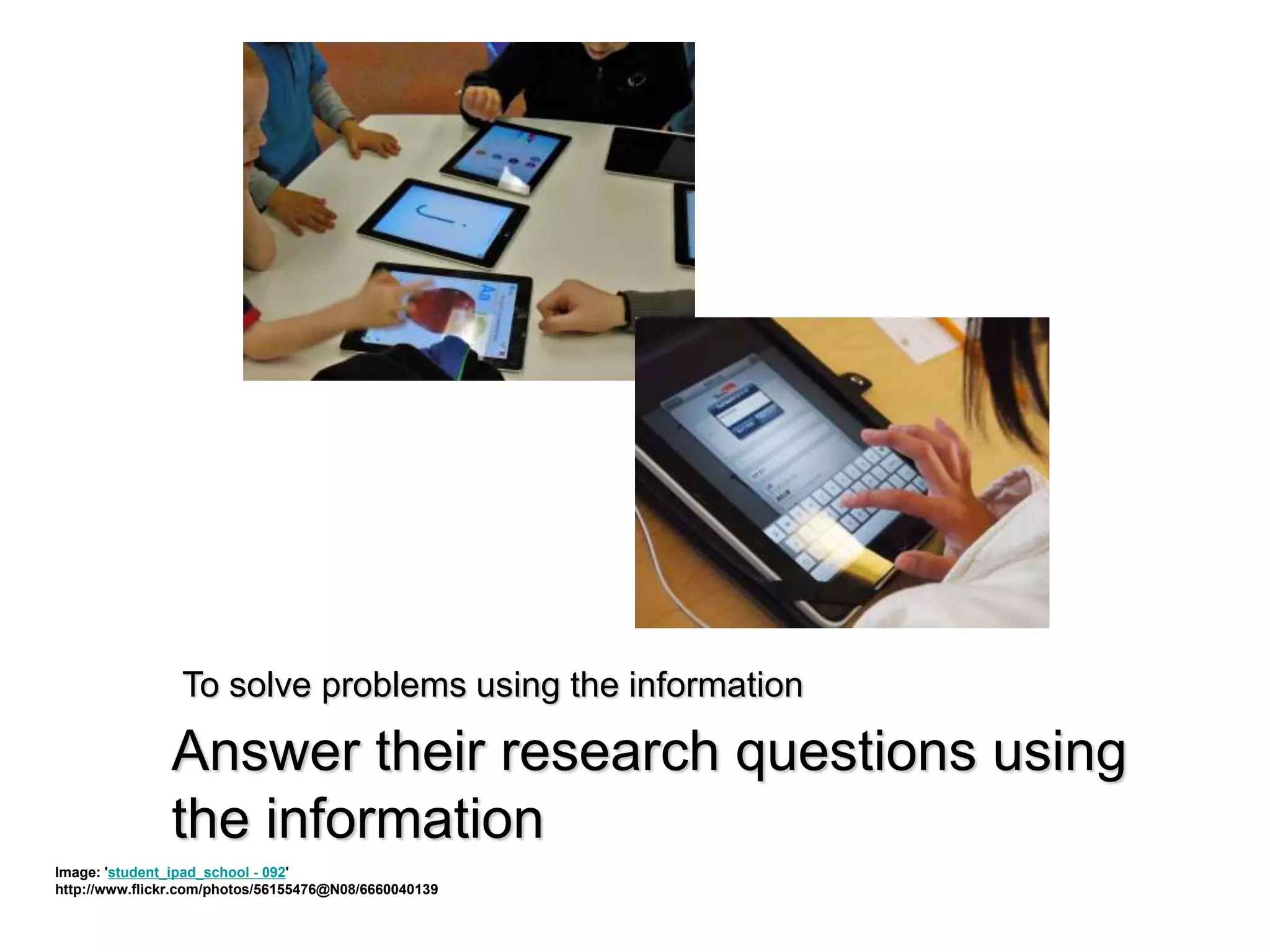
Answer their research questions using
the information
Image: 'student_ipad_school - 092'
http://www.flickr.com/photos/56155476@N08/6660040139
To solve problems using the information
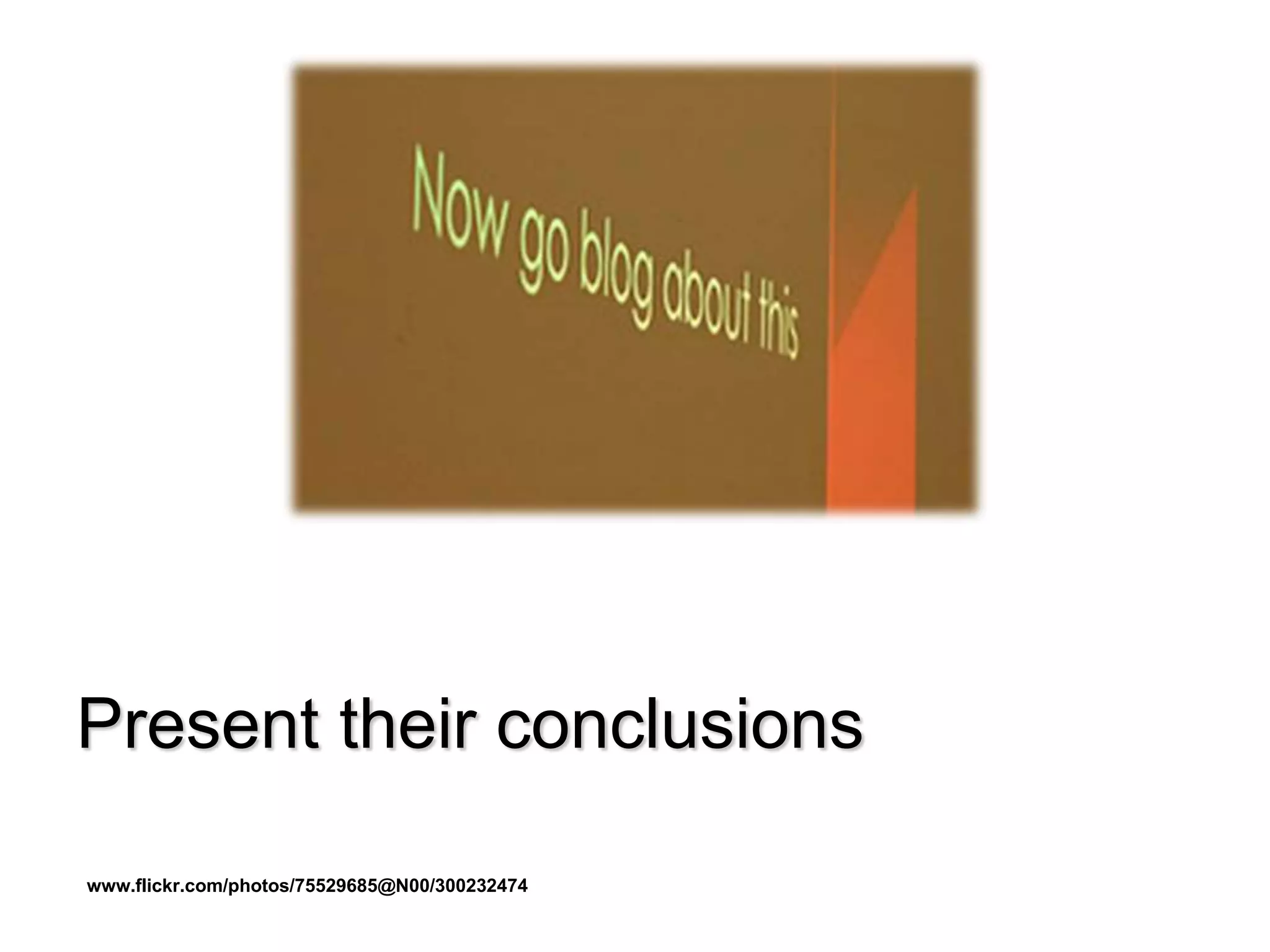
Present their conclusions
www.flickr.com/photos/75529685@N00/300232474
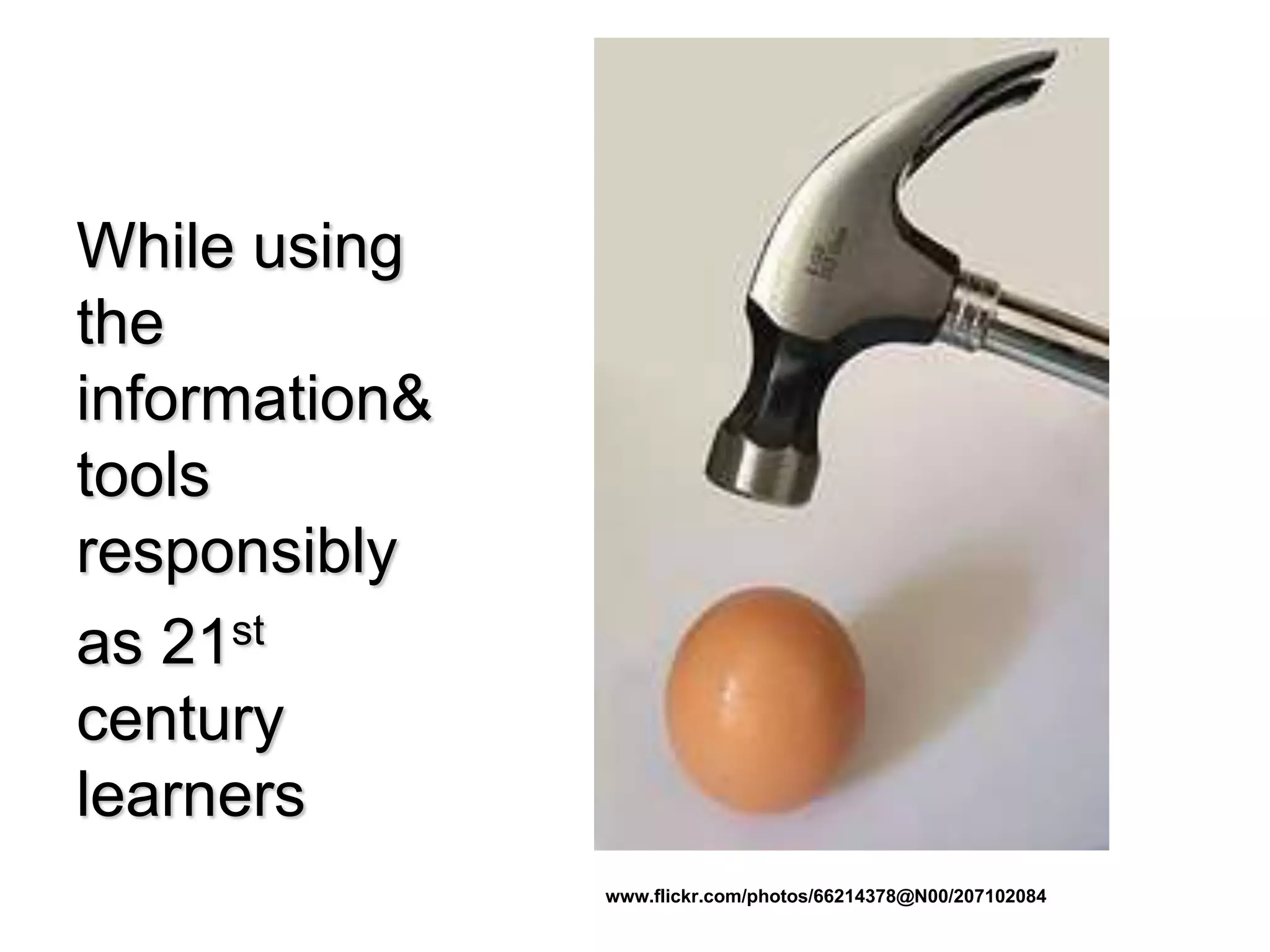
While using
the
information&
tools
responsibly
as 21st
century
learners
www.flickr.com/photos/66214378@N00/207102084
Contact
metronetmili@gmail.com
Ann Walker Smalley, Director, Metronet, St. Paul
ann@metronet.lib.mn.us
Olivia Moris, Program Coordinator, Metronet, St. Paul
metronetmili@gmail.com
As communicators
www.flickr.com/photos/33953253@N00/2465444266
As
Collaborators
www.flickr.com/photos/53611153@N00/395970515
As Creators
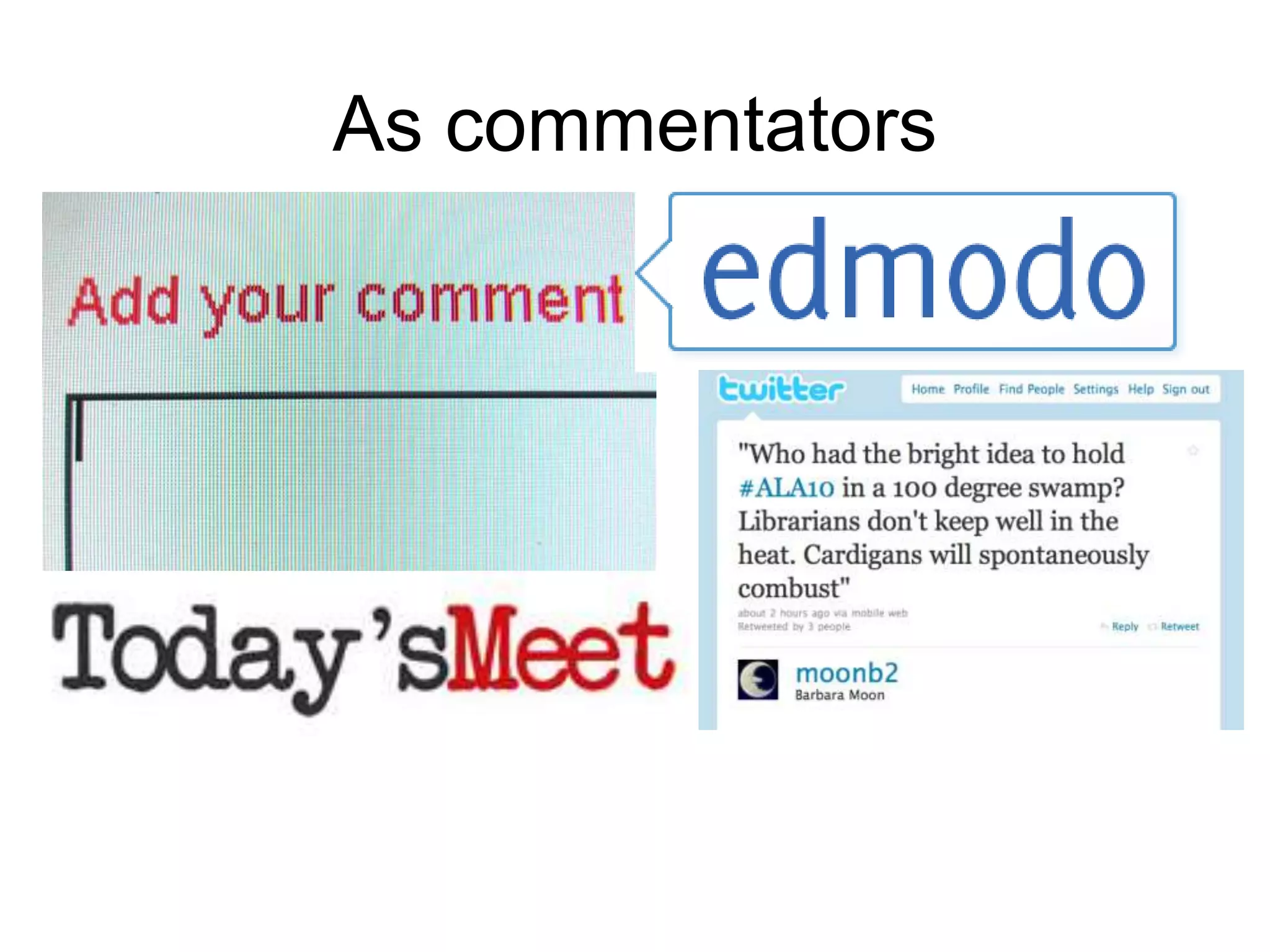
As commentators
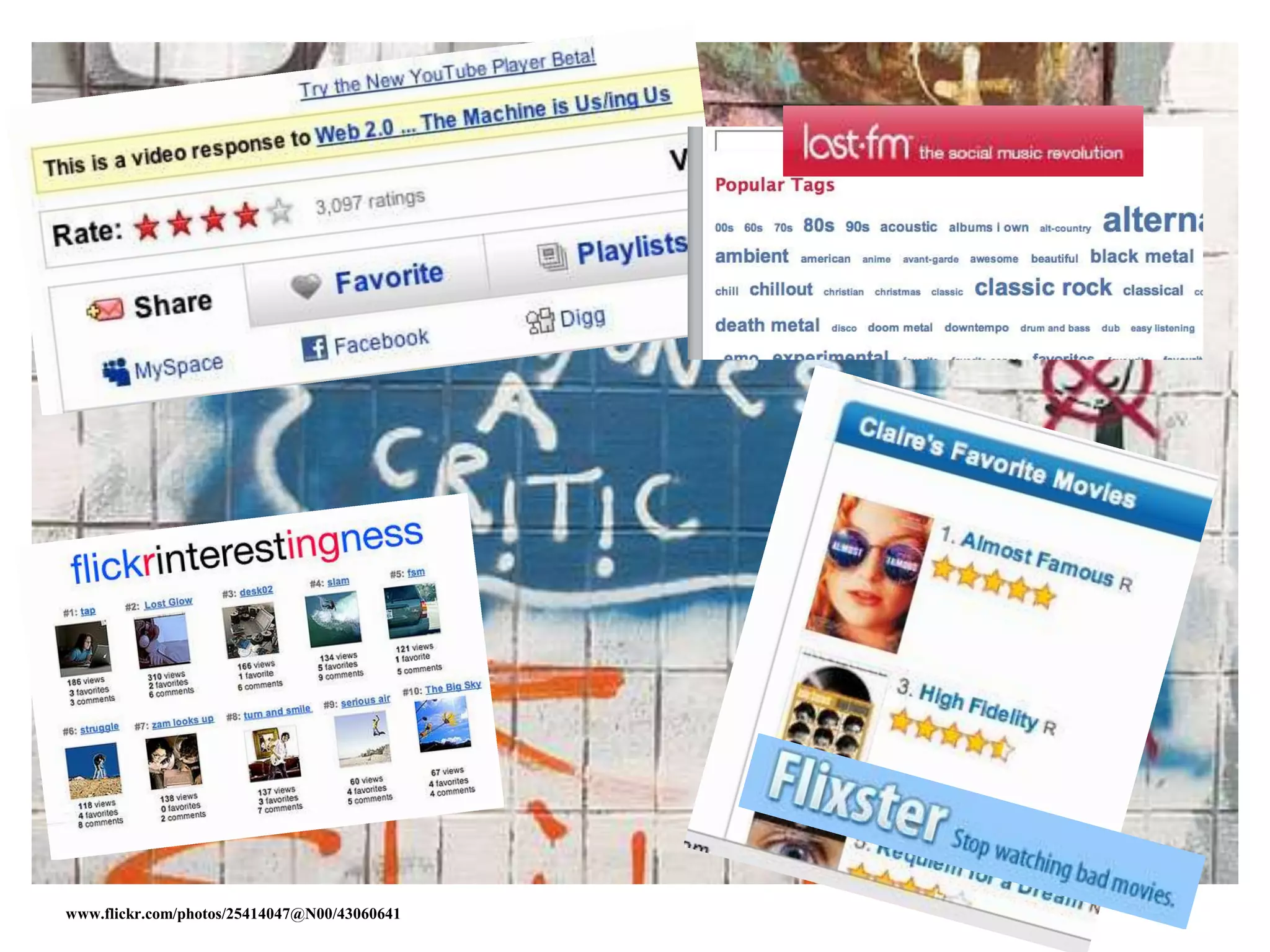
www.flickr.com/photos/25414047@N00/43060641
www.flickr.com/photos/43017881@N00/91467701
As Collectors
As Contributors
As Community Members
www.flickr.com/photos/98624608@N00/75699268
in a whole new ^ way!
Sites and tools that let us
• Explore
• Customize
• Collaborate
• Create
• Share
• Communicate
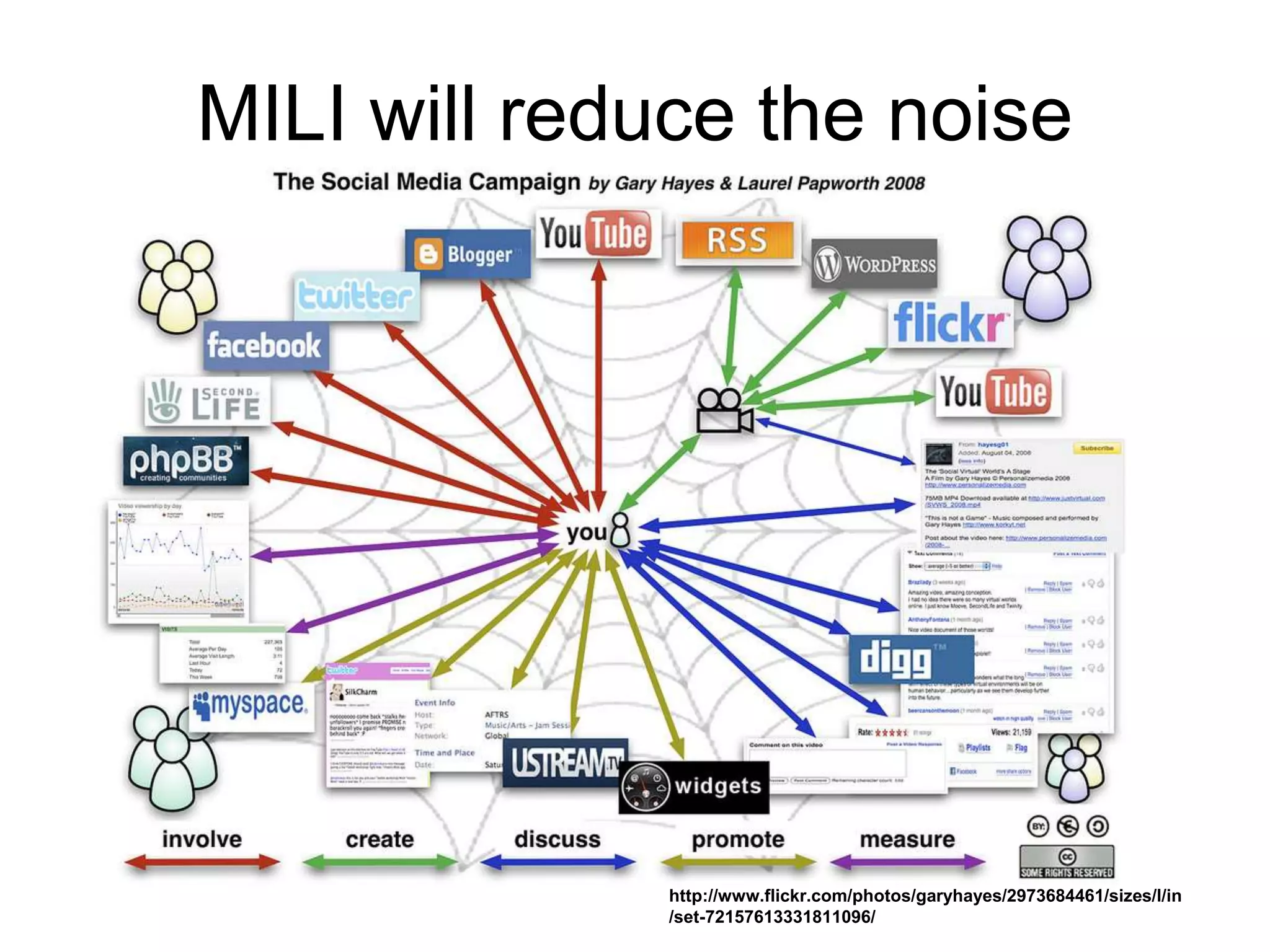
MILI will reduce the noise
http://www.flickr.com/photos/garyhayes/2973684461/sizes/l/in
/set-72157613331811096/
• Tools help optimize
learning by making
learning anywhere
possible
• Tools optimize
productivity for
teachers & students
& families.
• Emphasize the
lifelong learning
skills embodied in
information literacy
to help students be
ready for their next
step
Repetition
• Research
• Reliable Resources
• Responsible Use

Mpls MILI Intro 14 15

  • 1.
    Metronet Information Literacy Initiative AnIntroduction to a Year Devoted to Research, Reliable Resources, & Responsible Use
  • 2.
    www.flickr.com/photos/39735679@N00/420390416 Metronet • Multicounty multitypelibrary system • One of 7 in Minnesota • Serve libraries of all types with continuing education, networking, and special projects • Metronet Board is committed to the cause of Information Literacy & teaching the skills needed for lifelong learning
  • 3.
  • 4.
  • 5.
    Information is nowas infinite as the universe, but finding the answers you need is harder than ever. http://www.flickr.com/photos/10710442@N08/5608109065
  • 6.
    New Yorker CartoonBank http://www.cartoonbank.com/page/home
  • 7.
    What is InformationLiteracy? "To be information literate, a person must be able to recognize when information is needed and have the ability to locate, evaluate, and use effectively the needed information."The American Library Association’s (ALA) Presidential Committee on Information Literacy, Final Report, 1989 www.flickr.com/photos/66606673@N00/2297933452
  • 8.
    In the realworld… • The ability to solve problems & answer questions using information & technology • An understanding of the ethical/legal issues surrounding the access and use of information https://secure.flickr.com/photos/organised/8830572/sizes/m/in/photostream/
  • 9.
    Information & Communication Skills •Interpret text, data, media, & more for context & meaning • Communicate concepts, ideas, conclusions… www.flickr.com/photos/66208256@N00/2697847277
  • 10.
    Thinking & problem-solving •Critical thinking & systems thinking • Problem identification, formulation & solution • Creativity & intellectual curiosity http://www.flickr.com/photos/84959877@N00/144868194
  • 11.
    Interpersonal & self-direction skills •Lead & follow: collaborative skills • Manage time & information • Accountability & adaptability • Social responsibility www.flickr.com/photos/elsie/8229790/
  • 12.
    More 21st CenturySkills • Global awareness • Financial, economic and business literacy, and developing entrepreneurial skills to enhance workplace productivity and career options • Civic literacy http://www.21stcenturyskills.org/index.php
  • 13.
    Information Literacy Key toSuccess • Academic • Work life • Daily life • Lifelong learning
  • 14.
    NEW WORLD: WEB2.0, CLASSROOM 2.0, & LIBRARY 2.0
  • 15.
    In the beginningof the Web • Static Web sites • Source of information/simple answers • Limited media--photos & illustrations • One-way communication • Needed design & coding skills • Needed proprietary software • Access to a server www.flickr.com/photos/51512551@N00/3359491617
  • 16.
    Web 1.0 Web2.0 Read only Read/Write/Collaborate Web as reading platform Web as publishing platform Developer authorship Public authorship Software applications Web as software platform Commercial/Proprietary Open source/shared Static Dynamic Impersonal It knows you and your needs Restricted collaboration Collaborative Short Tail Long Tail Official Releases Constantly versioning—Beta HD as storage platform Web as storage platform Lecture Conversation http://web20meetsstandards.wikispaces.com/
  • 17.
    Classroom Was theWorld • Teacher as authority in all things • Standardized curriculum • Textbooks • Memorization • Cursive • Multiple choice • “Do your own work” http://www.flickr.com/photos/51035655711@N01/1374499
  • 18.
    Classroom 1.0 • Teacherimparting knowledge • Group work F2F • Desktop computing—one to many • $oftware licenses • Email attachments/Flash drives • Textbooks • Poster board • Little tech integration into curriculum • Oregon Trail • Audience was the teacher & maybe the class http://www.flickr.com/photos/13238706@N00/336448575 http://www.flickr.com/photos/9049083@N04/3895614433 http://www.flickr.com/photos/32598846@N07/4311859547
  • 19.
    Classroom 2.0 • Knowledge everywhere •Mobile devices • Online learning • Collaboration in the cloud • Online apps for writing, presentations • Multimedia tools • Global authentic http://www.flickr.com/photos/36719320@N00/4564521012 • Teacher as guide to using tools & technology • No longer sole source of information
  • 20.
    Why Classroom 2.0? •Encourage collaboration and engagement to involve every student in something that is personally engaging • More opportunities for content creation on a broader stage • Involves the students in a very proactive learning environment • It’s the future—school, work, life www.flickr.com/photos/59089413@N00/1516930505
  • 21.
    Library Research • Quiet! •Librarians as keepers • Print • Resources limited to what was on hand • Borrowing limits, often by age • Stand alone—few systemshttp://www.flickr.com/photos/48321464@N05/486875281 0
  • 22.
    Library Research 1.0 •Librarian as teacher • Print encyclopedia, books • Citation manuals • Readers’ Guide • Specialized indexes • Interlibrary Loan • Fax • Local sources • Microfilm/fiche • CD-ROM encyclopedia • Photocopies • Index cards • Static presentations – Research papers – Posters Image: '"Citation needed"' http://www.flickr.com/photos/87913776@N00/5129607997
  • 23.
    Library Research 2.0 •Librarian as guide • eBooks • Multimedia presentation • Wikipedia • WorldCat • Google • ELM subscription databases • Document delivery • Skype, Twitter, Facebook • Citation tools • Delicious, Diigo, Evernote … • Google Book/Scholar • Mobile apps http://www.flickr.com/photos/26406919@N00/2217375343
  • 24.
    Characteristics of Web2.0 Tools • Not tied to a device- -Internet access needed • Portability--available from any device • No software--but Web plug-ins • No programming • OS not an issue usually (although browser may matter) • User-generated content • Sharing--content, expertise • Global connections • Perpetual Beta www.flickr.com/photos/11979533@N00/4 41921094
  • 25.
    iPad Tools • Personalizeddevice • Apps are device specific • Often tied to the device—not so much in the cloud • Apps generally do one thing Image: 'The future of books' http://www.flickr.com/photos/38305415@N00/6966883093
  • 26.
    • Improve productivity •Manage information • Collaborate • Expand our reach Classroom/Library/Web 2.0 tools help us www.flickr.com/photos/17258892@N05/258834 7668
  • 27.
    But we know.. . • It is not the technology or the tool; it is how they are used to enhance teaching and engage students that makes successful integration into schools, libraries, & classrooms. https://secure.flickr.com/photos/aeneastudio/3039829121/in/pool- whats_in_your_bag
  • 29.
    Why does information literacymatter? www.flickr.com/photos/49462908@N00/143623934
  • 30.
    Students are contentcreators www.flickr.com/photos/81571077@N00/488412425
  • 31.
  • 32.
    Using new &traditional media
  • 33.
    To understand theirneed for information Image: 'Q & A 2.0: Nothing Is Off Limits!' http://www.flickr.com/photos/8727793@N05/2887622999
  • 34.
    To find &evaluate reliable information
  • 35.
    To draw conclusions& present information http://www.flickr.com/photos/77136818@N00/1303488559
  • 36.
  • 37.
  • 38.
    for the global society& economy they will face. www.flickr.com/photos/85966598@N00/204252734
  • 39.
    And, because .. . We limit students if we do not help them develop and use information literacy skills across the curriculum.
  • 40.
  • 41.
    Technology • Profoundly affectsthe way we work, collaborate, communicate, and succeed • Changes how people work, play, learn, socialize, and collaborate • Explosive growth of mobile devices and applications drives more—daily— change http://www.flickr.com/photos/44124348109@N01/227904949
  • 42.
    Business & Society andmaybe school • User-created content • Social networking • Collaborative work • Collective intelligence to solve problems • Participatory Leadership • Online civic engagement • Global reach and influence http://www.flickr.com/photos/21936447@N04/2744217176
  • 43.
    Moving (fast) Towards. . . • Tablet Computing • Mobile Devices & Apps • Cloud apps, storage, collaboration • Collaborative Environments • Game-based learning • Personal Learning Environments The Horizon Report K-12 http://www.nmc.org/publications/2012-horizon- report-k12 http://www.flickr.com/photos/38305415@N00/2968794599
  • 44.
    Students are changing •Technology is how they communicate & socialize • Ubiquitous, transparent part of their lives • Empowered by being connected to information & each other 24/7 • Globally connected • Expect guides not expertshttp://www.flickr.com/photos/8166472@N03/3866208804
  • 45.
    If this iswhat they are used to… Image: 'Jan 27 12 ipad Carson 27/366' http://www.flickr.com/photos/25308073@N02/6774634275 Image: 'Start 'em Young' http://www.flickr.com/photos/23312388@N00/1384121895
  • 46.
    What will theyexpect in school?
  • 47.
    Students’Expectations are changing •Want interactive communication • Use tools in the classroom that they use in the real world • 24/7 assignments • Creativity in assignments • Hands-on learning • Real life experience/application Image: 'pencil case' http://www.flickr.com/photos/53297933@N00/113711899
  • 48.
    Learning Environments arechanging • No longer tied to a physical space • “Spaces” are becoming more community-driven, interdisciplinary • Spaces & technologies that allow virtual communication and collaboration • World comes into the classroom • Flipped classrooms http://www.flickr.com/photos/84142366@N00/4390842406
  • 49.
    Access beyond thewalls • Online learning • ELM and other database access • Public/academic libraries online resources • Virtual collaboration Image: 'Chairs' http://www.flickr.com/photos/89898604@N00/6550520
  • 50.
    Will they beready for this future—which really is now? www.flickr.com/photos/45877650@N00/2581604391
  • 51.
    If. . . Image:'Yes!' http://www.flickr.com/photos/40646519@N00/3584172834
  • 52.
  • 53.
    Through the researchprocess www.flickr.com/photos/91409160@N00/3139332908
  • 54.
  • 55.
    While understanding responsible usewww.flickr.com/photos/8453165@N02/294774 0373
  • 56.
    WHAT IS MILI? HOWWILL MILI HELP?
  • 57.
    MILI’s Purpose • Influencehow you teach the research process • Encourage more collaboration between LMS & teachers around the research process • Encourage teachers/LMS to incorporate the 3 Rs into teaching • Help you integrate information literacy skills into your curriculum www.flickr.com/photos/34017702@N00/74907741
  • 58.
    Libraries & Librarians Vitalfor research at all levels • Information experts • Access to resources • Ability to connect people & resources • Ability to connect information & technology • On the front lines in the infowww.flickr.com/photos/99051133@N00/3550839523
  • 59.
    MILI will beyour guide • To the research process • Finding reliable resources • Identifying new tools • Information literacy • 21st century skills
  • 60.
    MILI Focus • Onthe research process • On the resources • On the tools that make it happen www.flickr.com/photos/26887305@N00/79952661
  • 61.
    The MILI 3Rs •Research Process •Reliable Resources •Responsible Use www.flickr.com/photos/49968232@N00/101563312
  • 62.
    Research Improve the abilityof students & teachers to conduct effective research by using a process that includes 5 steps • Question • Gather & Evaluate information • Conclude • Communicate information & conclusion • Evaluate process & product www.flickr.com/photos/47643206@N00/185651630
  • 63.
    Reliable Resources Identify &use available, reliable resources • “Format agnostic”--the format of the information is not the point • Evaluate all print, electronic, online, & human resources for authenticity & accuracy • Resource is appropriate in the context of this research www.flickr.com/photos/96586445@N00/816524
  • 64.
    Responsible Use Promote theunderstanding & practice of the responsible use of information & technology • Advise & assist teachers in the creation of plagiarism-proof assignments • Provide resources for teaching responsible use including copyright, Creative Commons, technology use www.flickr.com/photos/34427470616@N01/1141305603
  • 65.
    By developing researchprojects that encourage 21st Century Learning skills & promote Information Literacy Creating assignments that encourage building knowledge, not just repeating information www.flickr.com/photos/85966598@N00/98179665
  • 66.
    Together, we can •Improve your research project to incorporate the 5 steps • Learn Web 2.0 tools that work in classrooms and school buildings for collaboration, communication, & creation • Share what we know & what we learn www.flickr.com/photos/41894194320@N01/83992798
  • 67.
  • 68.
    Standards & Classroom2.0 • AASL-Standards for 21st Century Learners • ISTE-National Educational Technology Standards • MEMO-Information & Technology Literacy Standards
  • 69.
    1. Inquire, think critically,and gain knowledge. 2. Draw conclusions, make informed decisions, apply knowledge to new situations, and create new knowledge. 3. Share knowledge and participate ethically and productively as members of our democratic society. 4. Pursue personal and aesthetic growth. AASL Standards for 21st Century Learners http://www.ala.org/ala/mgrps/divs/aasl/guidelinesandstandards/learningstandards/s tandards.cfm
  • 70.
    ISTE National Educational Technology Standards(NETS) 1. Creativity and Innovation 2. Communication and Collaboration 3. Research and Information Fluency 4. Critical Thinking, Problem Solving, and Decision Making 5. Digital Citizenship 6. Technology Operations and Conceptshttp://www.iste.org/AM/Template.cfm?Section=NETS www.flickr.com/photos/77265262@N00/2938074434
  • 71.
    MEMO Standards for Information& Technology Literacy 1. The Research Process 2. Technology Use 3. Reading and Media Literacy 4. Responsible Use of Information and Technology http://www.memoweb.org/links/infolitbrochure.pdf
  • 72.
  • 73.
  • 74.
  • 75.
    THE MYTH OFTHE DIGITAL NATIVE https://secure.flickr.com/photos/venosdale/7051066737/ sizes/z/
  • 76.
    They are proficient withthe (commercial) tools they know Communication • Facebook • Twitter • Tumblr • Text Google • Quick answers • Maps • Gmail • Docs Image: 'A Conversation' http://www.flickr.com/photos/47130629@N04/5653817859 Entertainmen t • YouTube • GarageBand
  • 77.
    In-depth use oftechnology? Not so much • Not efficient or effective searchers • Little evaluation of what they find—don’t know how to evaluate • Application of technology limited to product creation • Not really using technology to solve/answer problems Image: 'Open access overview: Focusing on open access+to+peer-reviewed+research+articles+and+their+preprints' http://www.flickr.com/photos/47691521@N07/5188228228 http://www.tubechop.com/watch/453489
  • 78.
    Research Report Truth BeTold: How College Students Evaluate and Use Information in the Digital Age Project Information Literacy: A large-scale study about early adults and their research habits University of Washington Information School http://projectinfolit.org/pdfs/PIL_Fall2010_Survey_FullReport1.pdf
  • 82.
    MAYBE YOU FEELLIKE THIS NOW
  • 83.
  • 84.
    MILI will helpyou Image: '2007 ... agoodtimewashadbyall' www.flickr.com/photos/73645804@N00/2102790208
  • 85.
    • Emphasize thelifelong learning skills embodied in information literacy to help students be ready for their next step Image: 'Upwards Spiral' http://www.flickr.com/photos/40646519@N00/242075733
  • 86.
    • Weave thesenew tools & concepts into the fabric of what you teach Image: 'basket-weaving' http://www.flickr.com/photos/7941044@N06/2697286103
  • 87.
    The Gift ofTime www.flickr.com/photos/21046489@N06/3387189144
  • 88.
    The Gift ofOur Time http://www.flickr.com/photos/24183489@N00/284995199
  • 89.
    NUTS & BOLTS Image:'Stand up stand out' http://www.flickr.com/photos/14821912@N00/80080250
  • 90.
  • 91.
    A RESEARCH PROJECT Youteach Image: 'chemistry bottles with liquid inside' http://www.flickr.com/photos/53921113@N02/5 645102295 Image: '2008-01-26 (Editing a paper) - 27' http://www.flickr.com/photos/68457656@N00/2349631689 Image: 'What's the worry? Ecosystems are for+kids.' http://www.flickr.com/photos/73645804@N00/321737 3290
  • 92.
    YOU KNOW HOWTO USE THE IPAD! You are not a beginner computer user Image: 'iPad Education in Use' http://www.flickr.com/photos/43407162@N07/51949 89015
  • 93.
    IN THE CLASSROOM& IN YOUR PERSONAL LIFE You are open to using technology & tools Image: 'iPad & Friends' http://www.flickr.com/photos/23208360@N07/4 486938721
  • 94.
    YOU DID NOTJOIN MILI FOR THE EQUIPMENT iPad mage: 'A Sad Key on my Continsouza' http://www.flickr.com/photos/68557373@N08/635086052 2
  • 95.
    LEARN NEW THINGS Youwant to Image: 'Teach/Learn' http://www.flickr.com/photos/32127264@N08/4530185934
  • 96.
    USE LIBRARIES & LIBRARIANS Youencourage students to http://www.flickr.com/photos/vblibrary/4480094816/sizes/m/in/set-72157623618957199/ RetroLibrary Poster
  • 97.
  • 98.
  • 99.
    ATTEND EVERY MONTHLY WEBINAR—LIVEOR ARCHIVED You must Image: '1950's - MODERN ADDICTION' http://www.flickr.com/photos/13458157@N07/4464938781
  • 100.
    ATTEND MONTHLY F2F MEETINGS Arriveon time & stay throughout Image: 'Lego old skool desktop wallpaper' http://www.flickr.com/photos/39186906@N02/4284883477
  • 101.
    BLOG, BLOG, BLOG,BLOG Share what you are learning & thinking Reflection on using new tool New tool discovery Philosophical question
  • 102.
    FORUM QUESTIONS Respond tomonthly Image: 'Not all questions...' http://www.flickr.com/photos/45034206@N06/4 237636853
  • 103.
    BE RESPONSIBLE FORYOUR LEARNING Image: 'Game Over' http://www.flickr.com/photos/2 8430474@N05/6904976502
  • 104.
    MAKE SUGGESTIONS—APPS & THEIRUSES, LESSONS, TOPICS… Image: 'This box, it suggests?' http://www.flickr.com/photos/1809595 3@N00/84107787
  • 105.
    ON WHAT YOULEARNED & HOW IT CHANGED HOW YOU TEACH RESEARCH Final Presentation & Report Image: 'An explosion of assistance' http://www.flickr.com/photos/53326337@N00/5797565681I
  • 106.
    • Manage creditsfor CE, Board Credits, other incentive, etc. • Monitor attendance & compliance for participation using rubric • Make it possible for teachers/LMS to use tools in class www.flickr.com/photos/9223655@N07/765323437 School District
  • 107.
    Metronet will • Design& conduct orientation + monthly Webinars and F2Fafter school meetings • Work with district on the rubric for credit • Maintain the MILI Ning • Provide support via the Wiki, email, newsletter… • Food! (You provide beverage) www.flickr.com/photos/85966598@N00/210586449
  • 108.
    MILI will helpyou help students… www.flickr.com/photos/13597901@N00/254102459
  • 109.
  • 110.
  • 111.
    Use online tools to organize& manage information http://www.flickr.com/photos/35034347350@N01/15834052
  • 112.
    Answer their researchquestions using the information Image: 'student_ipad_school - 092' http://www.flickr.com/photos/56155476@N08/6660040139 To solve problems using the information
  • 113.
  • 114.
  • 115.
    Contact metronetmili@gmail.com Ann Walker Smalley,Director, Metronet, St. Paul ann@metronet.lib.mn.us Olivia Moris, Program Coordinator, Metronet, St. Paul metronetmili@gmail.com
  • 118.
  • 119.
  • 120.
  • 121.
  • 122.
  • 123.
  • 124.
  • 125.
  • 126.
    in a wholenew ^ way! Sites and tools that let us • Explore • Customize • Collaborate • Create • Share • Communicate
  • 127.
    MILI will reducethe noise http://www.flickr.com/photos/garyhayes/2973684461/sizes/l/in /set-72157613331811096/
  • 128.
    • Tools helpoptimize learning by making learning anywhere possible • Tools optimize productivity for teachers & students & families. • Emphasize the lifelong learning skills embodied in information literacy to help students be ready for their next step
  • 129.
    Repetition • Research • ReliableResources • Responsible Use