TitleMobile Prototyping EssentialsWeb Directions UnpluggedRachel HinmanSenior Research Scientist  Nokia Research Lab Palo Alto, California USA
I used to be a web designer, too
How can we streamline the checkout processWhat makes mobile UX different?Q:Q:
Where do I begin
Where do I begin“I would have made different choices.”
Where do I beginKey Difference = Different Design Choices
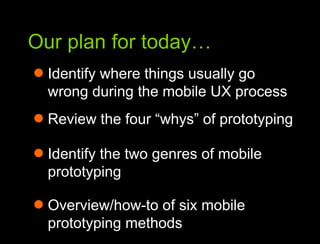
Our plan for today…Our plan for todayIdentify where things usually go wrong during the mobile UX process
Our plan for today…Our plan for todayIdentify where things usually go wrong during the mobile UX processReview the four “whys” of prototyping
Our plan for today…Our plan for todayIdentify where things usually go wrong during the mobile UX processReview the four “whys” of prototypingIdentify the two genres of mobile prototyping
Our plan for today…Our plan for todayIdentify where things usually go wrong during the mobile UX processReview the four “whys” of prototypingIdentify the two genres of mobile prototypingOverview/how-to of six mobile prototyping methods
Along the way…Along the wayWatch for slides with this orange label!Slides Worth KeepingDesign PrinciplesDesign ActivitiesShameless Opinion
Okay, let’s get started!Okay… let’s get started
AWhat are the similarities
?16Web designers know how to work in a rapidly evolving field
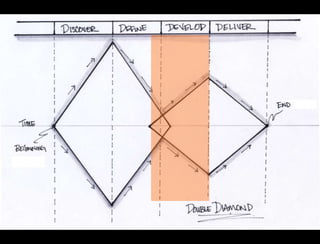
17Web designers know how to work in a rapidly evolving field
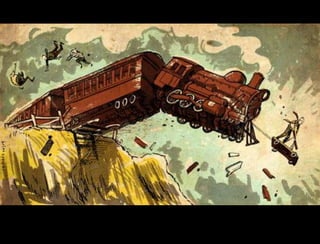
Bad Decision-Making18Web designers know how to work in a rapidly evolving field
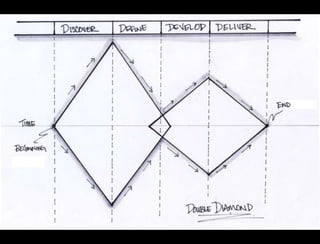
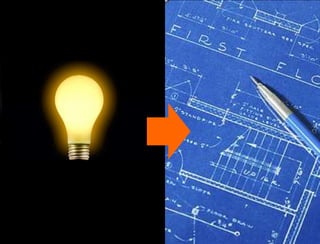
The final diamond is where good design decisions matter most…19
The final diamond is where good design decisions matter most……and where designers new to mobile have the least domain specific skill and confidence.20Web designers know how to work in a rapidly evolving field
PrototypePrototypePrototypePrototypePrototypePrototype21Prototype
PC Prototypingis considered a  LuxuryAUm… duh!
Mobile Prototyping isEssentialAUm… duh!
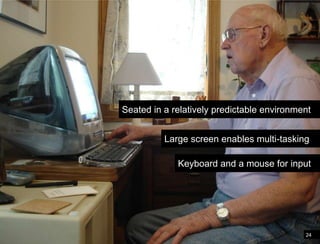
24Differences in the mobile environmentSeated in a relatively predictable environmentLarge screen enables multi-taskingKeyboard and a mouse for input
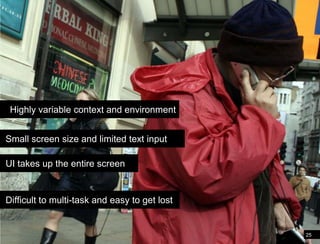
Differences in the mobile environmentHighly variable context and environment Small screen size and limited text input UI takes up the entire screen  Difficult to multi-task and easy to get lost25
Designers new to mobile don’t have the domain specific skills or heuristics to lean on.AUm… duh!
The best way to develop those skills is to prototype early and often.AUm… duh!
Prototypes are the ultimate decision-making aid. AUm… duh!
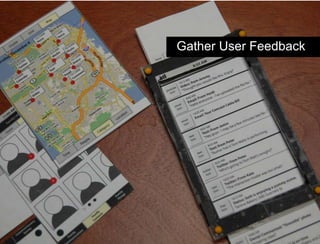
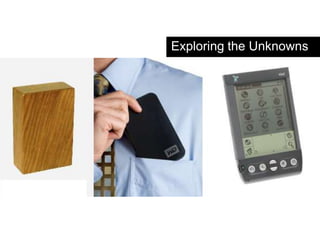
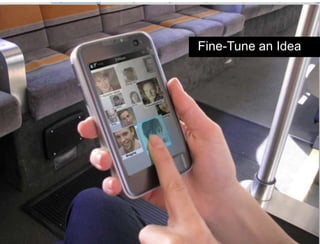
What we learned from the websteal this slide!“Whys” of prototypingImprove your design decision-makingCommunicate an IdeaGather User FeedbackExplore the “Unknowns”Fine-tune an Idea
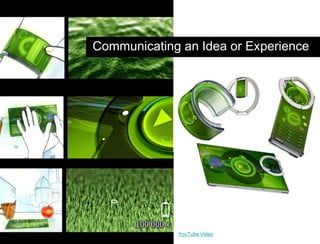
Communicating an Idea or ExperienceYouTube Video
Hypothesis vs. AgendaGather User Feedback
Hypothesis vs. AgendaExploring the Unknowns
Hypothesis vs. AgendaFine-Tune an Idea
Two Genres34Web designers know how to work in a rapidly evolving field
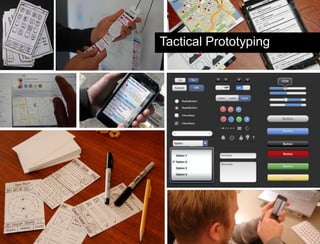
Tactical Prototyping
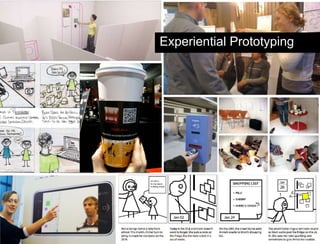
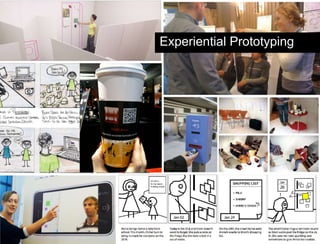
Hypothesis vs. AgendaExperiential Prototyping
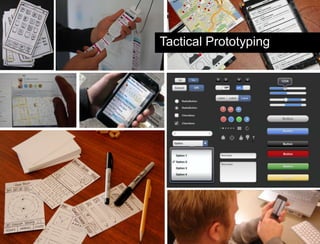
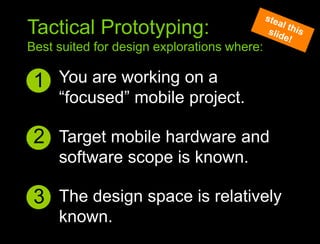
You are working on a “focused” mobile project.1Sympathy to context principlesTactical Prototyping:Best suited for design explorations where:steal this slide!2Target mobile hardware and software scope is known.3The design space is relatively known.
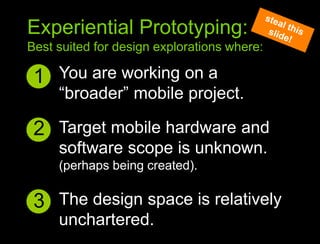
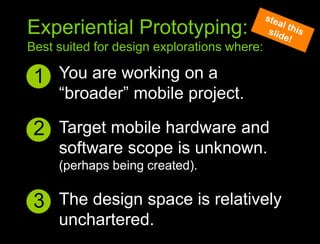
You are working on a “broader” mobile project.1Sympathy to context principlesExperiential Prototyping:Best suited for design explorations where:steal this slide!2Target mobile hardware and software scope is unknown.(perhaps being created).3The design space is relatively unchartered.
Hypothesis vs. AgendaTactical Prototyping
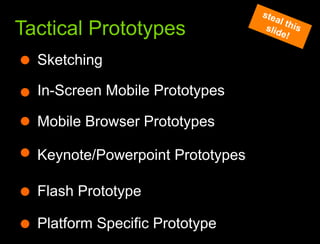
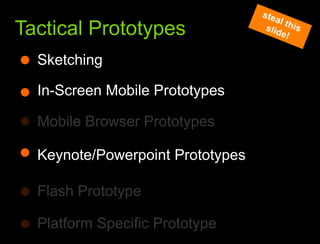
What we learned from the websteal this slide!Tactical PrototypesSketchingIn-Screen Mobile PrototypesMobile Browser PrototypesKeynote/Powerpoint PrototypesFlash PrototypePlatform Specific Prototype
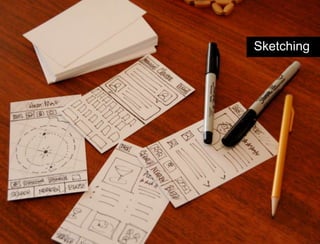
Hypothesis vs. AgendaSketching
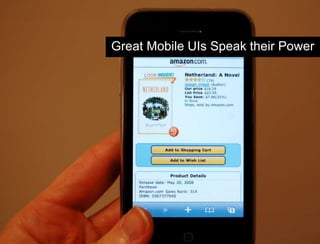
Hypothesis vs. AgendaGreat Mobile UIs Speak their Power
Speak their power?Huh?Q:A
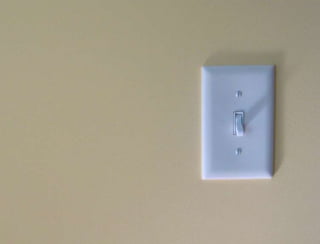
A light switch
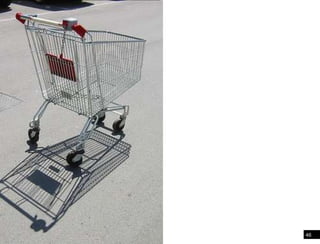
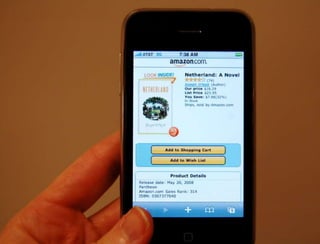
Shopping cart46
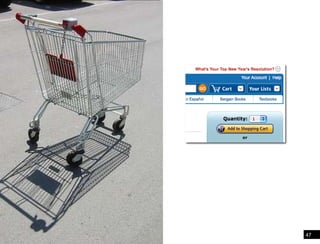
Shopping cart47
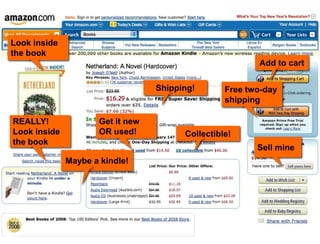
We can annotate expectations in the web world48We can annotate expectations in the web world
We can annotate expectations in the web worldFree two-day shippingLook inside the bookREALLY!Look inside the bookGet it new OR used!Sell mineAdd to cartShipping!Collectible!Maybe a kindle!
Options have to be apparent and intuitive in mobile for people to
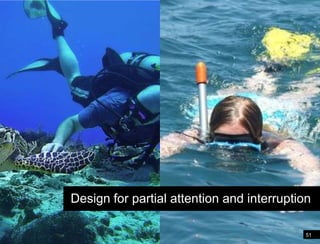
51Text entry will never be easyDesign for partial attention and interruption
How do you make interfaces that speak their powerHow do I create mobile interfaces that “speak their power”?Q:A
Edit!!!53Web designers know how to work in a rapidly evolving field
RuthlessEditing54Web designers know how to work in a rapidly evolving field
Each card speaks it’s power55It’s like a game of cards
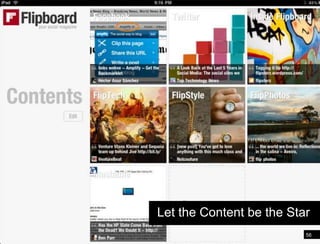
Let the Content be the Star56It’s like a game of cards
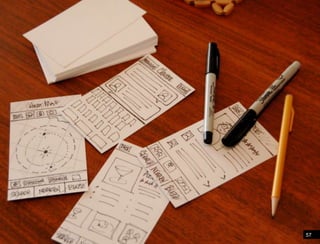
Pivoting people through information57
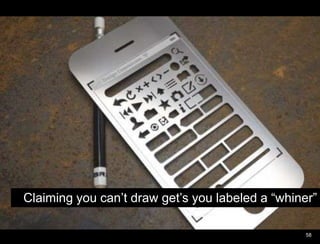
Pivoting people through informationClaiming you can’t draw get’s you labeled a “whiner”58
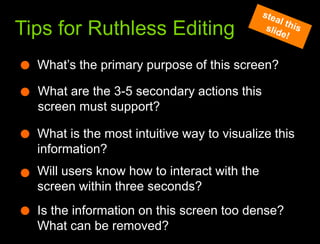
What we learned from the websteal this slide!Tips for Ruthless EditingWhat’s the primary purpose of this screen?What are the 3-5 secondary actions this screen must support?What is the most intuitive way to visualize this information?Will users know how to interact with the screen within three seconds?Is the information on this screen too dense? What can be removed?
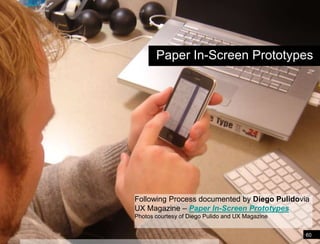
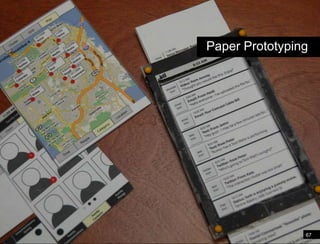
Paper In-Screen PrototypesFollowing Process documented by Diego Pulidovia UX Magazine – Paper In-Screen PrototypesPhotos courtesy of Diego Pulido and UX Magazine60http://www.uxmag.com/design/paper-in-screen-prototyping
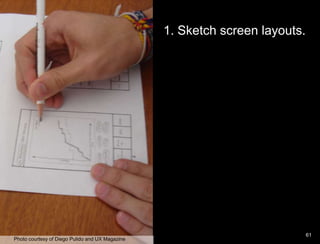
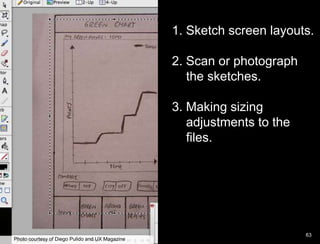
Paper Prototype example1. Sketch screen layouts.    61Photo courtesy of Diego Pulido and UX Magazine
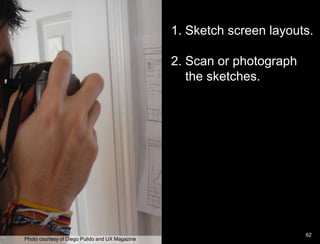
Paper Prototype example1. Sketch screen layouts.  2. Scan or photograph     the sketches.   	62Photo courtesy of Diego Pulido and UX Magazine
Paper Prototype example1. Sketch screen layouts.  2. Scan or photograph     the sketches. 3. Making sizing    adjustments to the    files.    63Photo courtesy of Diego Pulido and UX Magazine
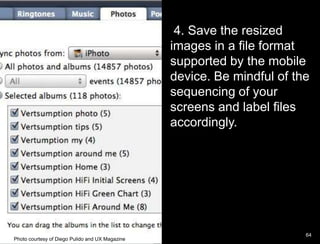
Paper Prototype example 4. Save the resized images in a file format supported by the mobile device. Be mindful of the sequencing of your screens and label files accordingly.   64Photo courtesy of Diego Pulido and UX Magazine
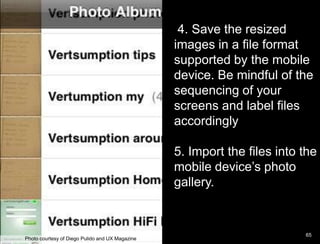
 4. Save the resized images in a file format supported by the mobile device. Be mindful of the sequencing of your screens and label files accordingly5. Import the files into the mobile device’s photo gallery.      65Photo courtesy of Diego Pulido and UX Magazine
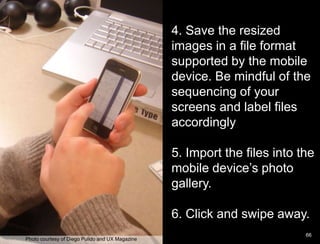
Paper Prototype example4. Save the resized images in a file format supported by the mobile device. Be mindful of the sequencing of your screens and label files accordingly5. Import the files into the mobile device’s photo gallery. 6. Click and swipe away.      66Photo courtesy of Diego Pulido and UX Magazine
Paper Prototype examplePaper Prototyping67
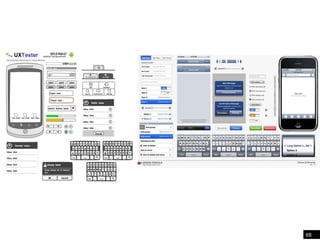
68
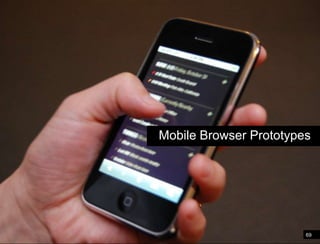
Paper Prototype exampleMobile Browser Prototypes69
Paper Prototype exampleKeynote/Powerpoint Prototypes70
Paper Prototype example71
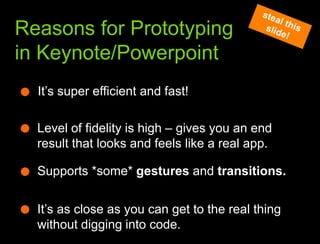
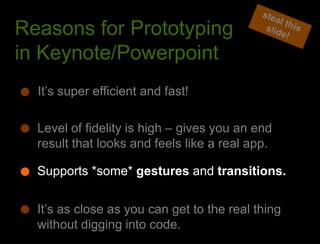
What we learned from the websteal this slide!Reasons for Prototyping in Keynote/PowerpointIt’s super efficient and fast!Level of fidelity is high – gives you an end result that looks and feels like a real app.Supports *some* gestures and transitions.It’s as close as you can get to the real thing without digging into code.
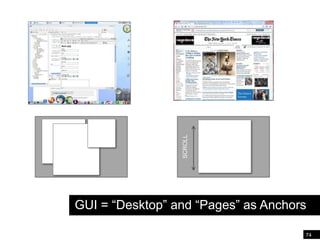
Paper Prototype exampleSCROLLGUI = “Desktop” and “Pages” as Anchors74
NUIs Can Feel Anchor-less75
Paper Prototype example[]+=76
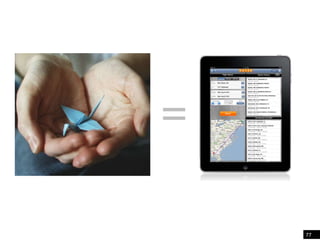
Paper Prototype example=77
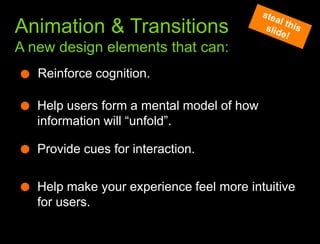
What we learned from the webAnimation & TransitionsA new design elements that can:steal this slide!Reinforce cognition.Help users form a mental model of how information will “unfold”.Provide cues for interaction.Help make your experience feel more intuitive for users.
Paper Prototype example79
Practice80
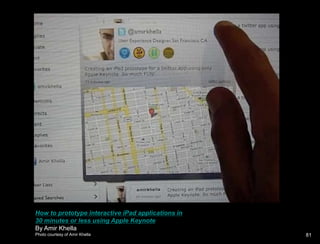
How to prototype interactive iPad applications in 30 minutes or less using Apple KeynoteBy Amir KhellaPhoto courtesy of Amir Khella81
Hypothesis vs. AgendaExperiential Prototyping
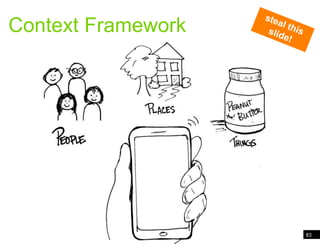
83Context FrameworkContext Frameworksteal this slide!
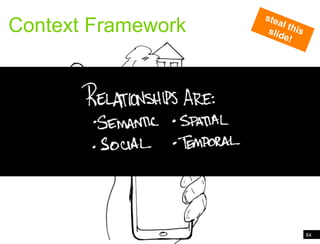
84Context FrameworkContext Frameworksteal this slide!
85Relationships ChordingOrchestration and Inflection
You are working on a “broader” mobile project.1Sympathy to context principlesExperiential Prototyping:Best suited for design explorations where:steal this slide!2Target mobile hardware and software scope is unknown.(perhaps being created).3The design space is relatively unchartered.
What we learned from the webExperiential PrototypesStoryboardingBody StormingSpeed Dating PrototypesConcept Videos
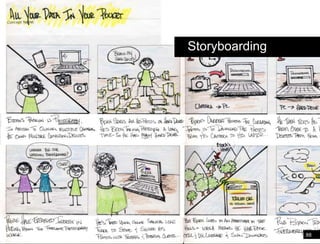
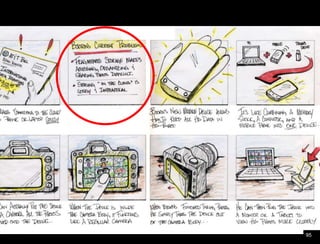
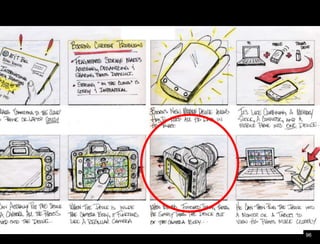
Paper Prototype exampleStoryboarding88
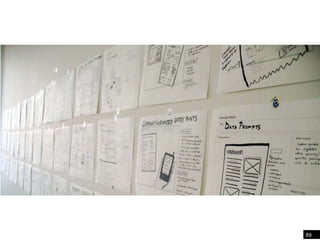
89“in the wild” ideation
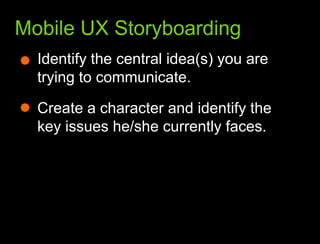
What we learned from the webMobile UX StoryboardingIdentify the central idea(s) you are trying to communicate.
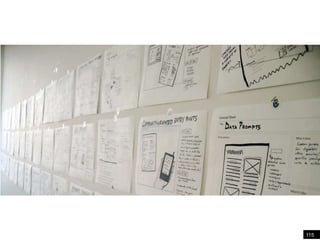
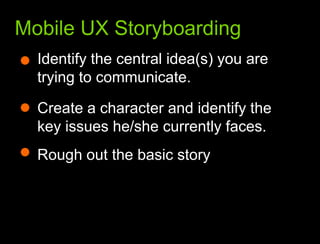
What we learned from the webMobile UX StoryboardingIdentify the central idea(s) you are trying to communicate. Create a character and identify the key issues he/she currently faces.
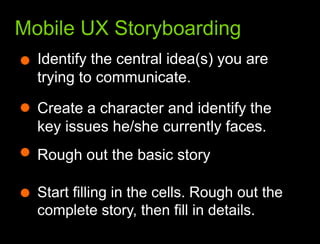
What we learned from the webMobile UX StoryboardingIdentify the central idea(s) you are trying to communicate. Create a character and identify the key issues he/she currently faces. Rough out the basic story
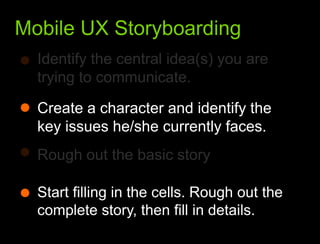
What we learned from the webMobile UX StoryboardingIdentify the central idea(s) you are trying to communicate. Create a character and identify the key issues he/she currently faces. Rough out the basic story Start filling in the cells. Rough out the complete story, then fill in details.
Paper Prototype example95
Paper Prototype example96
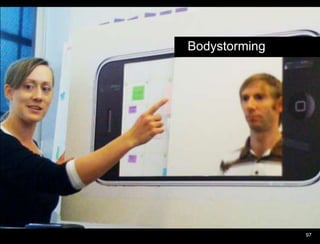
Paper Prototype exampleBodystorming97
Through LinesCompany Secret© 2010  Nokia   August 2010	Hinman98
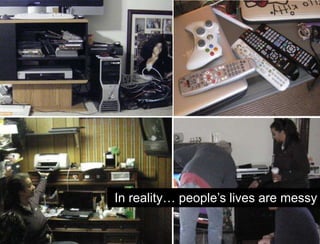
In reality… people’s lives are messy
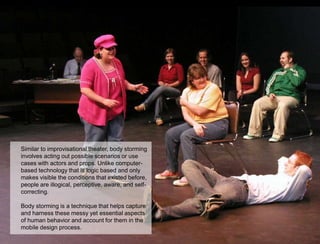
Paper Prototype exampleSimilar to improvisational theater, body storming involves acting out possible scenarios or use cases with actors and props. Unlike computer-based technology that is logic based and only makes visible the conditions that existed before, people are illogical, perceptive, aware, and self-correcting. Body storming is a technique that helps capture and harness these messy yet essential aspects of human behavior and account for them in the mobile design process.104
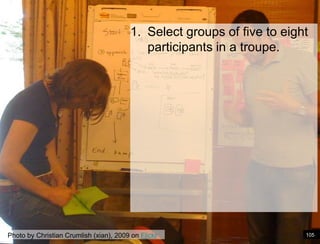
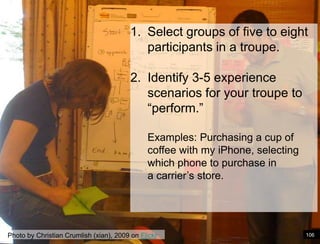
Select groups of five to eight participants in a troupe. Photo by Christian Crumlish (xian), 2009 on Flickr105
Paper Prototype exampleSelect groups of five to eight participants in a troupe. Identify 3-5 experience scenarios for your troupe to “perform.” Examples: Purchasing a cup of coffee with my iPhone, selecting which phone to purchase in a carrier’s store. Photo by Christian Crumlish (xian), 2009 on Flickr106
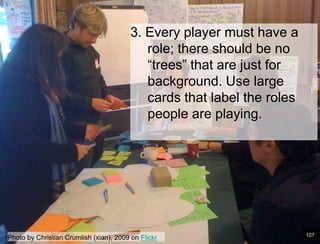
Paper Prototype example3. Every player must have a role; there should be no “trees” that are just for background. Use large cards that label the roles people are playing. 107Photo by Christian Crumlish (xian), 2009 on Flickr
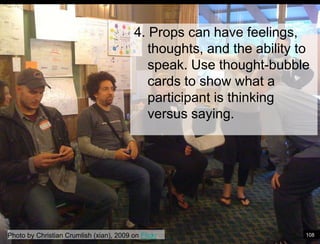
Paper Prototype example 4. Props can have feelings, thoughts, and the ability to speak. Use thought-bubble cards to show what a participant is thinking versus saying. Photo by Christian Crumlish (xian), 2009 on Flickr108
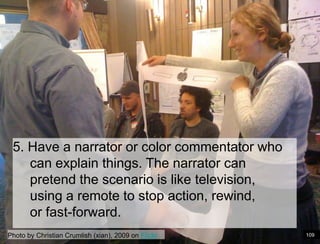
Paper Prototype example5. Have a narrator or color commentator who can explain things. The narrator can pretend the scenario is like television, using a remote to stop action, rewind, or fast-forward.Photo by Christian Crumlish (xian), 2009 on Flickr109
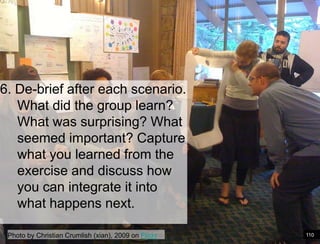
Paper Prototype example6. De-brief after each scenario. What did the group learn? What was surprising? What seemed important? Capture what you learned from the exercise and discuss how you can integrate it into what happens next. Photo by Christian Crumlish (xian), 2009 on Flickr110
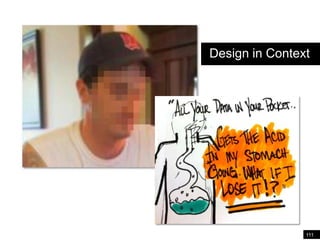
Paper Prototype exampleDesign in Context111
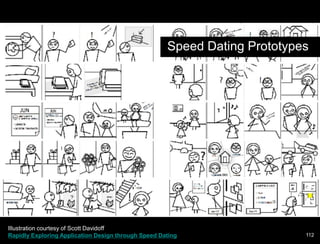
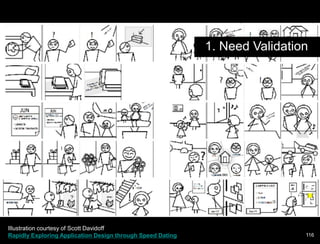
Paper Prototype exampleSpeed Dating PrototypesIllustration courtesy of Scott Davidoff Rapidly Exploring Application Design through Speed Dating112
Paper Prototype exampleScott Davidoff of CMUFew design tools
High Cost of Failure
Unpredictable social        consequencesRapidly Exploring Application Design through Speed Dating113
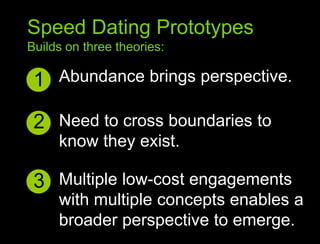
Speed Dating PrototypesBuilds on three theories:Abundance brings perspective.1Sympathy to context principles2Need to cross boundaries to know they exist.3Multiple low-cost engagements with multiple concepts enables a broader perspective to emerge.
115“in the wild” ideation
Paper Prototype example1. Need ValidationIllustration courtesy of Scott Davidoff Rapidly Exploring Application Design through Speed Dating116
Paper Prototype example1. Need Validation117
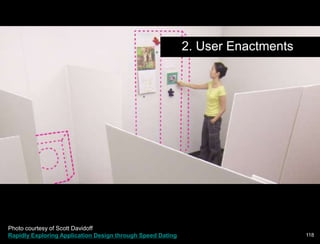
Paper Prototype example2. User EnactmentsPhoto courtesy of Scott Davidoff Rapidly Exploring Application Design through Speed Dating118
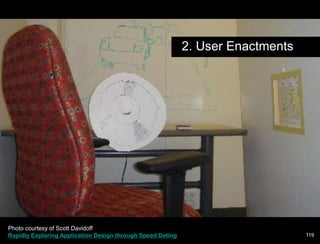
Paper Prototype example2. User EnactmentsPhoto courtesy of Scott Davidoff Rapidly Exploring Application Design through Speed Dating119
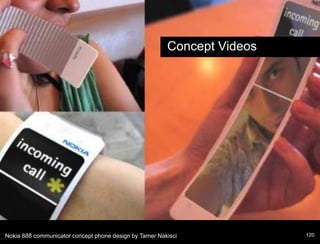
Paper Prototype exampleConcept VideosNokia 888 communicator concept phone design by Tamer Nakisci120
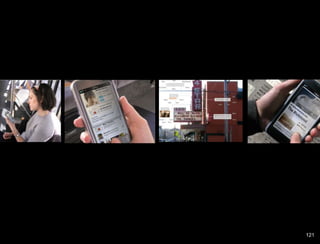
Paper Prototype example121
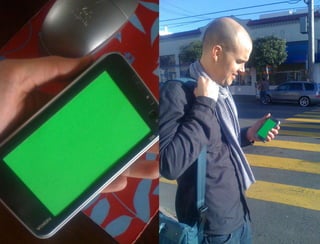
Paper Prototype example122
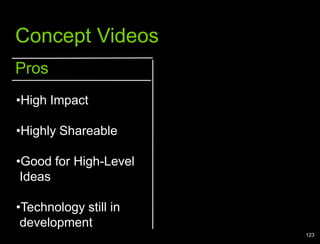
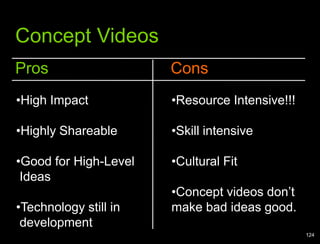
Paper Prototype exampleConcept VideosProsHigh Impact
Highly Shareable
Good for High-Level  Ideas
Technology still in  development 123
Paper Prototype exampleConcept VideosProsConsHigh Impact
Highly Shareable
Good for High-Level  Ideas
Technology still in  development
Resource Intensive!!!
Skill intensive
Cultural Fit

Mobile Prototyping Essentials