Prototyping
for Mobile
Memi Beltrame
@bratwurstkomet


UX Romandie meets COMEM+
February 26th 2013
We are all Elephants
Practice!
Prototypen für Mobile sind auf
  Papier oder am Computer
   schwierig zu verstehen.
Chapter 1
5 Challenges
Chapter 2
Tools
Chapter 3
Practice!
Chapter 1

5 Challenges
1
Know your audience
Finding out user behavior
regarding touch & mobile.
Define the relevant criteria
Relevant = High impact on experience

 • Age.
 • Devices.
 • Location.
 • Homogeneity.
 • Education / Professional background.
Age
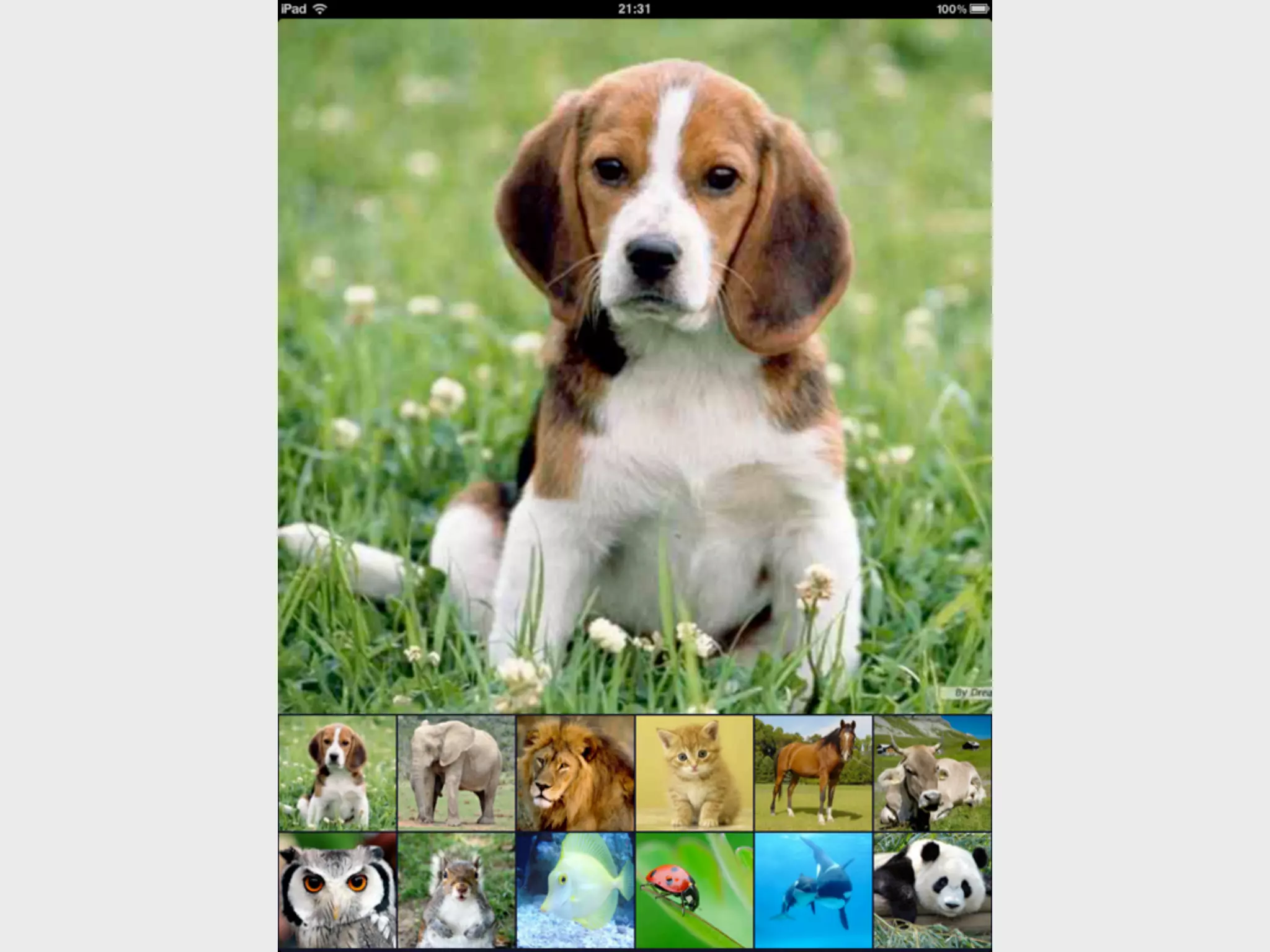
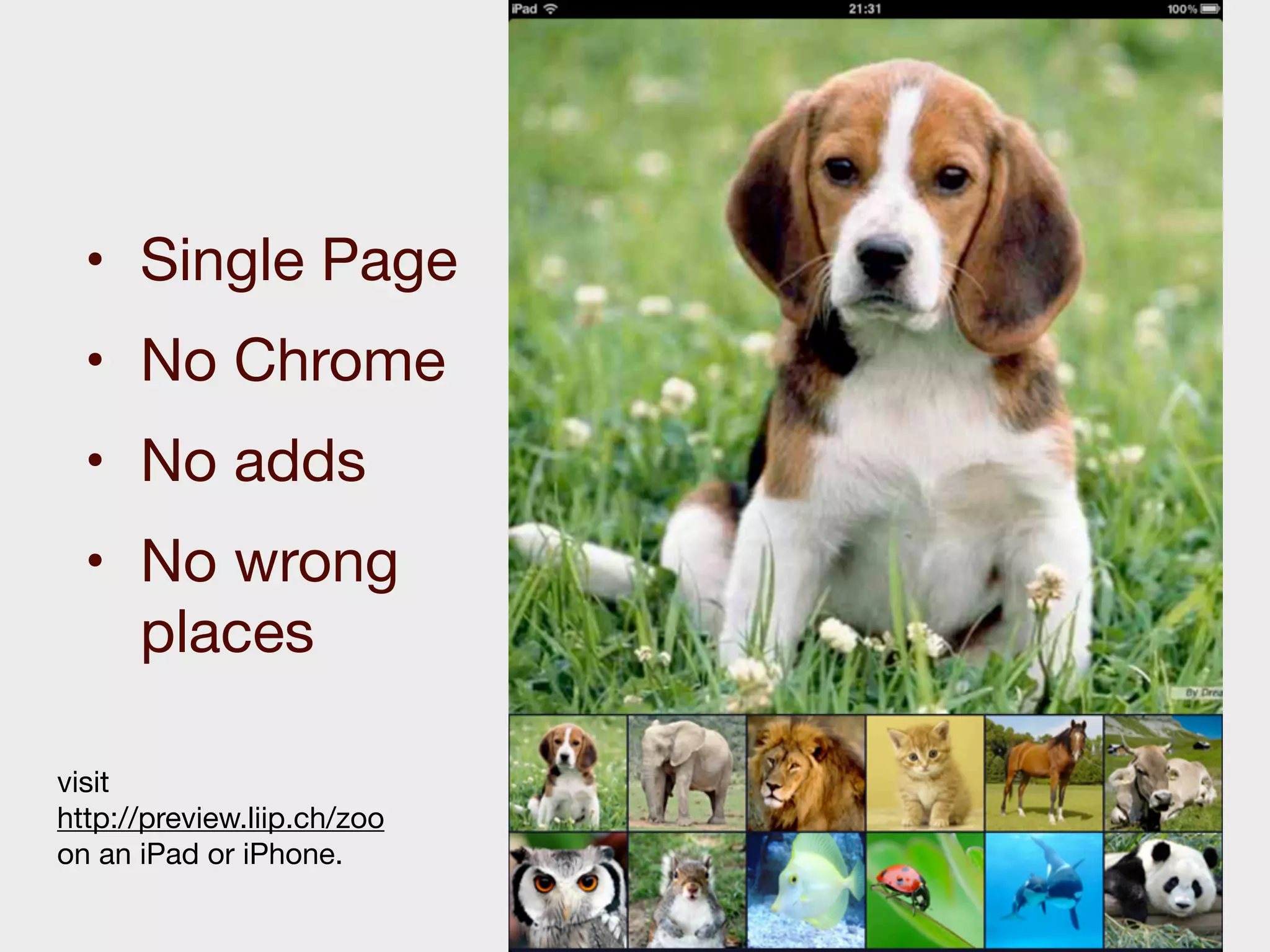
• Single Page
  • No Chrome
  • No adds
  • No wrong
    places

visit
http://preview.liip.ch/zoo
on an iPad or iPhone.
Location
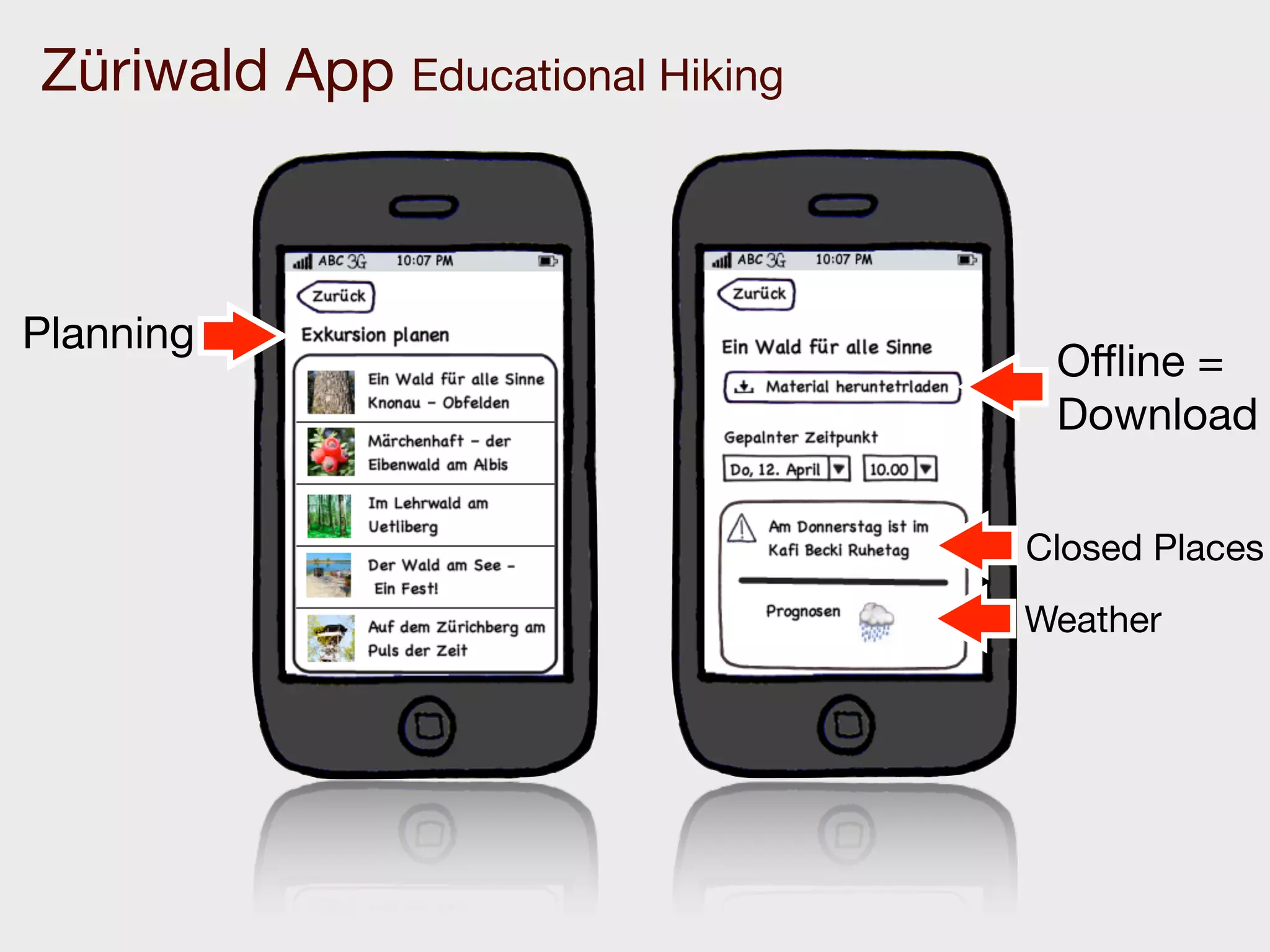
Züriwald App Educational Hiking


Planning
                                   Offline =
                                   Download

                                  Closed Places
                                  Weather
2
Make it tangible
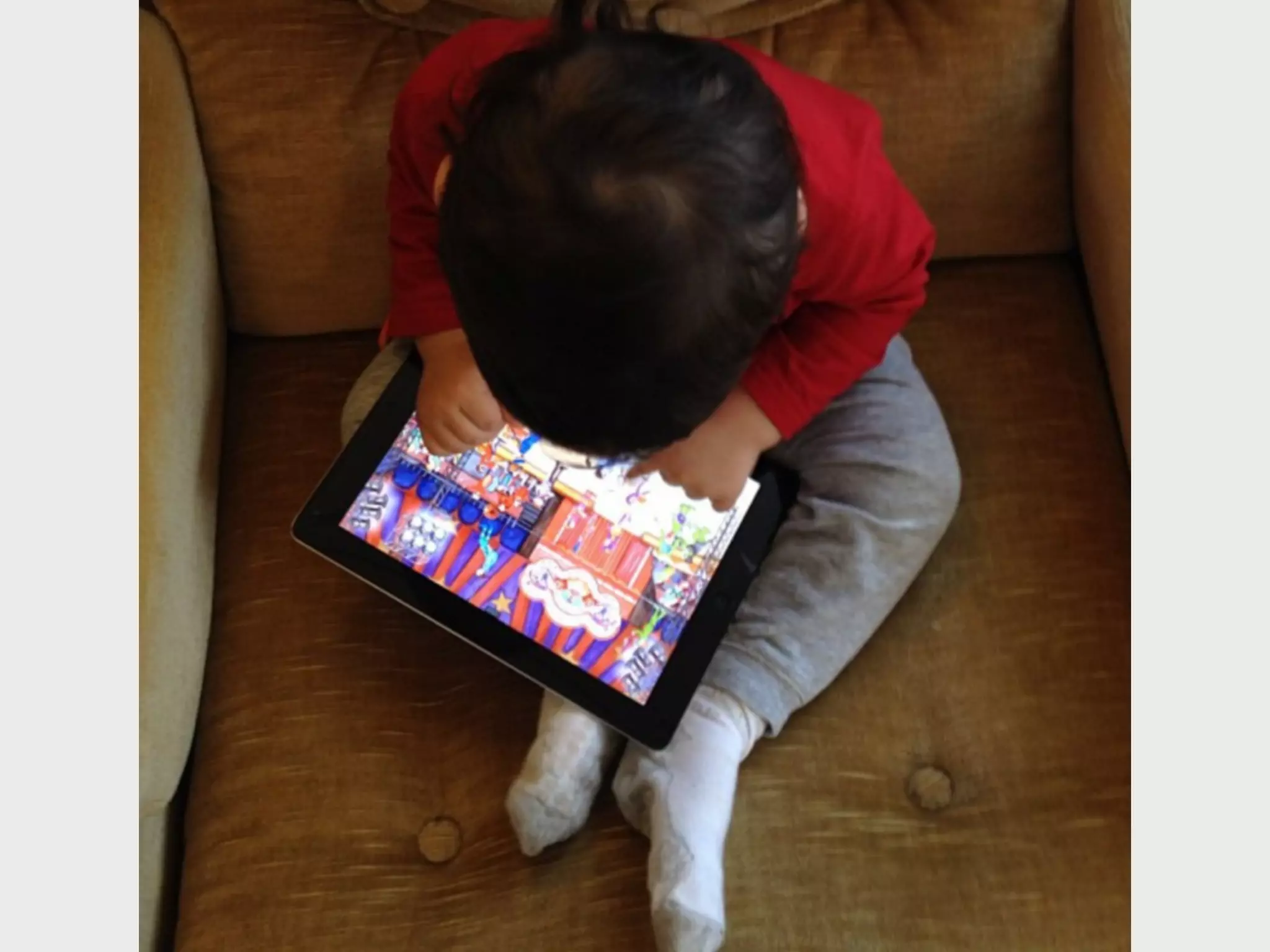
Users have a hard time to
understand paper or desktop
   prototypes for mobile.
Get as close to the
real deal as possible
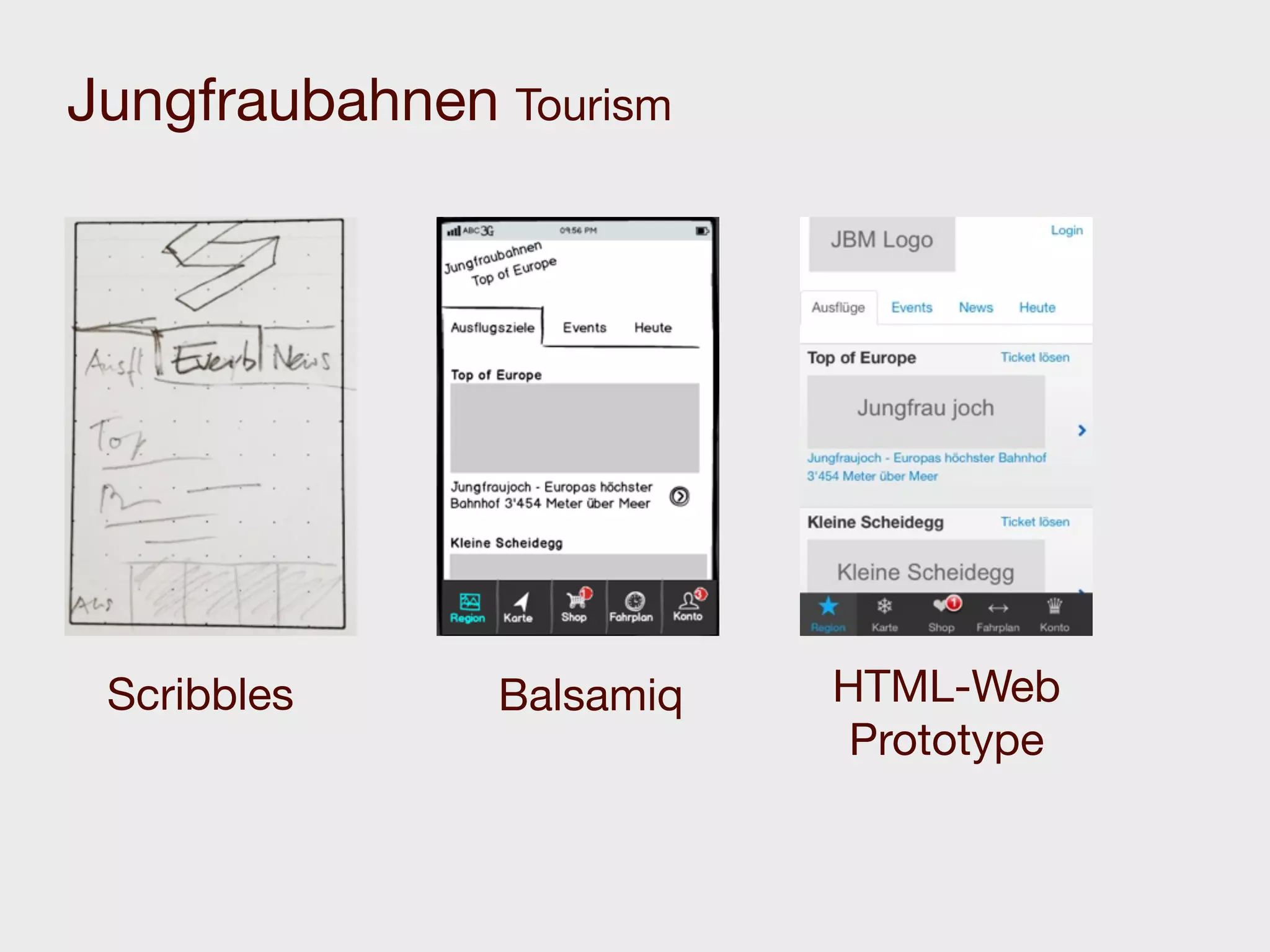
Jungfraubahnen Tourism


 Scribbles     Balsamiq   HTML-Web
                           Prototype
Make users interact
  on the device.
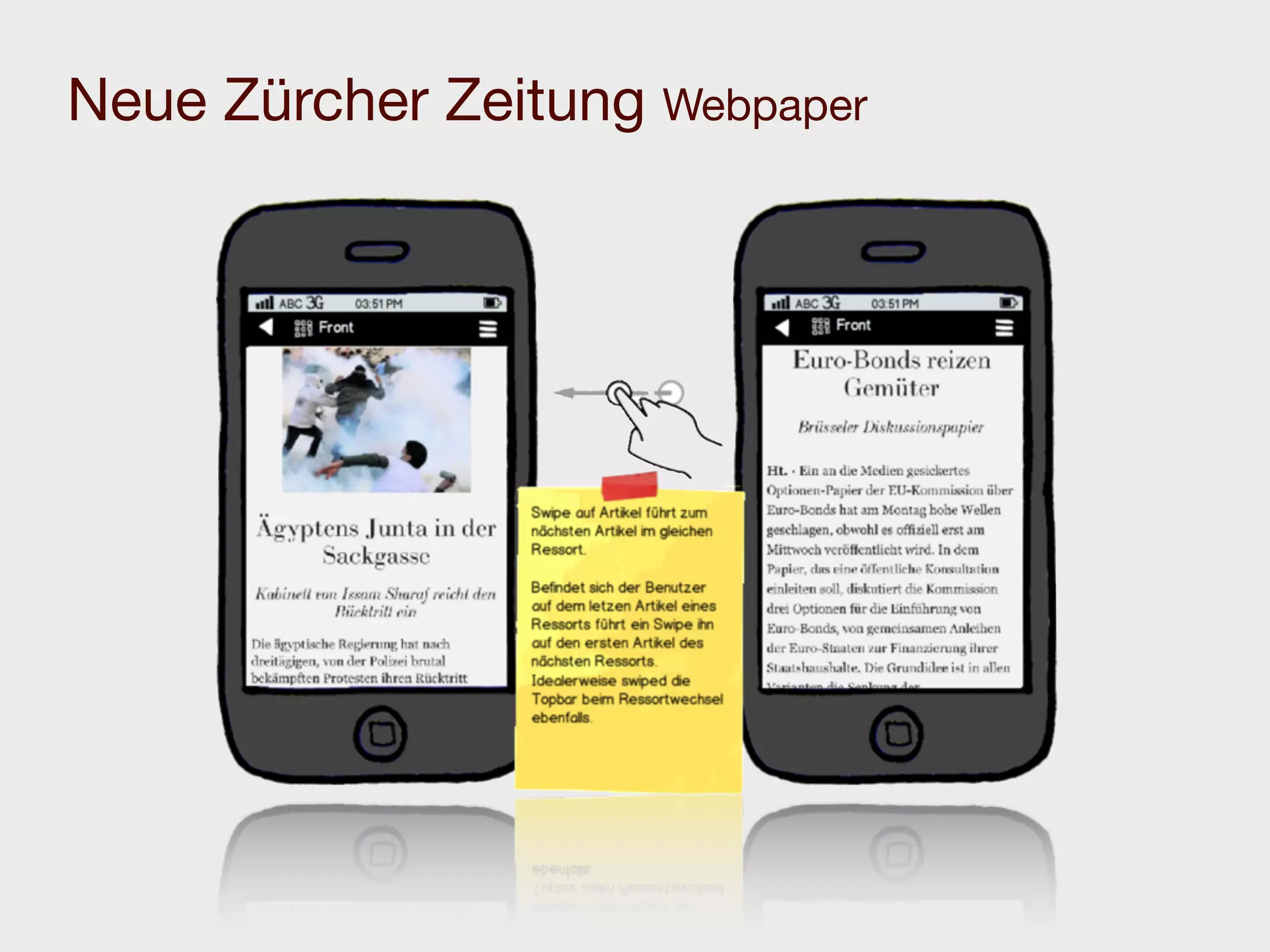
Neue Zürcher Zeitung Webpaper
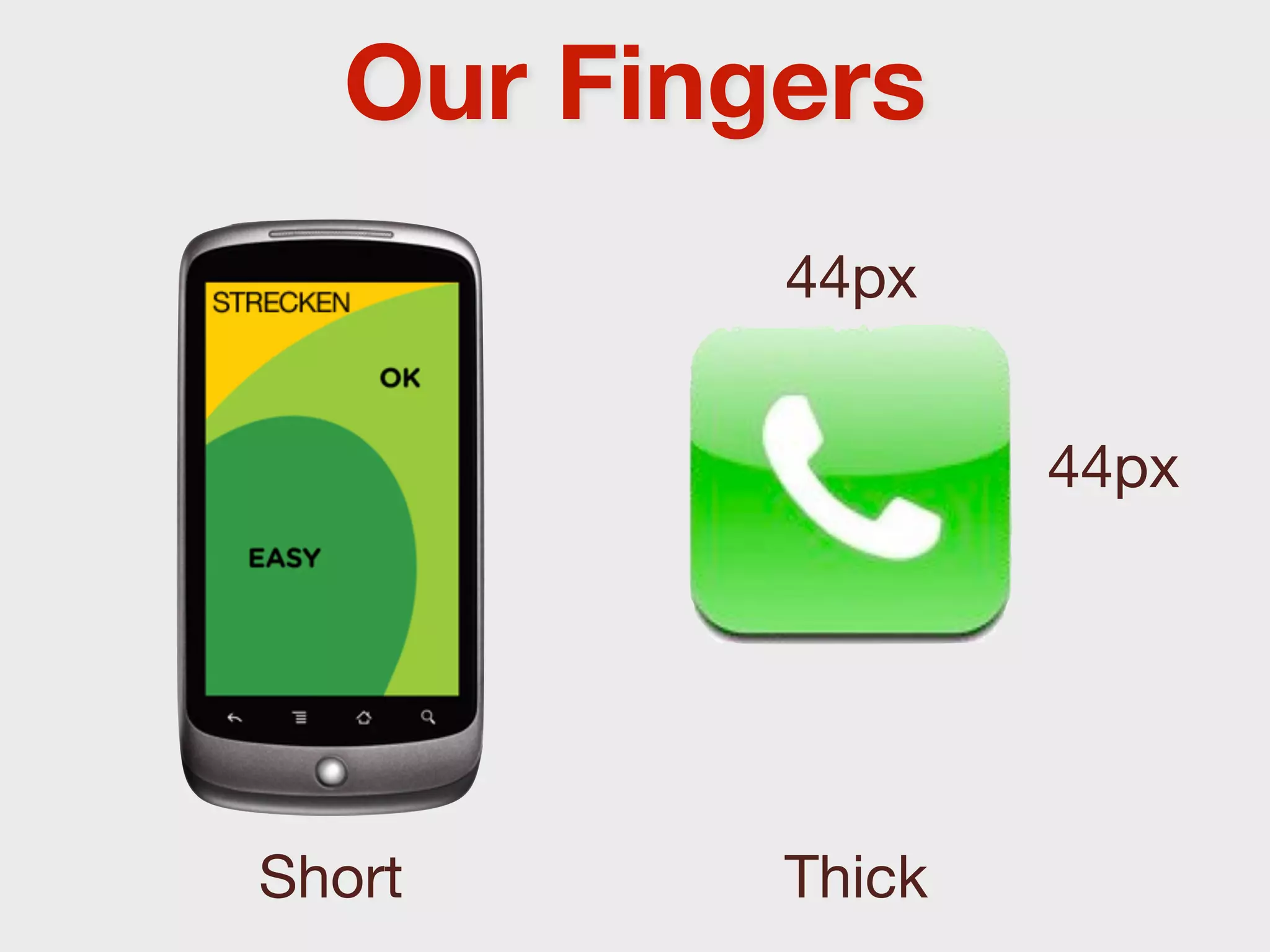
Our Fingers
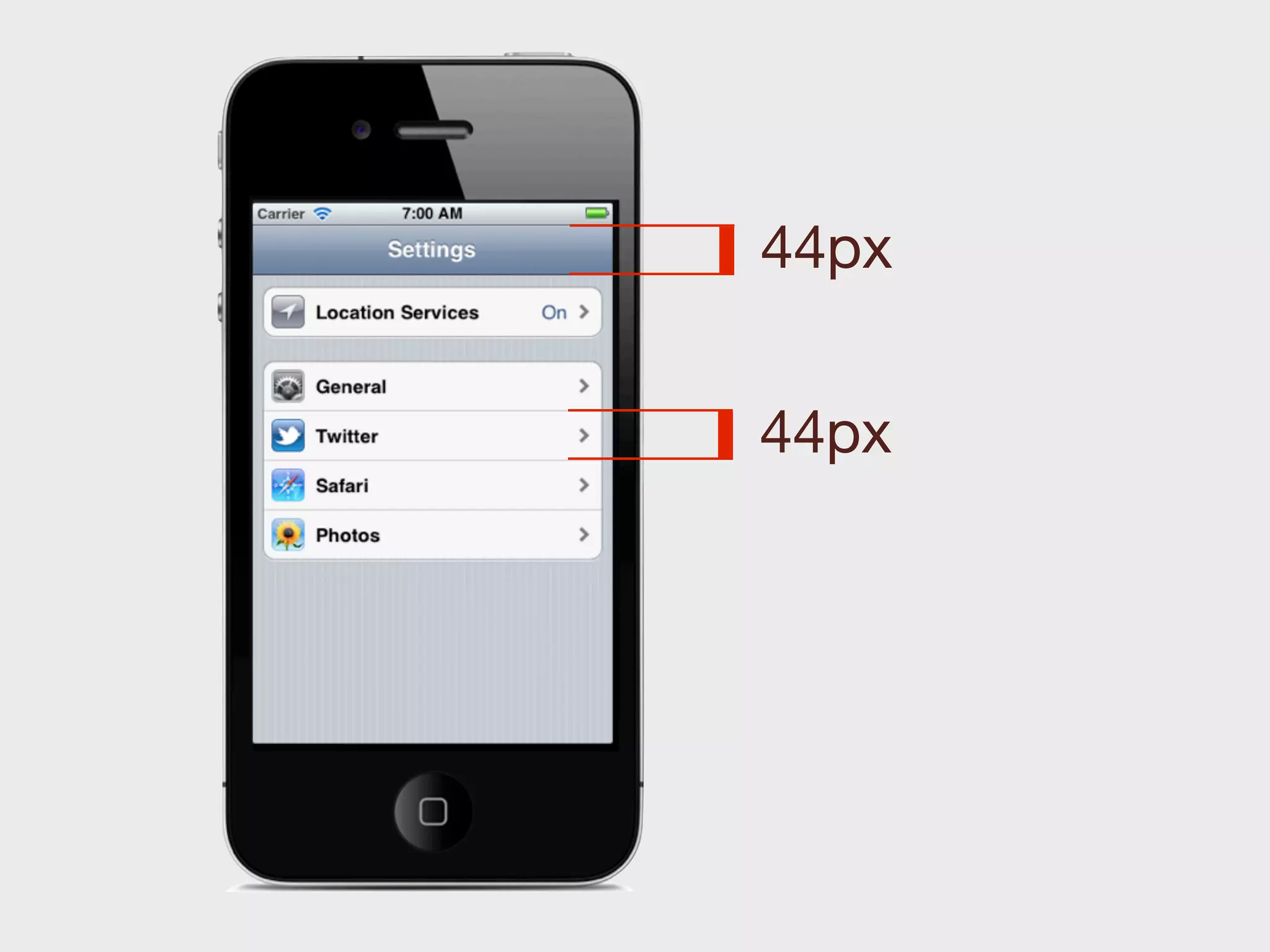
          44px


                  44px


Short     Thick
44px


44px
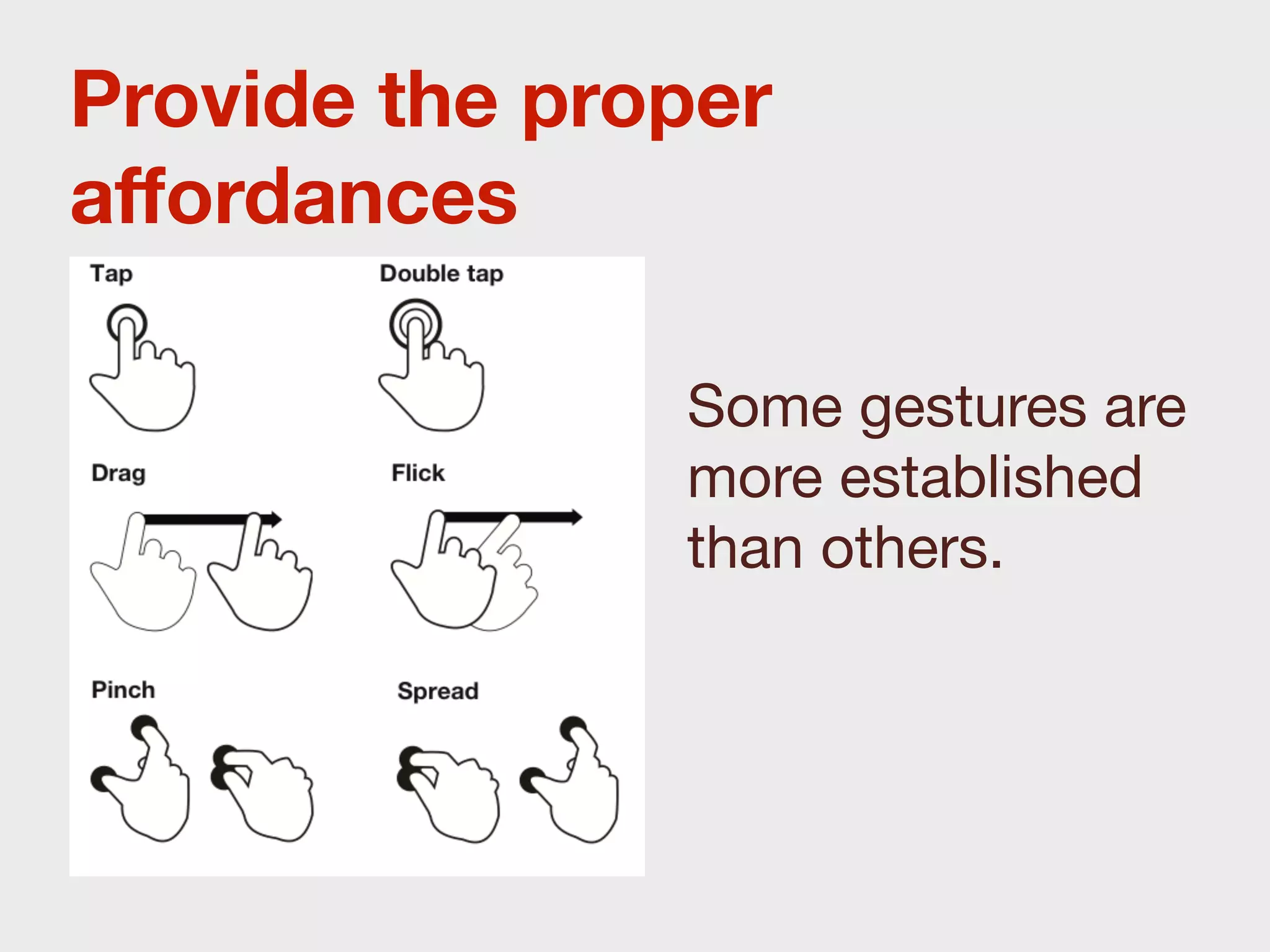
Provide the proper
affordances

               Some gestures are
               more established
               than others.
3
Testability
The more interactive,
  the easier to test,
the harder to record.
Do it.
Early. Often.
More on testing later
4
Quality
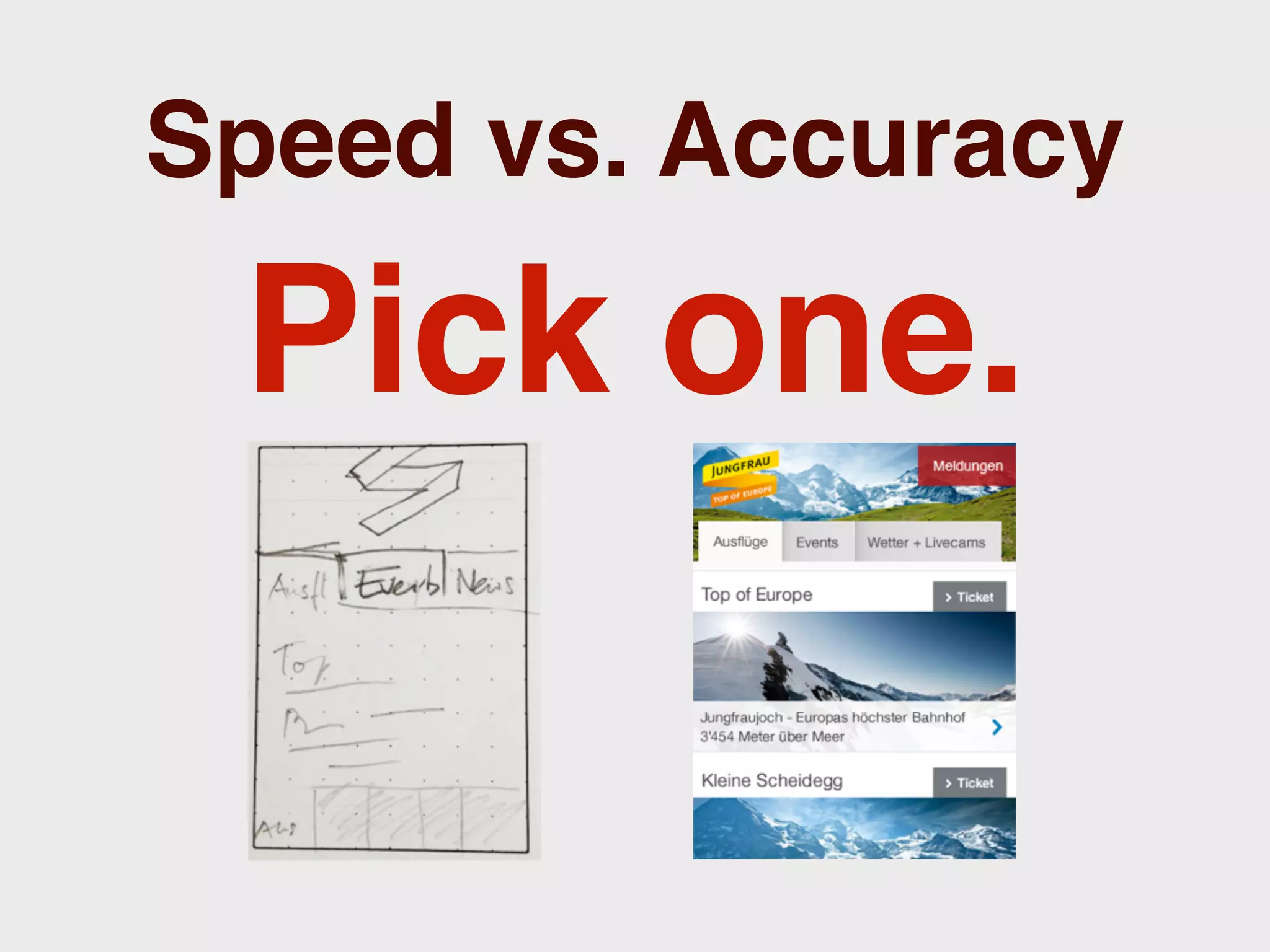
Speed vs. Accuracy

 Pick one.
Speed vs. Accuracy

 Pick one.
5
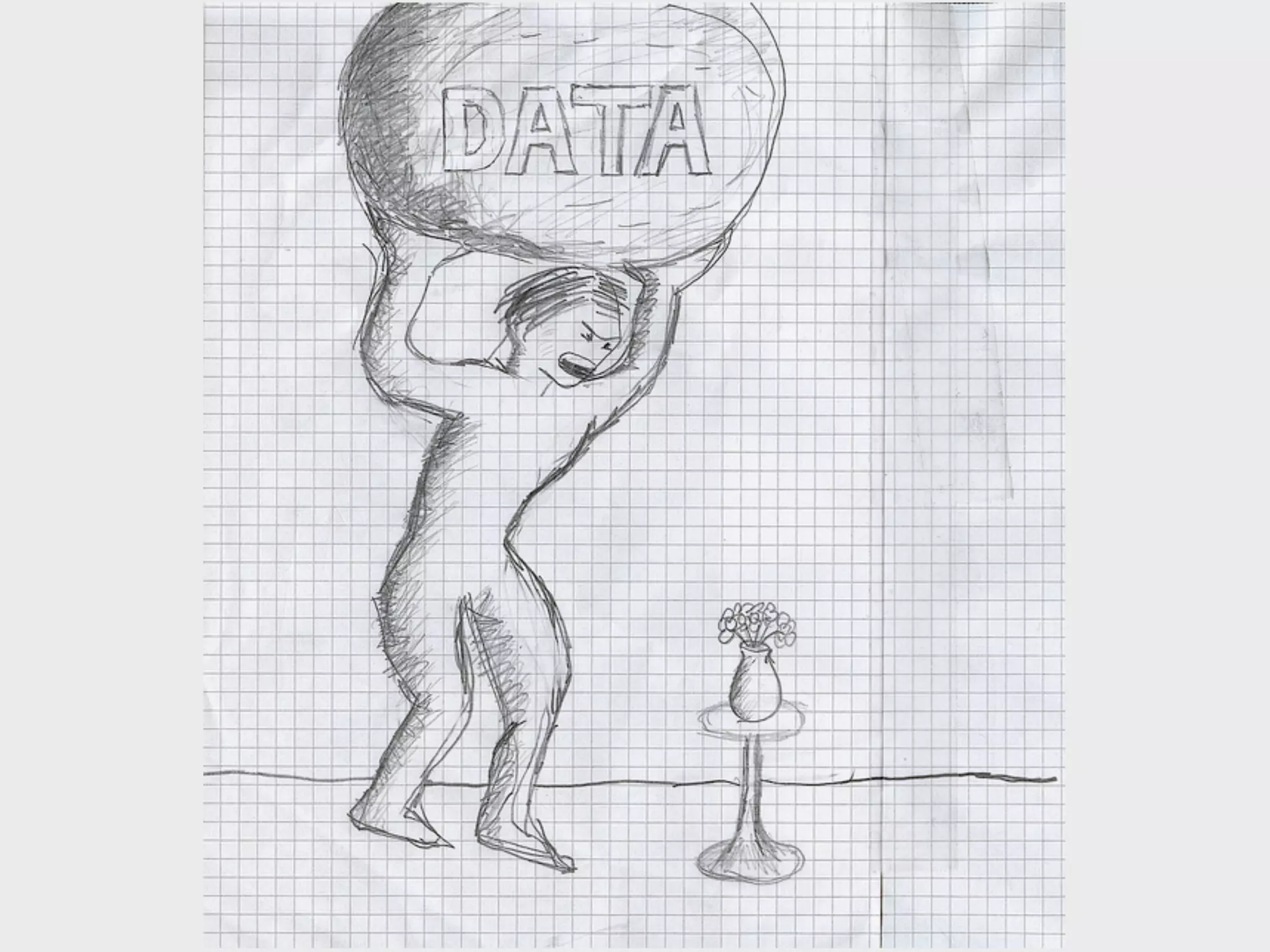
Data
Do anything to get
    real data.
       Does it exist?
    How does it look like?
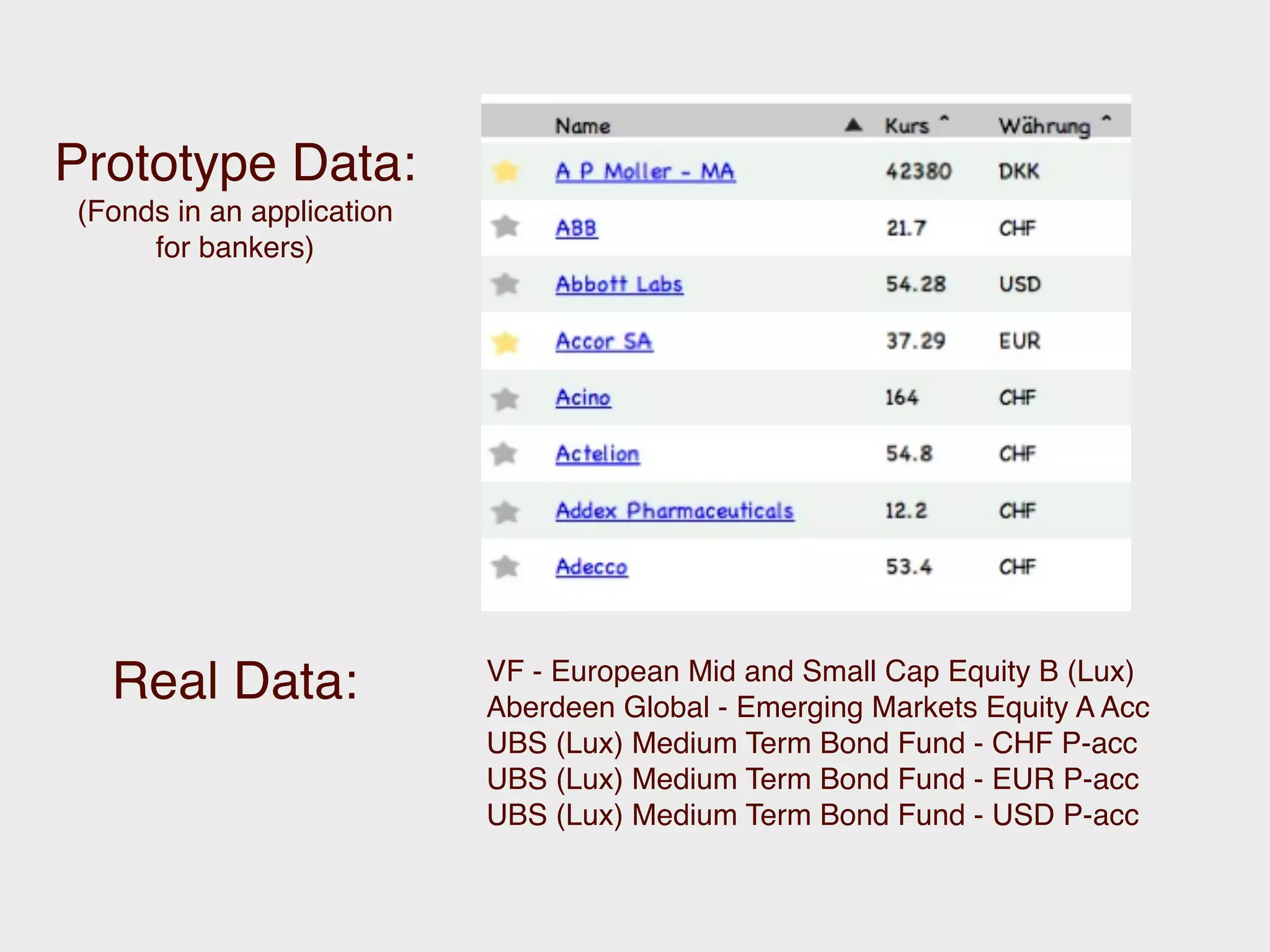
Prototype Data:
(Fonds in an application
     for bankers)


                           VF - European Mid and Small Cap Equity B (Lux)
  Real Data:               Aberdeen Global - Emerging Markets Equity A Acc
                           UBS (Lux) Medium Term Bond Fund - CHF P-acc
                           UBS (Lux) Medium Term Bond Fund - EUR P-acc
                           UBS (Lux) Medium Term Bond Fund - USD P-acc
Chapter 2

Tools
Pen and Paper
The usual start to any
     prototyping
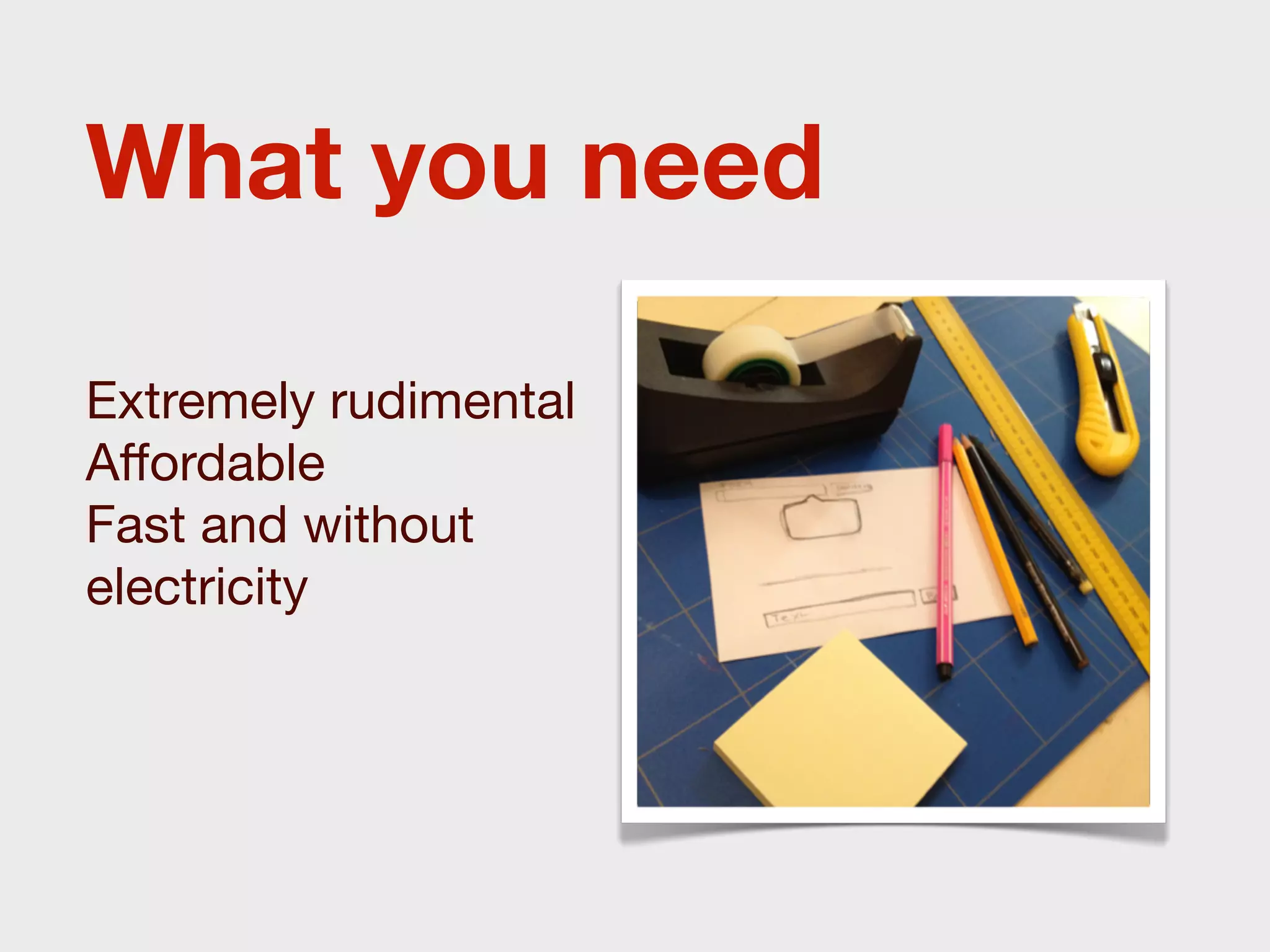
What you need

Extremely rudimental
Affordable
Fast and without
electricity
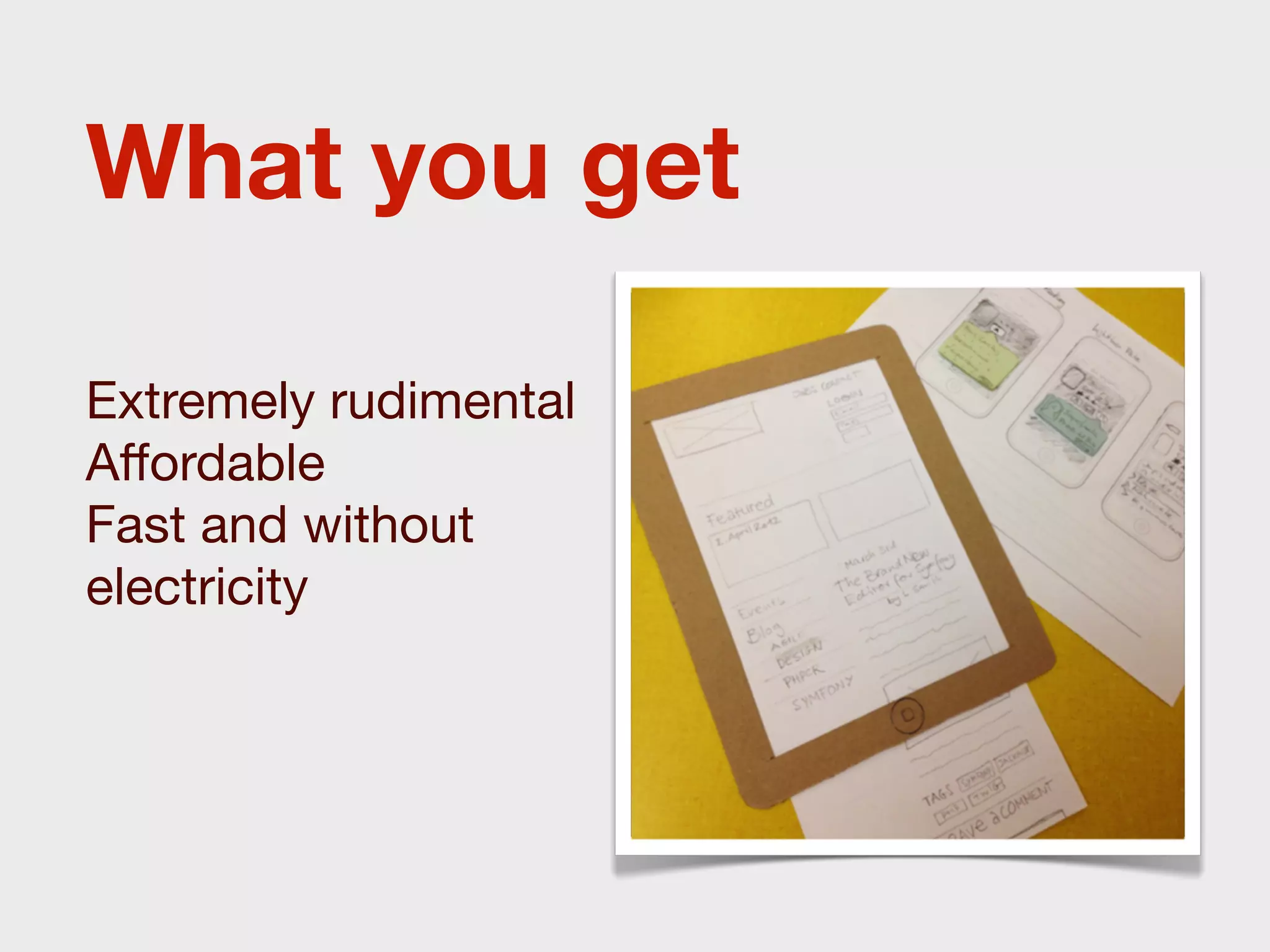
What you get

Extremely rudimental
Affordable
Fast and without
electricity
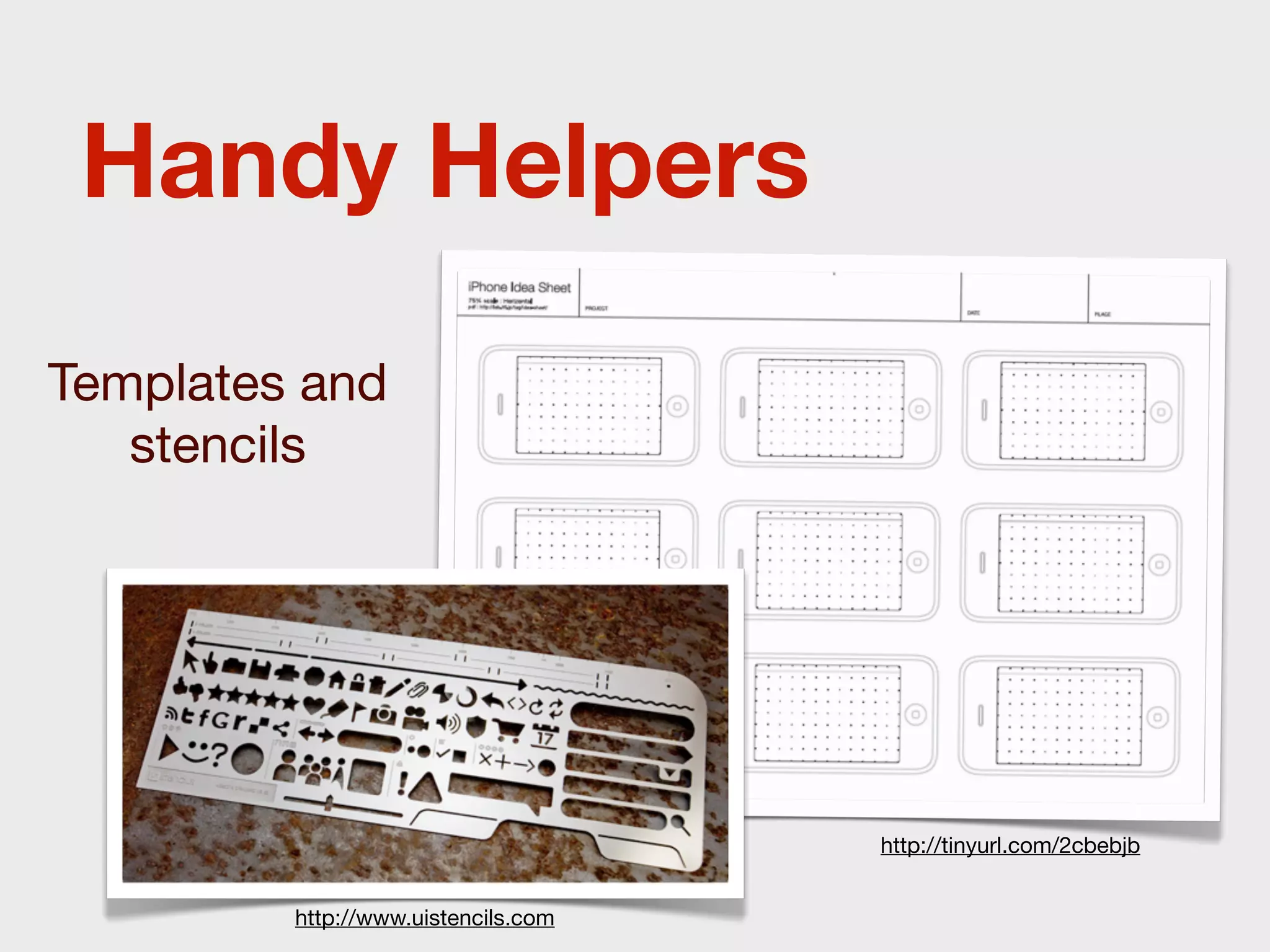
Handy Helpers
Templates and
   stencils


                                     http://tinyurl.com/2cbebjb


         http://www.uistencils.com
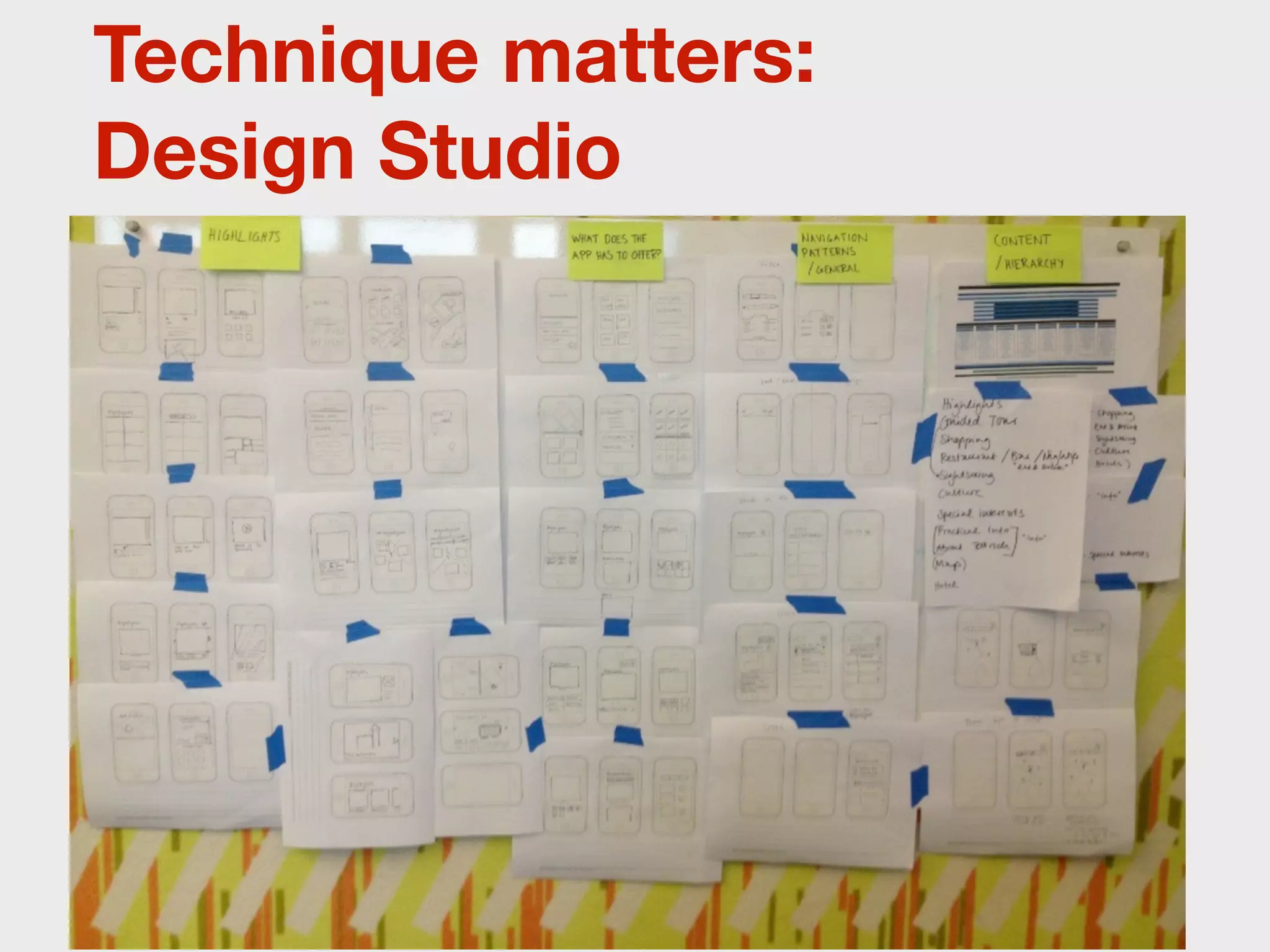
Technique matters:
Design Studio
Libraries and Tools
for Responsive and Mobile
       Prototyping
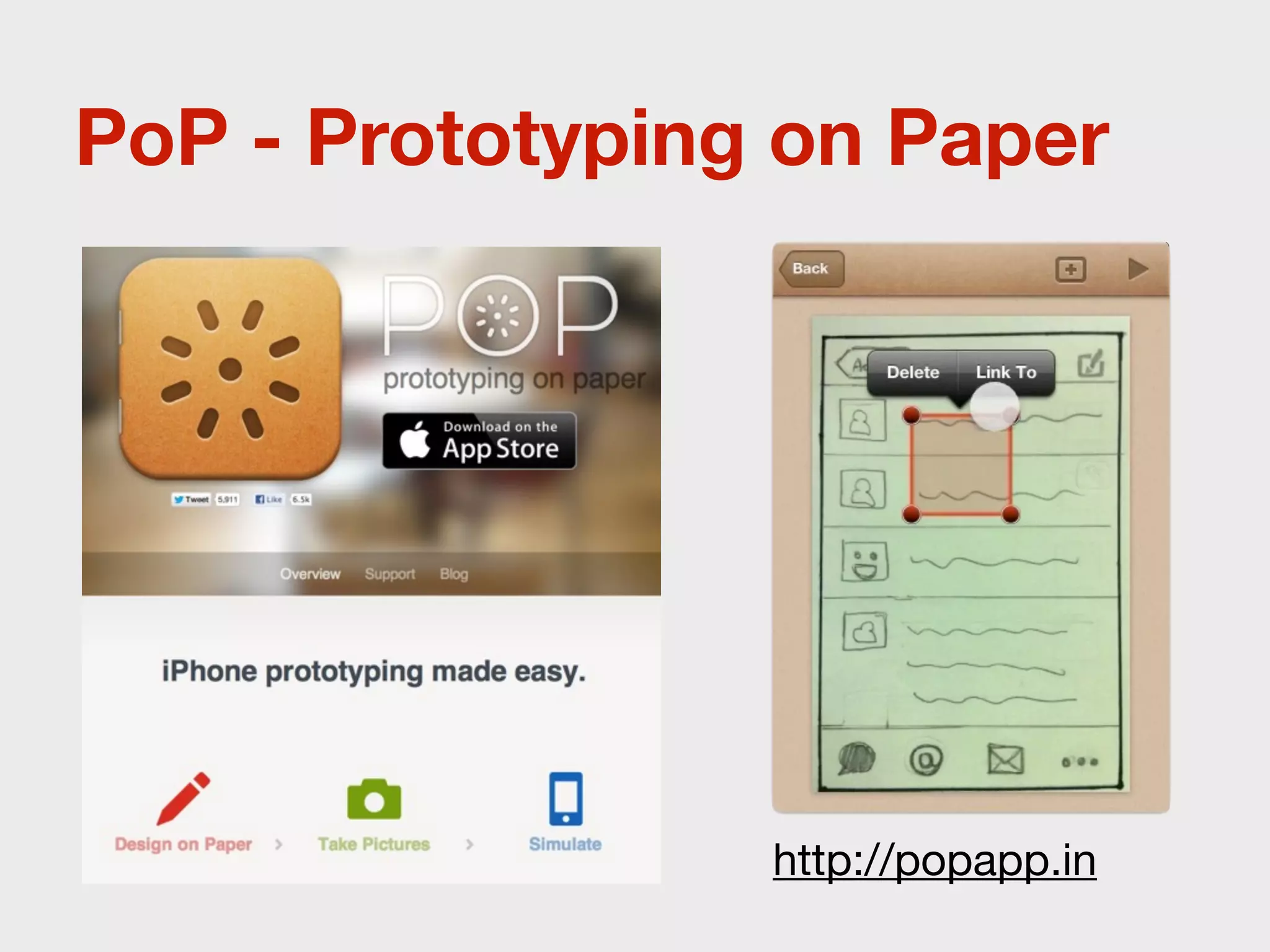
PoP - Prototyping on Paper


                 http://popapp.in
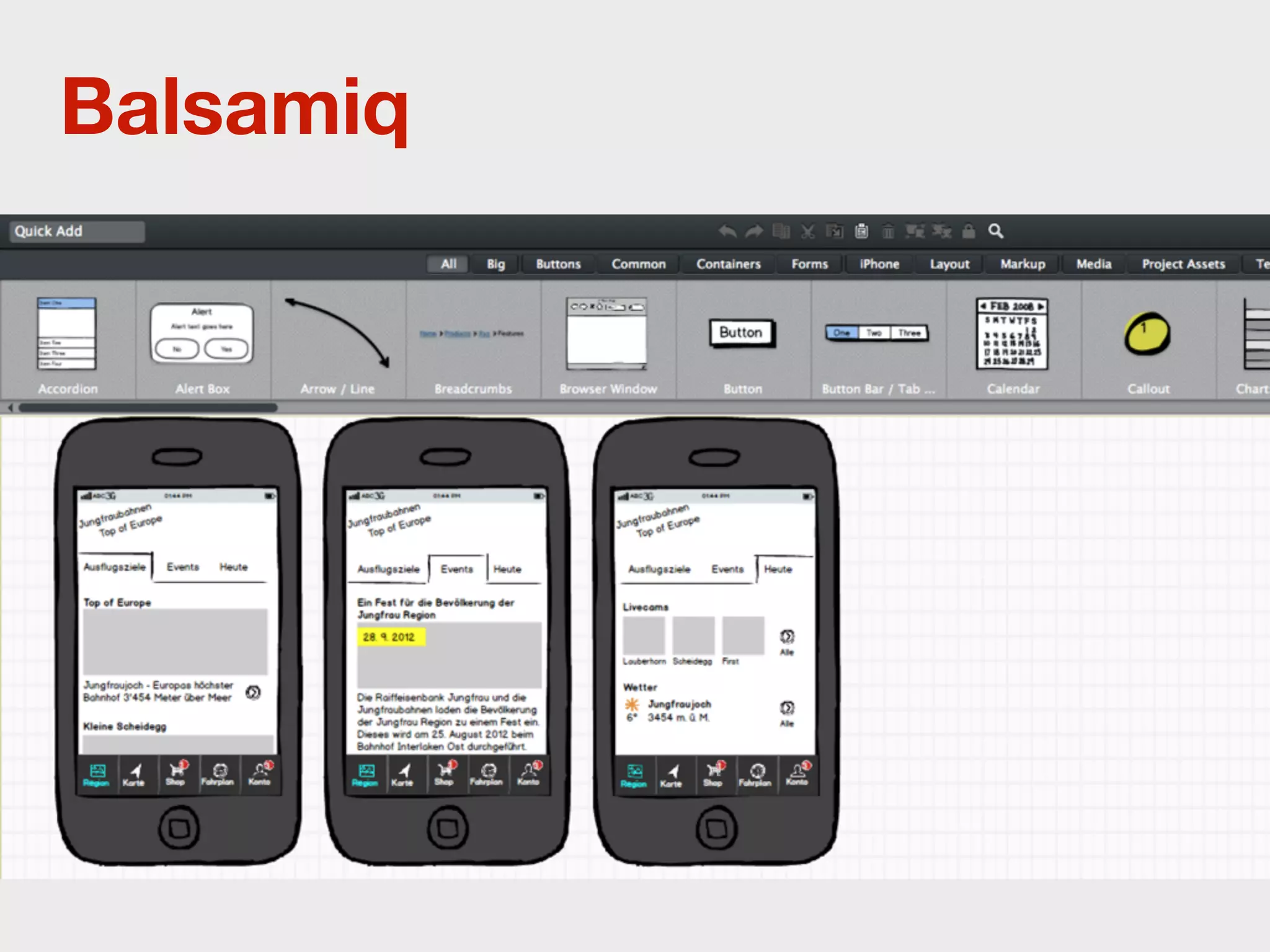
Balsamiq
Balsamiq
• Wide range of standard elements
• Static desktop application or webapp
• Templates and Snippets
• Everything inside the desktop
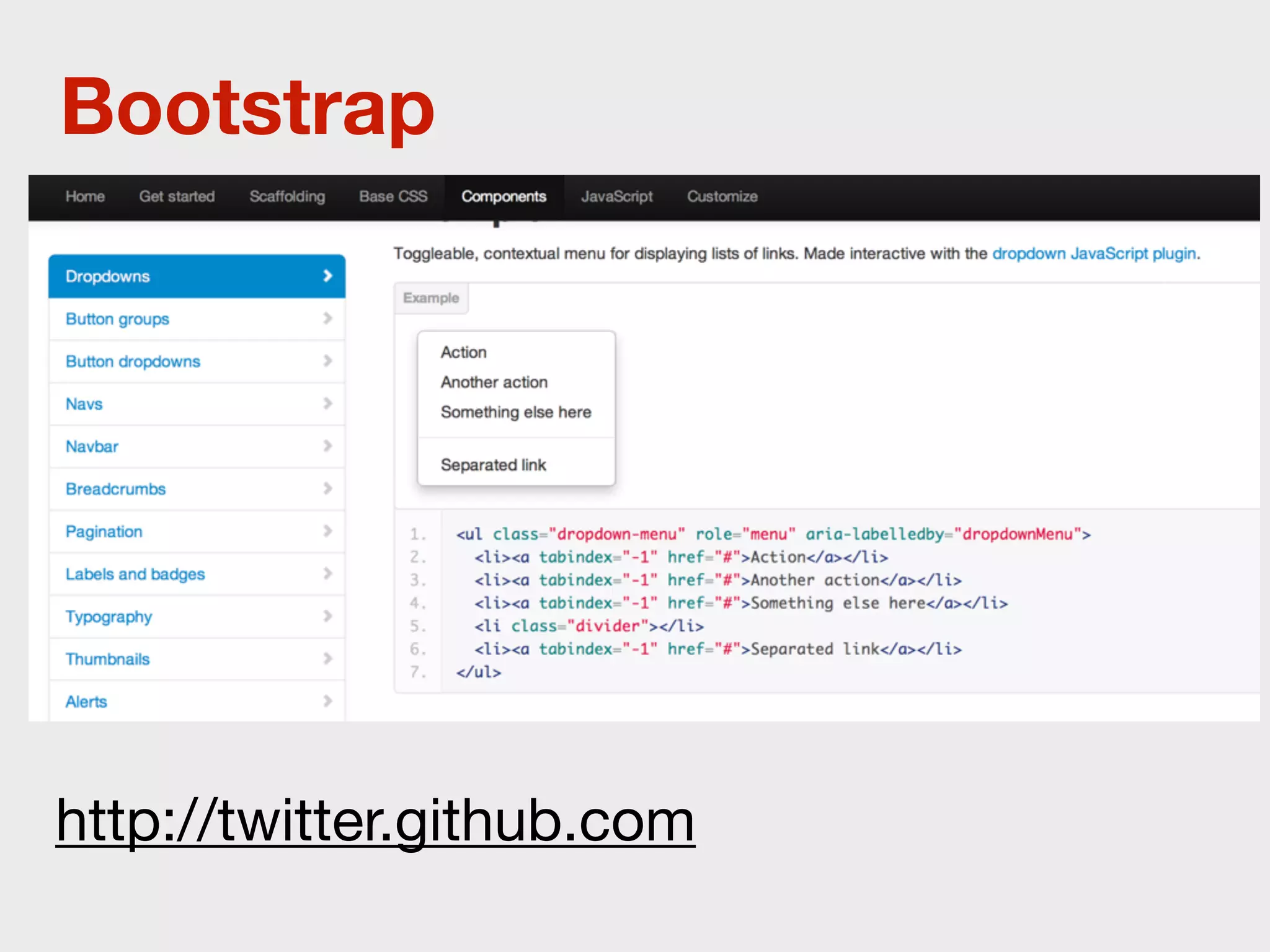
Bootstrap


http://twitter.github.com
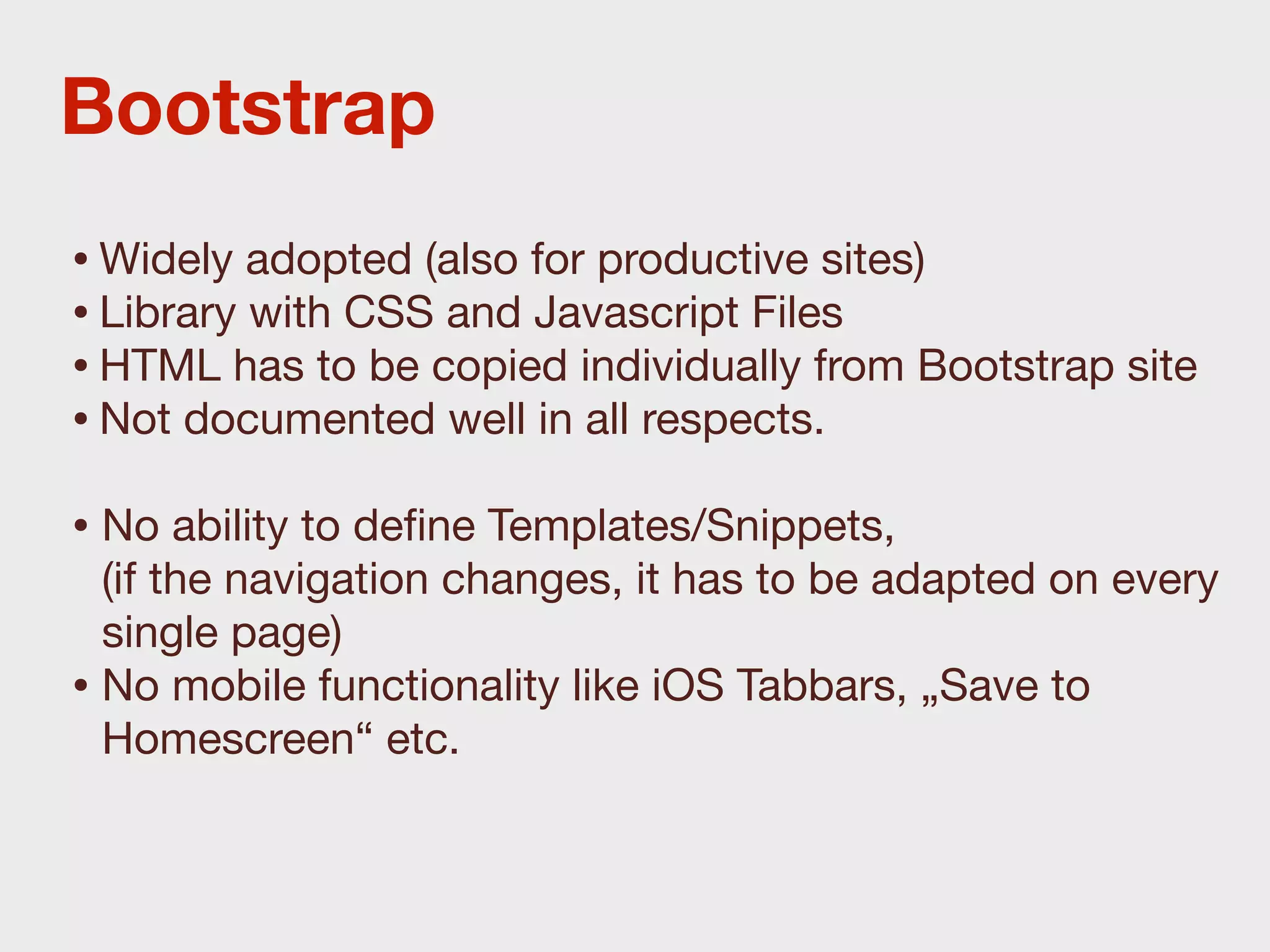
Bootstrap
• Widely adopted (also for productive sites)
• Library with CSS and Javascript Files
• HTML has to be copied individually from Bootstrap site
• Not documented well in all respects.
• No ability to define Templates/Snippets,
  (if the navigation changes, it has to be adapted on every
  single page)
• No mobile functionality like iOS Tabbars, „Save to
  Homescreen“ etc.
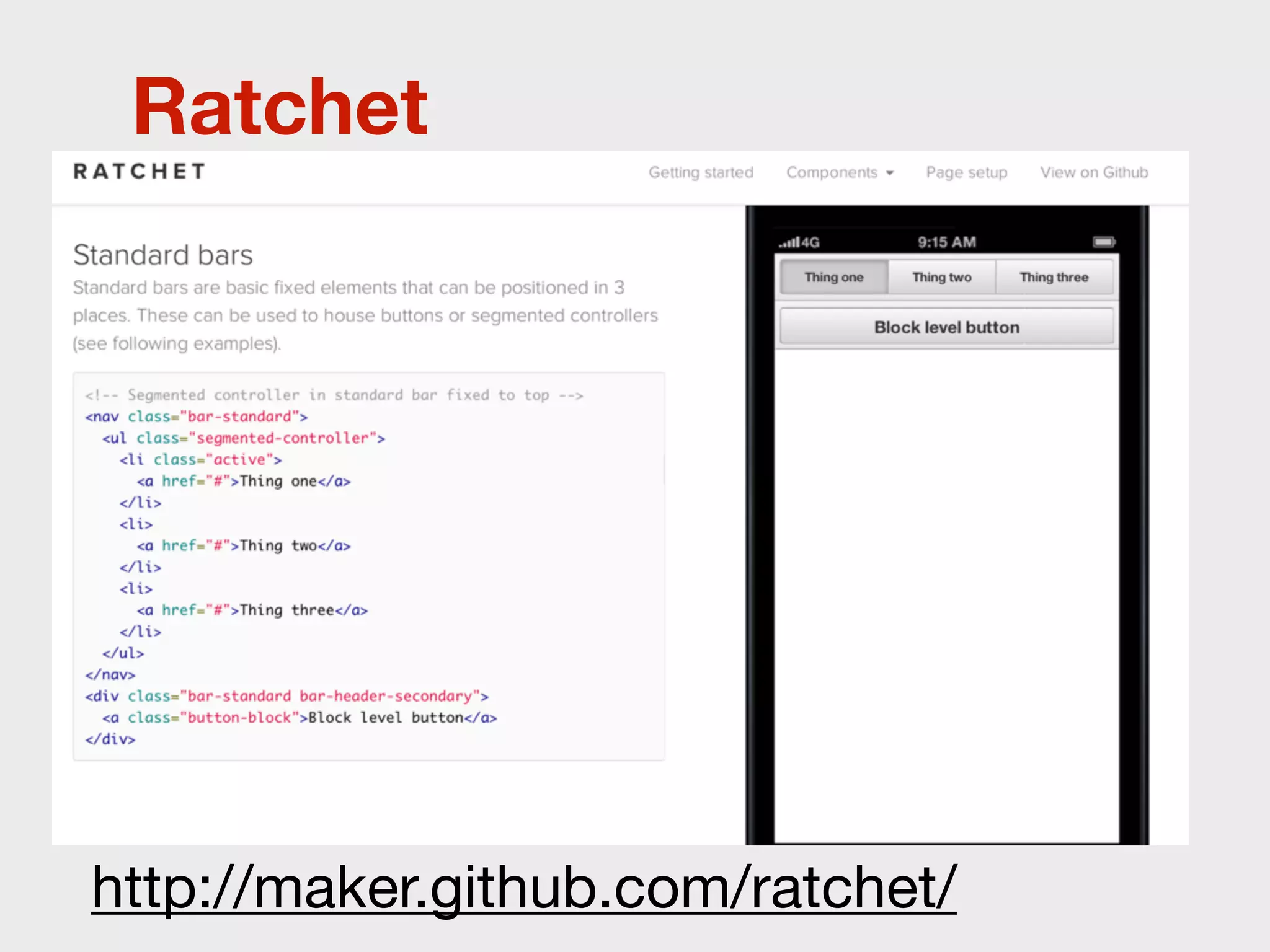
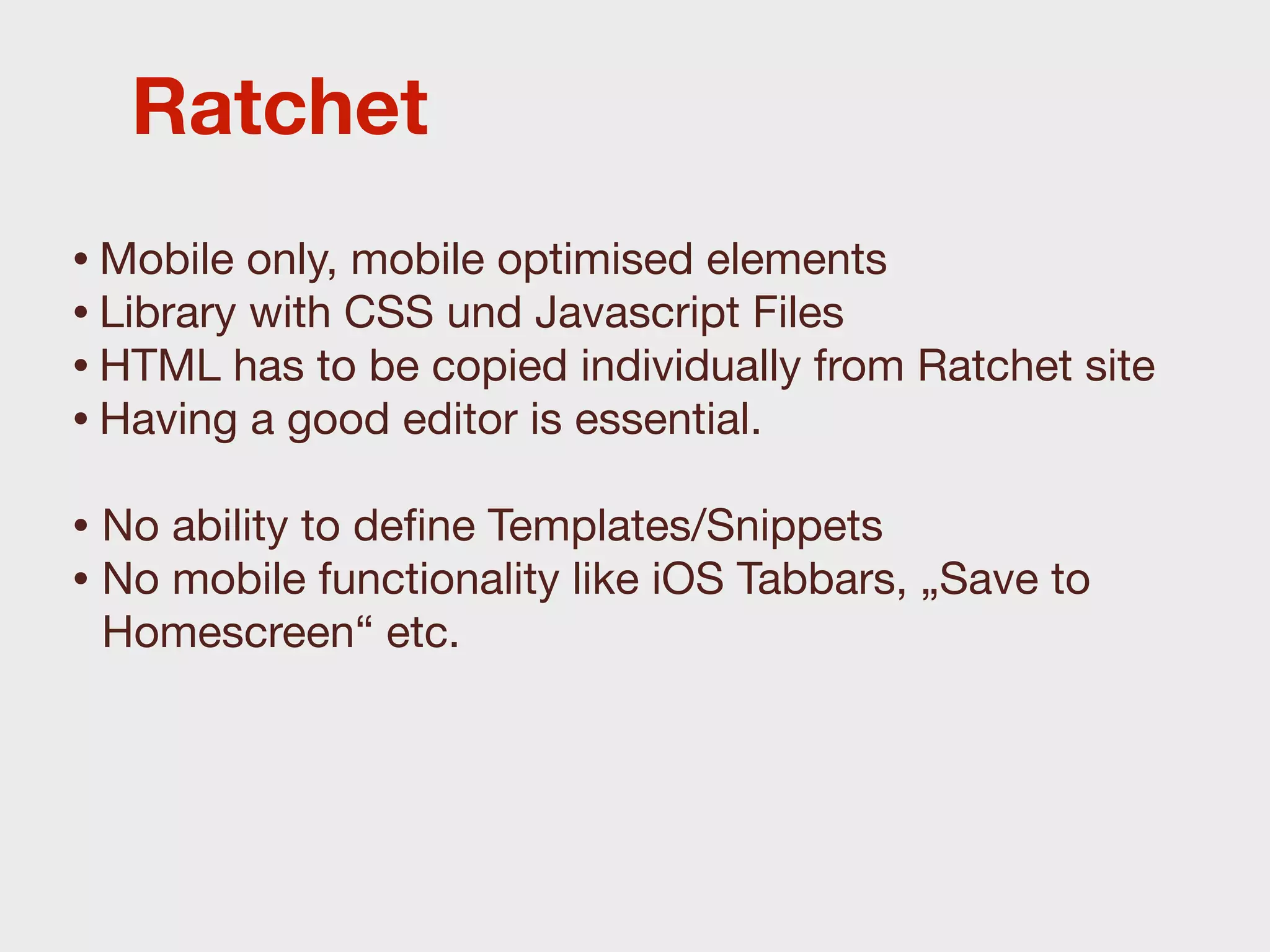
Ratchet


http://maker.github.com/ratchet/
Ratchet
• Mobile only, mobile optimised elements
• Library with CSS und Javascript Files
• HTML has to be copied individually from Ratchet site
• Having a good editor is essential.
• No ability to define Templates/Snippets
• No mobile functionality like iOS Tabbars, „Save to
 Homescreen“ etc.
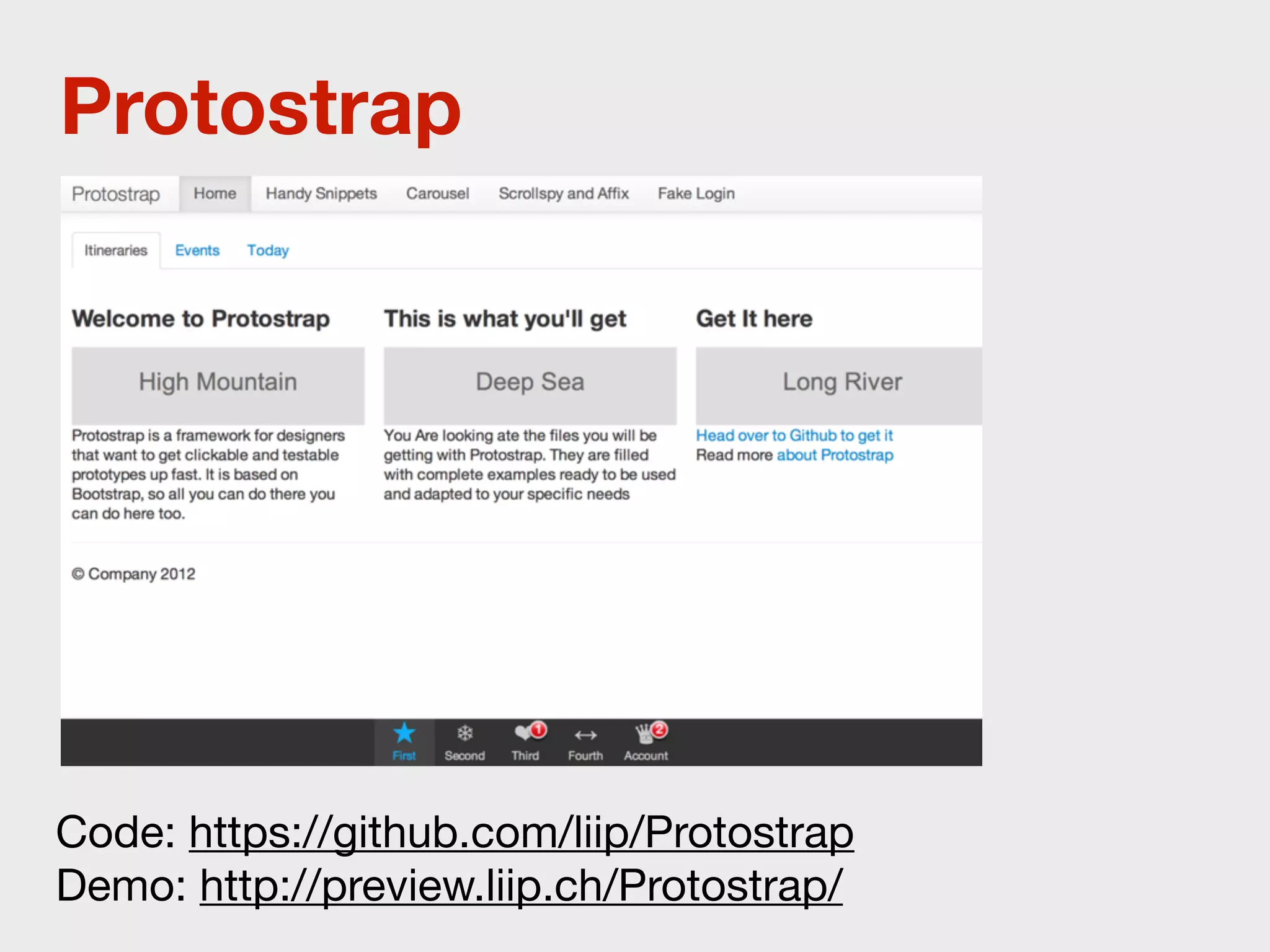
Protostrap


Code: https://github.com/liip/Protostrap
Demo: http://preview.liip.ch/Protostrap/
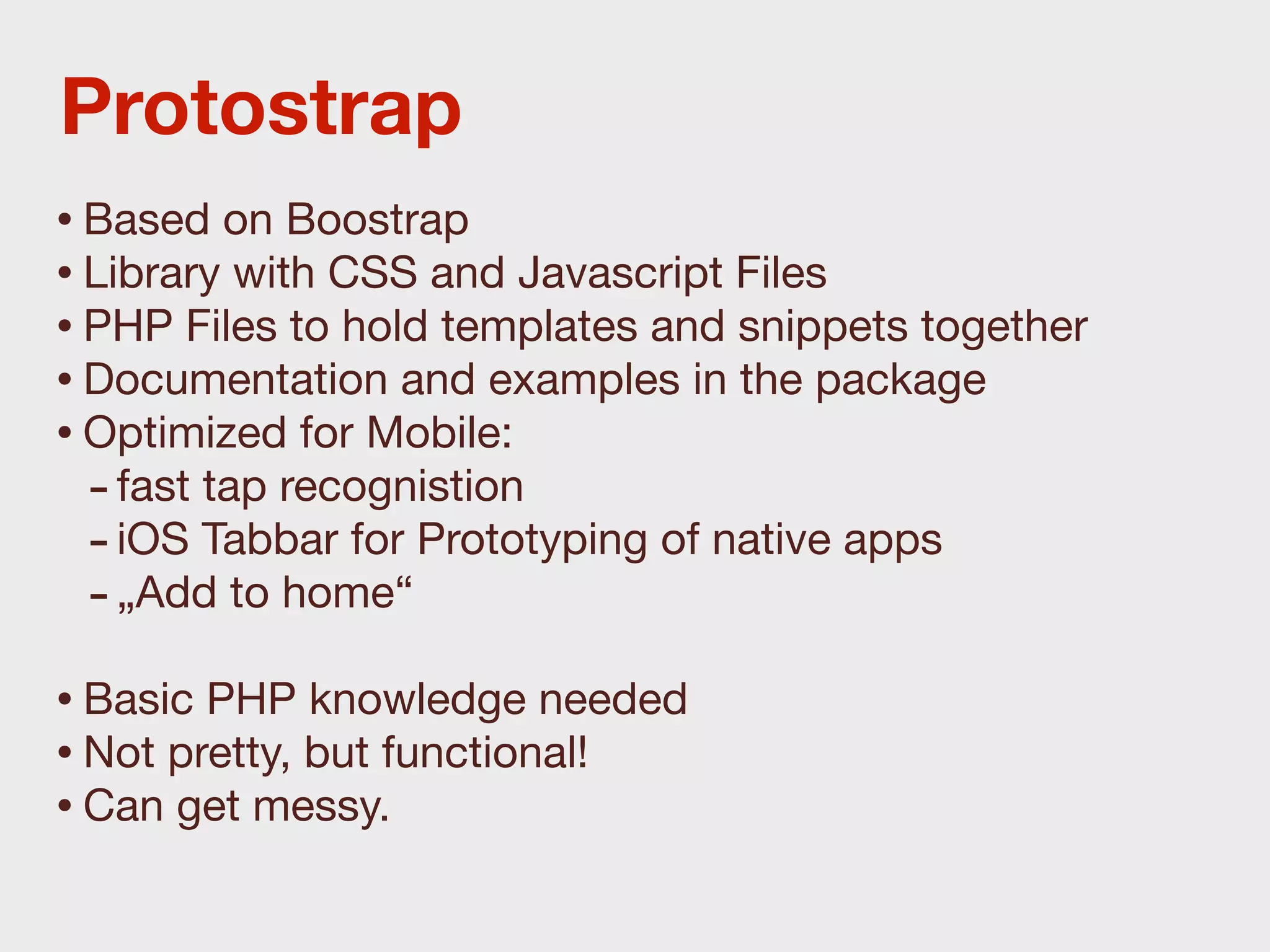
Protostrap
• Based on Boostrap
• Library with CSS and Javascript Files
• PHP Files to hold templates and snippets together
• Documentation and examples in the package
• Optimized for Mobile:
  - fast tap recognistion
  - iOS Tabbar for Prototyping of native apps
  - „Add to home“
• Basic PHP knowledge needed
• Not pretty, but functional!
• Can get messy.
Do yourself a favor:
Learn how to code.
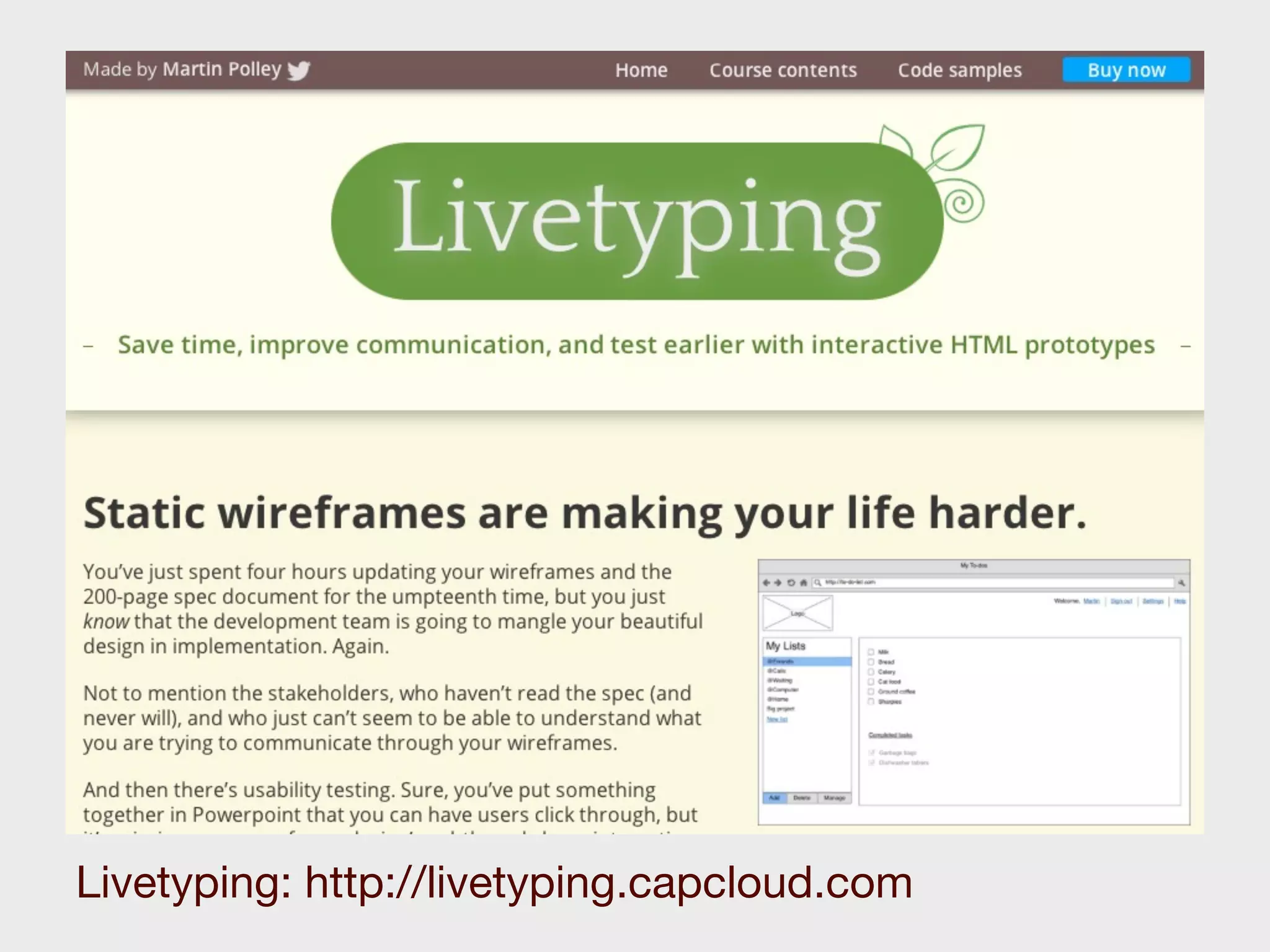
Livetyping: http://livetyping.capcloud.com
GUI Editoren
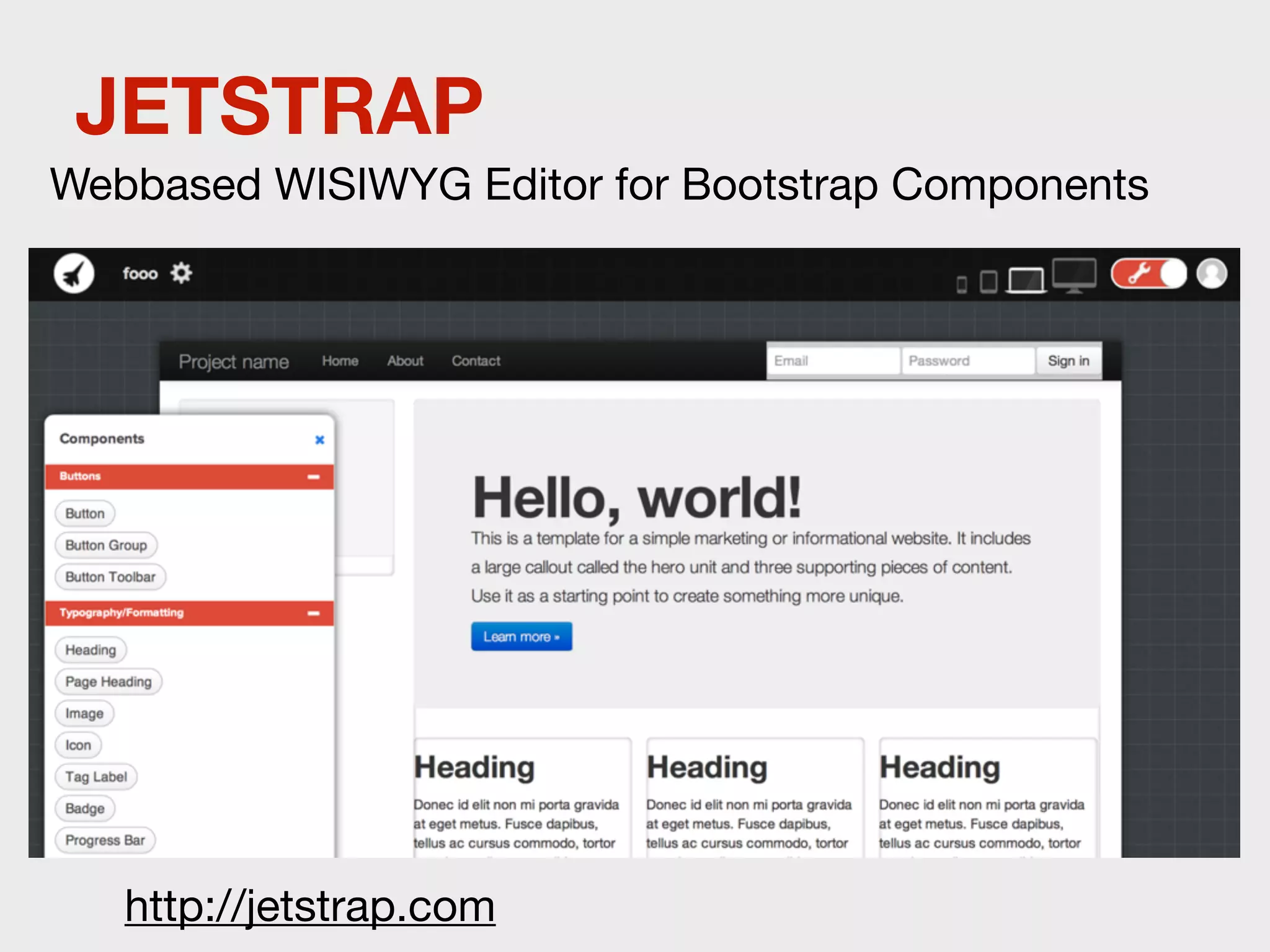
JETSTRAP
Webbased WISIWYG Editor for Bootstrap Components


   http://jetstrap.com
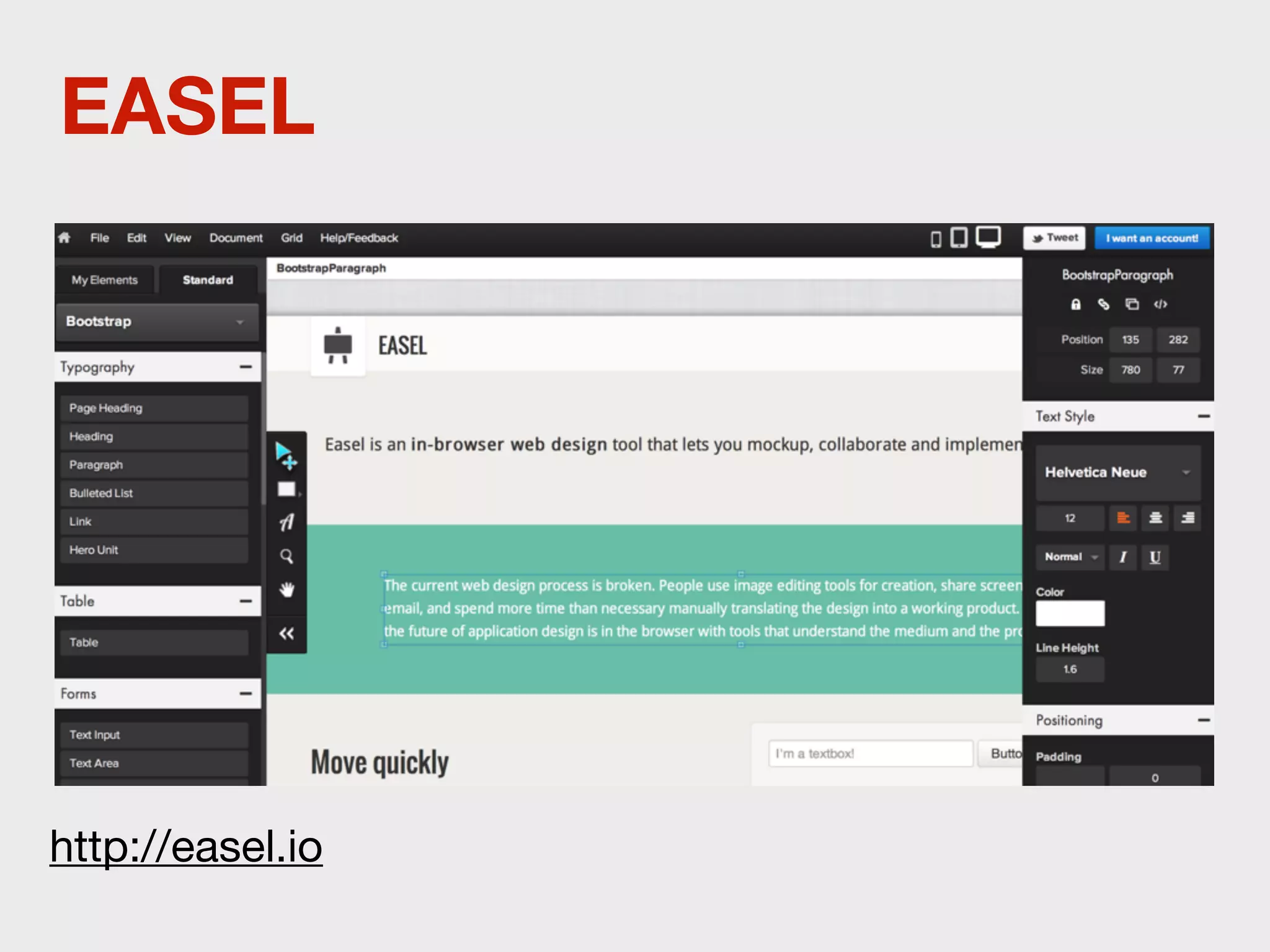
EASEL


http://easel.io
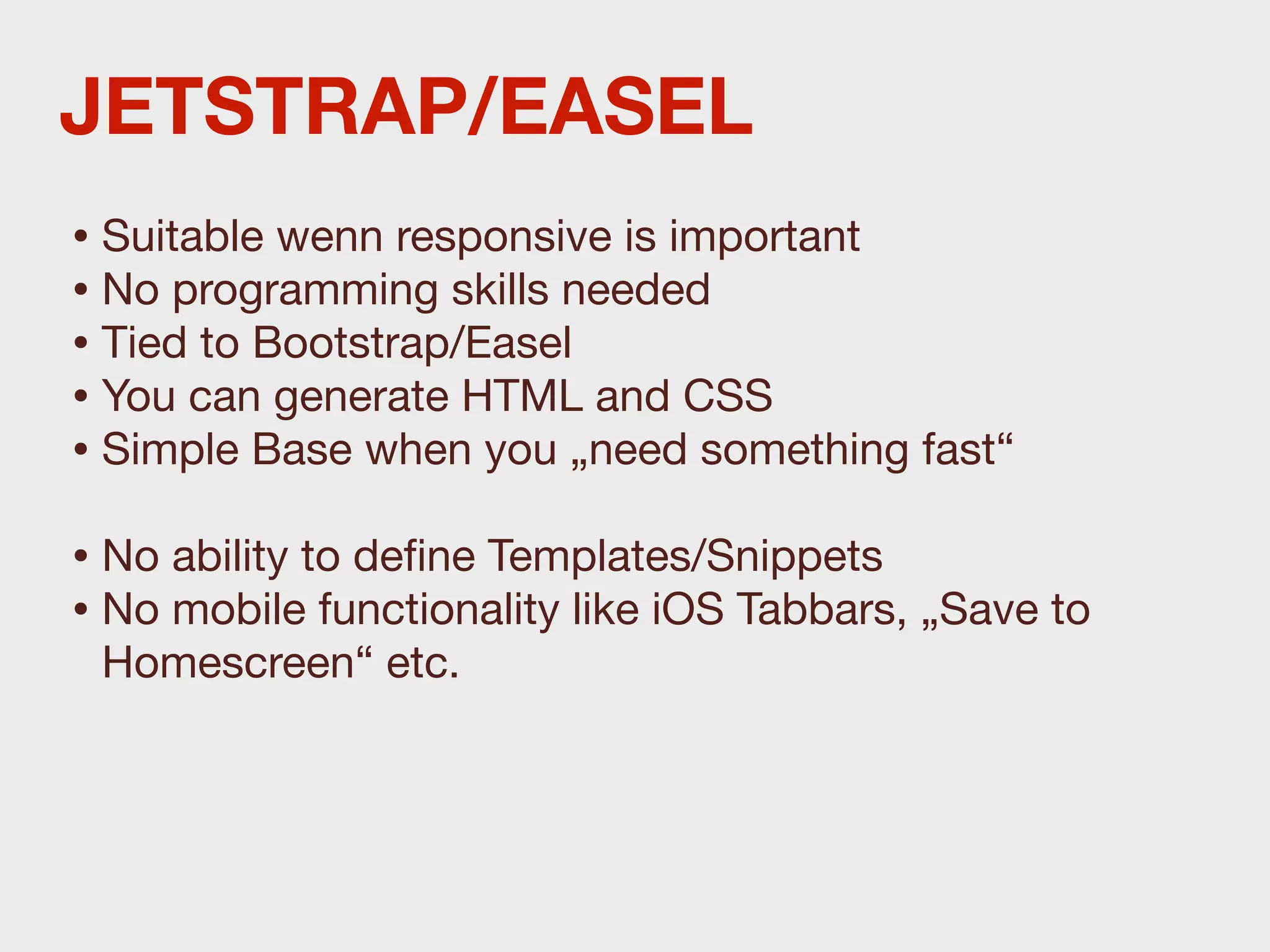
JETSTRAP/EASEL
• Suitable wenn responsive is important
• No programming skills needed
• Tied to Bootstrap/Easel
• You can generate HTML and CSS
• Simple Base when you „need something fast“
• No ability to define Templates/Snippets
• No mobile functionality like iOS Tabbars, „Save to
 Homescreen“ etc.
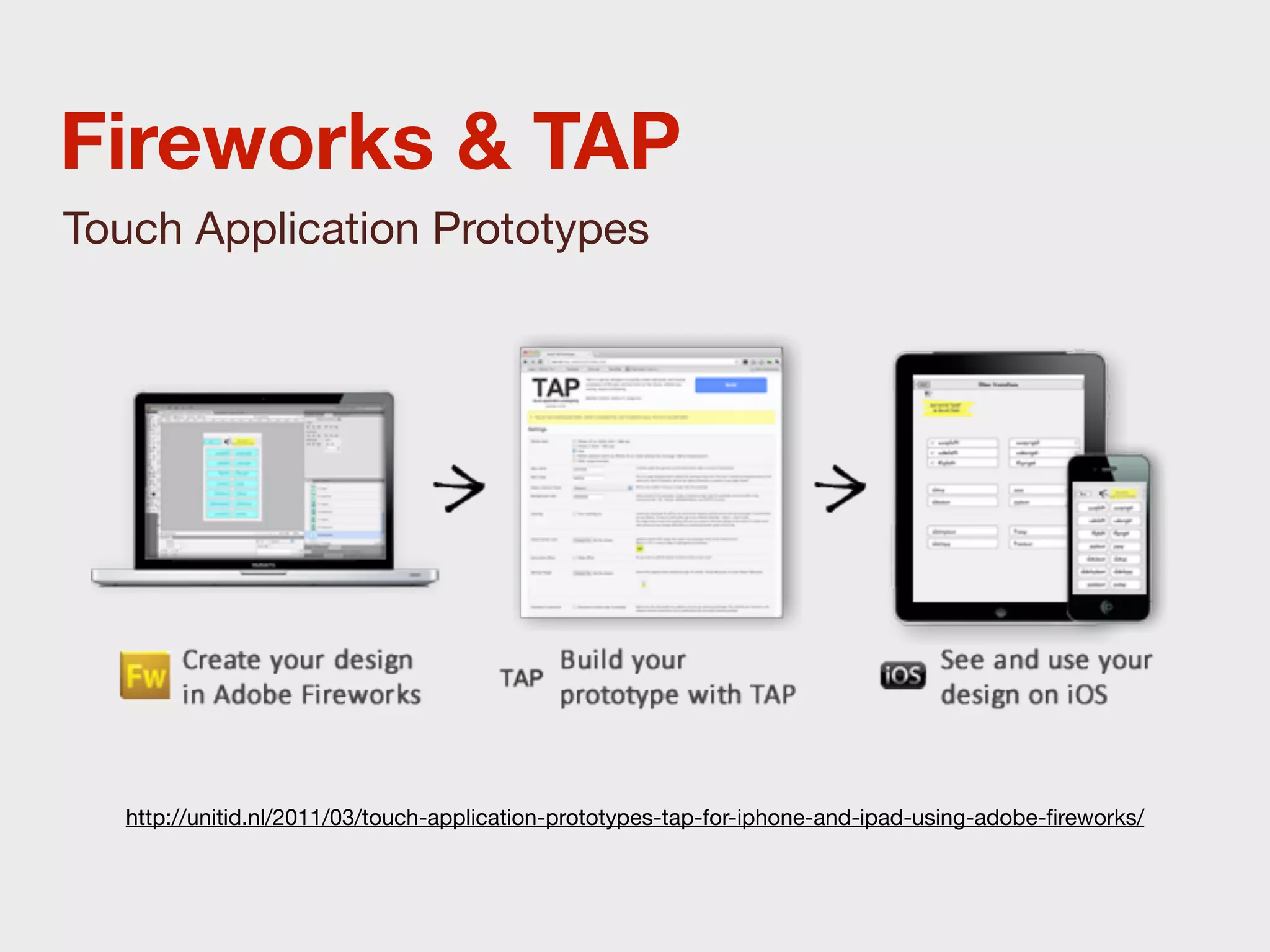
Fireworks & TAP
Touch Application Prototypes


  http://unitid.nl/2011/03/touch-application-prototypes-tap-for-iphone-and-ipad-using-adobe-fireworks/
Fireworks & TAP

• Prototyp In Fireworks erstellen
• Seiten mit Hotspots verlinken
• Als Dreamweaver Bibliothek exportieren
• Auf Server laden
• „Build“ Panel aufrufen und den eigentlichen
  Prototypen generieren
• Prototypen im Mobilen-Browser anschauen.
Testing
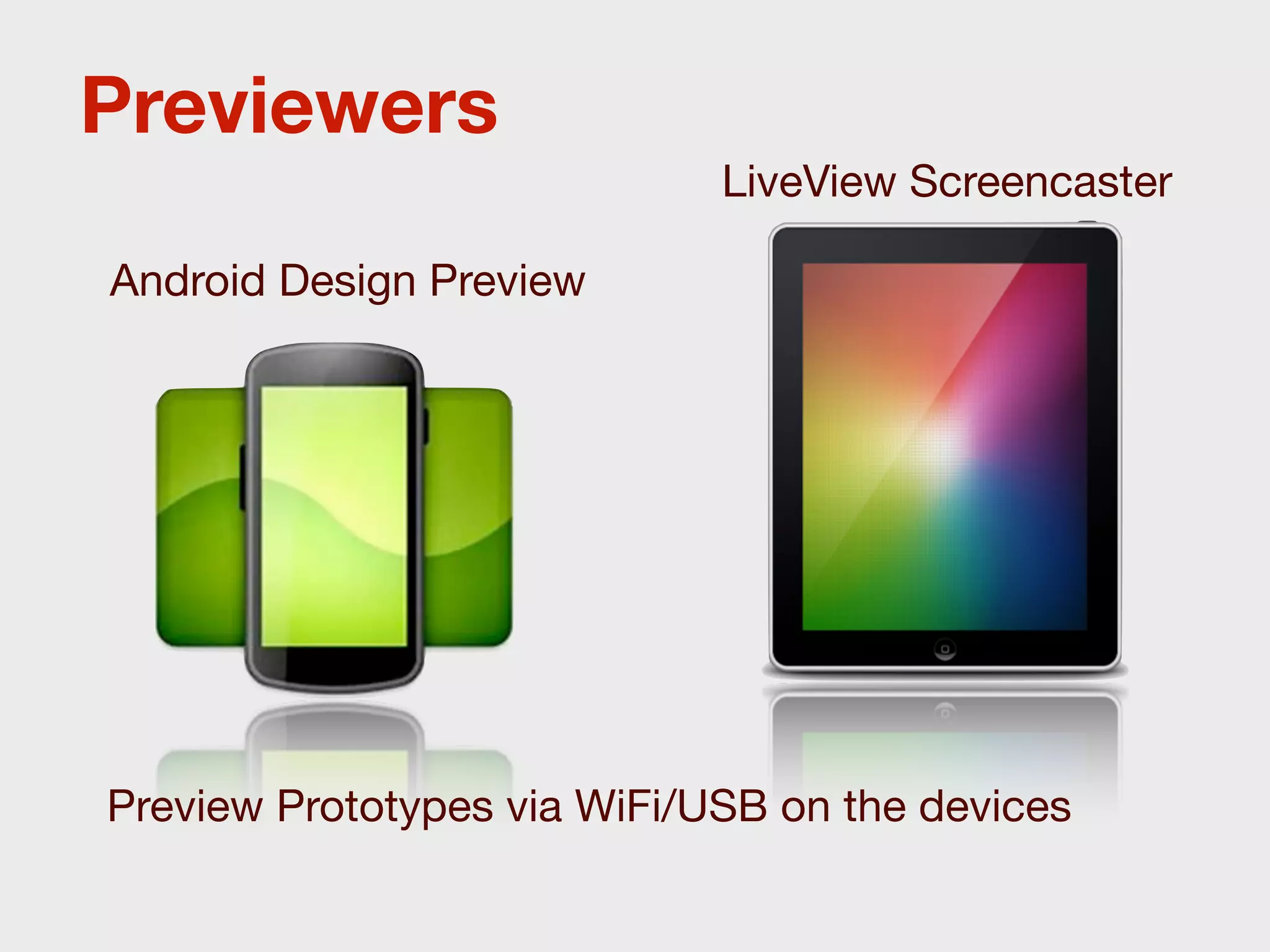
Previewers
                             LiveView Screencaster

Android Design Preview


Preview Prototypes via WiFi/USB on the devices
Reflector
Reflector is an AirPlay mirroring app
for Mac / PC to display the screen of
iPhones on a desktop.

Reflector let‘s you record the
iPhones screen.


http://reflectorapp.com
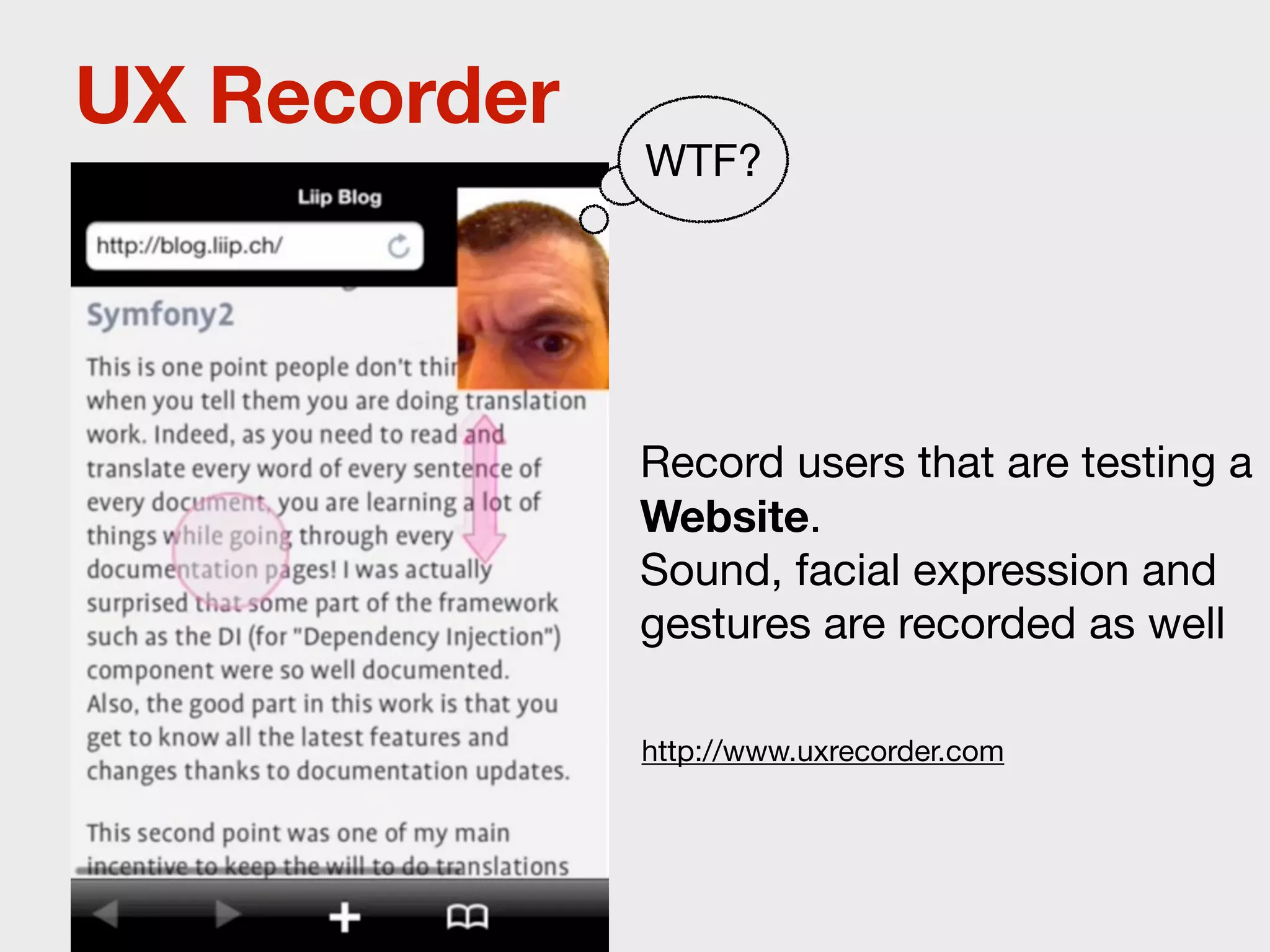
UX Recorder
              WTF?


              Record users that are testing a
              Website.
              Sound, facial expression and
              gestures are recorded as well

              http://www.uxrecorder.com
Chapter 3

Practice!
1. Sketch up
  on Paper


2. Stitch up
  with Prototype on Paper
Bicycle Hiking Companion

An app for hikers that helps
 them solve problems with
their bike while on the road.
User Stories
I want to get instructions on how to
fix a problem.

I want to get professional help.

Prototyping for mobile