Making Effective Protoypes
Matthew Ho, Native Tongue Apps!
November 2013
Background
‣ I am an entrepreneur. !
‣ Non-technical.!
‣ I have 12 apps on the app-store – iTunes, Google Play, Amazon, Nabi!
‣ Launched over a dozen websites!
‣ Worked with some of Australia’s largest brands!
‣ Worked with startups, enterprises, government:!
‣ Online marketing!
‣ Prototyping!
‣ Apps/Websites
Meet the class
‣ Who are you?!
‣ Your experience with prototyping!
‣ What do you want to learn?
Why I teach this class
- Other courses - ā€œ Prototyping with Axureā€, ā€œBalsamiqā€, etc..!
- Requires you to know what they are!
- Learning curve!
- Startup thinking!
- Learn the fundamentals so you can use any tool!
- Give back to the startup & tech community
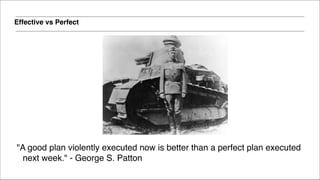
Effective vs Perfect
"A good plan violently executed now is better than a perfect plan executed
next week." - George S. Patton
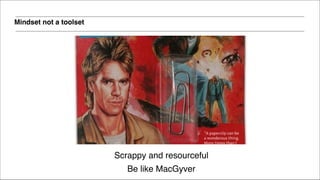
Mindset not a toolset
Scrappy and resourceful!
Be like MacGyver
AGENDA
SECTION 1 – Intro to Effective Prototyping!
ā–Ŗ What is Prototyping?!
ā–Ŗ Why do we prototype?!
ā–Ŗ Personas!
ā–Ŗ Wireframing!
ā–Ŗ Userstories!
SECTION 2 – Lets get practical!!
ā–Ŗ Overview of tools!
ā–Ŗ Hands on application
What Is
Prototyping?
Prototyping
Question
What is a prototype?
What is a prototype
A prototype is an early sample, model or release of a product built to test a concept or process or to learn
from.
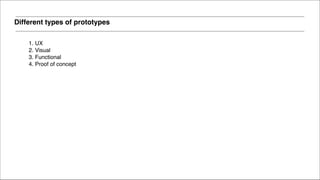
Different types of prototypes
1. UX!
2. Visual!
3. Functional!
4. Proof of concept
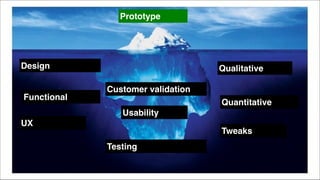
Prototype
Design
UX
Qualitative
Functional
Quantitative
Customer validation
Testing
Tweaks
Usability
Why do we
Prototype?
Prototyping
Why prototype?
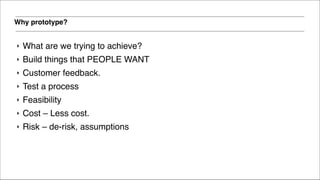
‣ What are we trying to achieve?!
‣ Build things that PEOPLE WANT!
‣ Customer feedback.!
‣ Test a process!
‣ Feasibility!
‣ Cost – Less cost. !
‣ Risk – de-risk, assumptions


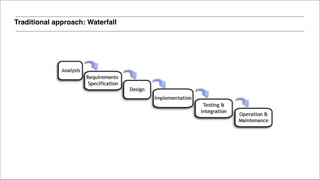
Traditional approach: Waterfall


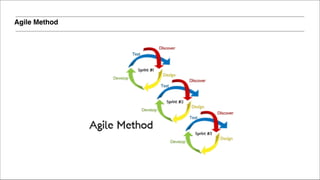
Agile Method


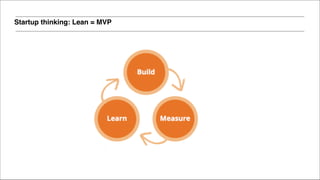
Startup thinking: Lean = MVP


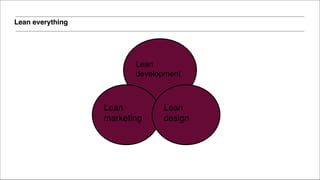
Lean everything


Lean
development


Lean
marketing


Lean
design
The only thing that matters
Product / market fit
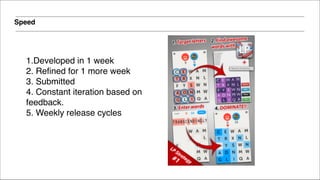
Speed
1.Developed in 1 week!
2. Refined for 1 more week!
3. Submitted!
4. Constant iteration based on
feedback. !
5. Weekly release cycles!
Building the
future of vision
Prototyping
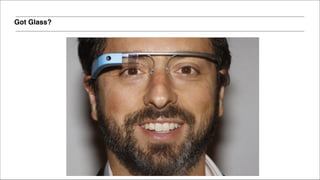
Got Glass?
Question
How long did it take to build the first working version of Google Glass?
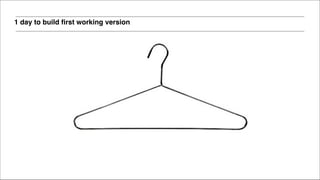
1 day to build first working version
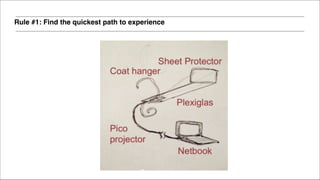
Rule #1: Find the quickest path to experience
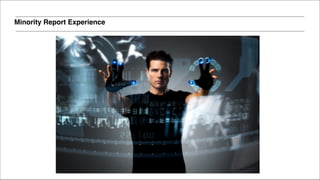
Minority Report Experience
HAIR BANDS 27
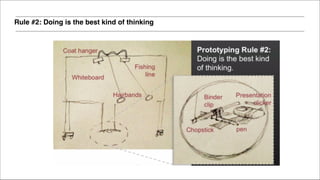
Rule #2: Doing is the best kind of thinking
Our consulting
website
Prototyping
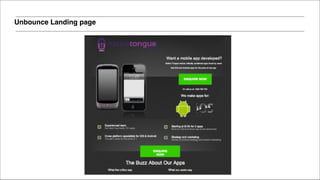
PROBLEM 30
We need to make money!!
!
We need some work. !
PROBLEM 31
But we don’t have a website!!
!
We don’t have traffic ☹
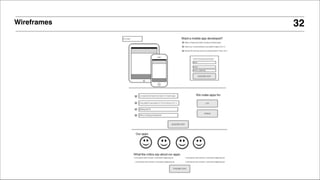
Wireframes 32
Unbounce Landing page
Google Adwords Campaign 34
Process
Prototyping
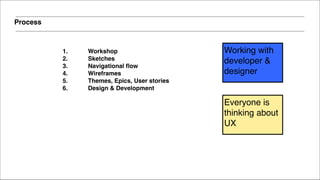
Process
1. Workshop !
2. Sketches!
3. Navigational flow!
4. Wireframes!
5. Themes, Epics, User stories!
6. Design & Development!
Everyone is
thinking about
UX
Working with
developer &
designer
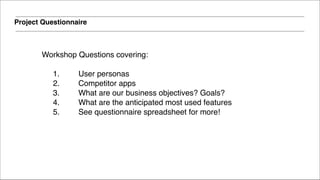
Project Questionnaire
Workshop Questions covering:

1. User personas!
2. Competitor apps!
3. What are our business objectives? Goals?!
4. What are the anticipated most used features!
5. See questionnaire spreadsheet for more!
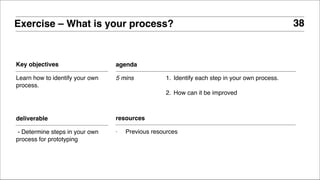
Key objectives
Learn how to identify your own
process.
Exercise – What is your process?
agenda
5 mins 1. Identify each step in your own process.!
!
2. How can it be improved
deliverable
- Determine steps in your own
process for prototyping
38
resources
- Previous resources
Concepts
Prototyping
User Personas
Prototyping
User personas
Everyone who has a mobile
phone is a customer
User personas
Everyone who has a mobile
phone is a customer
User personas
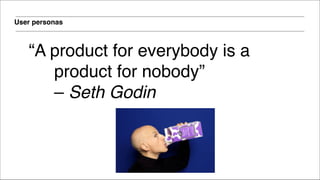
ā€œA product for everybody is a
product for nobodyā€ 

– Seth Godin
User personas
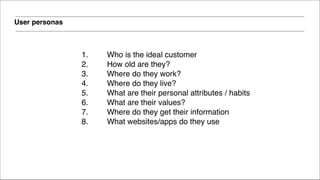
1. Who is the ideal customer!
2. How old are they? !
3. Where do they work?!
4. Where do they live? !
5. What are their personal attributes / habits!
6. What are their values?!
7. Where do they get their information!
8. What websites/apps do they use!
!
!
User personas
1. Key customer demographics - in priority order. !
e.g. 1) "any sex, 30 - 45, high income earner, inner city dwellerā€,
"any sex, 45 - 60, semi-retired, outer suburbsā€!
!
2. Important user personas – 

e.g. Young working professional female, no kids, with
high disposal income for fashion etc…!
User personas
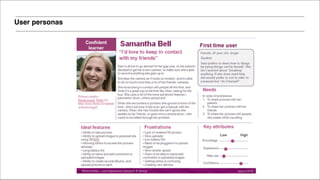
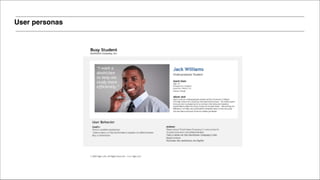
• Get in their heads. !
• Understand how they think !
• Use a picture. !
• Write it up. !
• This can evolve over time as you learn more
about the customer!
• Ensures everyone is on the same page!
• Create a physical dummy with a face!!
User personas
User personas
User flows

Prototyping
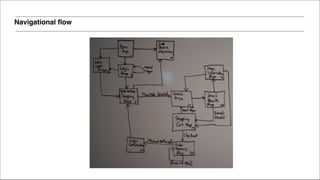
Navigational flow
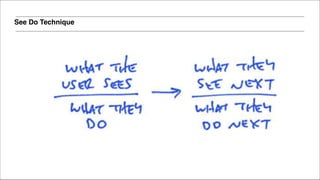
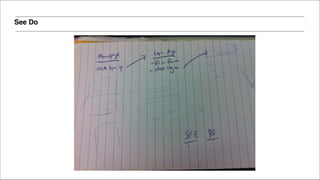
See Do Technique
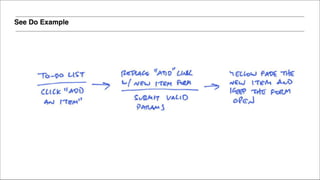
See Do Example
See Do
More concepts
Prototyping
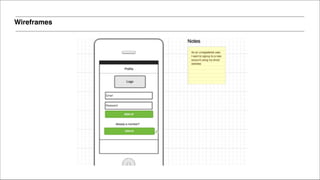
Wireframes
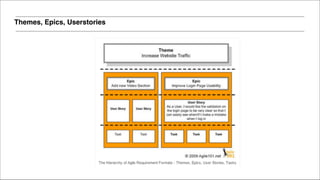
Themes, Epics, Userstories
An Epic is a group of related User Stories. !
!
Needs to be broken down into User Stories
Epic
User stories
A User story is an Independent, Negotiable,
Valuable, Estimatable, Small, Testable
requirement (ā€œINVESTā€).!
!
User stories
!
• Written in everyday language from
perspective of user!
• To do list!
• Contain basic details and open to
interpretation!
• Not agile in themselves, opportunity to
collaborate
User stories
!
As a [user role] I want to [goal] so I can
[reason].
!
Example: As a user, I would like the validation on the login page to
be very clear so that I can easily see when/if I make a mistake
when I log in
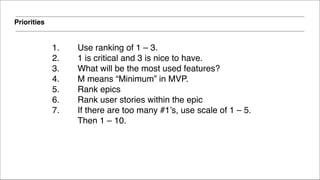
Priorities
1. Use ranking of 1 – 3. !
2. 1 is critical and 3 is nice to have.!
3. What will be the most used features?!
4. M means ā€œMinimumā€ in MVP.!
5. Rank epics!
6. Rank user stories within the epic!
7. If there are too many #1’s, use scale of 1 – 5.
Then 1 – 10.
Tools
Prototyping
Tools
Use tools that you are most
comfortable with to get the fastest
& most effective results.
The cost of innovation
Innovation doesn’t need to cost
millions. It can cost $3.
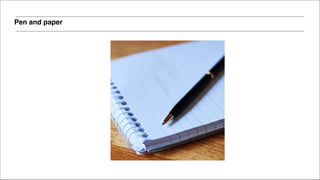
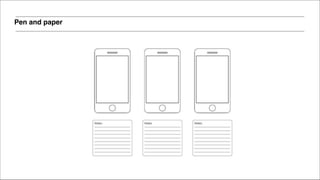
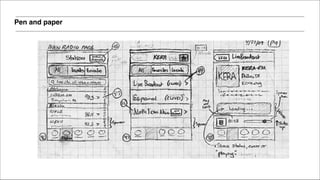
Pen and paper
Pen and paper
Pen and paper
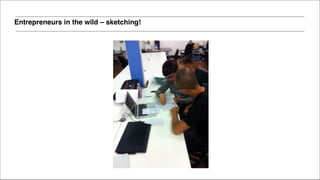
Entrepreneurs in the wild – sketching!
Pen and paper
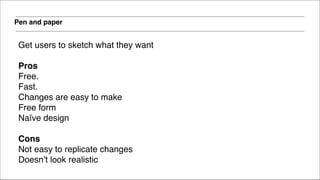
Get users to sketch what they want 

Pros!
Free.!
Fast. !
Changes are easy to make !
Free form!
NaĆÆve design!
!
Cons!
Not easy to replicate changes!
Doesn’t look realistic
Other tools
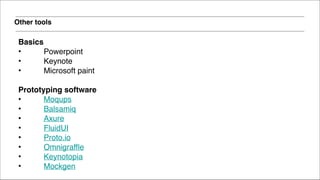
Basics!
• Powerpoint!
• Keynote!
• Microsoft paint!
!
Prototyping software!
• Moqups!
• Balsamiq!
• Axure!
• FluidUI!
• Proto.io!
• Omnigraffle!
• Keynotopia!
• Mockgen!
!
Other tools
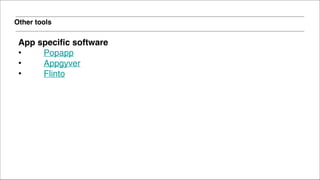
App specific software!
• Popapp!
• Appgyver!
• Flinto!
!
Other tools
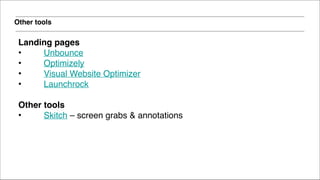
Landing pages!
• Unbounce!
• Optimizely!
• Visual Website Optimizer!
• Launchrock!
!
Other tools!
• Skitch – screen grabs & annotations
Other tools
More technical users!
• Photoshop!
• Illustrator!
• Twitter Bootstrap!
• Build working software
Time to do
some work!
Practical
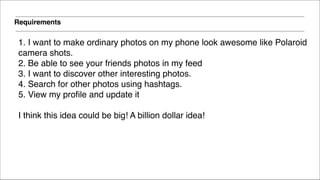
Requirements
1. I want to make ordinary photos on my phone look awesome like Polaroid !
camera shots.!
2. Be able to see your friends photos in my feed!
3. I want to discover other interesting photos.!
4. Search for other photos using hashtags.!
5. View my profile and update it!
!
I think this idea could be big! A billion dollar idea!
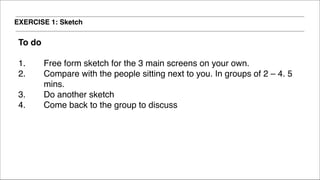
EXERCISE 1: Sketch
To do!
!
1. Free form sketch for the 3 main screens on your own.!
2. Compare with the people sitting next to you. In groups of 2 – 4. 5
mins. !
3. Do another sketch !
4. Come back to the group to discuss
EXERCISE 1: Interactive sketch
To do !
1. Go to https://popapp.in/ (or download via app store).!
2. Make it interactive!
Why I like POP
1. Its fast to go from paper to interactive mockup!
2. Easy to use!
3. Need to have an understanding of user flow!
4. Sometimes painful if you want to change a part of the sketch!
5. Free!
6. Easy to share using SMS, Email!
!
EXERCISE 2: Wireframes & user stories
1. User personas (5mins)!
2. User flow (10mins) – try see / do technique, navigation flows !
3. Write user stories (10mins) !
4. Produce wireframes (20mins)!
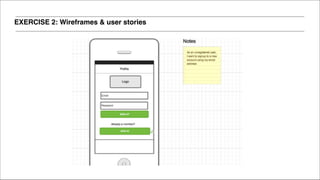
EXERCISE 2: Wireframes & user stories
Why I like Moqups
1. Fast !
2. Easy to use – drag and drop!
3. Good place to start!
4. Easy to replicate a page!
5. Free for 2 projects!
6. Easy to collaborate with others!
7. Can write notes!
!
EXERCISE 3: High Fidelity Prototype
1. Download the photos!
2. Go to http://www.appgyver.com/prototyper!
3. Create a prototype app!
4. Add transitions between screens!
5. Take a photo!
6. Go to a website URL!
7. Add an alert notification!
!
!
!
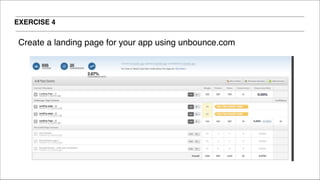
EXERCISE 4
Create a landing page for your app using unbounce.com!
!
!
TED Talks : Rapid Prototyping the Google Glasses!
37 Signals: A Shorthand for Designing UI Flows!
!
Agile – Epics, User Stories, Spikes!
Agile 101: The Difference between Themes, Epics and User Stories!
Agile101: Intro To Agile User Stories!
Scrum Alliance: New To User Stories!
Roman Pichler: Writing Good User Stories!
Agile 101: Using Spikes In Agile Development

UX!
Nathan Barry: NaĆÆve Design!
Hack Design: Newsletter (awesome!)!
UX Rave: User Experience Rants & Raves!
Borkardo: Behaviour First, Design Second!
Erik Flowers: UX Is Not UI!
Other Great Resources
!
Mobile Specific!
Mobile Patterns: Mobile UI Examples!
Inspired UI: Mobile UI Examples!
Nima Gardide: 3 Things That Will Speed Up Mobile Development

Andrew Chen: How Mobile Startups Can Iterate Better, Faster, Stronger!
Other Great Resources
DISCUSSION
TIME
86Prototyping
Email: hello@nativetongue.com!
Website: http://nativetongue.com!
Personal blog: http://inspiredworlds.com!
Twitter: @inspiredworlds!
Linkedin: au.linkedin.com/in/matthewho1/
Contact me

Making Effective Prototypes