Download to read offline
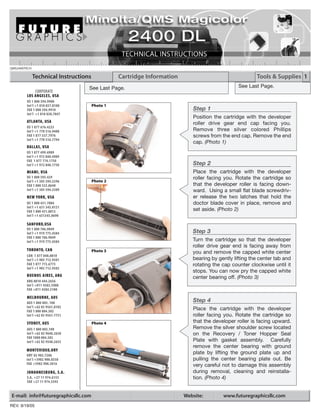
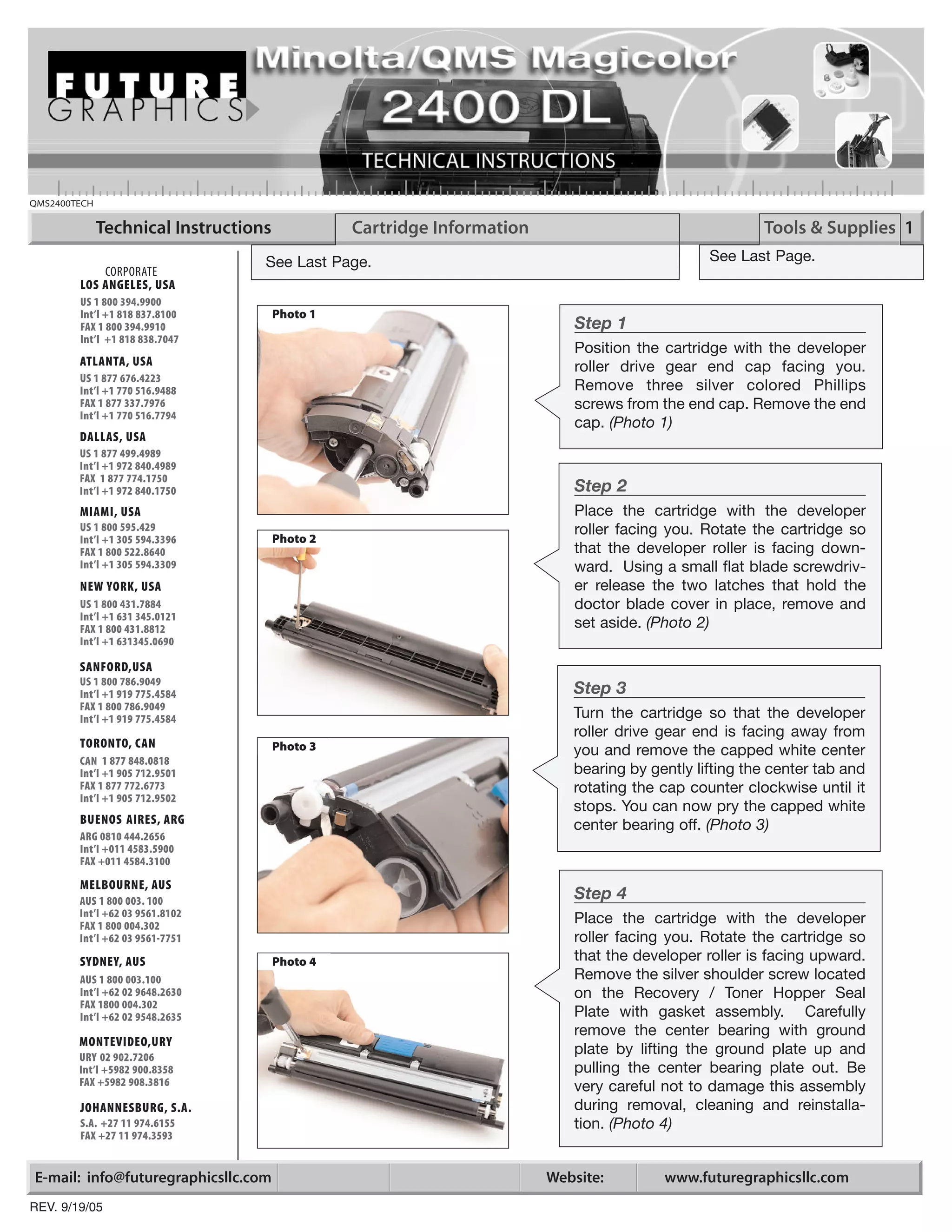
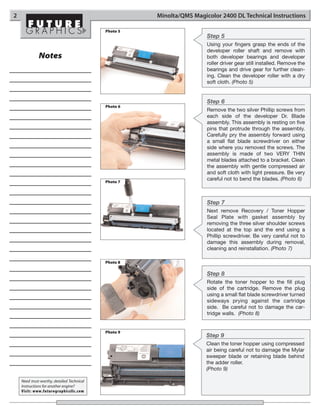
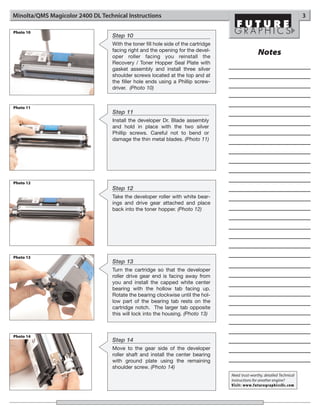
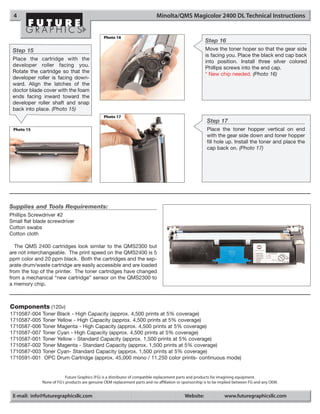

This document provides 9 steps for cleaning and maintaining a QMS2400TECH cartridge. Step 1 instructs removing an end cap with 3 screws to access the developer roller. Step 2 has the user remove the doctor blade cover with 2 latches. Step 3 explains removing the white center bearing by lifting a center tab and rotating the cap counterclockwise. Step 4 details removing the silver shoulder screw on the Recovery/Toner Hopper Seal Plate assembly to access the center bearing plate. Step 5 guides removing the developer roller shaft along with both bearings and driver gear. Step 6 instructs removing 2 screws on each side of the developer doctor blade assembly to carefully pry it forward. Step 7 removes the Recovery/Toner Hop


![Getting Started with Apache Spark: Big Data Made Simple [Free Meetup]](https://cdn.slidesharecdn.com/ss_thumbnails/apachesparkgettingstarted-260203175547-8361bcc3-thumbnail.jpg?width=640&height=640&fit=bounds)


