MEMORY


Prepared by -Shiv B.saud (1247138)
             -Siddhant bhattarai (1247170)
Memory
 Memory stands for that thing that store
    something.
   Like our brain computer have also storing unit
    called memory unit.
   From memory information data are stored and
    fetch when required.
   In computer memory there is no data loss
    problem.
   Without memory unit a computer can’t perform its
    operation.
   Example hard disk, CD etc.
Types of memory
 There are two types of memory used inside
  computer system and they are-
 1.primary memory
 2. secondary memory
 1.Primary memory is also known as the
  temporary memory because it only store data
  when that are at processing stage and after that it
  do not store it. Primary memory have less storing
  capacity as compared to secondary.
Primary memory are two types
 RAM
 The RAM is a volatile memory, it means information
 written to it can be accessed as long as power is on.
 As soon as the power is off, it can not be accessed.
 so this mean RAM computer memory essentially
 empty.RAM holds data and processing instructions
 temporarily until the CPU needs it.

 There are two basic types of RAM :
 (i) Dynamic Ram
 (ii) Static RAM
 Dynamic RAM : loses its stored information in a
 very short time (for milli sec.) even when power
 supply is on. D-RAM’s are cheaper & lower


 . Static RAM uses a completely different
 technology. S-RAM retains stored information
 only as long as the power supply is on. Static
 RAM’s are costlier and consume more power.
 They have higher speed than D-RAMs. They
 store information in Hip-Hope.
ROM
 Read only memory (ROM) is an example of
 nonvolatile memory. ROM is a class of storage
 medium used in Computers and other electronic
 devices. Read Only Memory (ROM), also known
 as firmware, is an integrated circuit programmed
 with specific data when it is manufactured.

 Types of ROM
 PROM
 EPROM
 EEPROM
 PROM : Short for programmable read-only
  memory, a memory chip on which data can be
  written only once. Once a program has been
  written onto a PROM, it remains there forever.
 EPROM : Erasable programmable read-only
  memory, and pronounced e.e-prom, EPROM is a
  special type of memory that retains its contents
  until it is exposed to ultraviolet light.
 EEPROM : Short form of electrically erasable
  programmable read-only memory. EEPROM is a
  special type of PROM that can be erased by
  exposing it to an electrical charge. Like other
  types of PROM, EEPROM retains its contents
  even when the power is turned off. Also like other
  types of ROM, EEPROM is not as fast as RAM
2. Secondary memory
 It is also known as the permanent storing device
    and it also store all the data and information
    permanently. It is also have huge capacity as
    compared to the primary memory and store all
    data and information.
   Types of secondary memory
   Hard disk
   CD ROM
   DVD
   Pen drive
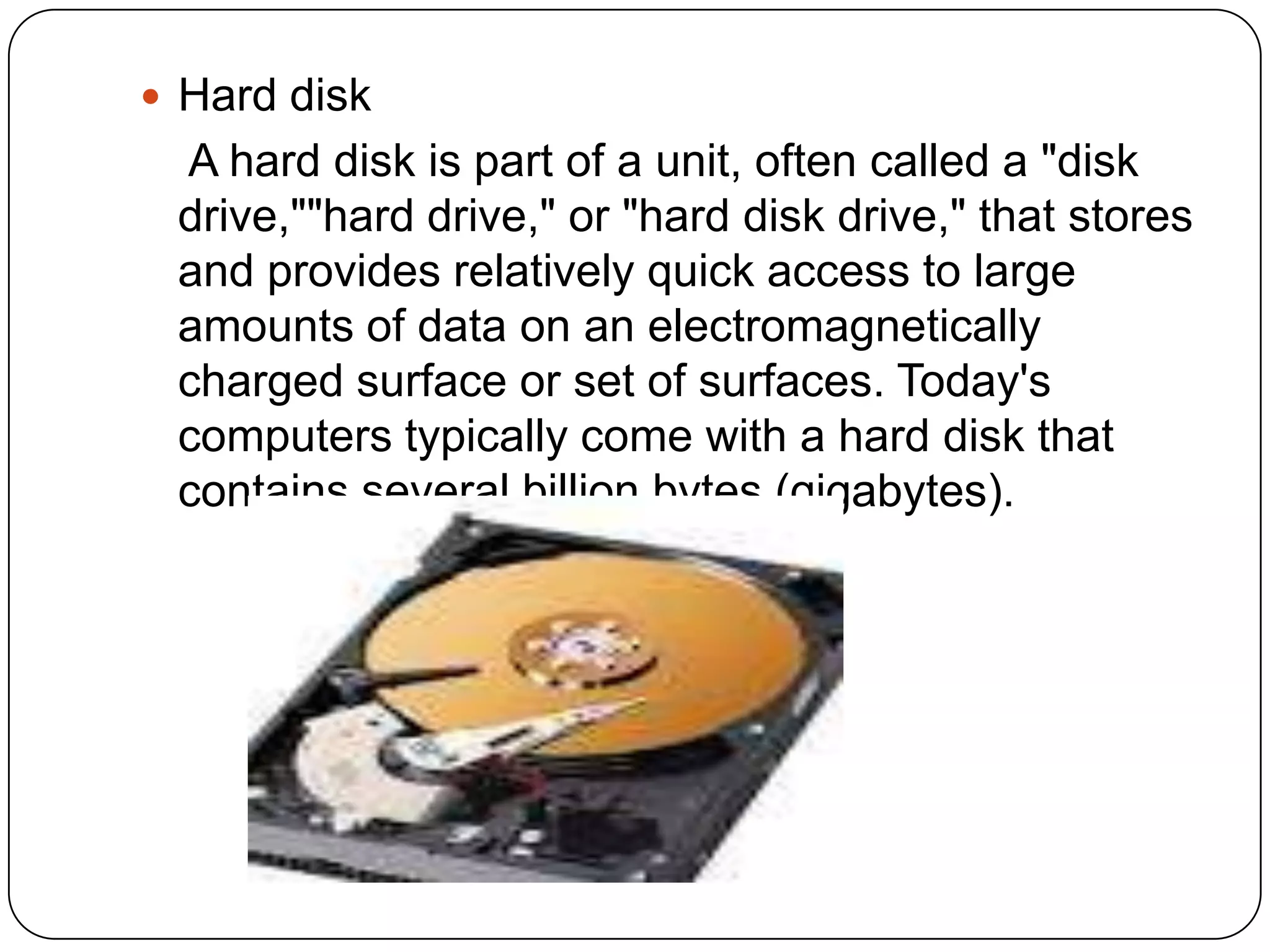
 Hard disk
 A hard disk is part of a unit, often called a "disk
 drive,""hard drive," or "hard disk drive," that stores
 and provides relatively quick access to large
 amounts of data on an electromagnetically
 charged surface or set of surfaces. Today's
 computers typically come with a hard disk that
 contains several billion bytes (gigabytes).
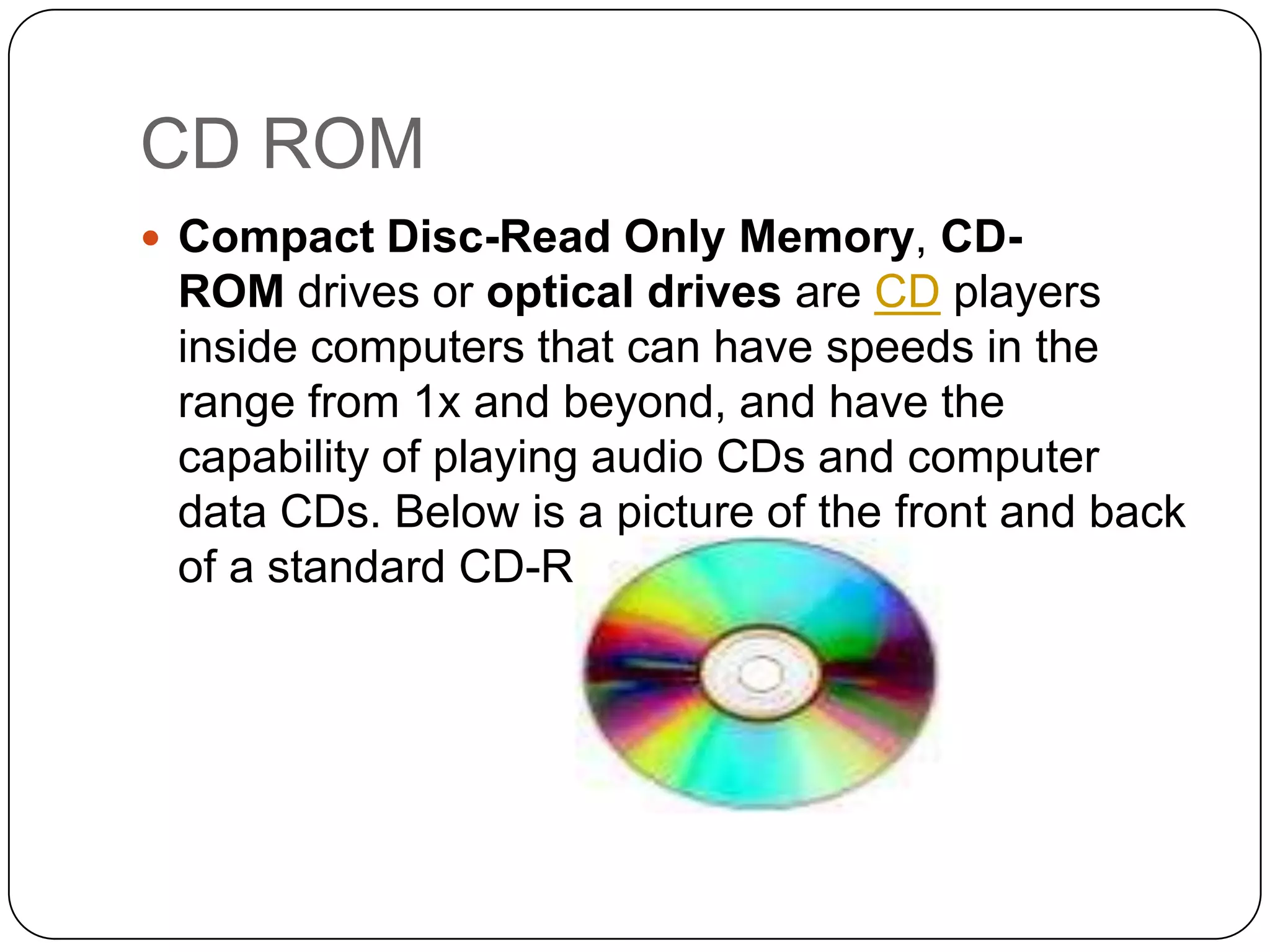
CD ROM
 Compact Disc-Read Only Memory, CD-
 ROM drives or optical drives are CD players
 inside computers that can have speeds in the
 range from 1x and beyond, and have the
 capability of playing audio CDs and computer
 data CDs. Below is a picture of the front and back
 of a standard CD-ROM drive.
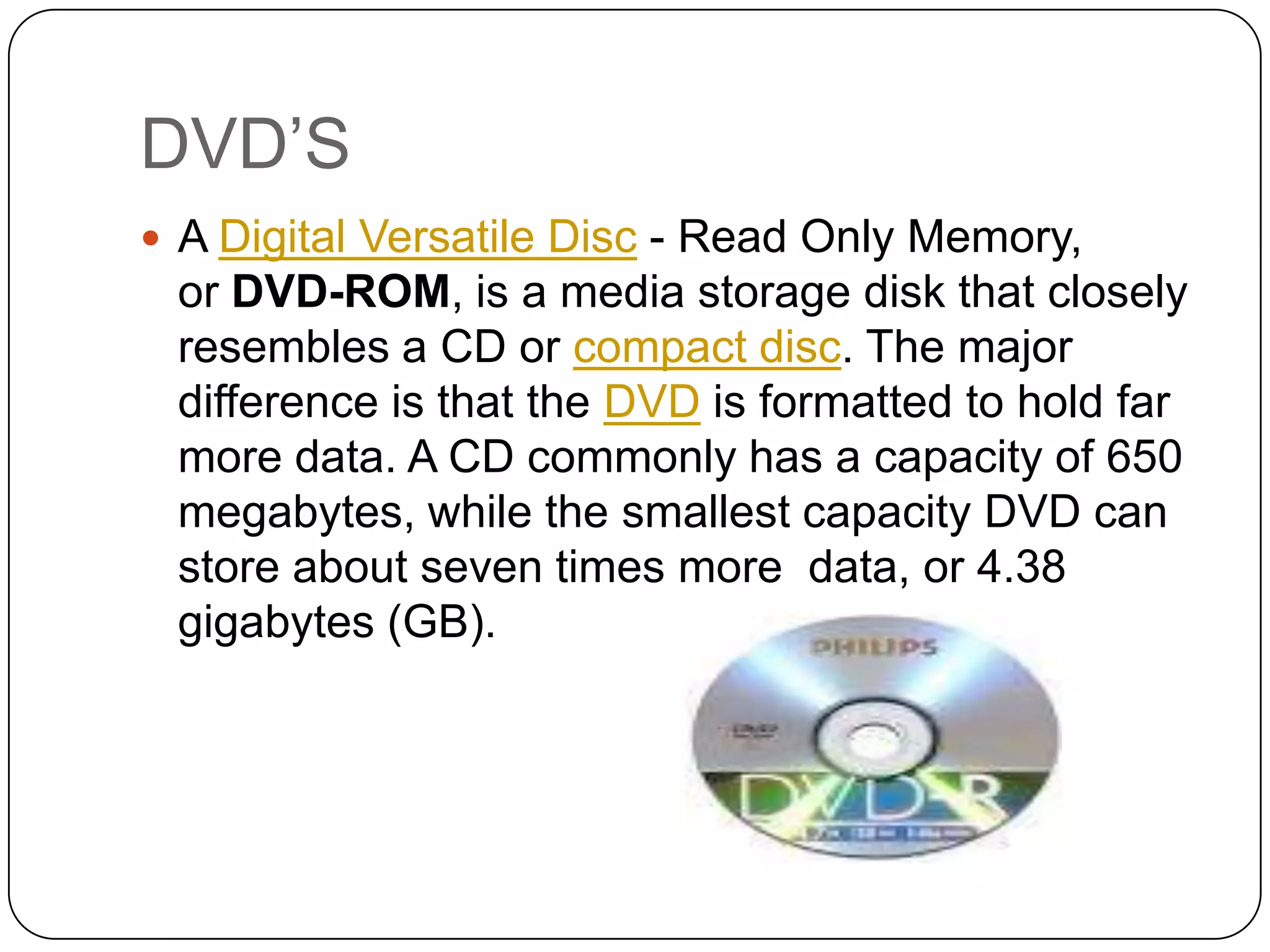
DVD’S
 A Digital Versatile Disc - Read Only Memory,
 or DVD-ROM, is a media storage disk that closely
 resembles a CD or compact disc. The major
 difference is that the DVD is formatted to hold far
 more data. A CD commonly has a capacity of 650
 megabytes, while the smallest capacity DVD can
 store about seven times more data, or 4.38
 gigabytes (GB).

Memory 02

  • 1.
    MEMORY Prepared by -ShivB.saud (1247138) -Siddhant bhattarai (1247170)
  • 2.
    Memory  Memory standsfor that thing that store something.  Like our brain computer have also storing unit called memory unit.  From memory information data are stored and fetch when required.  In computer memory there is no data loss problem.  Without memory unit a computer can’t perform its operation.  Example hard disk, CD etc.
  • 3.
    Types of memory There are two types of memory used inside computer system and they are-  1.primary memory  2. secondary memory  1.Primary memory is also known as the temporary memory because it only store data when that are at processing stage and after that it do not store it. Primary memory have less storing capacity as compared to secondary.
  • 4.
    Primary memory aretwo types  RAM  The RAM is a volatile memory, it means information written to it can be accessed as long as power is on. As soon as the power is off, it can not be accessed. so this mean RAM computer memory essentially empty.RAM holds data and processing instructions temporarily until the CPU needs it.  There are two basic types of RAM :  (i) Dynamic Ram  (ii) Static RAM
  • 5.
     Dynamic RAM: loses its stored information in a very short time (for milli sec.) even when power supply is on. D-RAM’s are cheaper & lower  . Static RAM uses a completely different technology. S-RAM retains stored information only as long as the power supply is on. Static RAM’s are costlier and consume more power. They have higher speed than D-RAMs. They store information in Hip-Hope.
  • 6.
    ROM  Read onlymemory (ROM) is an example of nonvolatile memory. ROM is a class of storage medium used in Computers and other electronic devices. Read Only Memory (ROM), also known as firmware, is an integrated circuit programmed with specific data when it is manufactured.  Types of ROM  PROM  EPROM  EEPROM
  • 7.
     PROM :Short for programmable read-only memory, a memory chip on which data can be written only once. Once a program has been written onto a PROM, it remains there forever.  EPROM : Erasable programmable read-only memory, and pronounced e.e-prom, EPROM is a special type of memory that retains its contents until it is exposed to ultraviolet light.  EEPROM : Short form of electrically erasable programmable read-only memory. EEPROM is a special type of PROM that can be erased by exposing it to an electrical charge. Like other types of PROM, EEPROM retains its contents even when the power is turned off. Also like other types of ROM, EEPROM is not as fast as RAM
  • 8.
    2. Secondary memory It is also known as the permanent storing device and it also store all the data and information permanently. It is also have huge capacity as compared to the primary memory and store all data and information.  Types of secondary memory  Hard disk  CD ROM  DVD  Pen drive
  • 9.
     Hard disk A hard disk is part of a unit, often called a "disk drive,""hard drive," or "hard disk drive," that stores and provides relatively quick access to large amounts of data on an electromagnetically charged surface or set of surfaces. Today's computers typically come with a hard disk that contains several billion bytes (gigabytes).
  • 10.
    CD ROM  CompactDisc-Read Only Memory, CD- ROM drives or optical drives are CD players inside computers that can have speeds in the range from 1x and beyond, and have the capability of playing audio CDs and computer data CDs. Below is a picture of the front and back of a standard CD-ROM drive.
  • 11.
    DVD’S  A DigitalVersatile Disc - Read Only Memory, or DVD-ROM, is a media storage disk that closely resembles a CD or compact disc. The major difference is that the DVD is formatted to hold far more data. A CD commonly has a capacity of 650 megabytes, while the smallest capacity DVD can store about seven times more data, or 4.38 gigabytes (GB).