The document outlines the Computer Systems Servicing NC II qualification, detailing competencies related to installing, configuring, maintaining, and repairing computer systems and networks. It emphasizes occupational health and safety procedures that must be followed while working with computer systems, such as avoiding hazards and using personal protective equipment. It also explains the types of Ethernet cables used in networking, including straight-through and crossover cables, along with their applications.
Introduction to the SENIOR HIGH SCHOOL JOINT DELIVERY VOUCHER PROGRAM and overview of COMPUTER SYSTEMS SERVICING NC II qualifications.
Describes the units of competency comprising CSS NC II: Basic, Common, and Core Competencies, including tasks like installing systems and setting up networks.Details on core competencies such as installation, configuration of computer systems, networks, and maintenance procedures.
Occupational health and safety procedures to ensure safety while working on computer systems, including identifying hazards and proper equipment handling.
Introduction to computer networking, types of network devices, and an explanation of straight-through and crossover cables for connectivity.
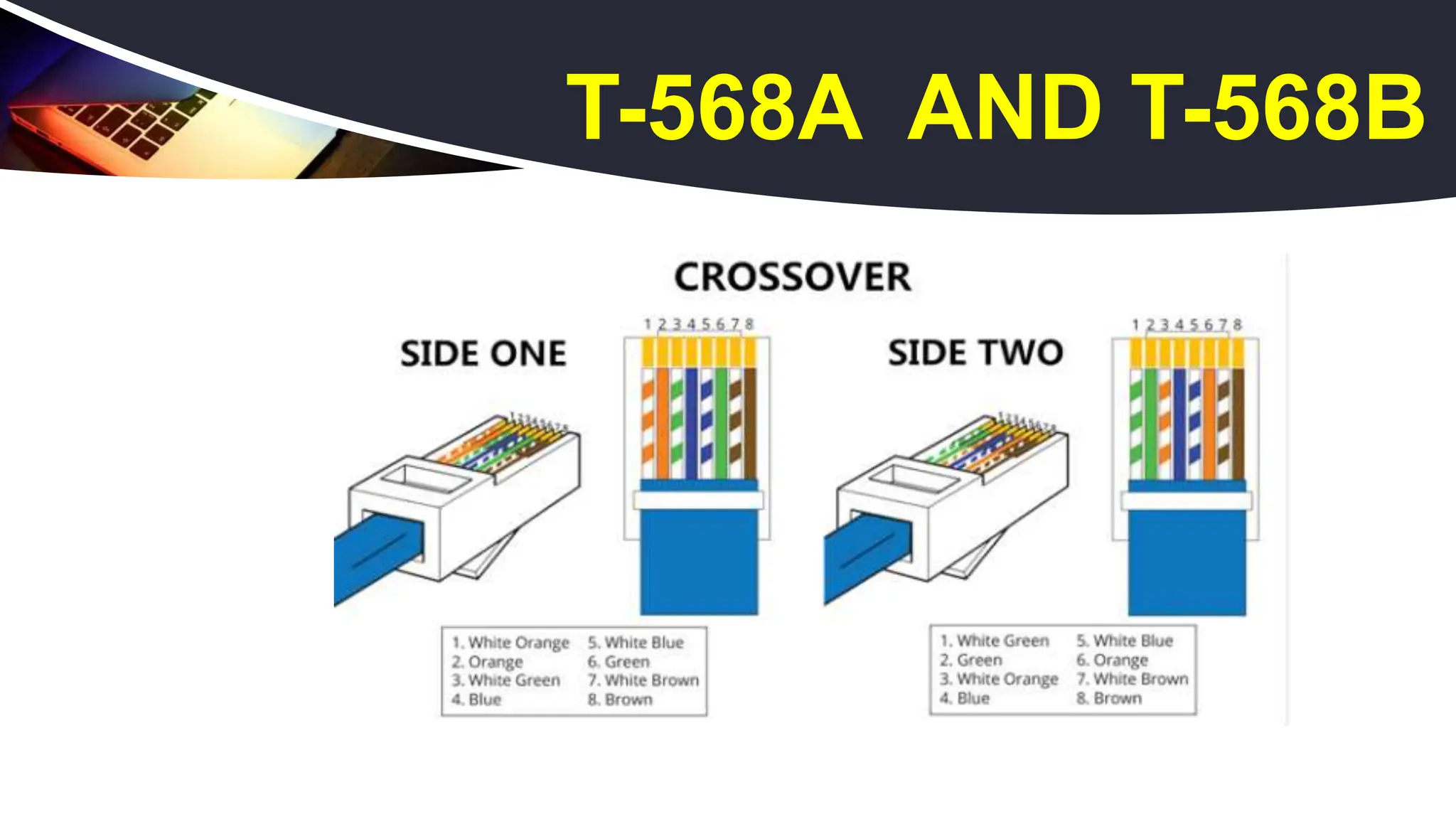
Explanation of crossover cables including their wiring standards (T568A and T568B) and specific applications in networking.
The COMPUTERSYSTEMS SERVICING NC II
Qualification consists of competencies that
must possess to enable to install and
configure computers systems, set-up computer
networks and servers and to maintain and
repair computer systems and networks.
WHAT IS CSS?
3.
BASIC COMPETENCIES
COMMONCOMPETENCIES
CORE COMPETENCIES
THE UNITS OF COMPETENCY COMPRISING
THIS QUALIFICATION INCLUDE THE
FOLLOWING:
4.
Participate in workplacecommunication
Work in a team environment
Practice career professionalism
Practice occupational health and
safety
procedures
BASIC COMPETENCIES
5.
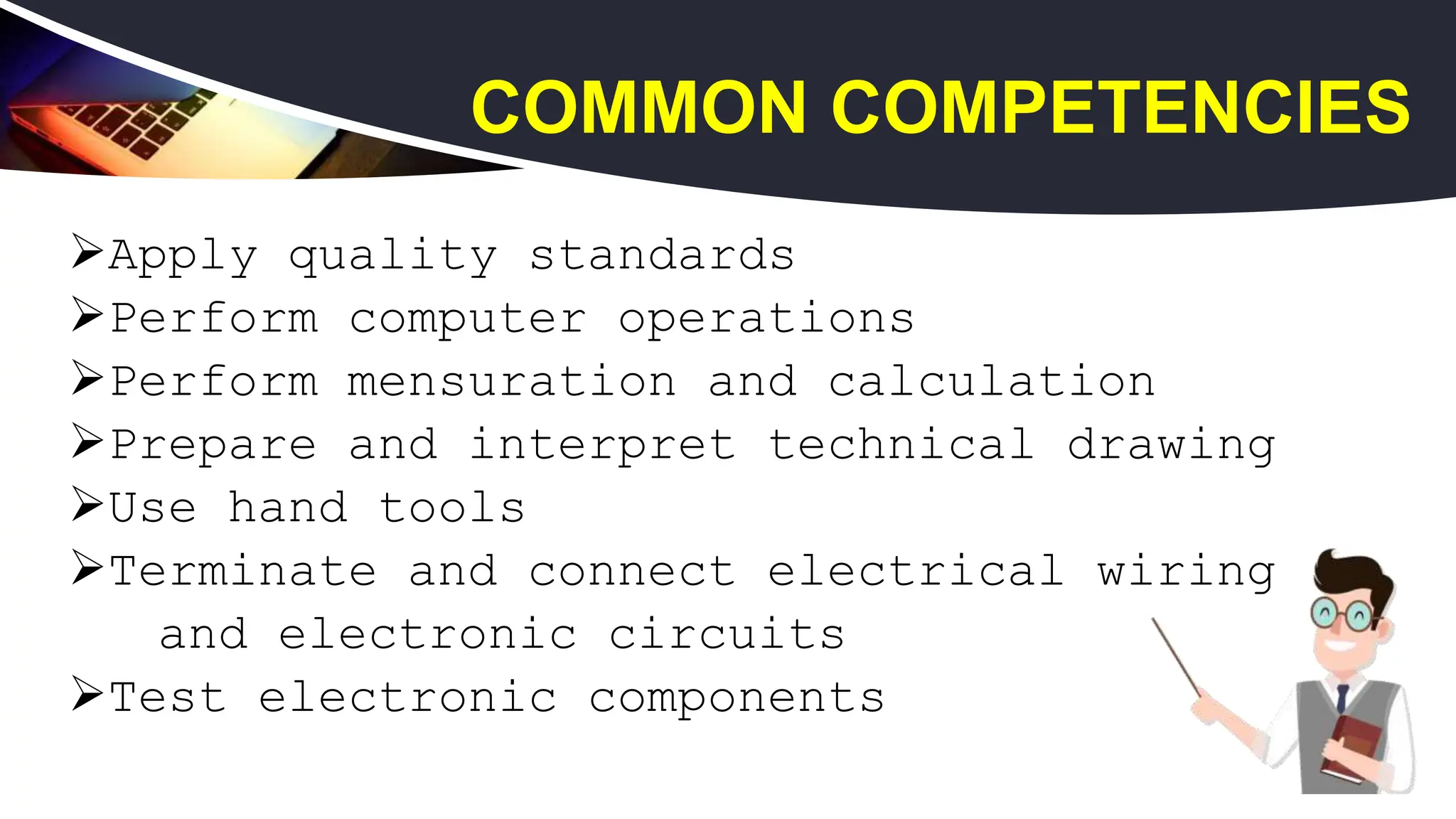
Apply quality standards
Performcomputer operations
Perform mensuration and calculation
Prepare and interpret technical drawing
Use hand tools
Terminate and connect electrical wiring
and electronic circuits
Test electronic components
COMMON COMPETENCIES
6.
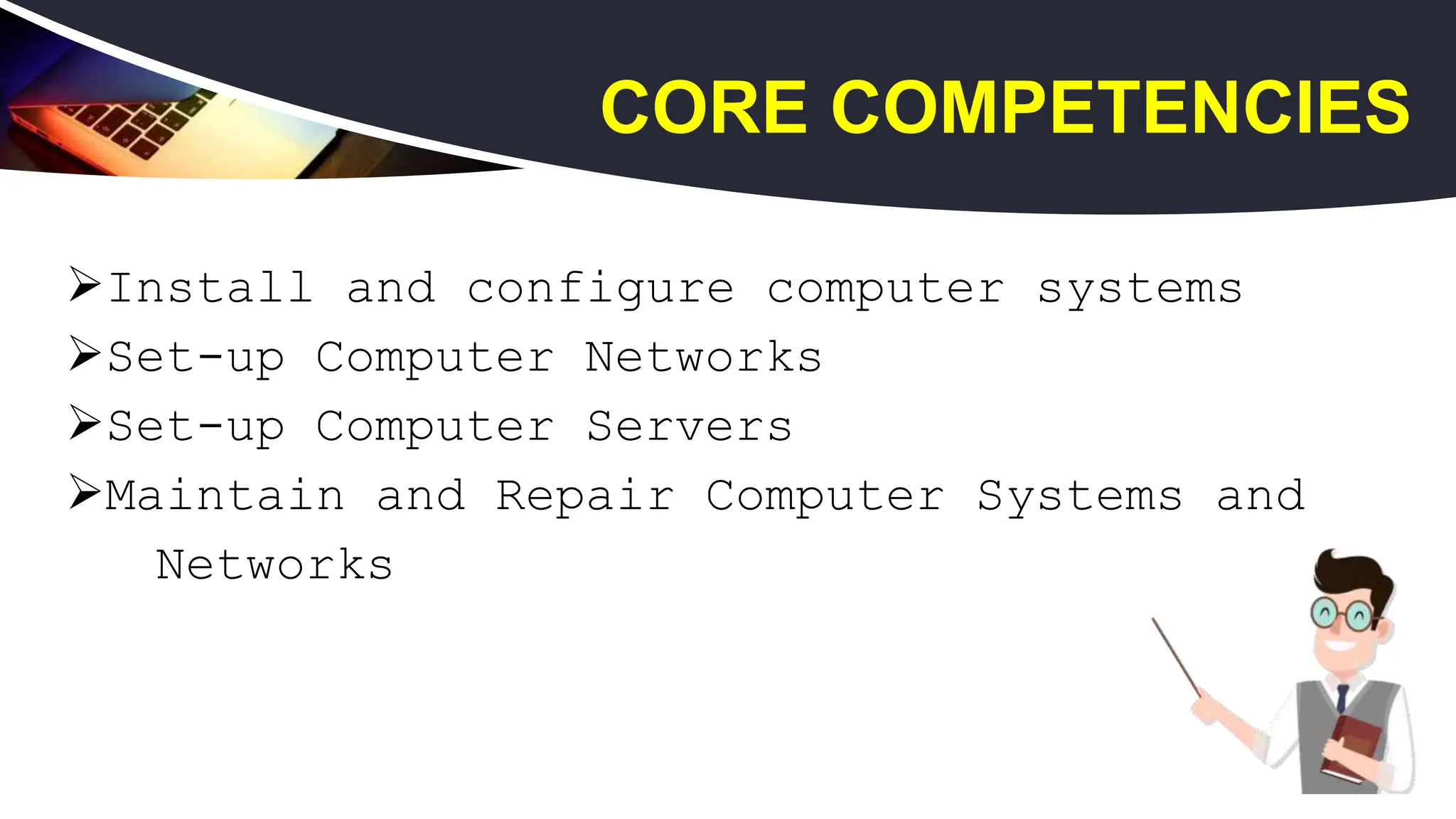
Install and configurecomputer systems
Set-up Computer Networks
Set-up Computer Servers
Maintain and Repair Computer Systems and
Networks
CORE COMPETENCIES
7.
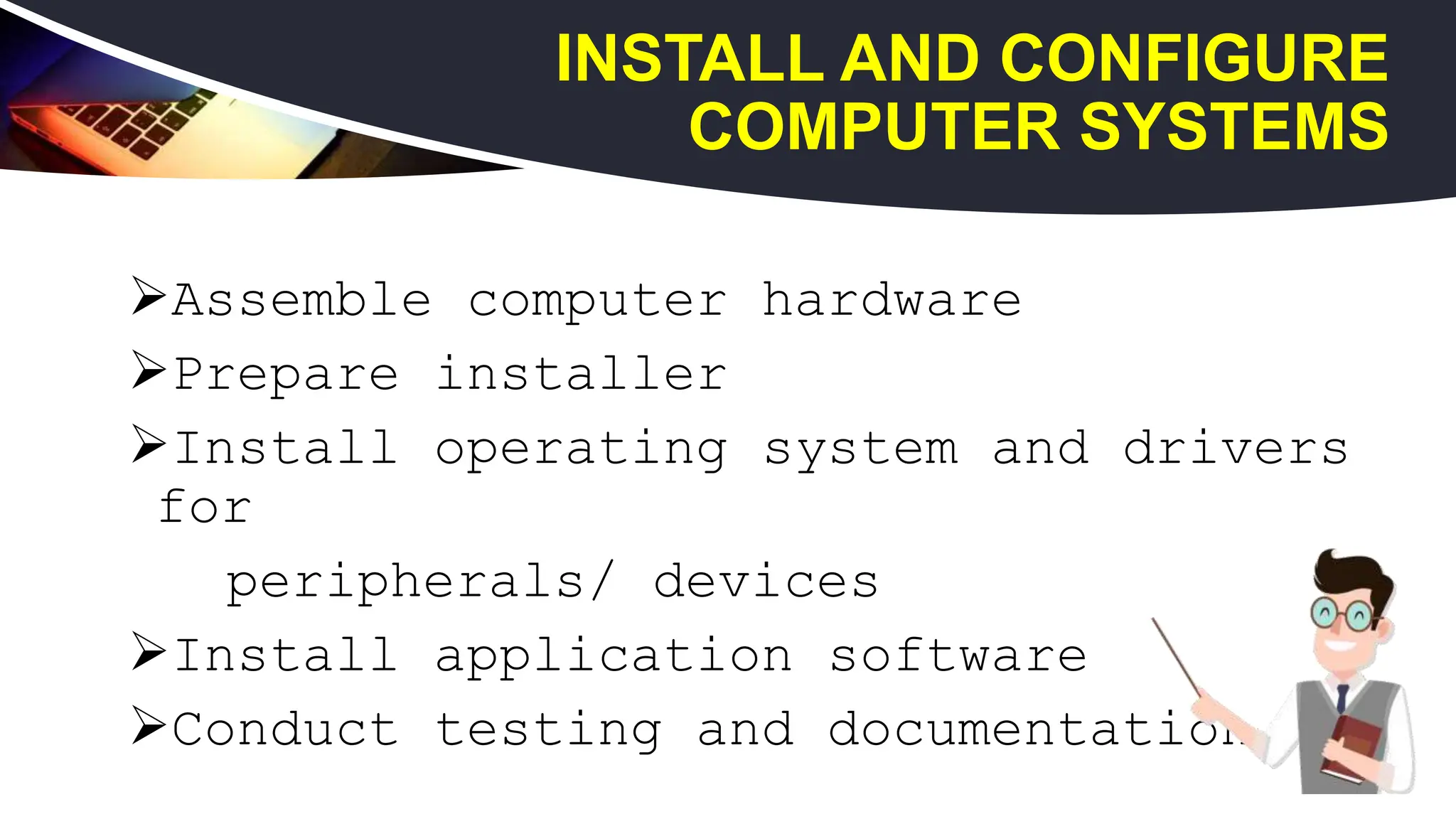
Assemble computer hardware
Prepareinstaller
Install operating system and drivers
for
peripherals/ devices
Install application software
Conduct testing and documentation
7
INSTALL AND CONFIGURE
COMPUTER SYSTEMS
8.
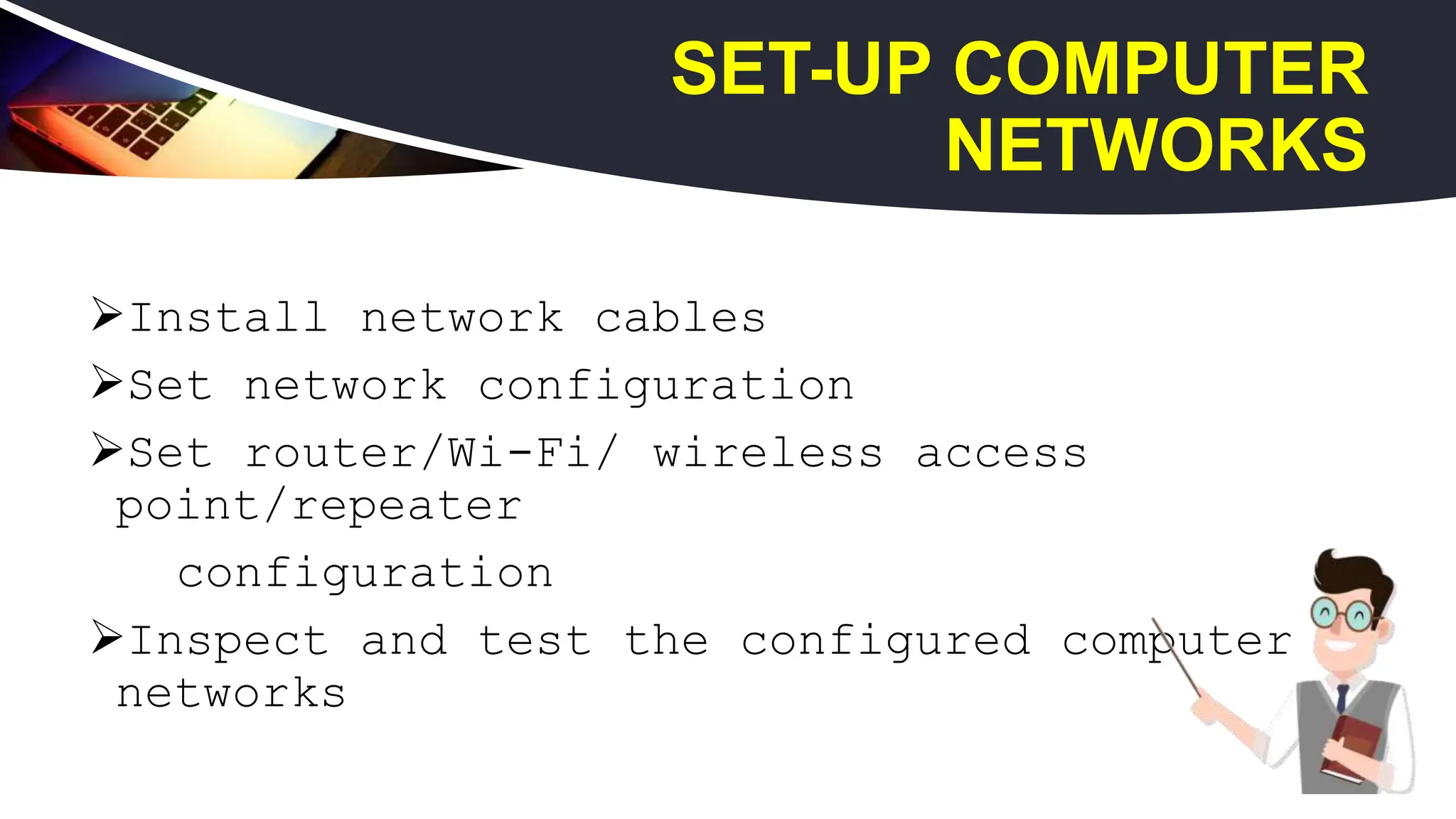
Install network cables
Setnetwork configuration
Set router/Wi-Fi/ wireless access
point/repeater
configuration
Inspect and test the configured computer
networks
8
SET-UP COMPUTER
NETWORKS
9.
Set-up user access
Configurenetwork services
Perform testing, documentation and
pre-
deployment procedures
9
SET-UP COMPUTER
SERVERS
10.
Plan and preparefor maintenance and repair
Maintain computer systems and networks
Diagnose faults of computer systems and
networks
Rectify/correct defects in computer systems
and networks
Inspect and test the computer systems and
networks
10
MAINTAIN AND REPAIR COMPUTER
SYSTEMS AND NETWORKS
You mustidentify the hazard
where you are working and
decide how dangerous they are.
Eliminate the hazard or modify
the risk that it presents.
12
OCCUPATIONAL HEALTH AND
SAFETY PROCEDURE
13.
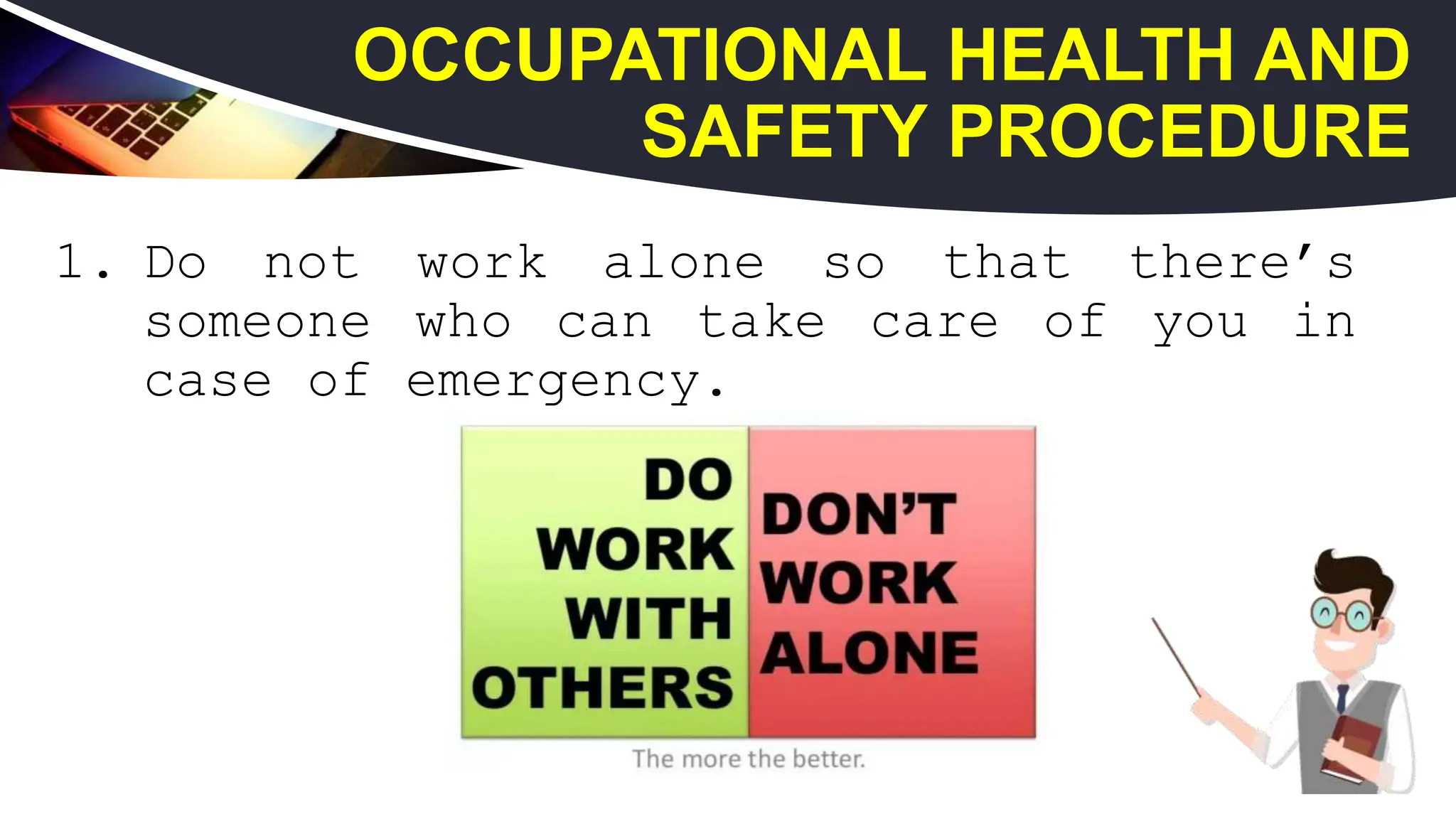
1. Do notwork alone so that there’s
someone who can take care of you in
case of emergency.
13
OCCUPATIONAL HEALTH AND
SAFETY PROCEDURE
14.
2. Always poweroff the computer and
unplug the computer before working
on it.
14
OCCUPATIONAL HEALTH AND
SAFETY PROCEDURE
15.
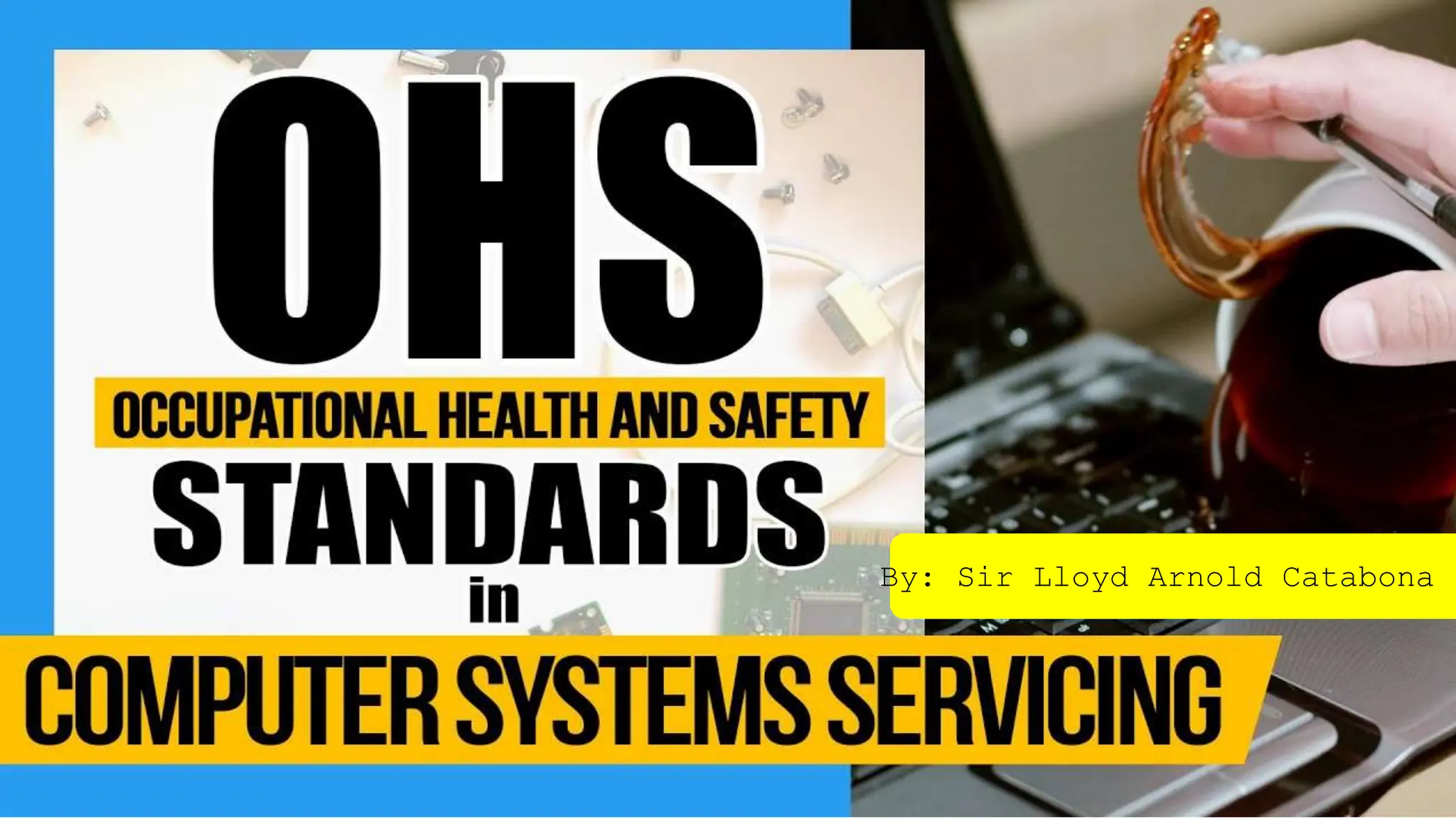
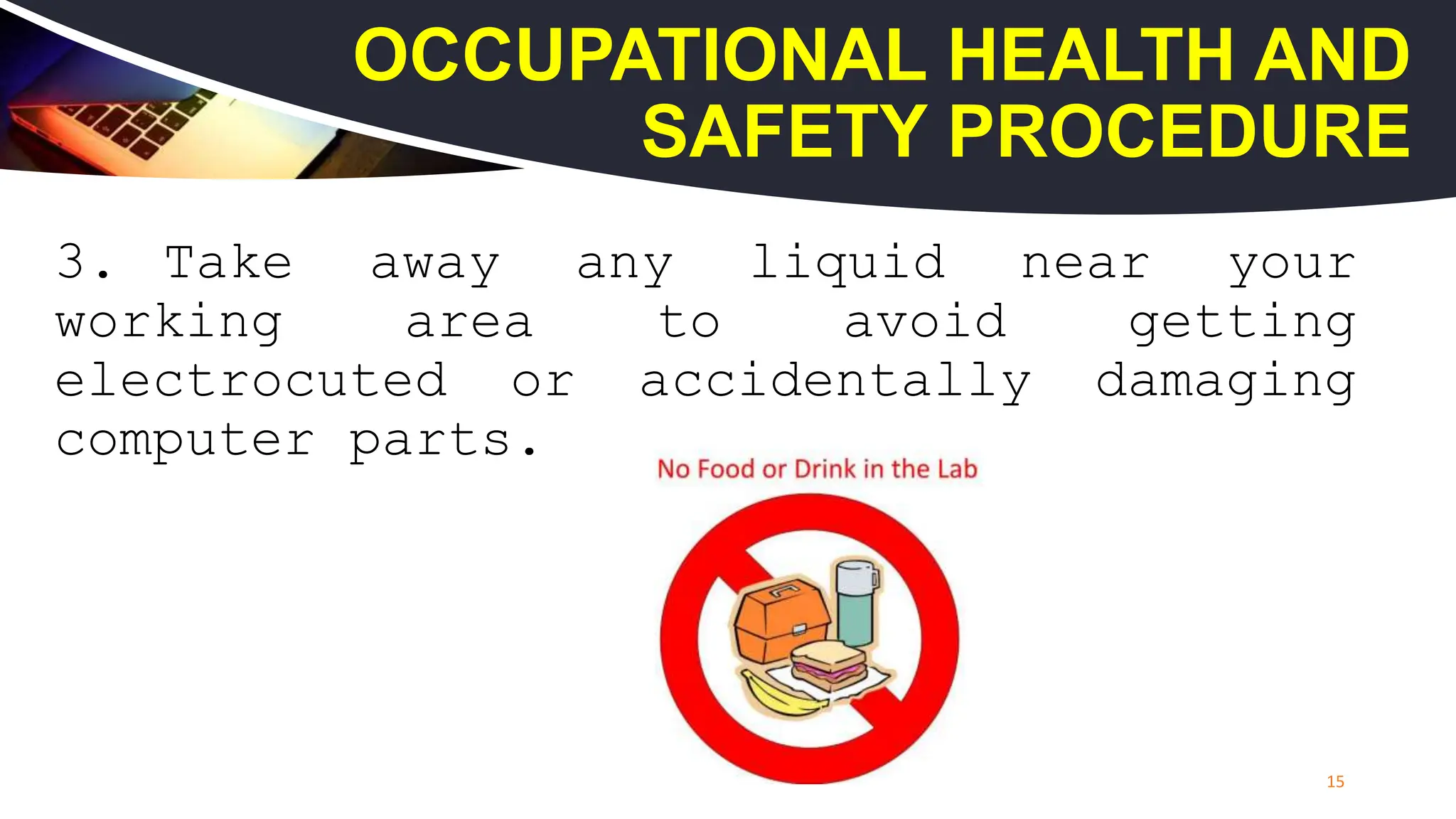
3. Take awayany liquid near your
working area to avoid getting
electrocuted or accidentally damaging
computer parts.
15
OCCUPATIONAL HEALTH AND
SAFETY PROCEDURE
16.
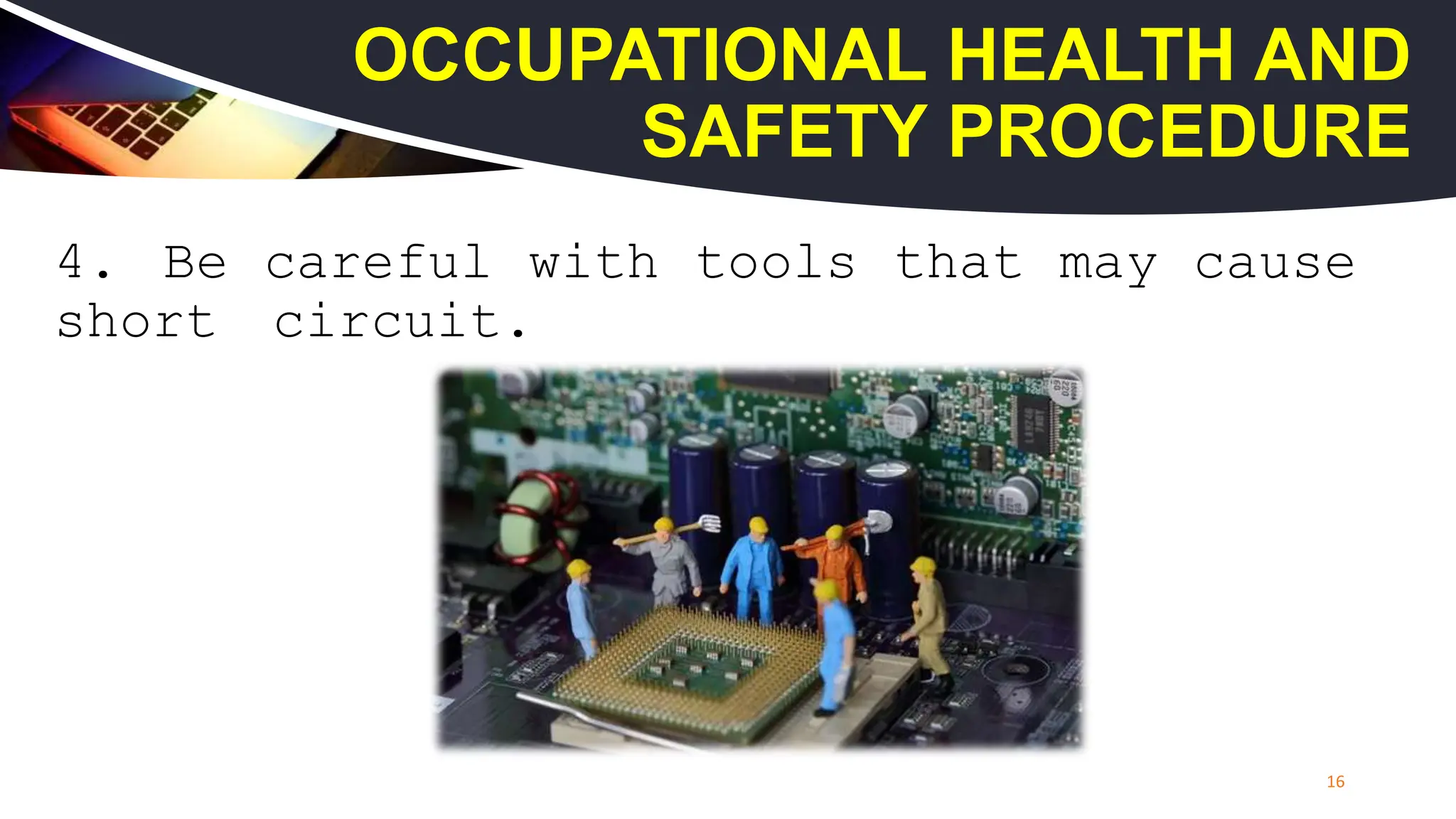
4. Be carefulwith tools that may cause
short circuit.
16
OCCUPATIONAL HEALTH AND
SAFETY PROCEDURE
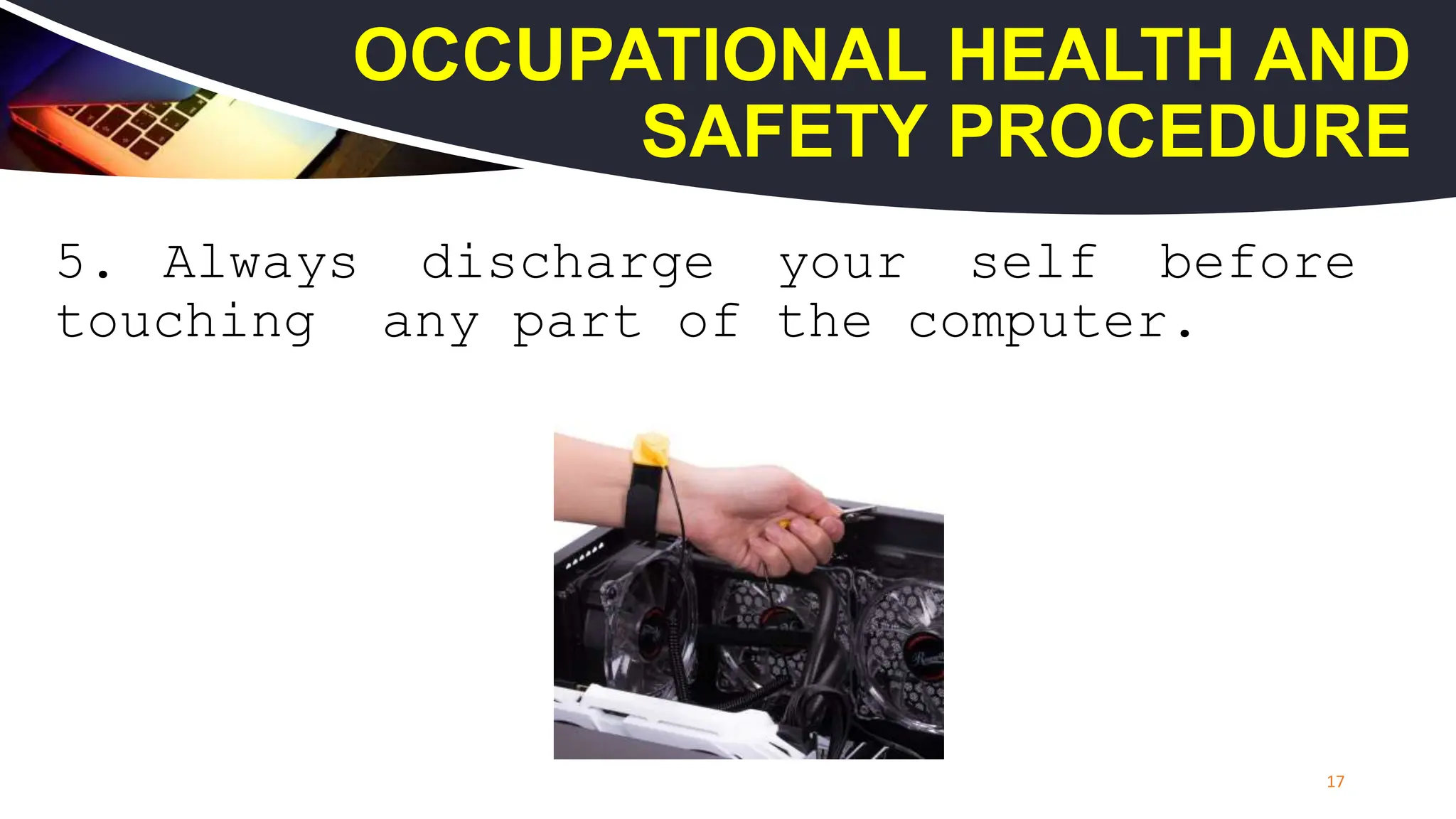
17.
5. Always dischargeyour self before
touching any part of the computer.
17
OCCUPATIONAL HEALTH AND
SAFETY PROCEDURE
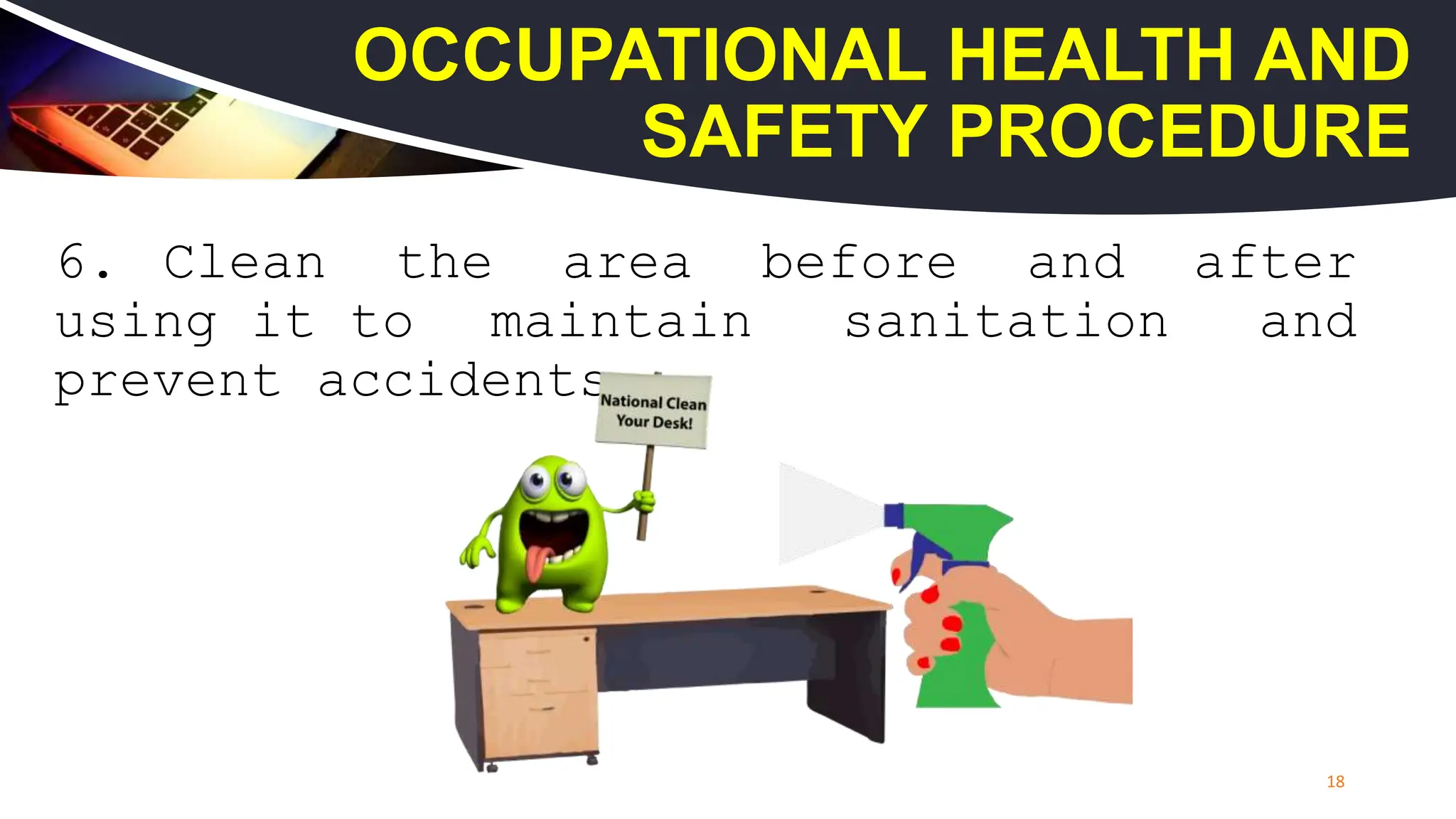
18.
6. Clean thearea before and after
using it to maintain sanitation and
prevent accidents.
18
OCCUPATIONAL HEALTH AND
SAFETY PROCEDURE
19.
7. Do notuse excessive force if things
don’t quite slip into place.
19
OCCUPATIONAL HEALTH AND
SAFETY PROCEDURE
20.
8. Hold thecomponents to the on the
edges and do not touch the integrated
circuit (IC) parts.
20
OCCUPATIONAL HEALTH AND
SAFETY PROCEDURE
21.
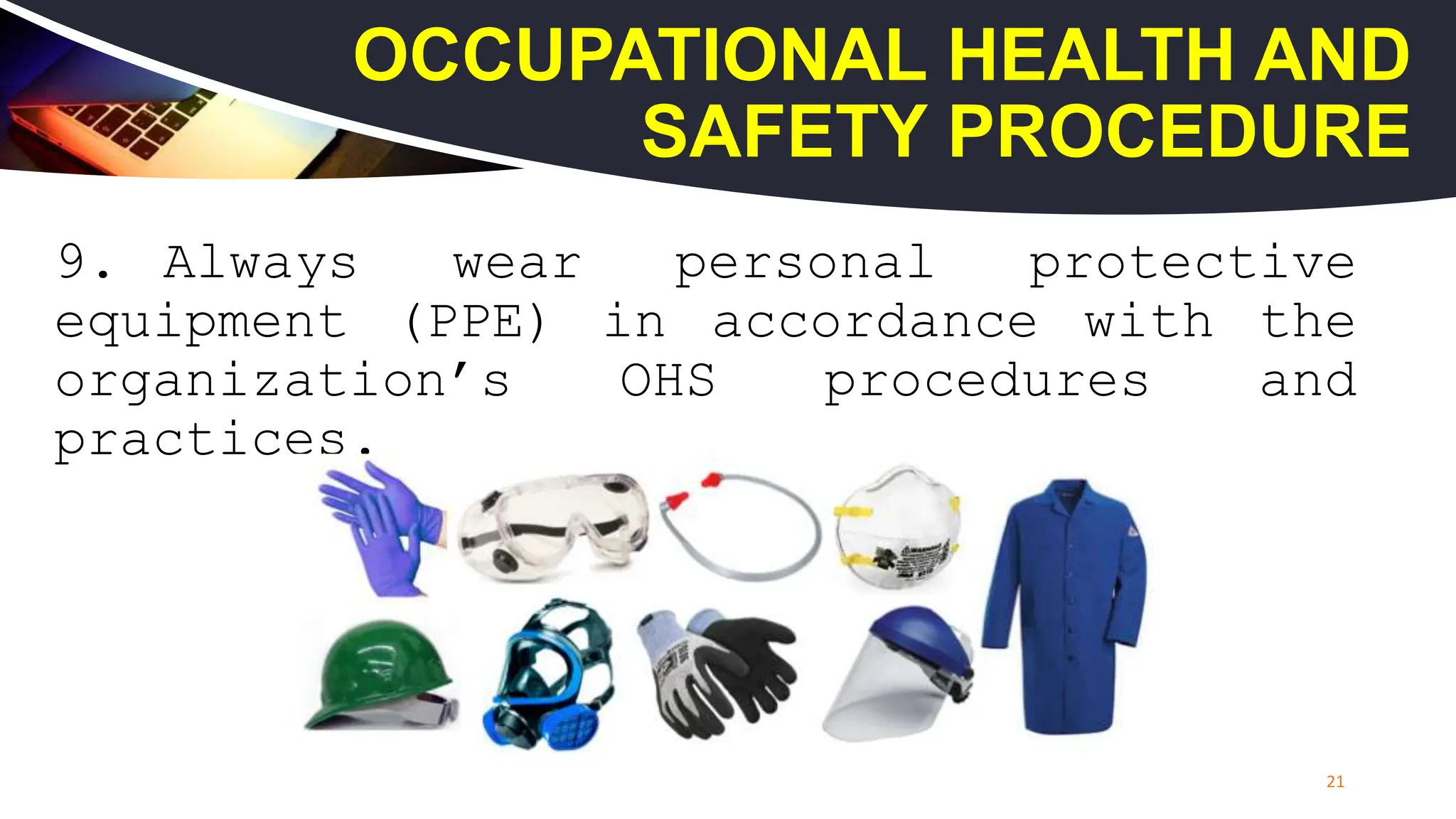
9. Always wearpersonal protective
equipment (PPE) in accordance with the
organization’s OHS procedures and
practices.
21
OCCUPATIONAL HEALTH AND
SAFETY PROCEDURE
22.
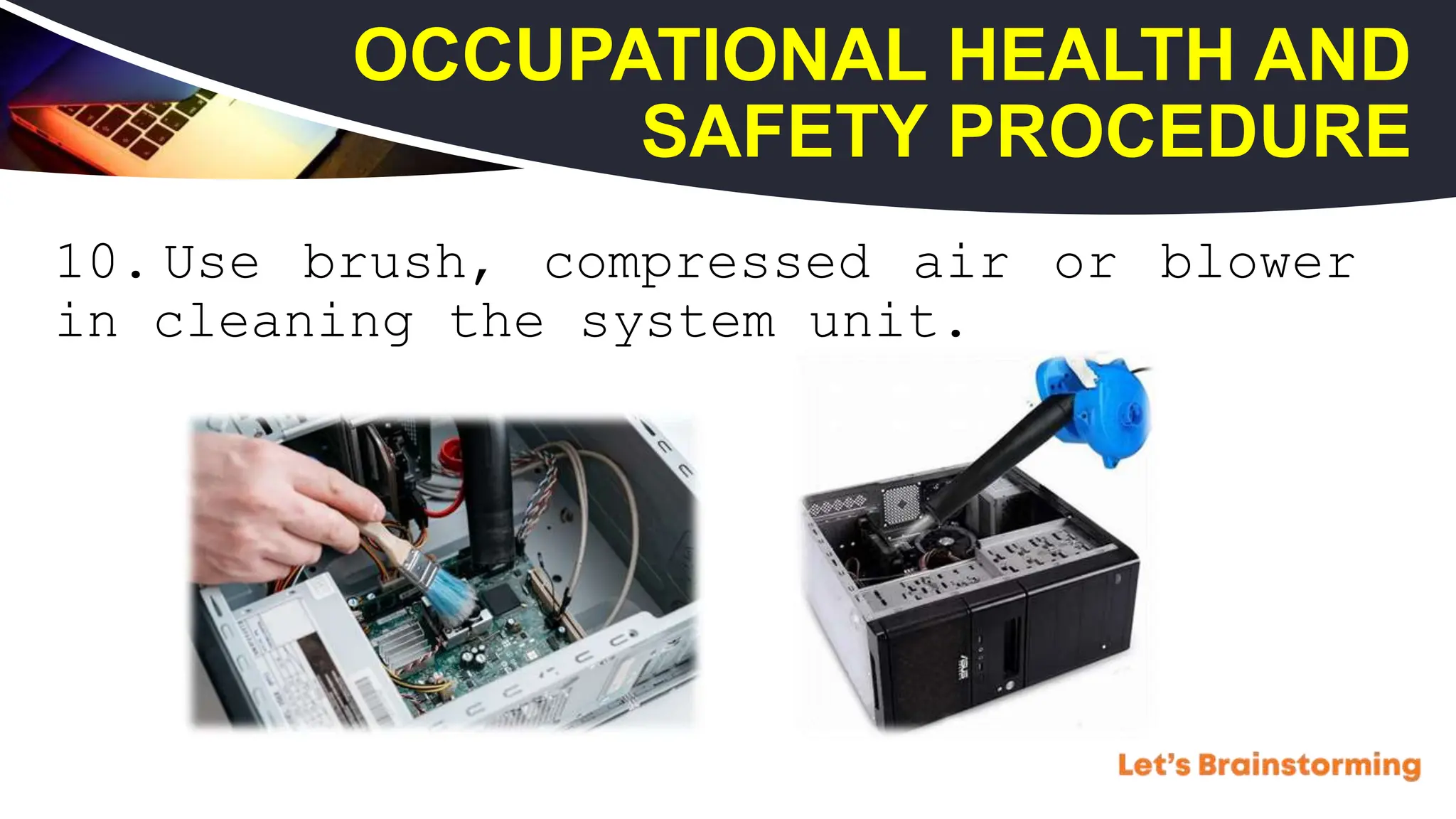
10. Use brush,compressed air or blower
in cleaning the system unit.
OCCUPATIONAL HEALTH AND
SAFETY PROCEDURE
WHAT IS NETWORKING?
•Networking is referred as connecting computers
electronically for the purpose of sharing
information. Resources such as files,
applications, printers and software are common
information shared in a networking.
25.
THE MOST COMMONTYPES OF
NETWORK DEVICES ARE:
Repeater
Network Hub
Switch
Modem
Access Point
Router
WHAT IS STRAIGHTTHROUGH
CABLE?
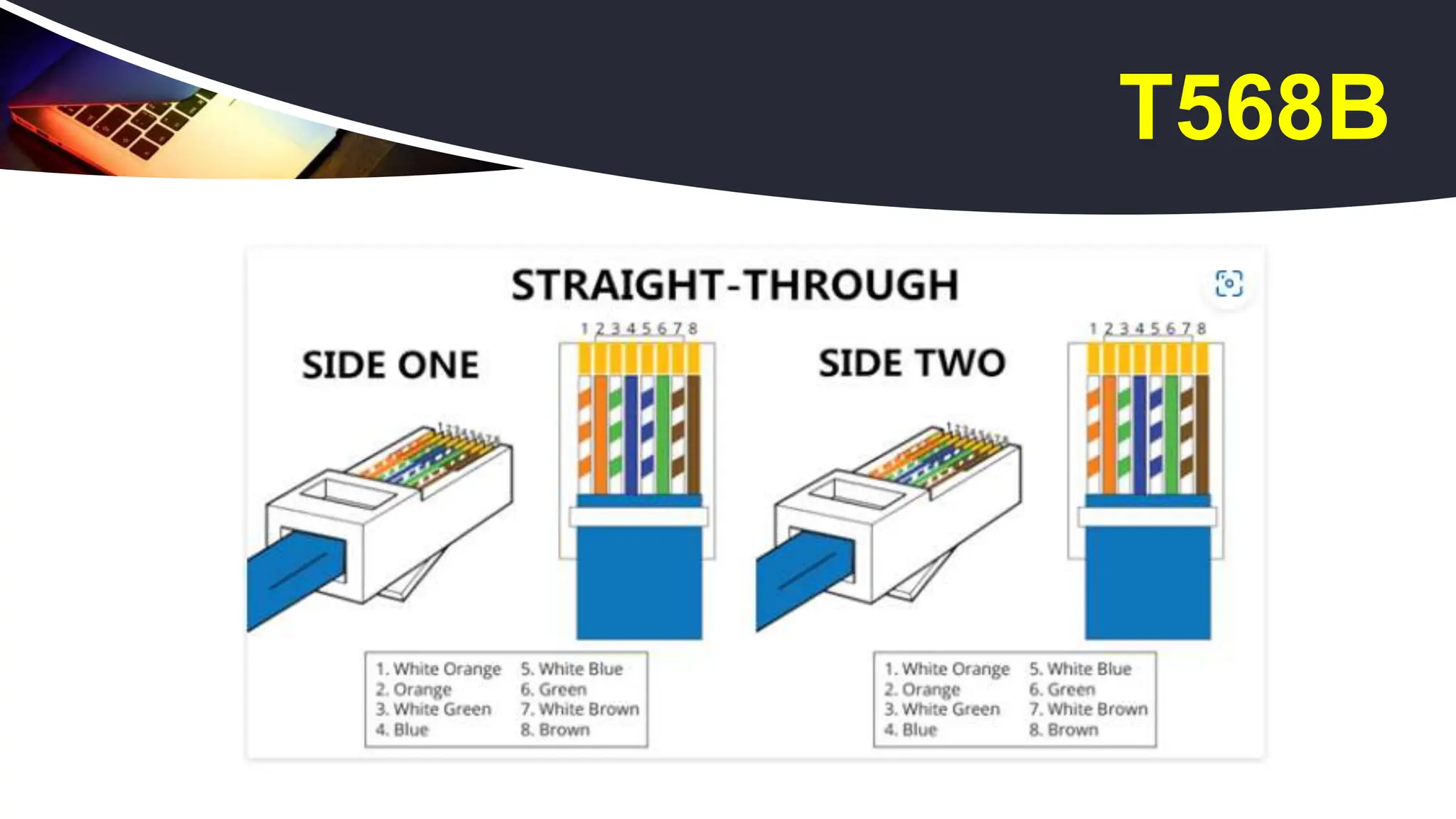
A straight through cable is a type of twisted
pair cable that is used in local area networks to
connect a computer to a network hub such as a
router. Straight through cable use one wiring
standard: both ends use T568A wiring standard or
both ends use T568B wiring standard. The following
figure shows a straight through cable of which
both ends are wired as the T568B standard.
29.
WHAT IS CROSSOVER
CABLE?
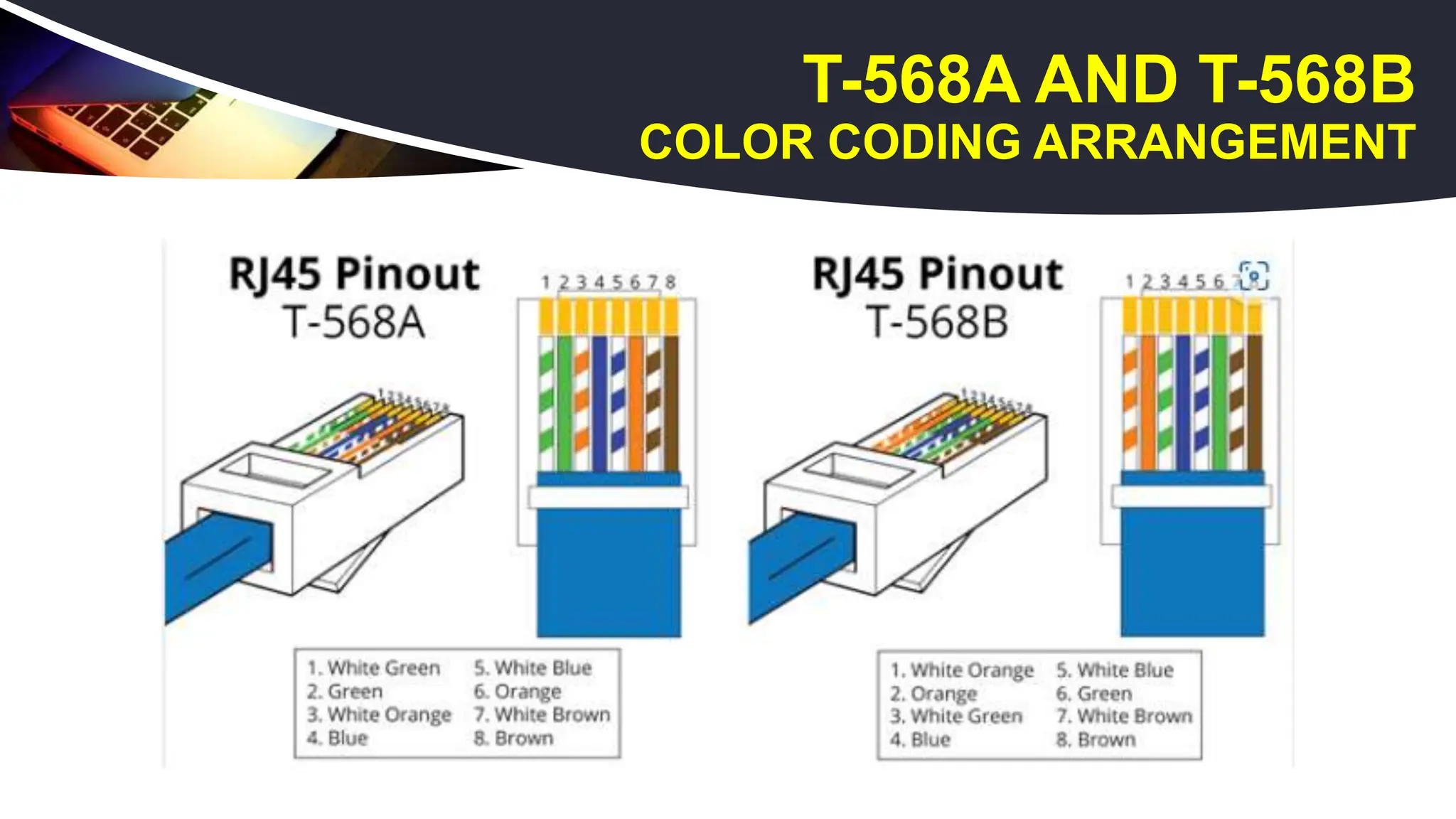
Acrossover Ethernet cable is a type of Ethernet
cable used to connect computing devices together
directly. Unlike straight through cable, the RJ45
crossover cable uses two different wiring
standards: one end uses the T568A wiring standard,
and the other end uses the T568B wiring standard.
30.
WHAT IS CROSSOVER
CABLE?
Usestraight through Ethernet cable for the following cabling:
• Switch to router
• Switch to PC or server
• Hub to PC or server
Use crossover cables for the following cabling:
• Switch to switch
• Switch to hub
• Hub to hub
• Router to router
• Router Ethernet port to PC NIC
• PC to PC