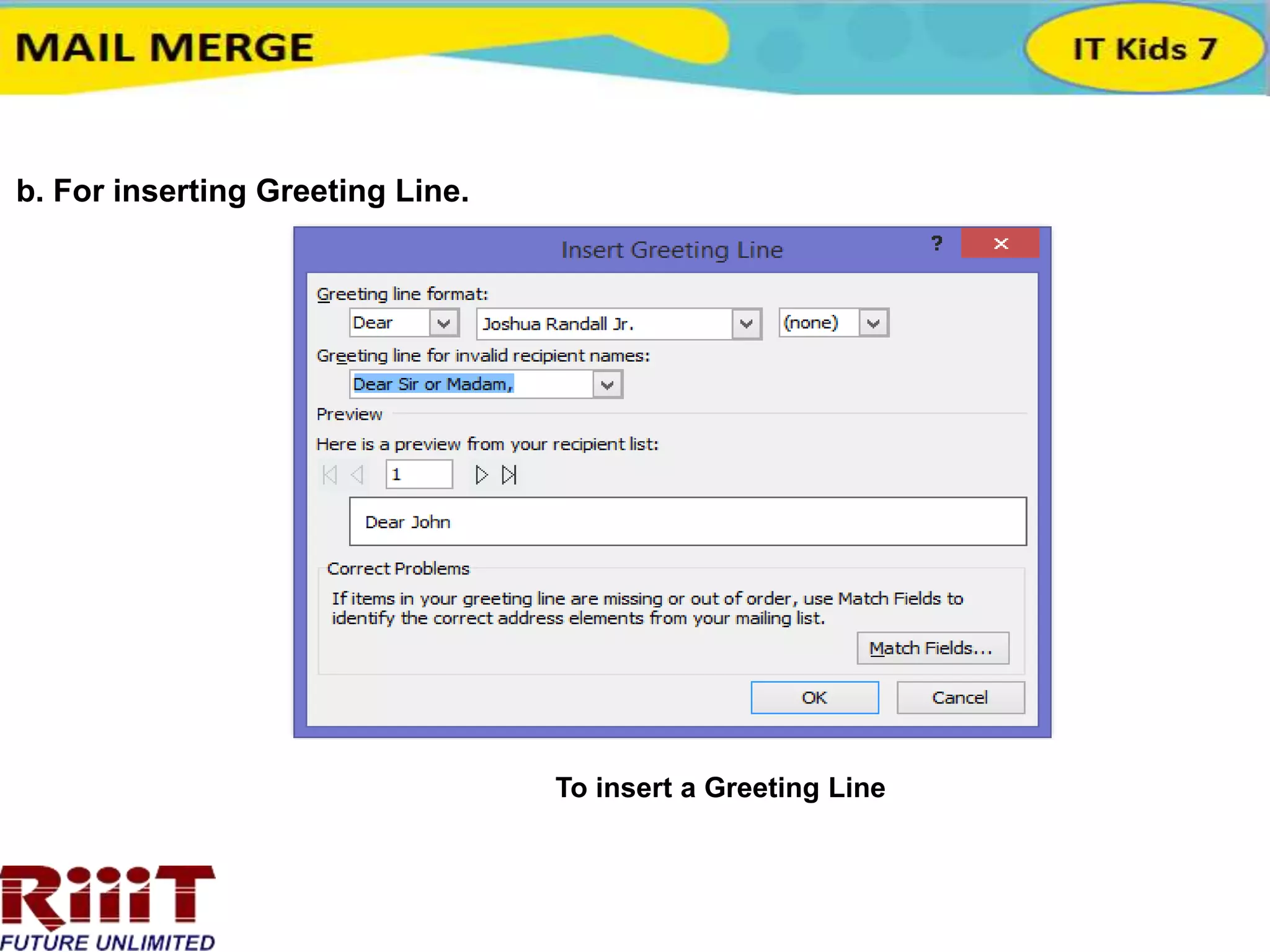
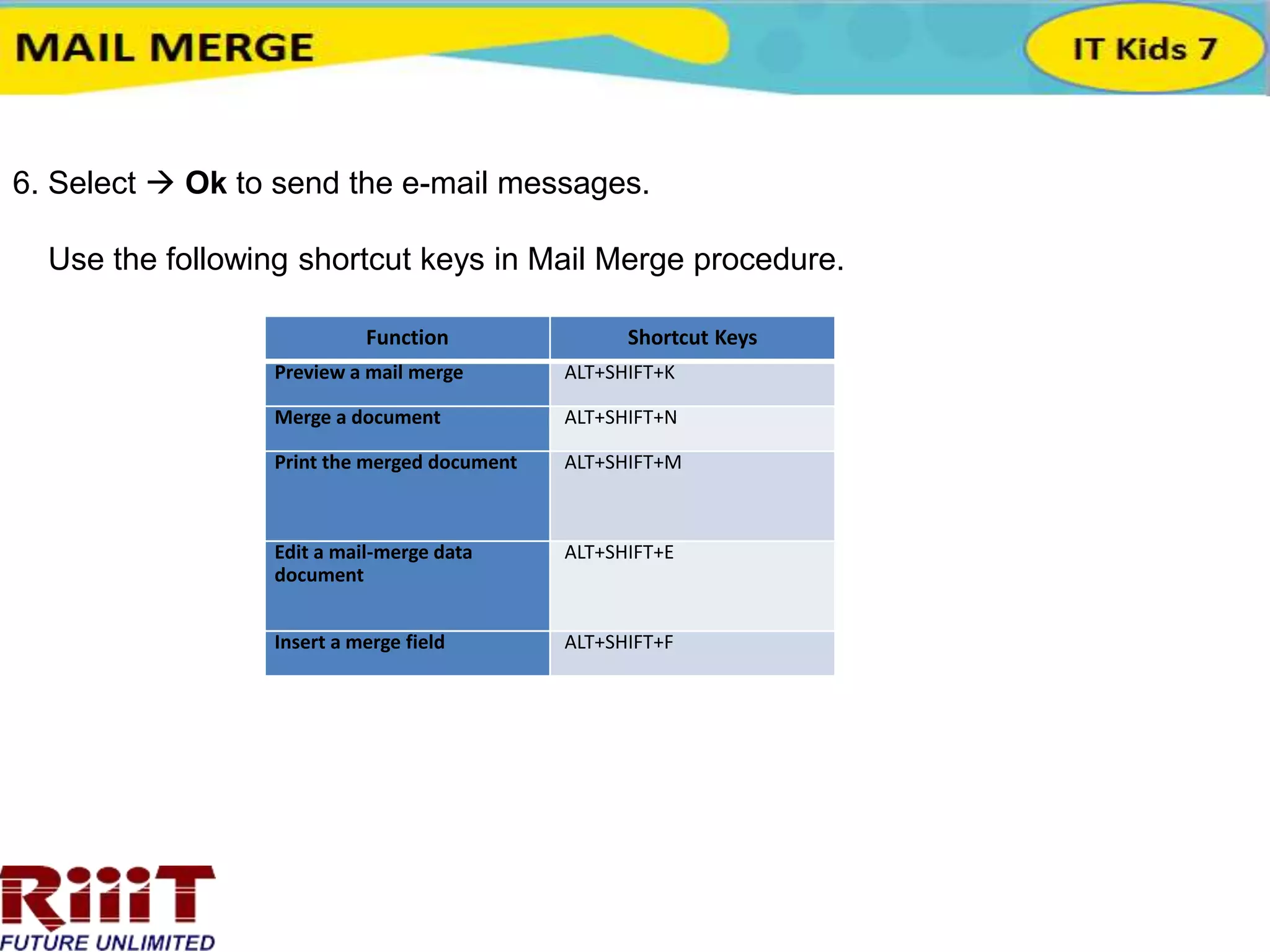
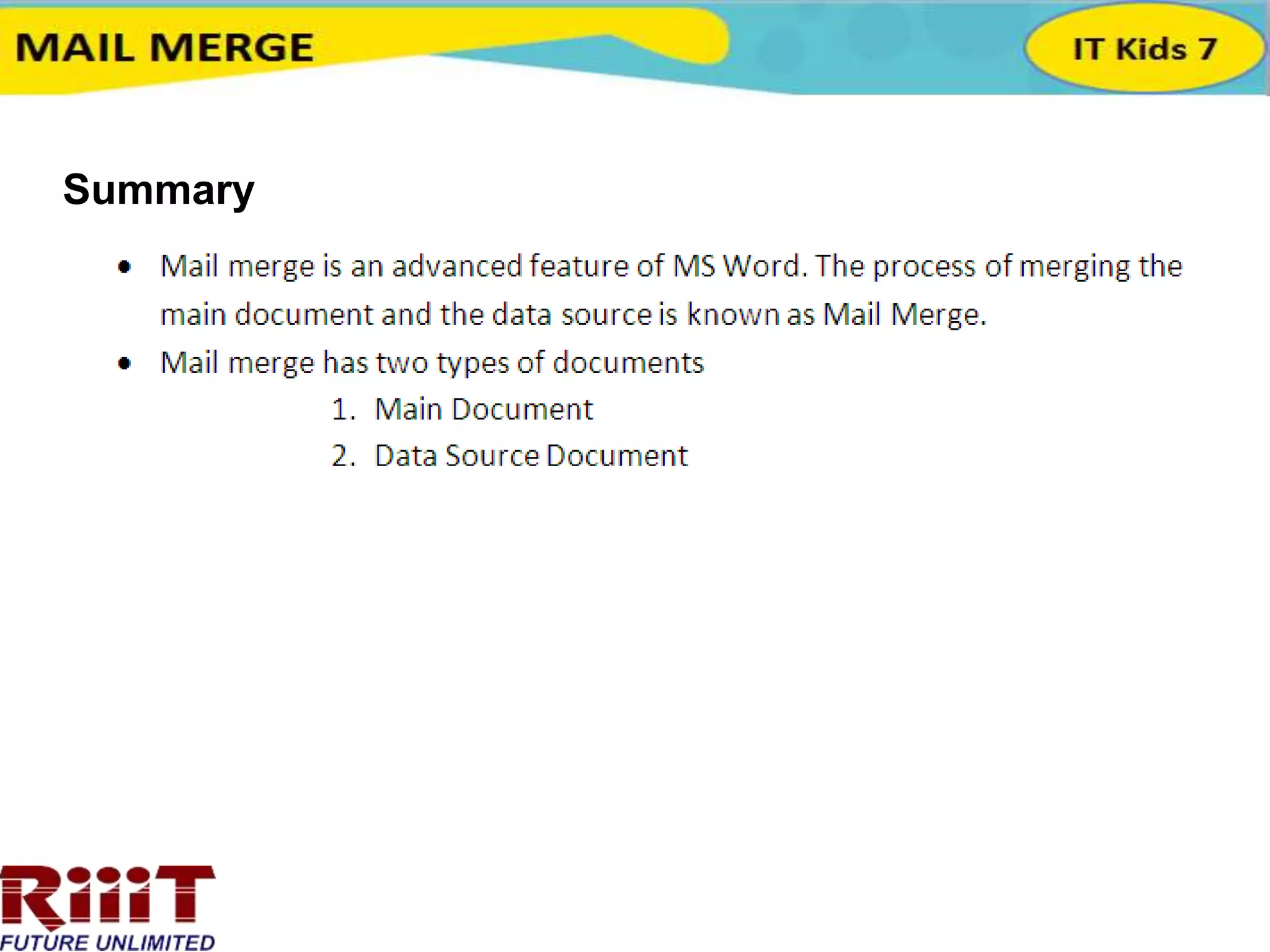
This document outlines the steps to perform a mail merge in Microsoft Word: 1) Select recipients from an existing data source or create a new recipient list, 2) Write a main document template and insert merge fields to populate it with recipient data, 3) Preview the merged documents to check for errors, 4) Send the mail merge output as email attachments or plain/HTML text by selecting options like the subject line and recipient range. Key shortcuts are provided for previewing, merging, printing, editing data sources and inserting fields.