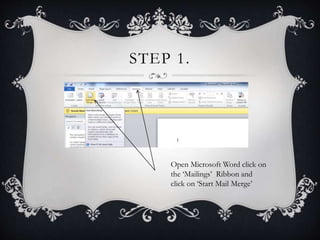
This document provides a tutorial on how to perform a mail merge in Microsoft Word. It outlines 8 steps to complete a mail merge, including opening Word and selecting the mailings ribbon, choosing a document type, selecting recipients from a data source, entering recipient details, writing a letter and inserting merge fields, and finally merging the data to create individual letters. Mail merges allow automatically populating letters with unique recipient details like name and address, which is faster than manually editing each letter. A more in-depth video tutorial is provided for additional help.