HTMLL E S S O N T W O : S T A R T I N G W I T H T H E
B A S I C S
B Y : L L OY D C H R I S TO P H E R M . E S T E B A N
STRUCTURE OF AN HTML
DOCUMENT
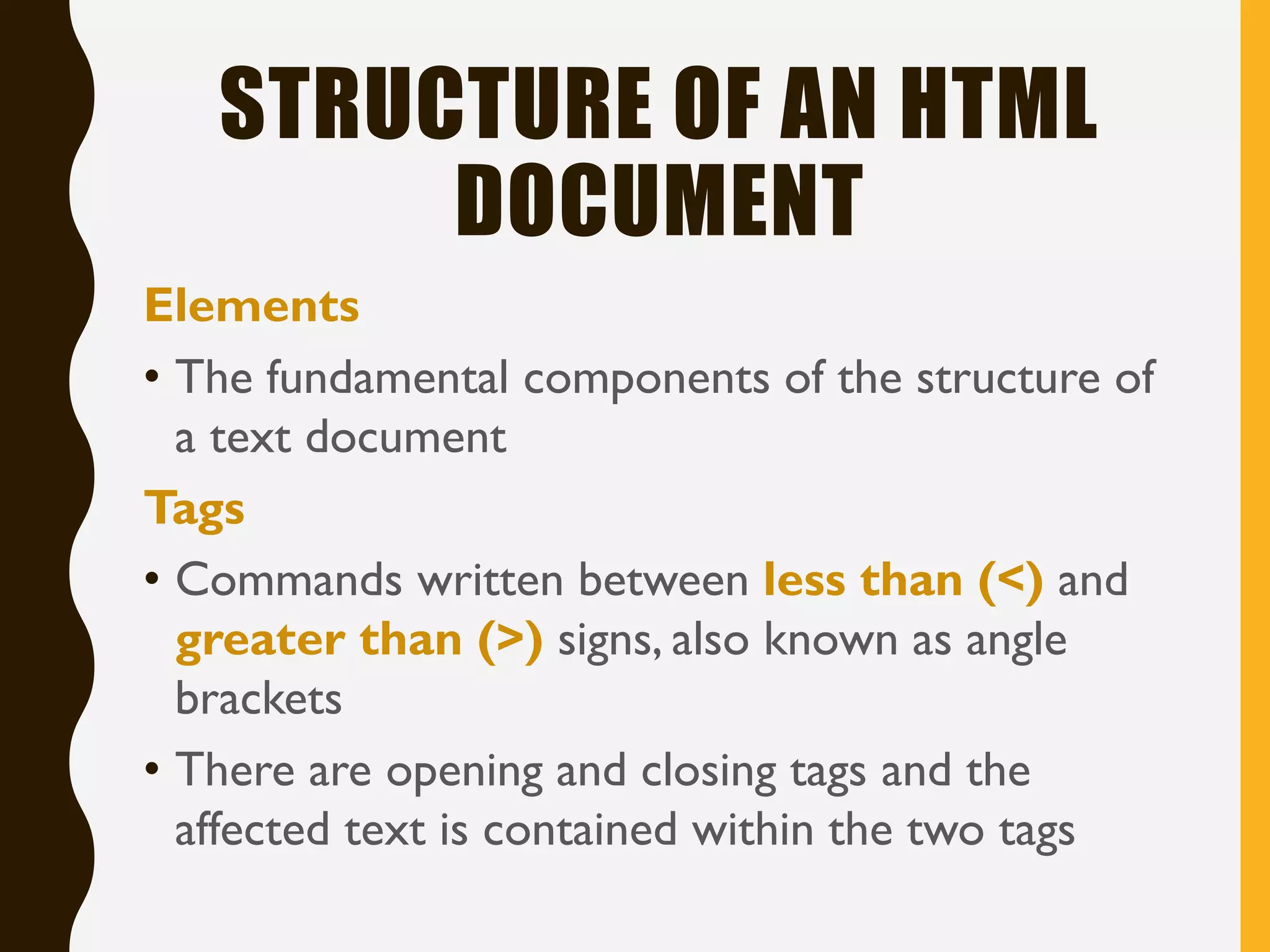
Elements
• The fundamental components of the structure of
a text document
Tags
• Commands written between less than (<) and
greater than (>) signs, also known as angle
brackets
• There are opening and closing tags and the
affected text is contained within the two tags
STRUCTURE OF AN HTML
DOCUMENT
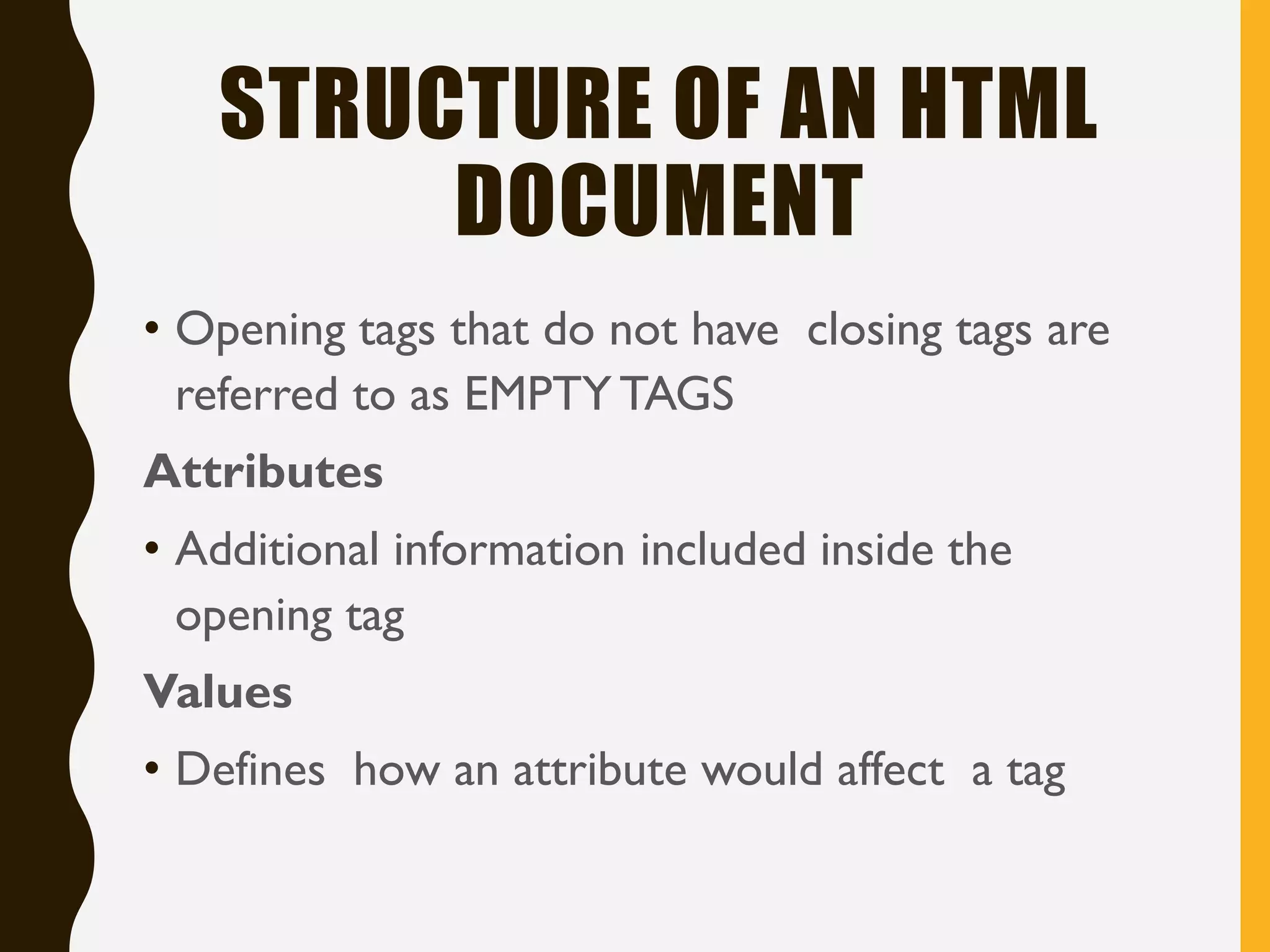
• Opening tags that do not have closing tags are
referred to as EMPTY TAGS
Attributes
• Additional information included inside the
opening tag
Values
• Defines how an attribute would affect a tag
ANATOMY OF AN HTML ELEMENT
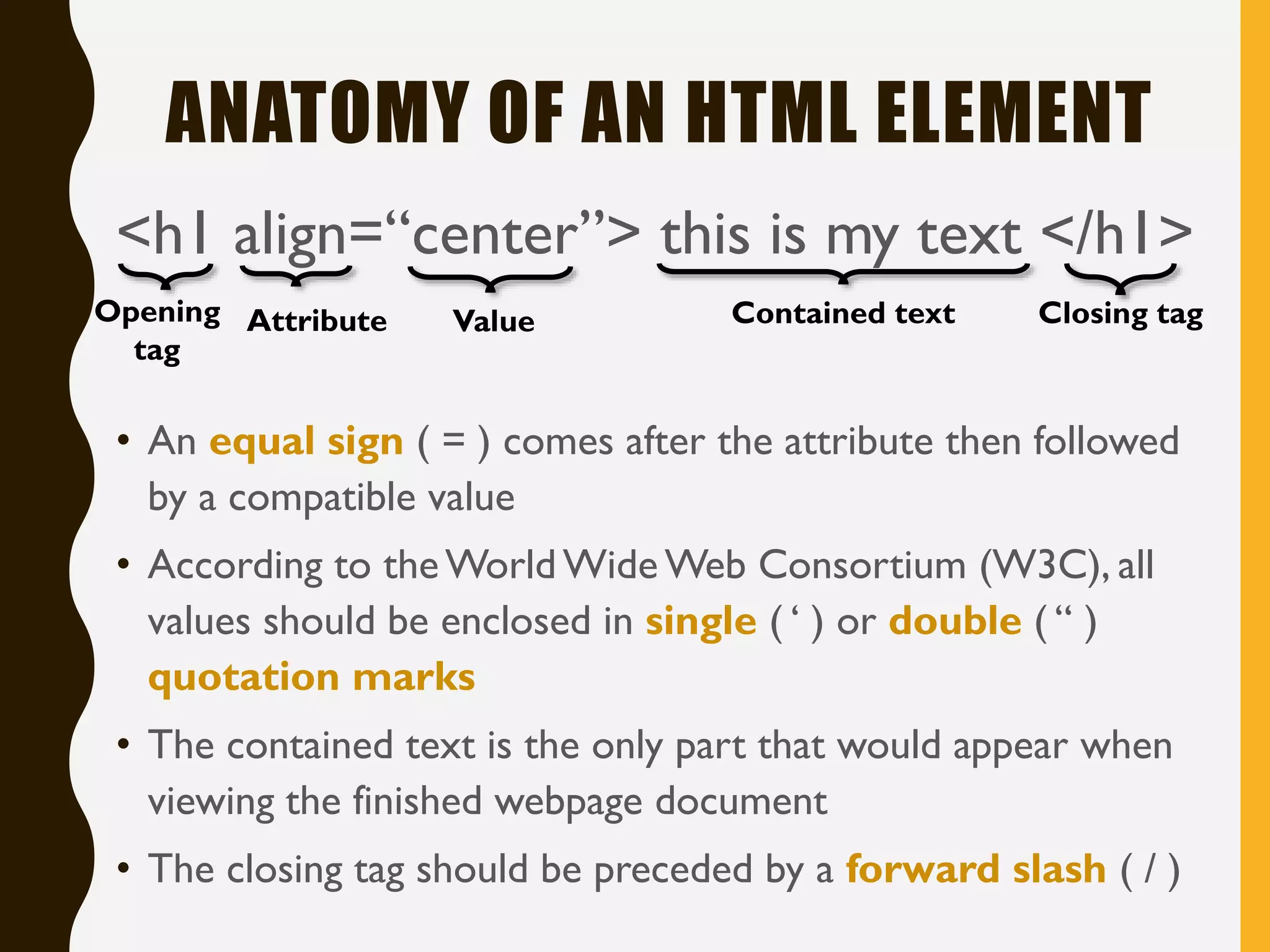
<h1 align=“center”> this is my text </h1>
Opening
tag
Value Contained text Closing tagAttribute
• An equal sign ( = ) comes after the attribute then followed
by a compatible value
• According to theWorld Wide Web Consortium (W3C), all
values should be enclosed in single ( ‘ ) or double ( “ )
quotation marks
• The contained text is the only part that would appear when
viewing the finished webpage document
• The closing tag should be preceded by a forward slash ( / )
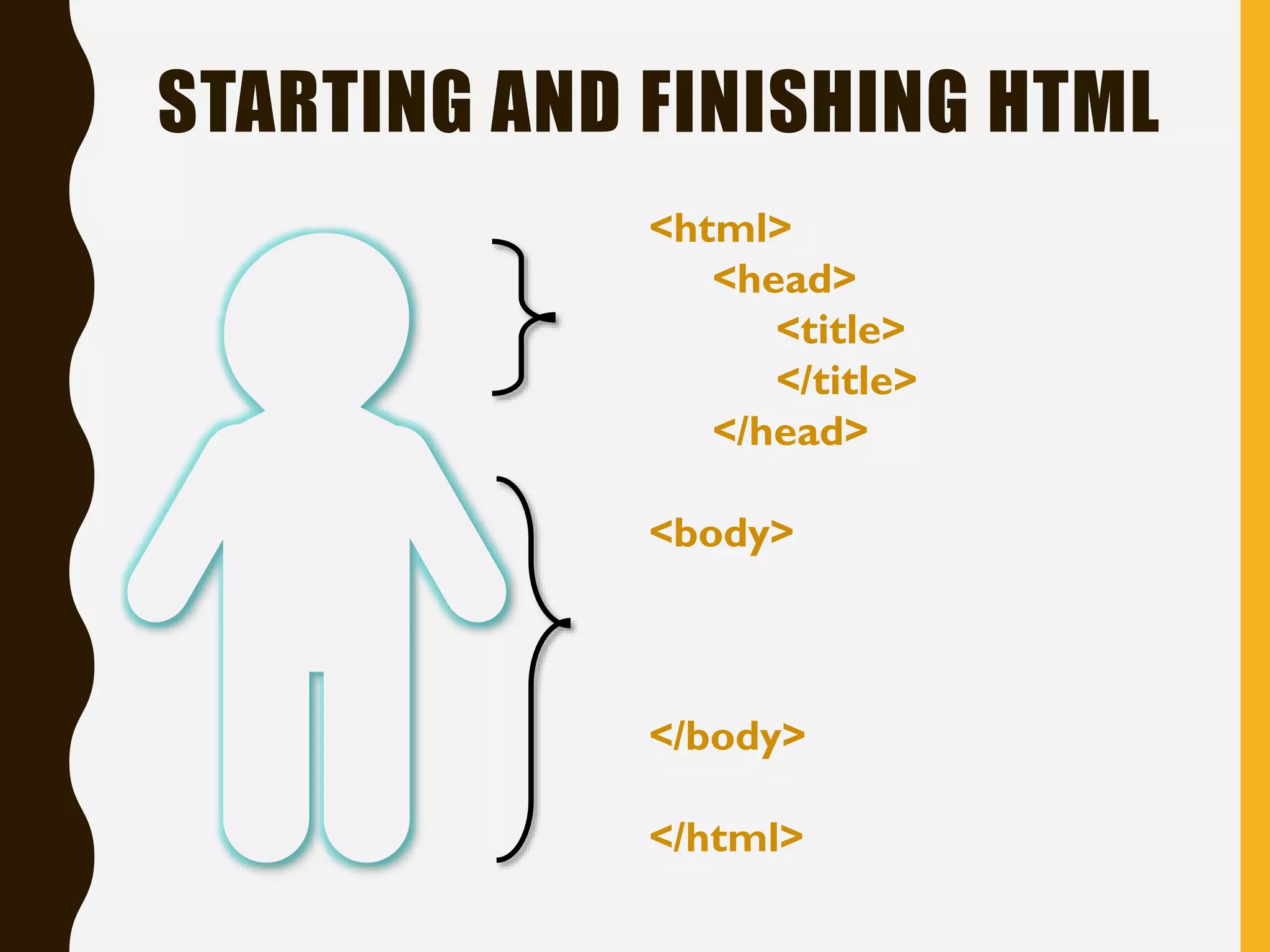
STARTING AND FINISHING HTML
<html>
<head>
<title>
</title>
</head>
<body>
</body>
</html>
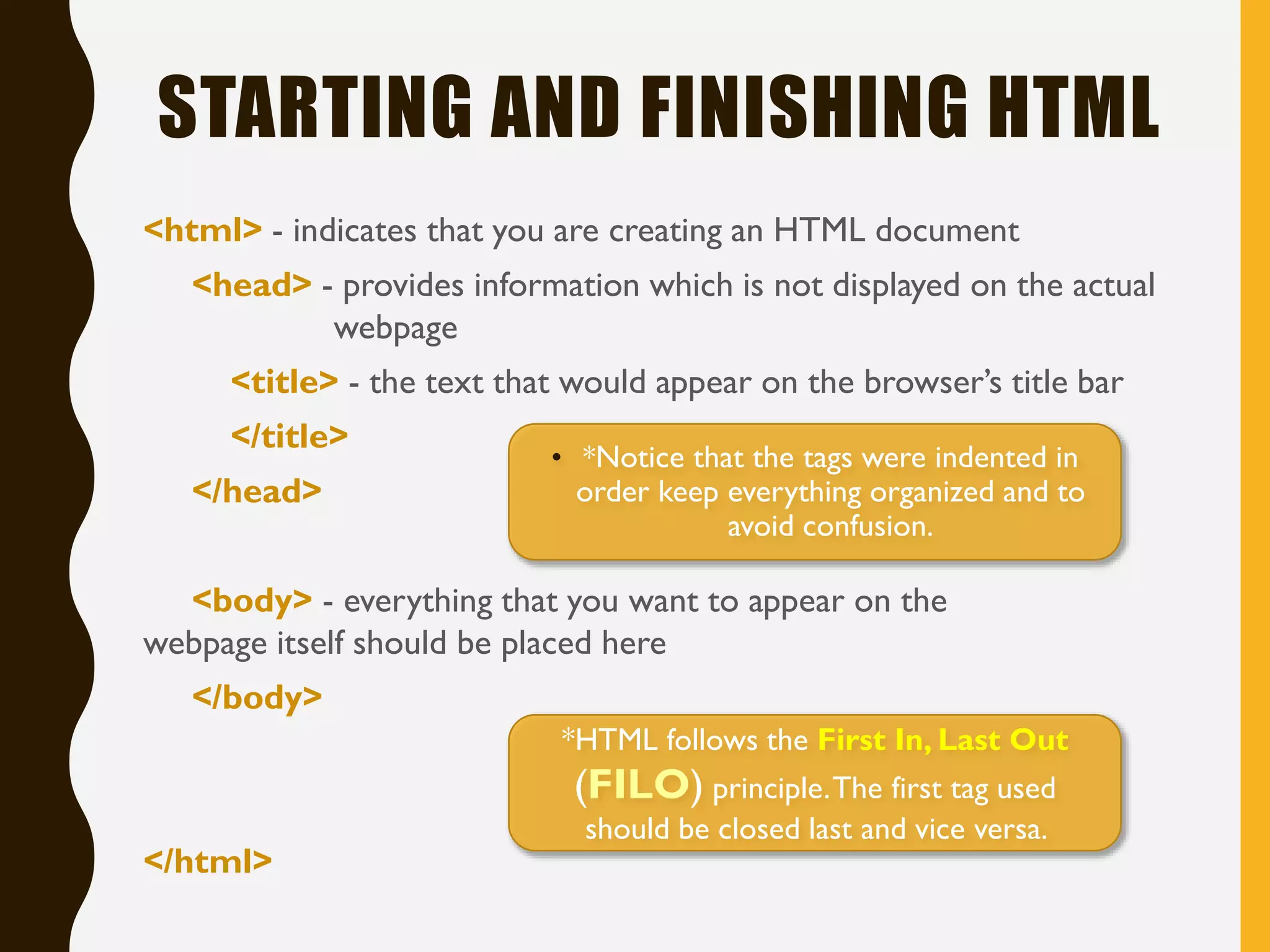
STARTING AND FINISHING HTML
<html> - indicates that you are creating an HTML document
<head> - provides information which is not displayed on the actual
webpage
<title> - the text that would appear on the browser’s title bar
</title>
</head>
<body> - everything that you want to appear on the
webpage itself should be placed here
</body>
</html>
• *Notice that the tags were indented in
order keep everything organized and to
avoid confusion.
*HTML follows the First In, Last Out
(FILO) principle.The first tag used
should be closed last and vice versa.
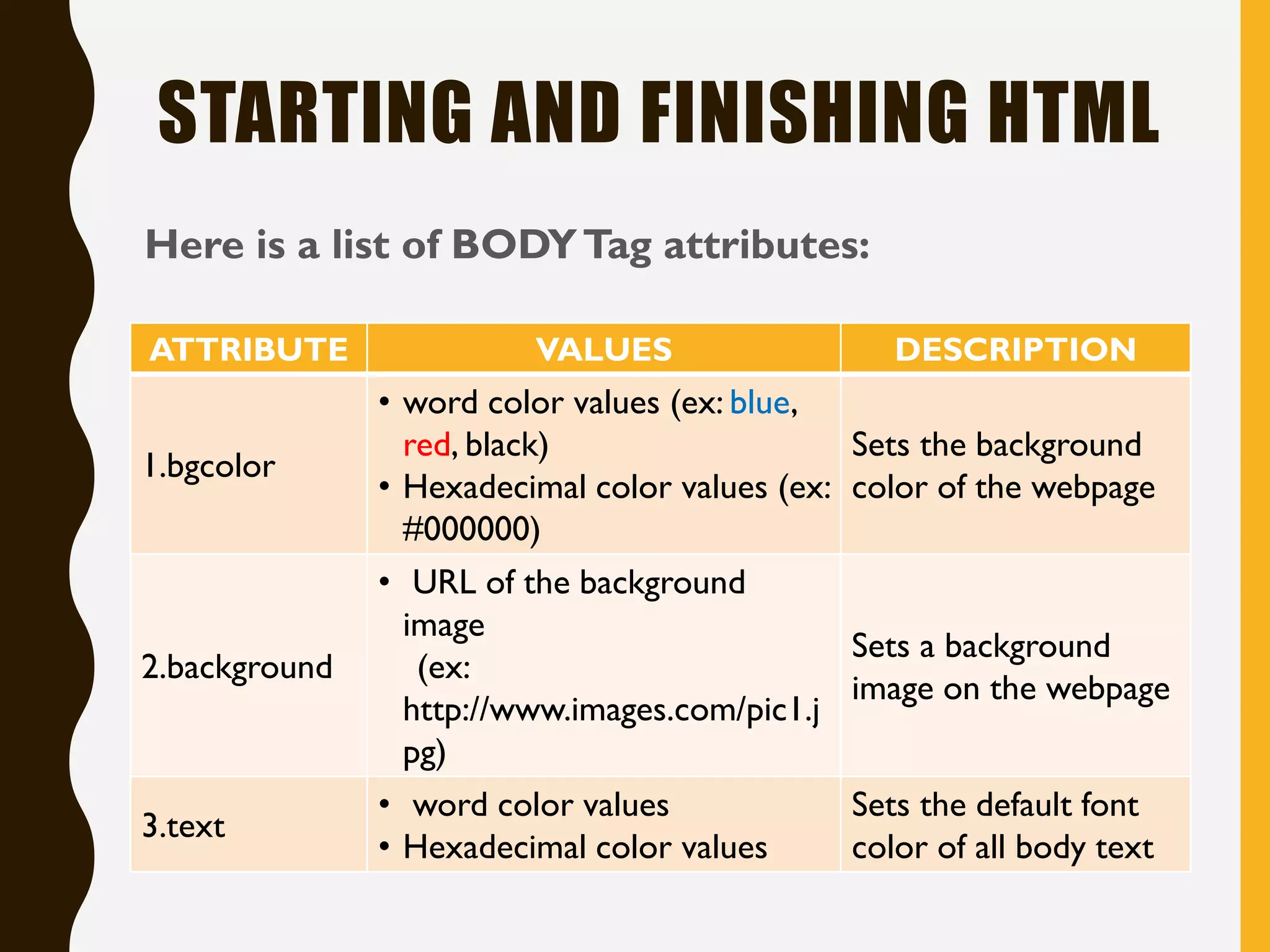
STARTING AND FINISHING HTML
Here is a list of BODYTag attributes:
ATTRIBUTE VALUES DESCRIPTION
1.bgcolor
• word color values (ex: blue,
red, black)
• Hexadecimal color values (ex:
#000000)
Sets the background
color of the webpage
2.background
• URL of the background
image
(ex:
http://www.images.com/pic1.j
pg)
Sets a background
image on the webpage
3.text
• word color values
• Hexadecimal color values
Sets the default font
color of all body text
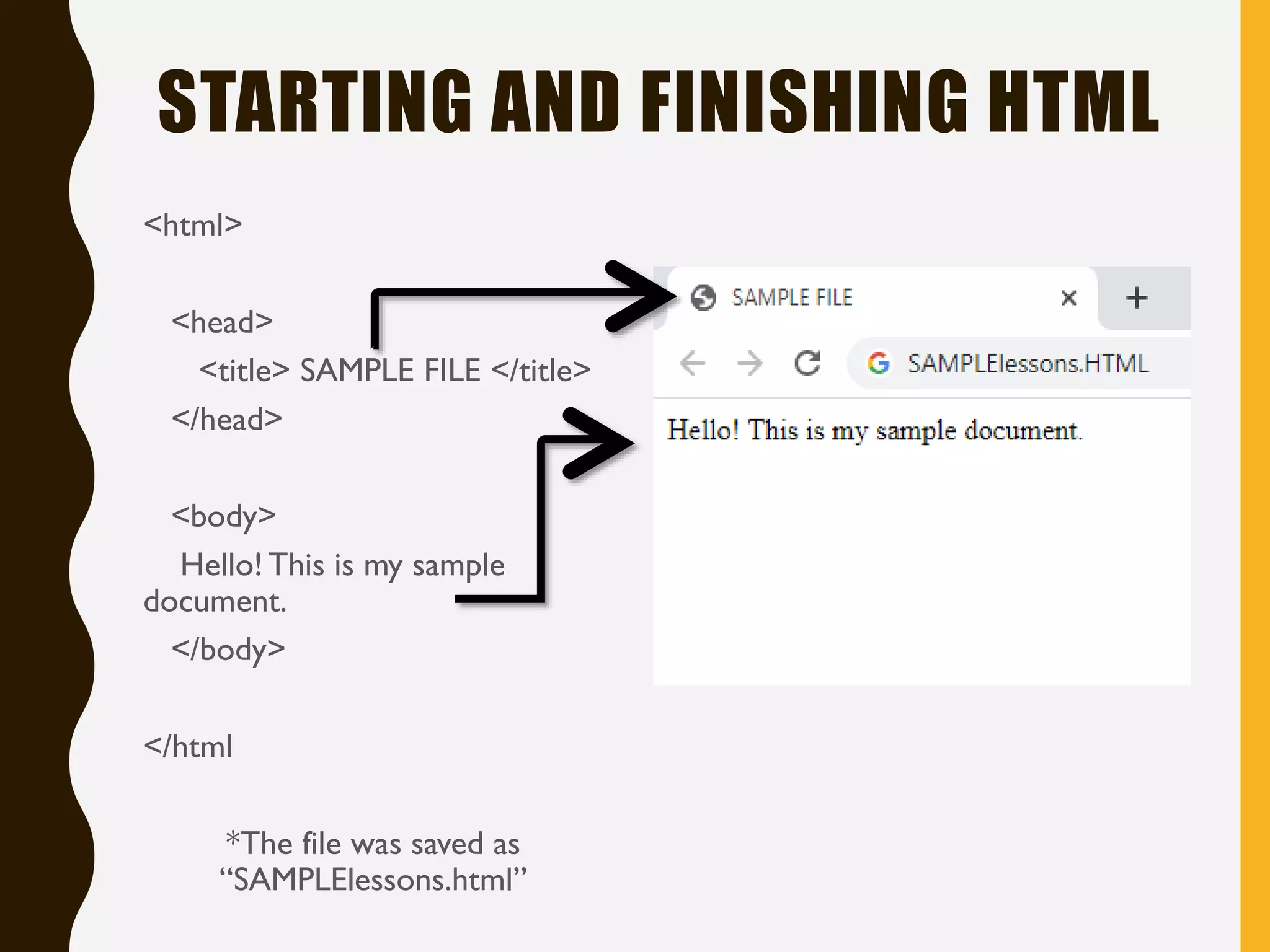
STARTING AND FINISHING HTML
<html>
<head>
<title> SAMPLE FILE </title>
</head>
<body>
Hello! This is my sample
document.
</body>
</html
*The file was saved as
“SAMPLElessons.html”

Lesson 2 Starting with the basics

  • 1.
    HTMLL E SS O N T W O : S T A R T I N G W I T H T H E B A S I C S B Y : L L OY D C H R I S TO P H E R M . E S T E B A N
  • 2.
    STRUCTURE OF ANHTML DOCUMENT Elements • The fundamental components of the structure of a text document Tags • Commands written between less than (<) and greater than (>) signs, also known as angle brackets • There are opening and closing tags and the affected text is contained within the two tags
  • 3.
    STRUCTURE OF ANHTML DOCUMENT • Opening tags that do not have closing tags are referred to as EMPTY TAGS Attributes • Additional information included inside the opening tag Values • Defines how an attribute would affect a tag
  • 4.
    ANATOMY OF ANHTML ELEMENT <h1 align=“center”> this is my text </h1> Opening tag Value Contained text Closing tagAttribute • An equal sign ( = ) comes after the attribute then followed by a compatible value • According to theWorld Wide Web Consortium (W3C), all values should be enclosed in single ( ‘ ) or double ( “ ) quotation marks • The contained text is the only part that would appear when viewing the finished webpage document • The closing tag should be preceded by a forward slash ( / )
  • 5.
    STARTING AND FINISHINGHTML <html> <head> <title> </title> </head> <body> </body> </html>
  • 6.
    STARTING AND FINISHINGHTML <html> - indicates that you are creating an HTML document <head> - provides information which is not displayed on the actual webpage <title> - the text that would appear on the browser’s title bar </title> </head> <body> - everything that you want to appear on the webpage itself should be placed here </body> </html> • *Notice that the tags were indented in order keep everything organized and to avoid confusion. *HTML follows the First In, Last Out (FILO) principle.The first tag used should be closed last and vice versa.
  • 7.
    STARTING AND FINISHINGHTML Here is a list of BODYTag attributes: ATTRIBUTE VALUES DESCRIPTION 1.bgcolor • word color values (ex: blue, red, black) • Hexadecimal color values (ex: #000000) Sets the background color of the webpage 2.background • URL of the background image (ex: http://www.images.com/pic1.j pg) Sets a background image on the webpage 3.text • word color values • Hexadecimal color values Sets the default font color of all body text
  • 8.
    STARTING AND FINISHINGHTML <html> <head> <title> SAMPLE FILE </title> </head> <body> Hello! This is my sample document. </body> </html *The file was saved as “SAMPLElessons.html”