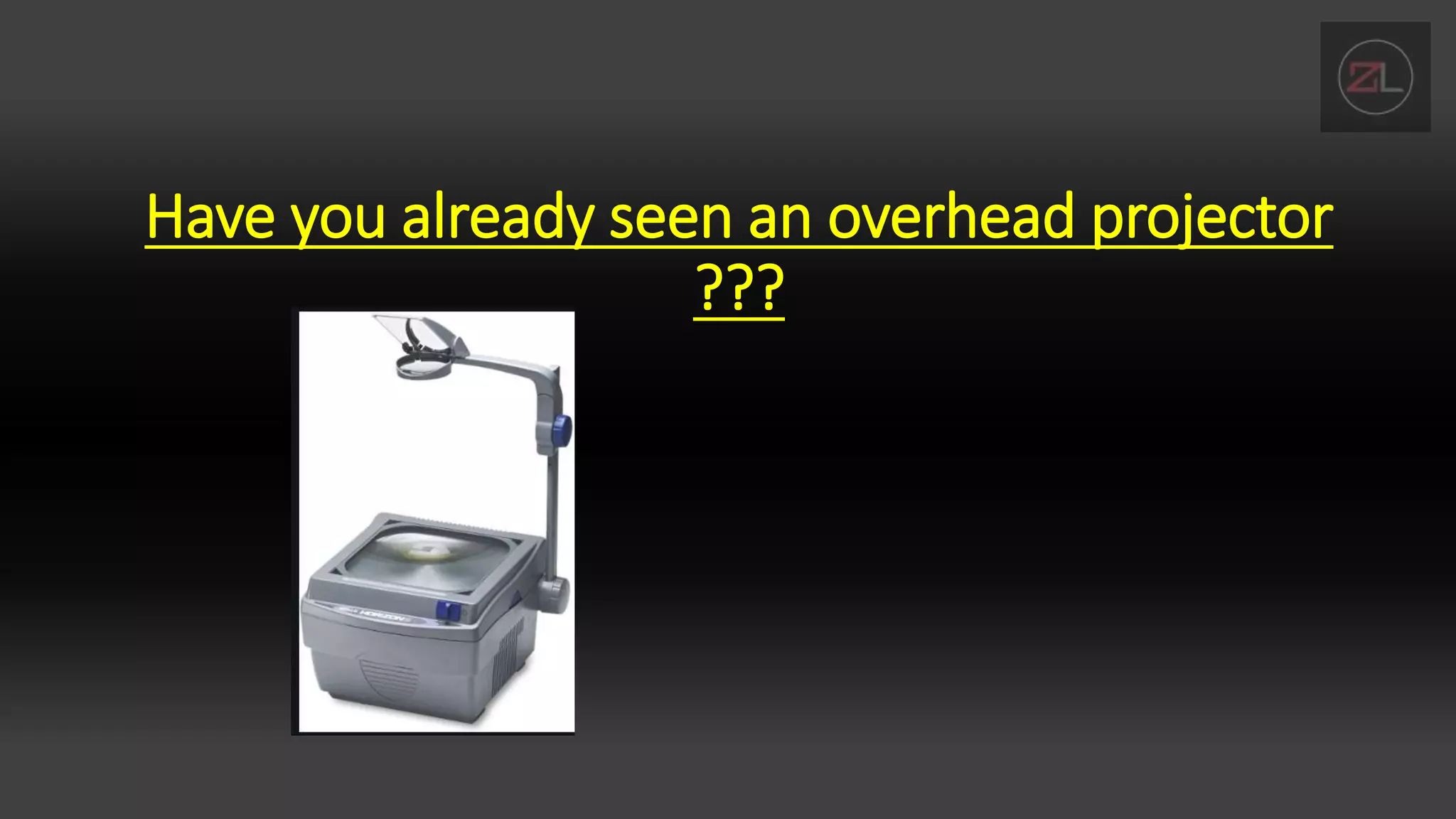
Have you already seen an overhead projector
???
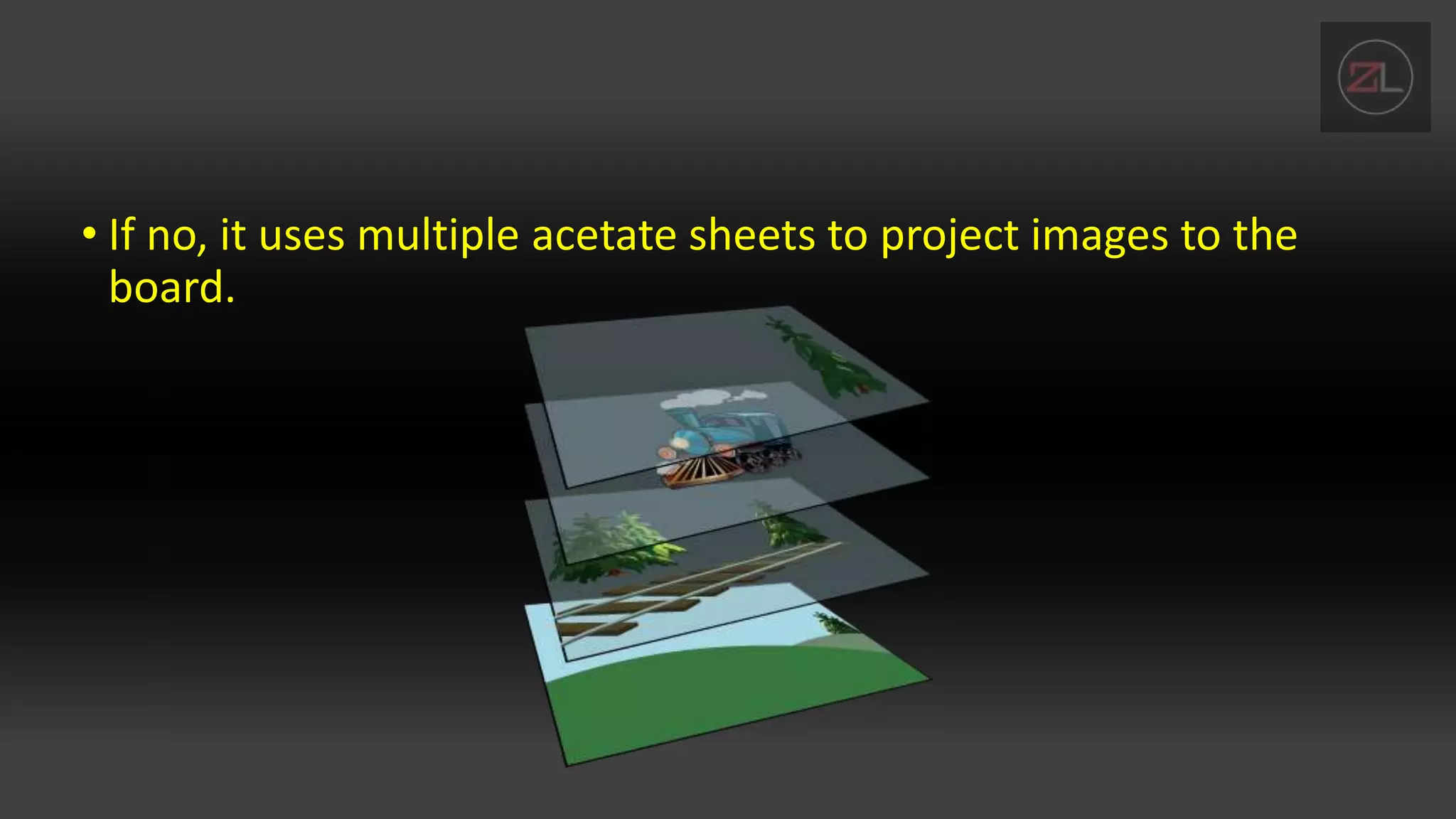
• If no, it uses multiple acetate sheets to project images to the
board.
INTRODUCTION TO ADOBE PHOTOSHOP
LAYERS PANEL
By: Lloyd Christopher M. Esteban
OBJECTIVES
• Identify layers and its function in adobe photoshop
• Explore functions layers panel in adobe photoshop
• Internalize the essence of understanding layers and its
application in phot editing.
LAYERS
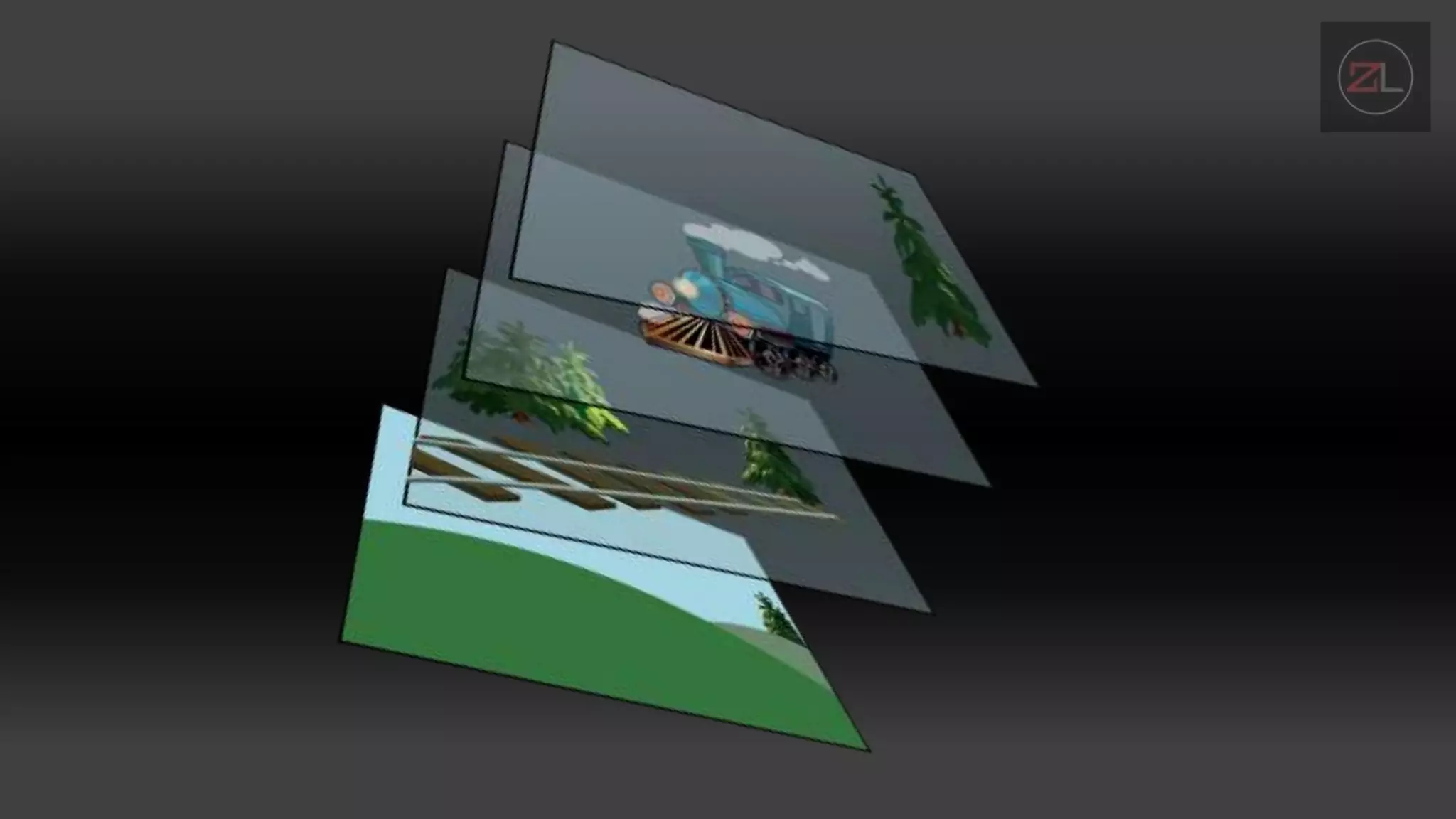
• Layers are a very important part of graphics work. A photoshop image
file (.psd) can be made up of numerous independent layers which are
overlaid on top of each other.
• The main thing to note about layers is that each layer can be edited
without affecting any other layer.
ADVANTAGES OF WORKING WITH LAYERS
• You can separate parts of the image and edit them without affecting
other parts of the image.
• You can use layers as guides or reference without including them in
the final image (just make them transparent before saving the image).
• You can safely import new images to add to the composition. Move
the new image around, resize it and do whatever you like without
damaging the original image.
ADVANTAGES OF WORKING WITH LAYERS
• You can create multiple versions of a layer and experiment with
different effects. You might like to keep an original image and make a
separate layer to work with, so you always have the original image
layer to fall back on.
• You can apply filters and effects to layers independently, e.g. drop-
shadow, colour adjustments, etc.

introduction to layers

  • 1.
    Have you alreadyseen an overhead projector ???
  • 2.
    • If no,it uses multiple acetate sheets to project images to the board.
  • 3.
    INTRODUCTION TO ADOBEPHOTOSHOP LAYERS PANEL By: Lloyd Christopher M. Esteban
  • 4.
    OBJECTIVES • Identify layersand its function in adobe photoshop • Explore functions layers panel in adobe photoshop • Internalize the essence of understanding layers and its application in phot editing.
  • 5.
    LAYERS • Layers area very important part of graphics work. A photoshop image file (.psd) can be made up of numerous independent layers which are overlaid on top of each other. • The main thing to note about layers is that each layer can be edited without affecting any other layer.
  • 7.
    ADVANTAGES OF WORKINGWITH LAYERS • You can separate parts of the image and edit them without affecting other parts of the image. • You can use layers as guides or reference without including them in the final image (just make them transparent before saving the image). • You can safely import new images to add to the composition. Move the new image around, resize it and do whatever you like without damaging the original image.
  • 8.
    ADVANTAGES OF WORKINGWITH LAYERS • You can create multiple versions of a layer and experiment with different effects. You might like to keep an original image and make a separate layer to work with, so you always have the original image layer to fall back on. • You can apply filters and effects to layers independently, e.g. drop- shadow, colour adjustments, etc.