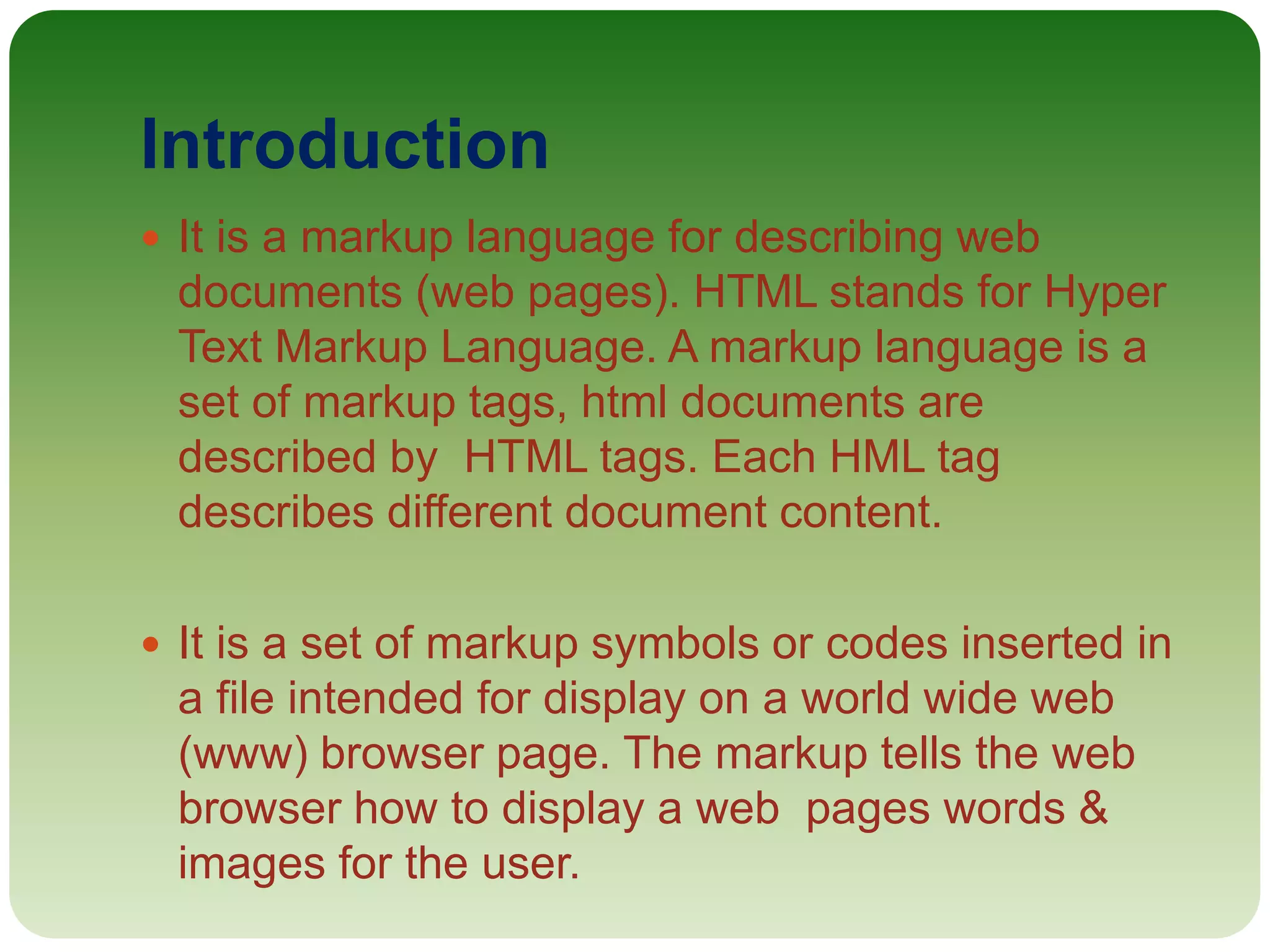
HTML is a markup language used to define the structure and layout of web pages. It uses tags to describe different types of content like headings, paragraphs, links, images, and lists. Key points:
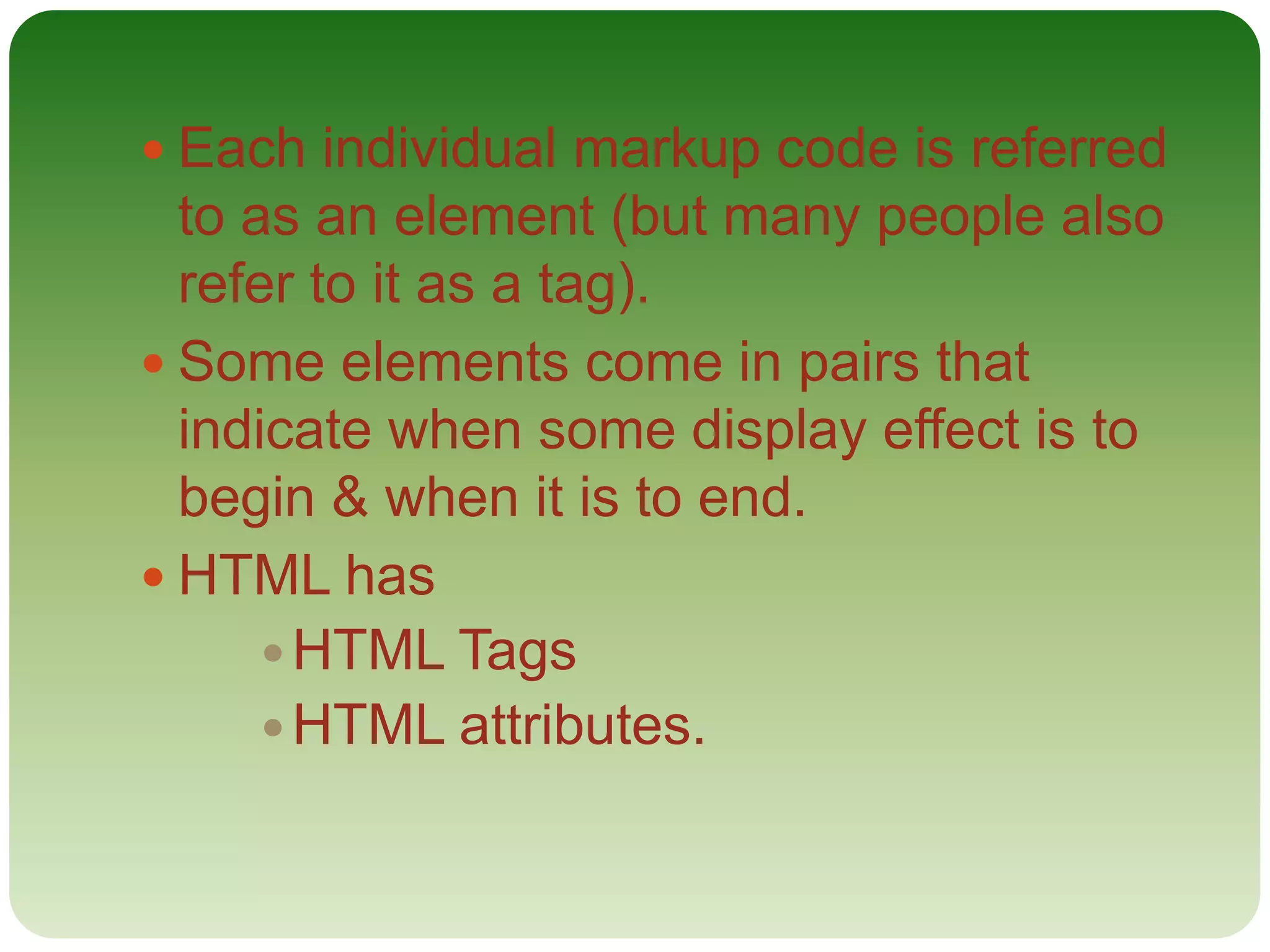
- HTML documents have an <html> tag which contains <head> and <body> sections
- The <head> contains metadata and is not visible, the <body> contains visible content
- Common tags include <h1>-<h6> for headings, <p> for paragraphs, <a> for links, <img> for images
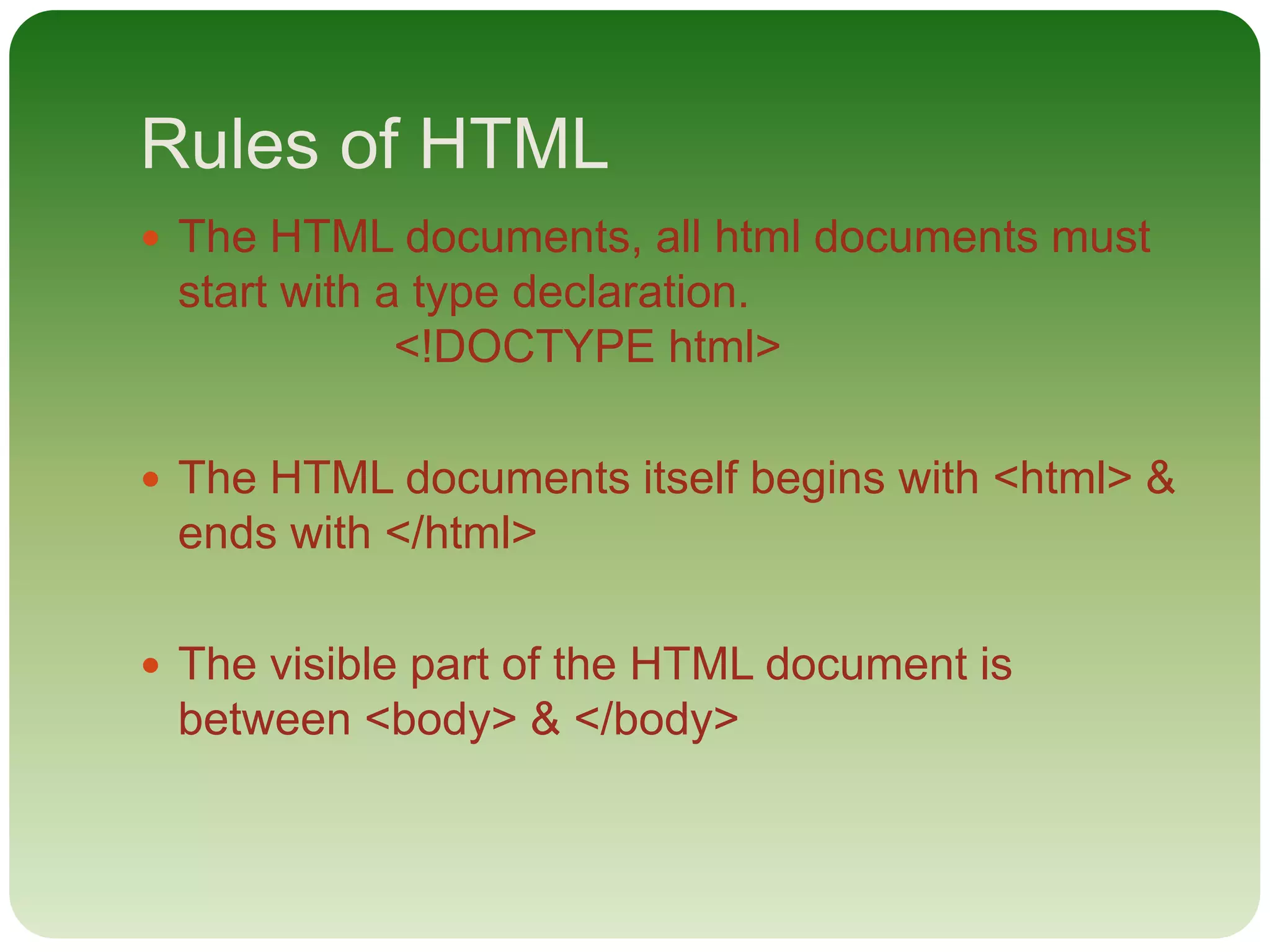
- Unordered lists use <ul> and <li> tags, ordered lists use <ol> and <li> tags
- Attributes like
![[A] HTML tags
HTML tags are keywords (tag names) surrounded by angle
brackets.
E.g. <tag name> content </tag name>
HTML tags normally come in pairs like <p> & </p>. The
first tag in a pair is the start tag, the second tag is the end
tag. The end tag is written like start tag, but with a forward
slash inserted before the tag name.
HTML tags are:
Heading tag, paragraph tag, style tag, background tag,
formatting tag, comment tag, links tag, images tag, list tag,
block tag, div tag, table tag, head tag, layout tag, class tag
etc.](https://image.slidesharecdn.com/html-180827084441/75/Html-6-2048.jpg)
![[1] HTML Head
The <head> element is a container for metadata (data
about data). HTML metadata is data about the HTML
document. Metadata is not displayed.
Metadata typically define document title, styles, links,
scripts & other meta information. The following tags
describe metadata :
<title>
<style>
<meta>
<link>
<script>
<base>](https://image.slidesharecdn.com/html-180827084441/75/Html-7-2048.jpg)
![[2] HTML Heading
Heading are defined with the <h1> to <h6>
defines the least important heading.
<h1> heading 1 </h1>
<h2> heading 2 </h2>
<h3> heading 3 </h3>
<h4> heading 4 </h4>
<h5> heading 5 </h5>
<h6> heading 6 </h6>](https://image.slidesharecdn.com/html-180827084441/75/Html-8-2048.jpg)
![[3] HTML Paragraph
The html <p> element defines a paragraph.
<p> paragraph>
[4] HTML Styles
Setting the style of an HTML elements can be
done with the style attribute. The HTML style has
the following syntax:
<style> </style>](https://image.slidesharecdn.com/html-180827084441/75/Html-9-2048.jpg)
![[5] HTML Background Color
The background color property defines the
background color for an HTML element.
E.g. <body bgcolor=“lightrey”>
[6] HTML Formatting
HTML uses element like
<b> = bold
<i> = italic
<u>= underline](https://image.slidesharecdn.com/html-180827084441/75/Html-10-2048.jpg)
![[7] HTML Comments
Comment tags <!......&> are used to insert
comments in HTML.
<! This is a comment>
<! Remember to add more info here>
[8] HTML Links
A hyperlink is a text or an image you can click on, &
jump to another document.
<a href=“URL”> link text</a>
<a href=“http://www.fb.com/rajendra.chand.9865”>
MY facebook
Page </a>](https://image.slidesharecdn.com/html-180827084441/75/Html-11-2048.jpg)
![[9] HTML Images
In HTML, images are defined with the <img> tag.
The <img> tag is empty, it contains attributes
only, & does not have a closing tag. The src
attribute specifies the URL (web address) of the
image. The alt attribute specifies an alternate text
for an image, if the image cannot be displayed.
<img src=“URL” alt=“some-text”/>
<img src=“filename.jpeg” alt=“about image”
width=“100px” height=“100px” />](https://image.slidesharecdn.com/html-180827084441/75/Html-12-2048.jpg)
![[10] HTML List
There are two types of list:
[a] Unordered HTML Lists:
An unordered list starts with the <ul> tag. Each
list item starts with the <li> tag. The list items will
be marked with bullets (small black circles)
<ul>
<li> coffee </li>
<li> tea </li>
</ul>](https://image.slidesharecdn.com/html-180827084441/75/Html-13-2048.jpg)
![[b] Ordered HTML Lists:
An ordered list starts with the <ol> tag. Each list
item starts with the <li> tag.
<ol>
<li>coffee <li>
<li> tea </li>
</ol>](https://image.slidesharecdn.com/html-180827084441/75/Html-14-2048.jpg)
![[11] HTML Block
There are two types of block:
[a] Block-Level elements:
A block-level element always starts on a new line
& takes up the full width available (stretches out
to the left & right as far as it can).
<div style=“background-color: pink; color: white;
padding:20px;”>](https://image.slidesharecdn.com/html-180827084441/75/Html-15-2048.jpg)
![[b] Inline elements:
An inline element does not start on a new line &
only takes up as much width as necessary. This is
an inline <span> element inside a paragraph.
<span>
<a>
<img>
[c] The div elements:
The <div> element is a block-level element that is
often used as a container for other HTML
elements. The <div> element has no required
attributes, but style & class are common. When
used together with CSS, the <div> element can
be used to style blocks of content.](https://image.slidesharecdn.com/html-180827084441/75/Html-16-2048.jpg)
![[12] HTML Tables
E.g.
<table style=“width:100%”>
<tr>
<td> Raj </td>
<td> Chand </td>
</tr>
</table>](https://image.slidesharecdn.com/html-180827084441/75/Html-17-2048.jpg)
![[B] HTML Attributes
Attributes provide additional information about
HTML elements.
All HTML elements can have attributes provide
additional information about an element.
Attributes are always specified in the start tag.
Attributes come in name/value pairs like:
name=“value”](https://image.slidesharecdn.com/html-180827084441/75/Html-18-2048.jpg)
![[C] HTML Attributes
Attributes provide additional information about
html elements.
All HTML elements can have attributes provide
additional information about an element.
Attributes are always specified in the start tag.](https://image.slidesharecdn.com/html-180827084441/75/Html-19-2048.jpg)
![[1] The Title Attributes
HTML title is defines with <title> & the paragraph
are defined with the <p> tags
E.g.
<!DOCTYPE html>
<html>
<head>
<title> Title Name </title>
</head>
</html](https://image.slidesharecdn.com/html-180827084441/75/Html-20-2048.jpg)
![[2] The href Attribute
HTML links are defined with the <a> tag. The link
address is specified in the href attribute.
E.g.
<!DOCTYPE html>
<html>
<head>
</head>
<body>
<a href=“http://www.fb.com/rajendra.chand.9865”>
This is my facebook page link </a>](https://image.slidesharecdn.com/html-180827084441/75/Html-21-2048.jpg)
![[3] The Size Attributes
HTML images are defined with the <img> tag. The
filename of the source (src), & the size of the image
(width & height) are all provided as attributes. E.g.
<!DOCTYPE html>
<html>
<head>
</head>
<body>
<img src=“filename.jpeg” width=“100px”
height=“100px”/>
</body>
</html>](https://image.slidesharecdn.com/html-180827084441/75/Html-22-2048.jpg)
![[4] Alt Attribute
The alt attributes specifies an alternative text to be
used, when an image cannot be displayed. The value
of the attributes can be read by screen readers. E.g.
<!DOCTYPE html>
<html>
<head>
</head>
<body>
<img src=“filename.jpeg” alt=“comment on photo”
width=“100px” height=“100px”/>
</body>
</html>](https://image.slidesharecdn.com/html-180827084441/75/Html-23-2048.jpg)
![[5] Lang Attribute
The lang attributes is the document language can
be declared in the <html> tag. The language is
declared in the lang attribute. Declaring a
language is important for accessibility
applications (screen readers) & search engines.
E.g
<!DOCTYPE html>
<html lang=“en-US”>
<head>
</head>
<body>
</body>
</html>](https://image.slidesharecdn.com/html-180827084441/75/Html-24-2048.jpg)
![[6] Align Attribute
This attribute is used to give the alignment to the
text or image. When the text needs to put on
center, right , left then this attribute is used .e.g.
<!DOCTYPE html>
<html>
<head>
</head>
<body>
<h1> <p align=“center”> Raj </p> </h1>
</body>
</html>](https://image.slidesharecdn.com/html-180827084441/75/Html-25-2048.jpg)


