Introduction to HTML
A workshop by Xolani Madlopha
What is HTML?
• It is an abbreviation for Hyper Text Markup Language.
• In creating the website, it focuses more on the content of the
website.
• It is the type of coding or hypertext that one needs to know when
adding content to the website or webpage they are creating.
• HTML is gotten from a dialect SGML (Standard
Illustrations Markup Language).
• The eventual fate of HTML is XML (eXtended Markup
Dialect).
• HTML isn't a programming dialect, it is a Markup
Dialect.
• A markup dialect is an arrangement of markup labels.
• A tag is constantly encased in edge section
<>like <HTML>
• HTML labels ordinarily come in sets like
<HTML> and </HTML> i.e.
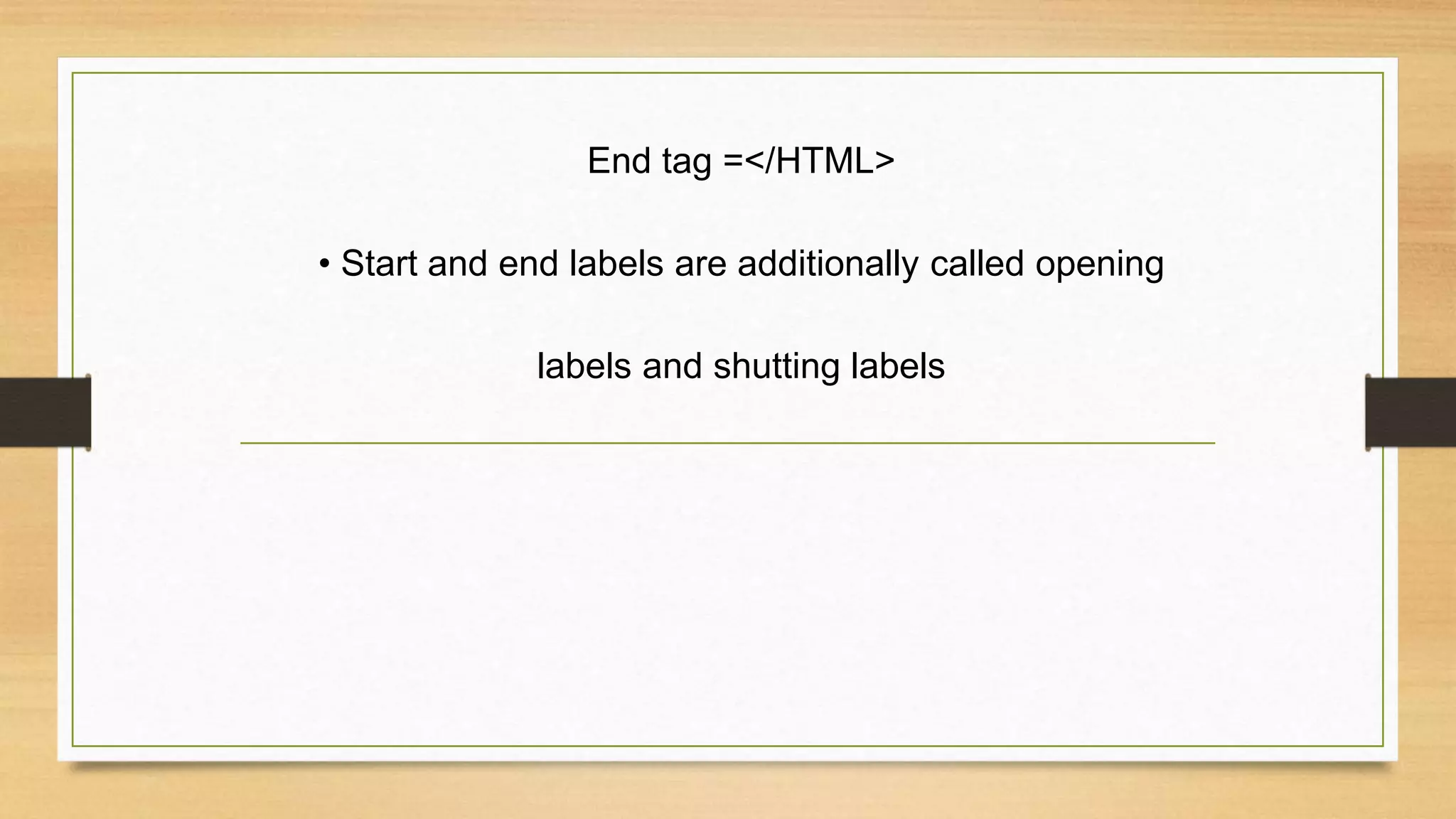
Begin tag = <HTML>
End tag =</HTML>
• Start and end labels are additionally called opening
labels and shutting labels
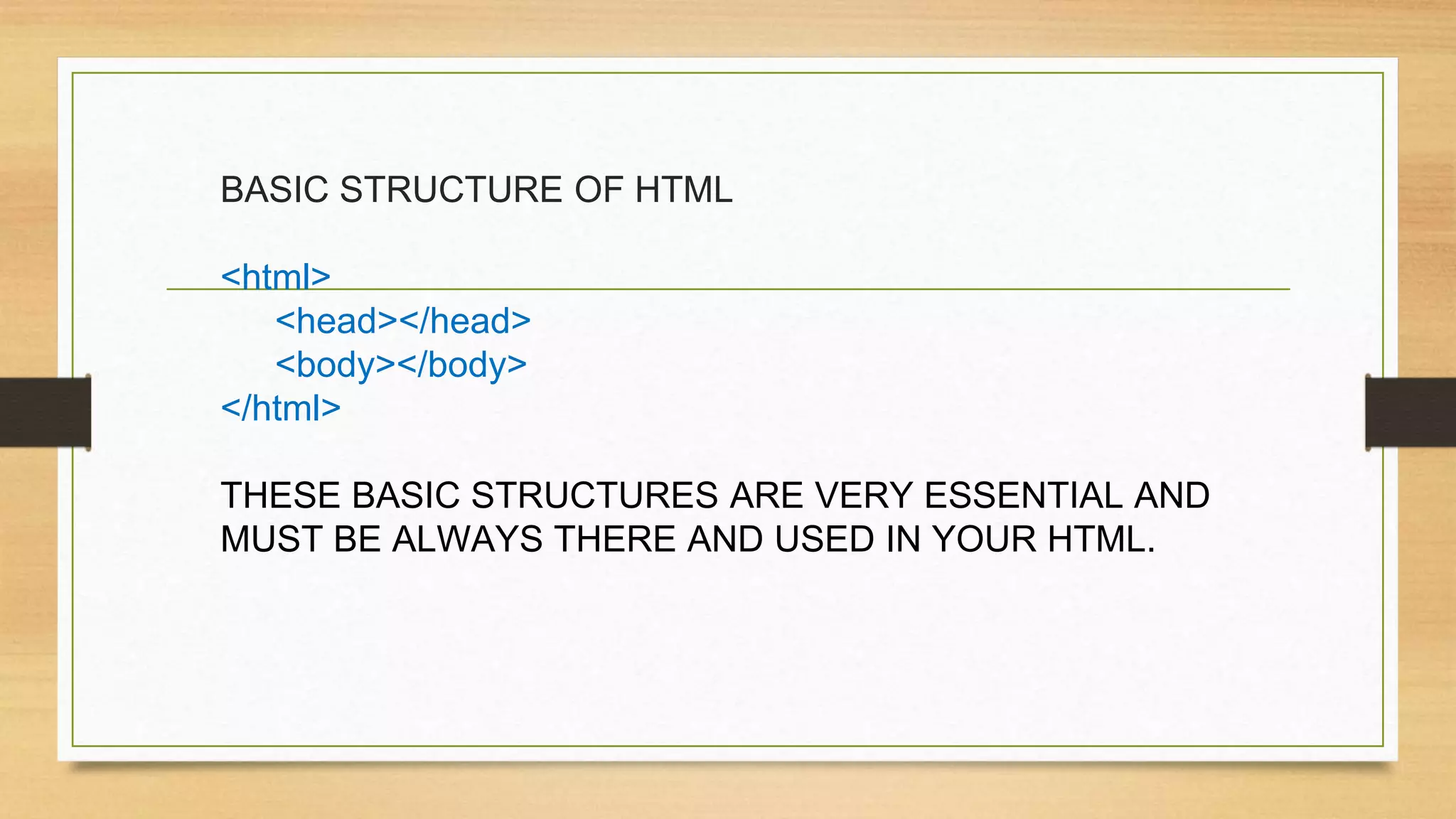
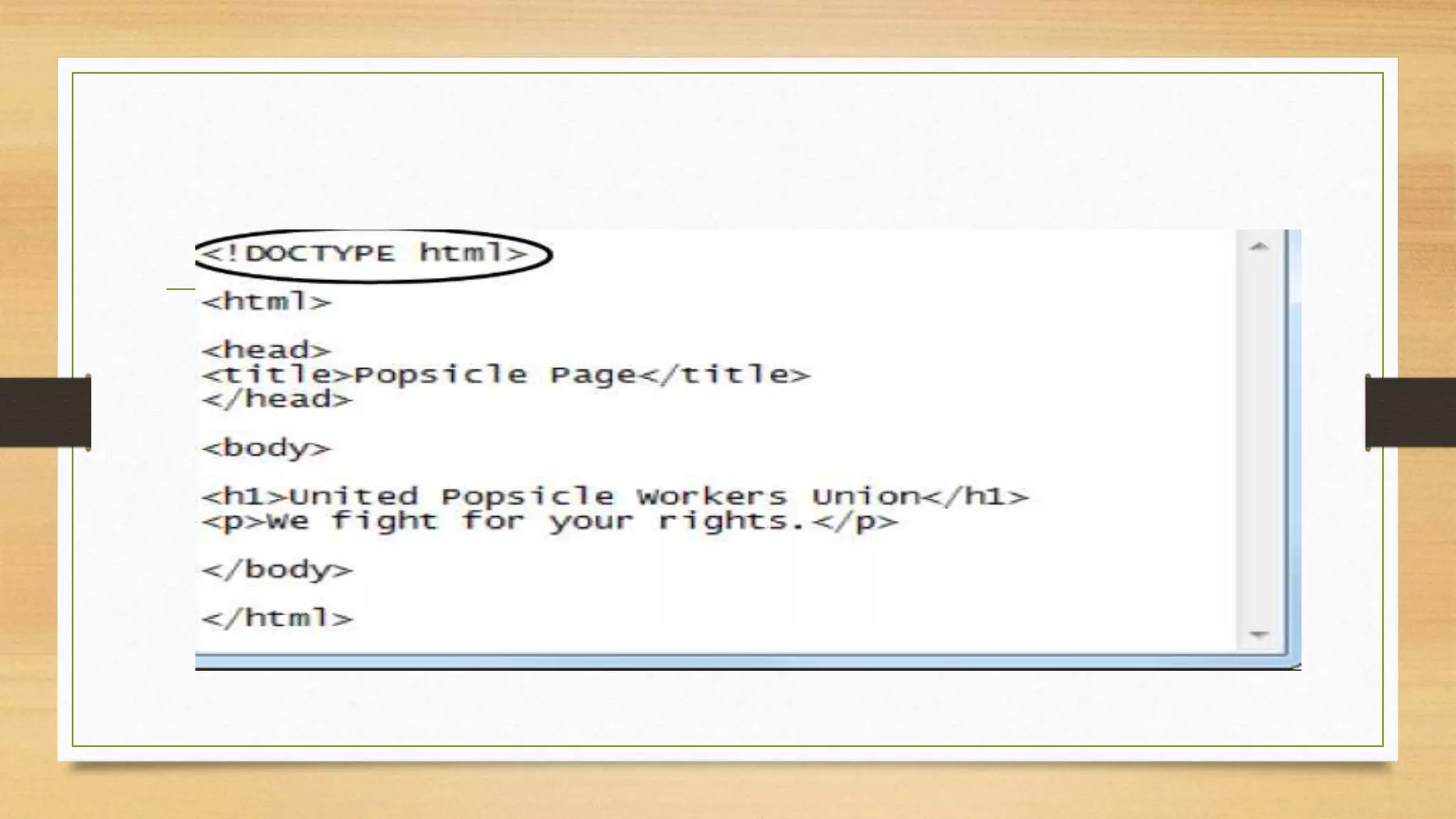
BASIC STRUCTURE OF HTML
<html>
<head></head>
<body></body>
</html>
THESE BASIC STRUCTURES ARE VERY ESSENTIAL AND
MUST BE ALWAYS THERE AND USED IN YOUR HTML.
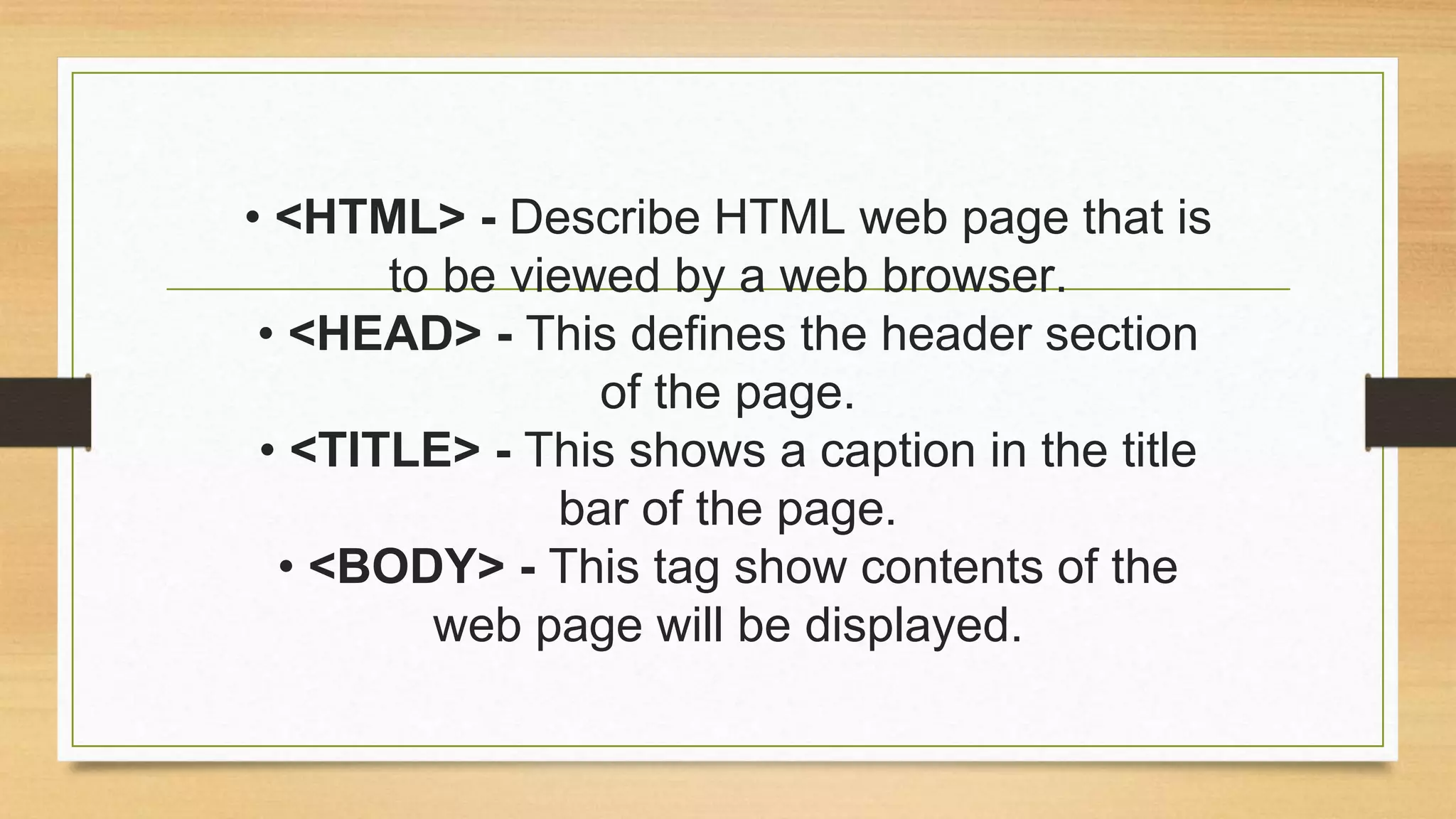
• <HTML> - Describe HTML web page that is
to be viewed by a web browser.
• <HEAD> - This defines the header section
of the page.
• <TITLE> - This shows a caption in the title
bar of the page.
• <BODY> - This tag show contents of the
web page will be displayed.
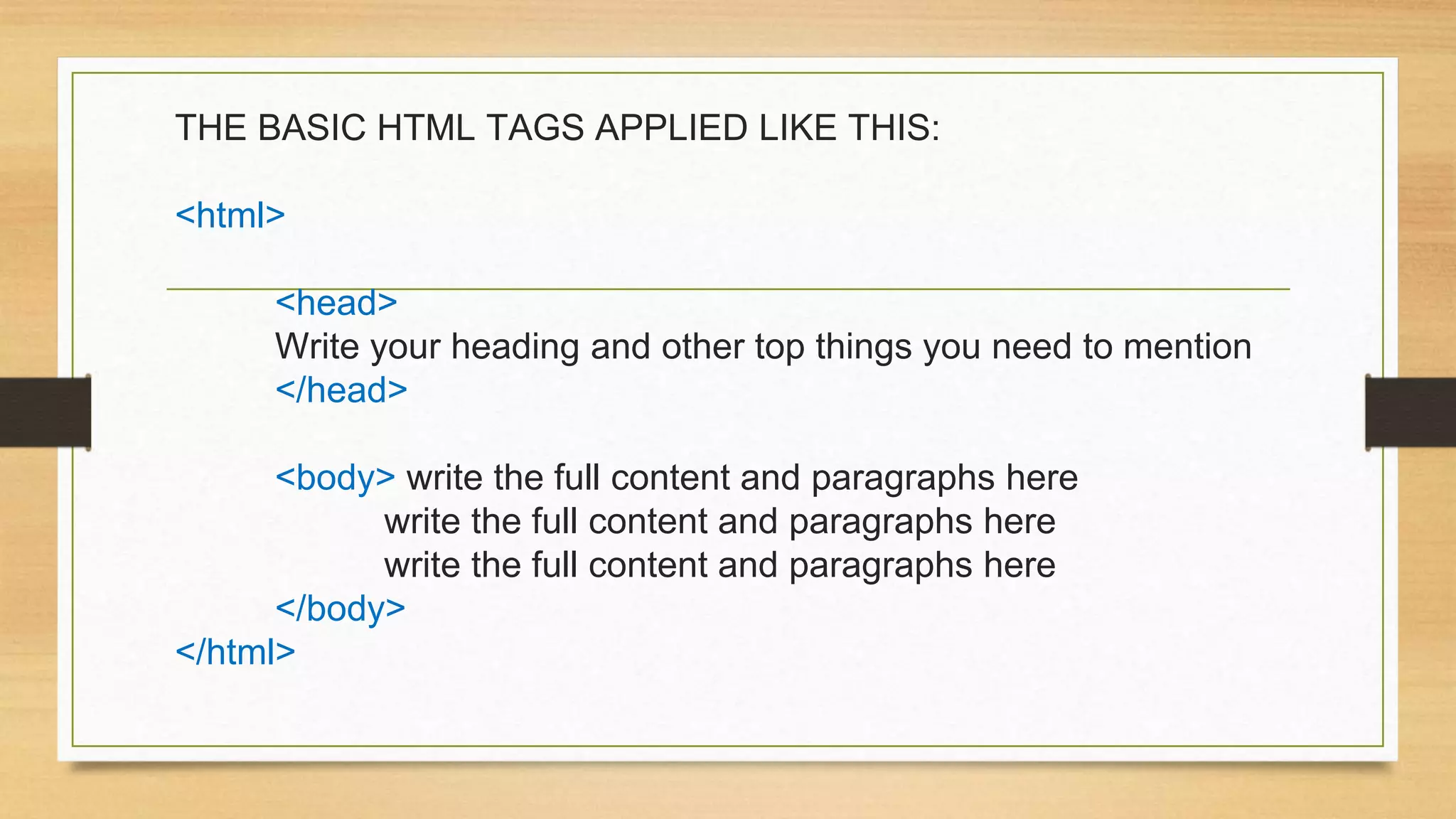
THE BASIC HTML TAGS APPLIED LIKE THIS:
<html>
<head>
Write your heading and other top things you need to mention
</head>
<body> write the full content and paragraphs here
write the full content and paragraphs here
</body>
</html>
Heading Element:->
• There are six heading elements
(<H1>,<H2>,<H3>,<H4>, <H5>,<H6>).
• All the six heading elements are container
tag and requires a closing tag.
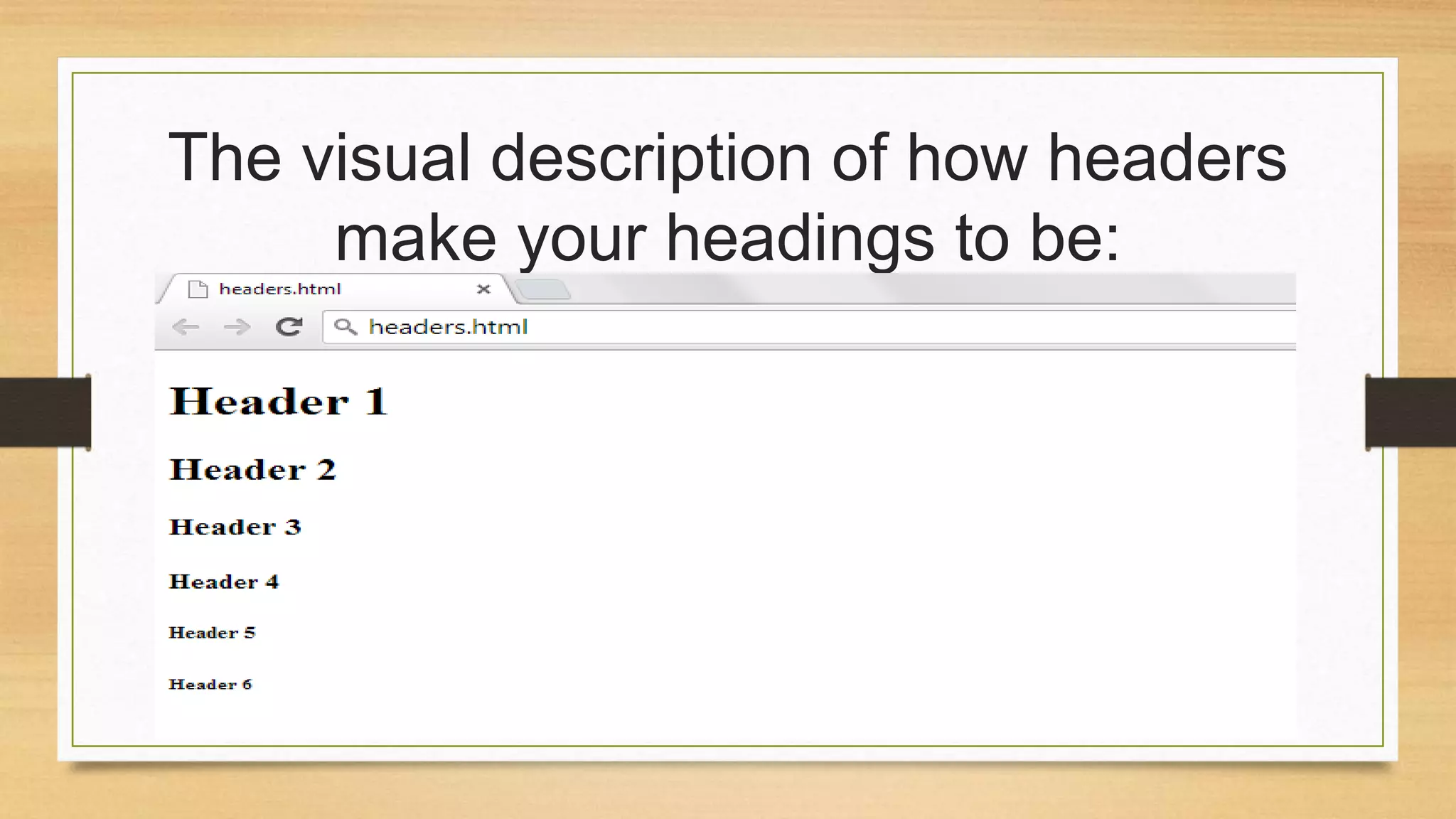
• <h1> will print the largest heading
• <h6> will print the smallest heading
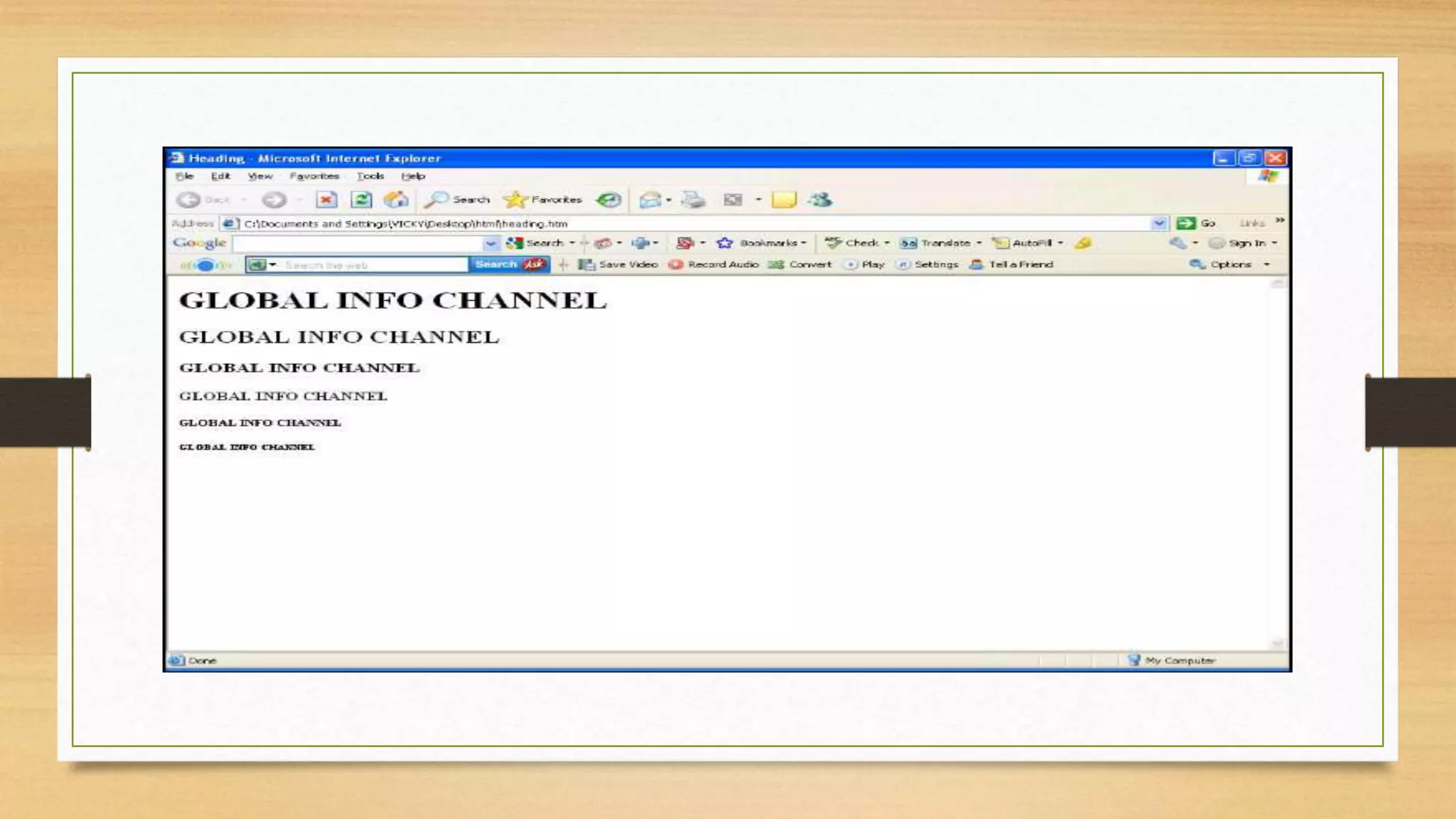
The visual description of how headers
make your headings to be:
How to start
• You can use Notepad or Notepad ++
• Write the codes and tags with the content incide the notepad/
notepad ++
• Then save the file with these extensions: (.Htm), (.Htm).
• Click on that file and open it with Chrome, Internet Explorer etc. to
see if the content is displayed in a web format.
REFERENCES
Reddy. Y, (2013), Introduction to html, Slideshare.net,
(Accesed on 2 September 2018)
Calvert. S, Swift. B, (2013), Html css-presentation,
Slideshare.net, (Accesed on 2 September 2018)
Patni. S, (2018), introduction to html, Slideshare.net
Mayalisa, (2018), Introduction to html, Slideshare.net,
(Accesed on 2 September 2018)

215077679 introduction to HTML

  • 1.
    Introduction to HTML Aworkshop by Xolani Madlopha
  • 2.
    What is HTML? •It is an abbreviation for Hyper Text Markup Language. • In creating the website, it focuses more on the content of the website. • It is the type of coding or hypertext that one needs to know when adding content to the website or webpage they are creating.
  • 3.
    • HTML isgotten from a dialect SGML (Standard Illustrations Markup Language). • The eventual fate of HTML is XML (eXtended Markup Dialect). • HTML isn't a programming dialect, it is a Markup Dialect. • A markup dialect is an arrangement of markup labels.
  • 4.
    • A tagis constantly encased in edge section <>like <HTML> • HTML labels ordinarily come in sets like <HTML> and </HTML> i.e. Begin tag = <HTML>
  • 5.
    End tag =</HTML> •Start and end labels are additionally called opening labels and shutting labels
  • 6.
    BASIC STRUCTURE OFHTML <html> <head></head> <body></body> </html> THESE BASIC STRUCTURES ARE VERY ESSENTIAL AND MUST BE ALWAYS THERE AND USED IN YOUR HTML.
  • 7.
    • <HTML> -Describe HTML web page that is to be viewed by a web browser. • <HEAD> - This defines the header section of the page. • <TITLE> - This shows a caption in the title bar of the page. • <BODY> - This tag show contents of the web page will be displayed.
  • 8.
    THE BASIC HTMLTAGS APPLIED LIKE THIS: <html> <head> Write your heading and other top things you need to mention </head> <body> write the full content and paragraphs here write the full content and paragraphs here write the full content and paragraphs here </body> </html>
  • 9.
    Heading Element:-> • Thereare six heading elements (<H1>,<H2>,<H3>,<H4>, <H5>,<H6>). • All the six heading elements are container tag and requires a closing tag. • <h1> will print the largest heading • <h6> will print the smallest heading
  • 10.
    The visual descriptionof how headers make your headings to be:
  • 12.
    How to start •You can use Notepad or Notepad ++ • Write the codes and tags with the content incide the notepad/ notepad ++ • Then save the file with these extensions: (.Htm), (.Htm). • Click on that file and open it with Chrome, Internet Explorer etc. to see if the content is displayed in a web format.
  • 14.
    REFERENCES Reddy. Y, (2013),Introduction to html, Slideshare.net, (Accesed on 2 September 2018) Calvert. S, Swift. B, (2013), Html css-presentation, Slideshare.net, (Accesed on 2 September 2018) Patni. S, (2018), introduction to html, Slideshare.net Mayalisa, (2018), Introduction to html, Slideshare.net, (Accesed on 2 September 2018)