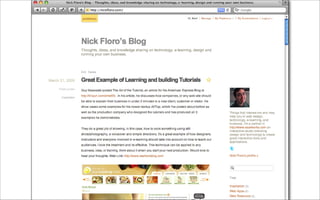
Are you on Twitter? Why not?
Join today and participate in the conference backchannel #mlearningdevcon


     Introduction to Compressing

                 Video & Audio
                                                                Flash & HTML5

        Nick@sealworks.com
        Twitter.com/NickFloro
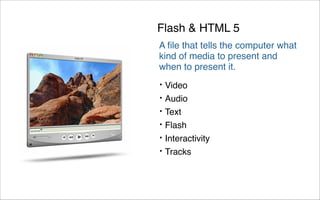
Flash & HTML 5
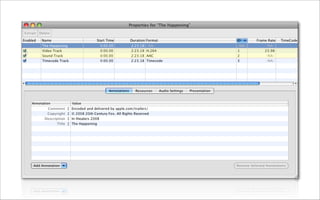
A file that tells the computer what
kind of media to present and
when to present it.
•   Video
•   Audio
•   Text
•   Flash
•   Interactivity
•   Tracks
1991
1999
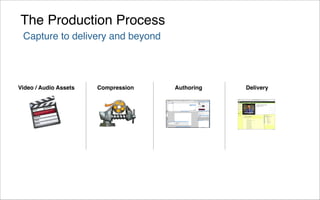
The Production Process
 Capture to delivery and beyond


Video / Audio Assets   Compression   Authoring   Delivery
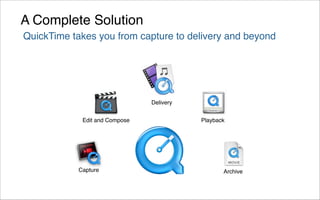
A Complete Solution
QuickTime takes you from capture to delivery and beyond


                                Delivery


             Edit and Compose              Playback


            Capture                               Archive
ß
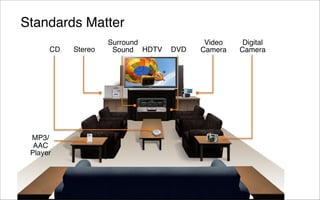
Standards Matter
                    Surround             Video    Digital
      CD   Stereo    Sound HDTV   DVD   Camera   Camera


 MP3/
  AAC
 Player
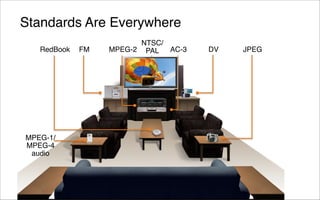
Standards Are Everywhere
                         NTSC/
   RedBook   FM   MPEG-2 PAL   AC-3   DV   JPEG


MPEG-1/
MPEG-4
 audio
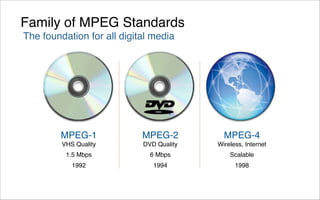
Family of MPEG Standards
The foundation for all digital media


        MPEG-1              MPEG-2          MPEG-4
         VHS Quality        DVD Quality   Wireless, Internet
          1.5 Mbps            6 Mbps          Scalable
            1992               1994             1998
Video
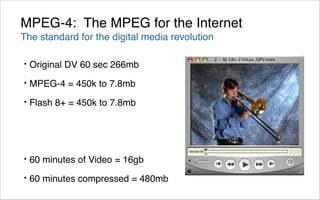
MPEG-4: The MPEG for the Internet
The standard for the digital media revolution

•   Original DV 60 sec 266mb
•   MPEG-4 = 450k to 7.8mb
•   Flash 8+ = 450k to 7.8mb


•   60 minutes of Video = 16gb
•   60 minutes compressed = 480mb
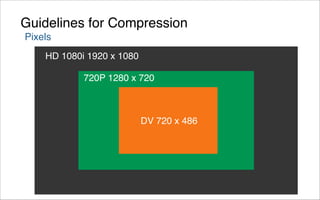
Guidelines for Compression
Pixels
    HD 1080i 1920 x 1080

            720P 1280 x 720


                           DV 720 x 486
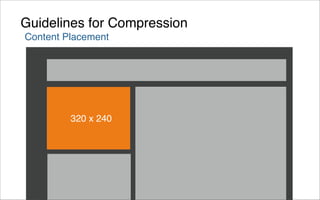
Guidelines for Compression
Content Placement


         320 x 240
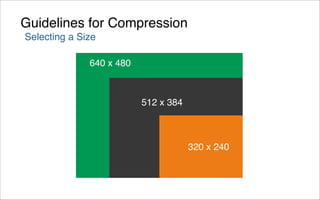
Guidelines for Compression
Selecting a Size

              640 x 480


                          512 x 384


                                      320 x 240
Guidelines for Compression
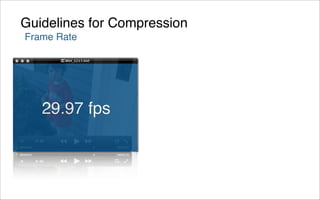
Frame Rate


   29.97 fps
Guidelines for Compression
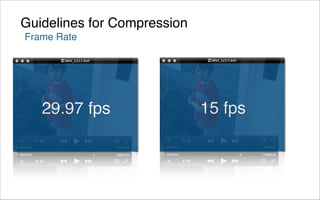
Frame Rate


   29.97 fps                 15 fps
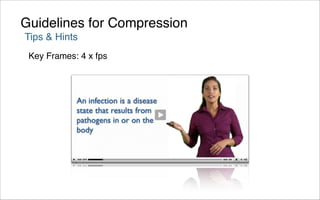
Guidelines for Compression
Tips & Hints
 Key Frames: 4 x fps
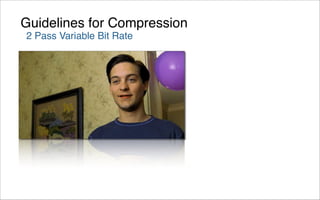
Guidelines for Compression
2 Pass Variable Bit Rate
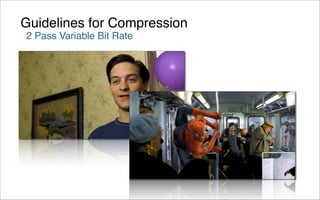
Guidelines for Compression
2 Pass Variable Bit Rate
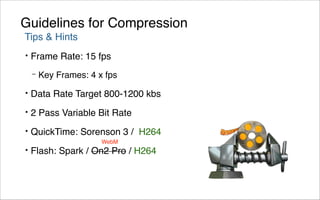
Guidelines for Compression
Tips & Hints
•   Frame Rate: 15 fps
    –   Key Frames: 4 x fps
•   Data Rate Target 800-1200 kbs
•   2 Pass Variable Bit Rate
•   QuickTime: Sorenson 3 / H264
                       WebM
•   Flash: Spark / On2 Pro / H264
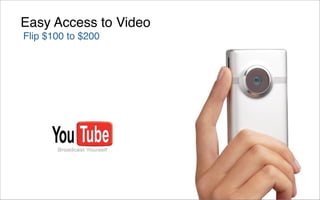
Easy Access to Video
Flip $100 to $200
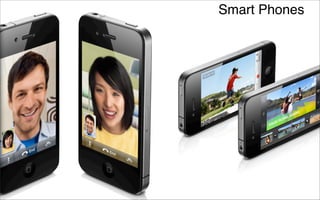
Smart Phones
Audio
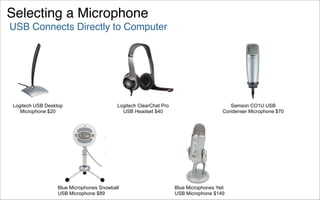
Selecting a Microphone
USB Connects Directly to Computer


Logitech USB Desktop                      Logitech ClearChat Pro                          Samson CO1U USB
   Microphone $20                           USB Headset $40                            Condenser Microphone $70


                  Blue Microphones Snowball                        Blue Microphones Yeti
                  USB Microphone $89                               USB Microphone $149
Skype
Record Directly


Audacity
http://audacity.sourceforge.net/

EasyVoipRecorder Recorder (Windows)
http://www.easyvoiprecorder.org/

Hot Recorder (Windows)
http://www.hotrecorder.com/

Call Recorder (Mac OS X)
http://www.ecamm.com/mac/callrecorder/
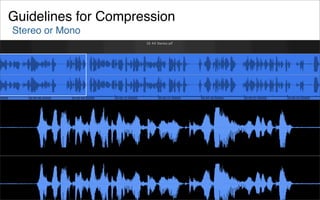
Guidelines for Compression
Stereo or Mono
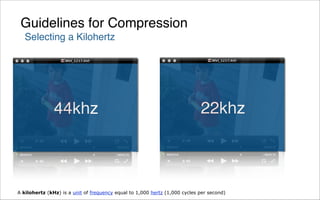
Guidelines for Compression
   Selecting a Kilohertz


               44khz                                                        22khz


A kilohertz (kHz) is a unit of frequency equal to 1,000 hertz (1,000 cycles per second)
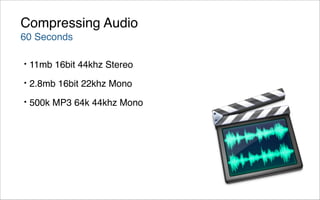
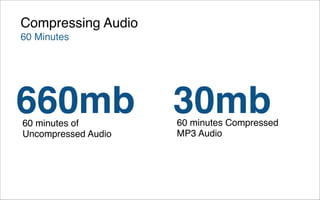
Compressing Audio
60 Seconds

•   11mb 16bit 44khz Stereo
•   2.8mb 16bit 22khz Mono
•   500k MP3 64k 44khz Mono
Compressing Audio
60 Minutes


660mb
60 minutes of
                     30mb
                     60 minutes Compressed
Uncompressed Audio   MP3 Audio
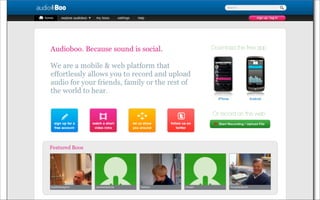
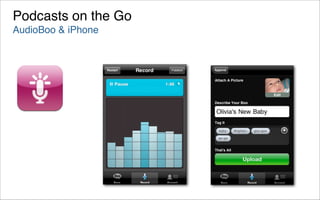
Podcasts on the Go
AudioBoo & iPhone
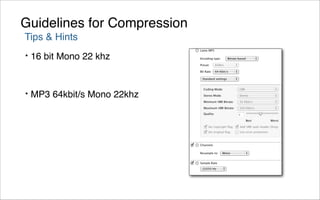
Guidelines for Compression
Tips & Hints
•   16 bit Mono 22 khz


•   MP3 64kbit/s Mono 22khz
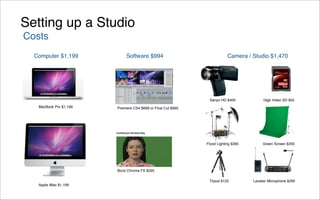
Setting up a Studio
Costs
  Computer $1,199            Software $994                                Camera / Studio $1,470


                                                               Sanyo HD $400             16gb Video SD $55
   MacBook Pro $1,199   Premiere CS4 $699 or Final Cut $995


                                                              Flood Lighting $395        Green Screen $200


                        Boris Chroma FX $295
                                                               Tripod $125          Lavalier Microphone $295
   Apple iMac $1,199
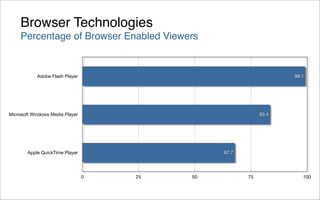
Browser Technologies
     Percentage of Browser Enabled Viewers


            Adobe Flash Player                                    99.1


Microsoft Windows Media Player                             83.4


        Apple QuickTime Player                 67.7


                                 0   25   50          75             100
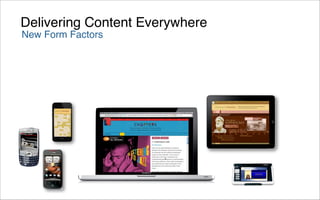
Delivering Content Everywhere
New Form Factors
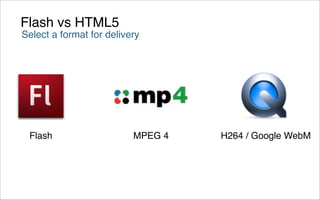
Flash vs HTML5
Select a format for delivery


 Flash                    MPEG 4   H264 / Google WebM
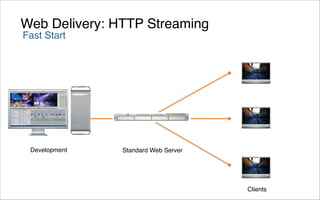
Web Delivery: HTTP Streaming
Fast Start


 Development   Standard Web Server


                                     Clients
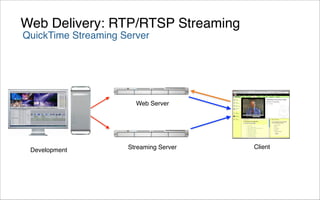
Web Delivery: RTP/RTSP Streaming
QuickTime Streaming Server


                       Web Server


                     Streaming Server   Client
 Development
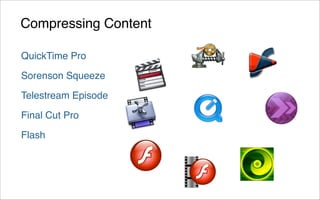
Compressing Content

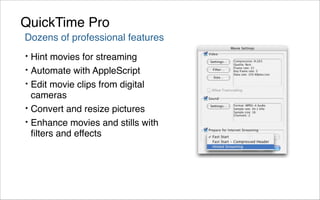
QuickTime Pro

Sorenson Squeeze

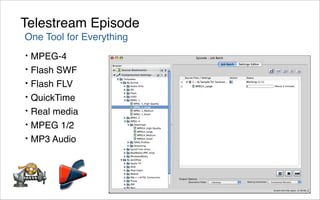
Telestream Episode

Final Cut Pro

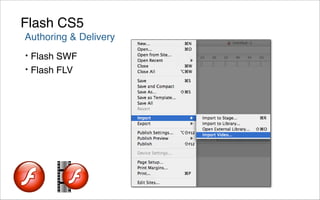
Flash
QuickTime Pro
Dozens of professional features
•   Hint movies for streaming
•   Automate with AppleScript
•   Edit movie clips from digital
    cameras
•   Convert and resize pictures
•   Enhance movies and stills with
    filters and effects
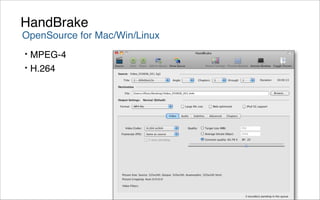
HandBrake
OpenSource for Mac/Win/Linux
• MPEG-4
• H.264
Telestream Episode
One Tool for Everything
•   MPEG-4
•   Flash SWF
•   Flash FLV
•   QuickTime
•   Real media
•   MPEG 1/2
•   MP3 Audio
Flash CS5
Authoring & Delivery
• Flash SWF
• Flash FLV
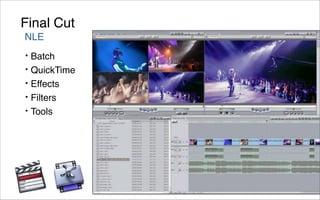
Final Cut
NLE
•   Batch
•   QuickTime
•   Effects
•   Filters
•   Tools
Video Compression


    Flash
<!-- flash movie & bullets -->
	   <div id="flashholder">
	   	    <div id="flash">
	   	    	   <script language="javascript">
	   	    	   	    if (AC_FL_RunContent == 0) {
	   	    	   	    	   alert("This page requires AC_RunActiveContent.js.");
	   	    	   	    } else {
	   	    	   	    	   AC_FL_RunContent(
	   	    	   	    	   	    'codebase', 'http://download.macromedia.com/pub/shockwave/cabs/flash/swflash.cab#version=9,0,0,0',
	   	    	   	    	   	    'width', '320',
	   	    	   	    	   	    'height', '310',
	   	    	   	    	   	    'src', '../FLV_Player',
	   	    	   	    	   	    'quality', 'high',
	   	    	   	    	   	    'pluginspage', 'http://www.macromedia.com/go/getflashplayer',
	   	    	   	    	   	    'align', 'middle',
	   	    	   	    	   	    'play', 'true',
	   	    	   	    	   	    'loop', 'true',
	   	    	   	    	   	    'scale', 'showall',
	   	    	   	    	   	    'wmode', 'window',
	   	    	   	    	   	    'devicefont', 'false',
	   	    	   	    	   	    'id', 'FLV_Player',
	   	    	   	    	   	    'bgcolor', '#ffffff',
	   	    	   	    	   	    'name', 'FLV_Player',
	   	    	   	    	   	    'menu', 'true',
	   	    	   	    	   	    'allowFullScreen', 'false',
	   	    	   	    	   	    'allowScriptAccess','always',
	   	    	   	    	   	    'movie', '../FLV_Player',
	   	    	   	    	   	    'salign', ''
	   	    	   	    	   ); //end AC code
	   	    	   	    }
	   	    	   </script>
	   	    	   <noscript>
// HTML 5 makes
<video> as easy
as <img>
// HTML 5 makes <video> as easy as <img>
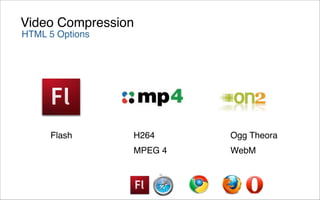
Video Compression
HTML 5 Options


     Flash       H264     Ogg Theora
                 MPEG 4   WebM
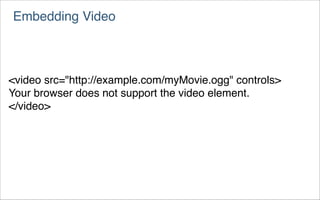
Embedding Video


<video src="http://example.com/myMovie.ogg" controls>
Your browser does not support the video element.
</video>
Embedding Video


<video controls>
<source src="foo.ogg" type="video/ogg">
<source src="foo.mp4">
Your browser does not support the video element.
</video>

var v = document.getElementsByTagName("video")[0];
v.play();
Resources
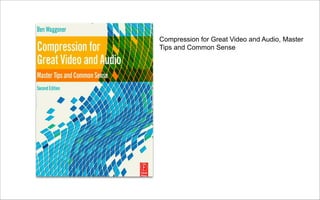
Compression for Great Video and Audio, Master
Tips and Common Sense
Resources
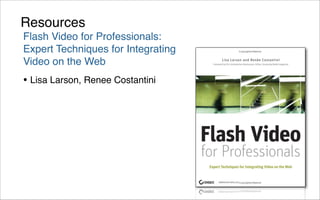
Flash Video for Professionals:
Expert Techniques for Integrating
Video on the Web
• Lisa Larson, Renee Costantini
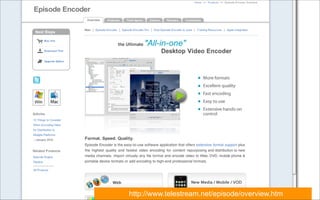
http://www.telestream.net/episode/overview.htm
www.brightcove.com
www.hosting.com
Screencasts 101 Mini-Session


               www.jingproject.com
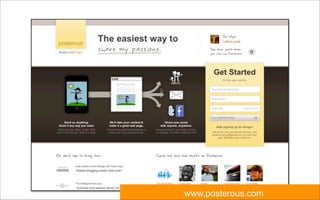
www.posterous.com
www.longtailvideo.com
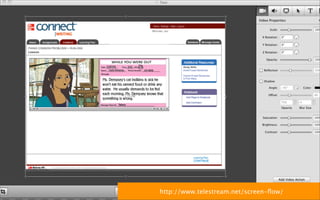
http://www.telestream.net/screen-flow/
www.TED.com
www.twitter.com
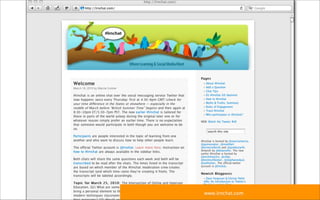
www.lrnchat.com
Download the Presentation at:
http://www.slideshare.net/nickfloro
www.launchcycle.com
Thank You


            Nick Floro
            sealworks interactive studios

            nick@sealworks.com
            www.sealworks.com

            twitter.com/NickFloro

            Download the Presentation at:
            http://www.slideshare.net/nickfloro

Intro to Compression: Audio and Video Optimization for Learning