Compressing
Mediafor desktop and
mobile delivery
Nick Floro
Nick@sealworks.com
@NickFloro
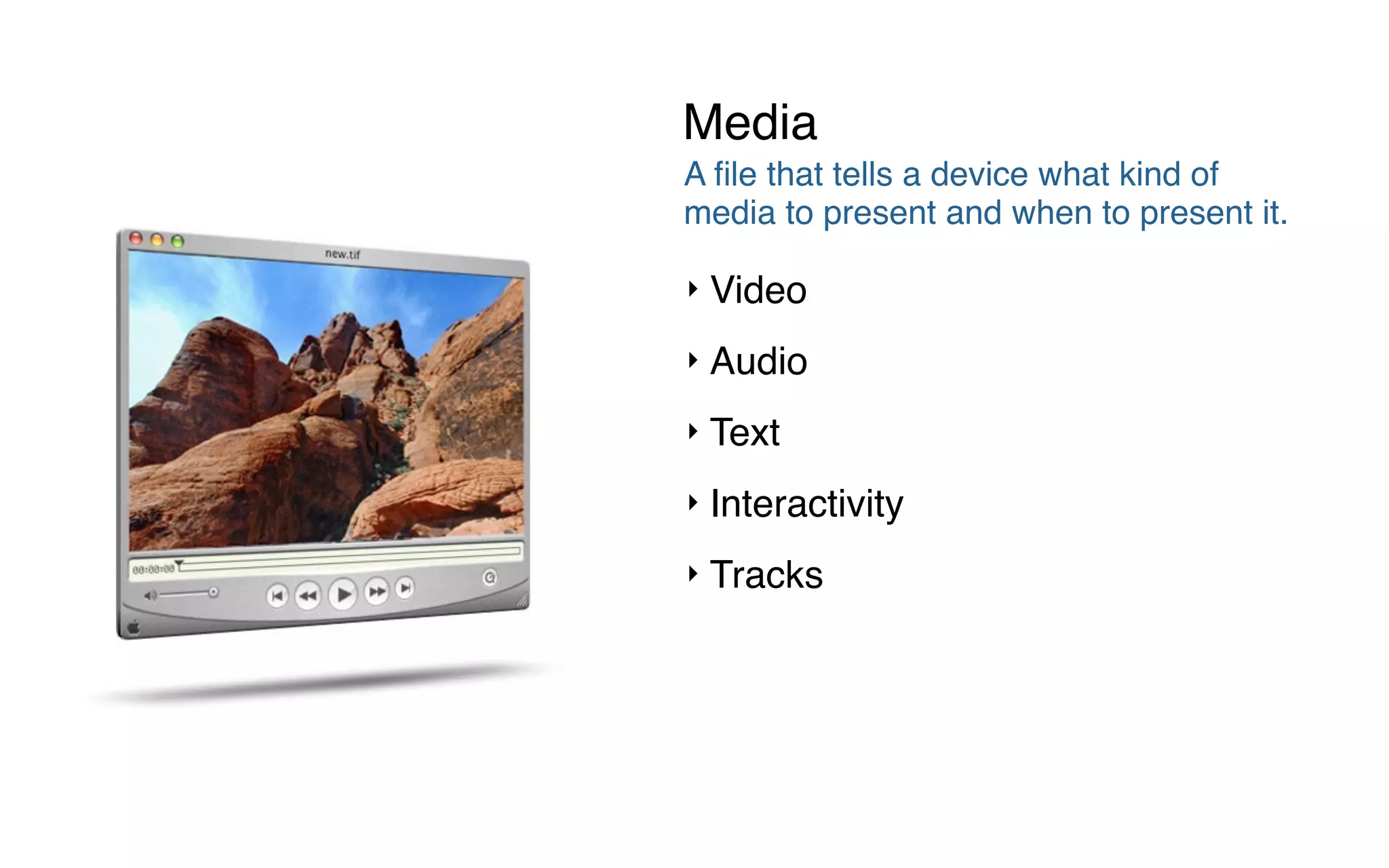
A file that tells a device what kind of
media to present and when to present it.
‣ Video
‣ Audio
‣ Text
‣ Interactivity
‣ Tracks
Media
1991
1999
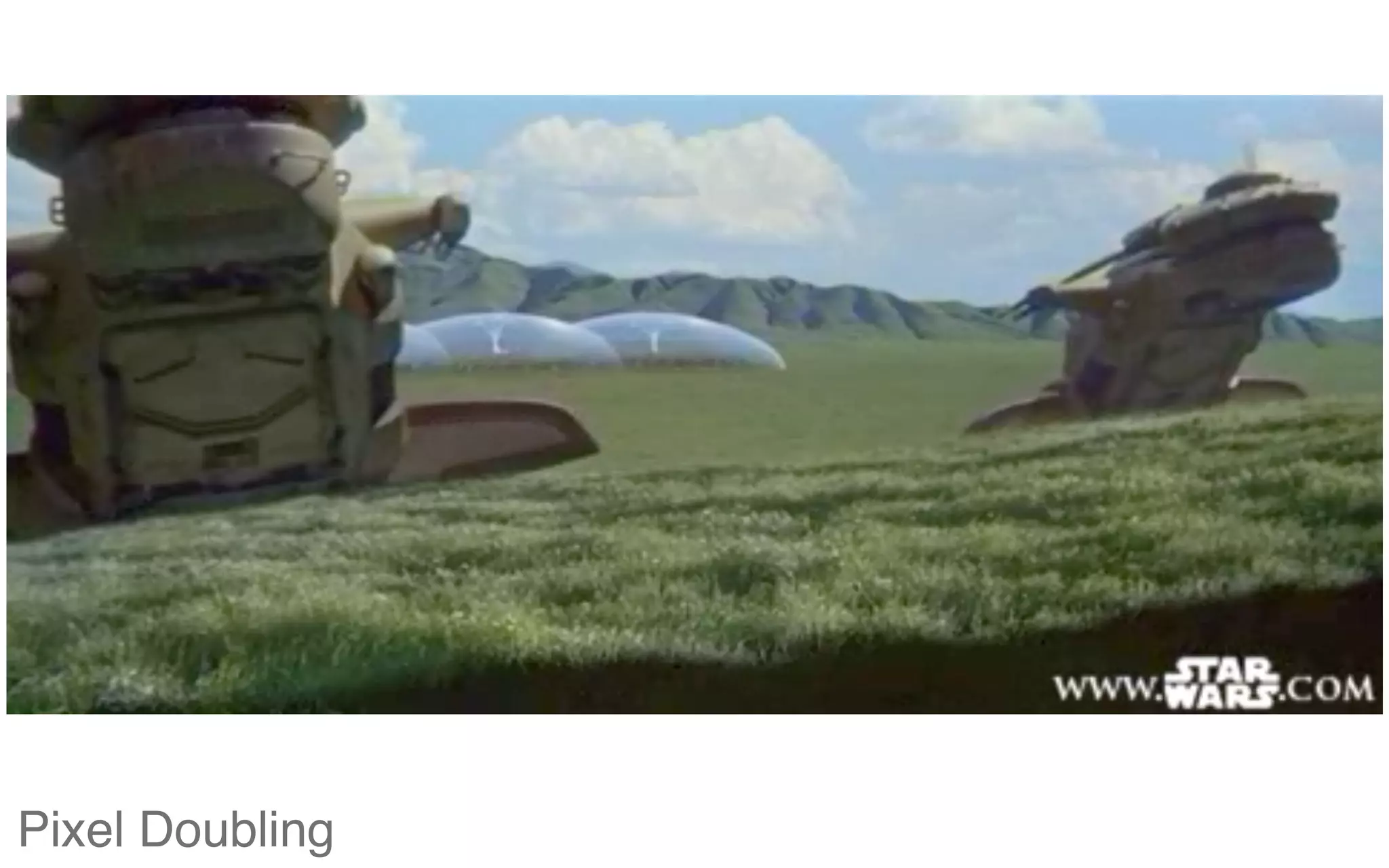
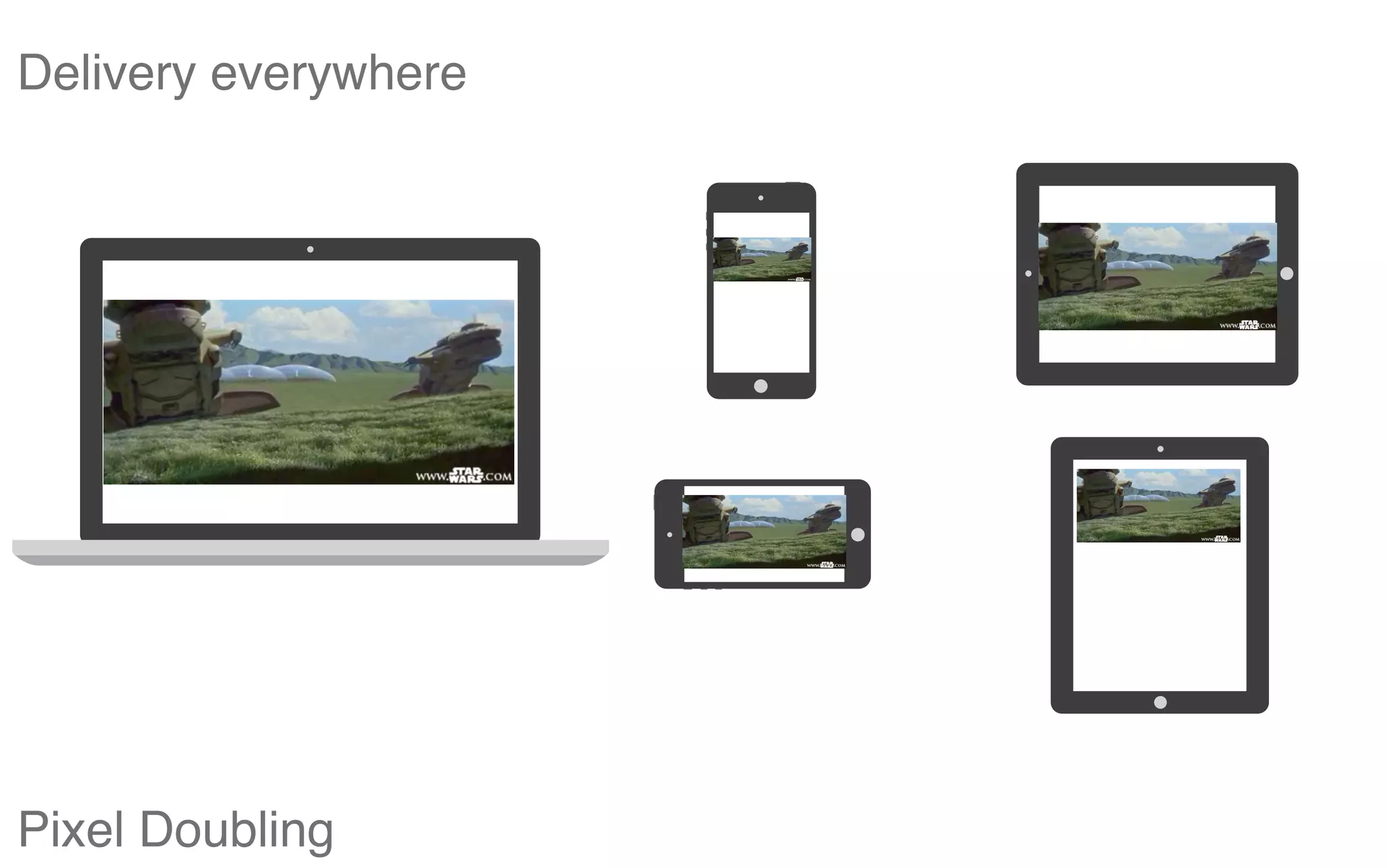
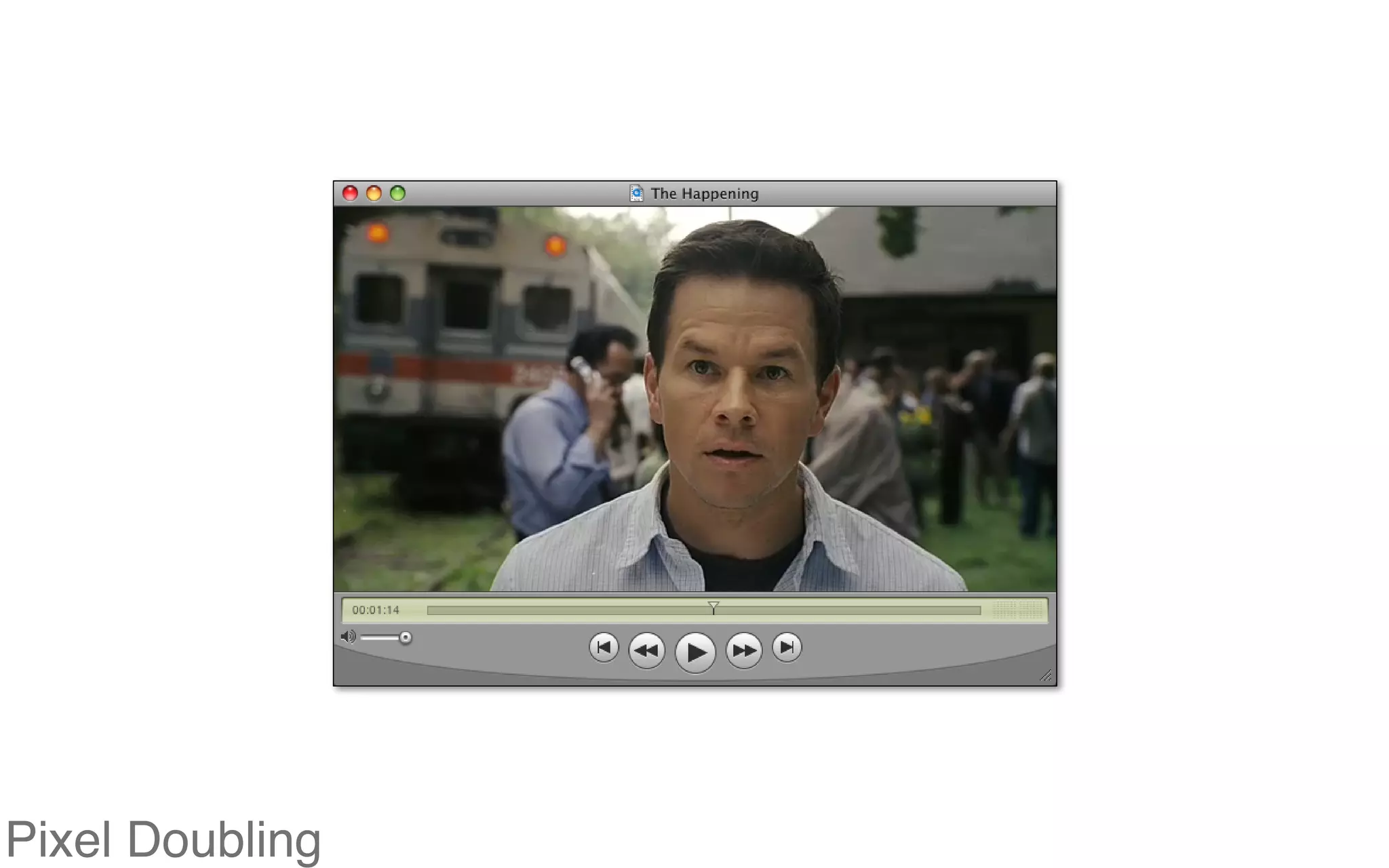
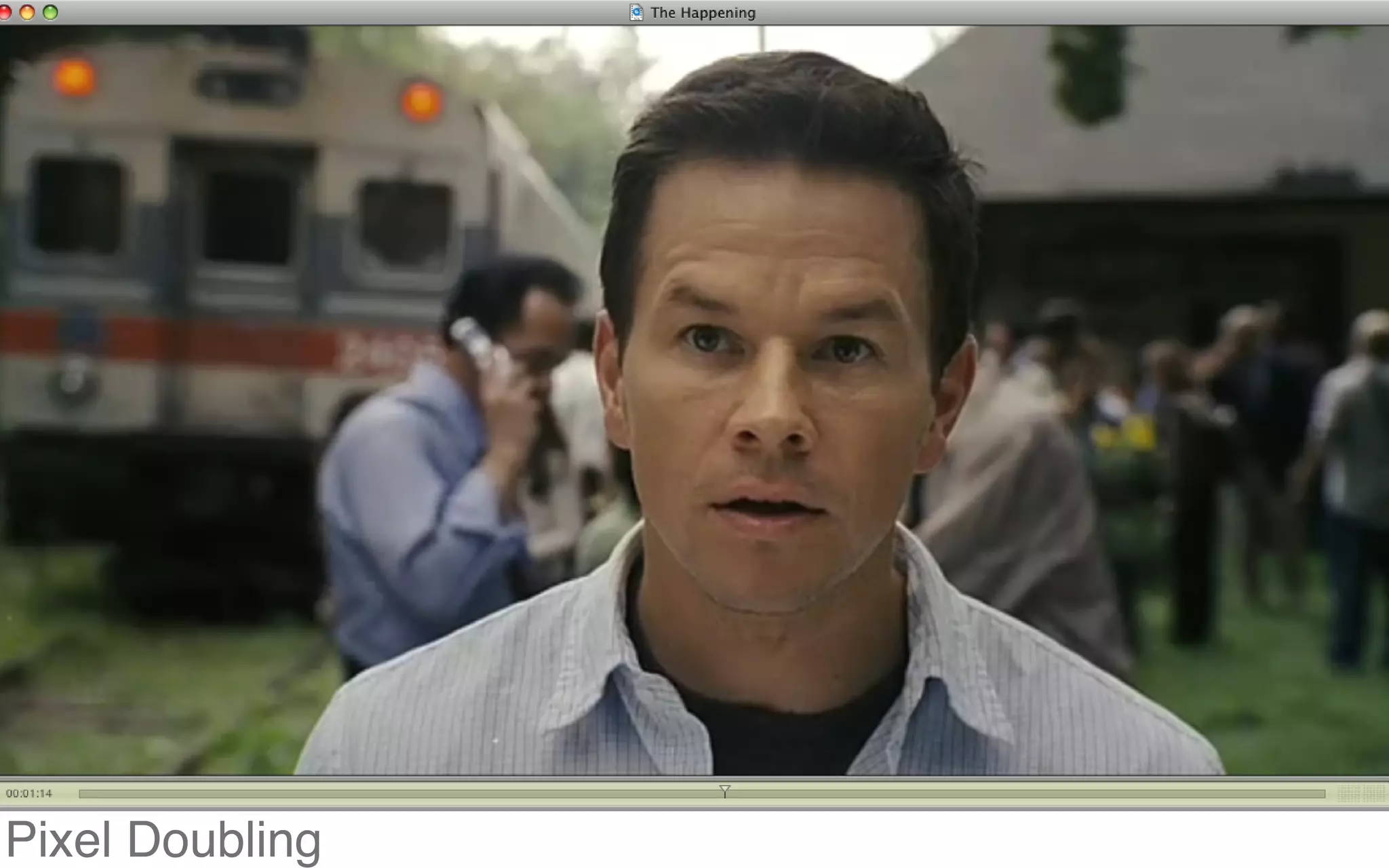
Pixel Doubling
Pixel Doubling
Delivery everywhere
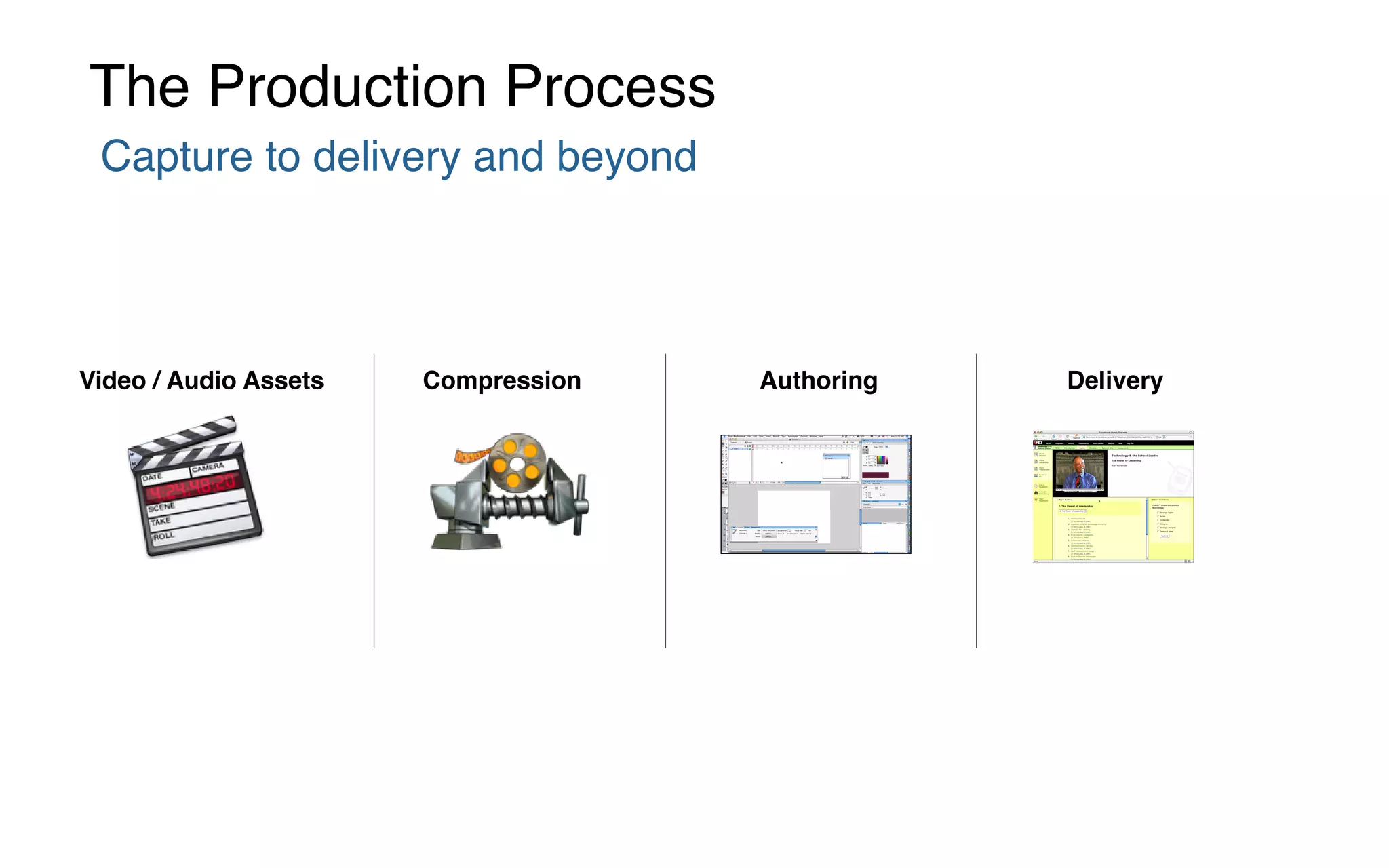
Capture to delivery and beyond
The Production Process
Video / Audio Assets Compression Authoring Delivery
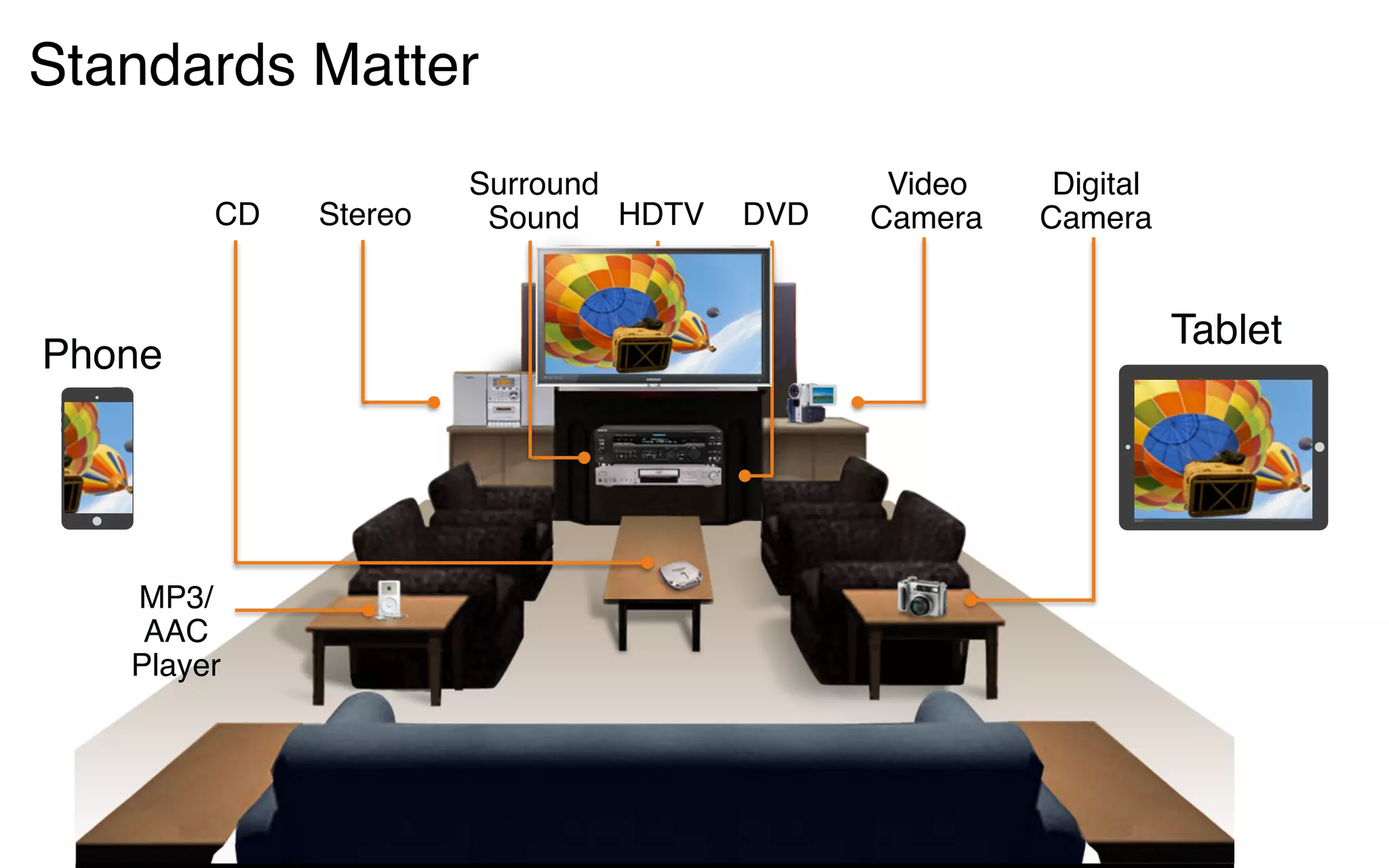
Standards Matter
MP3/
AAC
Player
Surround
SoundCD
Digital
CameraDVDStereo
Video
CameraHDTV
Phone
Tablet
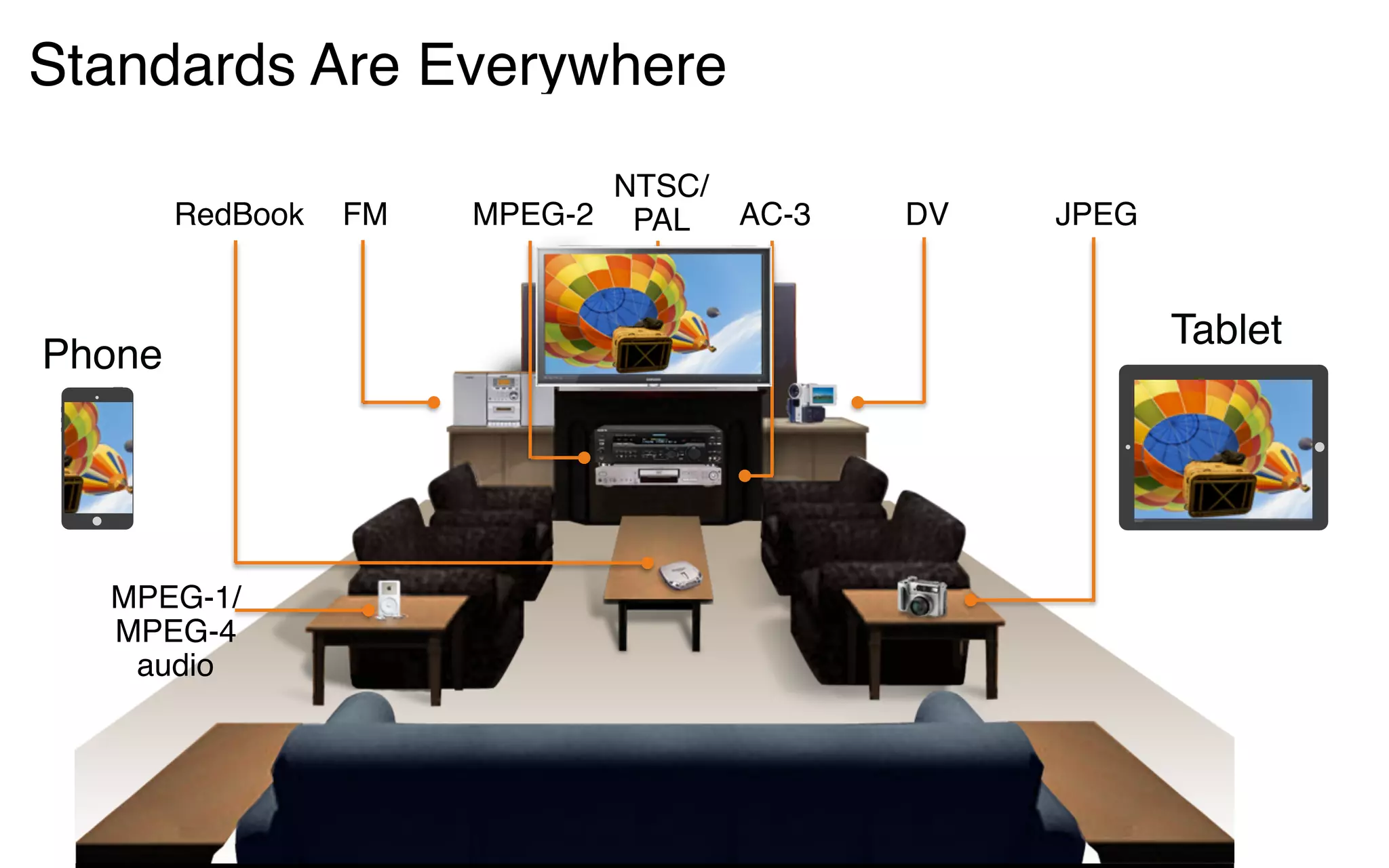
MPEG-1/
MPEG-4
audio
MPEG-2RedBook JPEGAC-3FM DV
NTSC/
PAL
Phone
Tablet
Standards Are Everywhere
Video
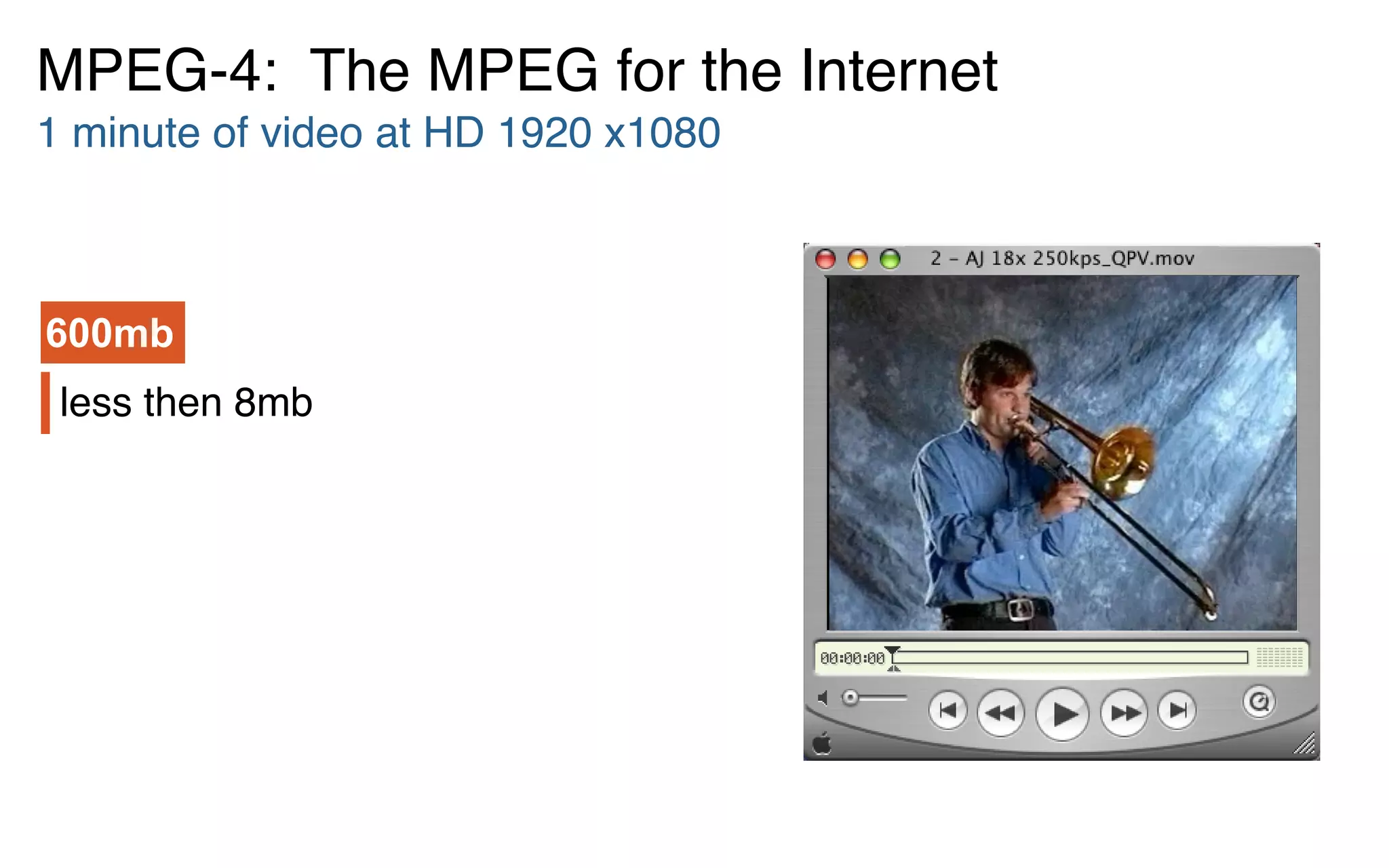
less then 8mb
MPEG-4: The MPEG for the Internet
1 minute of video at HD 1920 x1080
600mb
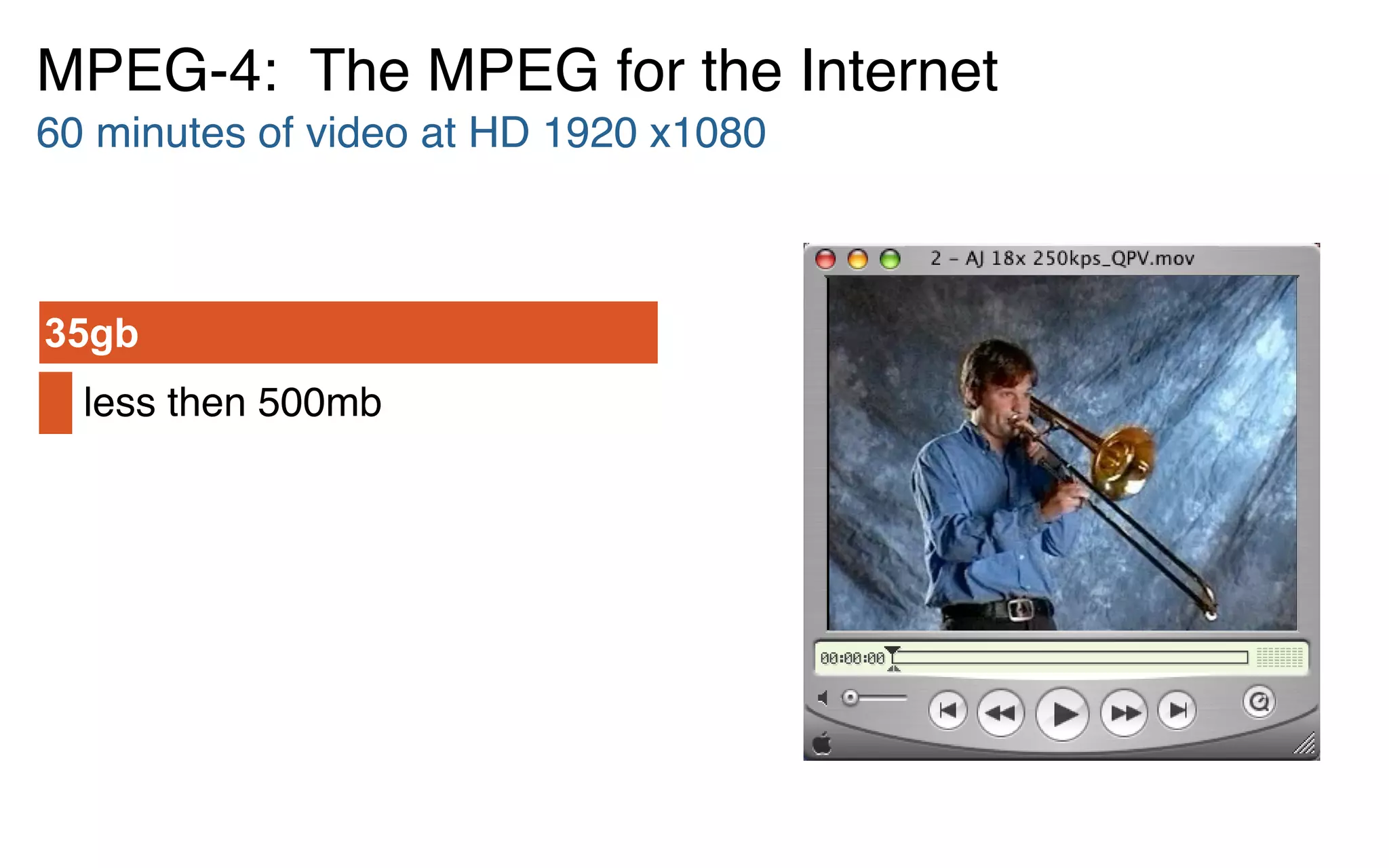
less then 500mb
35gb
MPEG-4: The MPEG for the Internet
60 minutes of video at HD 1920 x1080
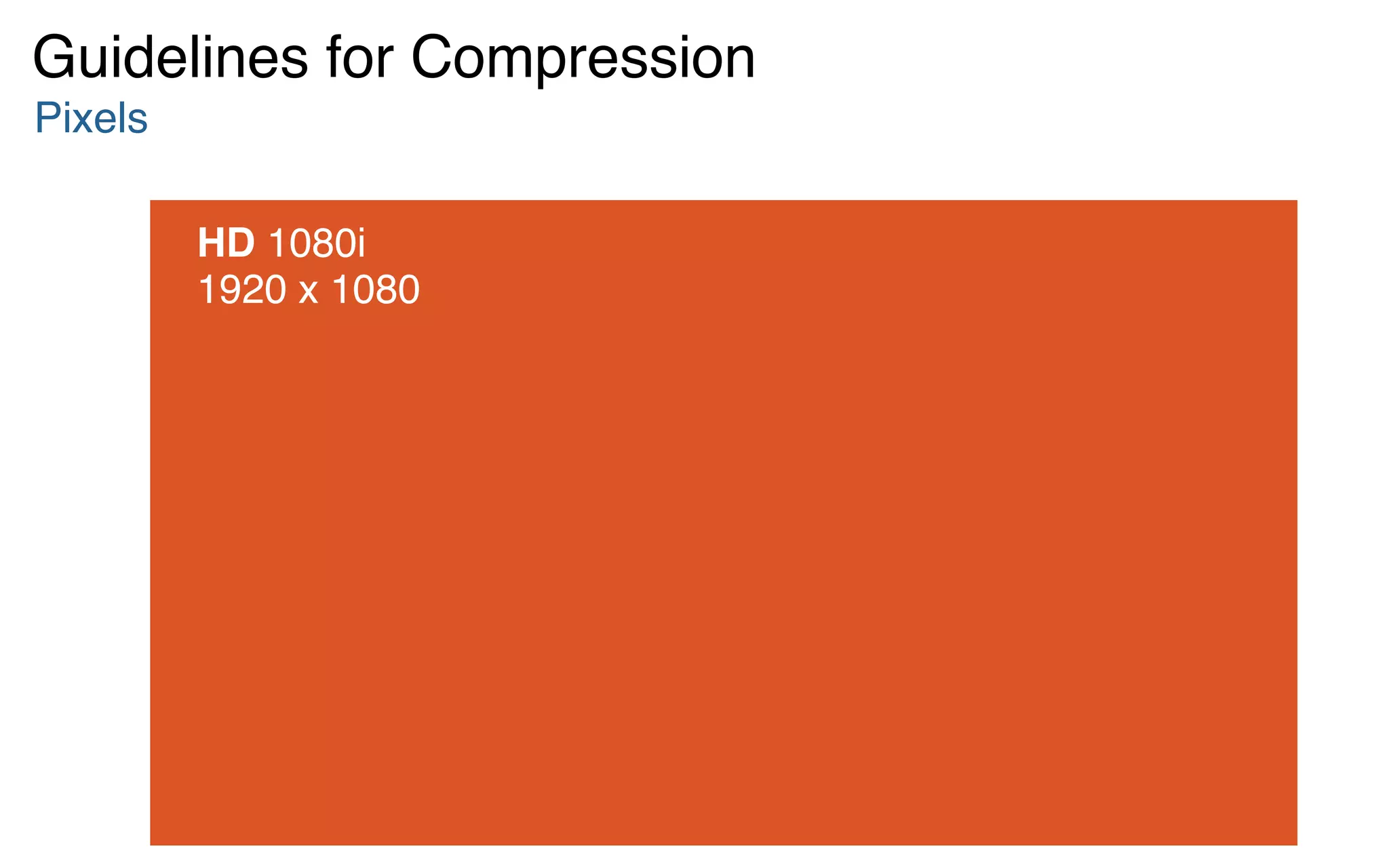
HD 1080i 

1920 x 1080
Pixels
Guidelines for Compression
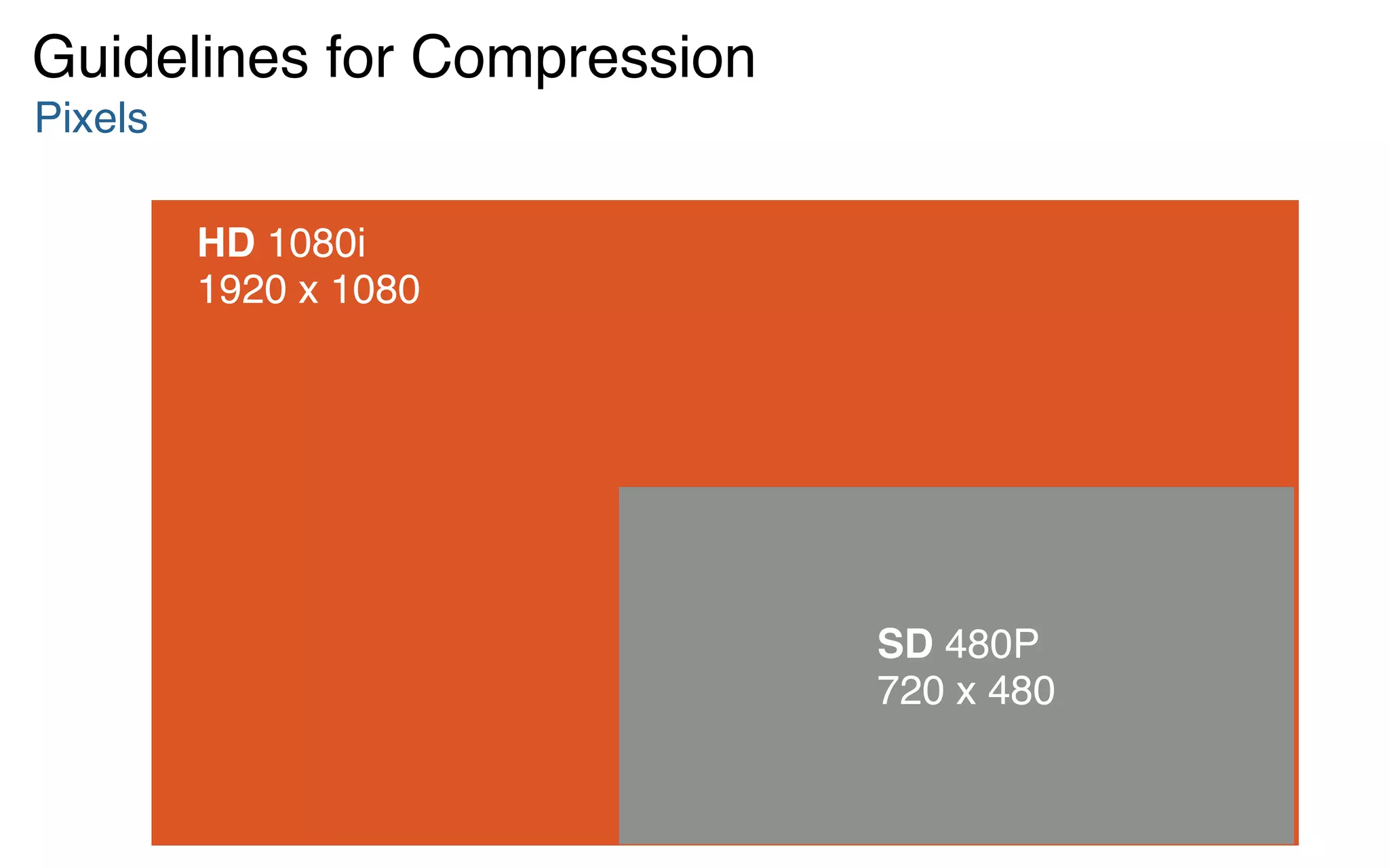
HD 1080i 

1920 x 1080
SD 480P 

720 x 480
Pixels
Guidelines for Compression
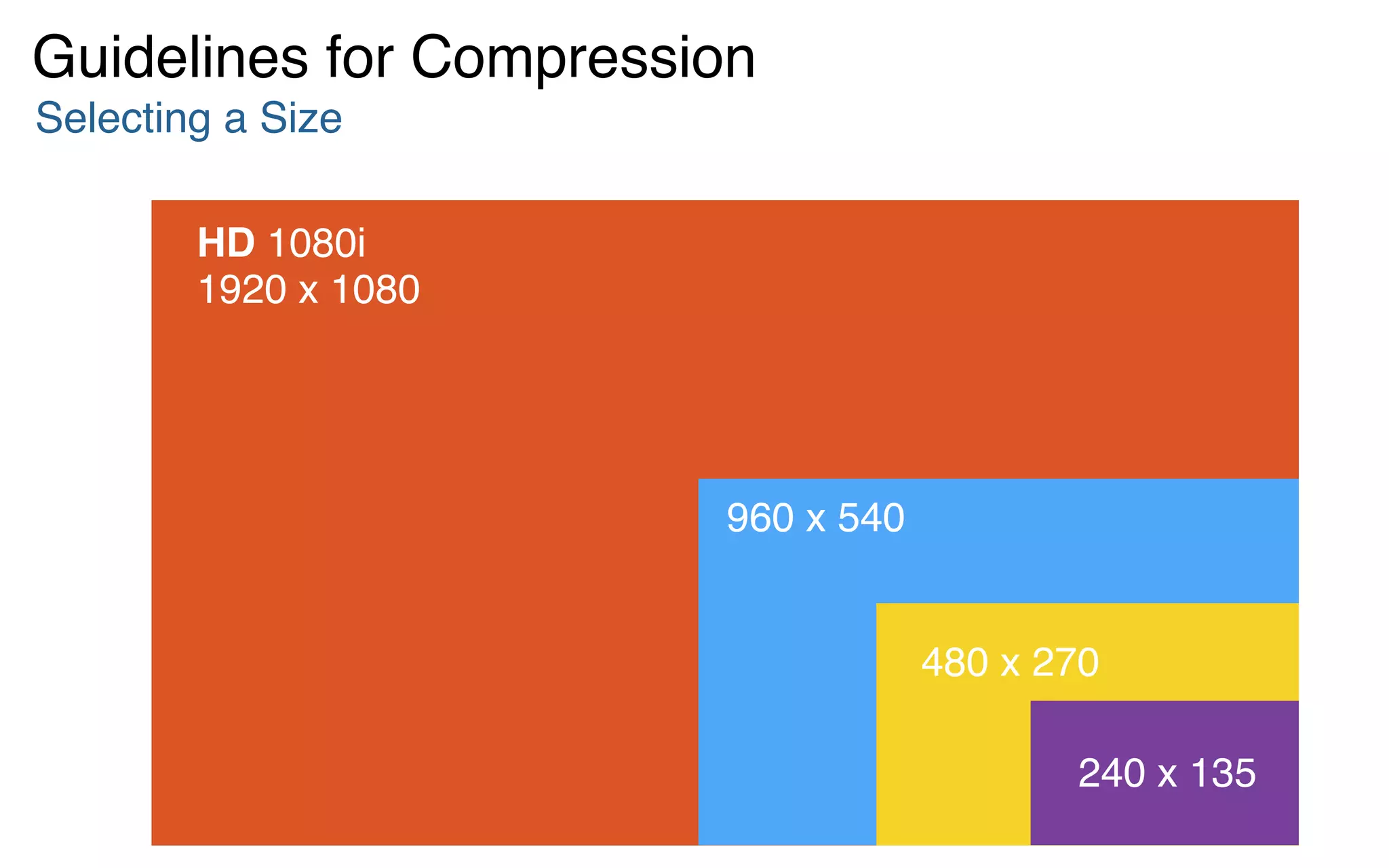
HD 1080i 

1920 x 1080
Selecting a Size
Guidelines for Compression
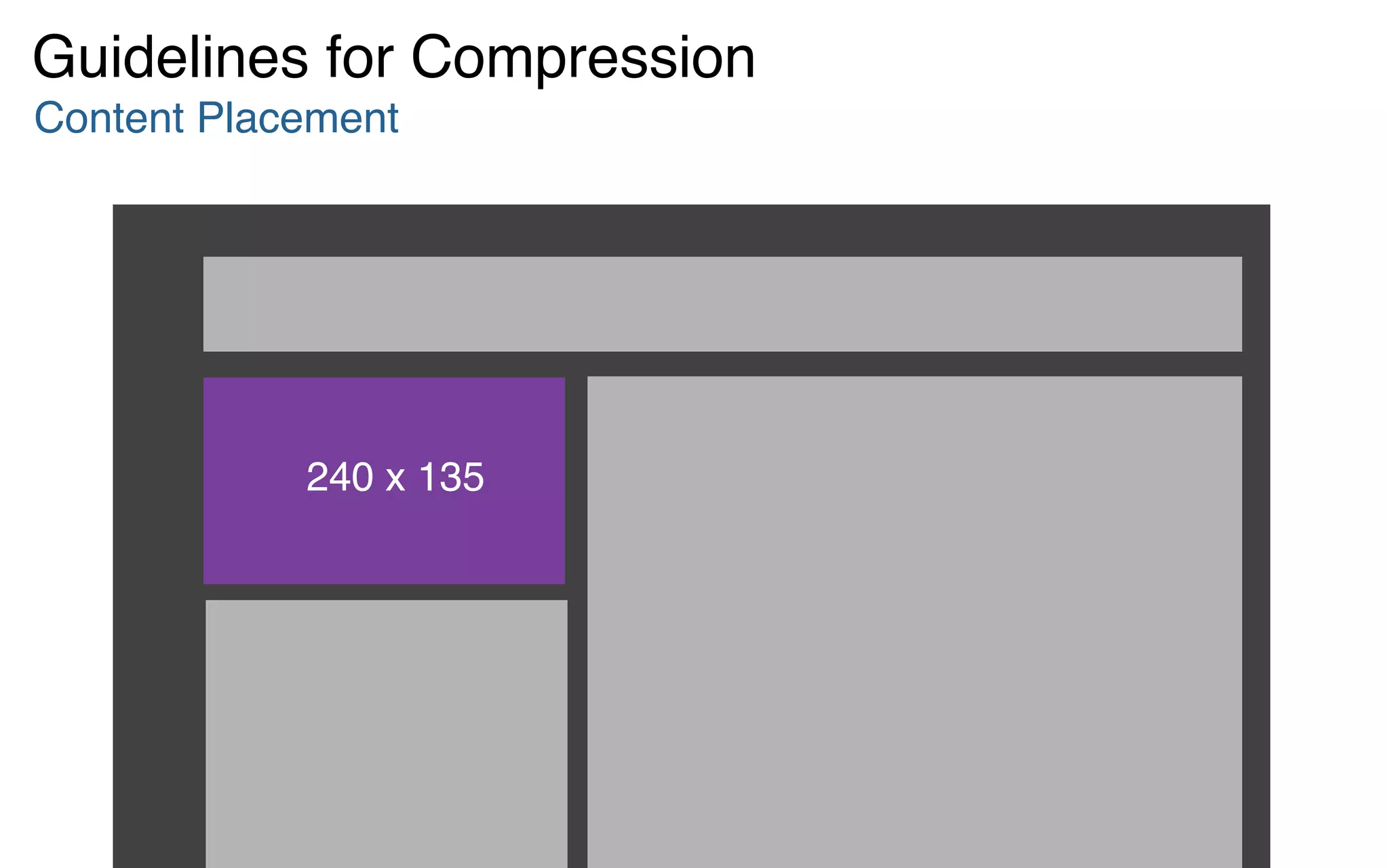
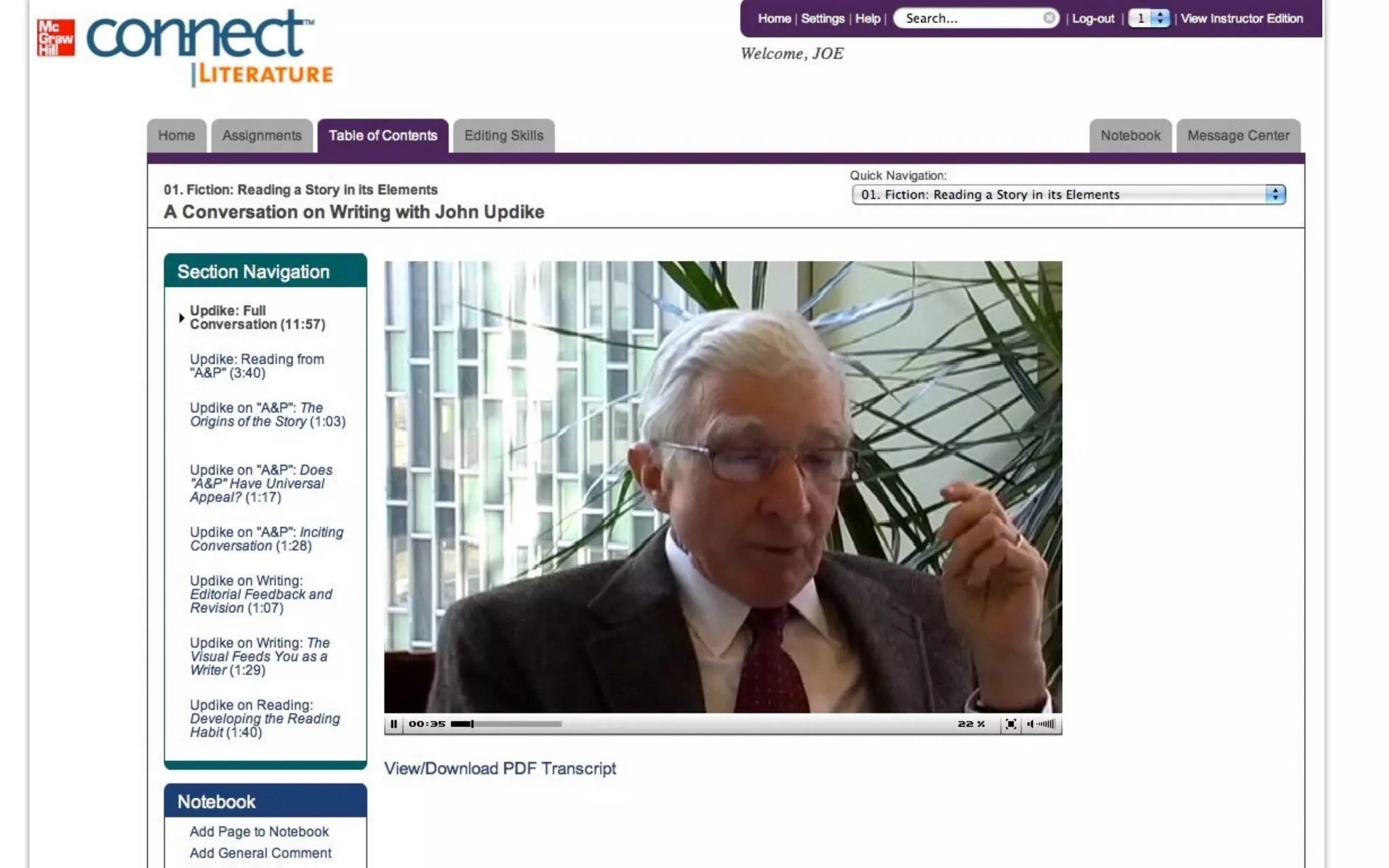
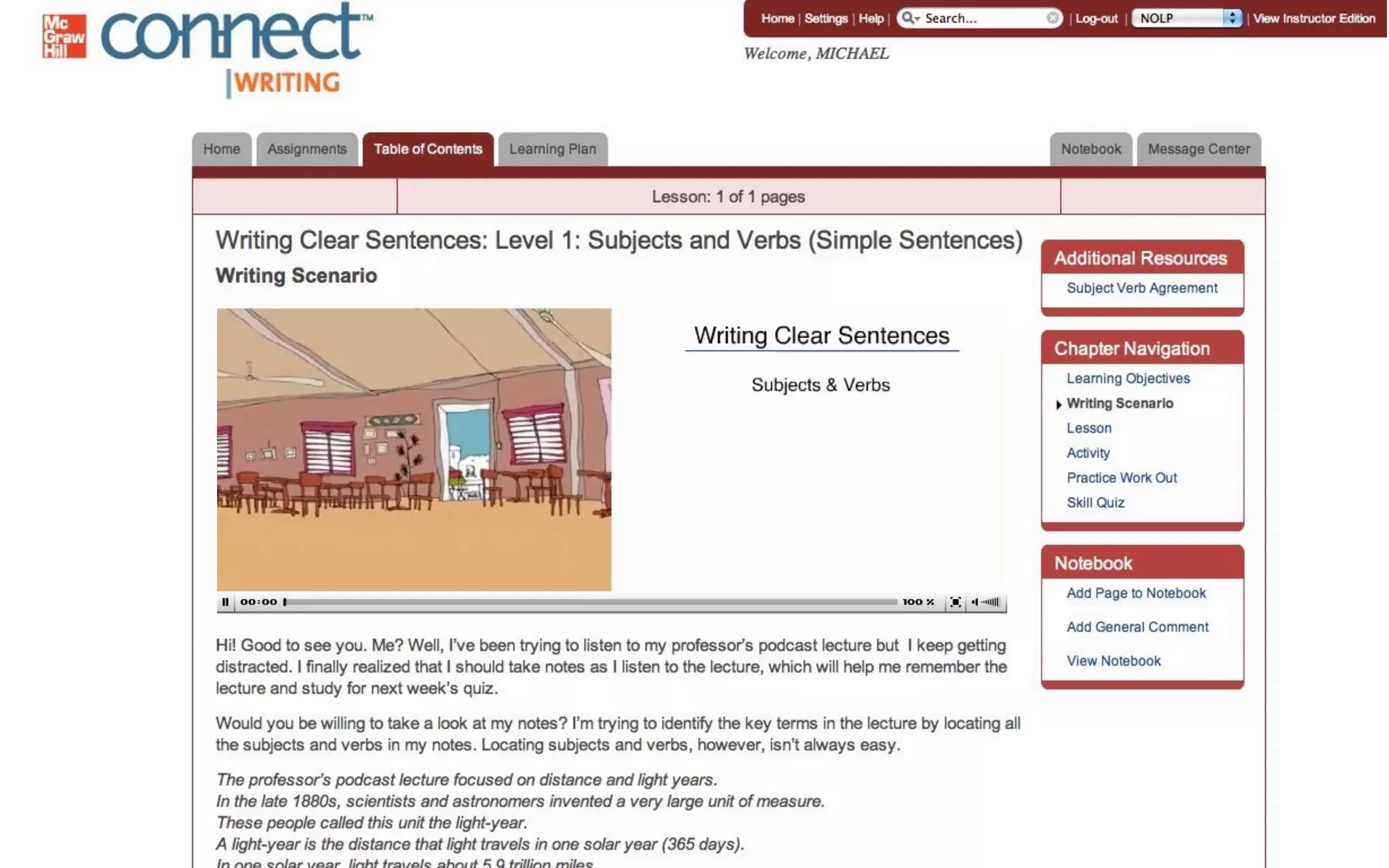
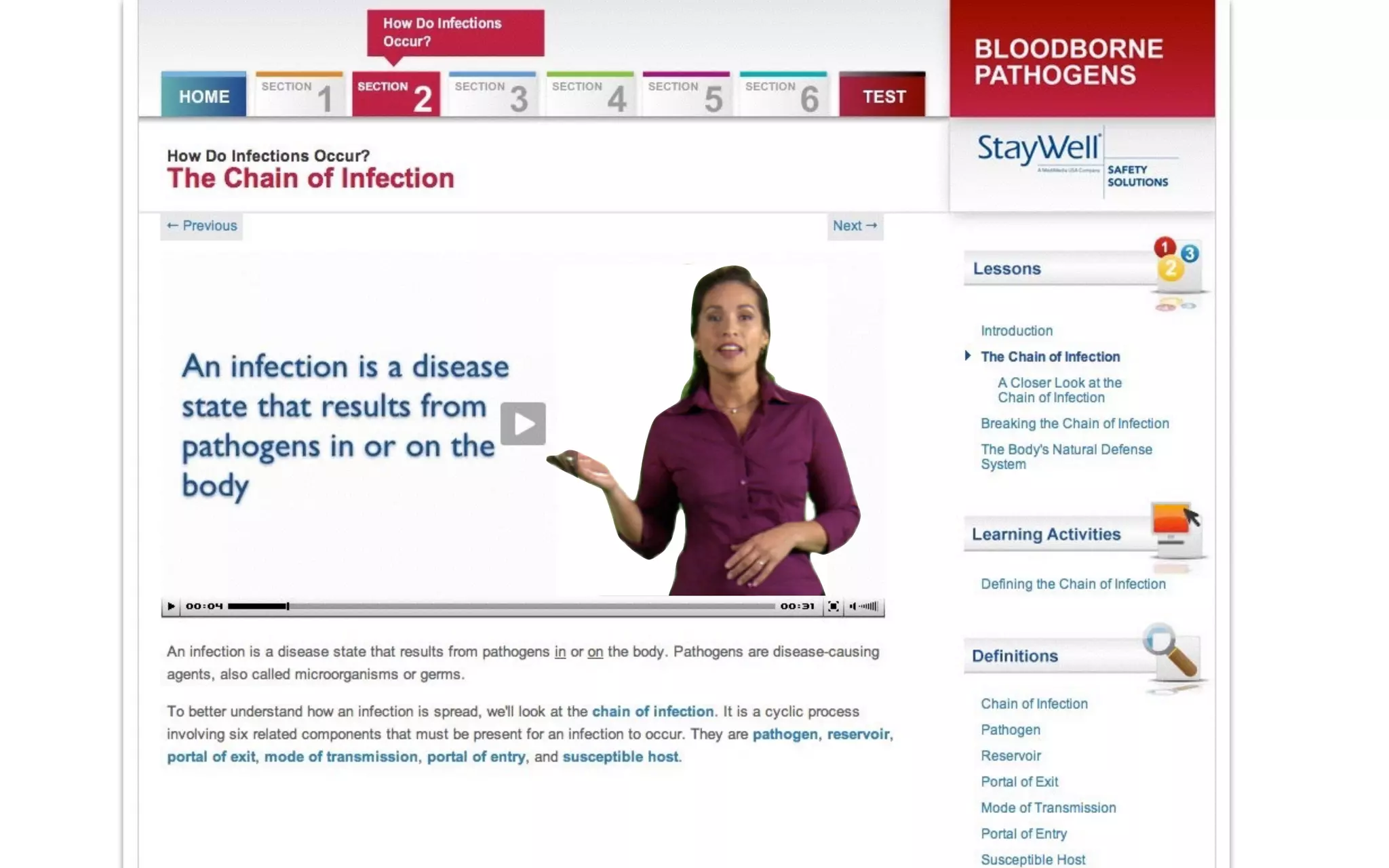
240 x 135
480 x 270
960 x 540
240 x 135
Content Placement
Guidelines for Compression
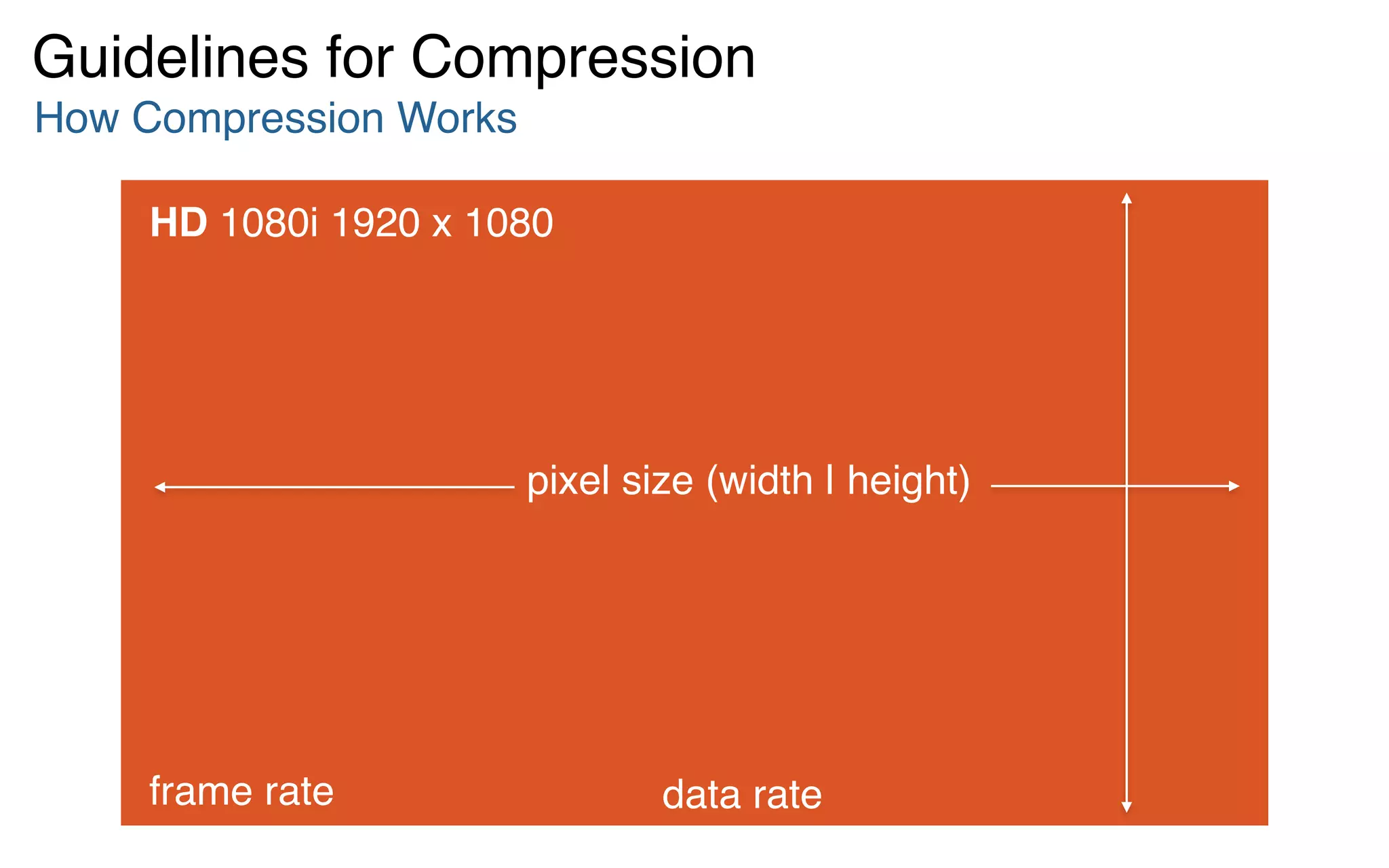
HD 1080i 1920 x 1080
How Compression Works
Guidelines for Compression
pixel size (width | height)
frame rate data rate
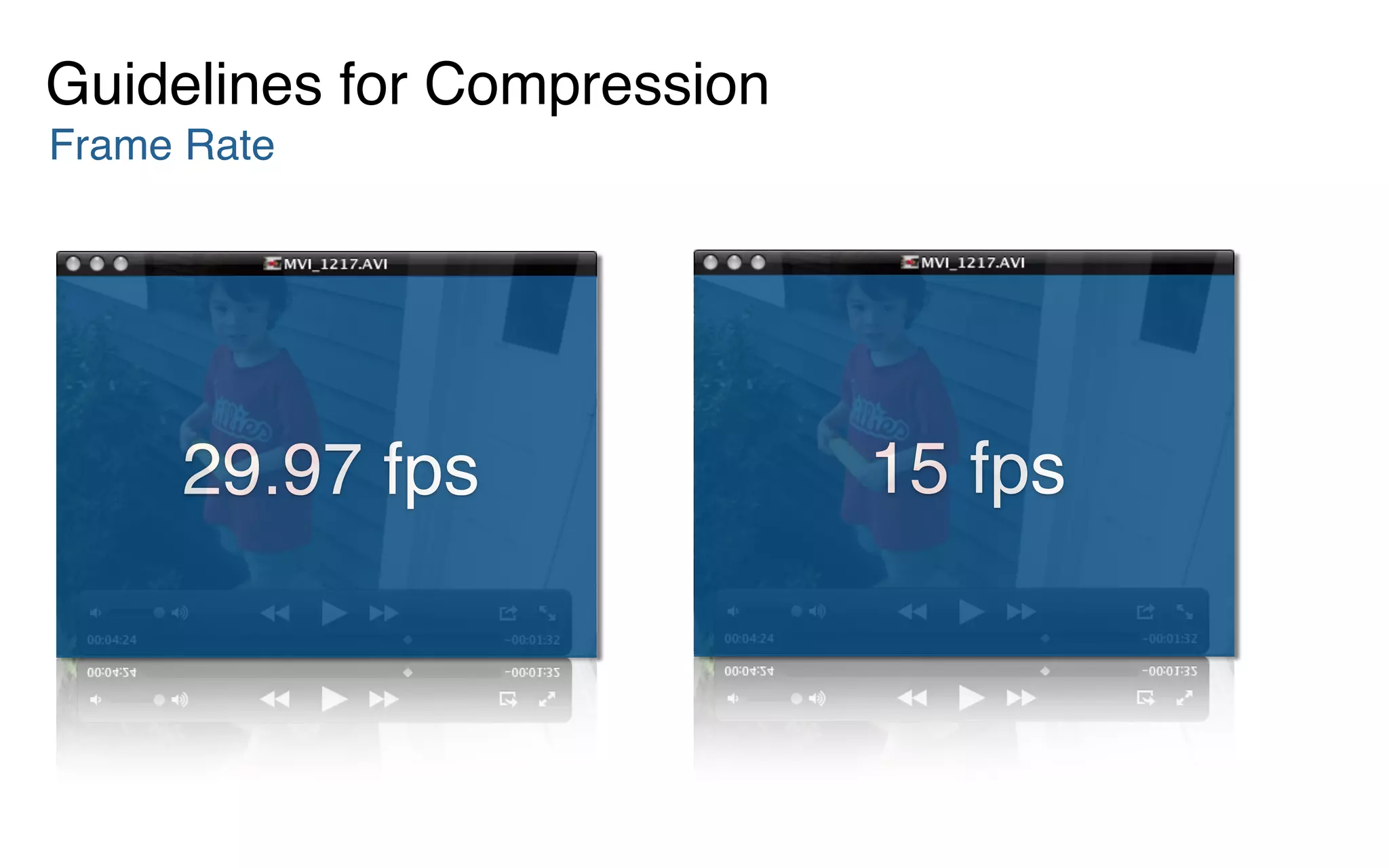
Frame Rate
Guidelines for Compression
29.97 fps
29.97 fps 15 fps
Frame Rate
Guidelines for Compression
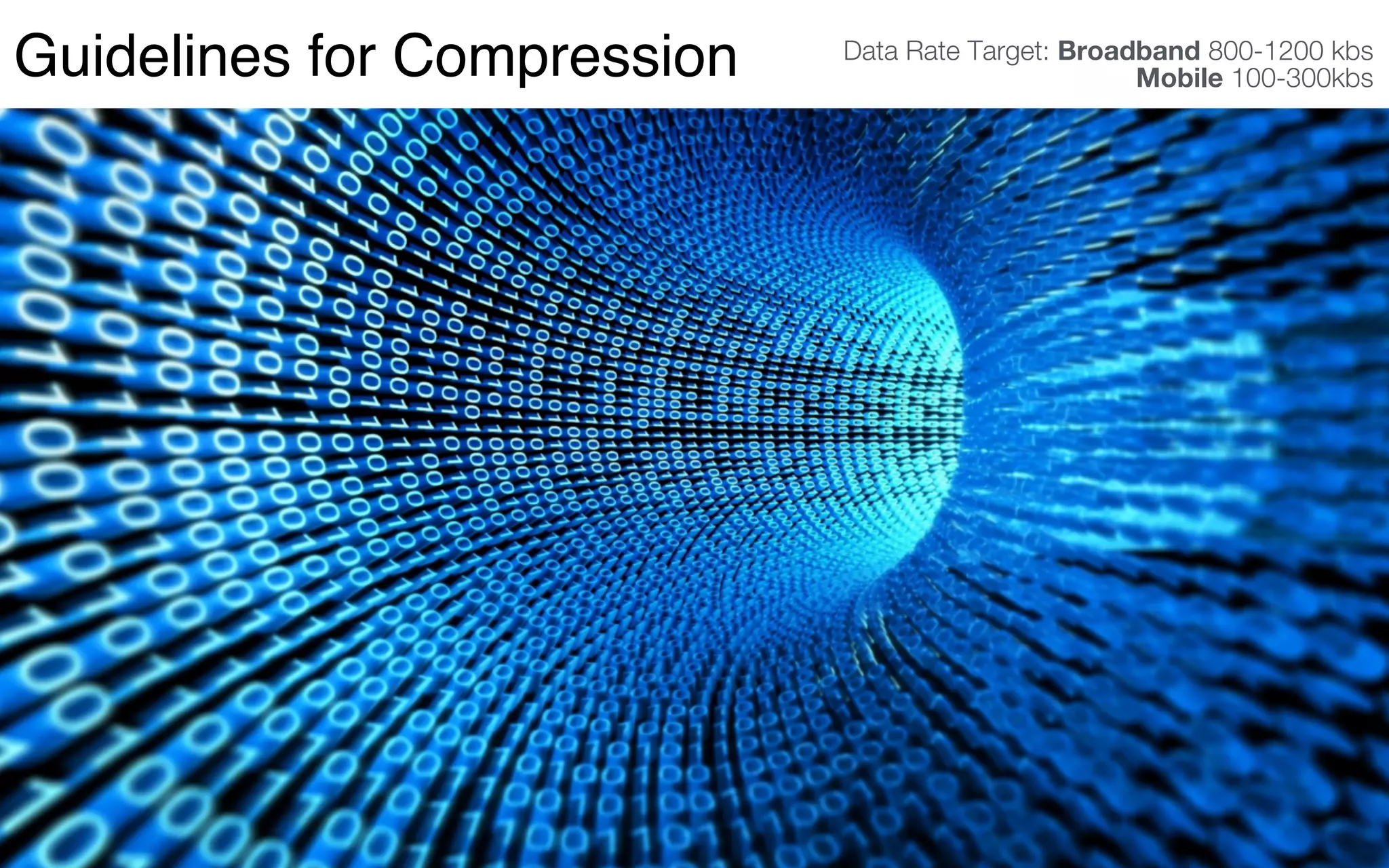
Data Rate Target: Broadband 800-1200 kbs 

Mobile 100-300kbsGuidelines for Compression
Tips & Hints
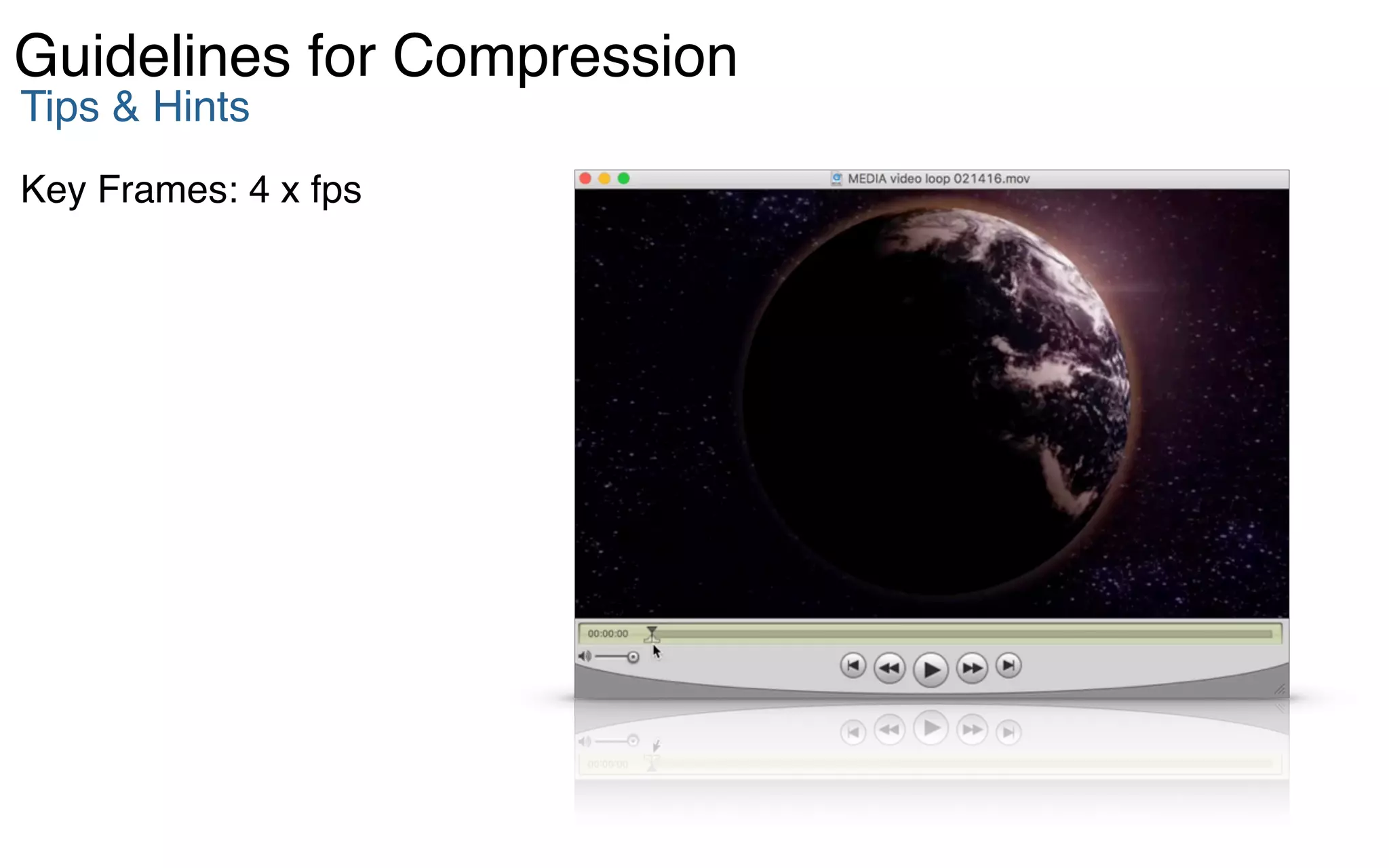
Key Frames: 4 x fps
Guidelines for Compression
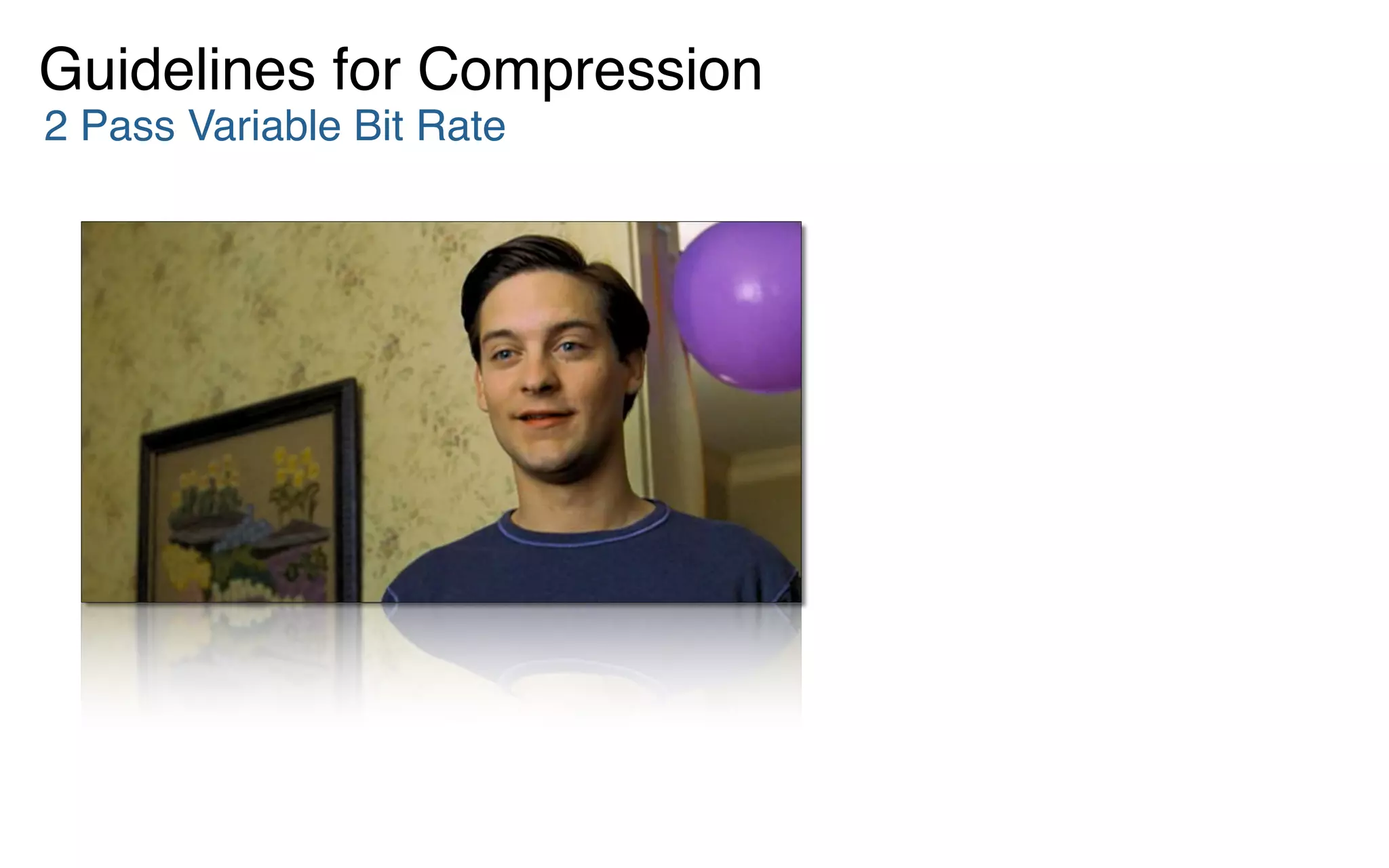
2 Pass Variable Bit Rate
Guidelines for Compression
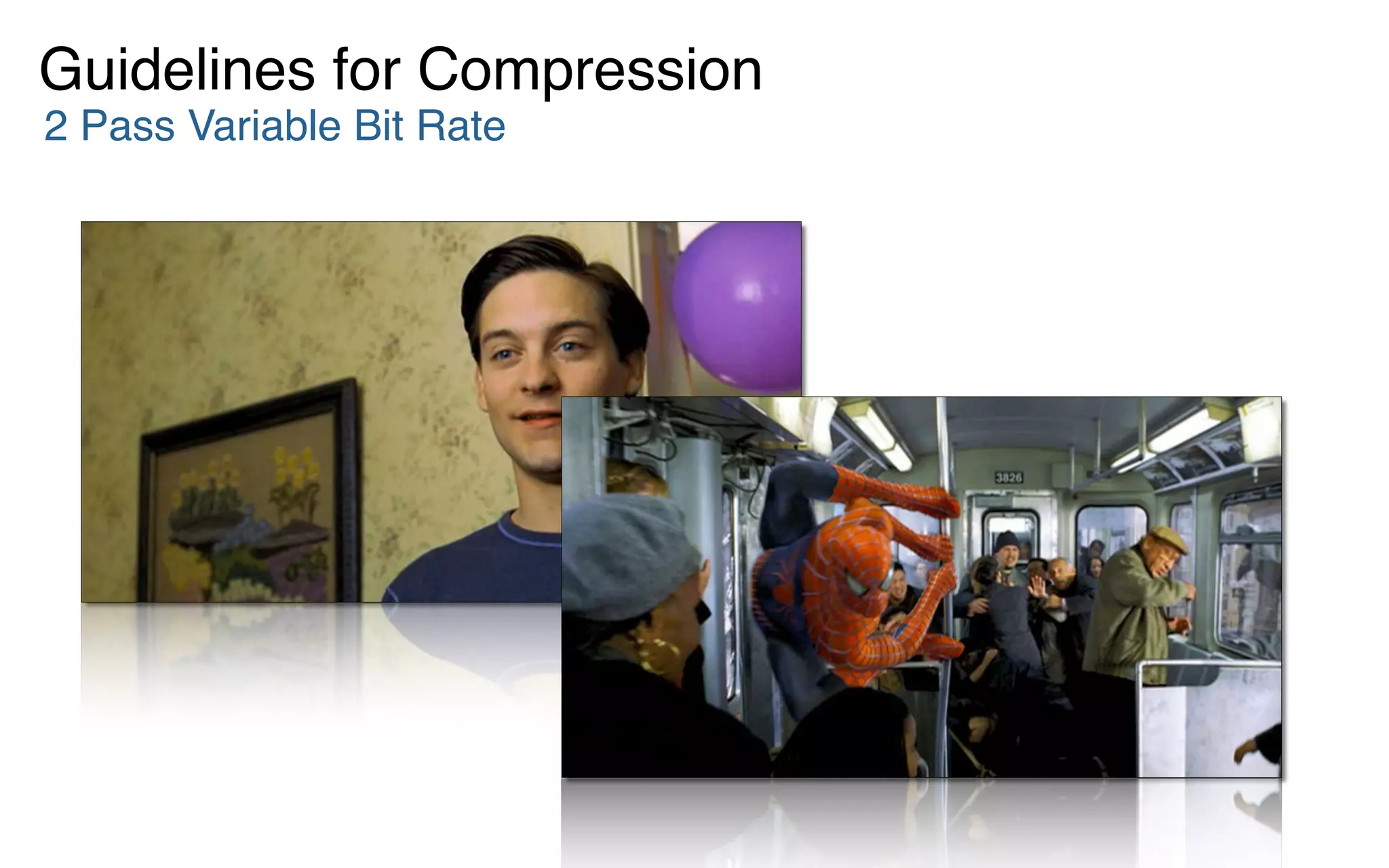
2 Pass Variable Bit Rate
Tips & Hints
Compression
‣ Frame Rate: 15 fps
‣ Key Frames: 4 x fps
‣ Data Rate
– broadband > 800kbs
– mobile < 300kbs
‣ 2 Pass Variable Bit Rate


QuickTime: H264
Flash: H264
Guidelines for Compression
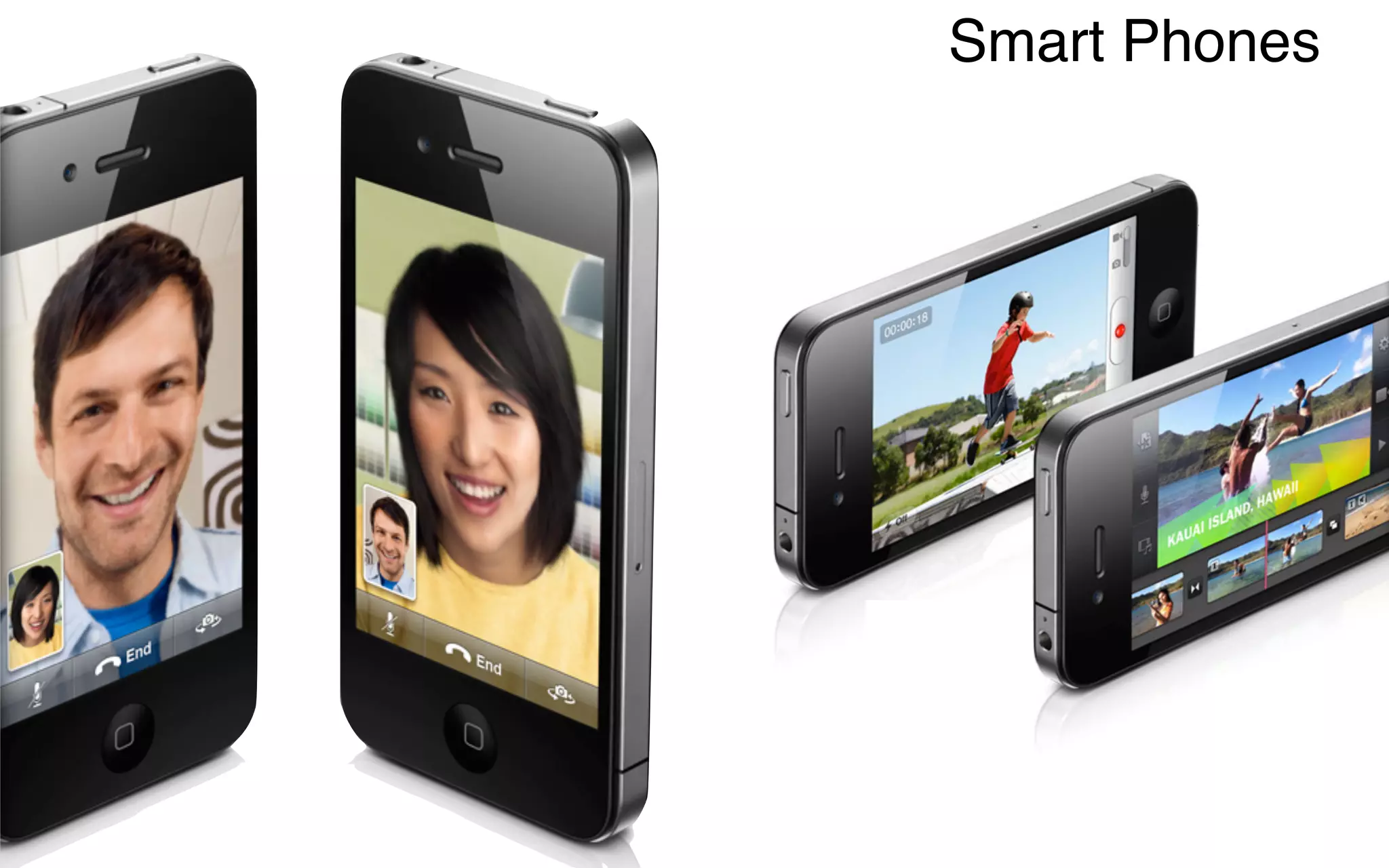
Smart Phones
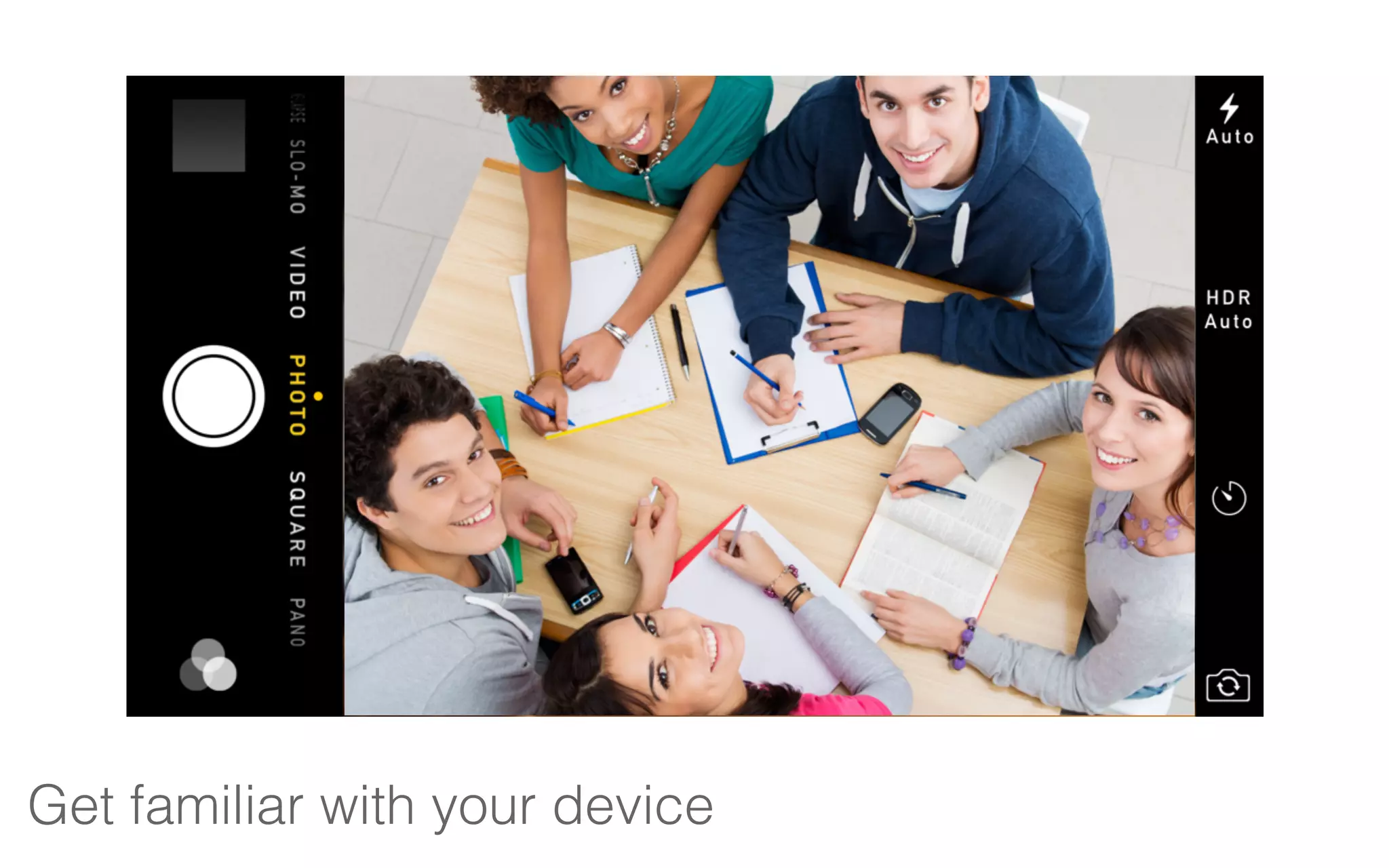
Get familiar with your device
Focus: faces
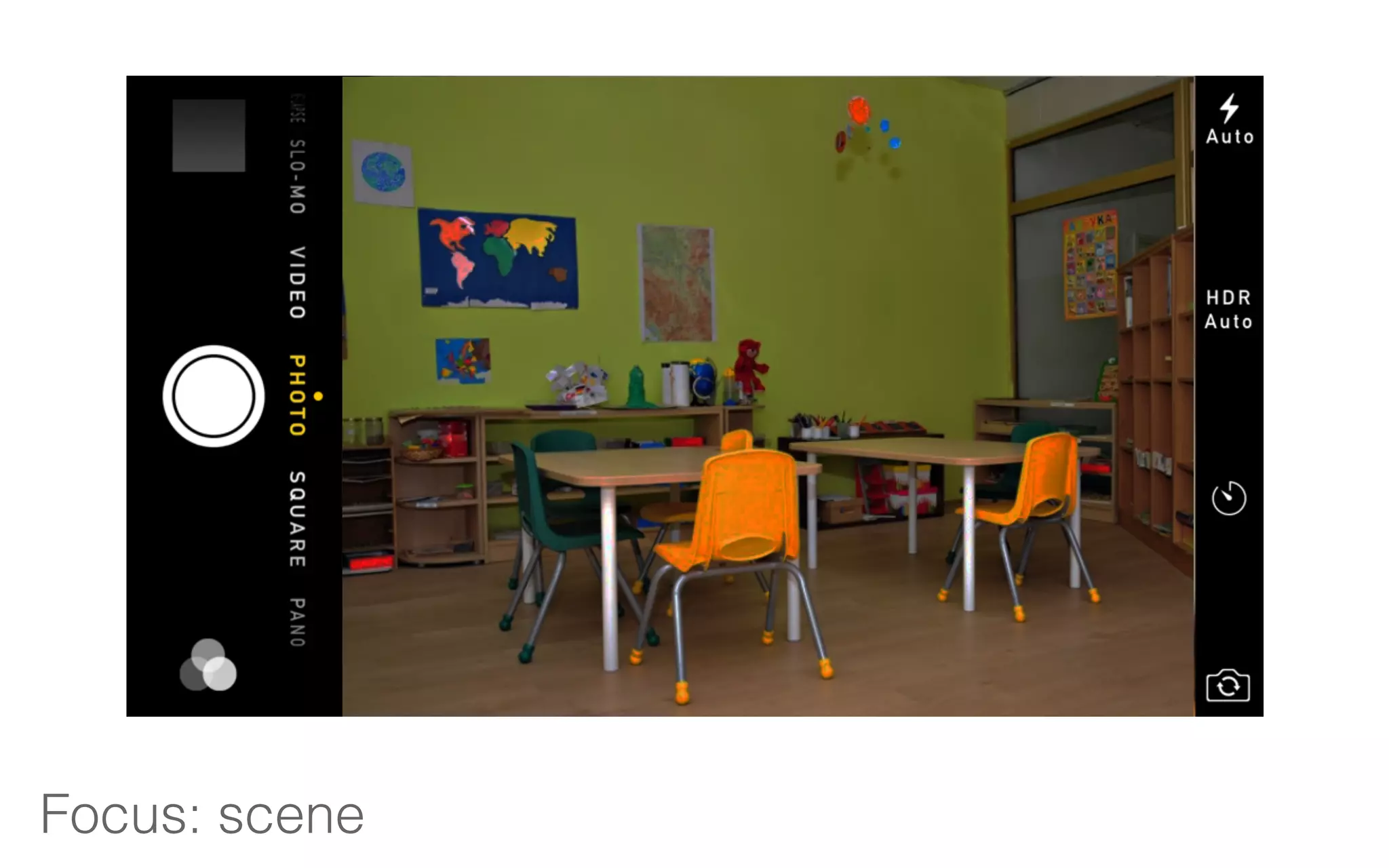
Focus: scene
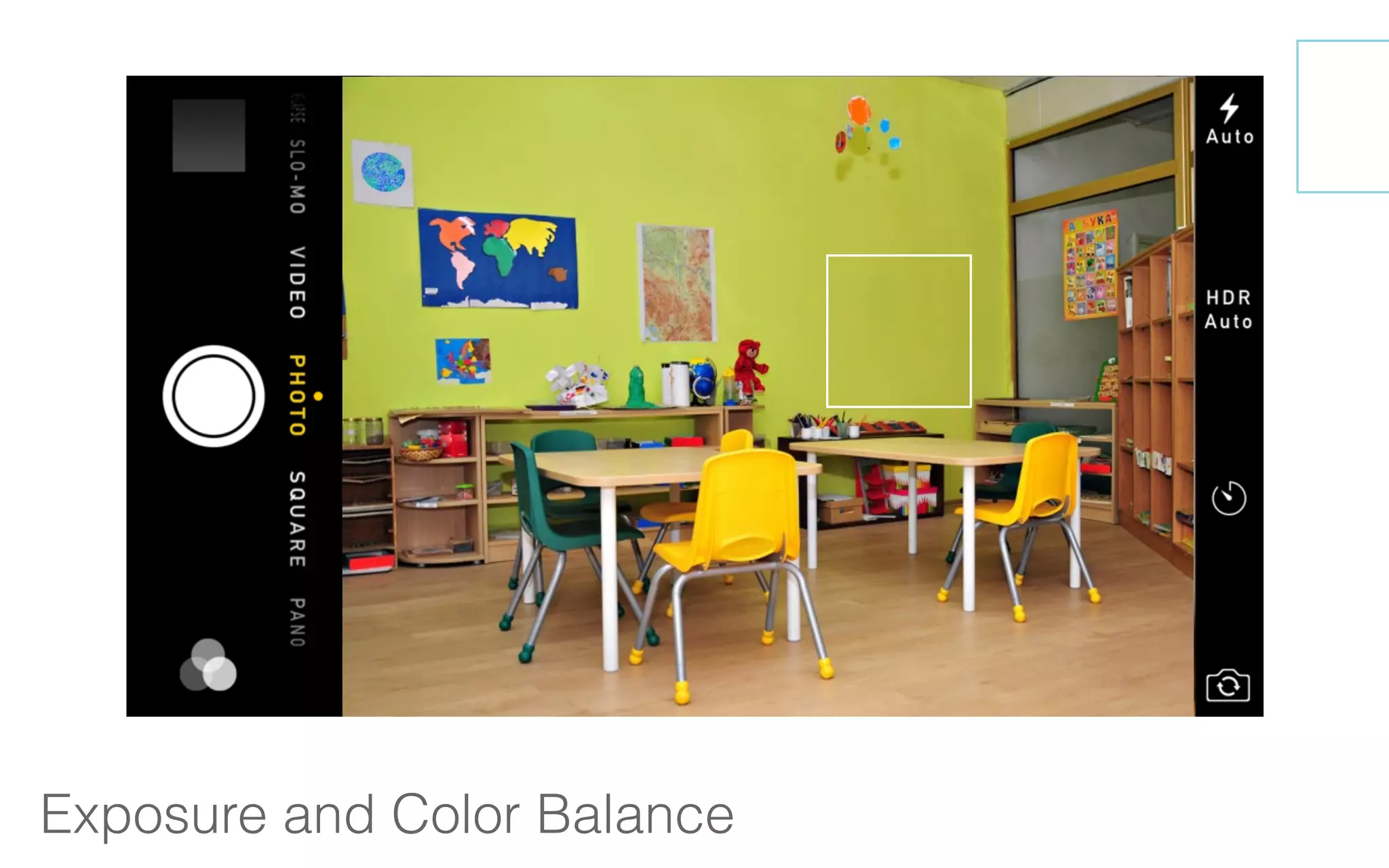
Exposure and Color Balance
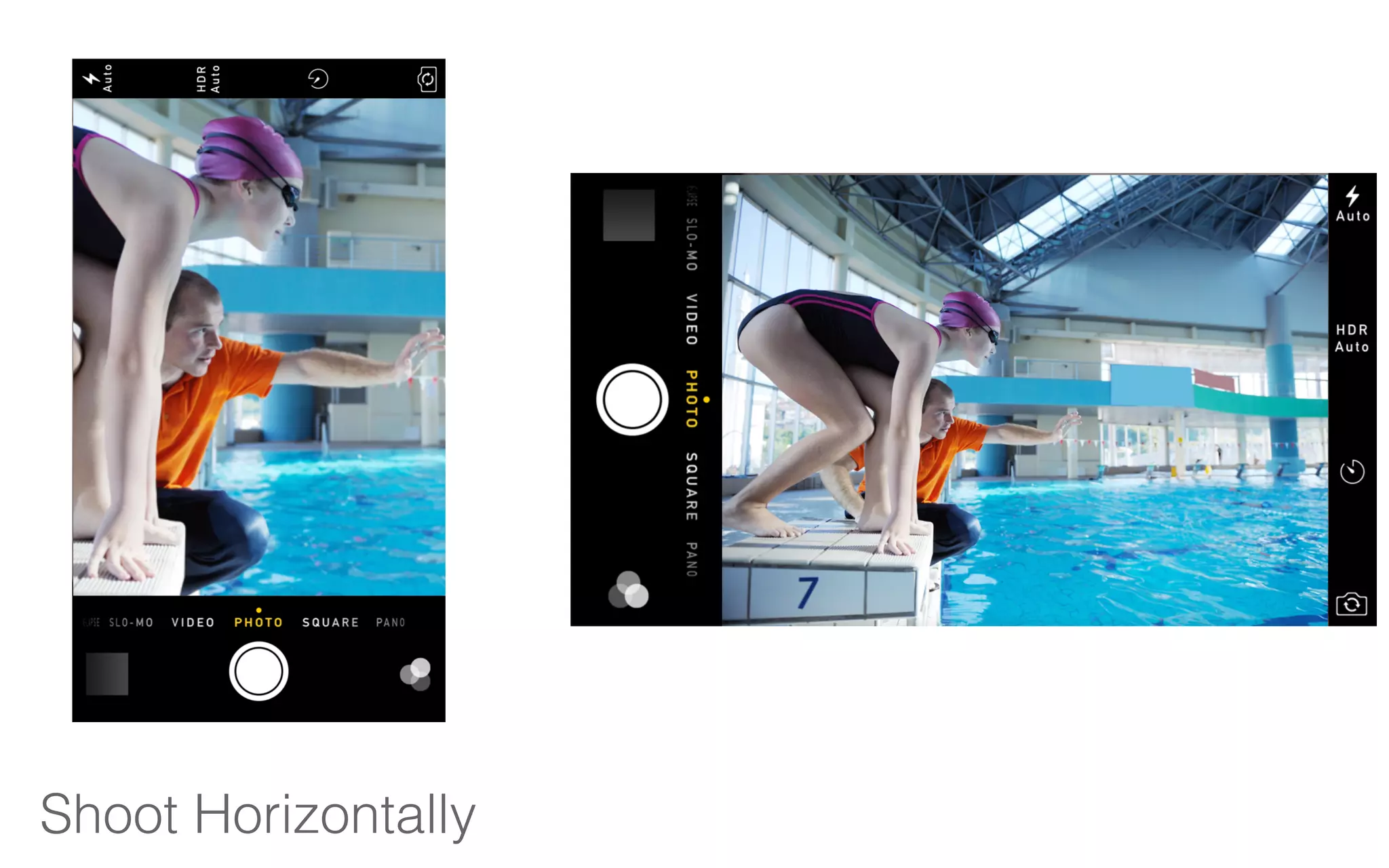
Shoot Horizontally
Angles + Planning
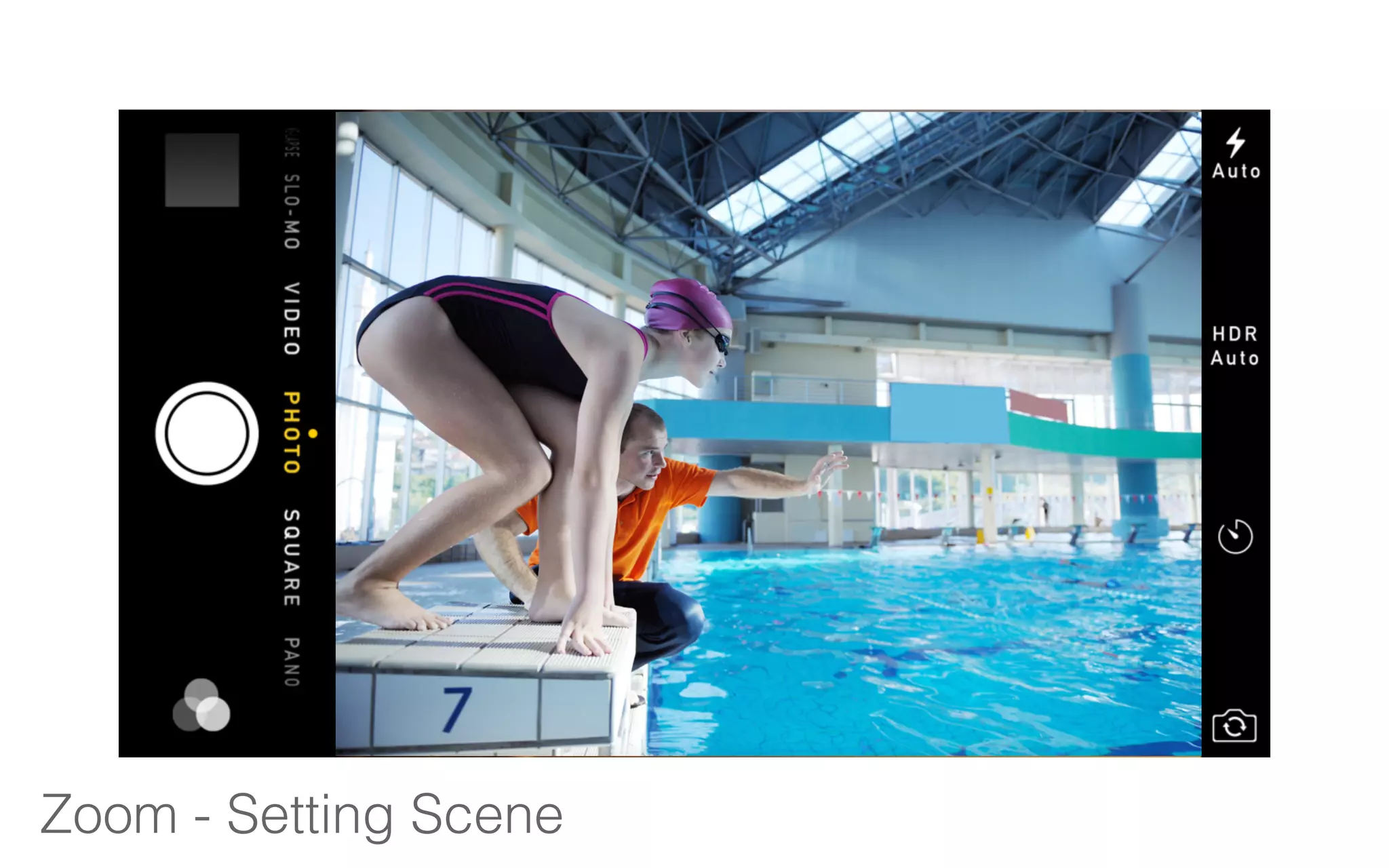
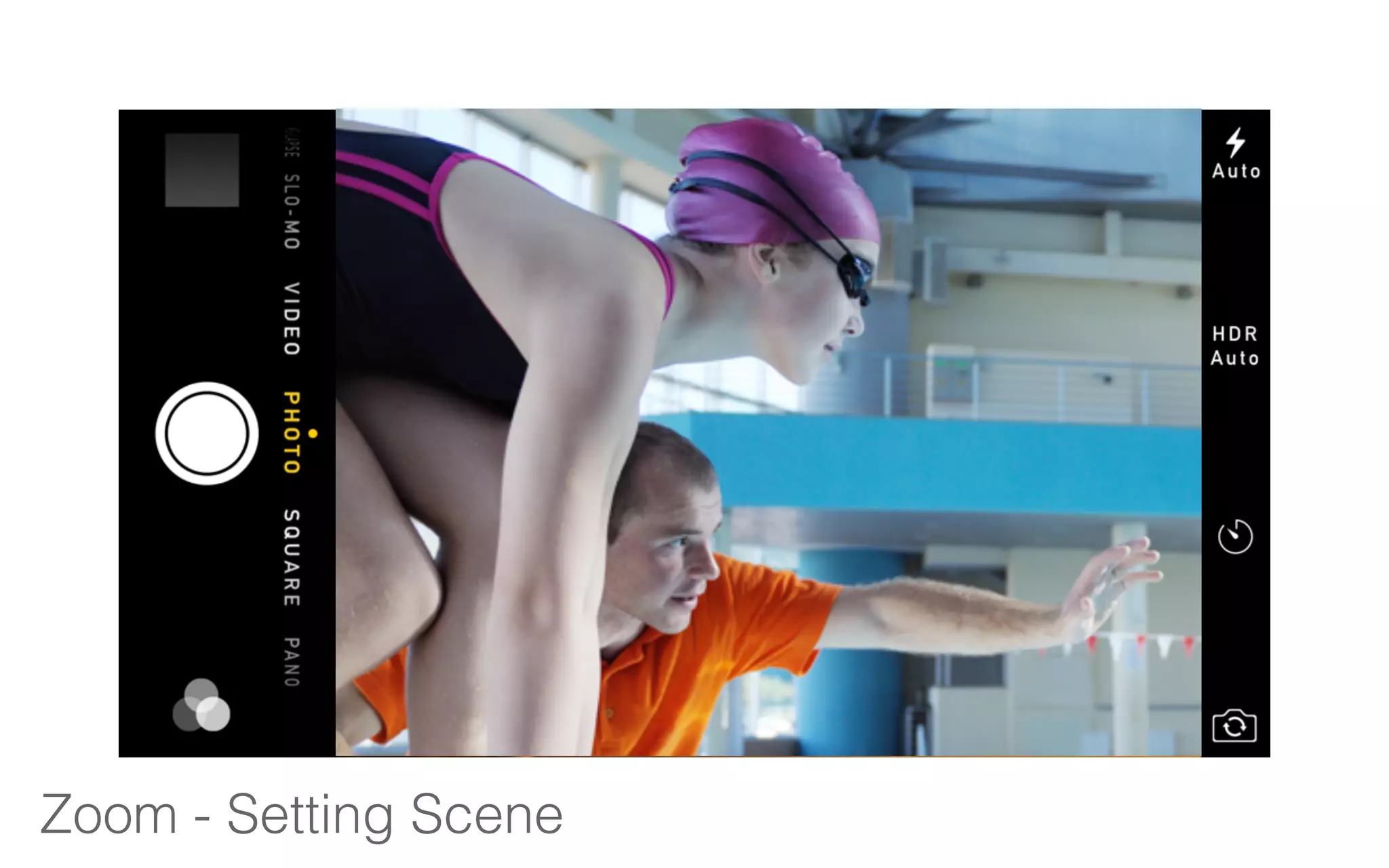
Zoom - Setting Scene
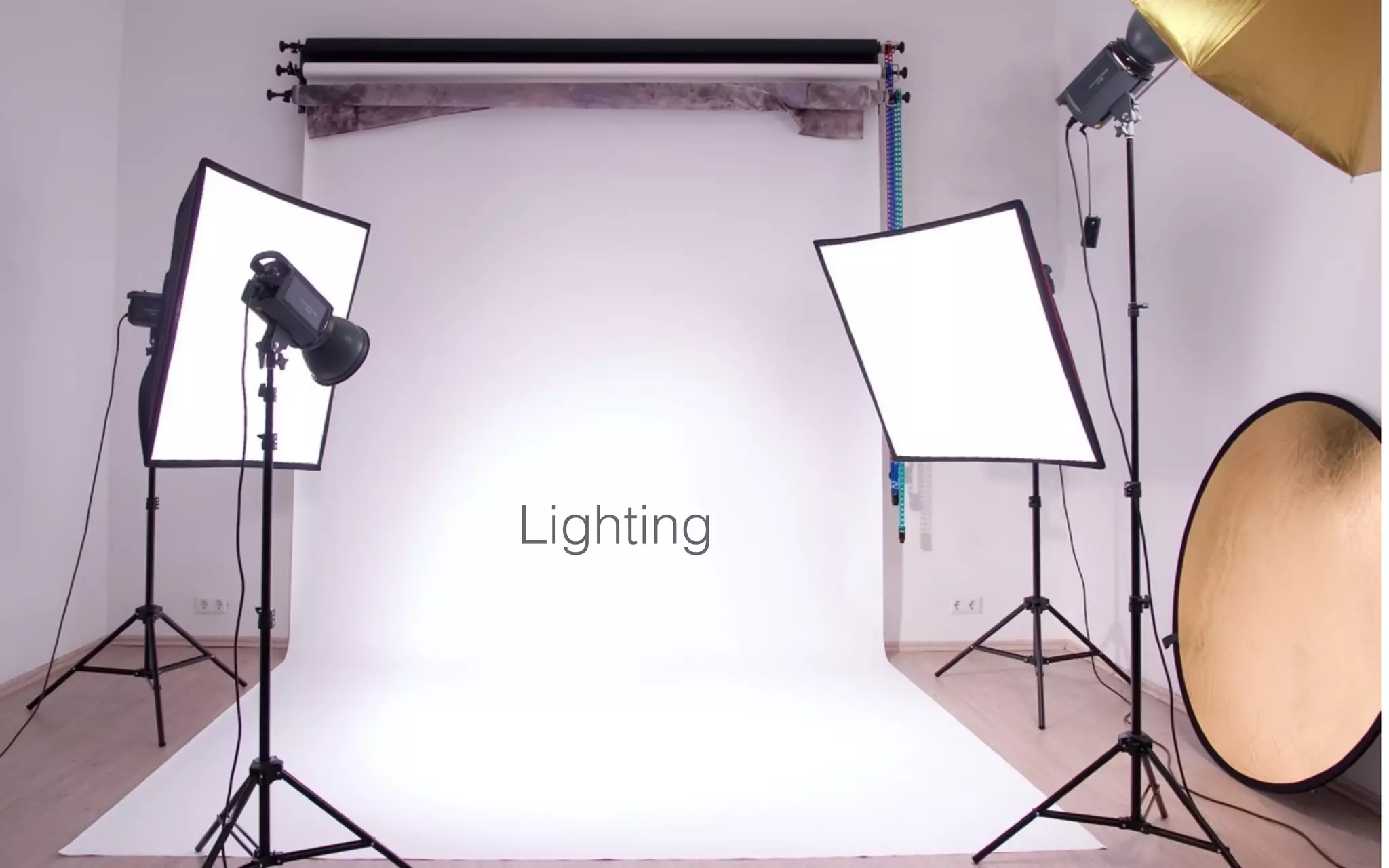
Lighting
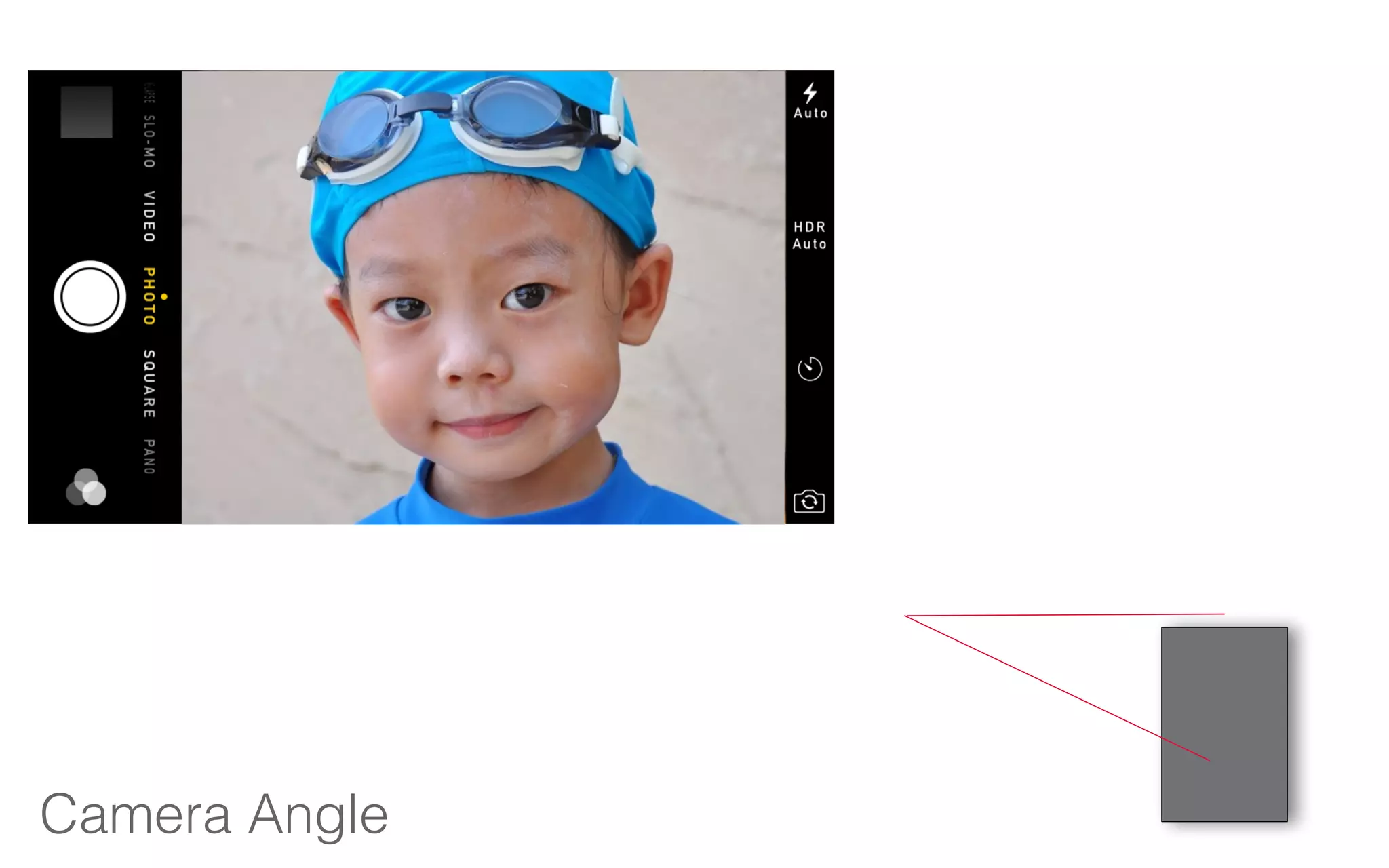
Camera Angle
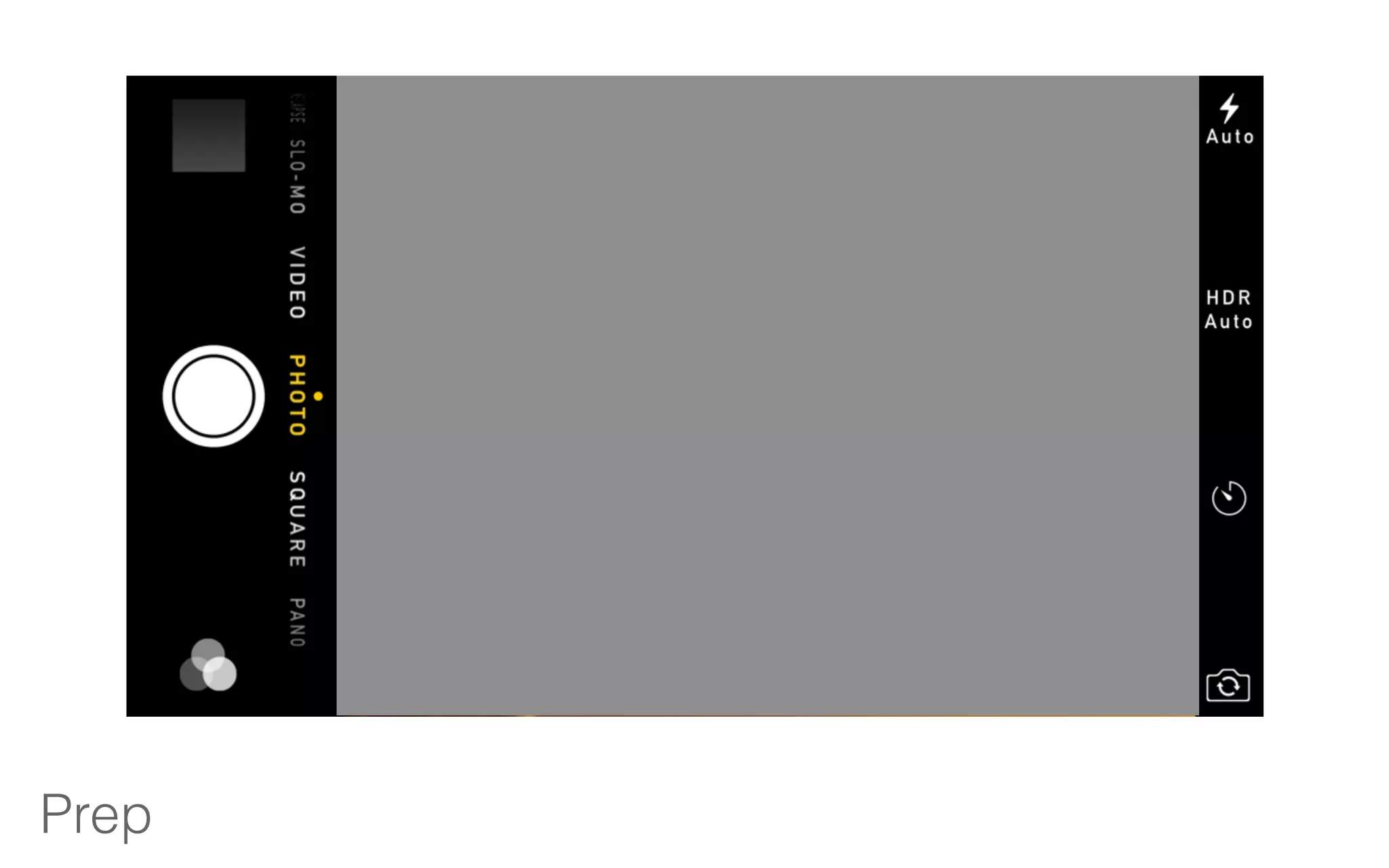
Prep
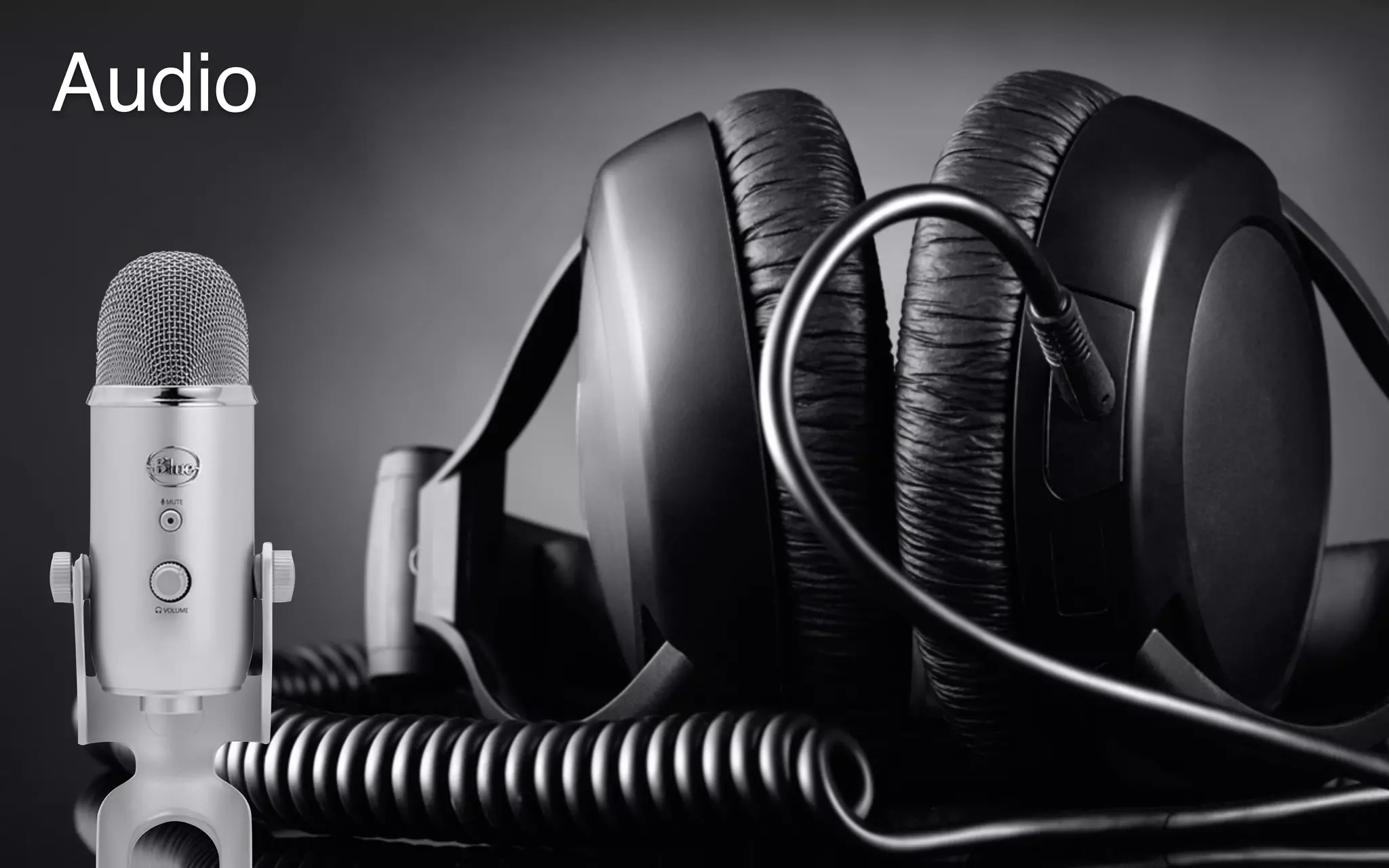
Audio
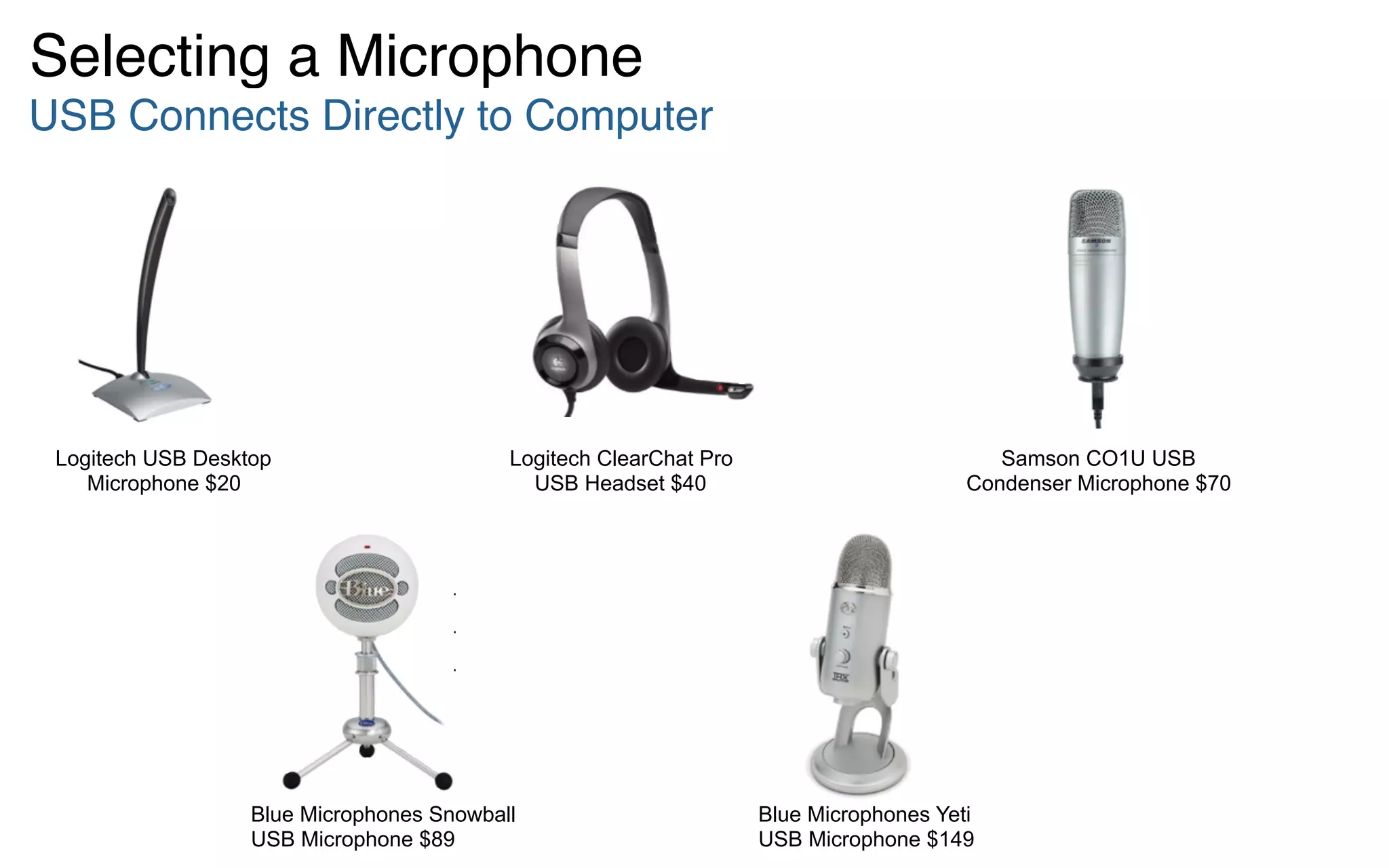
Selecting a Microphone
USB Connects Directly to Computer
Samson CO1U USB
Condenser Microphone $70
Logitech USB Desktop
Microphone $20
Logitech ClearChat Pro
USB Headset $40
Blue Microphones Yeti
USB Microphone $149
Blue Microphones Snowball
USB Microphone $89
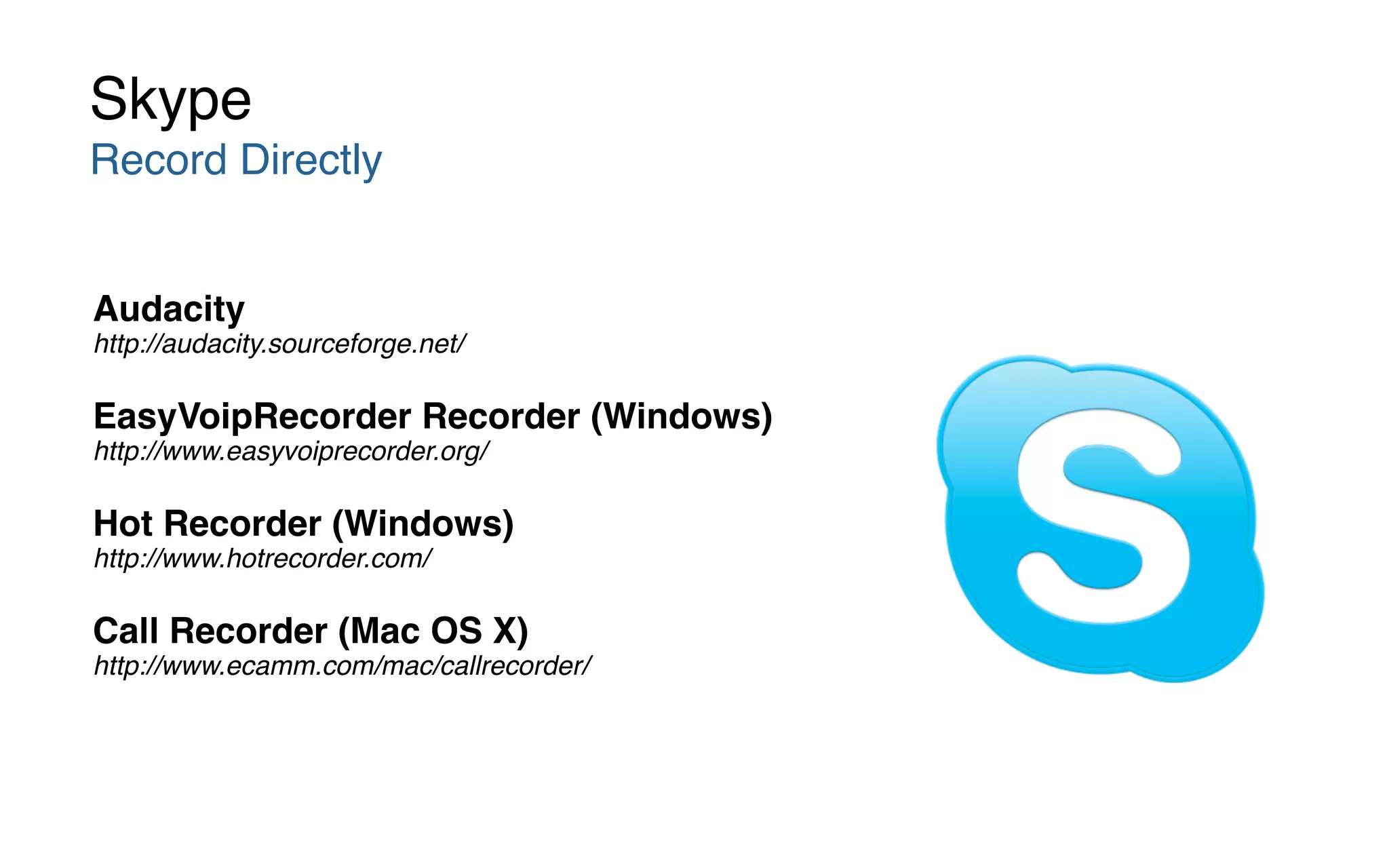
Audacity 

http://audacity.sourceforge.net/
EasyVoipRecorder Recorder (Windows) 

http://www.easyvoiprecorder.org/
Hot Recorder (Windows) 

http://www.hotrecorder.com/
Call Recorder (Mac OS X) 

http://www.ecamm.com/mac/callrecorder/
Skype
Record Directly
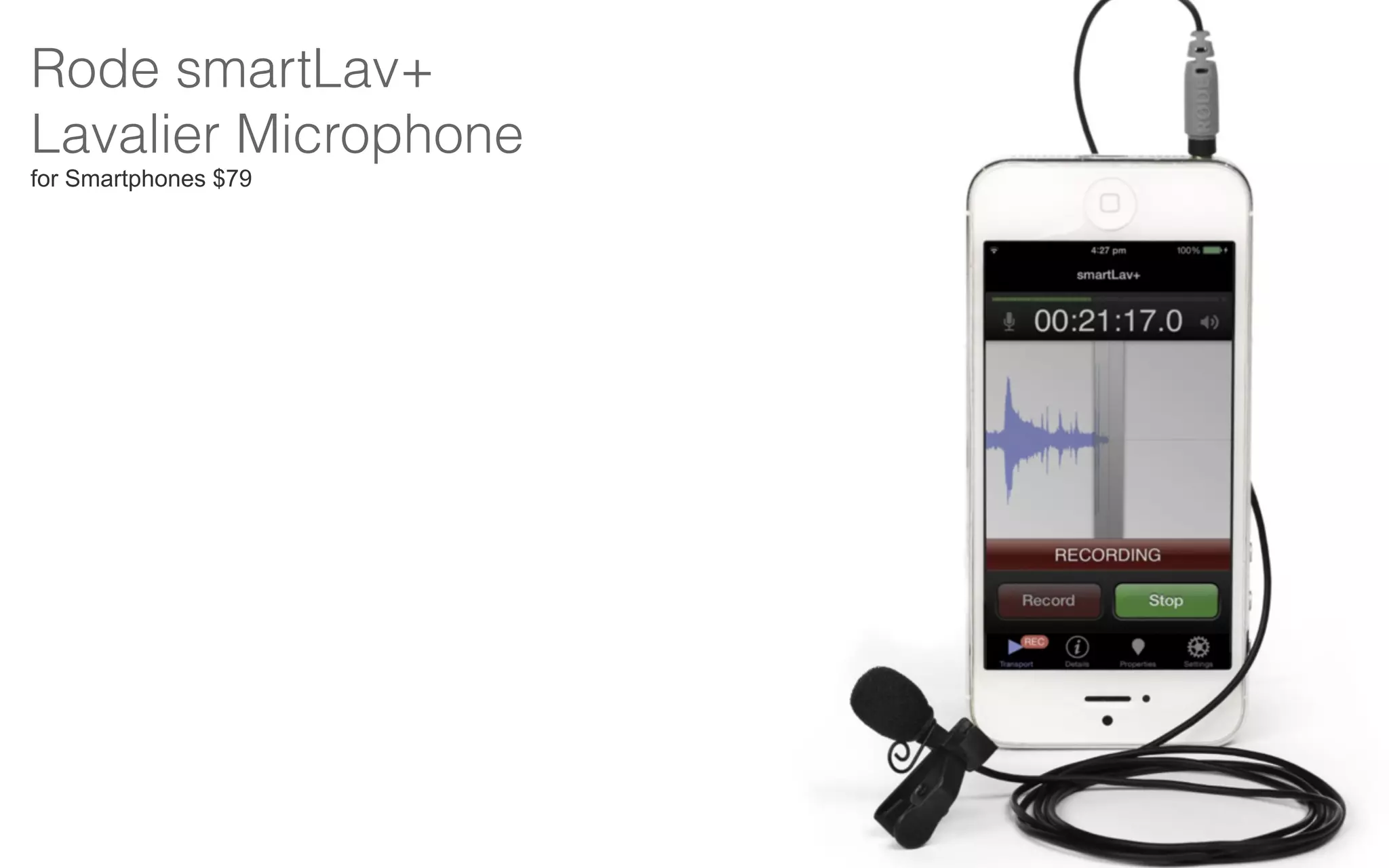
Rode smartLav+ 

Lavalier Microphone
for Smartphones $79
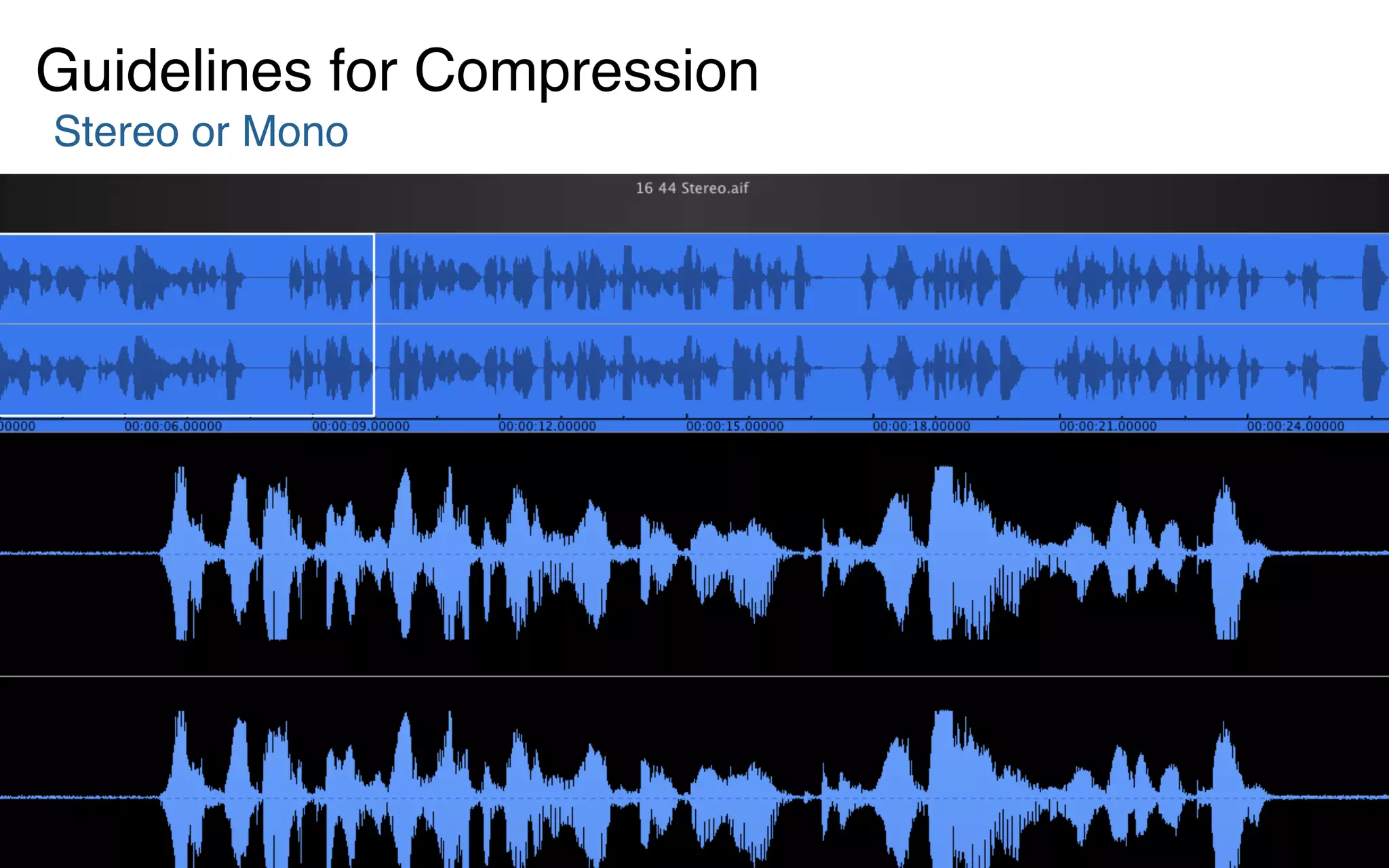
Stereo or Mono
Guidelines for Compression
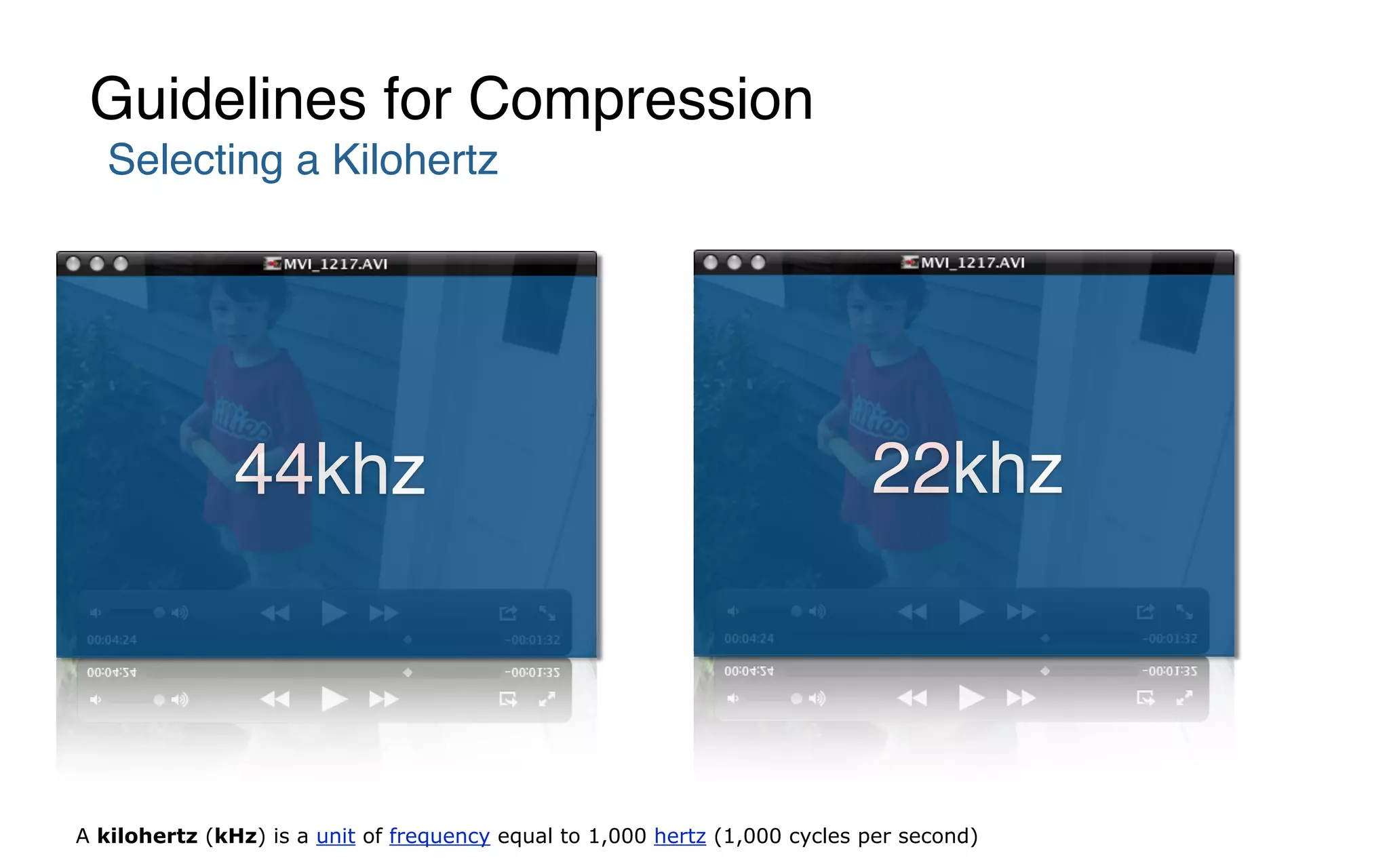
Selecting a Kilohertz
Guidelines for Compression
44khz 22khz
A kilohertz (kHz) is a unit of frequency equal to 1,000 hertz (1,000 cycles per second)
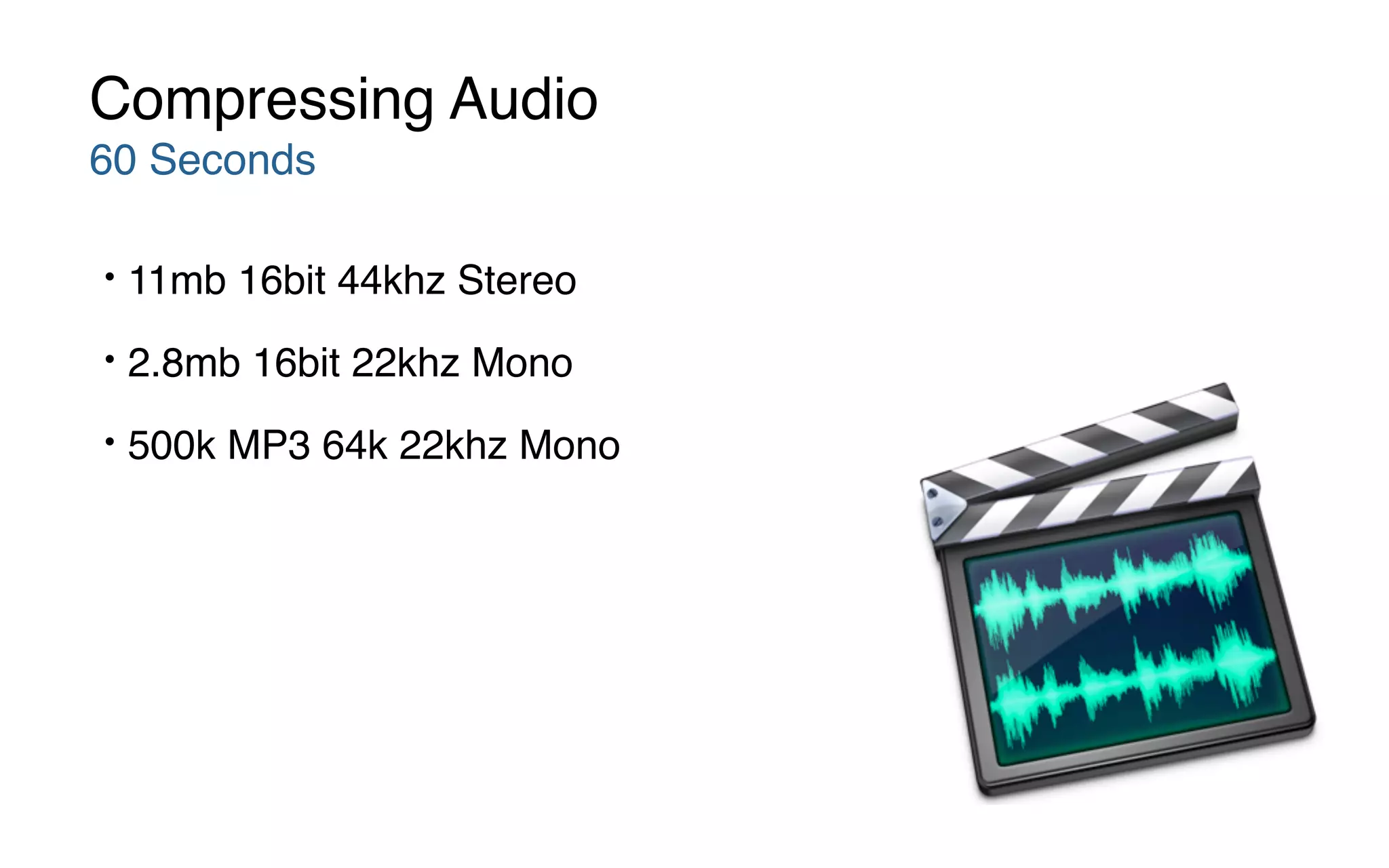
• 11mb 16bit 44khz Stereo
• 2.8mb 16bit 22khz Mono
• 500k MP3 64k 22khz Mono
Compressing Audio
60 Seconds
Compressing Audio
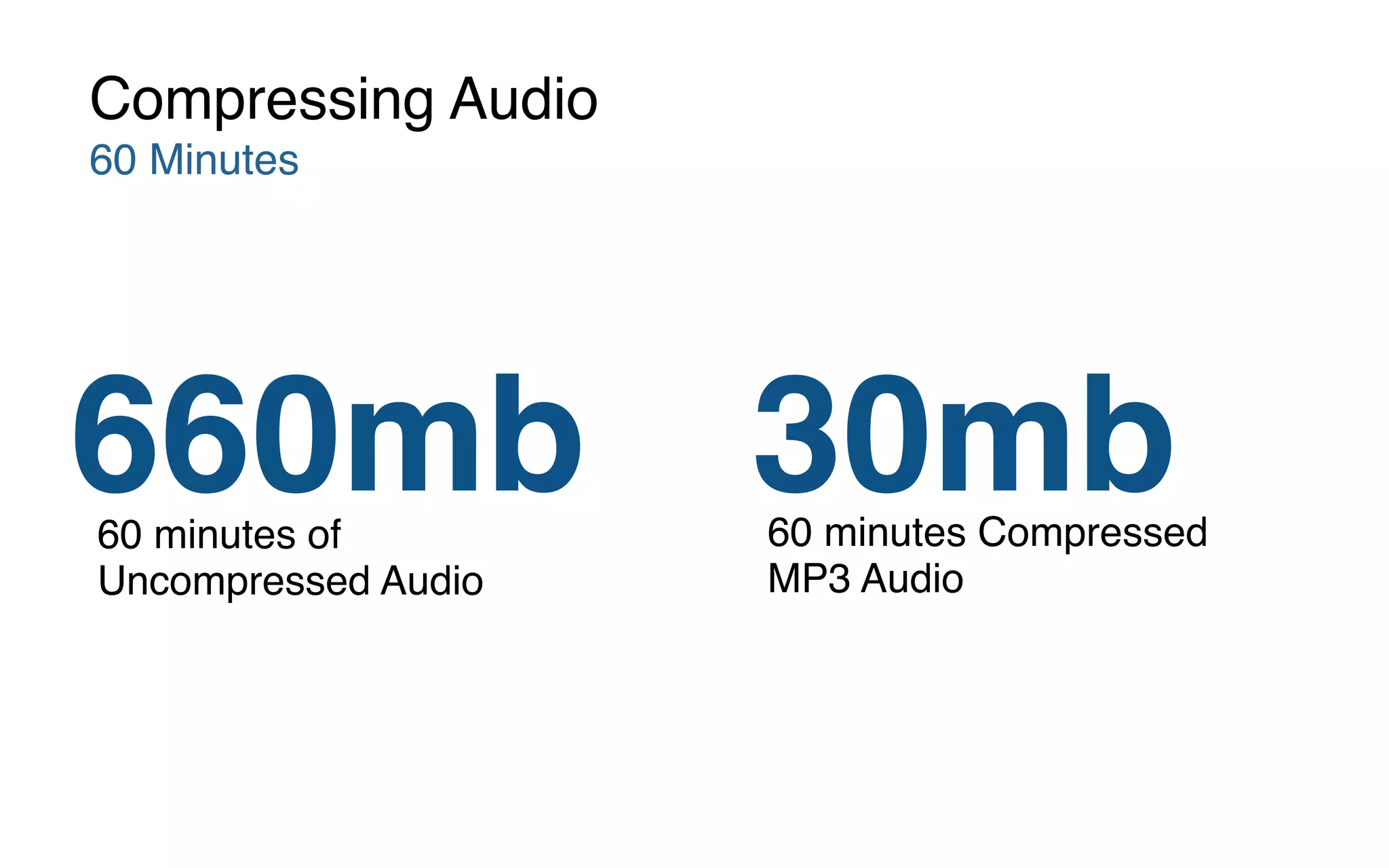
60 Minutes
30mb660mb 60 minutes Compressed
MP3 Audio
60 minutes of
Uncompressed Audio
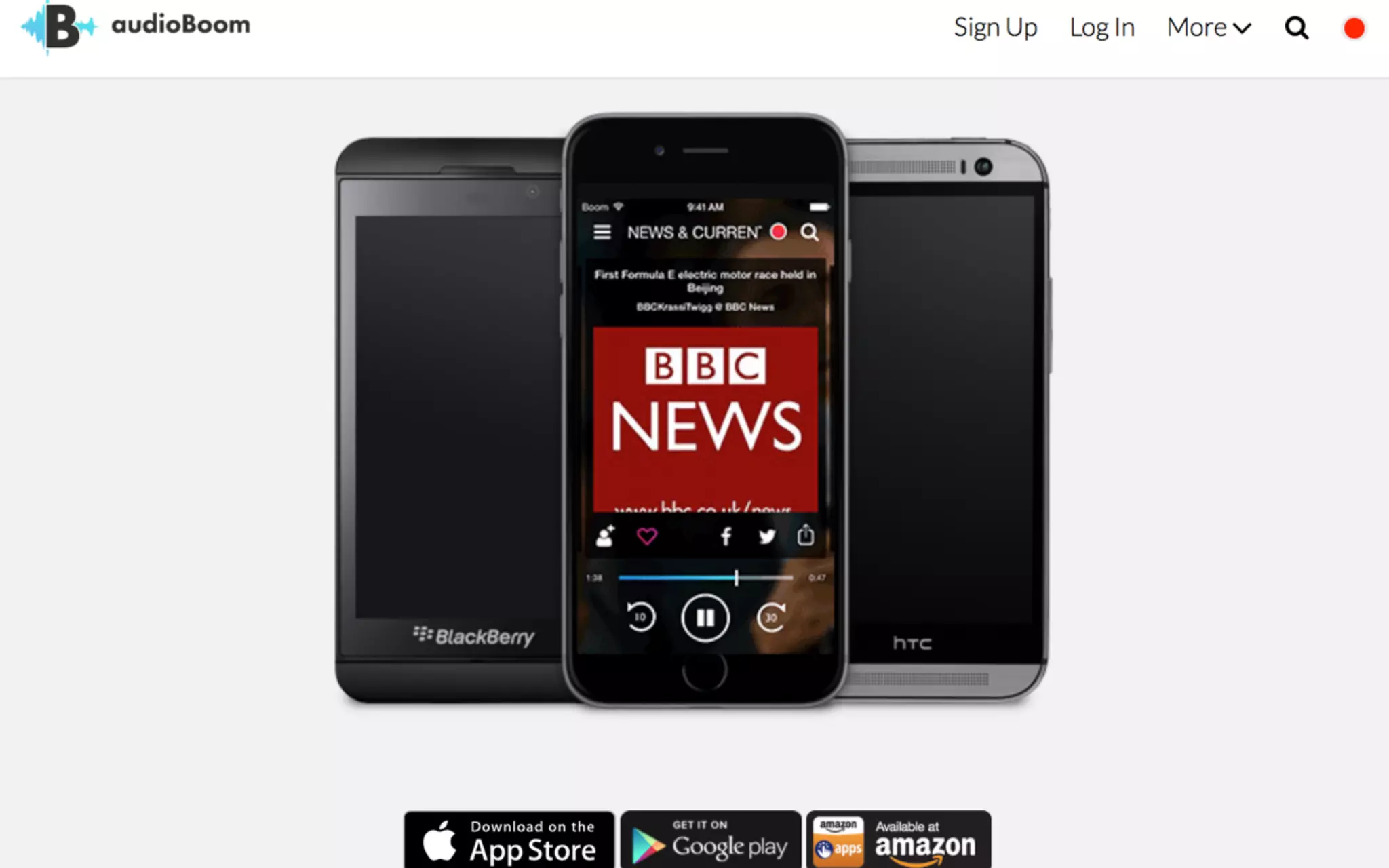
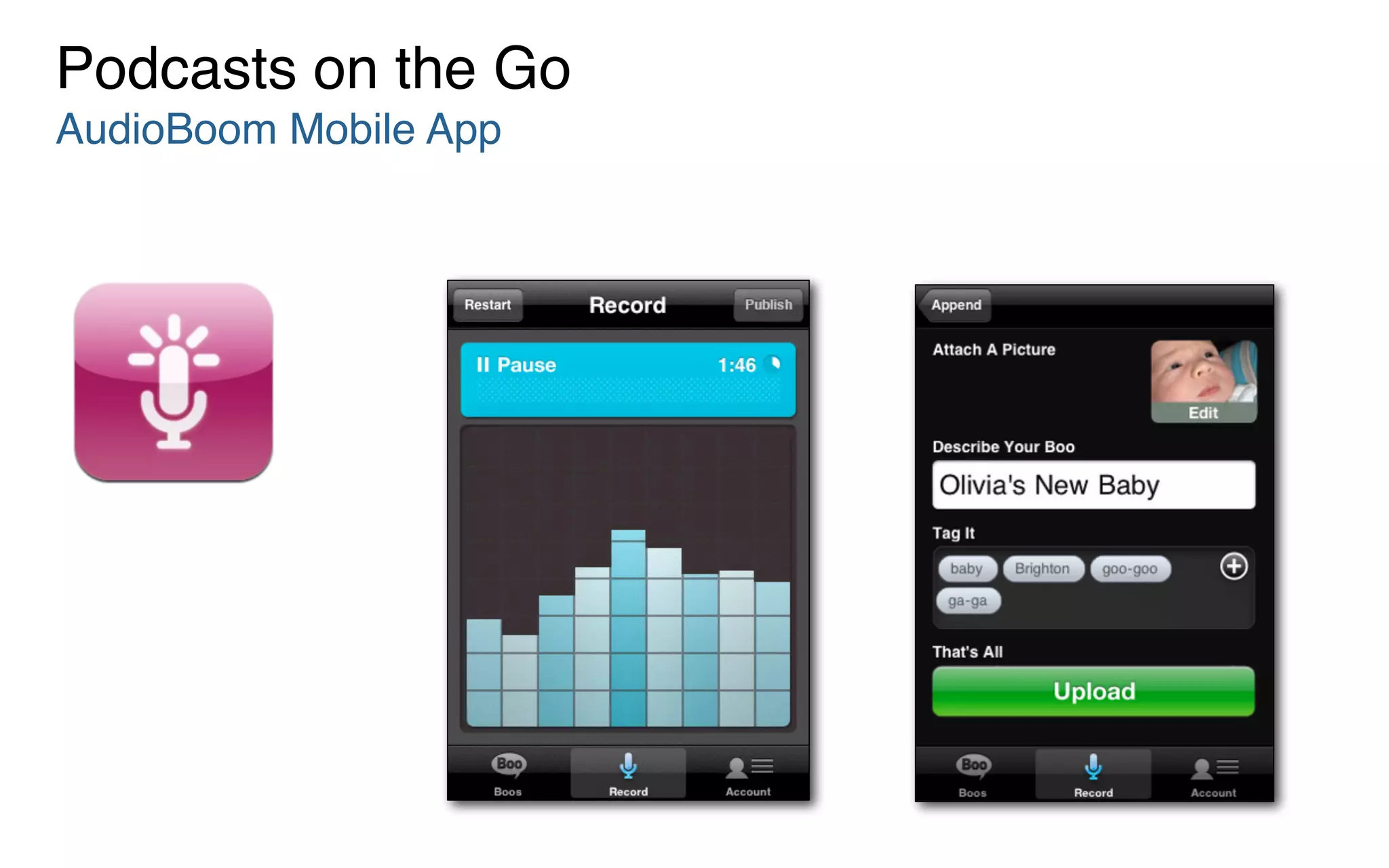
Podcasts on the Go
AudioBoom Mobile App
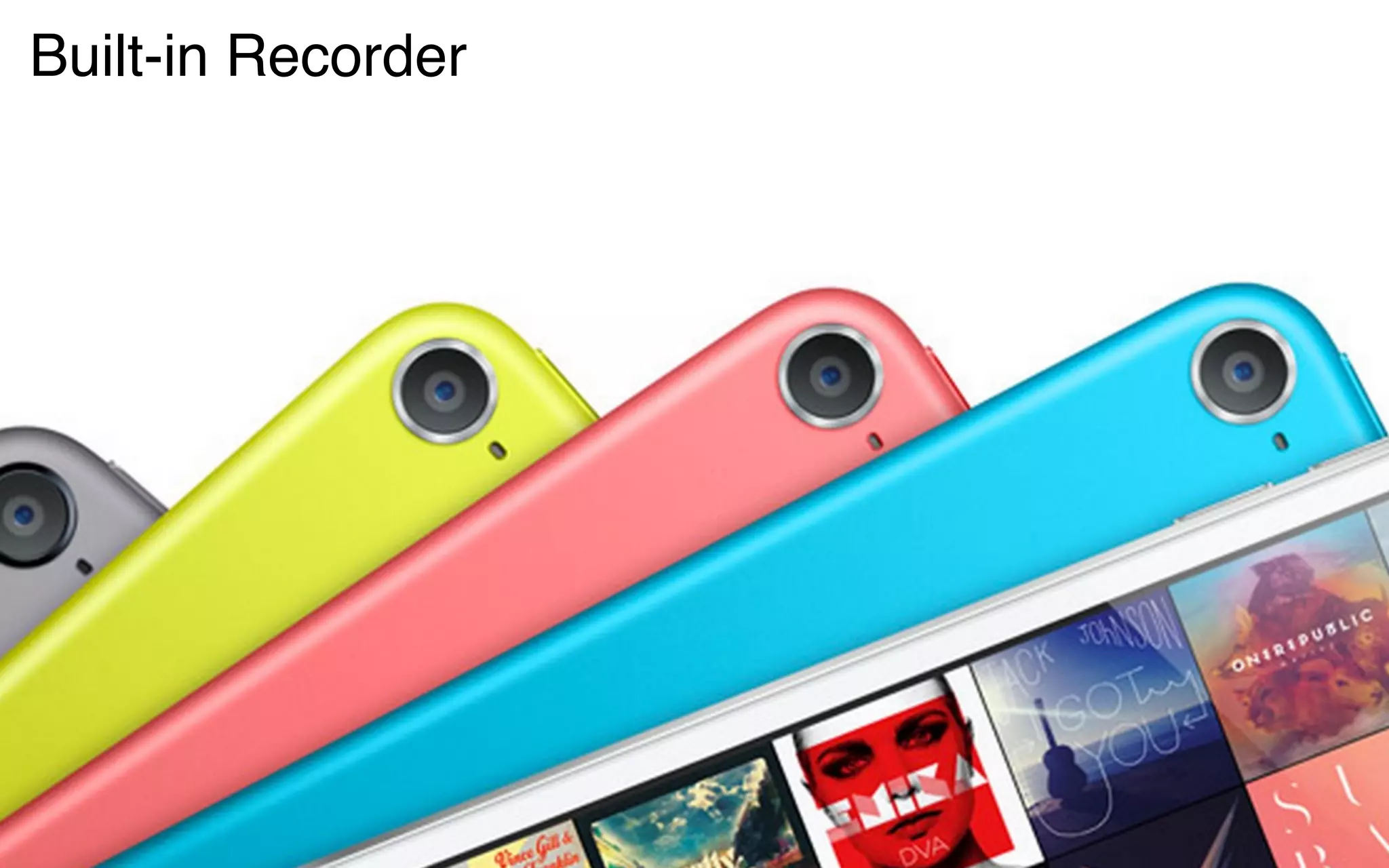
Built-in Recorder
Tips & Hints
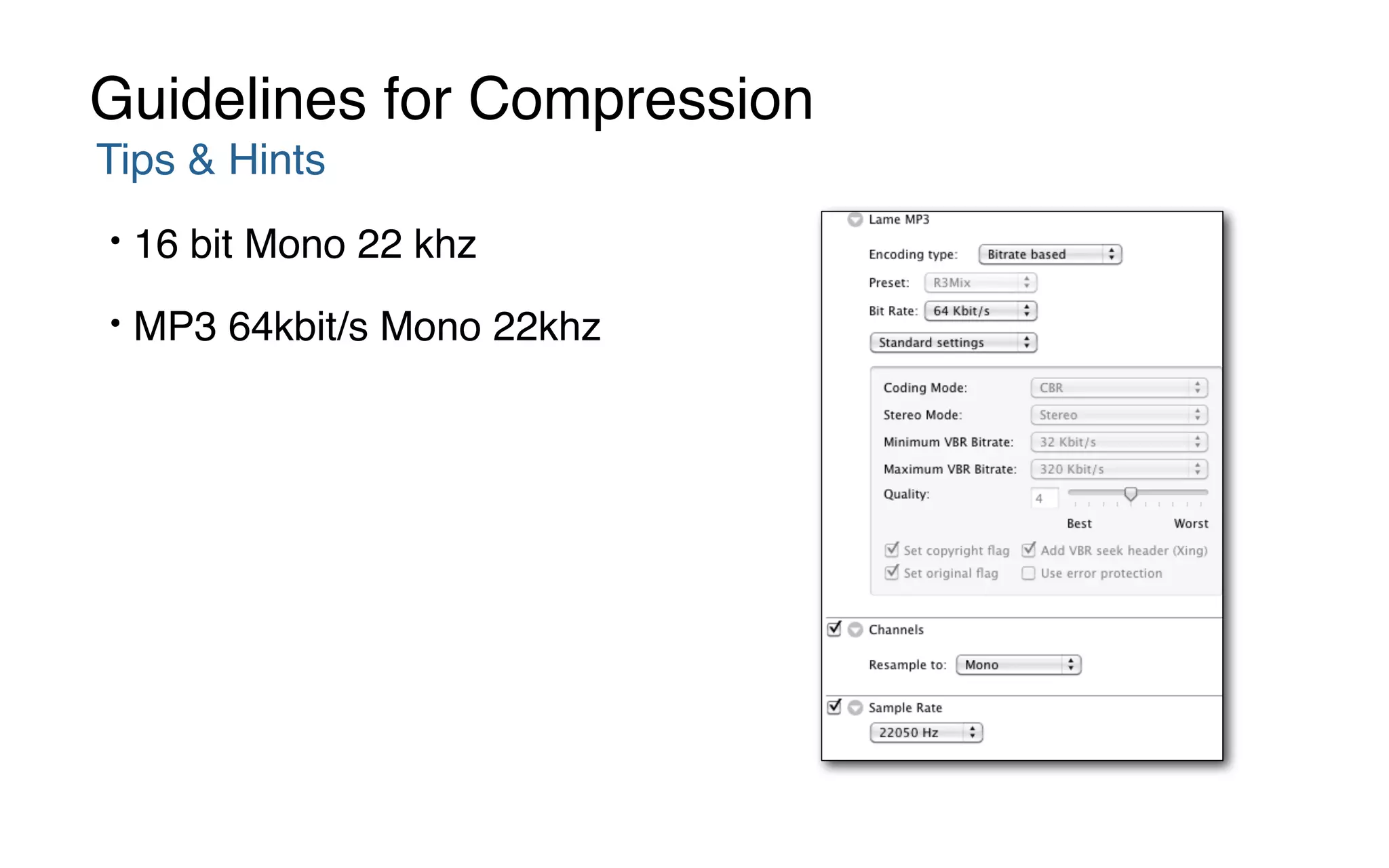
• 16 bit Mono 22 khz
• MP3 64kbit/s Mono 22khz
Guidelines for Compression
Lower Costs in Digital
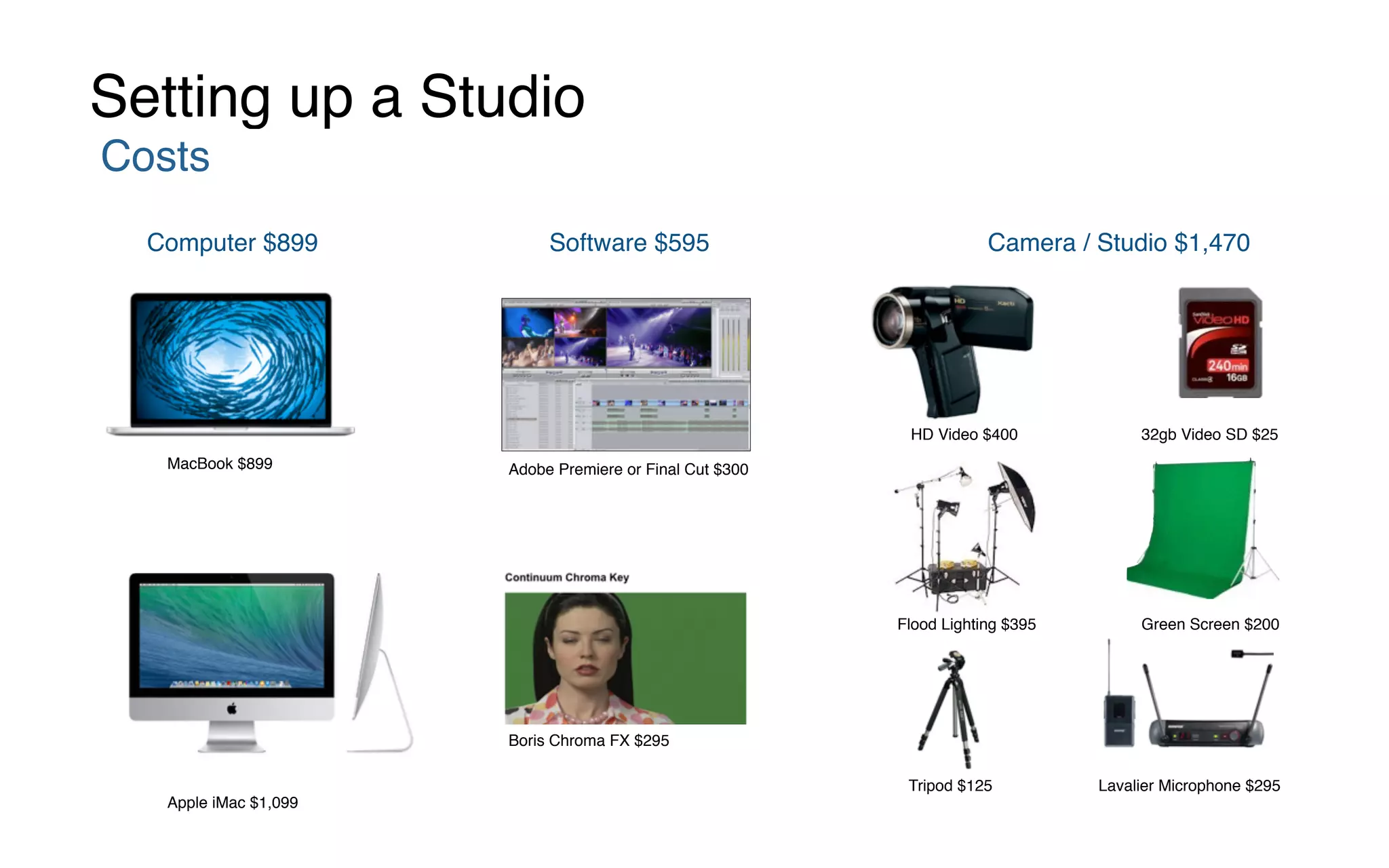
Setting up a Studio
Costs
Computer $899 Software $595 Camera / Studio $1,470
Adobe Premiere or Final Cut $300
Boris Chroma FX $295
HD Video $400 32gb Video SD $25
Green Screen $200
Lavalier Microphone $295Tripod $125
Flood Lighting $395
Apple iMac $1,099
MacBook $899
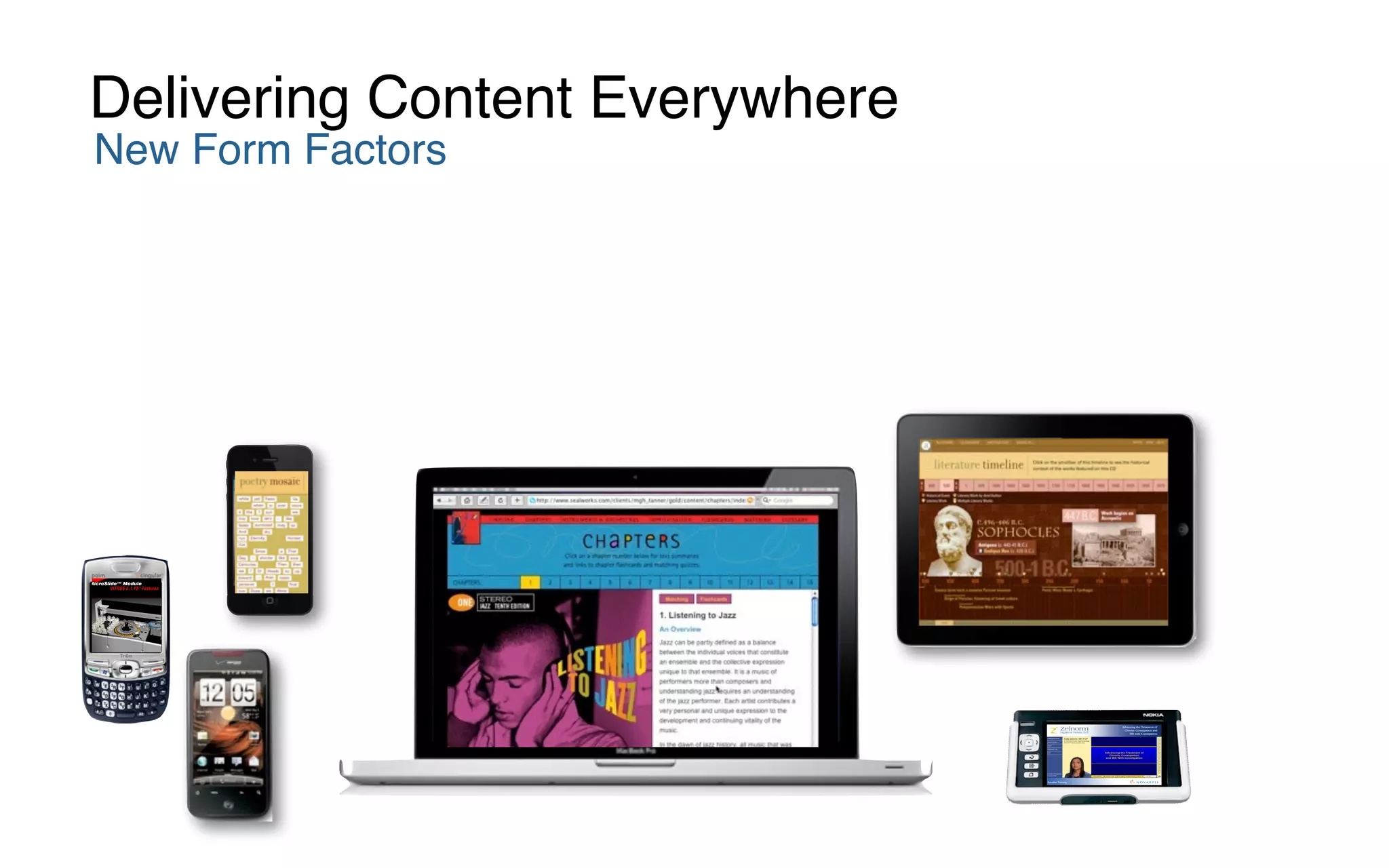
New Form Factors
Delivering Content Everywhere
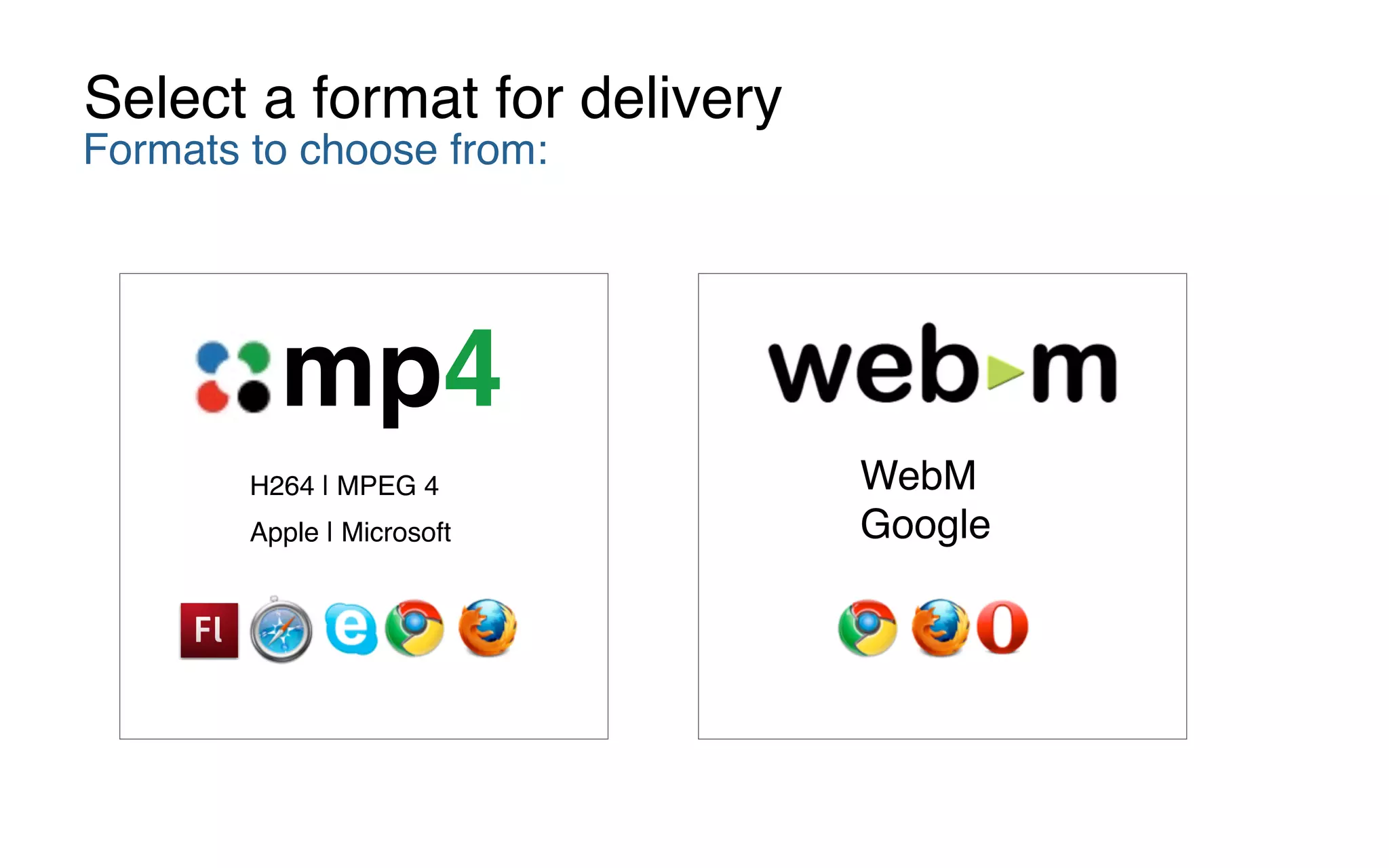
WebM

Google
H264 | MPEG 4
Apple | Microsoft
mp4
Formats to choose from:
Select a format for delivery
WebM

Google
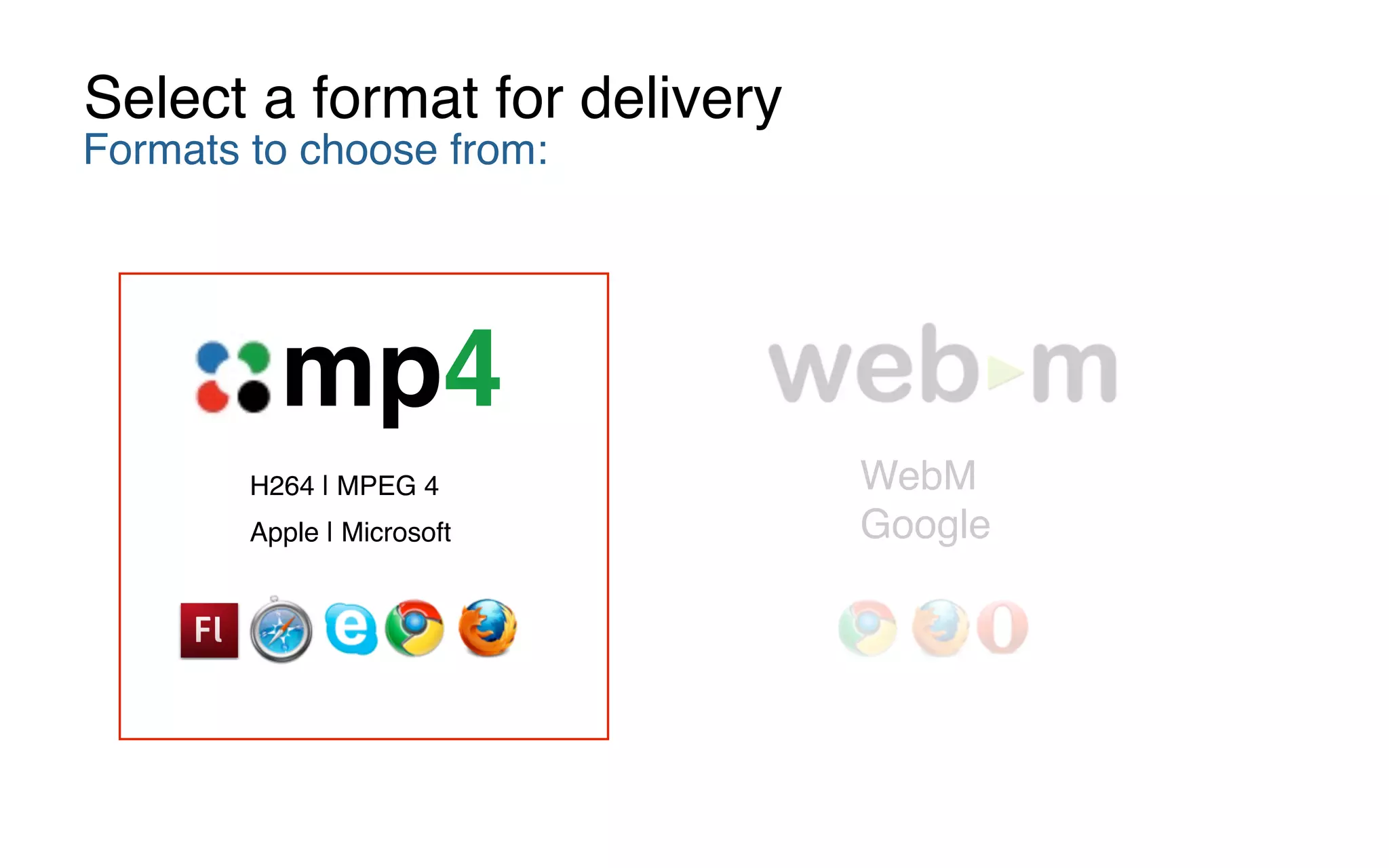
H264 | MPEG 4
Apple | Microsoft
mp4
Formats to choose from:
Select a format for delivery
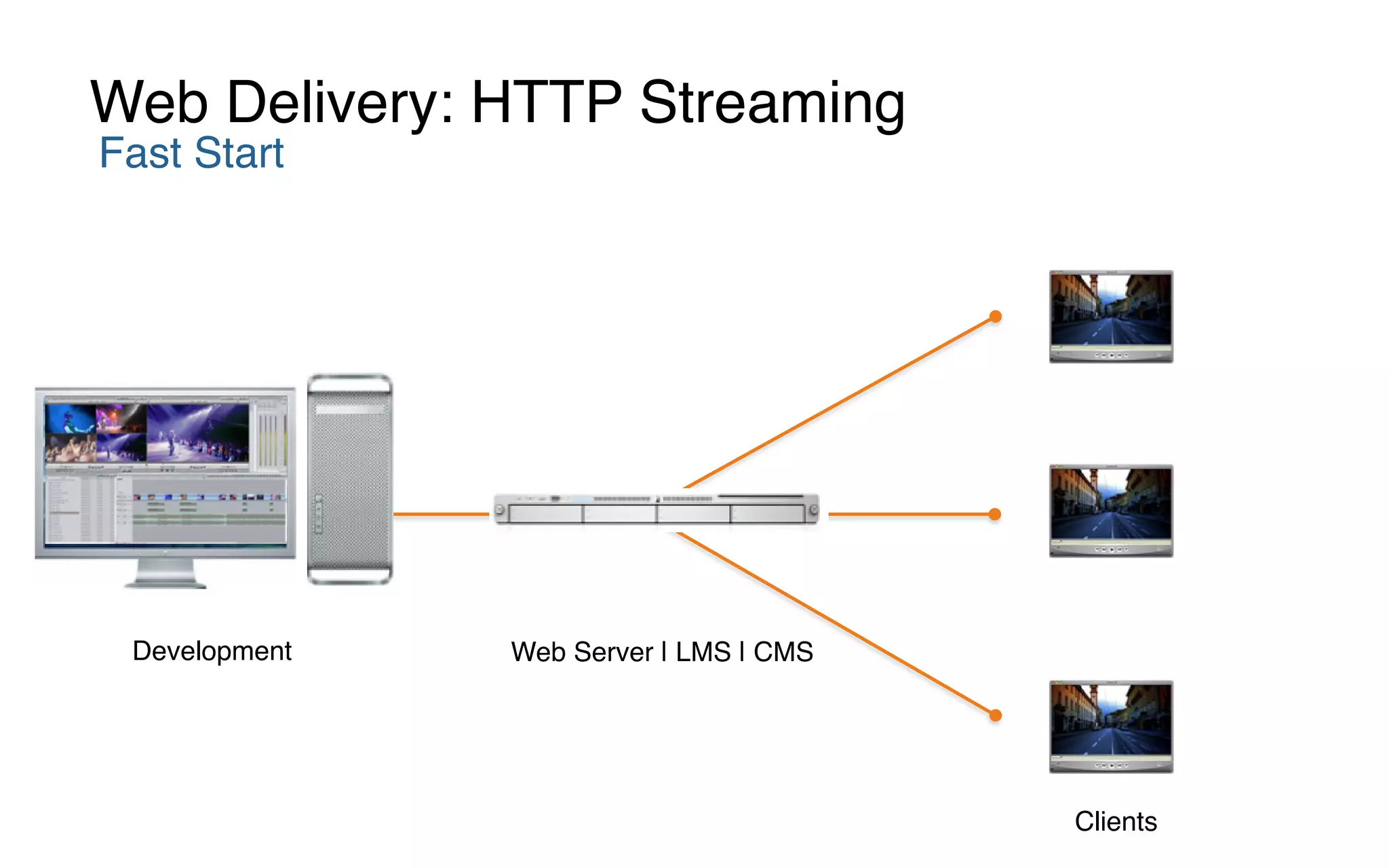
Fast Start
Web Delivery: HTTP Streaming
Development Web Server | LMS | CMS
Clients
Pixel Doubling
Pixel Doubling
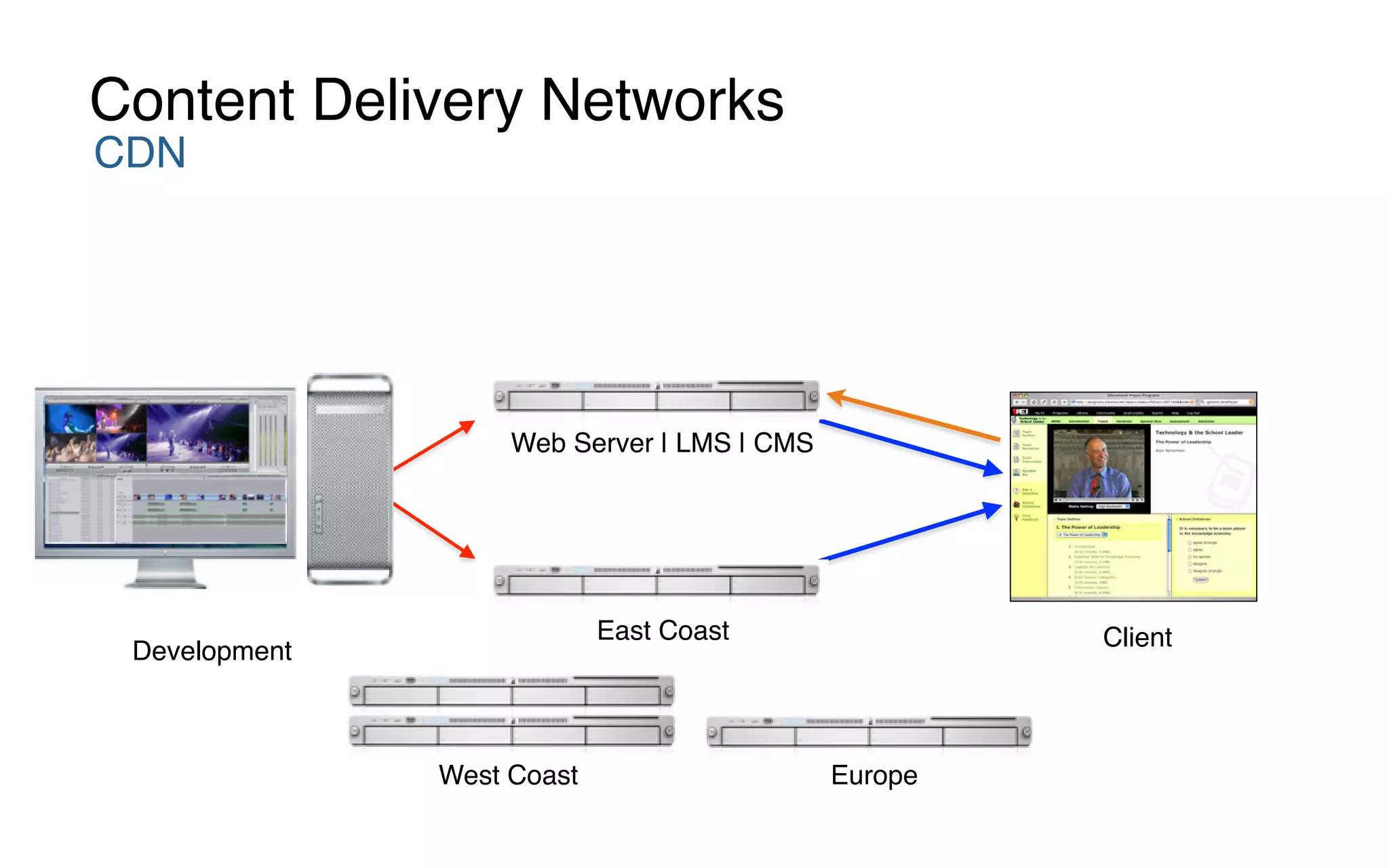
CDN
Content Delivery Networks
Development
East Coast Client
West Coast Europe
Web Server | LMS | CMS
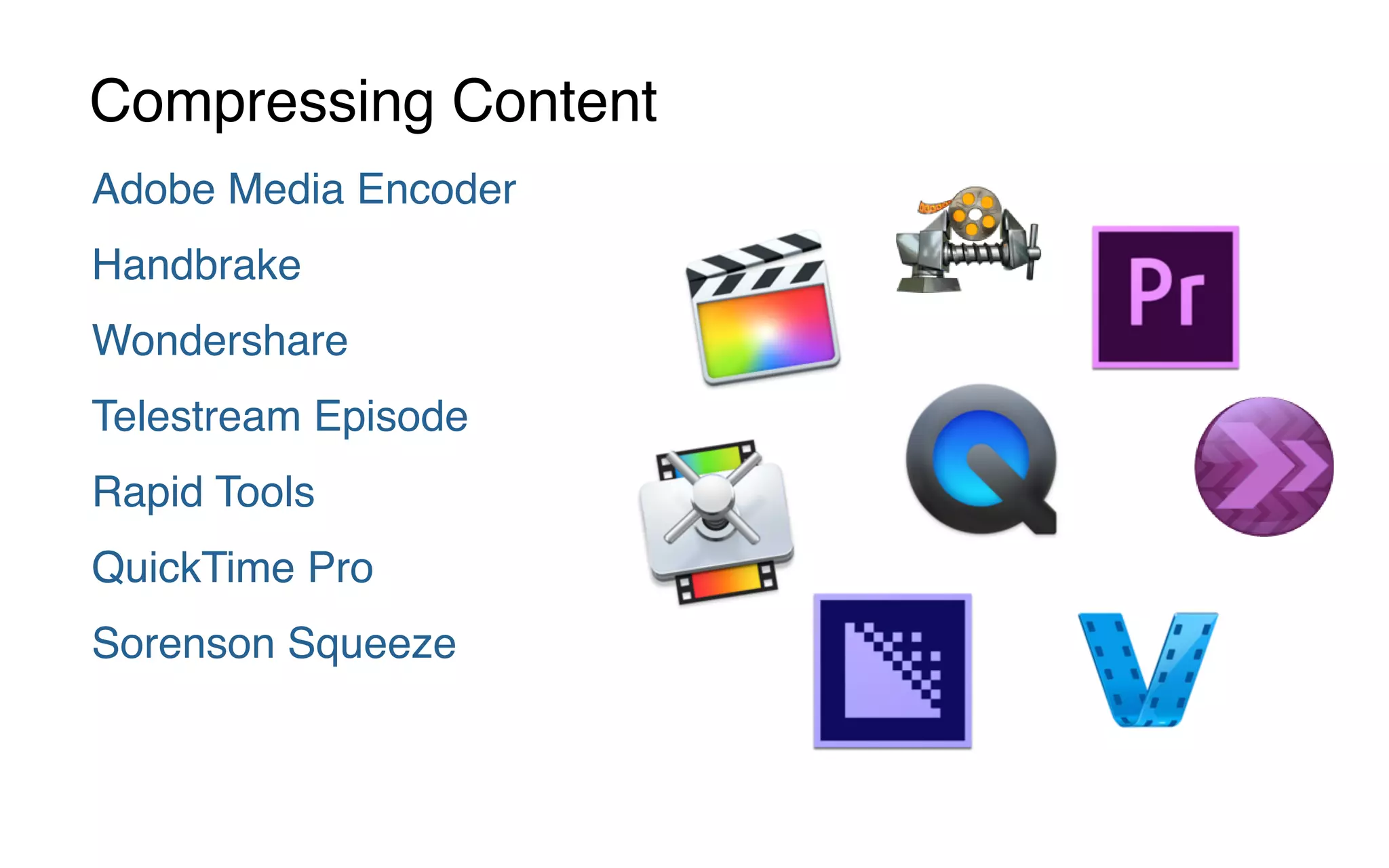
Adobe Media Encoder
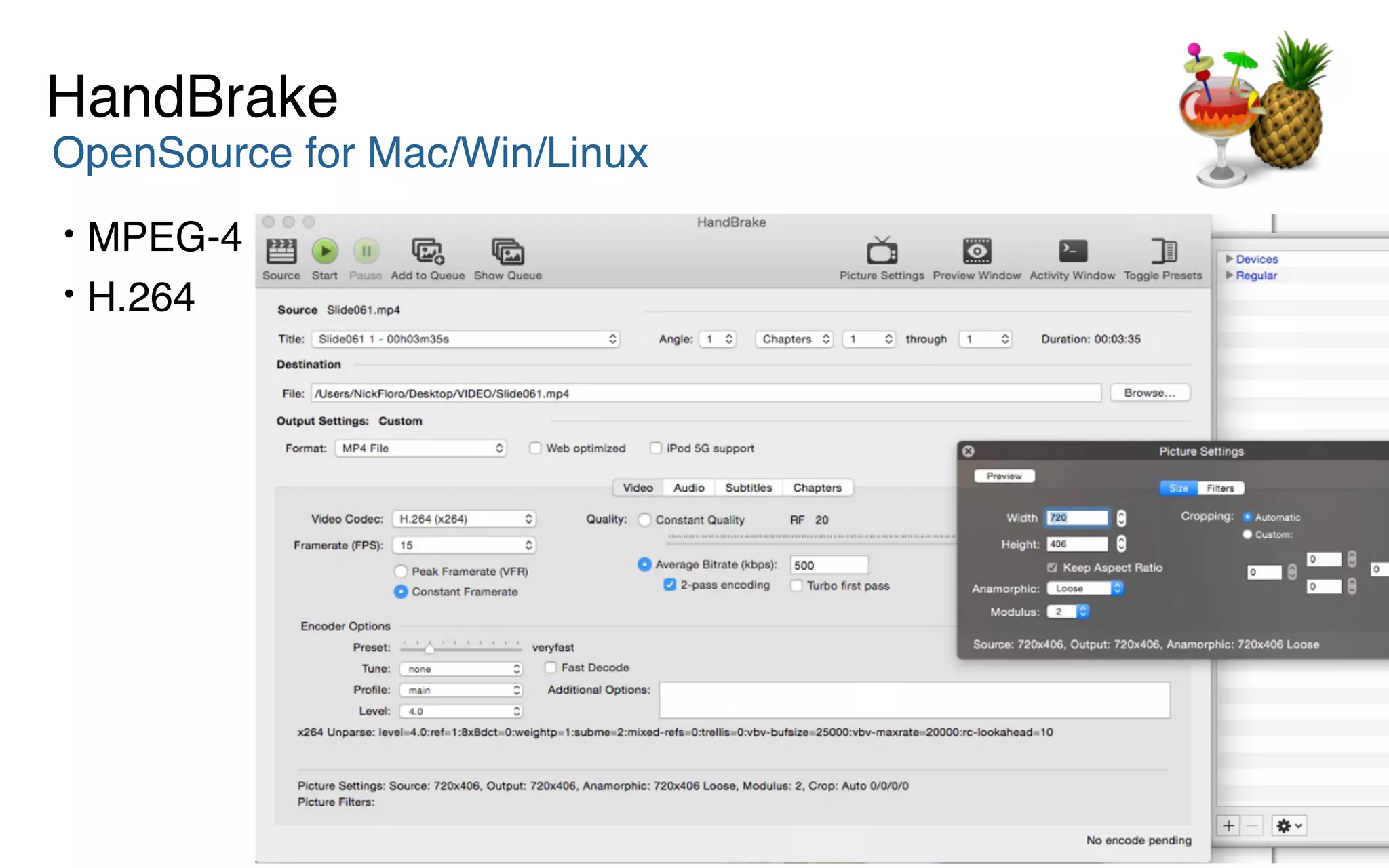
Handbrake
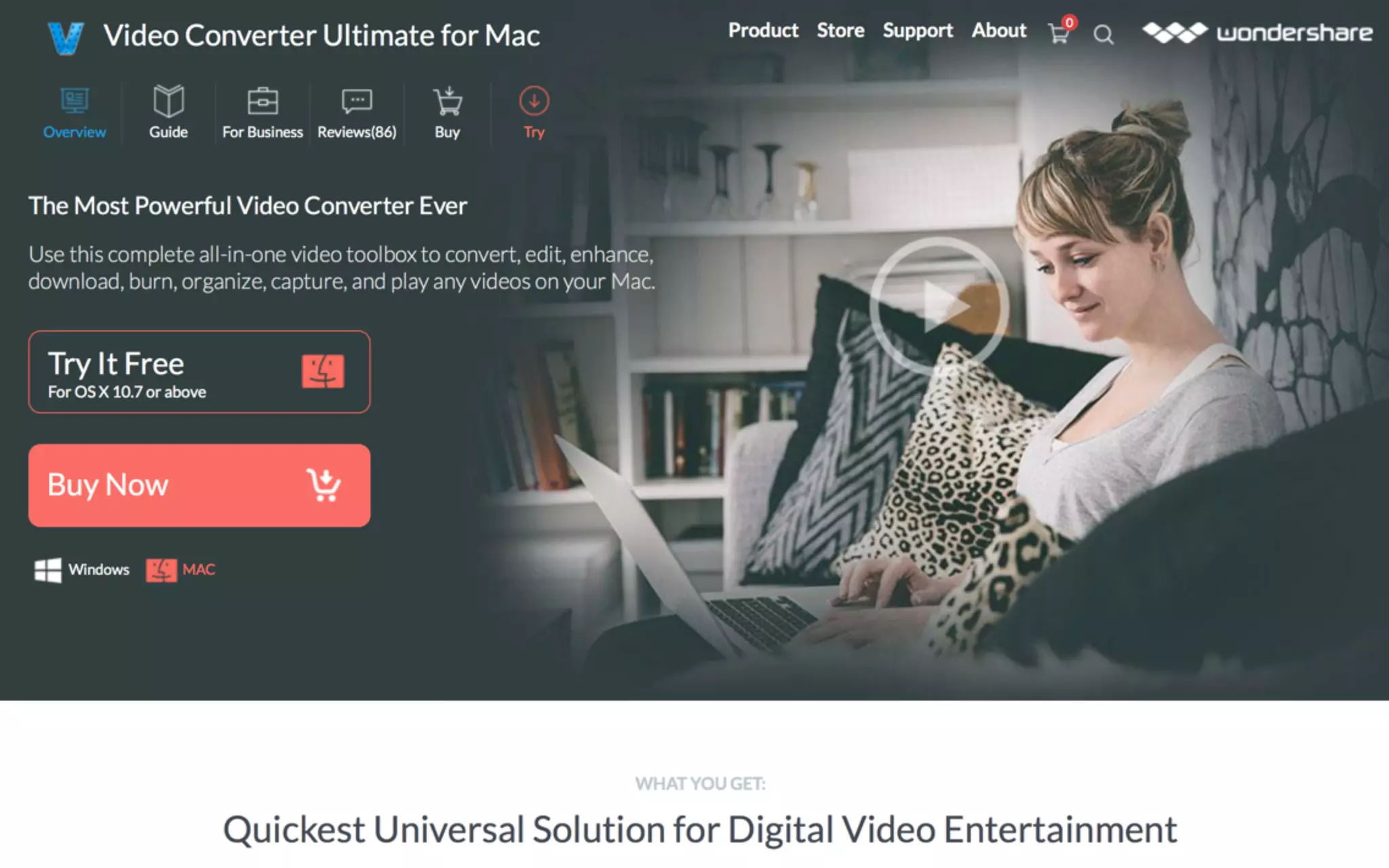
Wondershare
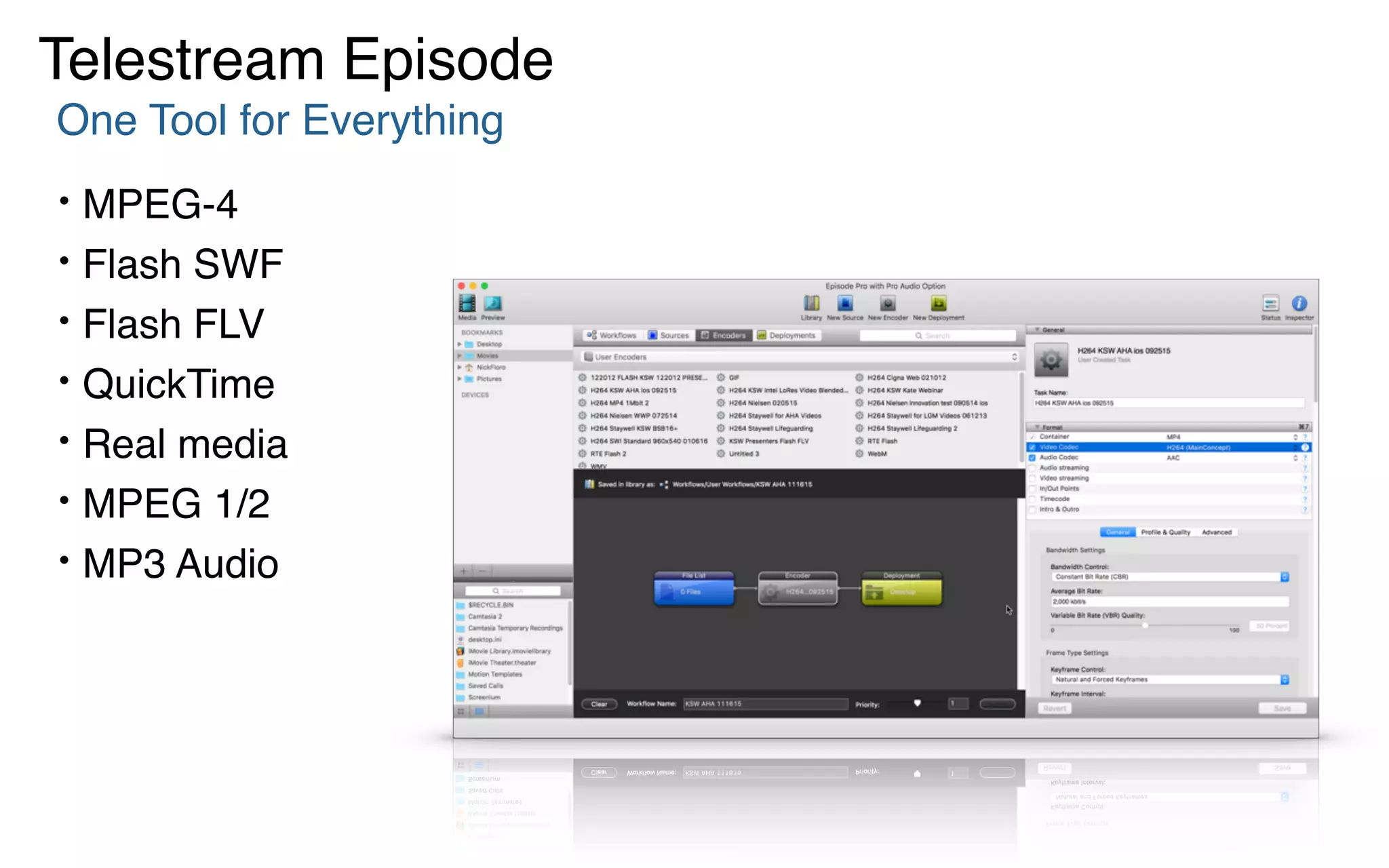
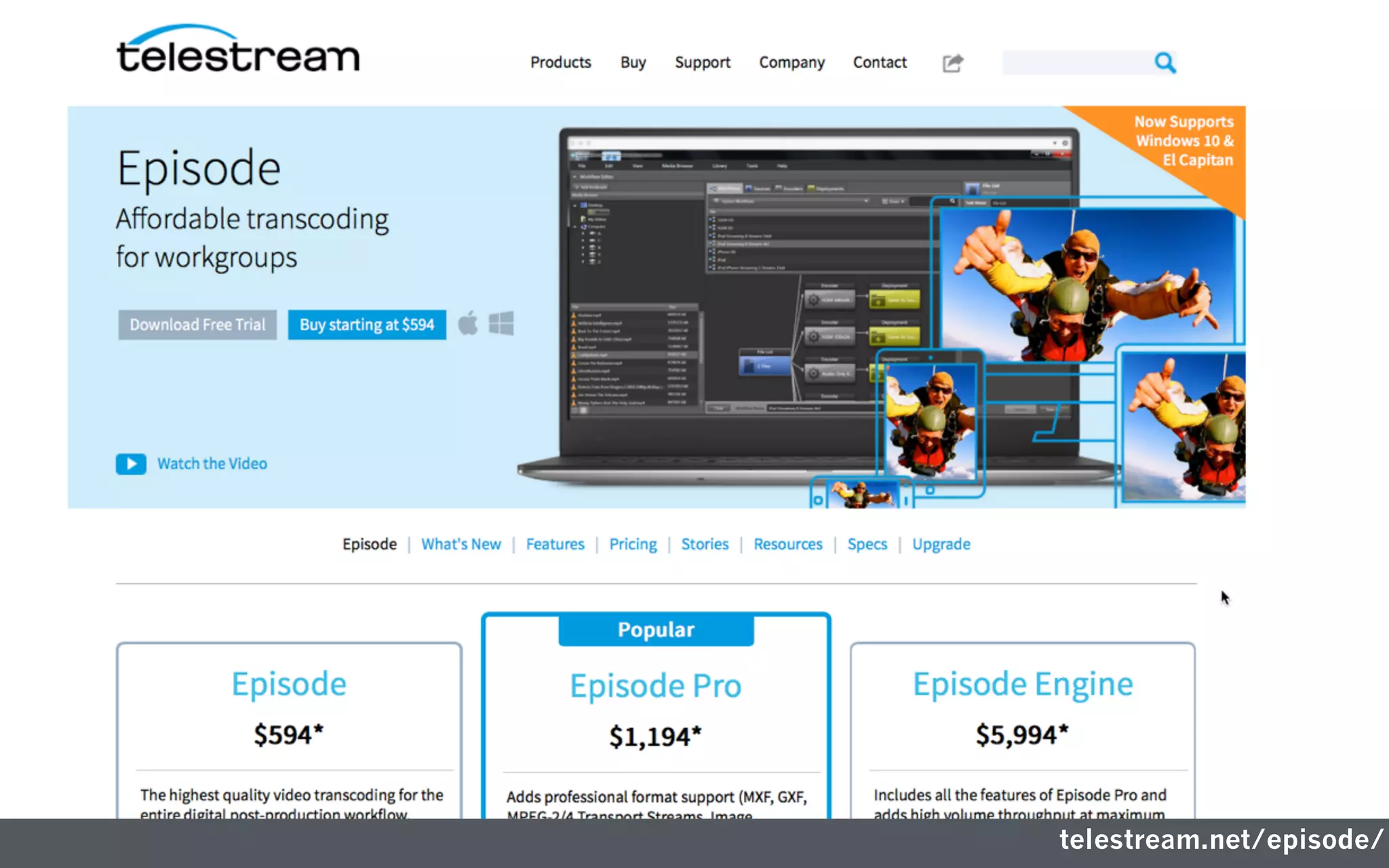
Telestream Episode
Rapid Tools
QuickTime Pro
Sorenson Squeeze
Compressing Content
HandBrake
OpenSource for Mac/Win/Linux
• MPEG-4
• H.264
One Tool for Everything
• MPEG-4
• Flash SWF
• Flash FLV
• QuickTime
• Real media
• MPEG 1/2
• MP3 Audio
Telestream Episode
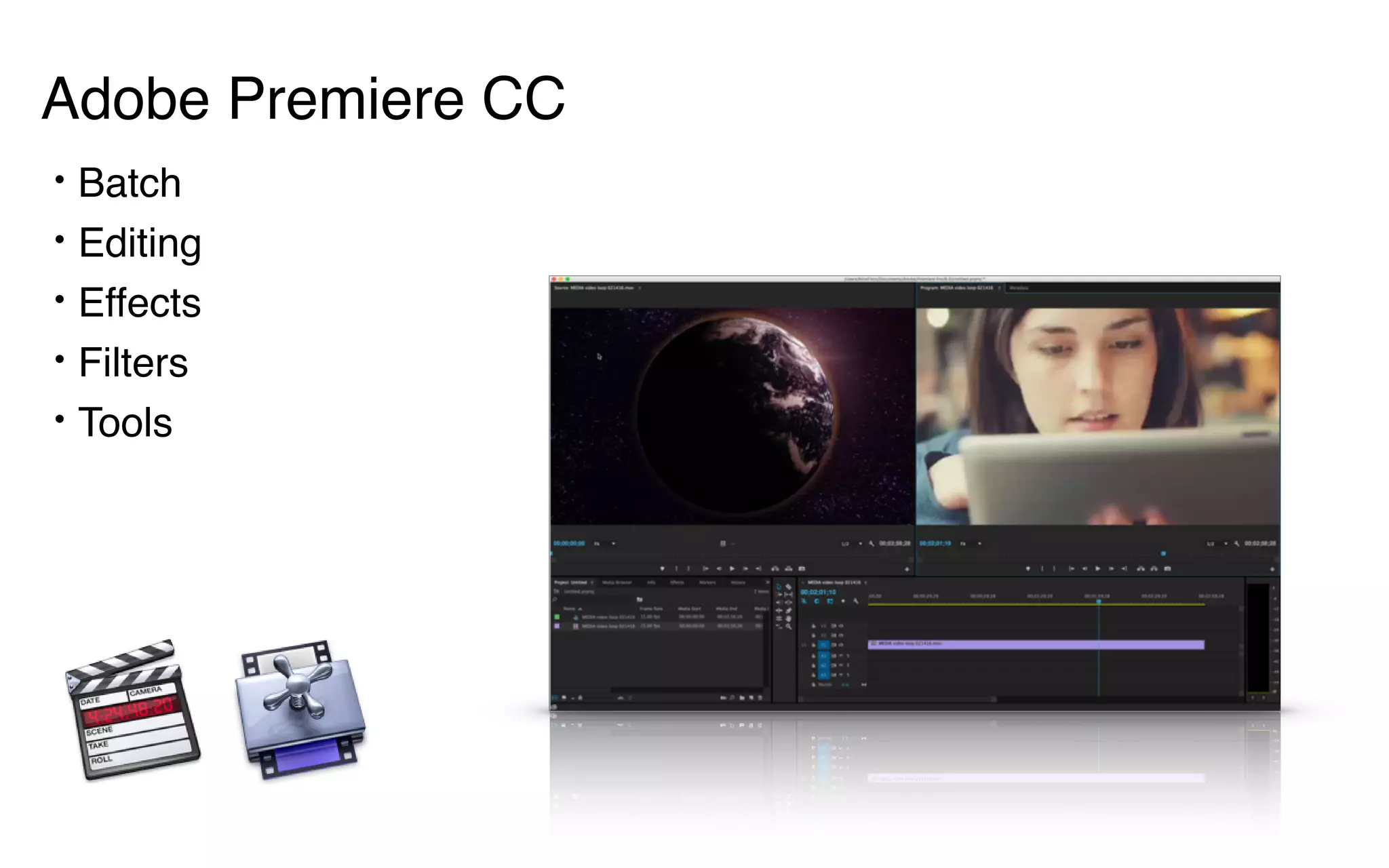
• Batch
• Editing
• Effects
• Filters
• Tools
Adobe Premiere CC
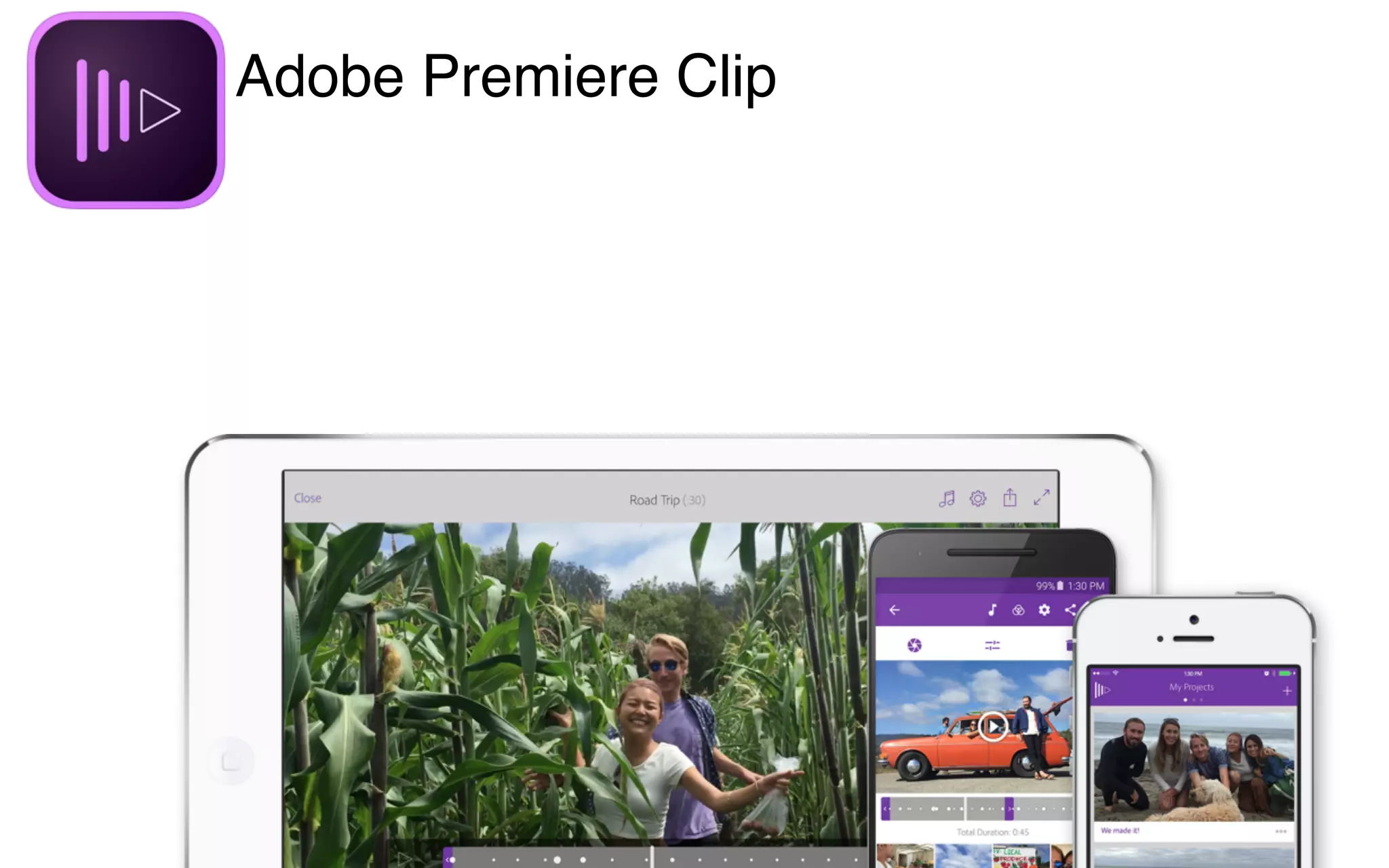
Adobe Premiere Clip
ResourcesTo help you grow.
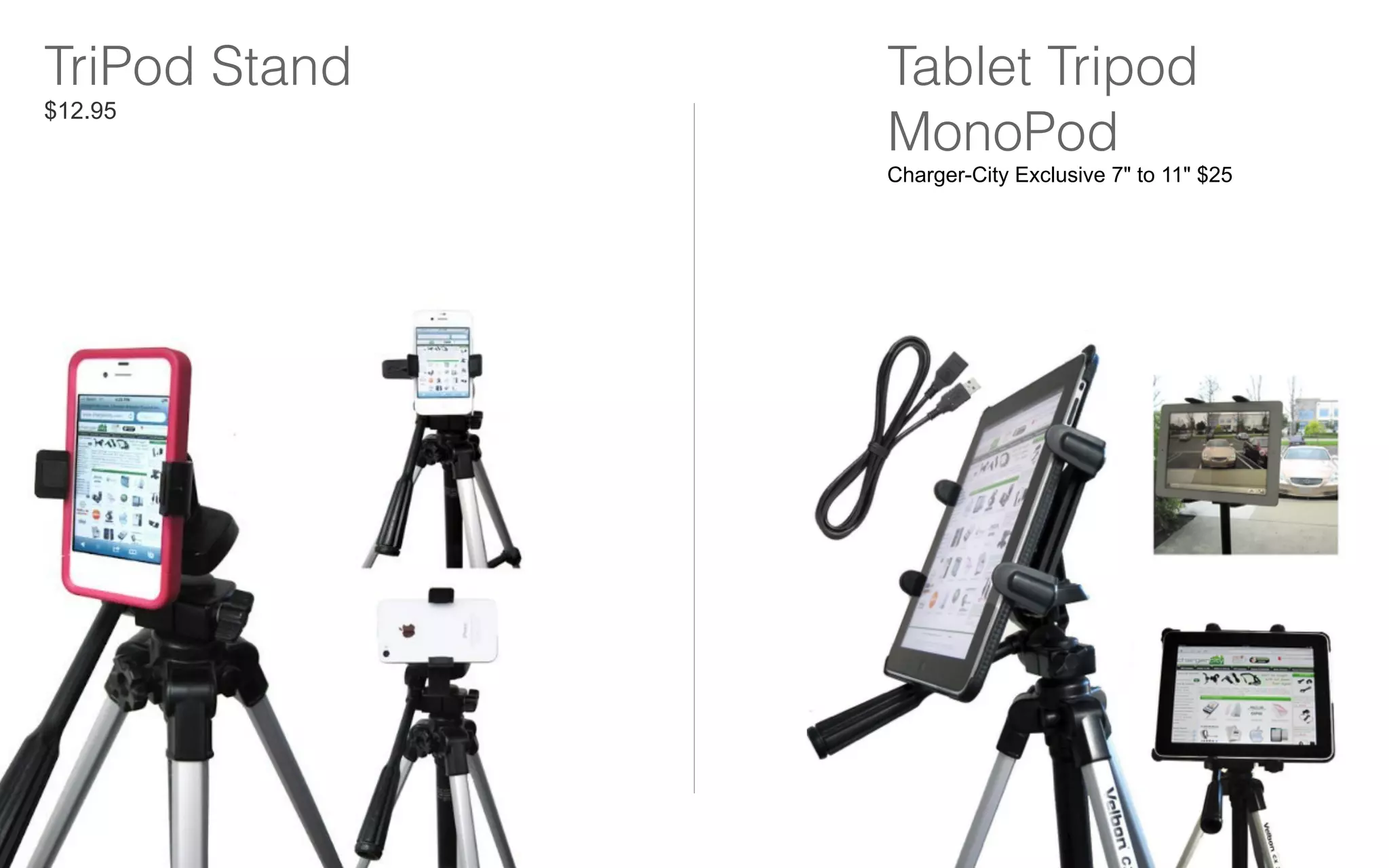
TriPod Stand
$12.95
Tablet Tripod
MonoPod
Charger-City Exclusive 7" to 11" $25
Development:
Capturing & Working
with Media
explainEverything.com
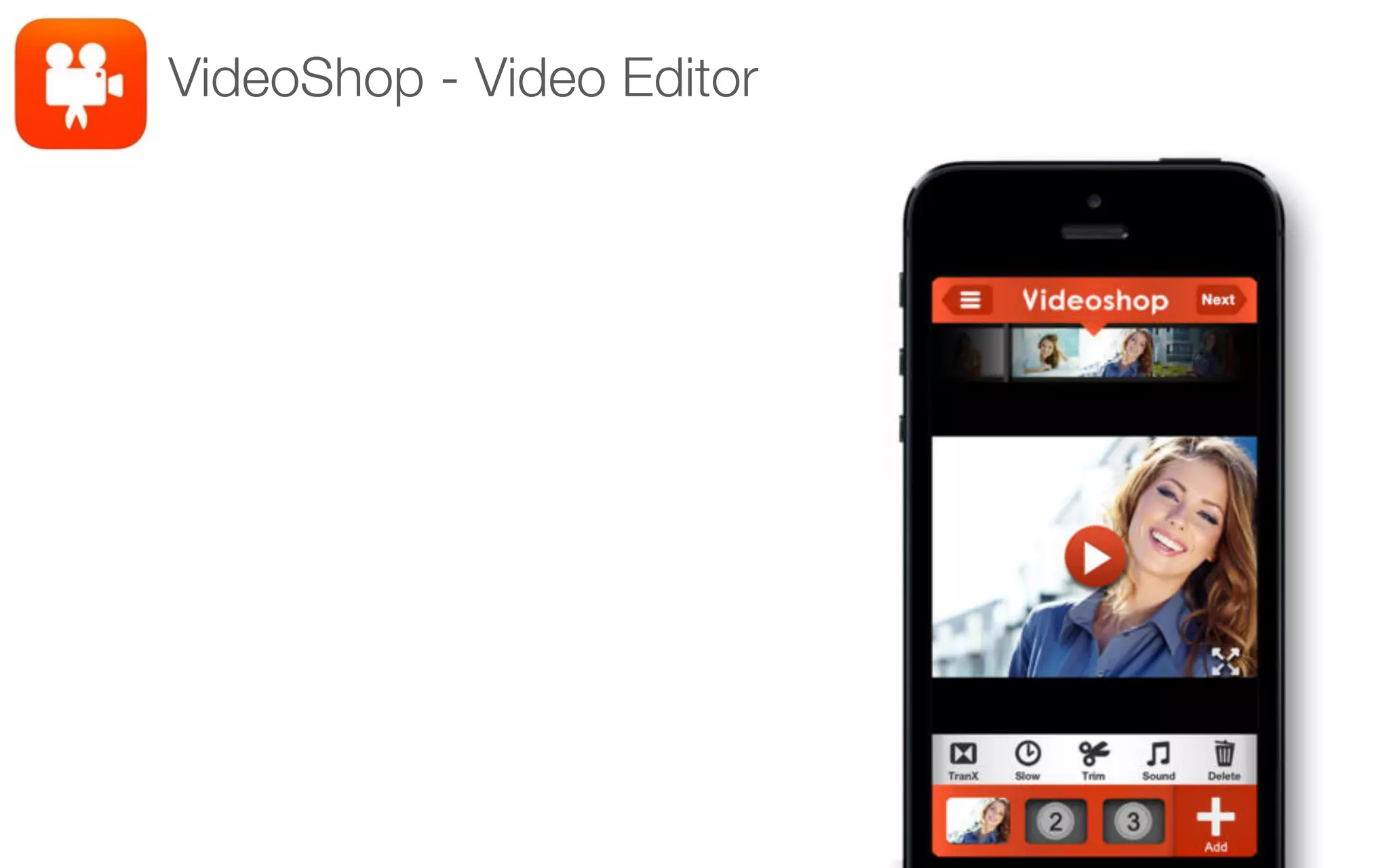
VideoShop - Video Editor
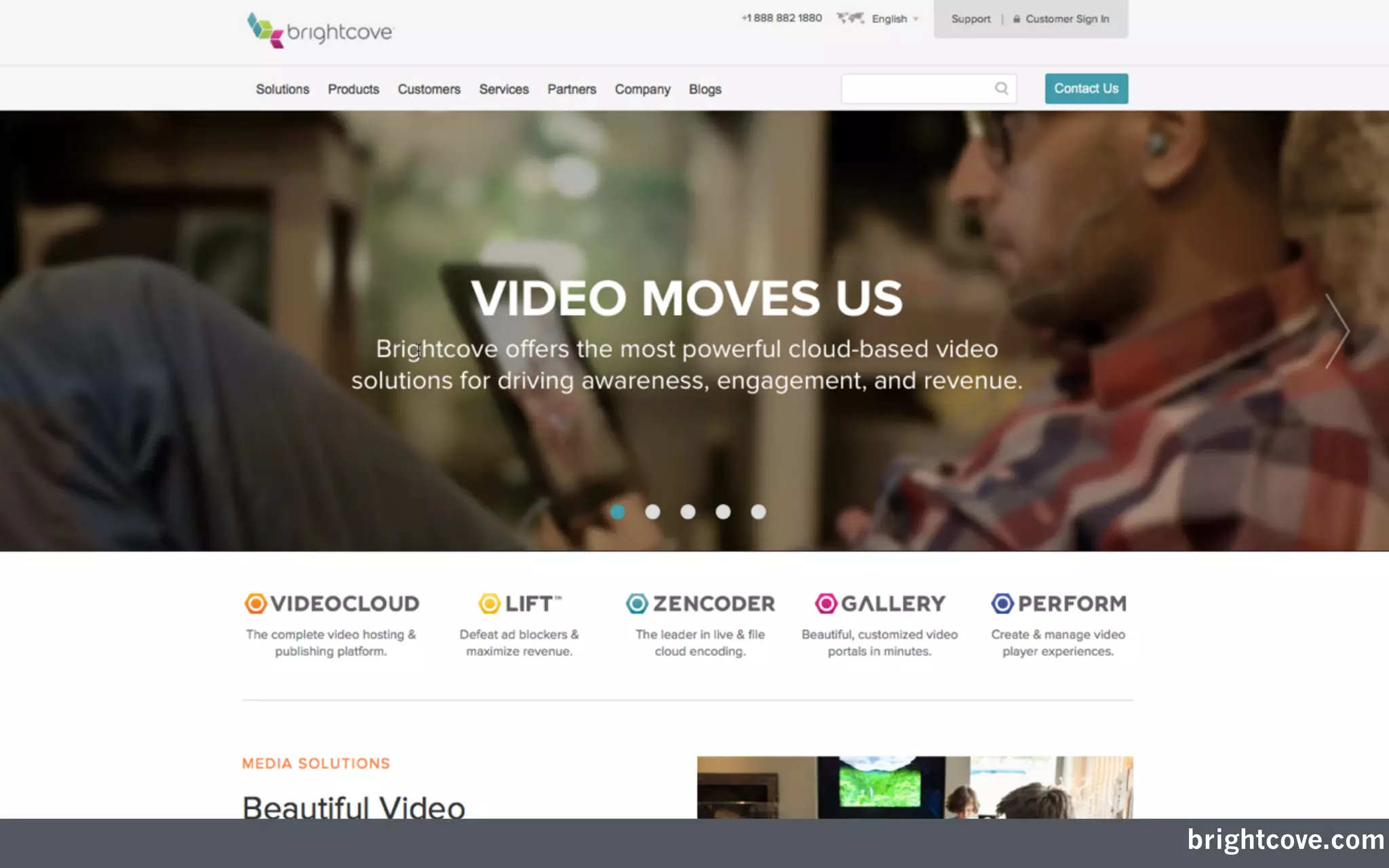
brightcove.com
telestream.net/episode/
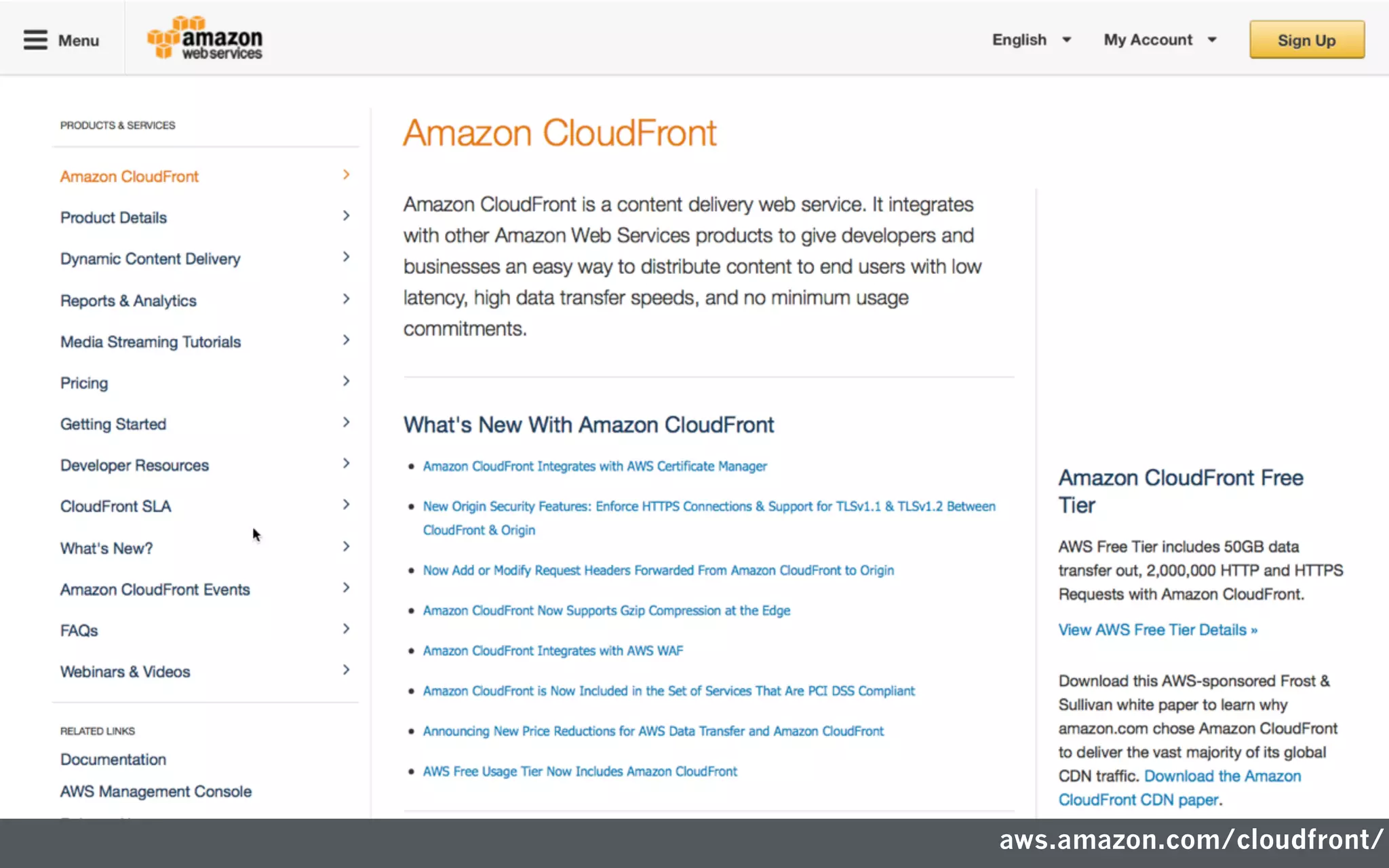
aws.amazon.com/cloudfront/
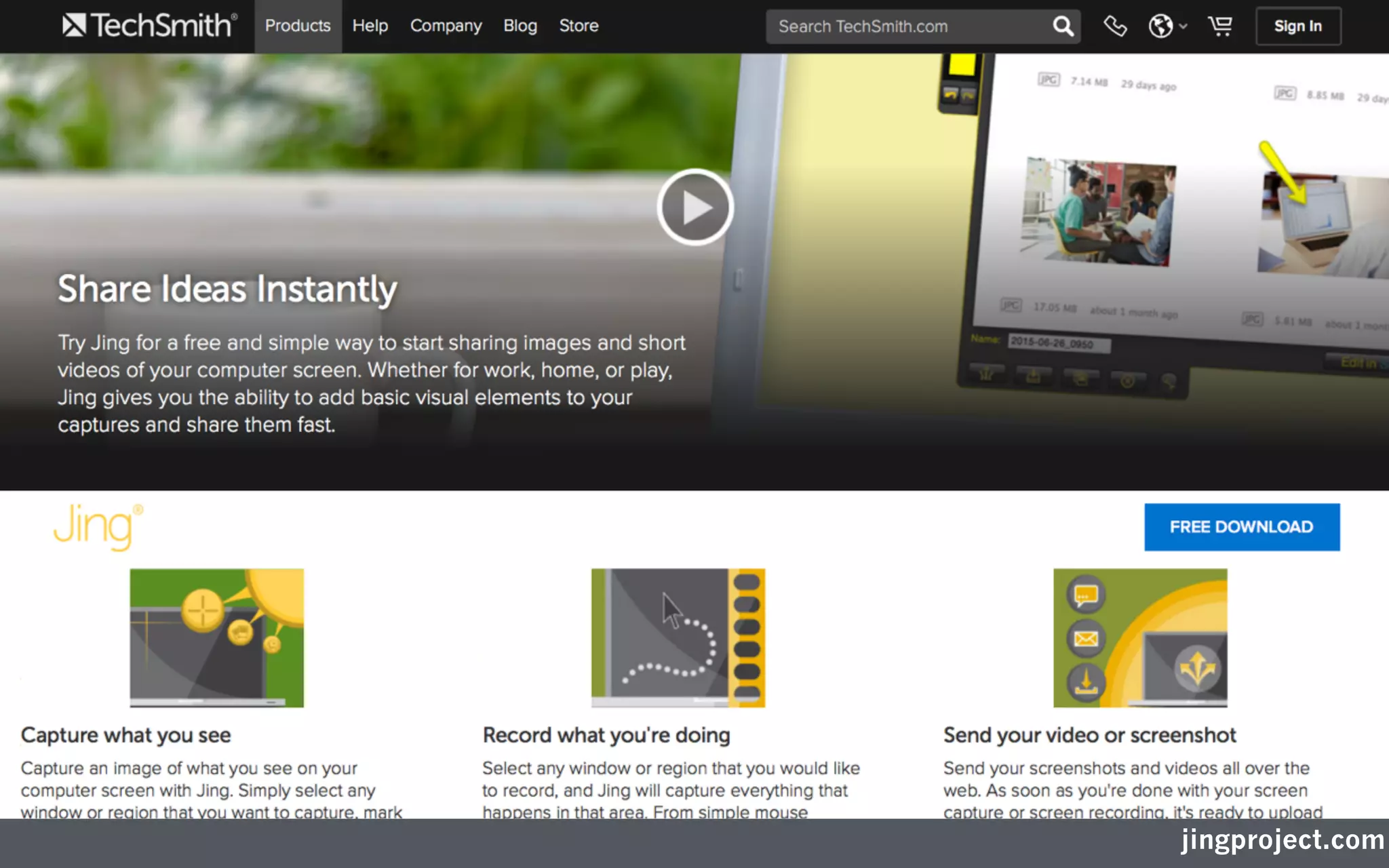
jingproject.com
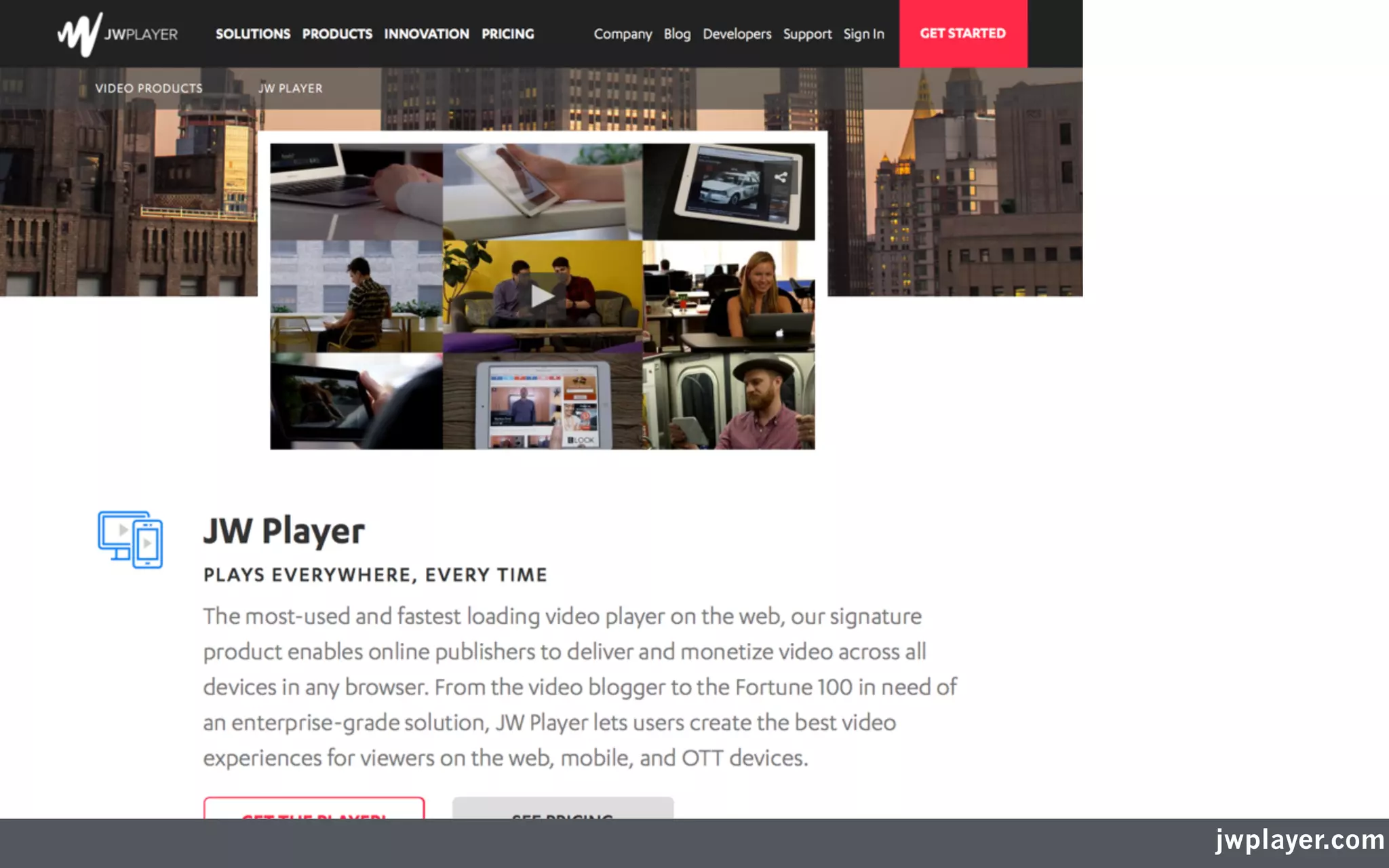
jwplayer.com
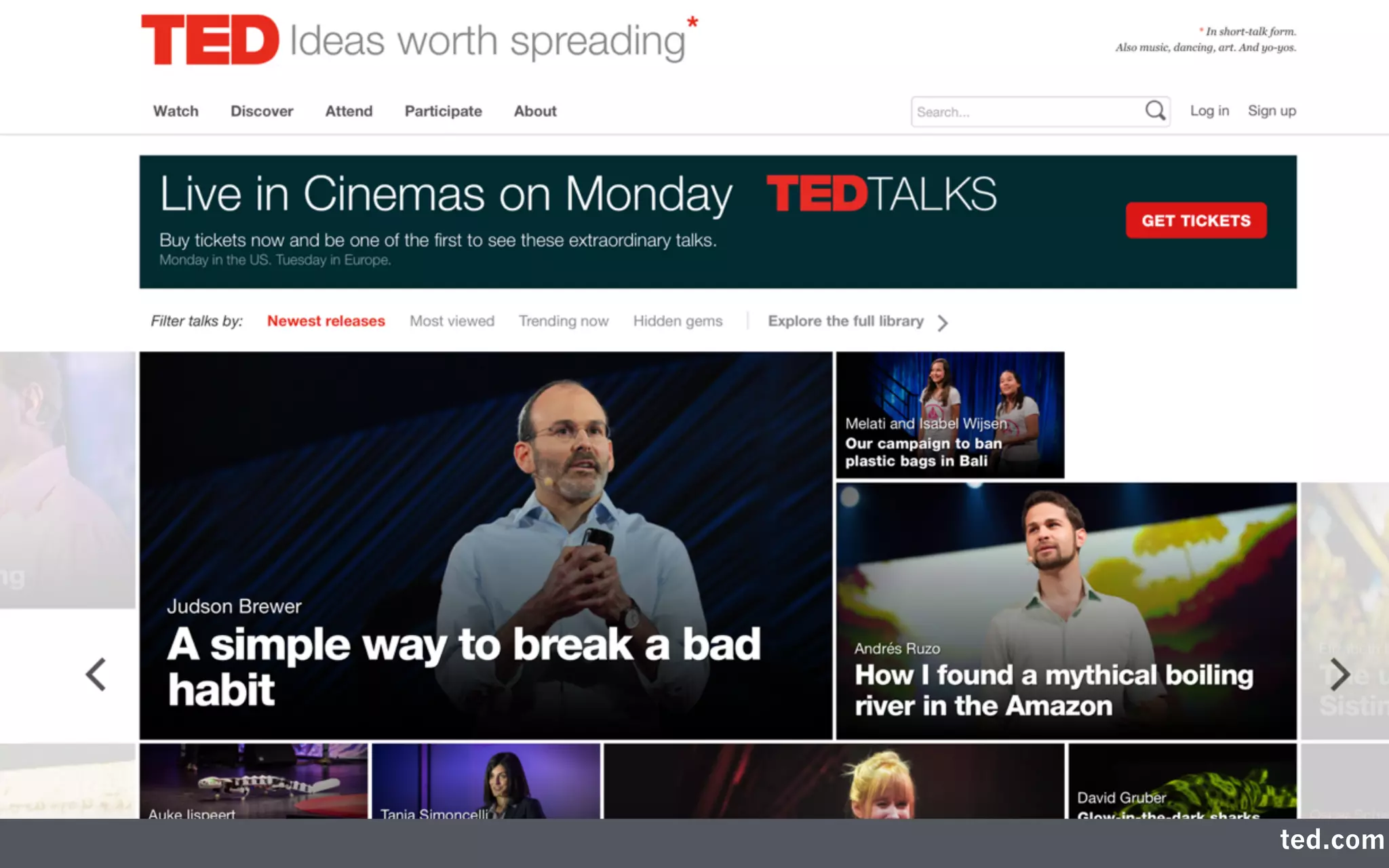
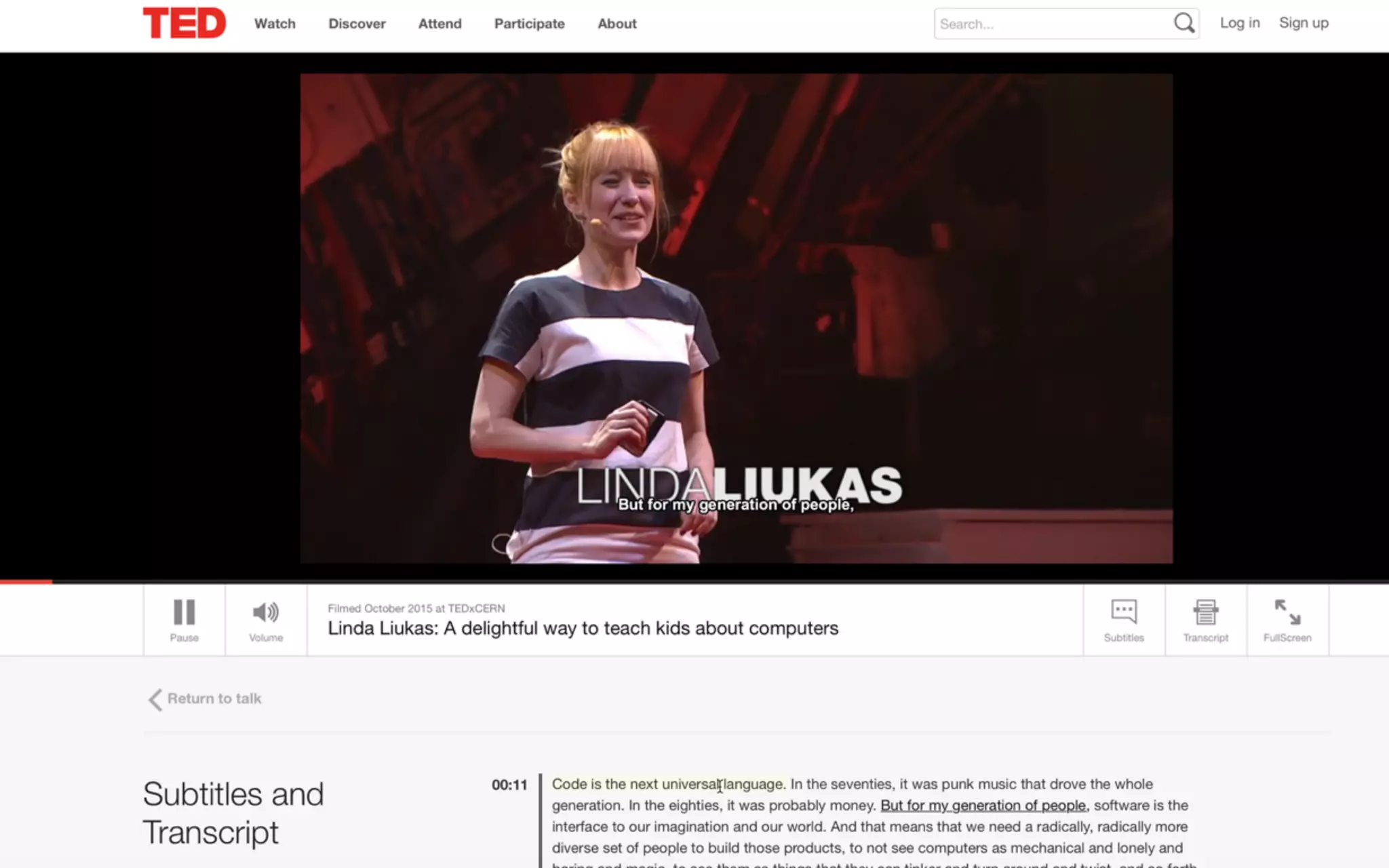
ted.com
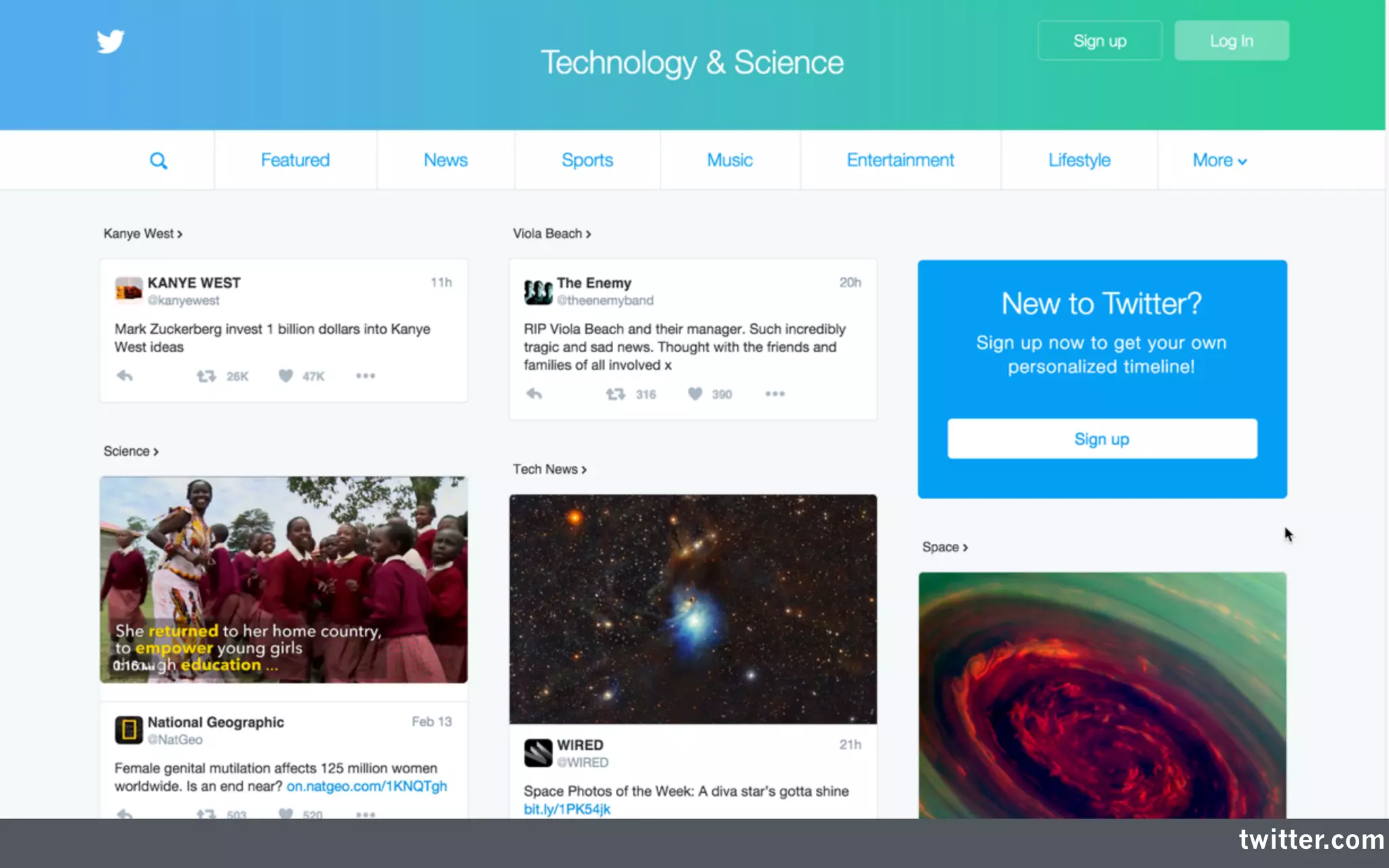
twitter.com
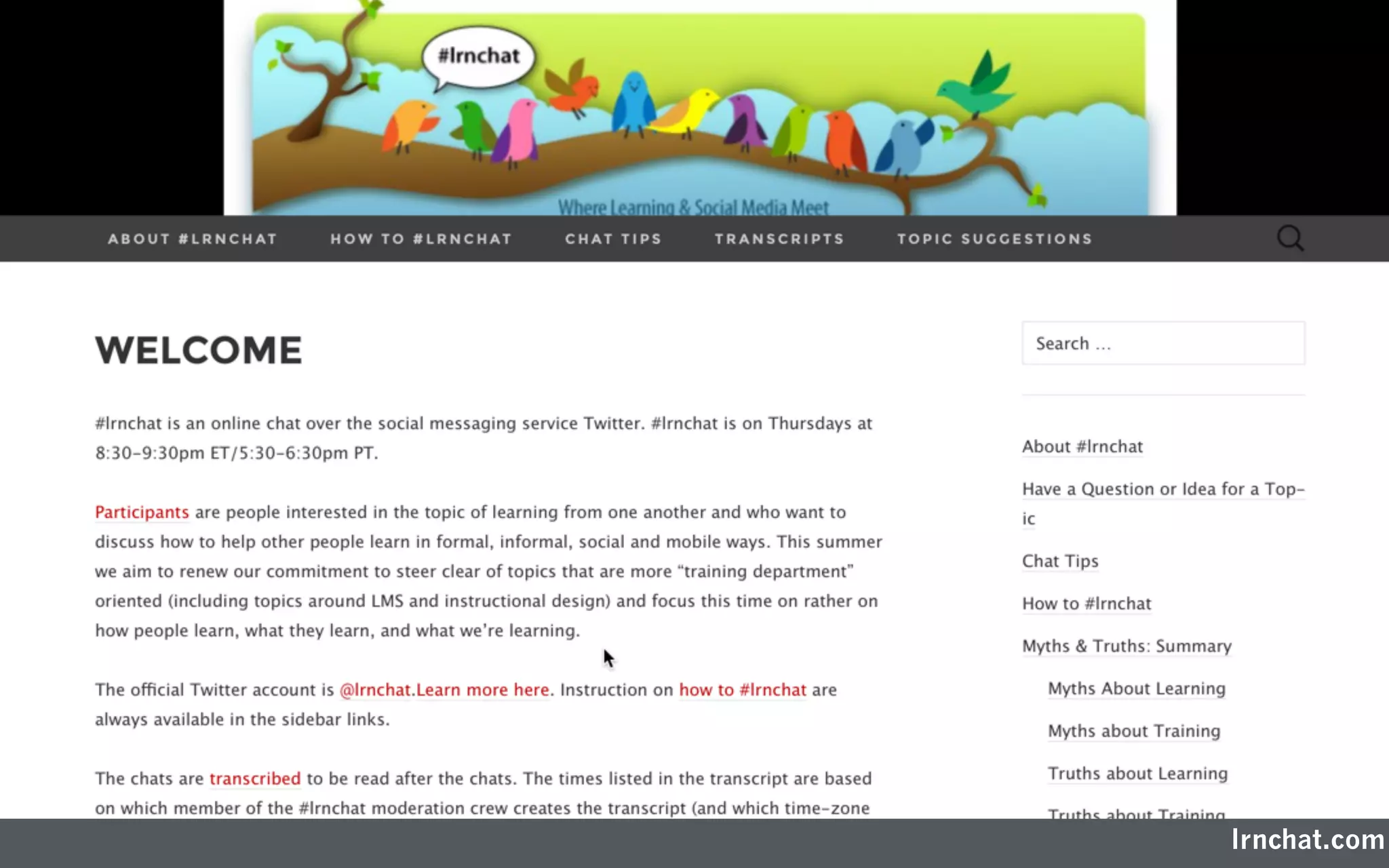
lrnchat.com
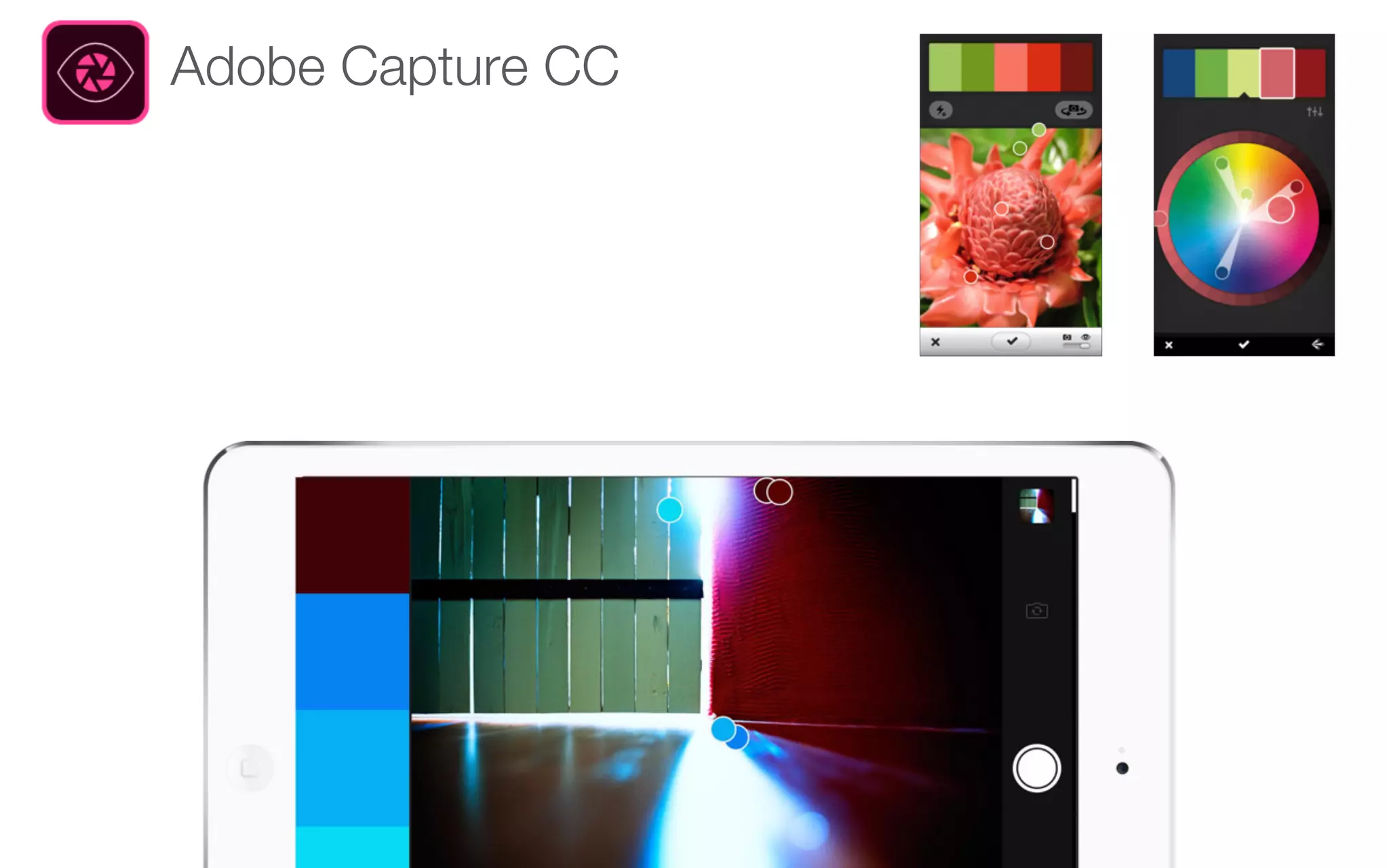
Adobe Capture CC
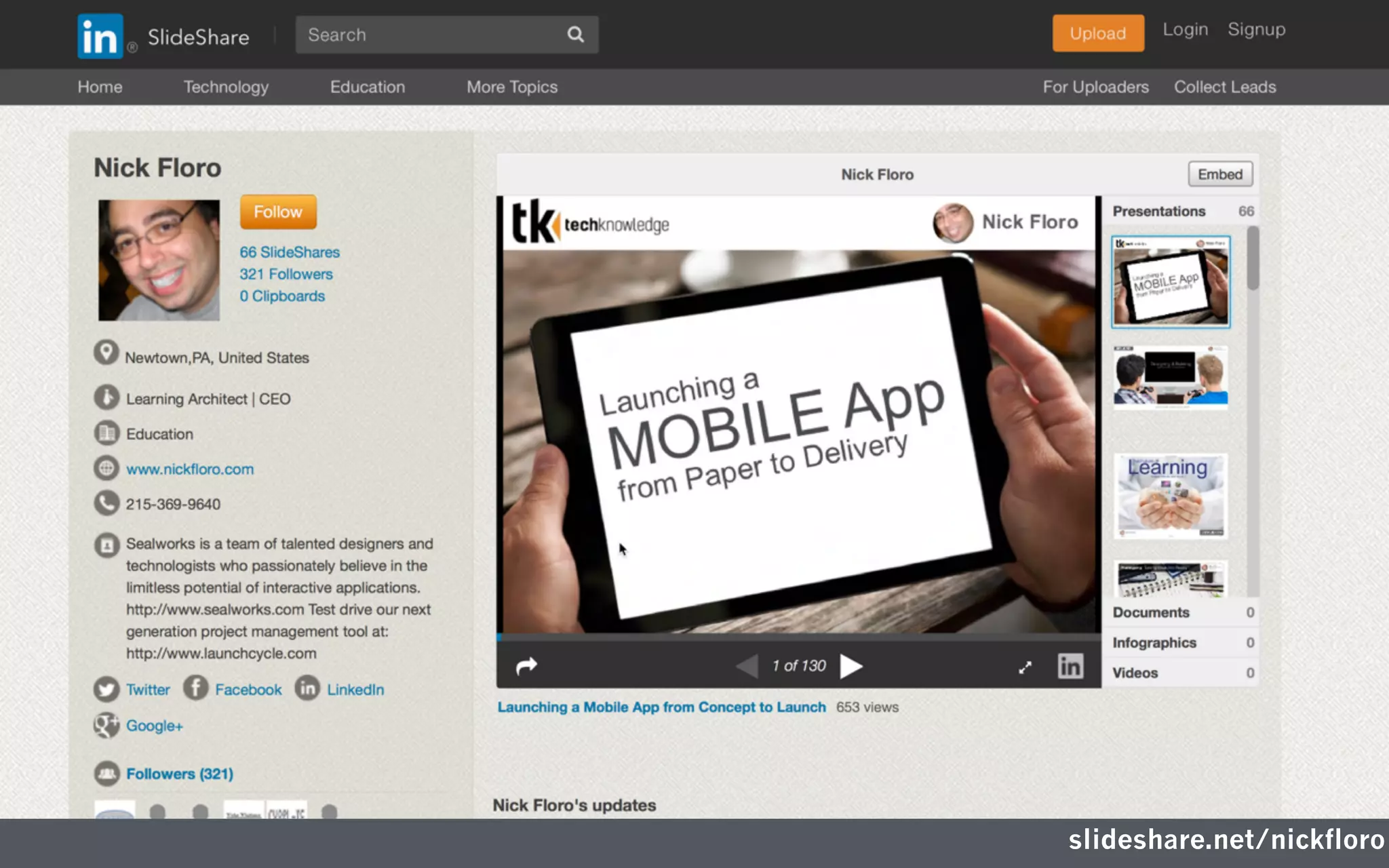
slideshare.net/nickfloro
Thank You
Nick Floro
sealworks interactive studios
nick@sealworks.com
www.sealworks.com
twitter.com/NickFloro
Download the Presentation at:
slideshare.net/nickfloro

Compressing Audio and Video for Desktop and Mobile Delivery