Creating a Personal Profile, Utilizing Your
Network, & Creating and Maintaining Your
    Business / Organization's Page
 Introduction to Facebook
 Setting Up Your Personal Profile
 Managing Your Personal Profile
 Understanding Facebook Privacy
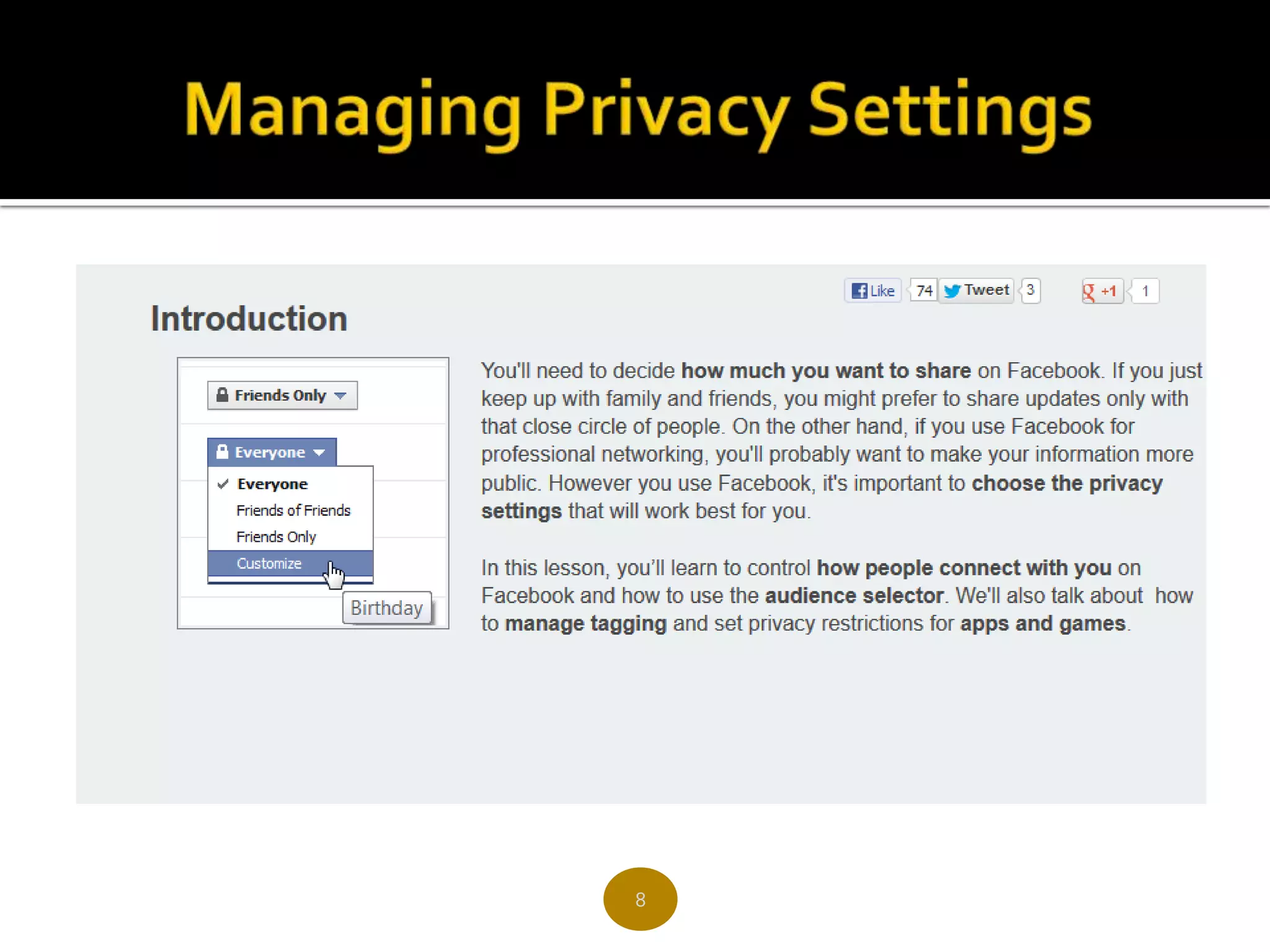
 Managing your Privacy Settings
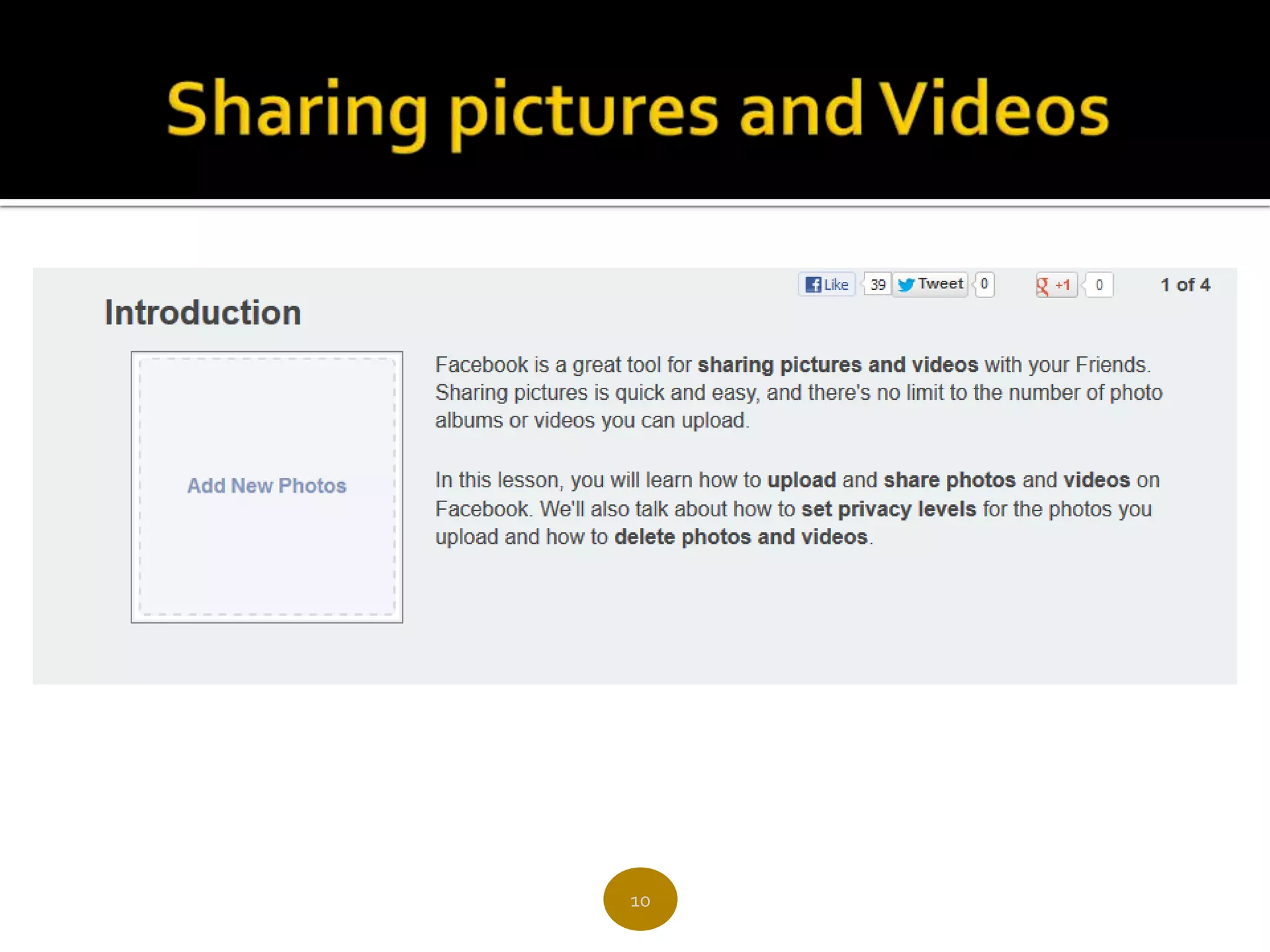
 Sharing pictures and Videos
 How to share files on Facebook
 Do & Don’ts for Facebook


                     2
 Facebook is a tool for connecting people with
  those around them – friends, family, coworkers, or
  simply others with shared interests.
 Business Owners & Marketers have an opportunity
  to use Facebook to expand their online footprint
  and engage with prospects & clients directly.
 Facebook is the third most trafficked website in
  the world and the most trafficked social media site
  in the world.
 The fastest growing demographic is those 35 years
  and older.

                        3
4
6
8
10
12
13
14
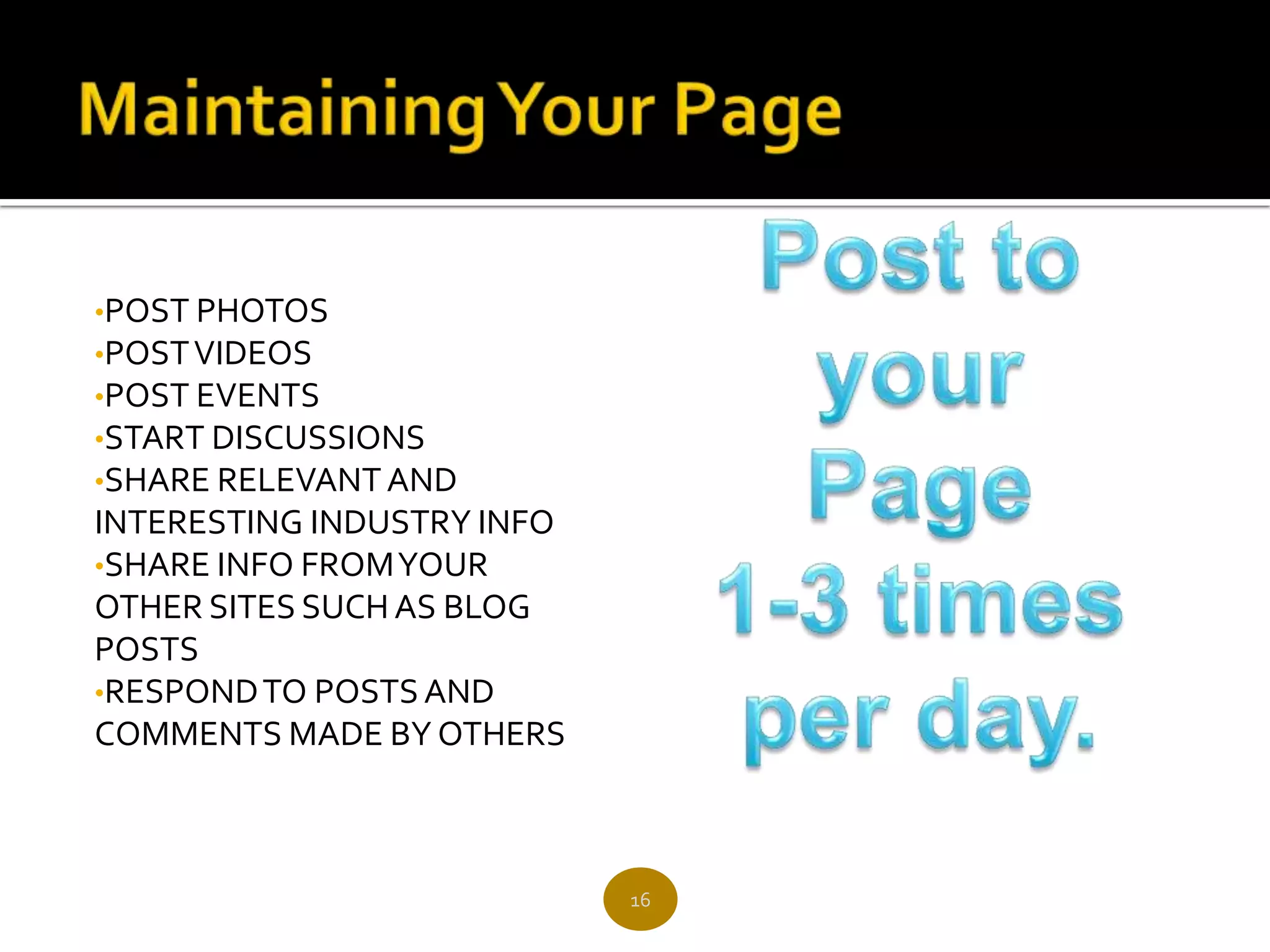
•POST PHOTOS
•POST VIDEOS
•POST EVENTS
•START DISCUSSIONS
•SHARE RELEVANT AND
INTERESTING INDUSTRY INFO
•SHARE INFO FROM YOUR
OTHER SITES SUCH AS BLOG
POSTS
•RESPOND TO POSTS AND
COMMENTS MADE BY OTHERS


                            16
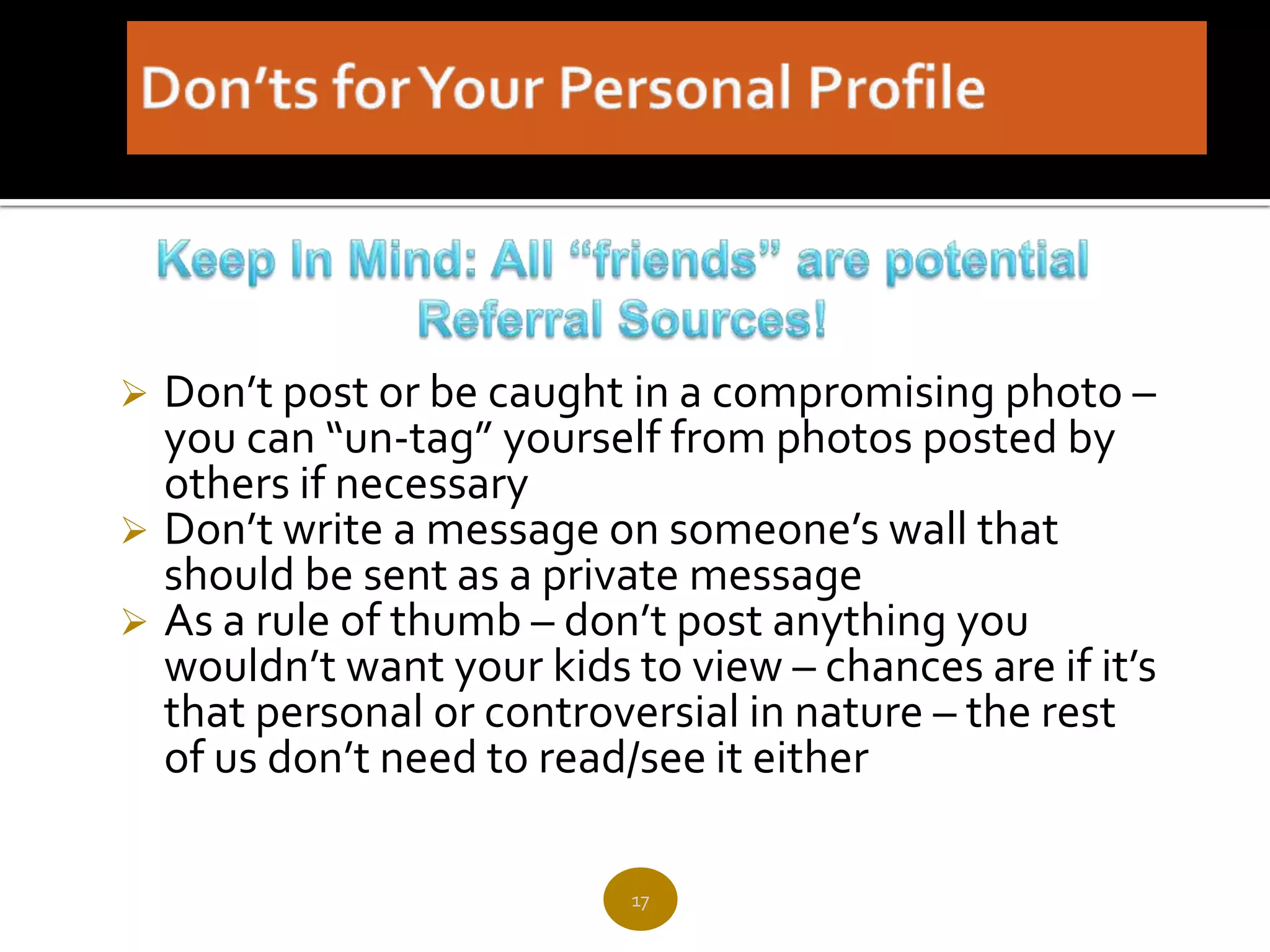
 Don’t post or be caught in a compromising photo –
  you can “un-tag” yourself from photos posted by
  others if necessary
 Don’t write a message on someone’s wall that
  should be sent as a private message
 As a rule of thumb – don’t post anything you
  wouldn’t want your kids to view – chances are if it’s
  that personal or controversial in nature – the rest
  of us don’t need to read/see it either

                           17
 Don’t just blast your business /
  organization's website over and over –
  provide content relevant to your business
  that will engage your “fans”
 Your page should be seen as a resource,
  not as a shameless self promotion
 Don’t share personal information, unless
  relevant to your industry

                     18
Facebook 101

Facebook 101

  • 1.
    Creating a PersonalProfile, Utilizing Your Network, & Creating and Maintaining Your Business / Organization's Page
  • 2.
     Introduction toFacebook  Setting Up Your Personal Profile  Managing Your Personal Profile  Understanding Facebook Privacy  Managing your Privacy Settings  Sharing pictures and Videos  How to share files on Facebook  Do & Don’ts for Facebook 2
  • 3.
     Facebook isa tool for connecting people with those around them – friends, family, coworkers, or simply others with shared interests.  Business Owners & Marketers have an opportunity to use Facebook to expand their online footprint and engage with prospects & clients directly.  Facebook is the third most trafficked website in the world and the most trafficked social media site in the world.  The fastest growing demographic is those 35 years and older. 3
  • 4.
  • 6.
  • 8.
  • 10.
  • 12.
  • 13.
  • 14.
  • 16.
    •POST PHOTOS •POST VIDEOS •POSTEVENTS •START DISCUSSIONS •SHARE RELEVANT AND INTERESTING INDUSTRY INFO •SHARE INFO FROM YOUR OTHER SITES SUCH AS BLOG POSTS •RESPOND TO POSTS AND COMMENTS MADE BY OTHERS 16
  • 17.
     Don’t postor be caught in a compromising photo – you can “un-tag” yourself from photos posted by others if necessary  Don’t write a message on someone’s wall that should be sent as a private message  As a rule of thumb – don’t post anything you wouldn’t want your kids to view – chances are if it’s that personal or controversial in nature – the rest of us don’t need to read/see it either 17
  • 18.
     Don’t justblast your business / organization's website over and over – provide content relevant to your business that will engage your “fans”  Your page should be seen as a resource, not as a shameless self promotion  Don’t share personal information, unless relevant to your industry 18

Editor's Notes

  • #4 Video demonstration of how to use Drop box a free service to upload files to Facebook.This is handy for files over the 25 mb limit Facebook has on uploads.