Not just
another session
on social media
Your panel

   Jeannine Crooks
     Affiliate Window: Account Manager
     @Jeannine_Crooks
   Mike Allen
     Shopping Bargains: Founder & "Chief
      Executive Shopper"
     @mta1
   Shannon Vogel
     The Be-Scene: Owner and Socialite
     @thebescene
   Jennifer Myers Ward
     ebove &beyond: President
What to expect:

   Learn 7 things to always do


   5 things to never do


   6 ways to customize social media to generate
    sales using Facebook, Twitter, LinkedIn and
    Pinterest
7 Things to always do

1.   Practice Good Social Behavior

2.   Listen and Learn

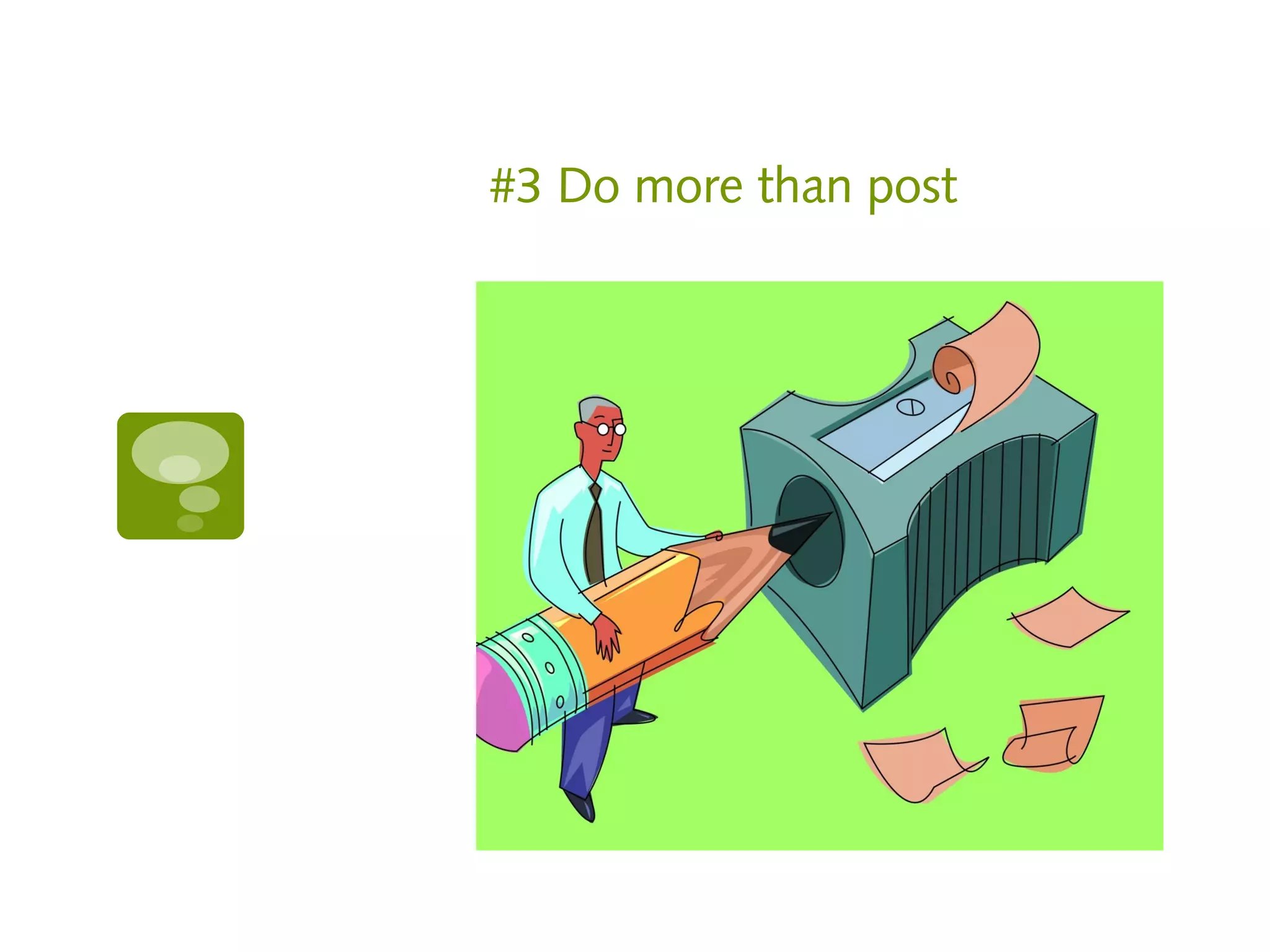
3.   Do more than post

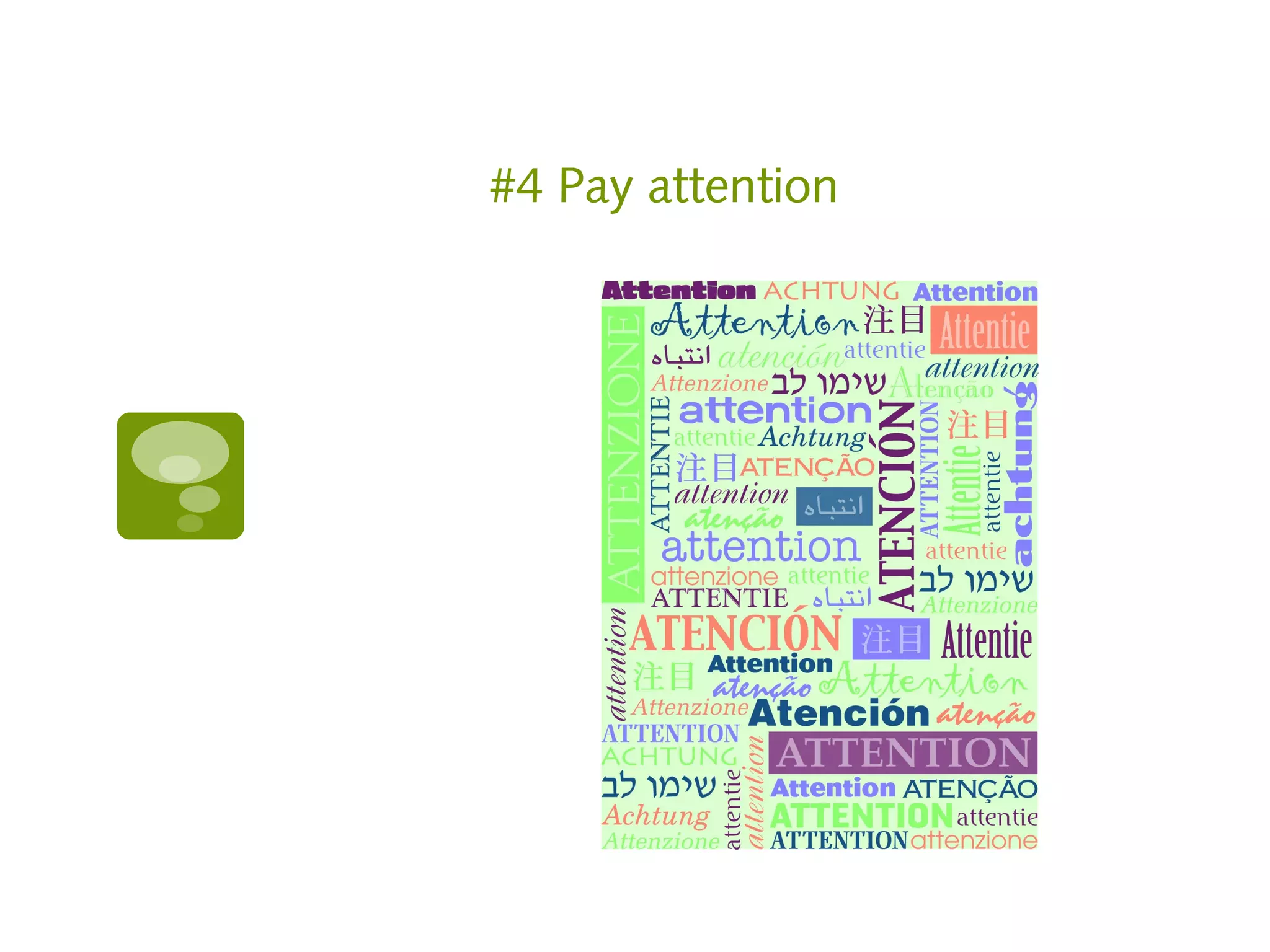
4.   Pay attention

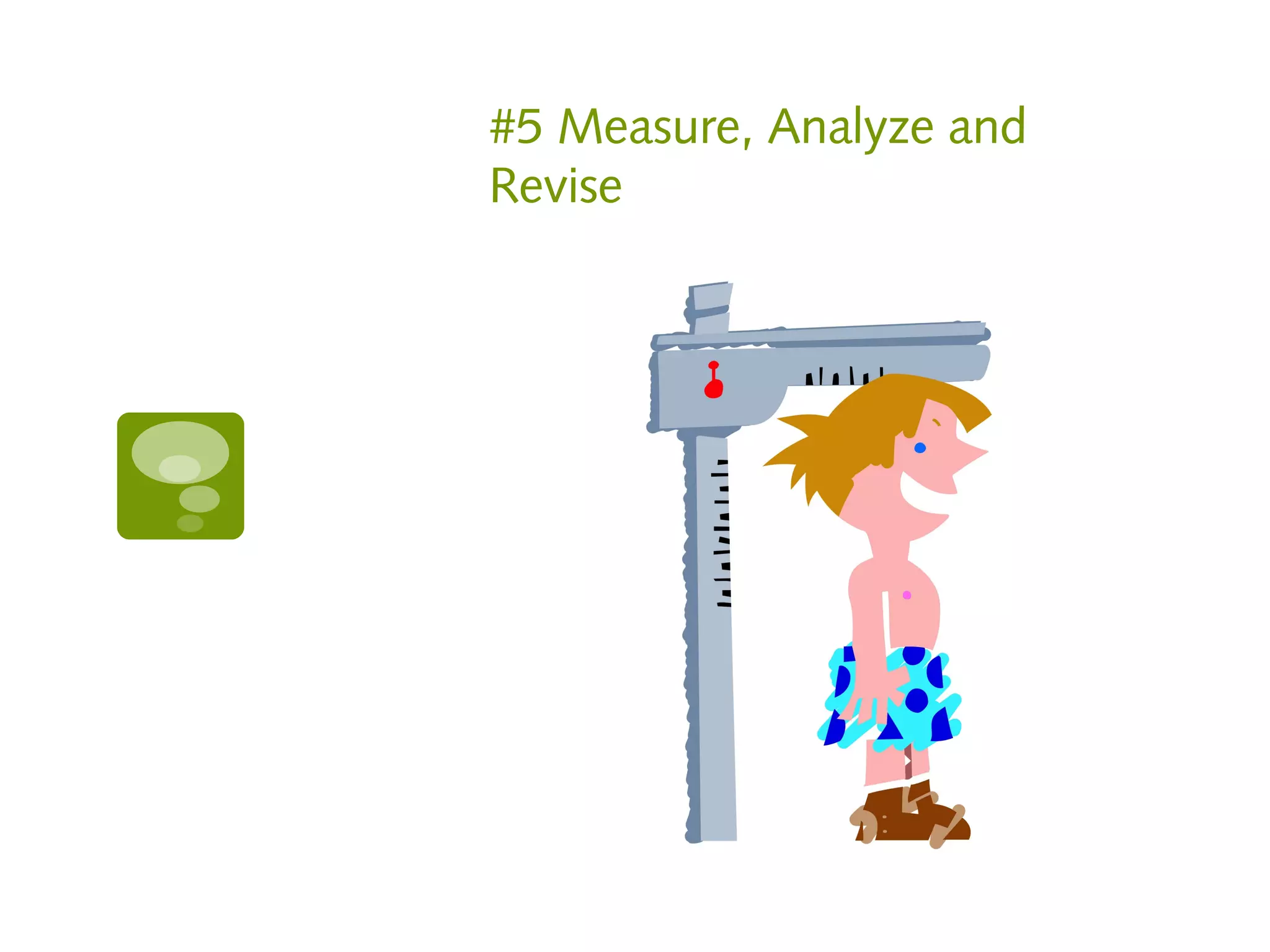
5.   Measure, Analyze, Revise

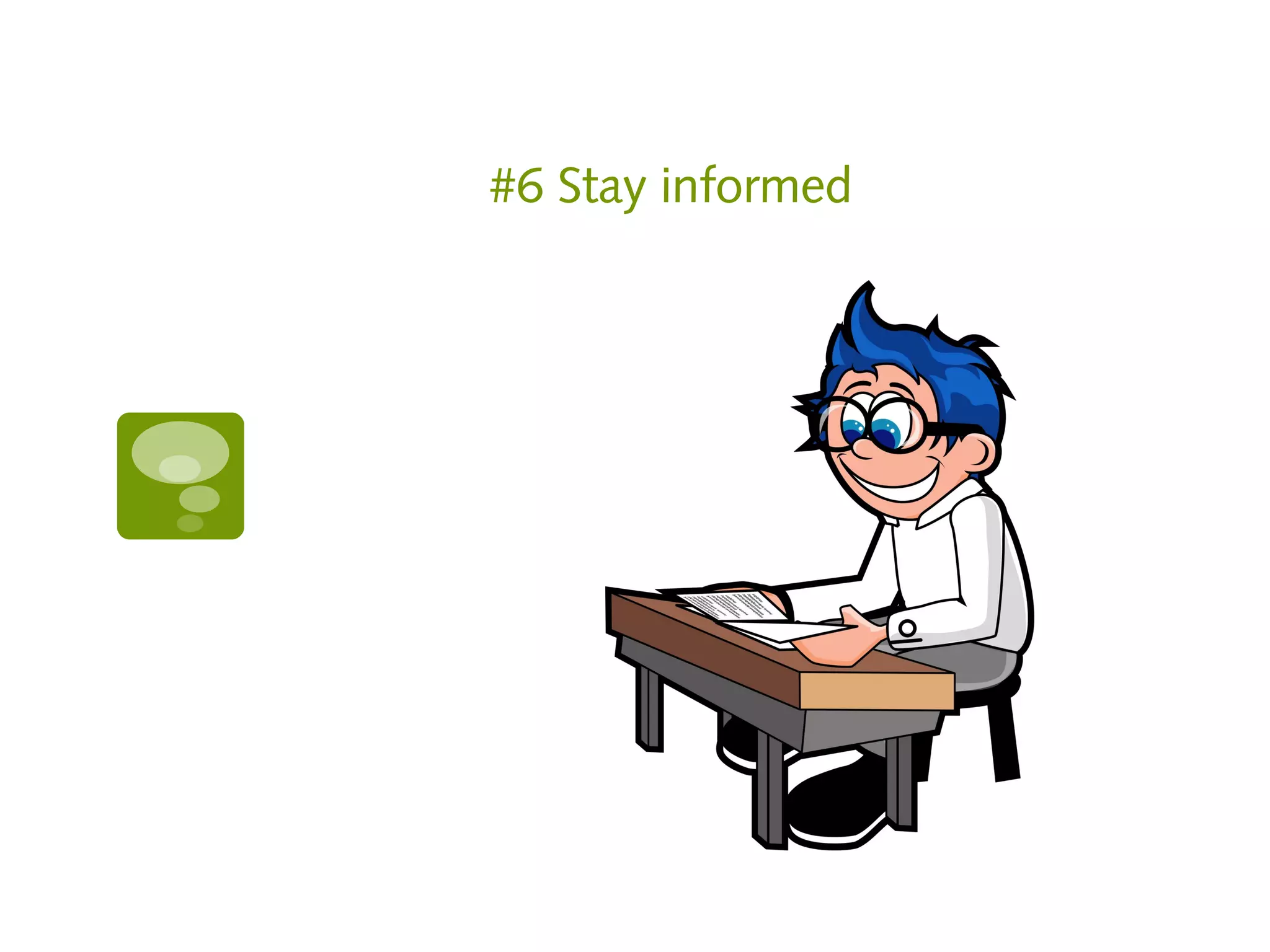
6.   Stay informed

7.   Act like a girl scout
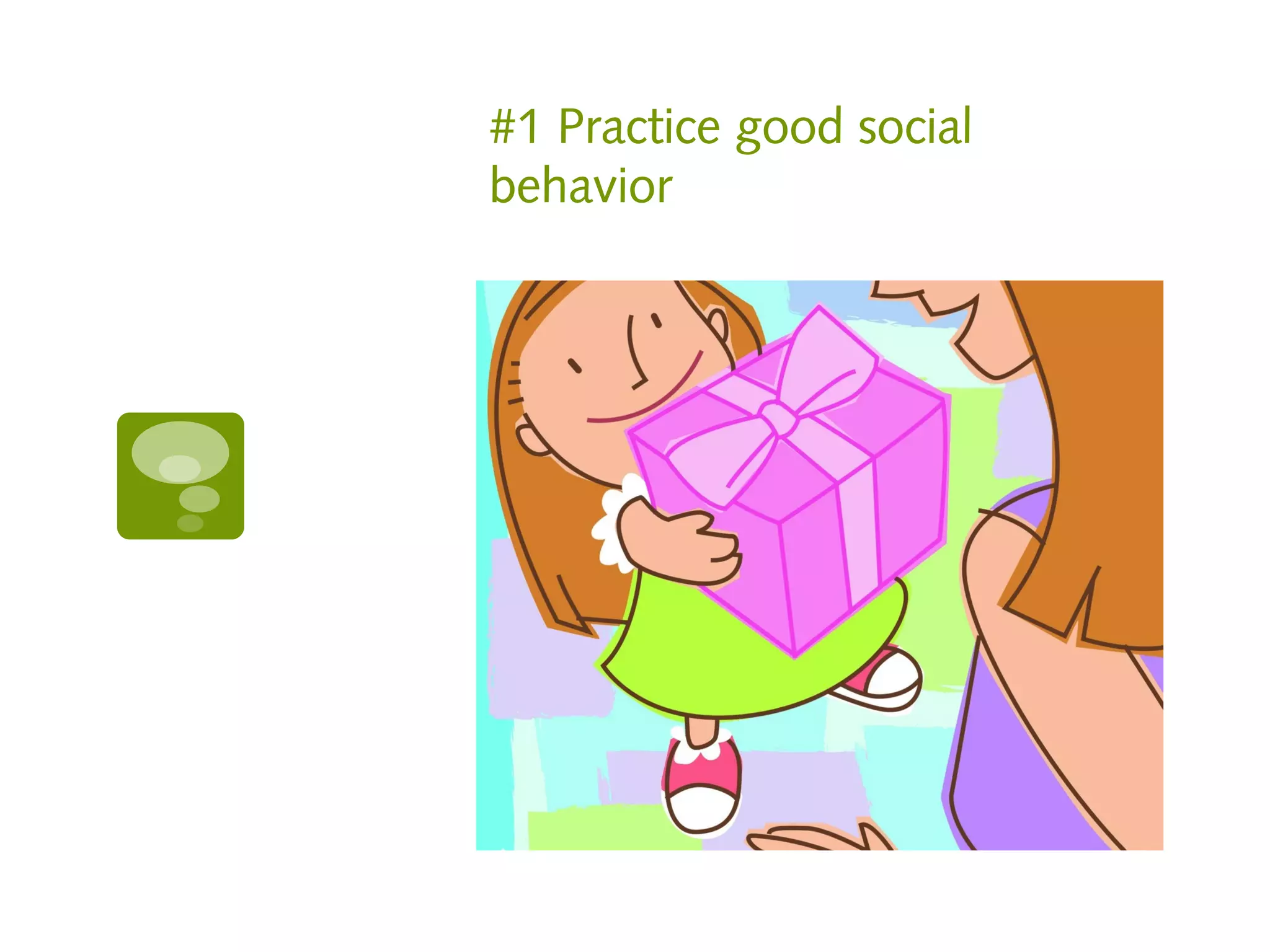
#1 Practice good social
behavior
Do for others

   Repin on Pinterest

   Retweet on Twitter

   Share or comment on Facebook

   Write a guest post on someone’s blog

   Say thank you

   Acknowledge others

   Give a free webinar
Etiquette

   Say thank you to each Facebook post like

   Respond to comments within 24 hours

   Be considerate with tagging

   Use proper grammar and English

   Categorize someone’s Pinterest board for
    them
Resources


Webinar service
  https://www.meetingburner.com
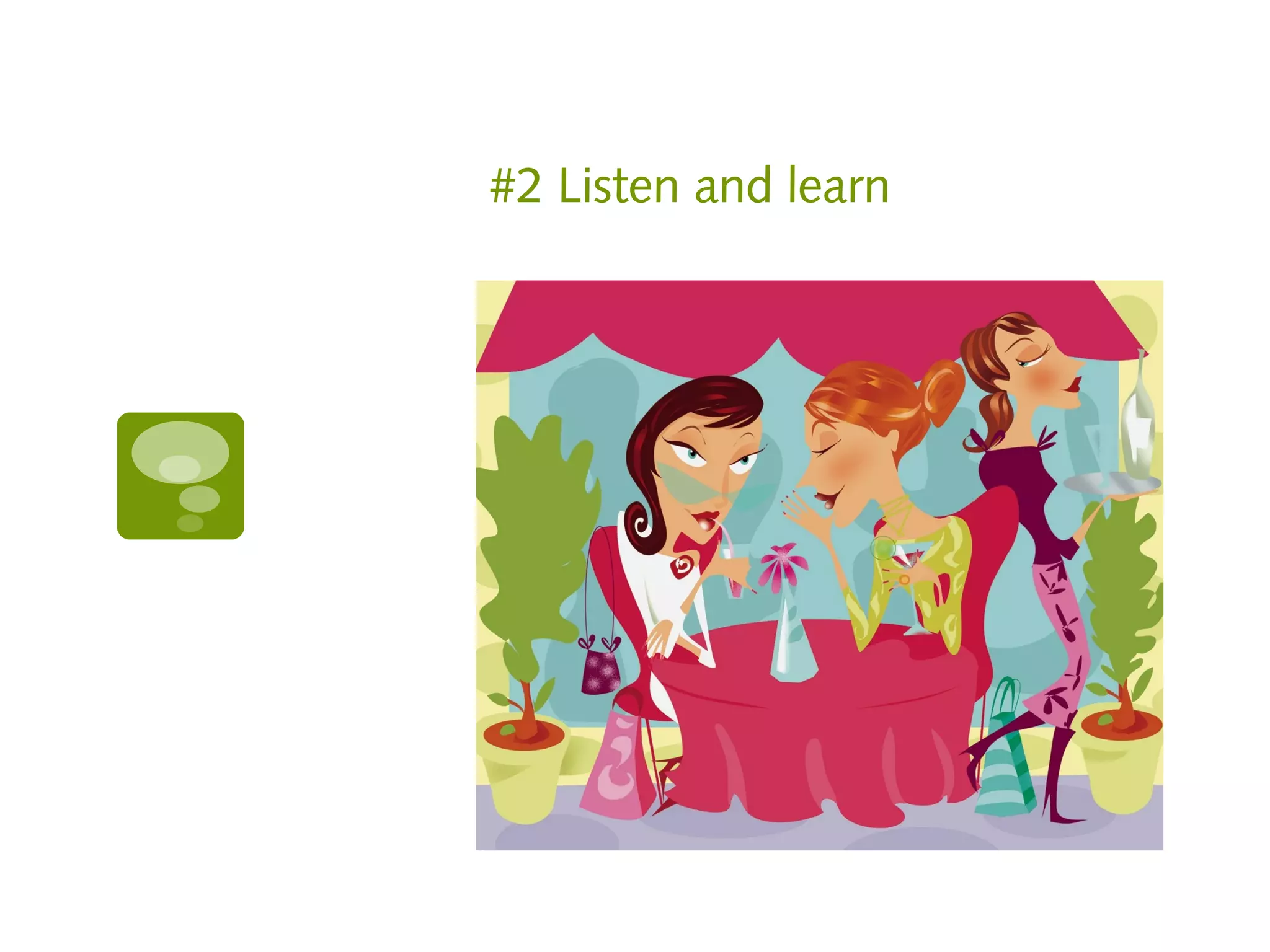
#2 Listen and learn
Know your audience

Use your resources to make sure you’re
speaking in the right voice for your
demographic

Look at your Facebook insights
Monitor conversations on
http://search.twitter.com

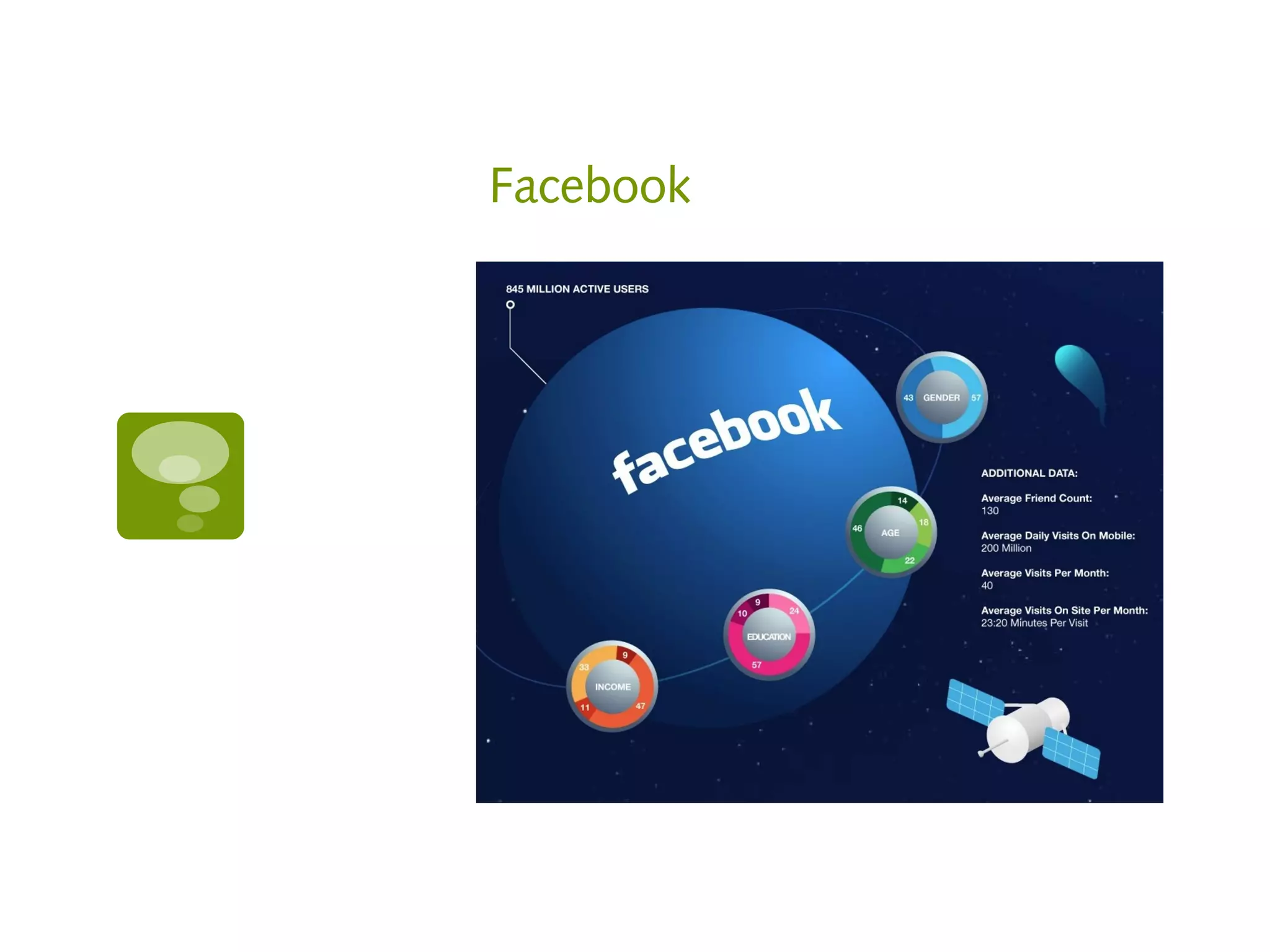
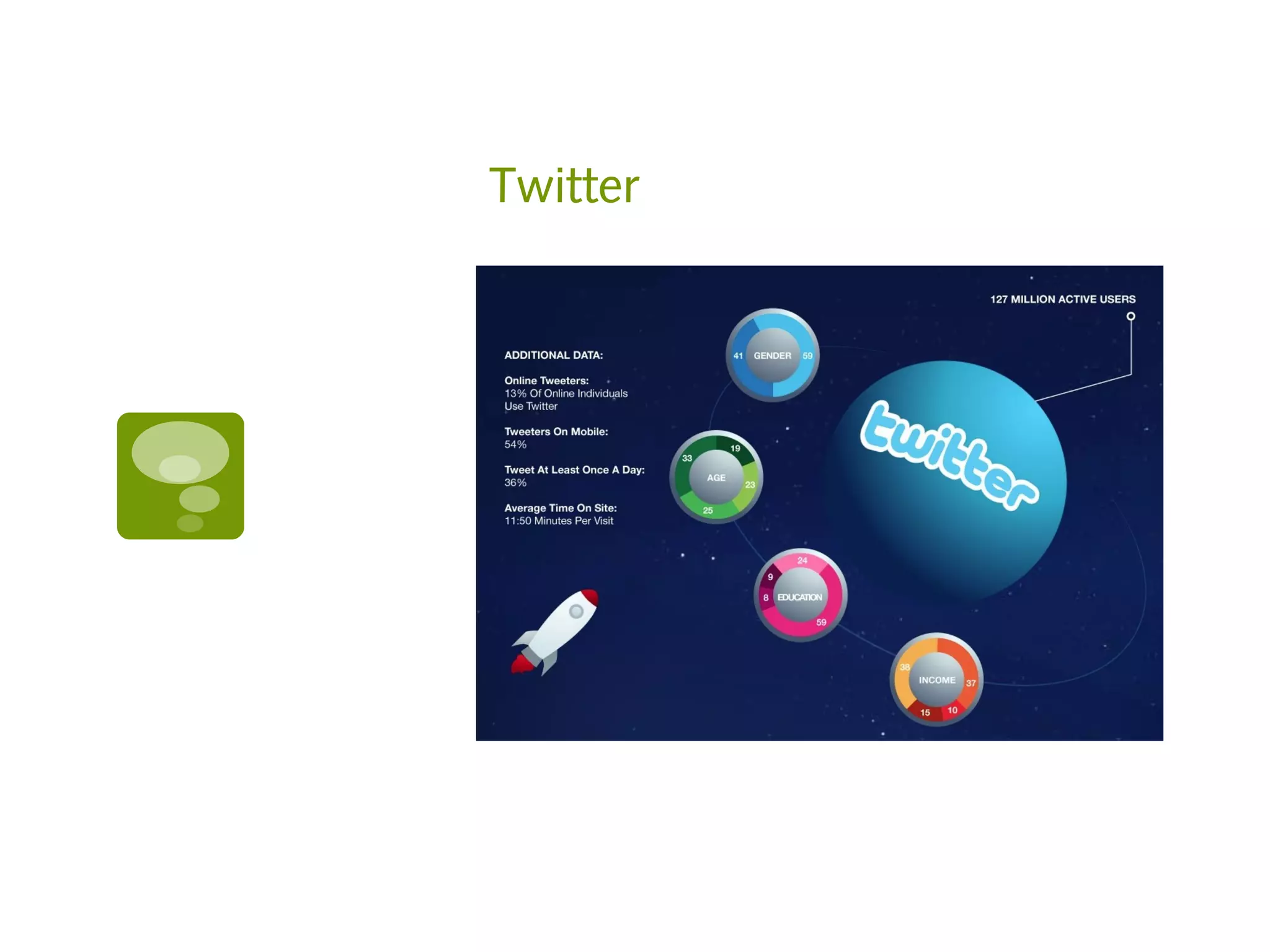
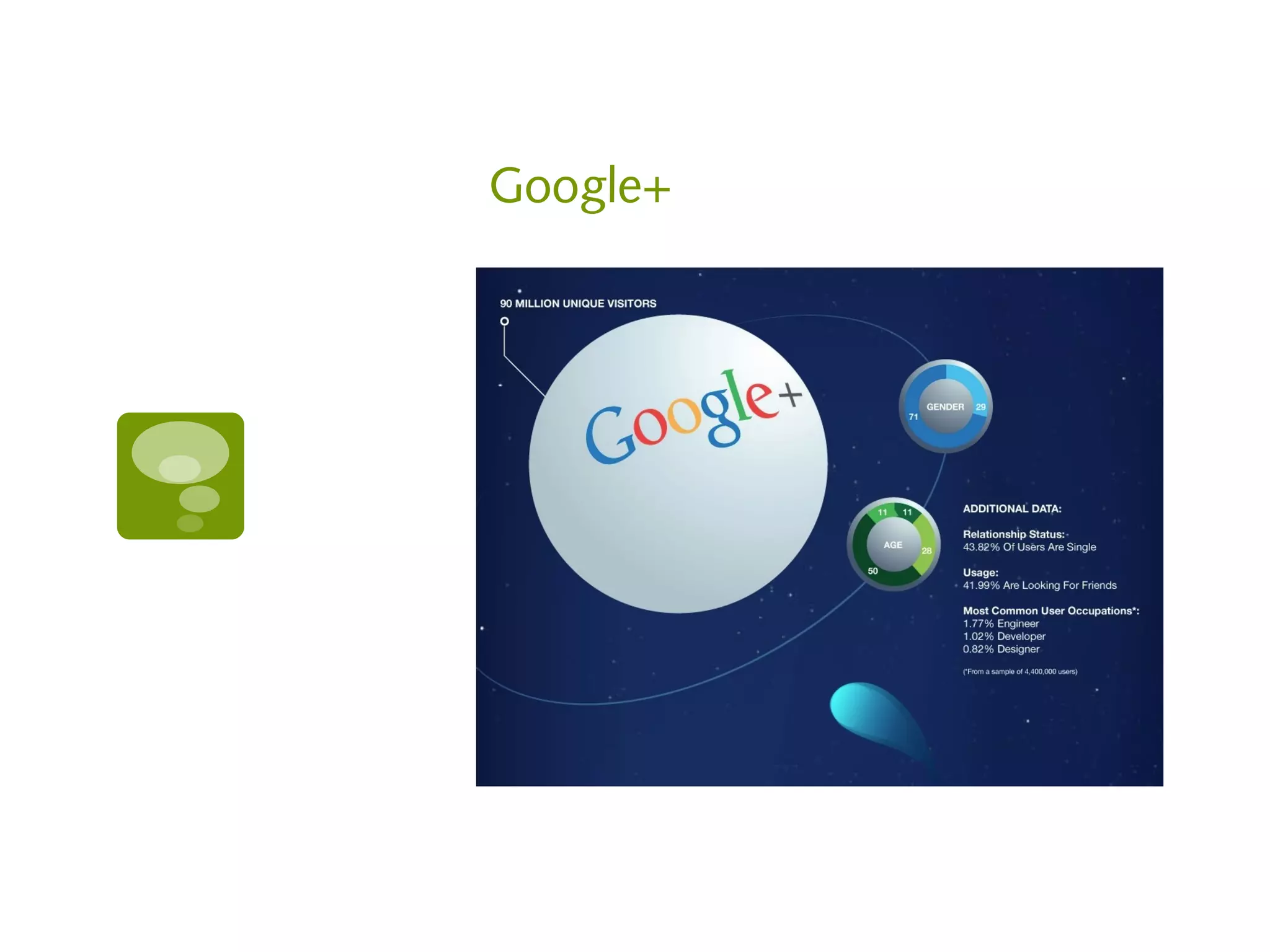
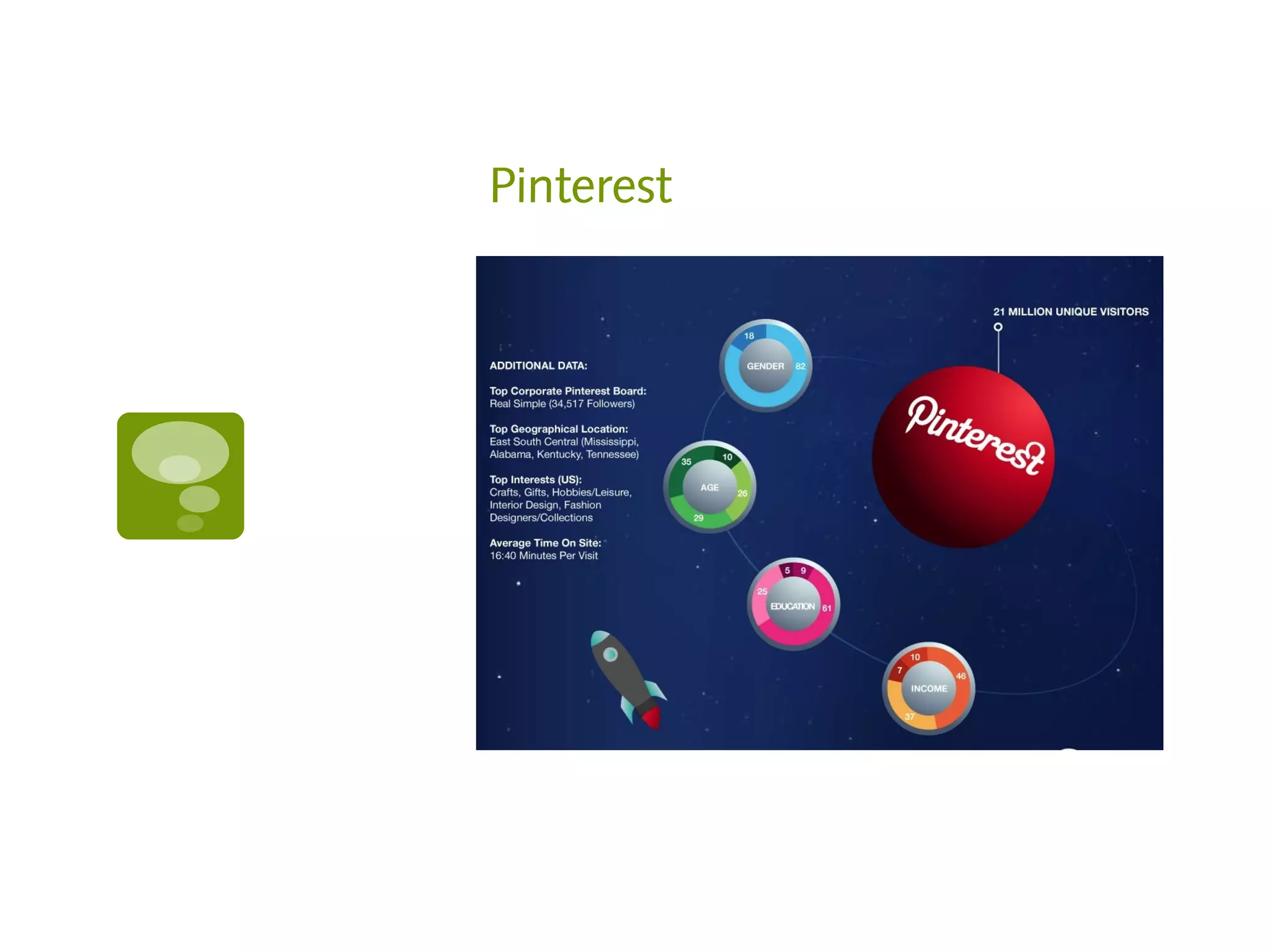
Know your stats
Think about what your customers want to
hear rather than what you want to say

Keep an eye on your competition
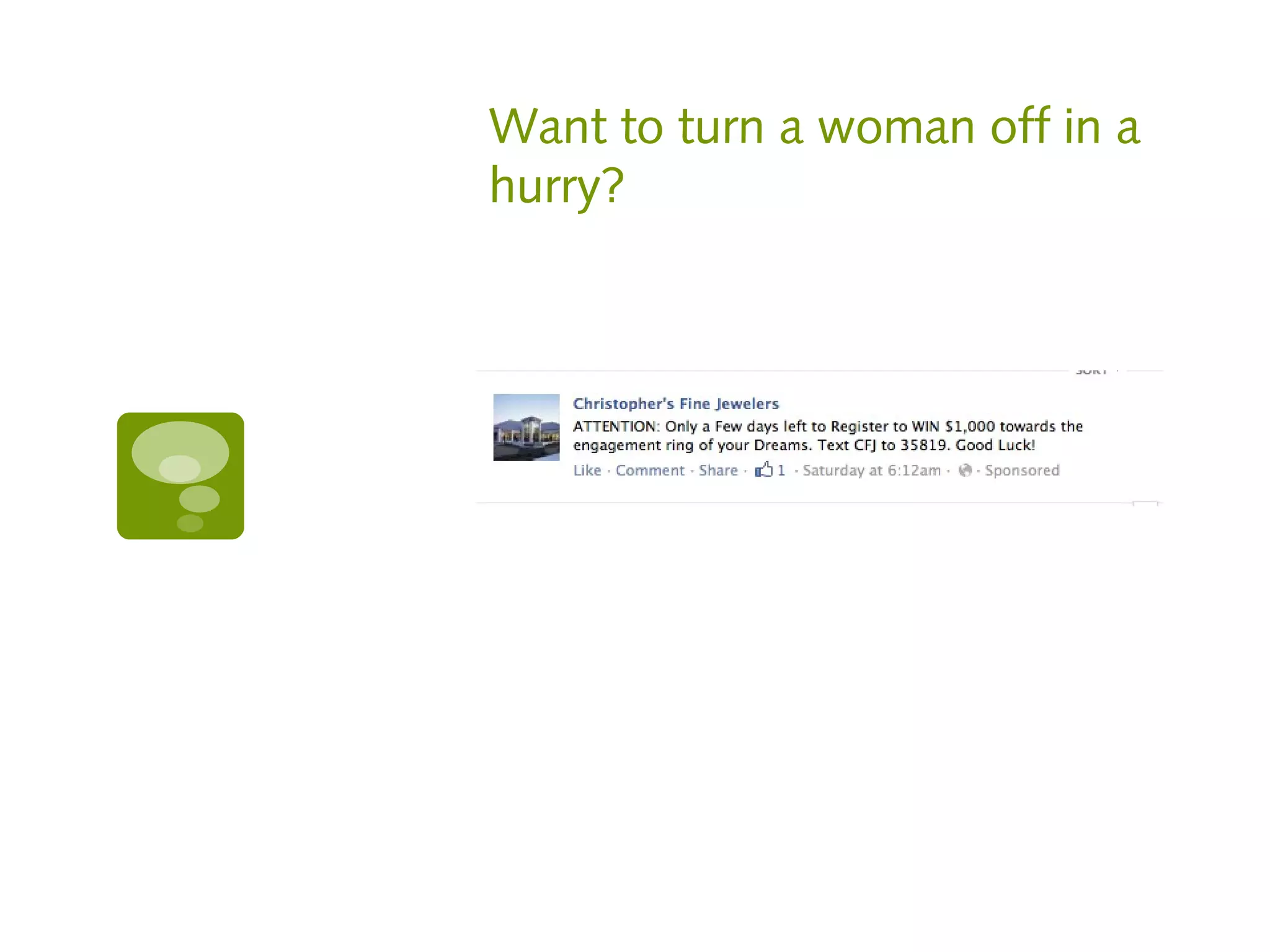
Want to turn a woman off in a
hurry?
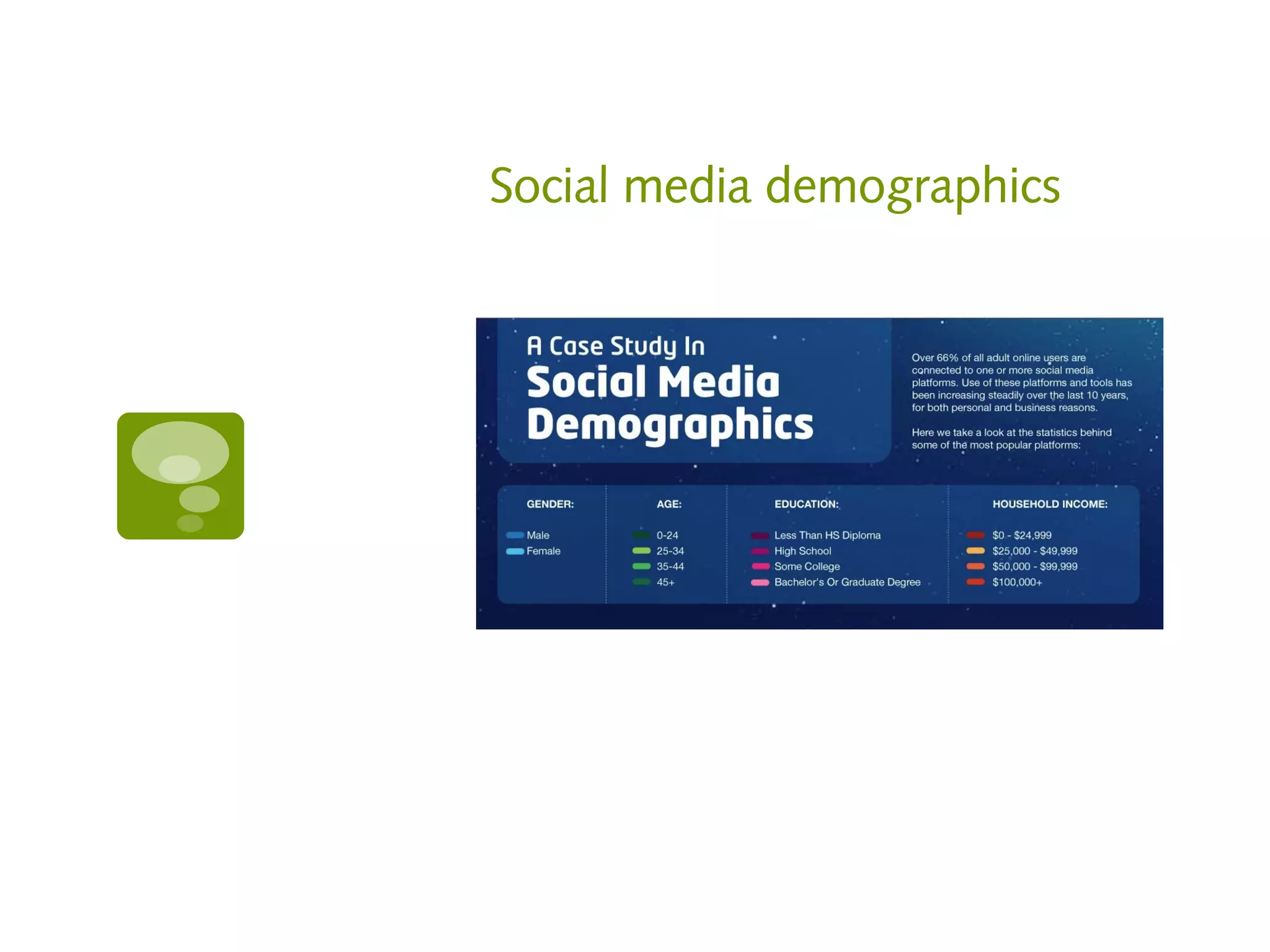
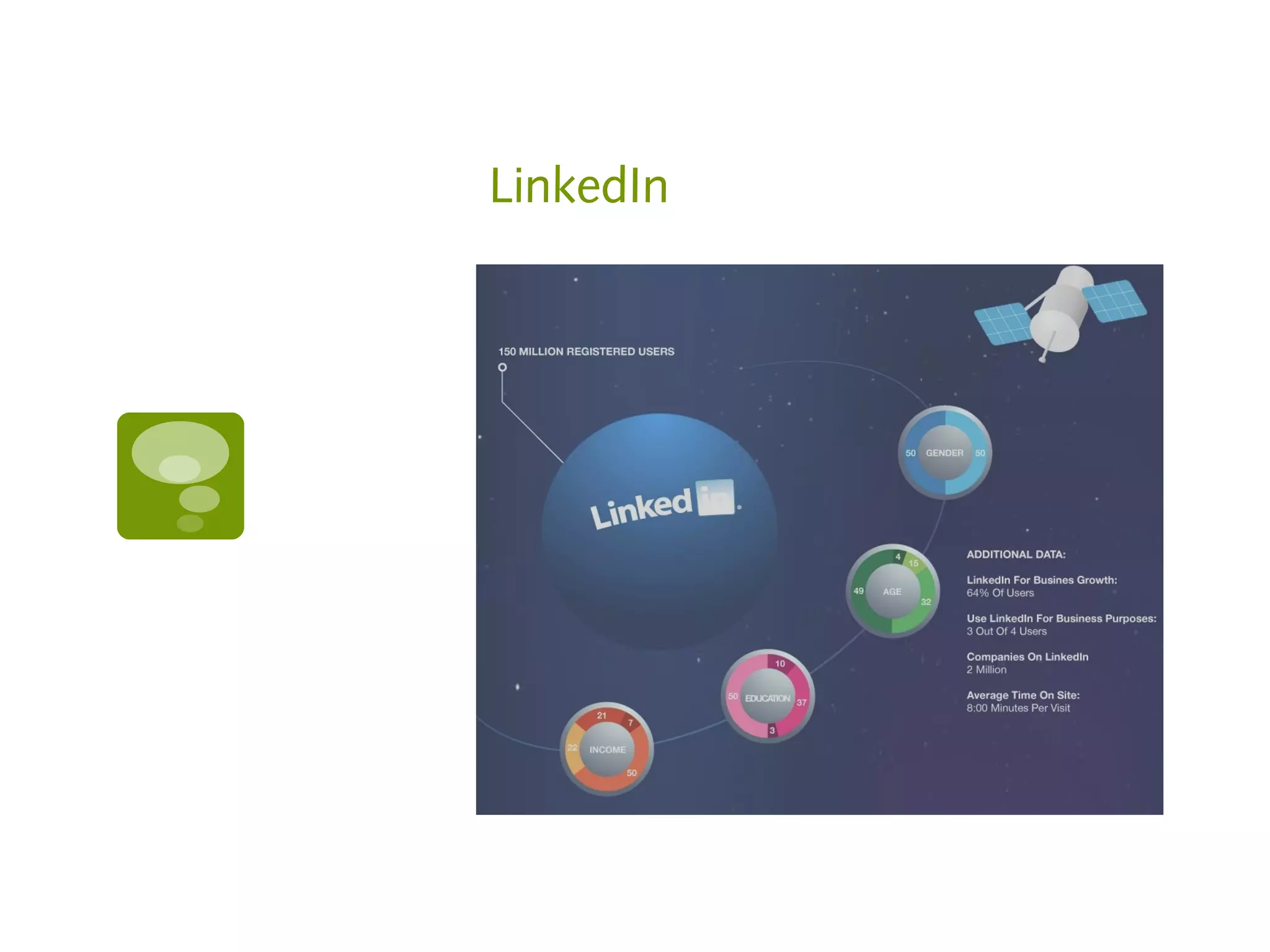
Social media demographics
Facebook
Twitter
Google+
Pinterest
LinkedIn
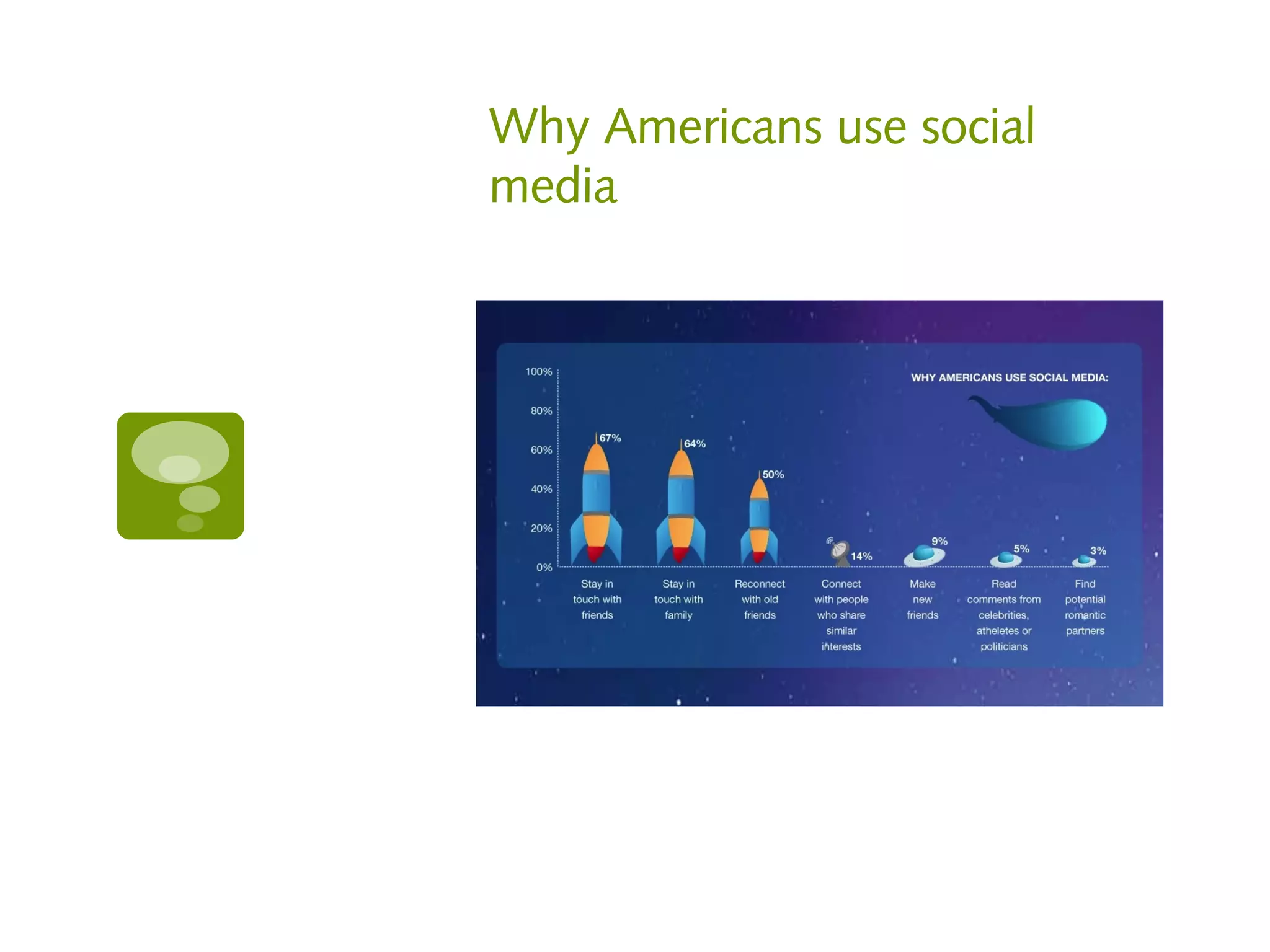
Why Americans use social
media
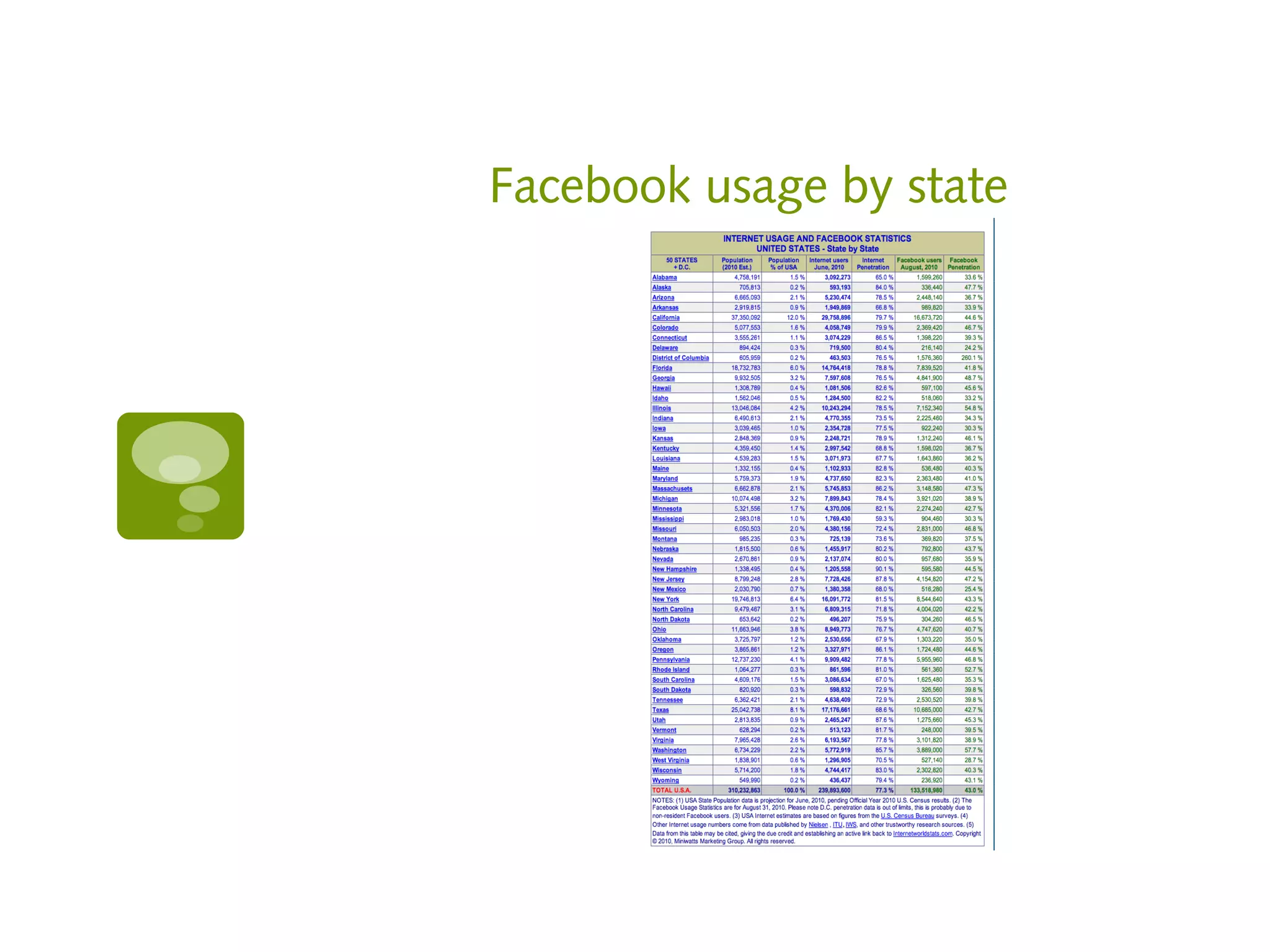
Facebook usage by state
Resources

   Advanced Twitter search
       https://twitter.com/i/#!/search-advanced

   Monitor your competition
       http://www.compete.com/us/

   Stats site
       http://www.socialbakers.com

   Infographic Source
       http://www.sitepronews.com/wp-content/uploads/2
        infographic.jpg
#3 Do more than post
Ideas

   Respond to comments and try to start a
    conversation

   Look the user up on other platforms and
    connect with them there, too

   Support, fan, follow the users pages and sites

   Leave comments

   Consider all of the places you can encourage
    people to connect.
Pinterest

   Explain why you are pinning an image

   Check to see what people are pinning from
    your site
       http://pinterest.com/source/youdomain.com/


   Use a link in your description

   Add a price if it’s purchasable

   Use hashtags in your description
Pinterest

   If pinning from website, look for title tags or
    alt tags for description

   Pin videos

   Search for users by location or board interest

   Leave comments or likes on pins
Resources

   Create a wordle and pin it
       http://www.wordle.net

   Check to see what people are pinning from
    your site

   http://pinterest.com/source
    /youdomain.com/
#4 Pay attention
Don’t set it and forget it!

   Pay attention everyday – just like a
    relationship. If you neglect it, you won’t
    receive the benefits

   Prescheduling content is a good idea, but
    what if a natural disaster happens and you
    scheduled a post that says something
    insensitive
Resources


   Management program
       https://hootsuite.com
#5 Measure, Analyze and
Revise
Tools

   Use trackable links (sites like bit.ly)

   See the best time and days for YOU to post
    with Crowdbooster

   Study your Google Analytics

   Study most popular posts, days and times on
    Facebook insights

   Use PinReach to analyze your reach

   Keep your Twitter followers in good order
Resources

   Trackable links
     https://bitly.com
   Best times and days for your audience
     https://crowdbooster.com/dashboard/
   Pinterest Analytics
     http://www.pinreach.com
   See who’s not following you back on Twitter
     http://friendorfollow.com
   See who’s unfollowed you on Twitter
     http://useqwitter.com
Resources

   Export your Twitter followers
     http://simplymeasured.com/free-social-media-tools

   Track keywords, hashtags, usernames
     https://rowfeeder.com
   Measure your audience
     http://www.quantcast.com
   Find Twitter influencers
     http://followerwonk.com
   Get rid of useless Twitter followers
     http://thetwitcleaner.com
#6 Stay informed
Read, Read, Read

Social media changes DAILY. Don’t get left out!

Read social media newsletters DAILY
   Mashable
   Social Media Examiner
   E Marketer Daily
   ProBlogger
Resources

   http://mashable.com

   http://www.socialmediaexaminer.com

   http://www.problogger.net

   https://www.emarketer.com/Newsletter.aspx
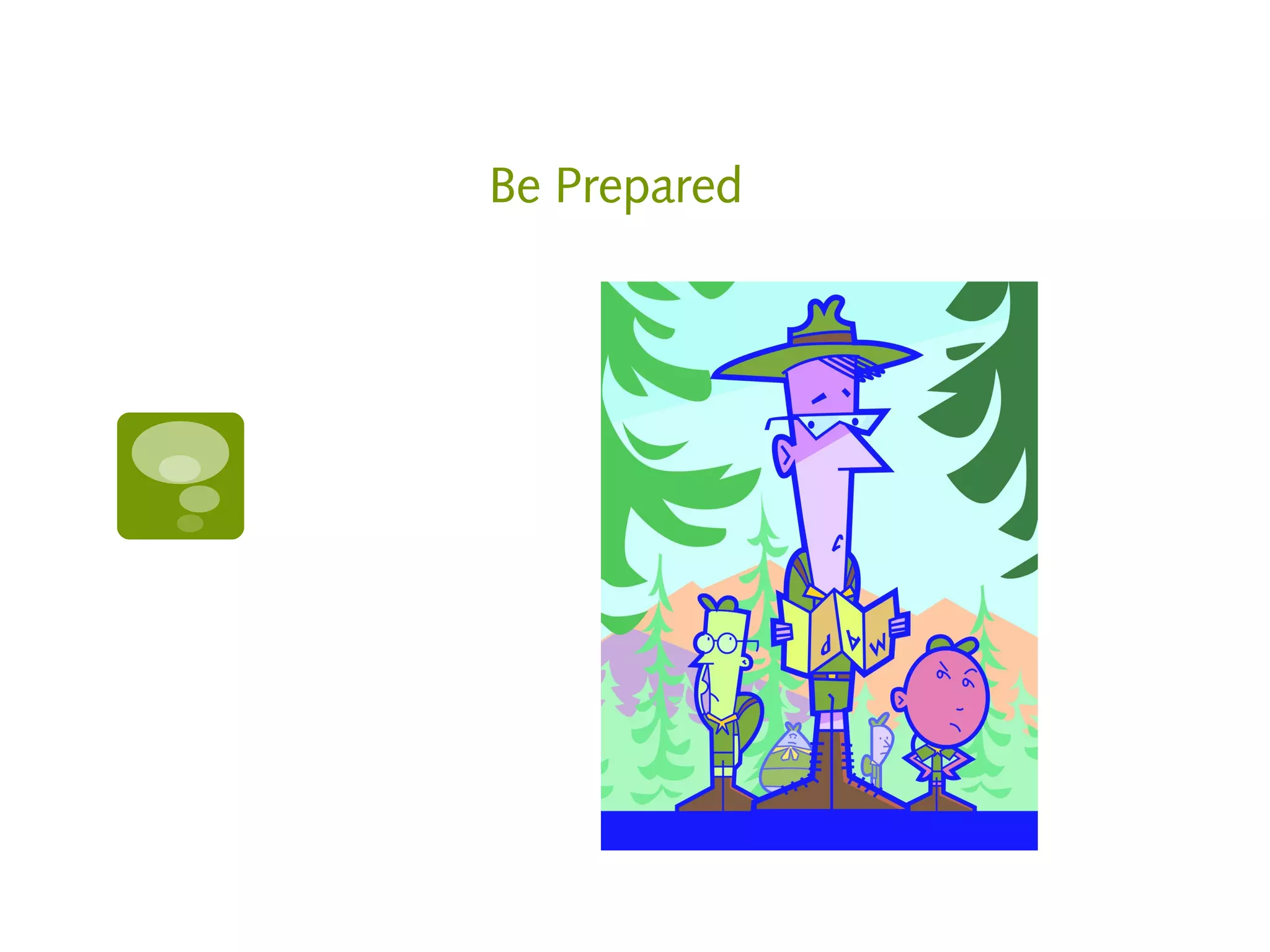
Be Prepared
Have a plan!

   Choose a social media manager, in-house or
    outsourced

   Owners: watch their work and ask for
    reports, updates, etc.

   In-house: Create a schedule or system and
    stick to it (revise as needed)

   Burn-out happens and people take vacations.
    There’s no auto vacation message in social
    media.
Complaint Jar

   Be prepared for a bad hair day when you
    can’t think of a single thing to post.

   Have a compliant jar for the company. Turn
    those complaints into helpful, educational
    posts.
5 Things to never do

1.   Don’t over-promote!

2.   Don’t be lazy!

3.   Don’t act desperate!

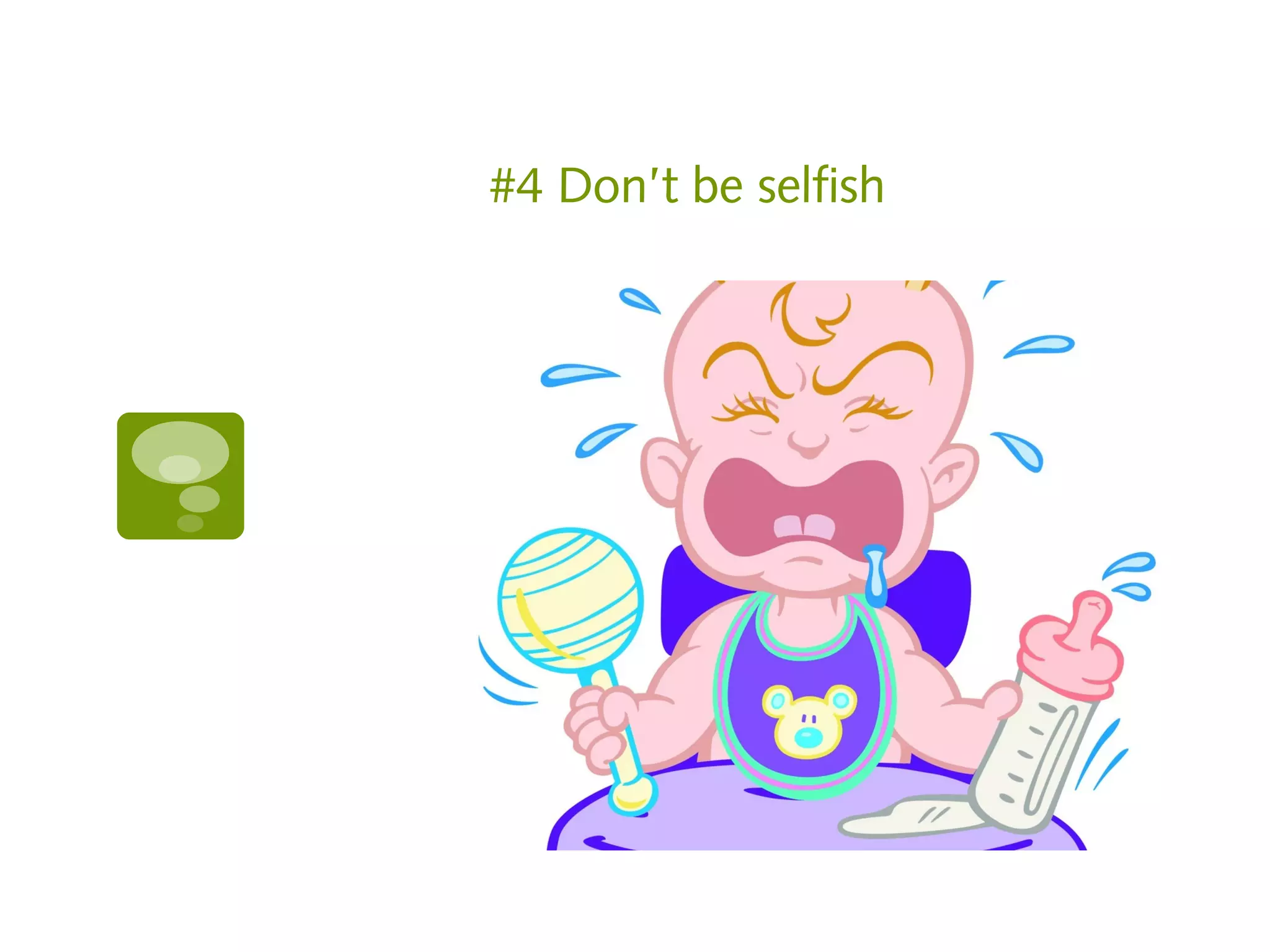
4.   Don’t be selfish!

5.   Don’t do it if it doesn’t feel good!
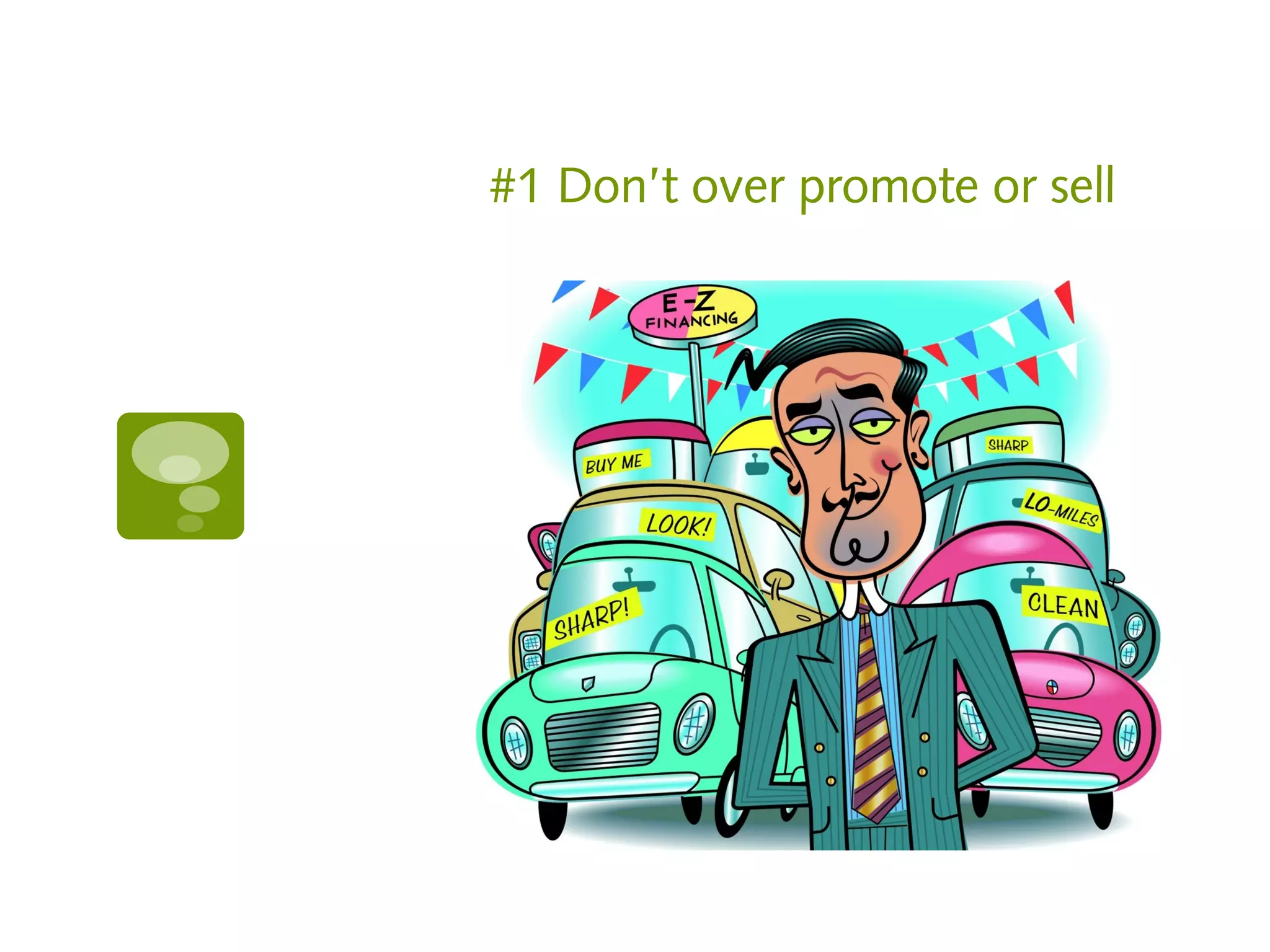
#1 Don’t over promote or sell
Social media is not an online
billboard

   When people use social media they aren’t in a
    mindset to be sold.

   Don’t invade their space with sales pitches.

   People don’t need you to tell them to buy.
    They are smart enough to know that if they
    want what you have, they can buy from you.

   Use social media to humanize your company
“Back of the brain”

   Most social media purchase decisions happen
    in the “back of the brain” because you’ve
    planted a seed or kept yourself present.

   Direct selling will undo all of your
    subconscious efforts
Where you can sell

   Use social media advertising in an acceptable
    format:
       Facebook Ads
       Twitter Ads or Promoted Tweets
       LinkedIn Ads
Stop doodling and listen!

   Do NOT offer rewards to your fans on
    Facebook’s wall.

   They will shut you down (if they catch you)
    with no warning and no way to get it back.

   In short, they’ll send a note that says you
    should have followed the rules in the first
    place.
Facebook Specifics

   You must not condition registration or entry
    upon the user taking any action using any
    Facebook features or functionality other than
    liking a Page, checking in to a Place, or
    connecting to your app. For example, you
    must not condition registration or entry upon
    the user liking a Wall post, or commenting or
    uploading a photo on a Wall.

   iv.    You must not use Facebook features or
    functionality as a promotion’s registration or
    entry mechanism. For example, the act of
    liking a Page or checking in to a Place cannot
    automatically register or enter a promotion
    participant.
Facebook Specifics

   v.    You must not use Facebook features or
    functionality, such as the Like button, as a
    voting mechanism for a promotion.

   vi.    You must not notify winners through
    Facebook, such as through Facebook
    messages, chat, or posts on profiles
    (timelines) or Pages.
Facebook Cover Photos: Do
not include the following

   Price or purchase information, such as "40%
    off" or "Download it at our website"

   Contact information, such as web address,
    email, mailing address or other information
    intended for your Page's about section.

   References to user interface elements, such as
    Like or Share, or any other Facebook site
    features

   Calls to action, such as "Get it now" or "Tell
    your friends"
Resources

   Article that explains promotion guidelines in
    English
       http
        ://www.socialmediaexaminer.com/facebook-promot
        /

   Article that explains what you need to know
    according to the law
       http
        ://www.socialmediaexaminer.com/social-media-prom
        /
Resources

   Link to Facebook’s cover photo guidelines

       https://www.facebook.com/help/search/?q=cover+g


   Ad Resources
   www.facebook.com/ads
   http://business.twitter.com/advertise/start
   http://www.linkedin.com/ads
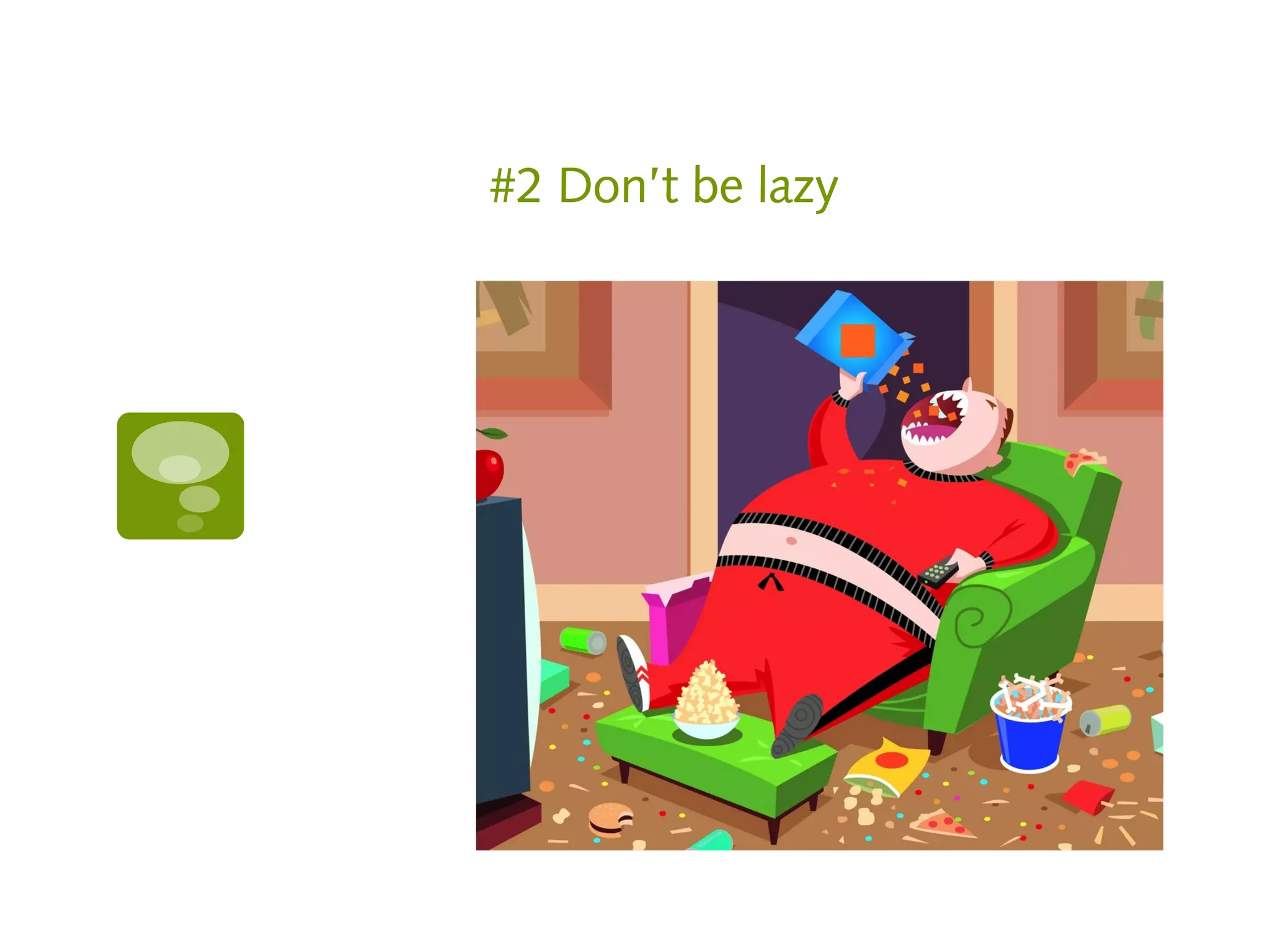
#2 Don’t be lazy
Lazy, lazy, lazy…

   Don’t forward tweets to Facebook.
    Facebookers don’t get it and it’s a turn-off.
       It’s ok to forward Facebook to Twitter if
        your posting habits include getting to the
        point in the beginning of your post.
Don’t just dump a link into a
post

   Don’t post a link without explaining why you
    are posting it
       It looks and smells like a virus
More…

   Don’t expect to sign up for Facebook and
    instantly be successful just because almost a
    billion people use it.
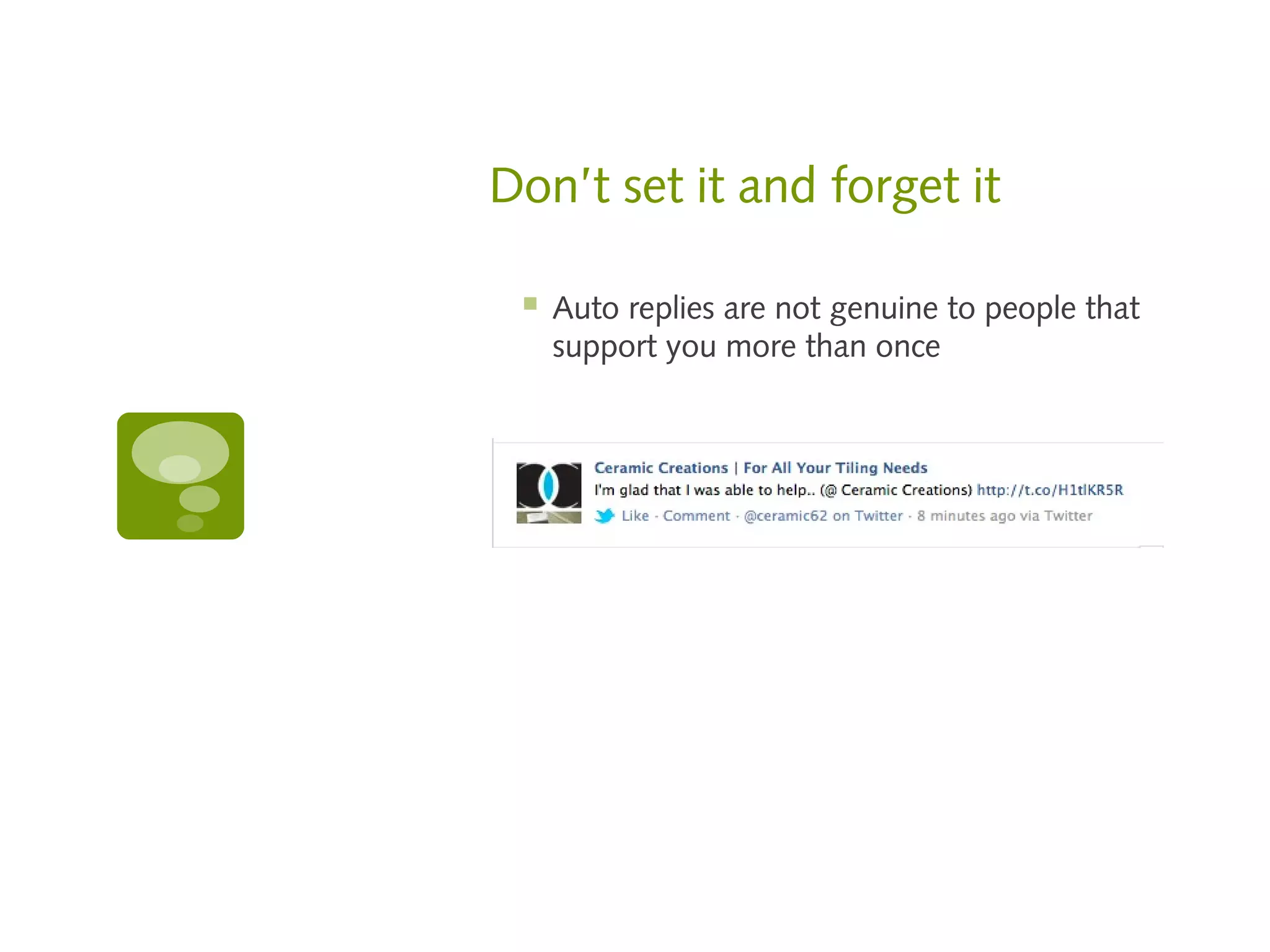
Don’t set it and forget it

    Auto replies are not genuine to people that
     support you more than once
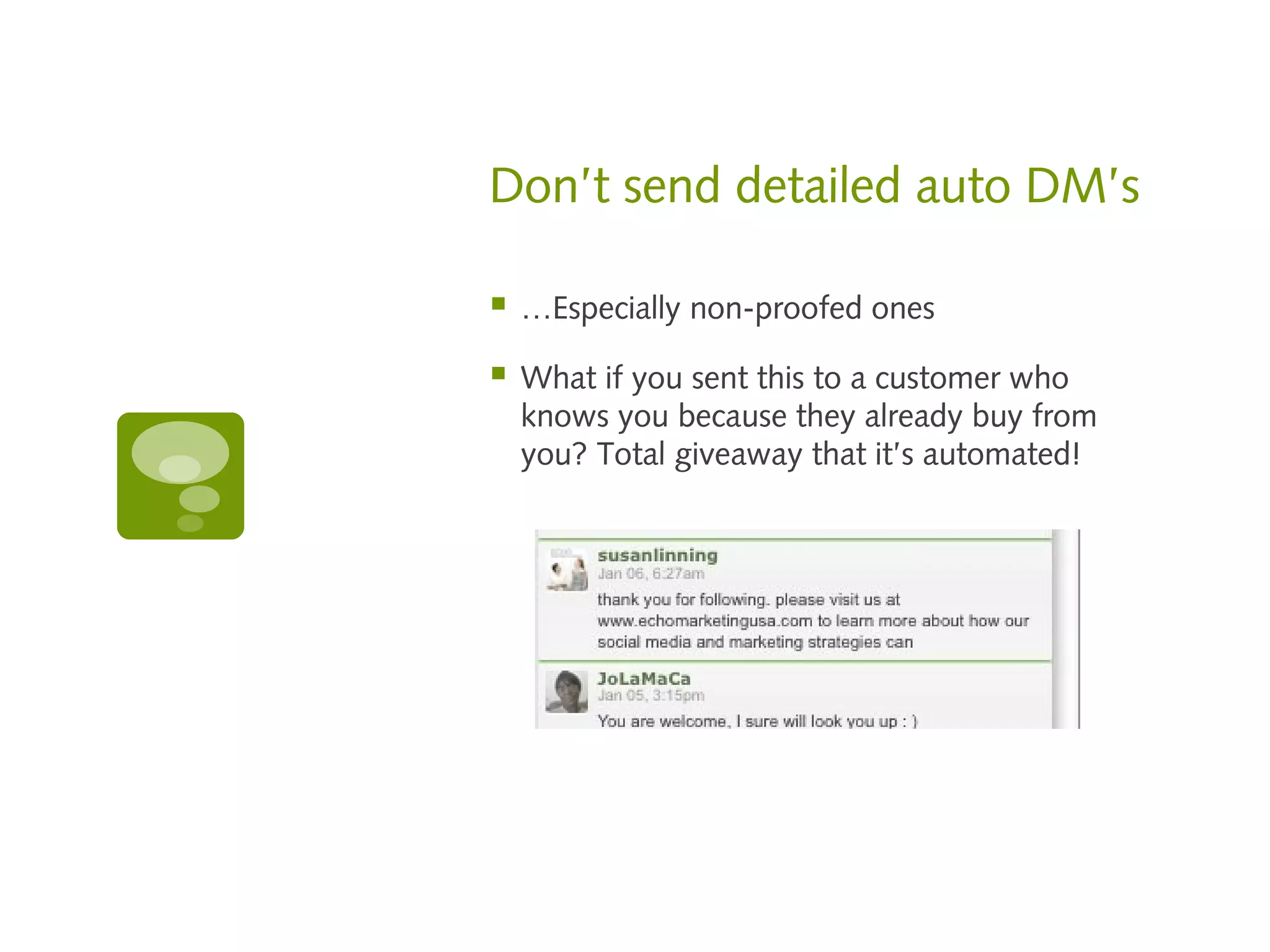
Don’t send detailed auto DM’s

   …Especially non-proofed ones

   What if you sent this to a customer who
    knows you because they already buy from
    you? Total giveaway that it’s automated!
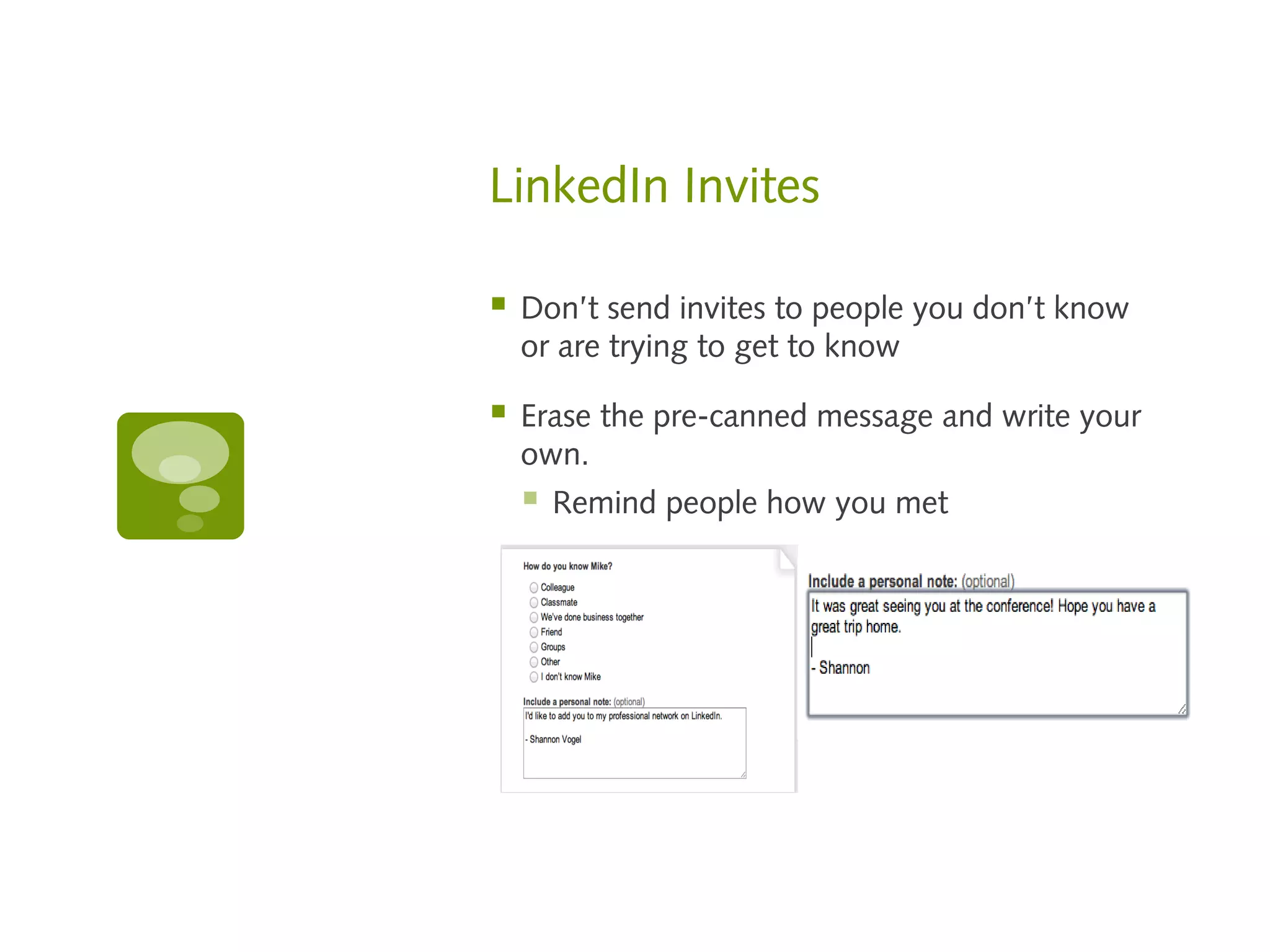
LinkedIn Invites

   Don’t send invites to people you don’t know
    or are trying to get to know

   Erase the pre-canned message and write your
    own.
       Remind people how you met


    
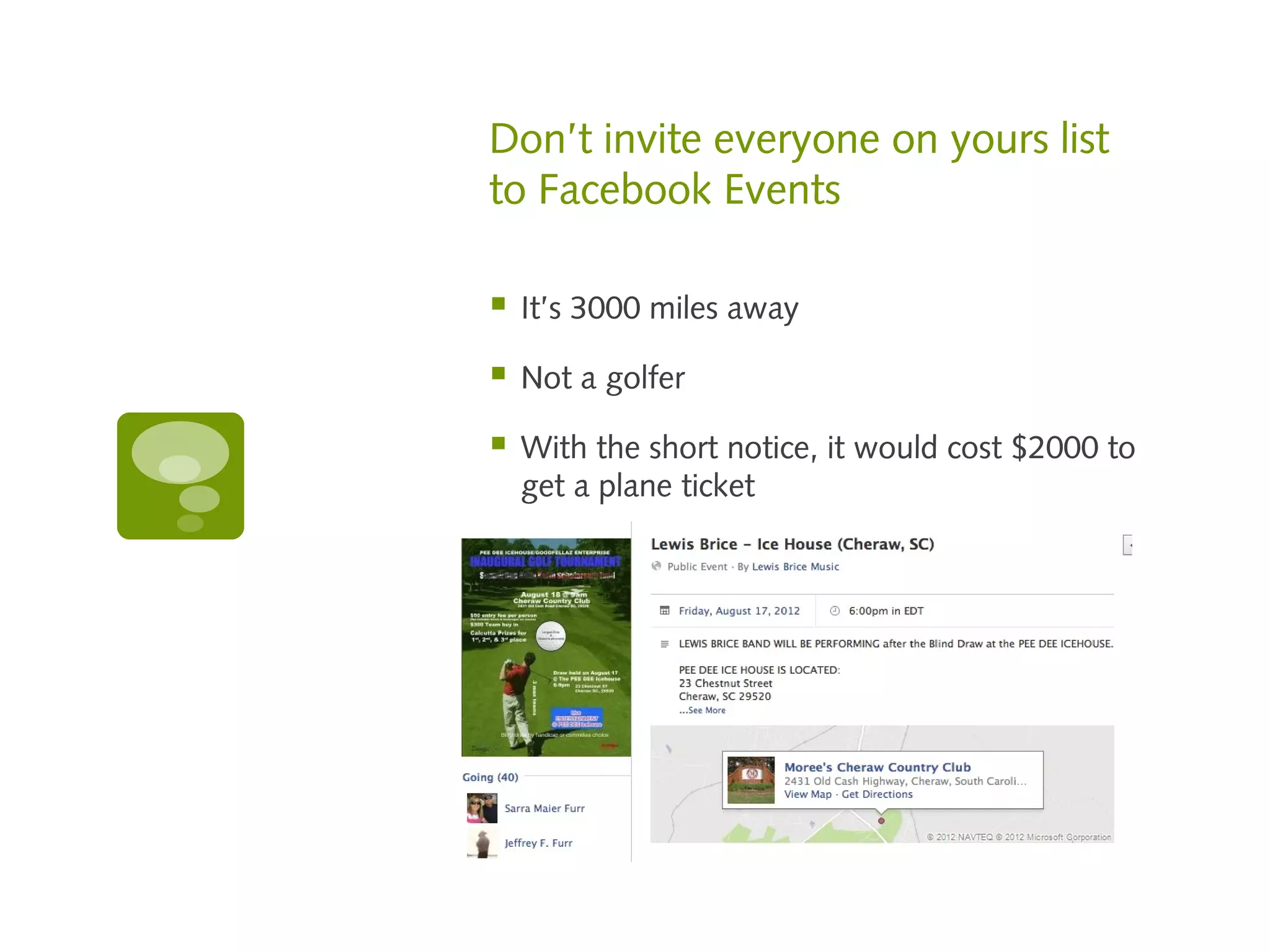
Don’t invite everyone on yours list
to Facebook Events

   It’s 3000 miles away

   Not a golfer

   With the short notice, it would cost $2000 to
    get a plane ticket
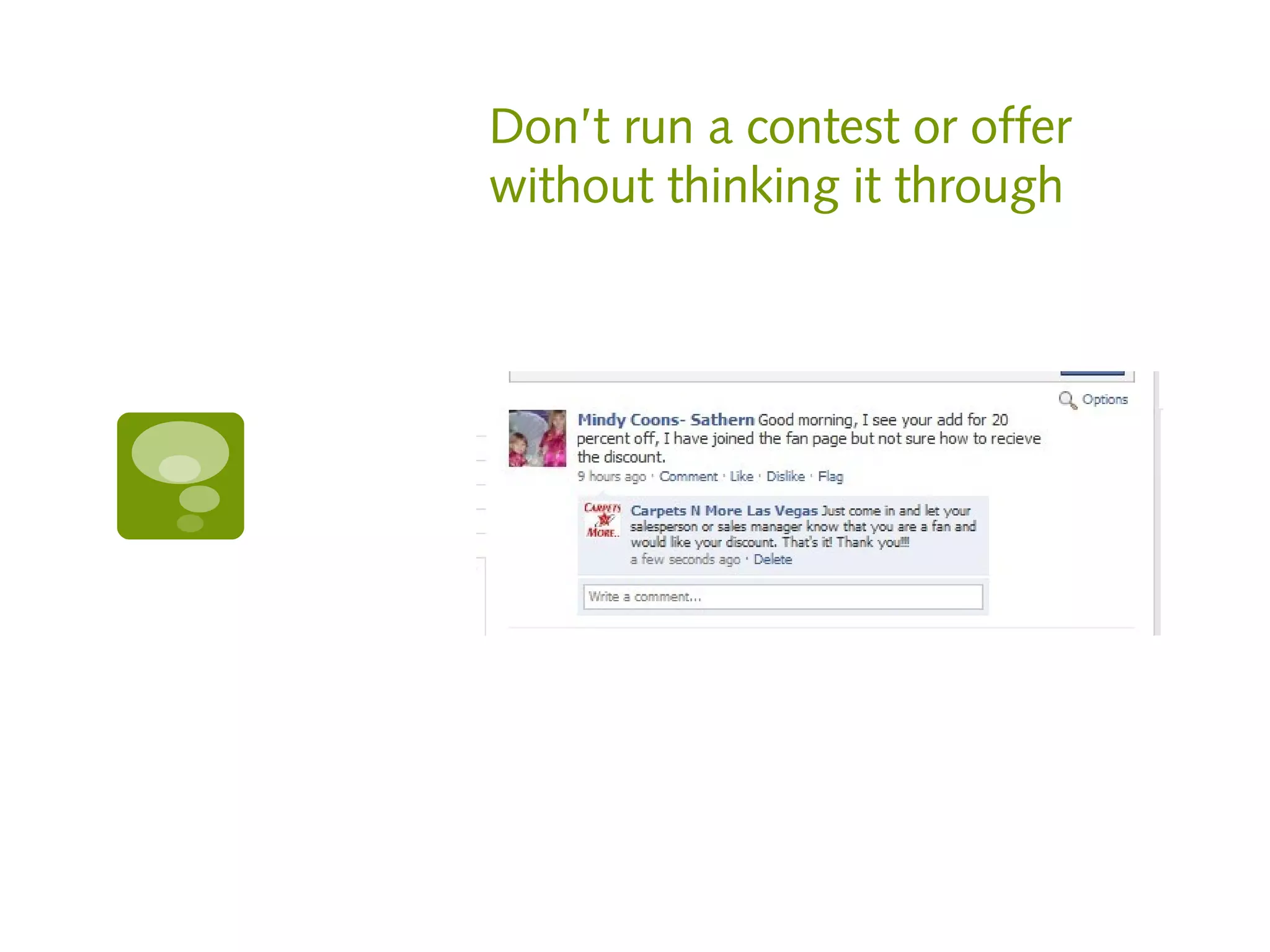
Don’t run a contest or offer
without thinking it through
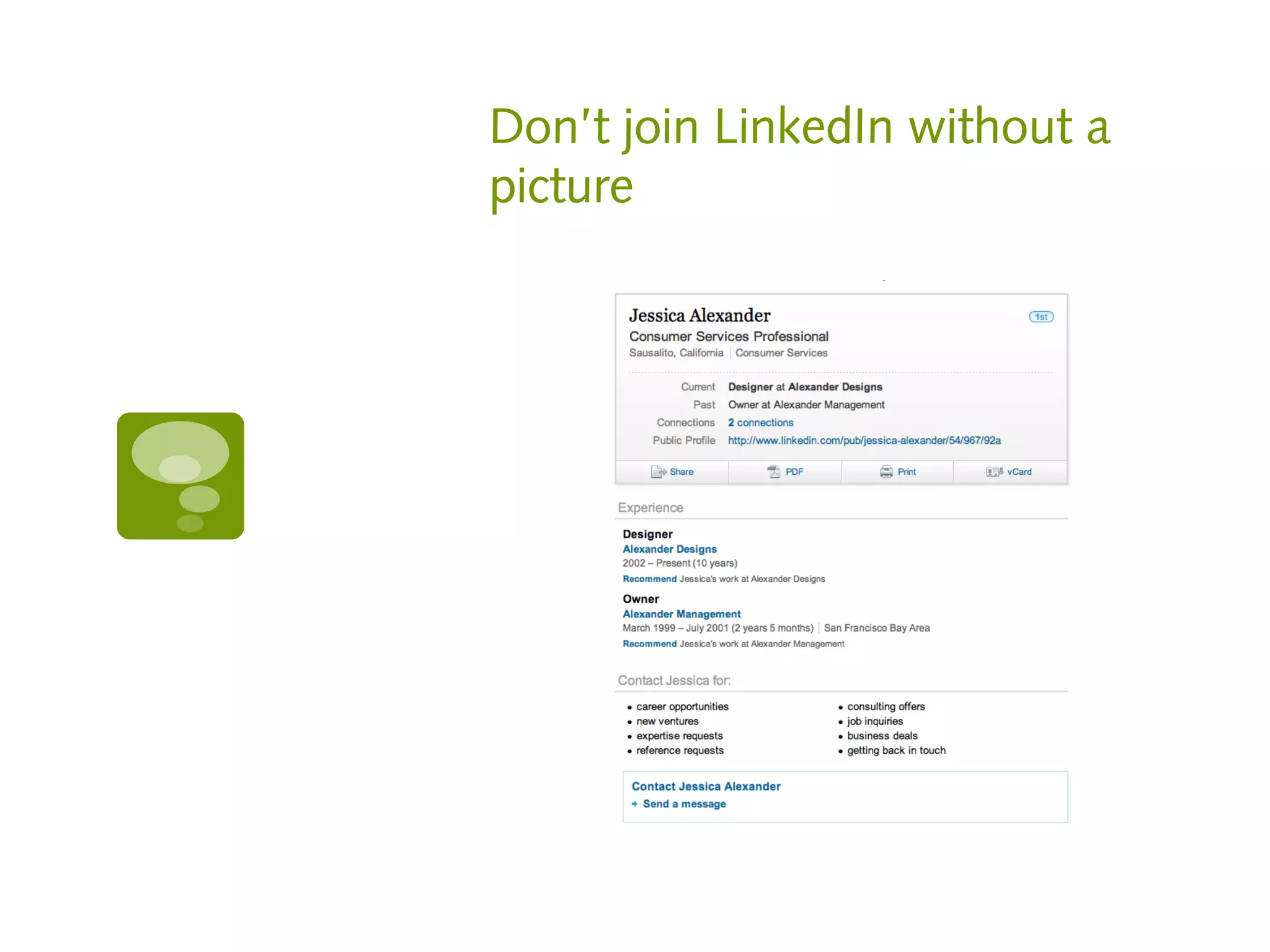
Don’t join LinkedIn without a
picture
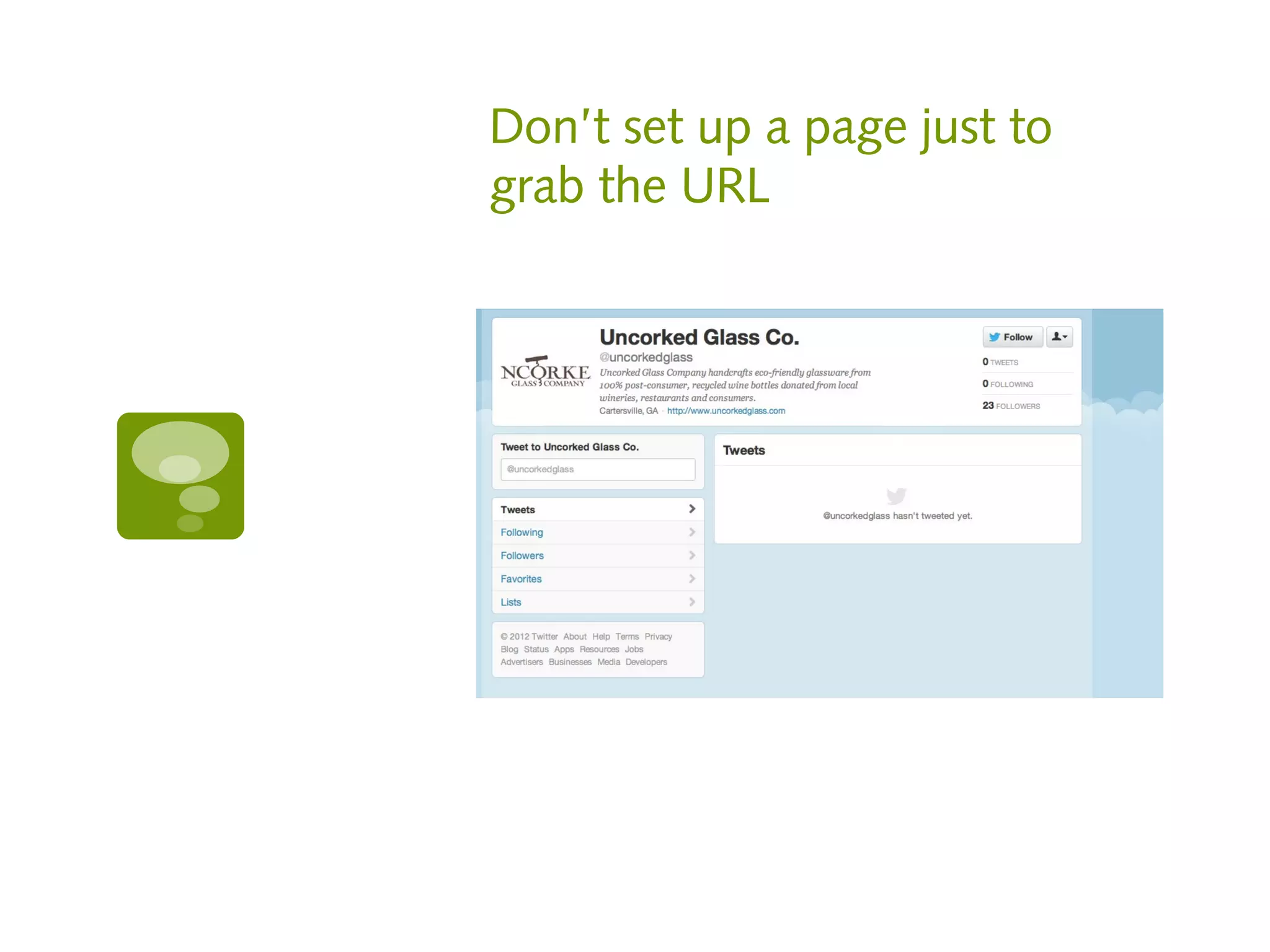
Don’t set up a page just to
grab the URL
#3 Don’t act desperate
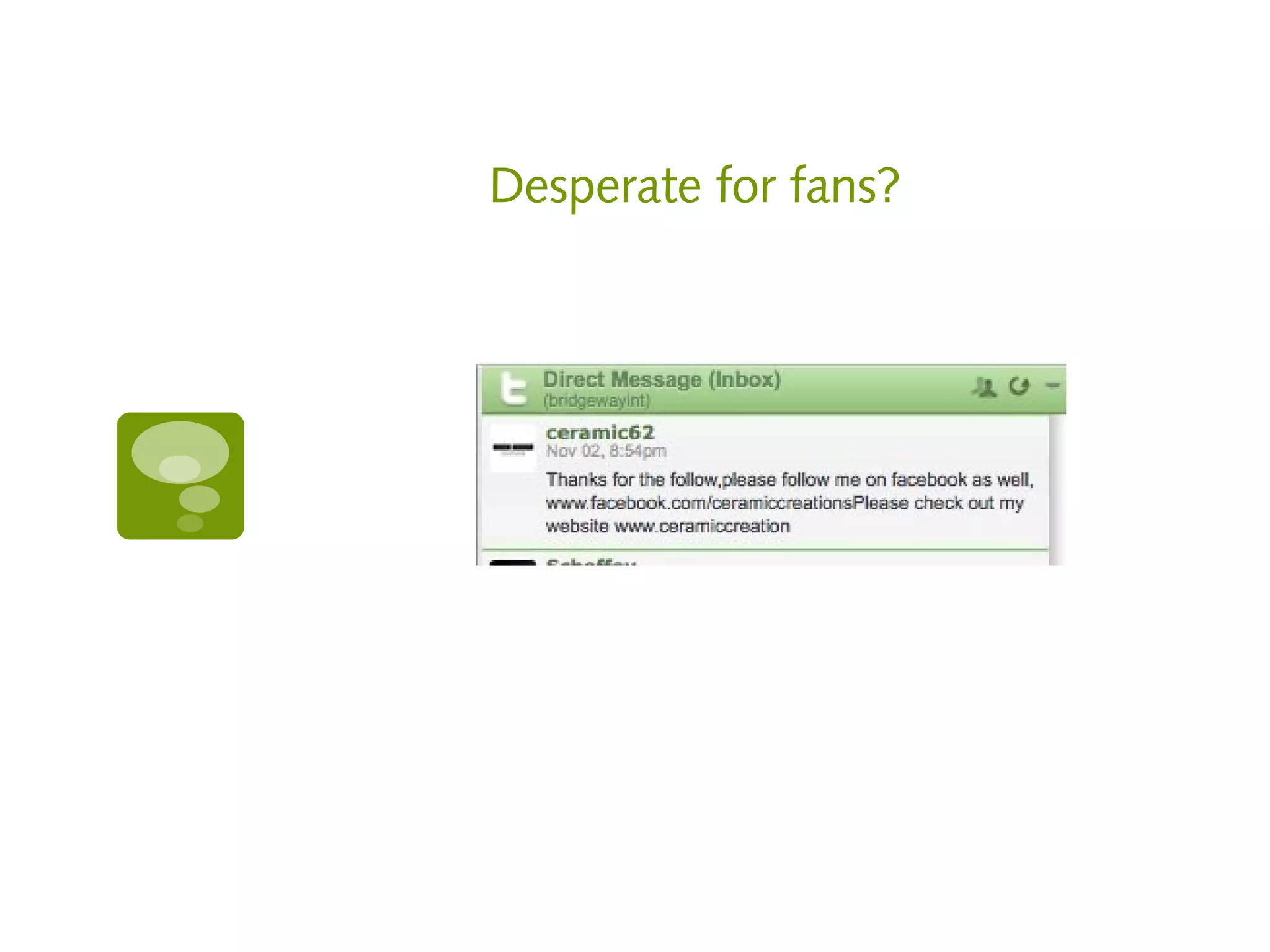
Desperate for fans?
Don’t beg…

   Don’t beg for links or shares.

   If your content is good enough, people know
    what to do.

   Personal requests from friends is ok

   This translates into how people perceive your
    business success
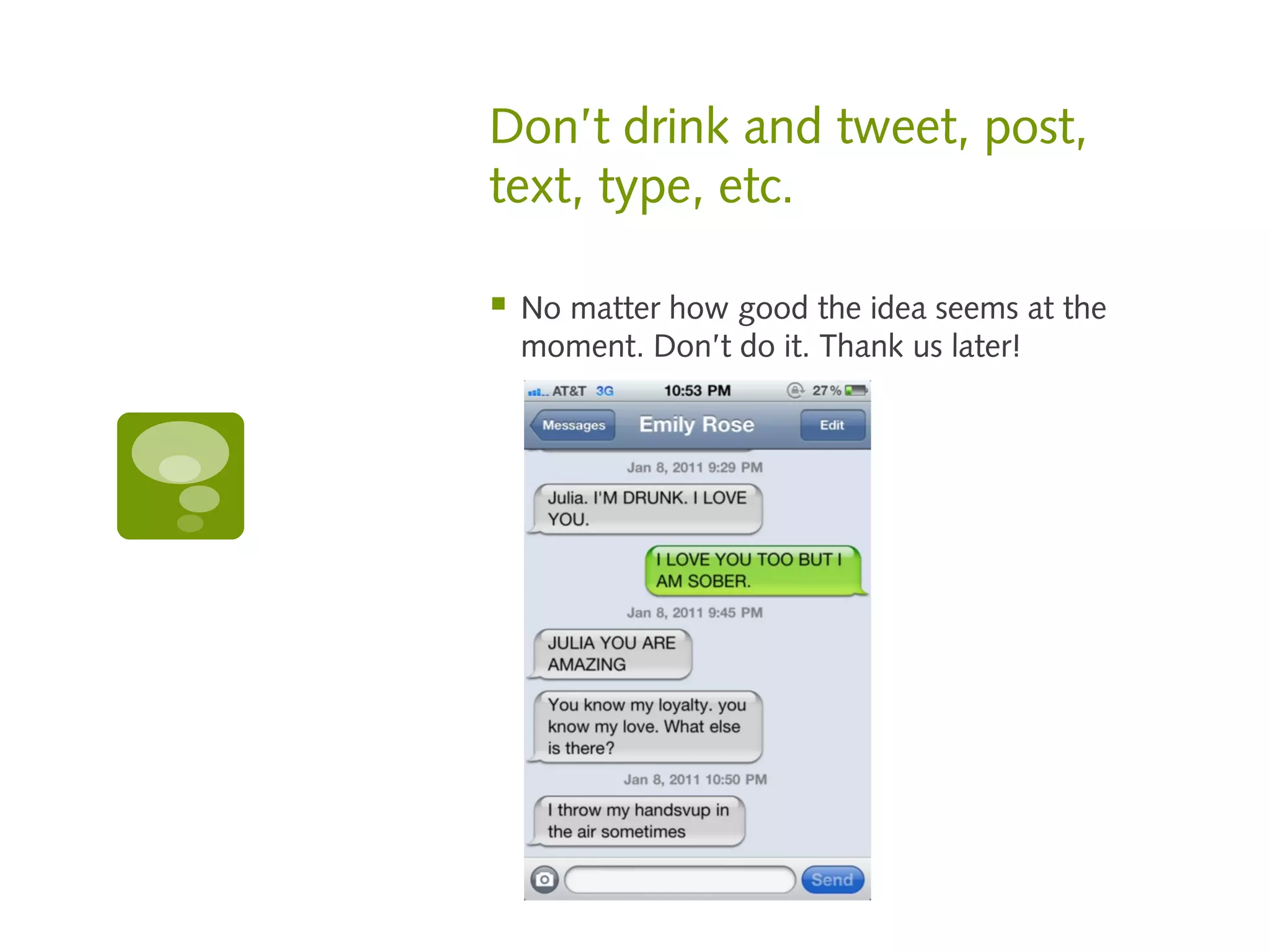
Don’t drink and tweet, post,
text, type, etc.

   No matter how good the idea seems at the
    moment. Don’t do it. Thank us later!
#4 Don’t be selfish
“Be more interested than
     interesting.”
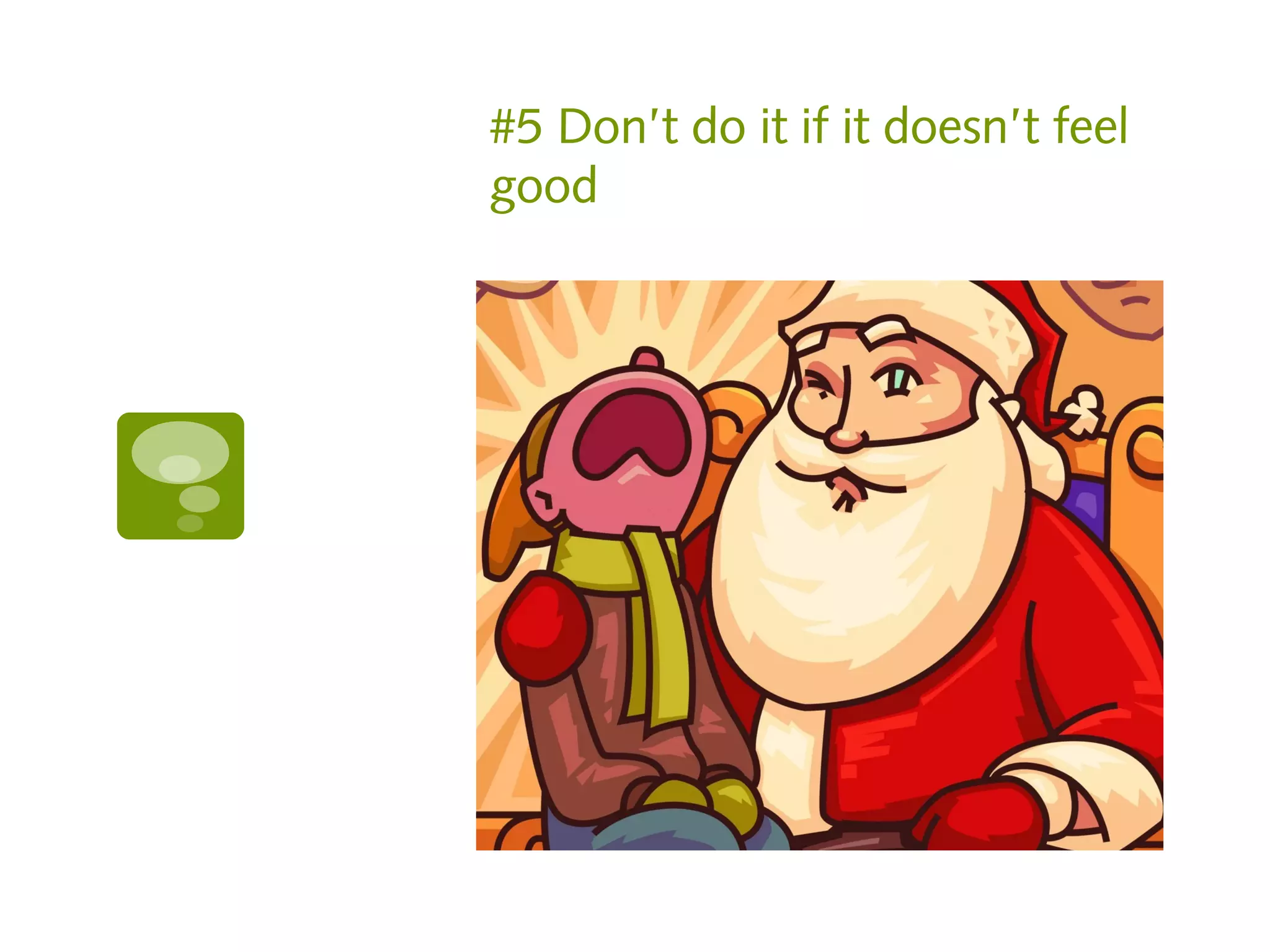
#5 Don’t do it if it doesn’t feel
good
If it smells like…

   If you have to ask:
       Should I post this?
       Does this sound spammy?
       Does this sound sales pitchy?
       Will this offend someone?


       DON’T TAKE THE RISK!
Social media is a lot like sex

   You don’t ask for it right after you say hi (aka
    get someone in your community)

   You have to work for it if you want more

   It takes work if it’s going to be any good

   “A ho is a ho”. Think about it.

   It’s better to be attentive to the right people
    rather than not fully present with many

   Flattery will get you everywhere. “Look at
    me! Look at me!” – Not so much!
6 Ways to customize to
generate sales

1.   Target community members

2.   Use apps

3.   Profile customization

4.   Share

5.   Set yourself apart

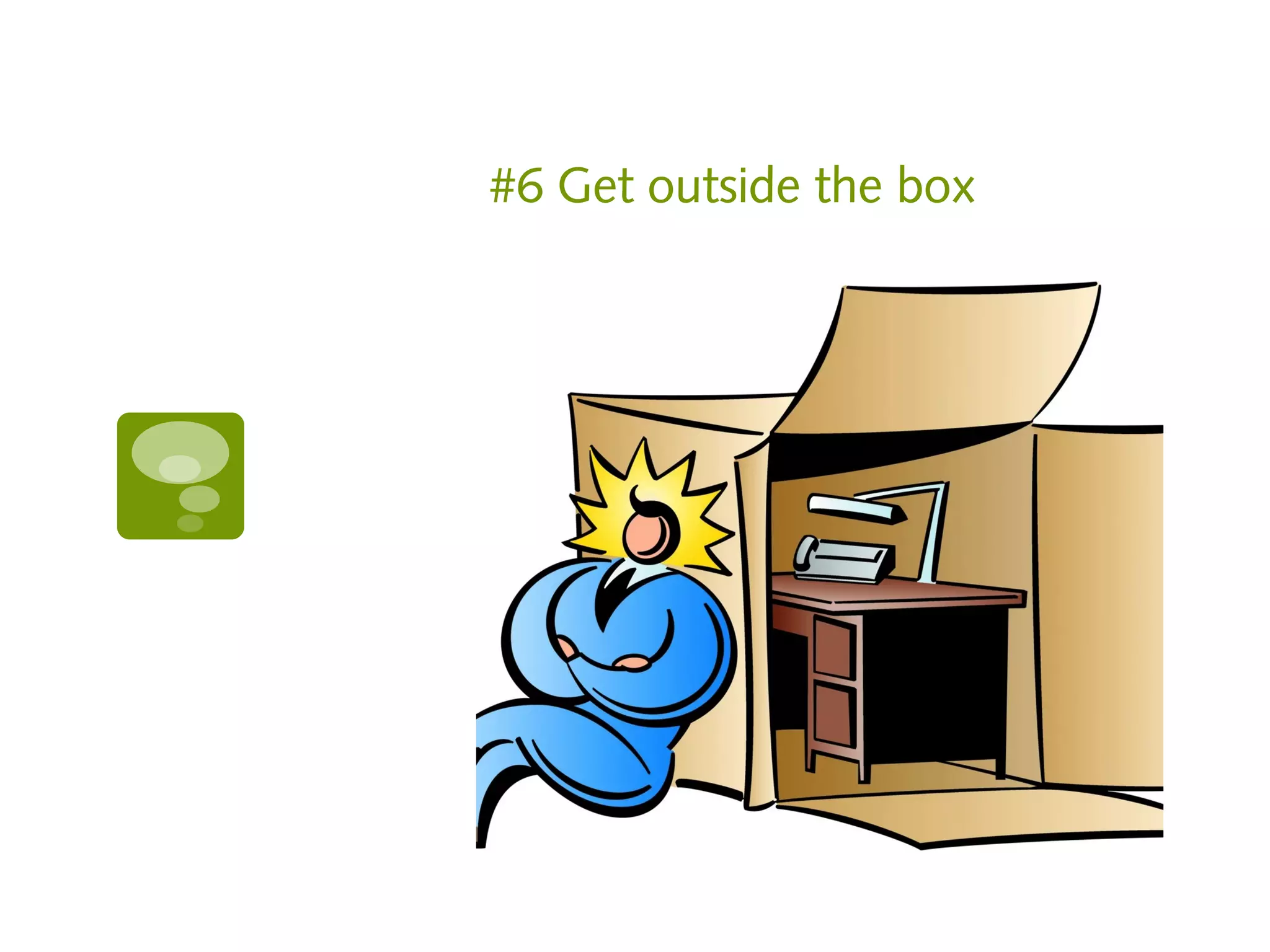
6.   Get outside the box
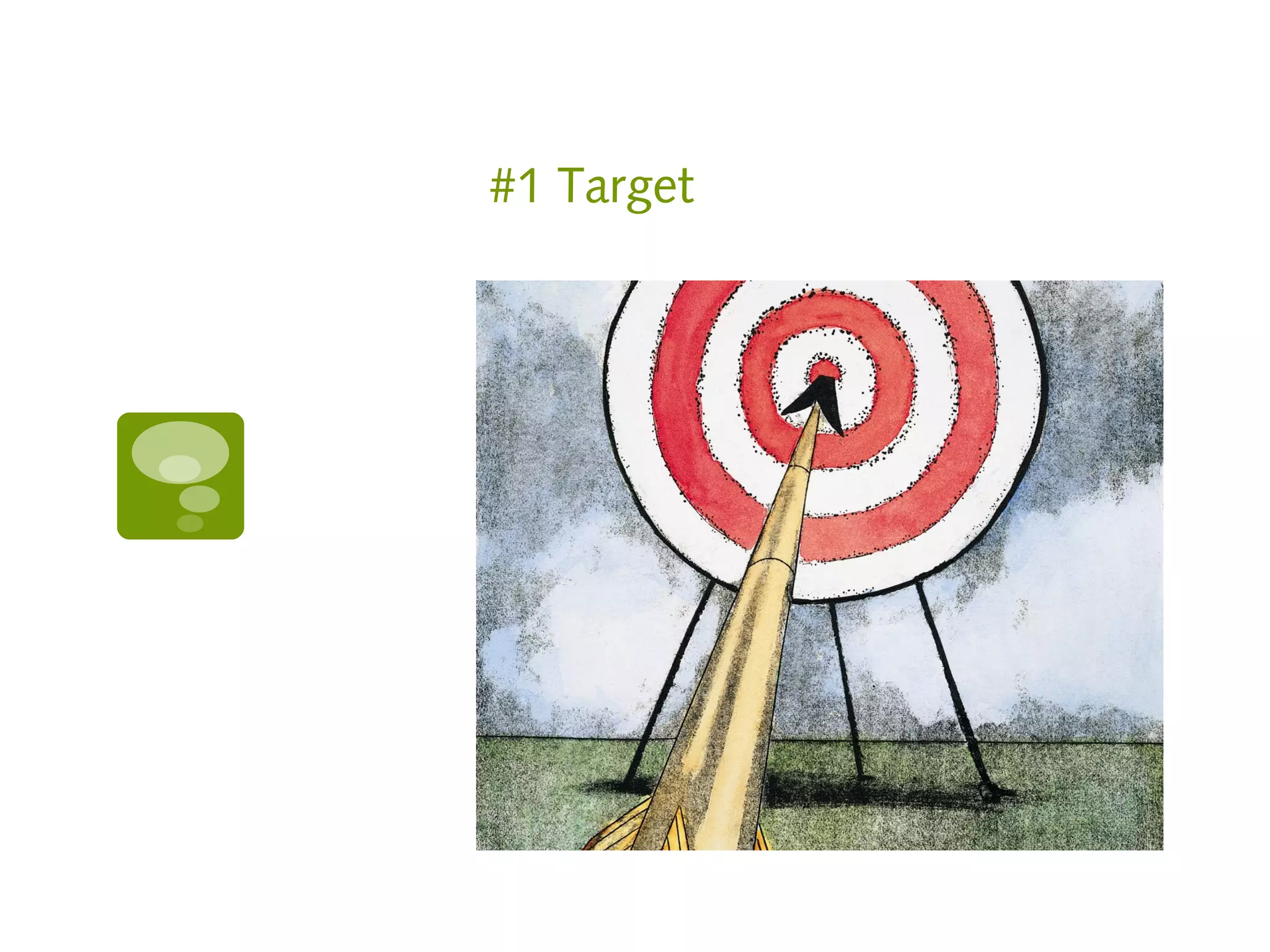
#1 Target
Facebook Ad Targeting

   Target by:
       Location
       Age
       Gender
       Interest
       Marital status
       Education
       Connections to others
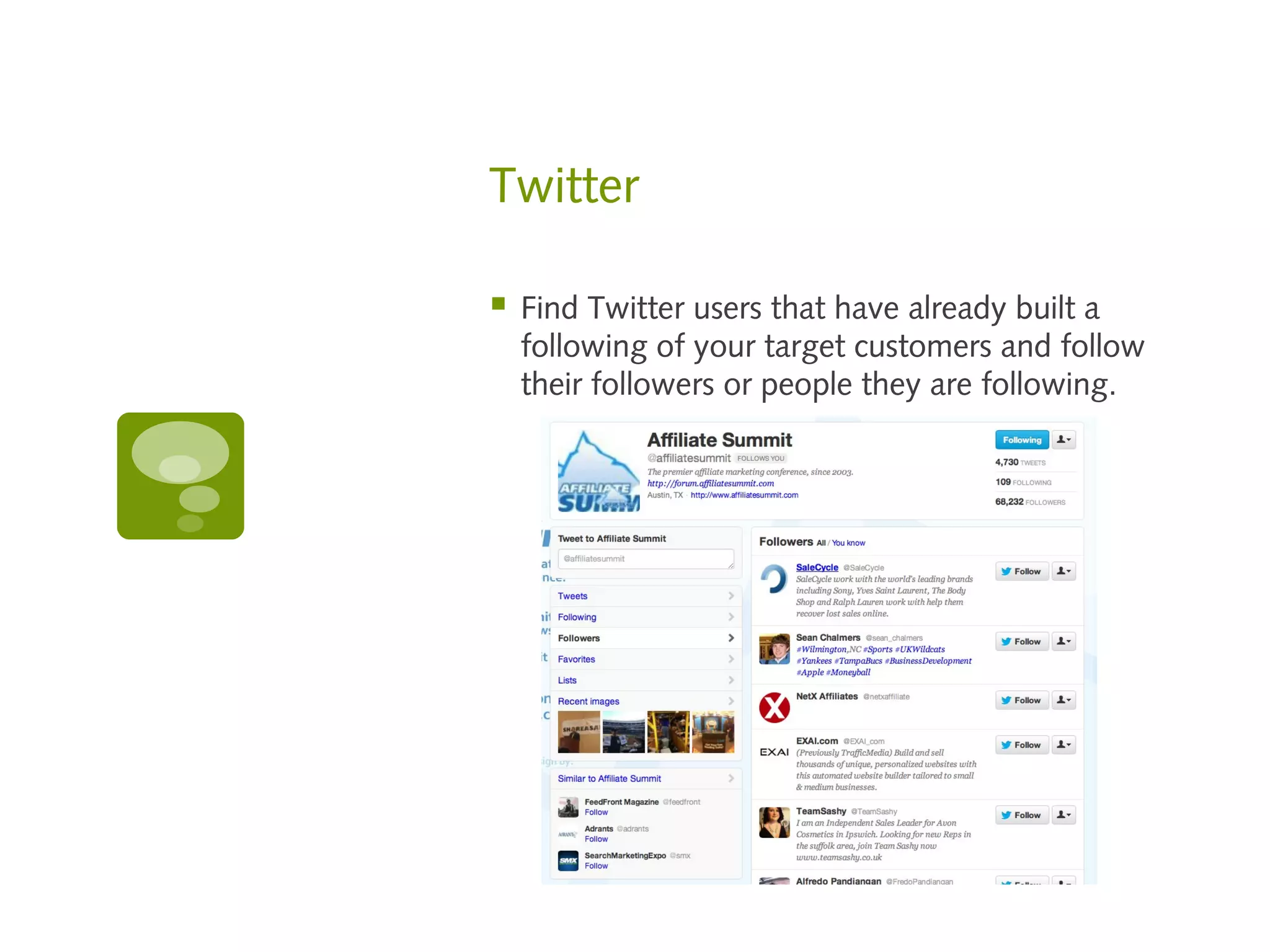
Twitter

   Find Twitter users that have already built a
    following of your target customers and follow
    their followers or people they are following.
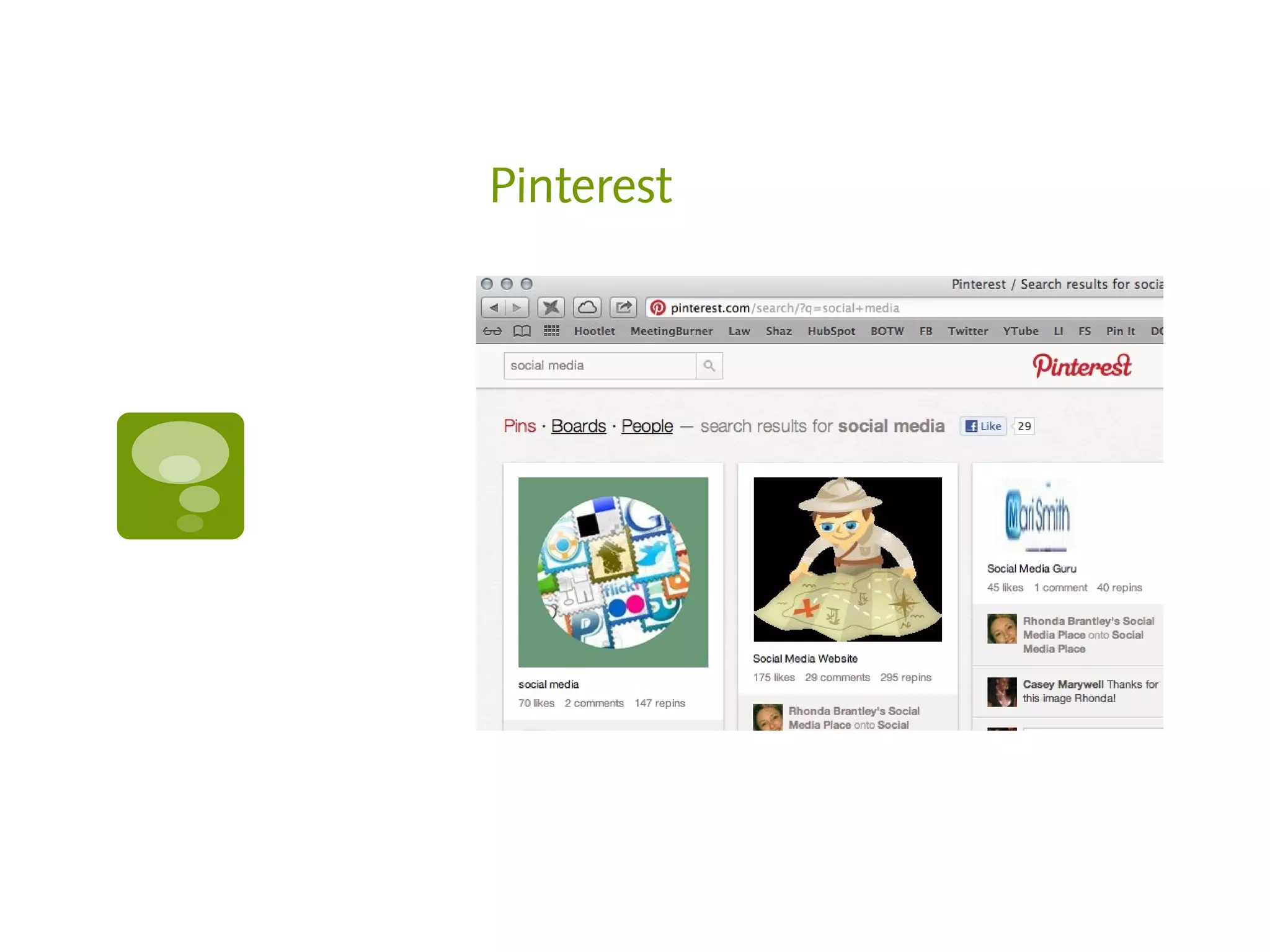
Pinterest
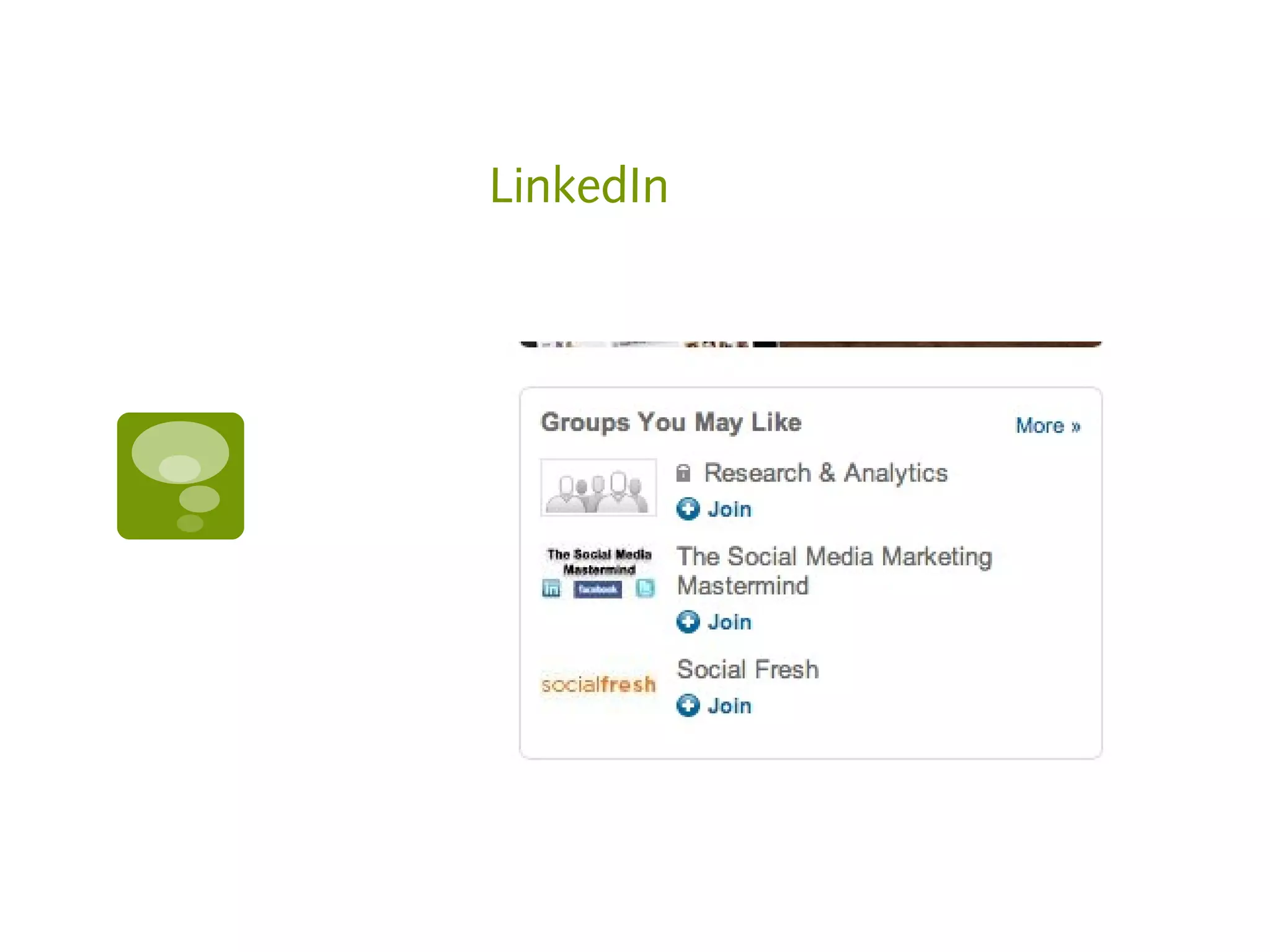
LinkedIn
Resources

   Auto follow lists of users
       http://www.tweetadder.com
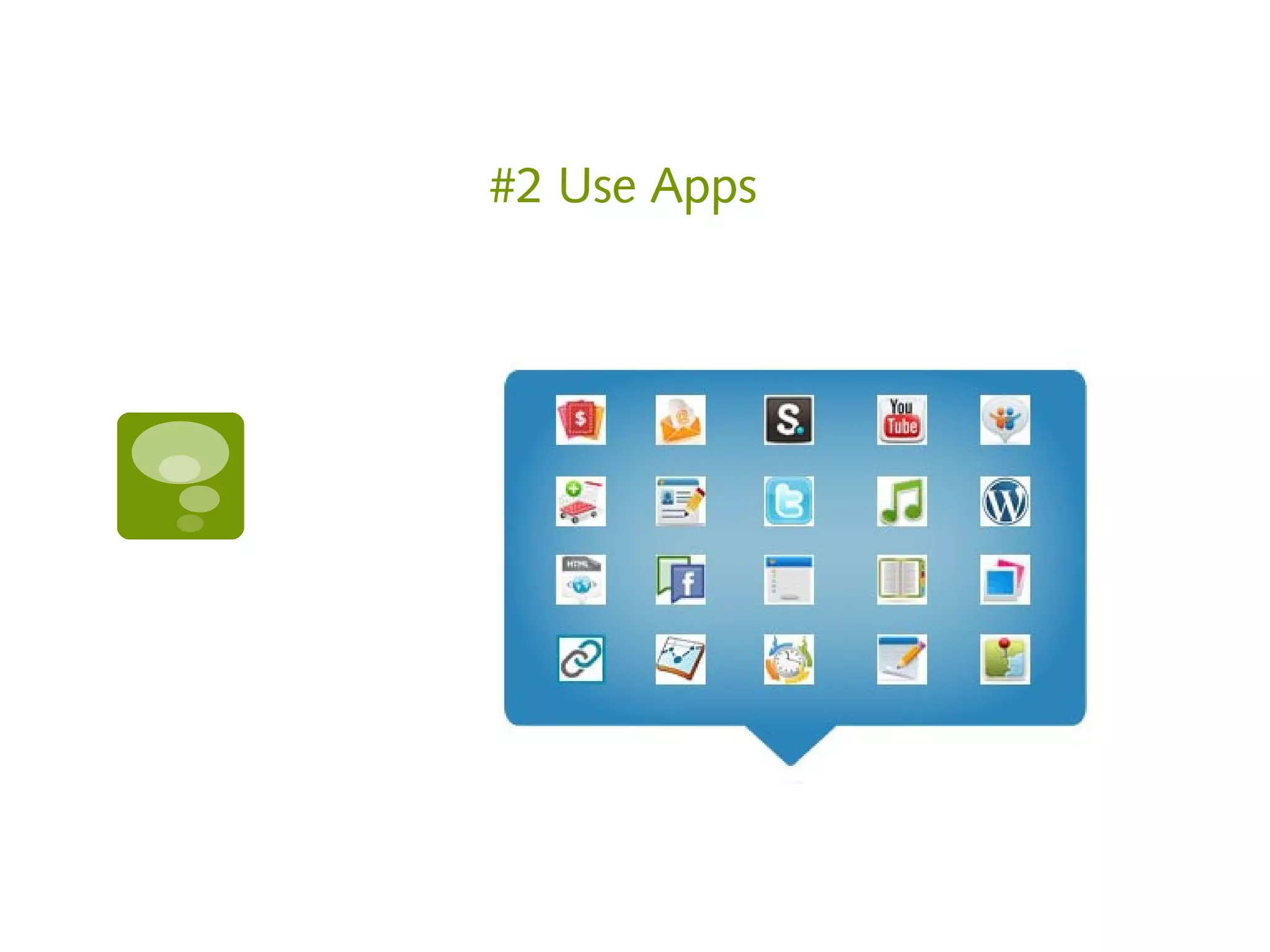
#2 Use Apps
Resources

   App Builders
       http://www.pagemodo.com
       http://www.faceitpages.com
       http://www.wildfireapp.com
       http://www.tabsite.com
#3 Profile Customization
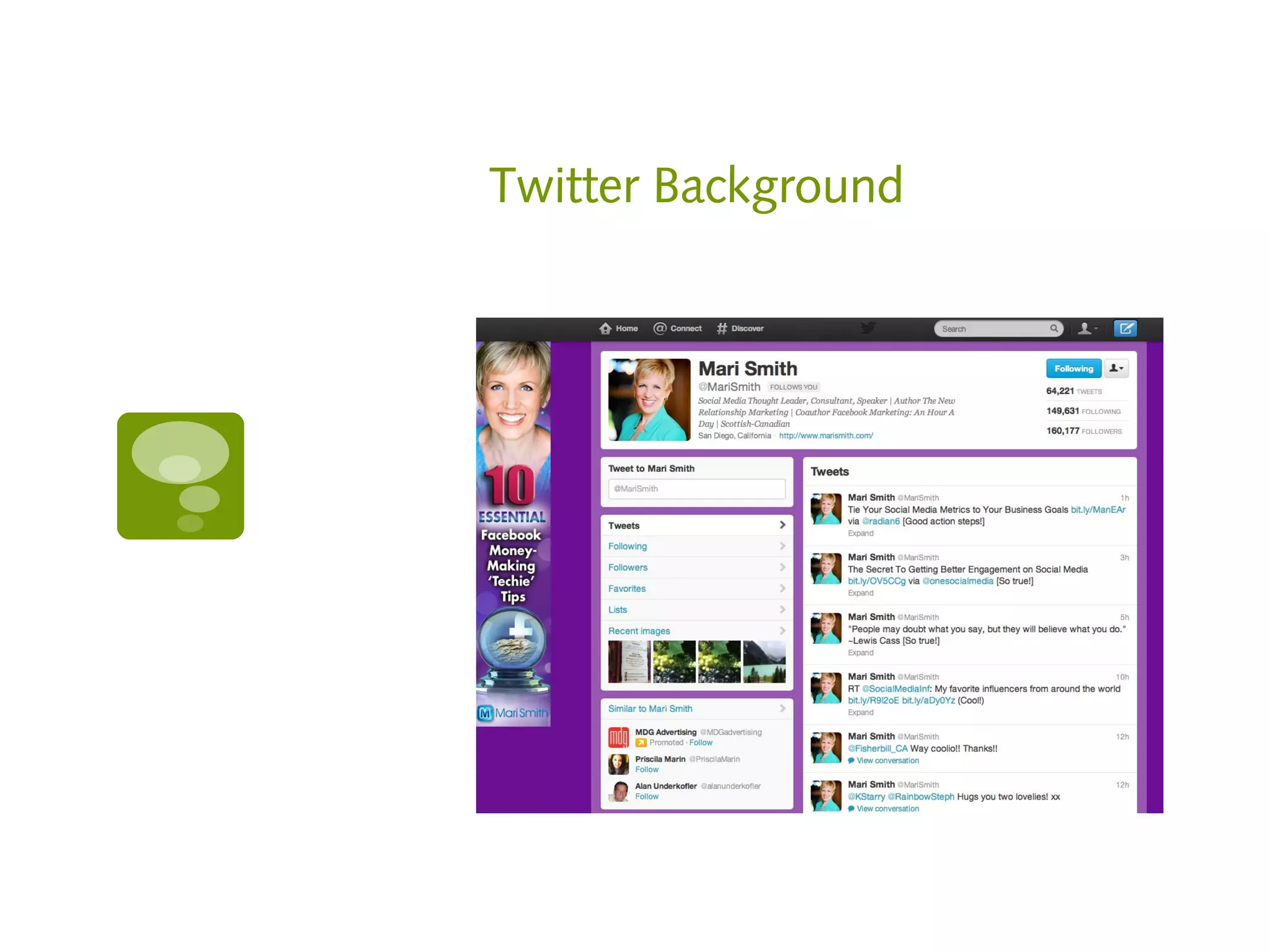
Twitter Background
Resources
   Facebook Tabs 520 pixels wide x 180 (normal size 200 wide
    with a 12 pixel border)

   Timeline cover - For best quality image and fastest load times for your
    Page, upload an sRGB JPG file that's 851 pixels wide, 315 pixels tall and
    less than 100 kilobytes.

   Profile Image 125x125
   Page profile pictures are square and display at 160x160 pixels.
   The photo you upload must be at least 180x180 pixels.
   Recommended uploading a square image of your brand's logo.
   Rectangular images will be cropped to fit a square.
   Page profile pictures display next to your Page's name around the site, so
    yours should stand on its own to represent your Page.
   Be creative with how your profile picture and cover photo go together.
   On your Page's cover, the profile picture displays 23 pixels from the left
    side and 210 pixels from the top of your cover photo.
Resources

   Twitter – profile picture 25x25

   YouTube – Background image up to 256K

   Pinterest – Max width 554 Horizontal. No
    vertical limit.

   Twitter – Limit length to 5000px

   Tweet length – subtract link characters until 126
    remain

   Facebook Ads – 135 Characters

   How to make a Twitter background:
     http://banyanbranch.com/social-blog/how-
      to-make-twitter-backgrounds-for-the-new-
      twitter-com/
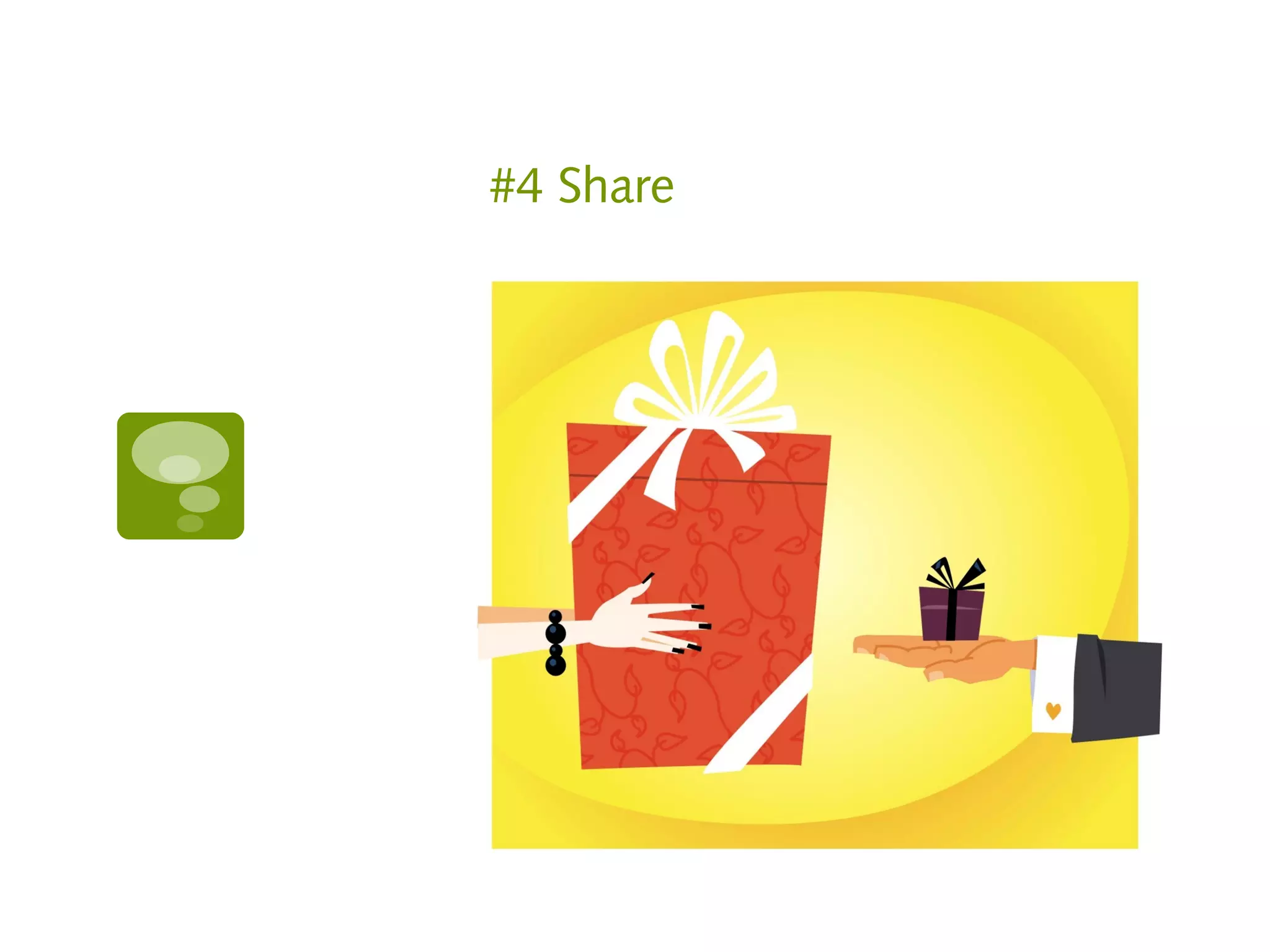
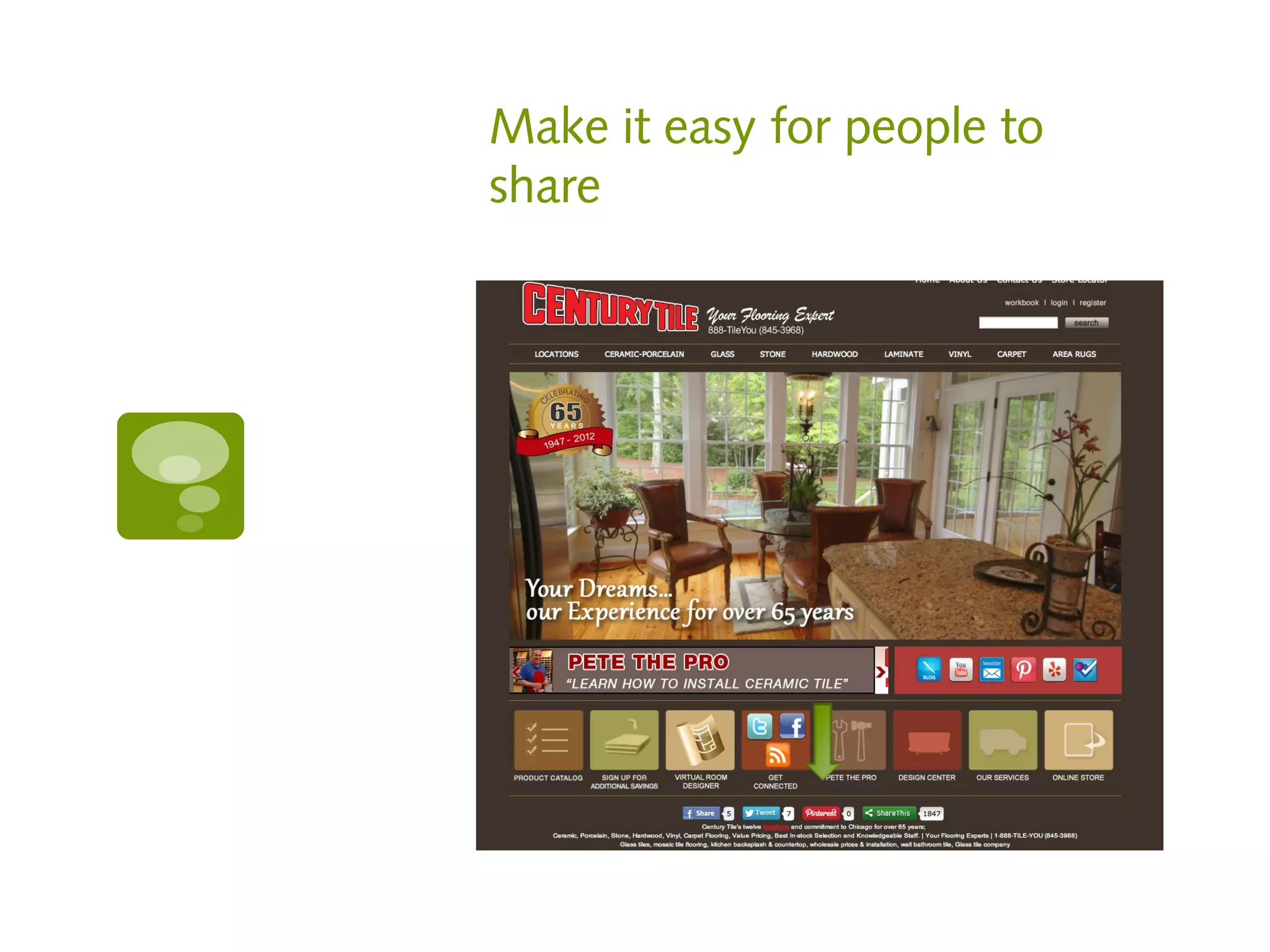
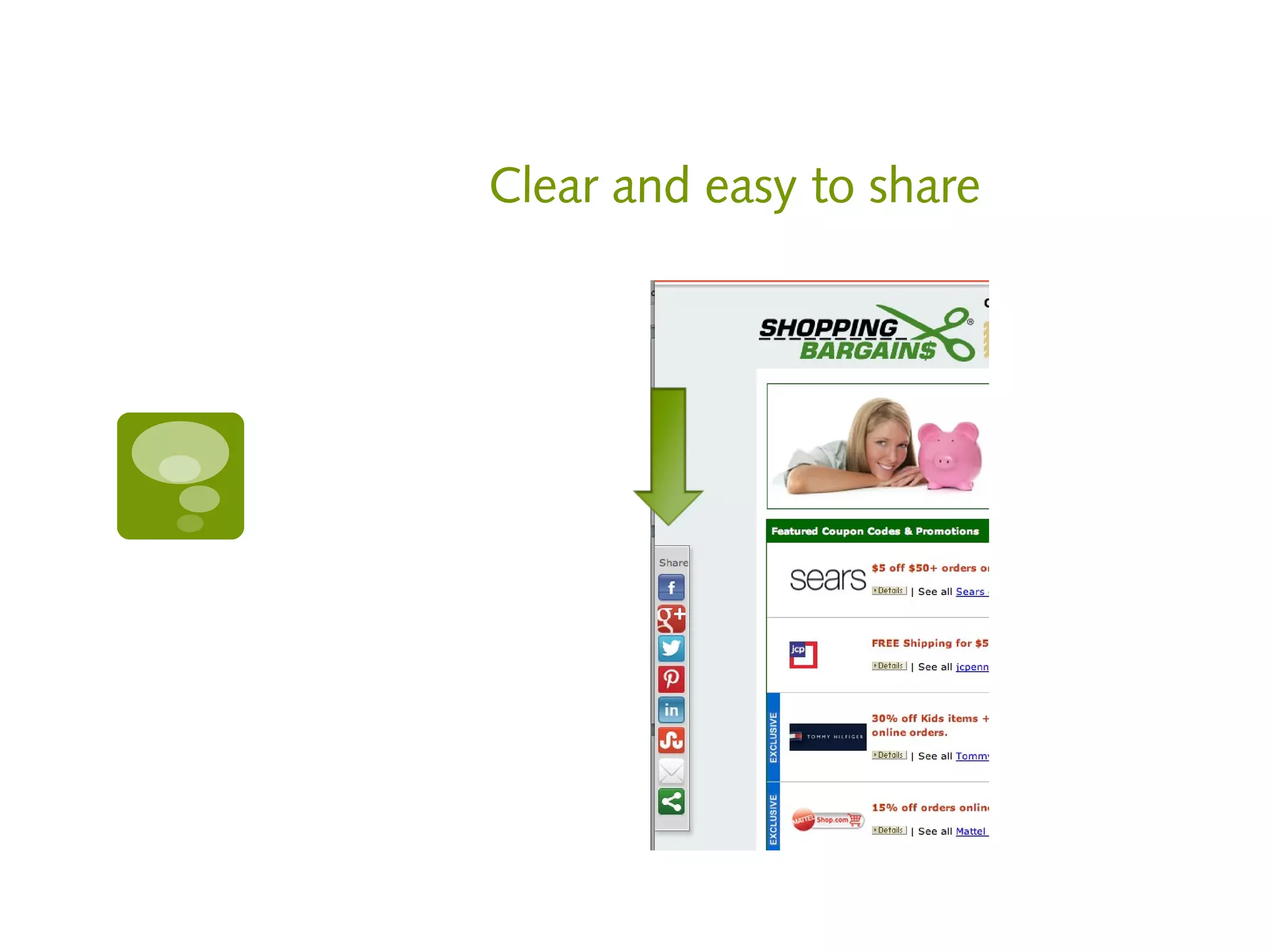
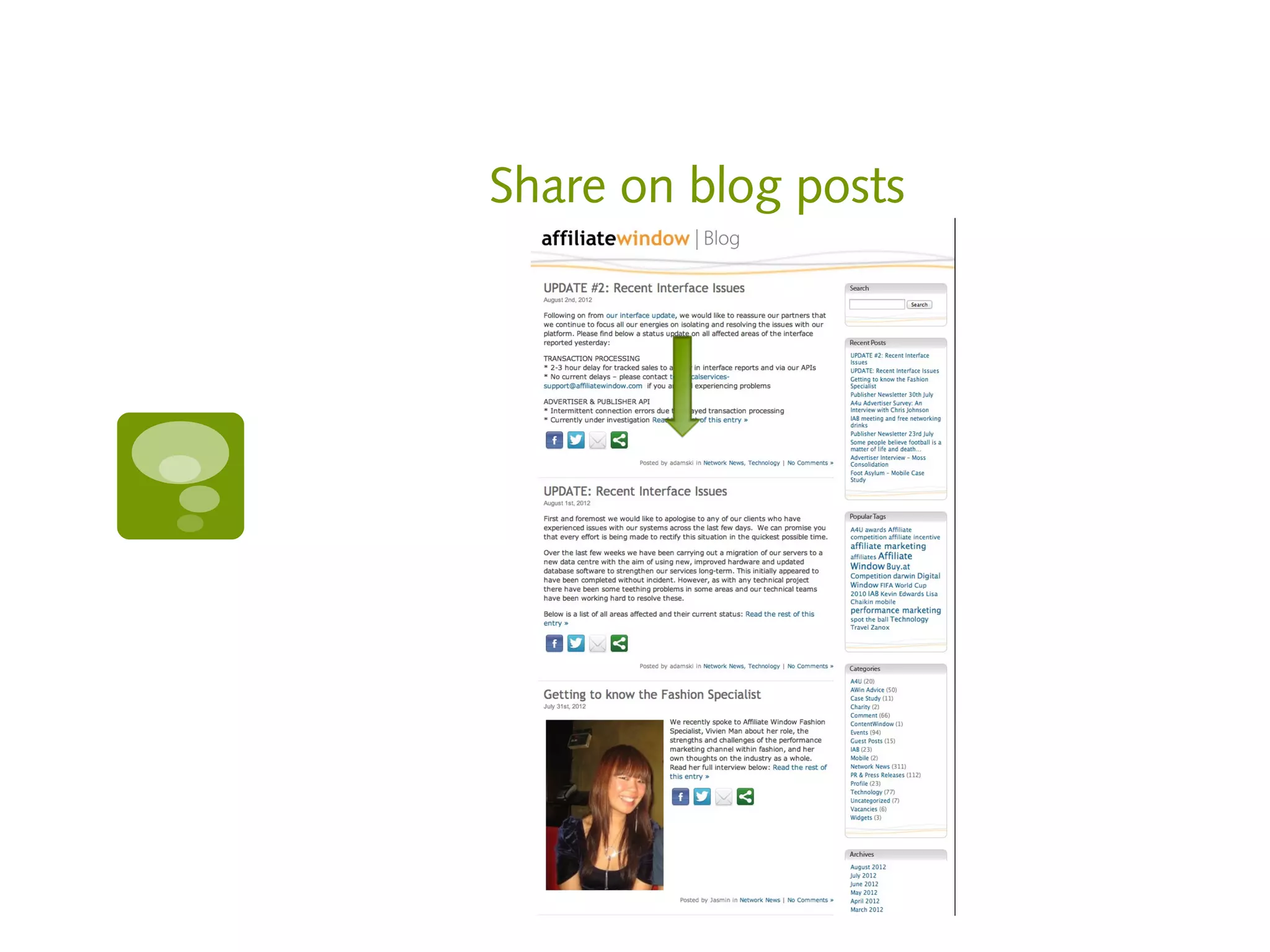
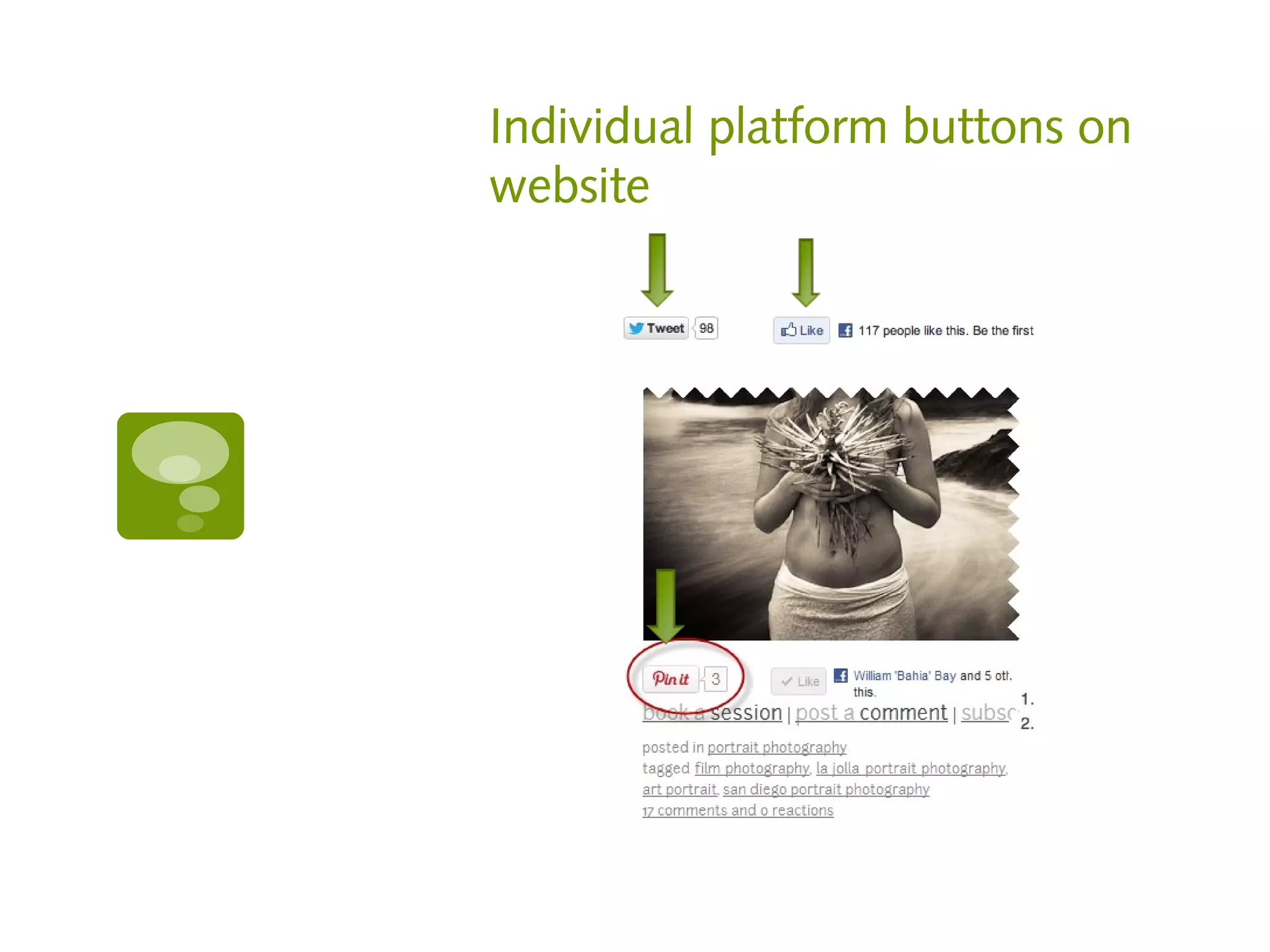
#4 Share
Make it easy for people to
share
Clear and easy to share
Share on blog posts
Individual platform buttons on
website
Resources

   http://sharethis.com/#sthash.AhGLLVZR

   http://wibiya.conduit.com

   http://pinterest.com/about/goodies/

   https://developers.facebook.com/docs/refere
    nce/plugins/like/

   http://twitter.com/about/resources/buttons
#5 Set yourself apart
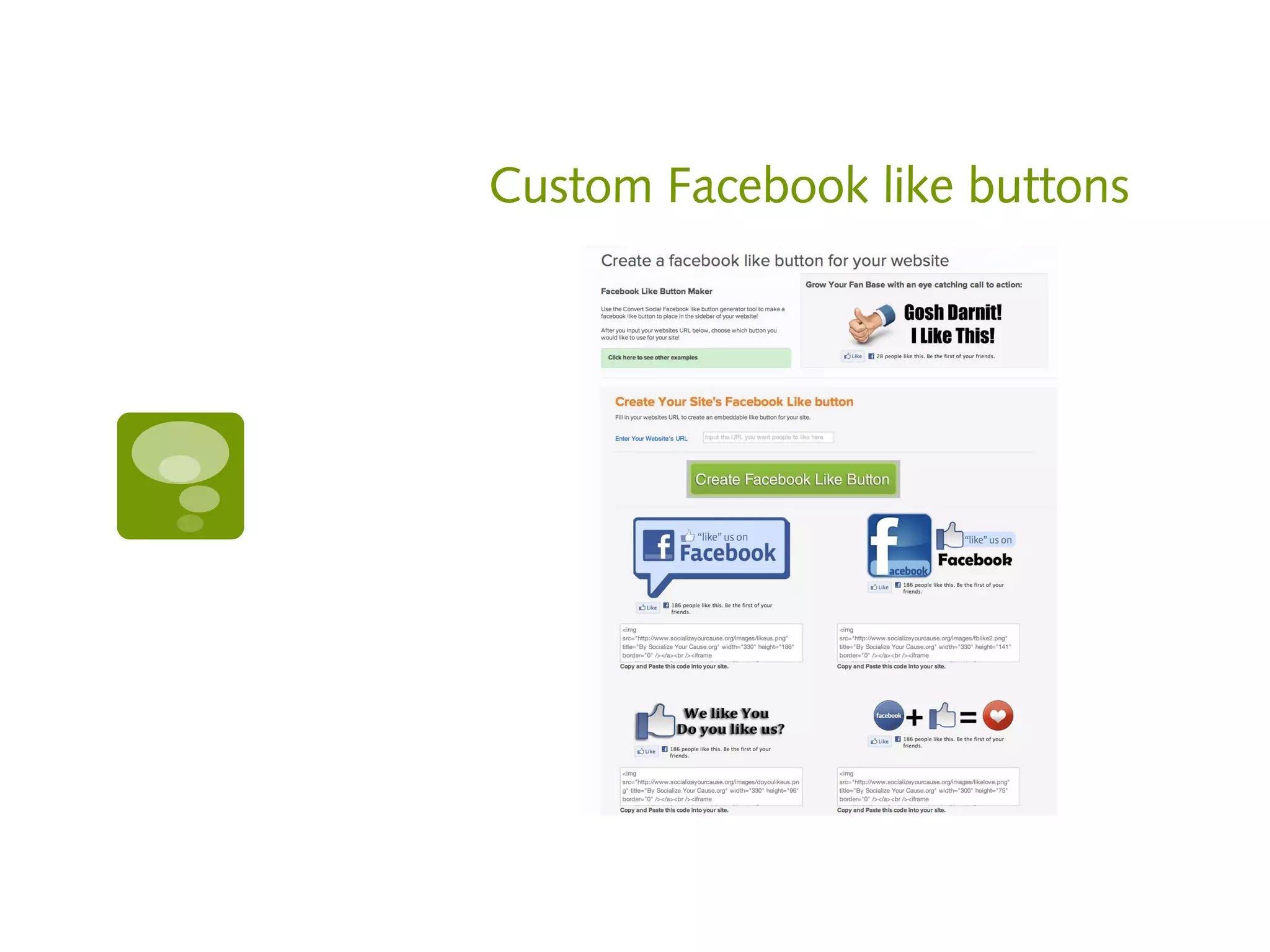
Custom Facebook like buttons
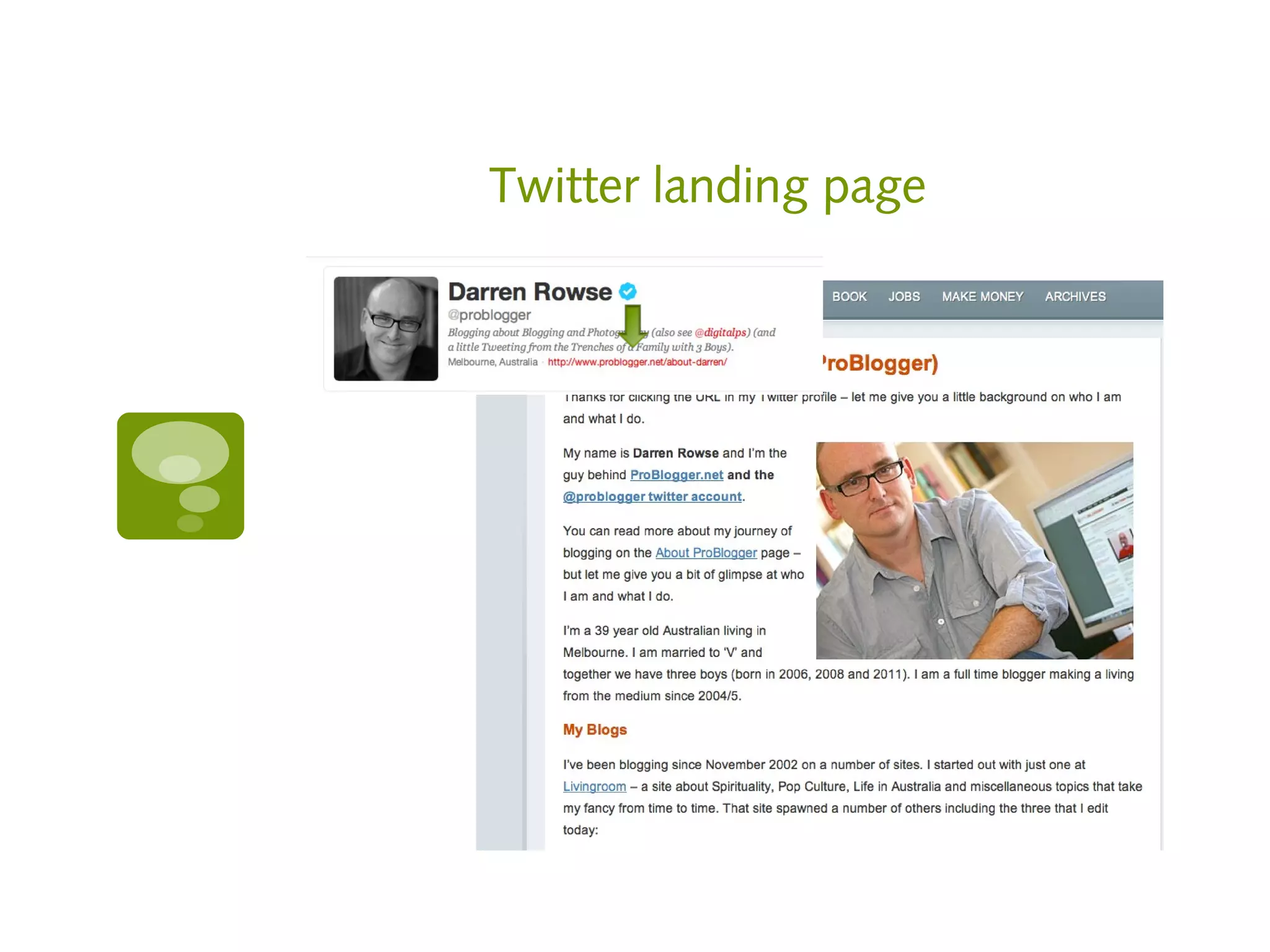
Twitter landing page
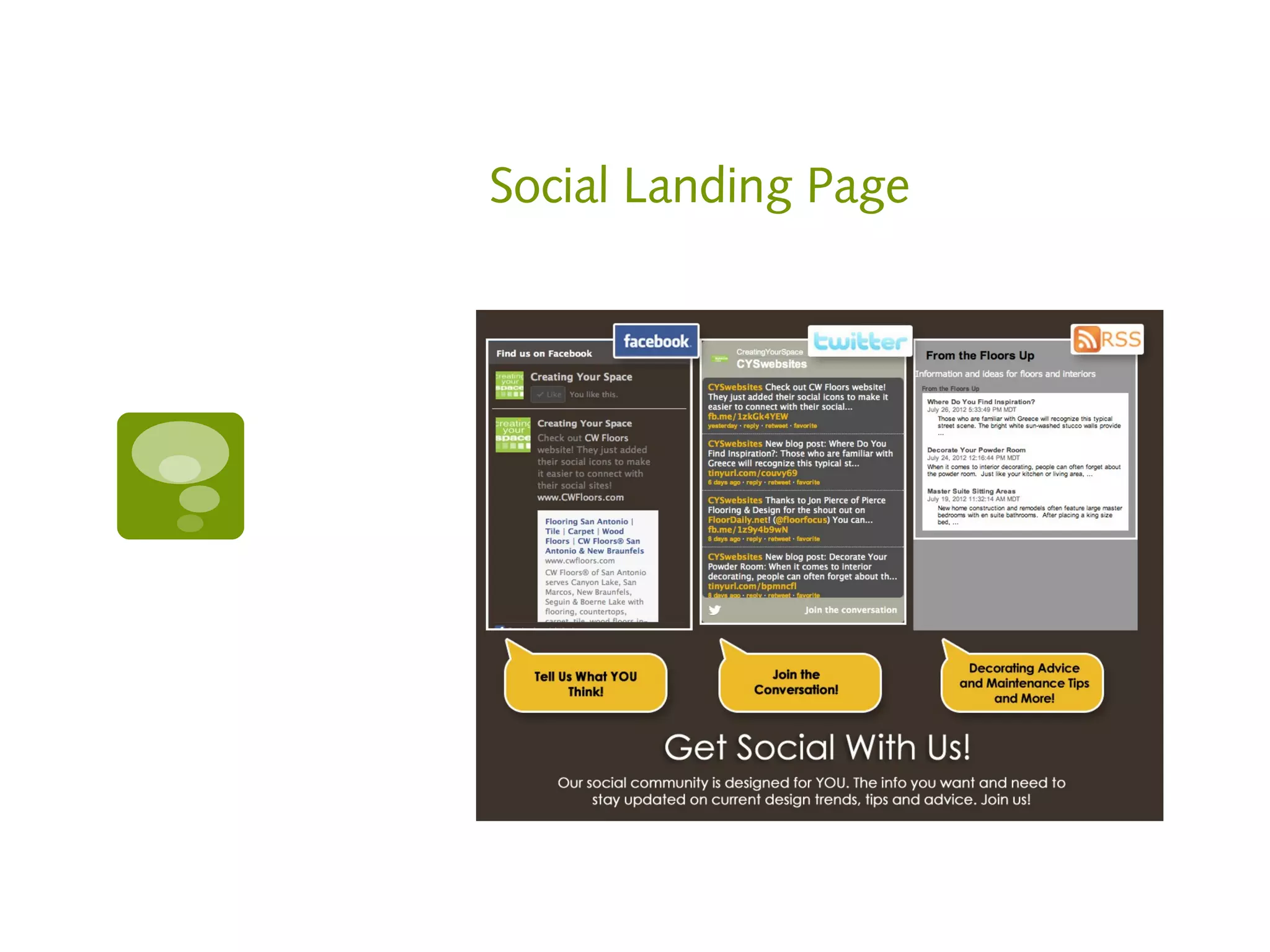
Social Landing Page
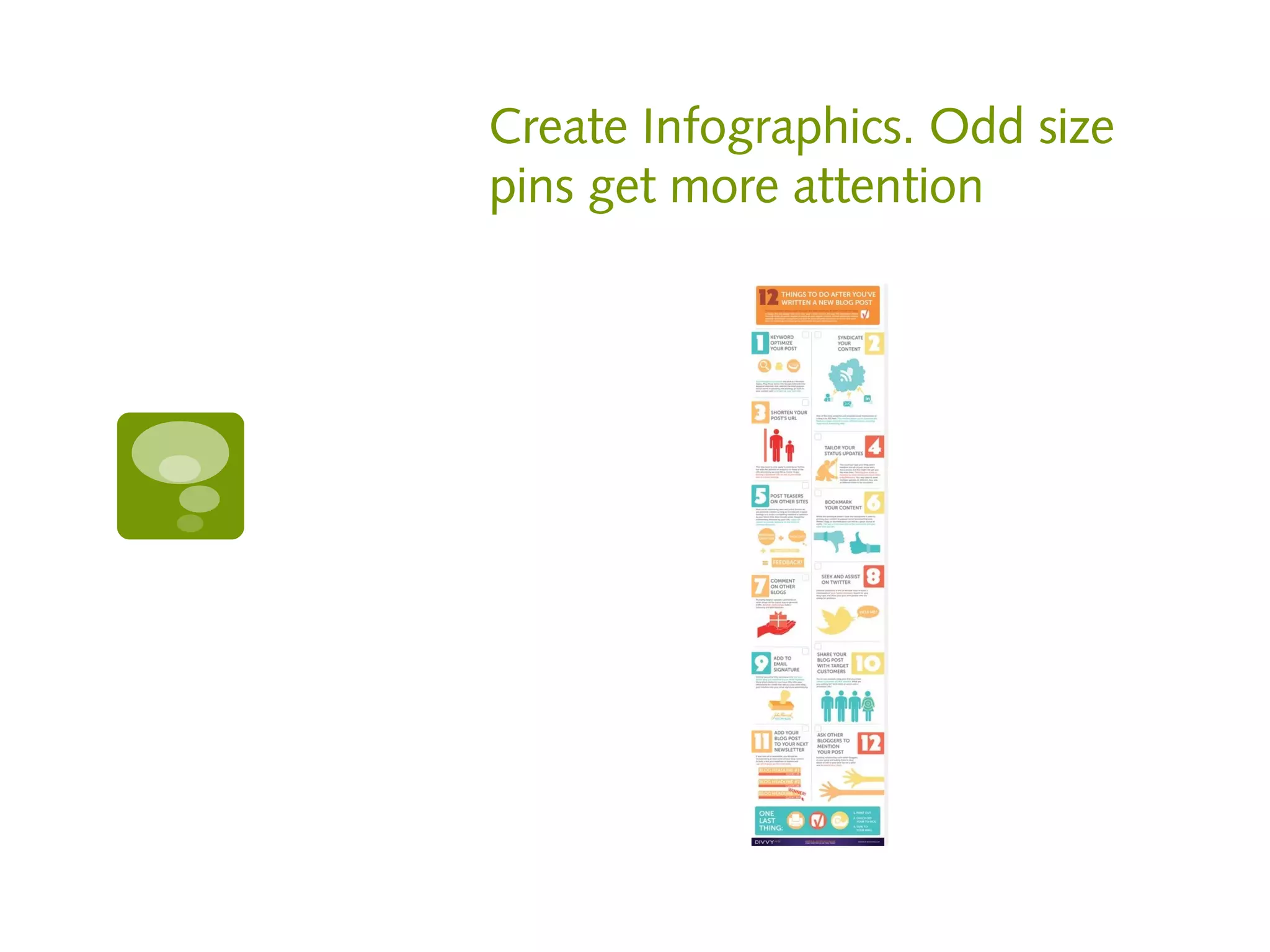
Create Infographics. Odd size
pins get more attention
Resources

   Twitter landing page

       http://unbounce.com/social-media/what-
        is-a-twitter-landing-page/

   Social landing page
     http://www.cyselite.com/demo2/contentp
      age.aspx?Id=28998

   Create infographics
     http://visual.ly
   Custom Facebook like buttons
     http://www.inboundnow.com/apps/faceb
      ook-like-button-generator/
#6 Get outside the box
Help people connect
everywhere you can

   Change your hold message to say “Join us on
    XXX” at the end

   Add social icons to email signatures

   Add social icons or addresses to invoices,
    printed materials

   Take social media cards to conferences
Took Kit

   Create a tool kit for your partners, suppliers,
    affiliates by helping them improve their social
    media
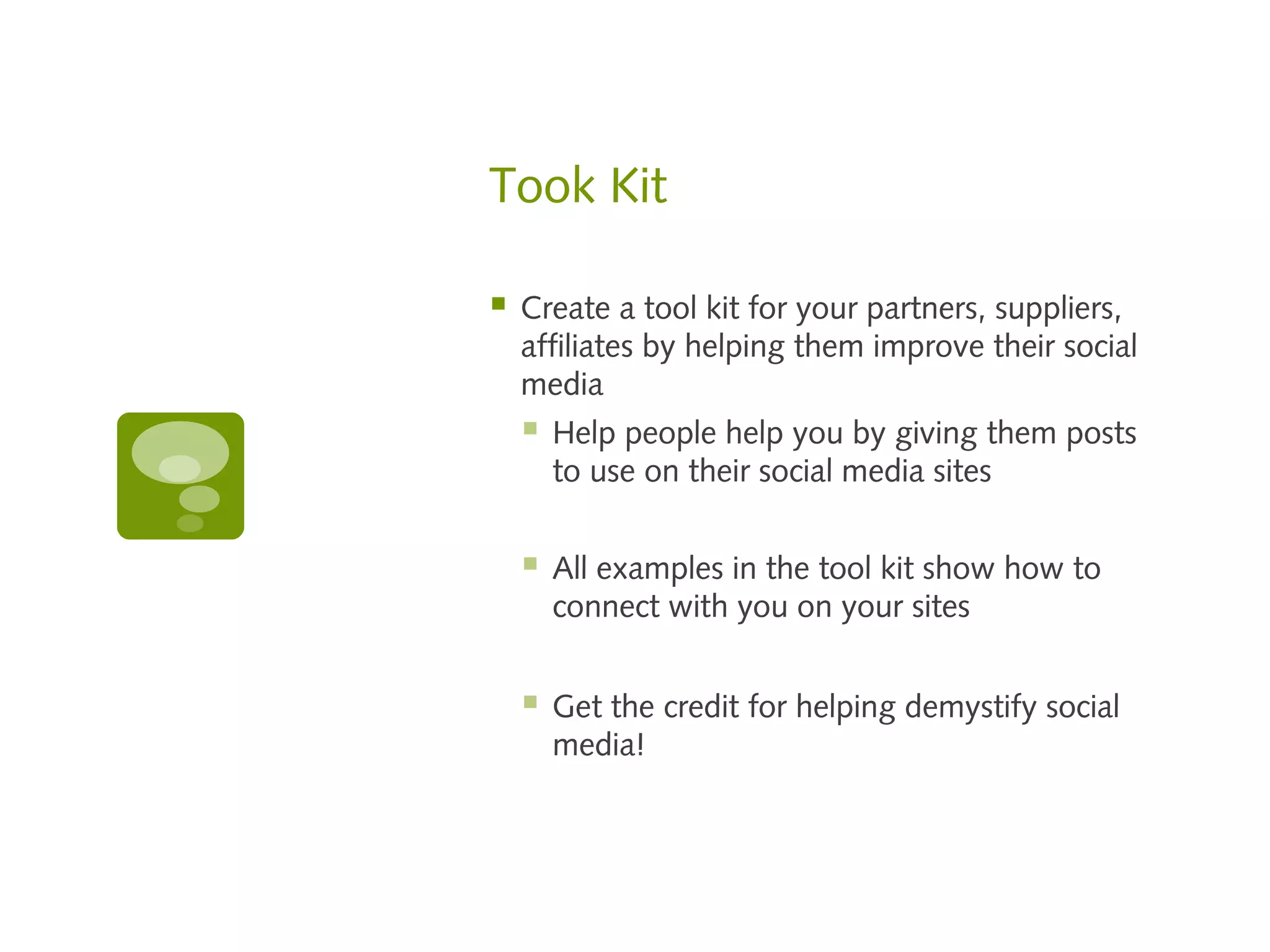
       Help people help you by giving them posts
        to use on their social media sites


       All examples in the tool kit show how to
        connect with you on your sites


       Get the credit for helping demystify social
        media!
How to find us

   Jeannine Crooks
     @Jeannine_Crooks
     jeannine.crooks@affiliatewindow.com
   Mike Allen
     @mta1
     mike@shopping-bargains.com
   Shannon Vogel
     @thebescene
     socialite@thebe-scene.com
   Jennifer Myers Ward
     jennifer@eboveandbeyond.com

Affiliate Summit East 2012 - Not Just Another Session on Social Media

  • 1.
  • 2.
    Your panel  Jeannine Crooks  Affiliate Window: Account Manager  @Jeannine_Crooks  Mike Allen  Shopping Bargains: Founder & "Chief Executive Shopper"  @mta1  Shannon Vogel  The Be-Scene: Owner and Socialite  @thebescene  Jennifer Myers Ward  ebove &beyond: President
  • 3.
    What to expect:  Learn 7 things to always do  5 things to never do  6 ways to customize social media to generate sales using Facebook, Twitter, LinkedIn and Pinterest
  • 4.
    7 Things toalways do 1. Practice Good Social Behavior 2. Listen and Learn 3. Do more than post 4. Pay attention 5. Measure, Analyze, Revise 6. Stay informed 7. Act like a girl scout
  • 5.
    #1 Practice goodsocial behavior
  • 6.
    Do for others  Repin on Pinterest  Retweet on Twitter  Share or comment on Facebook  Write a guest post on someone’s blog  Say thank you  Acknowledge others  Give a free webinar
  • 7.
    Etiquette  Say thank you to each Facebook post like  Respond to comments within 24 hours  Be considerate with tagging  Use proper grammar and English  Categorize someone’s Pinterest board for them
  • 8.
    Resources Webinar service https://www.meetingburner.com
  • 9.
  • 10.
    Know your audience Useyour resources to make sure you’re speaking in the right voice for your demographic Look at your Facebook insights Monitor conversations on http://search.twitter.com Know your stats Think about what your customers want to hear rather than what you want to say Keep an eye on your competition
  • 11.
    Want to turna woman off in a hurry?
  • 12.
  • 13.
  • 14.
  • 15.
  • 16.
  • 17.
  • 18.
    Why Americans usesocial media
  • 19.
  • 20.
    Resources  Advanced Twitter search  https://twitter.com/i/#!/search-advanced  Monitor your competition  http://www.compete.com/us/  Stats site  http://www.socialbakers.com  Infographic Source  http://www.sitepronews.com/wp-content/uploads/2 infographic.jpg
  • 21.
    #3 Do morethan post
  • 22.
    Ideas  Respond to comments and try to start a conversation  Look the user up on other platforms and connect with them there, too  Support, fan, follow the users pages and sites  Leave comments  Consider all of the places you can encourage people to connect.
  • 23.
    Pinterest  Explain why you are pinning an image  Check to see what people are pinning from your site  http://pinterest.com/source/youdomain.com/  Use a link in your description  Add a price if it’s purchasable  Use hashtags in your description
  • 24.
    Pinterest  If pinning from website, look for title tags or alt tags for description  Pin videos  Search for users by location or board interest  Leave comments or likes on pins
  • 25.
    Resources  Create a wordle and pin it  http://www.wordle.net  Check to see what people are pinning from your site  http://pinterest.com/source /youdomain.com/
  • 26.
  • 27.
    Don’t set itand forget it!  Pay attention everyday – just like a relationship. If you neglect it, you won’t receive the benefits  Prescheduling content is a good idea, but what if a natural disaster happens and you scheduled a post that says something insensitive
  • 28.
    Resources  Management program  https://hootsuite.com
  • 29.
  • 30.
    Tools  Use trackable links (sites like bit.ly)  See the best time and days for YOU to post with Crowdbooster  Study your Google Analytics  Study most popular posts, days and times on Facebook insights  Use PinReach to analyze your reach  Keep your Twitter followers in good order
  • 31.
    Resources  Trackable links  https://bitly.com  Best times and days for your audience  https://crowdbooster.com/dashboard/  Pinterest Analytics  http://www.pinreach.com  See who’s not following you back on Twitter  http://friendorfollow.com  See who’s unfollowed you on Twitter  http://useqwitter.com
  • 32.
    Resources  Export your Twitter followers  http://simplymeasured.com/free-social-media-tools  Track keywords, hashtags, usernames  https://rowfeeder.com  Measure your audience  http://www.quantcast.com  Find Twitter influencers  http://followerwonk.com  Get rid of useless Twitter followers  http://thetwitcleaner.com
  • 33.
  • 34.
    Read, Read, Read Socialmedia changes DAILY. Don’t get left out! Read social media newsletters DAILY  Mashable  Social Media Examiner  E Marketer Daily  ProBlogger
  • 35.
    Resources  http://mashable.com  http://www.socialmediaexaminer.com  http://www.problogger.net  https://www.emarketer.com/Newsletter.aspx
  • 36.
  • 37.
    Have a plan!  Choose a social media manager, in-house or outsourced  Owners: watch their work and ask for reports, updates, etc.  In-house: Create a schedule or system and stick to it (revise as needed)  Burn-out happens and people take vacations. There’s no auto vacation message in social media.
  • 38.
    Complaint Jar  Be prepared for a bad hair day when you can’t think of a single thing to post.  Have a compliant jar for the company. Turn those complaints into helpful, educational posts.
  • 39.
    5 Things tonever do 1. Don’t over-promote! 2. Don’t be lazy! 3. Don’t act desperate! 4. Don’t be selfish! 5. Don’t do it if it doesn’t feel good!
  • 40.
    #1 Don’t overpromote or sell
  • 41.
    Social media isnot an online billboard  When people use social media they aren’t in a mindset to be sold.  Don’t invade their space with sales pitches.  People don’t need you to tell them to buy. They are smart enough to know that if they want what you have, they can buy from you.  Use social media to humanize your company
  • 42.
    “Back of thebrain”  Most social media purchase decisions happen in the “back of the brain” because you’ve planted a seed or kept yourself present.  Direct selling will undo all of your subconscious efforts
  • 43.
    Where you cansell  Use social media advertising in an acceptable format:  Facebook Ads  Twitter Ads or Promoted Tweets  LinkedIn Ads
  • 44.
    Stop doodling andlisten!  Do NOT offer rewards to your fans on Facebook’s wall.  They will shut you down (if they catch you) with no warning and no way to get it back.  In short, they’ll send a note that says you should have followed the rules in the first place.
  • 45.
    Facebook Specifics  You must not condition registration or entry upon the user taking any action using any Facebook features or functionality other than liking a Page, checking in to a Place, or connecting to your app. For example, you must not condition registration or entry upon the user liking a Wall post, or commenting or uploading a photo on a Wall.  iv.    You must not use Facebook features or functionality as a promotion’s registration or entry mechanism. For example, the act of liking a Page or checking in to a Place cannot automatically register or enter a promotion participant.
  • 46.
    Facebook Specifics  v.    You must not use Facebook features or functionality, such as the Like button, as a voting mechanism for a promotion.  vi.    You must not notify winners through Facebook, such as through Facebook messages, chat, or posts on profiles (timelines) or Pages.
  • 47.
    Facebook Cover Photos:Do not include the following  Price or purchase information, such as "40% off" or "Download it at our website"  Contact information, such as web address, email, mailing address or other information intended for your Page's about section.  References to user interface elements, such as Like or Share, or any other Facebook site features  Calls to action, such as "Get it now" or "Tell your friends"
  • 48.
    Resources  Article that explains promotion guidelines in English  http ://www.socialmediaexaminer.com/facebook-promot /  Article that explains what you need to know according to the law  http ://www.socialmediaexaminer.com/social-media-prom /
  • 49.
    Resources  Link to Facebook’s cover photo guidelines  https://www.facebook.com/help/search/?q=cover+g  Ad Resources  www.facebook.com/ads  http://business.twitter.com/advertise/start  http://www.linkedin.com/ads
  • 50.
  • 51.
    Lazy, lazy, lazy…  Don’t forward tweets to Facebook. Facebookers don’t get it and it’s a turn-off.  It’s ok to forward Facebook to Twitter if your posting habits include getting to the point in the beginning of your post.
  • 52.
    Don’t just dumpa link into a post  Don’t post a link without explaining why you are posting it  It looks and smells like a virus
  • 53.
    More…  Don’t expect to sign up for Facebook and instantly be successful just because almost a billion people use it.
  • 54.
    Don’t set itand forget it  Auto replies are not genuine to people that support you more than once
  • 55.
    Don’t send detailedauto DM’s  …Especially non-proofed ones  What if you sent this to a customer who knows you because they already buy from you? Total giveaway that it’s automated!
  • 56.
    LinkedIn Invites  Don’t send invites to people you don’t know or are trying to get to know  Erase the pre-canned message and write your own.  Remind people how you met 
  • 57.
    Don’t invite everyoneon yours list to Facebook Events  It’s 3000 miles away  Not a golfer  With the short notice, it would cost $2000 to get a plane ticket
  • 58.
    Don’t run acontest or offer without thinking it through
  • 59.
    Don’t join LinkedInwithout a picture
  • 60.
    Don’t set upa page just to grab the URL
  • 61.
    #3 Don’t actdesperate
  • 62.
  • 63.
    Don’t beg…  Don’t beg for links or shares.  If your content is good enough, people know what to do.  Personal requests from friends is ok  This translates into how people perceive your business success
  • 64.
    Don’t drink andtweet, post, text, type, etc.  No matter how good the idea seems at the moment. Don’t do it. Thank us later!
  • 65.
  • 66.
    “Be more interestedthan interesting.”
  • 67.
    #5 Don’t doit if it doesn’t feel good
  • 68.
    If it smellslike…  If you have to ask:  Should I post this?  Does this sound spammy?  Does this sound sales pitchy?  Will this offend someone?  DON’T TAKE THE RISK!
  • 69.
    Social media isa lot like sex  You don’t ask for it right after you say hi (aka get someone in your community)  You have to work for it if you want more  It takes work if it’s going to be any good  “A ho is a ho”. Think about it.  It’s better to be attentive to the right people rather than not fully present with many  Flattery will get you everywhere. “Look at me! Look at me!” – Not so much!
  • 70.
    6 Ways tocustomize to generate sales 1. Target community members 2. Use apps 3. Profile customization 4. Share 5. Set yourself apart 6. Get outside the box
  • 71.
  • 72.
    Facebook Ad Targeting  Target by:  Location  Age  Gender  Interest  Marital status  Education  Connections to others
  • 73.
    Twitter  Find Twitter users that have already built a following of your target customers and follow their followers or people they are following.
  • 74.
  • 75.
  • 76.
    Resources  Auto follow lists of users  http://www.tweetadder.com
  • 77.
  • 78.
    Resources  App Builders  http://www.pagemodo.com  http://www.faceitpages.com  http://www.wildfireapp.com  http://www.tabsite.com
  • 79.
  • 80.
  • 81.
    Resources  Facebook Tabs 520 pixels wide x 180 (normal size 200 wide with a 12 pixel border)  Timeline cover - For best quality image and fastest load times for your Page, upload an sRGB JPG file that's 851 pixels wide, 315 pixels tall and less than 100 kilobytes.  Profile Image 125x125  Page profile pictures are square and display at 160x160 pixels.  The photo you upload must be at least 180x180 pixels.  Recommended uploading a square image of your brand's logo.  Rectangular images will be cropped to fit a square.  Page profile pictures display next to your Page's name around the site, so yours should stand on its own to represent your Page.  Be creative with how your profile picture and cover photo go together.  On your Page's cover, the profile picture displays 23 pixels from the left side and 210 pixels from the top of your cover photo.
  • 82.
    Resources  Twitter – profile picture 25x25  YouTube – Background image up to 256K  Pinterest – Max width 554 Horizontal. No vertical limit.  Twitter – Limit length to 5000px  Tweet length – subtract link characters until 126 remain  Facebook Ads – 135 Characters  How to make a Twitter background:  http://banyanbranch.com/social-blog/how- to-make-twitter-backgrounds-for-the-new- twitter-com/
  • 83.
  • 84.
    Make it easyfor people to share
  • 85.
  • 86.
  • 87.
  • 88.
    Resources  http://sharethis.com/#sthash.AhGLLVZR  http://wibiya.conduit.com  http://pinterest.com/about/goodies/  https://developers.facebook.com/docs/refere nce/plugins/like/  http://twitter.com/about/resources/buttons
  • 89.
  • 90.
  • 91.
  • 92.
  • 93.
    Create Infographics. Oddsize pins get more attention
  • 94.
    Resources  Twitter landing page  http://unbounce.com/social-media/what- is-a-twitter-landing-page/  Social landing page  http://www.cyselite.com/demo2/contentp age.aspx?Id=28998  Create infographics  http://visual.ly  Custom Facebook like buttons  http://www.inboundnow.com/apps/faceb ook-like-button-generator/
  • 95.
  • 96.
    Help people connect everywhereyou can  Change your hold message to say “Join us on XXX” at the end  Add social icons to email signatures  Add social icons or addresses to invoices, printed materials  Take social media cards to conferences
  • 97.
    Took Kit  Create a tool kit for your partners, suppliers, affiliates by helping them improve their social media  Help people help you by giving them posts to use on their social media sites  All examples in the tool kit show how to connect with you on your sites  Get the credit for helping demystify social media!
  • 98.
    How to findus  Jeannine Crooks  @Jeannine_Crooks  jeannine.crooks@affiliatewindow.com  Mike Allen  @mta1  mike@shopping-bargains.com  Shannon Vogel  @thebescene  socialite@thebe-scene.com  Jennifer Myers Ward  jennifer@eboveandbeyond.com

Editor's Notes

  • #13 http://www.sitepronews.com/wp-content/uploads/2012/04/Social-Media-Demographics-infographic.jpg
  • #88 http://flauntyoursite.com/pin-it-on-pinterest/
  • #94 http://ticsyformacion.com/2012/05/02/como-promocionar-los-posts-de-tu-blog-infografia-infographic-socialmedia/
  • #97 Favicards.com