Even/odd parity (1)
 Computers can sometimes make errors when
they transmit data.
 Even/odd parity:
 is basic method for detecting if an odd number of
bits has been switched by accident.
 Odd parity:
 The number of 1-bit must add up to an odd
number
 Even parity:
 The number of 1-bit must add up to an even
number
Even/odd parity (2)
 The computer knows which parity it is using
 If it uses an even parity:
 If the number of of 1-bit add up to an odd number
then it knows there was an error:
 If it uses an odd:
 If the number of of 1-bit add up to an even number
then it knows there was an error:
 However, If an even number of 1-bit is flipped the
parity will still be the same. But an error occurs
 The even/parity can’t this detect this error:
Even/odd parity (3)
 It is useful when an odd number of 1-bits is flipped.
 Suppose we have an 7-bit binary word (7-digits).
 If you need to change the parity you need to add 1
(parity bit) to the binary word.
 You now have 8 digit word.
 However, the computer knows that the added bit
is a parity bit and therefore ignore it.
Example (1)
 Suppose you receive a binary bit word
“0101” and you know you are using an
odd parity.
 Is the binary word errored?
 The answer is yes:

There are 2 1-bit, which is an even number

We are using an odd parity

So there must have an error.
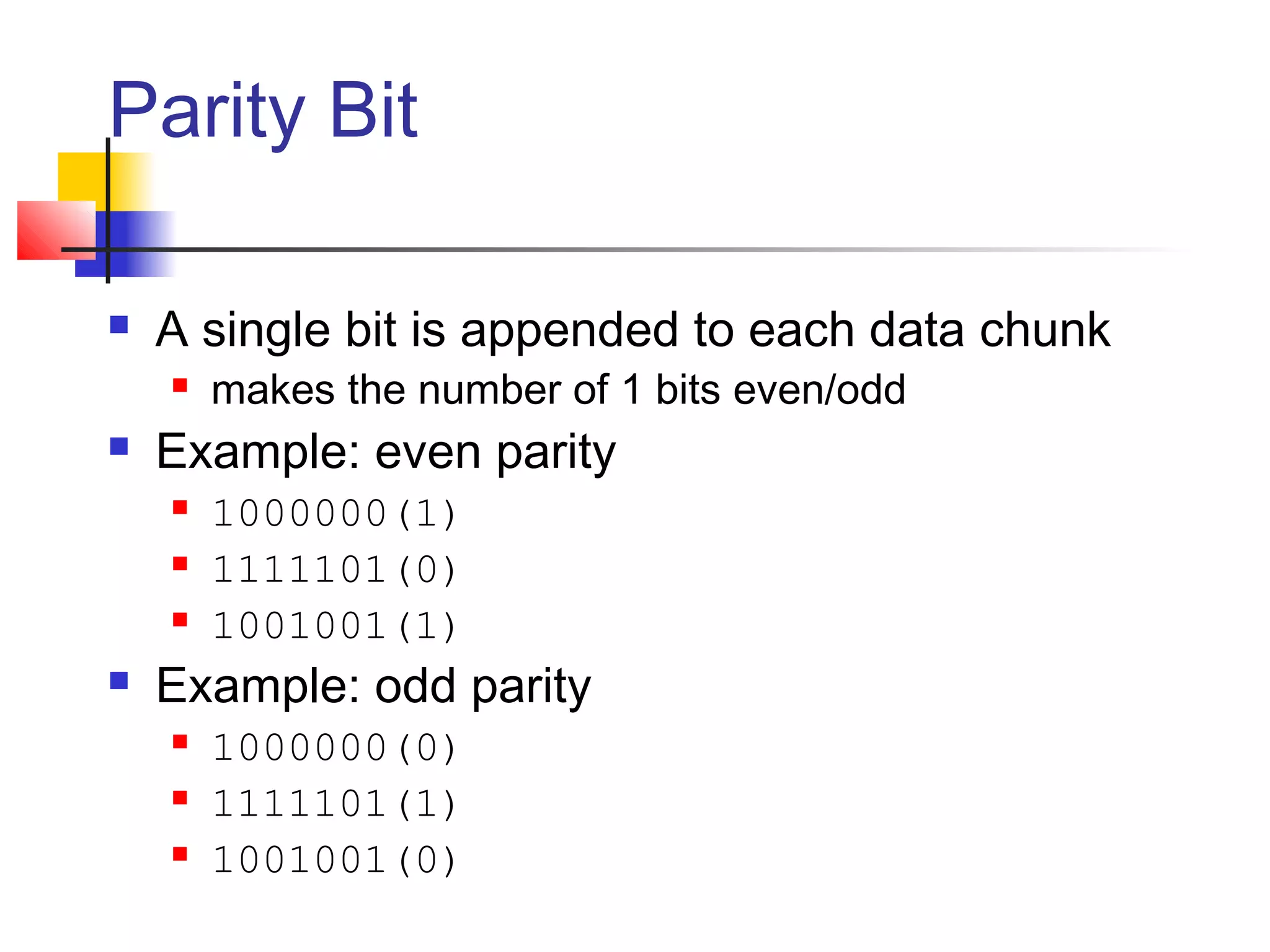
Parity Bit
 A single bit is appended to each data chunk
 makes the number of 1 bits even/odd
 Example: even parity
 1000000(1)
 1111101(0)
 1001001(1)
 Example: odd parity
 1000000(0)
 1111101(1)
 1001001(0)
Parity Checking
 Assume we are using even parity with 7-bit ASCII.
 The letter V in 7-bit ASCII is encoded as 0110101.
 How will the letter V be transmitted?
 Because there are four 1s (an even number), parity is set to zero.
 This would be transmitted as: 01101010.
 If we are using an odd parity:
 The letter V will be transmitted as 01101011
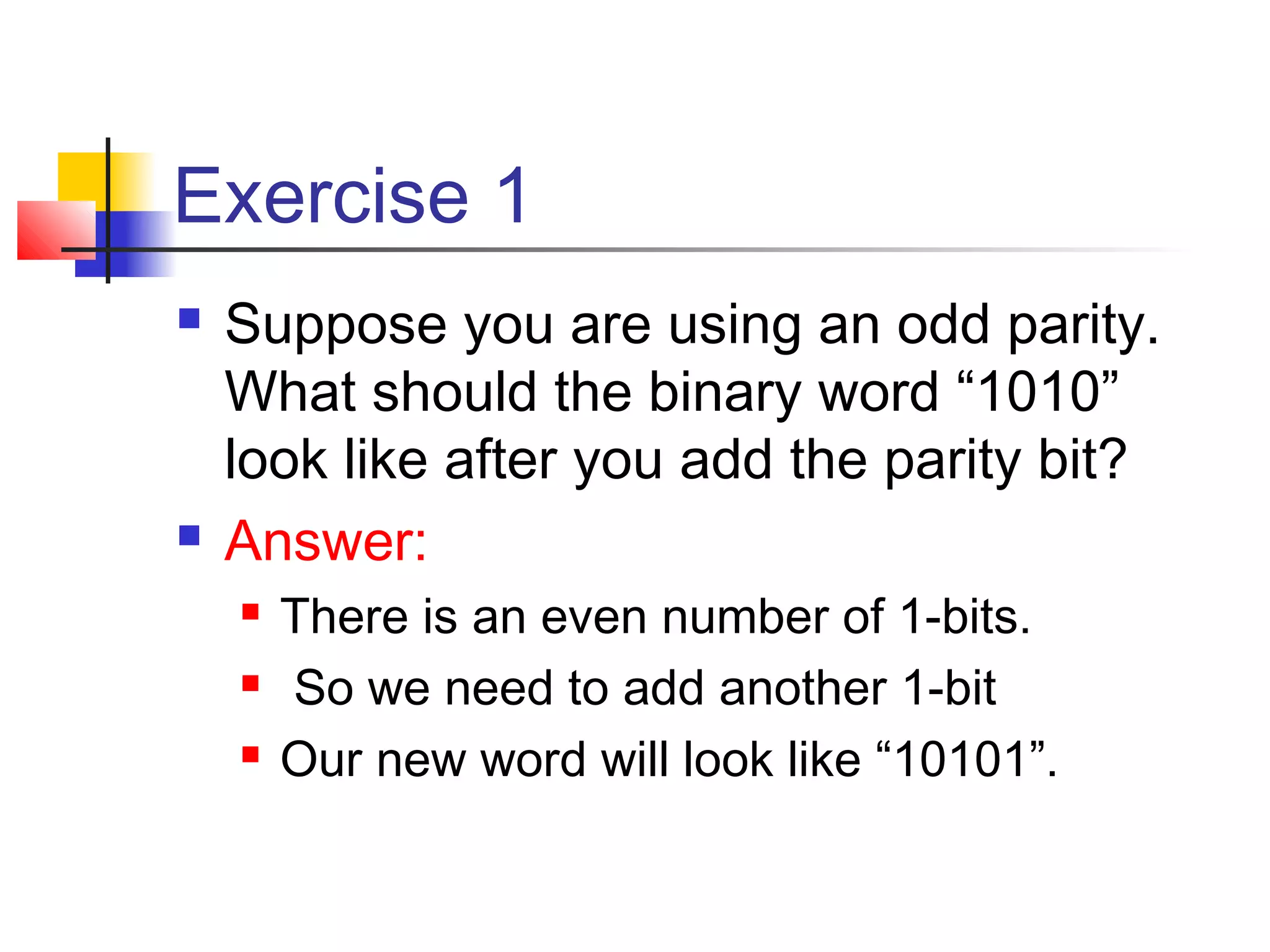
Exercise 1
 Suppose you are using an odd parity.
What should the binary word “1010”
look like after you add the parity bit?
 Answer:
 There is an even number of 1-bits.
 So we need to add another 1-bit
 Our new word will look like “10101”.
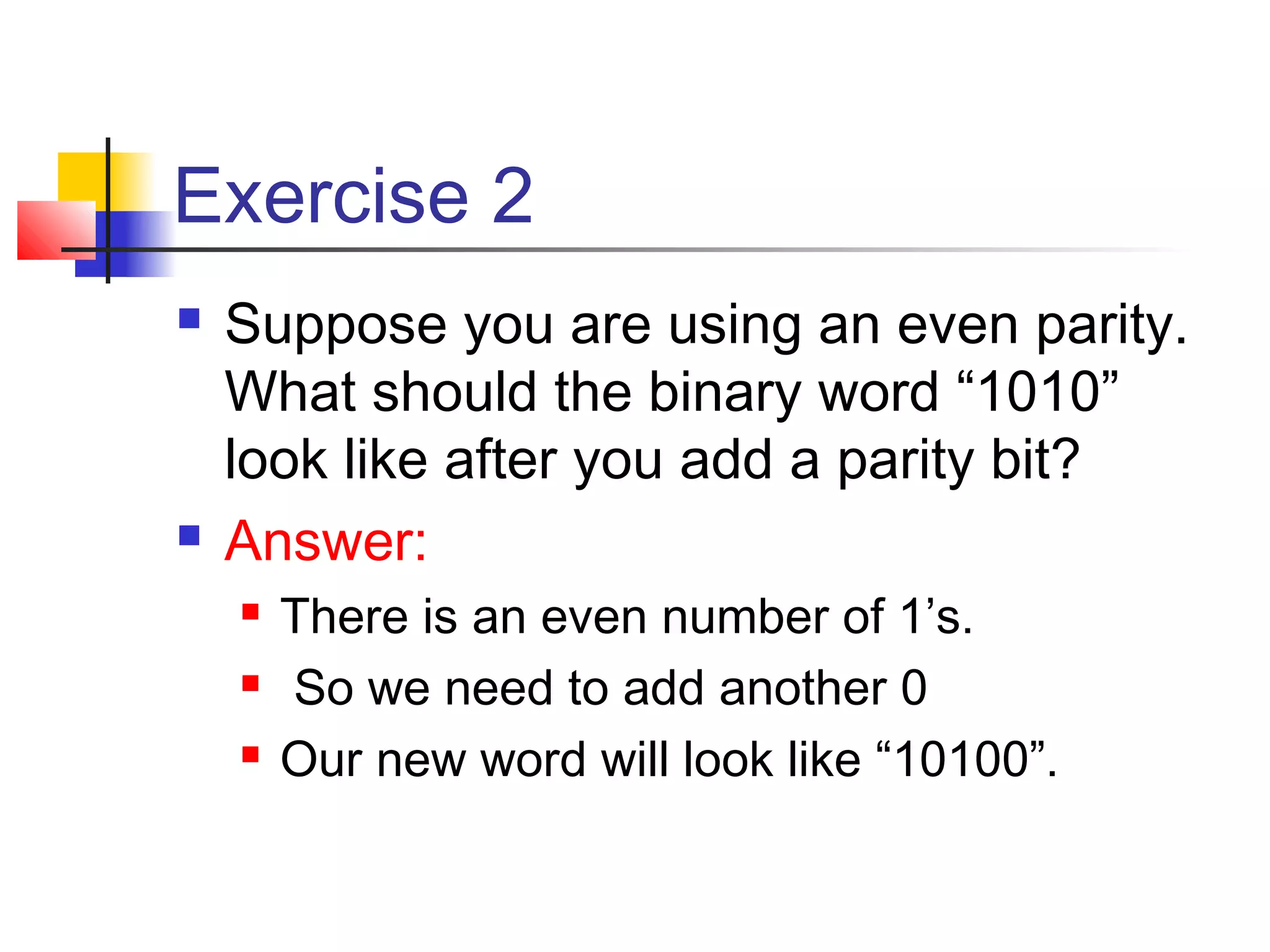
Exercise 2
 Suppose you are using an even parity.
What should the binary word “1010”
look like after you add a parity bit?
 Answer:
 There is an even number of 1’s.
 So we need to add another 0
 Our new word will look like “10100”.

Even odd parity

  • 1.
    Even/odd parity (1) Computers can sometimes make errors when they transmit data.  Even/odd parity:  is basic method for detecting if an odd number of bits has been switched by accident.  Odd parity:  The number of 1-bit must add up to an odd number  Even parity:  The number of 1-bit must add up to an even number
  • 2.
    Even/odd parity (2) The computer knows which parity it is using  If it uses an even parity:  If the number of of 1-bit add up to an odd number then it knows there was an error:  If it uses an odd:  If the number of of 1-bit add up to an even number then it knows there was an error:  However, If an even number of 1-bit is flipped the parity will still be the same. But an error occurs  The even/parity can’t this detect this error:
  • 3.
    Even/odd parity (3) It is useful when an odd number of 1-bits is flipped.  Suppose we have an 7-bit binary word (7-digits).  If you need to change the parity you need to add 1 (parity bit) to the binary word.  You now have 8 digit word.  However, the computer knows that the added bit is a parity bit and therefore ignore it.
  • 4.
    Example (1)  Supposeyou receive a binary bit word “0101” and you know you are using an odd parity.  Is the binary word errored?  The answer is yes:  There are 2 1-bit, which is an even number  We are using an odd parity  So there must have an error.
  • 5.
    Parity Bit  Asingle bit is appended to each data chunk  makes the number of 1 bits even/odd  Example: even parity  1000000(1)  1111101(0)  1001001(1)  Example: odd parity  1000000(0)  1111101(1)  1001001(0)
  • 6.
    Parity Checking  Assumewe are using even parity with 7-bit ASCII.  The letter V in 7-bit ASCII is encoded as 0110101.  How will the letter V be transmitted?  Because there are four 1s (an even number), parity is set to zero.  This would be transmitted as: 01101010.  If we are using an odd parity:  The letter V will be transmitted as 01101011
  • 7.
    Exercise 1  Supposeyou are using an odd parity. What should the binary word “1010” look like after you add the parity bit?  Answer:  There is an even number of 1-bits.  So we need to add another 1-bit  Our new word will look like “10101”.
  • 8.
    Exercise 2  Supposeyou are using an even parity. What should the binary word “1010” look like after you add a parity bit?  Answer:  There is an even number of 1’s.  So we need to add another 0  Our new word will look like “10100”.