EMPOWERMENT TECHNOLOGIES
PATRONAGE OF MARY DEVELOPMENT SCHOOL
MELVIN MOSOLINI ARIAS │ LESSON TWO │ APPLIED SUBJECT
CONTENT COVERAGE
• Online Security
• Internet Threats
• Protecting Reputations
Online
• Copyright
• Contextualized online
search and research
skill
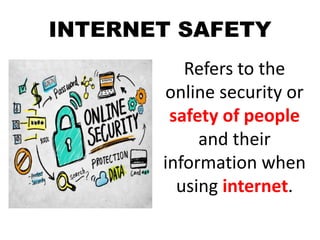
INTERNET SAFETY
Refers to the
online security or
safety of people
and their
information when
using internet.
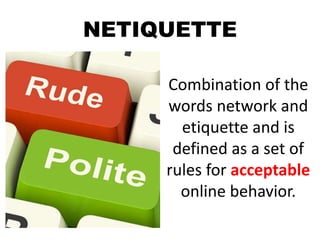
NETIQUETTE
Combination of the
words network and
etiquette and is
defined as a set of
rules for acceptable
online behavior.
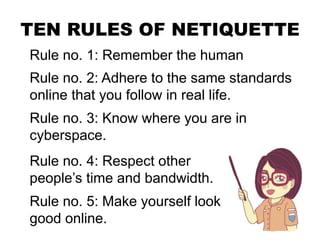
TEN RULES OF NETIQUETTE
Rule no. 1: Remember the human
Rule no. 2: Adhere to the same standards
online that you follow in real life.
Rule no. 3: Know where you are in
cyberspace.
Rule no. 4: Respect other
people’s time and bandwidth.
Rule no. 5: Make yourself look
good online.
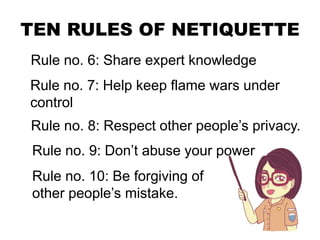
TEN RULES OF NETIQUETTE
Rule no. 6: Share expert knowledge
Rule no. 7: Help keep flame wars under
control
Rule no. 8: Respect other people’s privacy.
Rule no. 9: Don’t abuse your power
Rule no. 10: Be forgiving of
other people’s mistake.
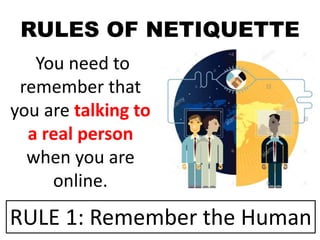
RULES OF NETIQUETTE
You need to
remember that
you are talking to
a real person
when you are
online.
RULE 1: Remember the Human
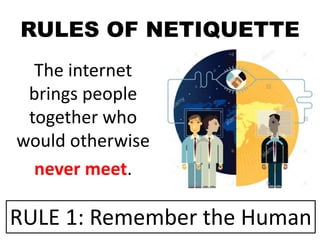
RULES OF NETIQUETTE
The internet
brings people
together who
would otherwise
never meet.
RULE 1: Remember the Human
RULES OF NETIQUETTE
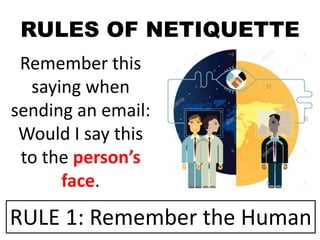
Remember this
saying when
sending an email:
Would I say this
to the person’s
face.
RULE 1: Remember the Human
RULES OF NETIQUETTE
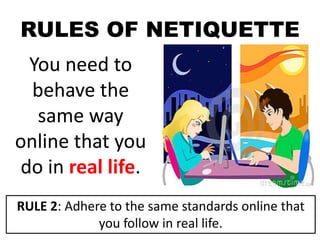
You need to
behave the
same way
online that you
do in real life.
RULE 2: Adhere to the same standards online that
you follow in real life.
RULES OF NETIQUETTE
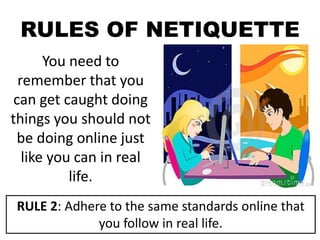
You need to
remember that you
can get caught doing
things you should not
be doing online just
like you can in real
life.
RULE 2: Adhere to the same standards online that
you follow in real life.
RULES OF NETIQUETTE
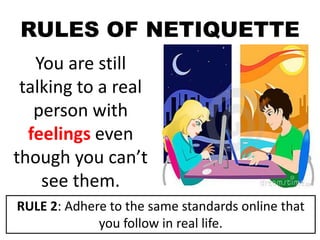
You are still
talking to a real
person with
feelings even
though you can’t
see them.
RULE 2: Adhere to the same standards online that
you follow in real life.
RULES OF NETIQUETTE
Always take a
look around
when you enter a
new domain
when surfing the
web.
RULE 3: Know where you are in cyberspace.
RULES OF NETIQUETTE
Get a sense of
what the
discussion group
is about before
you join it.
RULE 3: Know where you are in cyberspace.
RULES OF NETIQUETTE
Remember people
have other things
to do besides read
your email. You are
not the center of
their world.
RULE 4: Respect other people’s time and
bandwidth.
RULES OF NETIQUETTE
Keep your post
and emails to
minimum by
saying what you
want to say.
RULE 4: Respect other people’s time and
bandwidth.
RULES OF NETIQUETTE
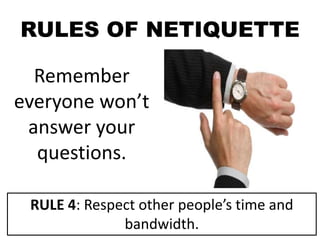
Remember
everyone won’t
answer your
questions.
RULE 4: Respect other people’s time and
bandwidth.
RULES OF NETIQUETTE
Be polite
and pleasant
to everyone.
RULE 5: Make yourself look good online.
RULES OF NETIQUETTE
Always check
your spelling
and grammar
before posting.
RULE 5: Make yourself look good online.
RULES OF NETIQUETTE
Know what you
are talking
about and make
sense saying it.
RULE 5: Make yourself look good online.
RULES OF NETIQUETTE
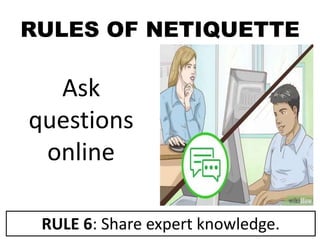
Ask
questions
online
RULE 6: Share expert knowledge.
RULES OF NETIQUETTE
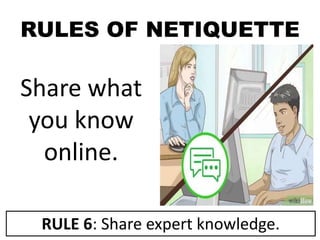
Share what
you know
online.
RULE 6: Share expert knowledge.
RULES OF NETIQUETTE
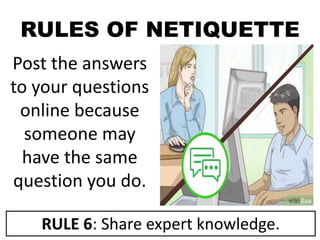
Post the answers
to your questions
online because
someone may
have the same
question you do.
RULE 6: Share expert knowledge.
RULES OF NETIQUETTE
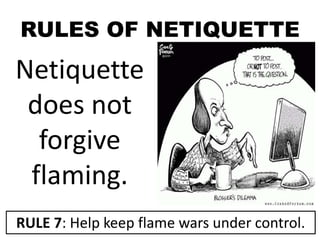
Netiquette
does not
forgive
flaming.
RULE 7: Help keep flame wars under control.
RULES OF NETIQUETTE
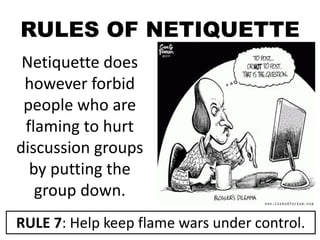
Netiquette does
however forbid
people who are
flaming to hurt
discussion groups
by putting the
group down.
RULE 7: Help keep flame wars under control.
RULES OF NETIQUETTE
Do not read
other people’s
mail without
their
permission.
RULE 8: Respect other people’s privacy.
RULES OF NETIQUETTE
Going through
other people’s
things could cost
you, your job or
you could even
go to jail.
RULE 8: Respect other people’s privacy.
RULES OF NETIQUETTE
Not respecting
other people’s
privacy is a bad
netiquette.
RULE 8: Respect other people’s privacy.
RULES OF NETIQUETTE
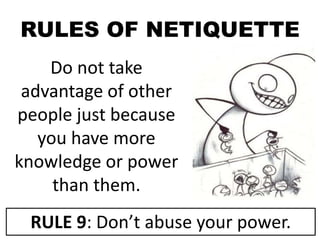
Do not take
advantage of other
people just because
you have more
knowledge or power
than them.
RULE 9: Don’t abuse your power.
RULES OF NETIQUETTE
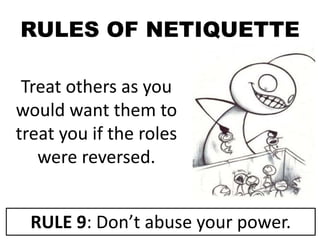
Treat others as you
would want them to
treat you if the roles
were reversed.
RULE 9: Don’t abuse your power.
RULES OF NETIQUETTE
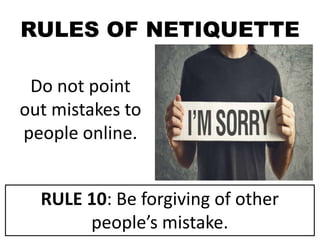
Do not point
out mistakes to
people online.
RULE 10: Be forgiving of other
people’s mistake.
RULES OF NETIQUETTE
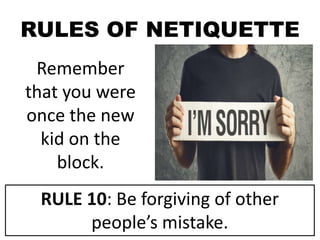
Remember
that you were
once the new
kid on the
block.
RULE 10: Be forgiving of other
people’s mistake.
RULES OF NETIQUETTE
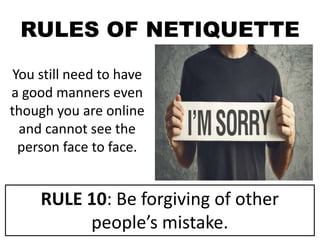
You still need to have
a good manners even
though you are online
and cannot see the
person face to face.
RULE 10: Be forgiving of other
people’s mistake.
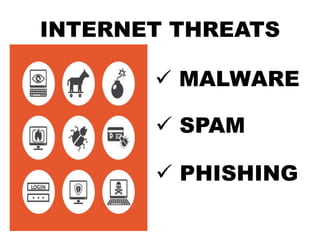
INTERNET THREATS
 MALWARE
 SPAM
 PHISHING
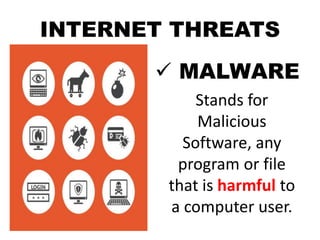
INTERNET THREATS
 MALWARE
Stands for
Malicious
Software, any
program or file
that is harmful to
a computer user.
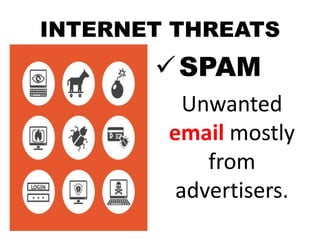
INTERNET THREATS
SPAM
Unwanted
email mostly
from
advertisers.
INTERNET THREATS
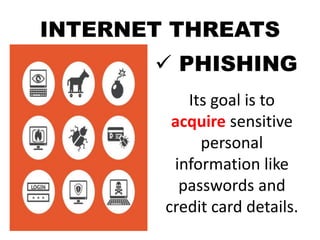
 PHISHING
Its goal is to
acquire sensitive
personal
information like
passwords and
credit card details.
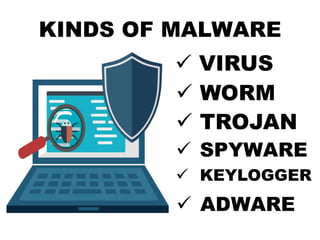
KINDS OF MALWARE
 VIRUS
 WORM
 TROJAN
 SPYWARE
 KEYLOGGER
 ADWARE
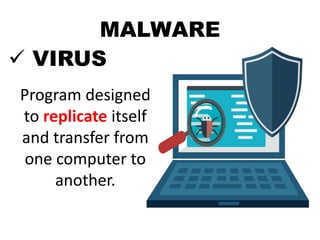
MALWARE
 VIRUS
Program designed
to replicate itself
and transfer from
one computer to
another.
MALWARE
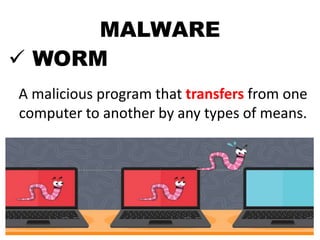
 WORM
A malicious program that transfers from one
computer to another by any types of means.
MALWARE
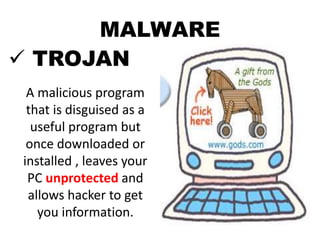
 TROJAN
A malicious program
that is disguised as a
useful program but
once downloaded or
installed , leaves your
PC unprotected and
allows hacker to get
you information.
MALWARE
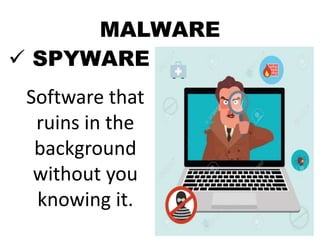
 SPYWARE
Software that
ruins in the
background
without you
knowing it.
MALWARE
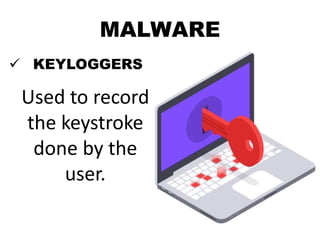
 KEYLOGGERS
Used to record
the keystroke
done by the
user.
MALWARE
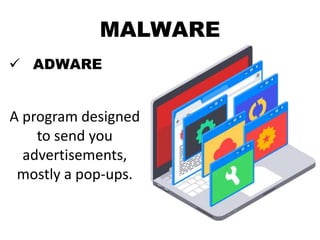
 ADWARE
A program designed
to send you
advertisements,
mostly a pop-ups.
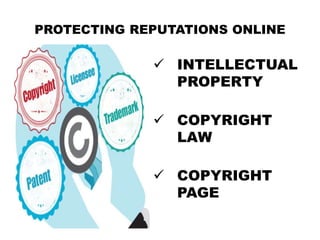
PROTECTING REPUTATIONS ONLINE
 INTELLECTUAL
PROPERTY
 COPYRIGHT
LAW
 COPYRIGHT
PAGE
PROTECTING REPUTATIONS ONLINE
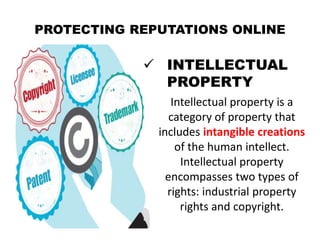
 INTELLECTUAL
PROPERTY
Intellectual property is a
category of property that
includes intangible creations
of the human intellect.
Intellectual property
encompasses two types of
rights: industrial property
rights and copyright.
PROTECTING REPUTATIONS ONLINE
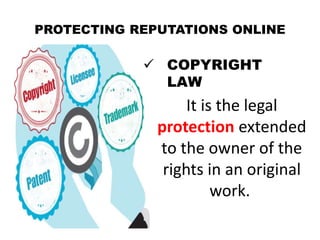
 COPYRIGHT
LAW
It is the legal
protection extended
to the owner of the
rights in an original
work.
PROTECTING REPUTATIONS ONLINE
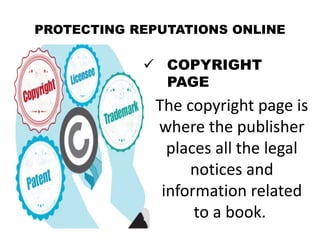
 COPYRIGHT
PAGE
The copyright page is
where the publisher
places all the legal
notices and
information related
to a book.
TO AVOID COPYRIGHT INFRINGEMENT
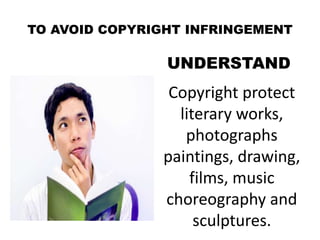
UNDERSTAND
Copyright protect
literary works,
photographs
paintings, drawing,
films, music
choreography and
sculptures.
TO AVOID COPYRIGHT INFRINGEMENT
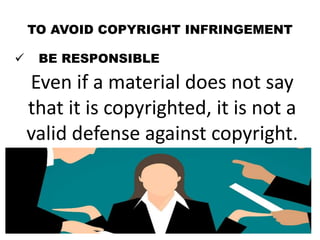
 BE RESPONSIBLE
Even if a material does not say
that it is copyrighted, it is not a
valid defense against copyright.
TO AVOID COPYRIGHT INFRINGEMENT
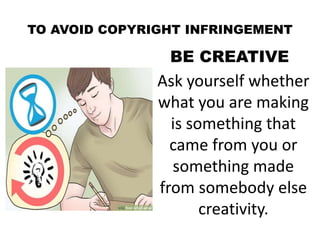
BE CREATIVE
Ask yourself whether
what you are making
is something that
came from you or
something made
from somebody else
creativity.
TO AVOID COPYRIGHT INFRINGEMENT
KNOW THE LAW
There are some
limitations to
copyright laws.
ONLINE RESEARCH
Have a question in mind- Focus on a
question you want answered.
Narrow it down- Search engines like
Google, Bing, or Yahoo use several filters to
determine the most appropriate result for
you.
Advanced Search- The best way to filter
information you get from search engines is
by using the advanced search.
ONLINE RESEARCH
Look for a credible sources- Some wikis,
filled with updated information, are not a
credible source. When using wikis, check out
the link of the cited texts.
Give credit- Give credit to the original author
of the page or information. To properly site a
reference, you may use the format below.
EMPOWERMENT TECHNOLOGIES
PATRONAGE OF MARY DEVELOPMENT SCHOOL
SCIENCE, TECHNOLOGY, ENGINEERING, AND MATHEMATICS (STEM)

EMPOWERMENT TECHNOLOGIES - LESSON 2

  • 1.
    EMPOWERMENT TECHNOLOGIES PATRONAGE OFMARY DEVELOPMENT SCHOOL MELVIN MOSOLINI ARIAS │ LESSON TWO │ APPLIED SUBJECT
  • 2.
    CONTENT COVERAGE • OnlineSecurity • Internet Threats • Protecting Reputations Online • Copyright • Contextualized online search and research skill
  • 3.
    INTERNET SAFETY Refers tothe online security or safety of people and their information when using internet.
  • 4.
    NETIQUETTE Combination of the wordsnetwork and etiquette and is defined as a set of rules for acceptable online behavior.
  • 5.
    TEN RULES OFNETIQUETTE Rule no. 1: Remember the human Rule no. 2: Adhere to the same standards online that you follow in real life. Rule no. 3: Know where you are in cyberspace. Rule no. 4: Respect other people’s time and bandwidth. Rule no. 5: Make yourself look good online.
  • 6.
    TEN RULES OFNETIQUETTE Rule no. 6: Share expert knowledge Rule no. 7: Help keep flame wars under control Rule no. 8: Respect other people’s privacy. Rule no. 9: Don’t abuse your power Rule no. 10: Be forgiving of other people’s mistake.
  • 7.
    RULES OF NETIQUETTE Youneed to remember that you are talking to a real person when you are online. RULE 1: Remember the Human
  • 8.
    RULES OF NETIQUETTE Theinternet brings people together who would otherwise never meet. RULE 1: Remember the Human
  • 9.
    RULES OF NETIQUETTE Rememberthis saying when sending an email: Would I say this to the person’s face. RULE 1: Remember the Human
  • 10.
    RULES OF NETIQUETTE Youneed to behave the same way online that you do in real life. RULE 2: Adhere to the same standards online that you follow in real life.
  • 11.
    RULES OF NETIQUETTE Youneed to remember that you can get caught doing things you should not be doing online just like you can in real life. RULE 2: Adhere to the same standards online that you follow in real life.
  • 12.
    RULES OF NETIQUETTE Youare still talking to a real person with feelings even though you can’t see them. RULE 2: Adhere to the same standards online that you follow in real life.
  • 13.
    RULES OF NETIQUETTE Alwaystake a look around when you enter a new domain when surfing the web. RULE 3: Know where you are in cyberspace.
  • 14.
    RULES OF NETIQUETTE Geta sense of what the discussion group is about before you join it. RULE 3: Know where you are in cyberspace.
  • 15.
    RULES OF NETIQUETTE Rememberpeople have other things to do besides read your email. You are not the center of their world. RULE 4: Respect other people’s time and bandwidth.
  • 16.
    RULES OF NETIQUETTE Keepyour post and emails to minimum by saying what you want to say. RULE 4: Respect other people’s time and bandwidth.
  • 17.
    RULES OF NETIQUETTE Remember everyonewon’t answer your questions. RULE 4: Respect other people’s time and bandwidth.
  • 18.
    RULES OF NETIQUETTE Bepolite and pleasant to everyone. RULE 5: Make yourself look good online.
  • 19.
    RULES OF NETIQUETTE Alwayscheck your spelling and grammar before posting. RULE 5: Make yourself look good online.
  • 20.
    RULES OF NETIQUETTE Knowwhat you are talking about and make sense saying it. RULE 5: Make yourself look good online.
  • 21.
  • 22.
    RULES OF NETIQUETTE Sharewhat you know online. RULE 6: Share expert knowledge.
  • 23.
    RULES OF NETIQUETTE Postthe answers to your questions online because someone may have the same question you do. RULE 6: Share expert knowledge.
  • 24.
    RULES OF NETIQUETTE Netiquette doesnot forgive flaming. RULE 7: Help keep flame wars under control.
  • 25.
    RULES OF NETIQUETTE Netiquettedoes however forbid people who are flaming to hurt discussion groups by putting the group down. RULE 7: Help keep flame wars under control.
  • 26.
    RULES OF NETIQUETTE Donot read other people’s mail without their permission. RULE 8: Respect other people’s privacy.
  • 27.
    RULES OF NETIQUETTE Goingthrough other people’s things could cost you, your job or you could even go to jail. RULE 8: Respect other people’s privacy.
  • 28.
    RULES OF NETIQUETTE Notrespecting other people’s privacy is a bad netiquette. RULE 8: Respect other people’s privacy.
  • 29.
    RULES OF NETIQUETTE Donot take advantage of other people just because you have more knowledge or power than them. RULE 9: Don’t abuse your power.
  • 30.
    RULES OF NETIQUETTE Treatothers as you would want them to treat you if the roles were reversed. RULE 9: Don’t abuse your power.
  • 31.
    RULES OF NETIQUETTE Donot point out mistakes to people online. RULE 10: Be forgiving of other people’s mistake.
  • 32.
    RULES OF NETIQUETTE Remember thatyou were once the new kid on the block. RULE 10: Be forgiving of other people’s mistake.
  • 33.
    RULES OF NETIQUETTE Youstill need to have a good manners even though you are online and cannot see the person face to face. RULE 10: Be forgiving of other people’s mistake.
  • 34.
  • 35.
    INTERNET THREATS  MALWARE Standsfor Malicious Software, any program or file that is harmful to a computer user.
  • 36.
  • 37.
    INTERNET THREATS  PHISHING Itsgoal is to acquire sensitive personal information like passwords and credit card details.
  • 38.
    KINDS OF MALWARE VIRUS  WORM  TROJAN  SPYWARE  KEYLOGGER  ADWARE
  • 39.
    MALWARE  VIRUS Program designed toreplicate itself and transfer from one computer to another.
  • 40.
    MALWARE  WORM A maliciousprogram that transfers from one computer to another by any types of means.
  • 41.
    MALWARE  TROJAN A maliciousprogram that is disguised as a useful program but once downloaded or installed , leaves your PC unprotected and allows hacker to get you information.
  • 42.
    MALWARE  SPYWARE Software that ruinsin the background without you knowing it.
  • 43.
    MALWARE  KEYLOGGERS Used torecord the keystroke done by the user.
  • 44.
    MALWARE  ADWARE A programdesigned to send you advertisements, mostly a pop-ups.
  • 45.
    PROTECTING REPUTATIONS ONLINE INTELLECTUAL PROPERTY  COPYRIGHT LAW  COPYRIGHT PAGE
  • 46.
    PROTECTING REPUTATIONS ONLINE INTELLECTUAL PROPERTY Intellectual property is a category of property that includes intangible creations of the human intellect. Intellectual property encompasses two types of rights: industrial property rights and copyright.
  • 47.
    PROTECTING REPUTATIONS ONLINE COPYRIGHT LAW It is the legal protection extended to the owner of the rights in an original work.
  • 48.
    PROTECTING REPUTATIONS ONLINE COPYRIGHT PAGE The copyright page is where the publisher places all the legal notices and information related to a book.
  • 49.
    TO AVOID COPYRIGHTINFRINGEMENT UNDERSTAND Copyright protect literary works, photographs paintings, drawing, films, music choreography and sculptures.
  • 50.
    TO AVOID COPYRIGHTINFRINGEMENT  BE RESPONSIBLE Even if a material does not say that it is copyrighted, it is not a valid defense against copyright.
  • 51.
    TO AVOID COPYRIGHTINFRINGEMENT BE CREATIVE Ask yourself whether what you are making is something that came from you or something made from somebody else creativity.
  • 52.
    TO AVOID COPYRIGHTINFRINGEMENT KNOW THE LAW There are some limitations to copyright laws.
  • 53.
    ONLINE RESEARCH Have aquestion in mind- Focus on a question you want answered. Narrow it down- Search engines like Google, Bing, or Yahoo use several filters to determine the most appropriate result for you. Advanced Search- The best way to filter information you get from search engines is by using the advanced search.
  • 54.
    ONLINE RESEARCH Look fora credible sources- Some wikis, filled with updated information, are not a credible source. When using wikis, check out the link of the cited texts. Give credit- Give credit to the original author of the page or information. To properly site a reference, you may use the format below.
  • 55.
    EMPOWERMENT TECHNOLOGIES PATRONAGE OFMARY DEVELOPMENT SCHOOL SCIENCE, TECHNOLOGY, ENGINEERING, AND MATHEMATICS (STEM)