ONLINE SAFETY, SECURITY,
ETHICS, AND ETIQUETTE
Empowerment Technologies
HOW INTERNET CHANGED
THE WORLD
-People have accounts on different
online
platforms;
-some have unlimited Internet access,
-and some are active users of the web.
Yet along this opportunity are
the new risks or threats that the
Internet may bring. Hence, online
safety or Internet safety is an
emergent concern for children.
READ THE
HEADLINES
FOUND BELOW
AND TRY TO
REFLECT ON
THE
QUESTIONS
THAT FOLLOW.
READ THE
HEADLINES
FOUND BELOW
AND TRY TO
REFLECT ON
THE
QUESTIONS
THAT FOLLOW.
READ THE
HEADLINES
FOUND BELOW
AND TRY TO
REFLECT ON
THE
QUESTIONS
THAT FOLLOW
REFLECT ON THE
FOLLOWING QUESTIONS:
-What is common among the
headlines above?
-What are the necessary
precautions not to be victim
of these things?
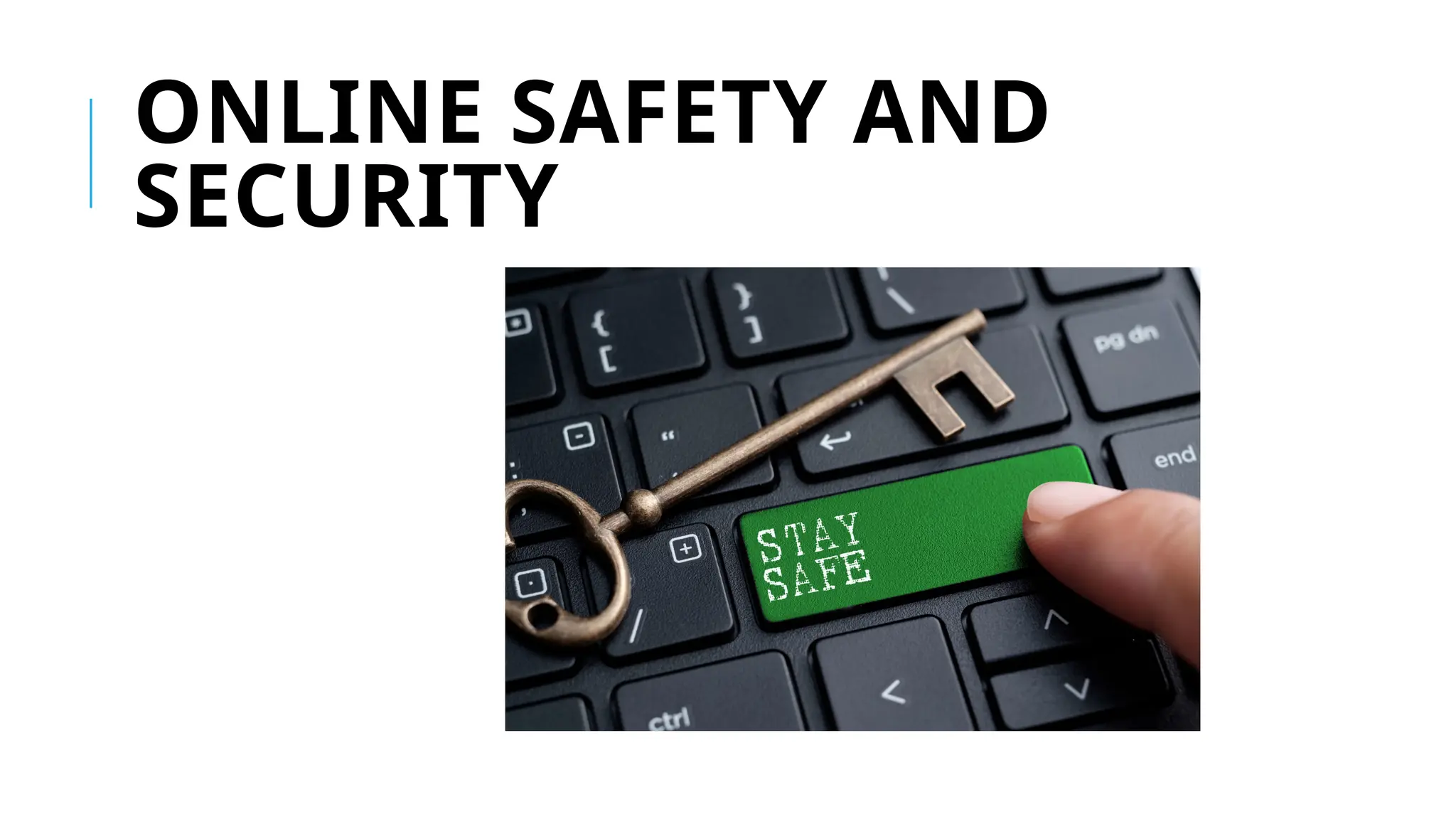
ONLINE SAFETY AND
SECURITY
is a powerful tool.
used to promote your business, gain new
friends, and stay in touch with the old ones.
source of entertainment through games,
online communities, and everything in
between.
one of the most dangerous places
especially if you do not know what you are
doing with it.
TIPS TO STAY SAFE ONLINE
1. Be mindful of what you share online and what site you share it to.
2. Do not just accept terms and conditions; read it.
3. Know the security features of the social networking site you use. By
keeping
your profile private, search engines will not be able to scan your
profile.
4. Do not share your password with anyone.
5. Avoid logging in to public networks/Wi-Fi. Browsing in “incognito
(or private)
mode will NOT protect you from hackers.
This Photo by Unknown Author is
licensed under CC BY-NC
6. Do not talk to strangers whether online or face-to-face/
7. Never post anything about a future vacation. It is like
posting, “Rob my
house at this date.”
8. Add friends you know in real life.
9. Avoid visiting untrusted websites.
10. Install and update an antivirus software on your
computer. Use only one antivirus software to avoid conflicts.
This Photo by Unknown Author is
licensed under CC BY-NC
11. If you have Wi-Fi at home, make it private
network by adding a password.
12. Avoid downloading anything from untrusted
websites.
13. But the software, do not use pirated ones.
14. Do not reply or click links from suspicious
emails.
15. Make Online Purchases from Secure Sites
This Photo by Unknown Author is
INTERNE
T
THREATS
This Photo by Unknown Author is licensed under CC BY
1. MALWARE
a. Virus - a malicious program designed to
replicate itself and transfer from one computer to
another (internet, local networks, FDs, CDs, etc.)
b. Worm - a malicious program that transfers
from one computer to another by any type of
means. Ex. ILOVEYOU Worm - The malware
originated in the Pandacan neighborhood of
Manila in the Philippines on May 5, 2000.
c. Trojan - a malicious
program that
disguises as a useful
program but once
downloaded or
installed, leaves your
PC unprotected and
allows hackers to get
your information.
d. Spyware - a program that runs in
the background without you knowing it
(thus called “spy”). It has the ability to
monitor what you are currently doing
and typing through keylogging.
Ex. Keylogger – used to record
keystrokes done by the user. This is
done to steal their password or any
other sensitive information. The key
logger software typically uses log file
to store its recording.
This Photo by Unknown Author is licensed under CC BY
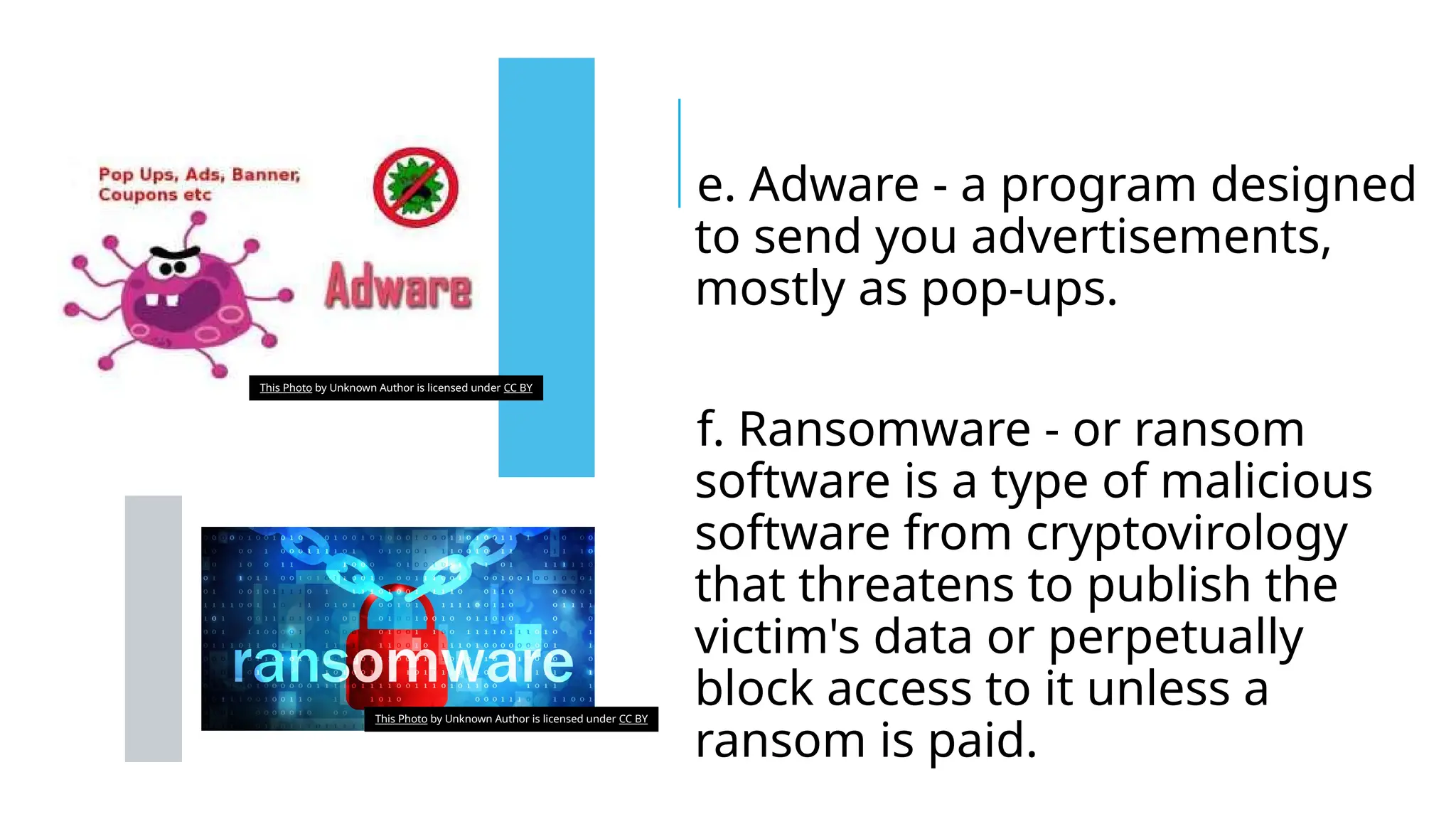
e. Adware - a program designed
to send you advertisements,
mostly as pop-ups.
f. Ransomware - or ransom
software is a type of malicious
software from cryptovirology
that threatens to publish the
victim's data or perpetually
block access to it unless a
ransom is paid.
This Photo by Unknown Author is licensed under CC BY
2. SPAM
an unwanted email
mostly from bots
or advertisers. It
can be used to
send malware
3.
PHISHING
 its goal is to acquire
sensitive personal
information like passwords
and credit card details. This
is done by sending you an
e-mail that will direct the
user to visit a fake website
and be asked to update
his/her username,
password, credit card or
personal information. This Photo by Unknown Author is licensed under CC BY
PROTECTING REPUTATIONS
ONLINE
Here are the things you might want to consider before posting
something over the
internet:
1. Before your post something on the web, ask these questions
to yourself: Would you want your parents or grandparents to
see it? Would you want your future boss to see it?
2. If you feel that a post can affect you or other’s reputation,
ask the one who posted it to pull it down or report it as
inappropriate
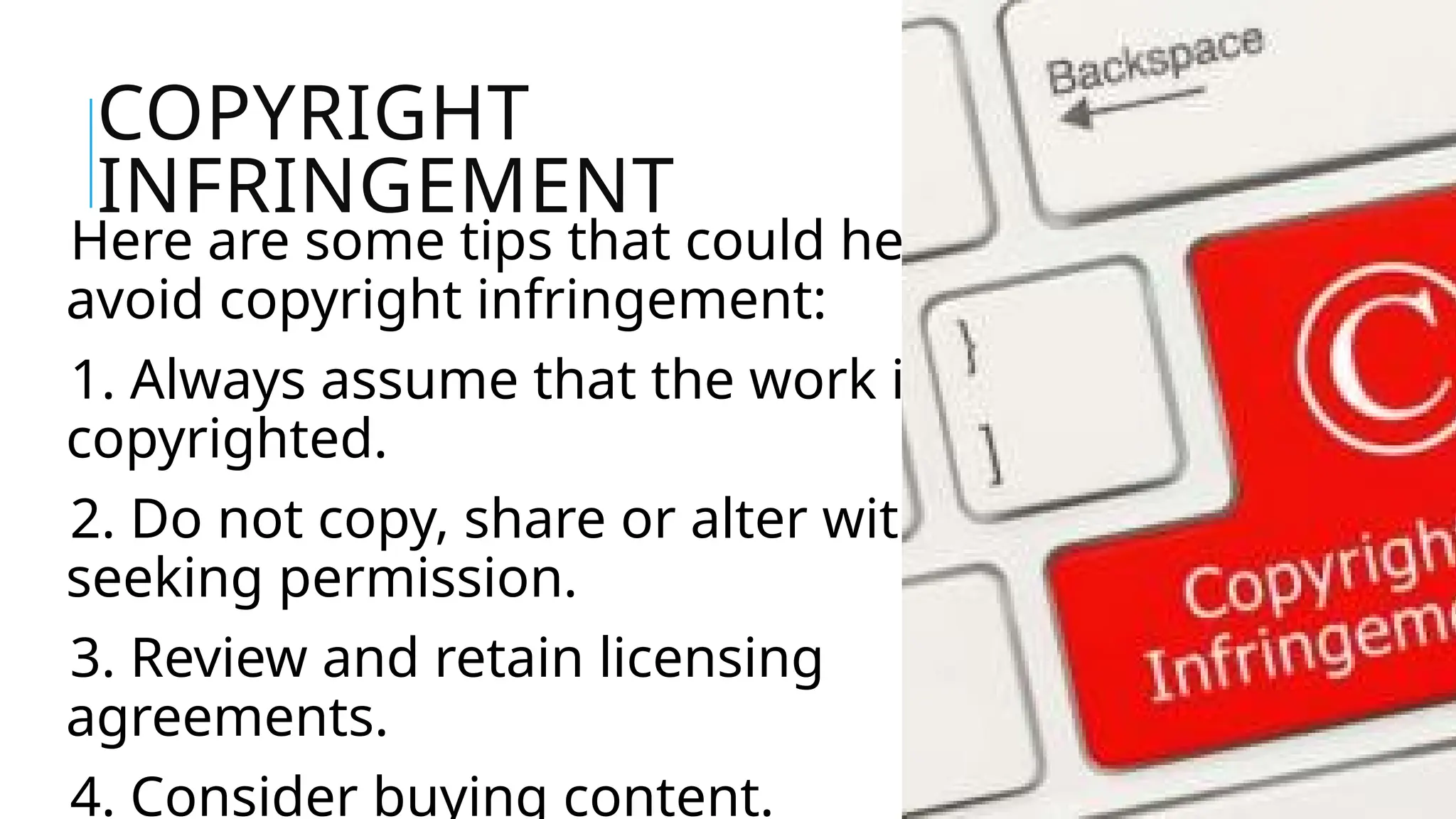
COPYRIGHT
INFRINGEMENT
Here are some tips that could help you
avoid copyright infringement:
1. Always assume that the work is
copyrighted.
2. Do not copy, share or alter without
seeking permission.
3. Review and retain licensing
agreements.
4. Consider buying content.
ACTIVITY 1
Activity 1: Case Study
Read and study the case entitled: WHAT THE? —
Online scams and identity Theft
1. According to the text, give possible answers to
the following questions:
Brian complains that his virus protection
doesn’t work. What do you think has gone
wrong?
2. Choose at least three of the mentioned online
safety tips and explain
NETIQ
UETTE
S
CORE RULES OF
NETIQUETTE
Netiquette, or network etiquette, is
concerned with the "proper" manner of
communication in the online environment.
Whenever you communicate in the virtual
world, consider the following "rules,"
adapted from Virginia Shea's Core Rules of
Netiquette.
Rule 1: Remember the
Human
practice the Golden Rule: Do unto
others as you would have others do
unto you.
Remember, your written words are
read by real people, all deserving of
respectful communication.
Before you press "send" or "submit,"
Rule 2: Adhere to the same
standards of behavior online that
you follow in real life
Would you behave rudely to
someone face-to-face? On most
occasions, no. Neither should
you behave this way in the
virtual world.
Rule 3: Know where you
are in cyberspace
"Netiquette varies
from domain to
domain."
Rule 4: Respect other people's
time and bandwidth
Electronic communication
takes time: time to read
and time in which to
respond.
Rule 5: Make yourself look
good online
 Always check for spelling
and grammar errors
 Know what you're talking
about and state it clearly
 Be pleasant and polite
Rule 6: Share
expert
knowledge
The Internet offers its users many
benefits; one is the ease in which
information can be shared or
accessed, and in fact, this
"information sharing" capability is
Rule 7: Help keep flame wars
under control
Don't feed the flames;
extinguish them by guiding
the discussion back to a
more productive direction.
Rule 8: Respect other
people's privacy
.What do you think would
happen if this information "got
into the wrong hands?"
Embarrassment? Hurt feelings?
Loss of a job?
Rule 9: Don't abuse
your power
Just remember: knowing more than
others do or having more power
than others may have does not give
you the right to take advantage of
anyone.
Think of Rule 1: Remember the
Rule 10: Be forgiving of other
people's mistakes
Not everyone has the same
amount of experience
working in the virtual
world.
ACTIVITY 2
Create a POSTER showing the Netiquette
rules with examples of how you can use
them in your daily life, primarily online.
Relevance to the
topic
30%
Layout and
design
40%
Originality 10%
Creativity 20%
Total 100%
POSTER RUBRIC

Online-Safety-Security-Ethics-and-Etiquette.pptx

  • 1.
    ONLINE SAFETY, SECURITY, ETHICS,AND ETIQUETTE Empowerment Technologies
  • 2.
    HOW INTERNET CHANGED THEWORLD -People have accounts on different online platforms; -some have unlimited Internet access, -and some are active users of the web.
  • 3.
    Yet along thisopportunity are the new risks or threats that the Internet may bring. Hence, online safety or Internet safety is an emergent concern for children.
  • 4.
    READ THE HEADLINES FOUND BELOW ANDTRY TO REFLECT ON THE QUESTIONS THAT FOLLOW.
  • 5.
    READ THE HEADLINES FOUND BELOW ANDTRY TO REFLECT ON THE QUESTIONS THAT FOLLOW.
  • 6.
    READ THE HEADLINES FOUND BELOW ANDTRY TO REFLECT ON THE QUESTIONS THAT FOLLOW
  • 7.
    REFLECT ON THE FOLLOWINGQUESTIONS: -What is common among the headlines above? -What are the necessary precautions not to be victim of these things?
  • 8.
  • 9.
    is a powerfultool. used to promote your business, gain new friends, and stay in touch with the old ones. source of entertainment through games, online communities, and everything in between. one of the most dangerous places especially if you do not know what you are doing with it.
  • 10.
    TIPS TO STAYSAFE ONLINE 1. Be mindful of what you share online and what site you share it to. 2. Do not just accept terms and conditions; read it. 3. Know the security features of the social networking site you use. By keeping your profile private, search engines will not be able to scan your profile. 4. Do not share your password with anyone. 5. Avoid logging in to public networks/Wi-Fi. Browsing in “incognito (or private) mode will NOT protect you from hackers. This Photo by Unknown Author is licensed under CC BY-NC
  • 12.
    6. Do nottalk to strangers whether online or face-to-face/ 7. Never post anything about a future vacation. It is like posting, “Rob my house at this date.” 8. Add friends you know in real life. 9. Avoid visiting untrusted websites. 10. Install and update an antivirus software on your computer. Use only one antivirus software to avoid conflicts. This Photo by Unknown Author is licensed under CC BY-NC
  • 13.
    11. If youhave Wi-Fi at home, make it private network by adding a password. 12. Avoid downloading anything from untrusted websites. 13. But the software, do not use pirated ones. 14. Do not reply or click links from suspicious emails. 15. Make Online Purchases from Secure Sites This Photo by Unknown Author is
  • 14.
  • 15.
    This Photo byUnknown Author is licensed under CC BY 1. MALWARE a. Virus - a malicious program designed to replicate itself and transfer from one computer to another (internet, local networks, FDs, CDs, etc.) b. Worm - a malicious program that transfers from one computer to another by any type of means. Ex. ILOVEYOU Worm - The malware originated in the Pandacan neighborhood of Manila in the Philippines on May 5, 2000.
  • 16.
    c. Trojan -a malicious program that disguises as a useful program but once downloaded or installed, leaves your PC unprotected and allows hackers to get your information.
  • 17.
    d. Spyware -a program that runs in the background without you knowing it (thus called “spy”). It has the ability to monitor what you are currently doing and typing through keylogging. Ex. Keylogger – used to record keystrokes done by the user. This is done to steal their password or any other sensitive information. The key logger software typically uses log file to store its recording. This Photo by Unknown Author is licensed under CC BY
  • 18.
    e. Adware -a program designed to send you advertisements, mostly as pop-ups. f. Ransomware - or ransom software is a type of malicious software from cryptovirology that threatens to publish the victim's data or perpetually block access to it unless a ransom is paid. This Photo by Unknown Author is licensed under CC BY This Photo by Unknown Author is licensed under CC BY
  • 19.
    2. SPAM an unwantedemail mostly from bots or advertisers. It can be used to send malware
  • 20.
    3. PHISHING  its goalis to acquire sensitive personal information like passwords and credit card details. This is done by sending you an e-mail that will direct the user to visit a fake website and be asked to update his/her username, password, credit card or personal information. This Photo by Unknown Author is licensed under CC BY
  • 21.
    PROTECTING REPUTATIONS ONLINE Here arethe things you might want to consider before posting something over the internet: 1. Before your post something on the web, ask these questions to yourself: Would you want your parents or grandparents to see it? Would you want your future boss to see it? 2. If you feel that a post can affect you or other’s reputation, ask the one who posted it to pull it down or report it as inappropriate
  • 22.
    COPYRIGHT INFRINGEMENT Here are sometips that could help you avoid copyright infringement: 1. Always assume that the work is copyrighted. 2. Do not copy, share or alter without seeking permission. 3. Review and retain licensing agreements. 4. Consider buying content.
  • 23.
    ACTIVITY 1 Activity 1:Case Study Read and study the case entitled: WHAT THE? — Online scams and identity Theft 1. According to the text, give possible answers to the following questions: Brian complains that his virus protection doesn’t work. What do you think has gone wrong? 2. Choose at least three of the mentioned online safety tips and explain
  • 24.
  • 25.
    CORE RULES OF NETIQUETTE Netiquette,or network etiquette, is concerned with the "proper" manner of communication in the online environment. Whenever you communicate in the virtual world, consider the following "rules," adapted from Virginia Shea's Core Rules of Netiquette.
  • 26.
    Rule 1: Rememberthe Human practice the Golden Rule: Do unto others as you would have others do unto you. Remember, your written words are read by real people, all deserving of respectful communication. Before you press "send" or "submit,"
  • 27.
    Rule 2: Adhereto the same standards of behavior online that you follow in real life Would you behave rudely to someone face-to-face? On most occasions, no. Neither should you behave this way in the virtual world.
  • 28.
    Rule 3: Knowwhere you are in cyberspace "Netiquette varies from domain to domain."
  • 29.
    Rule 4: Respectother people's time and bandwidth Electronic communication takes time: time to read and time in which to respond.
  • 30.
    Rule 5: Makeyourself look good online  Always check for spelling and grammar errors  Know what you're talking about and state it clearly  Be pleasant and polite
  • 31.
    Rule 6: Share expert knowledge TheInternet offers its users many benefits; one is the ease in which information can be shared or accessed, and in fact, this "information sharing" capability is
  • 32.
    Rule 7: Helpkeep flame wars under control Don't feed the flames; extinguish them by guiding the discussion back to a more productive direction.
  • 33.
    Rule 8: Respectother people's privacy .What do you think would happen if this information "got into the wrong hands?" Embarrassment? Hurt feelings? Loss of a job?
  • 34.
    Rule 9: Don'tabuse your power Just remember: knowing more than others do or having more power than others may have does not give you the right to take advantage of anyone. Think of Rule 1: Remember the
  • 35.
    Rule 10: Beforgiving of other people's mistakes Not everyone has the same amount of experience working in the virtual world.
  • 36.
  • 37.
    Create a POSTERshowing the Netiquette rules with examples of how you can use them in your daily life, primarily online. Relevance to the topic 30% Layout and design 40% Originality 10% Creativity 20% Total 100% POSTER RUBRIC