Download as PDF, PPTX
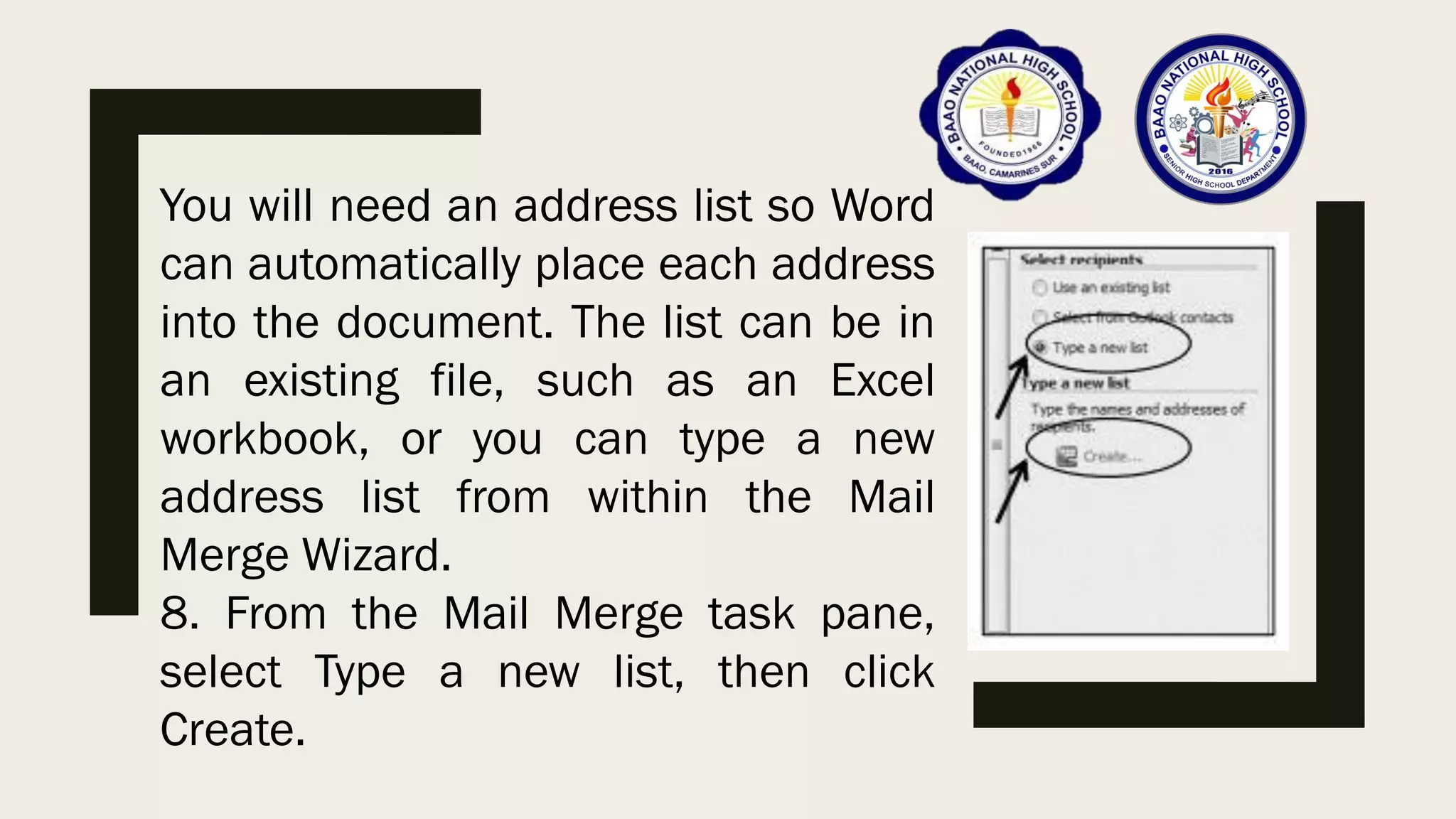
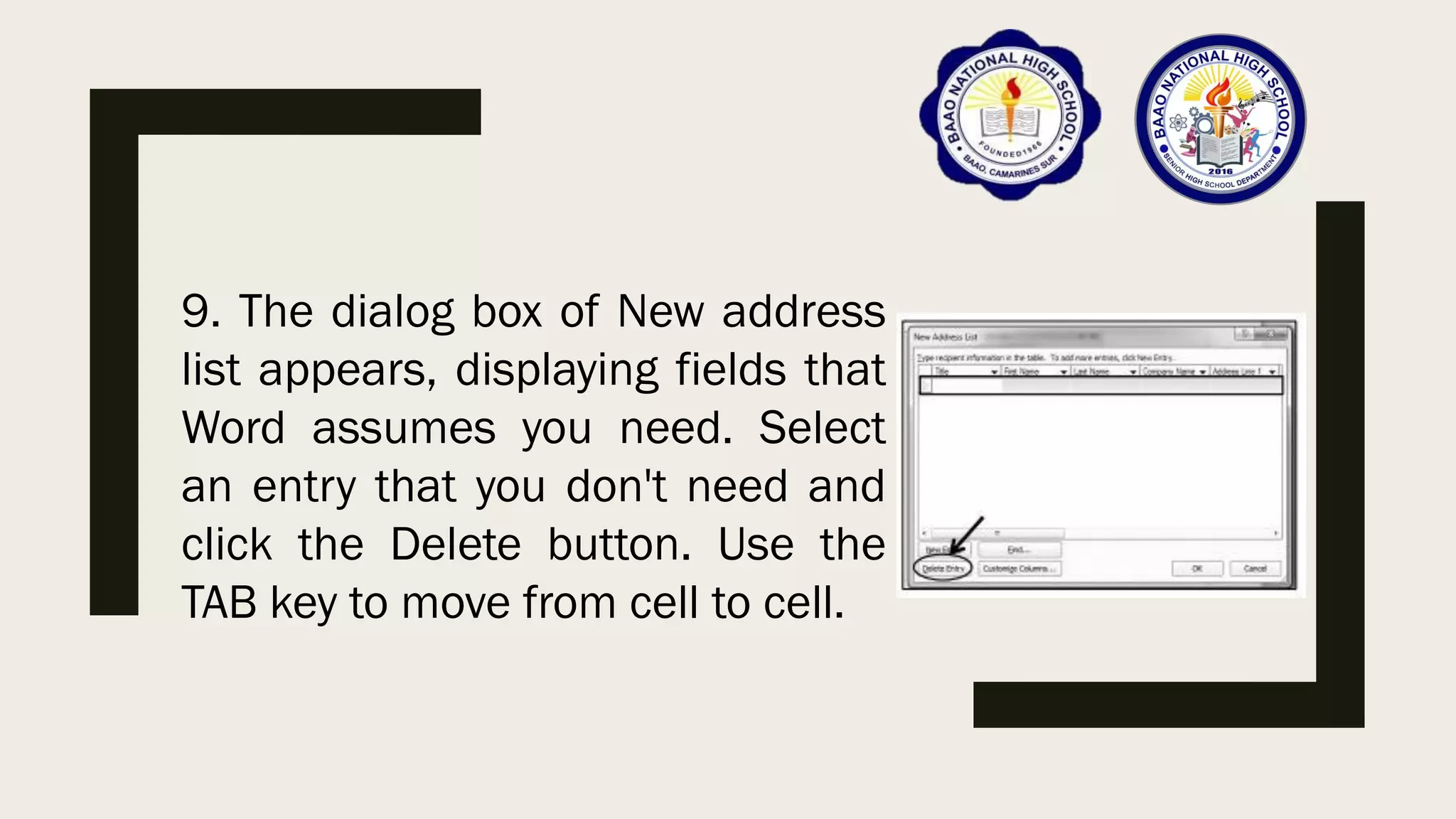
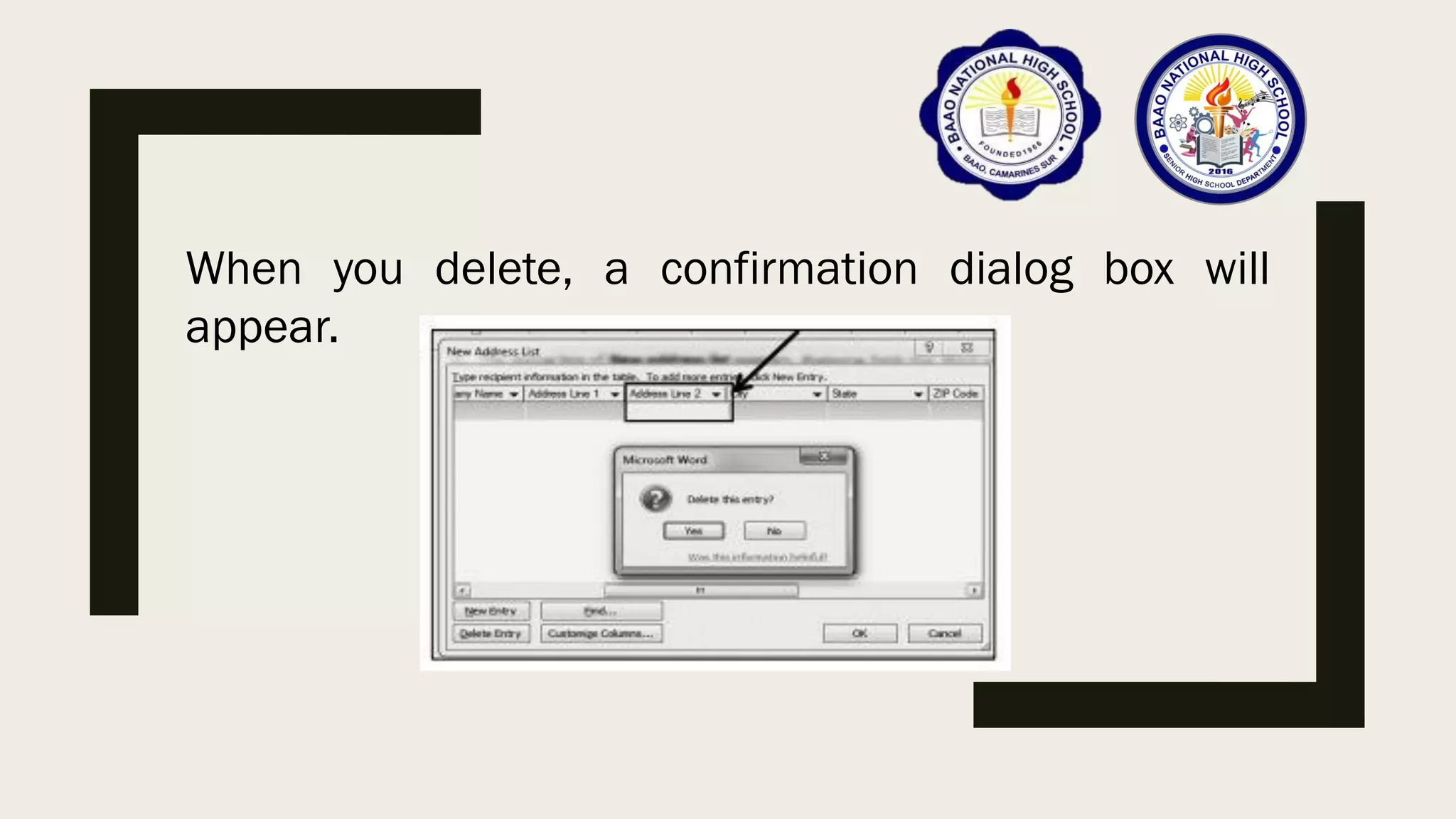
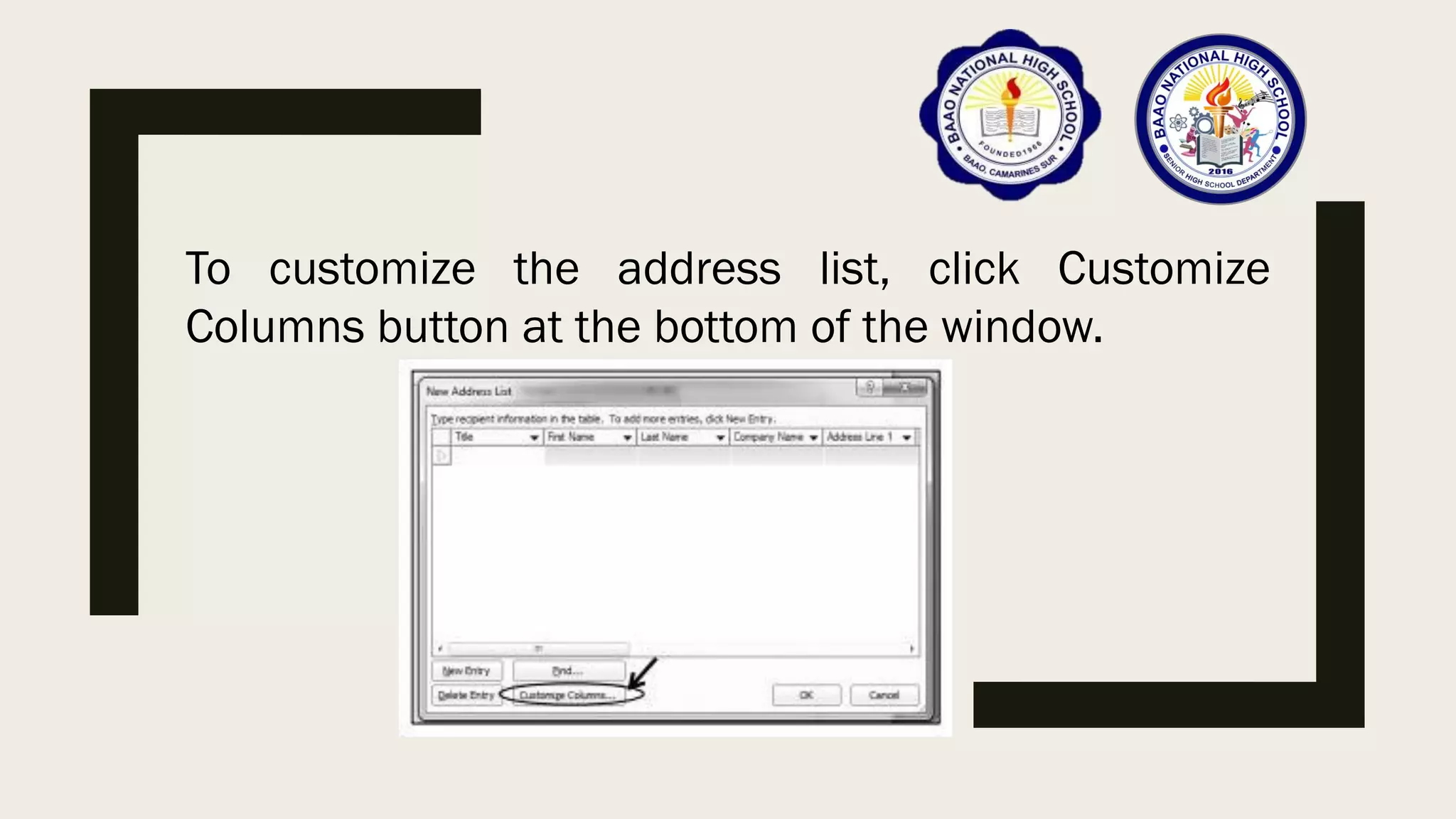
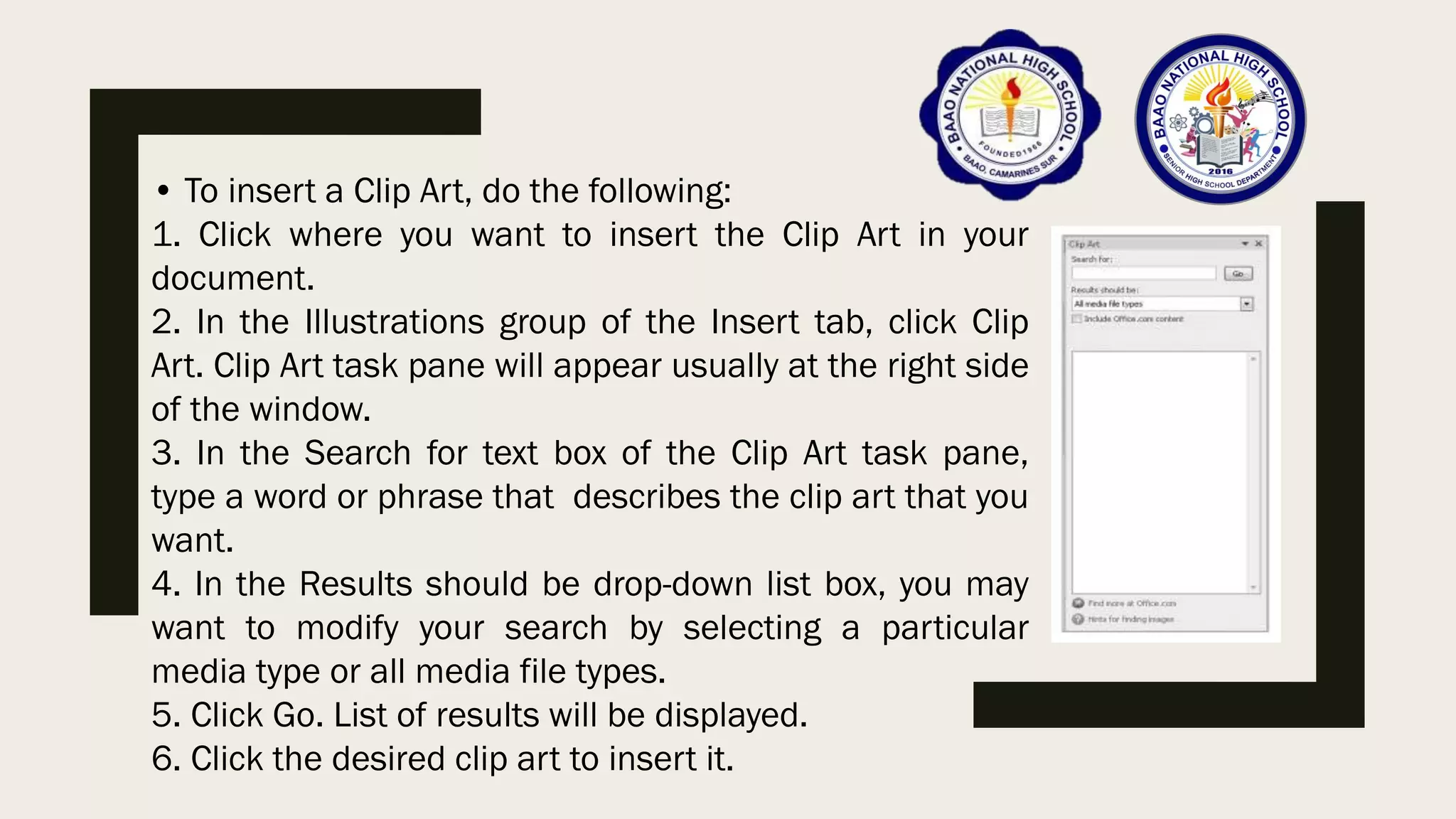
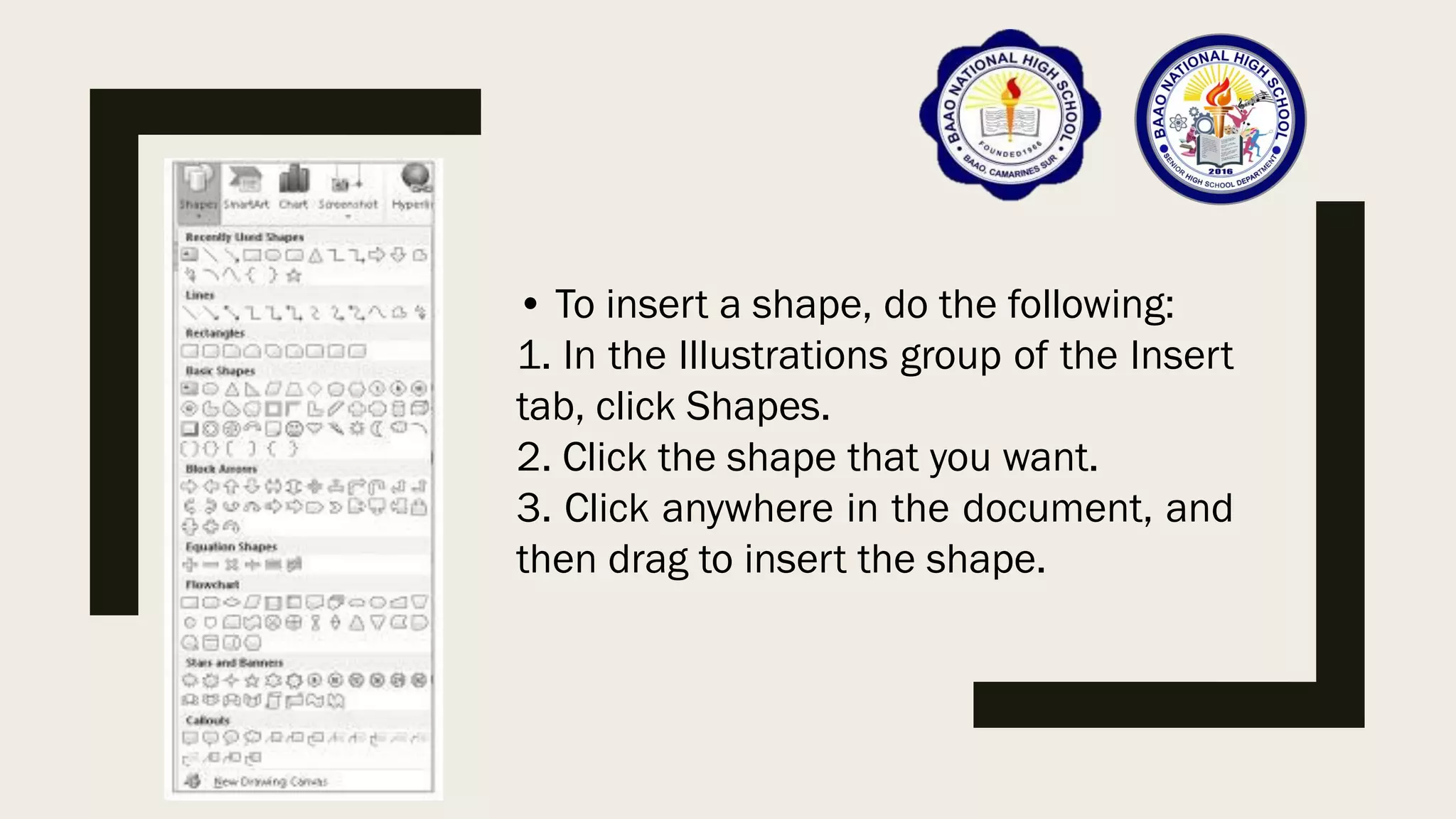
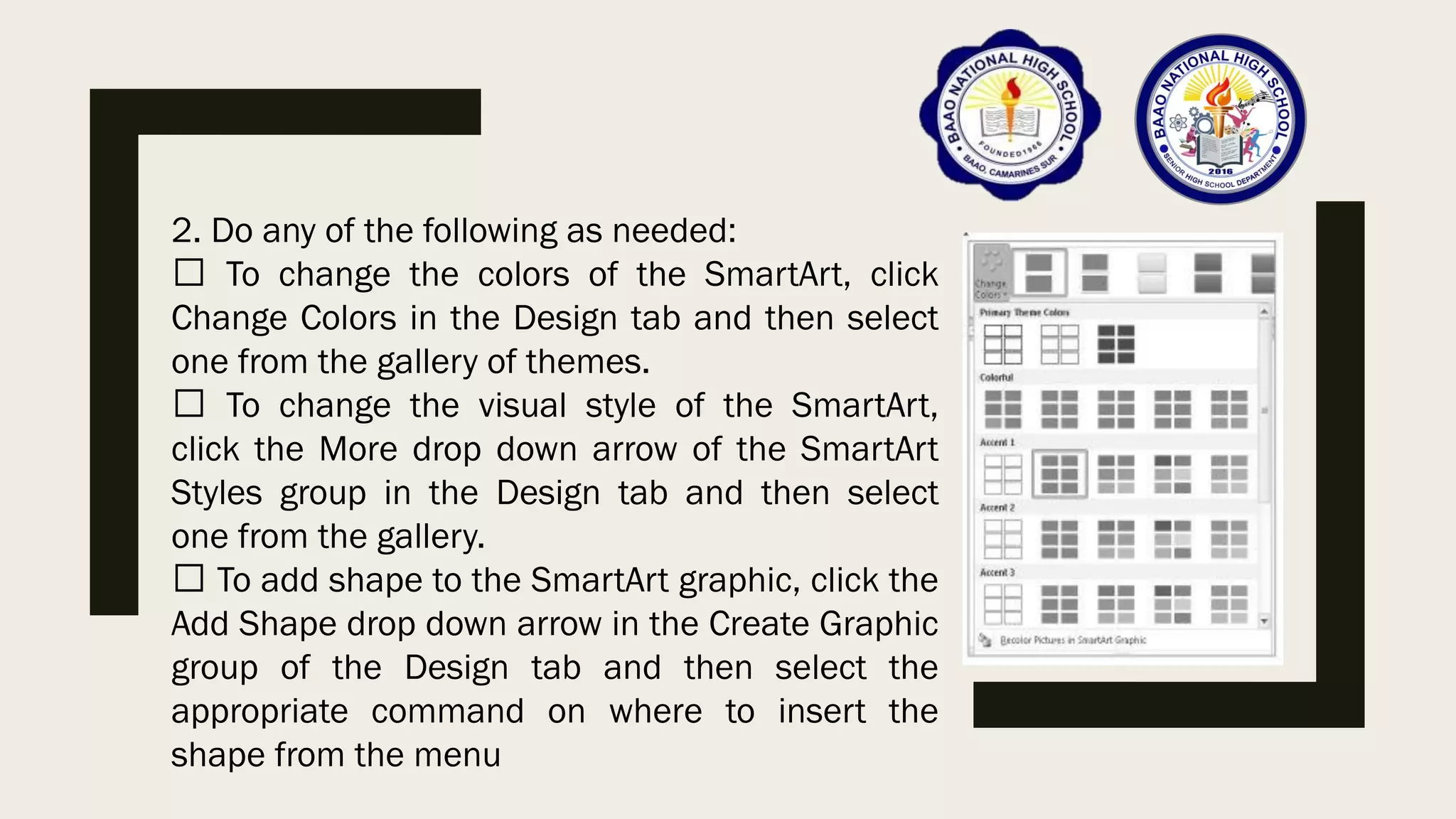
![To insert a SmartArt, do the following:
1. In the Illustrations group of the Insert
tab, click SmartArt. Choose a SmartArt
Graphic dialog box will appear.
2. Select from the list of SmartArt that
you want and then click OK.
3. Enter your text by clicking [Text] in the
Text pane, and then type your text. If the
Text pane is not visible, click the control
as shown.](https://image.slidesharecdn.com/empowermenttechnologies-module4-211009134957/75/Empowerment-Technologies-Module-4-43-2048.jpg)
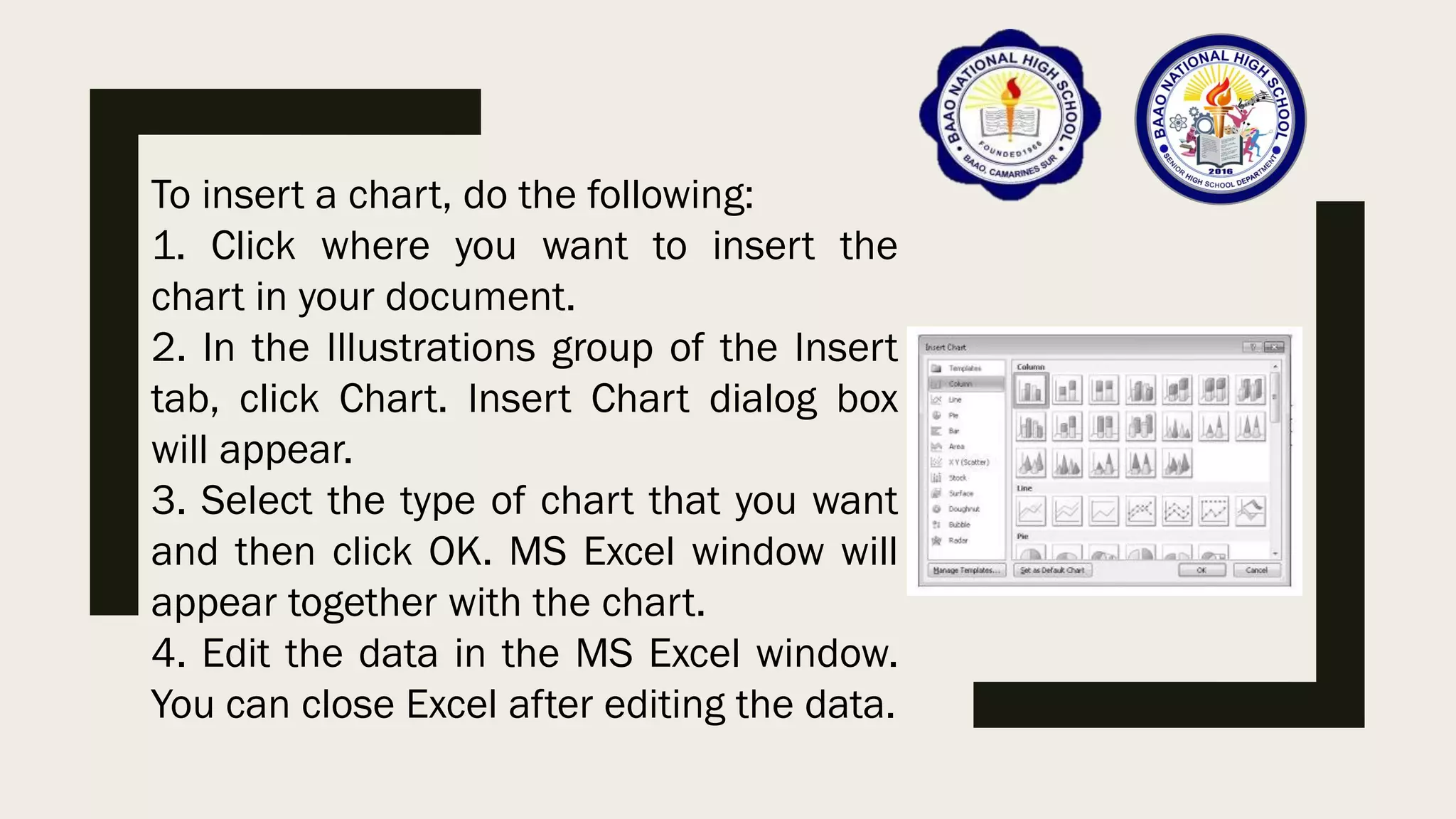
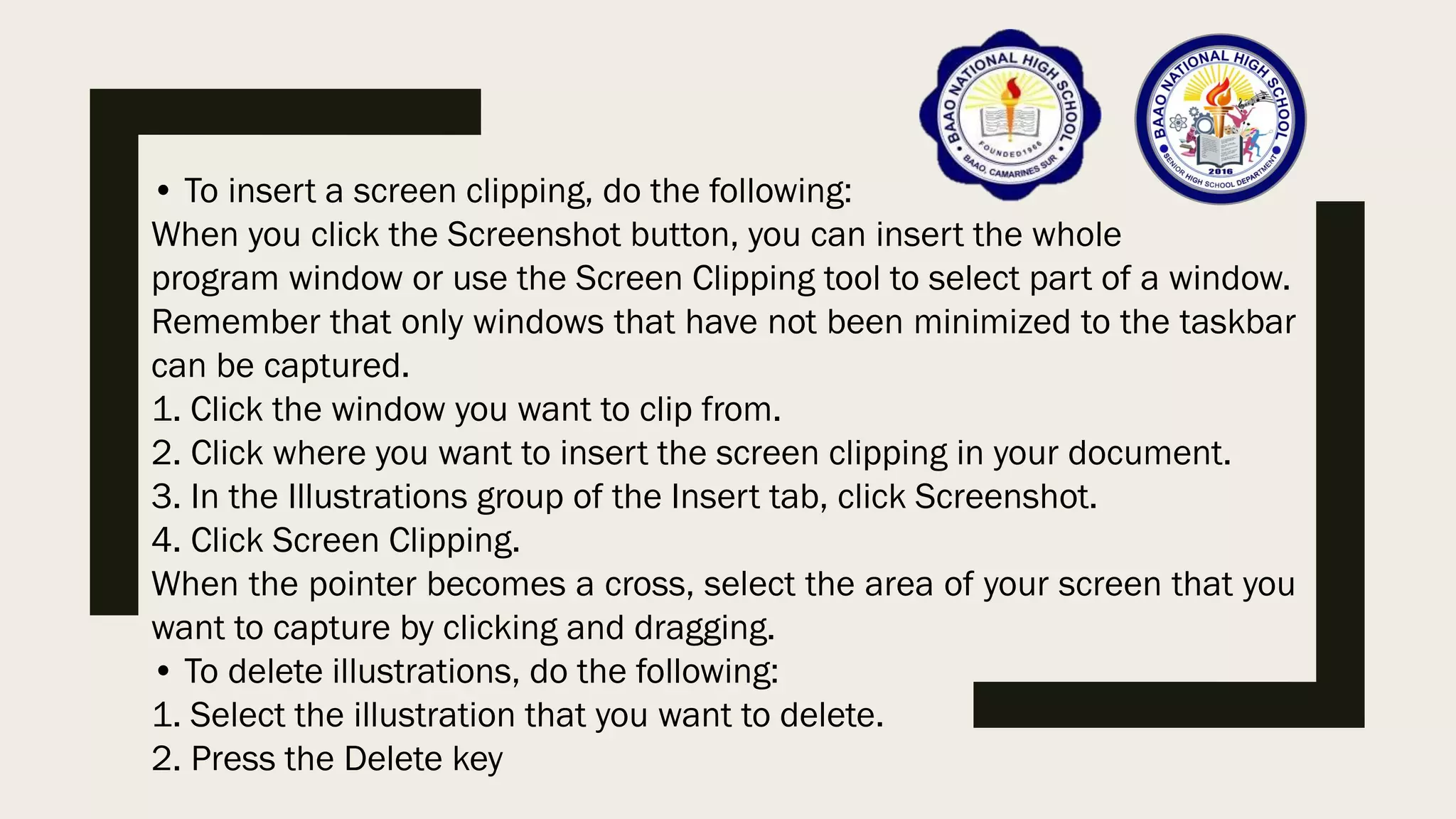
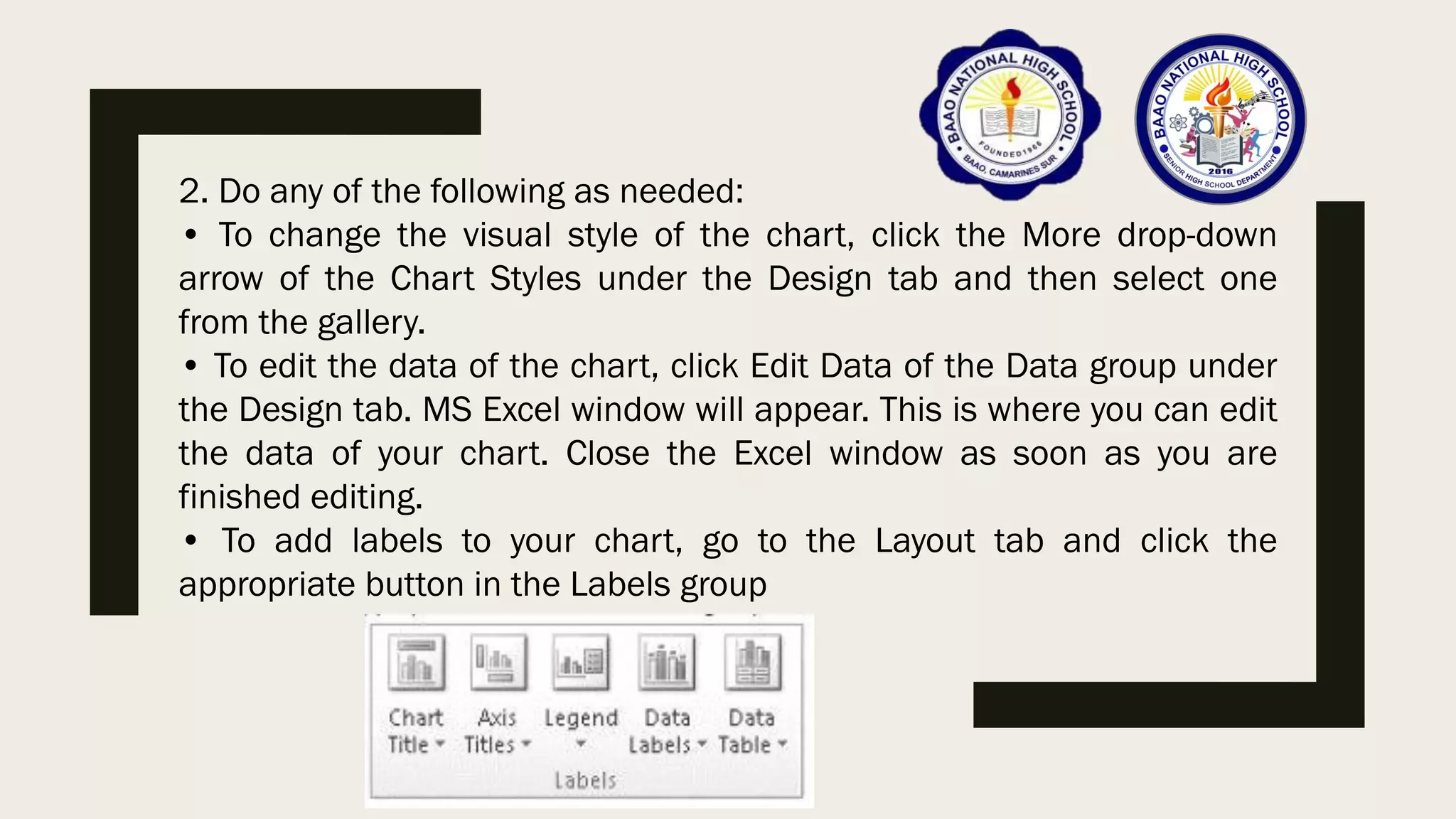
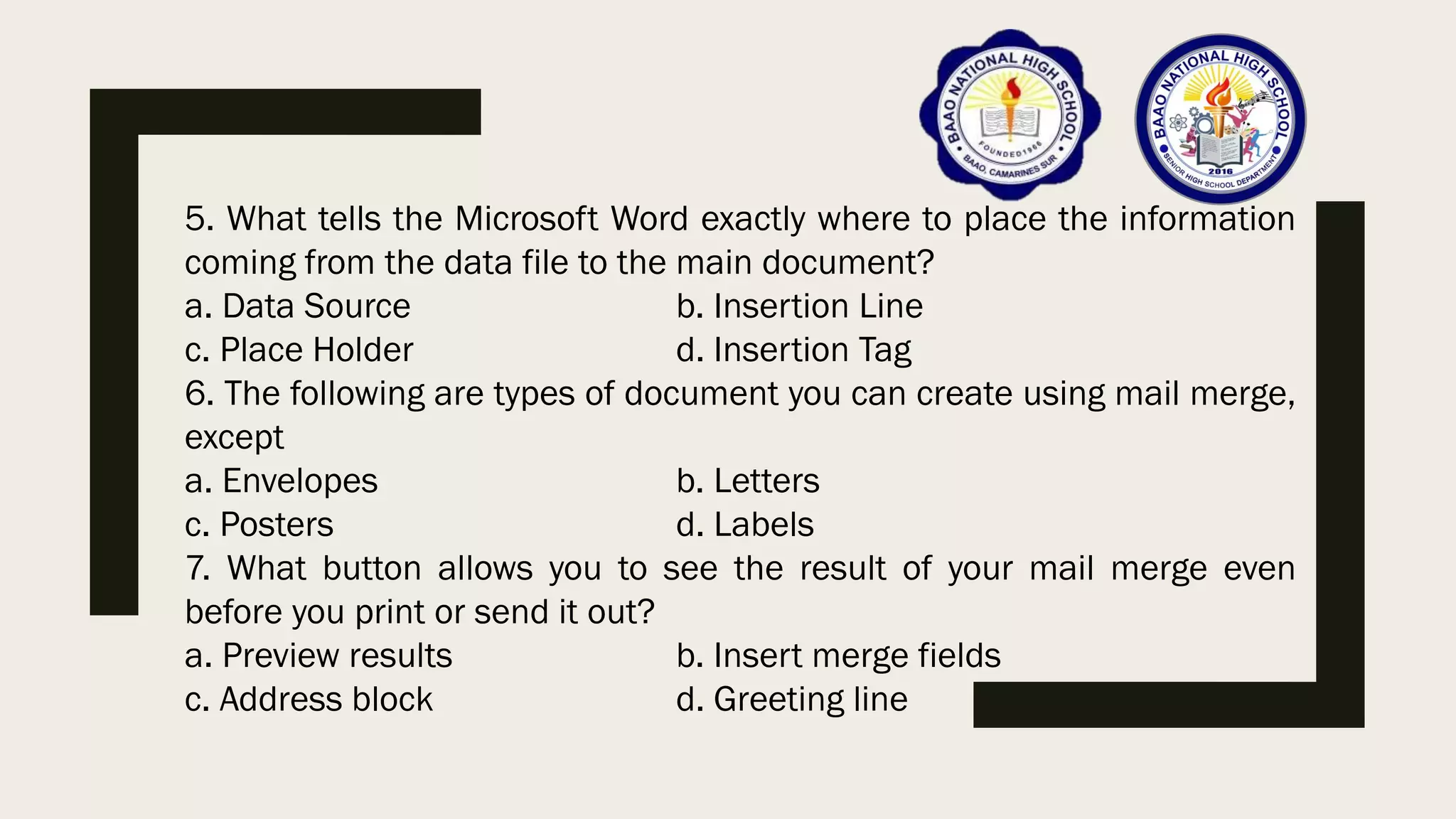
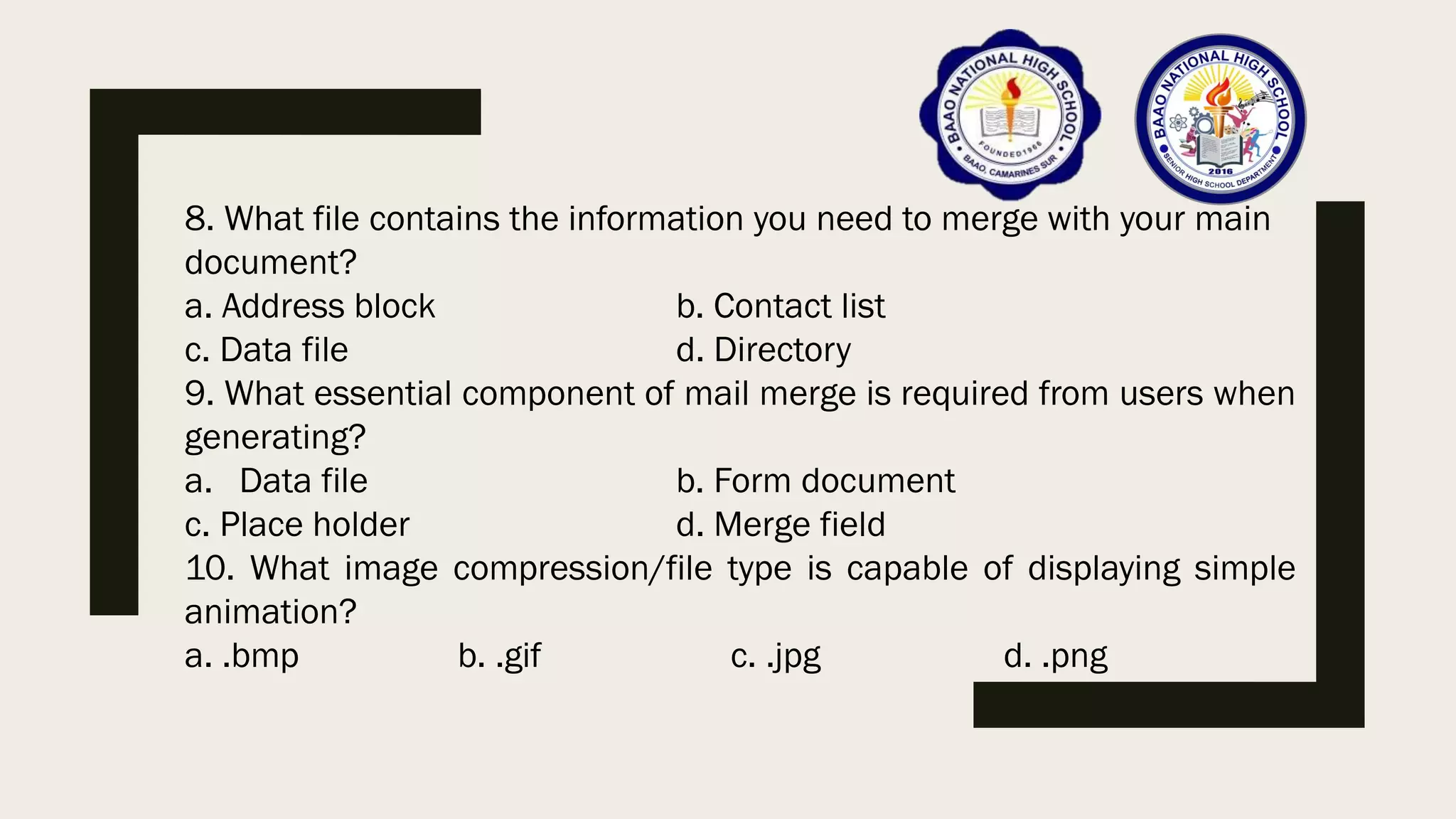
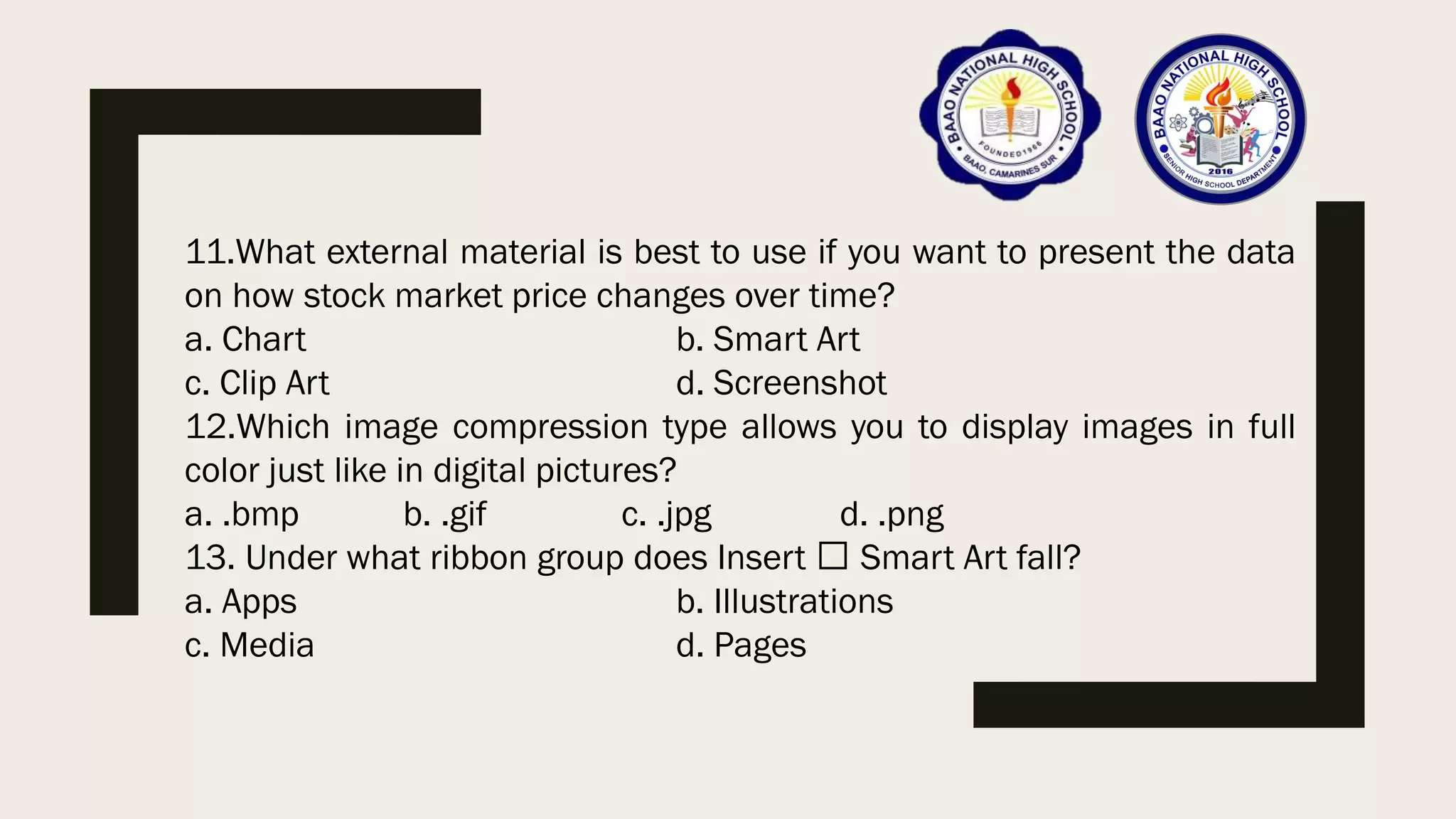
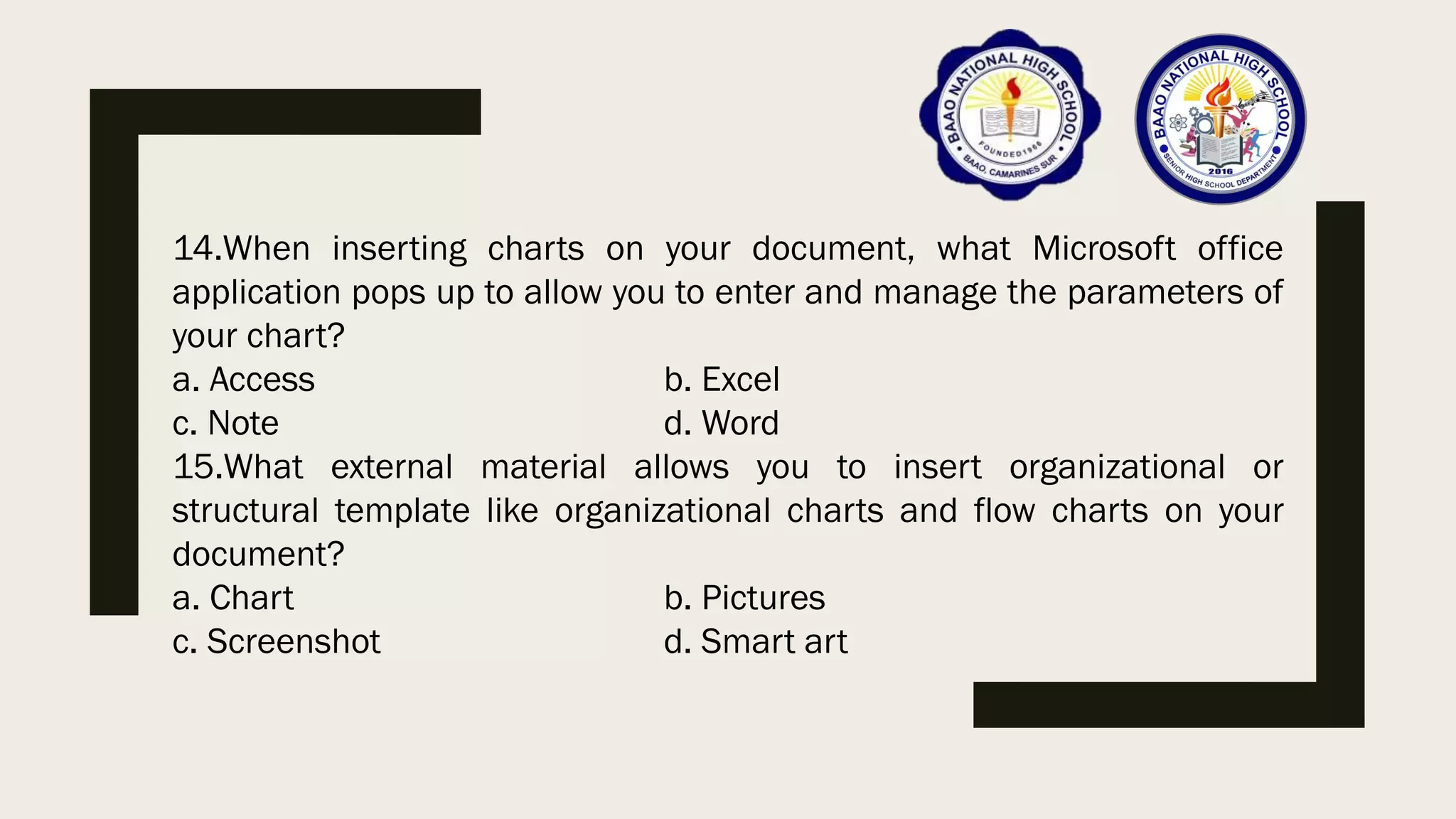




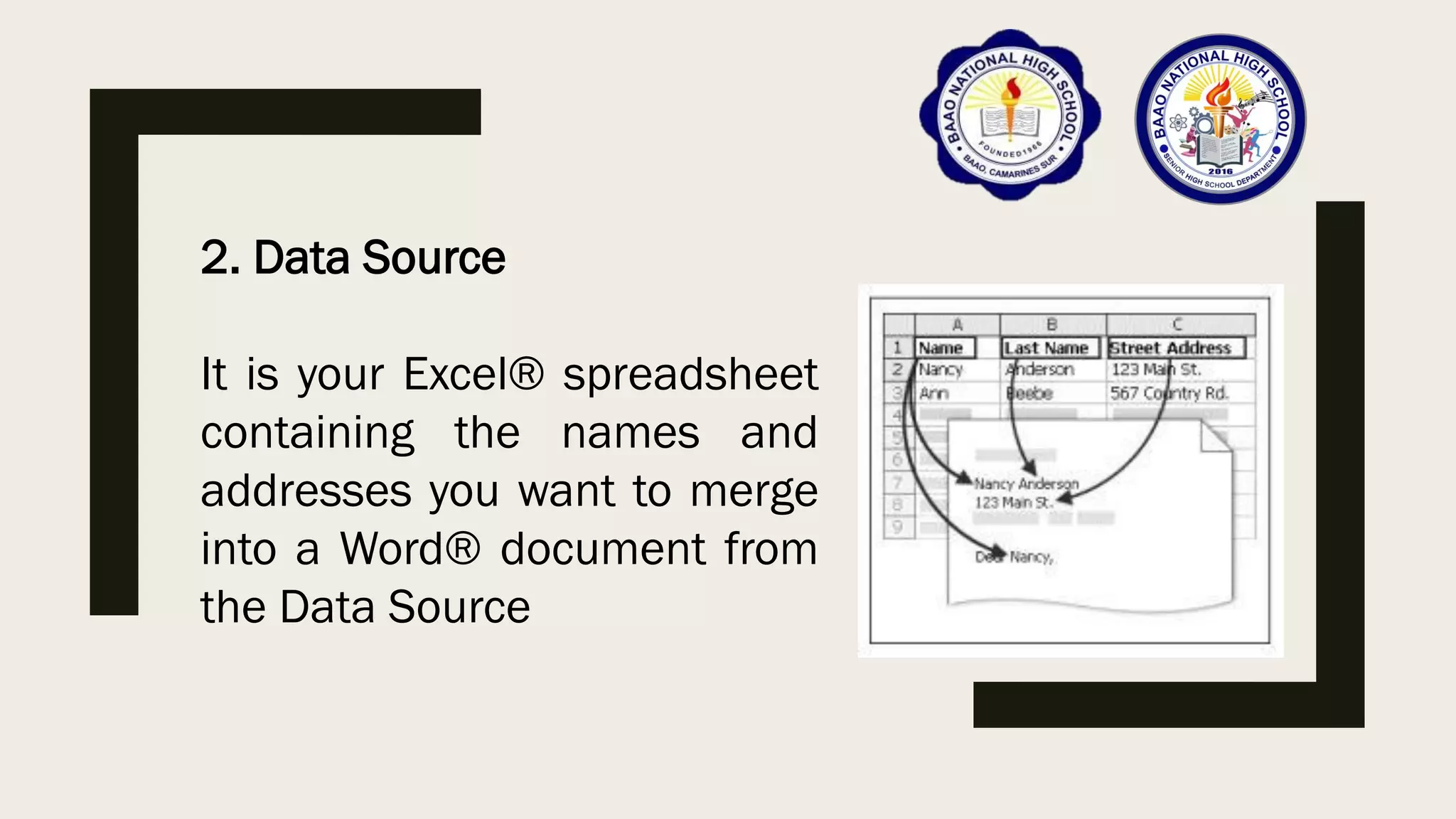
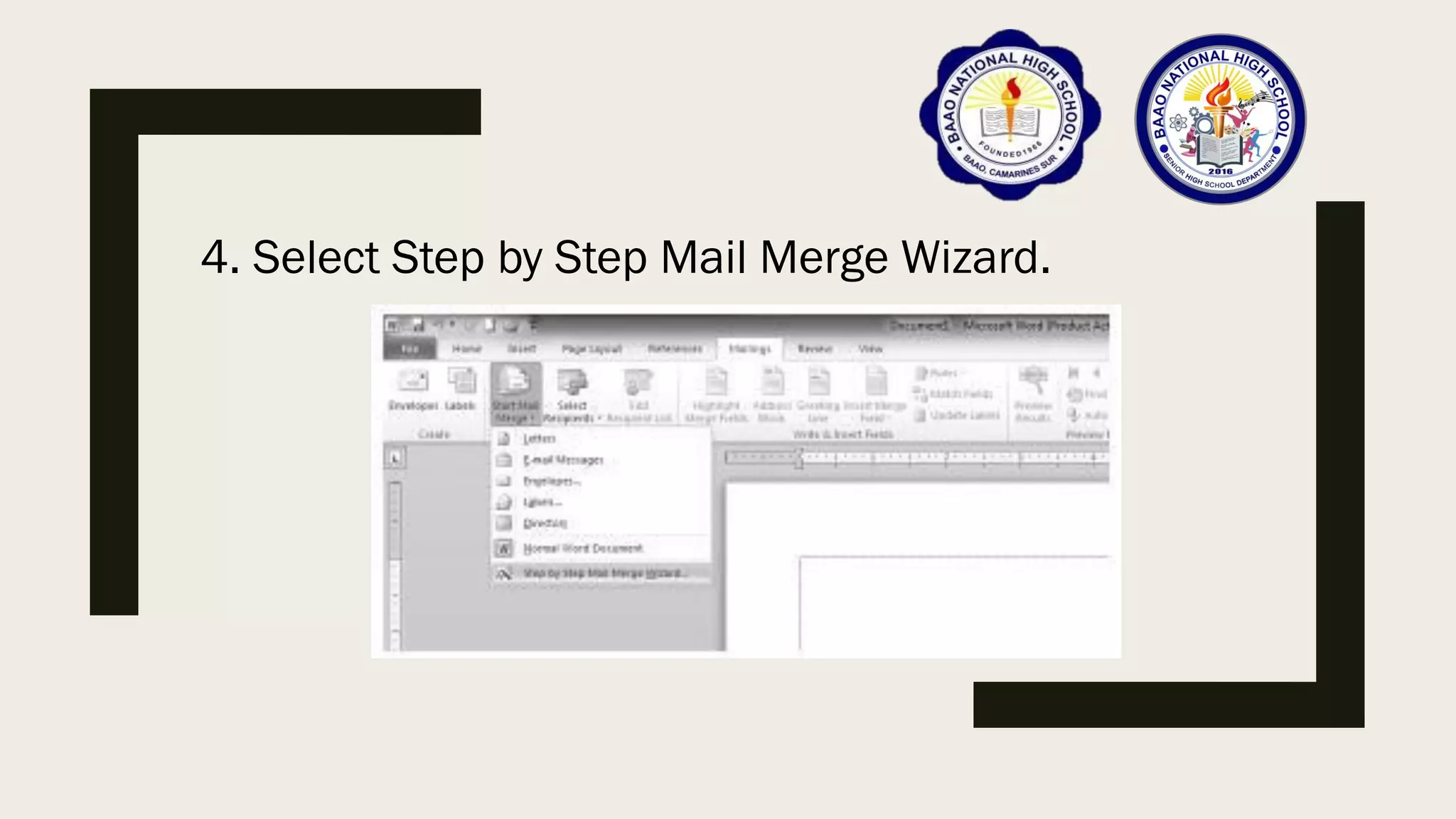
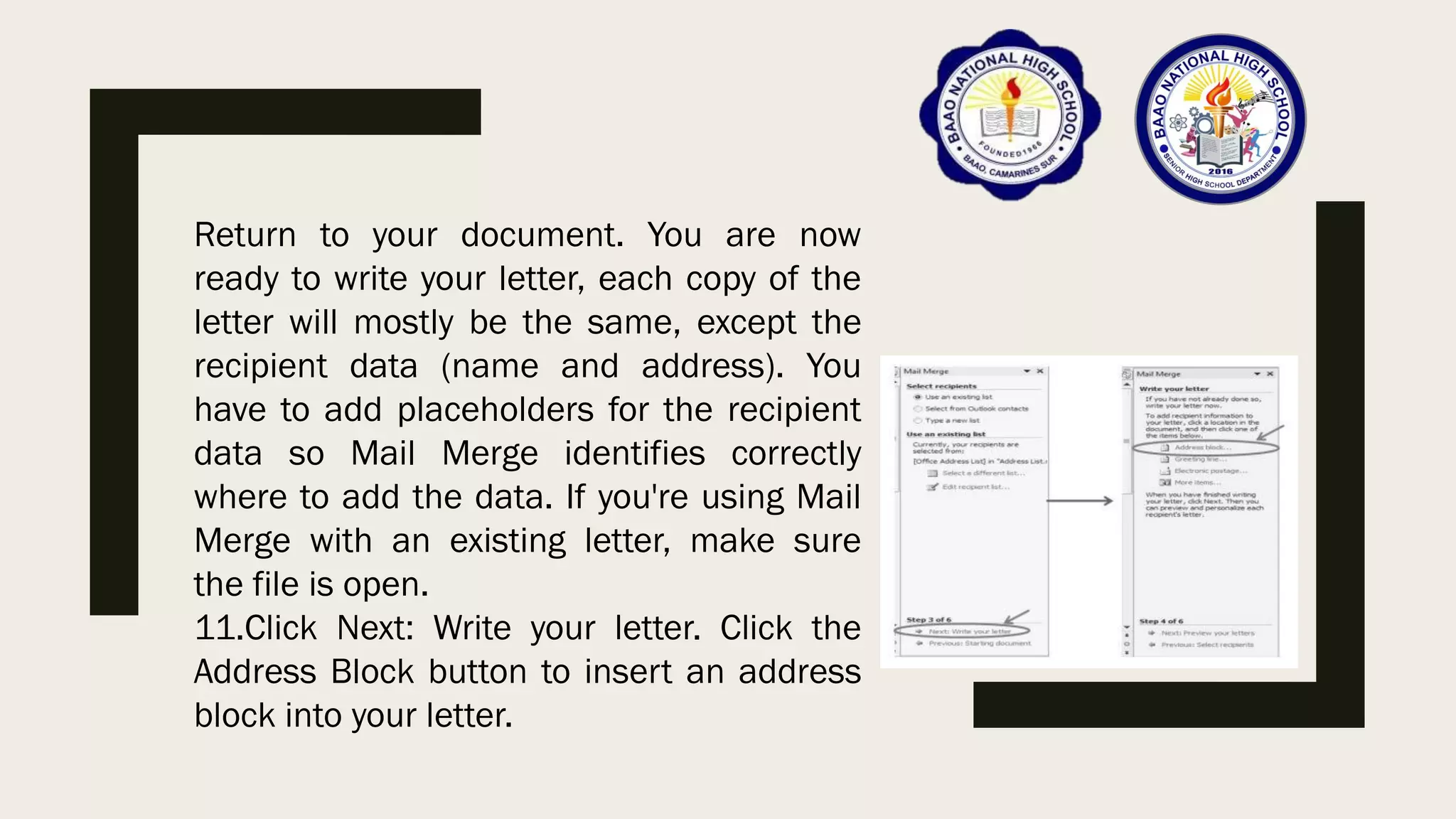
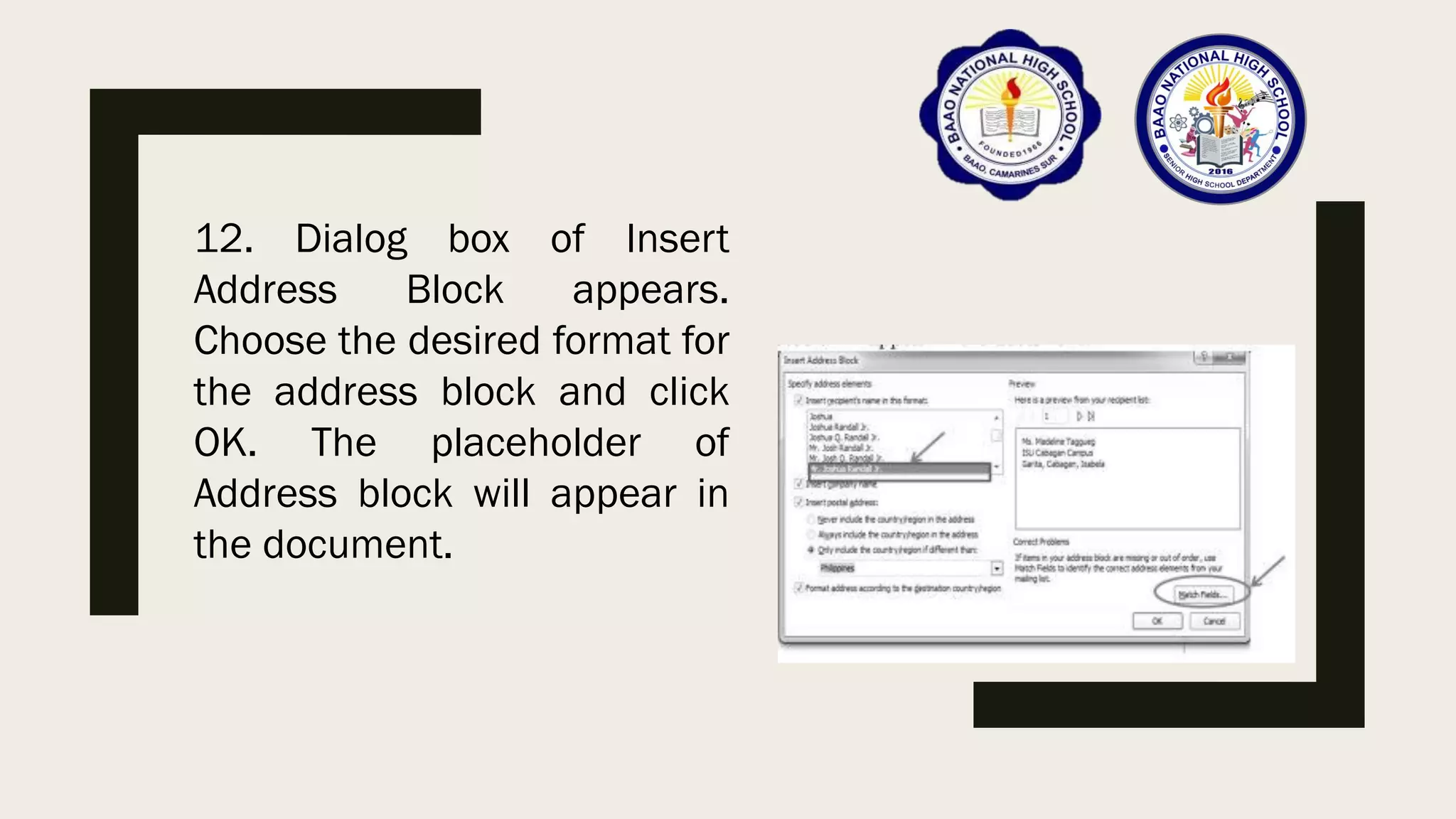
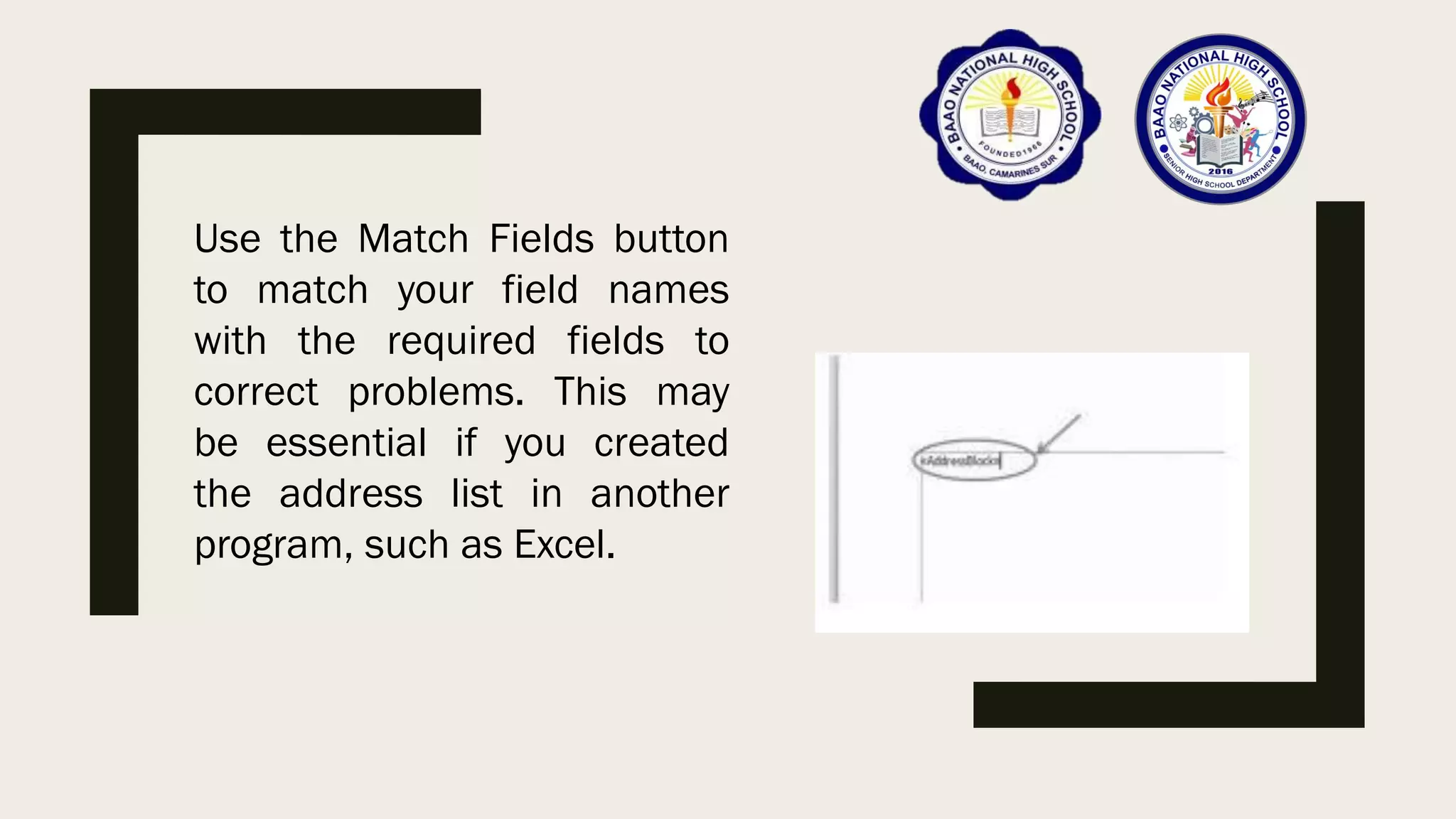
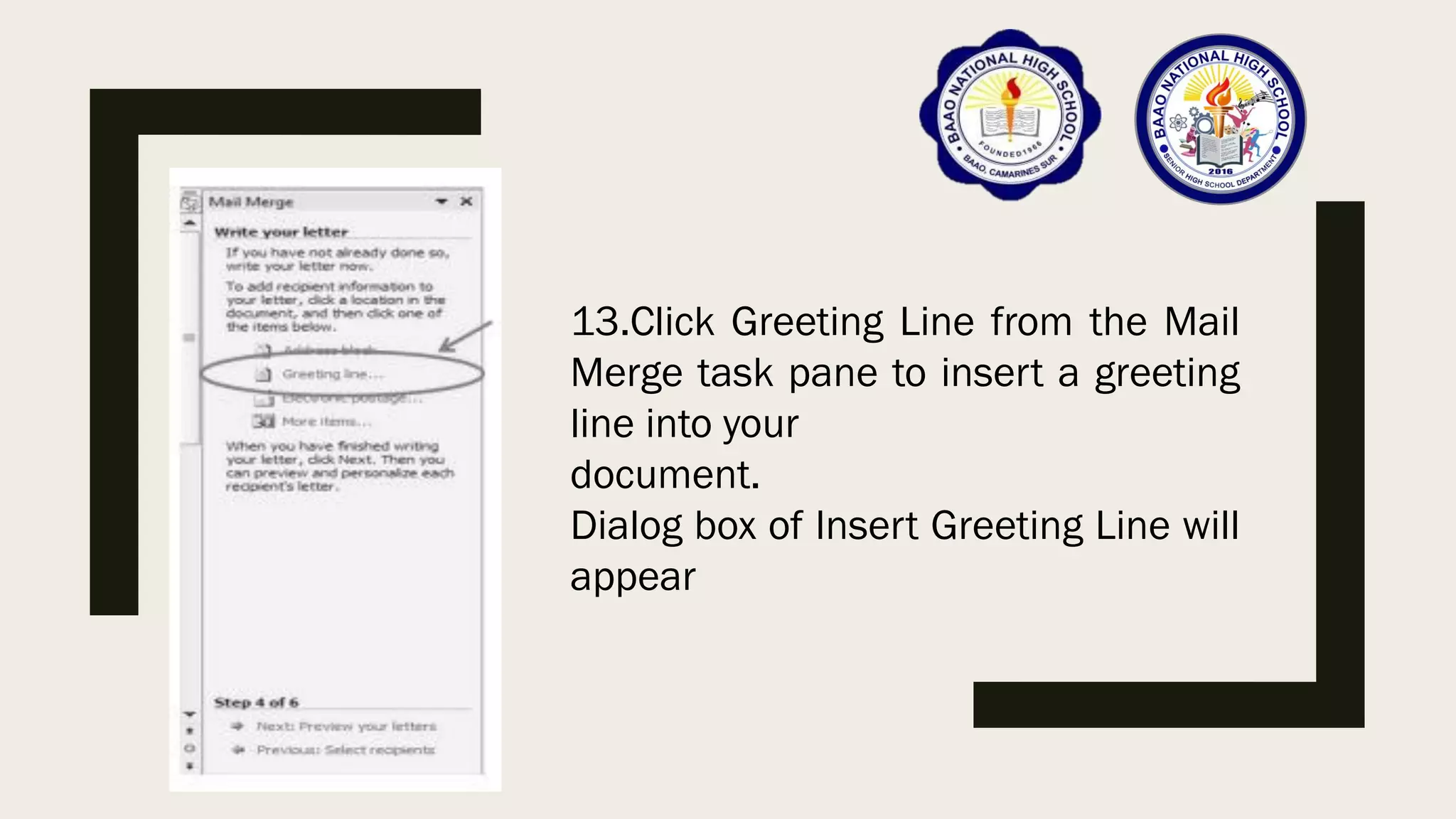
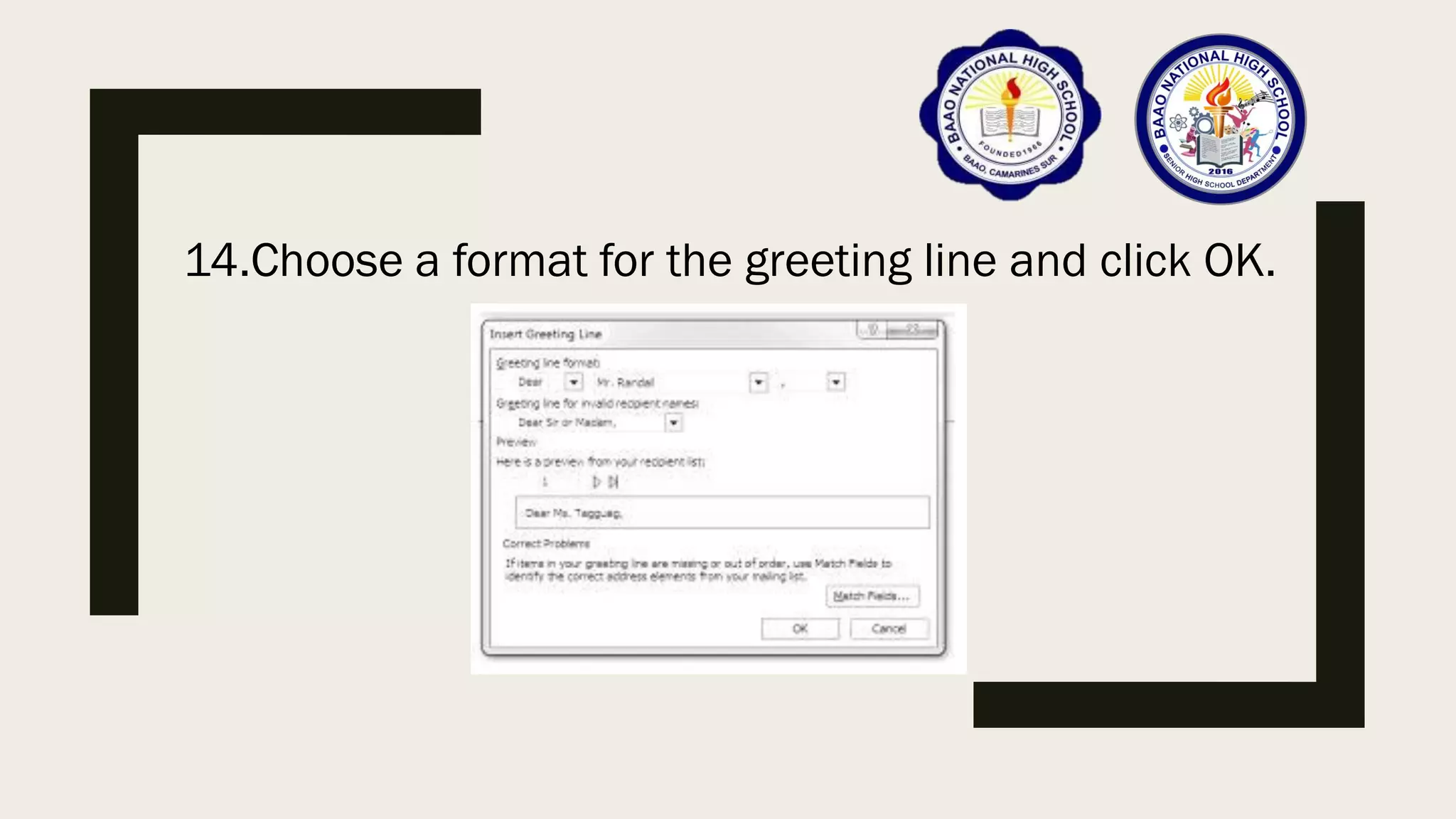
This document discusses advanced techniques in Microsoft Word, including mail merge, inserting and formatting various types of illustrations, and customizing SmartArt graphics and charts. It provides step-by-step instructions on how to perform mail merge by creating a main document and data source, and then merging them. It also explains how to insert, format, and design pictures, clipart, shapes, SmartArt, charts, and screenshots in Word documents. The document aims to teach learners how to effectively use these advanced Word features.


![[EMPOWERMENT TECHNOLOGIES]-ADVANCED PRESENTATION SKILLS](https://cdn.slidesharecdn.com/ss_thumbnails/et-advancedpresentationskills-211128024220-thumbnail.jpg?width=640&height=640&fit=bounds)


![[EMPOWERMENT TECHNOLOGIES] - ADVANCED WORD PROCESSING SKILLS](https://cdn.slidesharecdn.com/ss_thumbnails/lesson3-advancedwordprocessingskills2-211128024207-thumbnail.jpg?width=640&height=640&fit=bounds)


