
You think your Wifi is
         Safe?
       Rob Gillen
         @argodev
Don’t Be Stupid
The following presentation describes
real attacks on real systems. Please
note that most of the attacks
described would be considered ILLEGAL
if attempted on systems that you do
not have explicit permission to test
and attack. I assume no responsibility
for any actions you perform based on
the content of this presentation or
subsequent conversations. Please
remember this basic guideline: With
knowledge comes responsibility.
Disclaimer
The content of this presentation
represents my personal views and
thoughts at the present time. This
content is not endorsed by, or
representative in any way of my
employer nor is it intended to be a
view into my work or a reflection on
the type of work that I or my group
performs. It is simply a hobby and
personal interest and should be
considered as such.
Credits
• Almost nothing in this
  presentation is original to me.
• BackTrack 5 Wireless Penetration
  Testing Beginner's Guide (PACKT
  Publishing)
• HAK5, Darren Kitchen, et. al.
• The guy sitting at Starbucks last
  night
• The Internet (et. al.)
Overview
• Pre-Requisite Knowledge
• Various Security Approaches
• Tools and Attacks
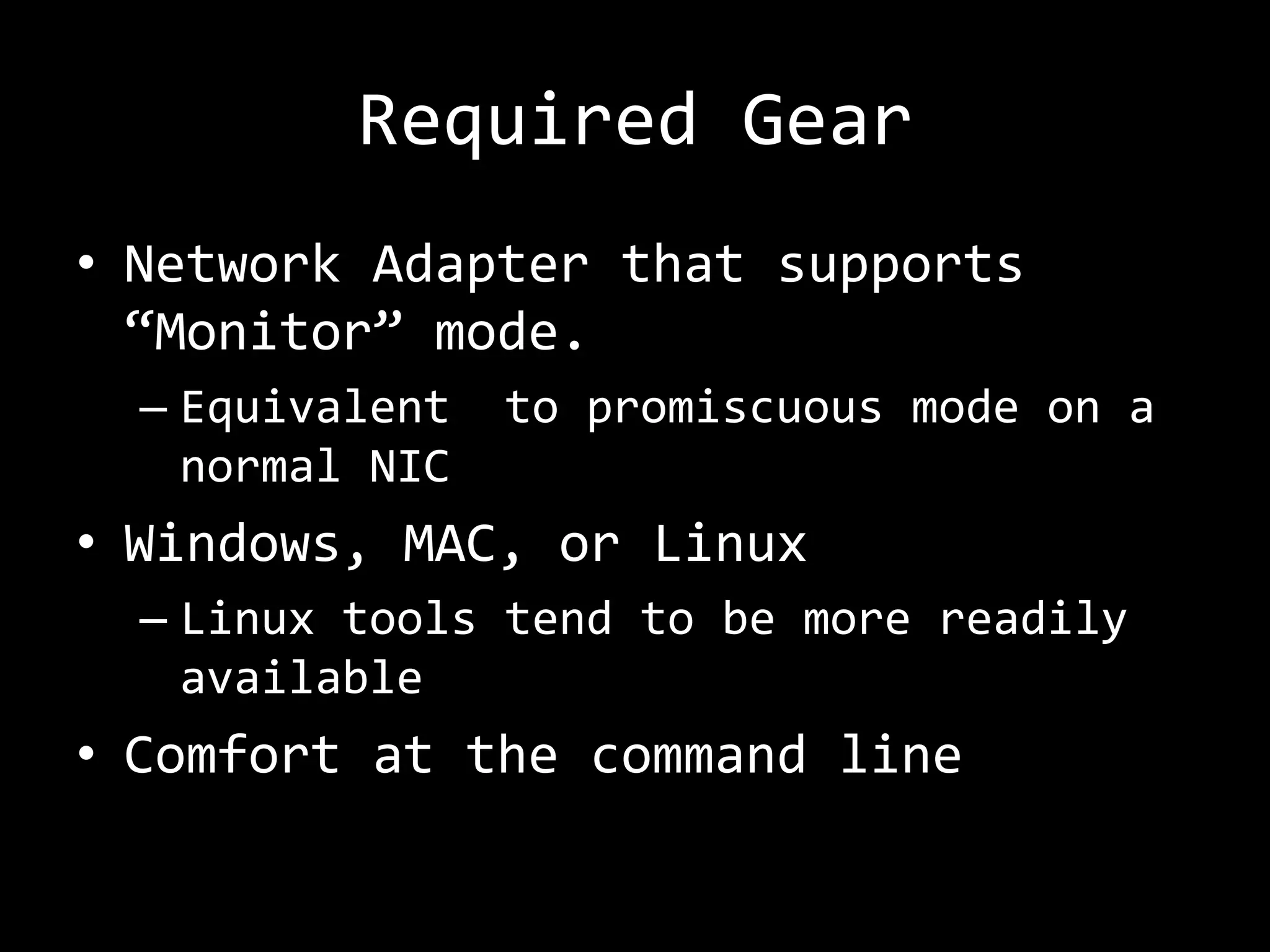
Required Gear
• Network Adapter that supports
  “Monitor” mode.
  – Equivalent   to promiscuous mode on a
    normal NIC
• Windows, MAC, or Linux
  – Linux tools tend to be more readily
    available
• Comfort at the command line
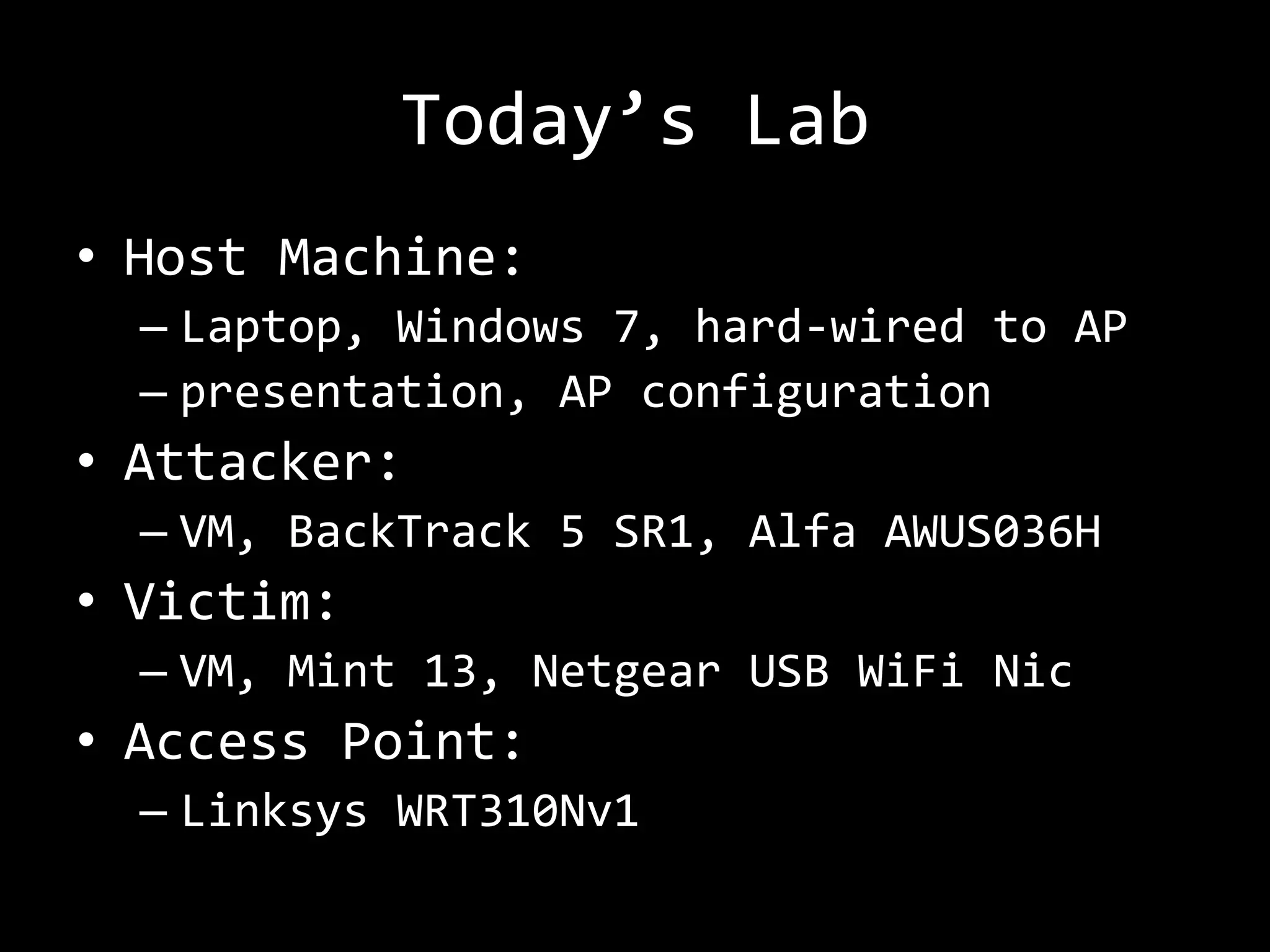
Today’s Lab
• Host Machine:
  – Laptop, Windows 7, hard-wired to AP
  – presentation, AP configuration
• Attacker:
  – VM, BackTrack 5 SR1, Alfa AWUS036H
• Victim:
  – VM, Mint 13, Netgear USB WiFi Nic
• Access Point:
  – Linksys WRT310Nv1
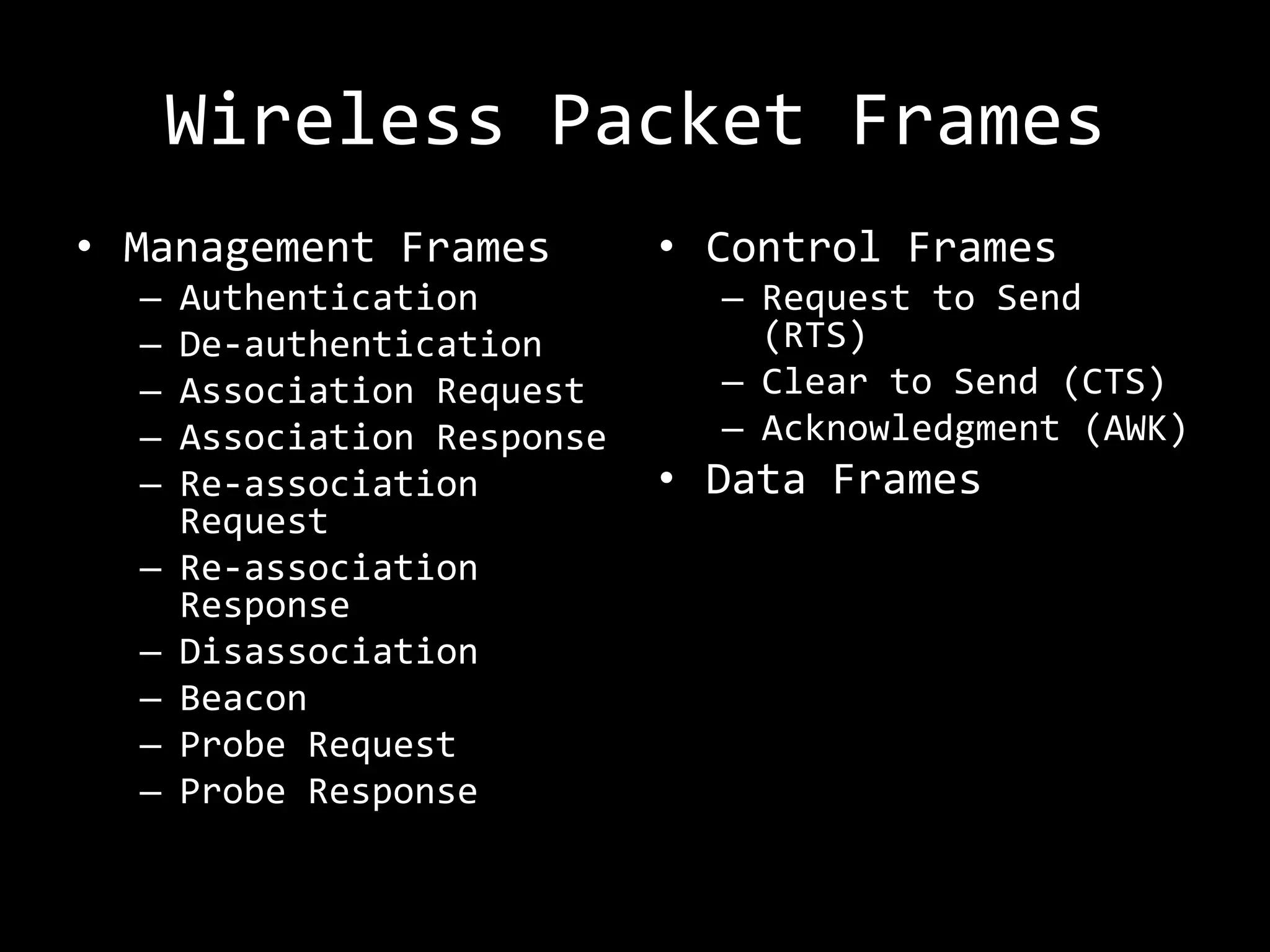
Wireless Packet Frames
• Management Frames          • Control Frames
  –   Authentication           – Request to Send
  –   De-authentication          (RTS)
  –   Association Request      – Clear to Send (CTS)
  –   Association Response     – Acknowledgment (AWK)
  –   Re-association         • Data Frames
      Request
  –   Re-association
      Response
  –   Disassociation
  –   Beacon
  –   Probe Request
  –   Probe Response
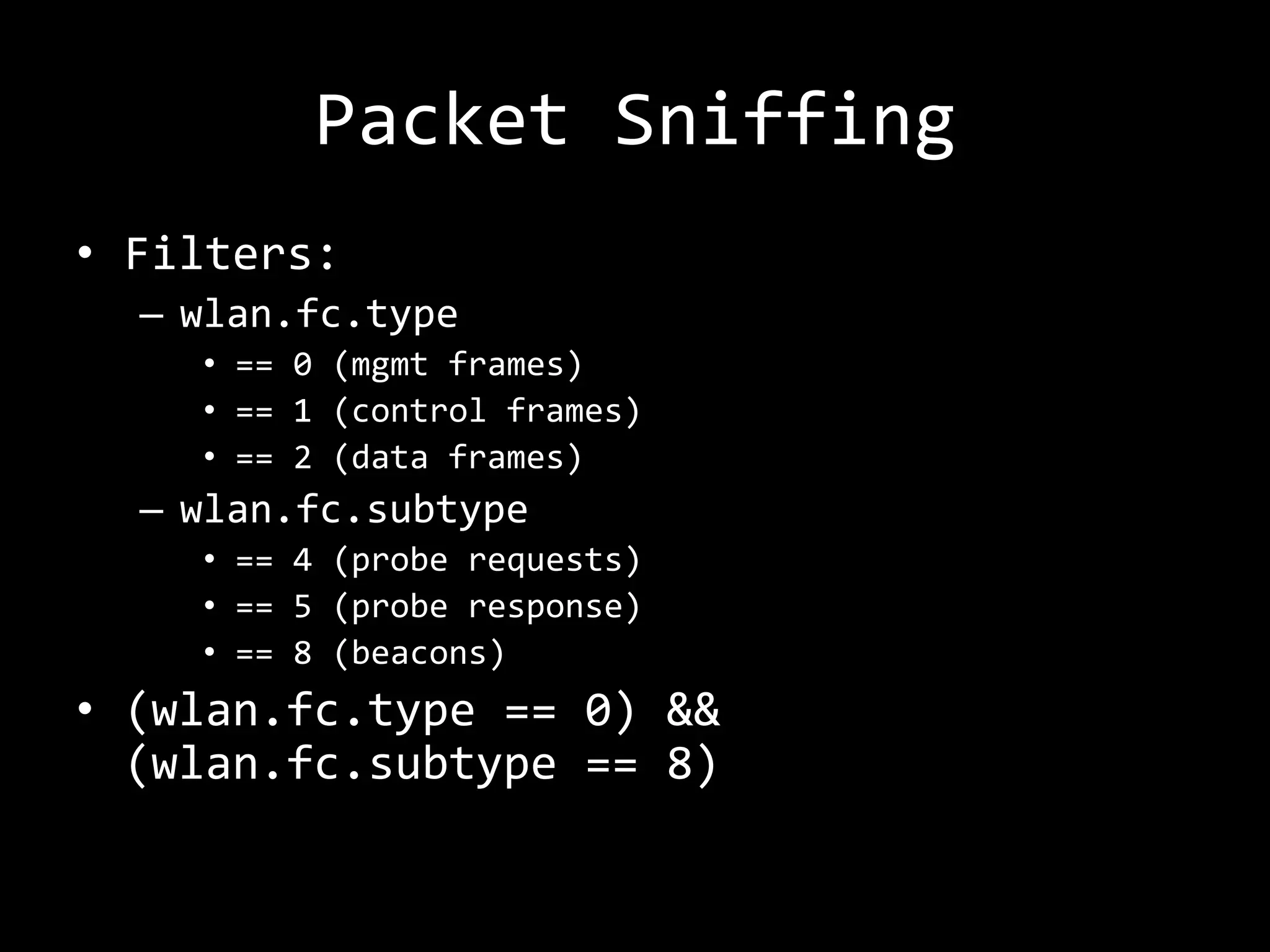
Packet Sniffing
• Filters:
  – wlan.fc.type
    • == 0 (mgmt frames)
    • == 1 (control frames)
    • == 2 (data frames)
  – wlan.fc.subtype
    • == 4 (probe requests)
    • == 5 (probe response)
    • == 8 (beacons)
• (wlan.fc.type == 0) &&
  (wlan.fc.subtype == 8)
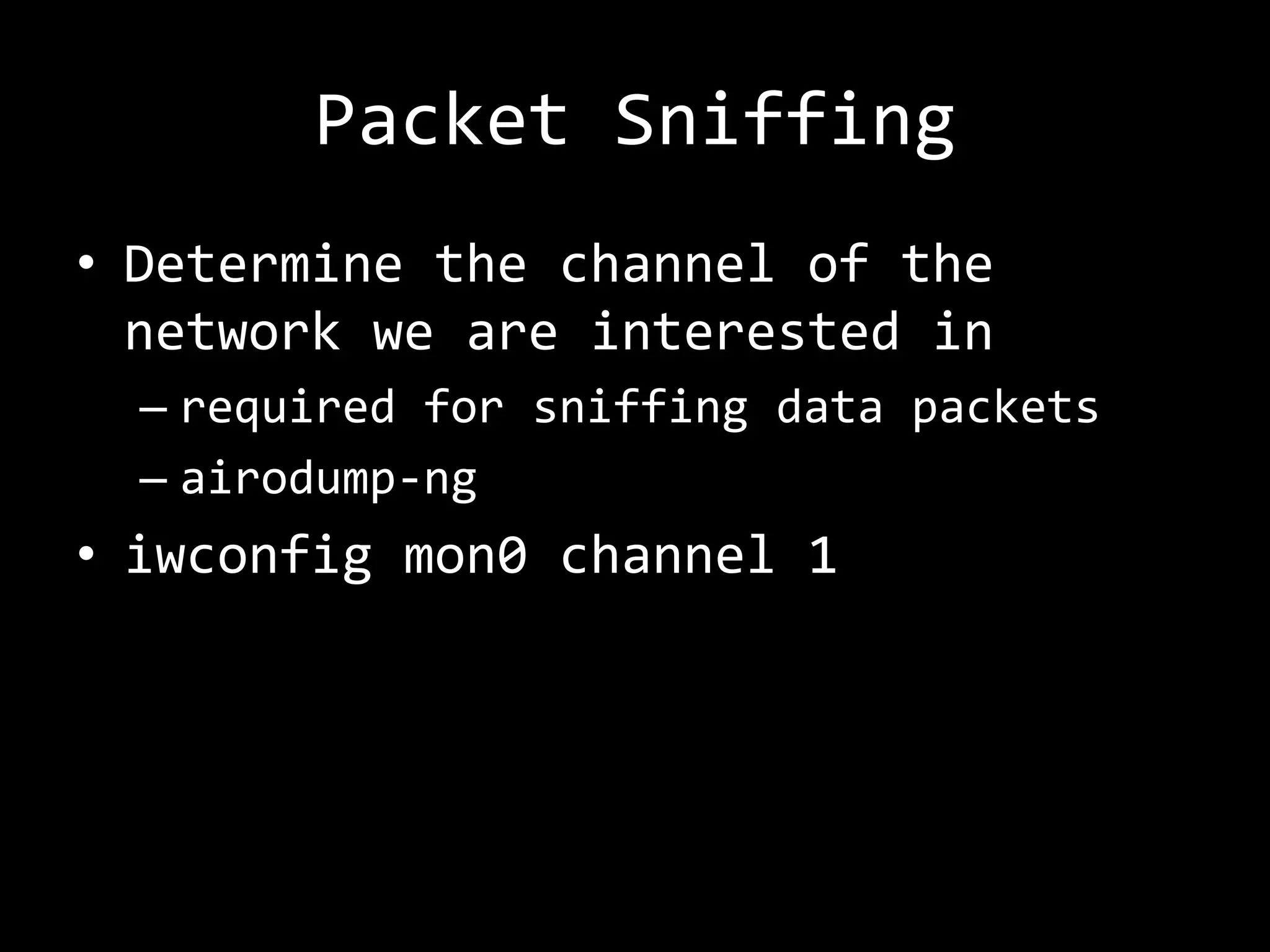
Packet Sniffing
• Determine the channel of the
  network we are interested in
  – required for sniffing data packets
  – airodump-ng
• iwconfig mon0 channel 1
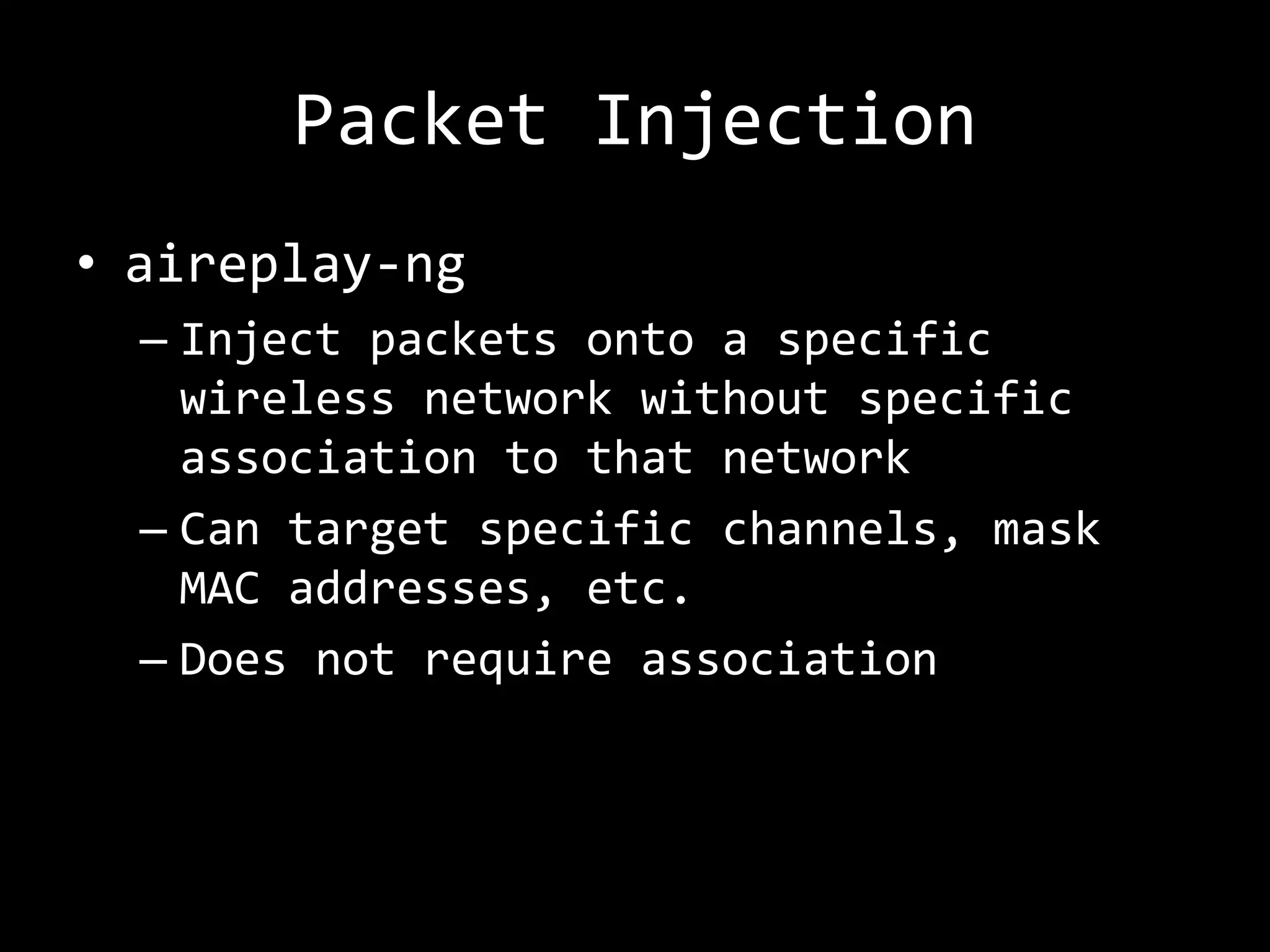
Packet Injection
• aireplay-ng
  – Inject packets onto a specific
    wireless network without specific
    association to that network
  – Can target specific channels, mask
    MAC addresses, etc.
  – Does not require association
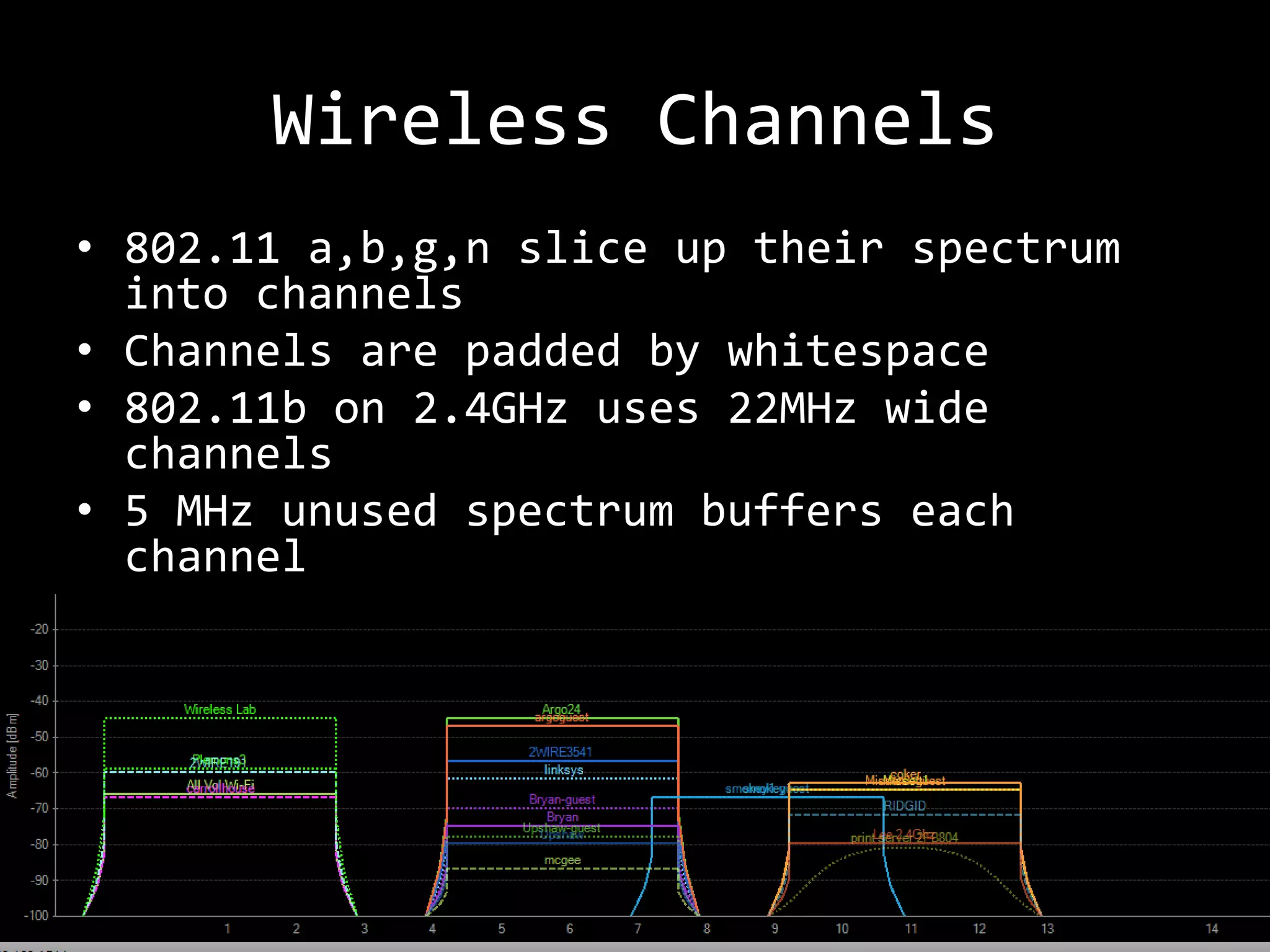
Wireless Channels
• 802.11 a,b,g,n slice up their spectrum
  into channels
• Channels are padded by whitespace
• 802.11b on 2.4GHz uses 22MHz wide
  channels
• 5 MHz unused spectrum buffers each
  channel
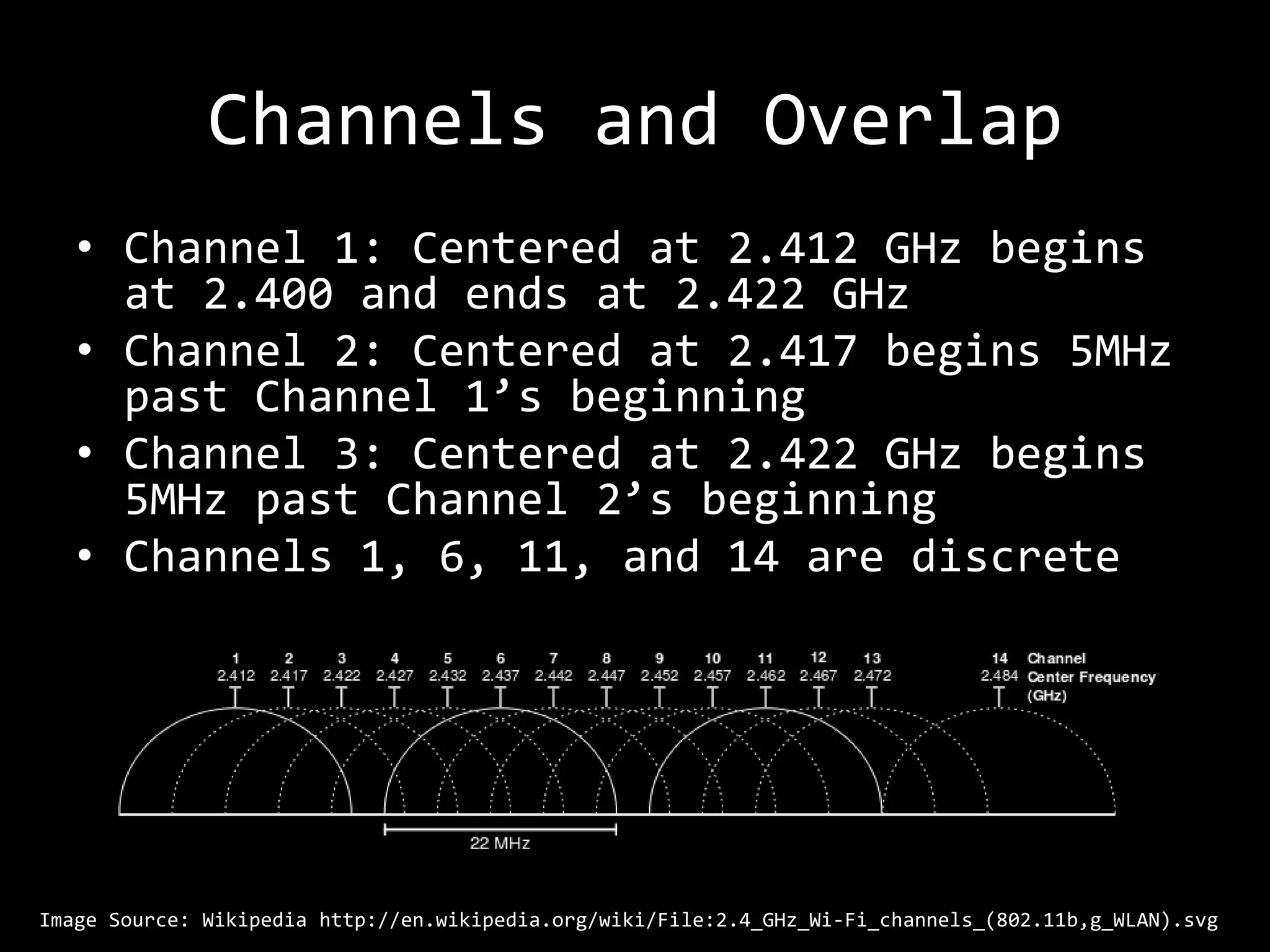
Channels and Overlap
   • Channel 1: Centered at 2.412 GHz begins
     at 2.400 and ends at 2.422 GHz
   • Channel 2: Centered at 2.417 begins 5MHz
     past Channel 1’s beginning
   • Channel 3: Centered at 2.422 GHz begins
     5MHz past Channel 2’s beginning
   • Channels 1, 6, 11, and 14 are discrete


Image Source: Wikipedia http://en.wikipedia.org/wiki/File:2.4_GHz_Wi-Fi_channels_(802.11b,g_WLAN).svg
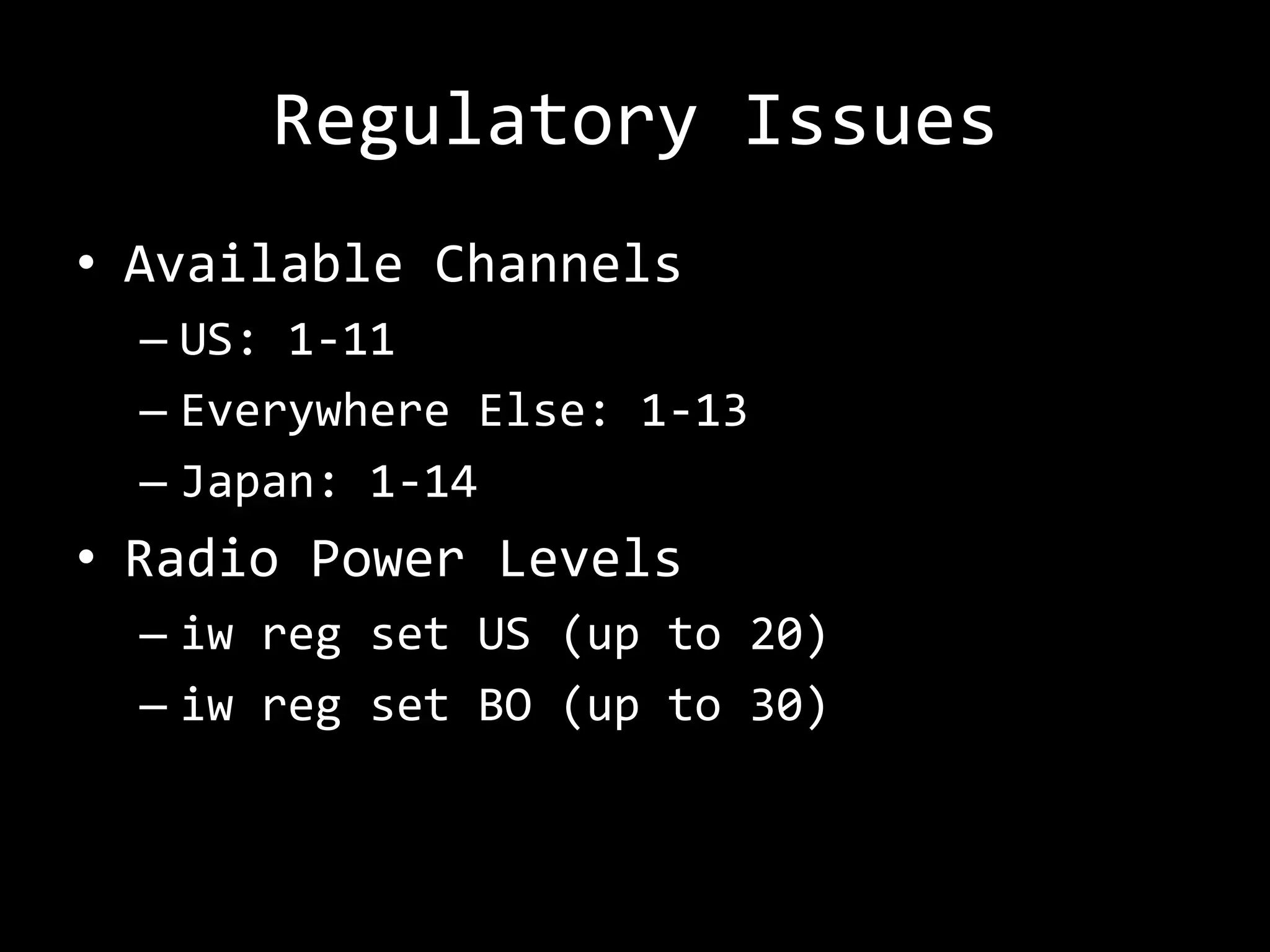
Regulatory Issues
• Available Channels
  – US: 1-11
  – Everywhere Else: 1-13
  – Japan: 1-14
• Radio Power Levels
  – iw reg set US (up to 20)
  – iw reg set BO (up to 30)
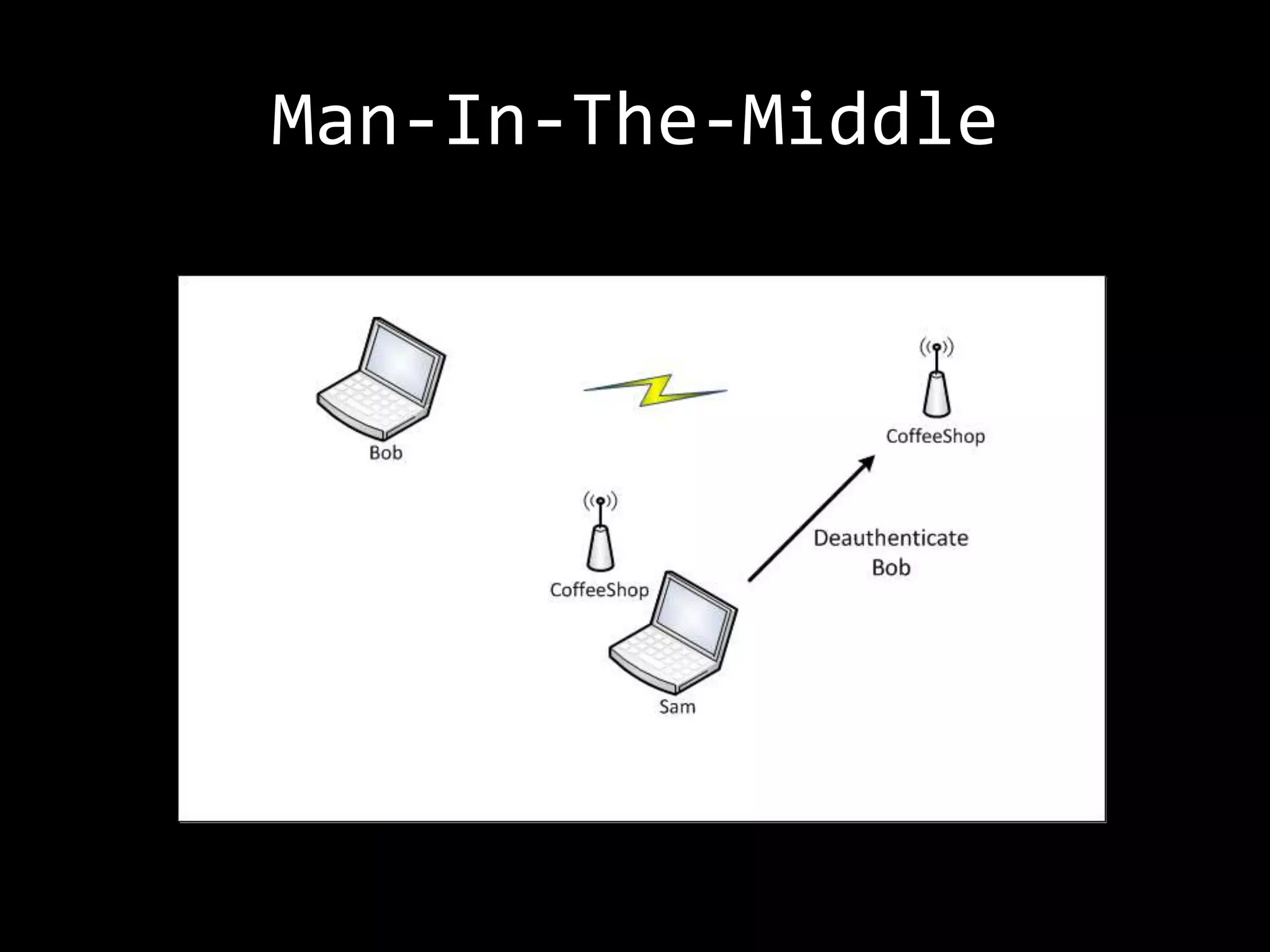
De-authentication Packets
   • Polite way to disconnect a client
     from the network
   • Gives everyone a chance to free
     memory
   • Hackers best friend


Content for this slide taken from WiFi workshop, NoiseBridge, presented by Darren Kitchen
http://hak5.org/episodes/hak5-1122
DEMO: HIDDEN SSID
DEMO: Hidden SSID
•   Show packet capture with the SSID
•   Hide SSID
•   Prove it is now hidden
•   Solve for X
    – Passive (wait for valid client) –
      wireshark filter
    – Use aireplay-ng to send deauth packet to
      force the discovery
• Probe Request/Probe Response packets
DEMO: MAC FILTERS
DEMO: MAC Filters
• Enable MAC Filtering on the WAP
• Prove that a client cannot connect
• Use airodump-ng to show associated
  clients
• Use macchanger to spoof the
  whitelisted address and connect.
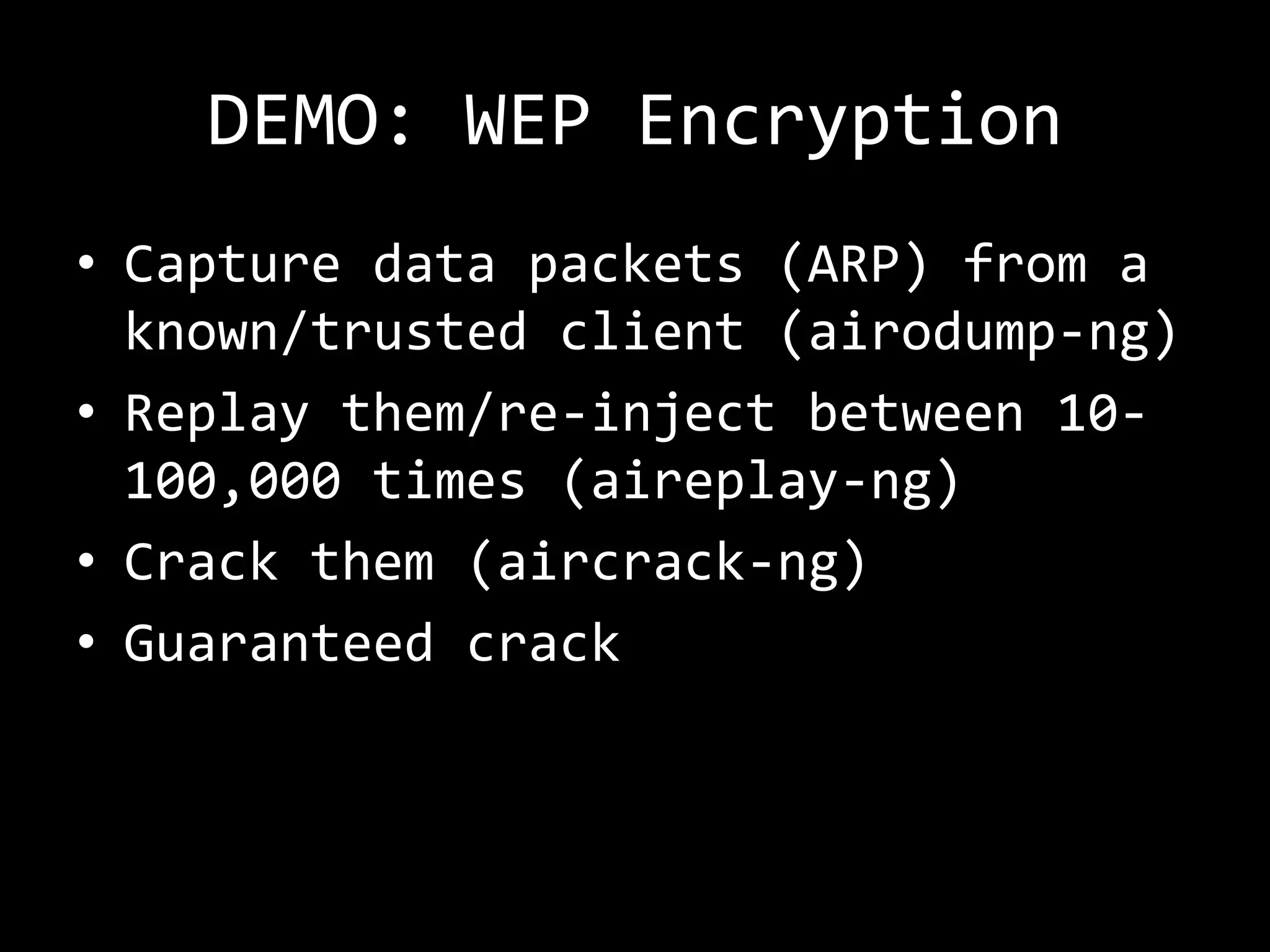
DEMO: WEP ENCRYPTION
DEMO: WEP Encryption
• Capture data packets (ARP) from a
  known/trusted client (airodump-ng)
• Replay them/re-inject between 10-
  100,000 times (aireplay-ng)
• Crack them (aircrack-ng)
• Guaranteed crack
DEMO: WPA/2 ENCRYPTION
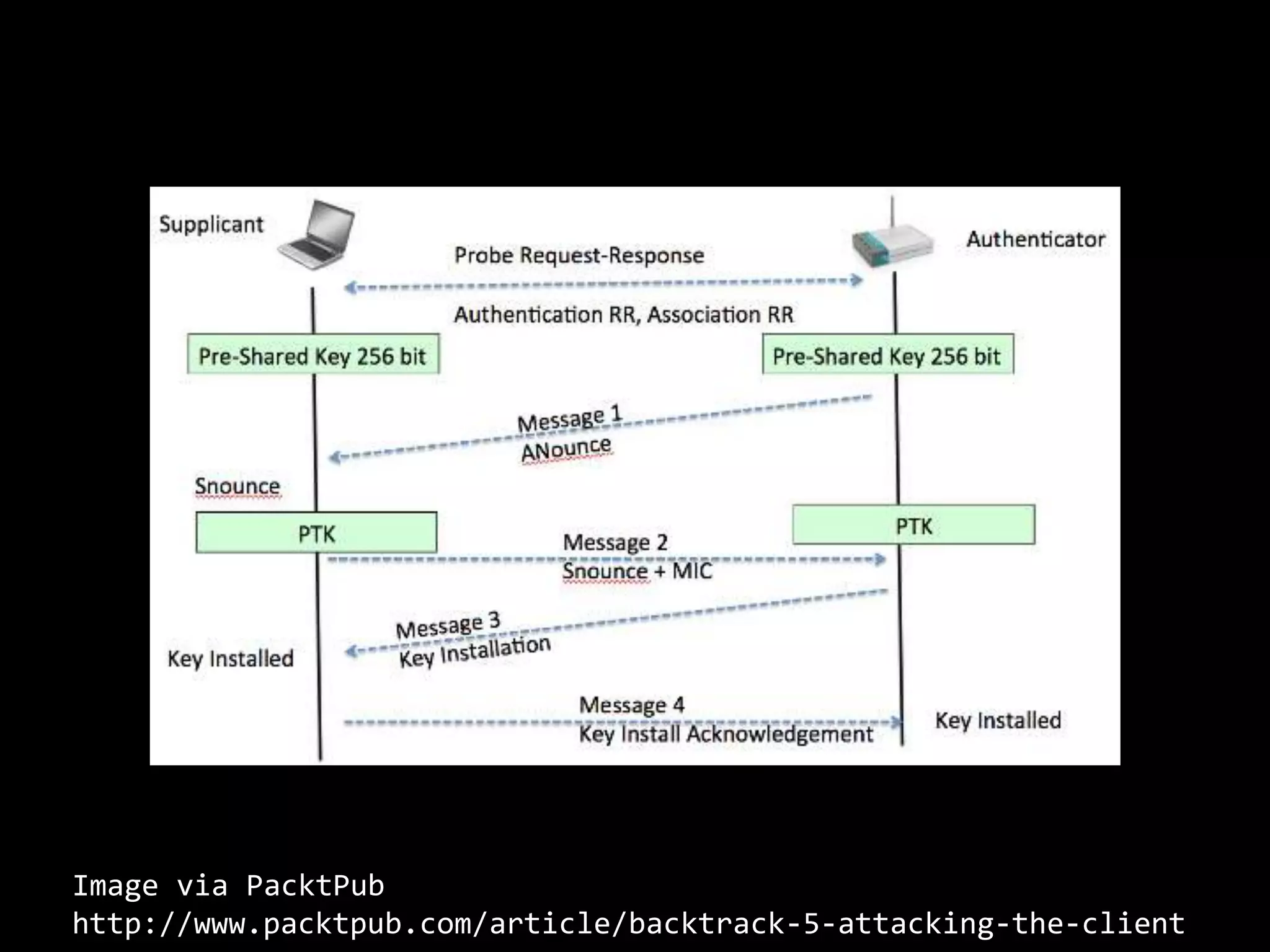
Image via PacktPub
http://www.packtpub.com/article/backtrack-5-attacking-the-client
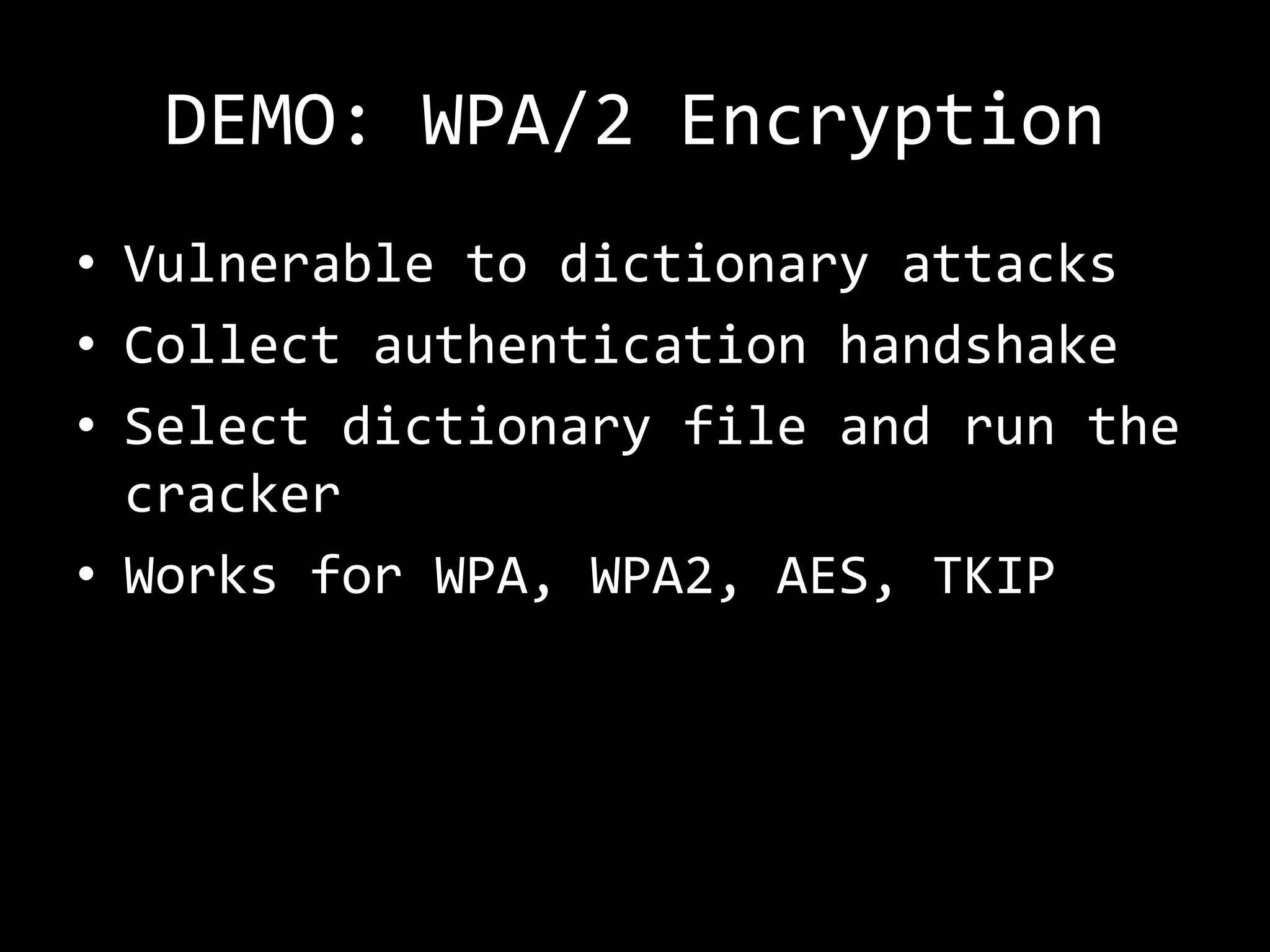
DEMO: WPA/2 Encryption
• Vulnerable to dictionary attacks
• Collect authentication handshake
• Select dictionary file and run the
  cracker
• Works for WPA, WPA2, AES, TKIP
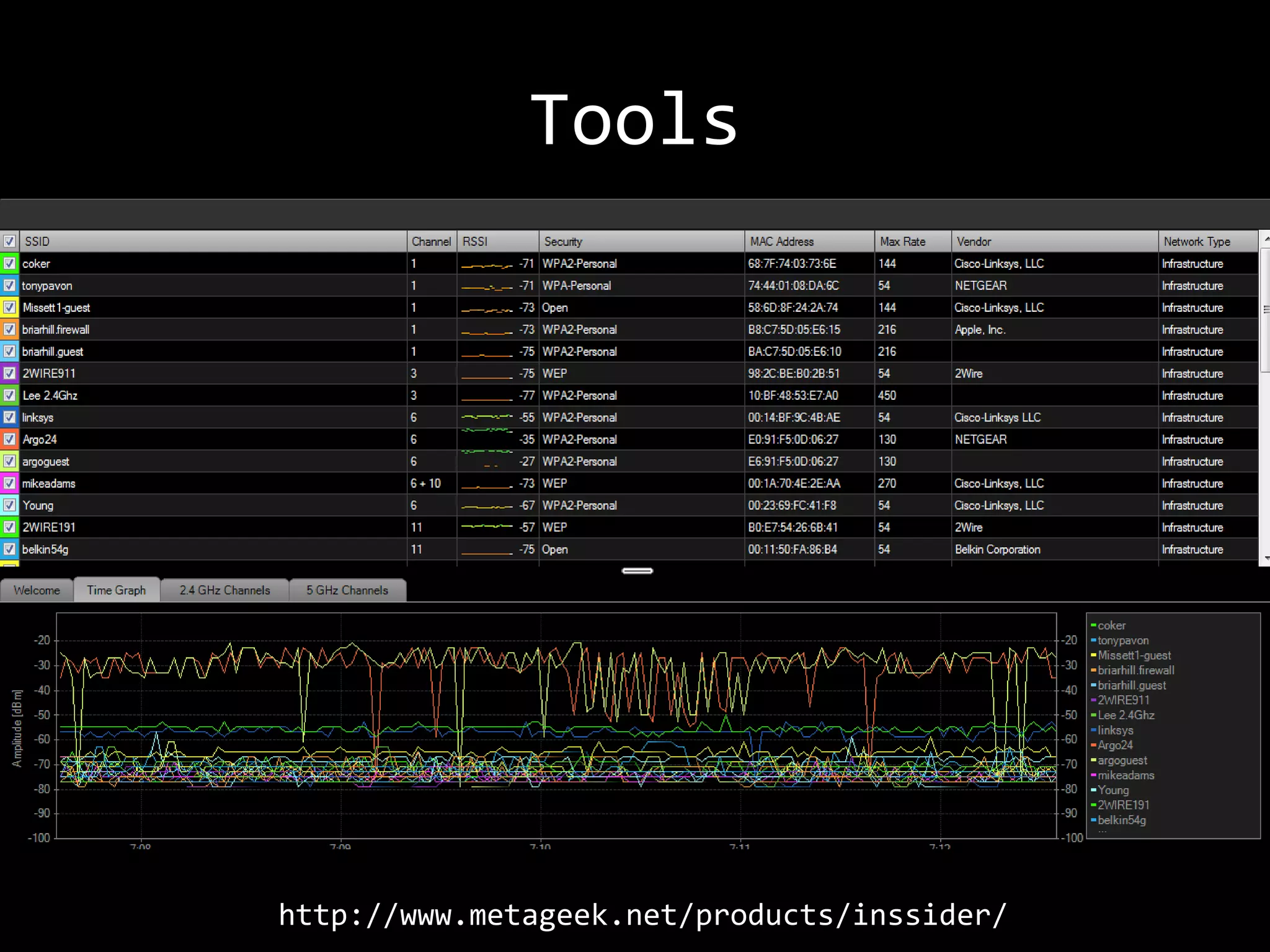
Tools


http://www.metageek.net/products/inssider/
Tools
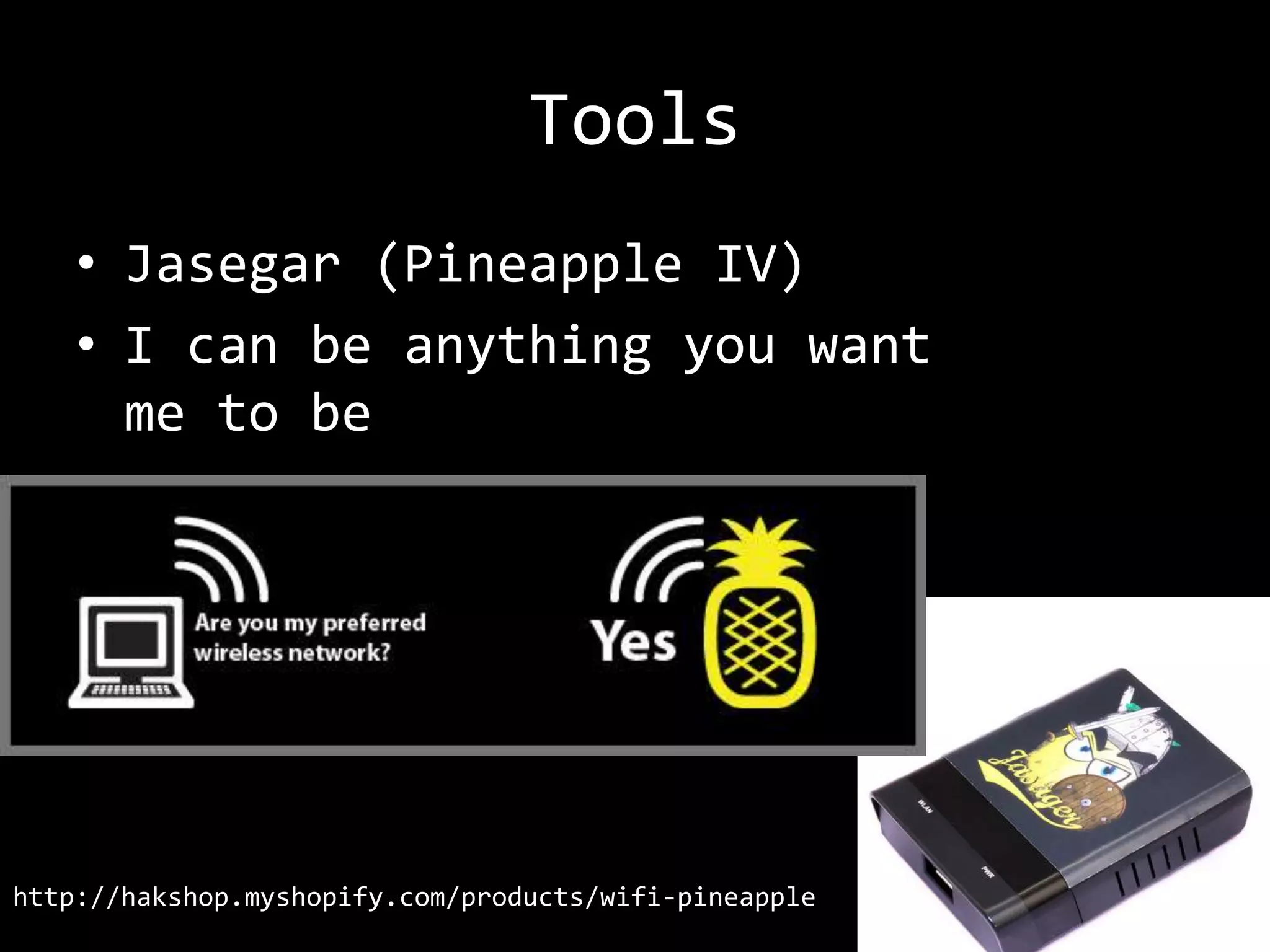
    • Jasegar (Pineapple IV)
    • I can be anything you want
      me to be


http://hakshop.myshopify.com/products/wifi-pineapple
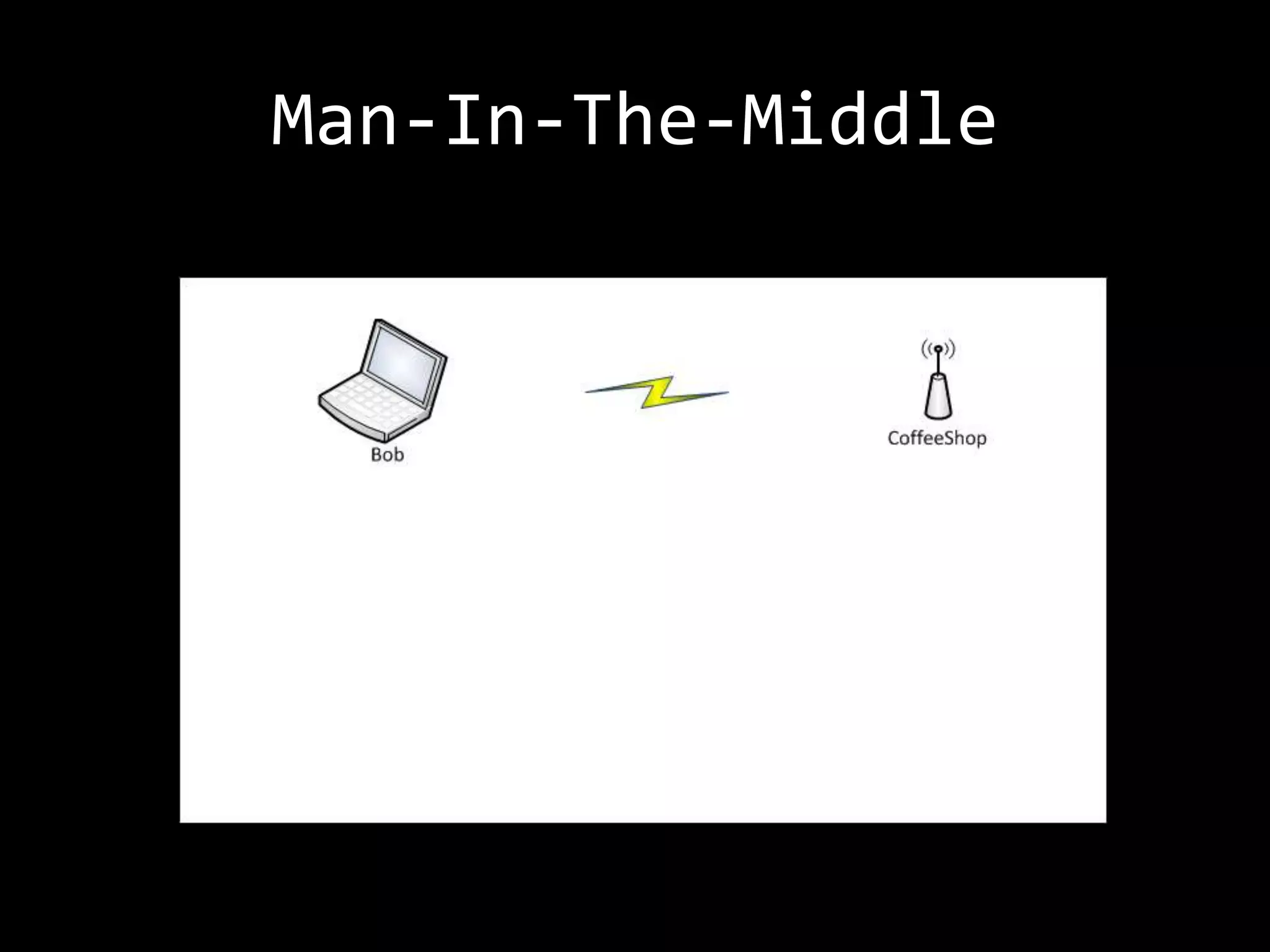
Man-In-The-Middle
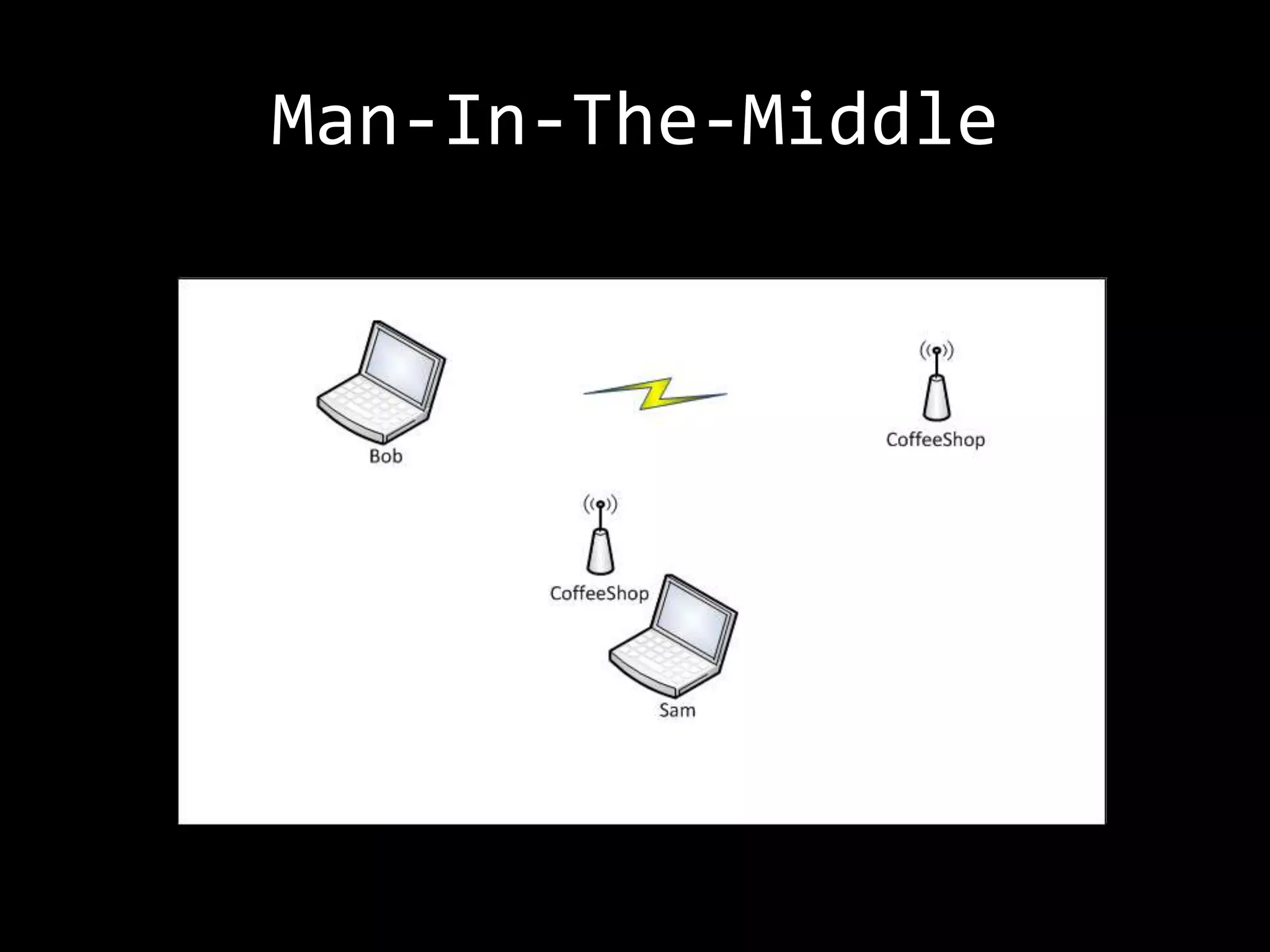
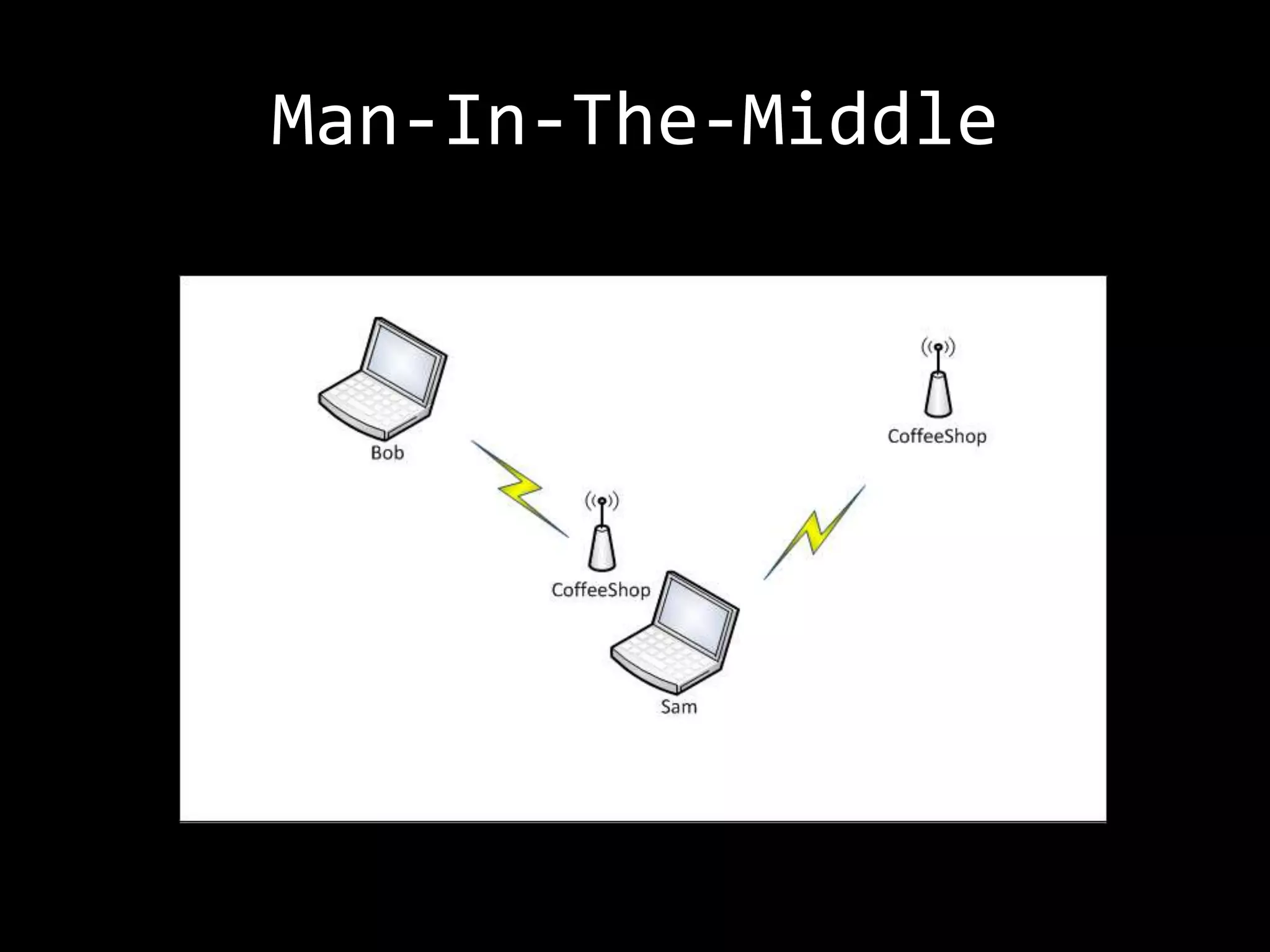
Man-In-The-Middle
Man-In-The-Middle
Man-In-The-Middle
Tools
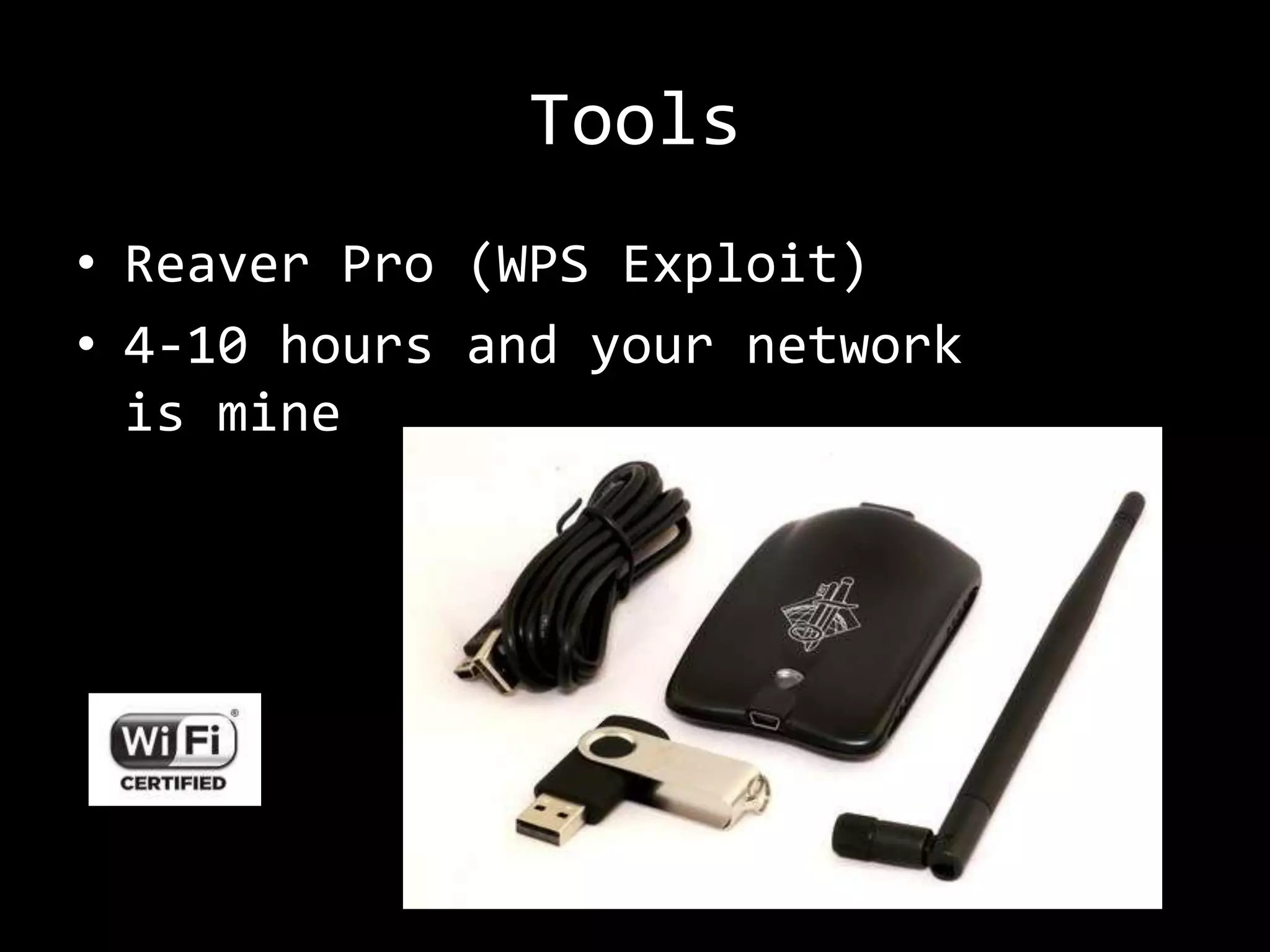
• Reaver Pro (WPS Exploit)
• 4-10 hours and your network
  is mine
What is Safe?
• Stop using Wi-Fi
  –   Avoid open Wi-Fi networks
  –   Always use SSL
  –   Use 3G (ref: OpenBTS)
  –   Disable Auto-Connect… on *all* devices
  –   Hard/complex network keys
  –   WPA-Enterprise / RADIUS / PEAP / EAP-TTLS
  –   Disable WPS!
• BYO-Encryption
  – Use VPN
  – SSH Tunnel (change your endpoint)
• Encrypted “Public” WiFI
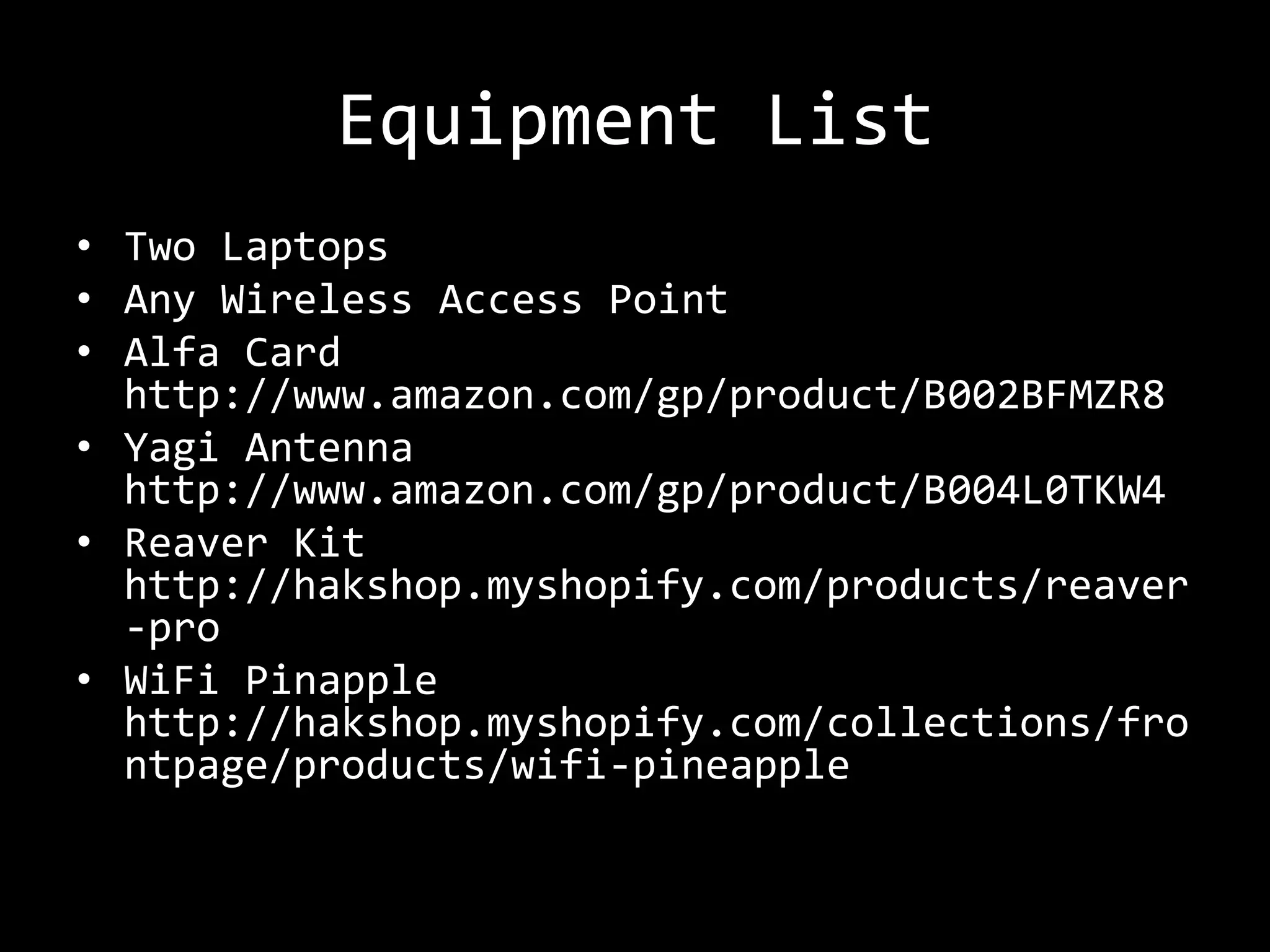
Equipment List
• Two Laptops
• Any Wireless Access Point
• Alfa Card
  http://www.amazon.com/gp/product/B002BFMZR8
• Yagi Antenna
  http://www.amazon.com/gp/product/B004L0TKW4
• Reaver Kit
  http://hakshop.myshopify.com/products/reaver
  -pro
• WiFi Pinapple
  http://hakshop.myshopify.com/collections/fro
  ntpage/products/wifi-pineapple
Learning More
• http://www.securityfocus.com
• http://www.aircrack-ng.org
• http://raulsiles.com/resources/wif
  i.html
• http://www.willhackforsushi.com
• http://hak5.org
  – learning
  – kit
Questions/Contact


Rob Gillen
rob@gillenfamily.net
http://rob.gillenfamily.net
@argodev

DevLink - WiFu: You think your wireless is secure?

  • 1.
    You think yourWifi is Safe? Rob Gillen @argodev
  • 2.
    Don’t Be Stupid Thefollowing presentation describes real attacks on real systems. Please note that most of the attacks described would be considered ILLEGAL if attempted on systems that you do not have explicit permission to test and attack. I assume no responsibility for any actions you perform based on the content of this presentation or subsequent conversations. Please remember this basic guideline: With knowledge comes responsibility.
  • 3.
    Disclaimer The content ofthis presentation represents my personal views and thoughts at the present time. This content is not endorsed by, or representative in any way of my employer nor is it intended to be a view into my work or a reflection on the type of work that I or my group performs. It is simply a hobby and personal interest and should be considered as such.
  • 4.
    Credits • Almost nothingin this presentation is original to me. • BackTrack 5 Wireless Penetration Testing Beginner's Guide (PACKT Publishing) • HAK5, Darren Kitchen, et. al. • The guy sitting at Starbucks last night • The Internet (et. al.)
  • 6.
    Overview • Pre-Requisite Knowledge •Various Security Approaches • Tools and Attacks
  • 7.
    Required Gear • NetworkAdapter that supports “Monitor” mode. – Equivalent to promiscuous mode on a normal NIC • Windows, MAC, or Linux – Linux tools tend to be more readily available • Comfort at the command line
  • 8.
    Today’s Lab • HostMachine: – Laptop, Windows 7, hard-wired to AP – presentation, AP configuration • Attacker: – VM, BackTrack 5 SR1, Alfa AWUS036H • Victim: – VM, Mint 13, Netgear USB WiFi Nic • Access Point: – Linksys WRT310Nv1
  • 9.
    Wireless Packet Frames •Management Frames • Control Frames – Authentication – Request to Send – De-authentication (RTS) – Association Request – Clear to Send (CTS) – Association Response – Acknowledgment (AWK) – Re-association • Data Frames Request – Re-association Response – Disassociation – Beacon – Probe Request – Probe Response
  • 10.
    Packet Sniffing • Filters: – wlan.fc.type • == 0 (mgmt frames) • == 1 (control frames) • == 2 (data frames) – wlan.fc.subtype • == 4 (probe requests) • == 5 (probe response) • == 8 (beacons) • (wlan.fc.type == 0) && (wlan.fc.subtype == 8)
  • 11.
    Packet Sniffing • Determinethe channel of the network we are interested in – required for sniffing data packets – airodump-ng • iwconfig mon0 channel 1
  • 12.
    Packet Injection • aireplay-ng – Inject packets onto a specific wireless network without specific association to that network – Can target specific channels, mask MAC addresses, etc. – Does not require association
  • 13.
    Wireless Channels • 802.11a,b,g,n slice up their spectrum into channels • Channels are padded by whitespace • 802.11b on 2.4GHz uses 22MHz wide channels • 5 MHz unused spectrum buffers each channel
  • 14.
    Channels and Overlap • Channel 1: Centered at 2.412 GHz begins at 2.400 and ends at 2.422 GHz • Channel 2: Centered at 2.417 begins 5MHz past Channel 1’s beginning • Channel 3: Centered at 2.422 GHz begins 5MHz past Channel 2’s beginning • Channels 1, 6, 11, and 14 are discrete Image Source: Wikipedia http://en.wikipedia.org/wiki/File:2.4_GHz_Wi-Fi_channels_(802.11b,g_WLAN).svg
  • 15.
    Regulatory Issues • AvailableChannels – US: 1-11 – Everywhere Else: 1-13 – Japan: 1-14 • Radio Power Levels – iw reg set US (up to 20) – iw reg set BO (up to 30)
  • 16.
    De-authentication Packets • Polite way to disconnect a client from the network • Gives everyone a chance to free memory • Hackers best friend Content for this slide taken from WiFi workshop, NoiseBridge, presented by Darren Kitchen http://hak5.org/episodes/hak5-1122
  • 17.
  • 18.
    DEMO: Hidden SSID • Show packet capture with the SSID • Hide SSID • Prove it is now hidden • Solve for X – Passive (wait for valid client) – wireshark filter – Use aireplay-ng to send deauth packet to force the discovery • Probe Request/Probe Response packets
  • 19.
  • 20.
    DEMO: MAC Filters •Enable MAC Filtering on the WAP • Prove that a client cannot connect • Use airodump-ng to show associated clients • Use macchanger to spoof the whitelisted address and connect.
  • 21.
  • 22.
    DEMO: WEP Encryption •Capture data packets (ARP) from a known/trusted client (airodump-ng) • Replay them/re-inject between 10- 100,000 times (aireplay-ng) • Crack them (aircrack-ng) • Guaranteed crack
  • 23.
  • 24.
  • 25.
    DEMO: WPA/2 Encryption •Vulnerable to dictionary attacks • Collect authentication handshake • Select dictionary file and run the cracker • Works for WPA, WPA2, AES, TKIP
  • 26.
  • 27.
    Tools • Jasegar (Pineapple IV) • I can be anything you want me to be http://hakshop.myshopify.com/products/wifi-pineapple
  • 28.
  • 29.
  • 30.
  • 31.
  • 32.
    Tools • Reaver Pro(WPS Exploit) • 4-10 hours and your network is mine
  • 33.
    What is Safe? •Stop using Wi-Fi – Avoid open Wi-Fi networks – Always use SSL – Use 3G (ref: OpenBTS) – Disable Auto-Connect… on *all* devices – Hard/complex network keys – WPA-Enterprise / RADIUS / PEAP / EAP-TTLS – Disable WPS! • BYO-Encryption – Use VPN – SSH Tunnel (change your endpoint) • Encrypted “Public” WiFI
  • 34.
    Equipment List • TwoLaptops • Any Wireless Access Point • Alfa Card http://www.amazon.com/gp/product/B002BFMZR8 • Yagi Antenna http://www.amazon.com/gp/product/B004L0TKW4 • Reaver Kit http://hakshop.myshopify.com/products/reaver -pro • WiFi Pinapple http://hakshop.myshopify.com/collections/fro ntpage/products/wifi-pineapple
  • 35.
    Learning More • http://www.securityfocus.com •http://www.aircrack-ng.org • http://raulsiles.com/resources/wif i.html • http://www.willhackforsushi.com • http://hak5.org – learning – kit
  • 36.