INTRODUCTION TO IOS
AND CISCO ROUTERS
By
Anil Kumar Vishwakarma
MCA,MCTS,CCNA
CISCO ROUTER IOS
oThe Cisco IOS (Internetwork Operating System) was
created to deliver network services and enable networked
applications. It runs on most Cisco routers.
oSome of the important things that the Cisco router IOS
software is responsible for include
o Carrying network protocols and functions.
o Connecting high-speed traffic between devices.
o Adding security to control access and stop unauthorized
network use.
o Supplying network reliability for connecting to network
resources.
CISCO ROUTER
 Router uses to connect: -
 Subnet with another Subnet (By LAN
Interface).
 LAN with another LAN (By WAN Interface).
 LAN with WAN (By WAN Interface).
 WAN with another WAN (By WAN Interface).
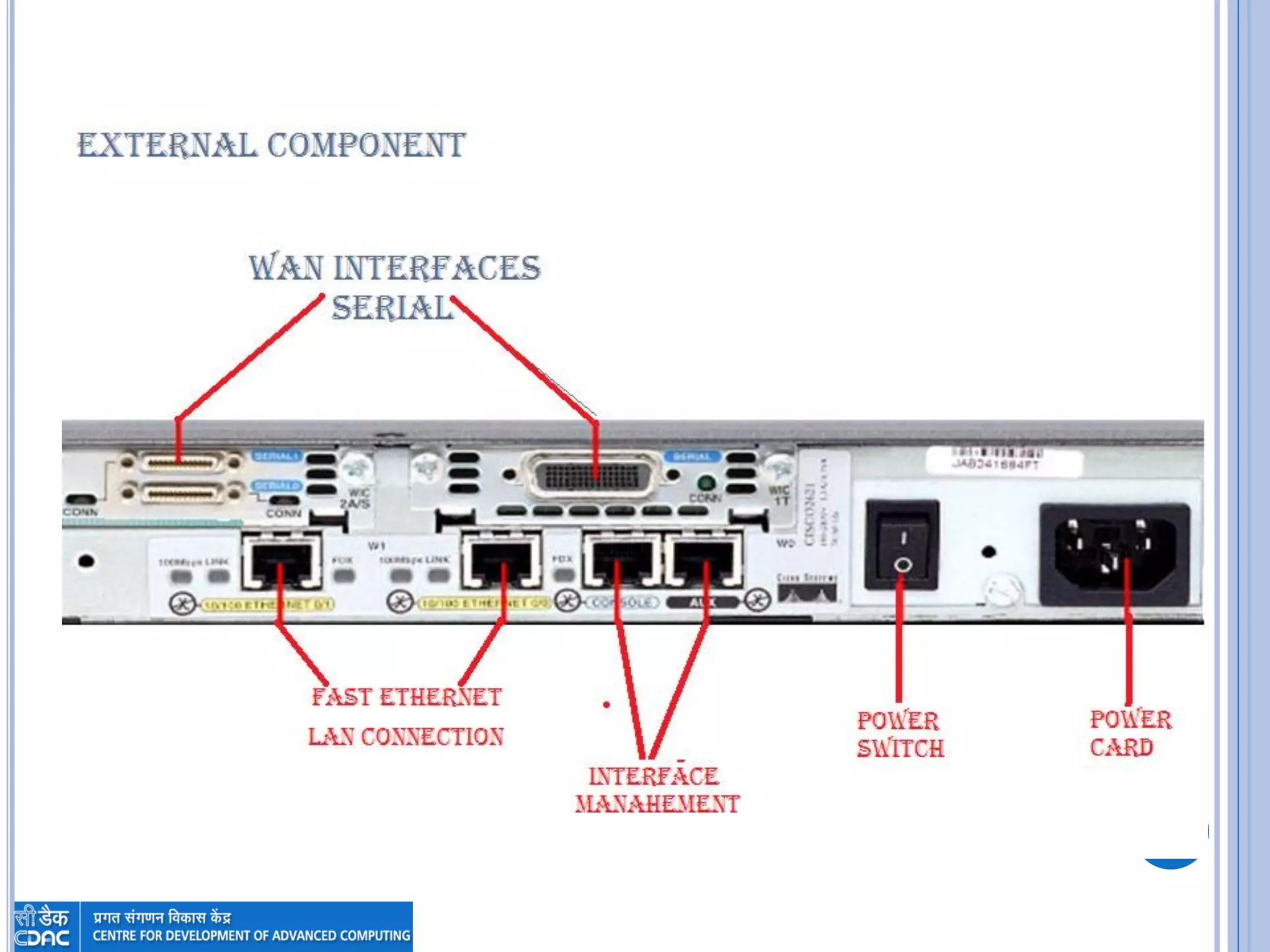
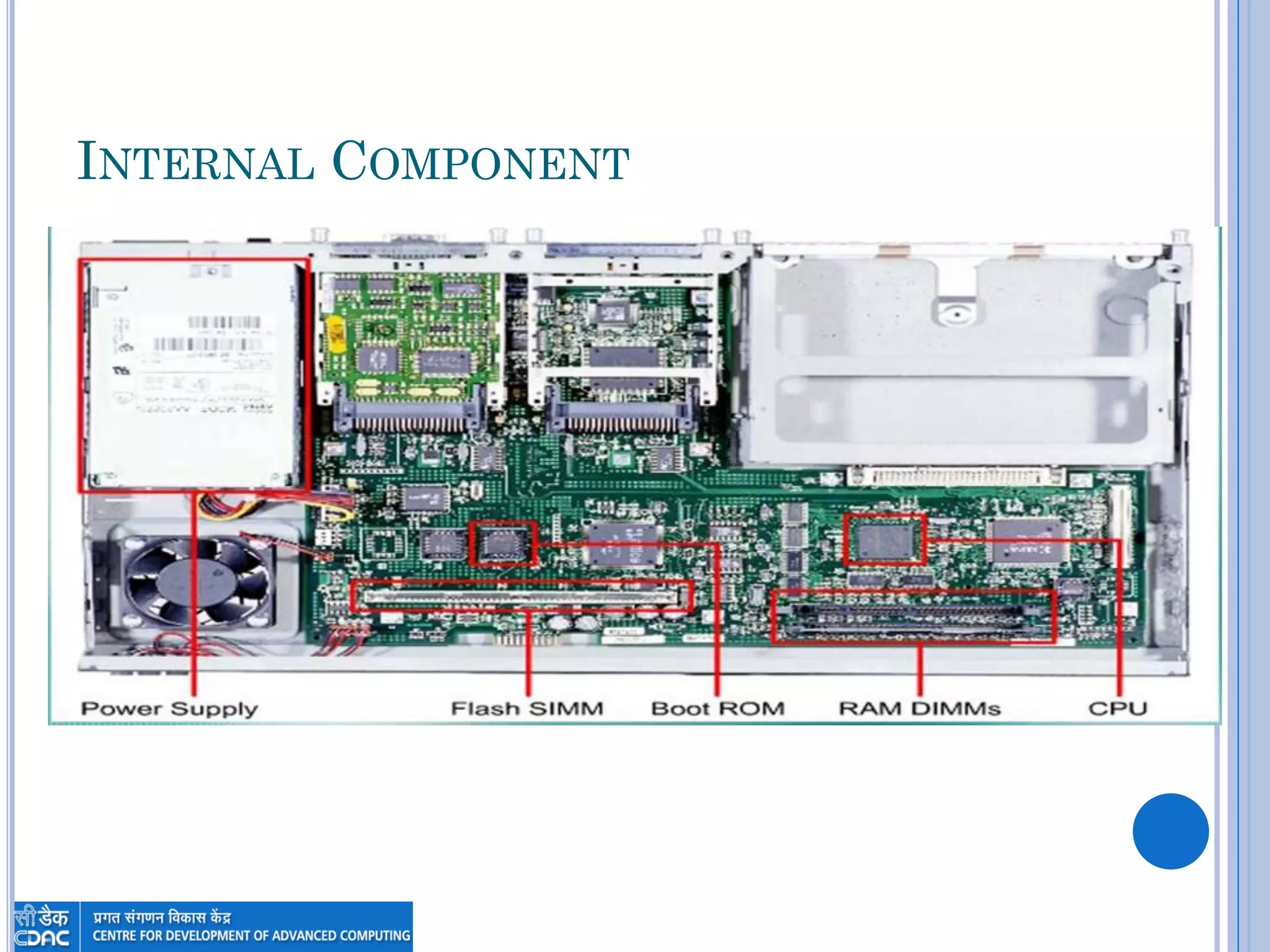
 Router Consist of External Components
(Interfaces) and Internal Components
INTERNAL COMPONENT
CONNECTING TO A CISCO ROUTER
 You can connect to a Cisco router to configure
it, verify its configuration, and check statistics.
 There are Three ways to do that: -
 Console Session.
 Auxiliary Session.
 Telnet Session can’t use this method after router has
taken valid IP address.
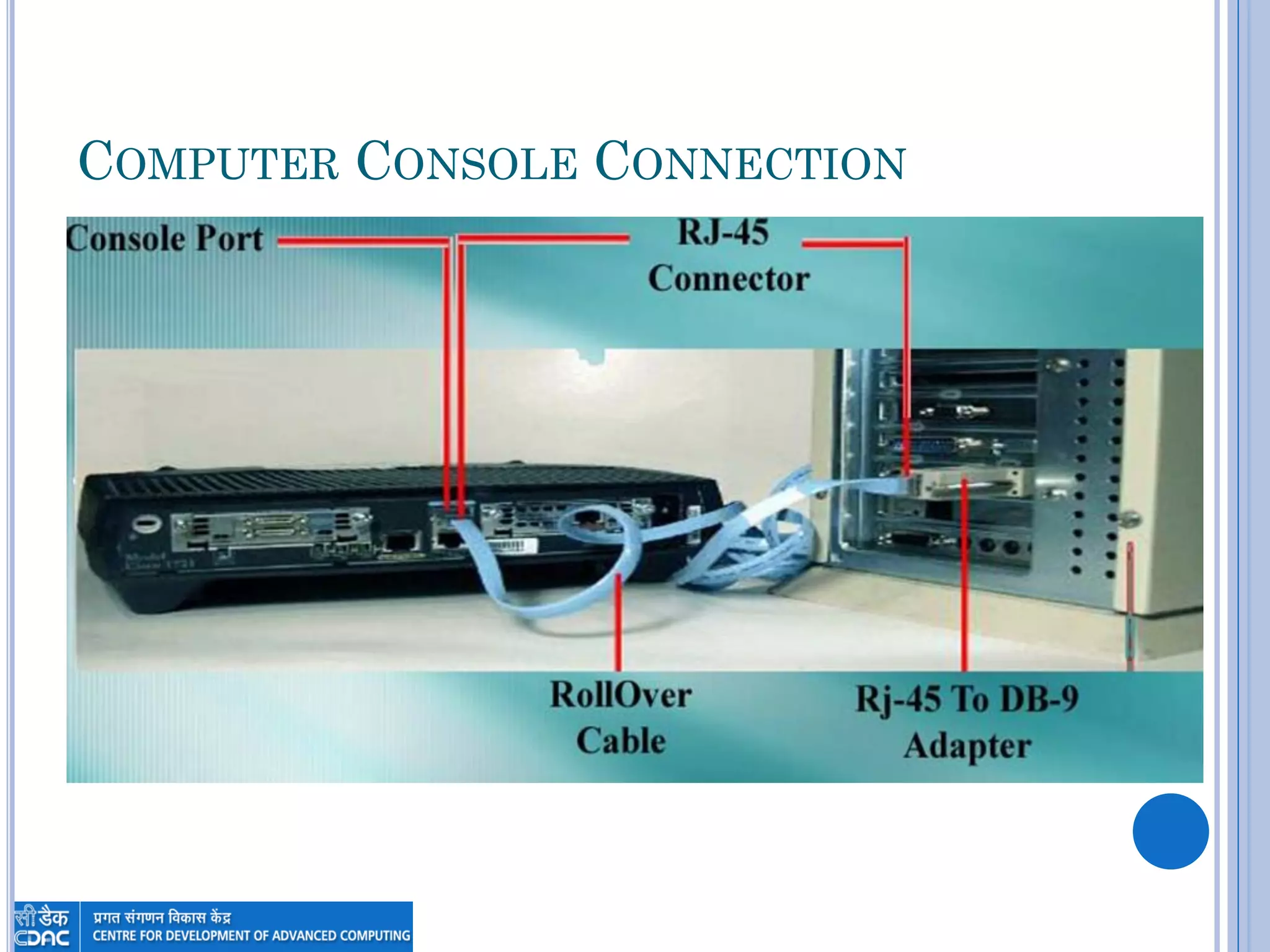
COMPUTER CONSOLE CONNECTION
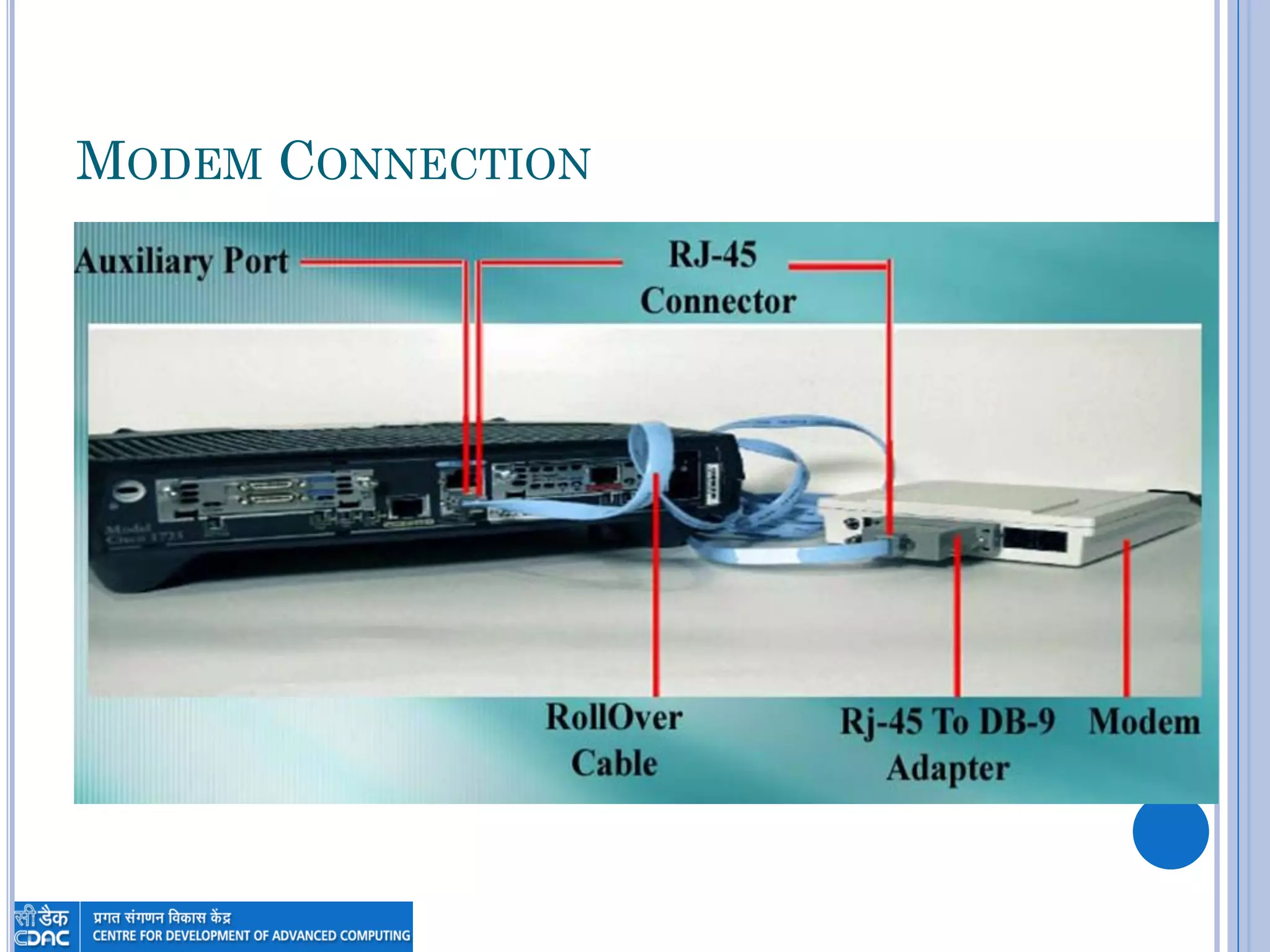
MODEM CONNECTION
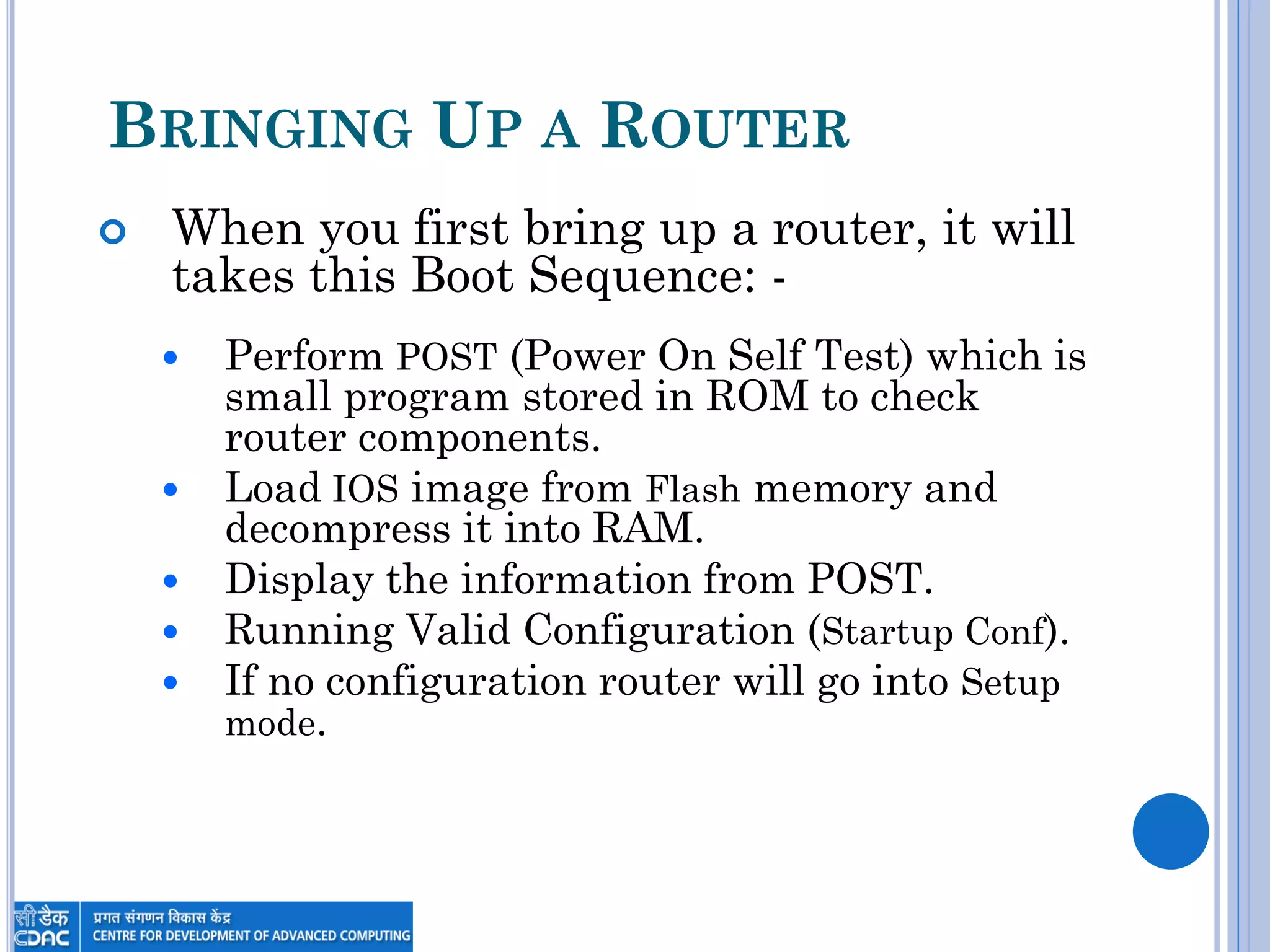
BRINGING UP A ROUTER
 When you first bring up a router, it will
takes this Boot Sequence: -
 Perform POST (Power On Self Test) which is
small program stored in ROM to check
router components.
 Load IOS image from Flash memory and
decompress it into RAM.
 Display the information from POST.
 Running Valid Configuration (Startup Conf).
 If no configuration router will go into Setup
mode.
MEMORY ARCHITECTURE
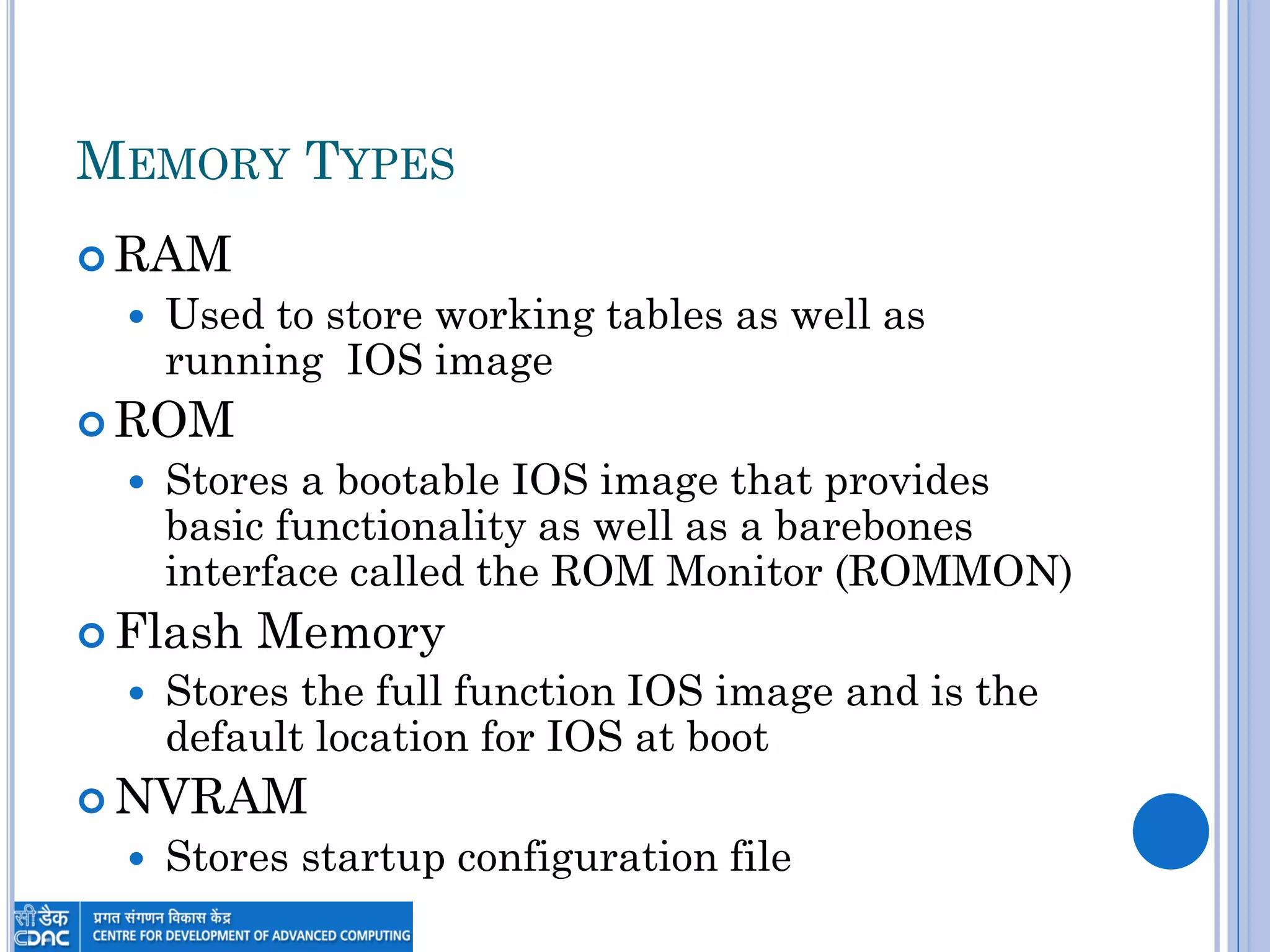
MEMORY TYPES
 RAM
 Used to store working tables as well as
running IOS image
 ROM
 Stores a bootable IOS image that provides
basic functionality as well as a barebones
interface called the ROM Monitor (ROMMON)
 Flash Memory
 Stores the full function IOS image and is the
default location for IOS at boot
 NVRAM
 Stores startup configuration file
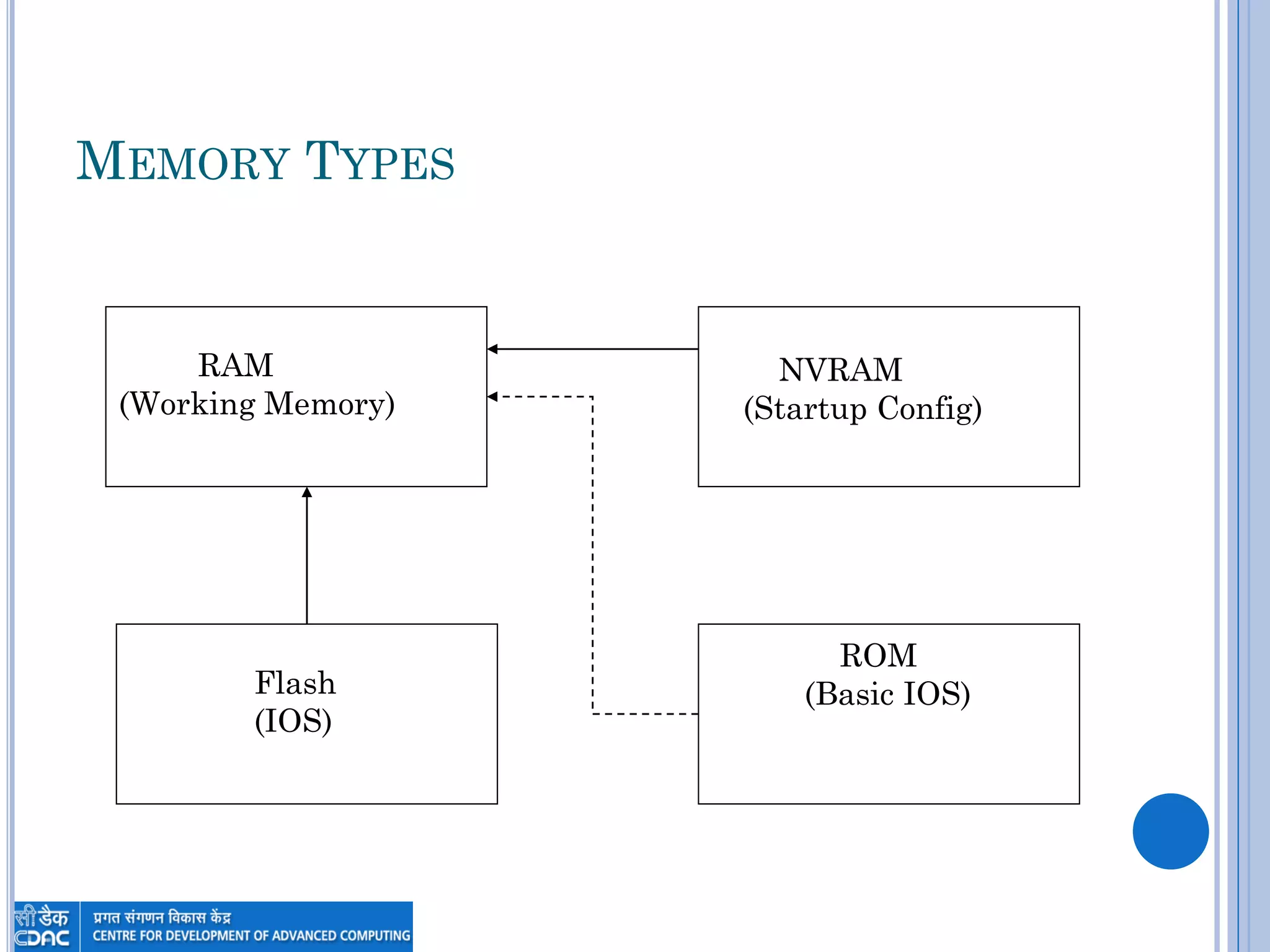
MEMORY TYPES
RAM
(Working Memory)
Flash
(IOS)
ROM
(Basic IOS)
NVRAM
(Startup Config)
CONFIGURATION AND IOS
IMAGES
CONFIGURATION FILE
 The configuration is a text file that
contains configuration commands that are
executed at startup
 When the router boots a copy of the config
in NVRAM (startup-config) is executed to
establish the initial configuration
 Configuration commands entered while
the router is running are entered into the
temporary configuration stored in RAM
(running-config)
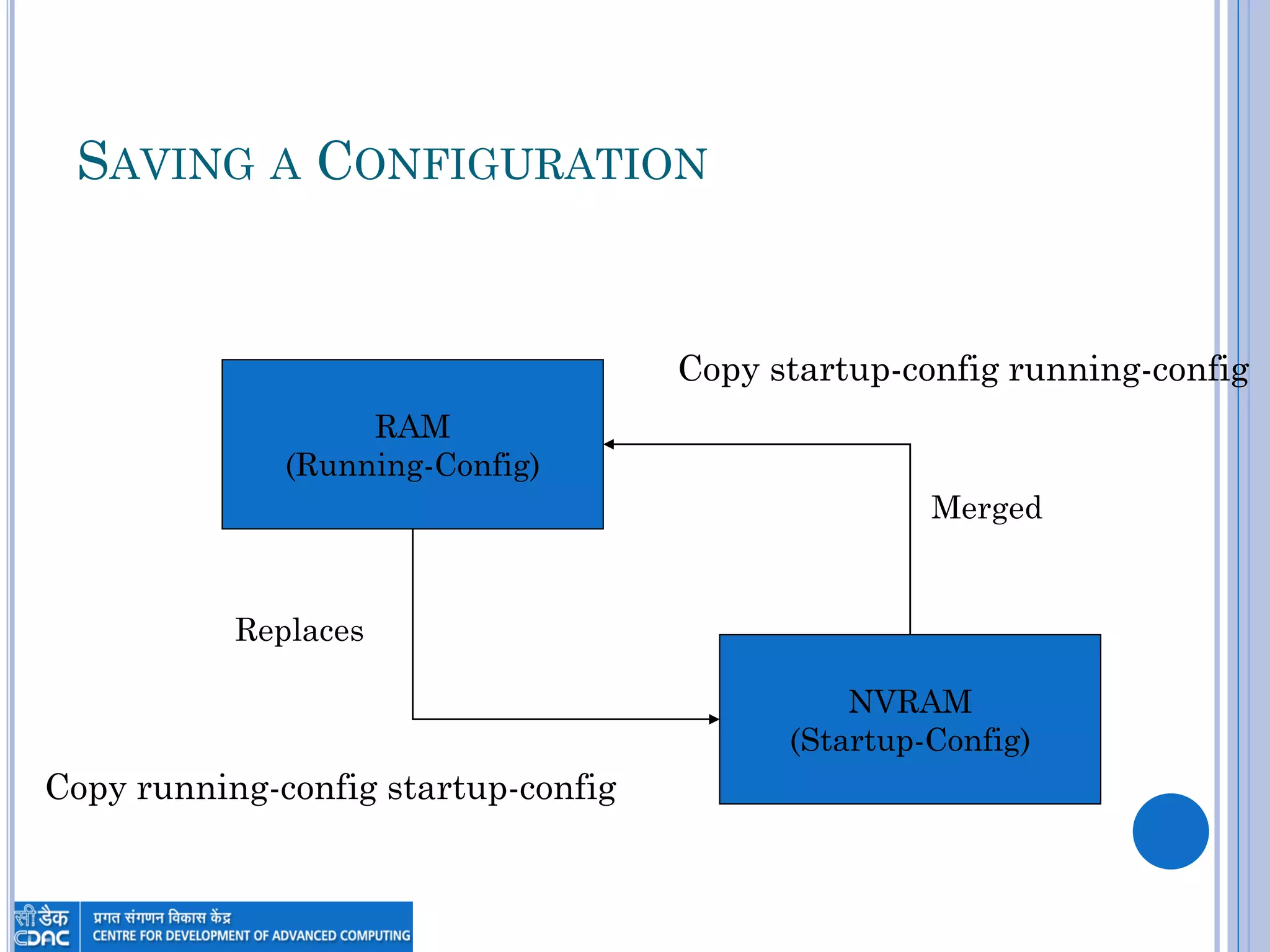
SAVING A CONFIGURATION
RAM
(Running-Config)
NVRAM
(Startup-Config)
Copy running-config startup-config
Copy startup-config running-config
Merged
Replaces
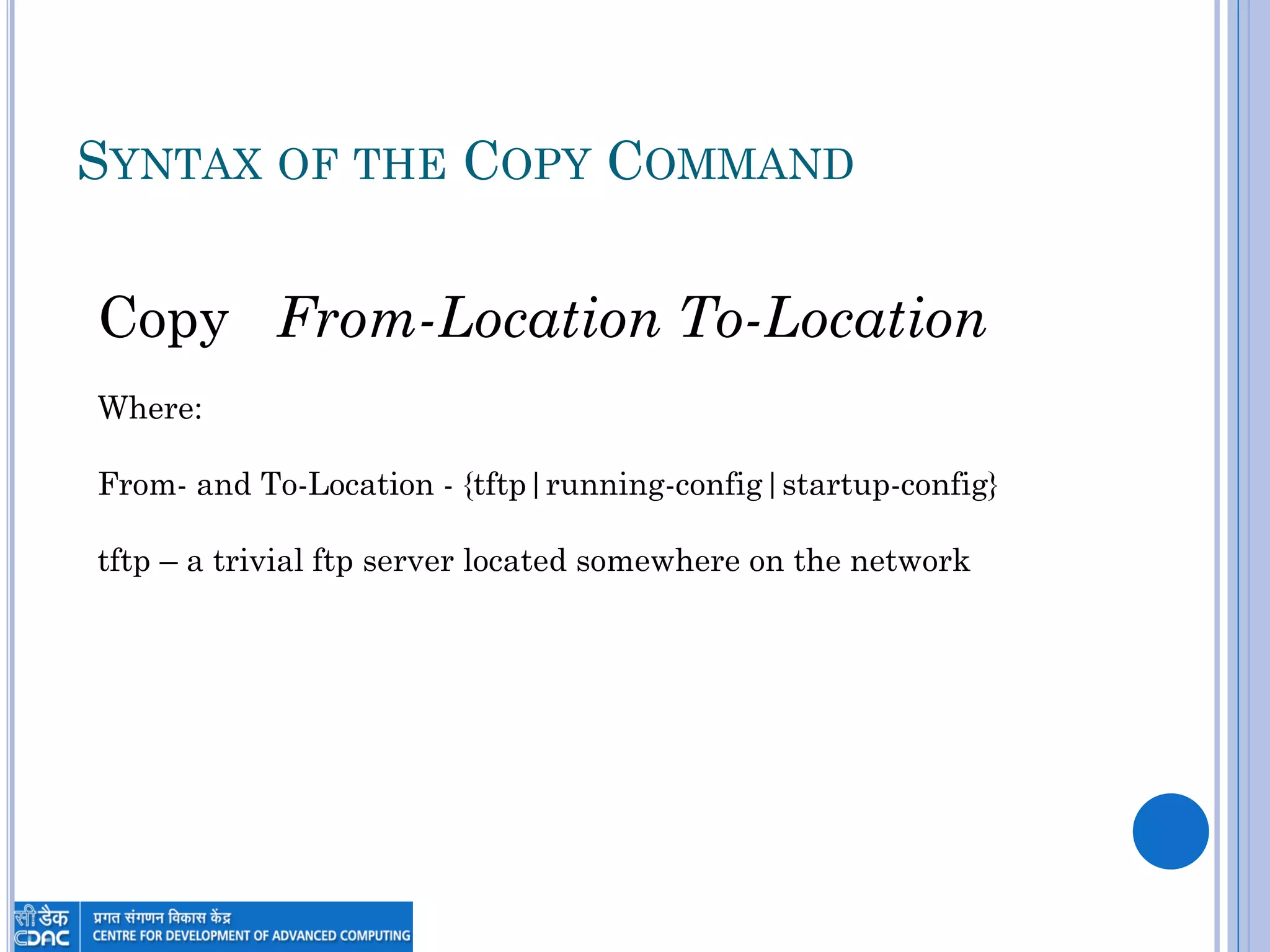
SYNTAX OF THE COPY COMMAND
Copy From-Location To-Location
Where:
From- and To-Location - {tftp|running-config|startup-config}
tftp – a trivial ftp server located somewhere on the network
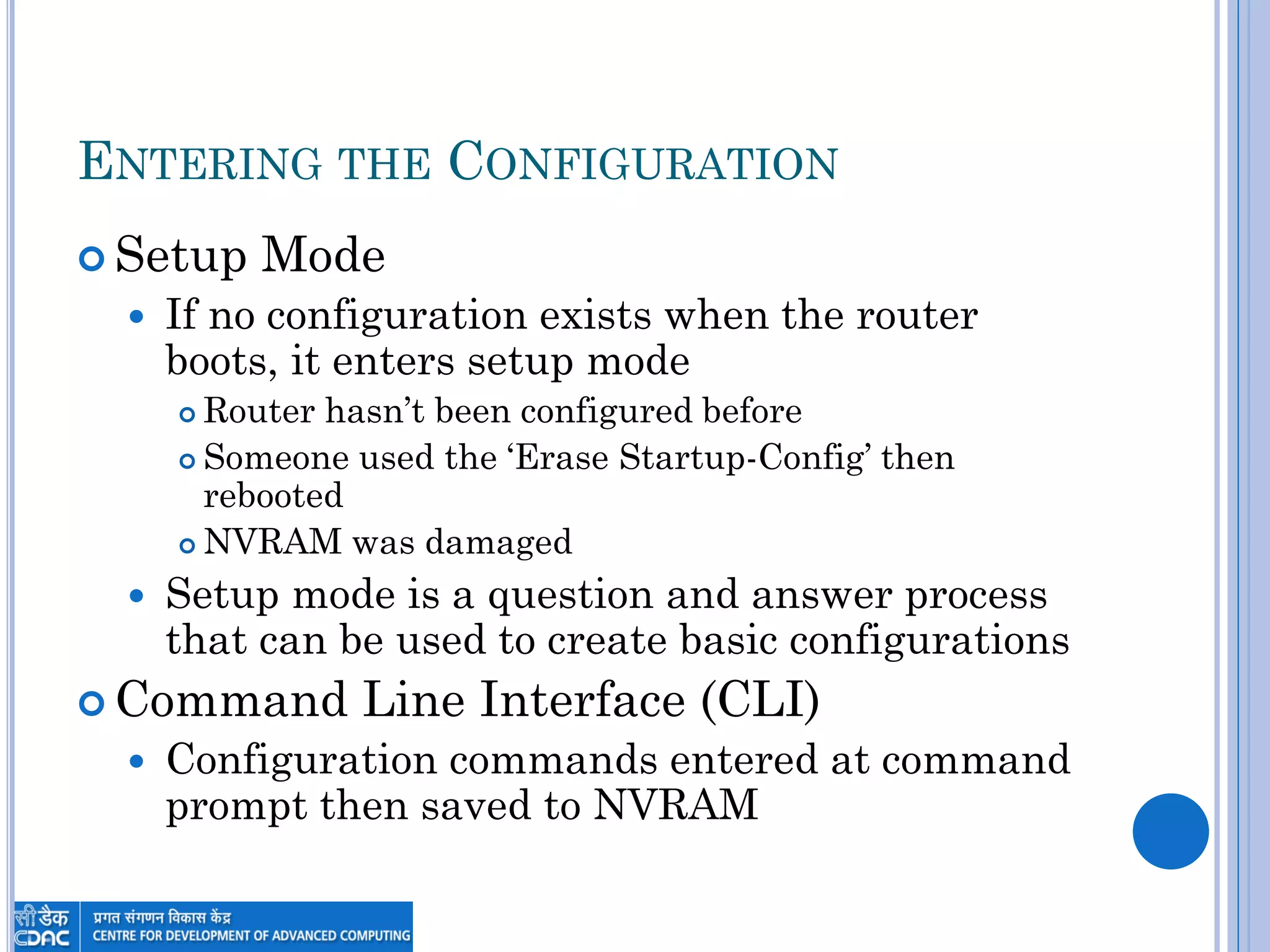
ENTERING THE CONFIGURATION
 Setup Mode
 If no configuration exists when the router
boots, it enters setup mode
 Router hasn‟t been configured before
 Someone used the „Erase Startup-Config‟ then
rebooted
 NVRAM was damaged
 Setup mode is a question and answer process
that can be used to create basic configurations
 Command Line Interface (CLI)
 Configuration commands entered at command
prompt then saved to NVRAM
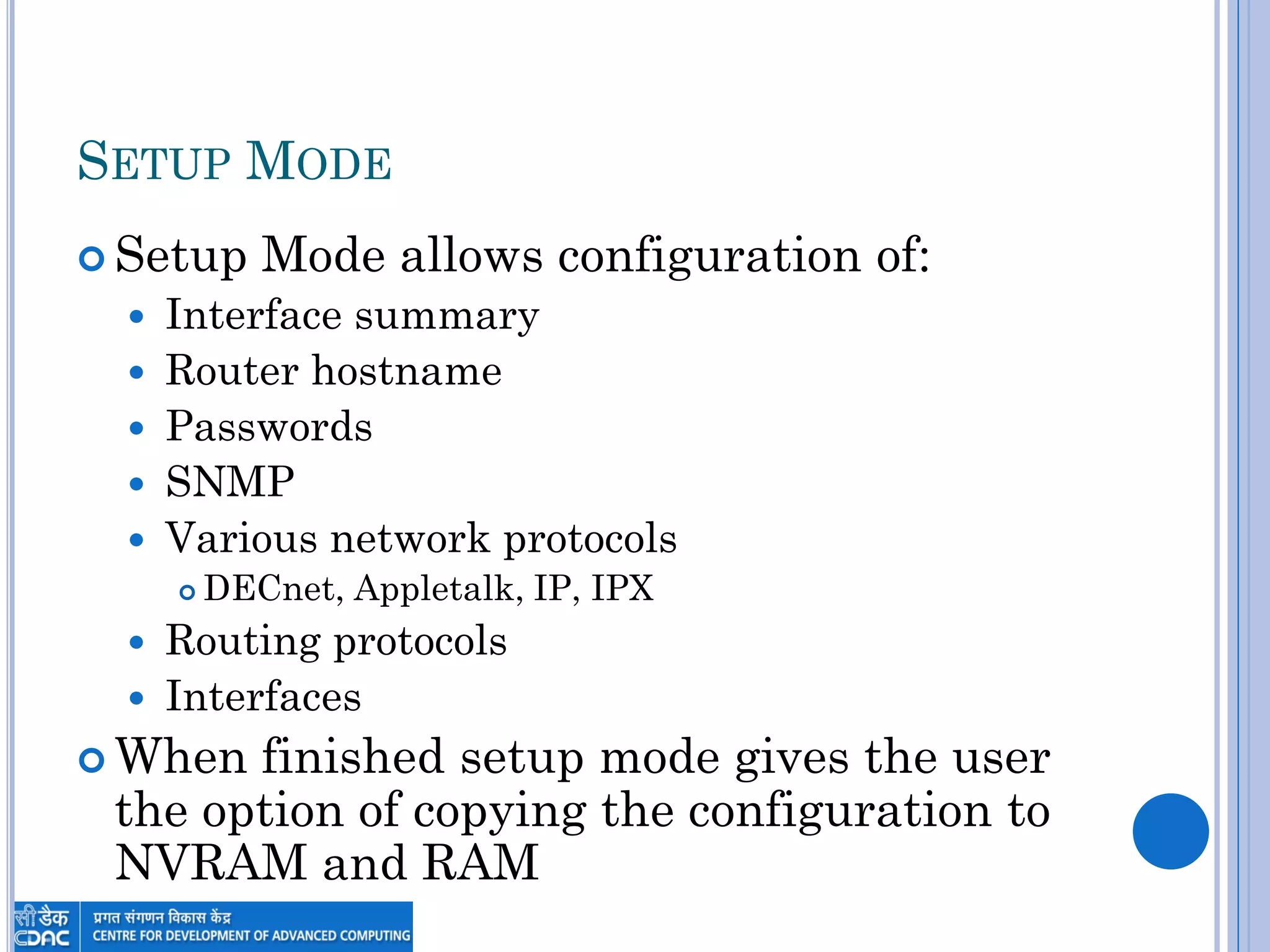
SETUP MODE
 Setup Mode allows configuration of:
 Interface summary
 Router hostname
 Passwords
 SNMP
 Various network protocols
 DECnet, Appletalk, IP, IPX
 Routing protocols
 Interfaces
 When finished setup mode gives the user
the option of copying the configuration to
NVRAM and RAM
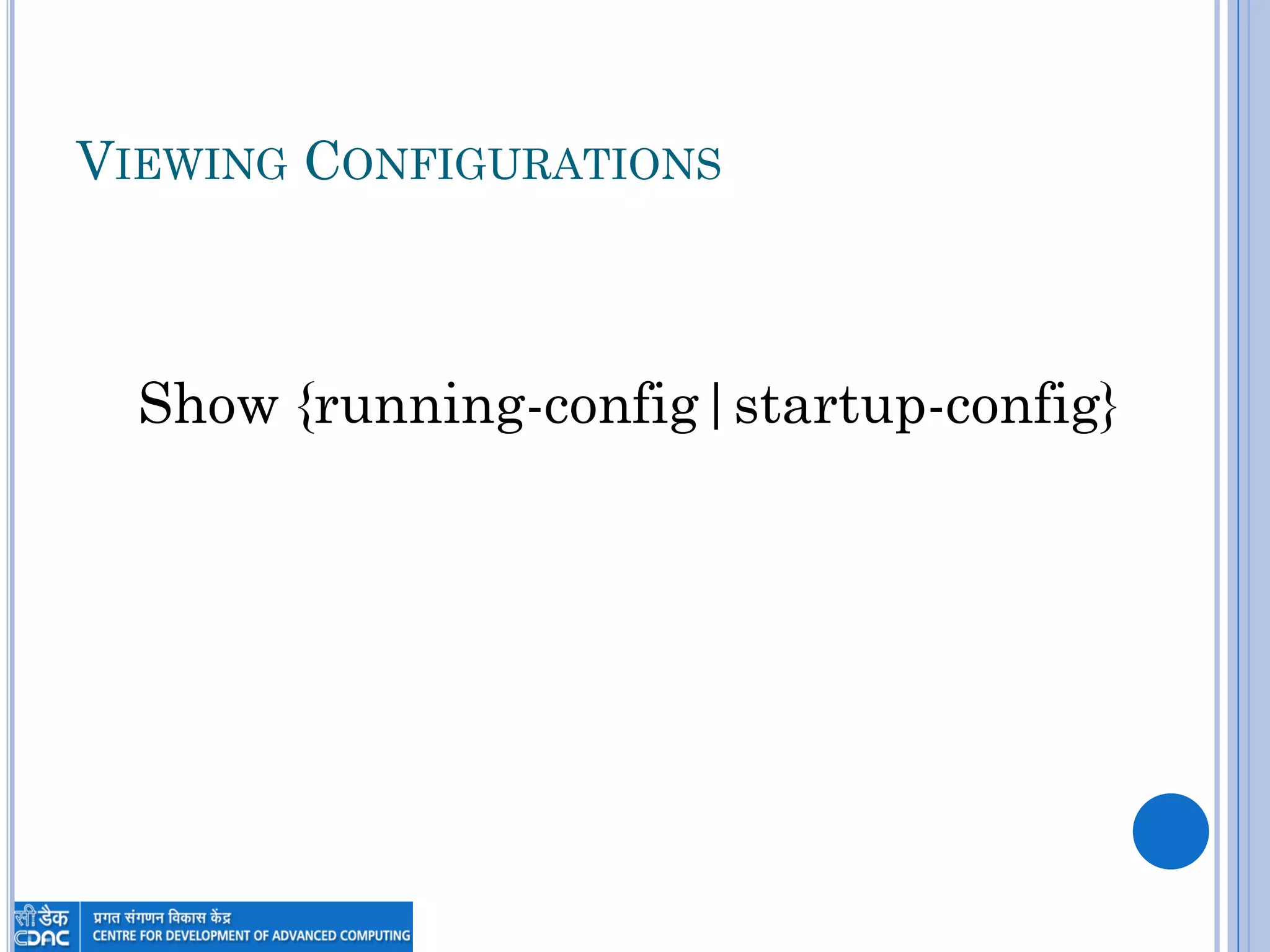
VIEWING CONFIGURATIONS
Show {running-config|startup-config}
THE CLI AND GETTING HELP
COMMAND LINE INTERFACE
 Most Cisco devices use a command line
interface
 Commands can be entered and edited
before they are executed by hitting the
enter key
 Commands can be abbreviated as long as
they are not ambiguous
e.g. Show Interface => sh int
COMMAND LINE INTERFACE
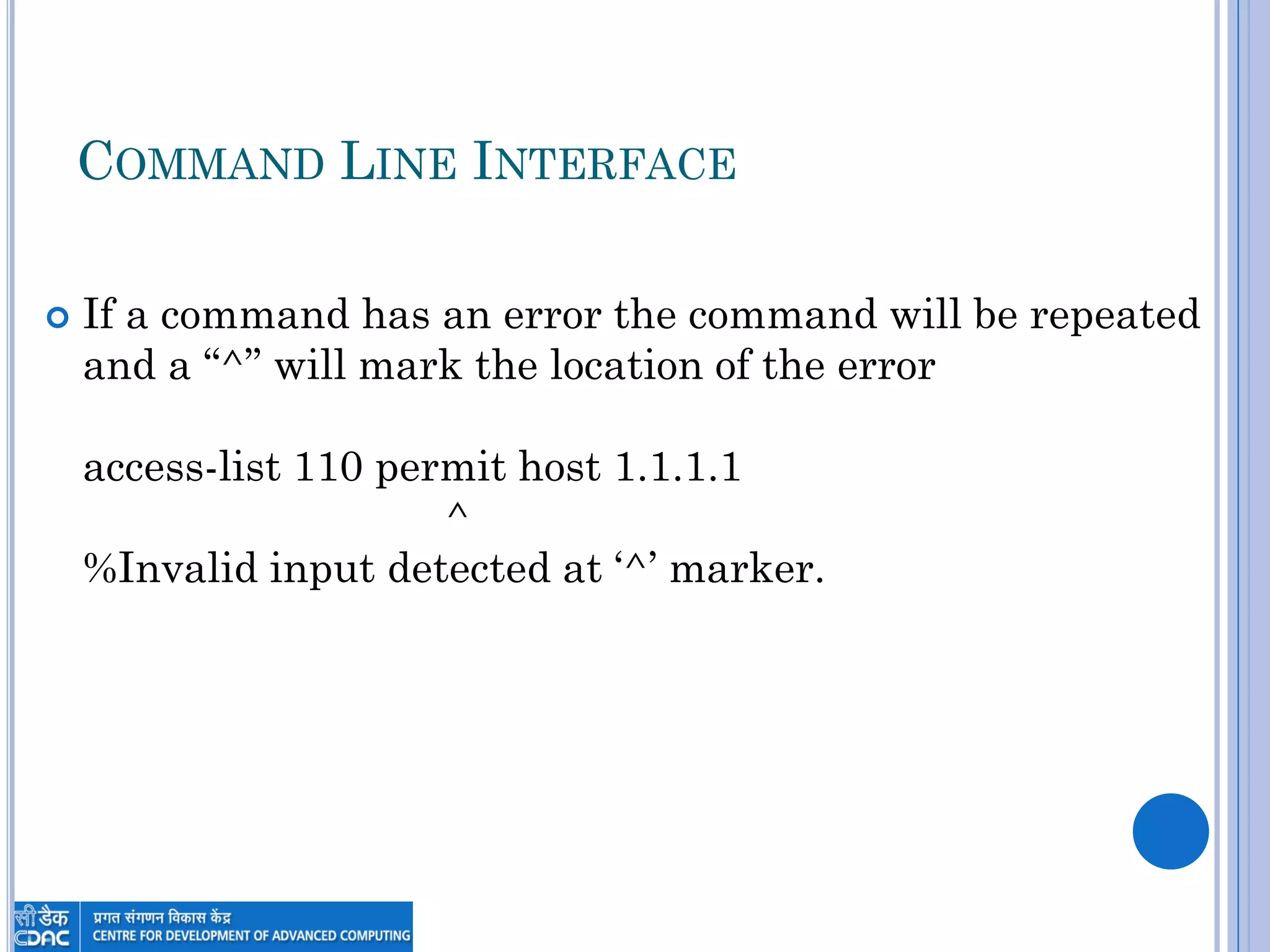
 If a command has an error the command will be repeated
and a “^” will mark the location of the error
access-list 110 permit host 1.1.1.1
^
%Invalid input detected at „^‟ marker.
COMMAND HISTORY
 Up and Down arrows scroll through command history
 Also ctrl+p (up) and ctrl+n (down)
 Command history commands
 Show history – shows commands in history
 Show terminal – shows terminal configurations and terminal history
size (default = 10)
 Terminal history size – changes history buffer size up to a max of 256
GETTING HELP
 Typing ? at any point will cause IOS to show
what options exist at that point
 Just ? on a line will list all commands available in
that mode
 Typing one letter followed by ? will show all
commands that begin with the letter
 Adding ? after a command will show what arguments
are available for the command
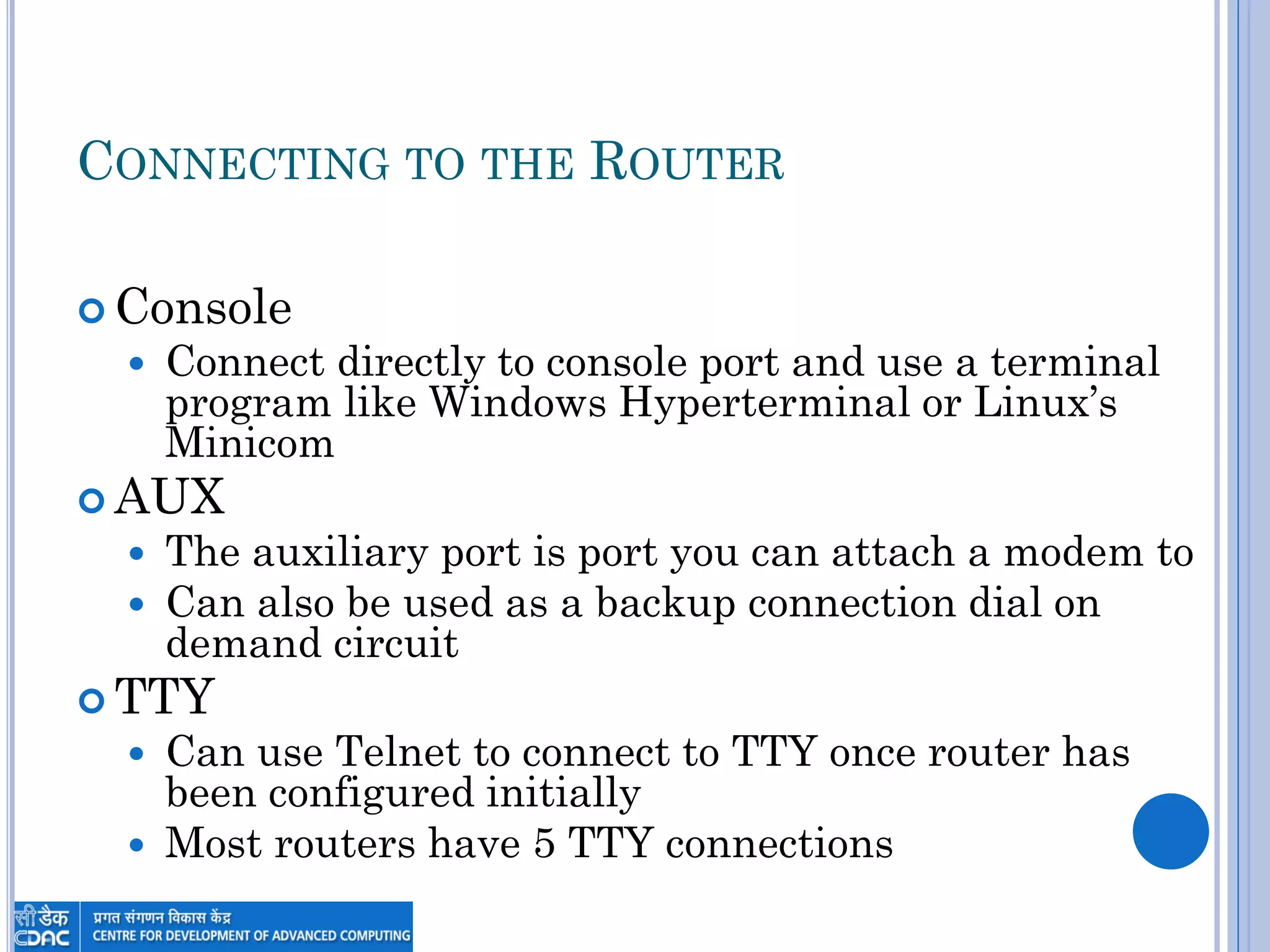
CONNECTING TO THE ROUTER
 Console
 Connect directly to console port and use a terminal
program like Windows Hyperterminal or Linux‟s
Minicom
 AUX
 The auxiliary port is port you can attach a modem to
 Can also be used as a backup connection dial on
demand circuit
 TTY
 Can use Telnet to connect to TTY once router has
been configured initially
 Most routers have 5 TTY connections
IOS MODES
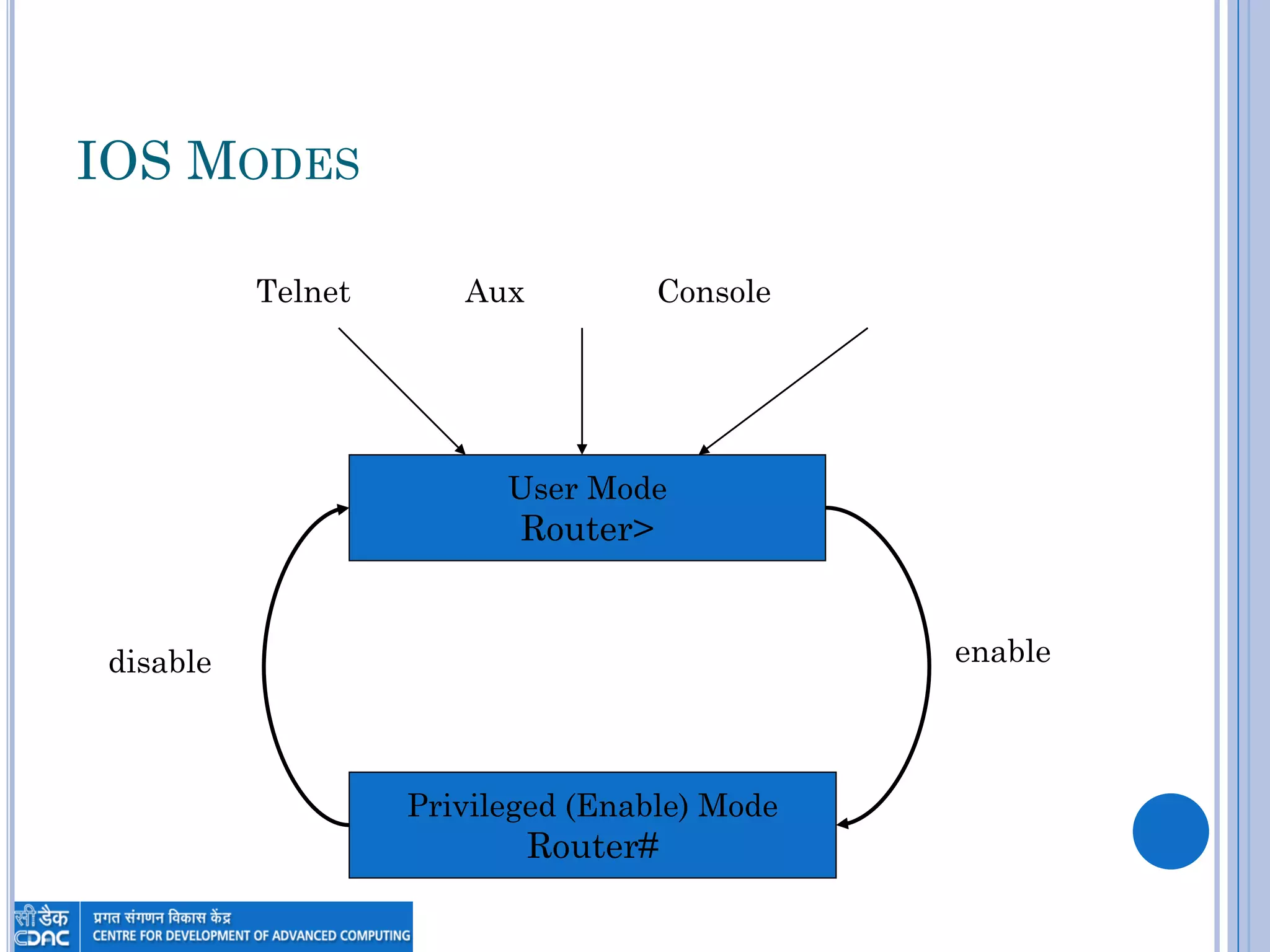
IOS MODES
User Mode
Router>
Privileged (Enable) Mode
Router#
disable enable
Telnet Aux Console
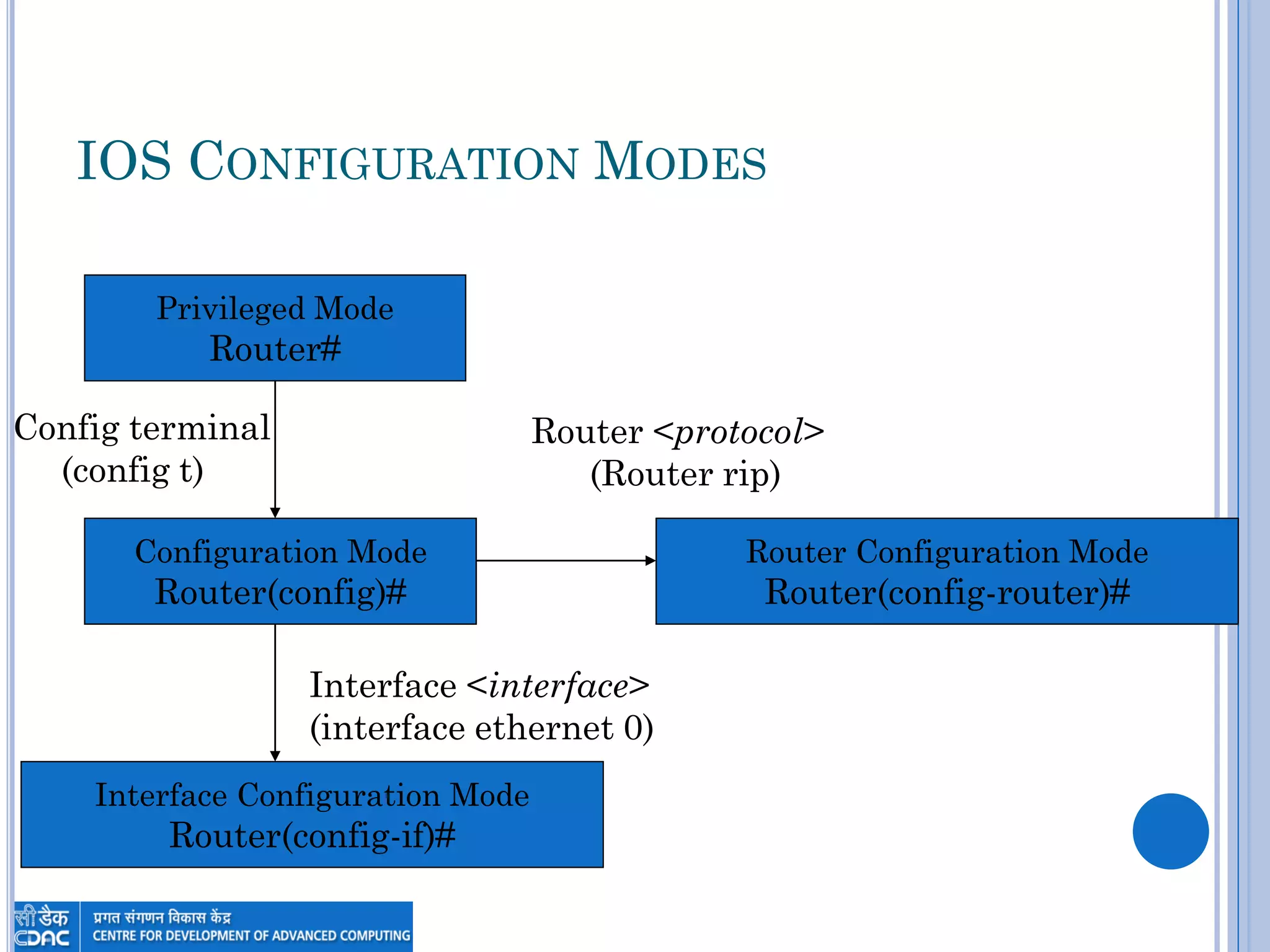
IOS CONFIGURATION MODES
Configuration Mode
Router(config)#
Privileged Mode
Router#
Config terminal
(config t)
Interface Configuration Mode
Router(config-if)#
Interface <interface>
(interface ethernet 0)
Router Configuration Mode
Router(config-router)#
Router <protocol>
(Router rip)
ROUTER INTERFACES
INTERFACES
 LANs
 Ethernet (Ethernet 0, E0, E1, etc.)
 FastEthernet (FastEthernet 0, F0, F1, etc.)
 Token Ring (TokenRing 0, TO0, TO1, etc.)
 WANs
 Serial 0, S0, S1, etc.
INTERFACES ON EXPANSION CARDS
 Interfaces on add in expansion cards include the
slot number followed by a slash then the
interface number
 The first FastEthernet interface on a card in the first
slot would be FastEthernet 0/0
 On 7500 series routers three values are required
(slot/port-adapter/port) so it would be
FastEthernet 0/0/0 for example
LOOPBACK INTERFACES
 Loopback interfaces are internal interfaces and
treated like other interfaces
 Loopback interfaces are never shutdown
 Loopback interfaces are useful when you need an
interface that will never go down
INTERFACE CONFIGURATION MODE
 Use the Interface command in configuration or
interface configuration mode to enter
configuration mode
 Router(config)#interface e0
 Router(config-if)#interface Lo0
 Router(config)#interface s0/1
BRINGING UP AN INTERFACE
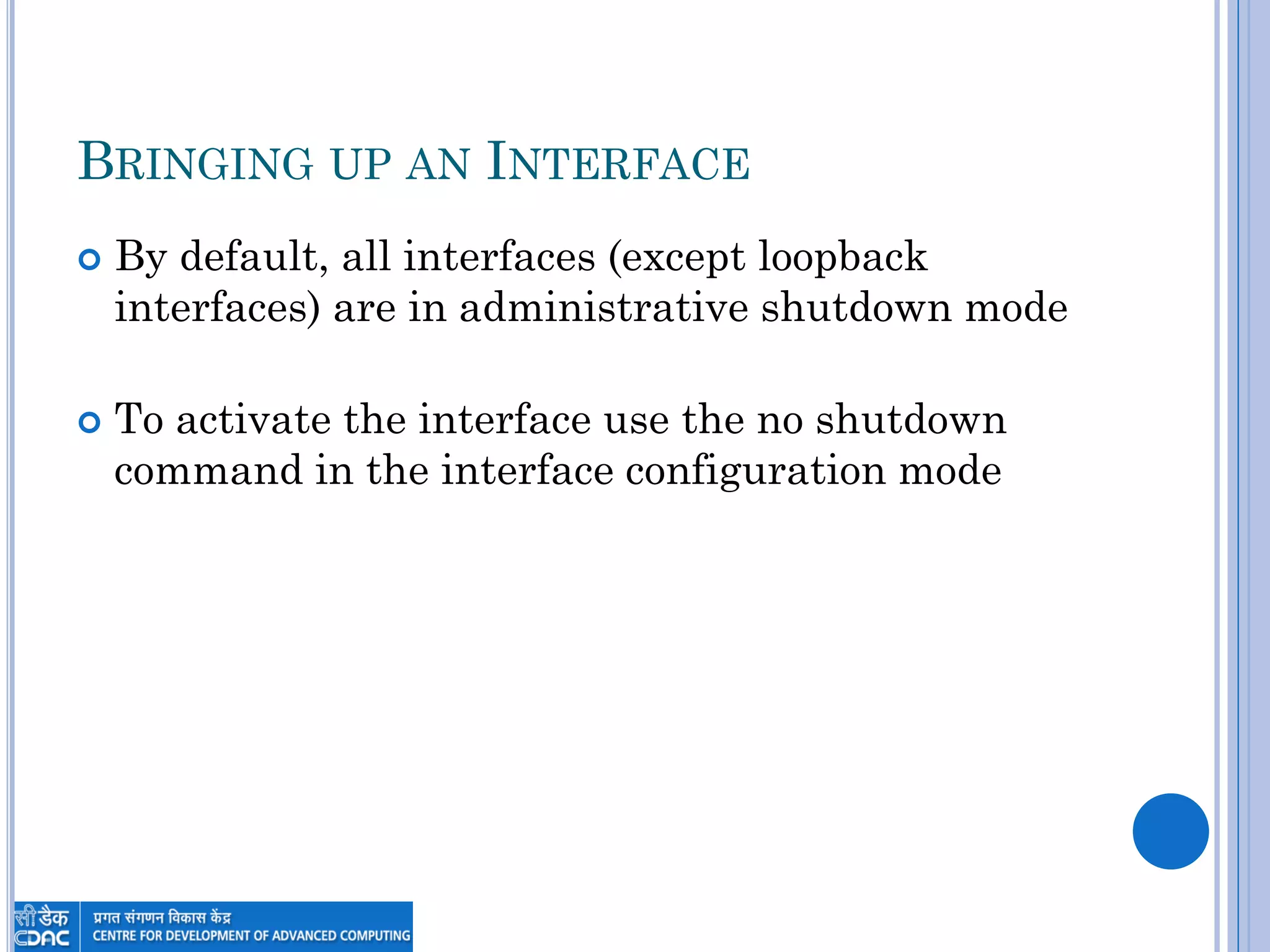
 By default, all interfaces (except loopback
interfaces) are in administrative shutdown mode
 To activate the interface use the no shutdown
command in the interface configuration mode
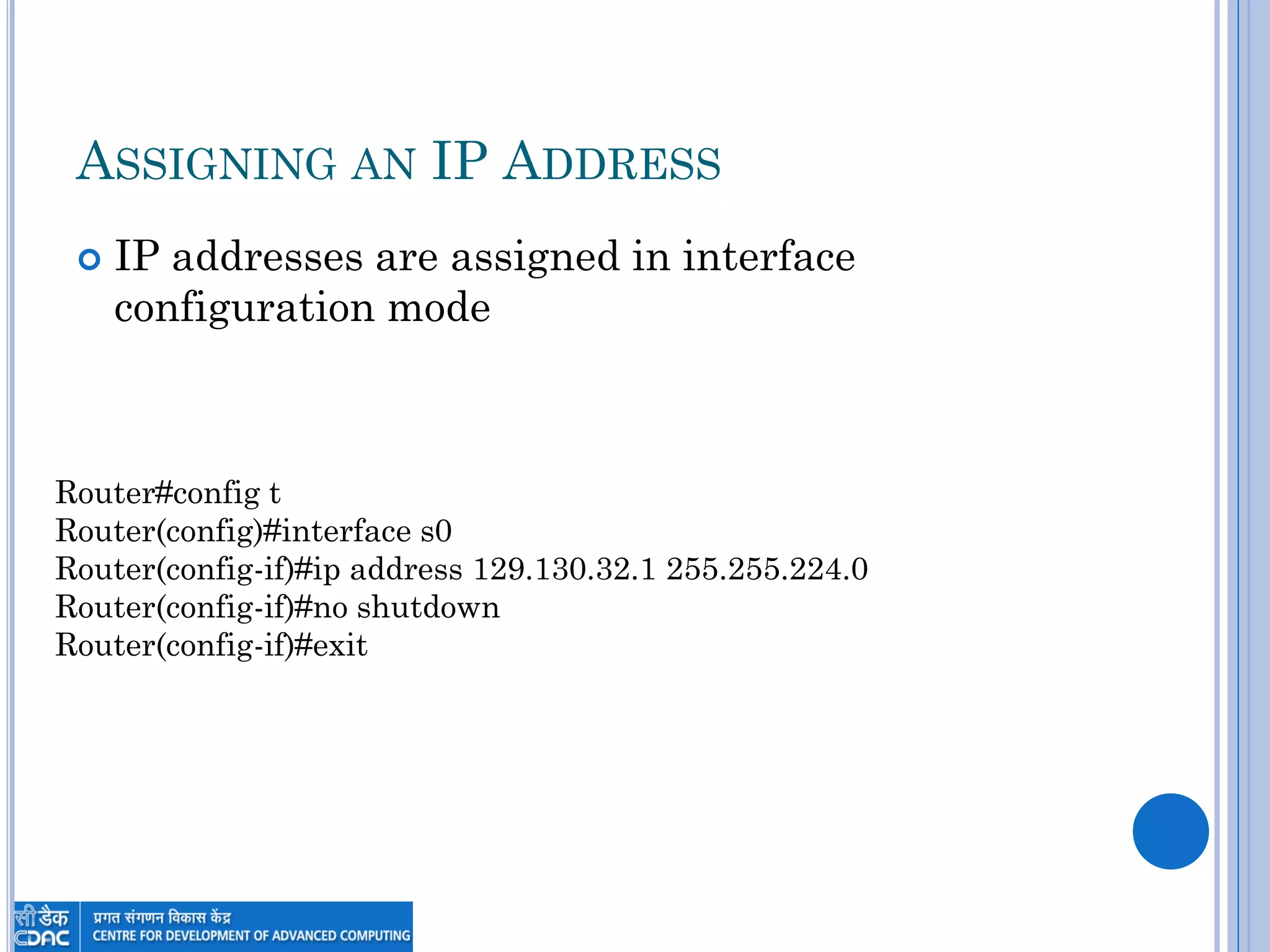
ASSIGNING AN IP ADDRESS
 IP addresses are assigned in interface
configuration mode
Router#config t
Router(config)#interface s0
Router(config-if)#ip address 129.130.32.1 255.255.224.0
Router(config-if)#no shutdown
Router(config-if)#exit
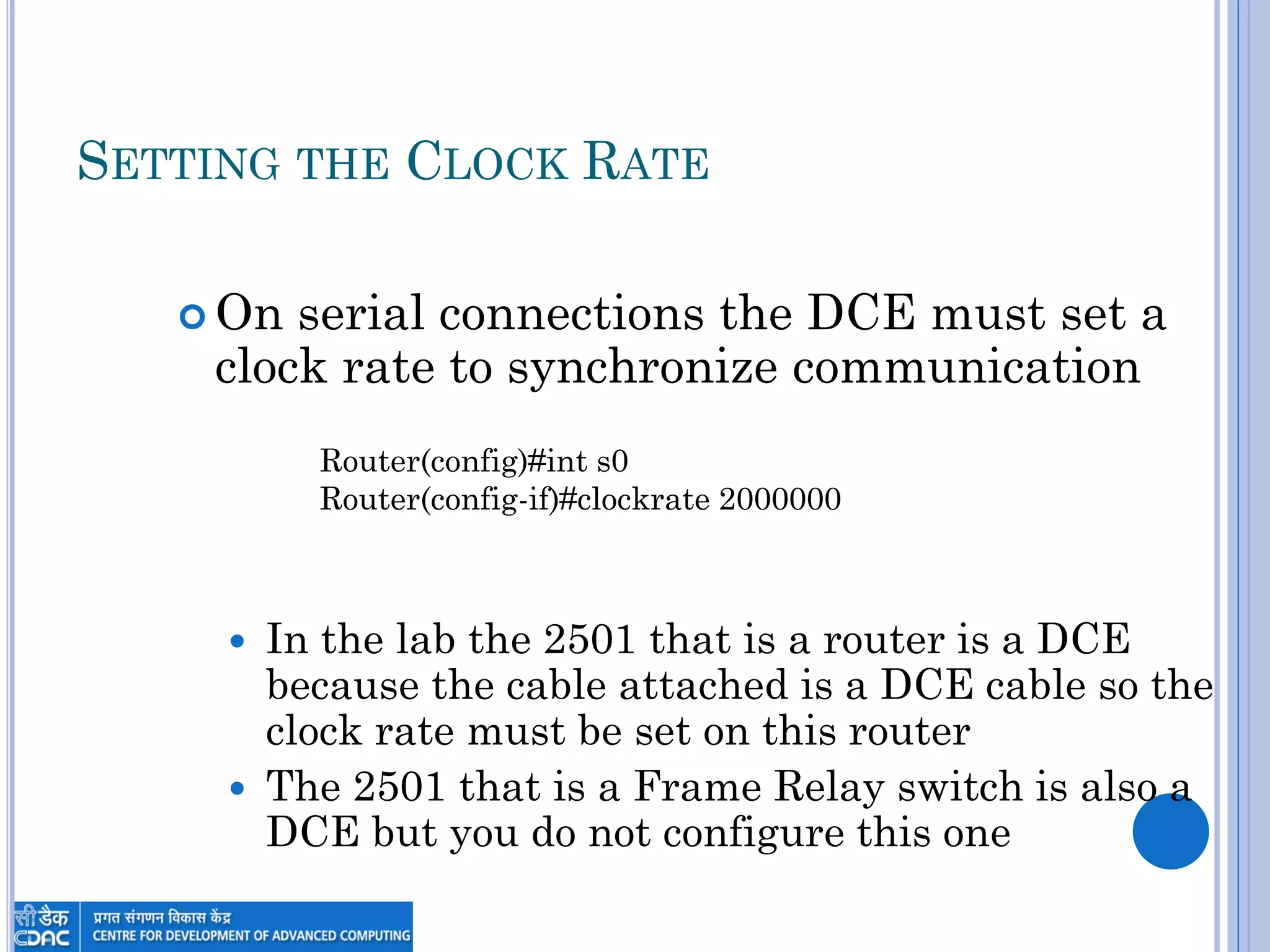
SETTING THE CLOCK RATE
 On serial connections the DCE must set a
clock rate to synchronize communication
 In the lab the 2501 that is a router is a DCE
because the cable attached is a DCE cable so the
clock rate must be set on this router
 The 2501 that is a Frame Relay switch is also a
DCE but you do not configure this one
Router(config)#int s0
Router(config-if)#clockrate 2000000
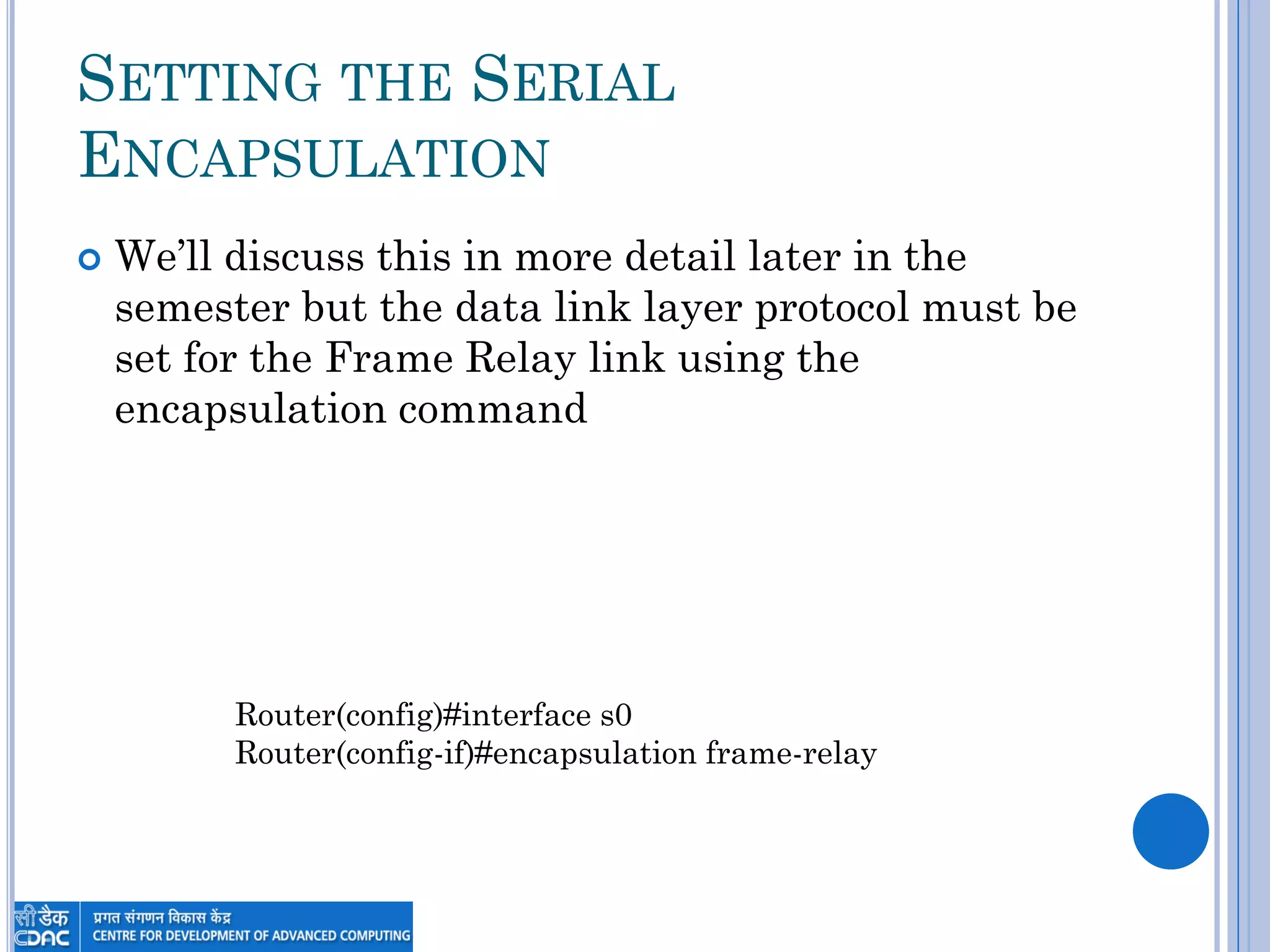
SETTING THE SERIAL
ENCAPSULATION
 We‟ll discuss this in more detail later in the
semester but the data link layer protocol must be
set for the Frame Relay link using the
encapsulation command
Router(config)#interface s0
Router(config-if)#encapsulation frame-relay
PASSWORDS
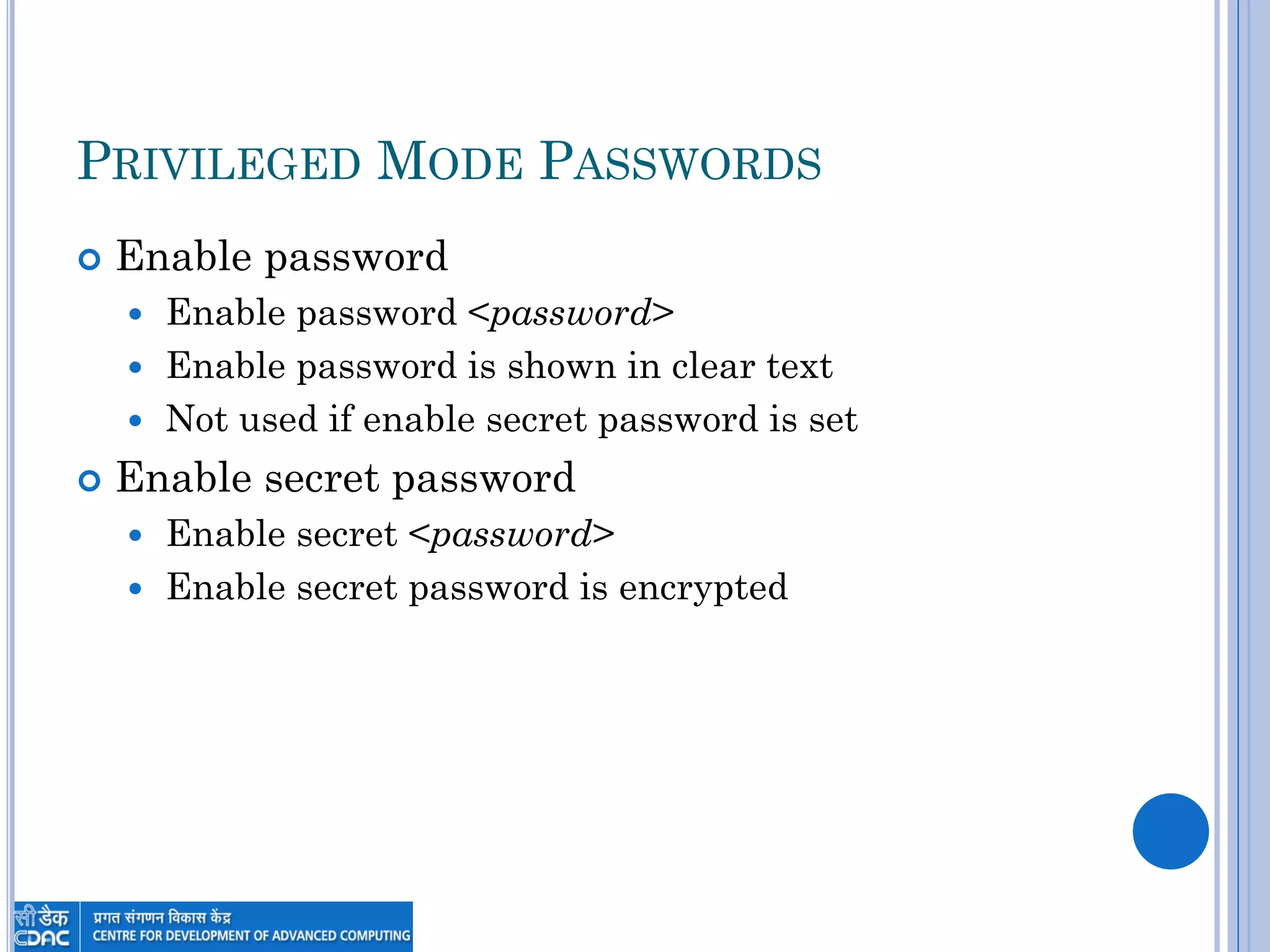
PRIVILEGED MODE PASSWORDS
 Enable password
 Enable password <password>
 Enable password is shown in clear text
 Not used if enable secret password is set
 Enable secret password
 Enable secret <password>
 Enable secret password is encrypted
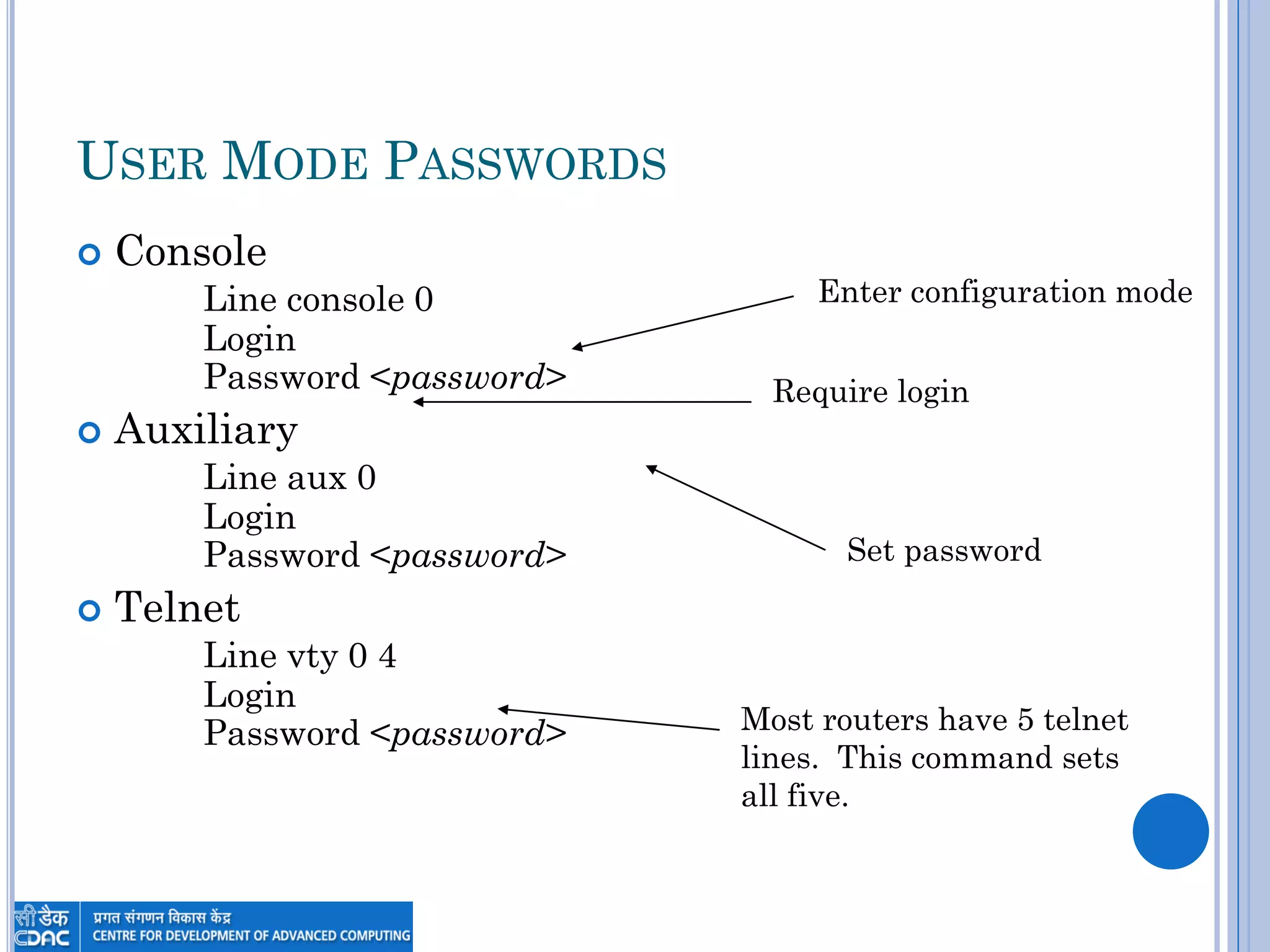
USER MODE PASSWORDS
 Console
Line console 0
Login
Password <password>
 Auxiliary
Line aux 0
Login
Password <password>
 Telnet
Line vty 0 4
Login
Password <password>
Enter configuration mode
Require login
Set password
Most routers have 5 telnet
lines. This command sets
all five.
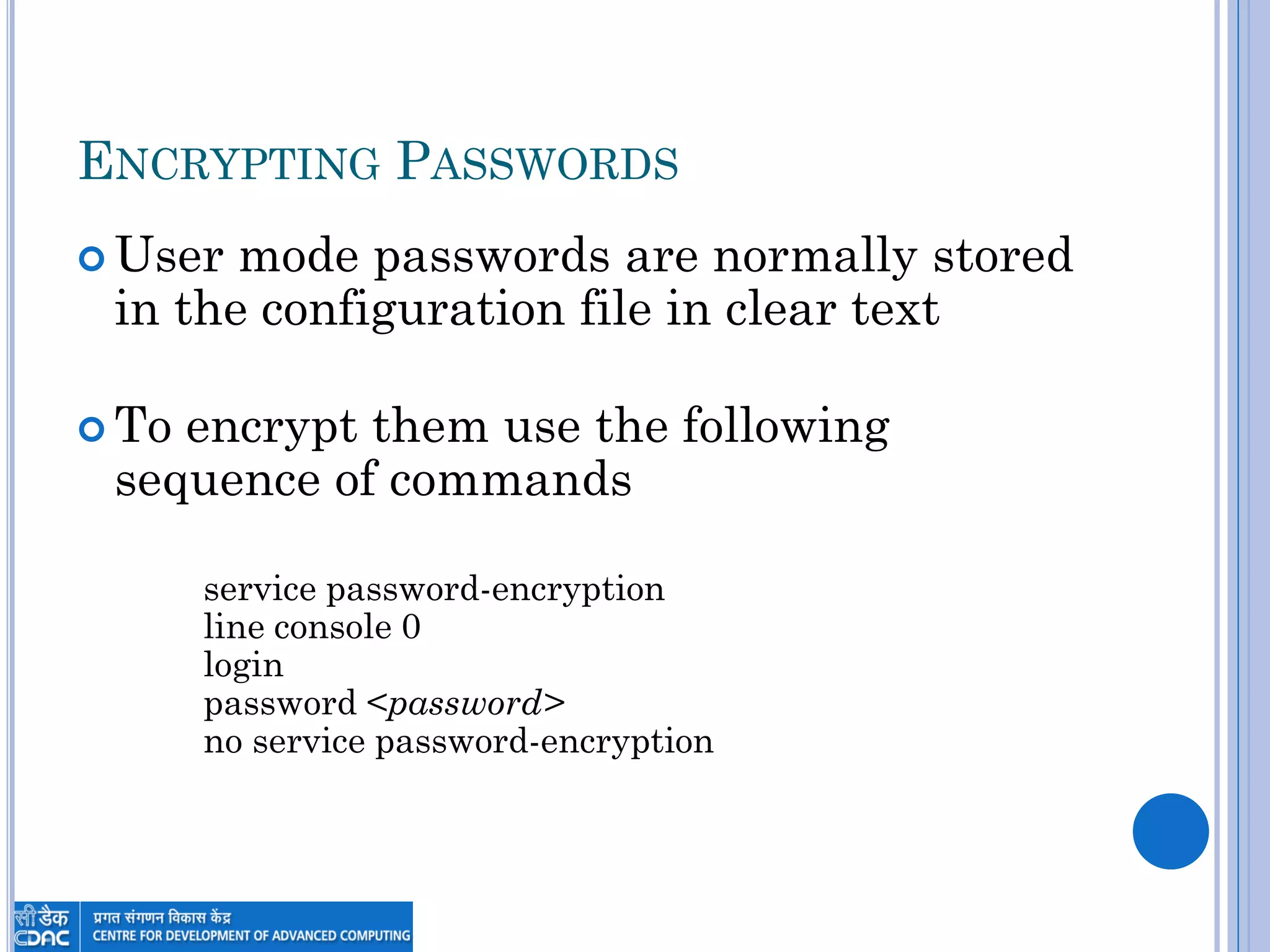
ENCRYPTING PASSWORDS
 User mode passwords are normally stored
in the configuration file in clear text
 To encrypt them use the following
sequence of commands
service password-encryption
line console 0
login
password <password>
no service password-encryption
IOS COMMANDS TO KNOW
 Enable/disable
 Enable secret/password
 Config
 Editing commands
 Show history
 Show terminal
 Terminal history size
 Line
 How to require login and set password for
console, vty and aux
IOS COMMANDS TO KNOW
 Service password-encryption
 Banner
 Interface
 Shutdown
 Know the interfaces commands for ethernet,
fast ethernet, serial, token ring and loopback
 Description
 Hostname
 Show running/startup-config
 Copy <running-config/startup-config,tftp>
<running-config/startup-config,tftp>
IOS COMMANDS TO KNOW
 Show interface
 Show controllers
 Clock rate
 Ip address
 Show Version
 Show flash
Thank You

Day 1 INTRODUCTION TO IOS AND CISCO ROUTERS

  • 1.
    INTRODUCTION TO IOS ANDCISCO ROUTERS By Anil Kumar Vishwakarma MCA,MCTS,CCNA
  • 2.
    CISCO ROUTER IOS oTheCisco IOS (Internetwork Operating System) was created to deliver network services and enable networked applications. It runs on most Cisco routers. oSome of the important things that the Cisco router IOS software is responsible for include o Carrying network protocols and functions. o Connecting high-speed traffic between devices. o Adding security to control access and stop unauthorized network use. o Supplying network reliability for connecting to network resources.
  • 3.
    CISCO ROUTER  Routeruses to connect: -  Subnet with another Subnet (By LAN Interface).  LAN with another LAN (By WAN Interface).  LAN with WAN (By WAN Interface).  WAN with another WAN (By WAN Interface).  Router Consist of External Components (Interfaces) and Internal Components
  • 5.
  • 6.
    CONNECTING TO ACISCO ROUTER  You can connect to a Cisco router to configure it, verify its configuration, and check statistics.  There are Three ways to do that: -  Console Session.  Auxiliary Session.  Telnet Session can’t use this method after router has taken valid IP address.
  • 7.
  • 8.
  • 9.
    BRINGING UP AROUTER  When you first bring up a router, it will takes this Boot Sequence: -  Perform POST (Power On Self Test) which is small program stored in ROM to check router components.  Load IOS image from Flash memory and decompress it into RAM.  Display the information from POST.  Running Valid Configuration (Startup Conf).  If no configuration router will go into Setup mode.
  • 10.
  • 11.
    MEMORY TYPES  RAM Used to store working tables as well as running IOS image  ROM  Stores a bootable IOS image that provides basic functionality as well as a barebones interface called the ROM Monitor (ROMMON)  Flash Memory  Stores the full function IOS image and is the default location for IOS at boot  NVRAM  Stores startup configuration file
  • 12.
  • 13.
  • 14.
    CONFIGURATION FILE  Theconfiguration is a text file that contains configuration commands that are executed at startup  When the router boots a copy of the config in NVRAM (startup-config) is executed to establish the initial configuration  Configuration commands entered while the router is running are entered into the temporary configuration stored in RAM (running-config)
  • 15.
    SAVING A CONFIGURATION RAM (Running-Config) NVRAM (Startup-Config) Copyrunning-config startup-config Copy startup-config running-config Merged Replaces
  • 16.
    SYNTAX OF THECOPY COMMAND Copy From-Location To-Location Where: From- and To-Location - {tftp|running-config|startup-config} tftp – a trivial ftp server located somewhere on the network
  • 17.
    ENTERING THE CONFIGURATION Setup Mode  If no configuration exists when the router boots, it enters setup mode  Router hasn‟t been configured before  Someone used the „Erase Startup-Config‟ then rebooted  NVRAM was damaged  Setup mode is a question and answer process that can be used to create basic configurations  Command Line Interface (CLI)  Configuration commands entered at command prompt then saved to NVRAM
  • 18.
    SETUP MODE  SetupMode allows configuration of:  Interface summary  Router hostname  Passwords  SNMP  Various network protocols  DECnet, Appletalk, IP, IPX  Routing protocols  Interfaces  When finished setup mode gives the user the option of copying the configuration to NVRAM and RAM
  • 19.
  • 20.
    THE CLI ANDGETTING HELP
  • 21.
    COMMAND LINE INTERFACE Most Cisco devices use a command line interface  Commands can be entered and edited before they are executed by hitting the enter key  Commands can be abbreviated as long as they are not ambiguous e.g. Show Interface => sh int
  • 22.
    COMMAND LINE INTERFACE If a command has an error the command will be repeated and a “^” will mark the location of the error access-list 110 permit host 1.1.1.1 ^ %Invalid input detected at „^‟ marker.
  • 23.
    COMMAND HISTORY  Upand Down arrows scroll through command history  Also ctrl+p (up) and ctrl+n (down)  Command history commands  Show history – shows commands in history  Show terminal – shows terminal configurations and terminal history size (default = 10)  Terminal history size – changes history buffer size up to a max of 256
  • 24.
    GETTING HELP  Typing? at any point will cause IOS to show what options exist at that point  Just ? on a line will list all commands available in that mode  Typing one letter followed by ? will show all commands that begin with the letter  Adding ? after a command will show what arguments are available for the command
  • 25.
  • 26.
    CONNECTING TO THEROUTER  Console  Connect directly to console port and use a terminal program like Windows Hyperterminal or Linux‟s Minicom  AUX  The auxiliary port is port you can attach a modem to  Can also be used as a backup connection dial on demand circuit  TTY  Can use Telnet to connect to TTY once router has been configured initially  Most routers have 5 TTY connections
  • 27.
  • 28.
    IOS MODES User Mode Router> Privileged(Enable) Mode Router# disable enable Telnet Aux Console
  • 29.
    IOS CONFIGURATION MODES ConfigurationMode Router(config)# Privileged Mode Router# Config terminal (config t) Interface Configuration Mode Router(config-if)# Interface <interface> (interface ethernet 0) Router Configuration Mode Router(config-router)# Router <protocol> (Router rip)
  • 30.
  • 31.
    INTERFACES  LANs  Ethernet(Ethernet 0, E0, E1, etc.)  FastEthernet (FastEthernet 0, F0, F1, etc.)  Token Ring (TokenRing 0, TO0, TO1, etc.)  WANs  Serial 0, S0, S1, etc.
  • 32.
    INTERFACES ON EXPANSIONCARDS  Interfaces on add in expansion cards include the slot number followed by a slash then the interface number  The first FastEthernet interface on a card in the first slot would be FastEthernet 0/0  On 7500 series routers three values are required (slot/port-adapter/port) so it would be FastEthernet 0/0/0 for example
  • 33.
    LOOPBACK INTERFACES  Loopbackinterfaces are internal interfaces and treated like other interfaces  Loopback interfaces are never shutdown  Loopback interfaces are useful when you need an interface that will never go down
  • 34.
    INTERFACE CONFIGURATION MODE Use the Interface command in configuration or interface configuration mode to enter configuration mode  Router(config)#interface e0  Router(config-if)#interface Lo0  Router(config)#interface s0/1
  • 35.
    BRINGING UP ANINTERFACE  By default, all interfaces (except loopback interfaces) are in administrative shutdown mode  To activate the interface use the no shutdown command in the interface configuration mode
  • 36.
    ASSIGNING AN IPADDRESS  IP addresses are assigned in interface configuration mode Router#config t Router(config)#interface s0 Router(config-if)#ip address 129.130.32.1 255.255.224.0 Router(config-if)#no shutdown Router(config-if)#exit
  • 37.
    SETTING THE CLOCKRATE  On serial connections the DCE must set a clock rate to synchronize communication  In the lab the 2501 that is a router is a DCE because the cable attached is a DCE cable so the clock rate must be set on this router  The 2501 that is a Frame Relay switch is also a DCE but you do not configure this one Router(config)#int s0 Router(config-if)#clockrate 2000000
  • 38.
    SETTING THE SERIAL ENCAPSULATION We‟ll discuss this in more detail later in the semester but the data link layer protocol must be set for the Frame Relay link using the encapsulation command Router(config)#interface s0 Router(config-if)#encapsulation frame-relay
  • 39.
  • 40.
    PRIVILEGED MODE PASSWORDS Enable password  Enable password <password>  Enable password is shown in clear text  Not used if enable secret password is set  Enable secret password  Enable secret <password>  Enable secret password is encrypted
  • 41.
    USER MODE PASSWORDS Console Line console 0 Login Password <password>  Auxiliary Line aux 0 Login Password <password>  Telnet Line vty 0 4 Login Password <password> Enter configuration mode Require login Set password Most routers have 5 telnet lines. This command sets all five.
  • 42.
    ENCRYPTING PASSWORDS  Usermode passwords are normally stored in the configuration file in clear text  To encrypt them use the following sequence of commands service password-encryption line console 0 login password <password> no service password-encryption
  • 43.
    IOS COMMANDS TOKNOW  Enable/disable  Enable secret/password  Config  Editing commands  Show history  Show terminal  Terminal history size  Line  How to require login and set password for console, vty and aux
  • 44.
    IOS COMMANDS TOKNOW  Service password-encryption  Banner  Interface  Shutdown  Know the interfaces commands for ethernet, fast ethernet, serial, token ring and loopback  Description  Hostname  Show running/startup-config  Copy <running-config/startup-config,tftp> <running-config/startup-config,tftp>
  • 45.
    IOS COMMANDS TOKNOW  Show interface  Show controllers  Clock rate  Ip address  Show Version  Show flash
  • 46.