Introduction to Router’s Internal
Components
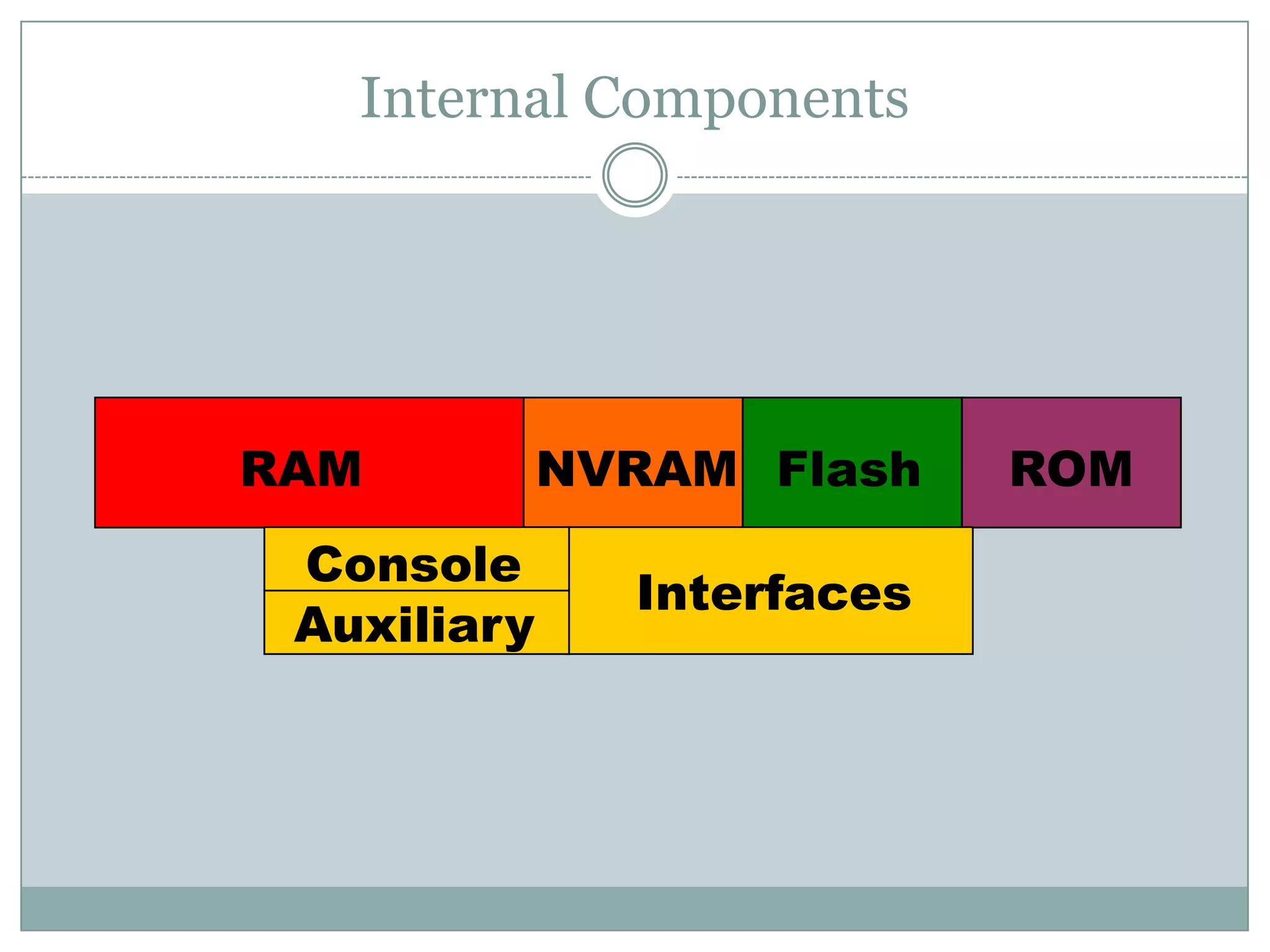
Internal Components
RAM NVRAM Flash ROM
Interfaces
Console
Auxiliary
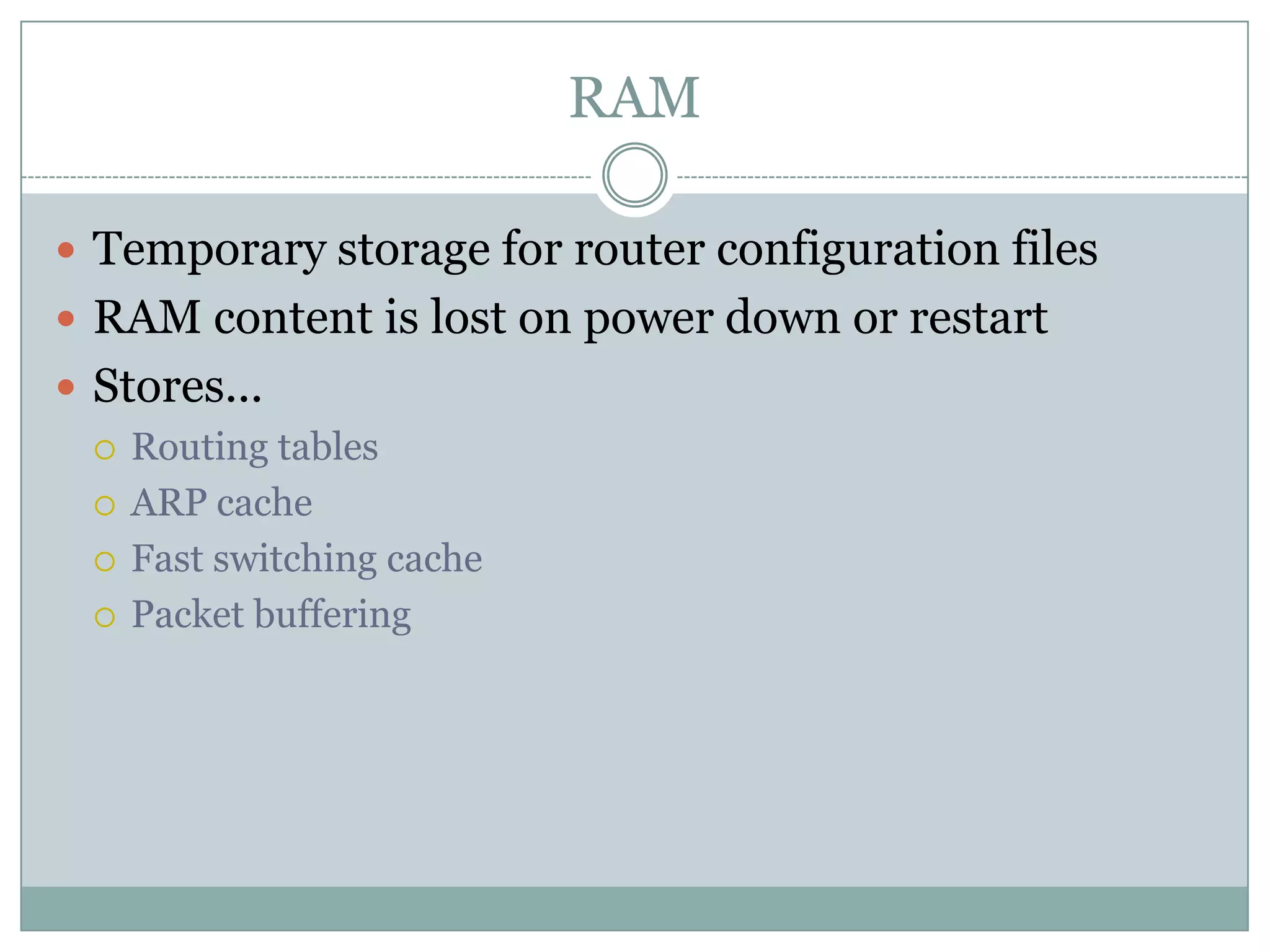
RAM
 Temporary storage for router configuration files
 RAM content is lost on power down or restart
 Stores...
 Routing tables
 ARP cache
 Fast switching cache
 Packet buffering
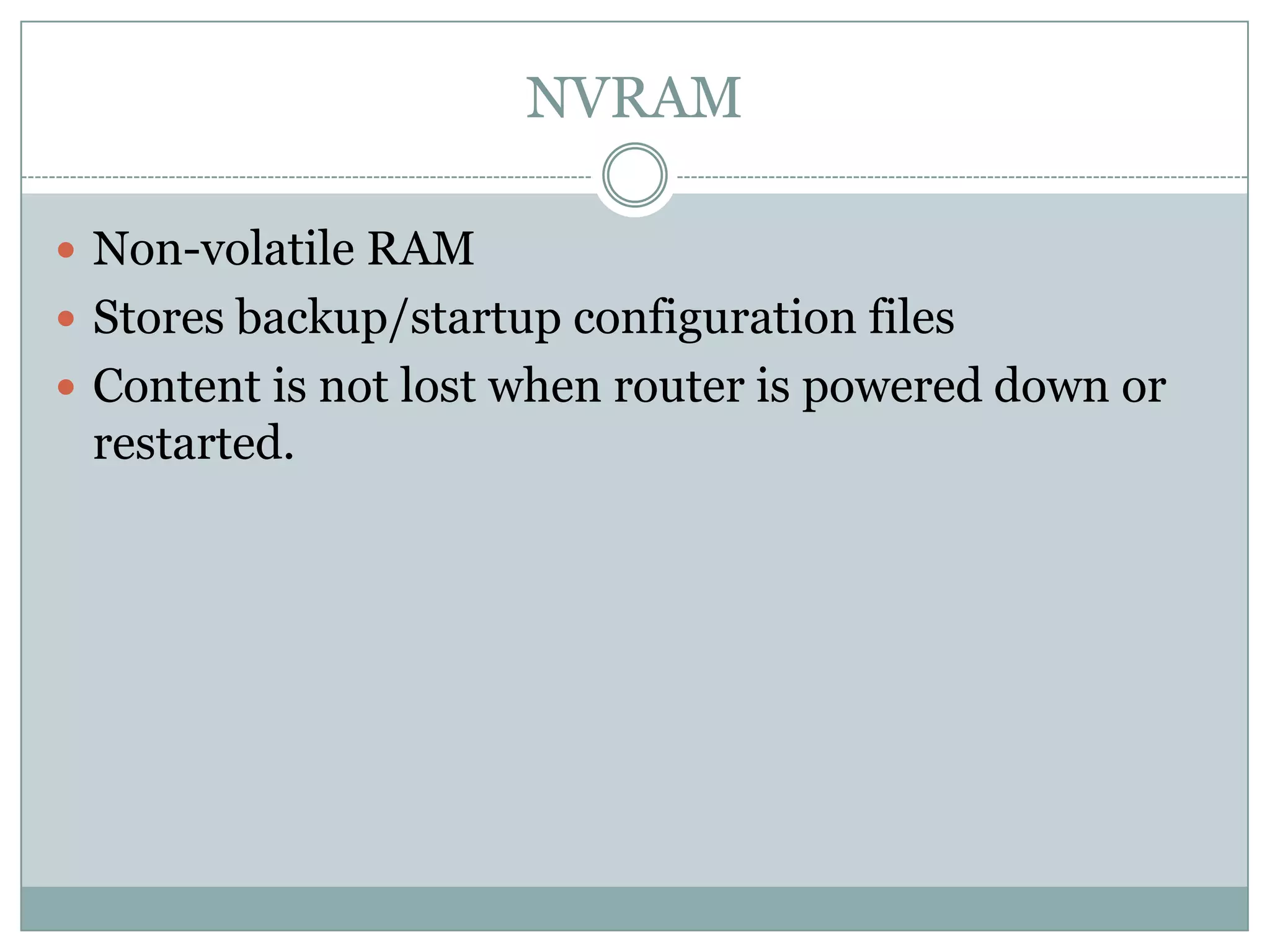
NVRAM
 Non-volatile RAM
 Stores backup/startup configuration files
 Content is not lost when router is powered down or
restarted.
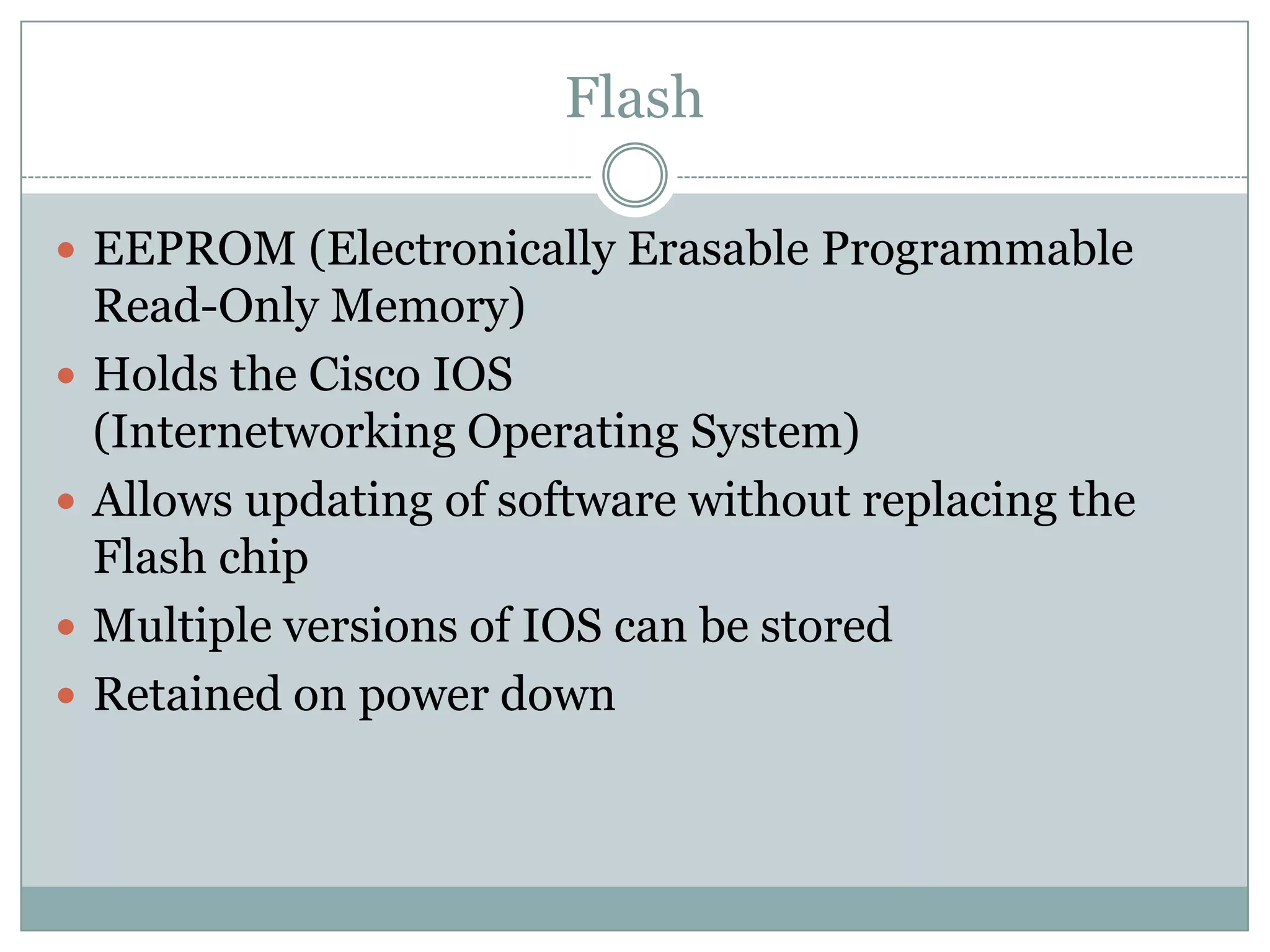
Flash
 EEPROM (Electronically Erasable Programmable
Read-Only Memory)
 Holds the Cisco IOS
(Internetworking Operating System)
 Allows updating of software without replacing the
Flash chip
 Multiple versions of IOS can be stored
 Retained on power down
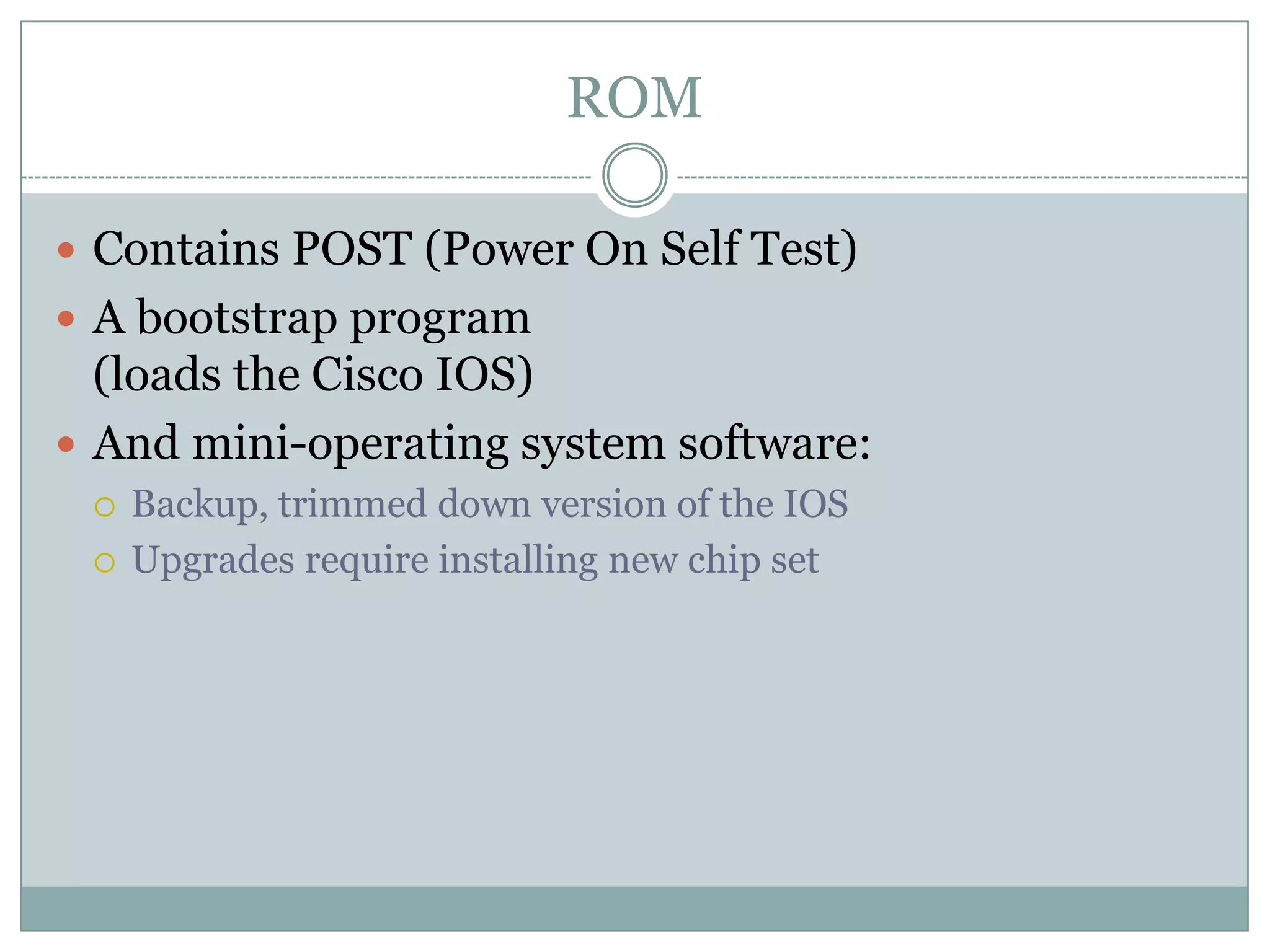
ROM
 Contains POST (Power On Self Test)
 A bootstrap program
(loads the Cisco IOS)
 And mini-operating system software:
 Backup, trimmed down version of the IOS
 Upgrades require installing new chip set
Interfaces
 Network connections through which packets enter
and exit the router
 Attached to the motherboard or as separate modules
on “modular” routers.
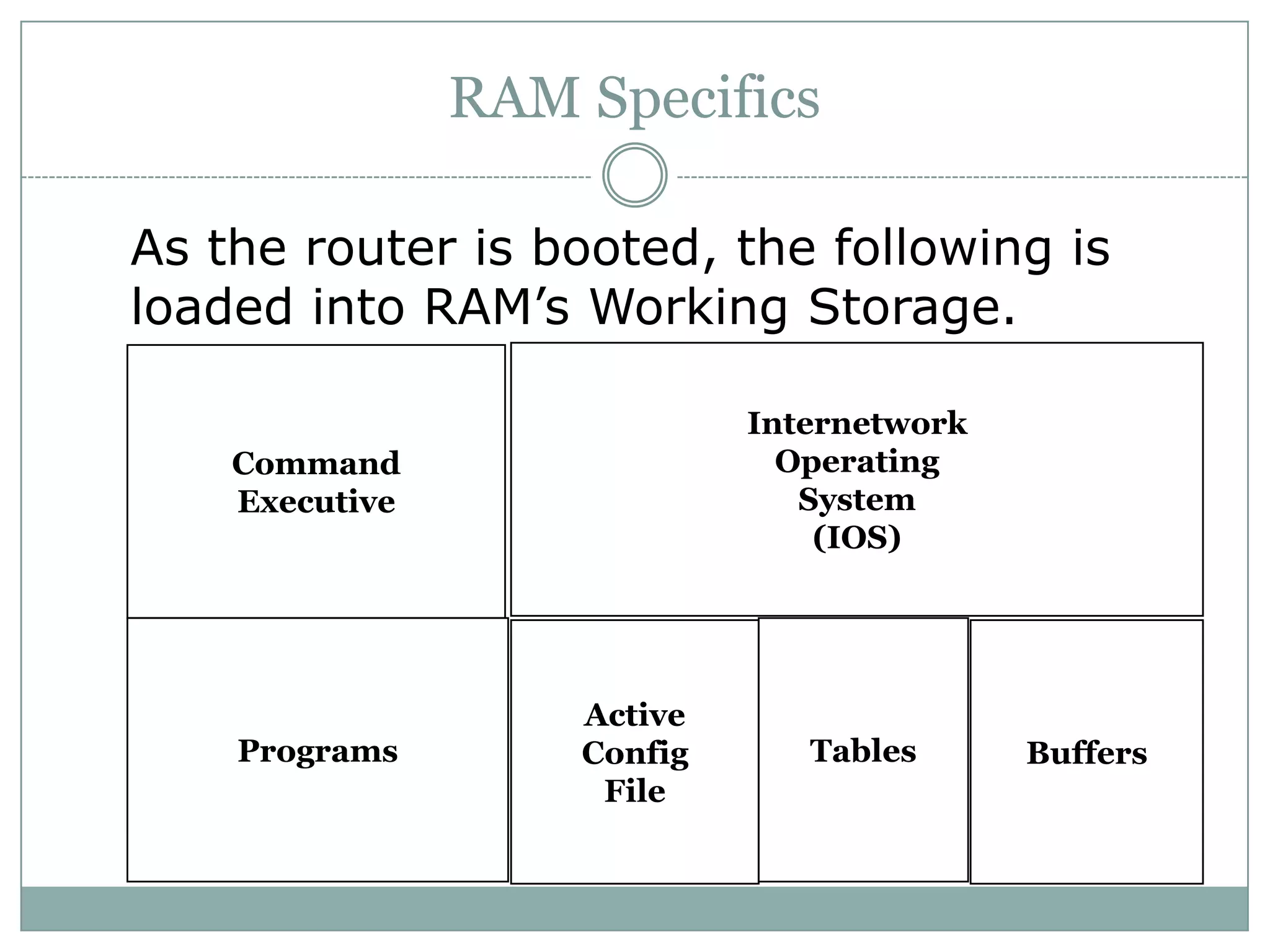
As the router is booted, the following is
loaded into RAM’s Working Storage.
RAM Specifics
Command
Executive
Internetwork
Operating
System
(IOS)
Programs
Active
Config
File
Tables Buffers
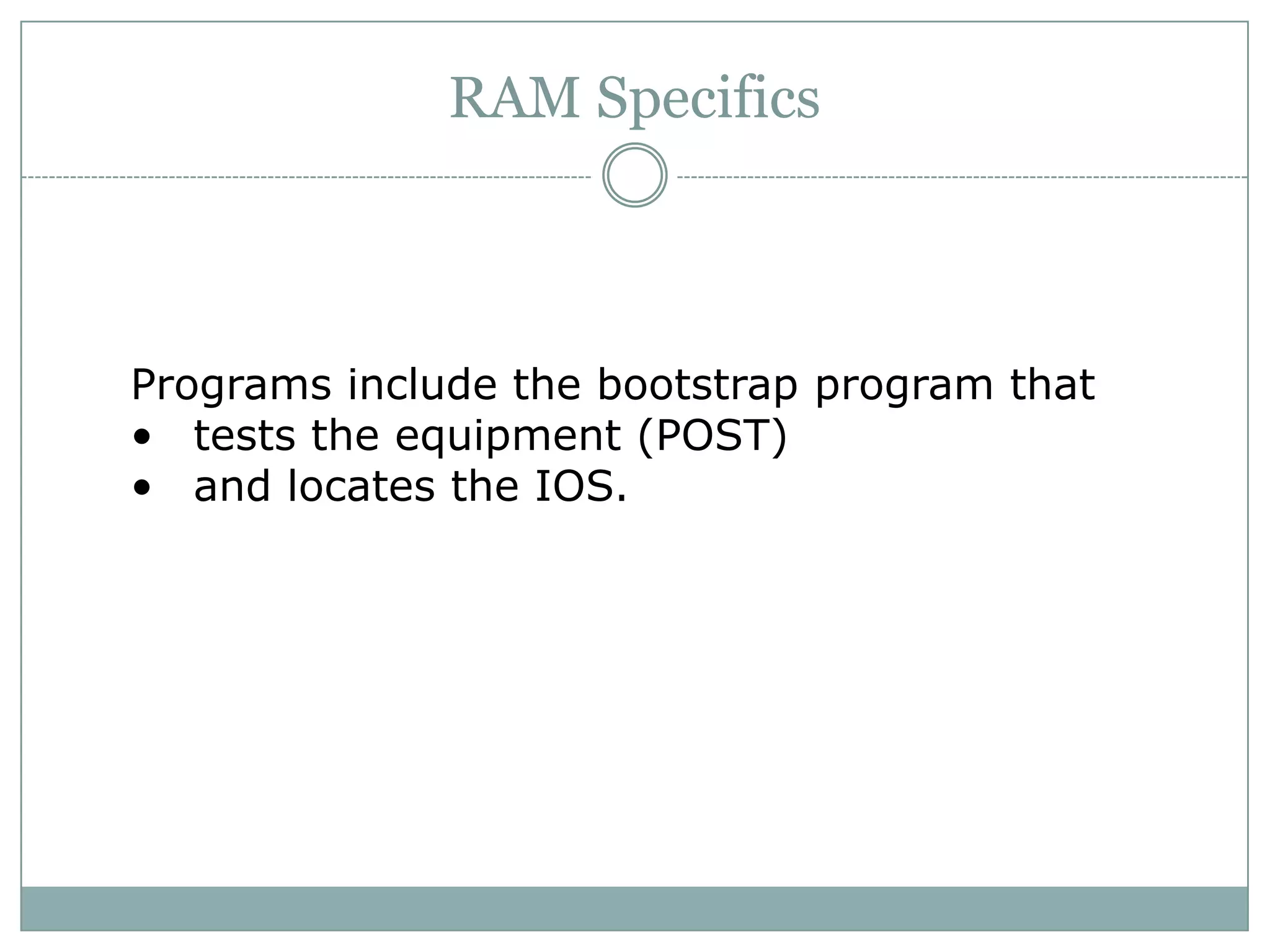
Programs include the bootstrap program that
• tests the equipment (POST)
• and locates the IOS.
RAM Specifics
RAM Specifics
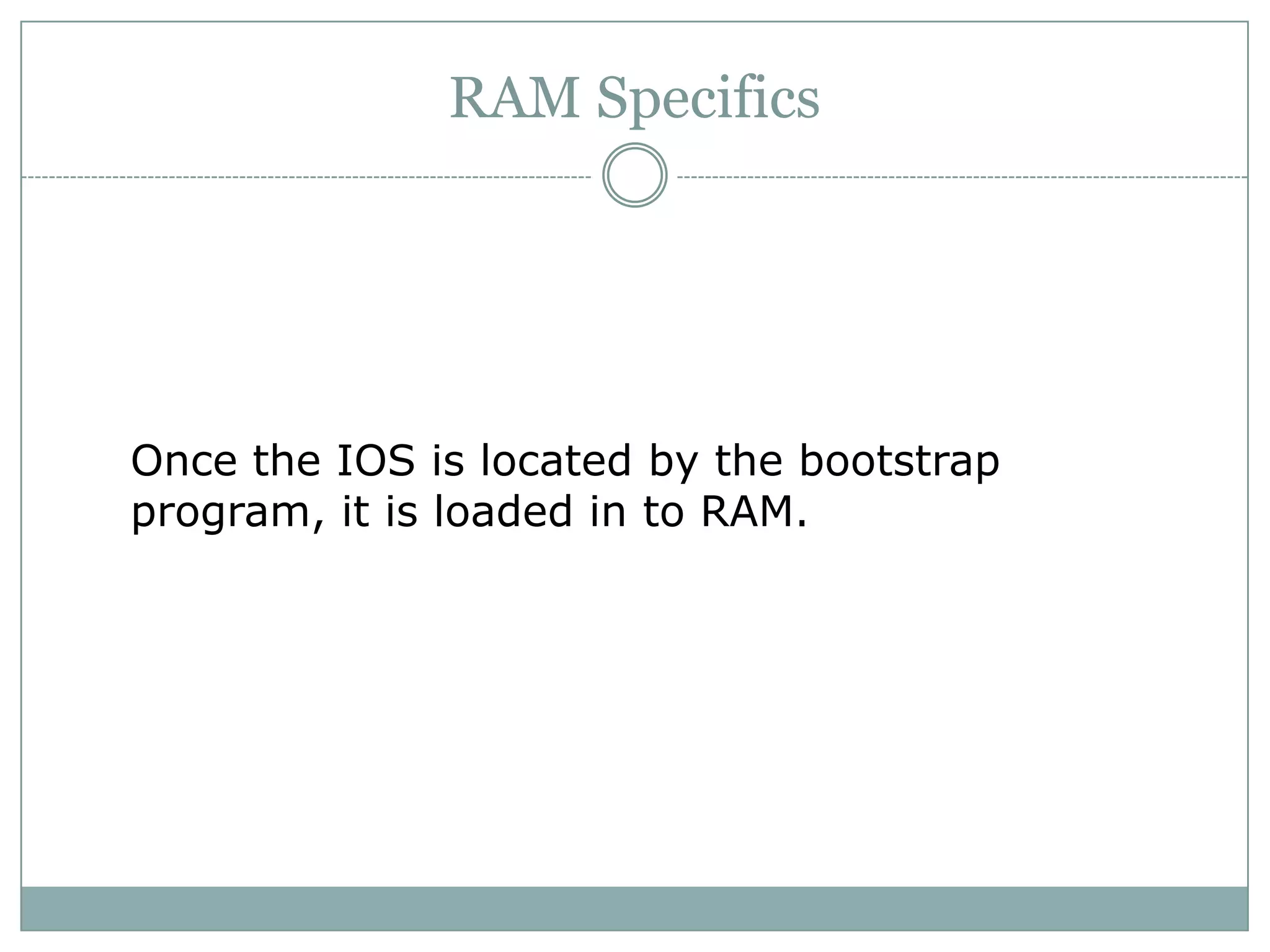
Once the IOS is located by the bootstrap
program, it is loaded in to RAM.
RAM Specifics
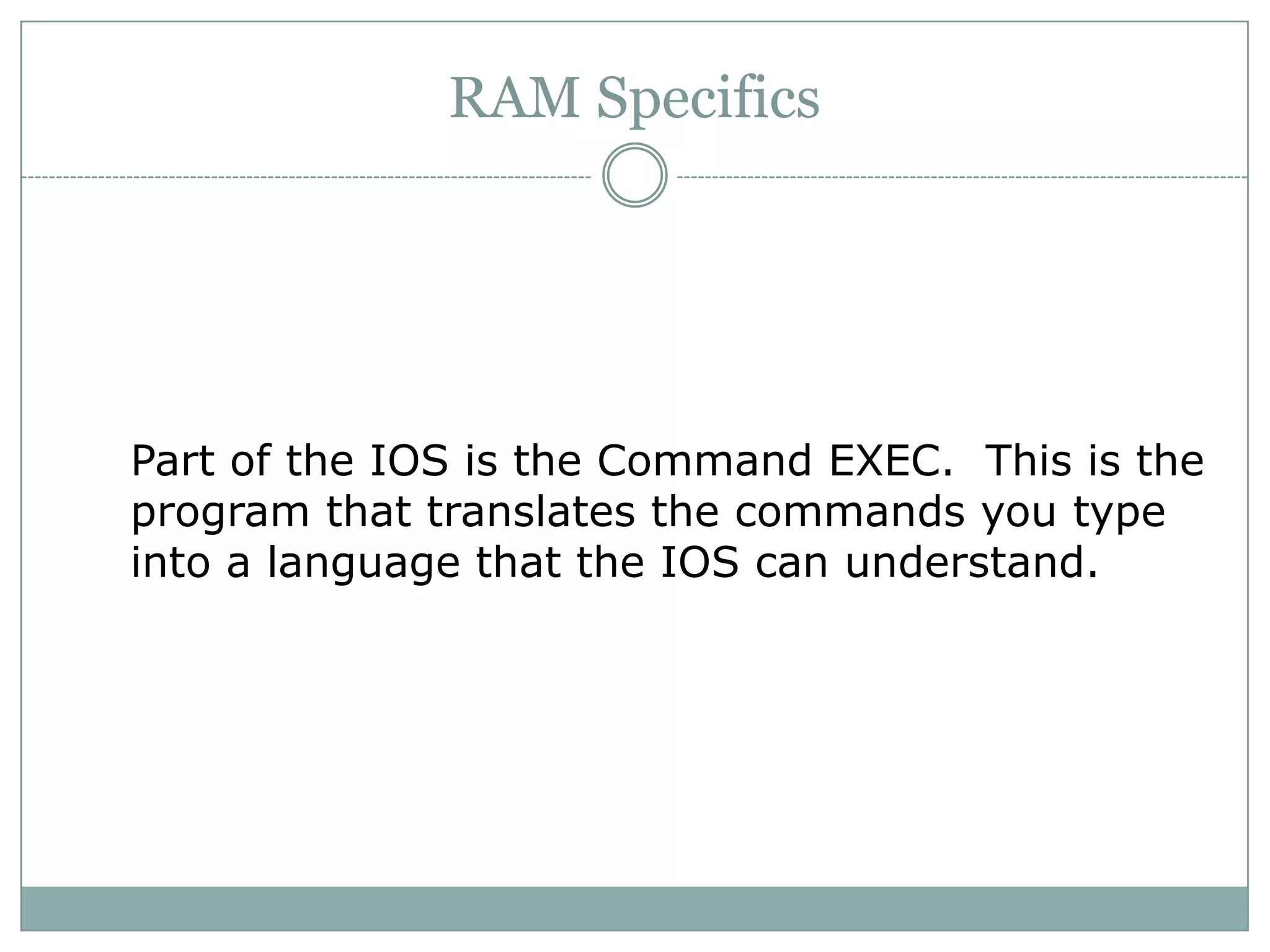
Part of the IOS is the Command EXEC. This is the
program that translates the commands you type
into a language that the IOS can understand.
RAM Specifics
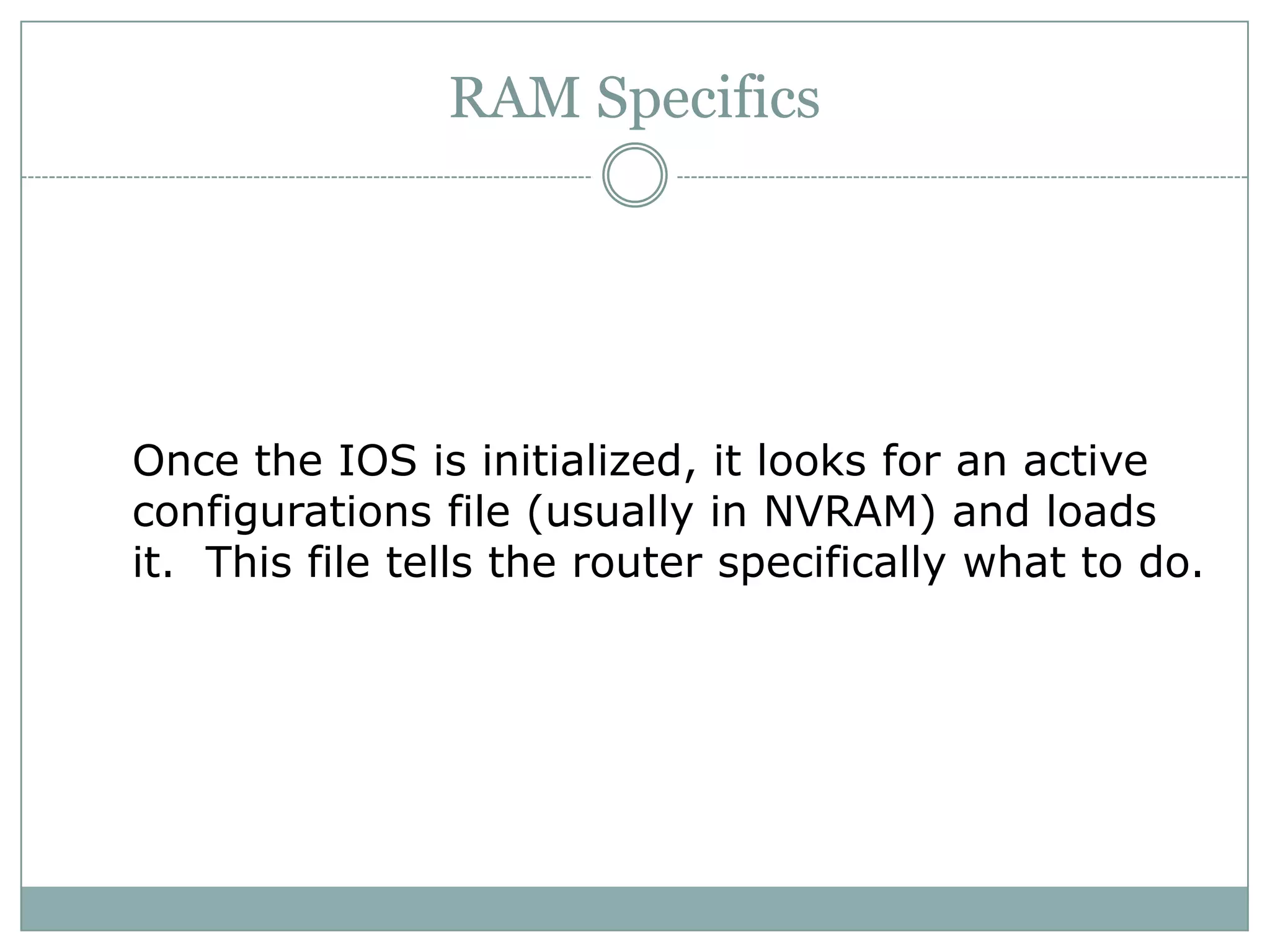
Once the IOS is initialized, it looks for an active
configurations file (usually in NVRAM) and loads
it. This file tells the router specifically what to do.
RAM Specifics
The tables are loaded from the configuration file
including...
• ARP Tables
• Routing Tables
RAM Specifics
Finally, all leftover memory in RAM is used as the
buffer for processing incoming and outgoing
packets.
Router Status Commands
 “Show” commands yield status information about
various router components, as shown on the next
slides...
Example Show Commands
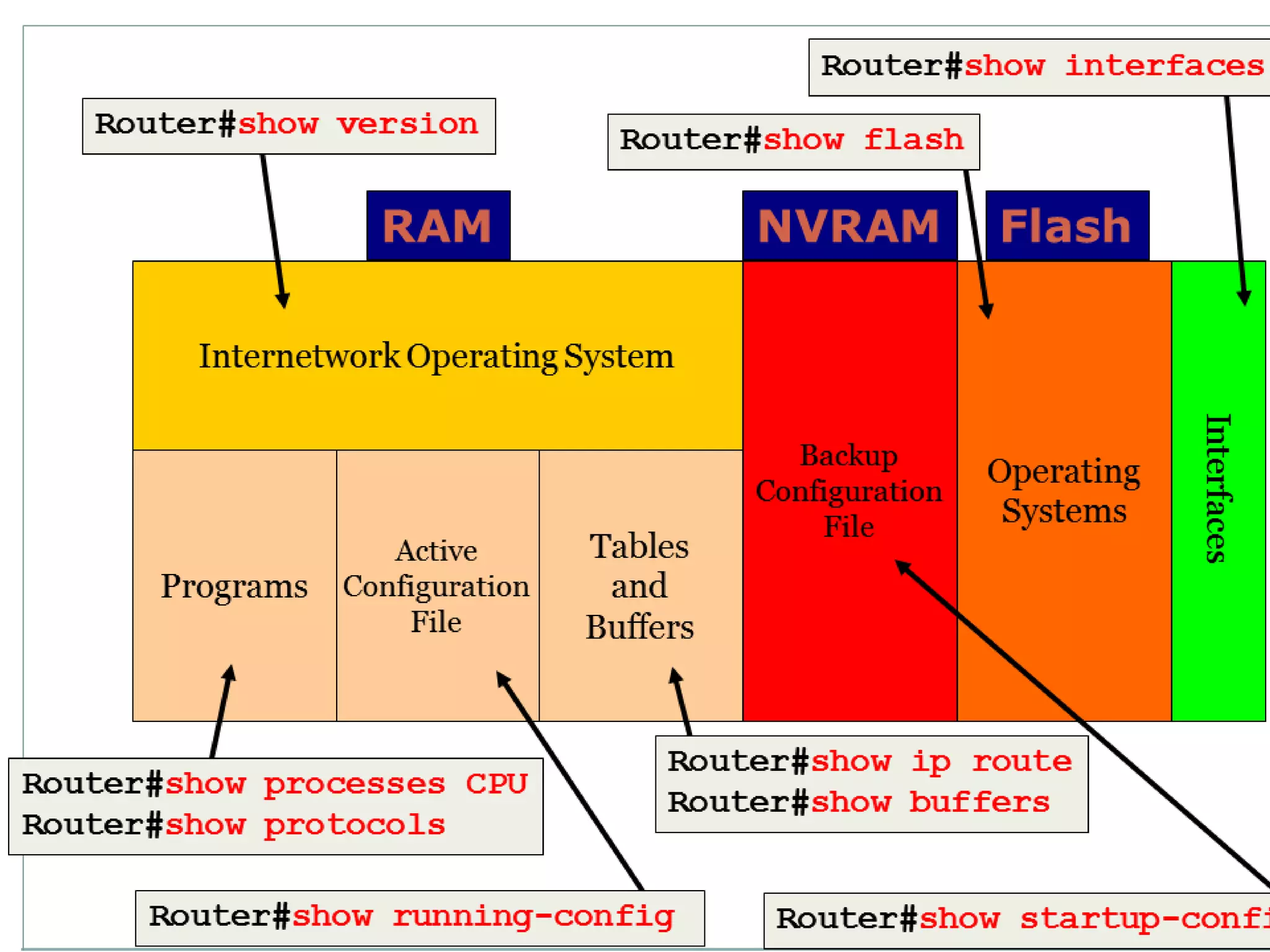
show version
 displays:
 configuration of the system hardware
 IOS version
 names and sources of configuration files
 the current setting of the configuration register
(used in password recovery)
show running-config
 displays the active configuration file loaded in RAM
show startup-config
 displays the backup configuration file stored in NVRAM
 # copy run start
show protocols
 displays the status of all configured Layer 3 protocols
 displays the status of all interfaces
show ip route
 displays the routes to all networks known to the router
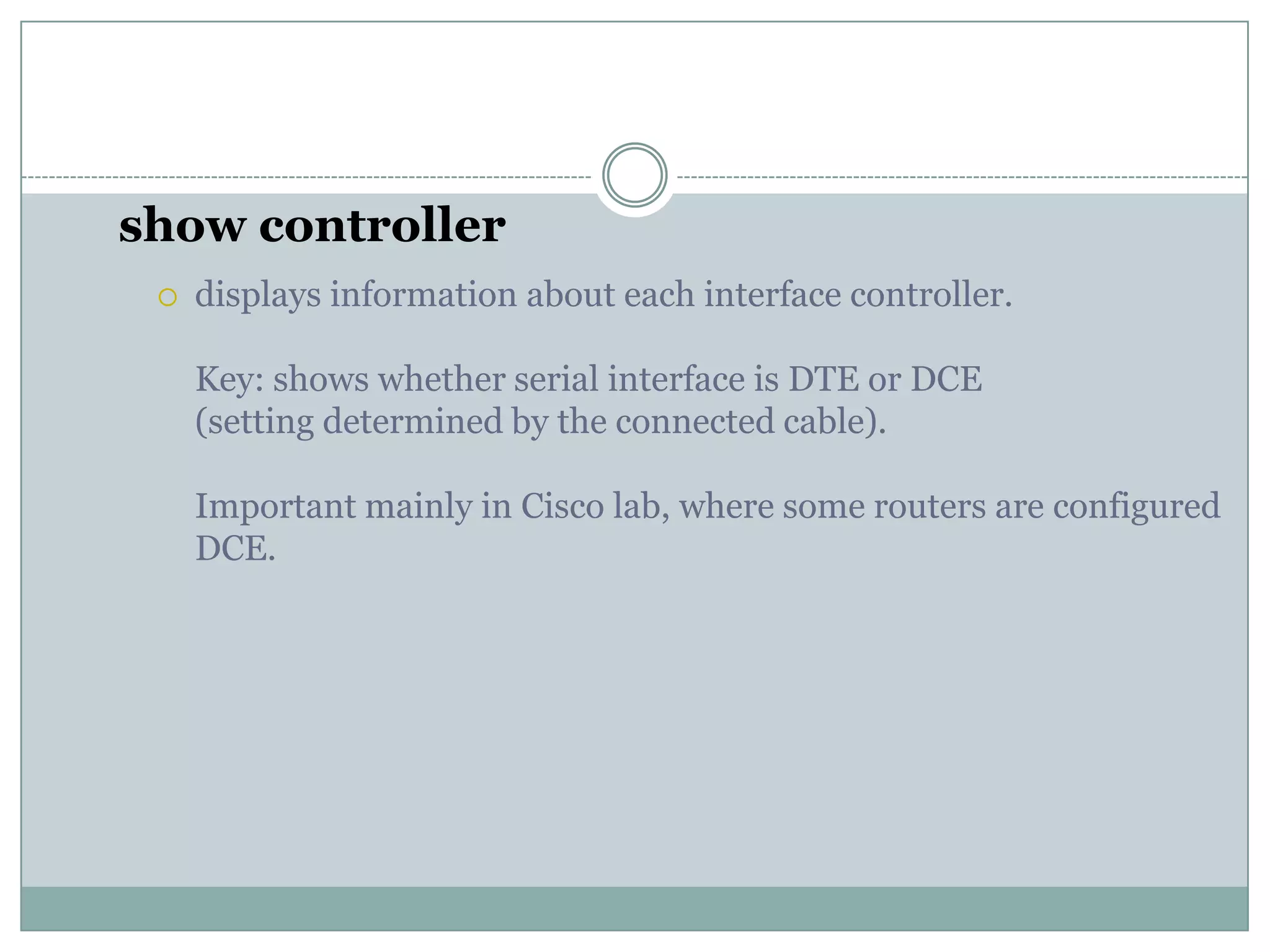
show controller
 displays information about each interface controller.
Key: shows whether serial interface is DTE or DCE
(setting determined by the connected cable).
Important mainly in Cisco lab, where some routers are configured
DCE.
8. internal components of router

8. internal components of router

  • 1.
    Introduction to Router’sInternal Components
  • 2.
    Internal Components RAM NVRAMFlash ROM Interfaces Console Auxiliary
  • 3.
    RAM  Temporary storagefor router configuration files  RAM content is lost on power down or restart  Stores...  Routing tables  ARP cache  Fast switching cache  Packet buffering
  • 4.
    NVRAM  Non-volatile RAM Stores backup/startup configuration files  Content is not lost when router is powered down or restarted.
  • 5.
    Flash  EEPROM (ElectronicallyErasable Programmable Read-Only Memory)  Holds the Cisco IOS (Internetworking Operating System)  Allows updating of software without replacing the Flash chip  Multiple versions of IOS can be stored  Retained on power down
  • 6.
    ROM  Contains POST(Power On Self Test)  A bootstrap program (loads the Cisco IOS)  And mini-operating system software:  Backup, trimmed down version of the IOS  Upgrades require installing new chip set
  • 7.
    Interfaces  Network connectionsthrough which packets enter and exit the router  Attached to the motherboard or as separate modules on “modular” routers.
  • 8.
    As the routeris booted, the following is loaded into RAM’s Working Storage. RAM Specifics Command Executive Internetwork Operating System (IOS) Programs Active Config File Tables Buffers
  • 9.
    Programs include thebootstrap program that • tests the equipment (POST) • and locates the IOS. RAM Specifics
  • 10.
    RAM Specifics Once theIOS is located by the bootstrap program, it is loaded in to RAM.
  • 11.
    RAM Specifics Part ofthe IOS is the Command EXEC. This is the program that translates the commands you type into a language that the IOS can understand.
  • 12.
    RAM Specifics Once theIOS is initialized, it looks for an active configurations file (usually in NVRAM) and loads it. This file tells the router specifically what to do.
  • 13.
    RAM Specifics The tablesare loaded from the configuration file including... • ARP Tables • Routing Tables
  • 14.
    RAM Specifics Finally, allleftover memory in RAM is used as the buffer for processing incoming and outgoing packets.
  • 15.
    Router Status Commands “Show” commands yield status information about various router components, as shown on the next slides...
  • 16.
    Example Show Commands showversion  displays:  configuration of the system hardware  IOS version  names and sources of configuration files  the current setting of the configuration register (used in password recovery)
  • 17.
    show running-config  displaysthe active configuration file loaded in RAM
  • 18.
    show startup-config  displaysthe backup configuration file stored in NVRAM  # copy run start
  • 19.
    show protocols  displaysthe status of all configured Layer 3 protocols  displays the status of all interfaces
  • 20.
    show ip route displays the routes to all networks known to the router
  • 21.
    show controller  displaysinformation about each interface controller. Key: shows whether serial interface is DTE or DCE (setting determined by the connected cable). Important mainly in Cisco lab, where some routers are configured DCE.