Gwyn Shelle
Instructional Technology
Specialist
MSU Extension
heyboerg@msu.edu
Creating Effective
PowerPoint Presentations
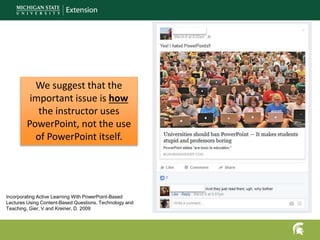
We suggest that the
important issue is how
the instructor uses
PowerPoint, not the use
of PowerPoint itself.
Incorporating Active Learning With PowerPoint-Based
Lectures Using Content-Based Questions. Technology and
Teaching. Gier, V and Kreiner, D. 2009
ORGANIZING YOUR
POWERPOINT
PRESENTATIONS
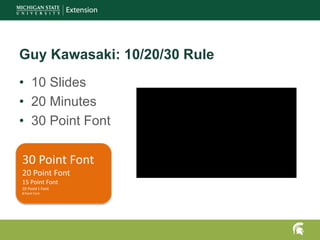
Guy Kawasaki: 10/20/30 Rule
• 10 Slides
• 20 Minutes
• 30 Point Font
30 Point Font
20 Point Font
15 Point Font
10 Point t Font
8 Point Font
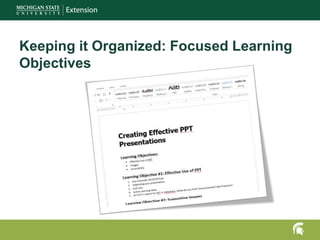
Keeping it Organized: Focused Learning
Objectives
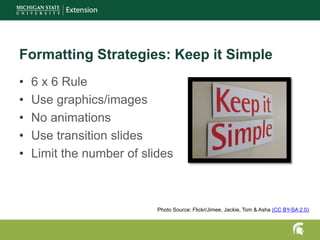
Formatting Strategies: Keep it Simple
• 6 x 6 Rule
• Use graphics/images
• No animations
• Use transition slides
• Limit the number of slides
Photo Source: Flickr/Jimee, Jackie, Tom & Asha (CC BY-SA 2.0)
ACTIVE LEARNING
STRATEGIES
Active Learning: Every 10 Minutes
• Websites/videos/documents
• Post discussion questions
• Poll the audience
• Small group discussions
Icon made by freepik.com from Flaticon | Creative Commons BY 3.0
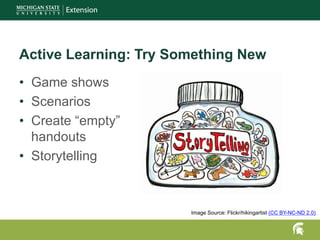
Active Learning: Try Something New
• Game shows
• Scenarios
• Create “empty”
handouts
• Storytelling
Image Source: Flickr/hikingartist (CC BY-NC-ND 2.0)
SOLVE THE MYSTERY
OF THE MISSING
IMAGES
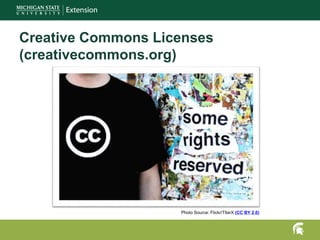
Creative Commons Licenses
(creativecommons.org)
Photo Source: Flickr/TllarX (CC BY 2.0)
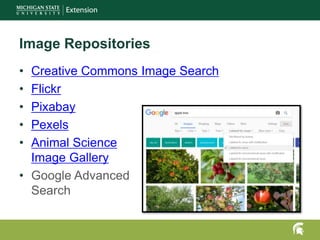
Image Repositories
• Creative Commons Image Search
• Flickr
• Pixabay
• Pexels
• Animal Science
Image Gallery
• Google Advanced
Search
Where can I find
Images of
puppies?
• http://www.istockphoto.com/
• http://elearningart.com/
• https://www.shutterstock.com/
Purchasing Images
MAKING
POWERPOINT
PRESENTATIONS
ACCESSIBLE
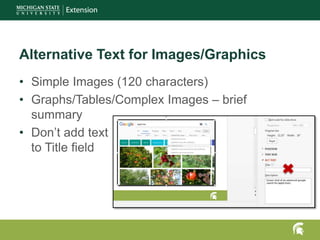
Alternative Text for Images/Graphics
• Simple Images (120 characters)
• Graphs/Tables/Complex Images – brief
summary
• Don’t add text
to Title field
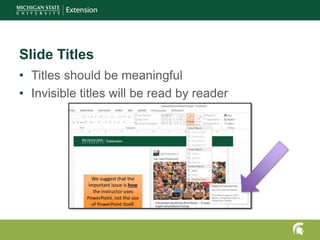
Slide Titles
• Titles should be meaningful
• Invisible titles will be read by reader
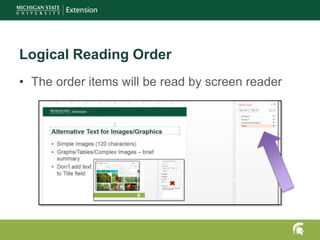
• The order items will be read by screen reader
Logical Reading Order
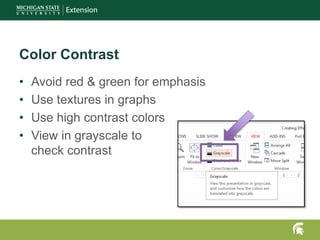
Color Contrast
• Avoid red & green for emphasis
• Use textures in graphs
• Use high contrast colors
• View in grayscale to
check contrast

Creating Effective PowerPoint Presentations

Editor's Notes

  • #5 Resource: https://guykawasaki.com/the_102030_rule/ https://www.youtube.com/watch?v=MerKnt0BHdA https://www.youtube.com/watch?v=rLuWM_ONyg4 https://guykawasaki.com/
  • #12 Example: FSKN
  • #16 Think about what you would say if you were describing the table/graphic over the phone.