Chapter 1 of the practical malware analysis covers the fundamentals of malware analysis, incident response, and the various types of malware, including backdoors and worms. It emphasizes the importance of root-cause analysis and the need for both static and dynamic analysis techniques to identify, understand, and eliminate malware effectively. The chapter also outlines general rules for malware analysis and introduces the process of basic static analysis techniques, which include antivirus scanning and string detection in malicious files.
Incident Response
• Casehistory
– A medical clinic with 10 offices found
malware on one of their workstations
– Hired a consultant to clean & re-image that
machine
• All done—case closed?
4.
Incident Response
• Aftermalware is found, you need to know
– Did an attacker implant a rootkit or trojan on
your systems?
– Is the attacker really gone?
– What did the attacker steal or add?
– How did the attack get in
• Root-cause analysis
Malware Analysis
• Dissectingmalware to understand
– How it works
– How to identify it
– How to defeat or eliminate it
• A critical part of incident response
7.
The Goals ofMalware Analysis
• Information required to respond to a
network intrusion
– Exactly what happened
– Ensure you’ve located all infected machines
and files
– How to measure and contain the damage
– Find signatures for intrusion detection
systems
8.
Signatures
• Host-based signatures
–Identify files or registry keys on a victim
computer that indicate an infection
– Focus on what the malware did to the system,
not the malware itself
• Different from antivirus signature
• Network signatures
– Detect malware by analyzing network traffic
– More effective when made using malware
analysis
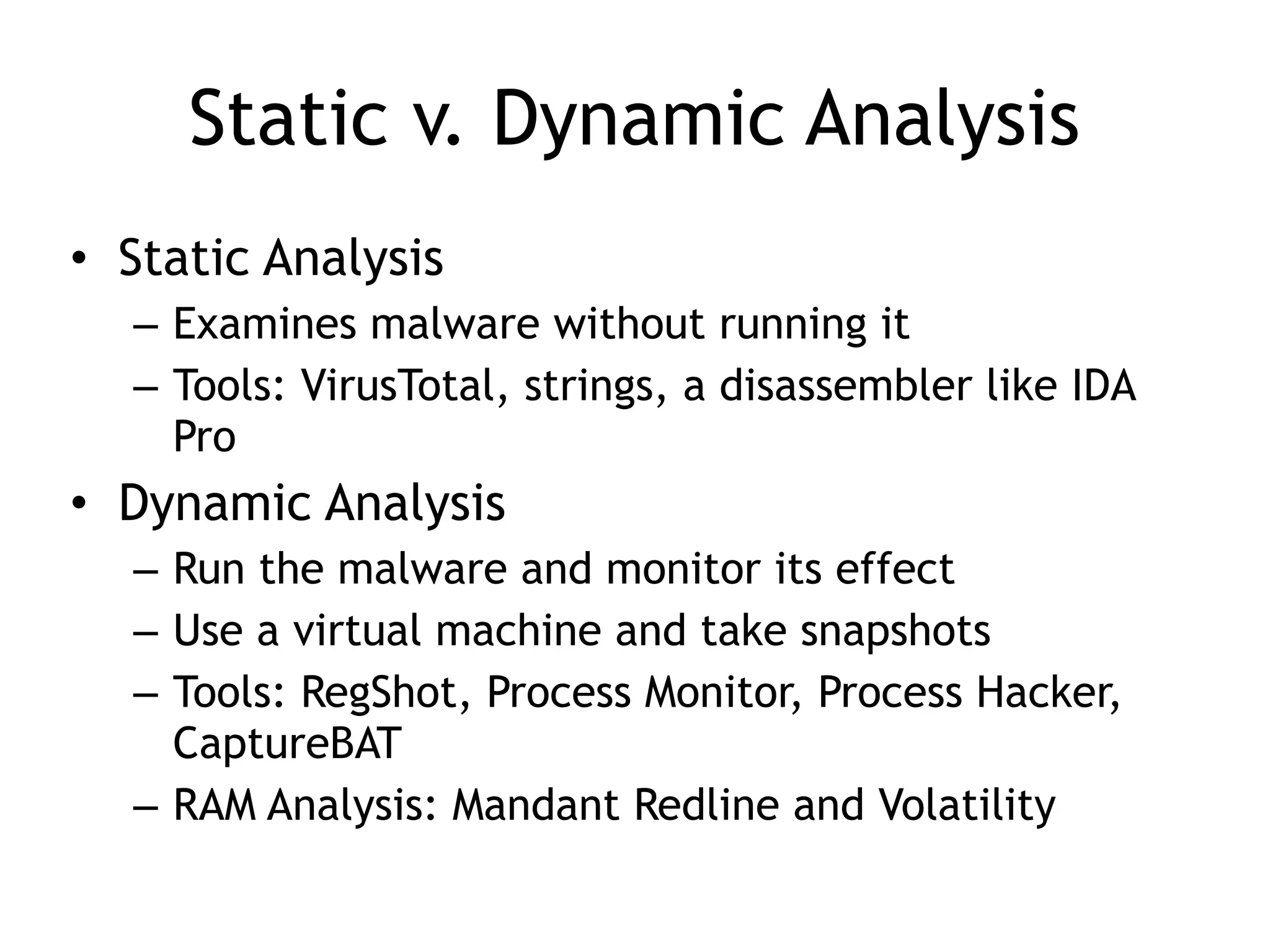
Static v. DynamicAnalysis
• Static Analysis
– Examines malware without running it
– Tools: VirusTotal, strings, a disassembler like IDA
Pro
• Dynamic Analysis
– Run the malware and monitor its effect
– Use a virtual machine and take snapshots
– Tools: RegShot, Process Monitor, Process Hacker,
CaptureBAT
– RAM Analysis: Mandant Redline and Volatility
12.
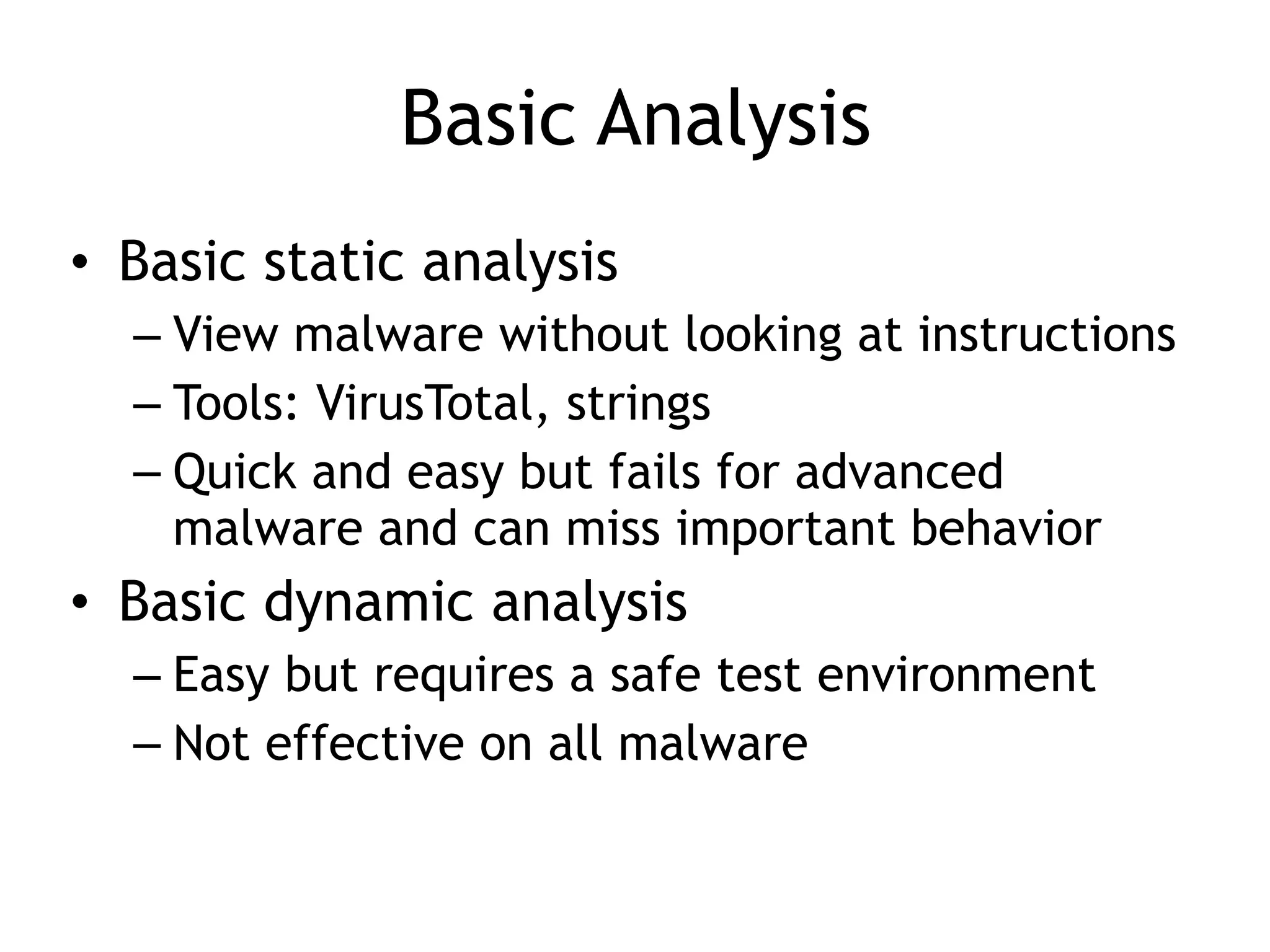
Basic Analysis
• Basicstatic analysis
– View malware without looking at instructions
– Tools: VirusTotal, strings
– Quick and easy but fails for advanced
malware and can miss important behavior
• Basic dynamic analysis
– Easy but requires a safe test environment
– Not effective on all malware
13.
Advanced Analysis
• Advancedstatic analysis
– Reverse-engineering with a disassembler
– Complex, requires understanding of assembly
code
• Advanced Dynamic Analysis
– Run code in a debugger
– Examines internal state of a running malicious
executable
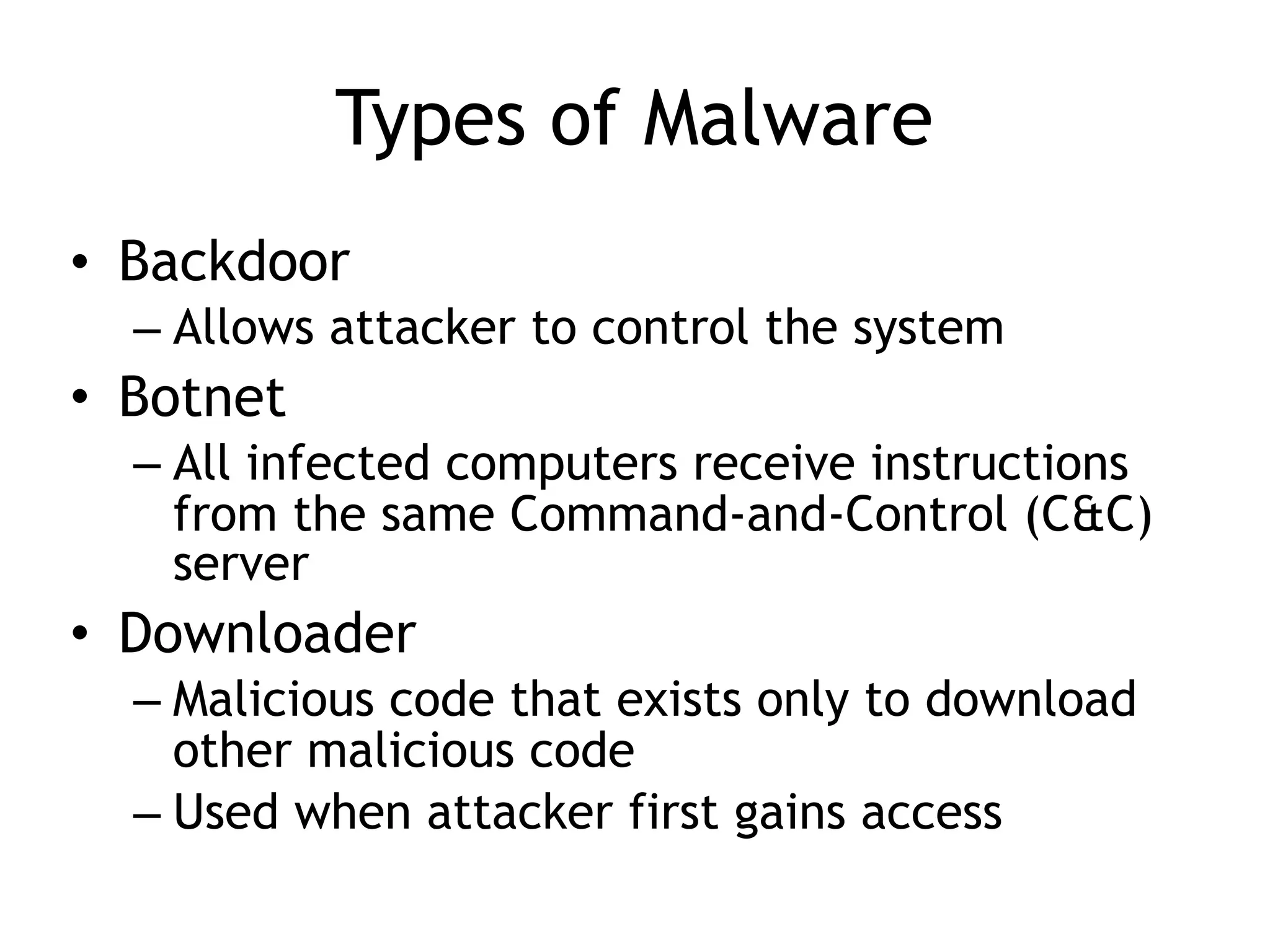
Types of Malware
•Backdoor
– Allows attacker to control the system
• Botnet
– All infected computers receive instructions
from the same Command-and-Control (C&C)
server
• Downloader
– Malicious code that exists only to download
other malicious code
– Used when attacker first gains access
16.
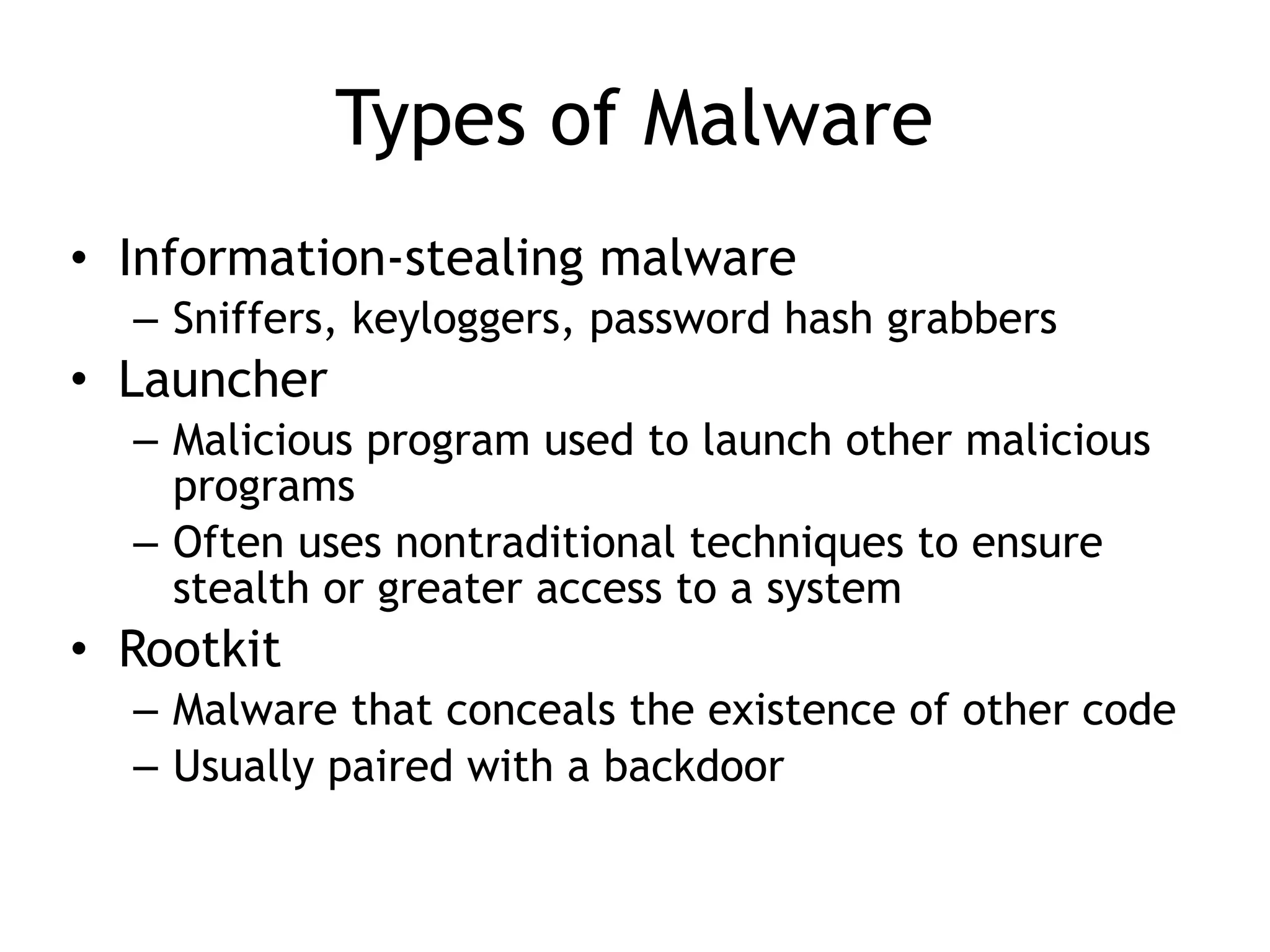
Types of Malware
•Information-stealing malware
– Sniffers, keyloggers, password hash grabbers
• Launcher
– Malicious program used to launch other malicious
programs
– Often uses nontraditional techniques to ensure
stealth or greater access to a system
• Rootkit
– Malware that conceals the existence of other code
– Usually paired with a backdoor
17.
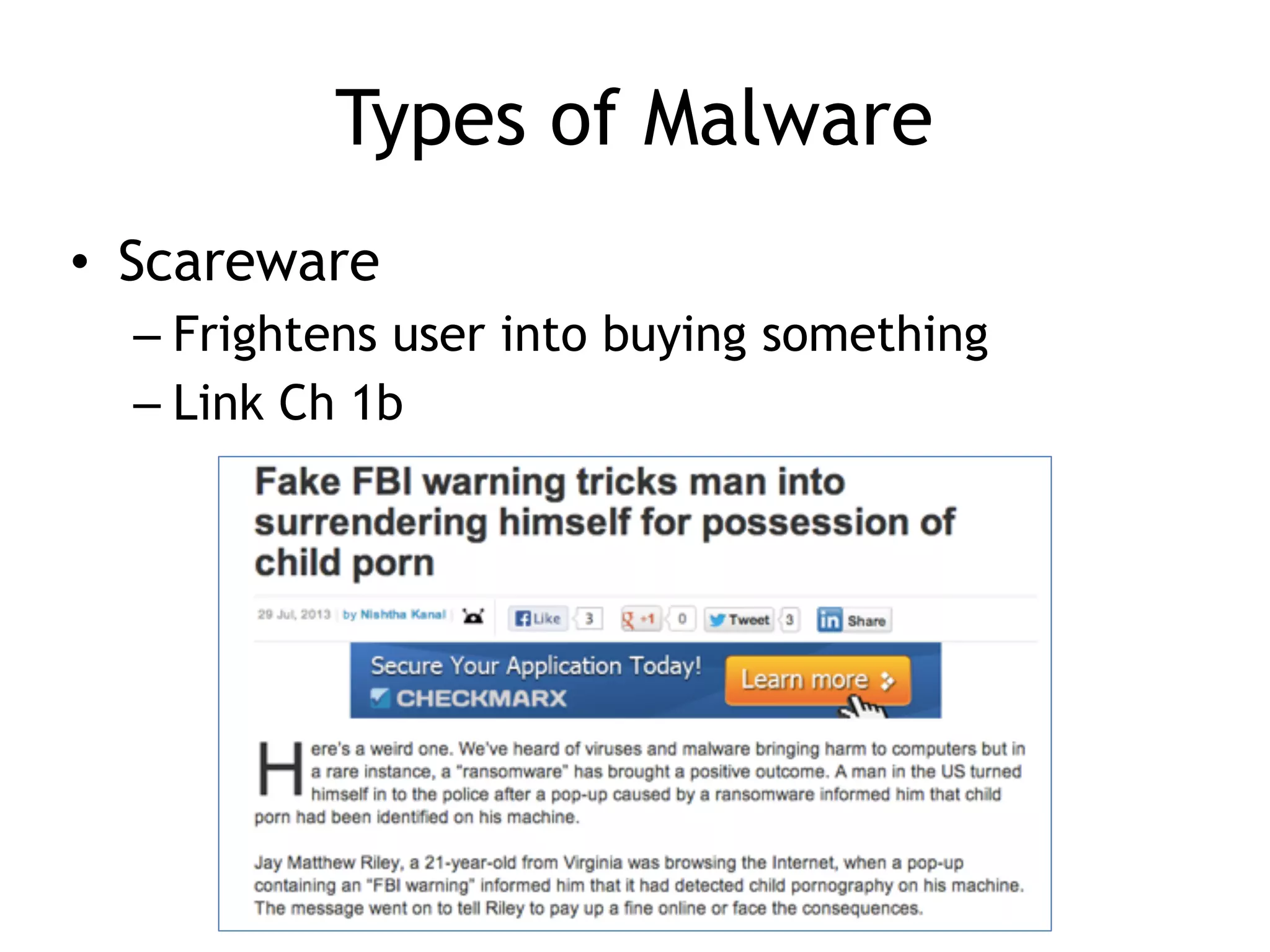
Types of Malware
•Scareware
– Frightens user into buying something
– Link Ch 1b
18.
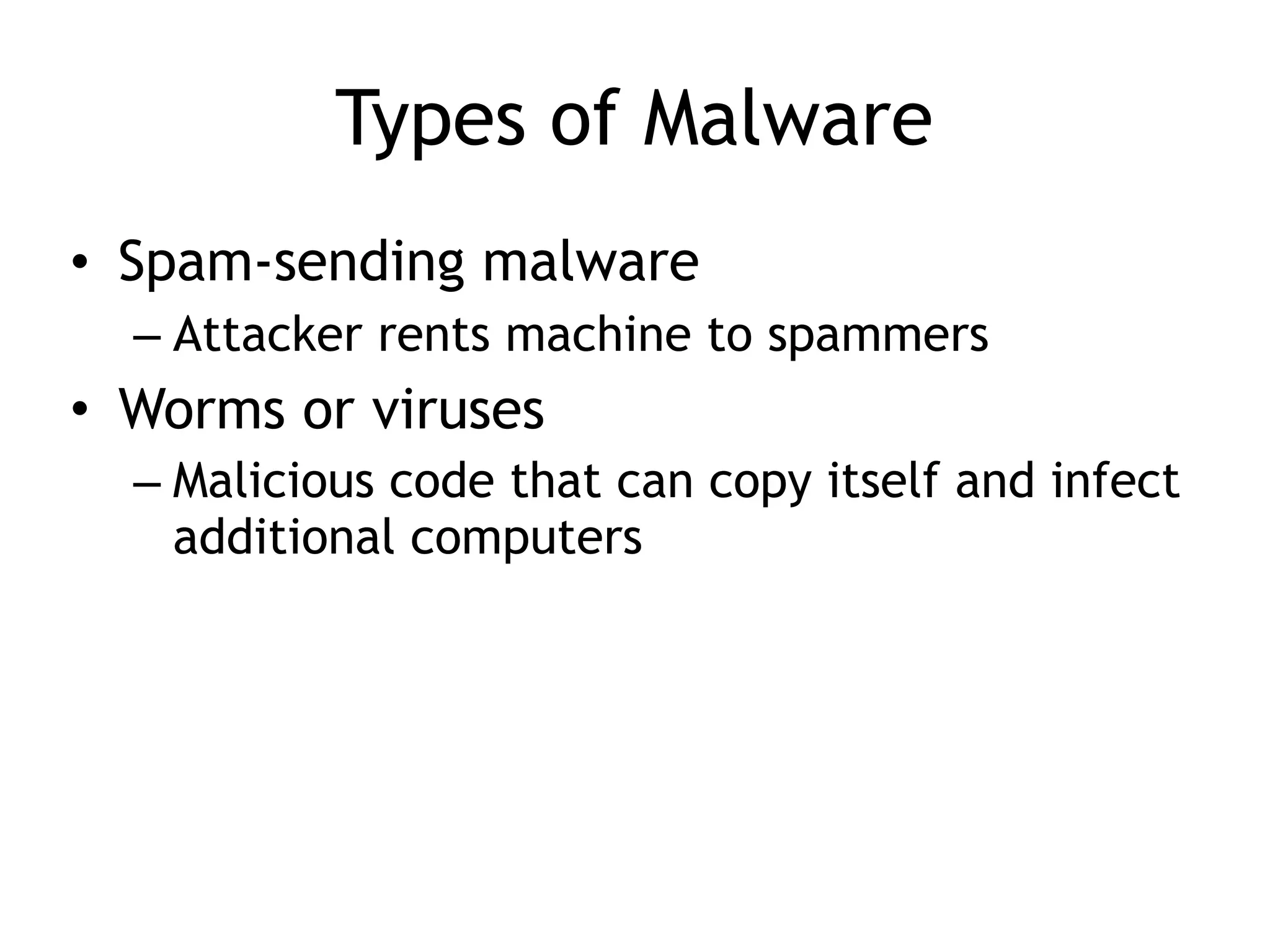
Types of Malware
•Spam-sending malware
– Attacker rents machine to spammers
• Worms or viruses
– Malicious code that can copy itself and infect
additional computers
19.
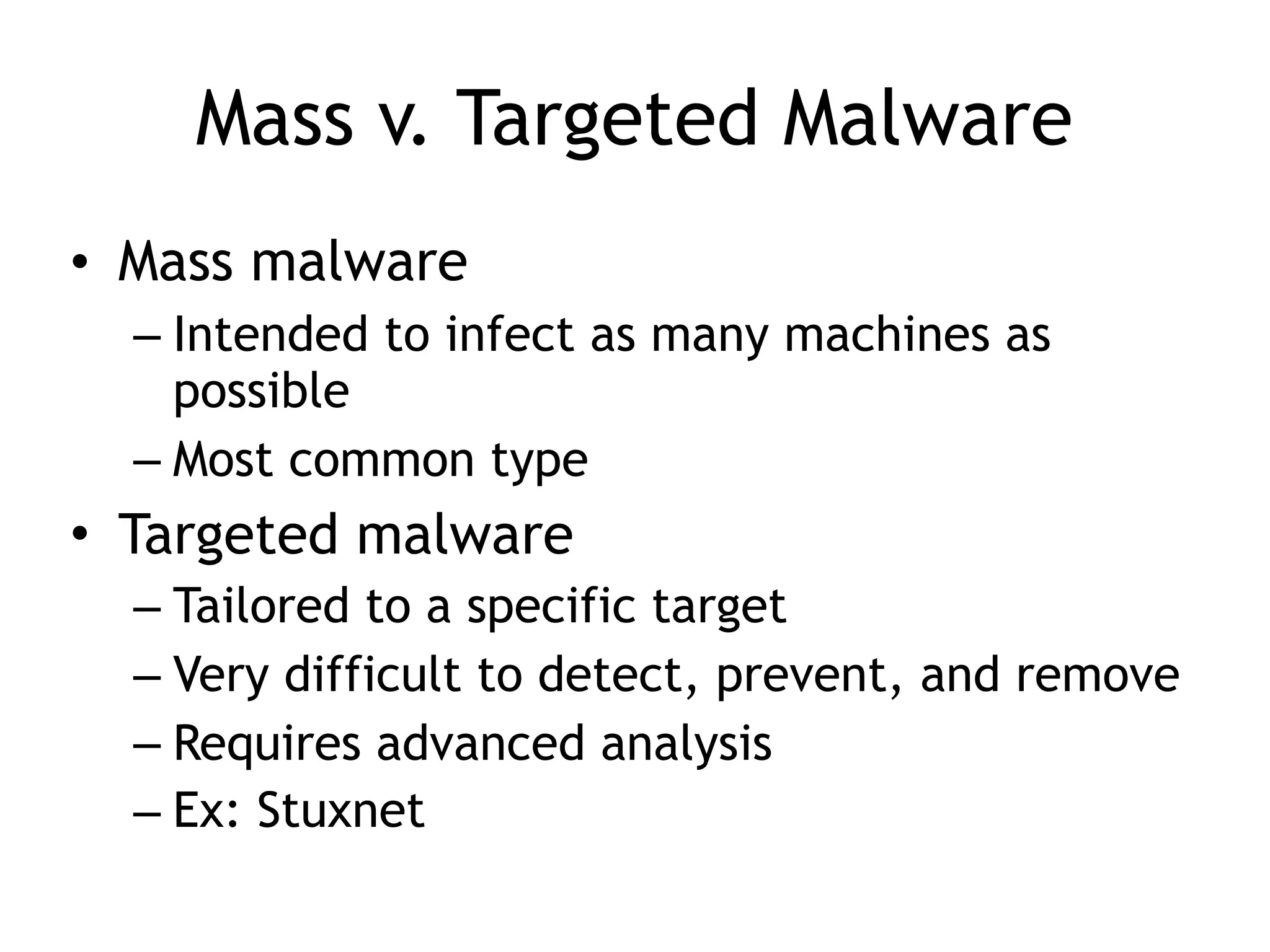
Mass v. TargetedMalware
• Mass malware
– Intended to infect as many machines as
possible
– Most common type
• Targeted malware
– Tailored to a specific target
– Very difficult to detect, prevent, and remove
– Requires advanced analysis
– Ex: Stuxnet
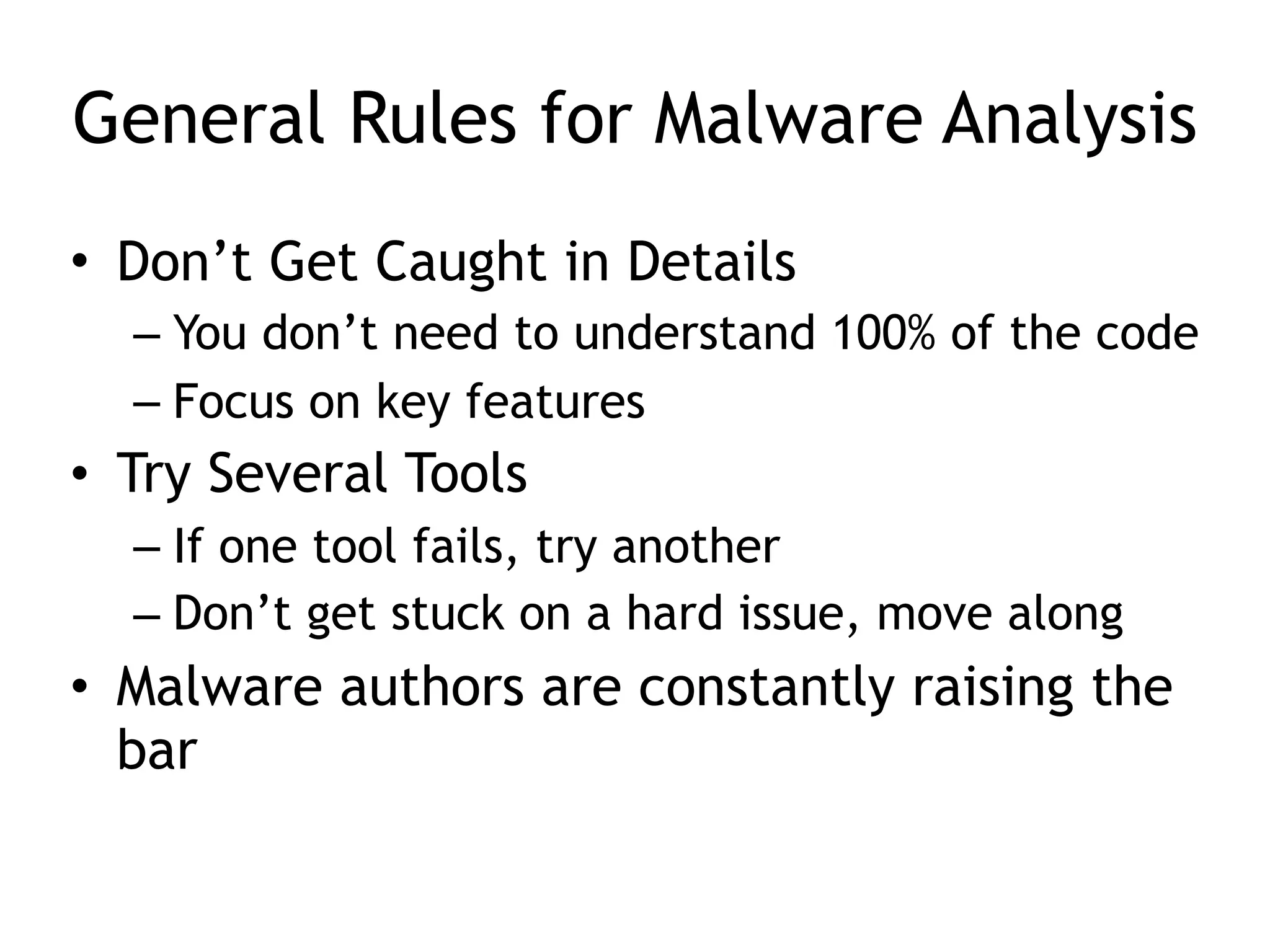
General Rules forMalware Analysis
• Don’t Get Caught in Details
– You don’t need to understand 100% of the code
– Focus on key features
• Try Several Tools
– If one tool fails, try another
– Don’t get stuck on a hard issue, move along
• Malware authors are constantly raising the
bar
Only a FirstStep
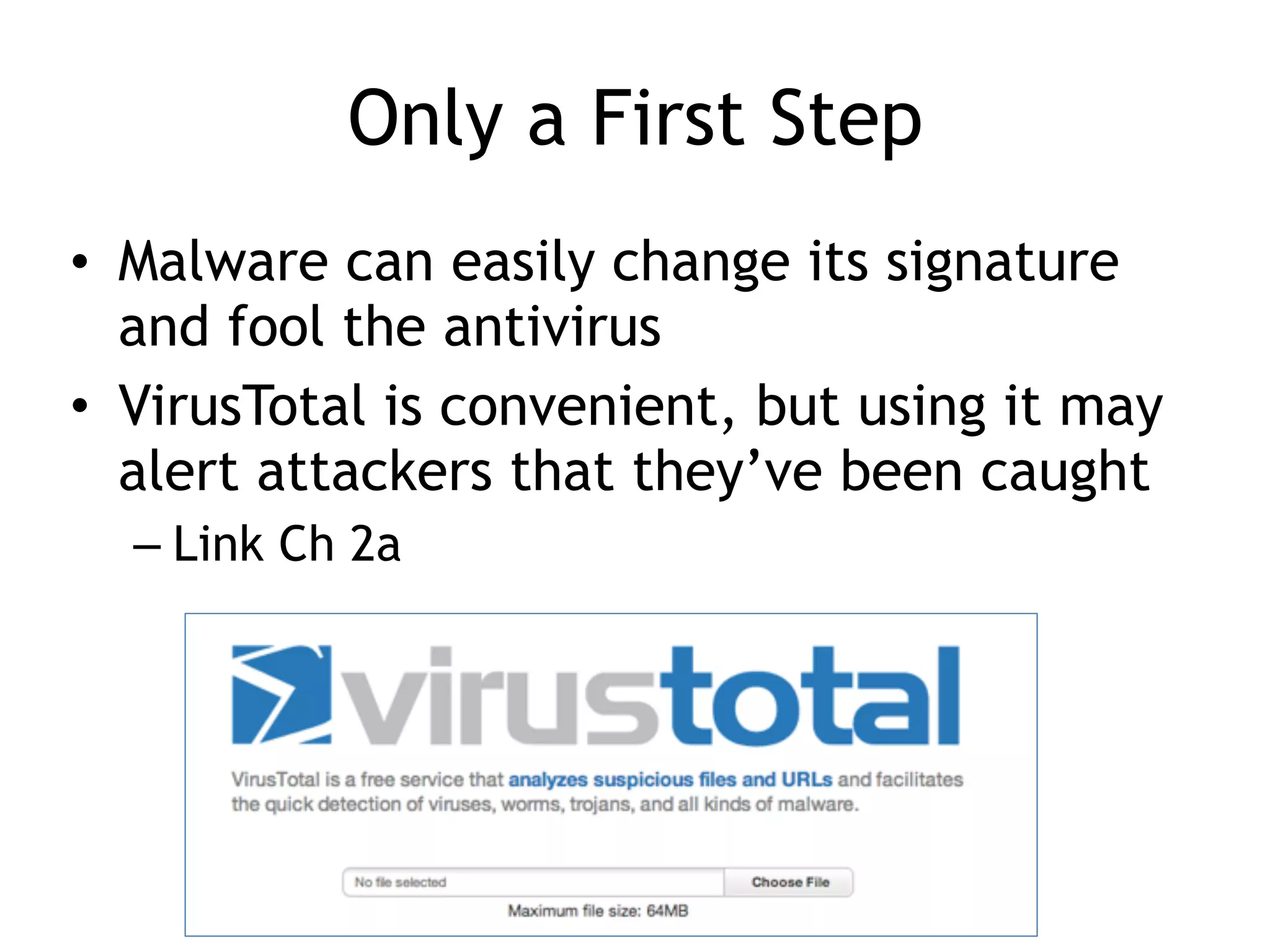
• Malware can easily change its signature
and fool the antivirus
• VirusTotal is convenient, but using it may
alert attackers that they’ve been caught
– Link Ch 2a
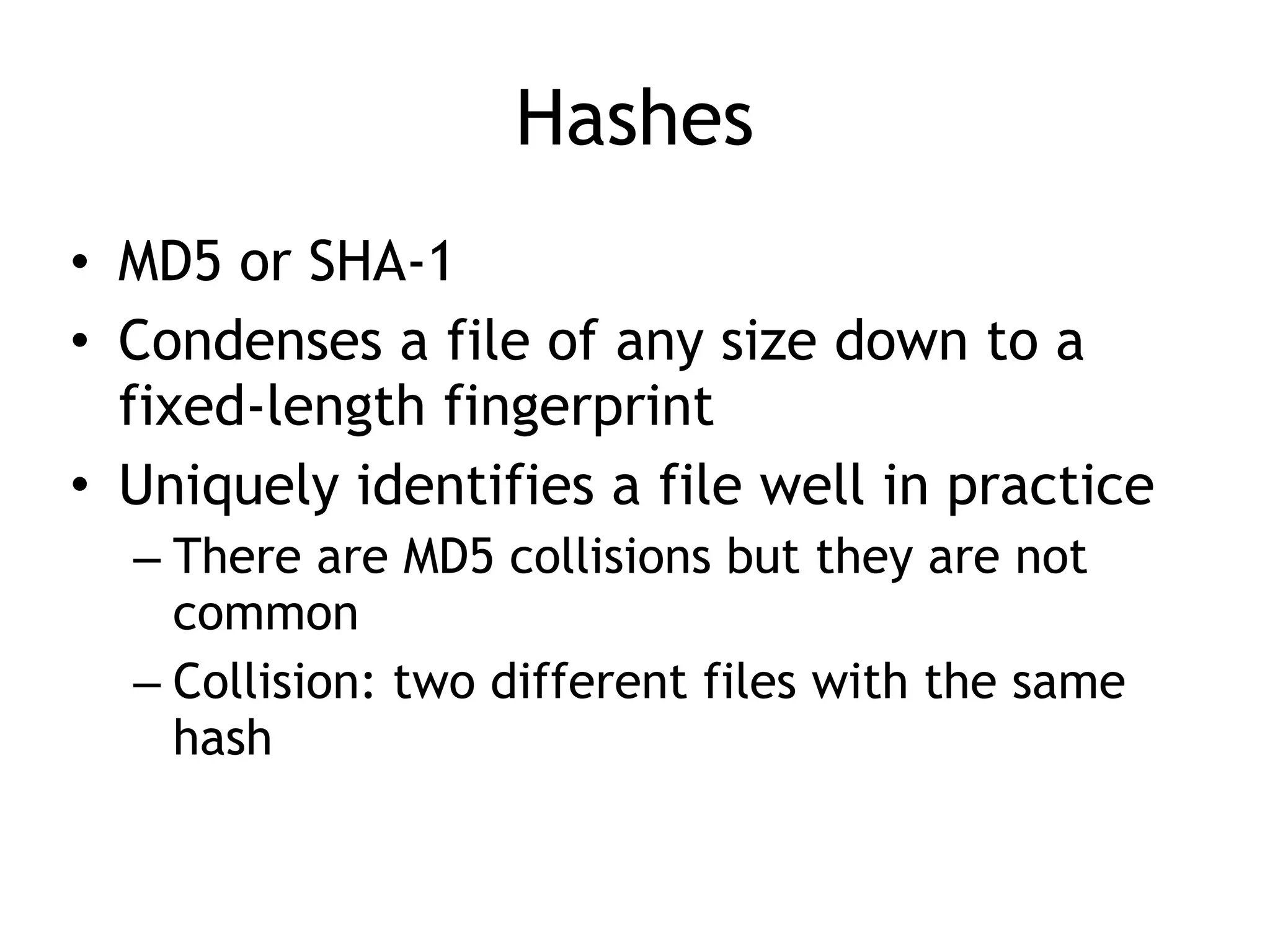
Hashes
• MD5 orSHA-1
• Condenses a file of any size down to a
fixed-length fingerprint
• Uniquely identifies a file well in practice
– There are MD5 collisions but they are not
common
– Collision: two different files with the same
hash
Hash Uses
• Labela malware file
• Share the hash with other analysts to
identify malware
• Search the hash online to see if someone
else has already identified the file
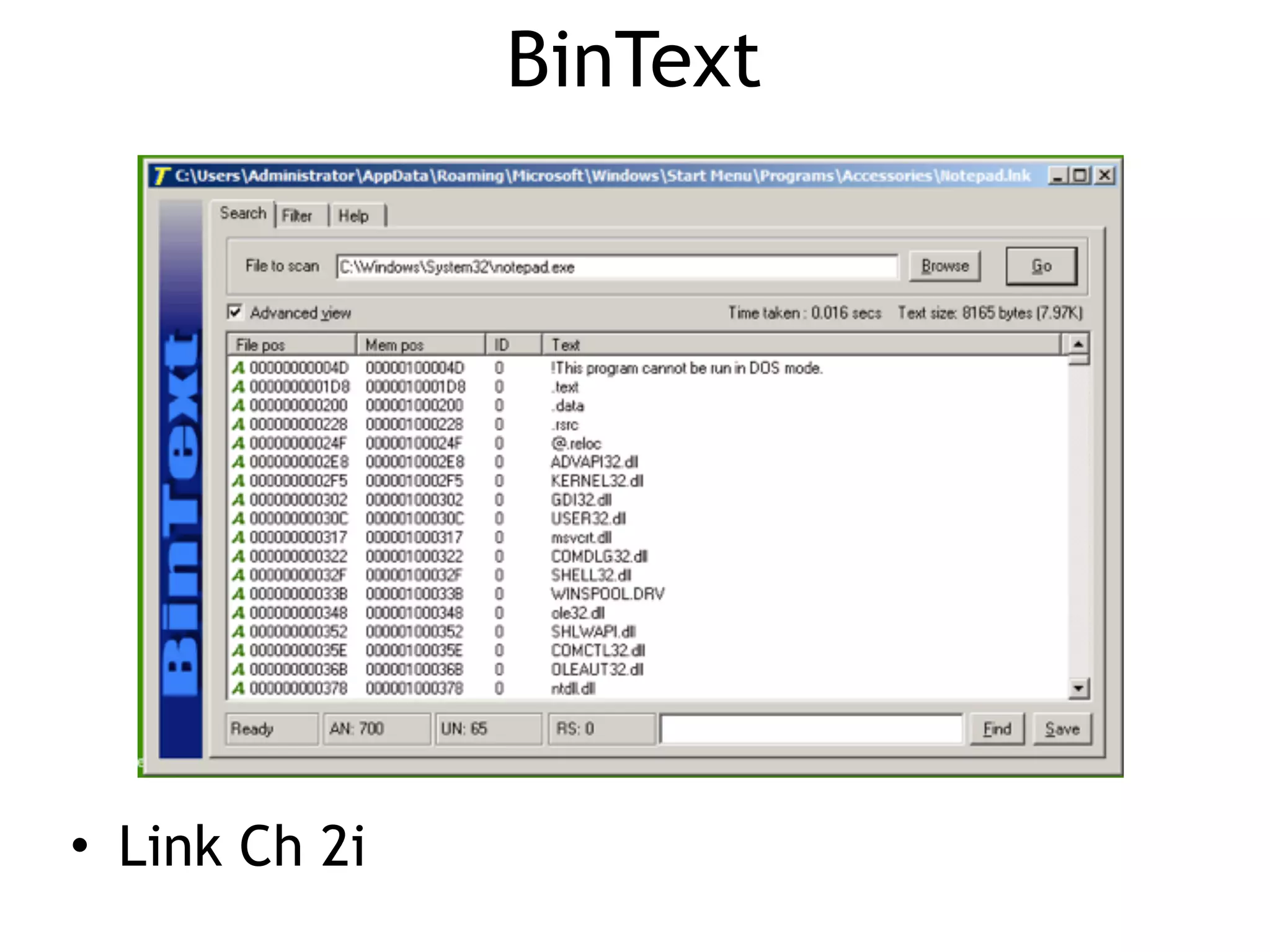
Strings
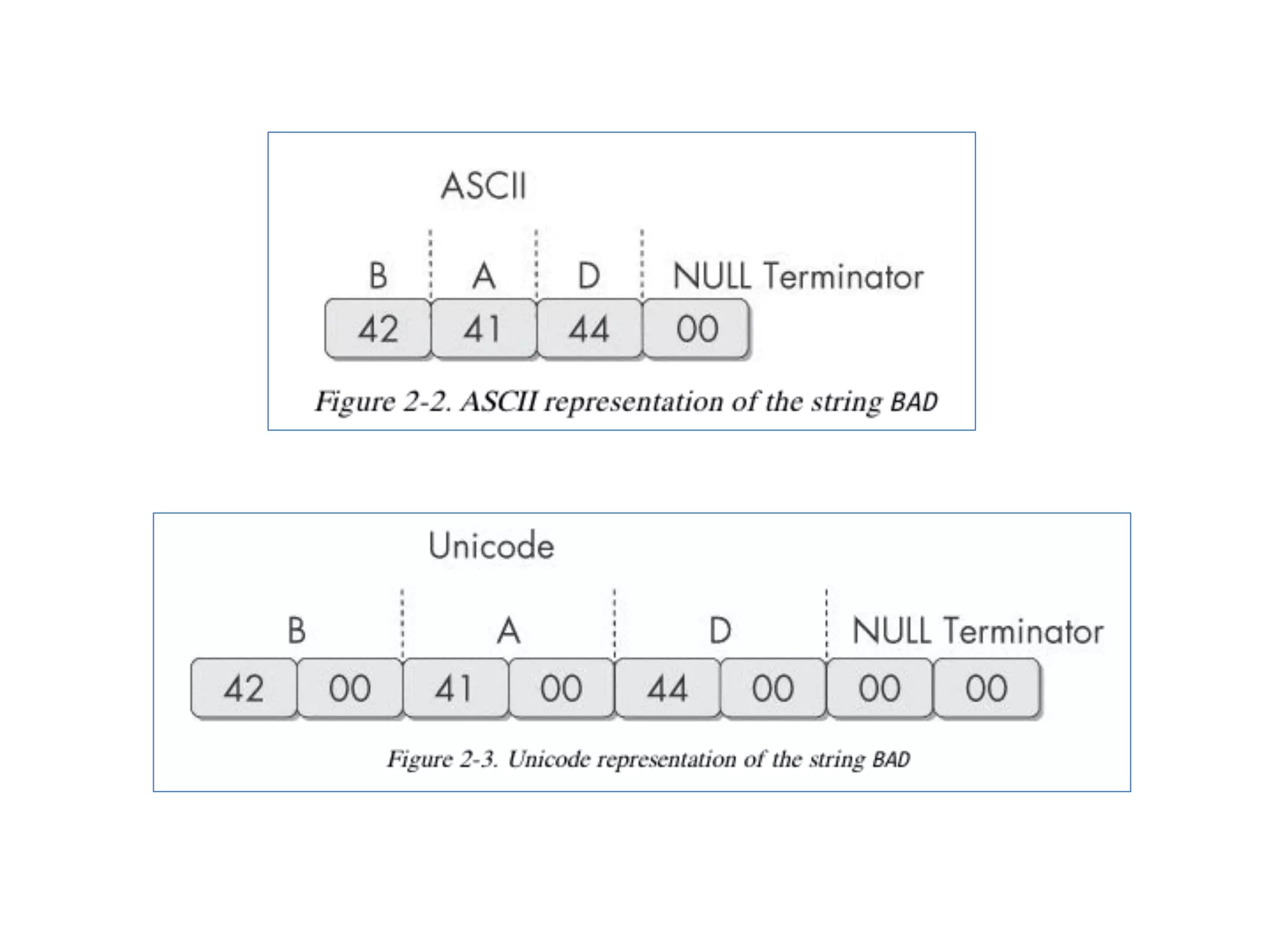
• Any sequenceof printable characters is a
string
• Strings are terminated by a null (0x00)
• ASCII characters are 8 bits long
– Now called ANSI
• Unicode characters are 16 bits long
– Microsoft calls them "wide characters"
33.
The strings Command
•Native in Linux, also available for
Windows
• Finds all strings in a file 3 or more
characters long
34.
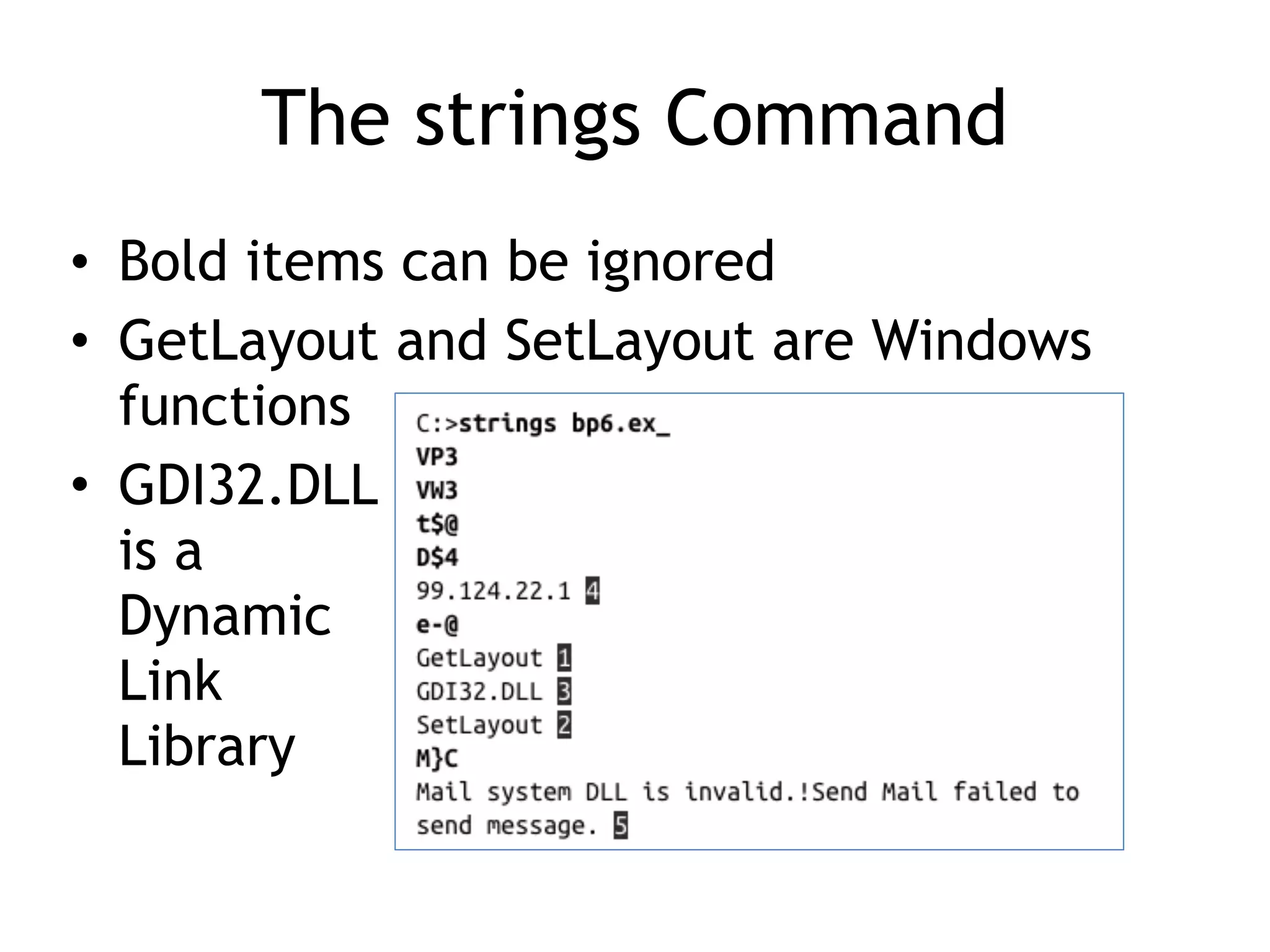
The strings Command
•Bold items can be ignored
• GetLayout and SetLayout are Windows
functions
• GDI32.DLL
is a
Dynamic
Link
Library
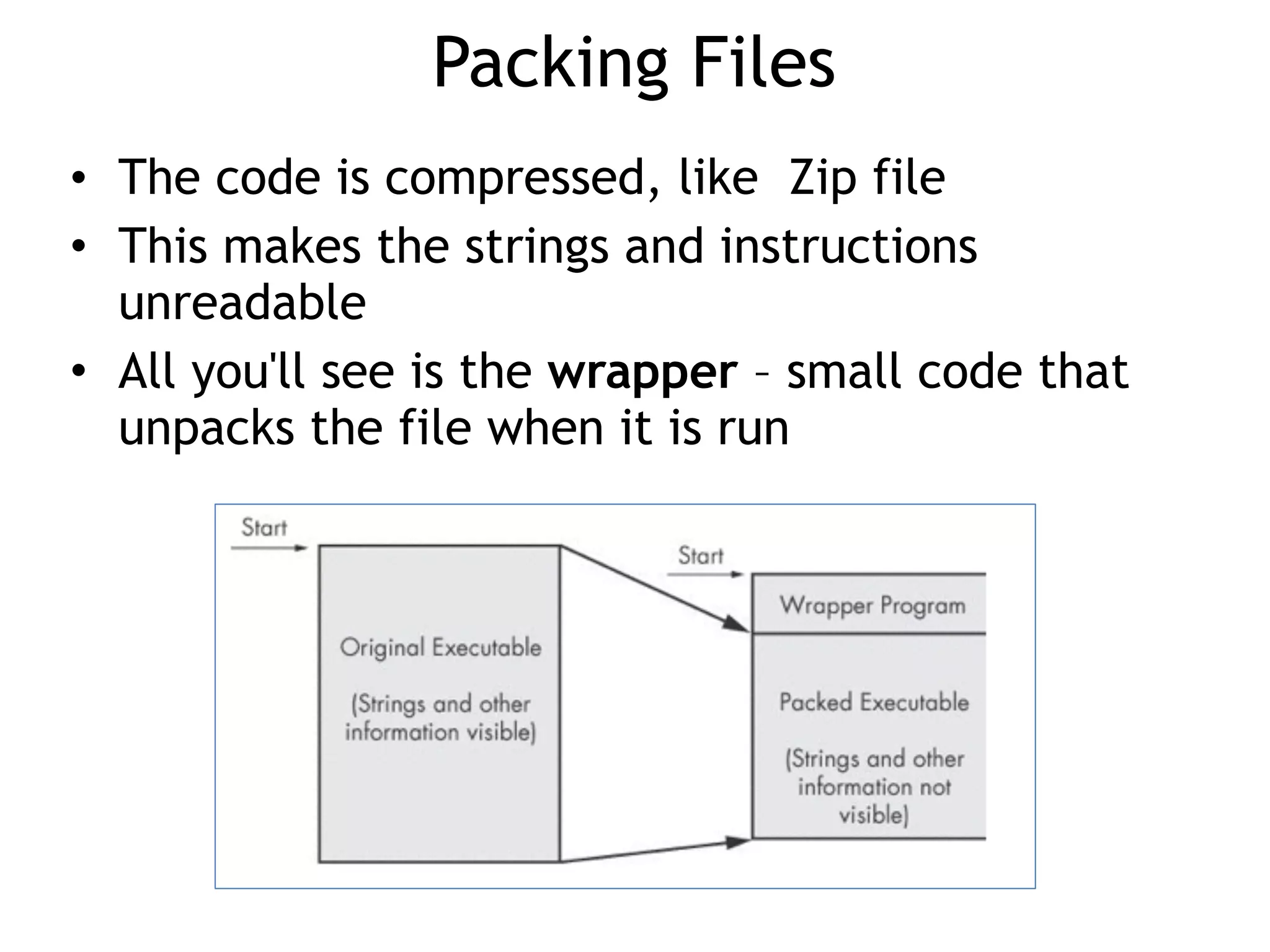
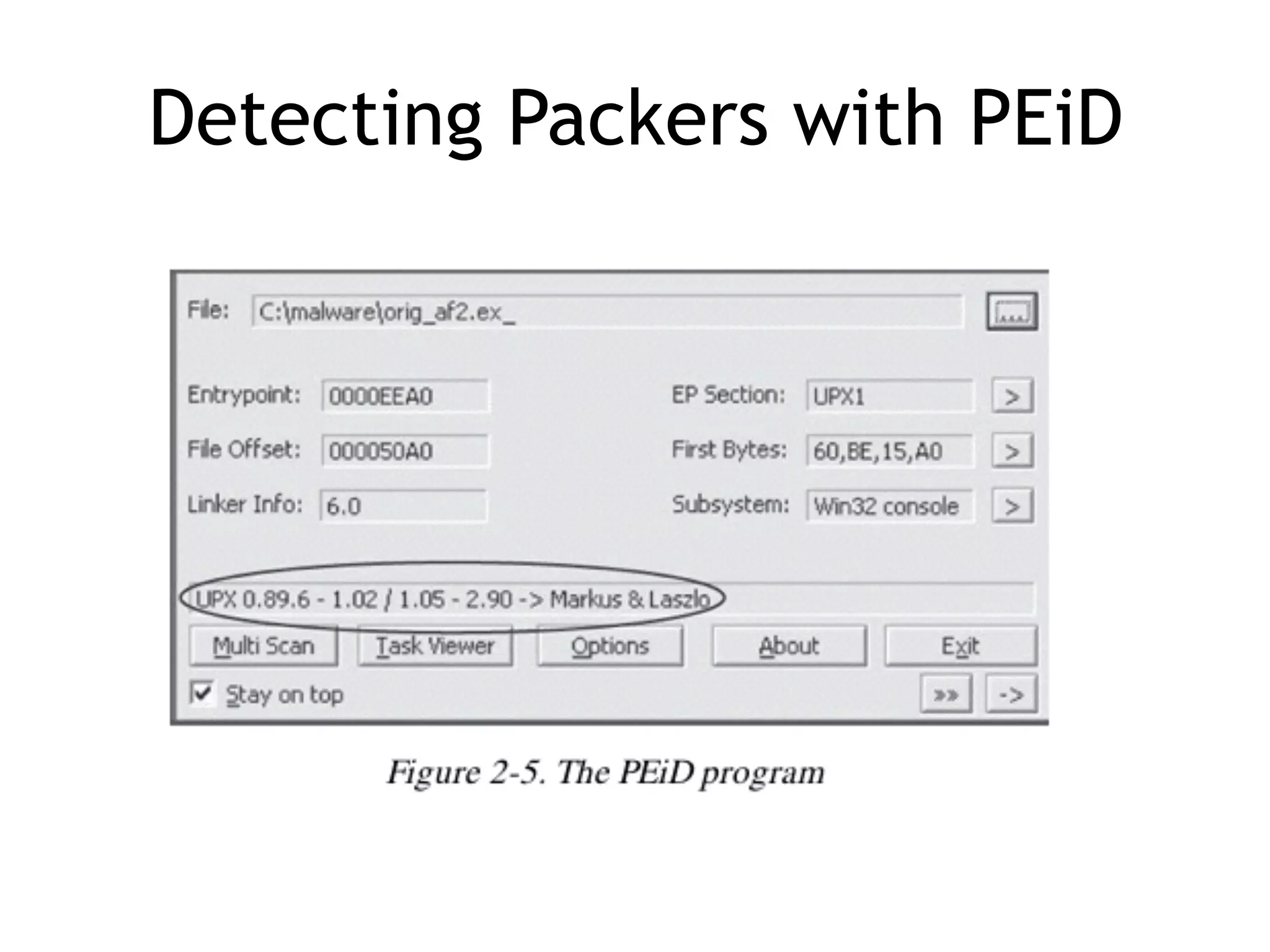
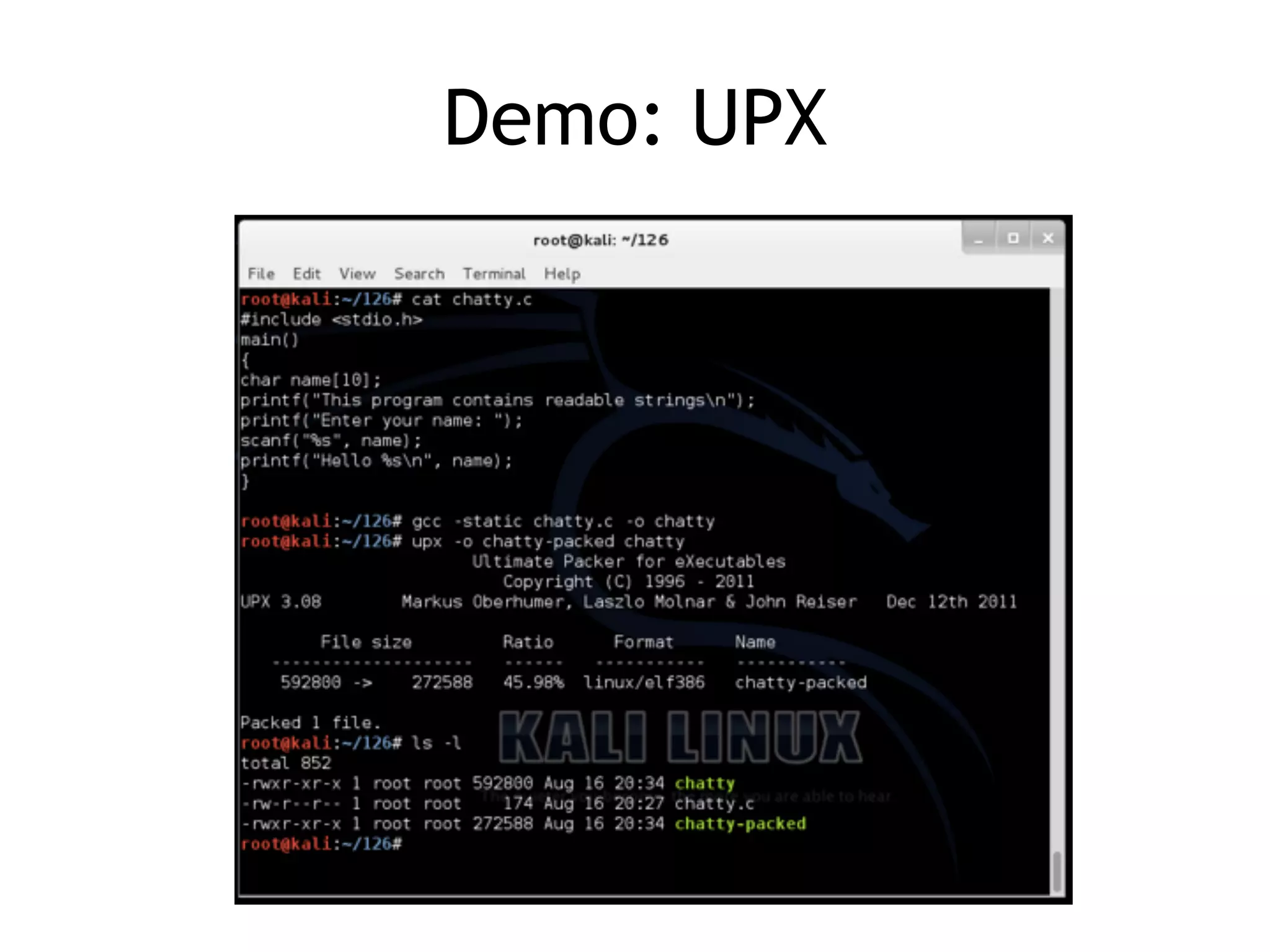
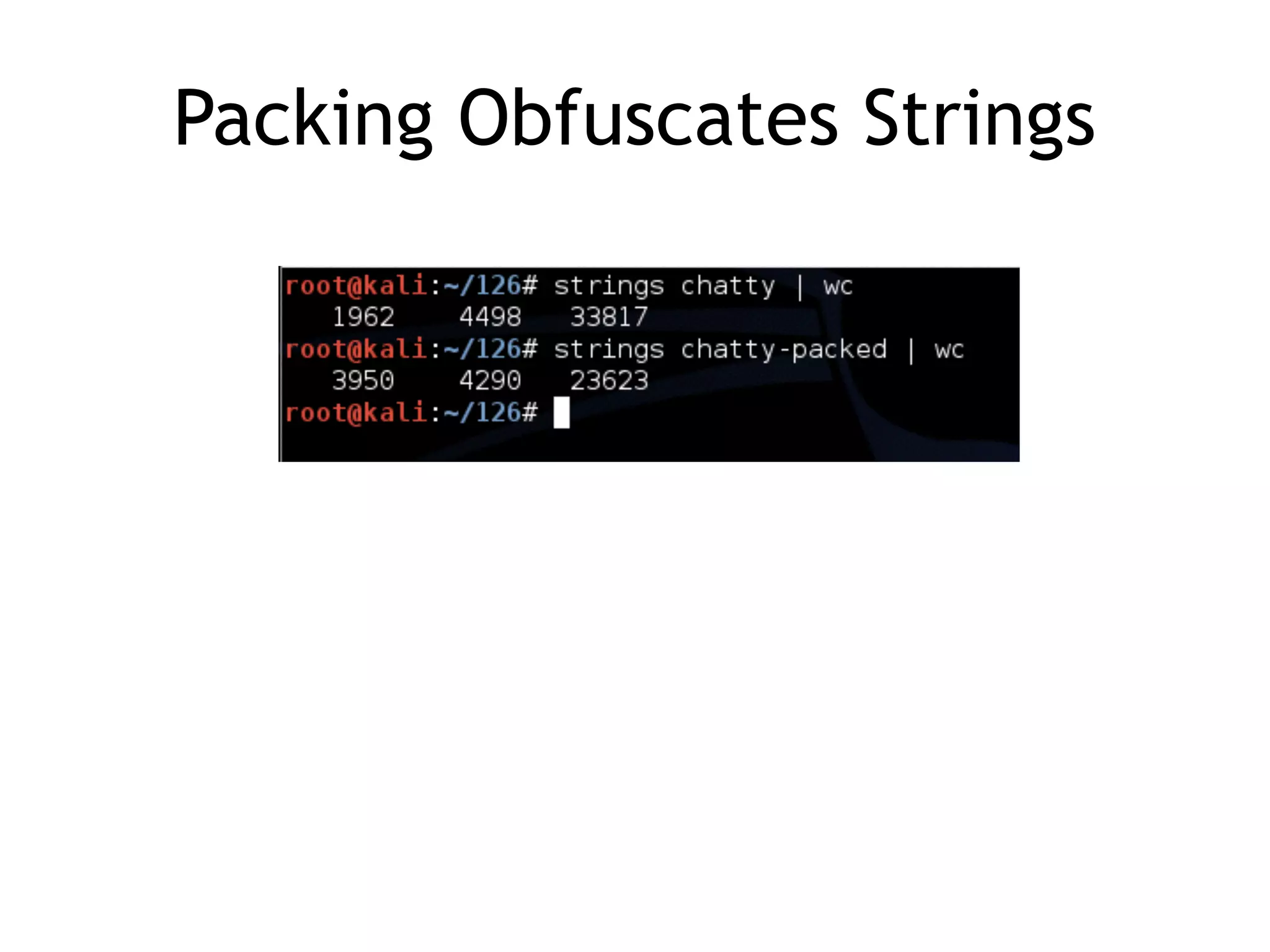
Packing Files
• Thecode is compressed, like Zip file
• This makes the strings and instructions
unreadable
• All you'll see is the wrapper – small code that
unpacks the file when it is run
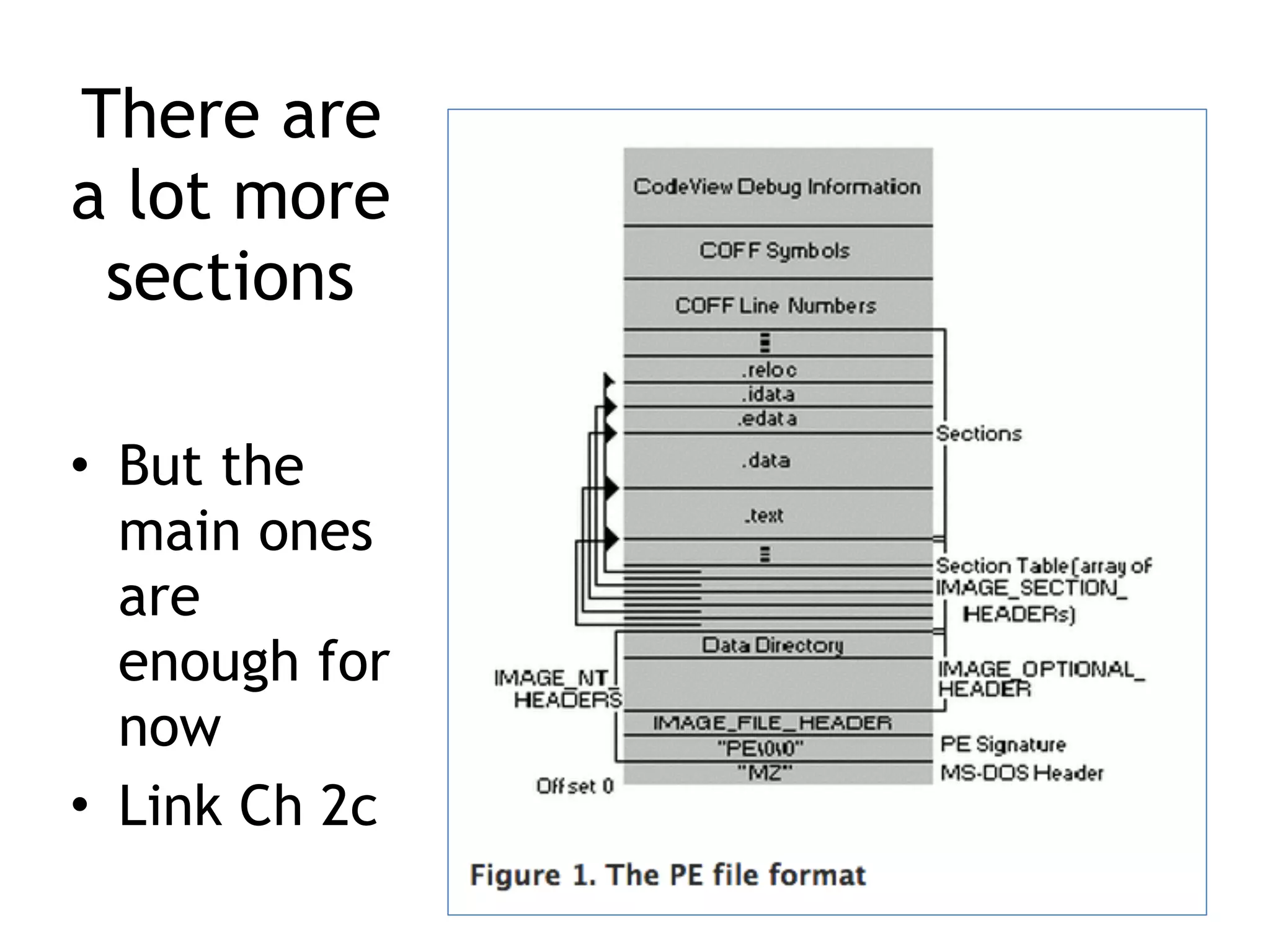
PE Files
• Usedby Windows executable files, object
code, and DLLs
• A data structure that contains the
information necessary for Windows to load
the file
• Almost every file executed on Windows is
in PE format
44.
PE Header
• Informationabout the code
• Type of application
• Required library functions
• Space requirements
Imports
• Functions usedby a program that are
stored in a different program, such as
library
• Connected to the main EXE by Linking
• Can be linked three ways
– Statically
– At Runtime
– Dynamically
50.
Static Linking
• Rarelyused for Windows executables
• Common in Unix and Linux
• All code from the library is copied into
the executable
• Makes executable large in size
51.
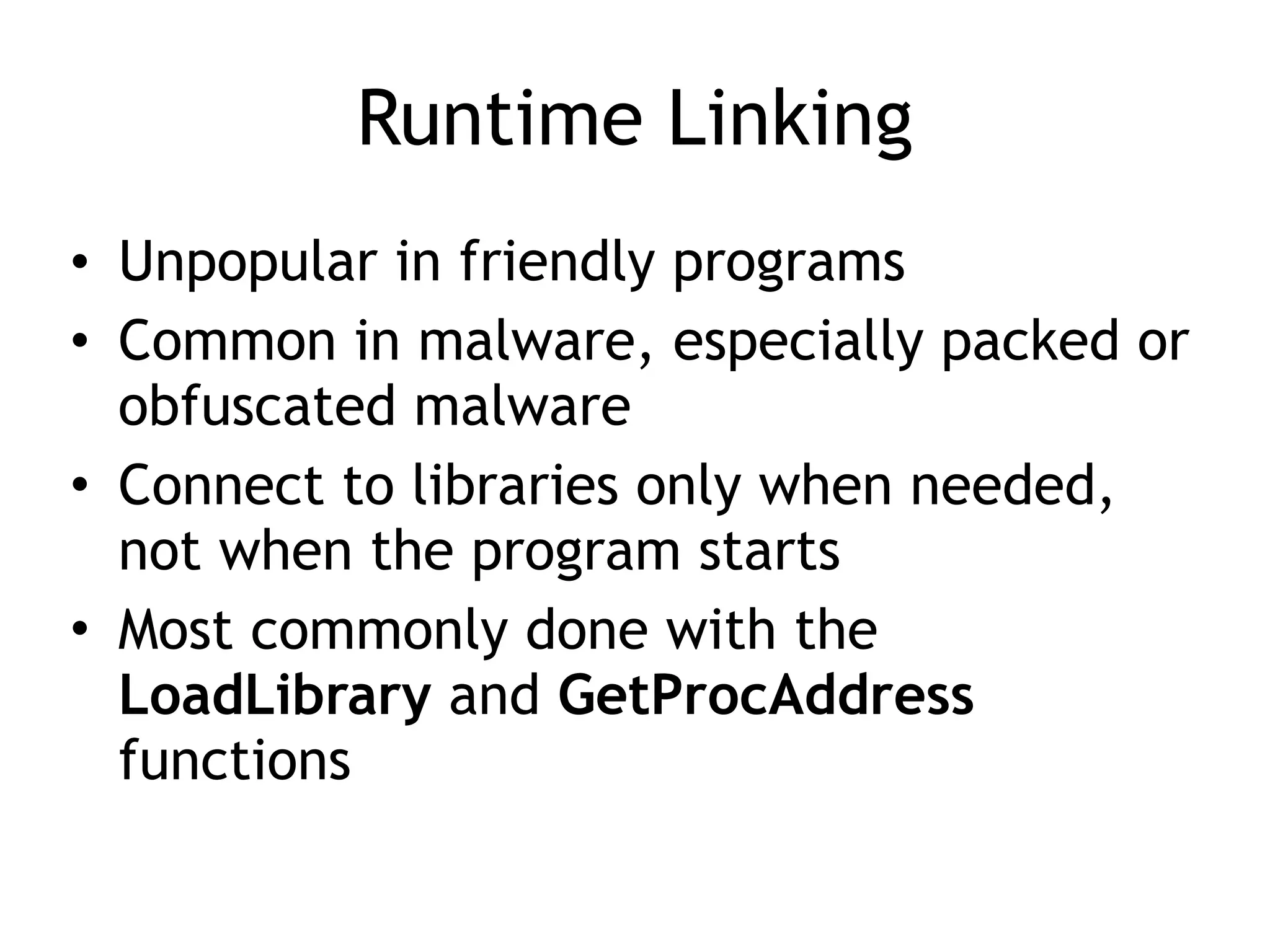
Runtime Linking
• Unpopularin friendly programs
• Common in malware, especially packed or
obfuscated malware
• Connect to libraries only when needed,
not when the program starts
• Most commonly done with the
LoadLibrary and GetProcAddress
functions
52.
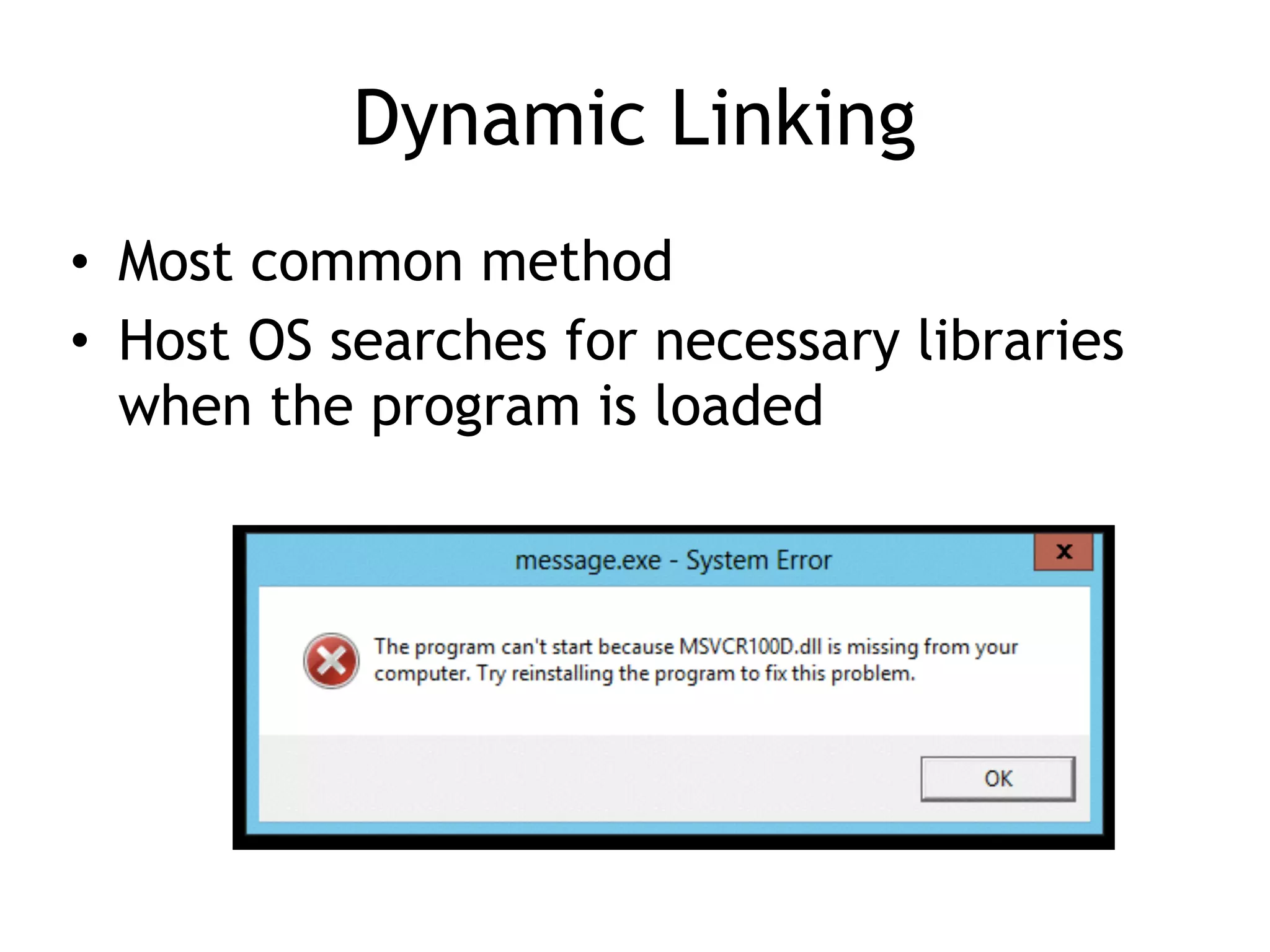
Dynamic Linking
• Mostcommon method
• Host OS searches for necessary libraries
when the program is loaded
53.
Clues in Libraries
•The PE header lists every library and
function that will be loaded
• Their names can reveal what the program
does
• URLDownloadToFile indicates that the
program downloads something
Example: Keylogger
• ImportsUser32.dll and uses the function
SetWindowsHookEx which is a popular
way keyloggers receive keyboard inputs
• It exports LowLevelKeyboardProc and
LowLevelMouseProc to send the data
elsewhere
• It uses RegisterHotKey to define a special
keystroke like Ctrl+Shift+P to harvest the
collected data
66.
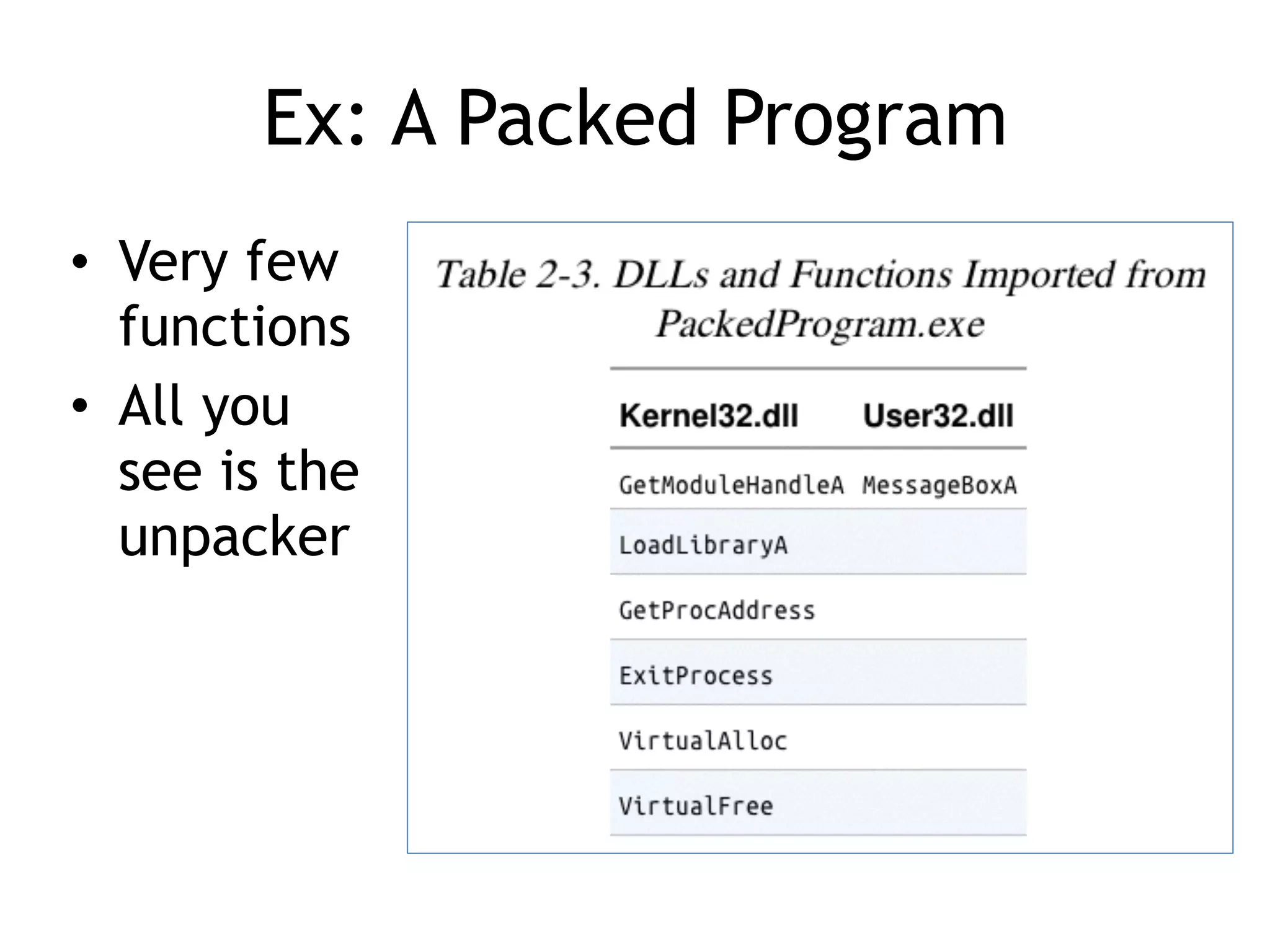
Ex: A PackedProgram
• Very few
functions
• All you
see is the
unpacker
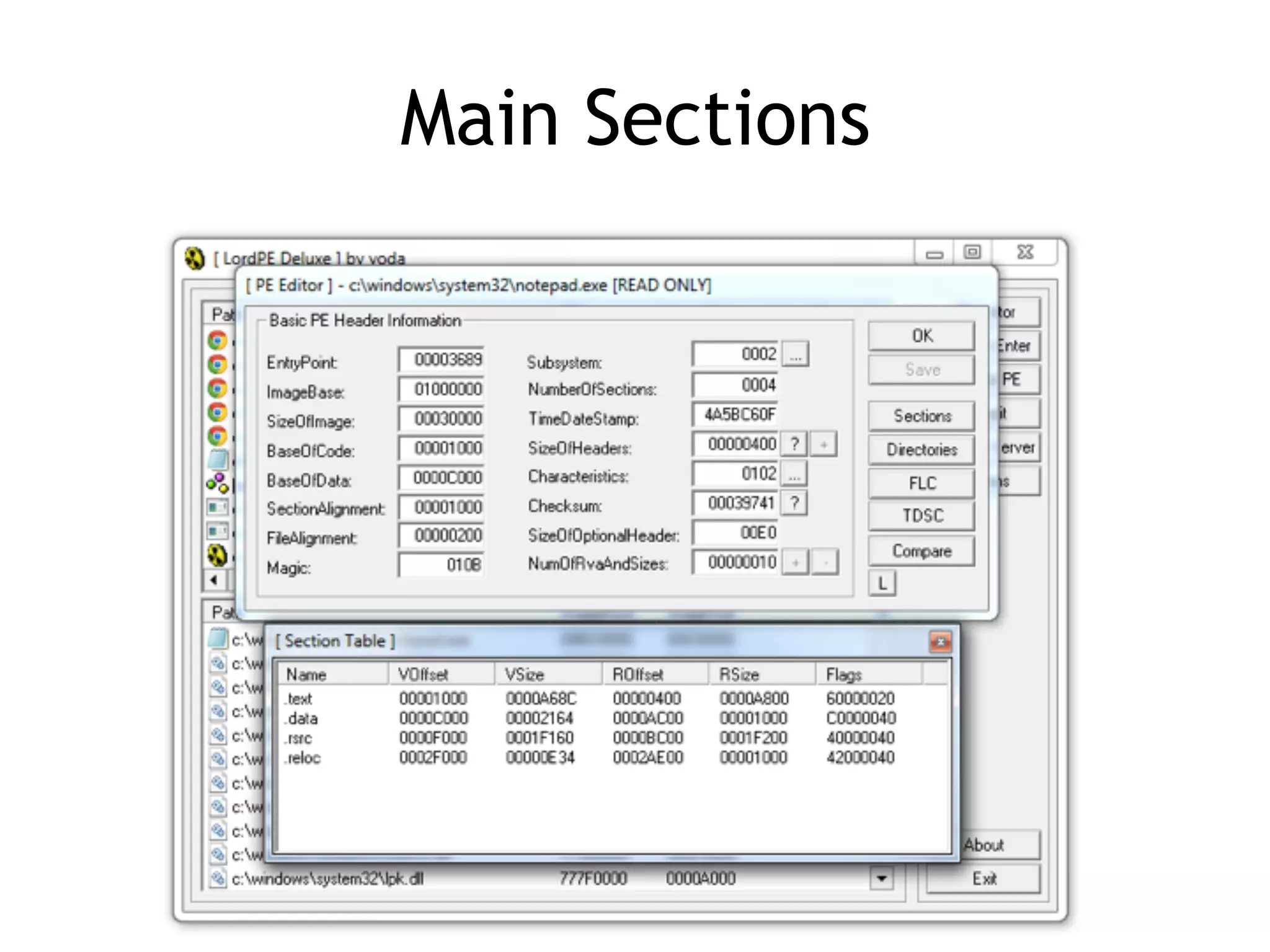
Important PE Sections
•.text -- instructions for the CPU to execute
• .rdata -- imports & exports
• .data – global data
• .rsrc – strings, icons, images, menus
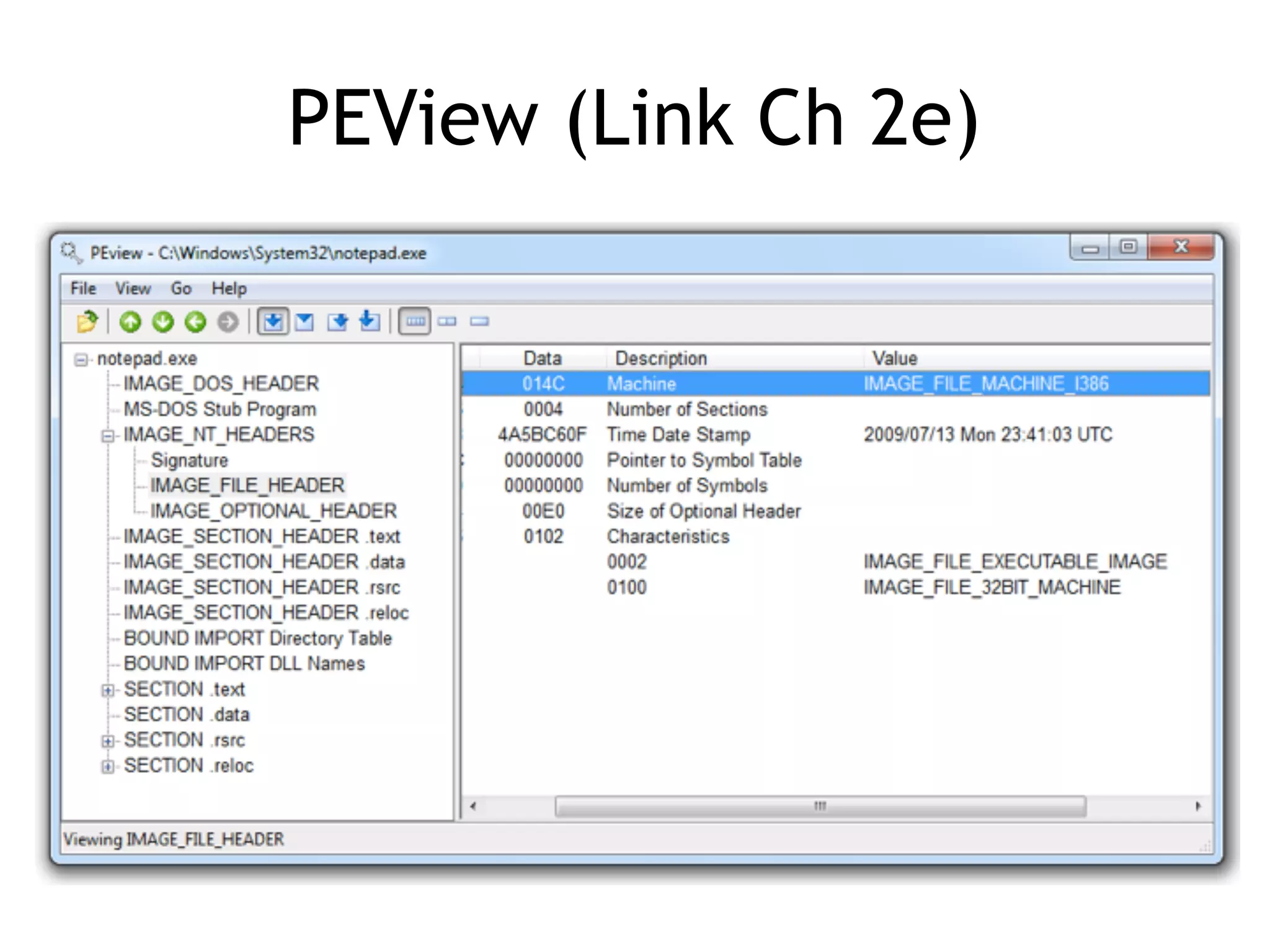
Time Date Stamp
•Shows when this executable was compiled
• Older programs are more likely to be
known to antivirus software
• But sometimes the date is wrong
– All Delphi programs show June 19, 1992
– Date can also be faked
71.
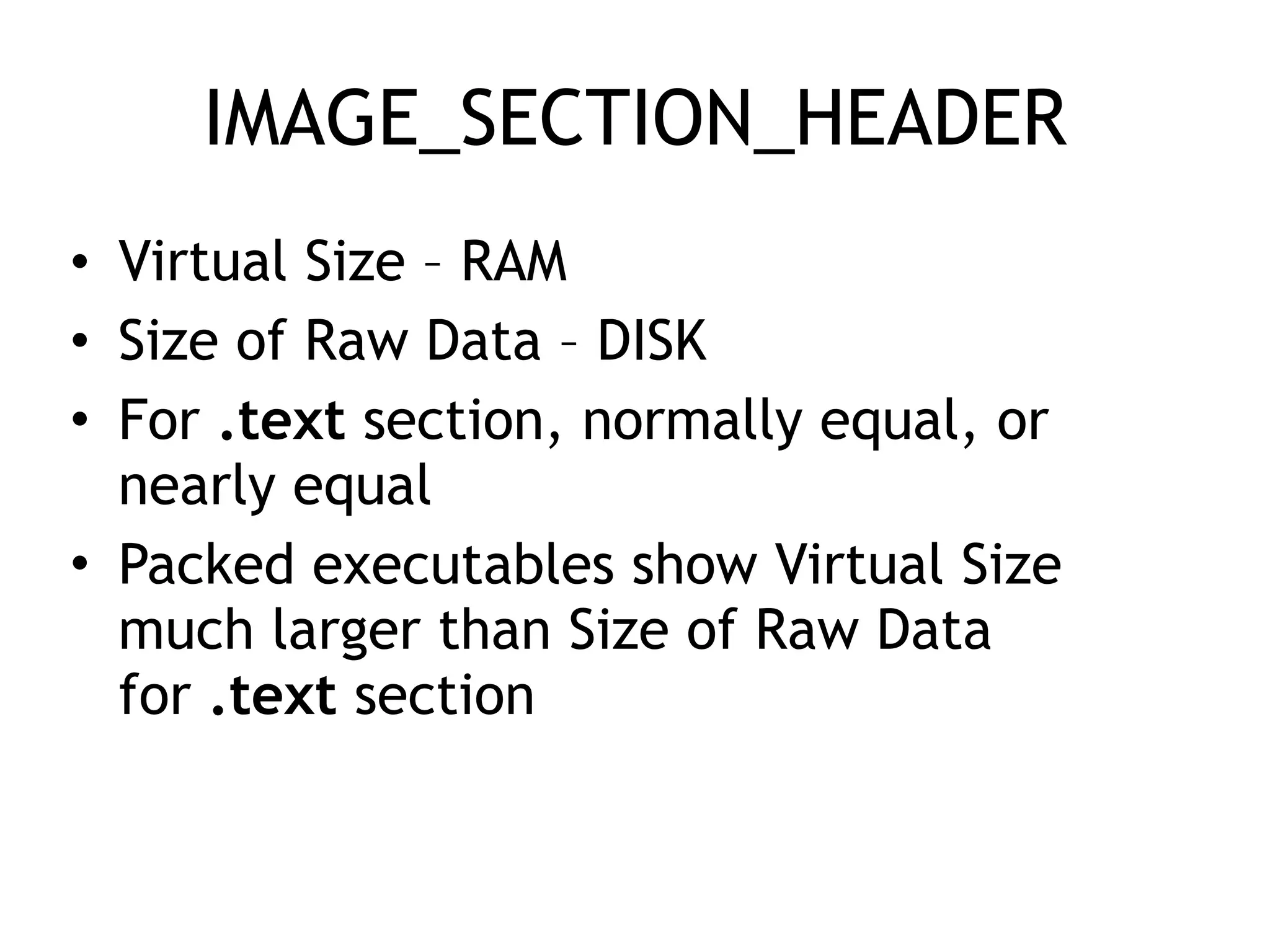
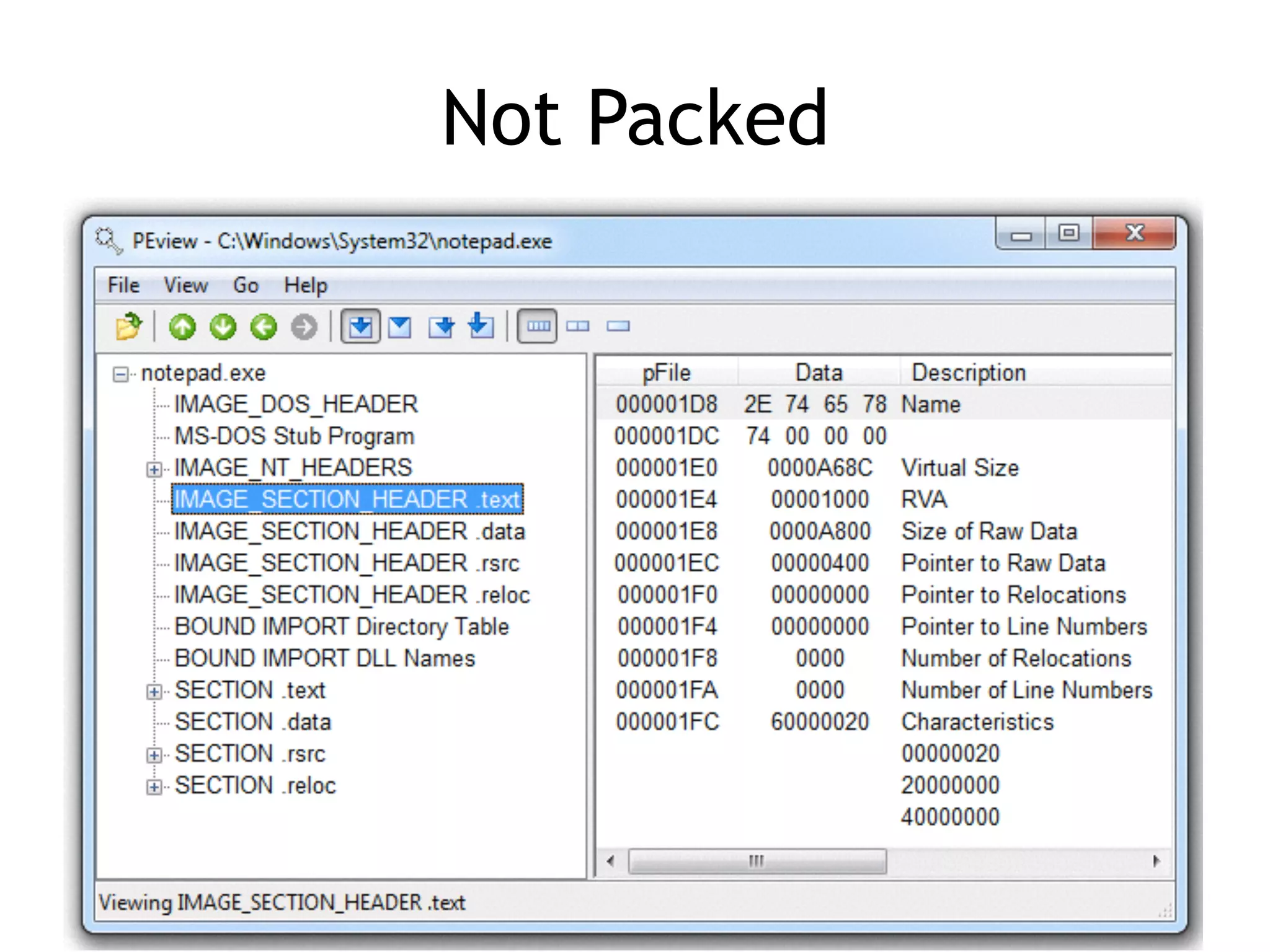
IMAGE_SECTION_HEADER
• Virtual Size– RAM
• Size of Raw Data – DISK
• For .text section, normally equal, or
nearly equal
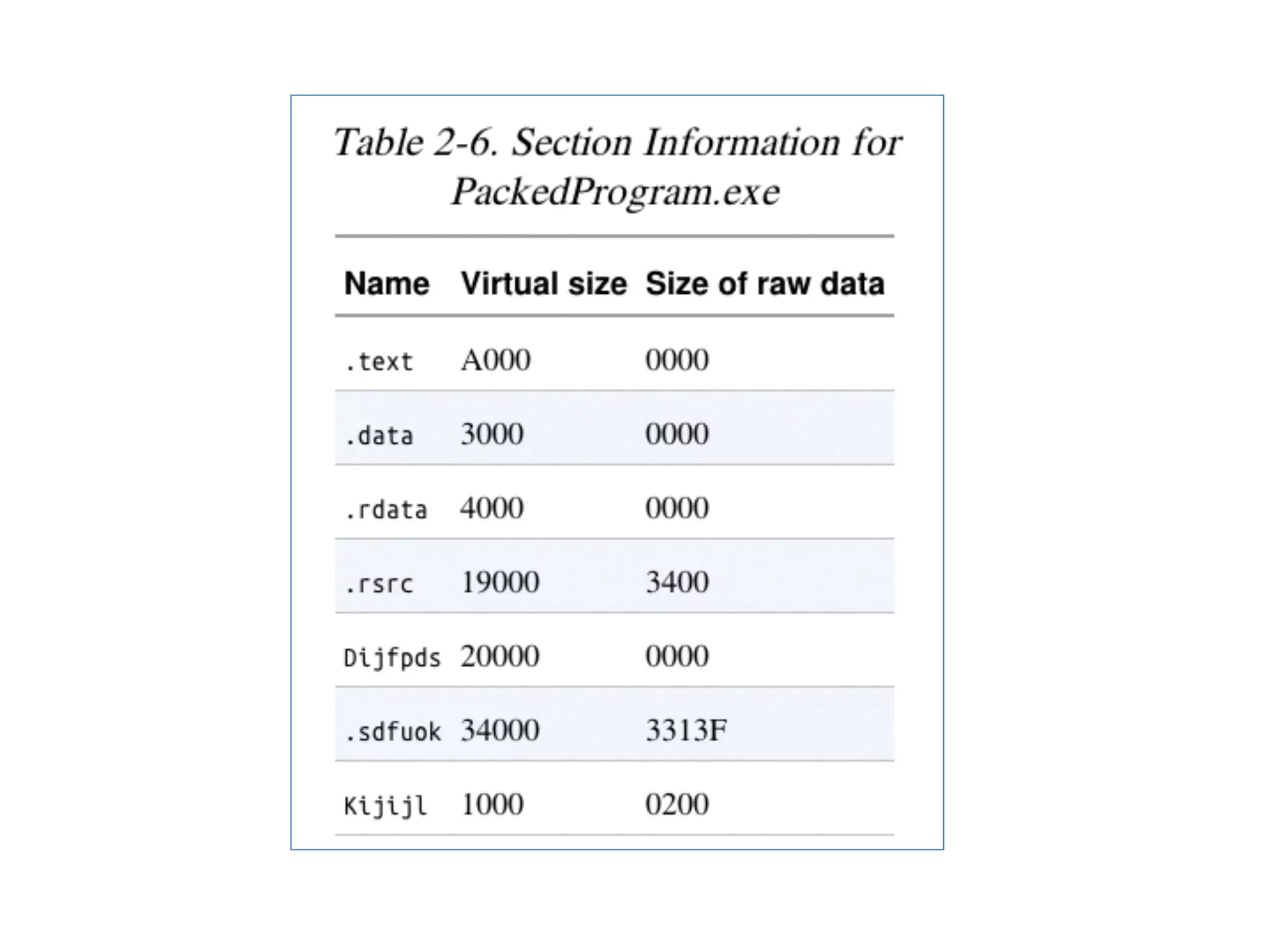
• Packed executables show Virtual Size
much larger than Size of Raw Data
for .text section