
Cloud computing
                                                                            An introduction


             Matthew “Buzzy” Nielsen
             Assistant Director, North Bend Public Library


                  This presentation is licensed under a Creative Commons 3.0 Attribution United
10/01/2010            States license. For more information, visit http://www.creativecommons.org
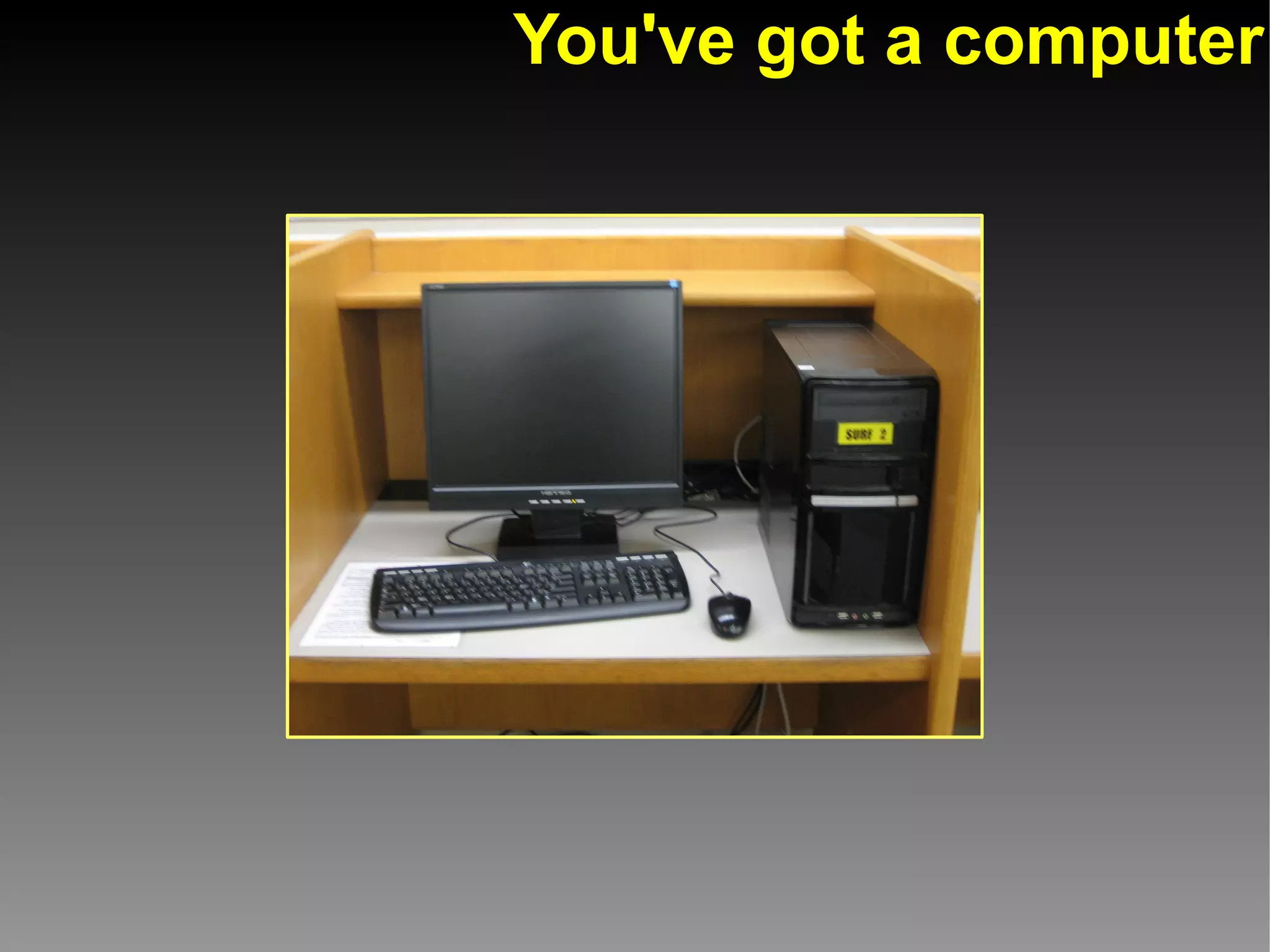
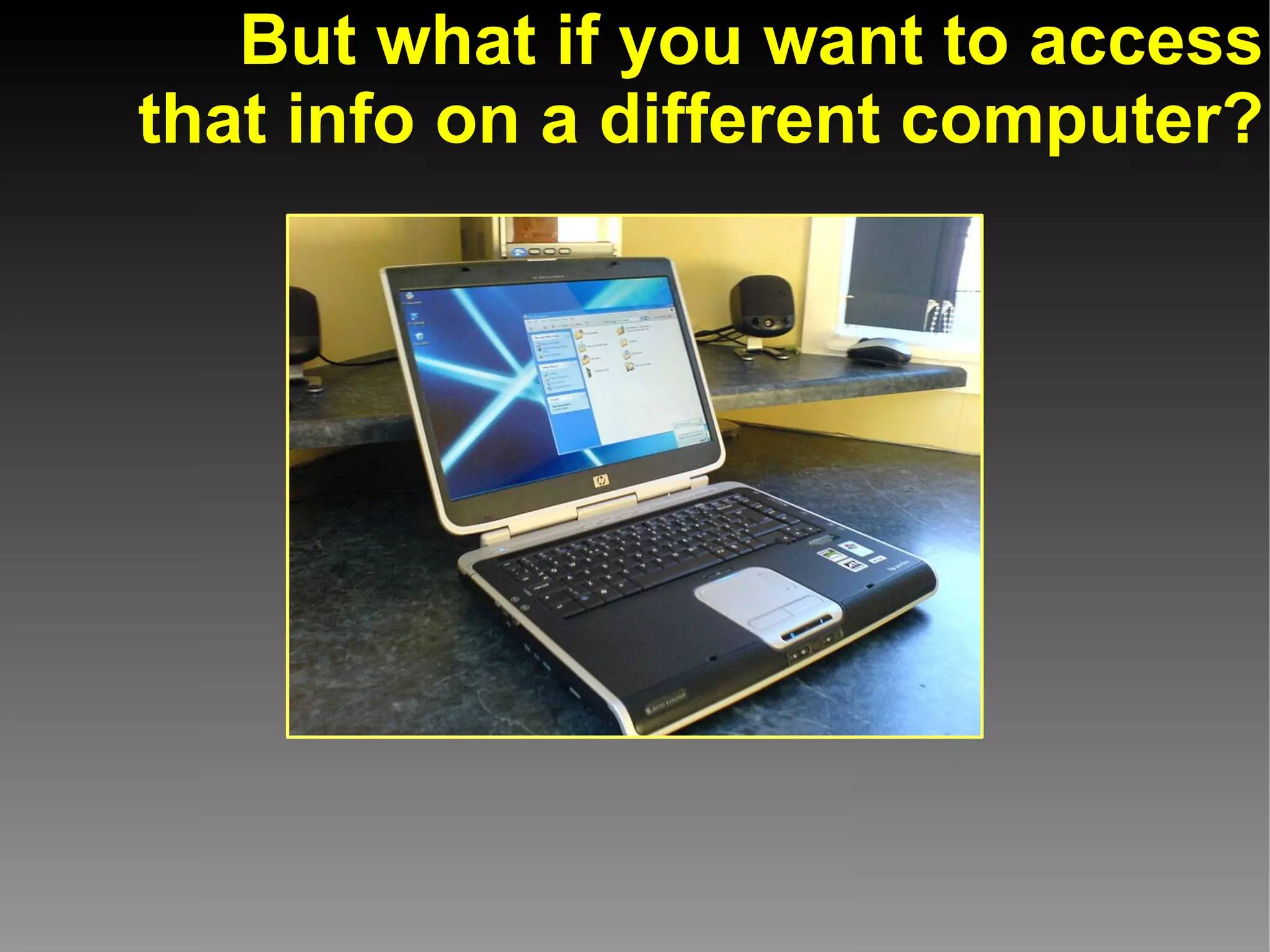
You've got a computer
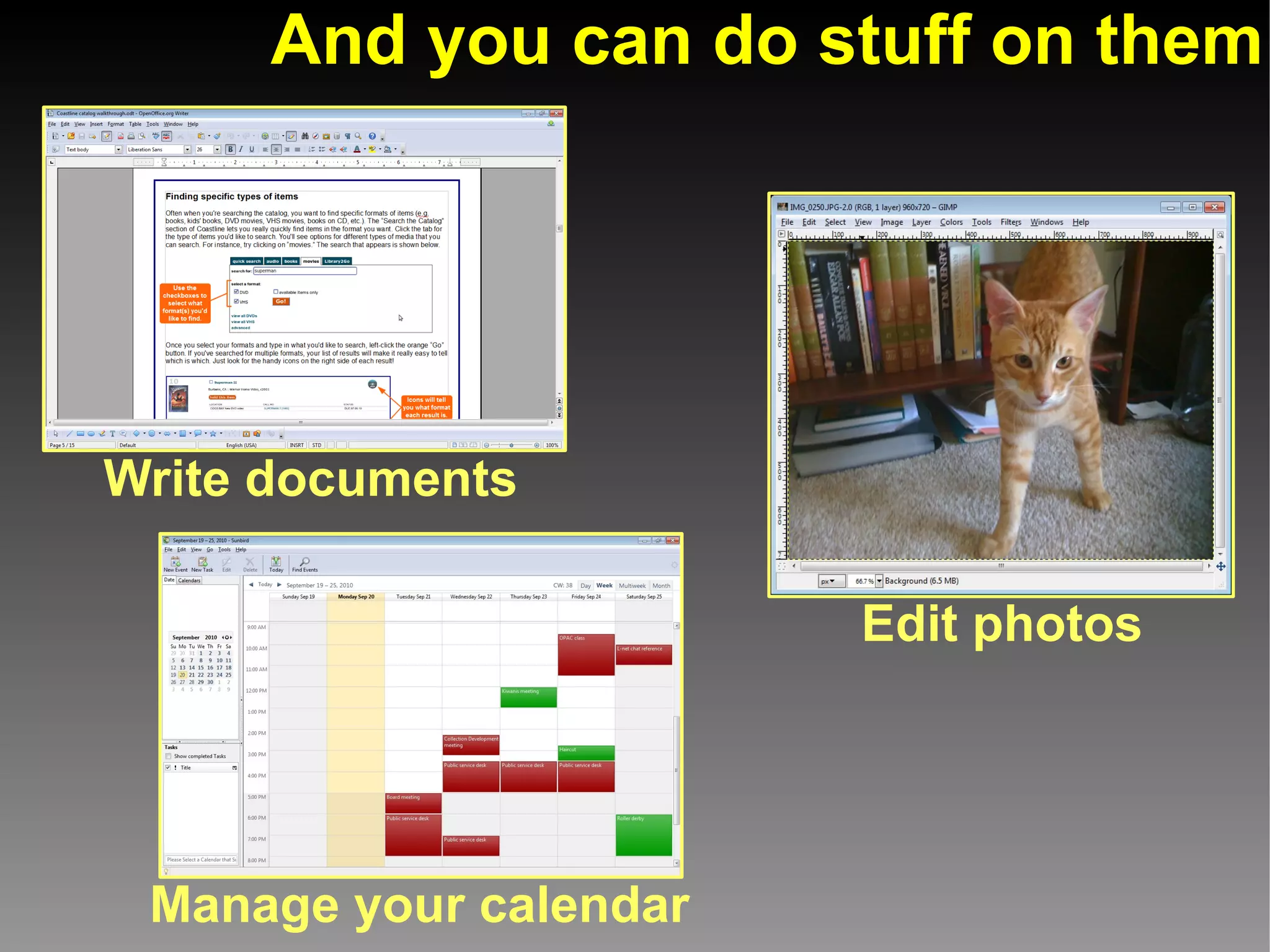
And you can do stuff on them


Write documents

                        Edit photos


 Manage your calendar
And normally that stuff
is stored on your computer
But what if you want to access
that info on a different computer?
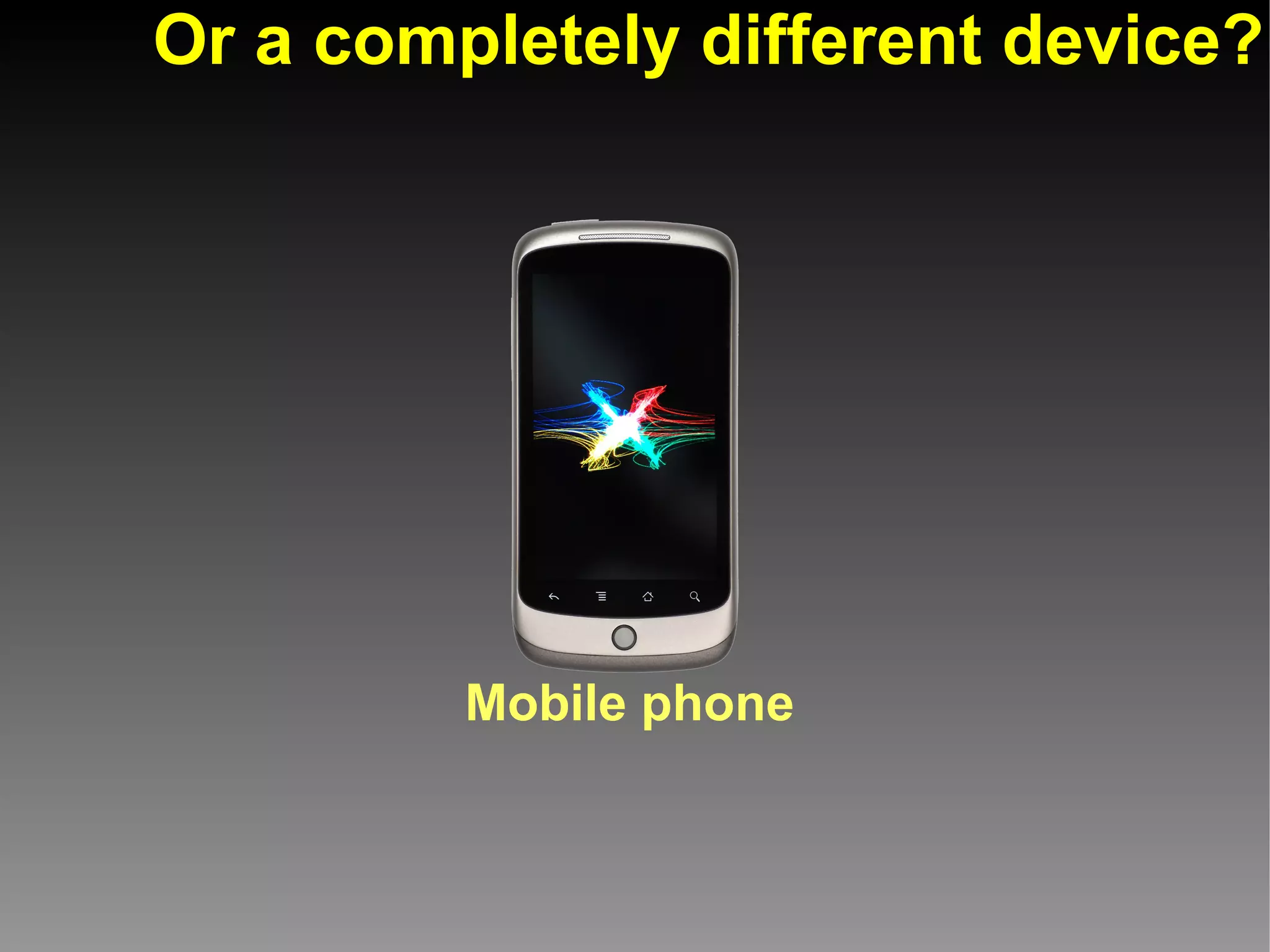
Or a completely different device?


         Mobile phone
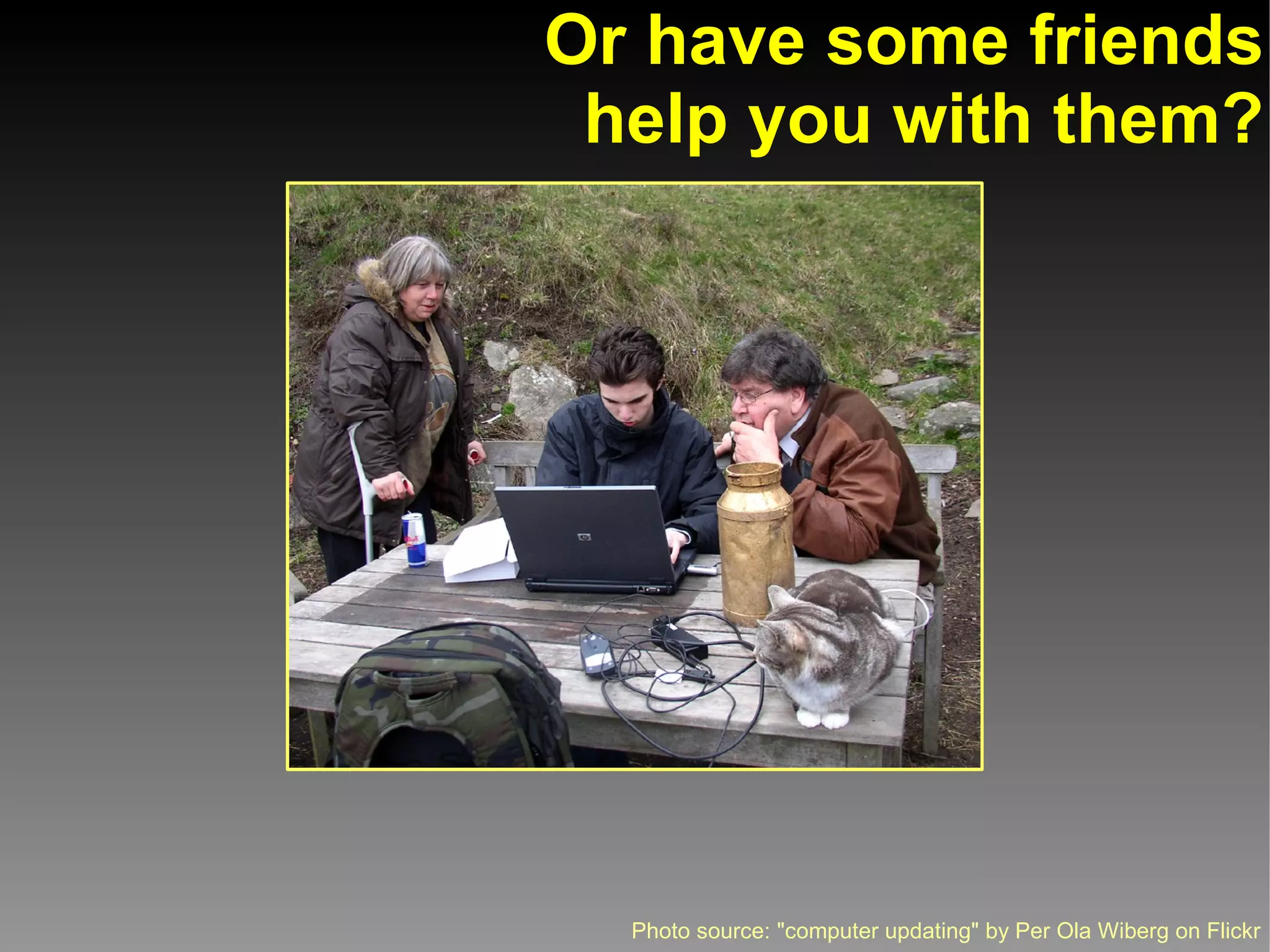
Or have some friends
 help you with them?


  Photo source: "computer updating" by Per Ola Wiberg on Flickr
Enter Cloud Computing
Cloud computing:
Accessing computer services, files, or
information via the Internet or a network
rather than your individual computer.
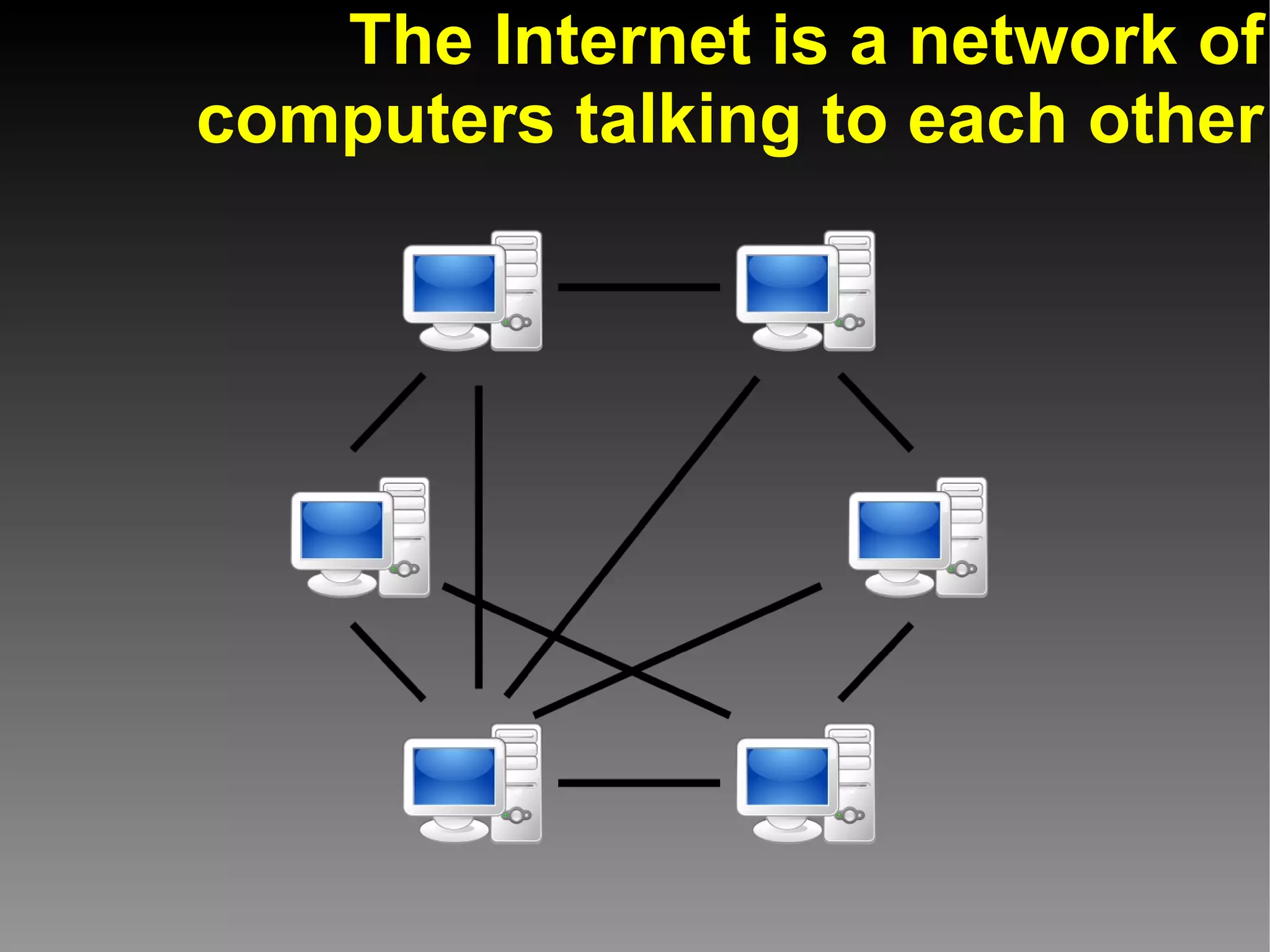
The Internet is a network of
computers talking to each other
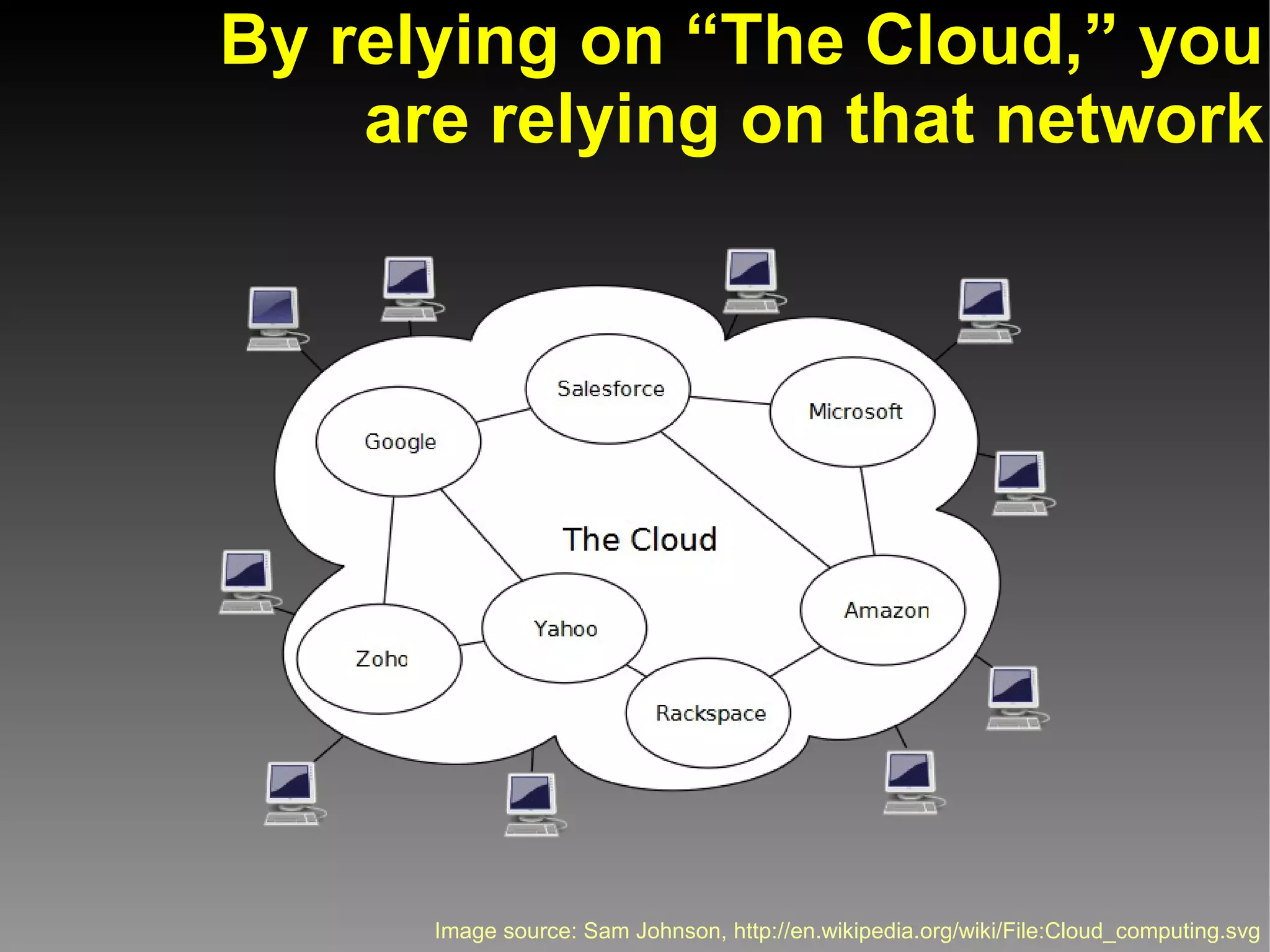
By relying on “The Cloud,” you
    are relying on that network


      Image source: Sam Johnson, http://en.wikipedia.org/wiki/File:Cloud_computing.svg
Example of Cloud Computing:
  Web-based office programs
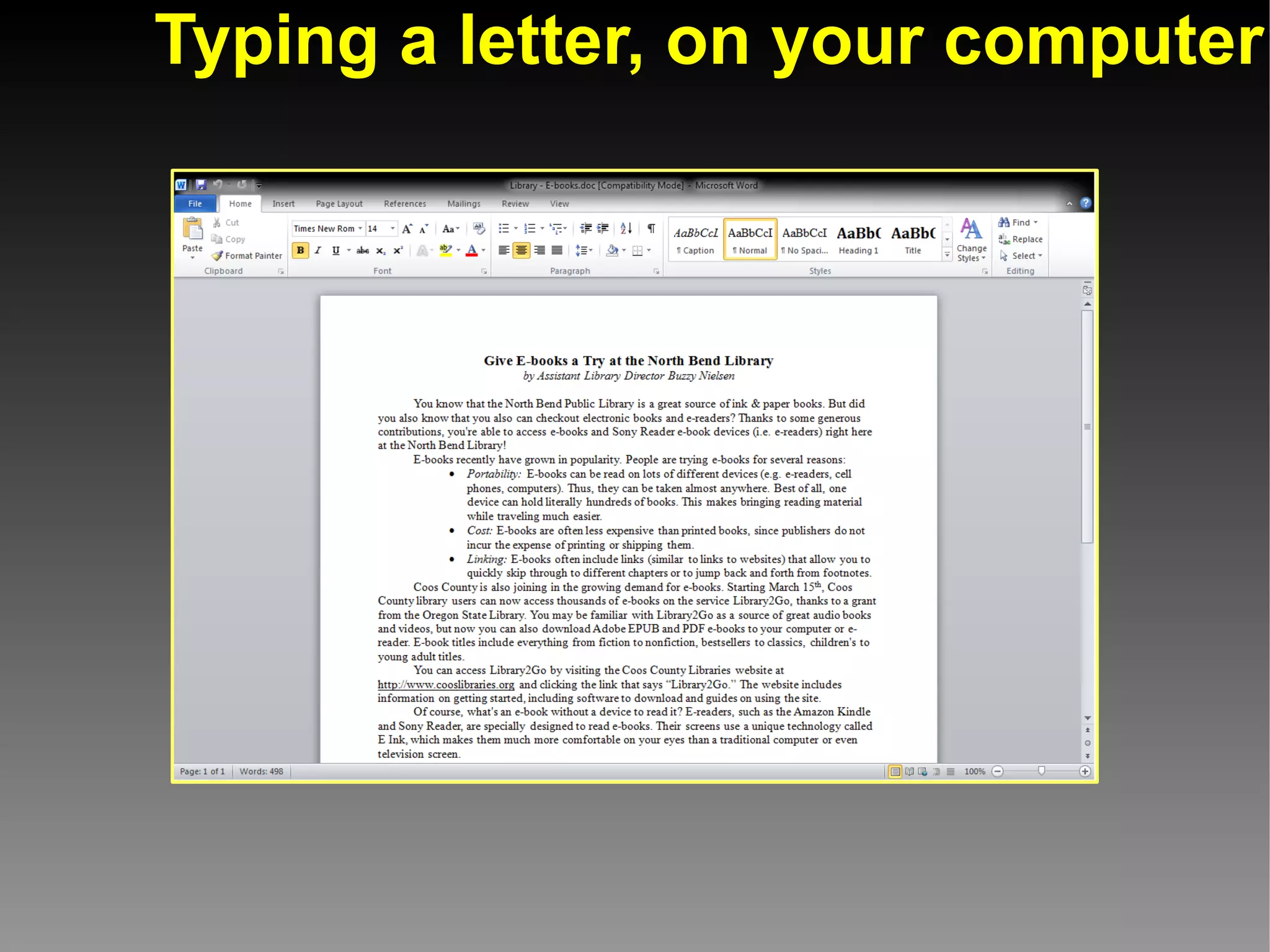
Typing a letter, on your computer
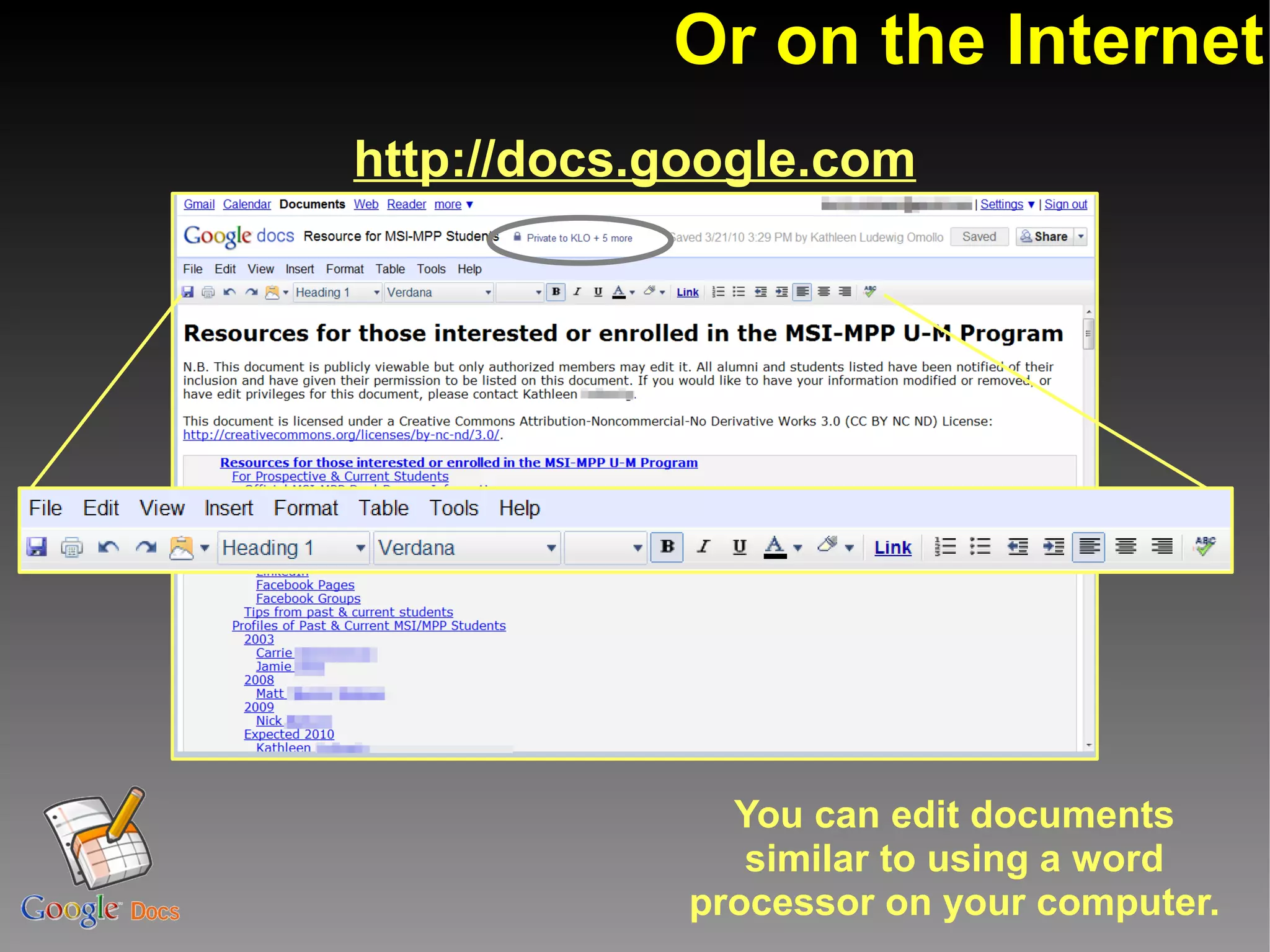
Or on the Internet
http://docs.google.com


               You can edit documents
                similar to using a word
             processor on your computer.
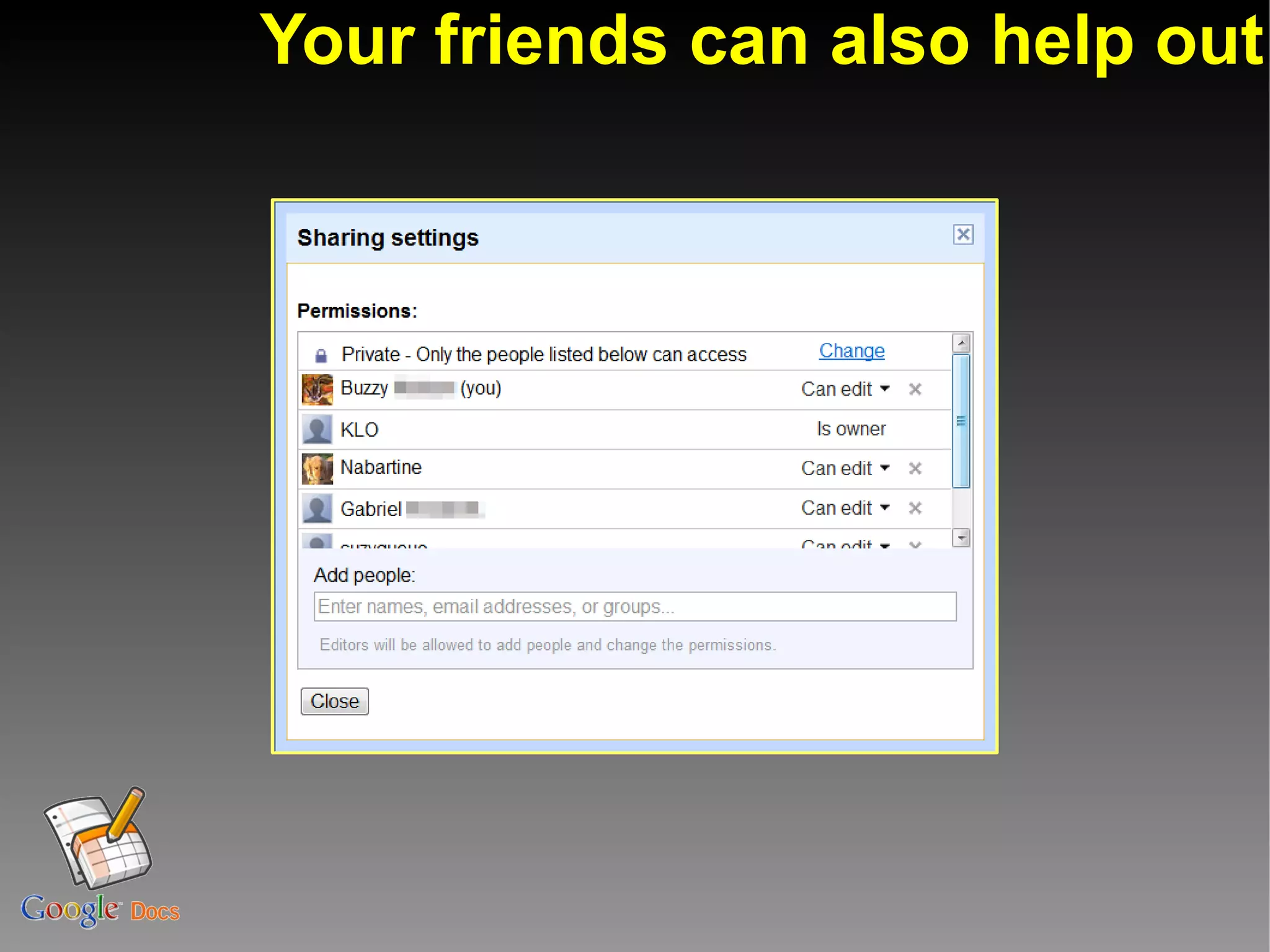
Your friends can also help out
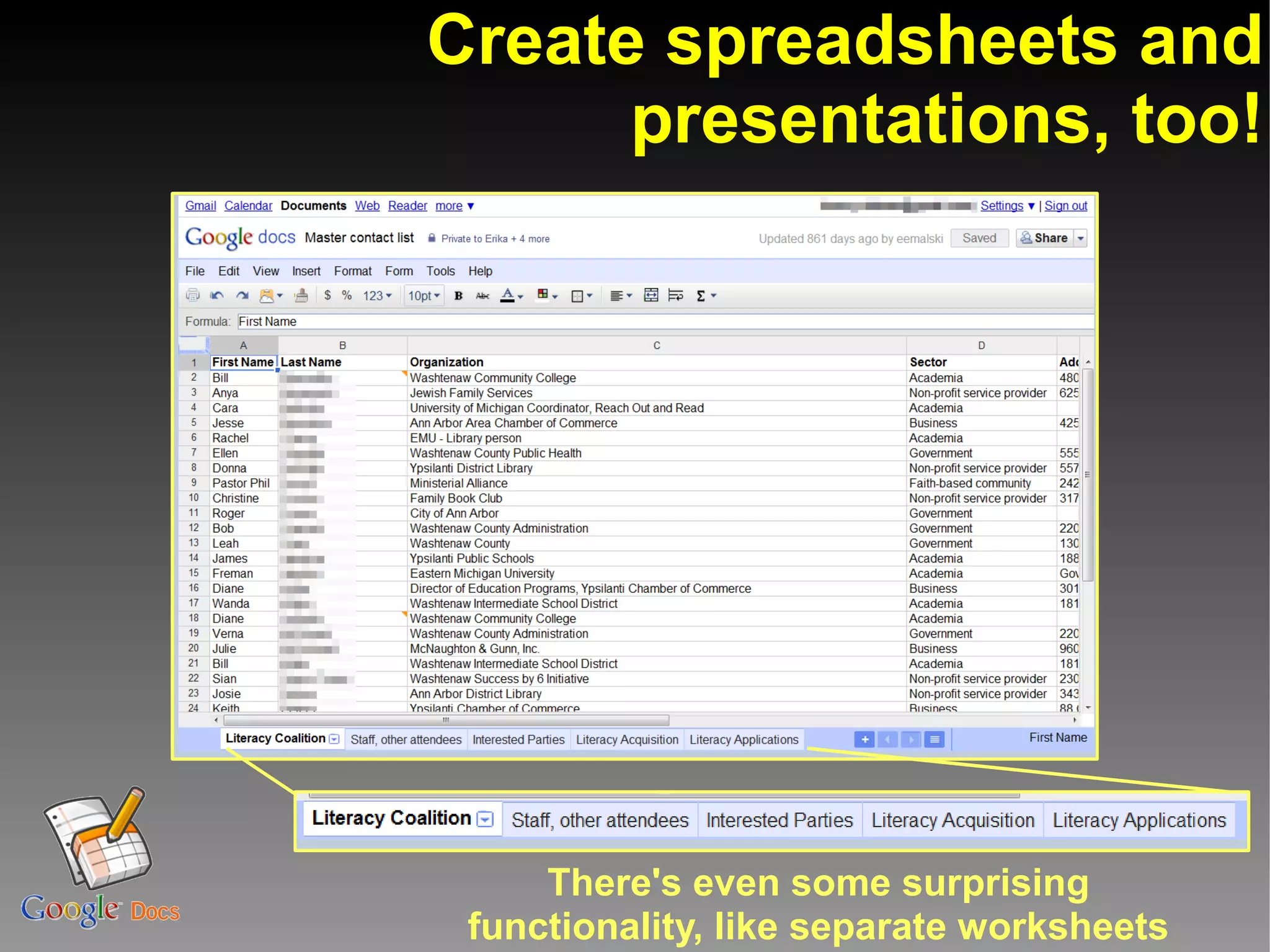
Create spreadsheets and
      presentations, too!


     There's even some surprising
 functionality, like separate worksheets
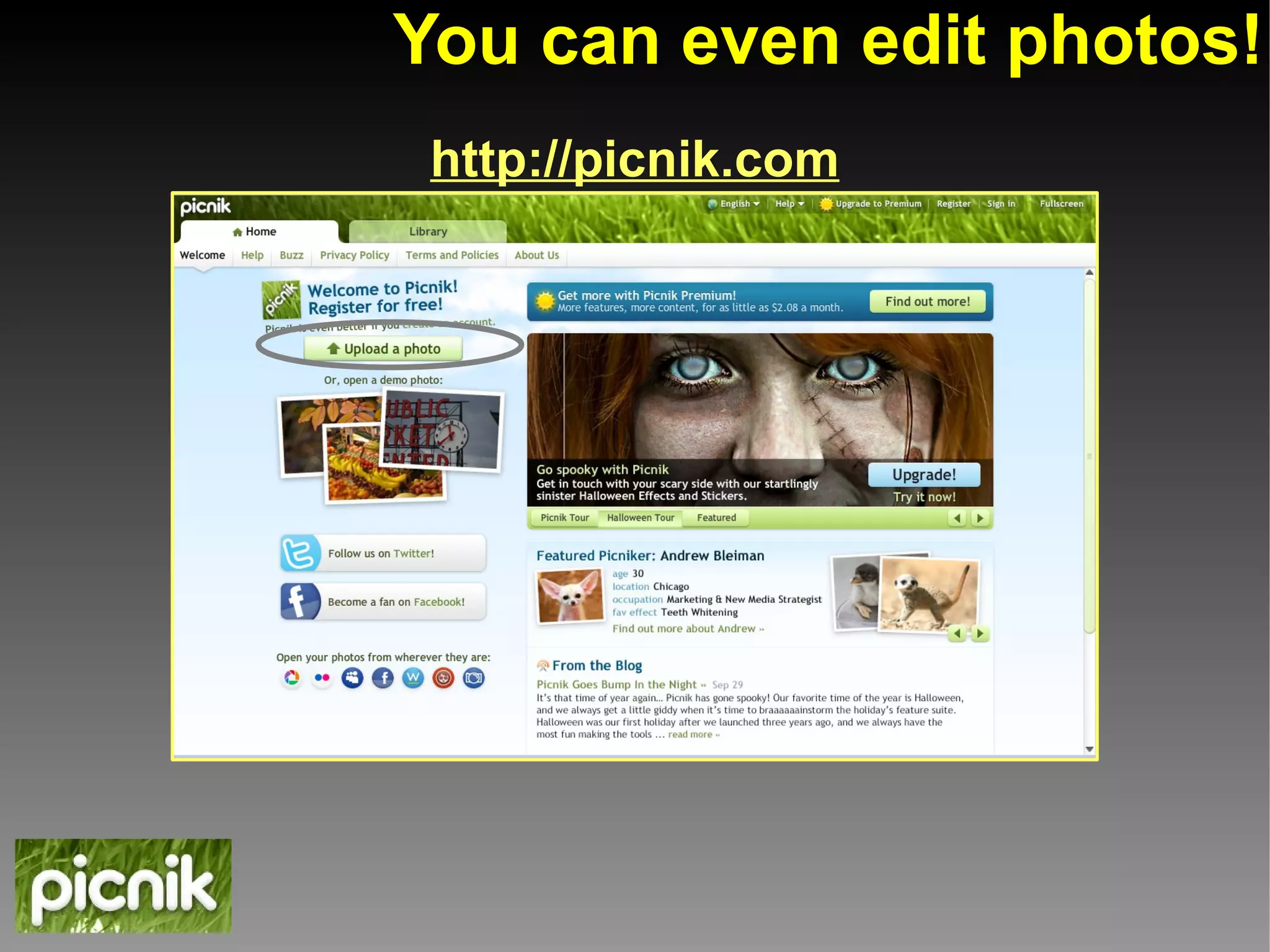
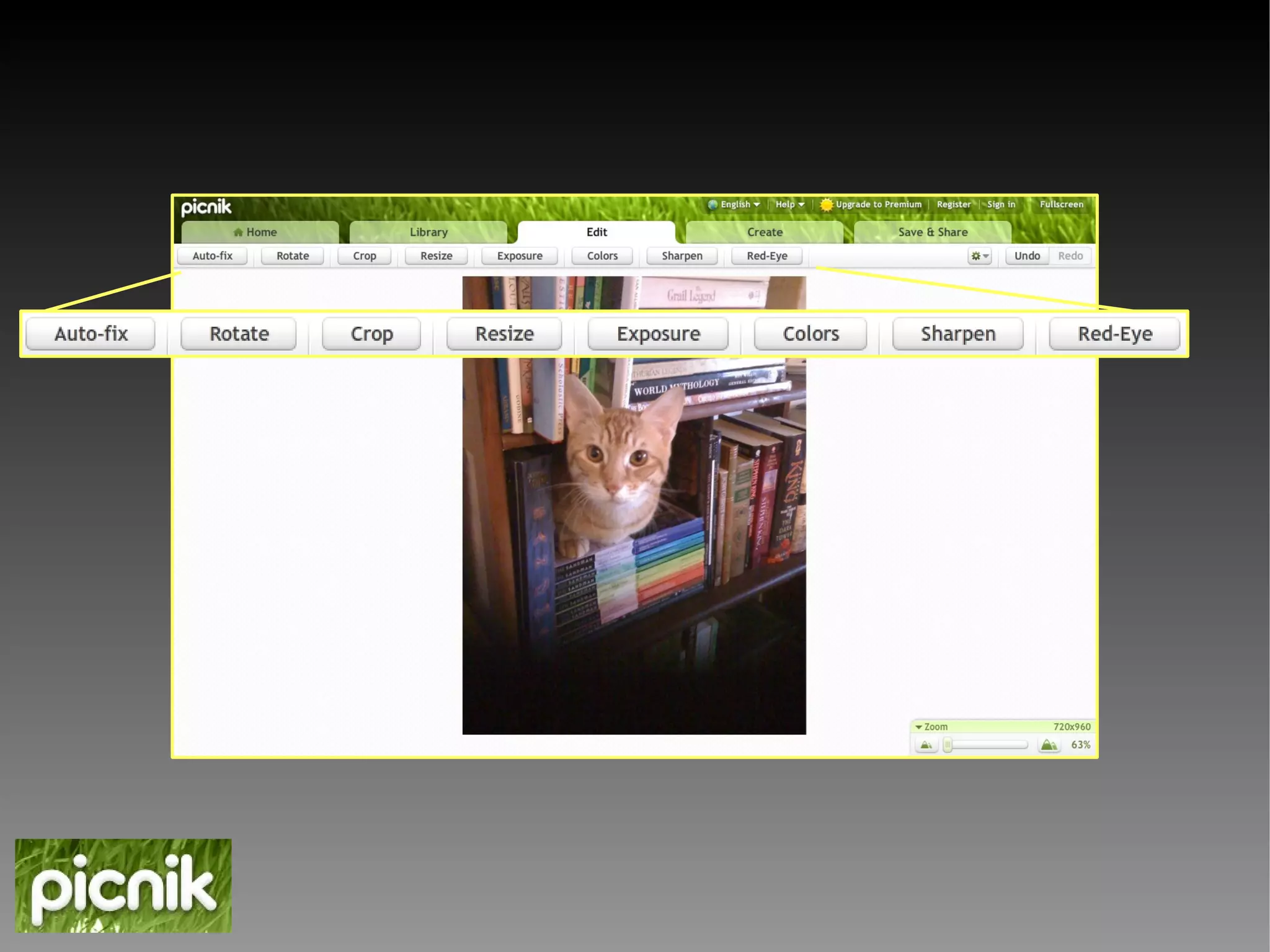
You can even edit photos!
 http://picnik.com
Demonstration:
Editing a photo on picnik.com
Cloud Computing, pros & cons


              Advantage #1:
Available from any computer with Web access


            Disadvantage #1:
   Dependent on internet access (usually)
       Not dialup-friendly (usually)
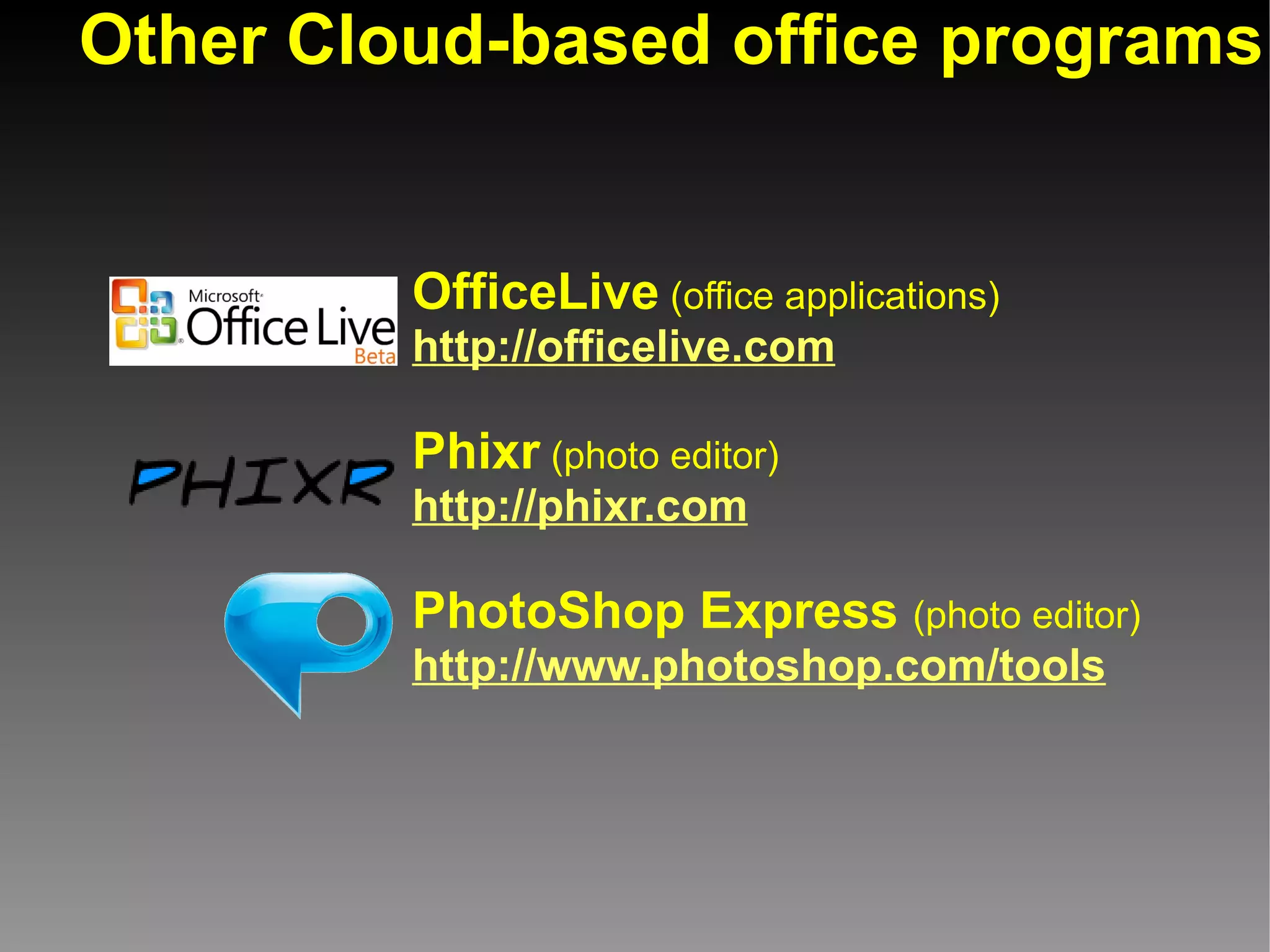
Other Cloud-based office programs


         OfficeLive (office applications)
         http://officelive.com

         Phixr (photo editor)
         http://phixr.com

         PhotoShop Express (photo editor)
         http://www.photoshop.com/tools
Example of Cloud Computing:
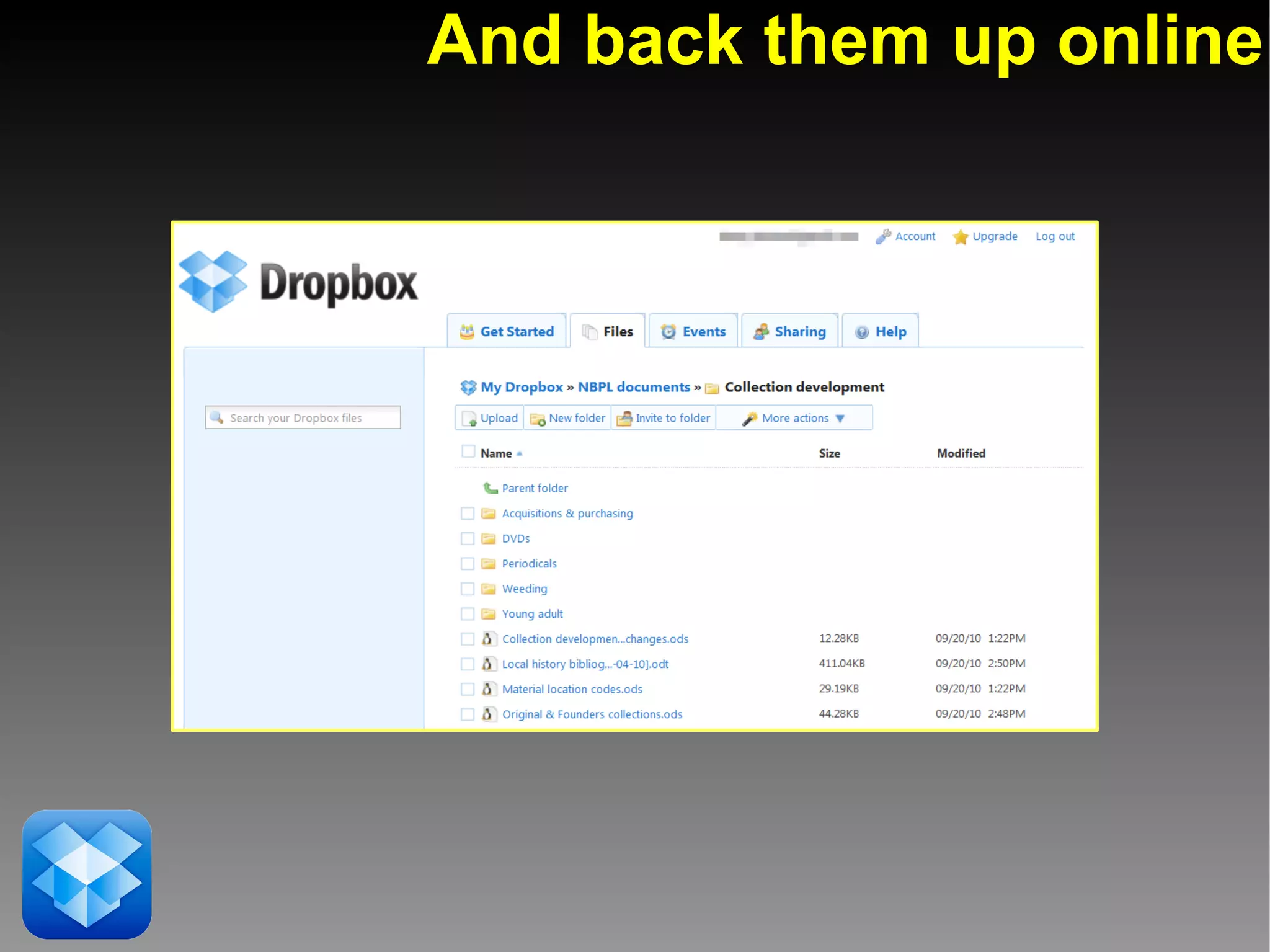
Online document storage/backup
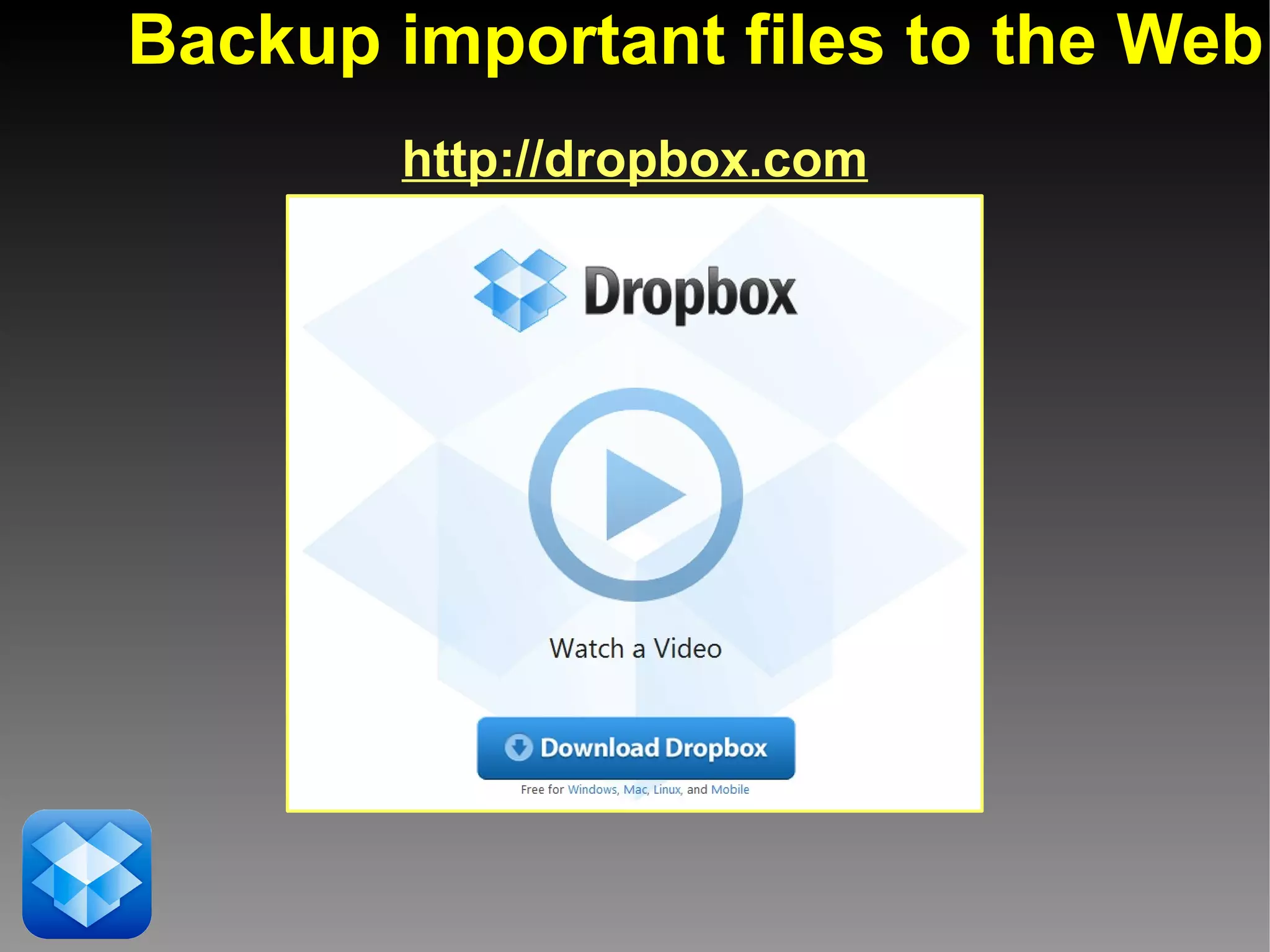
Backup important files to the Web
       http://dropbox.com
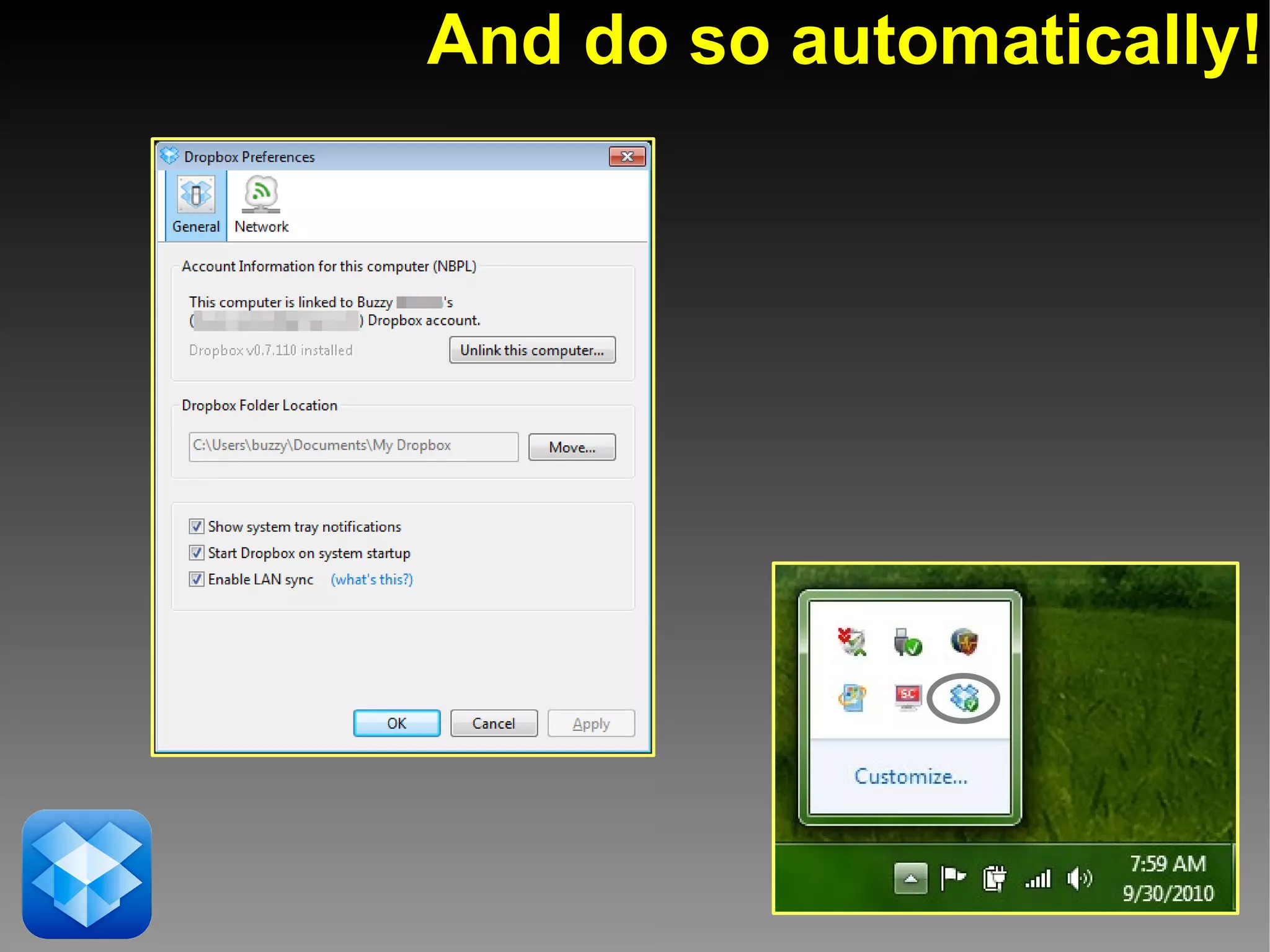
And do so automatically!
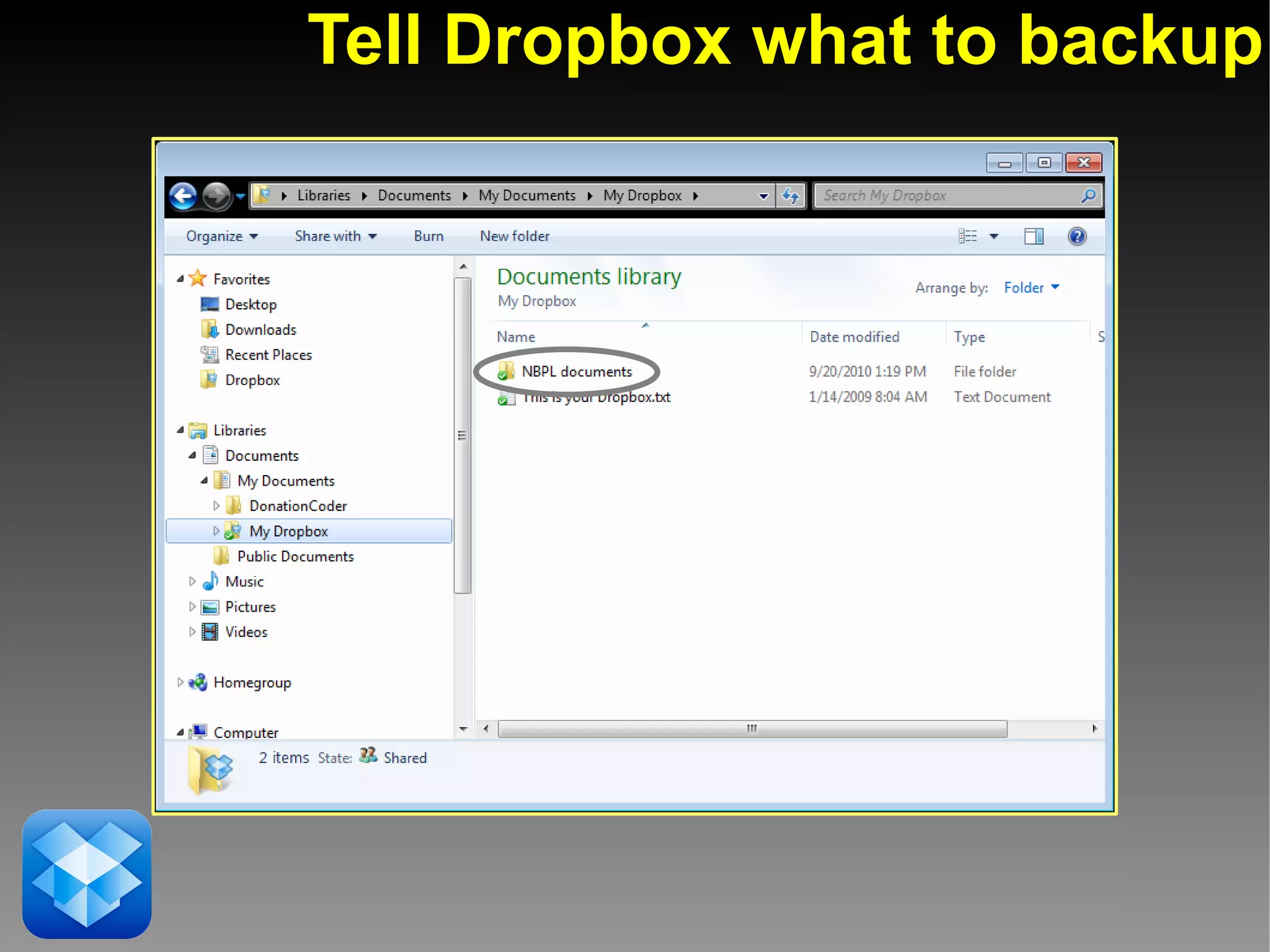
Tell Dropbox what to backup
And back them up online
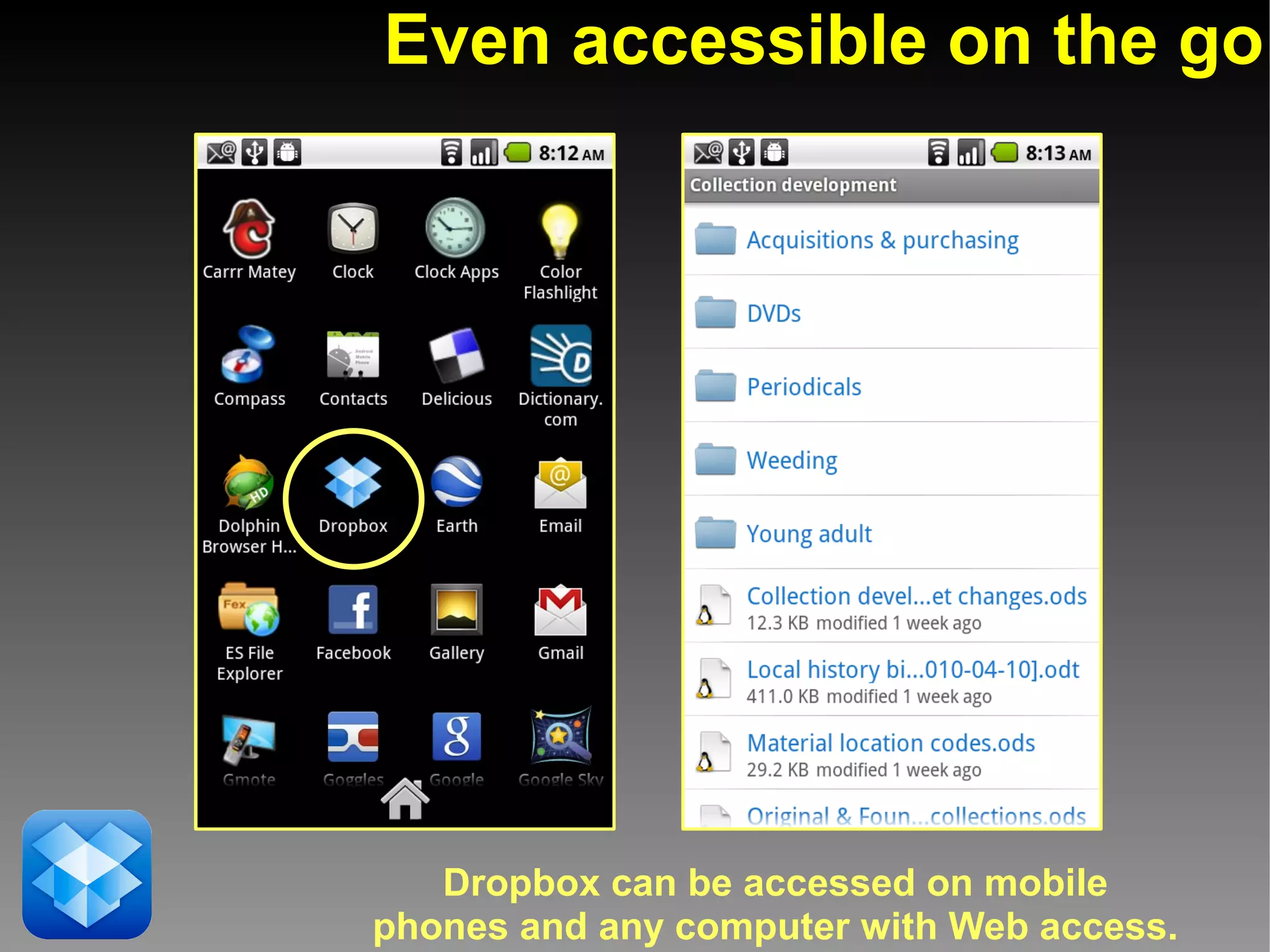
Even accessible on the go


   Dropbox can be accessed on mobile
phones and any computer with Web access.
Demonstration:
Uploading a file to Dropbox
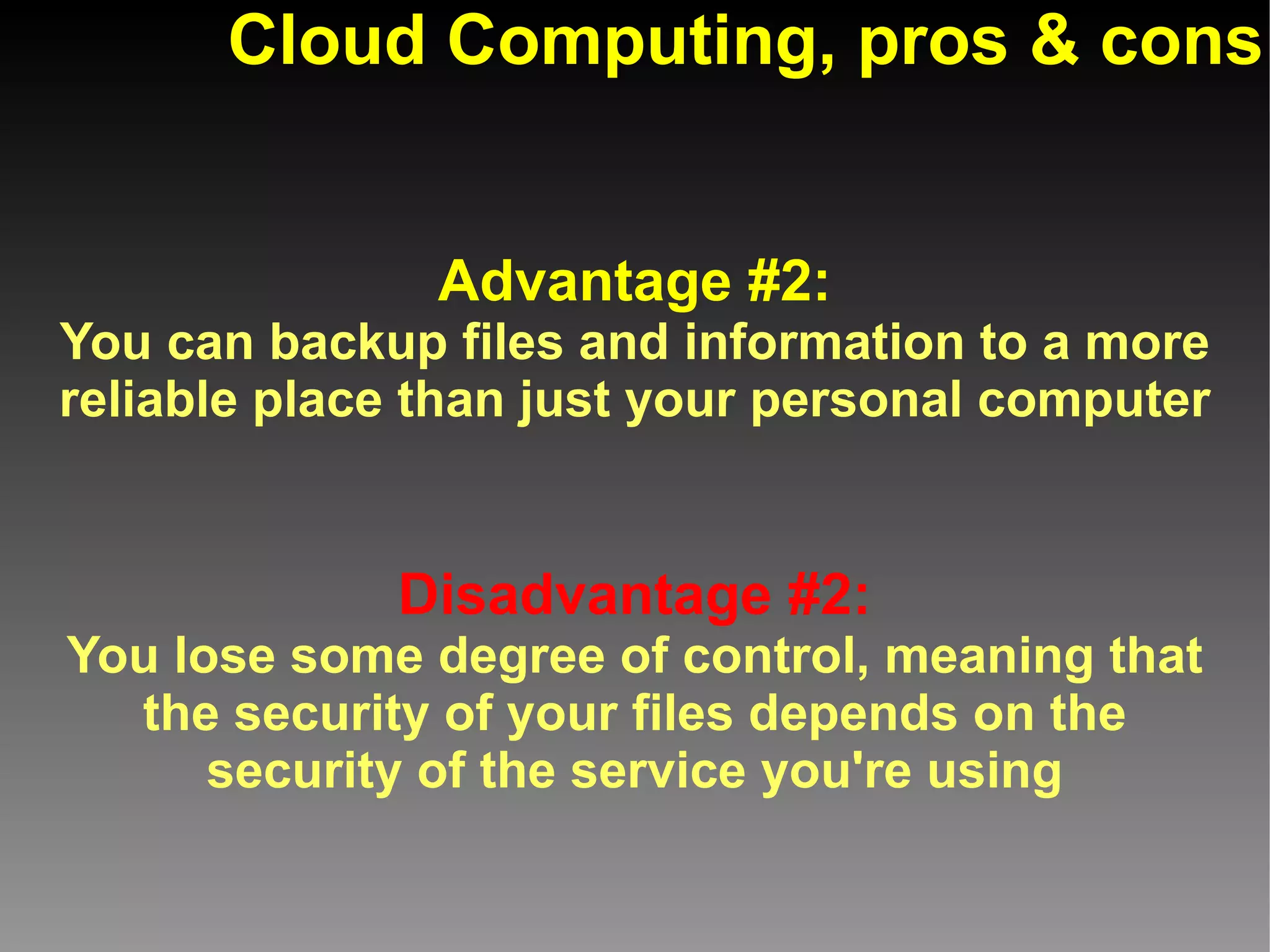
Cloud Computing, pros & cons


               Advantage #2:
You can backup files and information to a more
reliable place than just your personal computer


             Disadvantage #2:
You lose some degree of control, meaning that
  the security of your files depends on the
      security of the service you're using
Other Cloud-based backup programs


             FilesAnywhere
             http://filesanywhere.com

             Mozy
             http://mozy.com
Example of Cloud Computing:
       Data managers
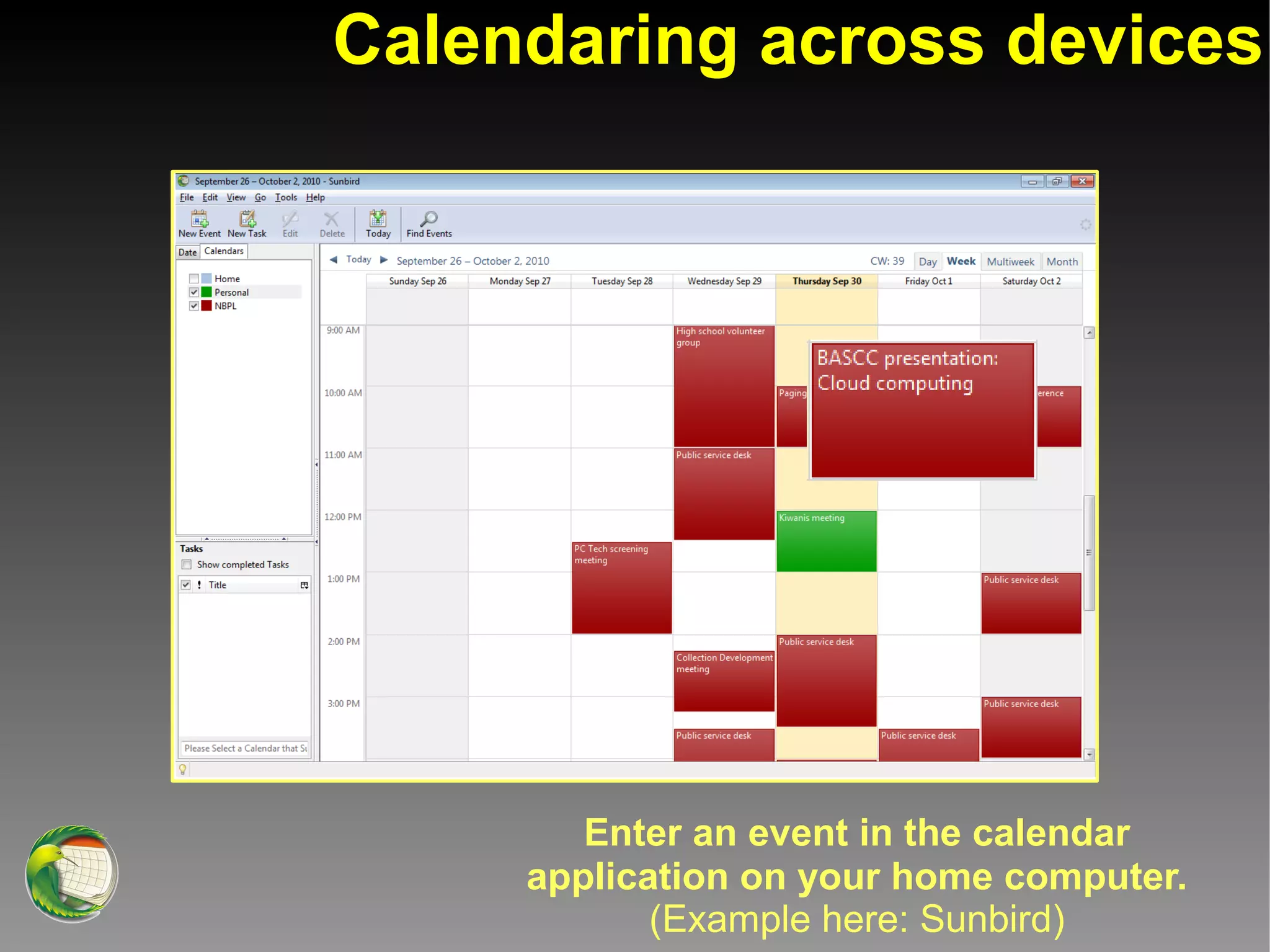
Calendaring across devices


        Enter an event in the calendar
     application on your home computer.
            (Example here: Sunbird)
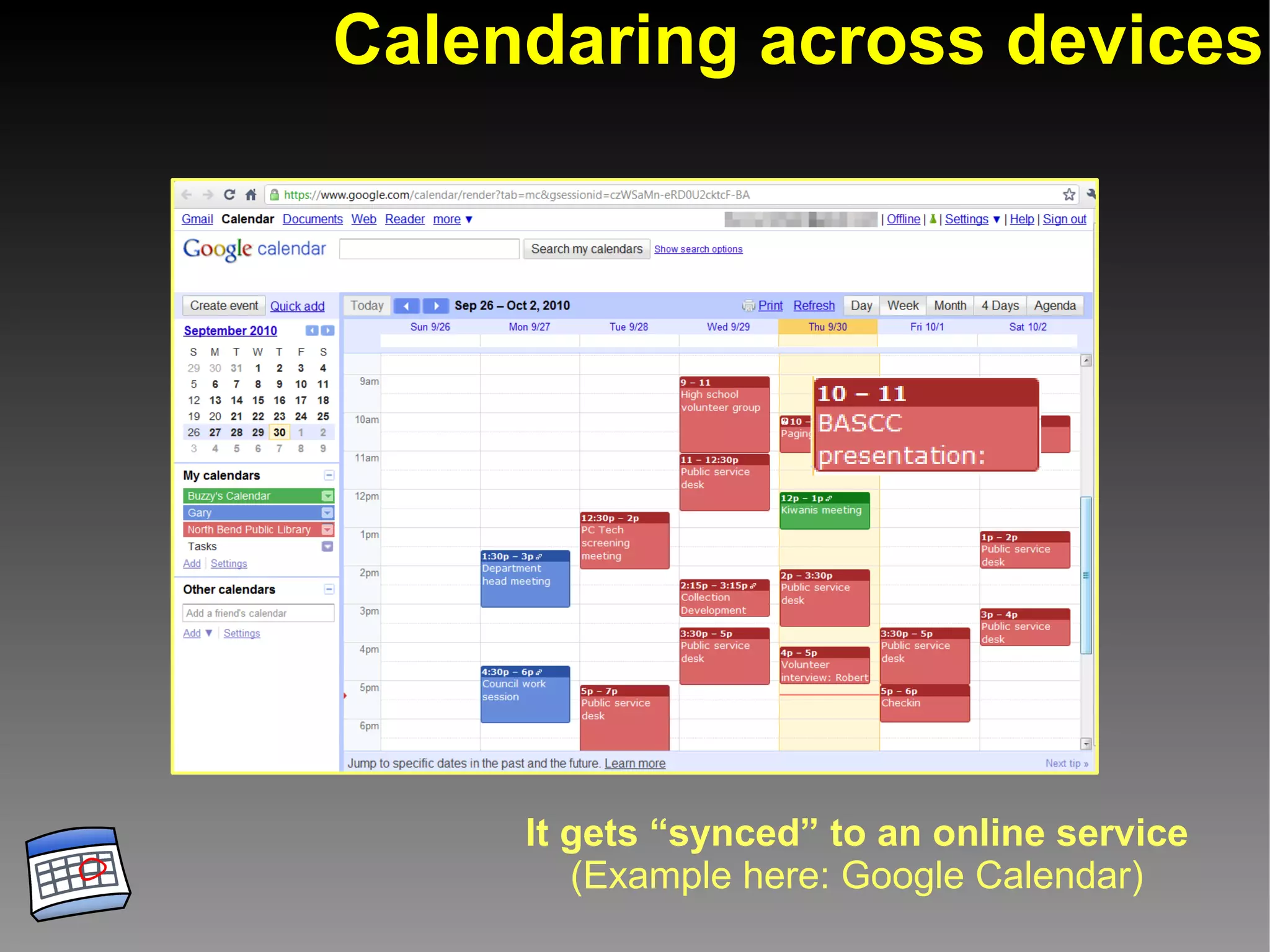
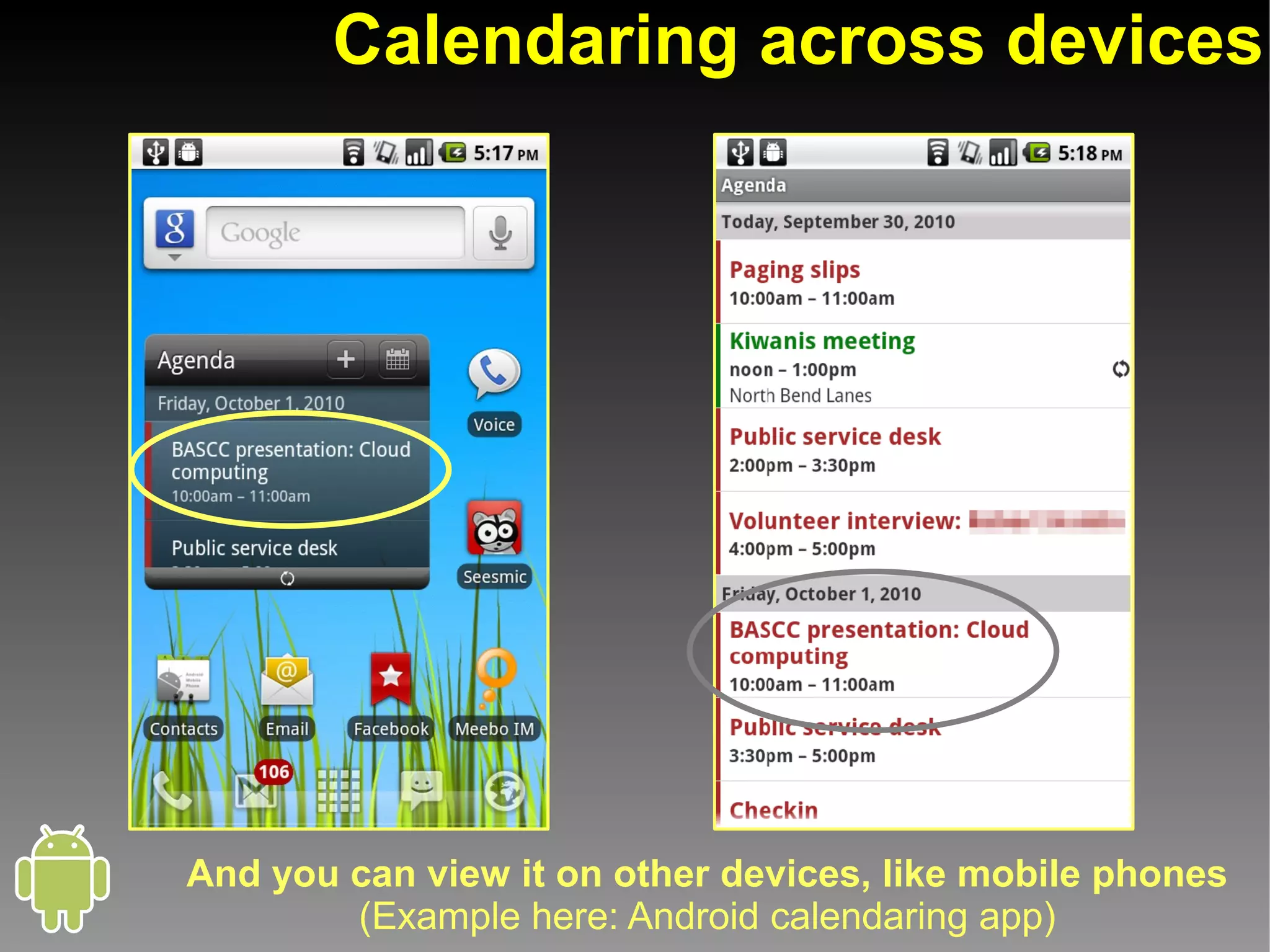
Calendaring across devices


     It gets “synced” to an online service
        (Example here: Google Calendar)
Calendaring across devices


And you can view it on other devices, like mobile phones
        (Example here: Android calendaring app)
Demonstration:
Adding and syncing a contact
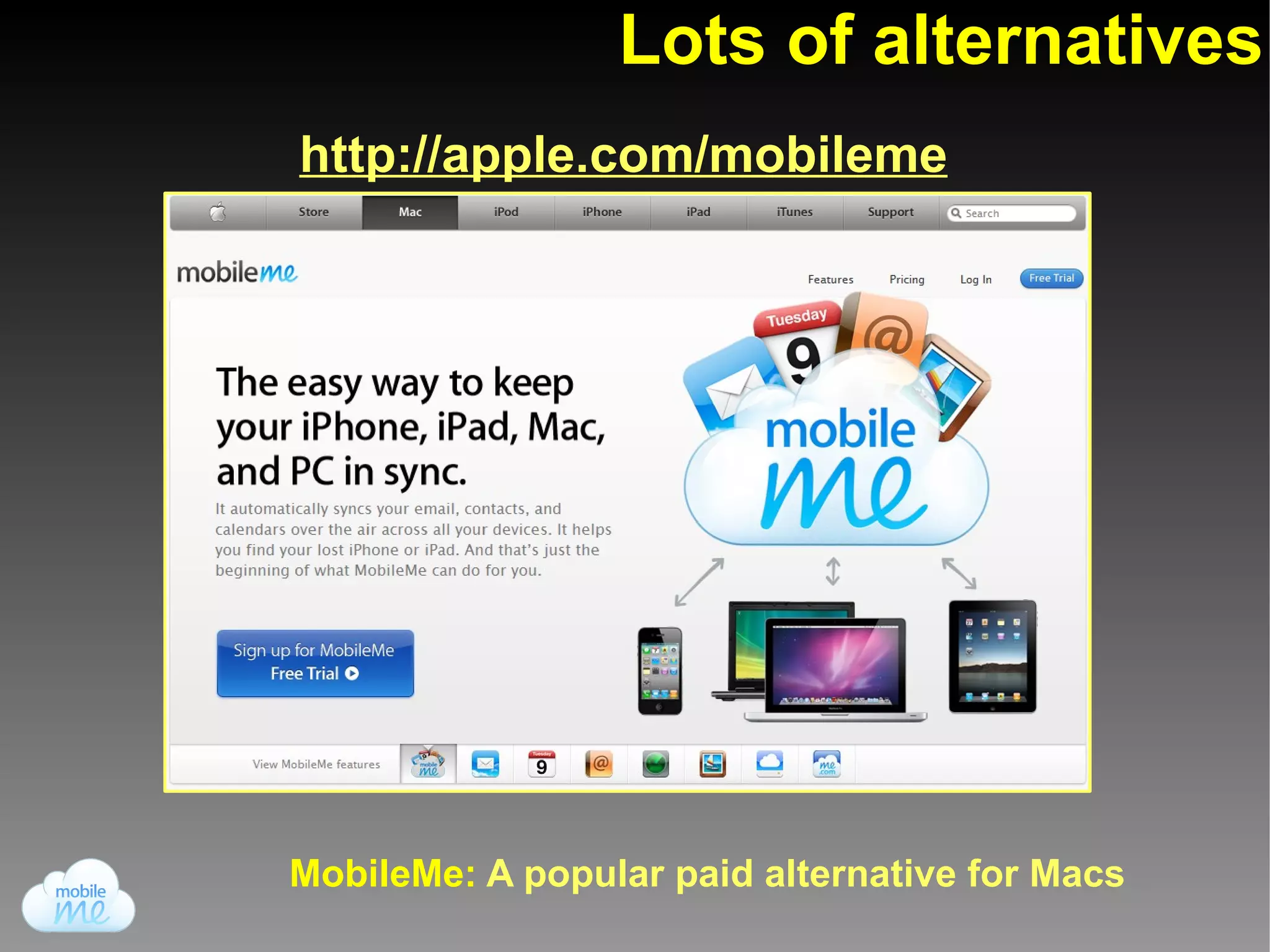
Lots of alternatives
http://apple.com/mobileme


MobileMe: A popular paid alternative for Macs
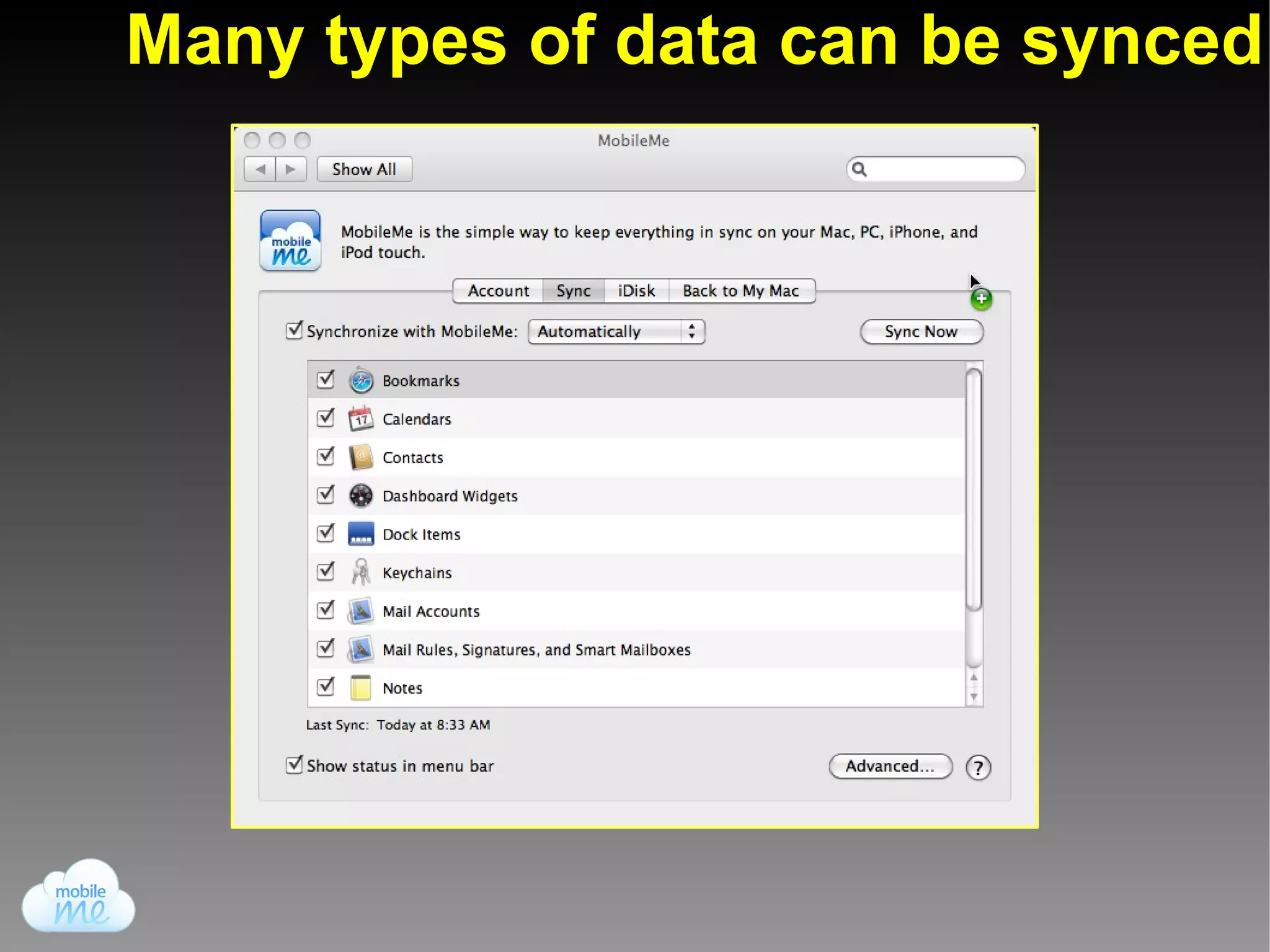
Many types of data can be synced
Cloud Computing, pros & cons


                Advantage #3:
  Portability – You can access your data across
        multiple applications and devices


               Disadvantage #3:
Privacy – Companies can monitor your information
 for business-related purposes (e.g. advertising)
Other Cloud-based services:
                  Antivirus


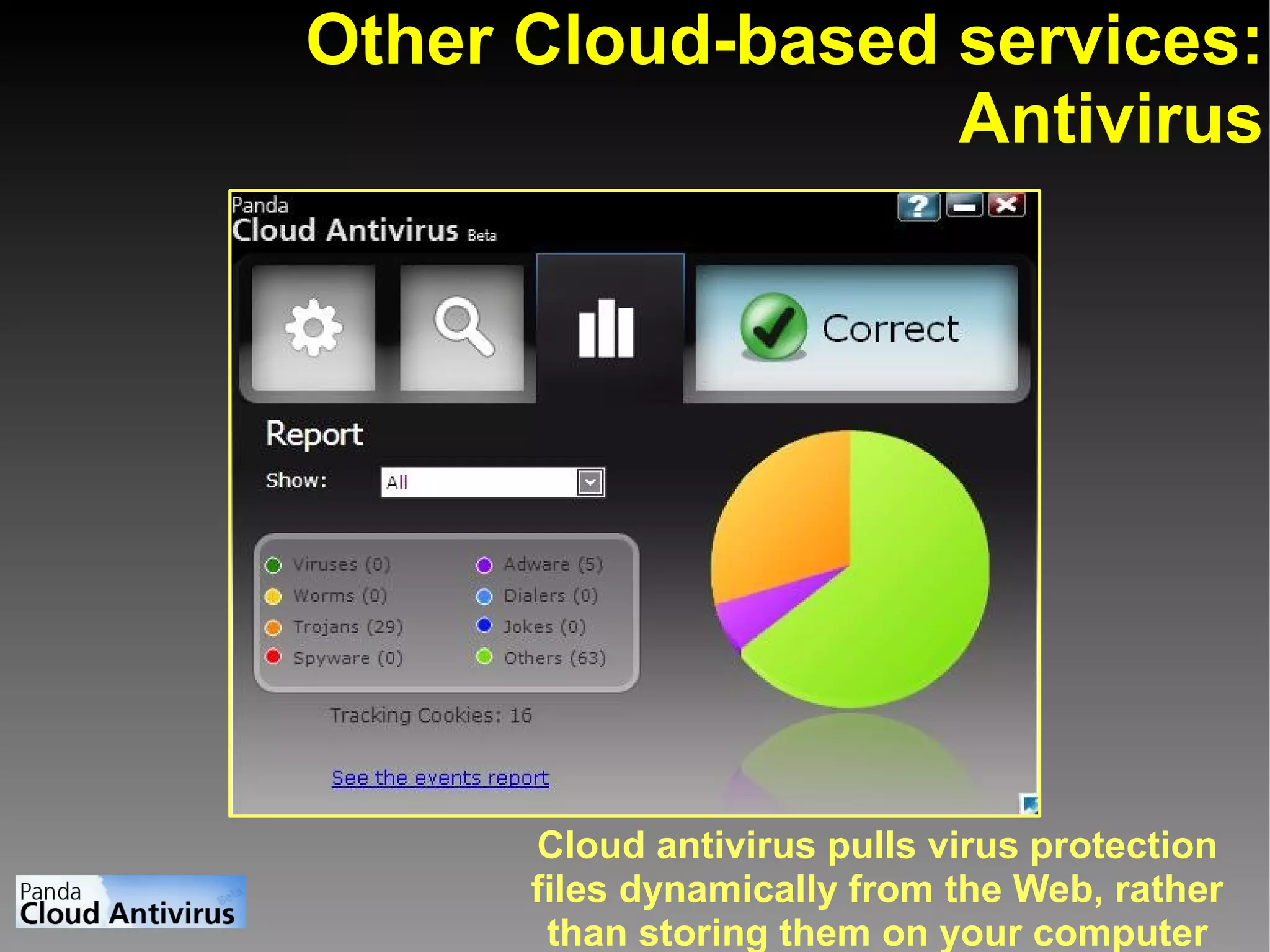
      Cloud antivirus pulls virus protection
      files dynamically from the Web, rather
       than storing them on your computer
The gist:
Cloud computing gives you an incredible amount
 of flexibility of your information by sacrificing
          some degree of control over it.
Questions?


                       View this presentation on slideshare:
                       http://www.slideshare.net/nbpl/cloud-computing-5333661


This presentation was made using open source software.


  OpenOffice            Chrome         GIMP           Android
   Impress             Web browser   Image editor    Mobilephone
Presentation program                                operating system

Cloud computing: An introduction