This presentation is licensed under a Creative Commons 3.0 Attribution United States license. For more information, visit  http://www.creativecommons.org Even internet computers want to be free Using Linux and open source software on library public workstations Matthew “Buzzy” Nielsen Assistant Director, North Bend Public Library Sean Park Network Administrator, Coos County Library Service District 02/05/2010
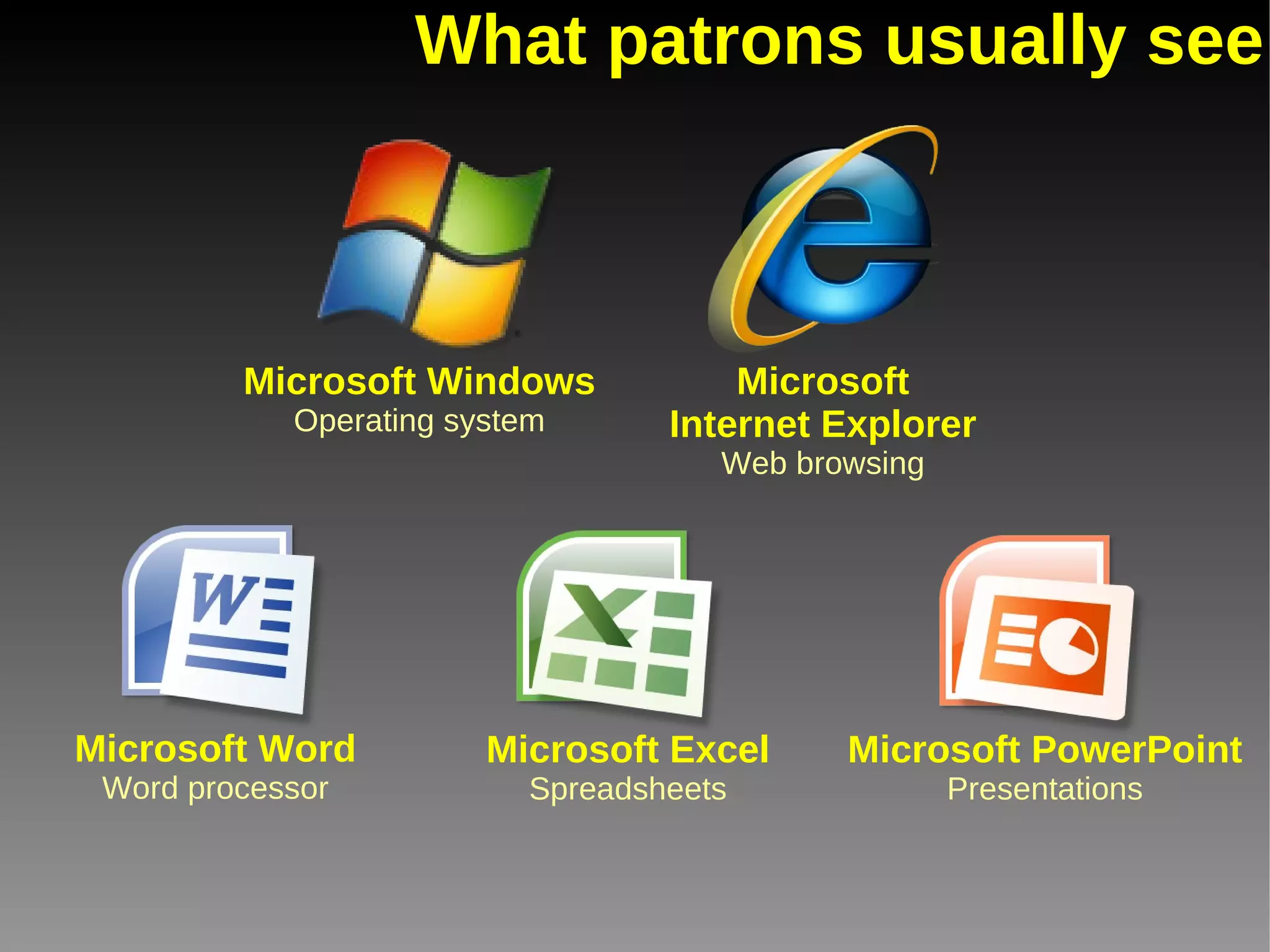
What patrons usually see Microsoft Windows Operating system Microsoft Internet Explorer Web browsing Microsoft Word Word processor Microsoft Excel Spreadsheets Microsoft PowerPoint Presentations
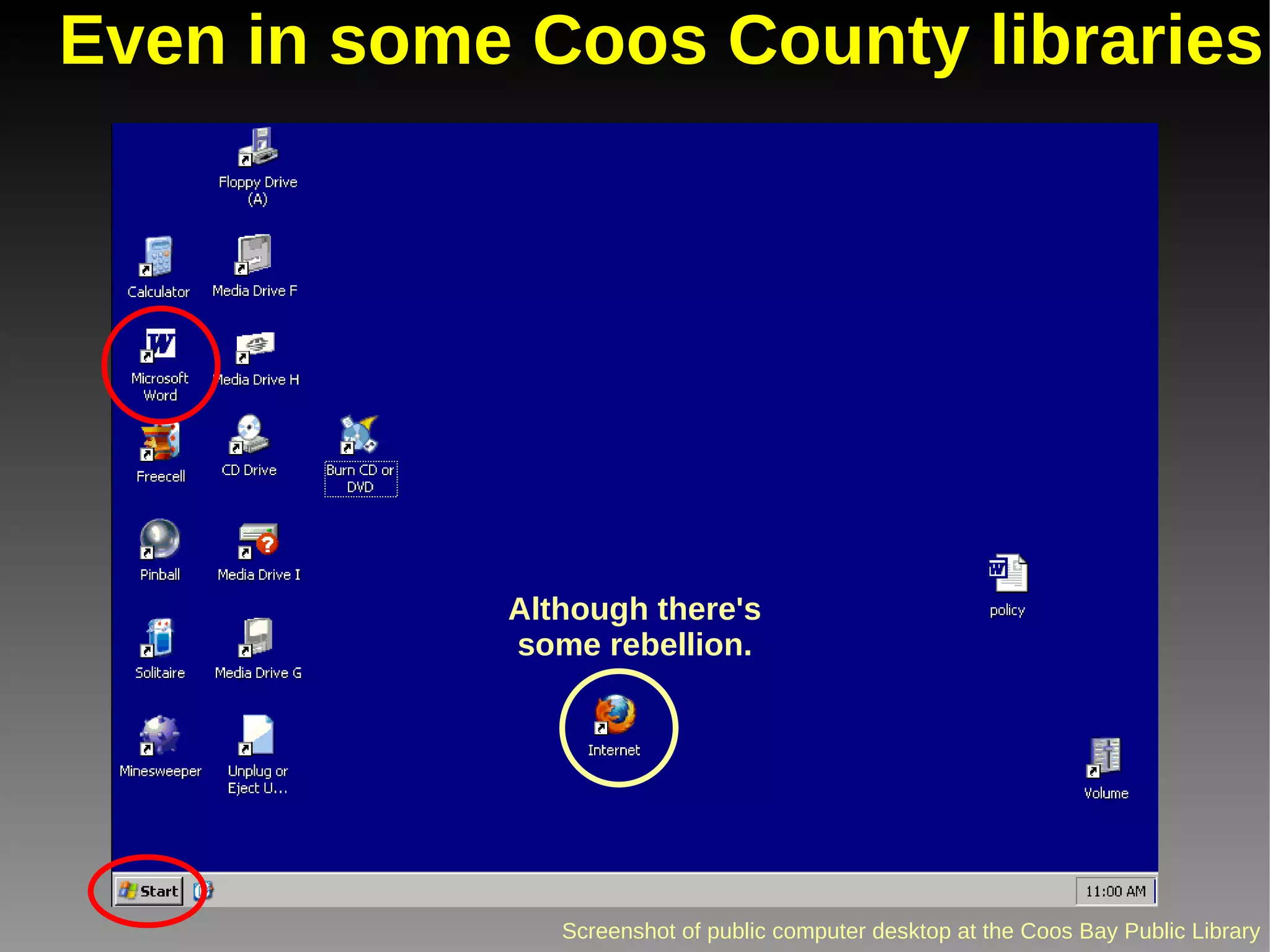
Even in some Coos County libraries Although there's some rebellion.
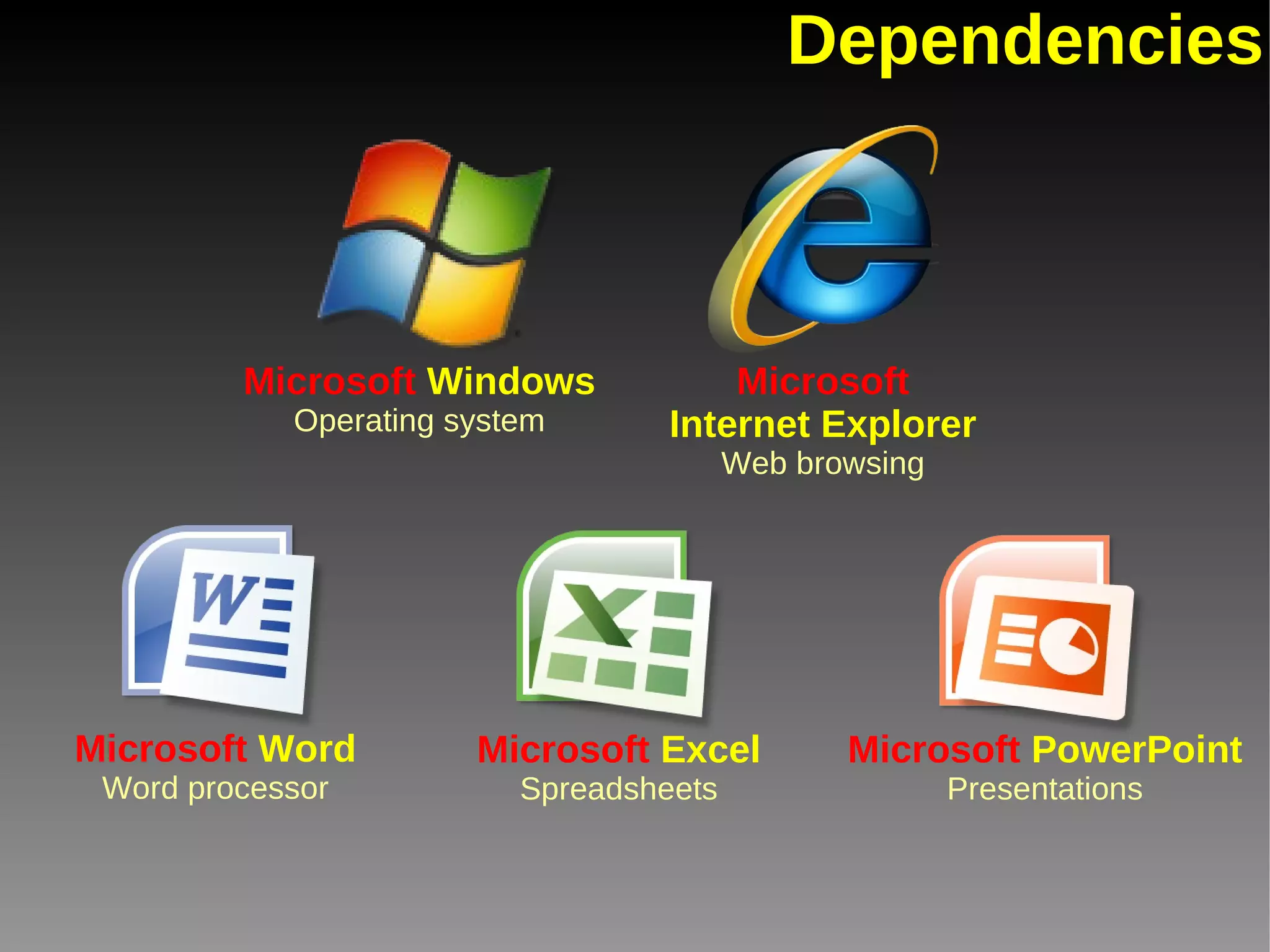
Dependencies Microsoft  Windows Operating system Microsoft Internet Explorer Web browsing Microsoft  Word Word processor Microsoft  Excel Spreadsheets Microsoft  PowerPoint Presentations
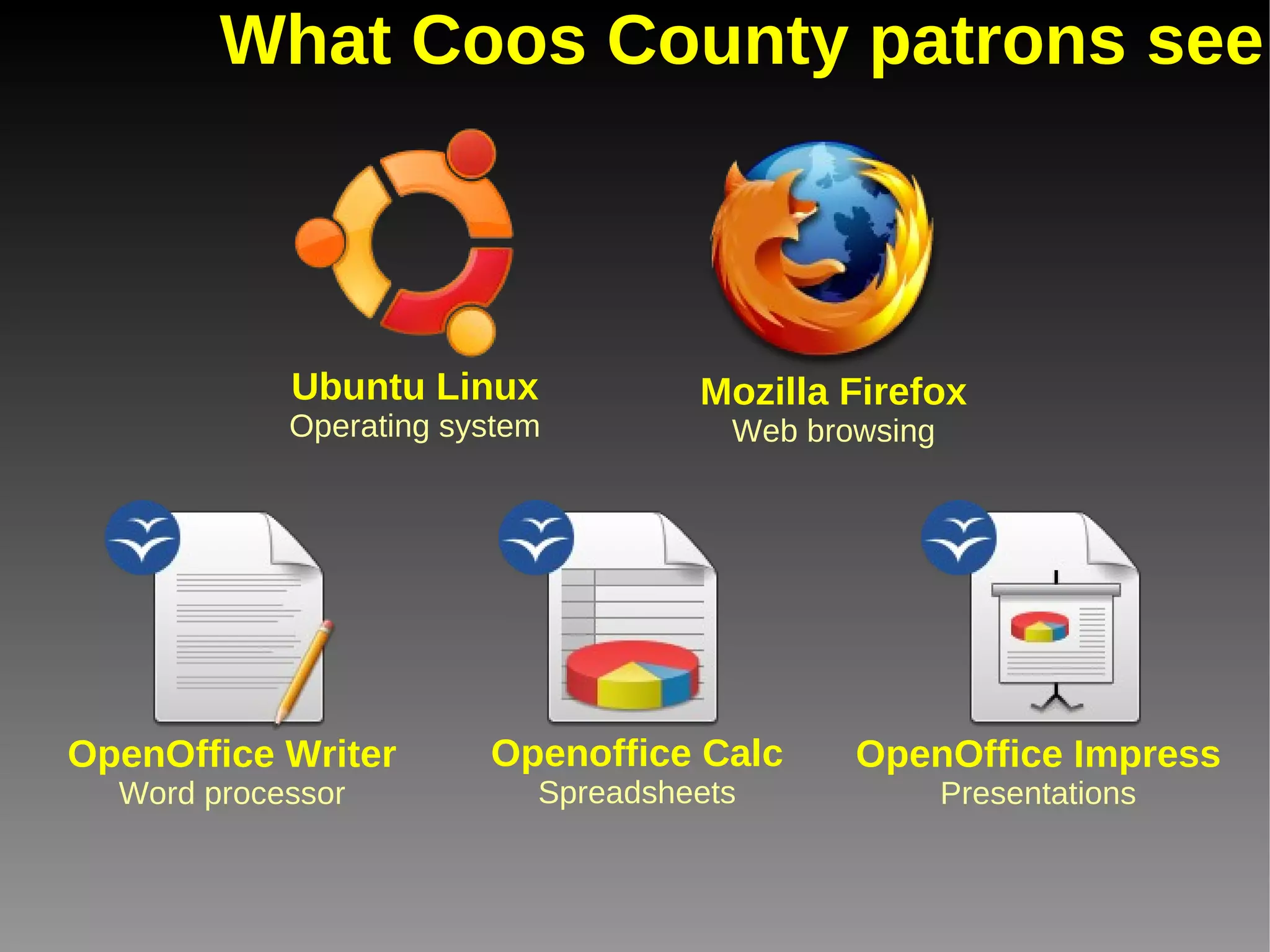
What Coos County patrons see Ubuntu Linux Operating system Mozilla Firefox Web browsing OpenOffice Writer Word processor OpenOffice Impress Presentations Openoffice Calc Spreadsheets
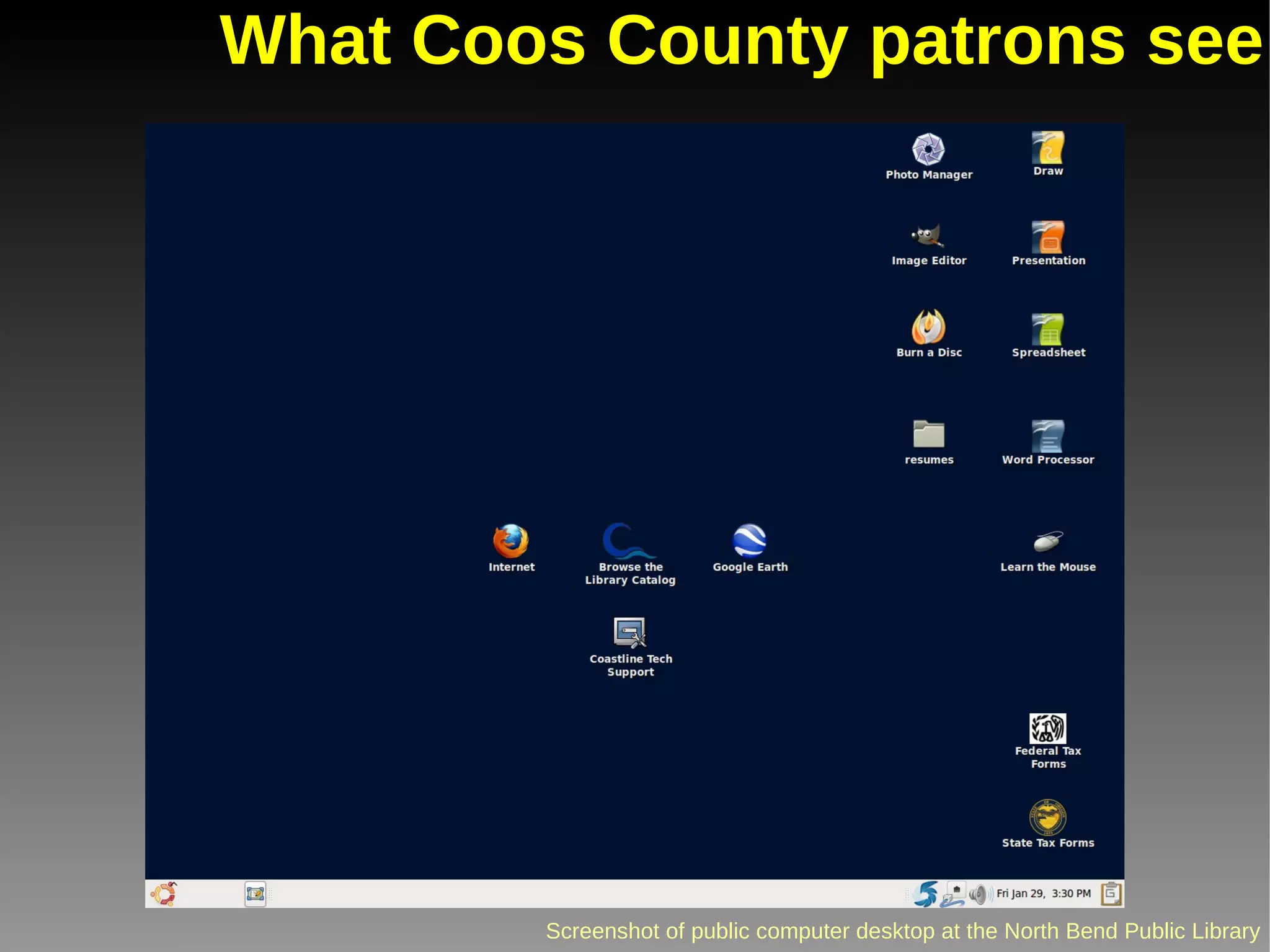
What Coos County patrons see
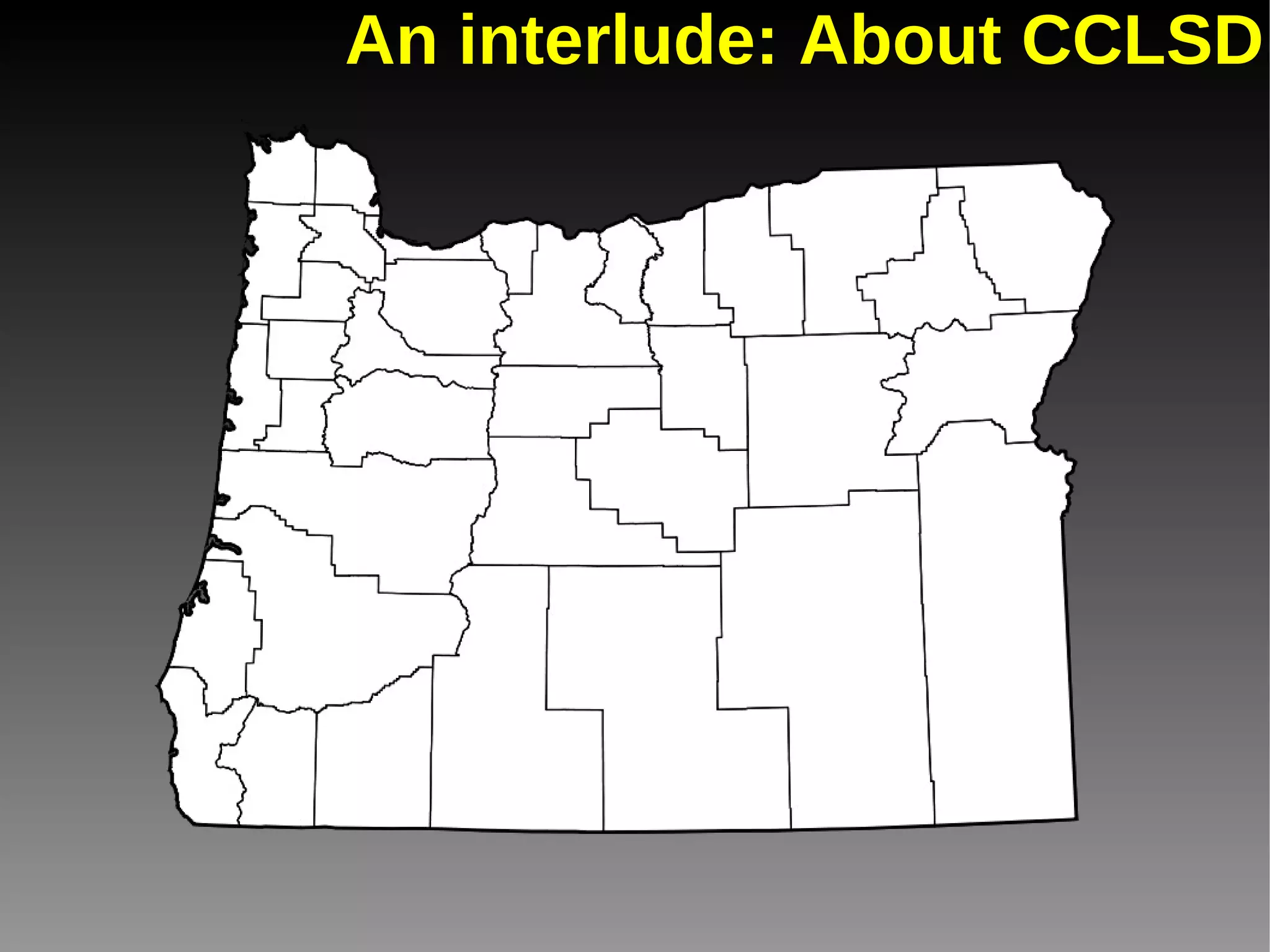
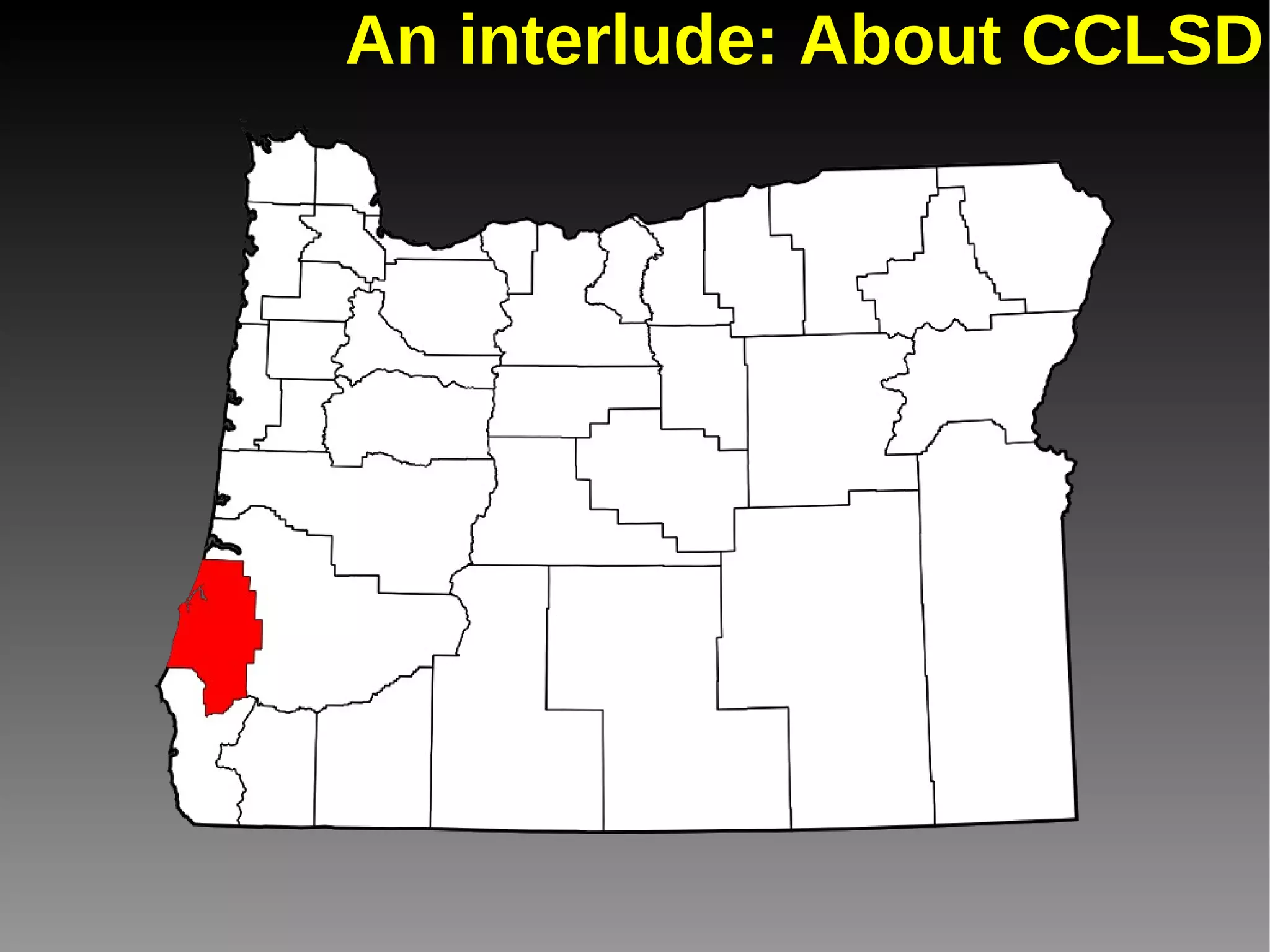
An interlude: About CCLSD
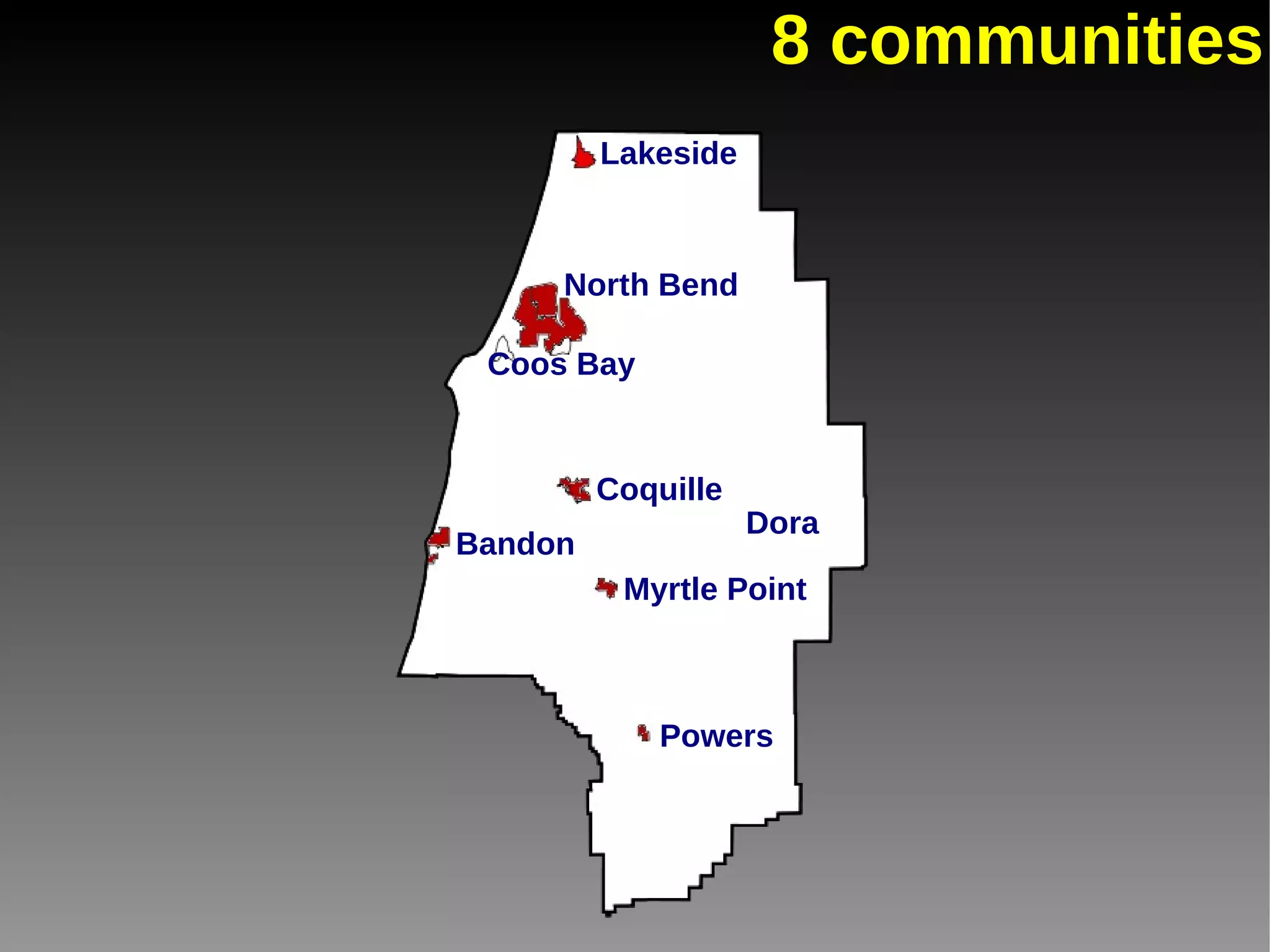
8 communities Lakeside North Bend Coos Bay Coquille Bandon Myrtle Point Powers Dora
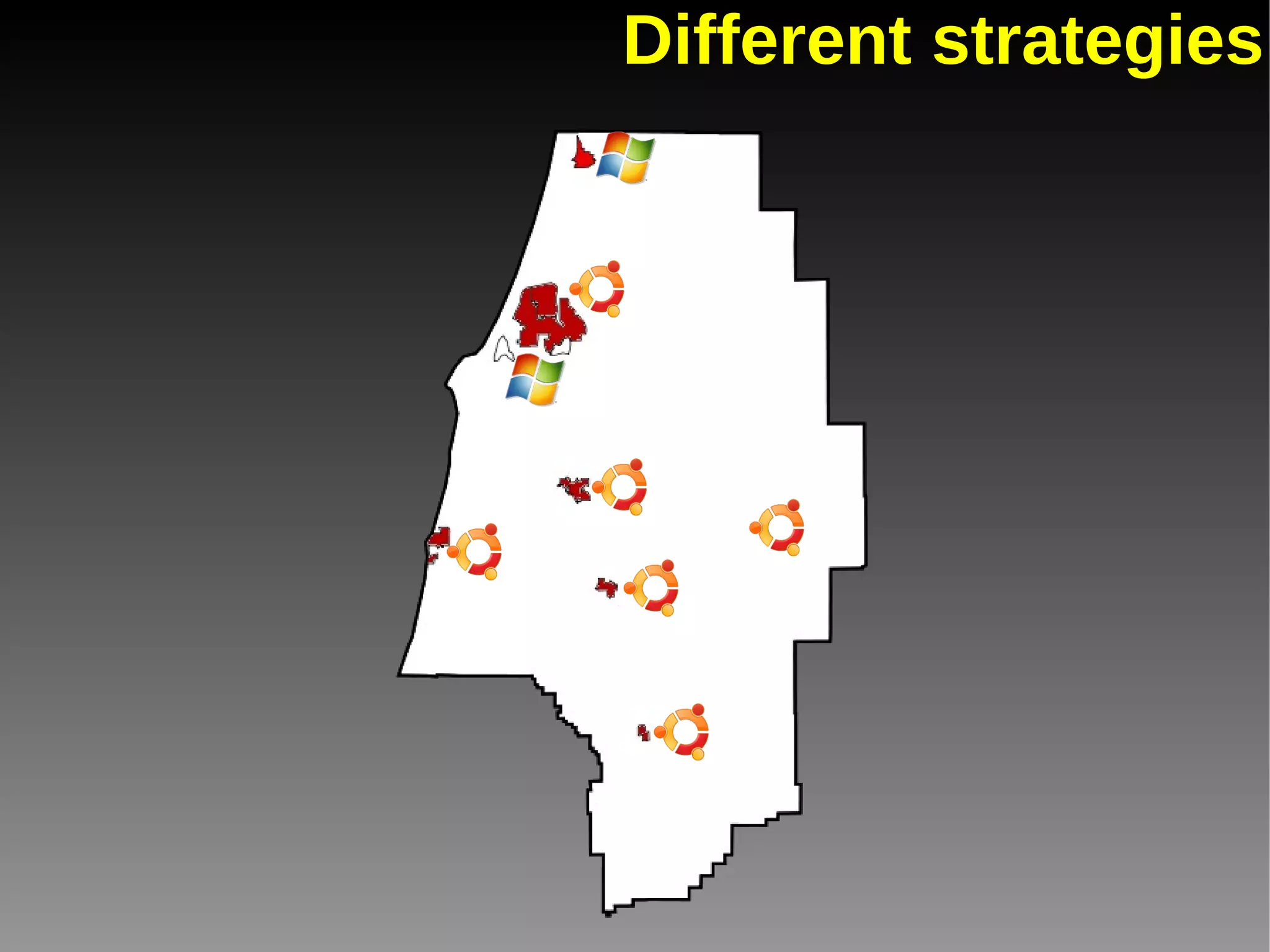
Different strategies
Why'd we switch? Reason #1 Cost (In no particular order)
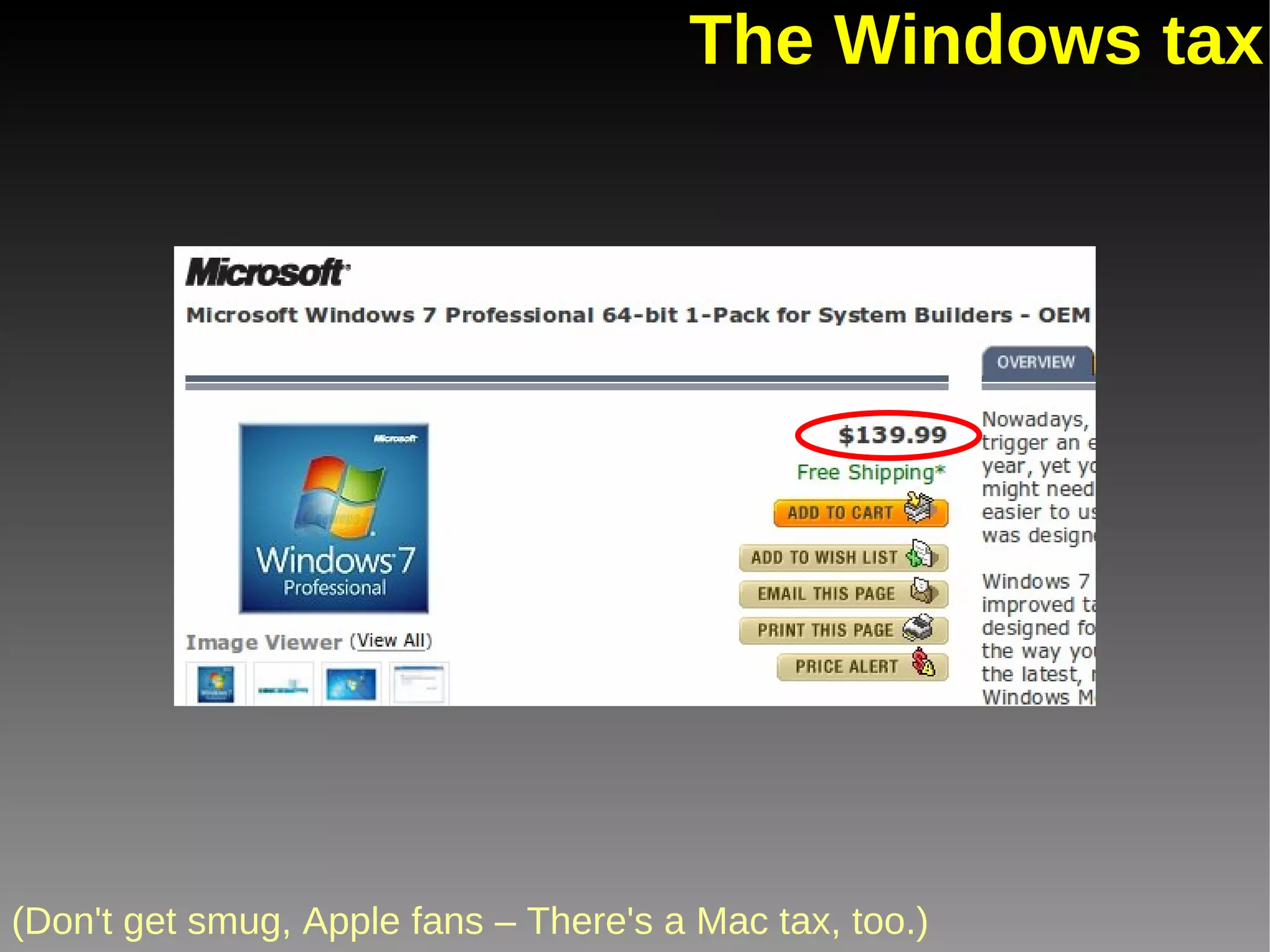
The Windows tax (Don't get smug, Apple fans – There's a Mac tax, too.) Even buying through OETC will set you back $100 per license.
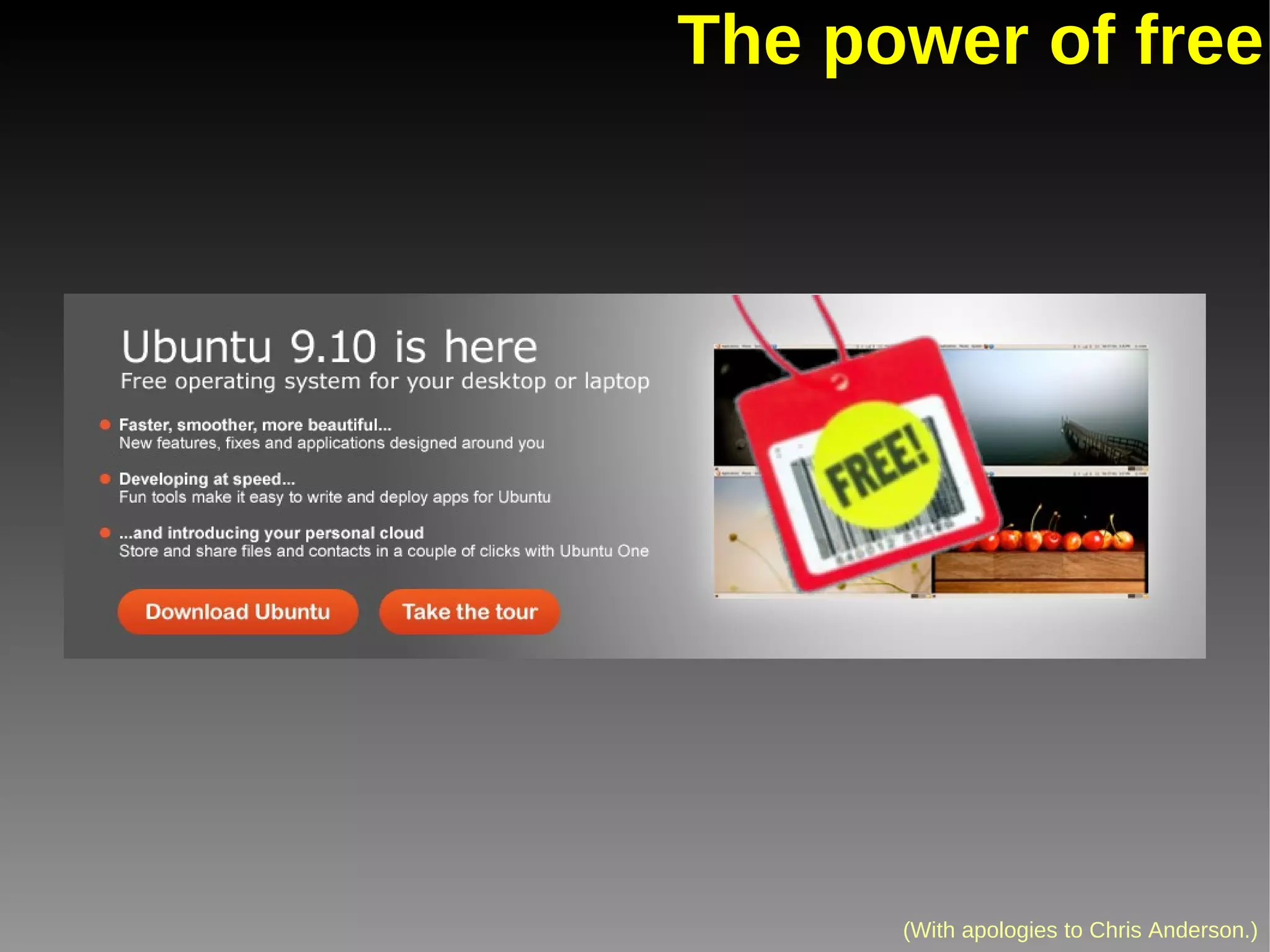
The power of free (With apologies to Chris Anderson.)
Why'd we switch? Reason #2 Security & continuity
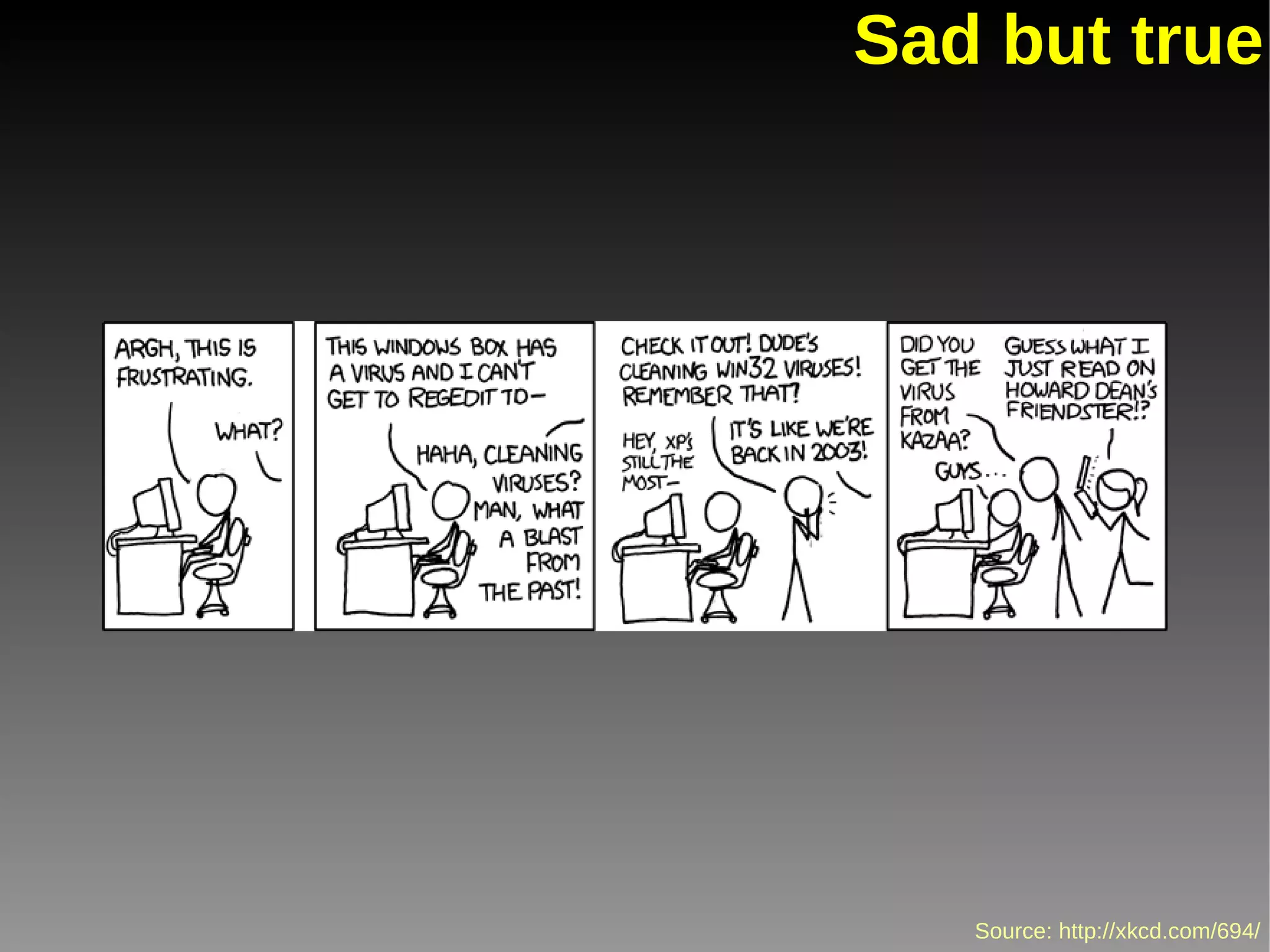
Sad but true
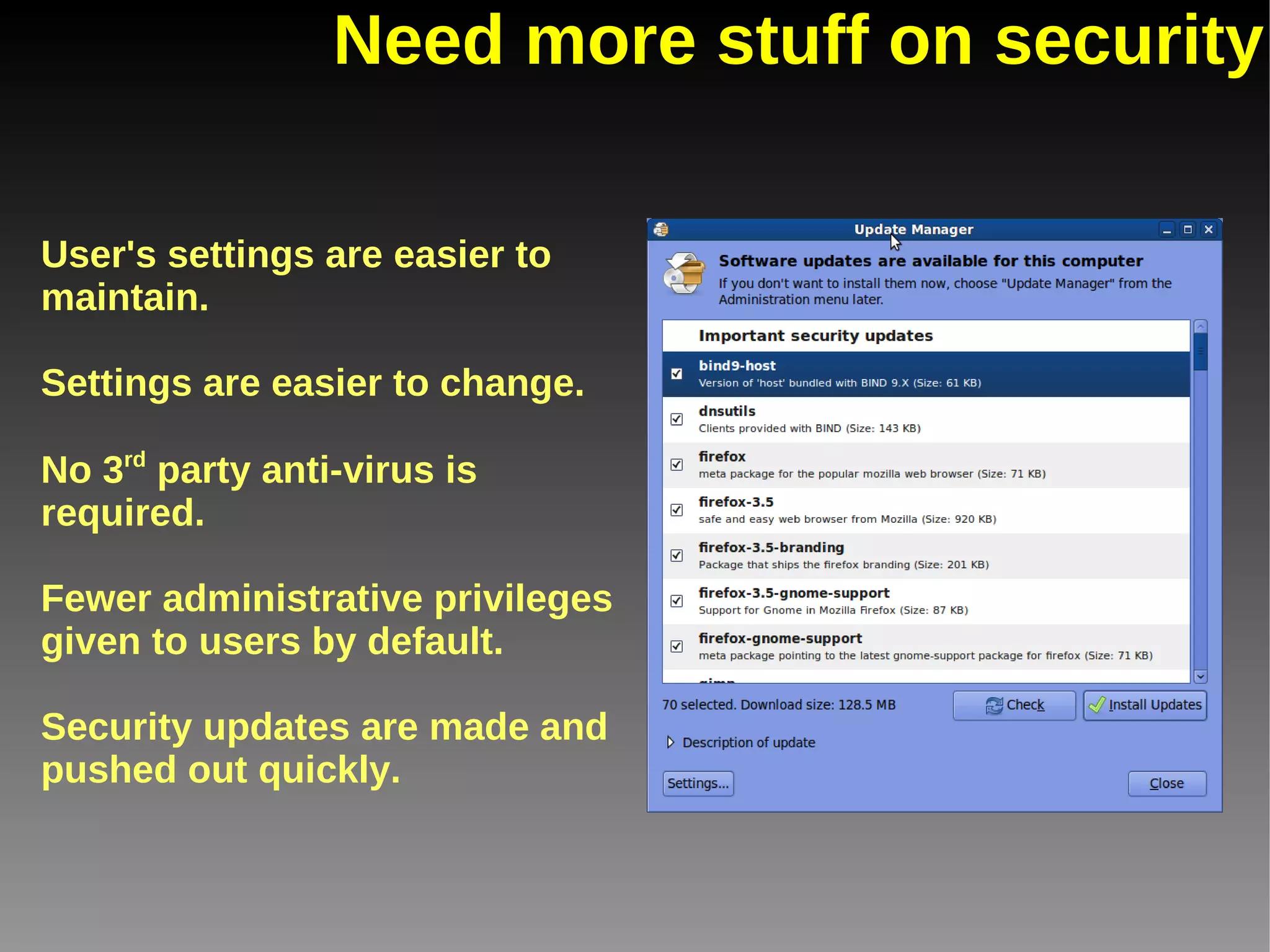
Need more stuff on security User's settings are easier to maintain. Settings are easier to change. No 3 rd  party anti-virus is required. Fewer administrative privileges given to users by default. Security updates are made and pushed out quickly.
And because we love xkcd so much
Why'd we switch? Reason #3 Efficiency
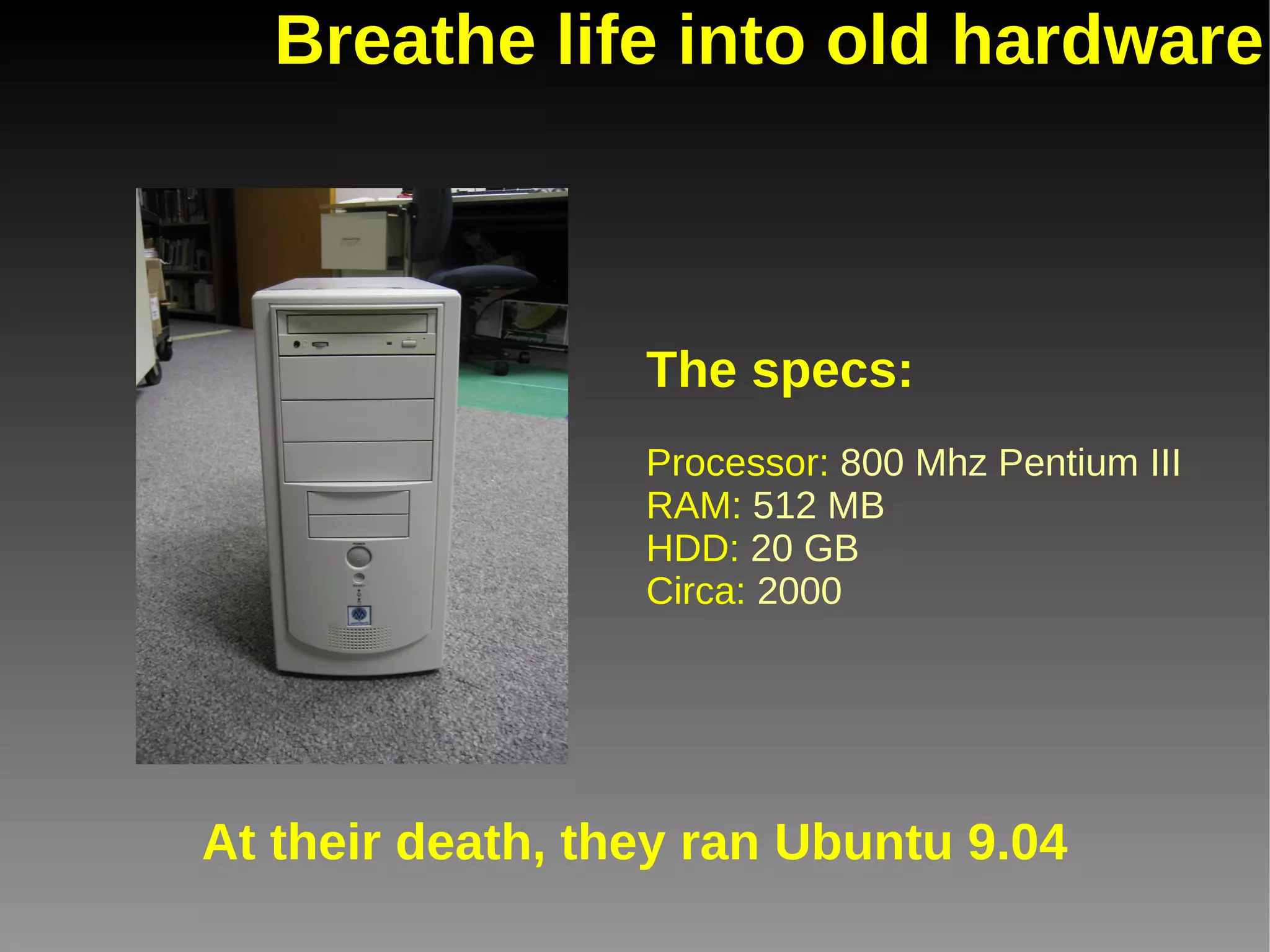
Breathe life into old hardware The specs: Processor:  800 Mhz Pentium III RAM:  512 MB HDD:  20 GB Circa:  2000 At their death, they ran Ubuntu 9.04
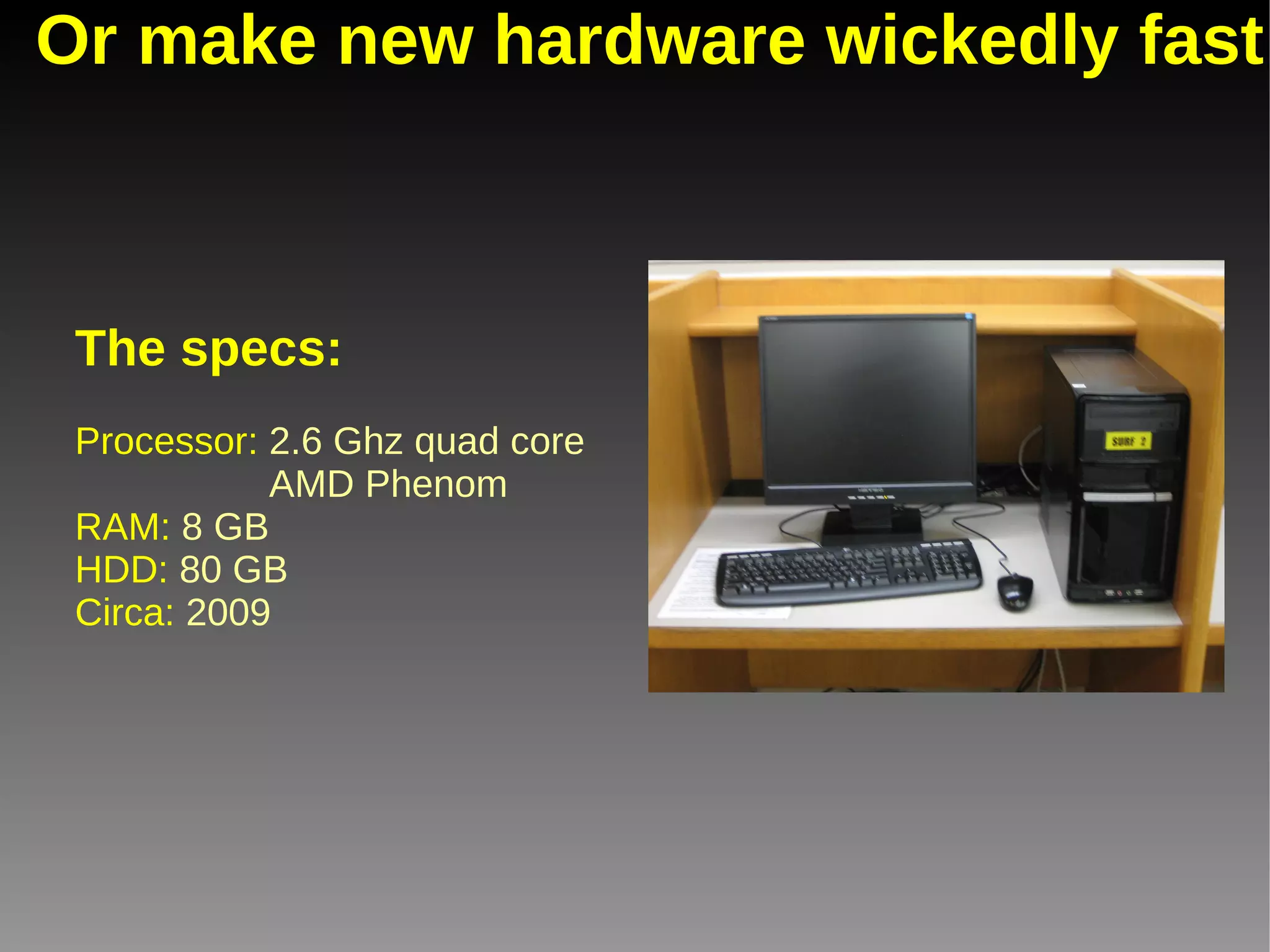
Or make new hardware wickedly fast The specs: Processor:  2.6 Ghz quad core    AMD Phenom RAM:  8 GB HDD:  80 GB Circa:  2009
Why'd we switch? Reason #4 Philosophy
Free software is a matter of liberty, not price. To understand the concept, you should think of 'free' as in 'free speech,' not as in 'free beer.' “ ”
You want the information in your library to be open & accessible. Why shouldn't your software be as well?
Why'd we switch? Reason #5 Features
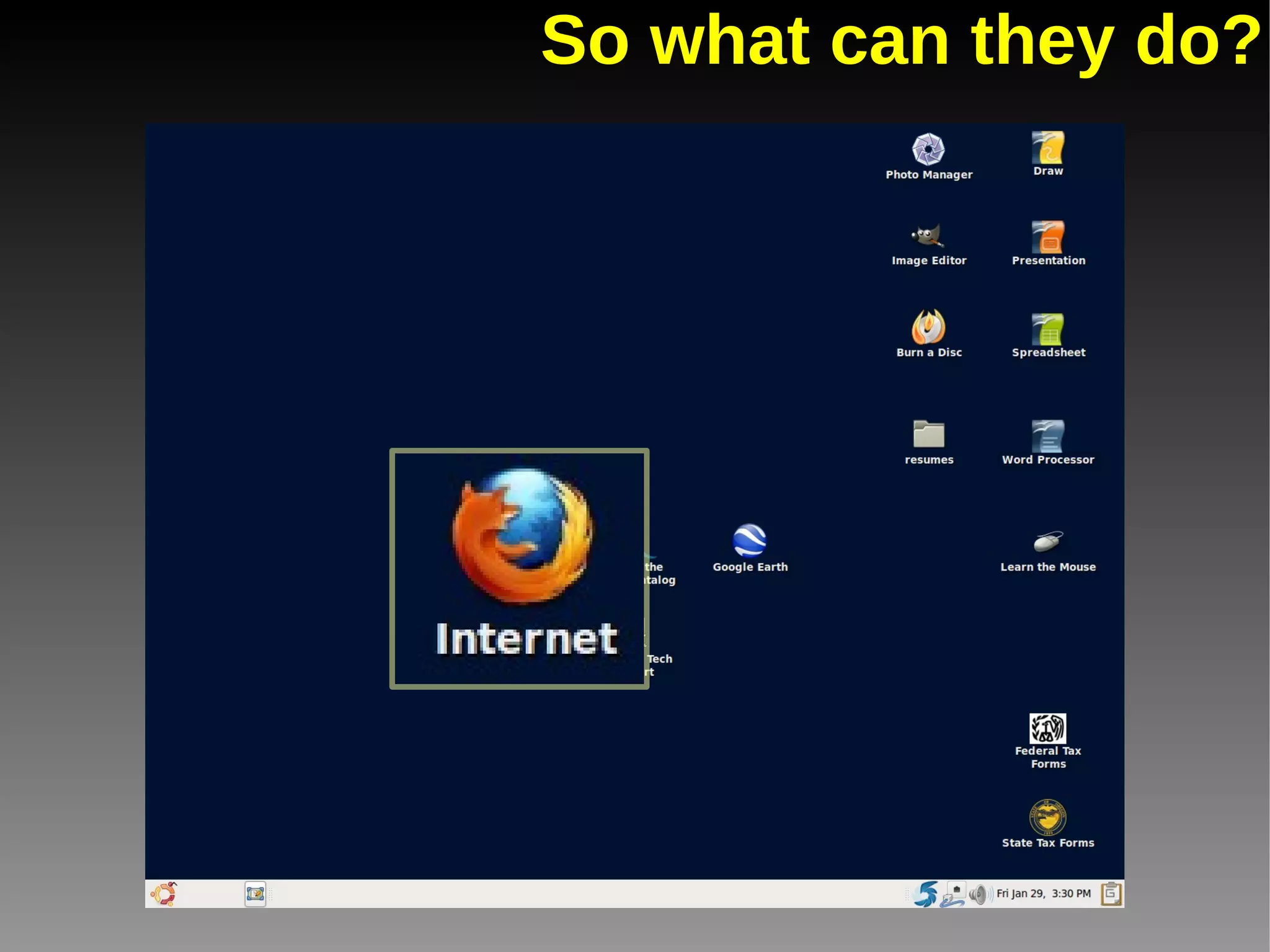
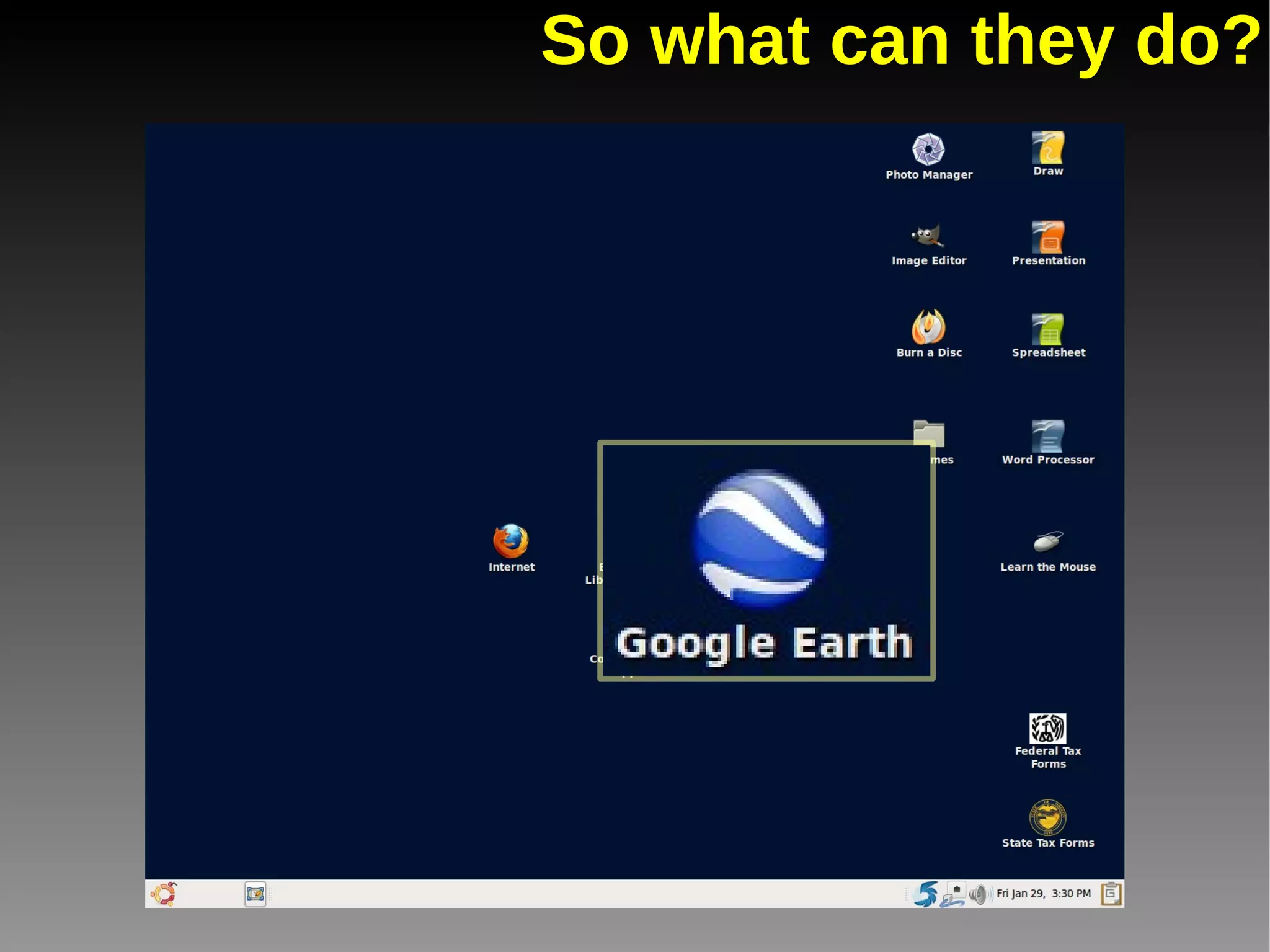
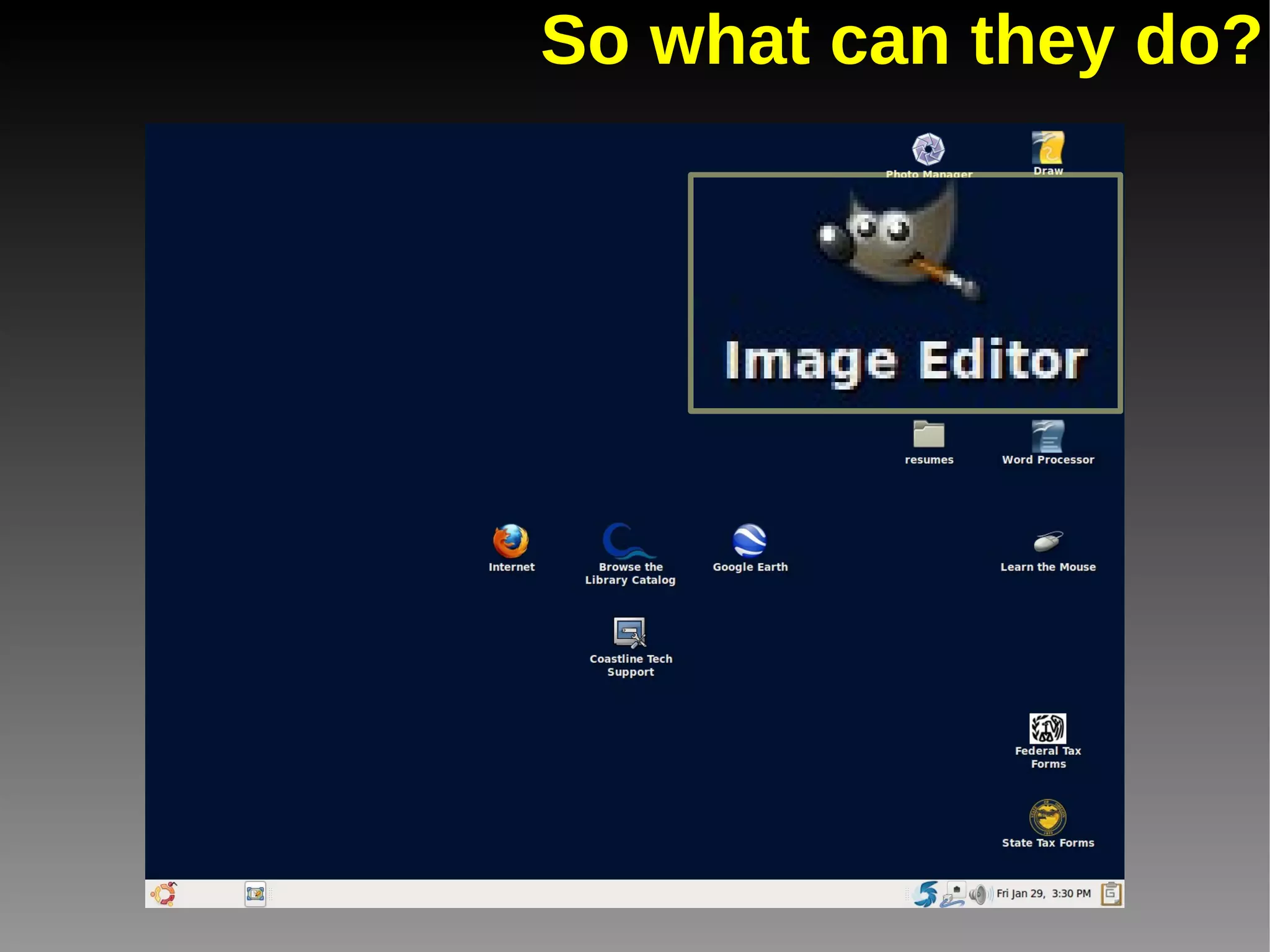
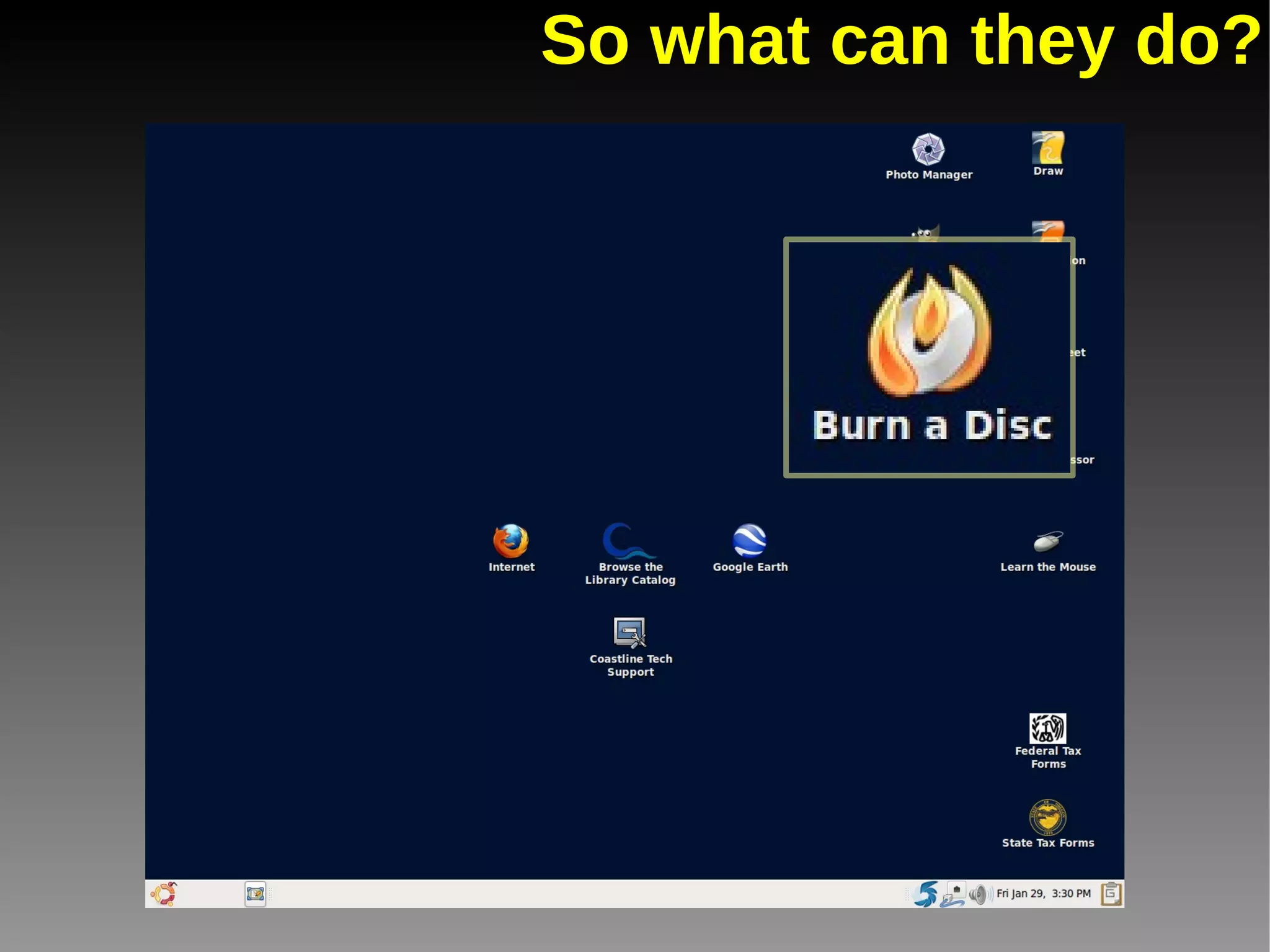
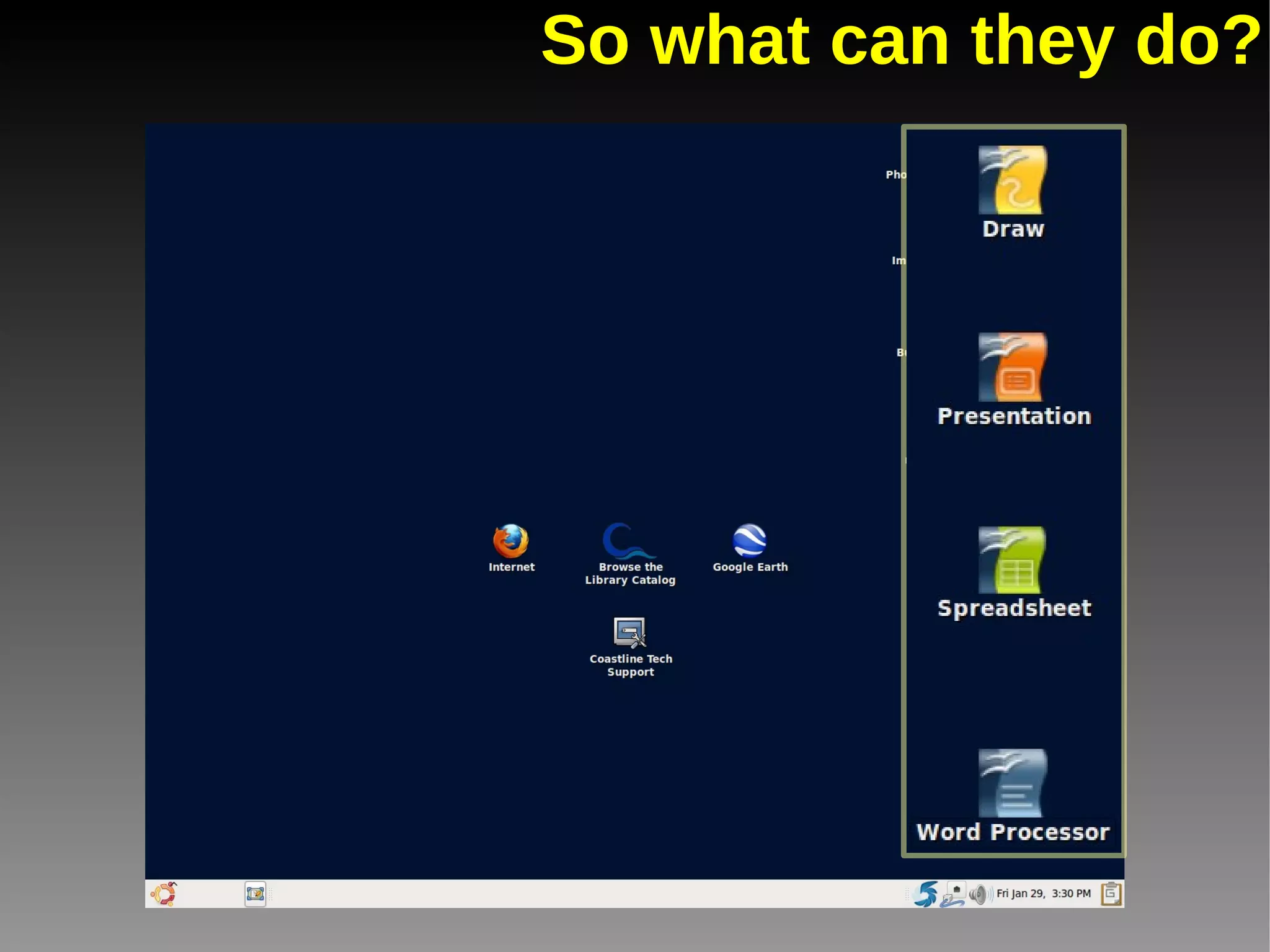
So what can they do?
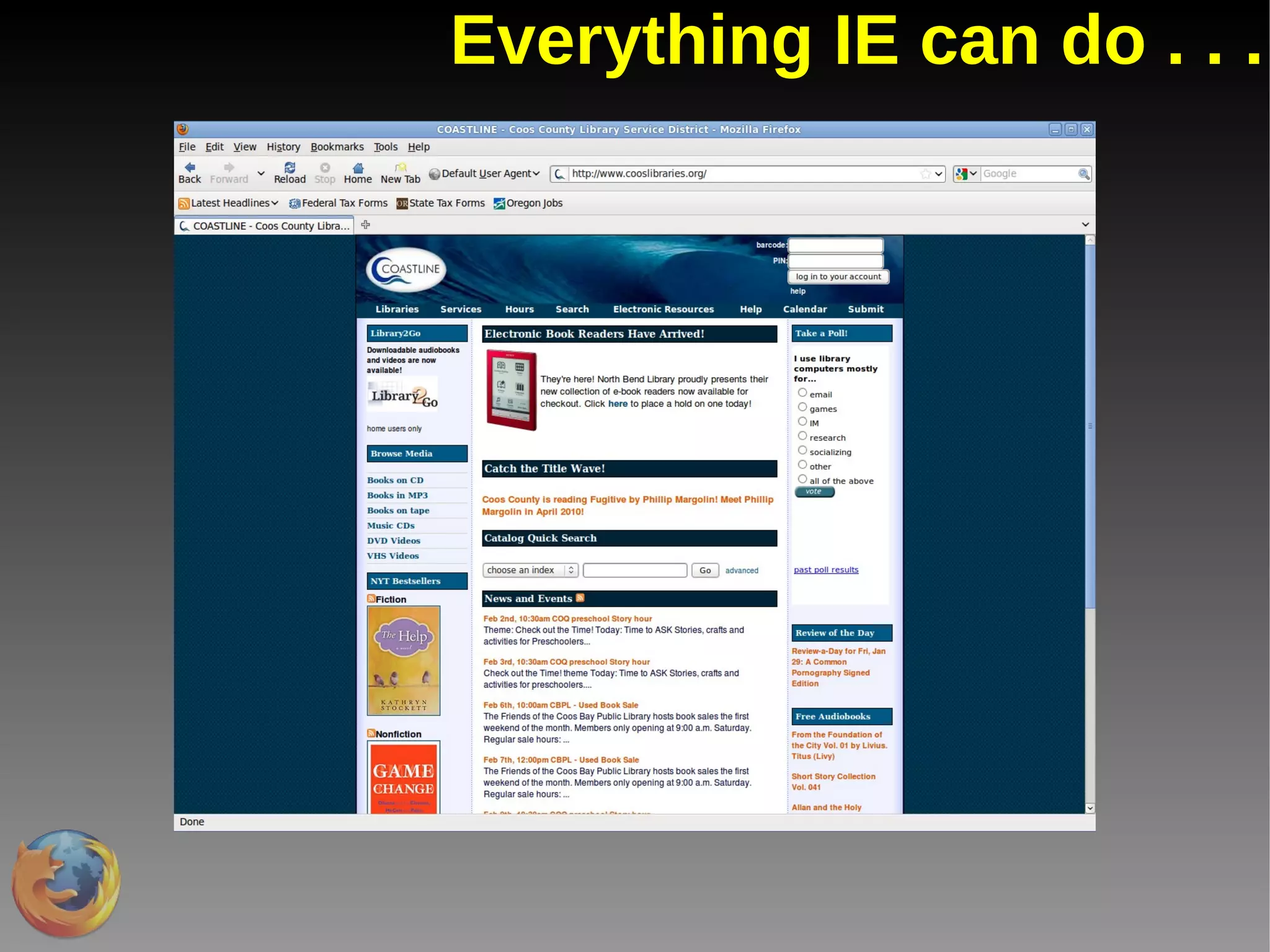
Everything IE can do . . .
So what can they do?
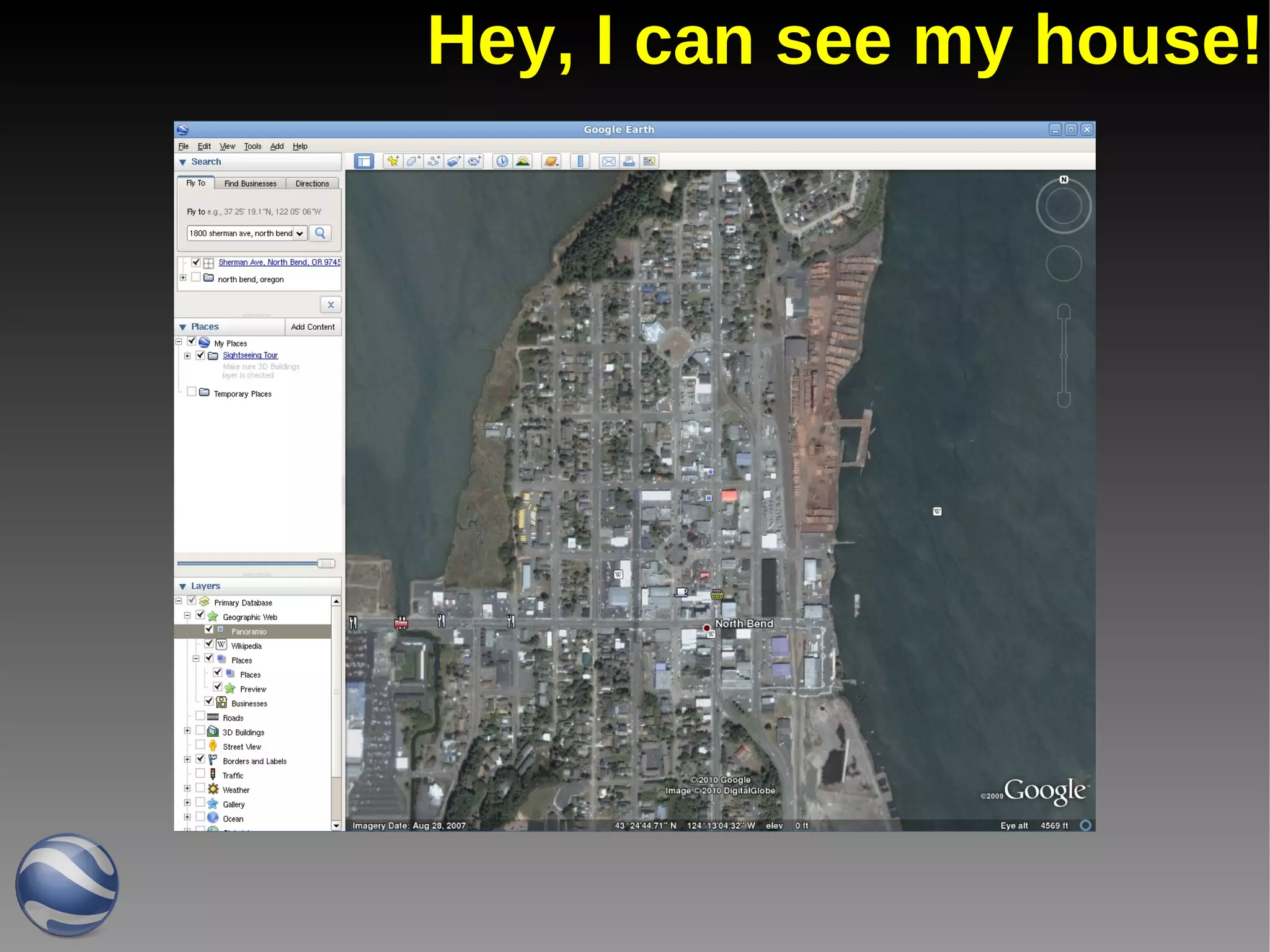
Hey, I can see my house!
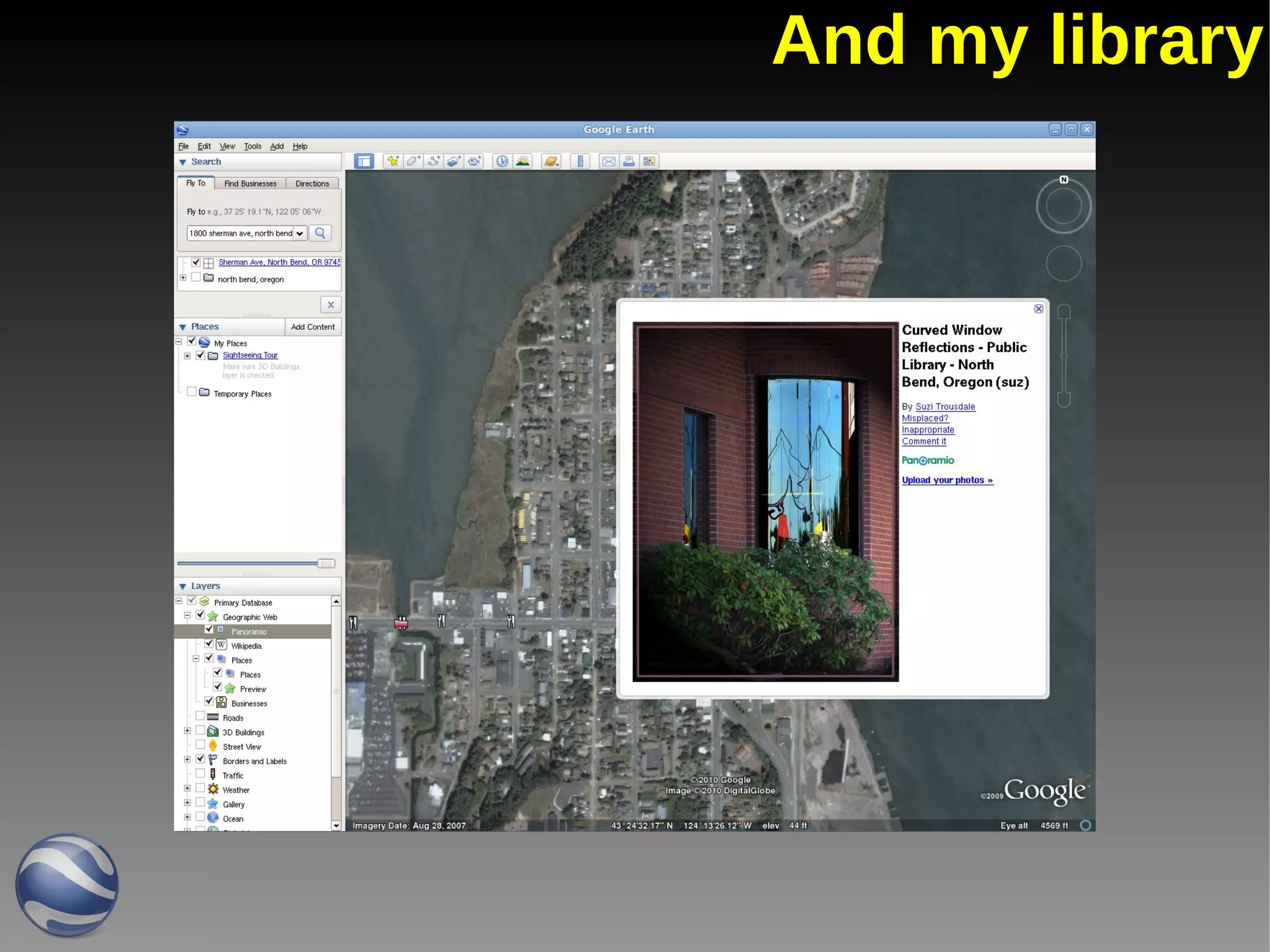
And my library
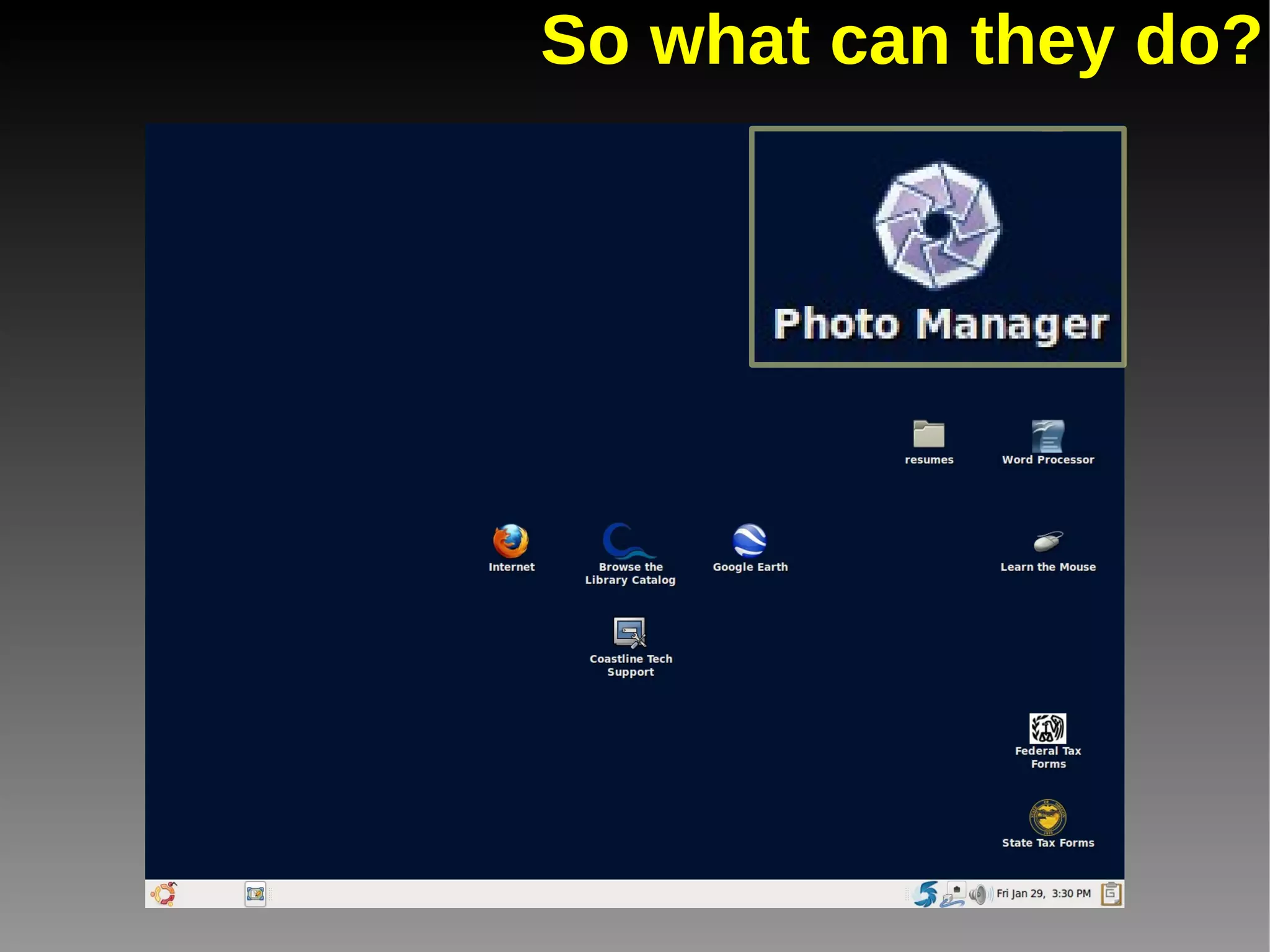
So what can they do?
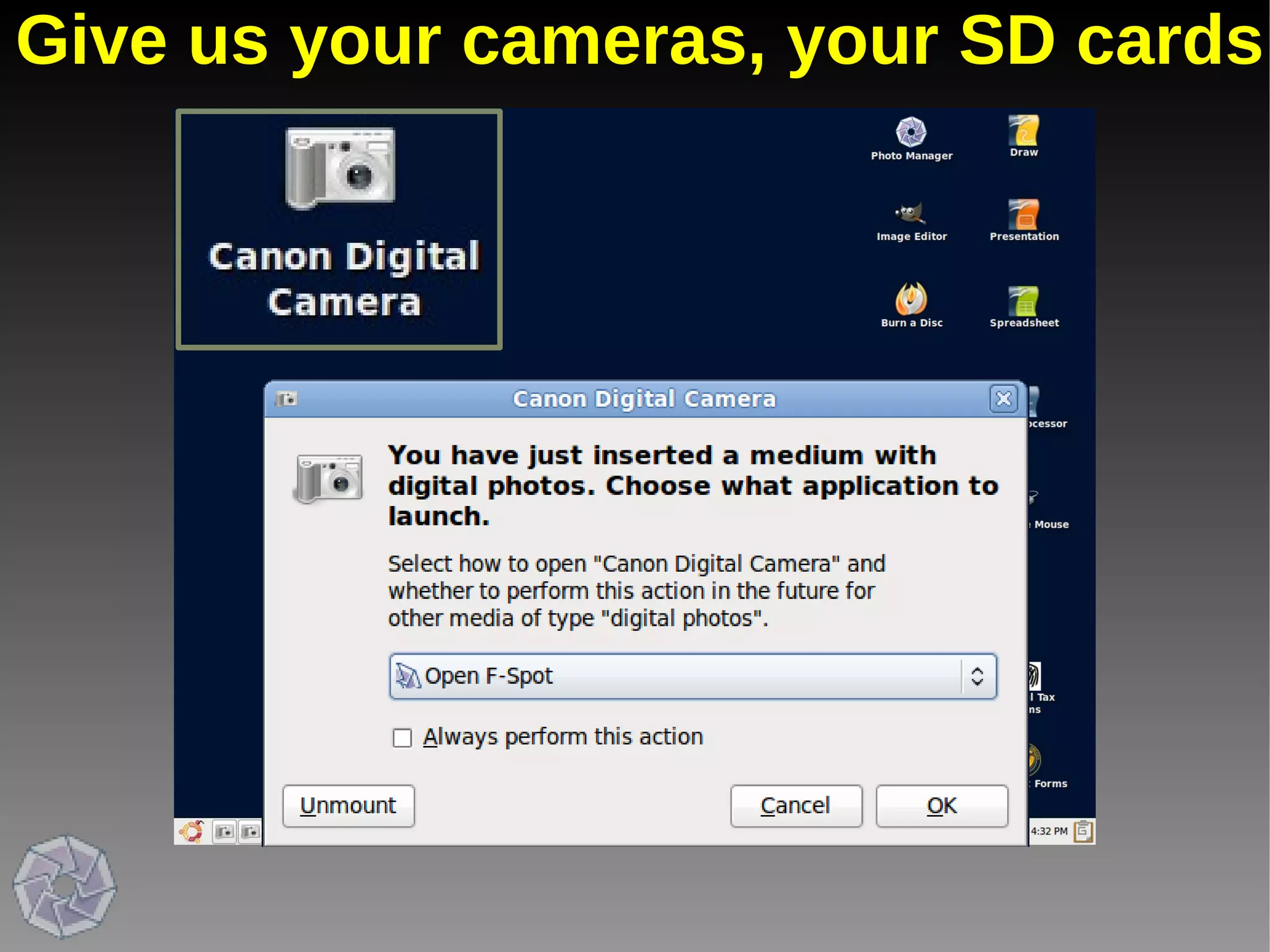
Give us your cameras, your SD cards
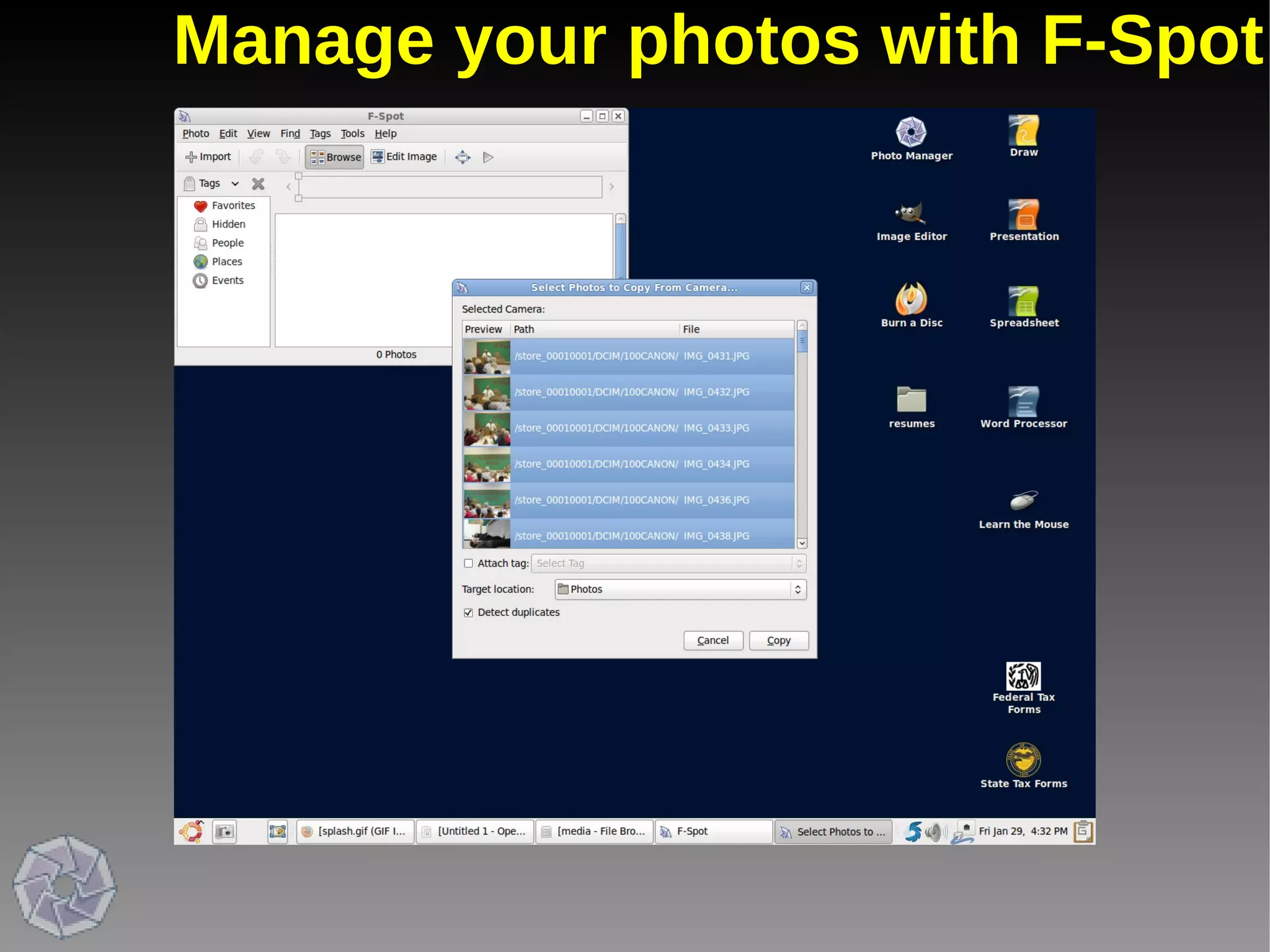
Manage your photos with F-Spot
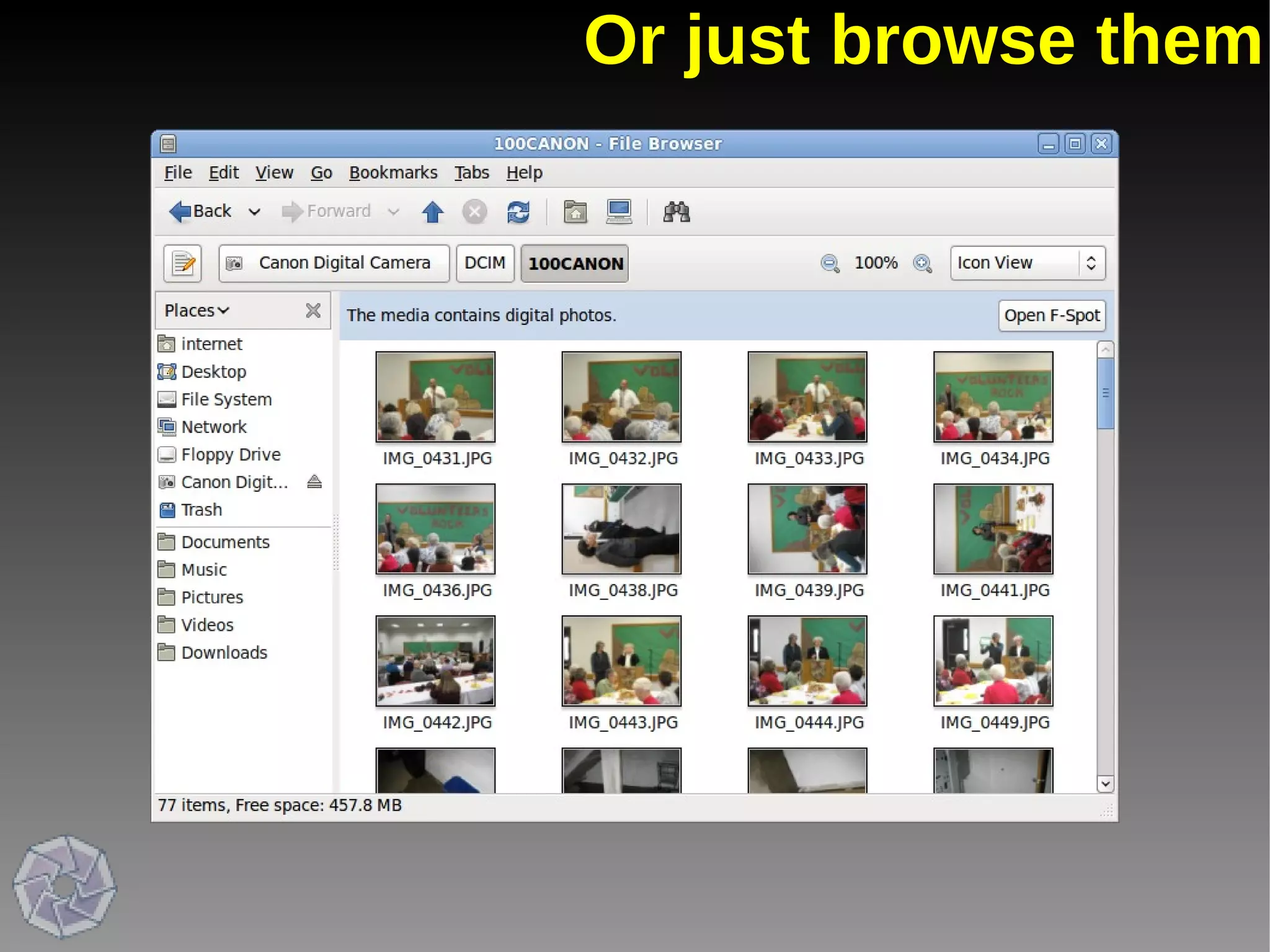
Or just browse them
So what can they do?
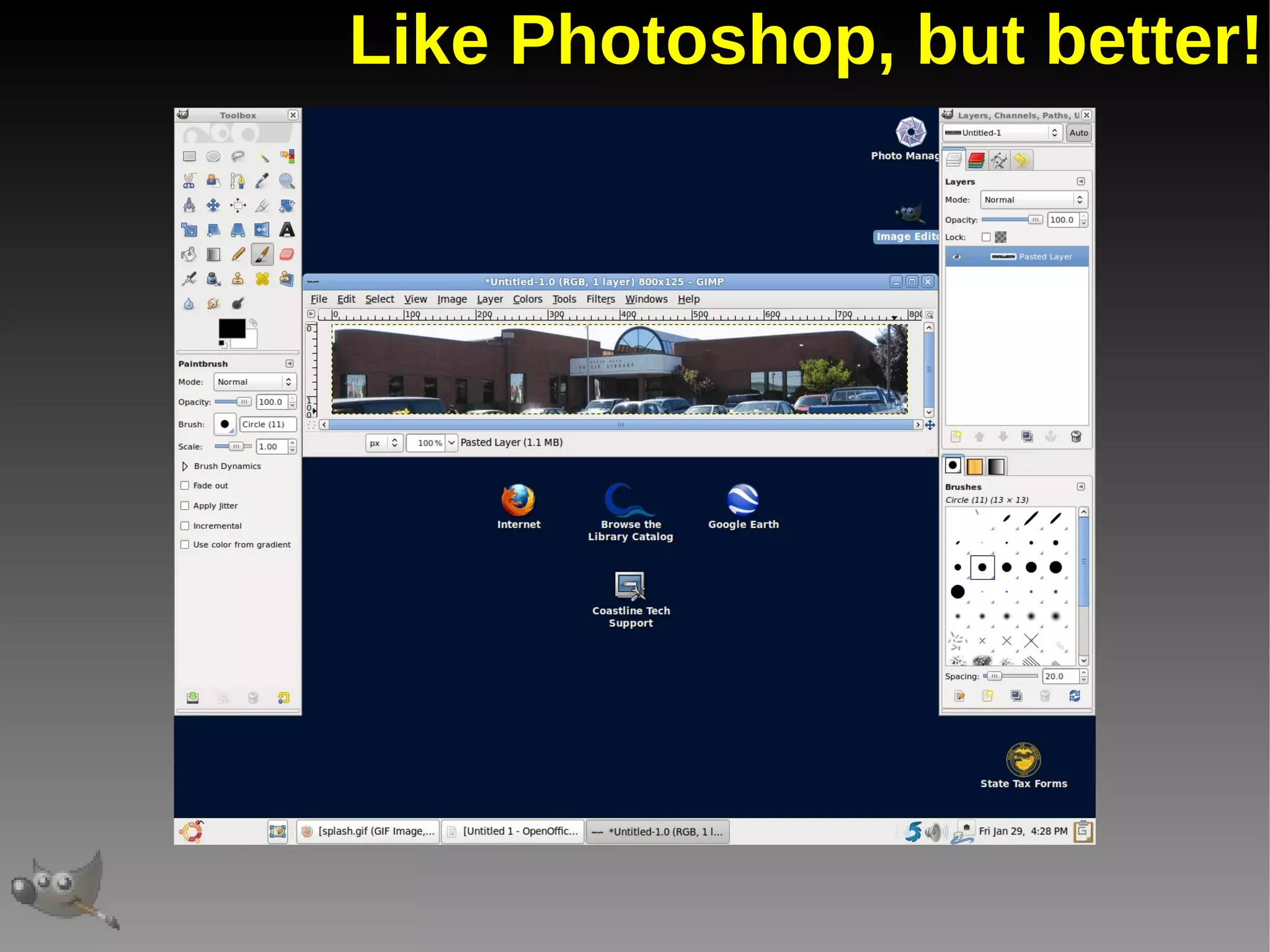
Like Photoshop, but better!
So what can they do?
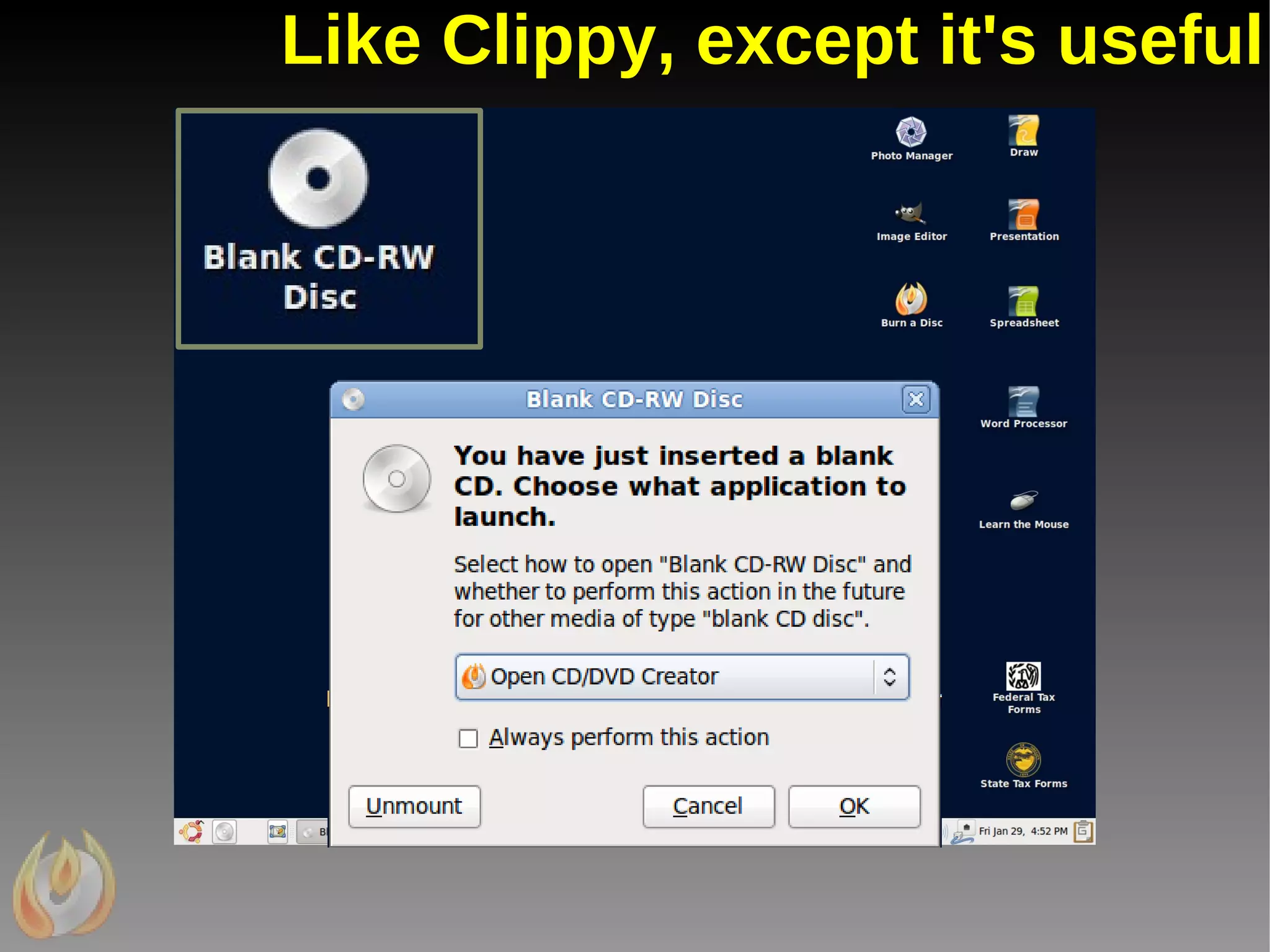
Like Clippy, except it's useful
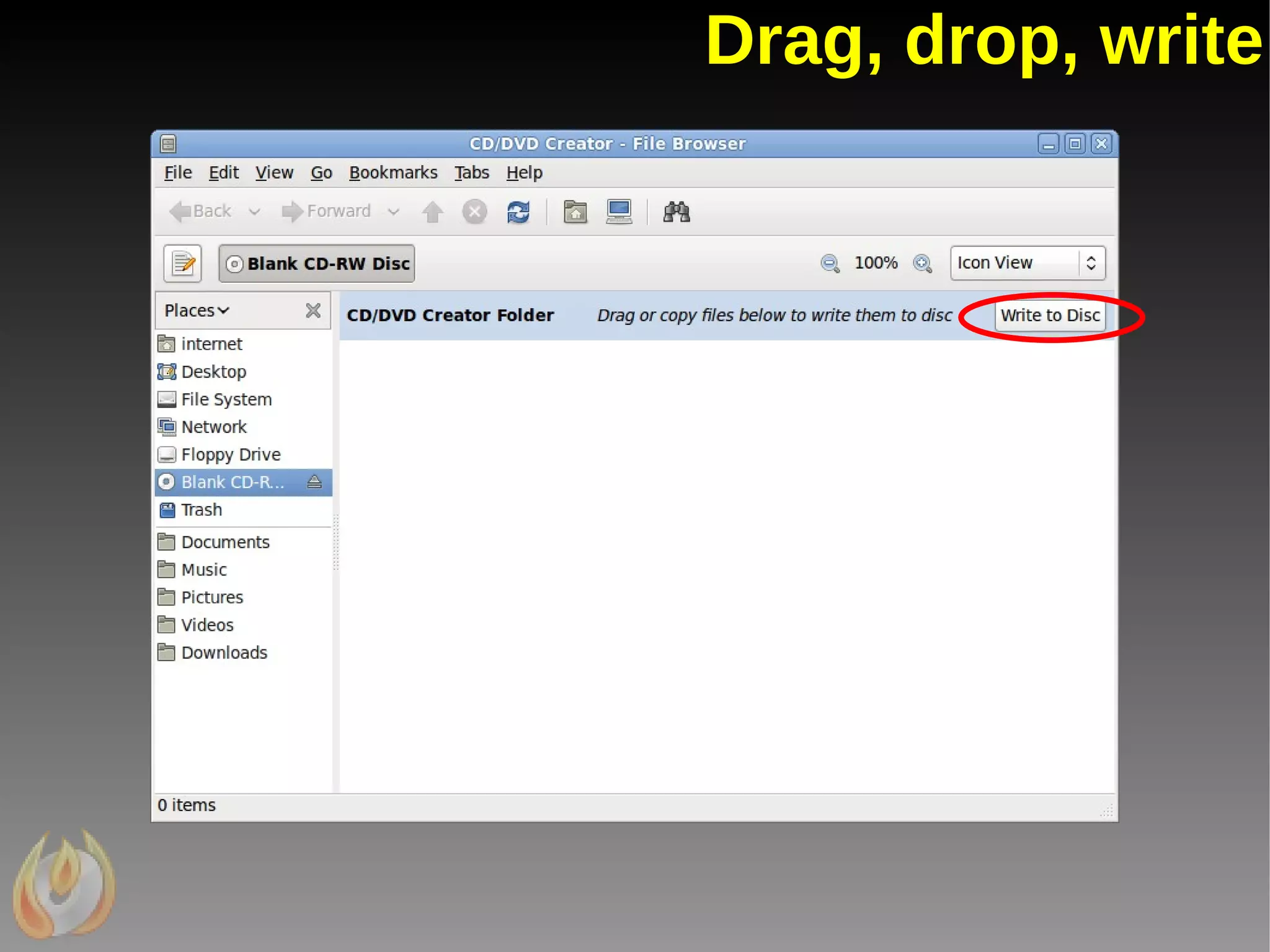
Drag, drop, write
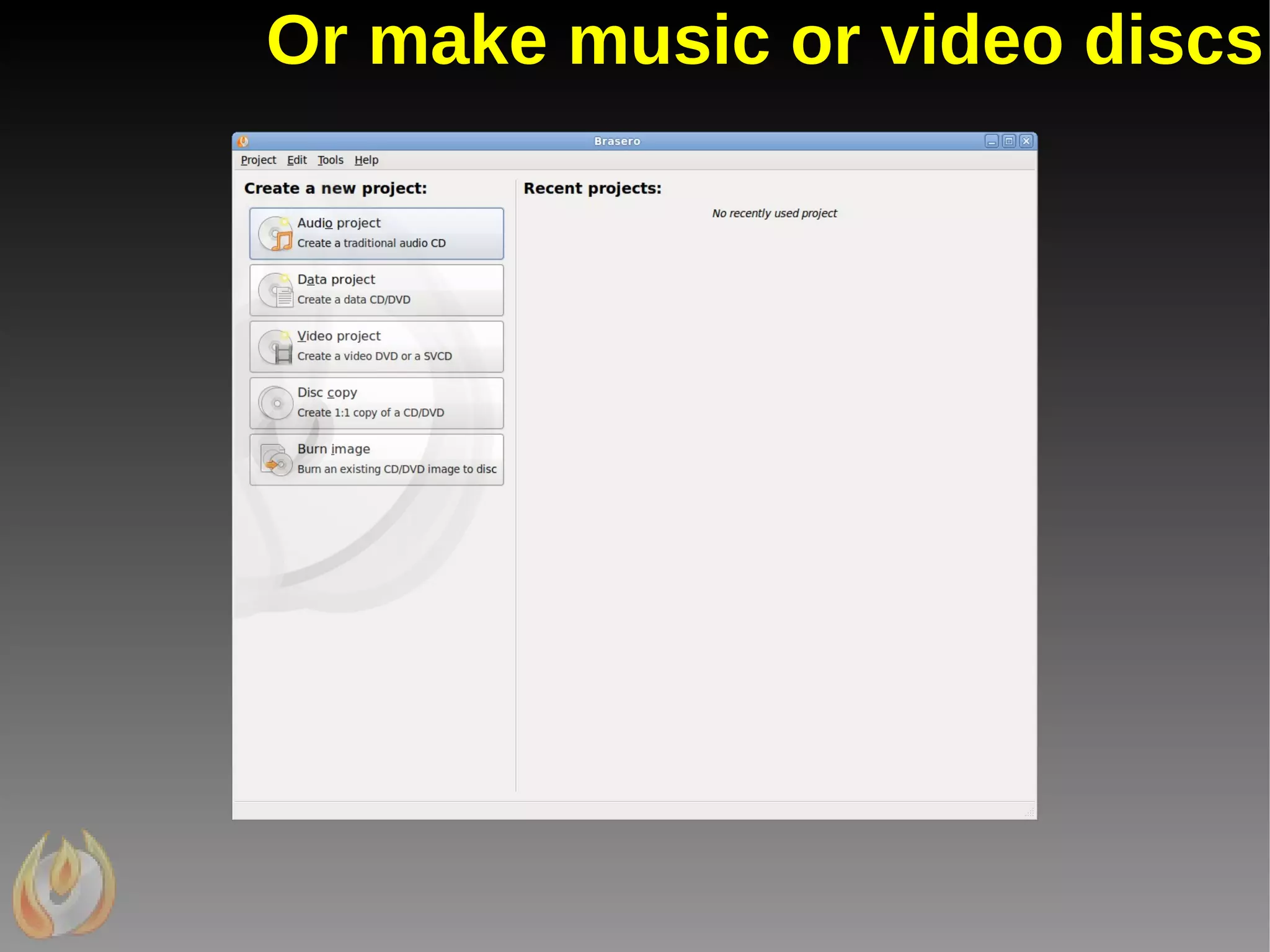
Or make music or video discs
So what can they do?
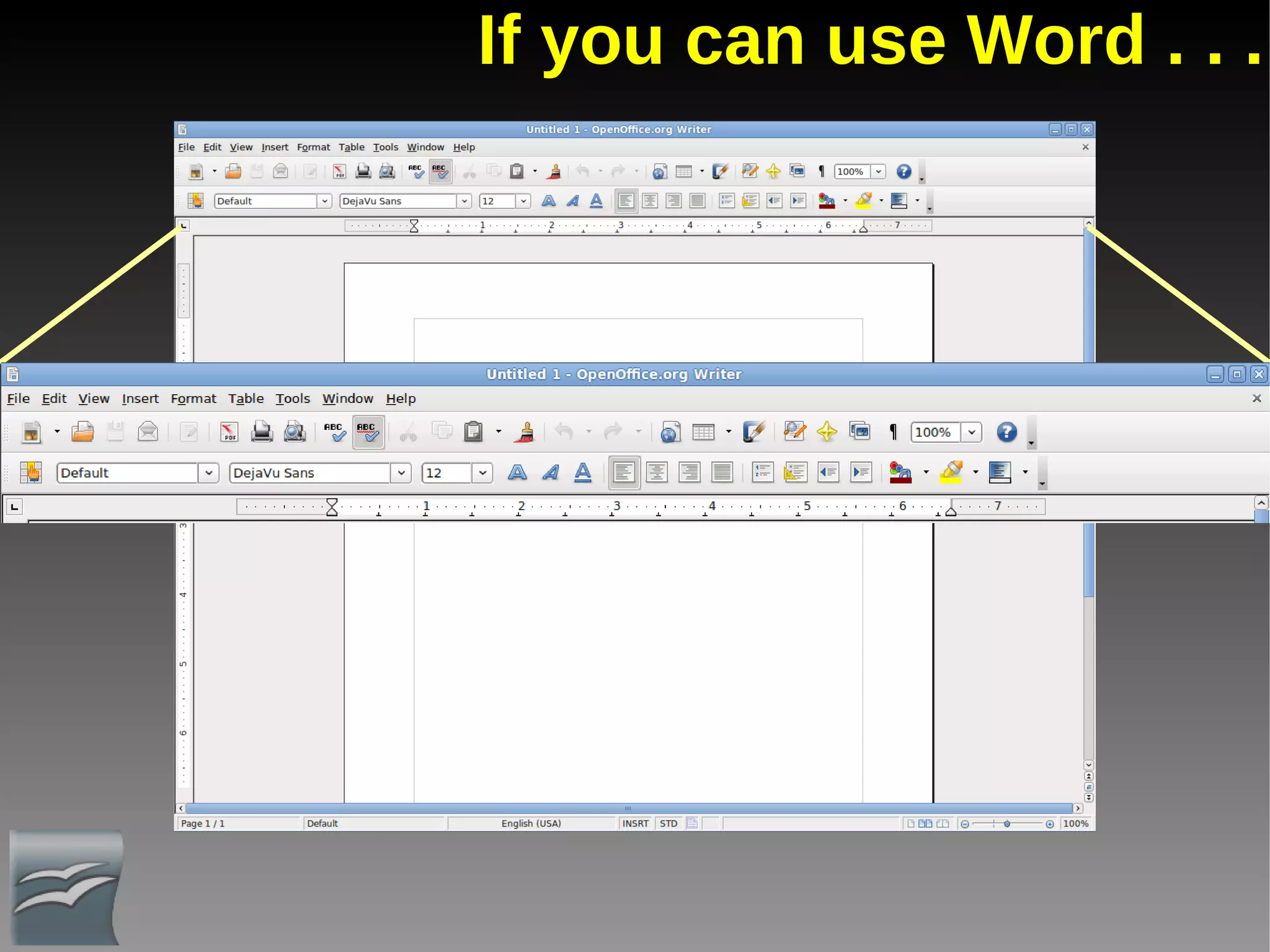
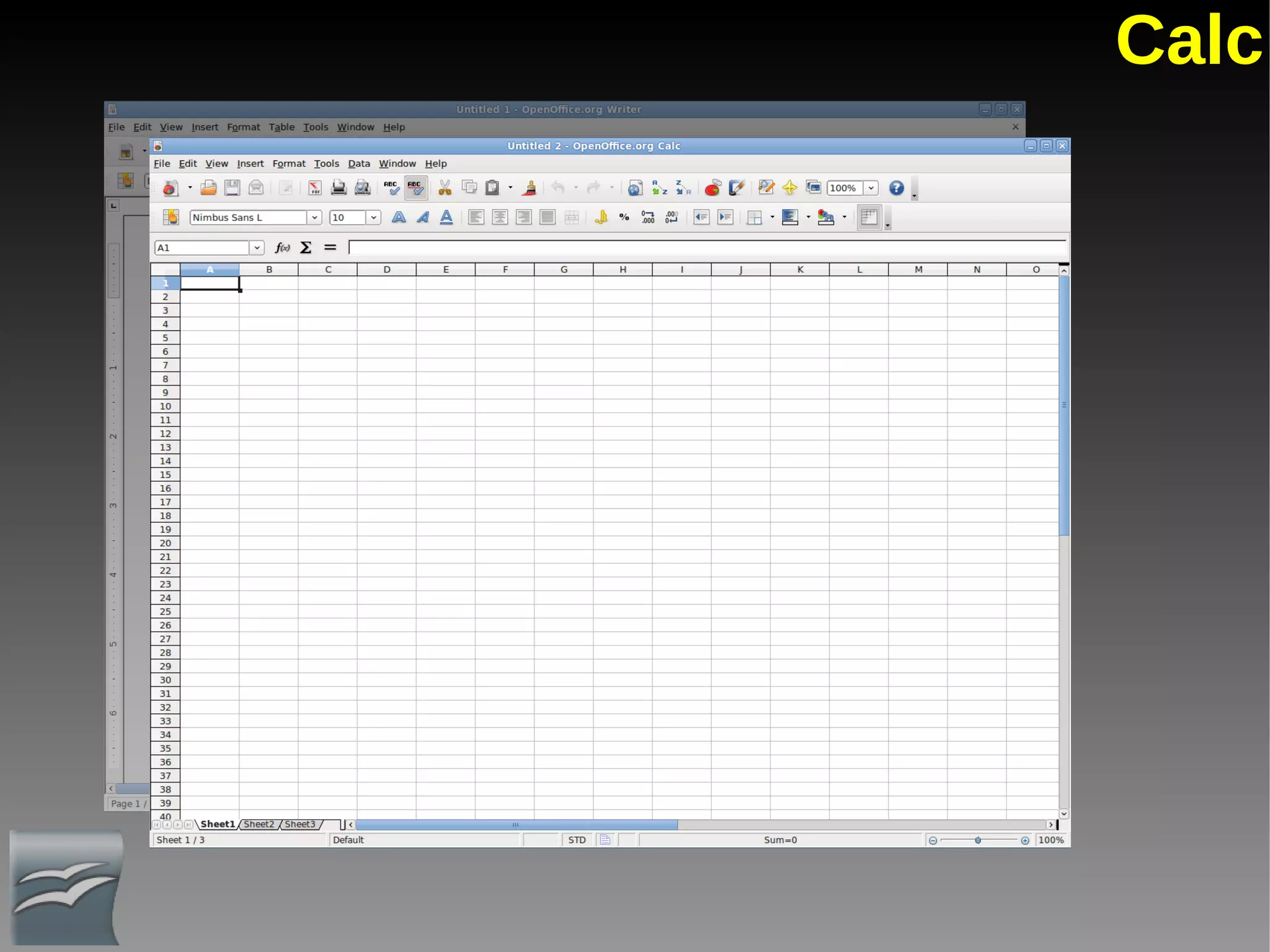
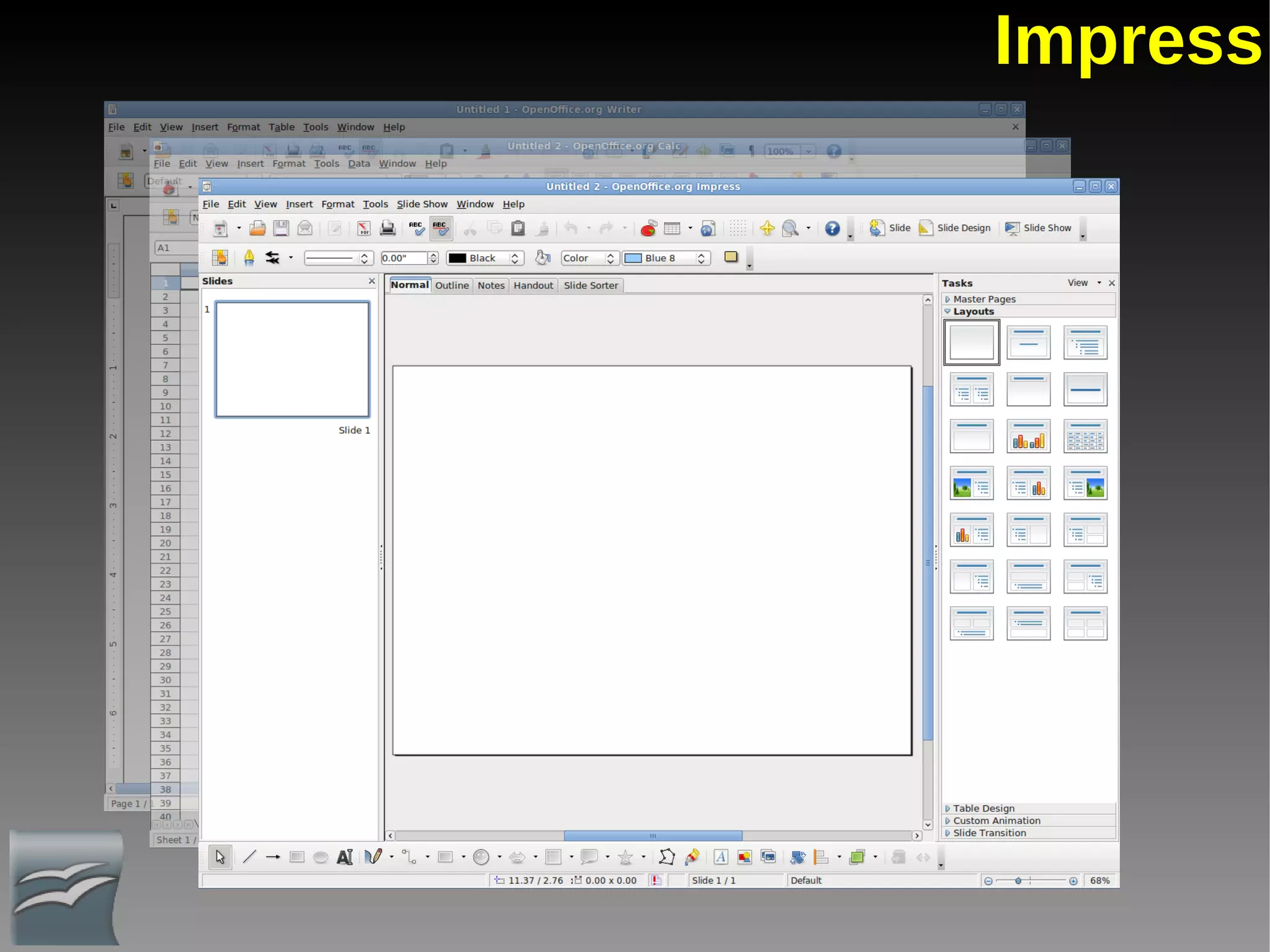
If you can use Word . . .
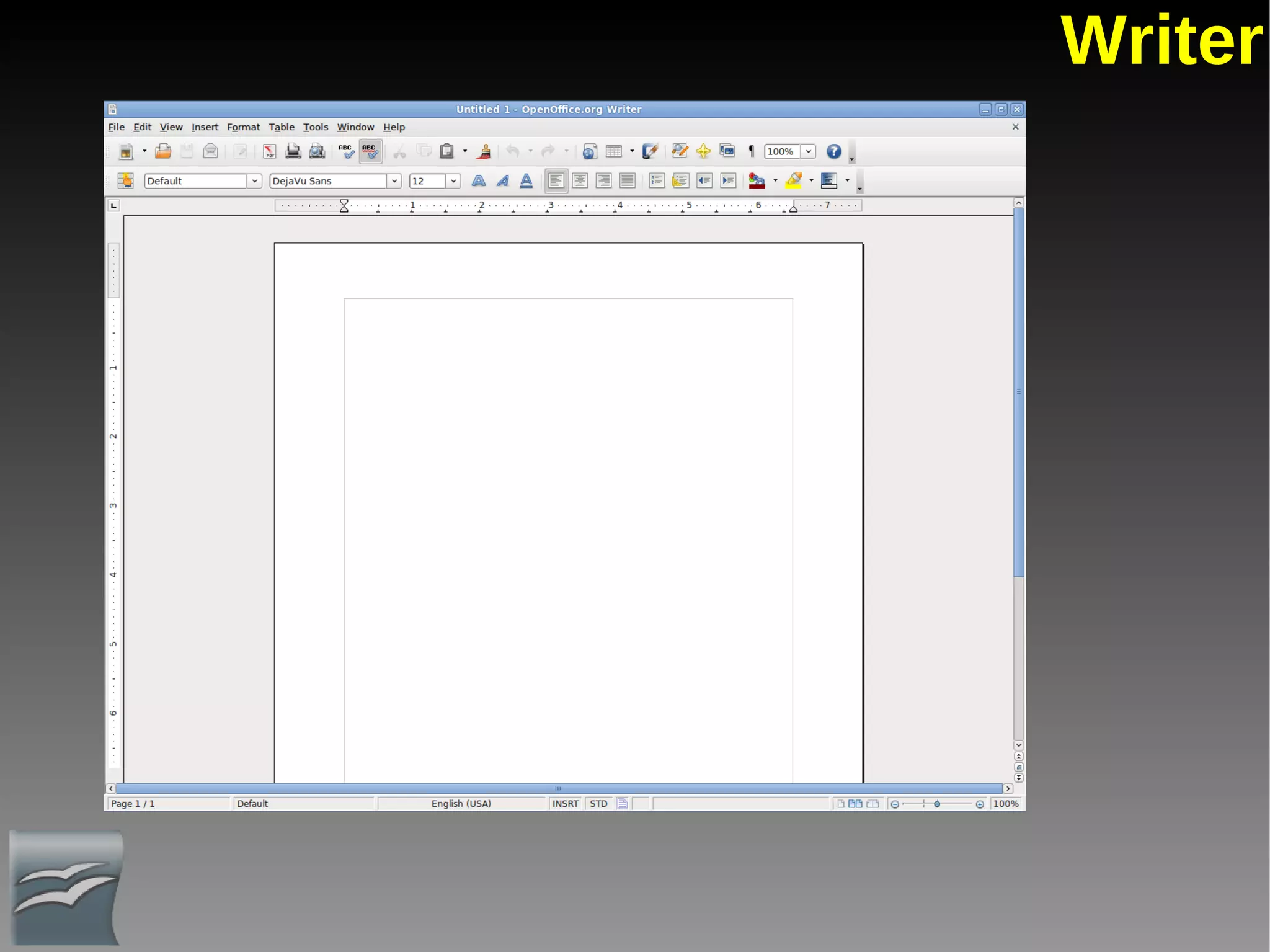
Writer
Calc
Impress
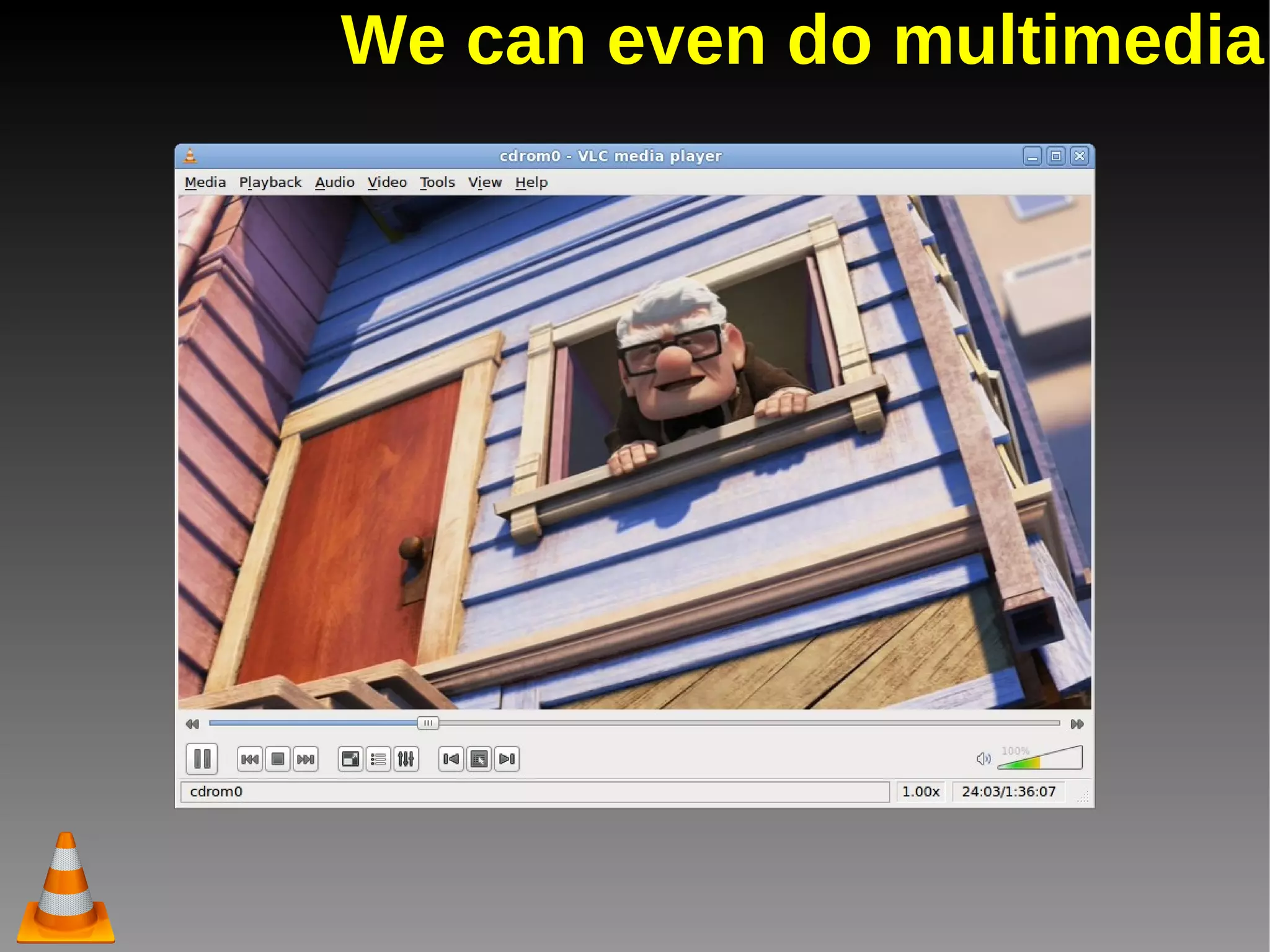
We can even do multimedia
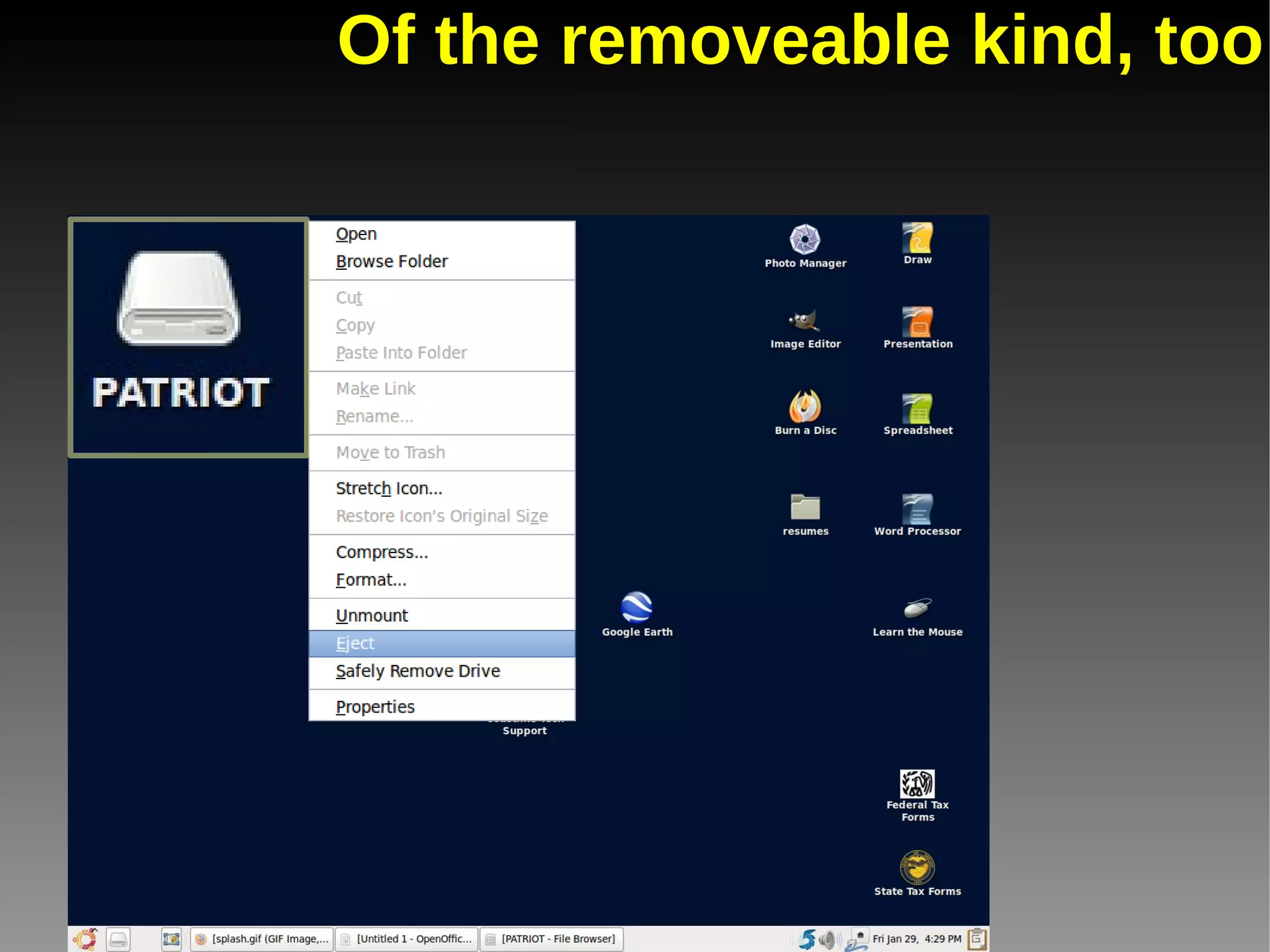
Of the removeable kind, too
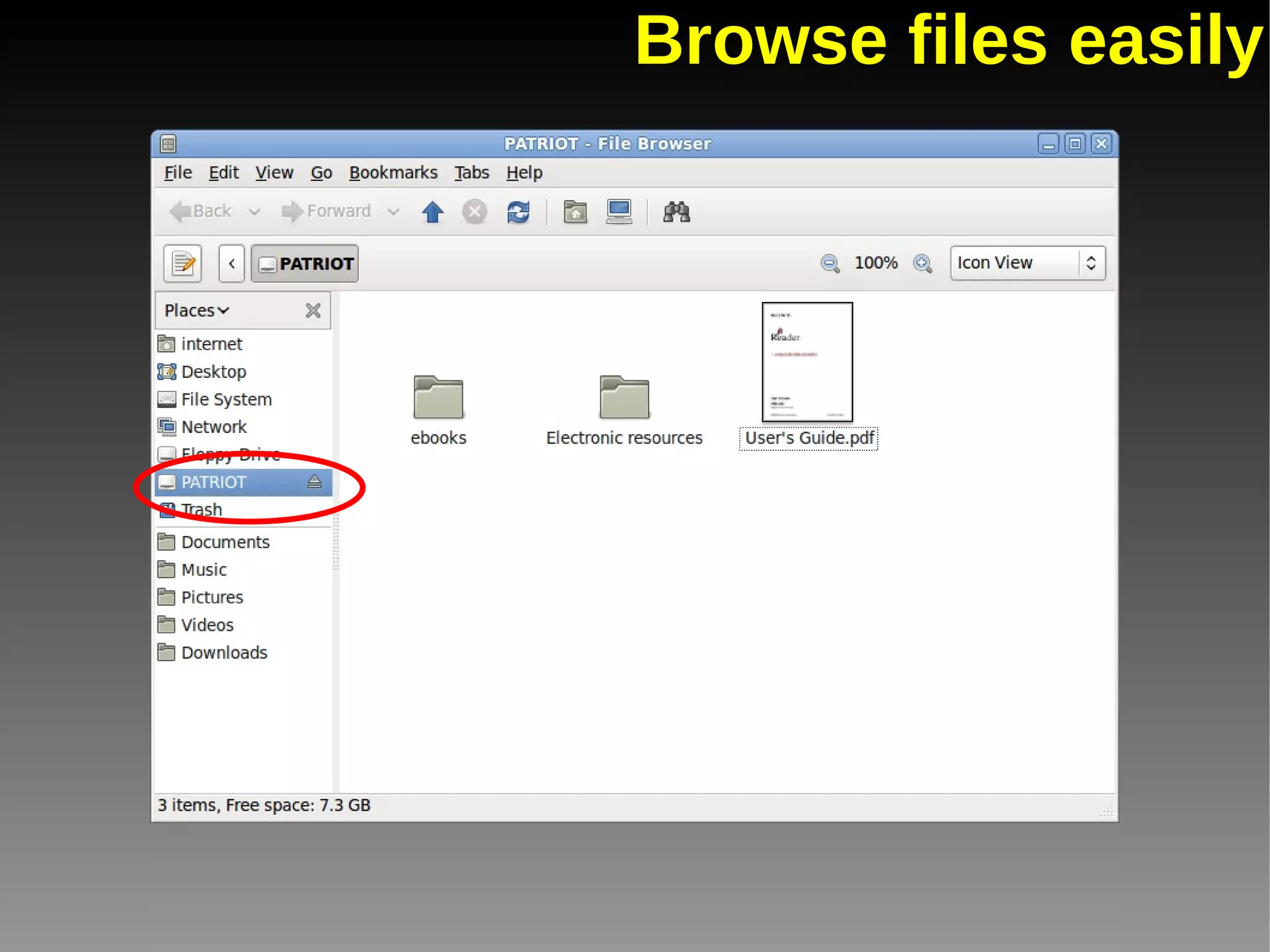
Browse files easily
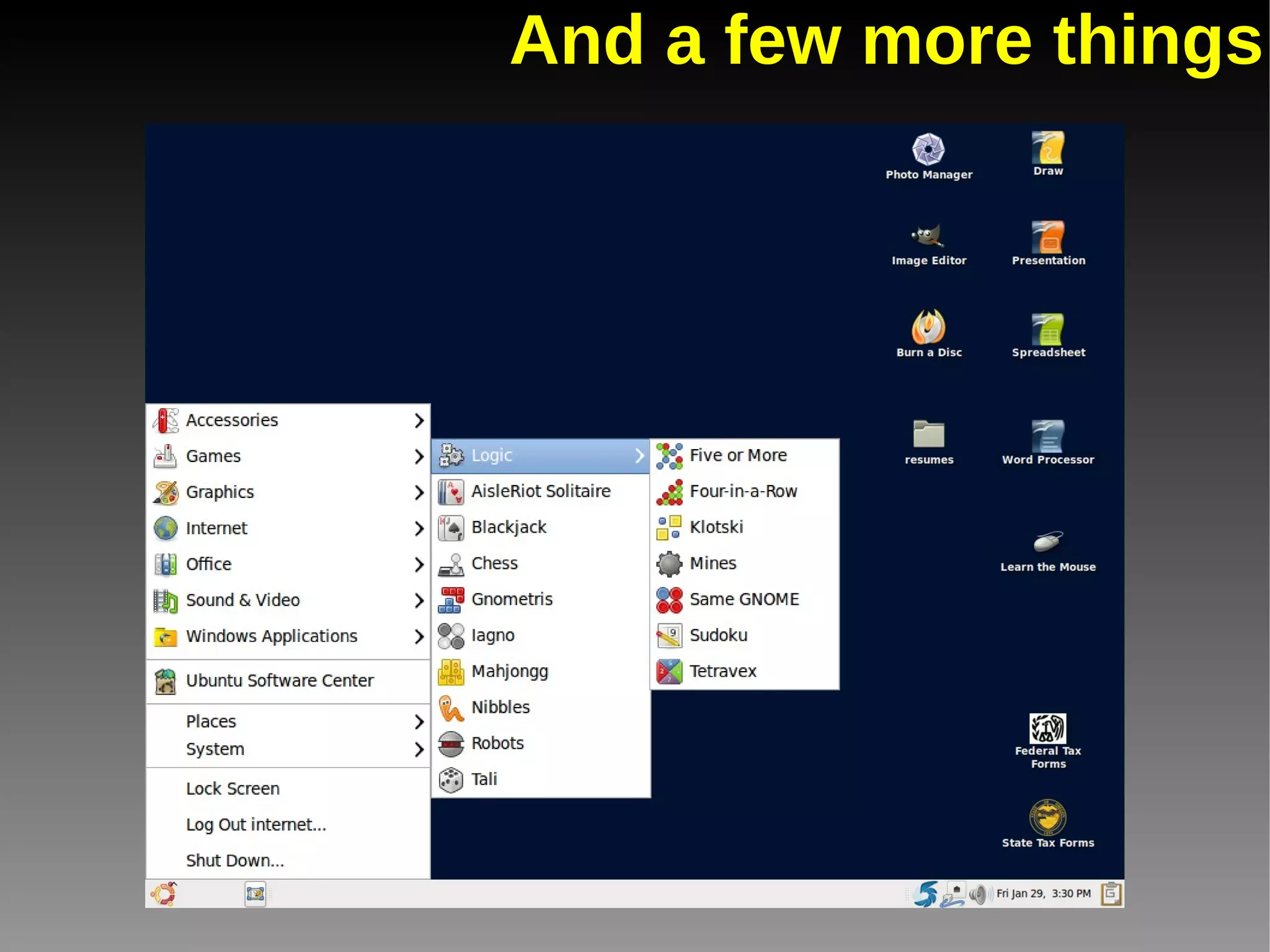
And a few more things
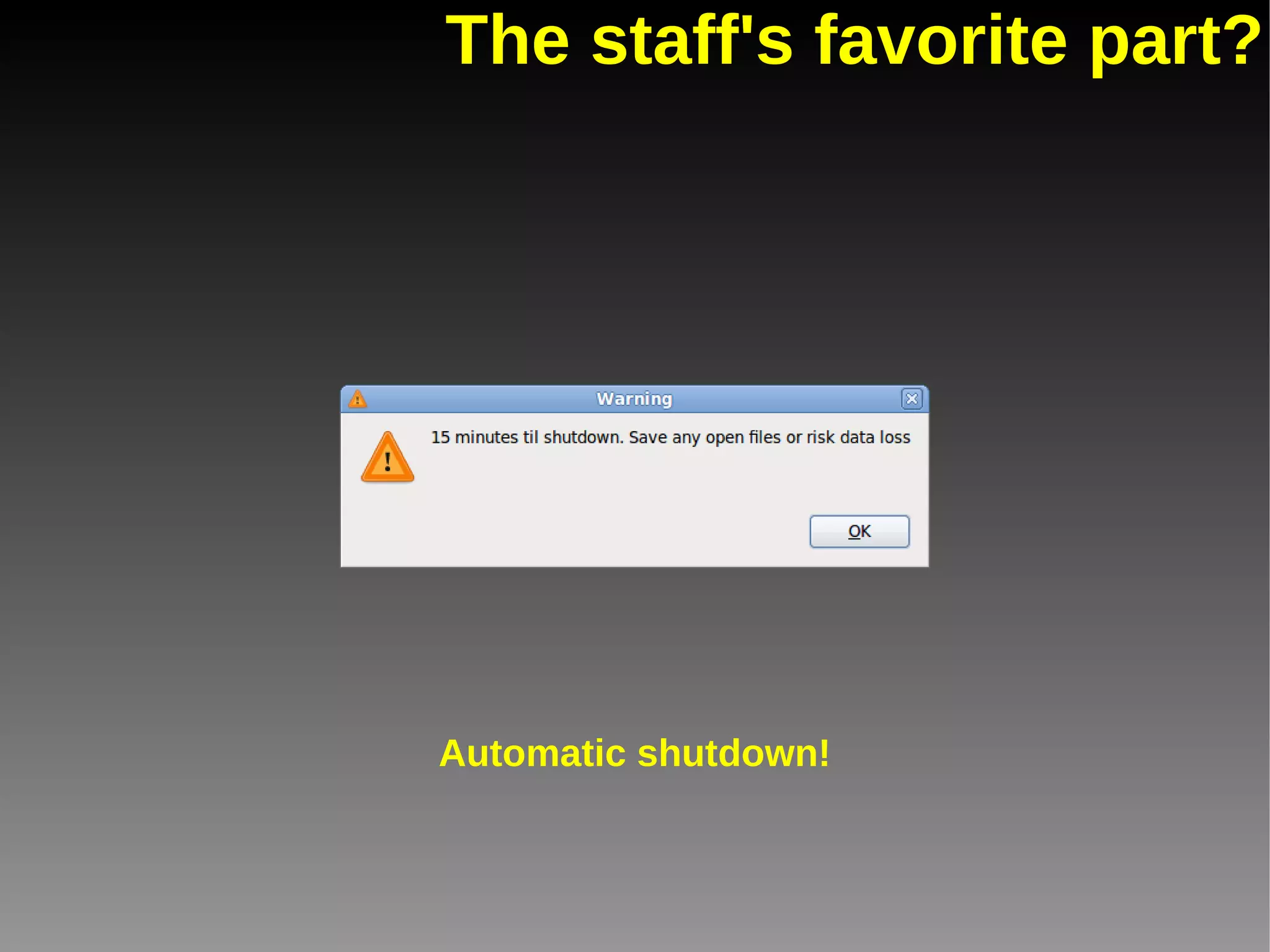
The staff's favorite part? Automatic shutdown!
But it wasn't all simple and rosy.
Obstacles we faced Obstacle #1 Printing
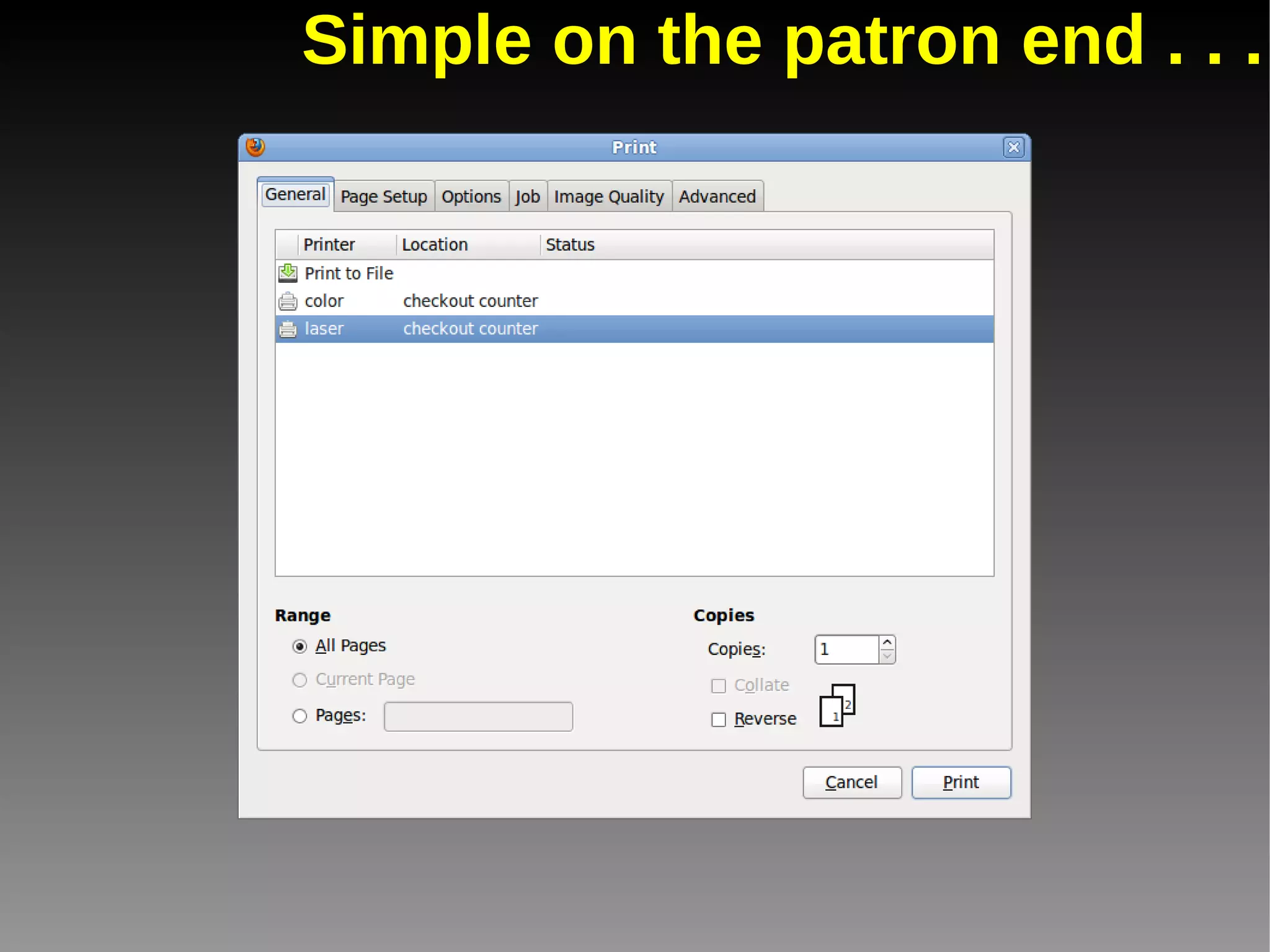
Simple on the patron end . . .
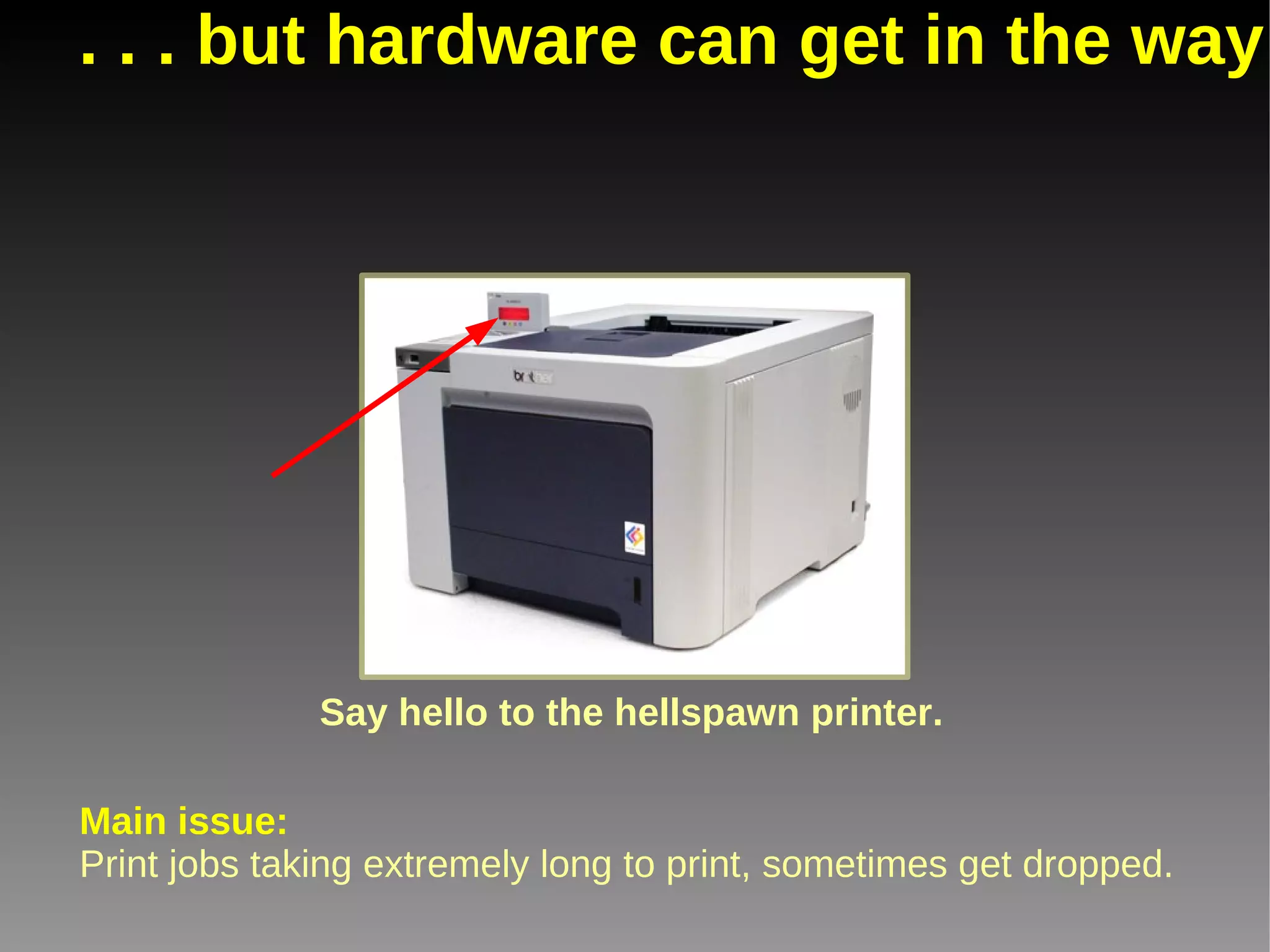
. . . but hardware can get in the way Say hello to the hellspawn printer. Main issue: Print jobs taking extremely long to print, sometimes get dropped.
Obstacles we faced Obstacle #2 PDFs
An unfortunate necessity Main issue: Completing, saving and printing fillable forms. Adobe Acrobat
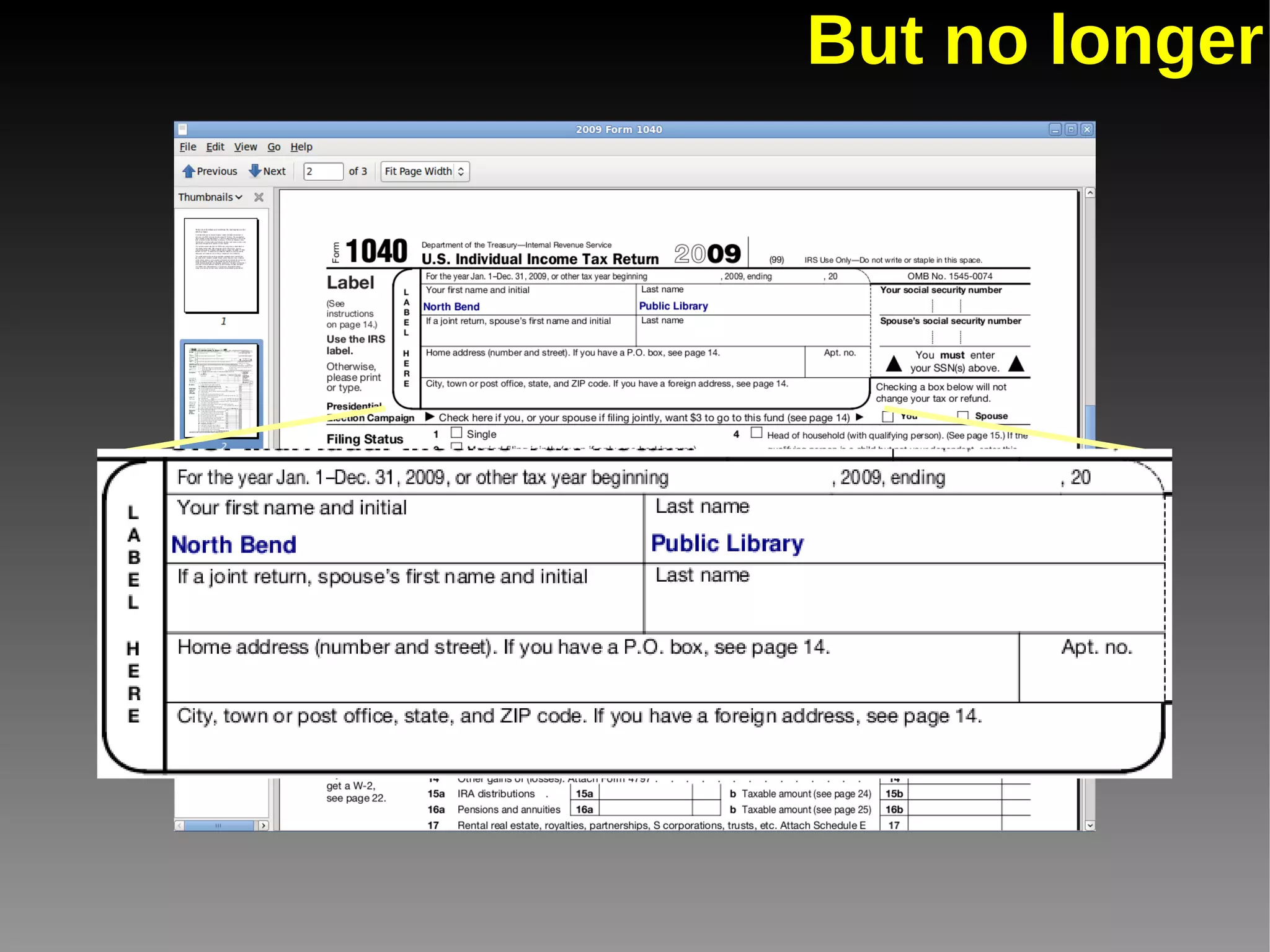
But no longer
Obstacles we faced Obstacle #3 Flash plugin
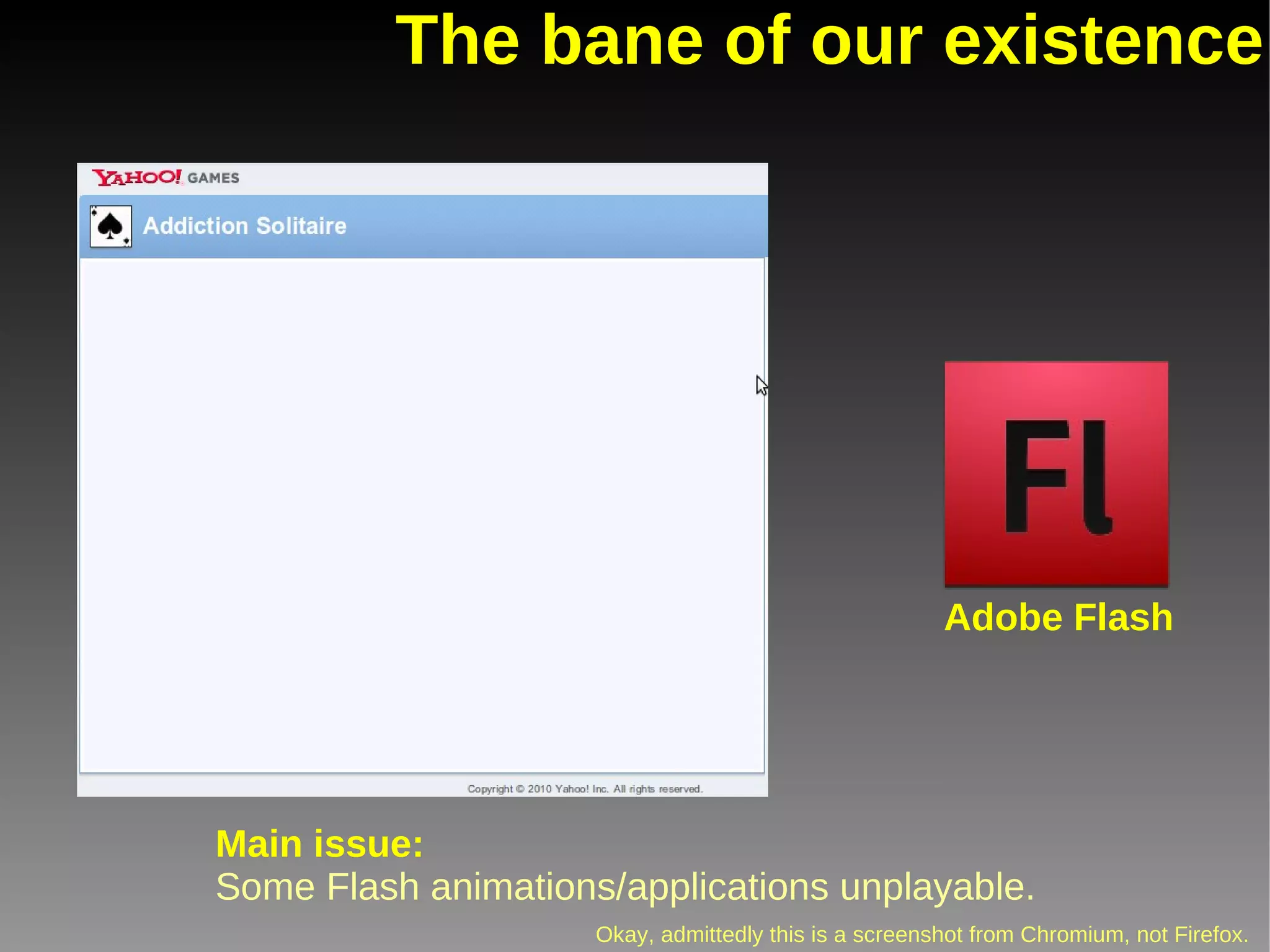
The bane of our existence Main issue: Some Flash animations/applications unplayable. Okay, admittedly this is a screenshot from Chromium, not Firefox. Adobe Flash
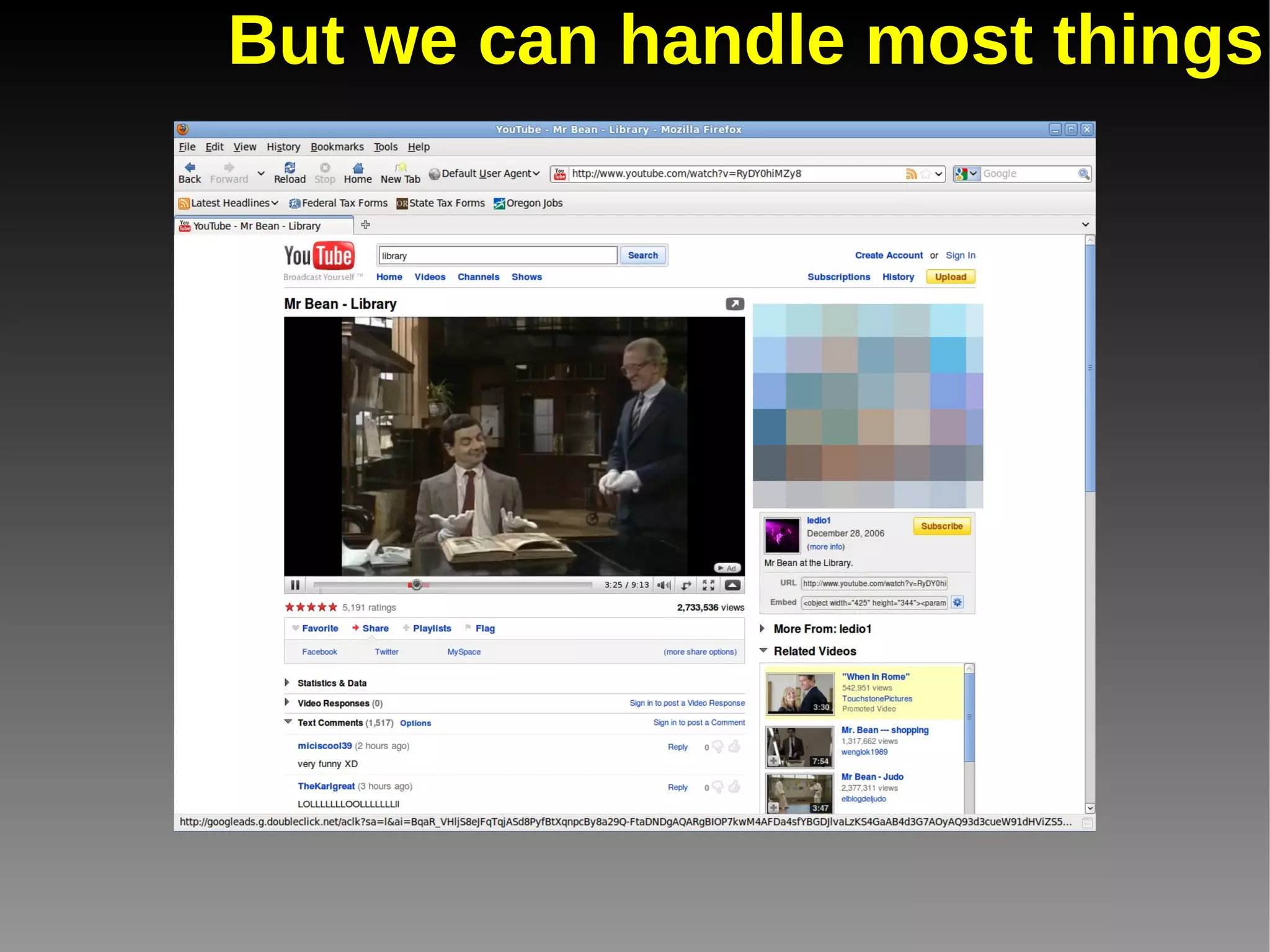
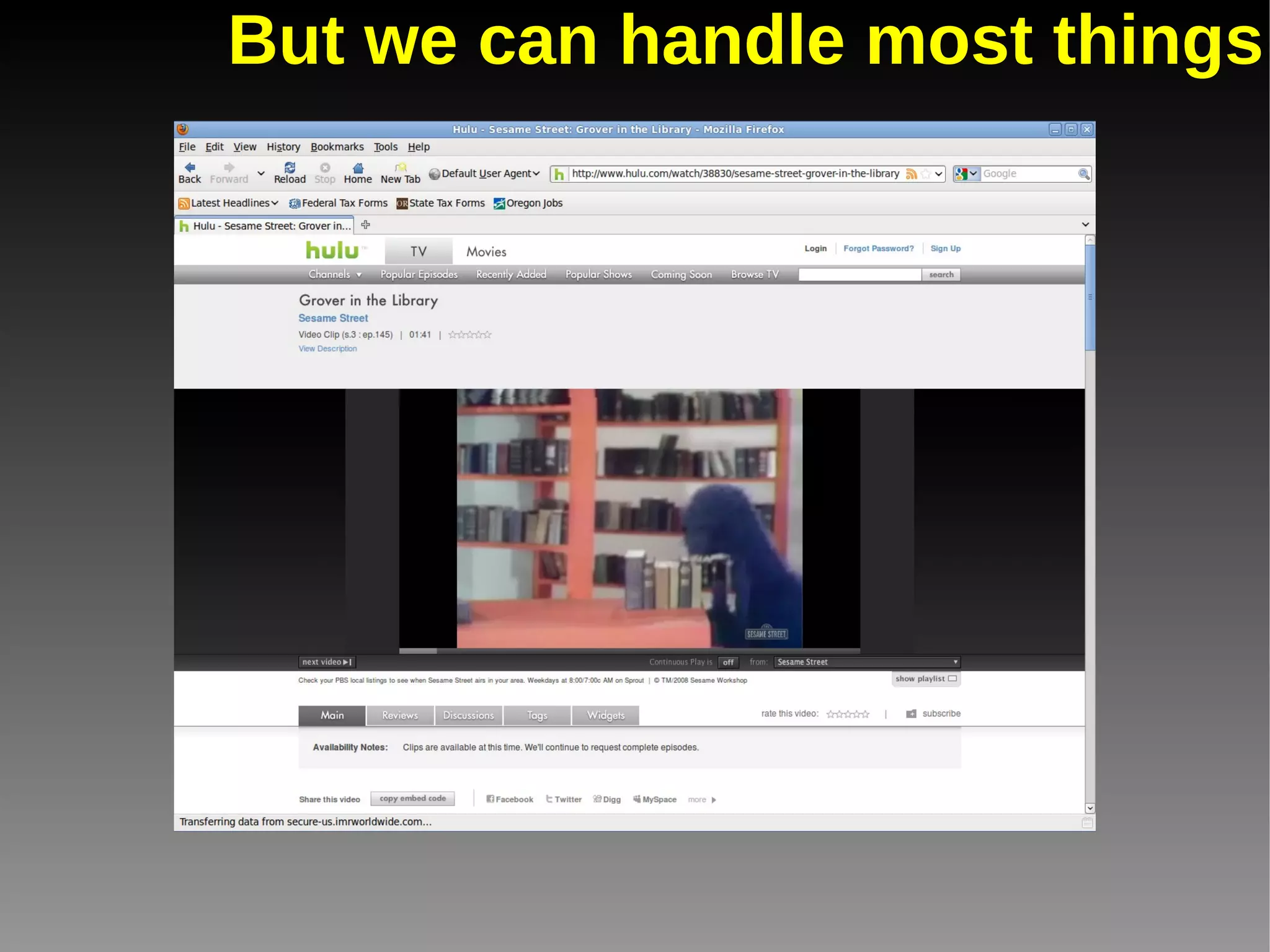
But we can handle most things
Obstacles we faced Obstacle #4 Compatibility
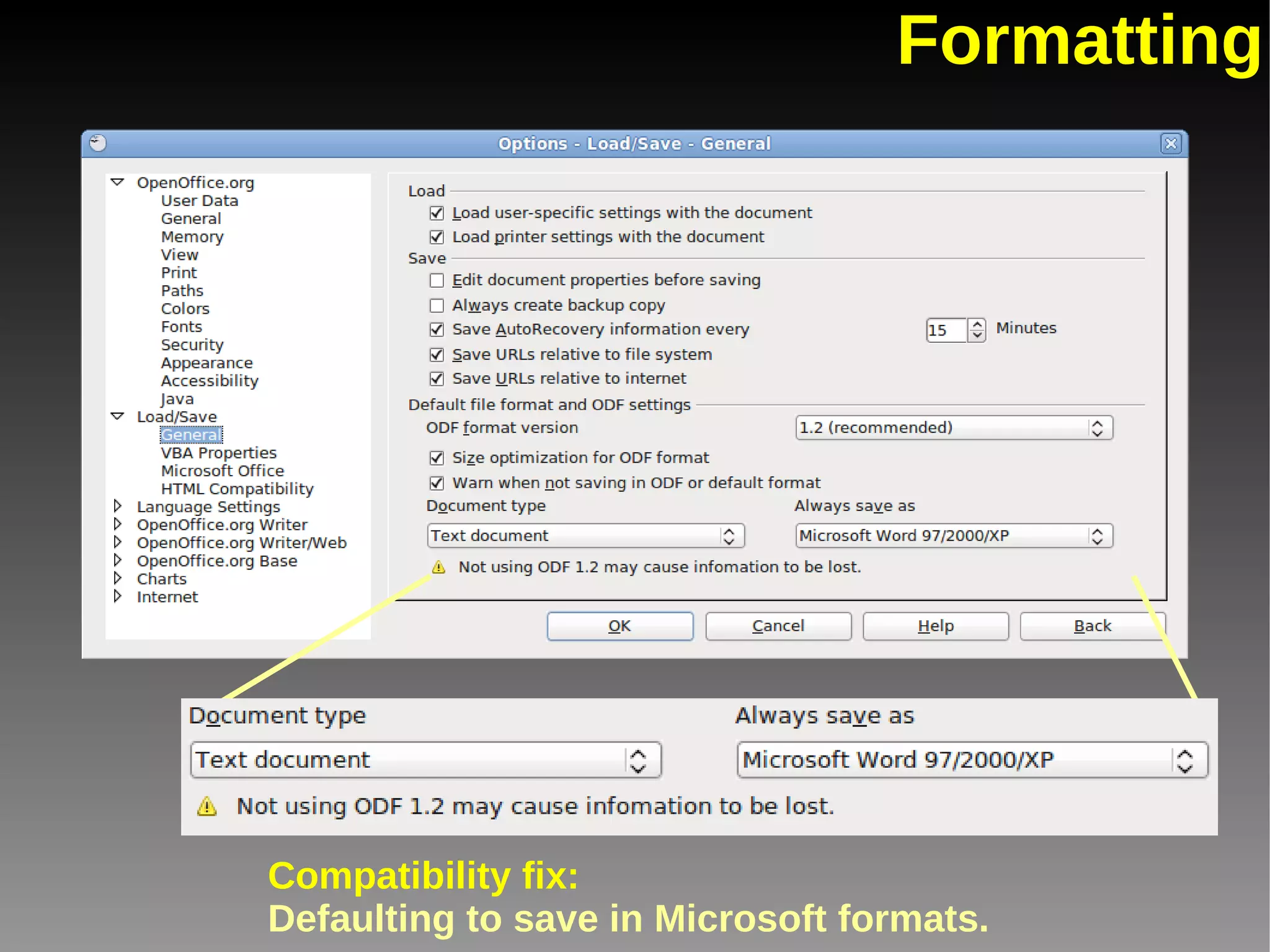
Formatting Compatibility fix: Defaulting to save in Microsoft formats.
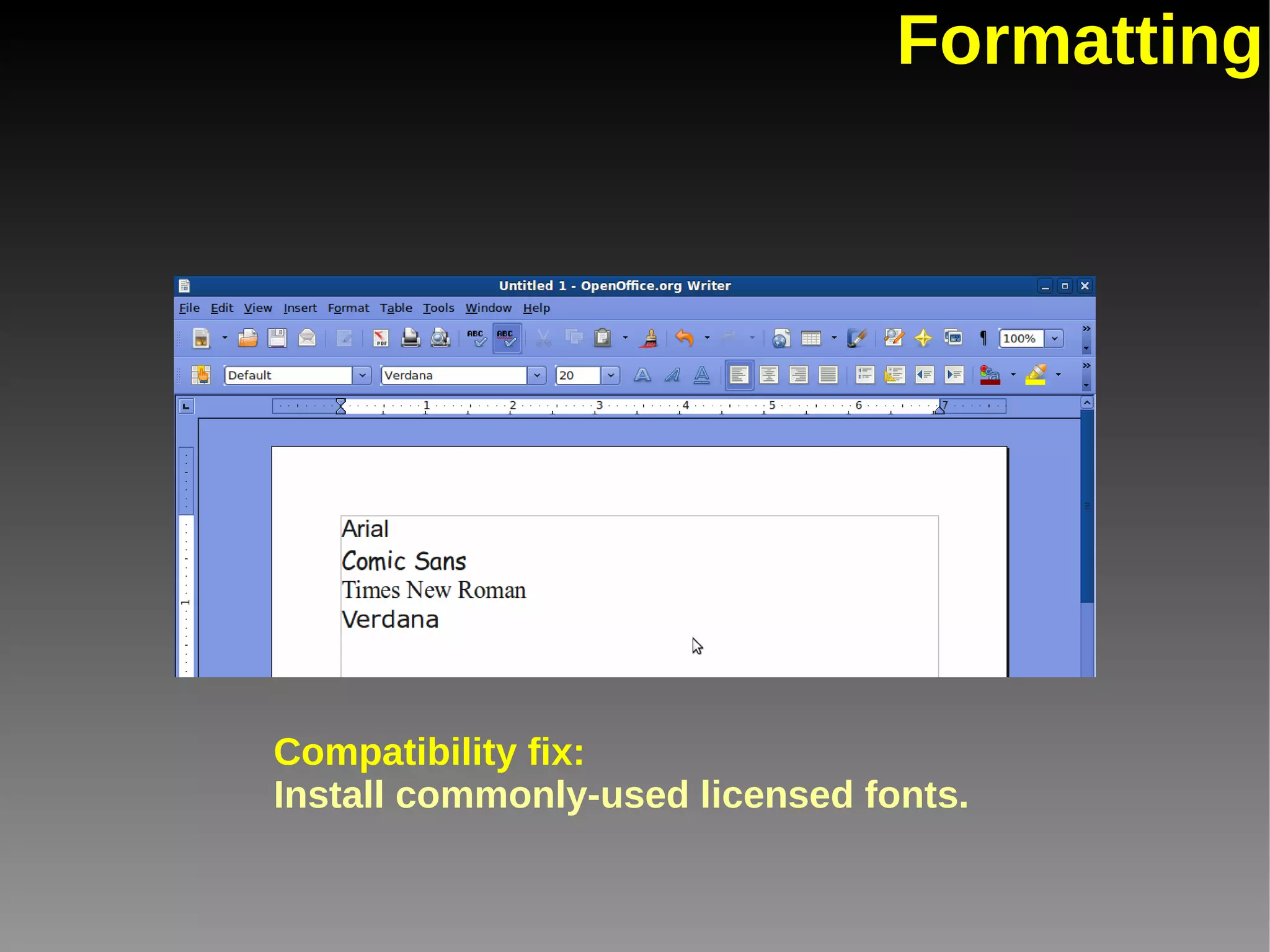
Formatting Compatibility fix: Install commonly-used licensed fonts.
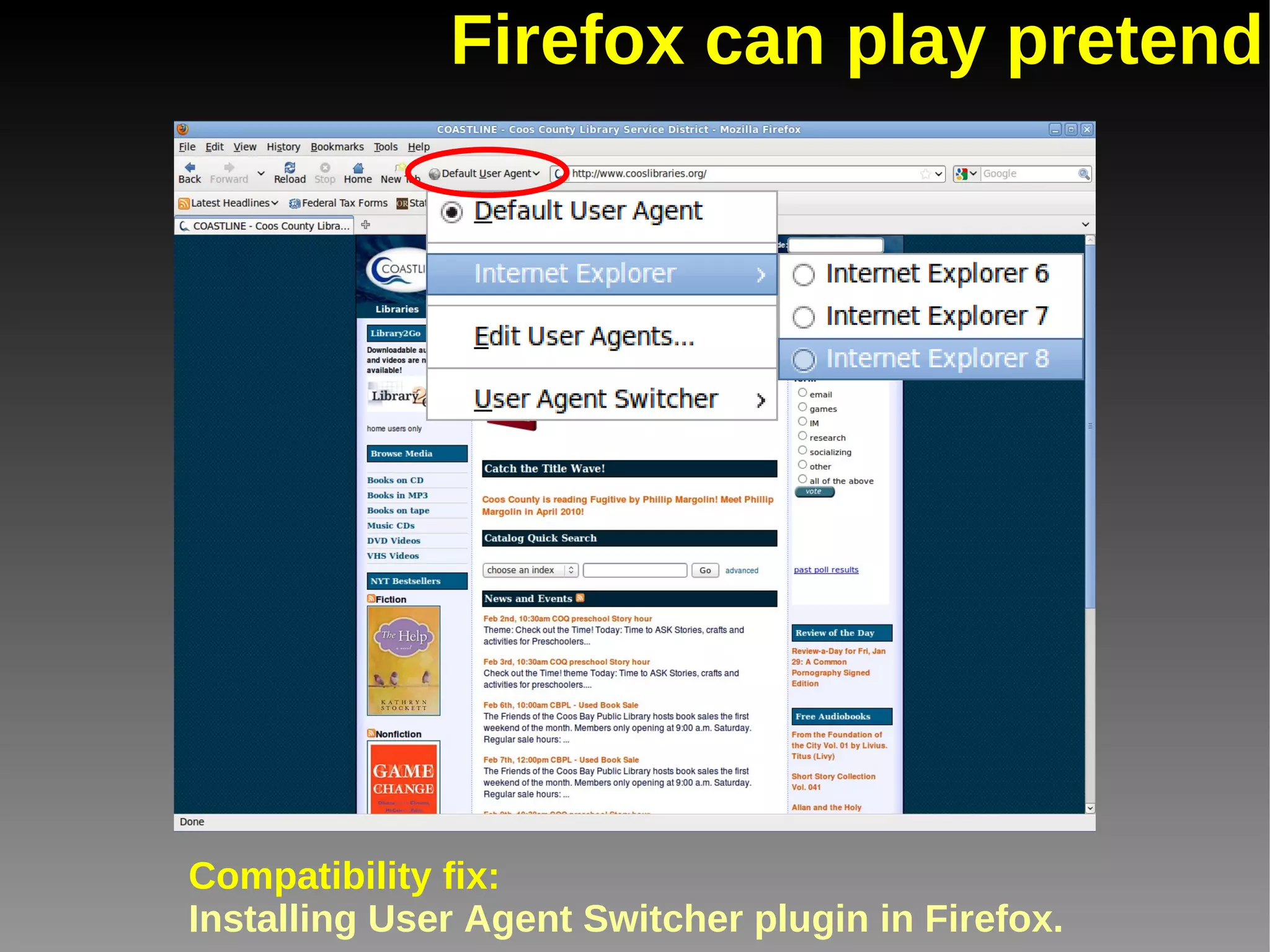
Firefox can play pretend Compatibility fix: Installing User Agent Switcher plugin in Firefox.
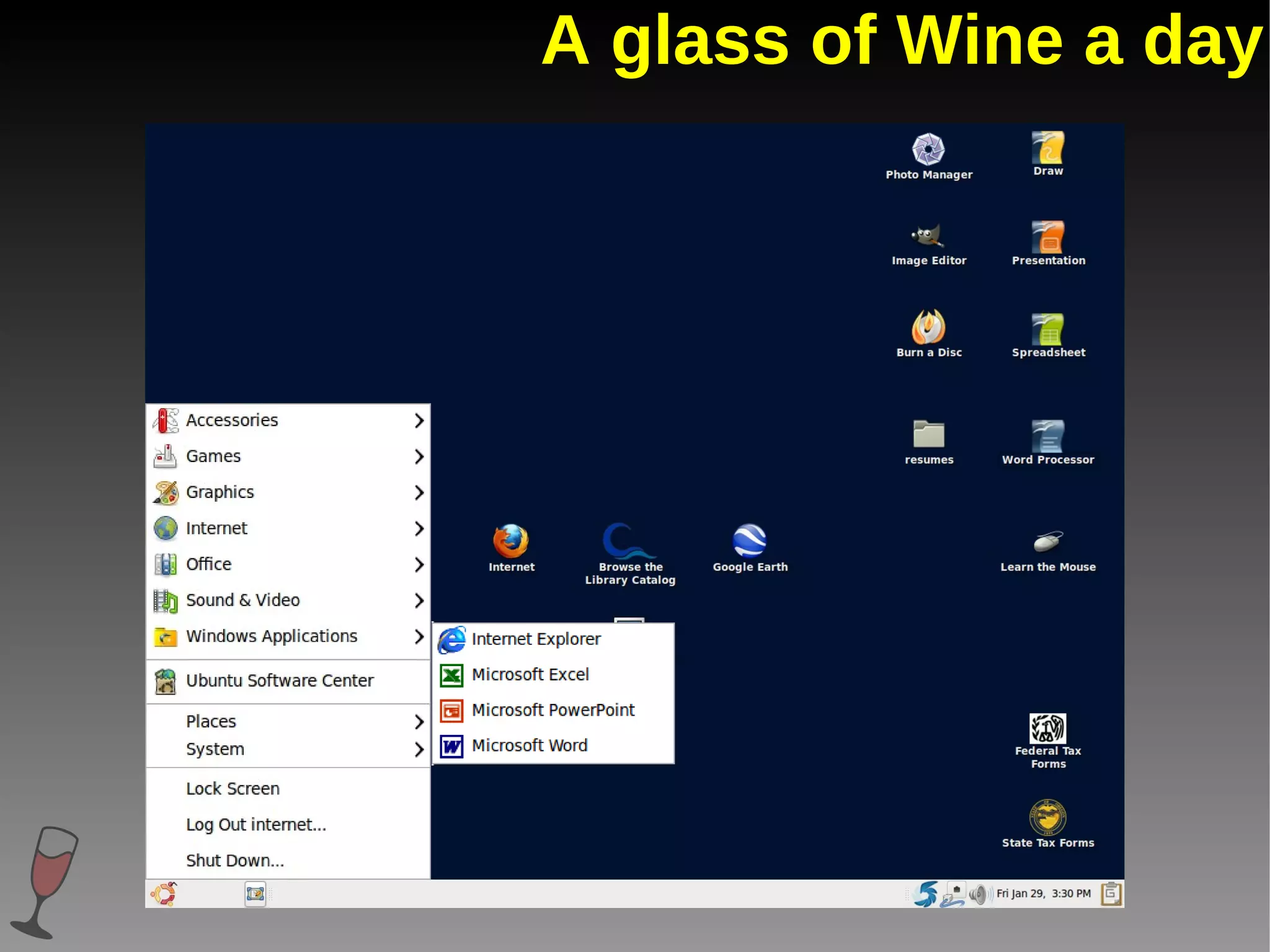
A glass of Wine a day
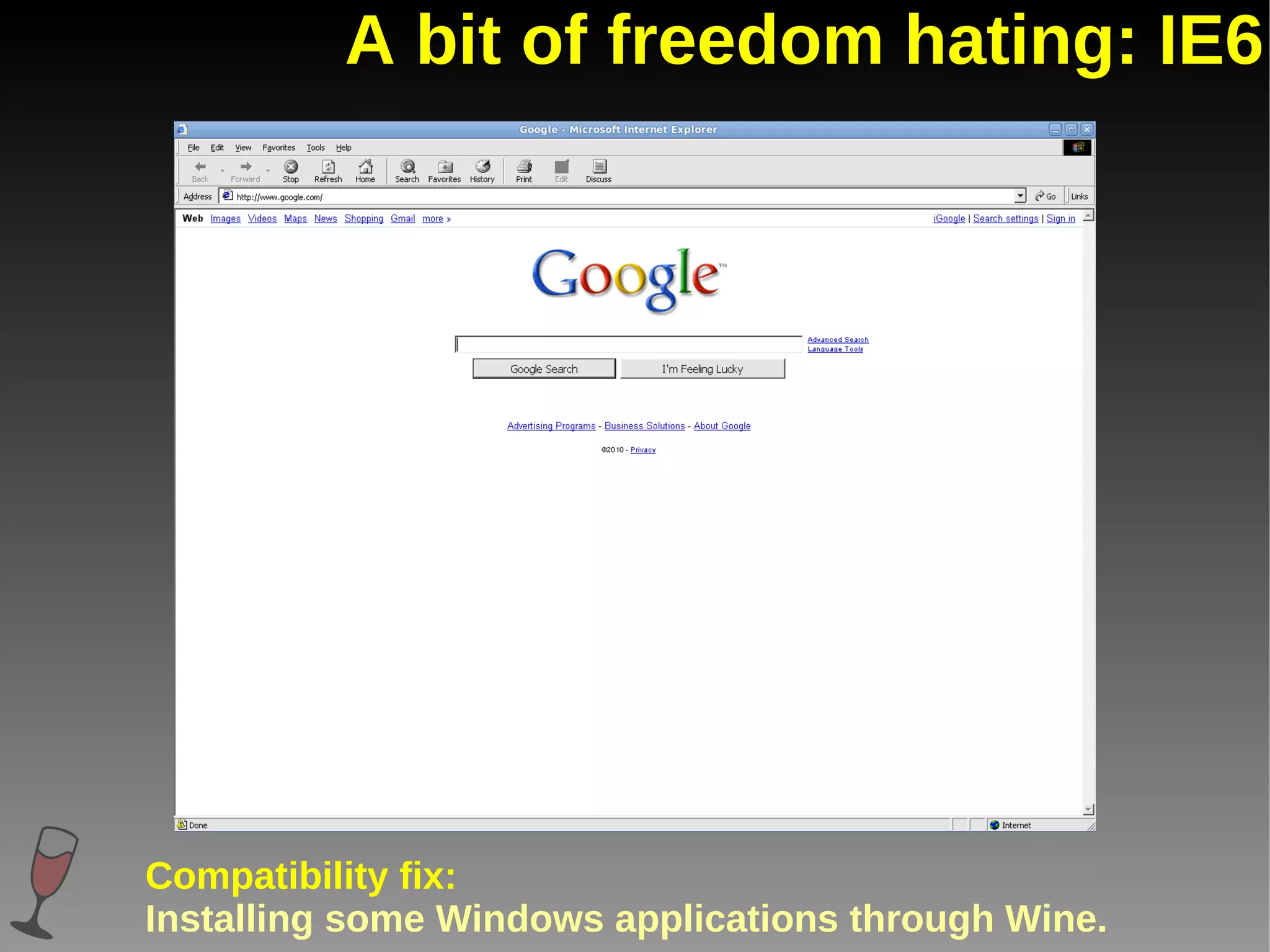
A bit of freedom hating: IE6 Compatibility fix: Installing some Windows applications through Wine.
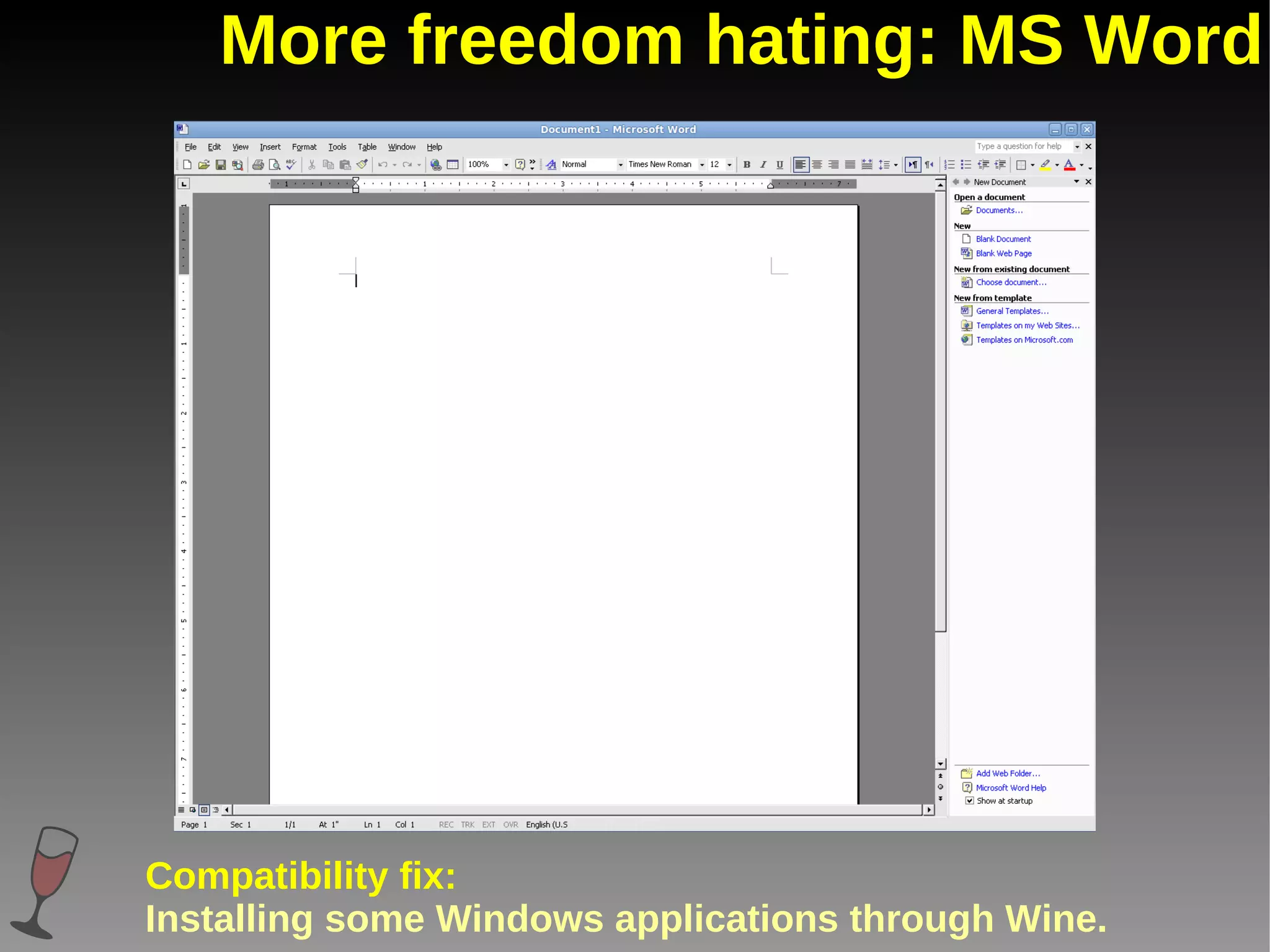
More freedom hating: MS Word Compatibility fix: Installing some Windows applications through Wine.
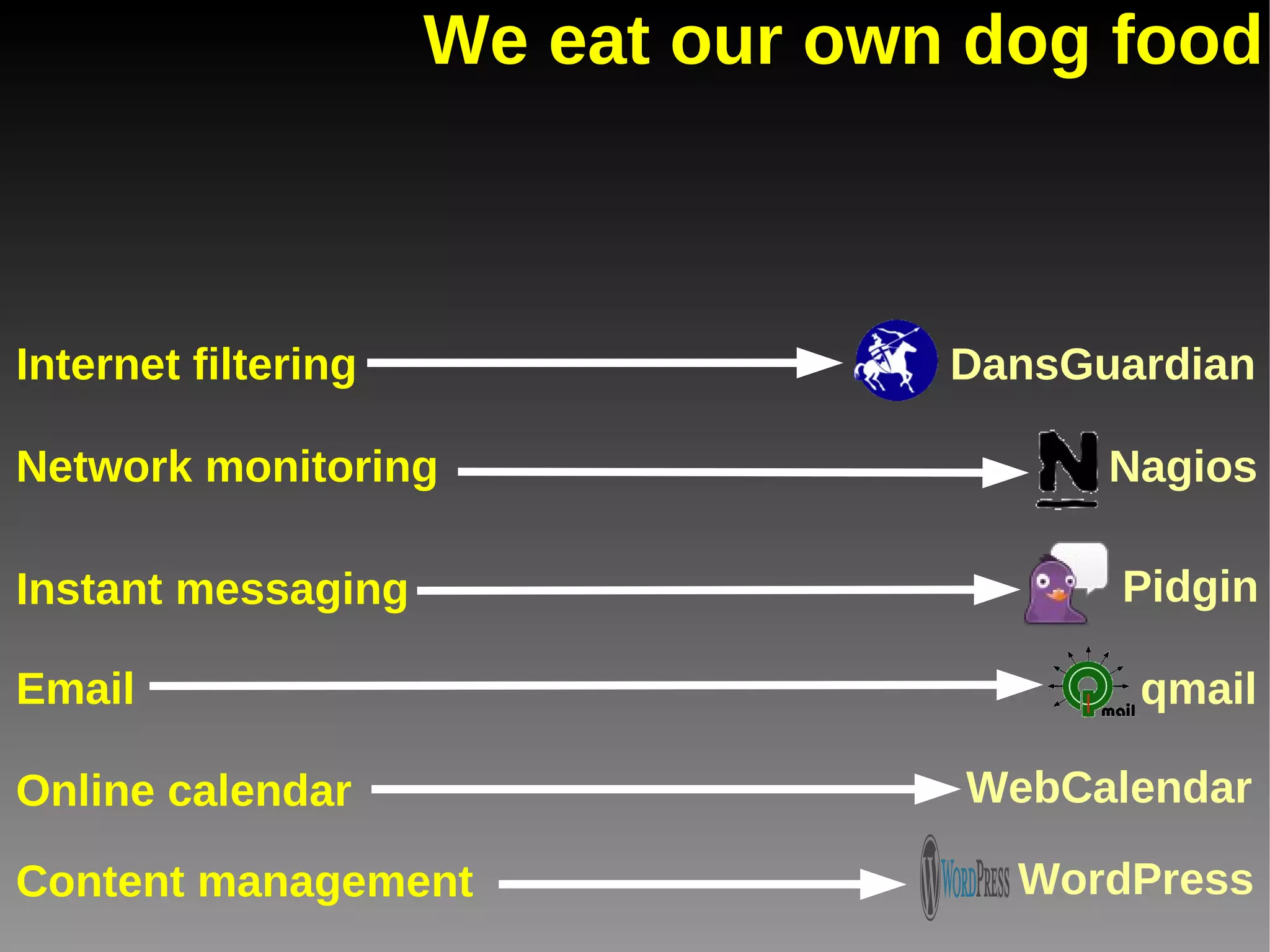
We eat our own dog food Email Content management Online calendar Internet filtering Instant messaging Network monitoring WebCalendar Nagios Pidgin DansGuardian qmail WordPress
Our recommendations Recommendation #1: Make sure that you have an open-minded staff. Recommendation #2: Try (or at least research) before you buy. Recommendation #3: Help your patrons by making things look familiar. Recommendation #4: Accept that trial & error is a given. Recommendation #5: Don't upgrade your particular flavor of Linux right away. If it ain't broke...
Thanks! This presentation was made using open source software. Ubuntu Linux Operating system OpenOffice Impress Presentation program Mozilla Firefox Web browser GIMP Image editor Shutter Screenshot utility
Questions?
For further information Information on live DVD: http://info.cclsd.org/linux View this presentation on slideshare: http://www.slideshare.net/nbpl/linux-desktops Or email us: Buzzy Nielsen,  [email_address] Sean Park, spark@cclsd.org

Even internet computers want to be free: Using Linux and open source software on library public desktops