Google Apps: workgroup productivity with
                                           collaborative documents, video, and site creation


                                           Collaboration overview
ABOUT GOOGLE APPS
                                           Google Apps enable secure, real-time collaboration among workgroups of all sizes. With
Google Apps offers simple, powerful        hosted documents – word processing, spreadsheets, and presentations – web-based
communication and collaboration tools      video access, and easy site-building tools, Google makes information usable from any
for enterprises of any size in business,   browser or smart phone, whenever and wherever users work. SAML-based Single
education, or government – all hosted
by Google to streamline setup, minimize
                                           Sign-On (SSO) services integrate seamlessly with established security and authentication
maintenance, and reduce IT costs.          systems. Google Apps bring easy, secure productivity to any work team, without the
With Gmail (including Google email         need for additional hardware or software.
security, powered by Postini), Google
Calendar, and integrated IM, users can
stay connected and work together with
ease, even in private domains. And,
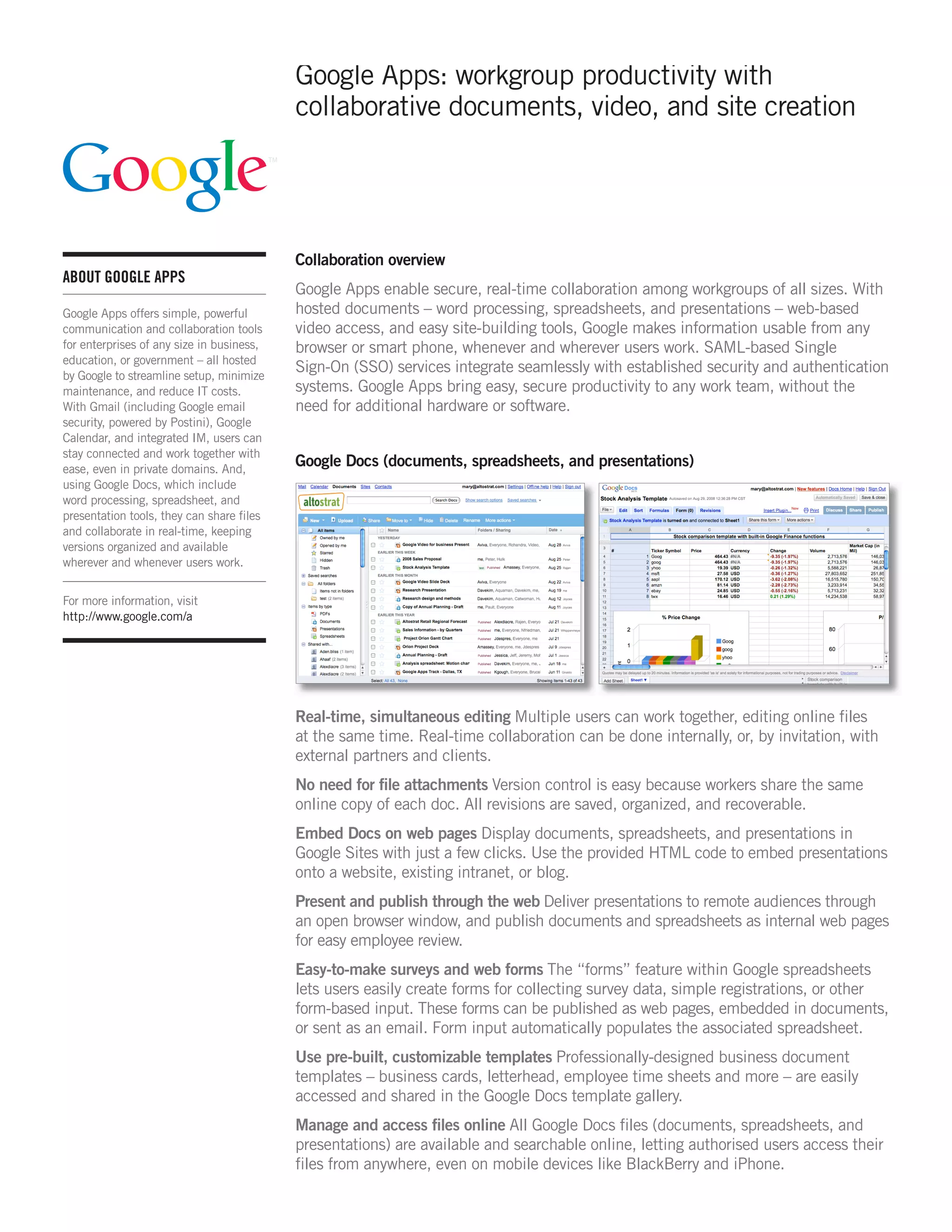
                                           Google Docs (documents, spreadsheets, and presentations)
using Google Docs, which include
word processing, spreadsheet, and
presentation tools, they can share files
and collaborate in real-time, keeping
versions organized and available
wherever and whenever users work.


For more information, visit
http://www.google.com/a


                                           Real-time, simultaneous editing Multiple users can work together, editing online files
                                           at the same time. Real-time collaboration can be done internally, or, by invitation, with
                                           external partners and clients.
                                           No need for file attachments Version control is easy because workers share the same
                                           online copy of each doc. All revisions are saved, organized, and recoverable.
                                           Embed Docs on web pages Display documents, spreadsheets, and presentations in
                                           Google Sites with just a few clicks. Use the provided HTML code to embed presentations
                                           onto a website, existing intranet, or blog.
                                           Present and publish through the web Deliver presentations to remote audiences through
                                           an open browser window, and publish documents and spreadsheets as internal web pages
                                           for easy employee review.
                                           Easy-to-make surveys and web forms The “forms” feature within Google spreadsheets
                                           lets users easily create forms for collecting survey data, simple registrations, or other
                                           form-based input. These forms can be published as web pages, embedded in documents,
                                           or sent as an email. Form input automatically populates the associated spreadsheet.
                                           Use pre-built, customizable templates Professionally-designed business document
                                           templates – business cards, letterhead, employee time sheets and more – are easily
                                           accessed and shared in the Google Docs template gallery.
                                           Manage and access files online All Google Docs files (documents, spreadsheets, and
                                           presentations) are available and searchable online, letting authorised users access their
                                           files from anywhere, even on mobile devices like BlackBerry and iPhone.
GOOGLE APPS: WORKGROUP PRODUCTIVITY


Work seamlessly with traditional file formats Import from, export to, and collaboratively
edit or publish with .doc, .xls, .csv, .ppt, .txt, .html, .pdf, and other formats.


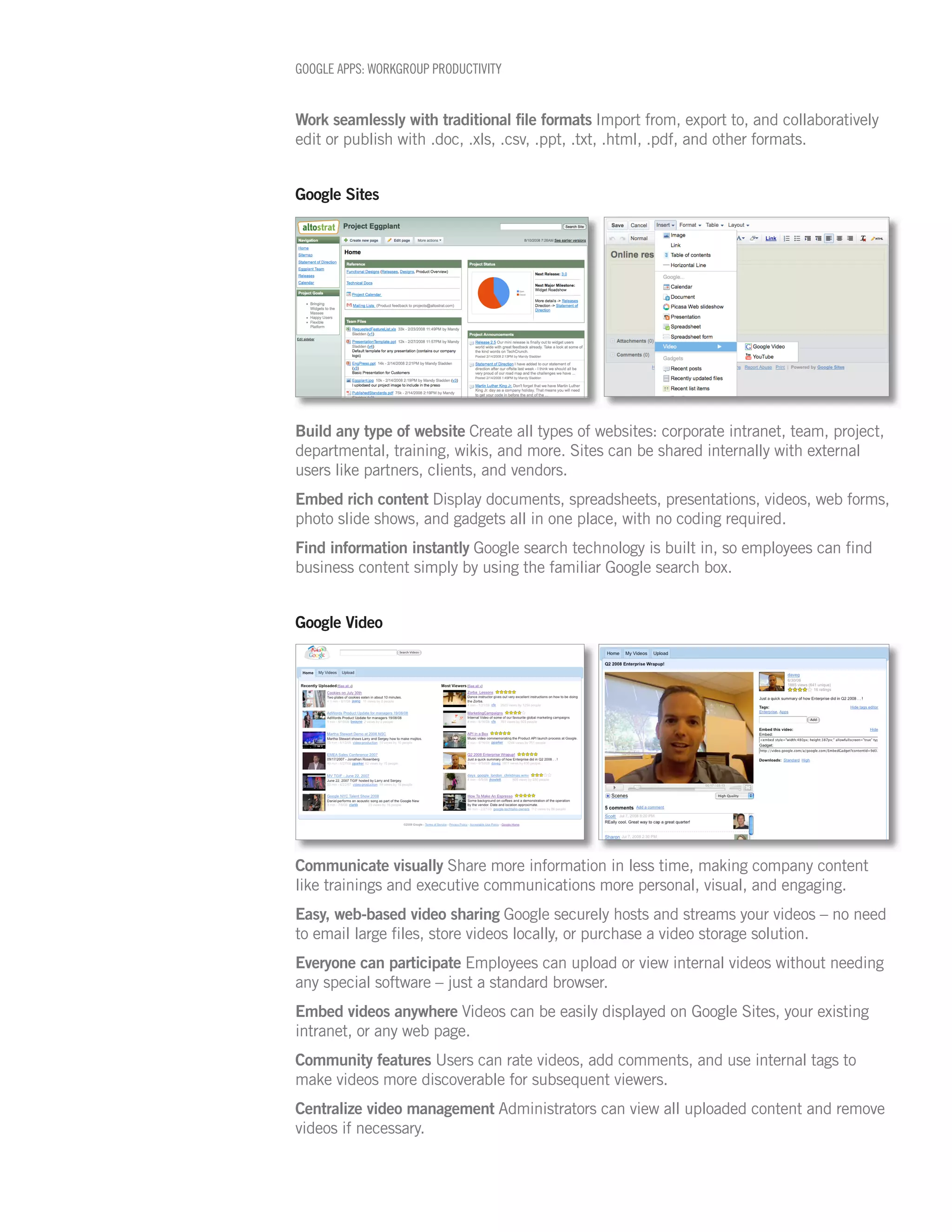
Google Sites


Build any type of website Create all types of websites: corporate intranet, team, project,
departmental, training, wikis, and more. Sites can be shared internally with external
users like partners, clients, and vendors.
Embed rich content Display documents, spreadsheets, presentations, videos, web forms,
photo slide shows, and gadgets all in one place, with no coding required.
Find information instantly Google search technology is built in, so employees can find
business content simply by using the familiar Google search box.


Google Video


Communicate visually Share more information in less time, making company content
like trainings and executive communications more personal, visual, and engaging.
Easy, web-based video sharing Google securely hosts and streams your videos – no need
to email large files, store videos locally, or purchase a video storage solution.
Everyone can participate Employees can upload or view internal videos without needing
any special software – just a standard browser.
Embed videos anywhere Videos can be easily displayed on Google Sites, your existing
intranet, or any web page.
Community features Users can rate videos, add comments, and use internal tags to
make videos more discoverable for subsequent viewers.
Centralize video management Administrators can view all uploaded content and remove
videos if necessary.
GOOGLE APPS: WORKGROUP PRODUCTIVITY


Administrator details
 Feature                                           Details

 Applications included                             Gmail, including integrated IM and voice and video chat,
                                                   Google Calendar, Google Docs (word processing, spreadsheets, and
                                                   pesentations), Google Sites, and Google Video.
 Gmail, Google Calendar, Google Docs,              99.9% uptime SLA for Premier Edition customers.
 and Google Sites Uptime
 Administrator control panel                       Usage reports, disk space usage, and account provisioning (no preset
                                                   account limit).
 Reporting API                                     View and generate reports (e.g. usage data, user information, and stats)
                                                   using your own reporting system.

 Authentication                                    Google Apps provides a complete and secure user authentication
                                                   system for all applications. For enhanced security, you can use a SAML-
                                                   based Single Sign-On (SSO) service, which allows you to tie your own
                                                   authentication system to the Google Apps web-based login.
 SSL                                               Automatically enforce Secure Socket Layer (SSL) connections when your
                                                   users access Gmail, Google Calendar, Google Docs, and Google Sites.

 Security                                          SAS 70 Type II audited.

 Solutions Marketplace and third                   Connect to vendors whose solutions integrate and extend Google's
 party applications and services                   messaging, collaboration, and enterprise search products.

 Mobile access                                     Access Gmail, Google Calendar, Google Docs, and Google Sites from
                                                   mobile devices like the BlackBerry and iPhone.

 Sharing controls                                  Set policies for user-sharing privileges for Google Docs, Google Sites,
                                                   and Google Calendar, including limiting the ability to share content
                                                   outside of your domain.

 Advertisements                                    Display of relevant, text-based advertisements is optional and turned
                                                   off by default.

 Online support resources                          User-to-user group for administrators; Help Centers for administrators
                                                   and users.

 Supported browsers                                Internet Explorer 7, Mozilla Firefox 3, Safari 3.1, Google Chrome (Beta)
                                                   and later versions of each.


© Copyright 2009. Google is a trademark of Google Inc. All other company and product names may be trademarks of the respective companies with
which they are associated. DS73-0904b

Allen Radwill

  • 1.
    Google Apps: workgroupproductivity with collaborative documents, video, and site creation Collaboration overview ABOUT GOOGLE APPS Google Apps enable secure, real-time collaboration among workgroups of all sizes. With Google Apps offers simple, powerful hosted documents – word processing, spreadsheets, and presentations – web-based communication and collaboration tools video access, and easy site-building tools, Google makes information usable from any for enterprises of any size in business, browser or smart phone, whenever and wherever users work. SAML-based Single education, or government – all hosted by Google to streamline setup, minimize Sign-On (SSO) services integrate seamlessly with established security and authentication maintenance, and reduce IT costs. systems. Google Apps bring easy, secure productivity to any work team, without the With Gmail (including Google email need for additional hardware or software. security, powered by Postini), Google Calendar, and integrated IM, users can stay connected and work together with ease, even in private domains. And, Google Docs (documents, spreadsheets, and presentations) using Google Docs, which include word processing, spreadsheet, and presentation tools, they can share files and collaborate in real-time, keeping versions organized and available wherever and whenever users work. For more information, visit http://www.google.com/a Real-time, simultaneous editing Multiple users can work together, editing online files at the same time. Real-time collaboration can be done internally, or, by invitation, with external partners and clients. No need for file attachments Version control is easy because workers share the same online copy of each doc. All revisions are saved, organized, and recoverable. Embed Docs on web pages Display documents, spreadsheets, and presentations in Google Sites with just a few clicks. Use the provided HTML code to embed presentations onto a website, existing intranet, or blog. Present and publish through the web Deliver presentations to remote audiences through an open browser window, and publish documents and spreadsheets as internal web pages for easy employee review. Easy-to-make surveys and web forms The “forms” feature within Google spreadsheets lets users easily create forms for collecting survey data, simple registrations, or other form-based input. These forms can be published as web pages, embedded in documents, or sent as an email. Form input automatically populates the associated spreadsheet. Use pre-built, customizable templates Professionally-designed business document templates – business cards, letterhead, employee time sheets and more – are easily accessed and shared in the Google Docs template gallery. Manage and access files online All Google Docs files (documents, spreadsheets, and presentations) are available and searchable online, letting authorised users access their files from anywhere, even on mobile devices like BlackBerry and iPhone.
  • 2.
    GOOGLE APPS: WORKGROUPPRODUCTIVITY Work seamlessly with traditional file formats Import from, export to, and collaboratively edit or publish with .doc, .xls, .csv, .ppt, .txt, .html, .pdf, and other formats. Google Sites Build any type of website Create all types of websites: corporate intranet, team, project, departmental, training, wikis, and more. Sites can be shared internally with external users like partners, clients, and vendors. Embed rich content Display documents, spreadsheets, presentations, videos, web forms, photo slide shows, and gadgets all in one place, with no coding required. Find information instantly Google search technology is built in, so employees can find business content simply by using the familiar Google search box. Google Video Communicate visually Share more information in less time, making company content like trainings and executive communications more personal, visual, and engaging. Easy, web-based video sharing Google securely hosts and streams your videos – no need to email large files, store videos locally, or purchase a video storage solution. Everyone can participate Employees can upload or view internal videos without needing any special software – just a standard browser. Embed videos anywhere Videos can be easily displayed on Google Sites, your existing intranet, or any web page. Community features Users can rate videos, add comments, and use internal tags to make videos more discoverable for subsequent viewers. Centralize video management Administrators can view all uploaded content and remove videos if necessary.
  • 3.
    GOOGLE APPS: WORKGROUPPRODUCTIVITY Administrator details Feature Details Applications included Gmail, including integrated IM and voice and video chat, Google Calendar, Google Docs (word processing, spreadsheets, and pesentations), Google Sites, and Google Video. Gmail, Google Calendar, Google Docs, 99.9% uptime SLA for Premier Edition customers. and Google Sites Uptime Administrator control panel Usage reports, disk space usage, and account provisioning (no preset account limit). Reporting API View and generate reports (e.g. usage data, user information, and stats) using your own reporting system. Authentication Google Apps provides a complete and secure user authentication system for all applications. For enhanced security, you can use a SAML- based Single Sign-On (SSO) service, which allows you to tie your own authentication system to the Google Apps web-based login. SSL Automatically enforce Secure Socket Layer (SSL) connections when your users access Gmail, Google Calendar, Google Docs, and Google Sites. Security SAS 70 Type II audited. Solutions Marketplace and third Connect to vendors whose solutions integrate and extend Google's party applications and services messaging, collaboration, and enterprise search products. Mobile access Access Gmail, Google Calendar, Google Docs, and Google Sites from mobile devices like the BlackBerry and iPhone. Sharing controls Set policies for user-sharing privileges for Google Docs, Google Sites, and Google Calendar, including limiting the ability to share content outside of your domain. Advertisements Display of relevant, text-based advertisements is optional and turned off by default. Online support resources User-to-user group for administrators; Help Centers for administrators and users. Supported browsers Internet Explorer 7, Mozilla Firefox 3, Safari 3.1, Google Chrome (Beta) and later versions of each. © Copyright 2009. Google is a trademark of Google Inc. All other company and product names may be trademarks of the respective companies with which they are associated. DS73-0904b