Feeds, Synchronization and the Free Software Desktop [email_address] [email_address]
Computer vs. Network Computers stand alone Most applications treat “My Computer” as the only resource to store and retrieve information with People forget backups because they're simply too much of a bother However,  Computers are more and more a social interaction instead of data processing tool ...and this pushes users towards web-based services
Computer vs. Network GNOME could do better here Native interface can be much faster and usable than a website Native interface can provide off-line access Website provides access from Internet Cafés and other locations
Users are consumers and producers of information.  Apps should support both Synchronization principle 1
Users want to share things with friends and colleagues. Make it easy Synchronization principle 2
Neither desktop or a Web 2.0 service is really a backup solution. Combine the two Synchronization principle 3
Internet access isn't always available. Keep a local copy Synchronization principle 4
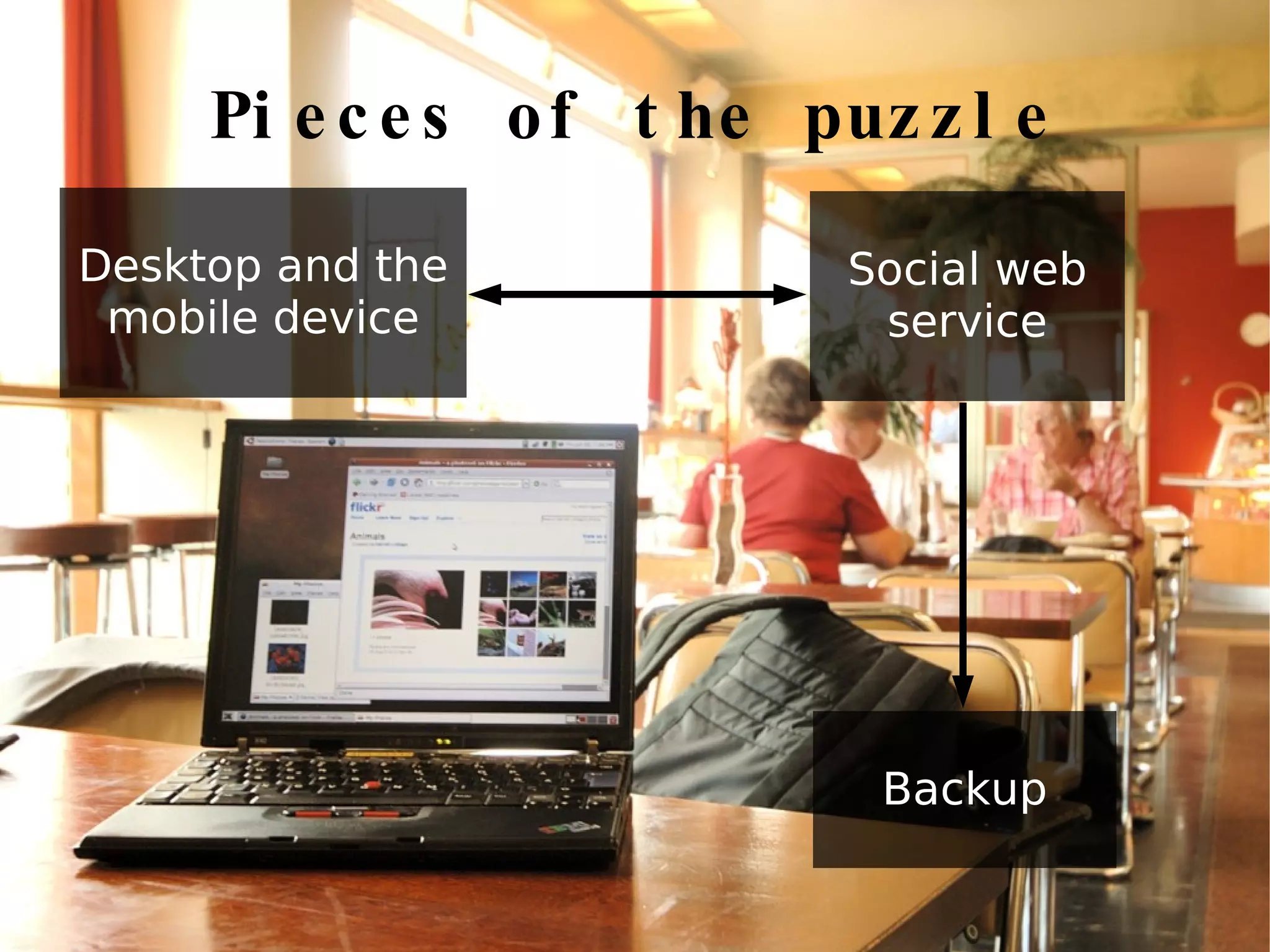
Pieces of the puzzle Desktop and the mobile device Social web service Backup
Desktop is you It already contains your friends, calendar, conversations, ... It knows what happened and when ...but it has no idea where
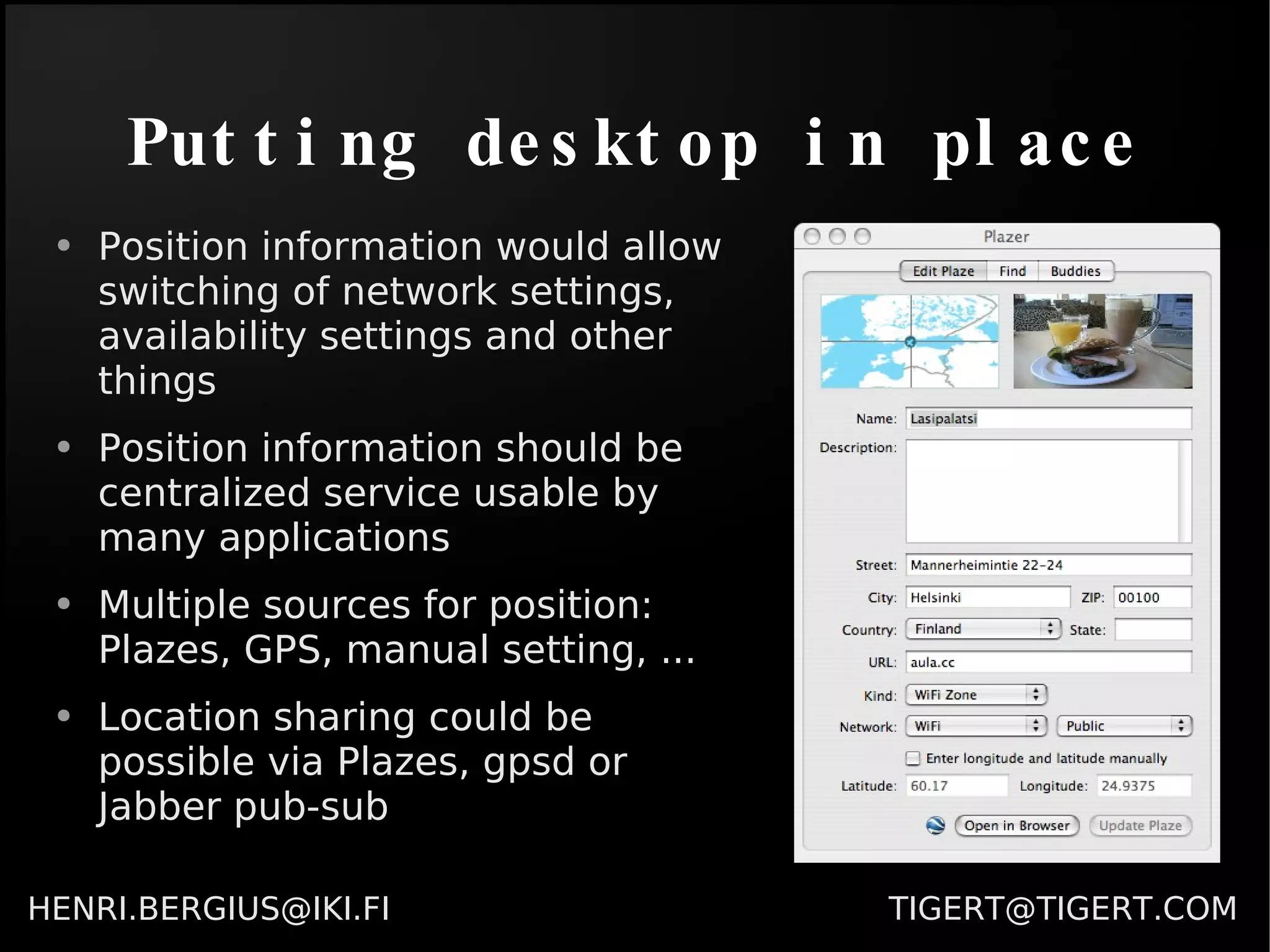
Putting desktop in place Position information would allow switching of network settings, availability settings and other things Position information should be centralized service usable by many applications Multiple sources for position: Plazes, GPS, manual setting, ... Location sharing could be possible via Plazes, gpsd or Jabber pub-sub
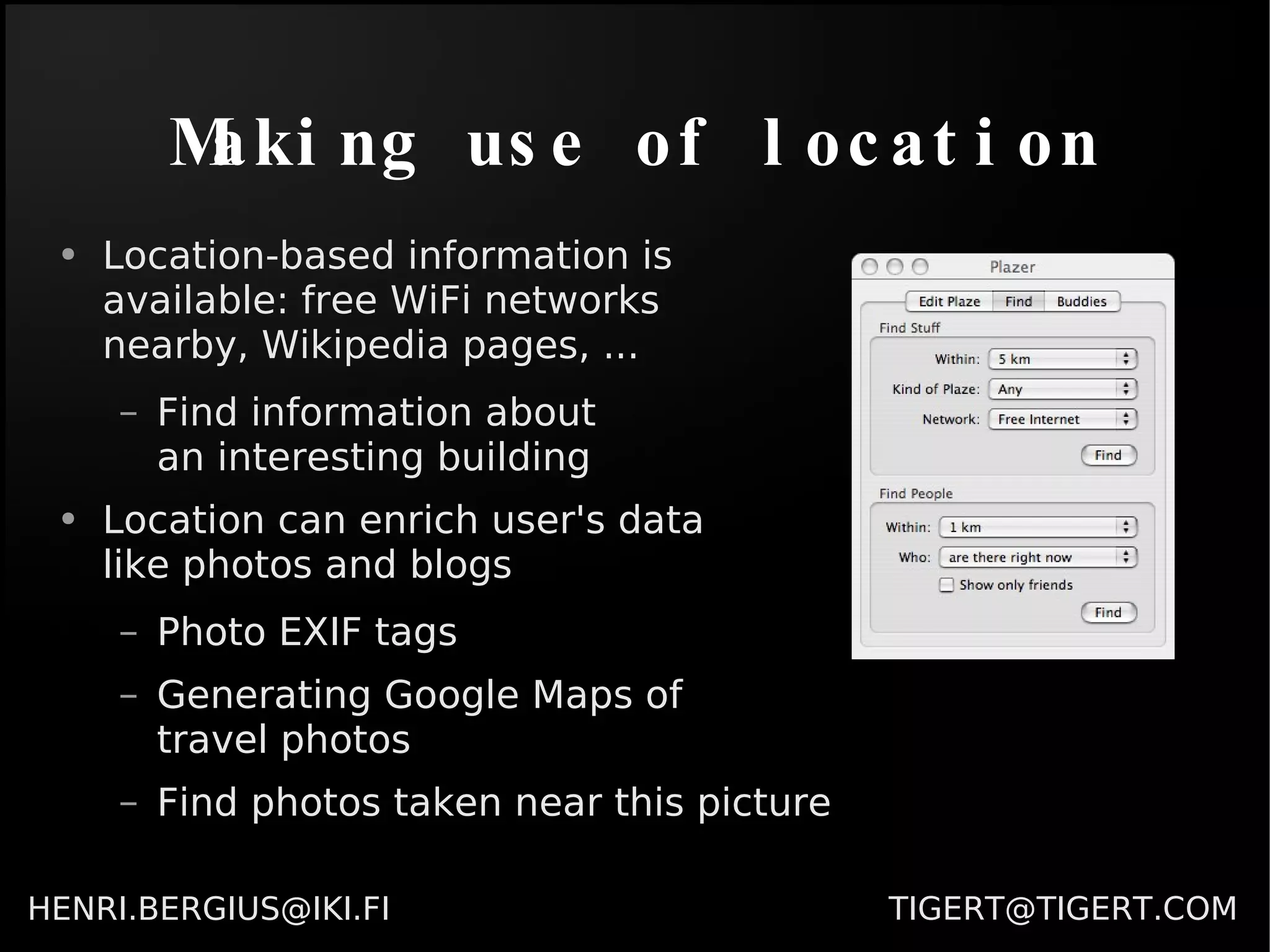
Making use of location Location-based information is  available: free WiFi networks  nearby, Wikipedia pages, ... Find information about  an interesting building Location can enrich user's data  like photos and blogs Photo EXIF tags Generating Google Maps of  travel photos Find photos taken near this picture
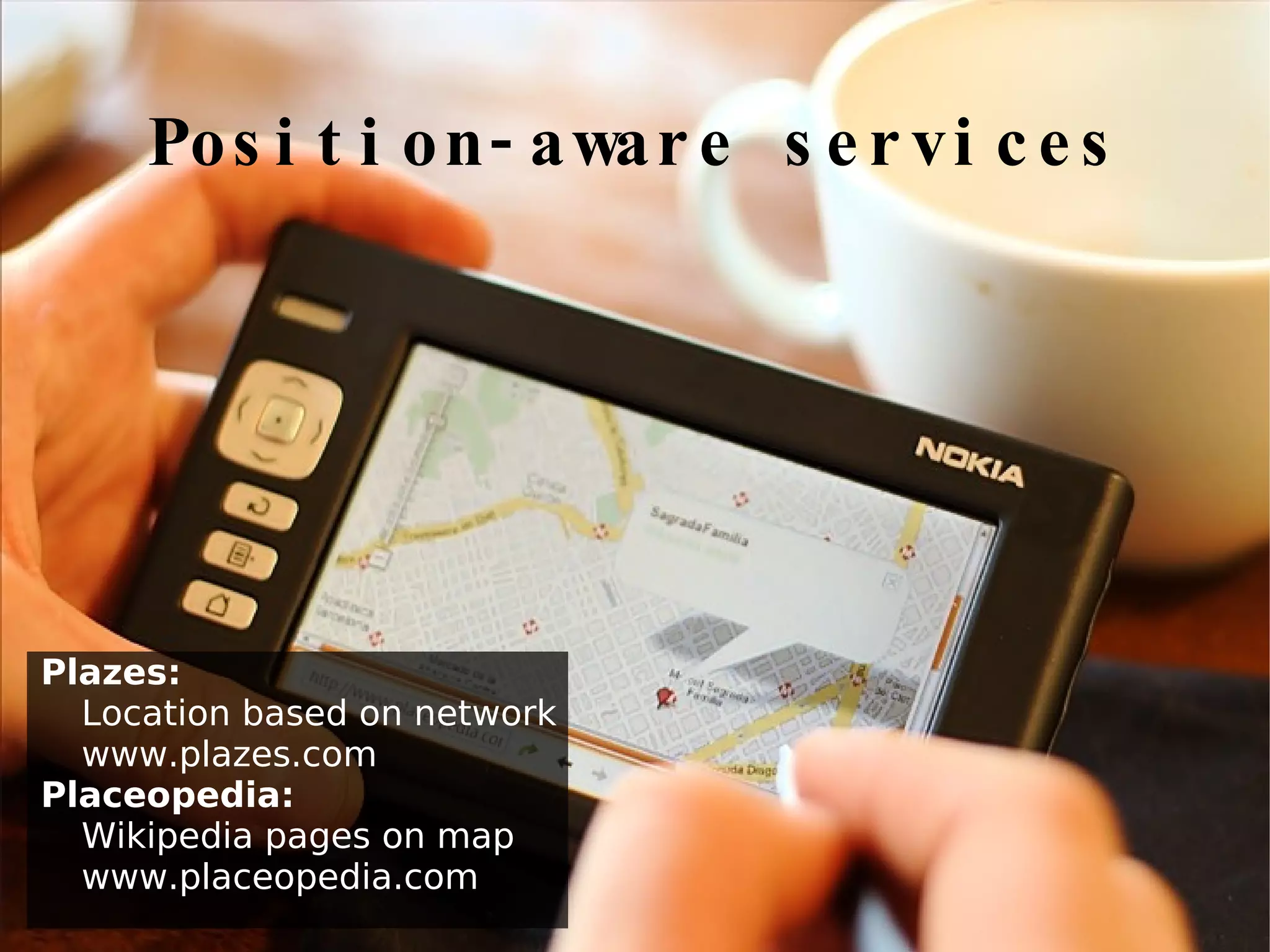
Position-aware services Plazes:  Location based on network www.plazes.com Placeopedia:   Wikipedia pages on map www.placeopedia.com
Synchronization HOWTO Identify what people use Flickr, del.icio.us, Orkut, Gmail, Google Maps ... Your friends are there already Services exist for almost any type of data Use the provided integration API Try to synchronize both ways Allow subscribing to information from friends RSS, Podcasts, Photocasts, ... Jabber is also good protocol, see Mugshot
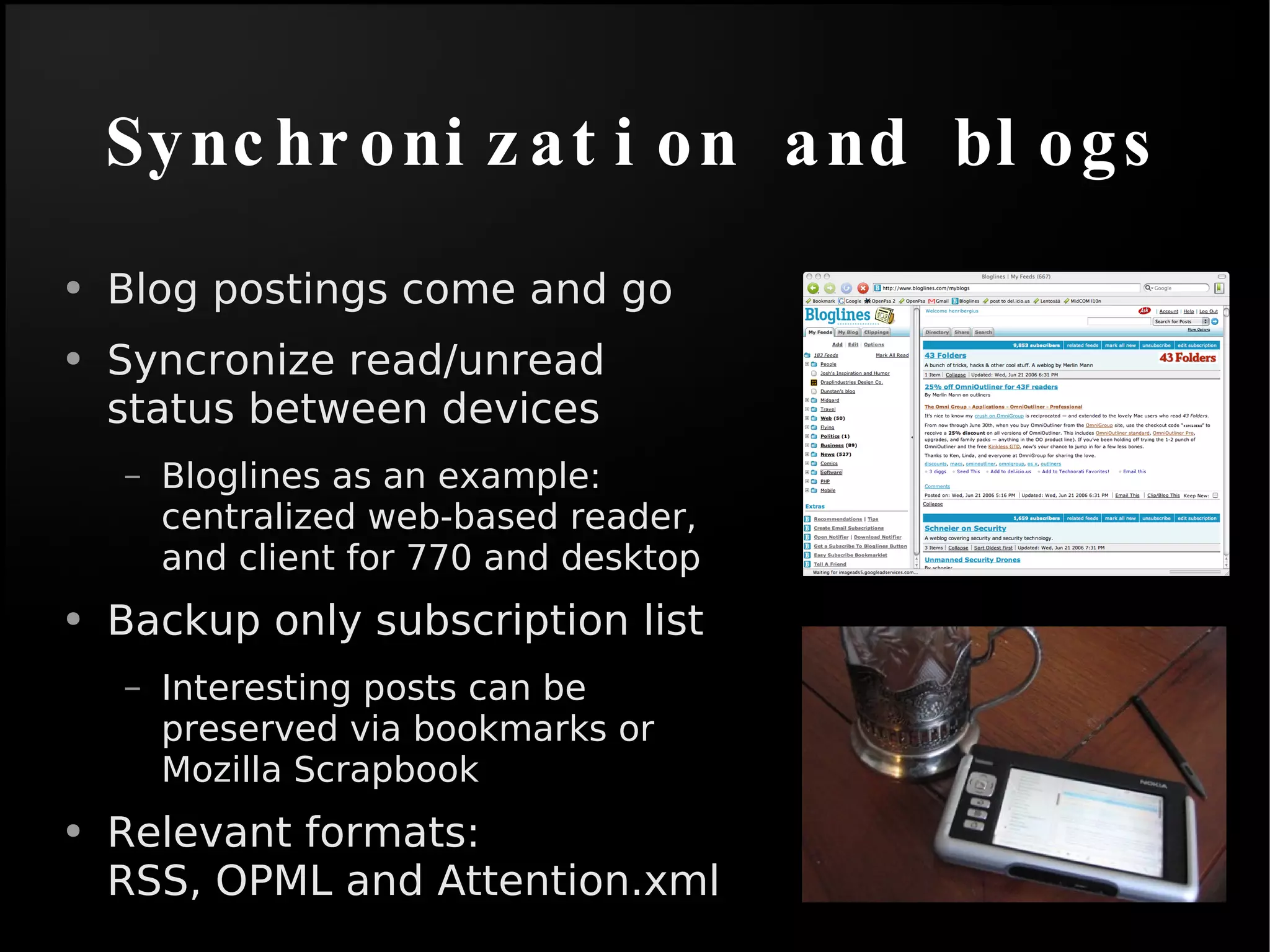
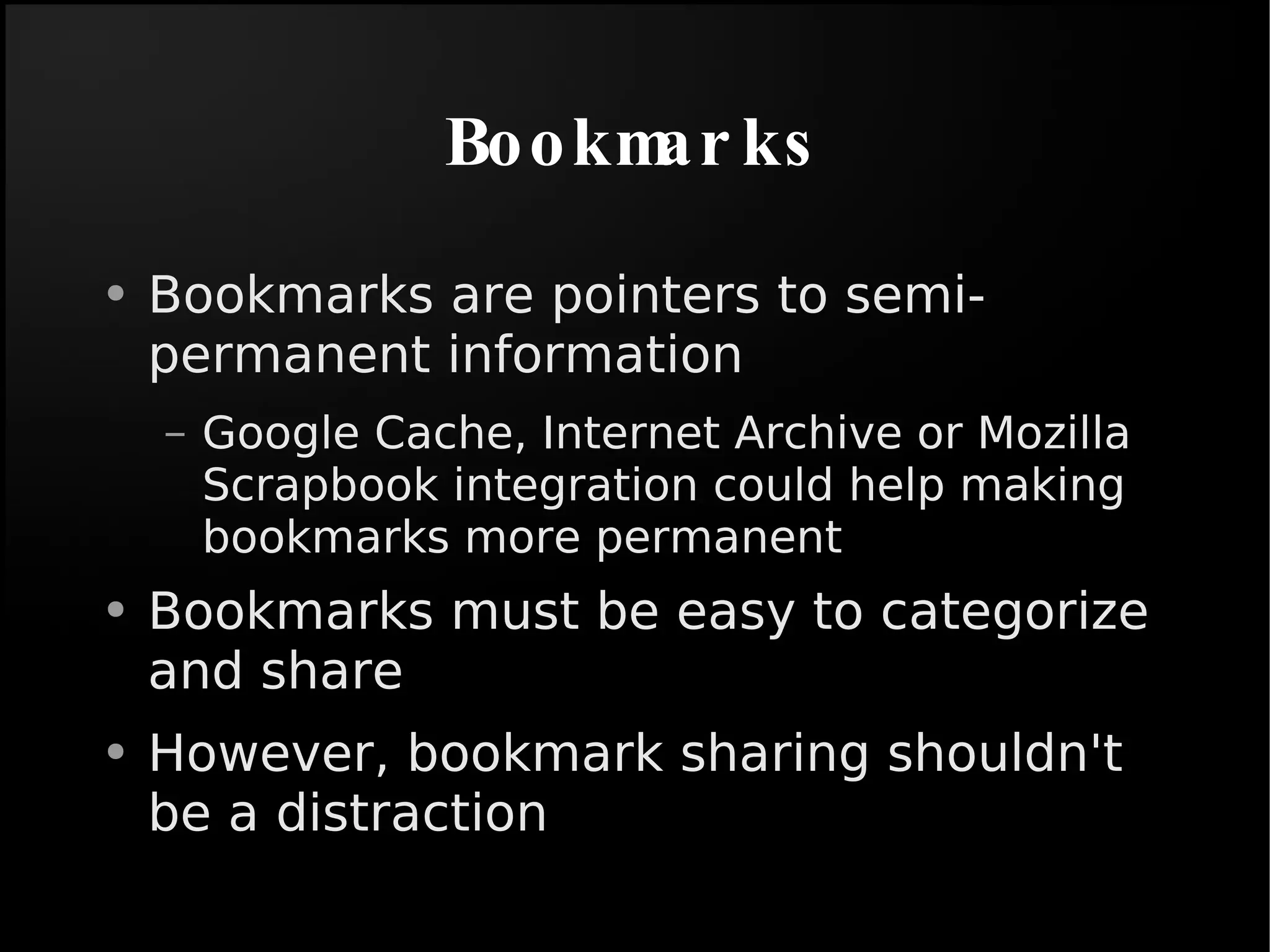
Synchronization and blogs Blog postings come and go Syncronize read/unread status between devices Bloglines as an example: centralized web-based reader, and client for 770 and desktop Backup only subscription list Interesting posts can be preserved via bookmarks or Mozilla Scrapbook Relevant formats:  RSS, OPML and Attention.xml
Bookmarks Bookmarks are pointers to semi-permanent information Google Cache, Internet Archive or Mozilla Scrapbook integration could help making bookmarks more permanent Bookmarks must be easy to categorize and share However, bookmark sharing shouldn't be a distraction
Principles, again Users are consumers and producers of information. Apps should support both Users want to share things with friends and colleagues. Make it easy Neither desktop or a Web 2.0 service is really a backup solution Combine the two Internet access isn't always available Keep a local copy
Wrapping up Social web apps are here And their APIs are maturing Similarly, position-based services and data are  finally  here Users are beginning to expect easy sharing There are excellent free software apps for desktop and server, but they don't communicate We need cross-project collaboration Backup and off-line access is still a problem RSS and Jabber/XMPP are becoming ubiquitous

Feeds, Synchronization and the Free Software Desktop

  • 1.
    Feeds, Synchronization andthe Free Software Desktop [email_address] [email_address]
  • 2.
    Computer vs. NetworkComputers stand alone Most applications treat “My Computer” as the only resource to store and retrieve information with People forget backups because they're simply too much of a bother However, Computers are more and more a social interaction instead of data processing tool ...and this pushes users towards web-based services
  • 3.
    Computer vs. NetworkGNOME could do better here Native interface can be much faster and usable than a website Native interface can provide off-line access Website provides access from Internet Cafés and other locations
  • 4.
    Users are consumersand producers of information. Apps should support both Synchronization principle 1
  • 5.
    Users want toshare things with friends and colleagues. Make it easy Synchronization principle 2
  • 6.
    Neither desktop ora Web 2.0 service is really a backup solution. Combine the two Synchronization principle 3
  • 7.
    Internet access isn'talways available. Keep a local copy Synchronization principle 4
  • 8.
    Pieces of thepuzzle Desktop and the mobile device Social web service Backup
  • 9.
    Desktop is youIt already contains your friends, calendar, conversations, ... It knows what happened and when ...but it has no idea where
  • 10.
    Putting desktop inplace Position information would allow switching of network settings, availability settings and other things Position information should be centralized service usable by many applications Multiple sources for position: Plazes, GPS, manual setting, ... Location sharing could be possible via Plazes, gpsd or Jabber pub-sub
  • 11.
    Making use oflocation Location-based information is available: free WiFi networks nearby, Wikipedia pages, ... Find information about an interesting building Location can enrich user's data like photos and blogs Photo EXIF tags Generating Google Maps of travel photos Find photos taken near this picture
  • 12.
    Position-aware services Plazes: Location based on network www.plazes.com Placeopedia: Wikipedia pages on map www.placeopedia.com
  • 13.
    Synchronization HOWTO Identifywhat people use Flickr, del.icio.us, Orkut, Gmail, Google Maps ... Your friends are there already Services exist for almost any type of data Use the provided integration API Try to synchronize both ways Allow subscribing to information from friends RSS, Podcasts, Photocasts, ... Jabber is also good protocol, see Mugshot
  • 14.
    Synchronization and blogsBlog postings come and go Syncronize read/unread status between devices Bloglines as an example: centralized web-based reader, and client for 770 and desktop Backup only subscription list Interesting posts can be preserved via bookmarks or Mozilla Scrapbook Relevant formats: RSS, OPML and Attention.xml
  • 15.
    Bookmarks Bookmarks arepointers to semi-permanent information Google Cache, Internet Archive or Mozilla Scrapbook integration could help making bookmarks more permanent Bookmarks must be easy to categorize and share However, bookmark sharing shouldn't be a distraction
  • 16.
    Principles, again Usersare consumers and producers of information. Apps should support both Users want to share things with friends and colleagues. Make it easy Neither desktop or a Web 2.0 service is really a backup solution Combine the two Internet access isn't always available Keep a local copy
  • 17.
    Wrapping up Socialweb apps are here And their APIs are maturing Similarly, position-based services and data are finally here Users are beginning to expect easy sharing There are excellent free software apps for desktop and server, but they don't communicate We need cross-project collaboration Backup and off-line access is still a problem RSS and Jabber/XMPP are becoming ubiquitous

Editor's Notes

  • #2 - I'm here to talk about Digital Business Ecosystem - My name is HB, I'm from Finland and I've been a Free Software developer since 1997 - I've been involved in several projects like the Midgard CMS and OpenPsa, a free management software suite. Before these "serious" projects I was also working on some Quake total conversions - In 2001 I became an entrepreneur when we started Nemein, a Free Software development consultancy - We've worked with both clients in Europe, and done several development aid projects in Africa and Eastern Europe