DROPBOX FOR BUSINESS 
Reviewed: 20/11/2014
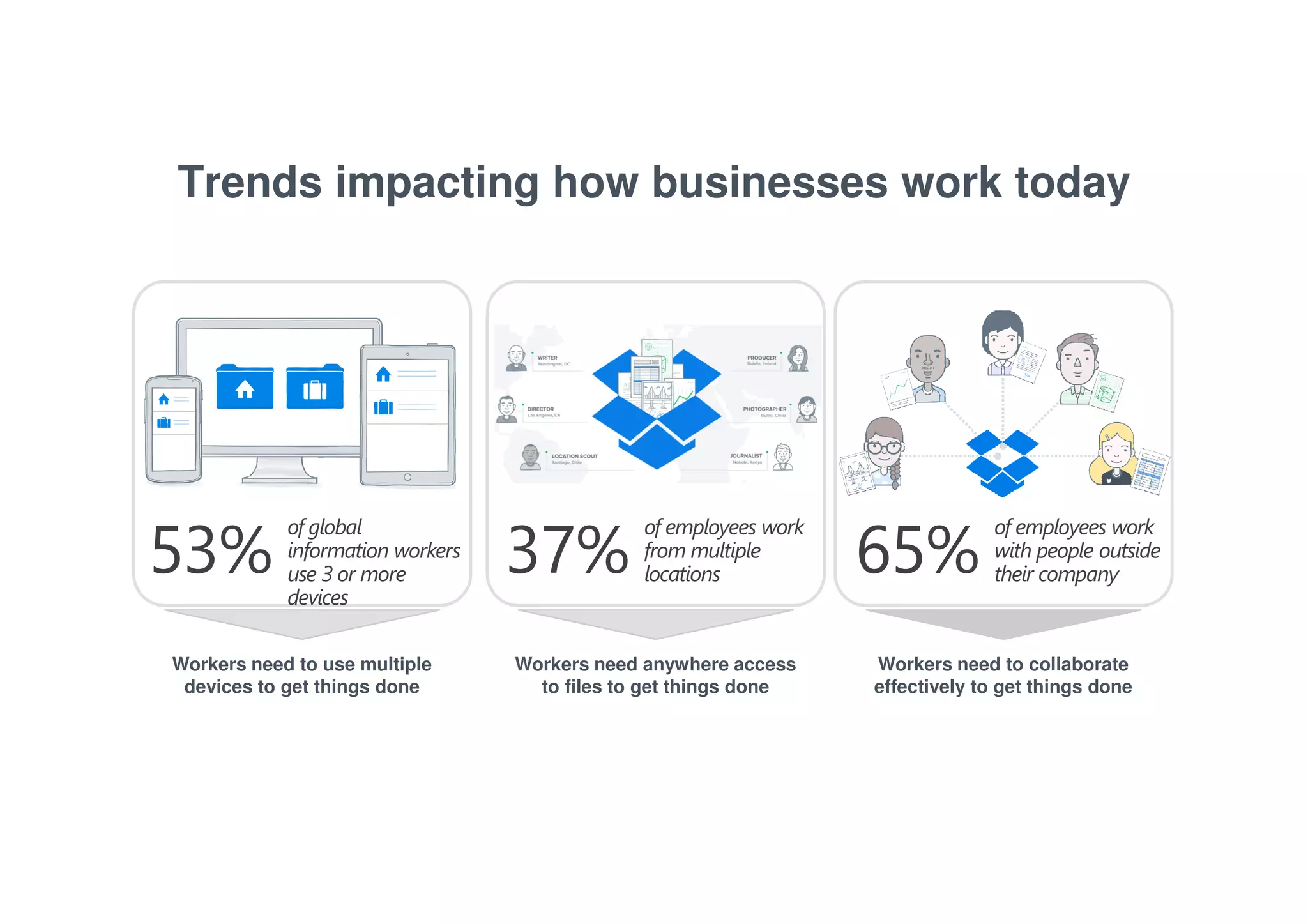
Trends impacting how businesses work today 
53% of employees work 
Workers need to use multiple 
devices to get things done 
37% of employees work 
Workers need anywhere access 
to files to get things done 
Workers need to collaborate 
effectively to get things done 
of global 
information workers 
use 3 or more 
devices 
from multiple 
locations 
with people outside 
their company 
65%
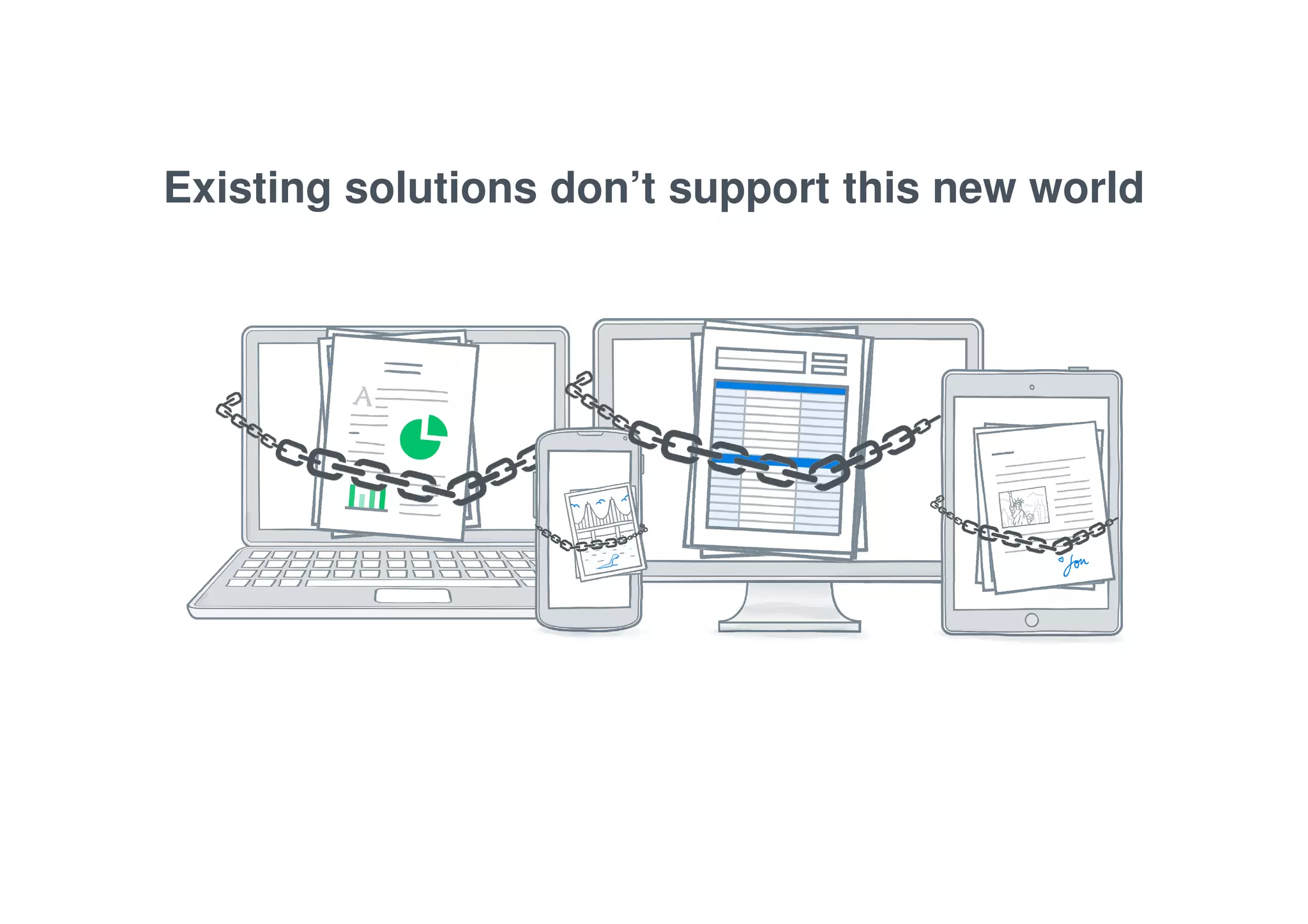
Existing solutions don’t support this new world
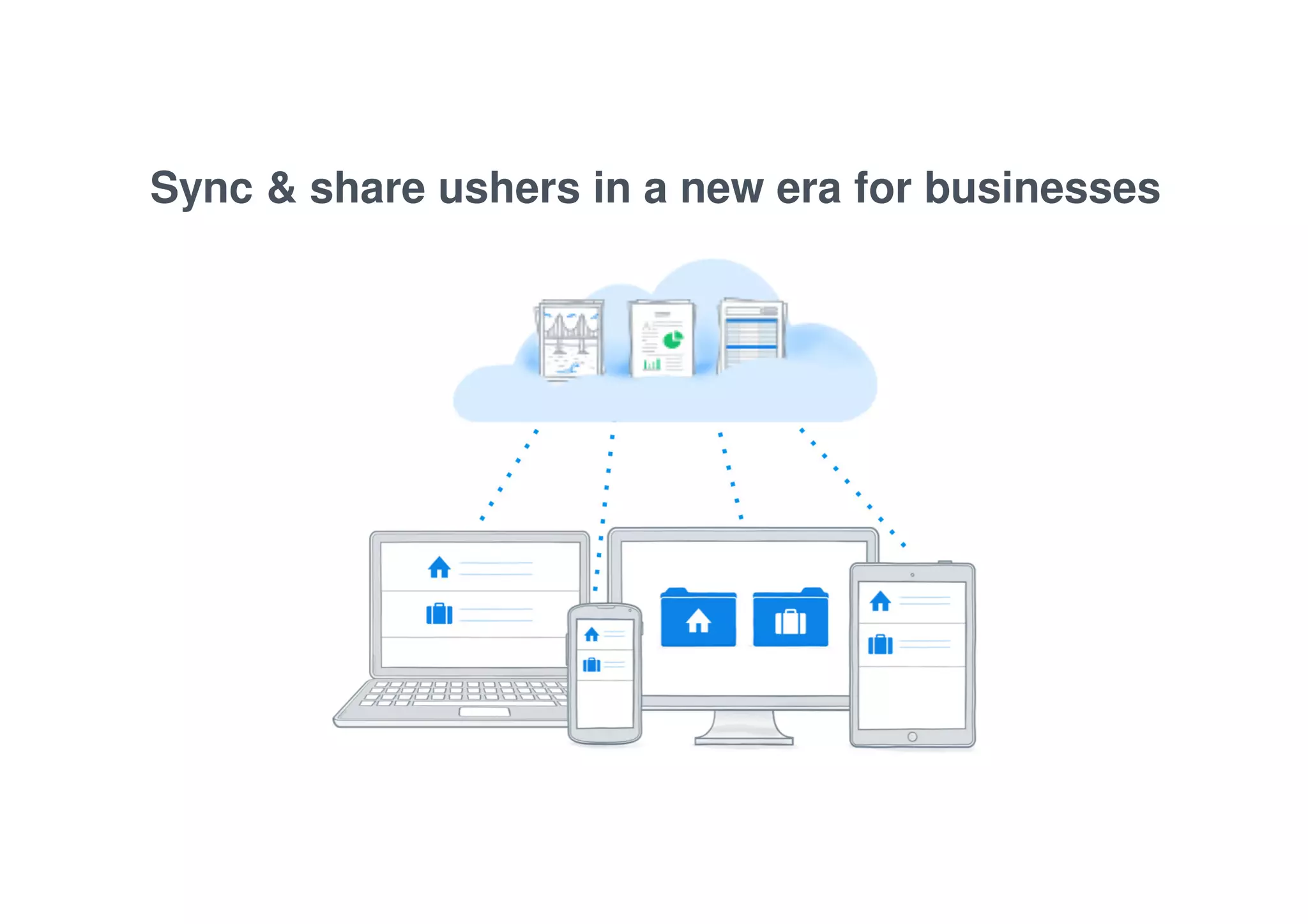
Sync & share ushers in a new era for businesses
The tool your team loves, the control your 
business needs 
THE POWER TO DO MORE 
SECURITY THAT INSPIRES 
CONFIDENCE 
A SMARTER INVESTMENT DROPBOX FOR 
BUSINESS
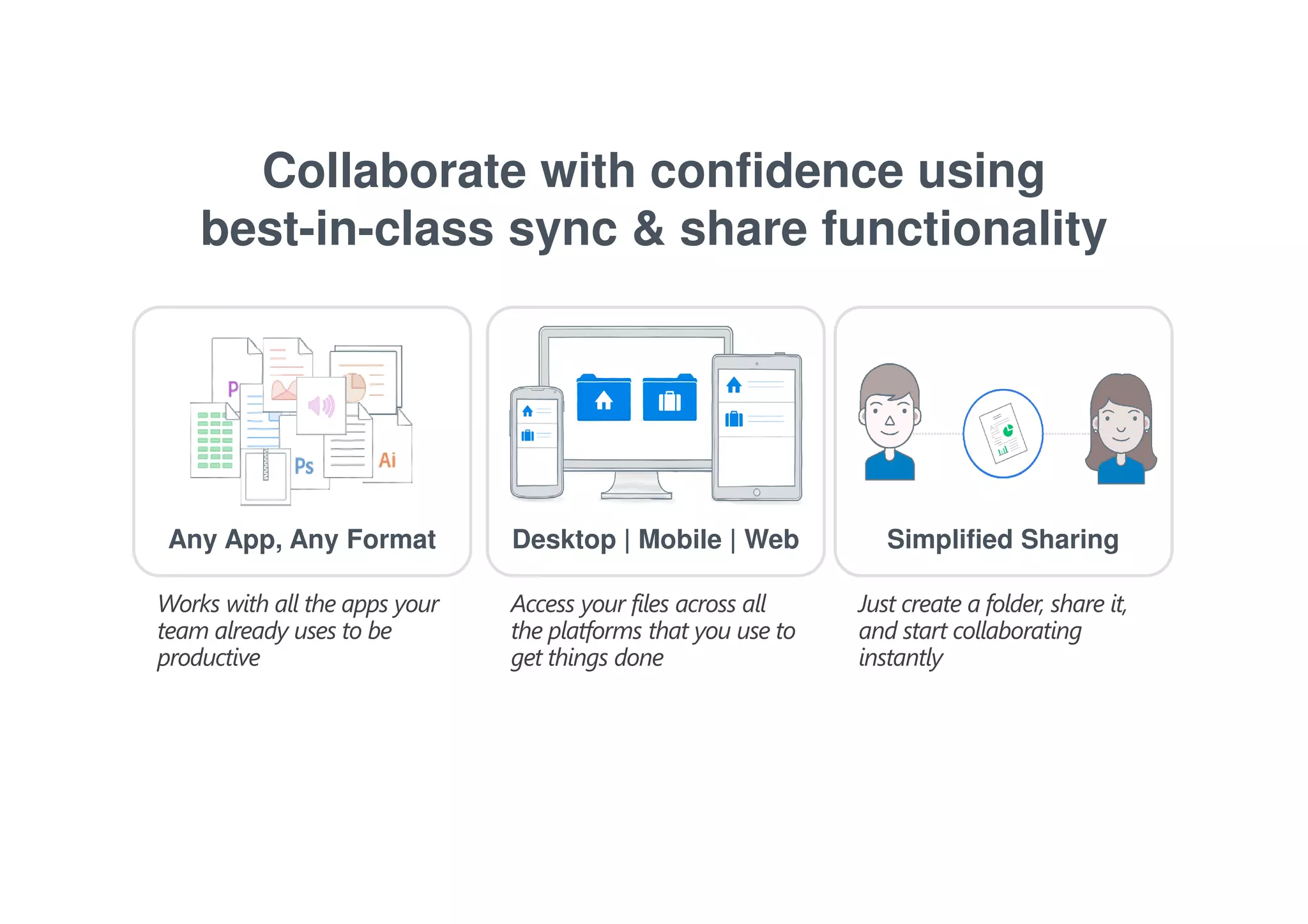
Collaborate with confidence using 
best-in-class sync & share functionality 
Any App, Any Format Desktop | Mobile | Web Simplified Sharing 
Works with all the apps your 
team already uses to be 
productive 
Access your files across all 
the platforms that you use to 
get things done 
Just create a folder, share it, 
and start collaborating 
instantly
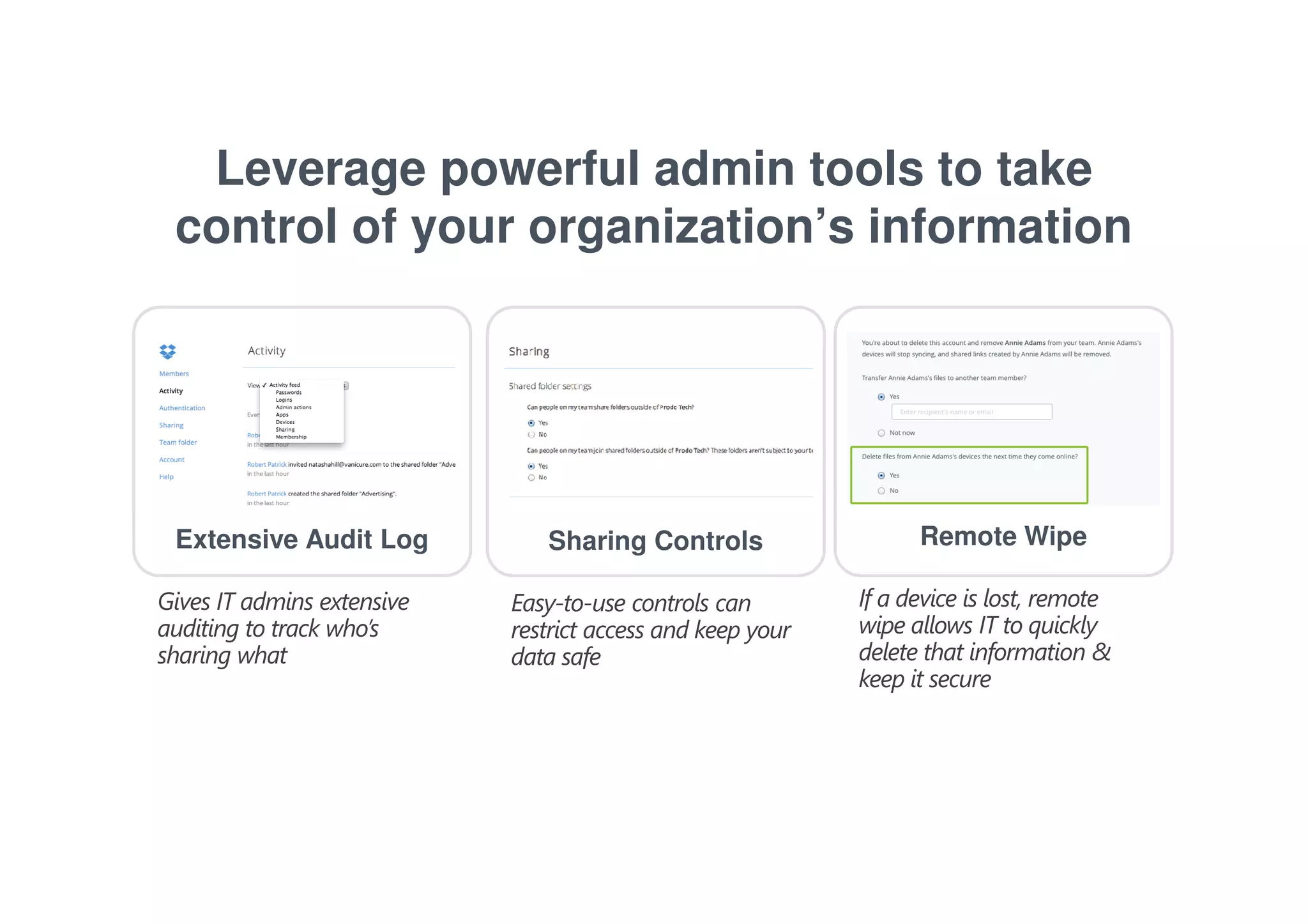
Leverage powerful admin tools to take 
control of your organization’s information 
Extensive Audit Log Sharing Controls Remote Wipe 
Gives IT admins extensive 
auditing to track who’s 
sharing what 
If a device is lost, remote 
wipe allows IT to quickly 
delete that information & 
keep it secure 
Easy-to-use controls can 
restrict access and keep your 
data safe
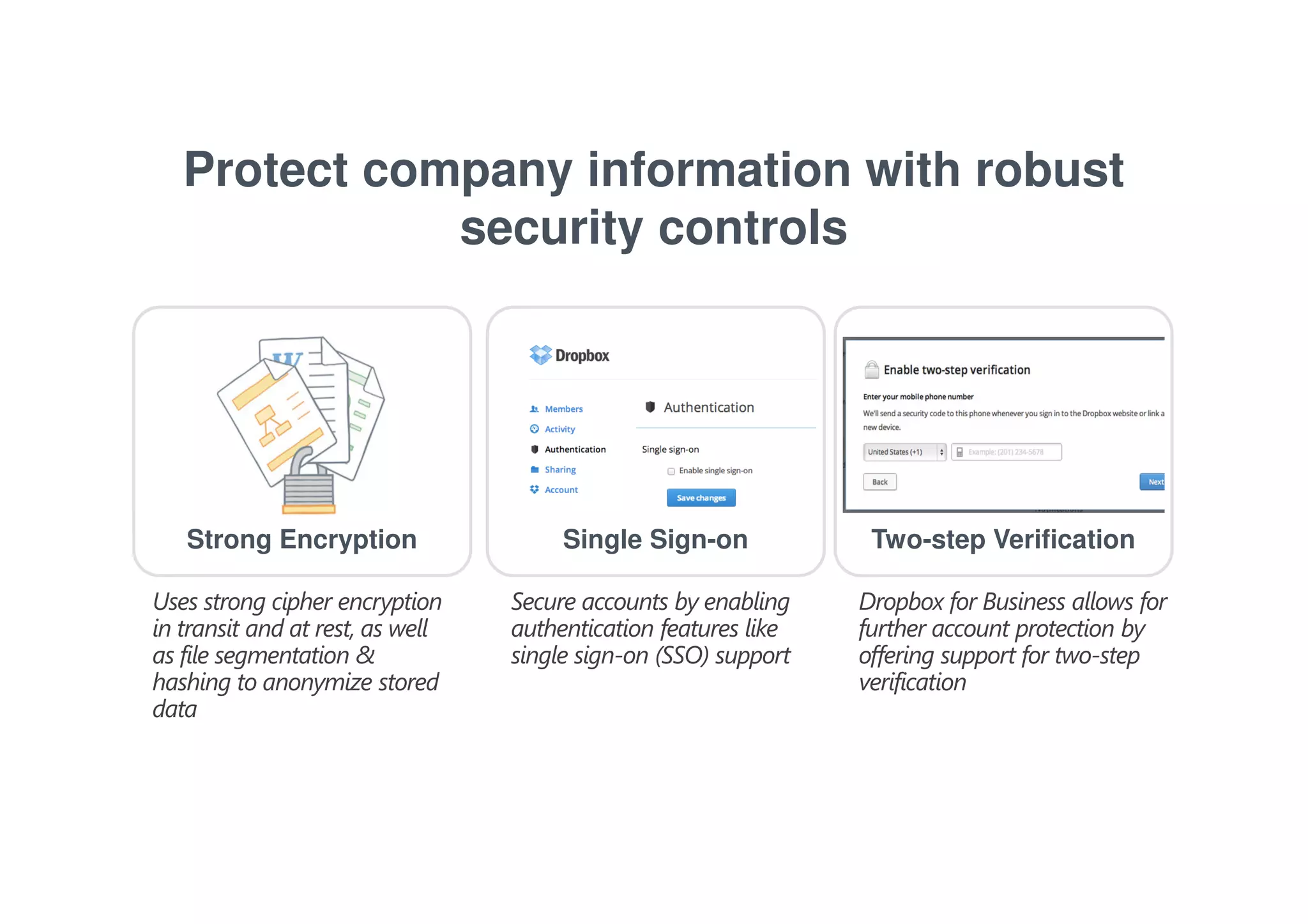
Protect company information with robust 
security controls 
Strong Encryption Single Sign-on Two-step Verification 
Uses strong cipher encryption 
in transit and at rest, as well 
as file segmentation & 
hashing to anonymize stored 
data 
Secure accounts by enabling 
authentication features like 
single sign-on (SSO) support 
Dropbox for Business allows for 
further account protection by 
offering support for two-step 
verification
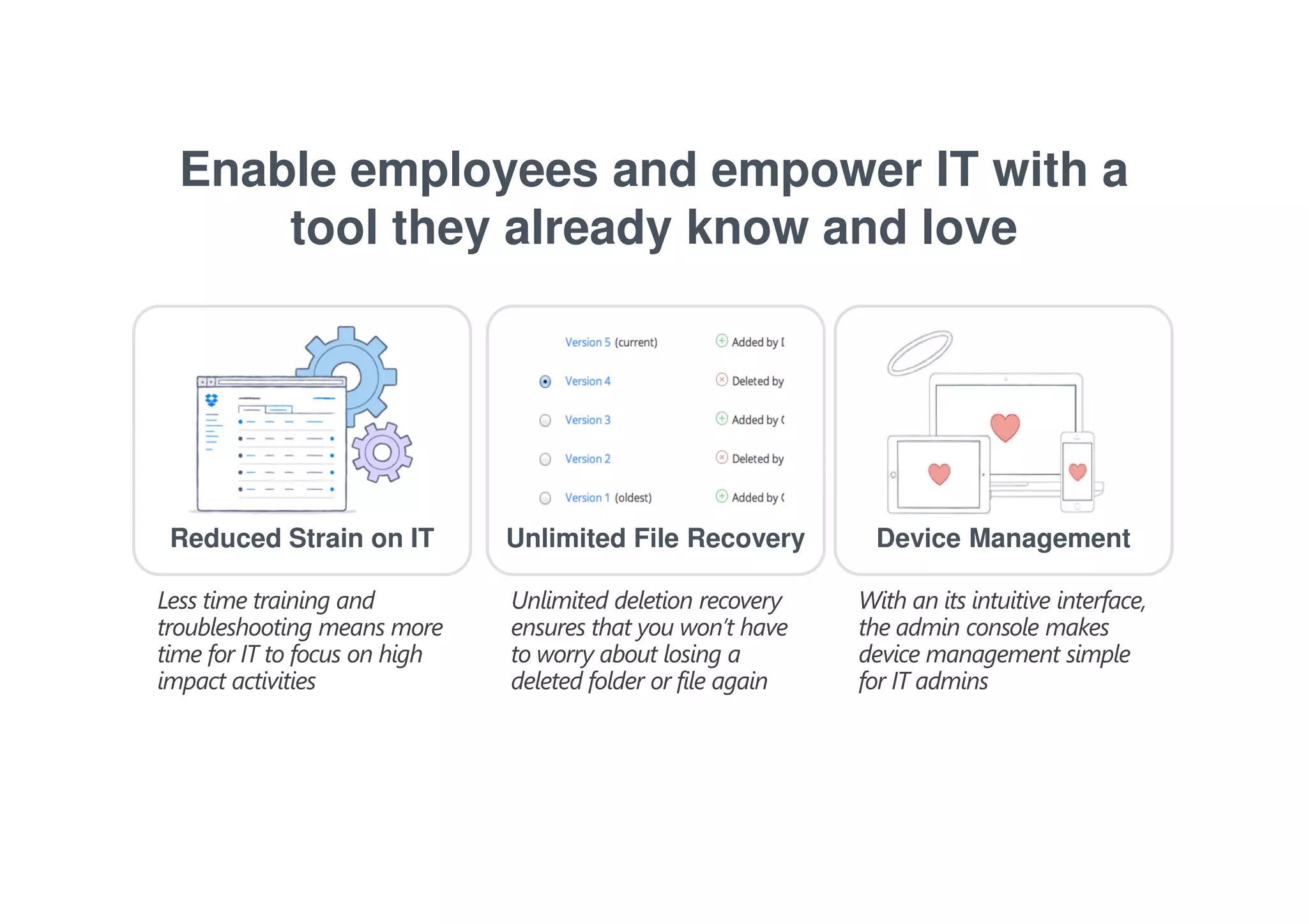
Enable employees and empower IT with a 
tool they already know and love 
Reduced Strain on IT Unlimited File Recovery Device Management 
Less time training and 
troubleshooting means more 
time for IT to focus on high 
impact activities 
Unlimited deletion recovery 
ensures that you won’t have 
to worry about losing a 
deleted folder or file again 
With an its intuitive interface, 
the admin console makes 
device management simple 
for IT admins
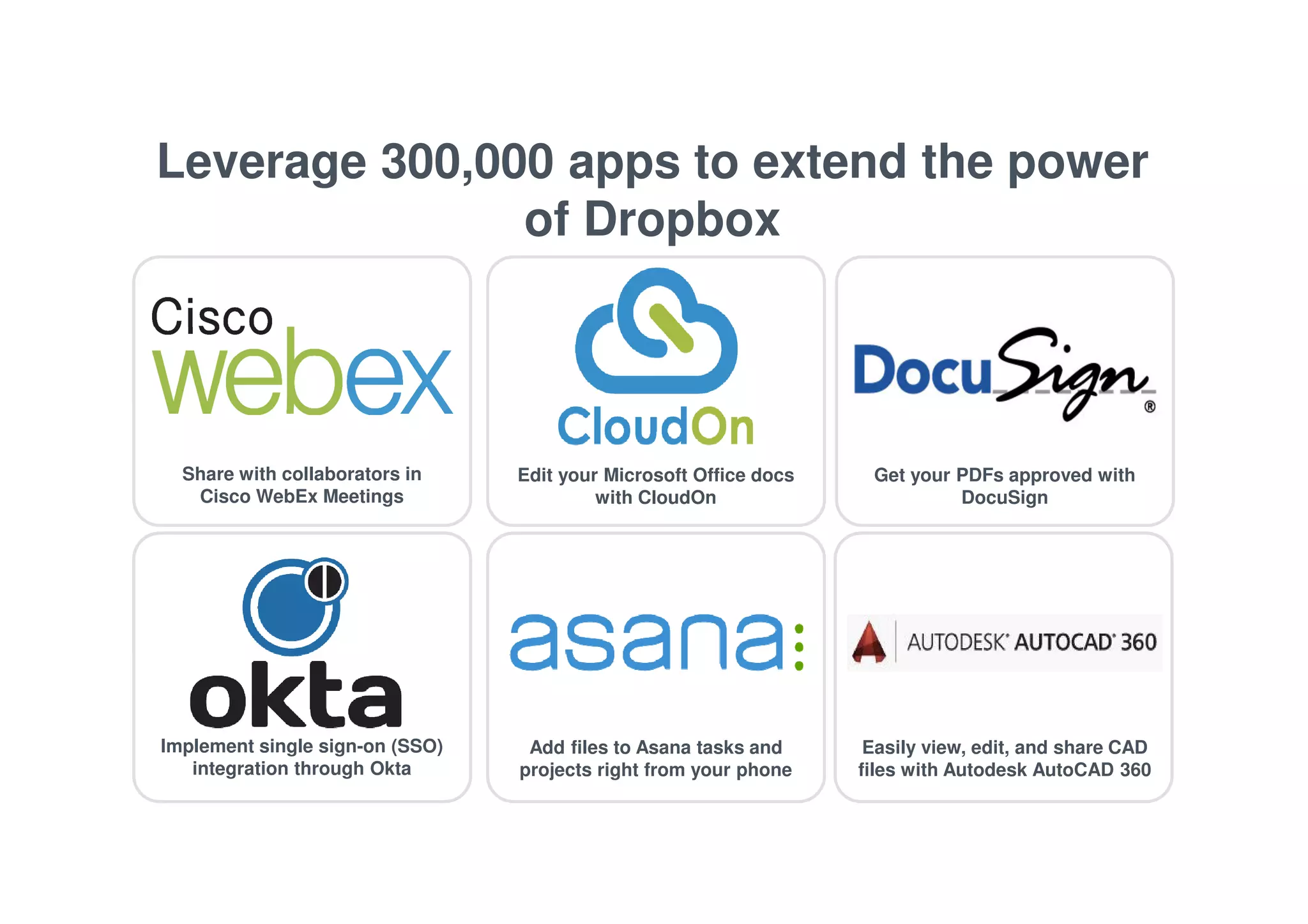
Leverage 300,000 apps to extend the power 
of Dropbox 
Share with collaborators in 
Cisco WebEx Meetings 
Edit your Microsoft Office docs 
with CloudOn 
Get your PDFs approved with 
DocuSign 
Implement single sign-on (SSO) 
integration through Okta 
Add files to Asana tasks and 
projects right from your phone 
Easily view, edit, and share CAD 
files with Autodesk AutoCAD 360
DEMO OF 
DROPBOX 
FOR 
BUSINESS
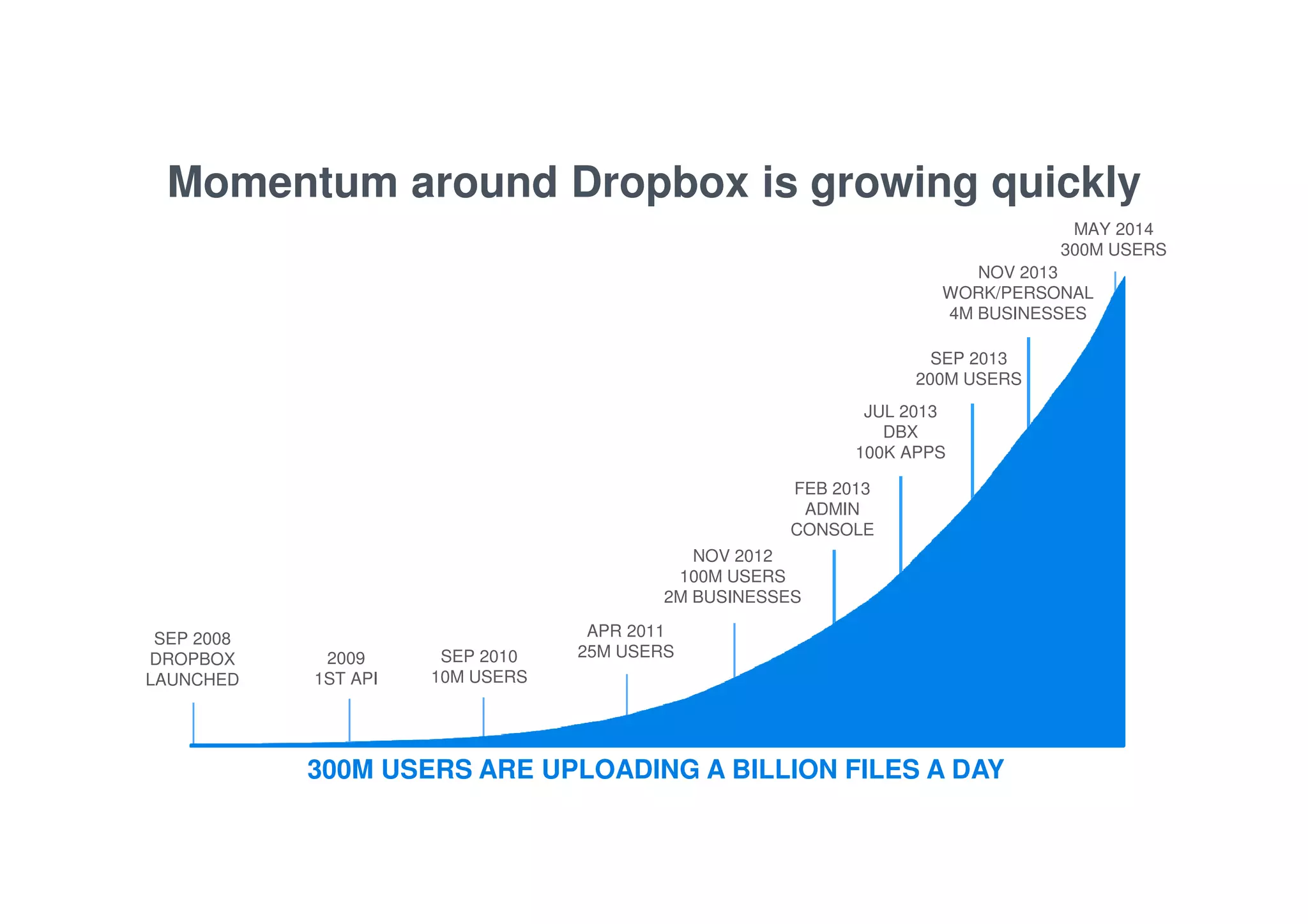
Momentum around Dropbox is growing quickly 
NOV 2012 
100M USERS 
2M BUSINESSES 
SEP 2013 
200M USERS 
FEB 2013 
ADMIN 
CONSOLE 
SEP 2008 
DROPBOX 
LAUNCHED 
2009 
1ST API 
SEP 2010 
10M USERS 
NOV 2013 
WORK/PERSONAL 
4M BUSINESSES 
JUL 2013 
DBX 
100K APPS 
APR 2011 
25M USERS 
MAY 2014 
300M USERS 
300M USERS ARE UPLOADING A BILLION FILES A DAY
Customers large & small love Dropbox for Business
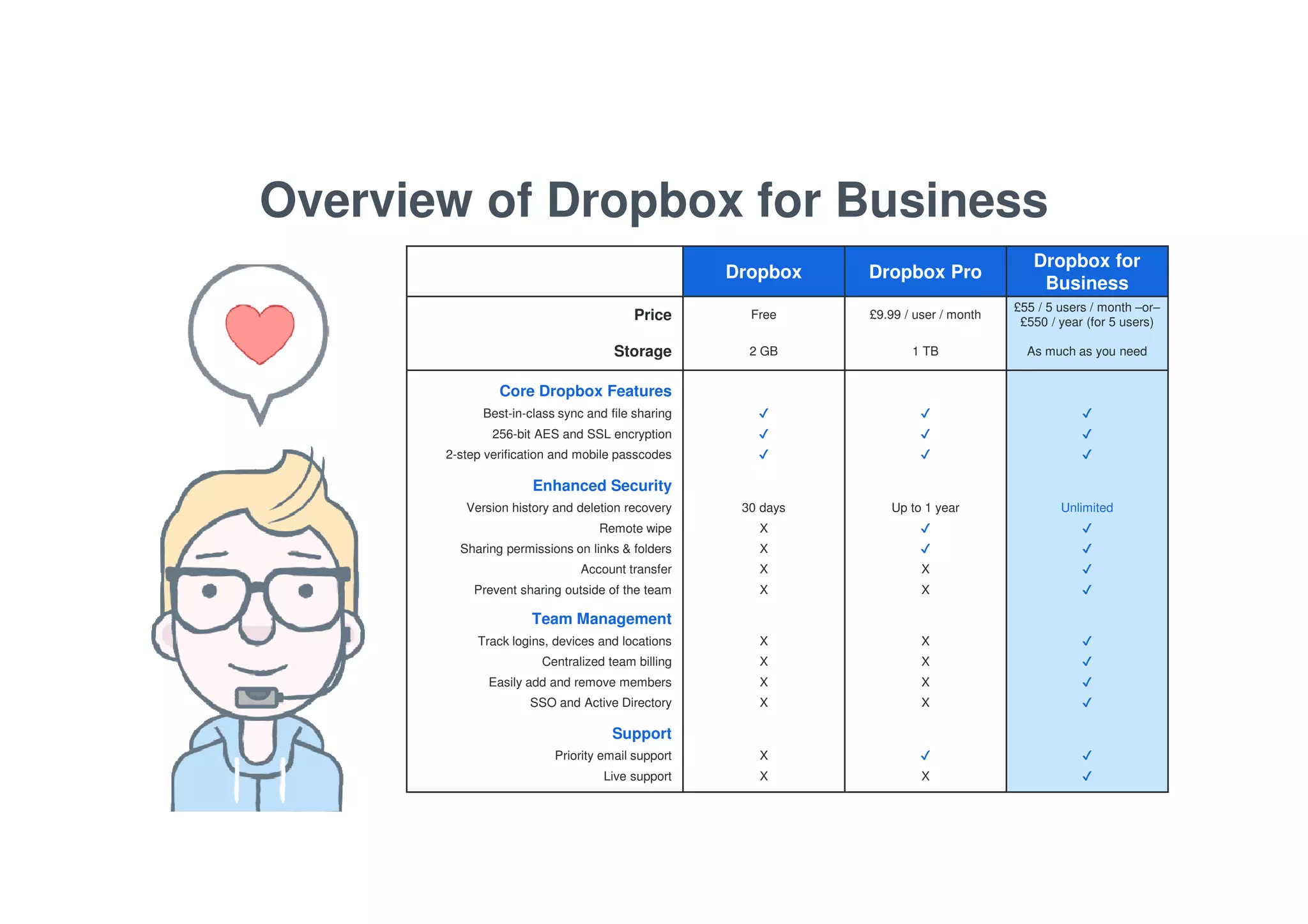
Overview of Dropbox for Business 
Dropbox Dropbox Pro 
Dropbox for 
Business 
Price Free £9.99 / user / month 
£55 / 5 users / month –or– 
£550 / year (for 5 users) 
Storage 2 GB 1 TB As much as you need 
Core Dropbox Features 
Best-in-class sync and file sharing ✔ ✔ ✔ 
256-bit AES and SSL encryption ✔ ✔ ✔ 
2-step verification and mobile passcodes ✔ ✔ ✔ 
Enhanced Security 
Version history and deletion recovery 30 days Up to 1 year Unlimited 
Remote wipe X ✔ ✔ 
Sharing permissions on links & folders X ✔ ✔ 
Account transfer X X ✔ 
Prevent sharing outside of the team X X ✔ 
Team Management 
Track logins, devices and locations X X ✔ 
Centralized team billing X X ✔ 
Easily add and remove members X X ✔ 
SSO and Active Directory X X ✔ 
Support 
Priority email support X ✔ ✔ 
Live support X X ✔
Any Questions? 
Contact us for further 
information or to signup
Dropbox for business

Dropbox for business

  • 1.
    DROPBOX FOR BUSINESS Reviewed: 20/11/2014
  • 2.
    Trends impacting howbusinesses work today 53% of employees work Workers need to use multiple devices to get things done 37% of employees work Workers need anywhere access to files to get things done Workers need to collaborate effectively to get things done of global information workers use 3 or more devices from multiple locations with people outside their company 65%
  • 3.
    Existing solutions don’tsupport this new world
  • 4.
    Sync & shareushers in a new era for businesses
  • 5.
    The tool yourteam loves, the control your business needs THE POWER TO DO MORE SECURITY THAT INSPIRES CONFIDENCE A SMARTER INVESTMENT DROPBOX FOR BUSINESS
  • 6.
    Collaborate with confidenceusing best-in-class sync & share functionality Any App, Any Format Desktop | Mobile | Web Simplified Sharing Works with all the apps your team already uses to be productive Access your files across all the platforms that you use to get things done Just create a folder, share it, and start collaborating instantly
  • 7.
    Leverage powerful admintools to take control of your organization’s information Extensive Audit Log Sharing Controls Remote Wipe Gives IT admins extensive auditing to track who’s sharing what If a device is lost, remote wipe allows IT to quickly delete that information & keep it secure Easy-to-use controls can restrict access and keep your data safe
  • 8.
    Protect company informationwith robust security controls Strong Encryption Single Sign-on Two-step Verification Uses strong cipher encryption in transit and at rest, as well as file segmentation & hashing to anonymize stored data Secure accounts by enabling authentication features like single sign-on (SSO) support Dropbox for Business allows for further account protection by offering support for two-step verification
  • 9.
    Enable employees andempower IT with a tool they already know and love Reduced Strain on IT Unlimited File Recovery Device Management Less time training and troubleshooting means more time for IT to focus on high impact activities Unlimited deletion recovery ensures that you won’t have to worry about losing a deleted folder or file again With an its intuitive interface, the admin console makes device management simple for IT admins
  • 10.
    Leverage 300,000 appsto extend the power of Dropbox Share with collaborators in Cisco WebEx Meetings Edit your Microsoft Office docs with CloudOn Get your PDFs approved with DocuSign Implement single sign-on (SSO) integration through Okta Add files to Asana tasks and projects right from your phone Easily view, edit, and share CAD files with Autodesk AutoCAD 360
  • 11.
    DEMO OF DROPBOX FOR BUSINESS
  • 12.
    Momentum around Dropboxis growing quickly NOV 2012 100M USERS 2M BUSINESSES SEP 2013 200M USERS FEB 2013 ADMIN CONSOLE SEP 2008 DROPBOX LAUNCHED 2009 1ST API SEP 2010 10M USERS NOV 2013 WORK/PERSONAL 4M BUSINESSES JUL 2013 DBX 100K APPS APR 2011 25M USERS MAY 2014 300M USERS 300M USERS ARE UPLOADING A BILLION FILES A DAY
  • 13.
    Customers large &small love Dropbox for Business
  • 14.
    Overview of Dropboxfor Business Dropbox Dropbox Pro Dropbox for Business Price Free £9.99 / user / month £55 / 5 users / month –or– £550 / year (for 5 users) Storage 2 GB 1 TB As much as you need Core Dropbox Features Best-in-class sync and file sharing ✔ ✔ ✔ 256-bit AES and SSL encryption ✔ ✔ ✔ 2-step verification and mobile passcodes ✔ ✔ ✔ Enhanced Security Version history and deletion recovery 30 days Up to 1 year Unlimited Remote wipe X ✔ ✔ Sharing permissions on links & folders X ✔ ✔ Account transfer X X ✔ Prevent sharing outside of the team X X ✔ Team Management Track logins, devices and locations X X ✔ Centralized team billing X X ✔ Easily add and remove members X X ✔ SSO and Active Directory X X ✔ Support Priority email support X ✔ ✔ Live support X X ✔
  • 15.
    Any Questions? Contactus for further information or to signup