Microprocessors Chapter 2
Objectives Discuss the working of microprocessor Discuss the various interfaces of microprocessor List the types of microprocessors Discuss the evolution of microprocessors List the various microprocessor designs Install the microprocessor Configure the microprocessor Upgrade the microprocessor Troubleshoot the microprocessor
Microprocessor Is a chip Has transistors built into it Has cache to store information
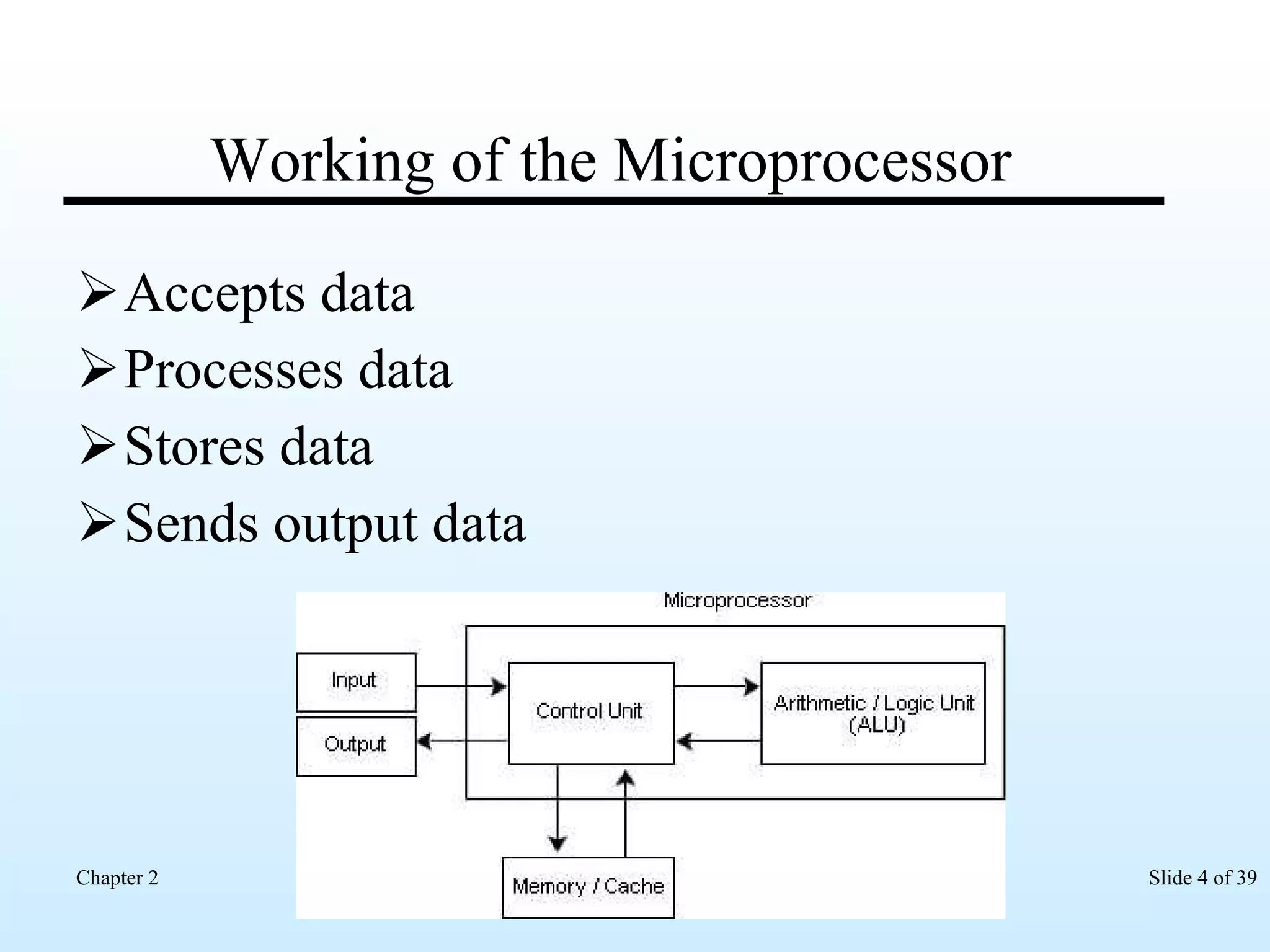
Working of the Microprocessor Accepts data Processes data Stores data Sends output data
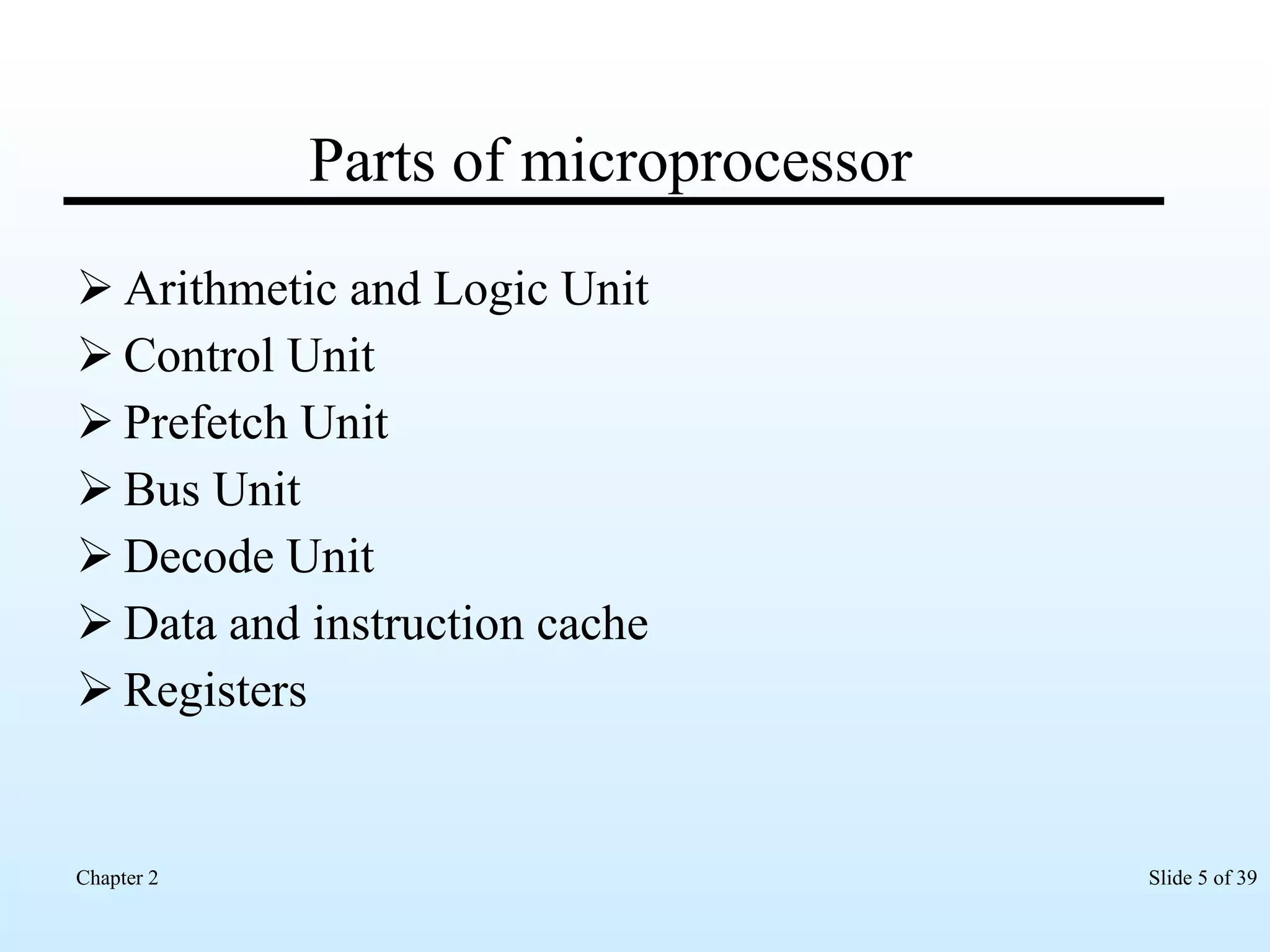
Parts of microprocessor Arithmetic and Logic Unit Control Unit Prefetch Unit Bus Unit Decode Unit Data and instruction cache Registers
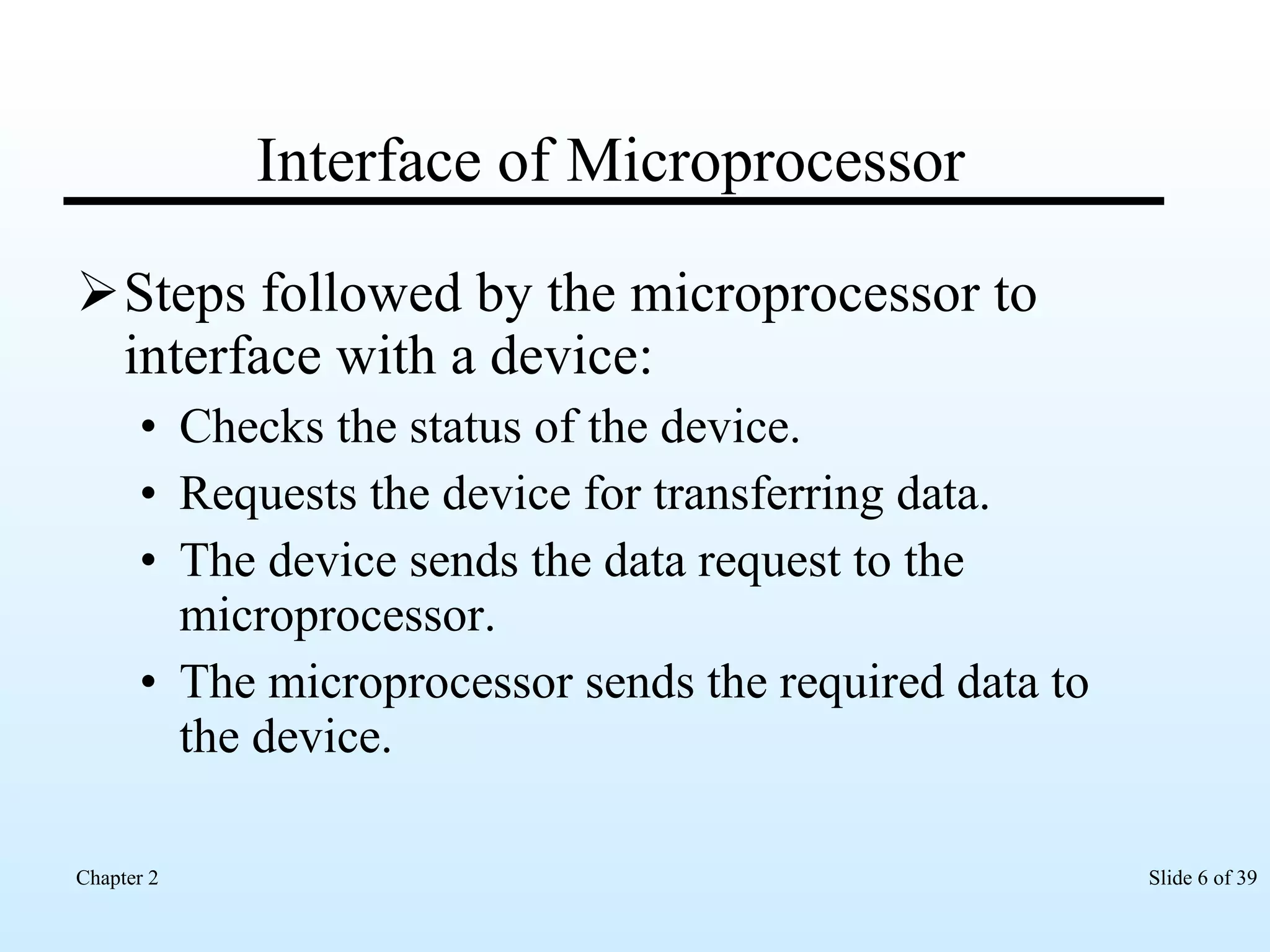
Interface of Microprocessor Steps followed by the microprocessor to interface with a device: Checks the status of the device. Requests the device for transferring data. The device sends the data request to the microprocessor. The microprocessor sends the required data to the device.
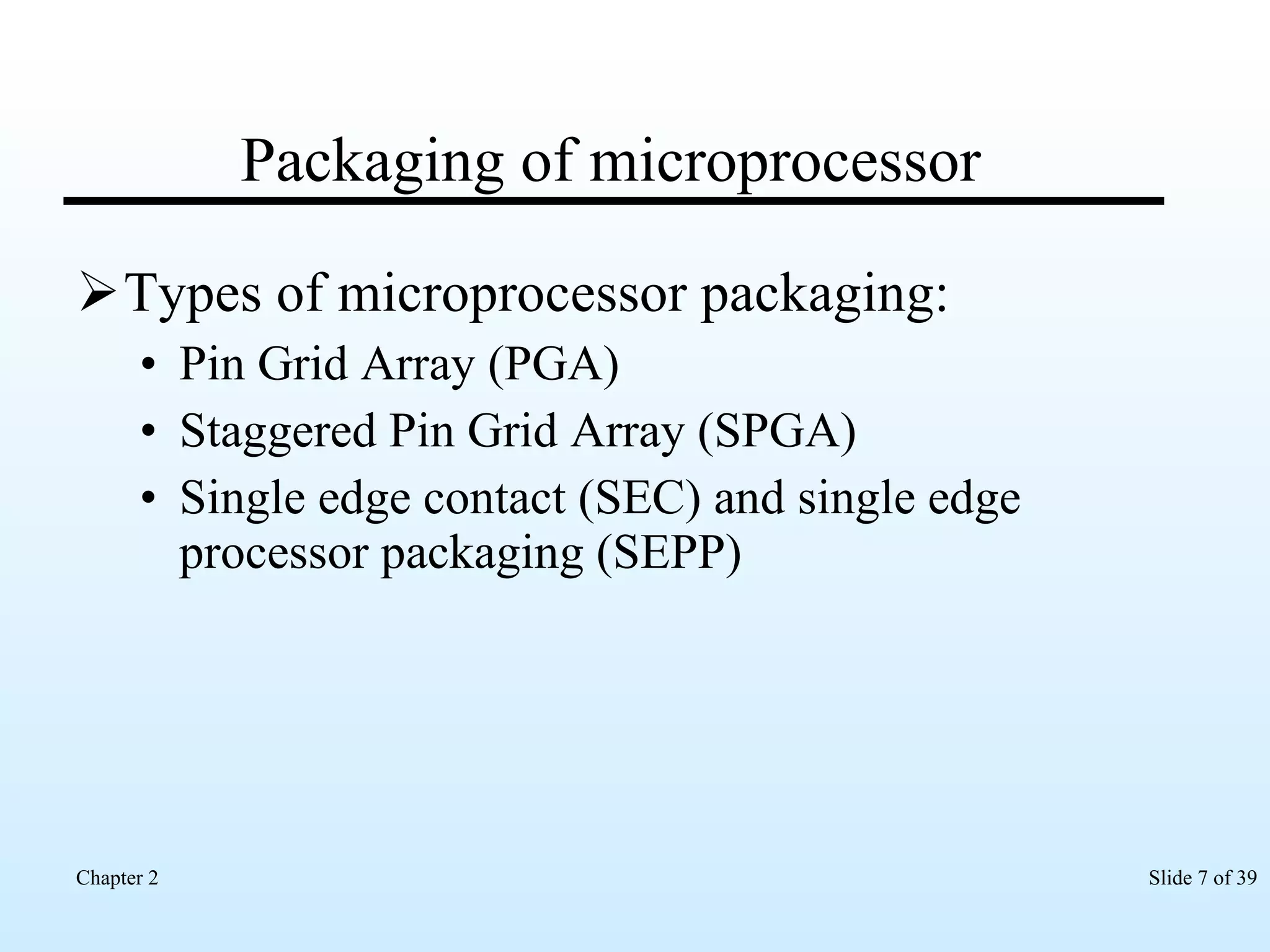
Packaging of microprocessor Types of microprocessor packaging: Pin Grid Array (PGA) Staggered Pin Grid Array (SPGA) Single edge contact (SEC) and single edge processor packaging (SEPP)
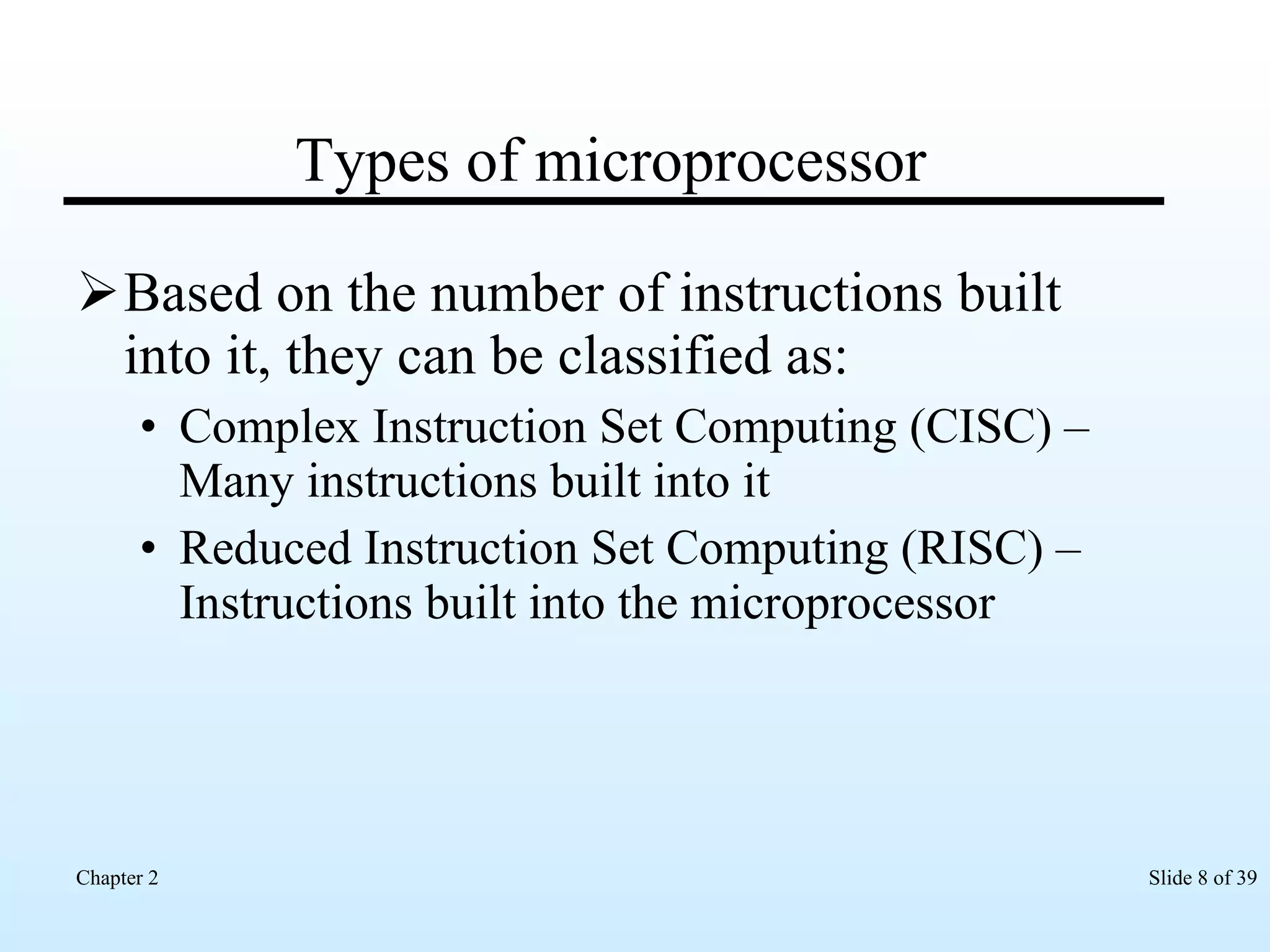
Types of microprocessor Based on the number of instructions built into it, they can be classified as: Complex Instruction Set Computing (CISC) – Many instructions built into it  Reduced Instruction Set Computing (RISC) – Instructions built into the microprocessor
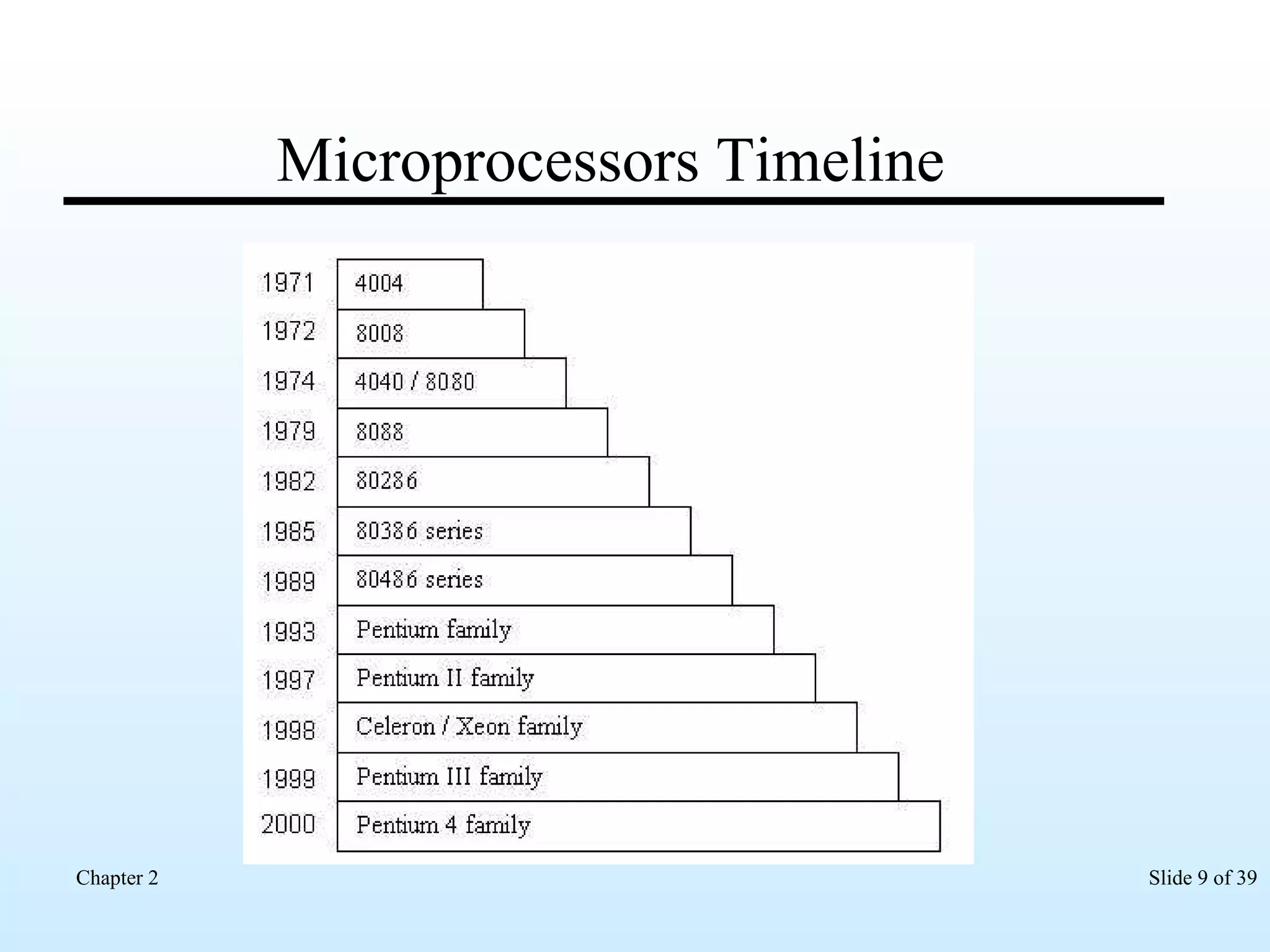
Microprocessors Timeline
Intel Pentium Microprocessor Designed to work with everyday applications Word processors Spreadsheets Multimedia applications  Games   Versions Pentium I Pentium II Pentium III Pentium IV
Pentium I Released in 1993 First chip from the fifth generation of microprocessors Has a 5-stage data pipeline for executing instructions
Pentium II Released in 1997 Available on a daughter card that has L2 cache Has a 14-stage data pipeline for executing instructions
Pentium III Released in 1999 Has a unique Processor Serial Number (PSN) embedded in the chip Has a 10-stage data pipeline for executing instructions
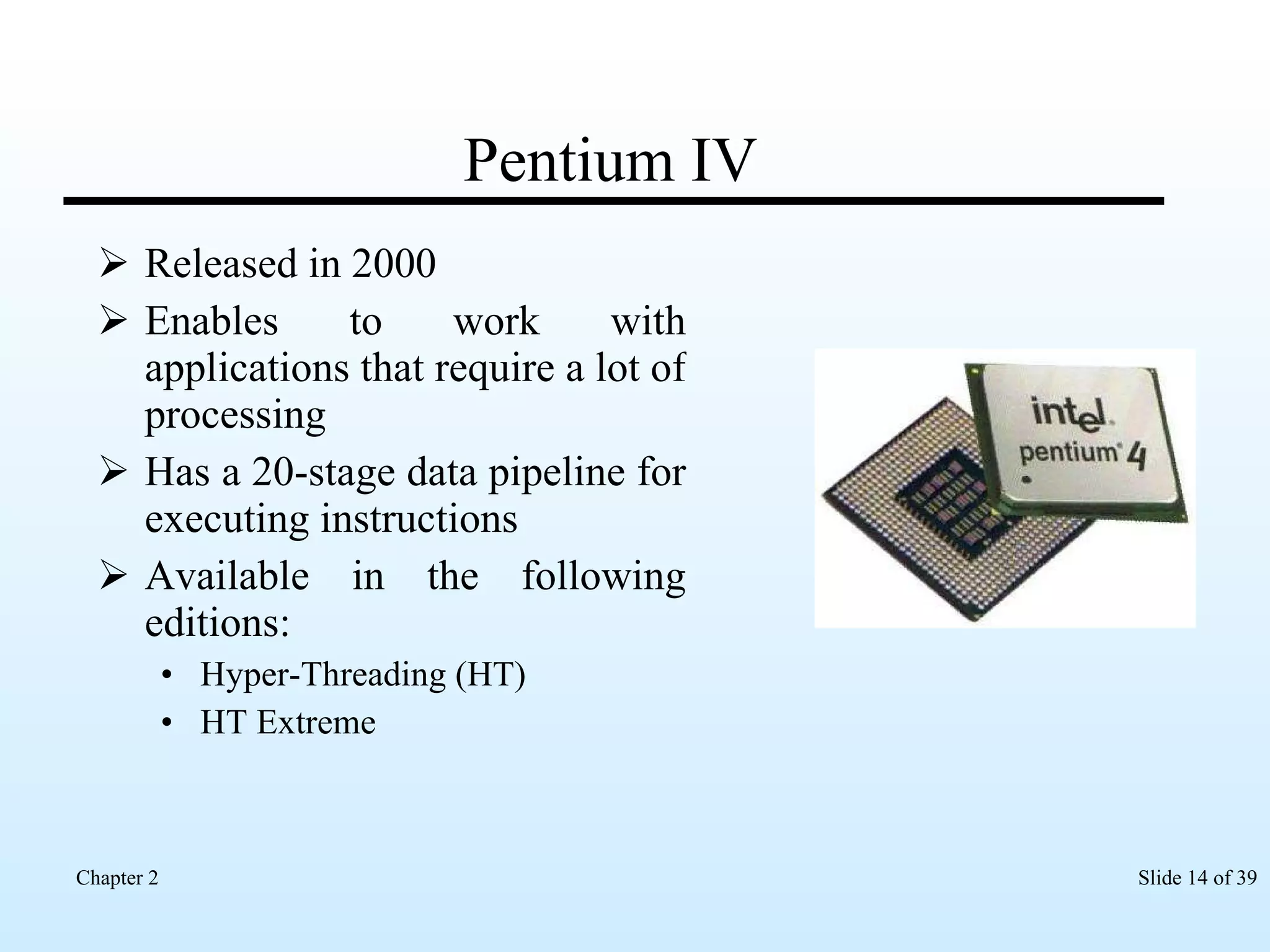
Pentium IV Released in 2000 Enables to work with applications that require a lot of processing  Has a 20-stage data pipeline for executing instructions Available in the following editions: Hyper-Threading (HT)  HT Extreme
Intel Centrino Mobile Technology Released in the year 2003 Uses the SSE instruction set The components that constitute this technology are: Intel Pentium M Processor Intel 855 chipset family Intel PRO/Wireless 2100 Network connection
Intel Pentium M Small in size Consumes less energy and prolong the battery life Used in Laptops  notebook computers
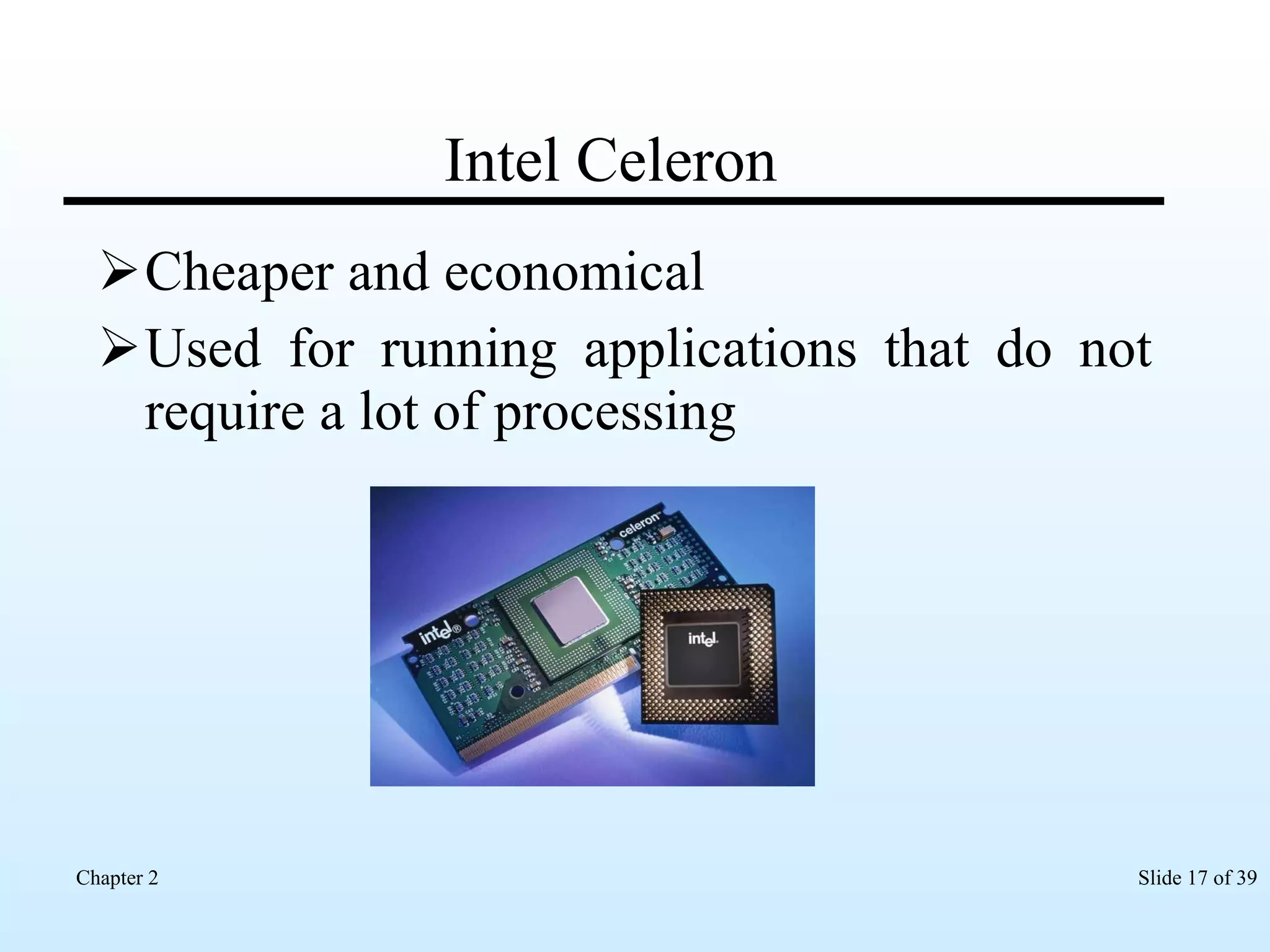
Intel Celeron Cheaper and economical Used for running applications that do not require a lot of processing
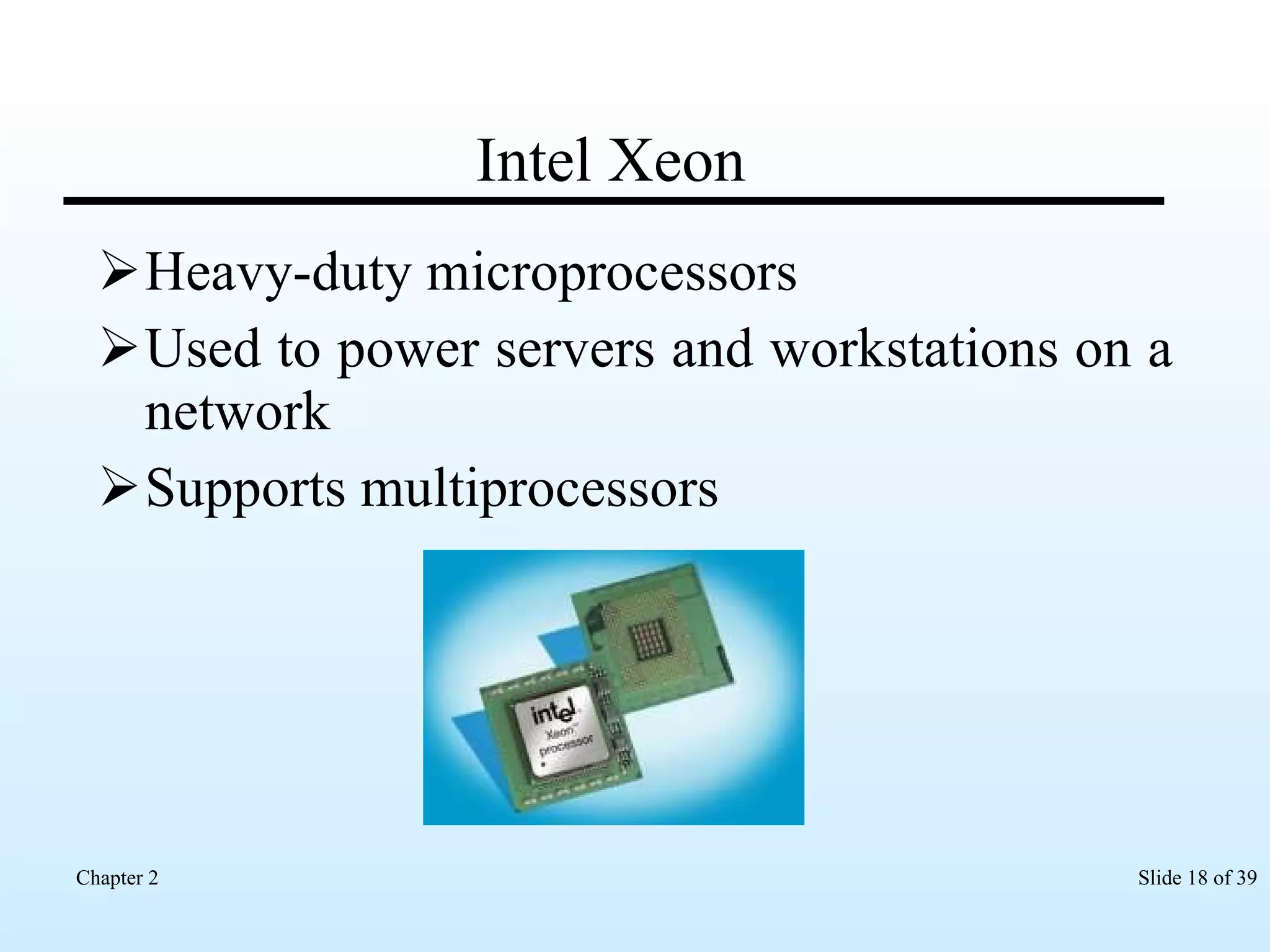
Intel Xeon Heavy-duty microprocessors Used to power servers and workstations on a network Supports multiprocessors
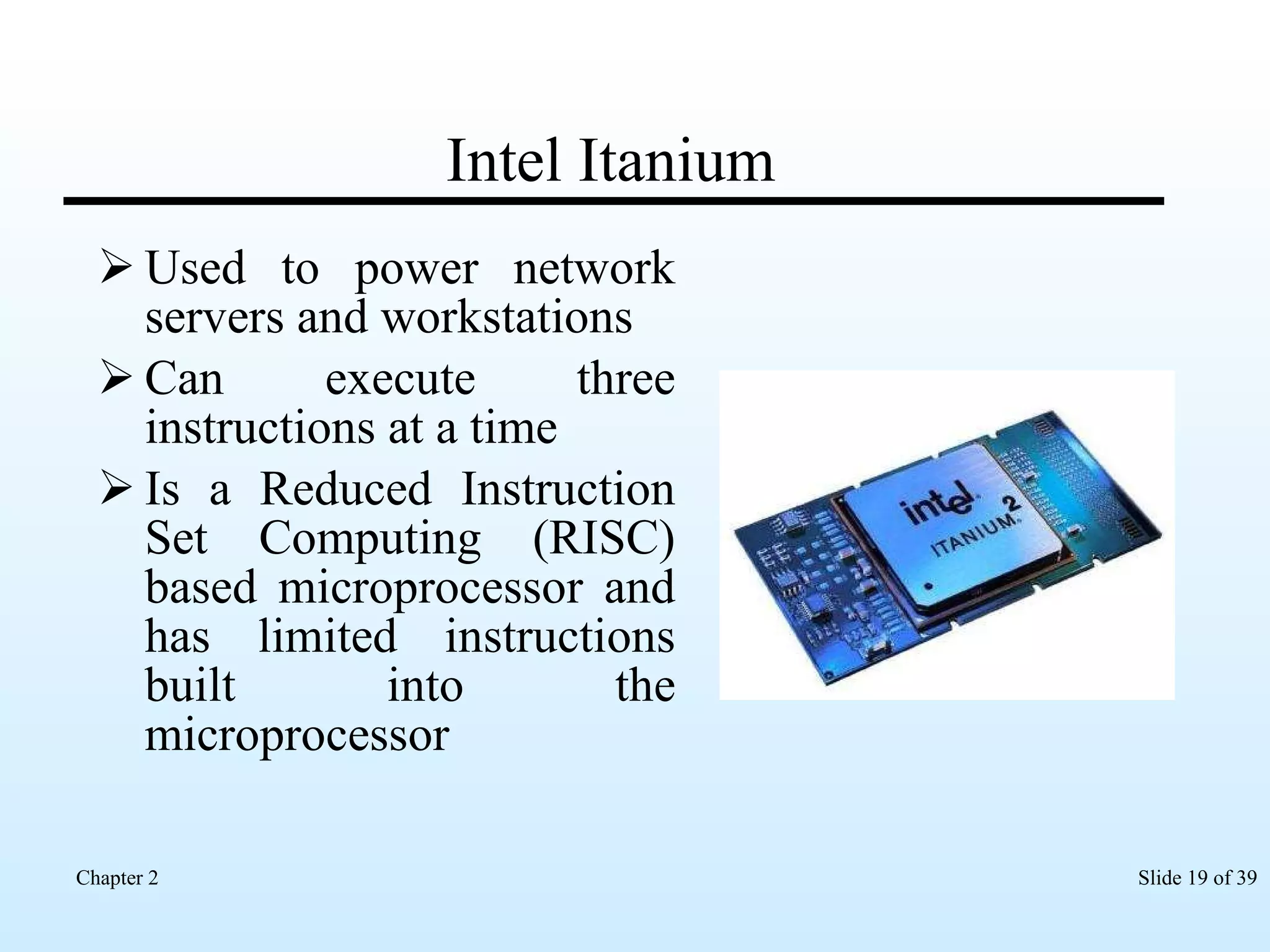
Intel Itanium Used to power network servers and workstations Can execute three instructions at a time Is a Reduced Instruction Set Computing (RISC) based microprocessor and has limited instructions built into the microprocessor
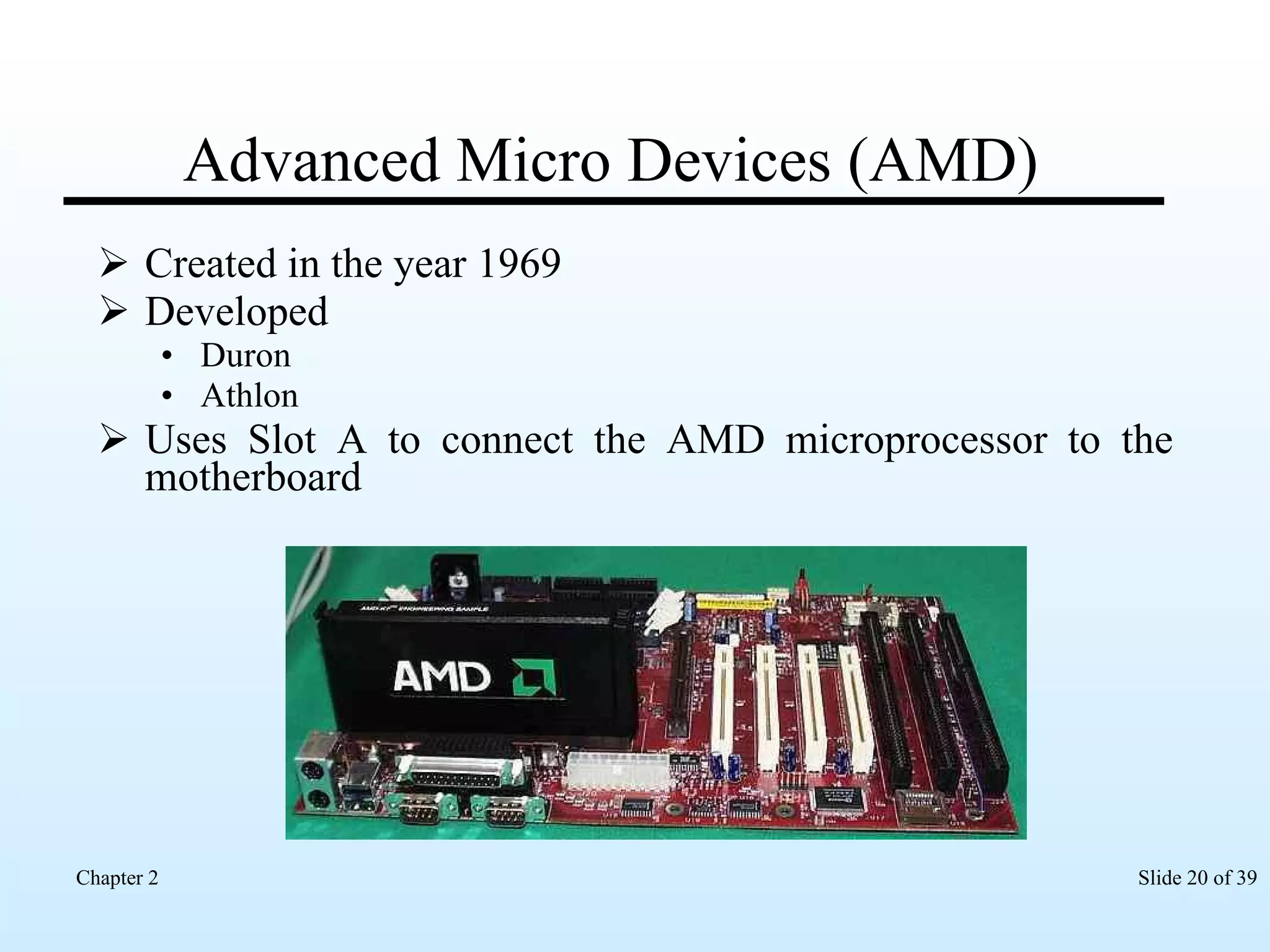
Advanced Micro Devices (AMD) Created in the year 1969 Developed  Duron  Athlon  Uses Slot A to connect the AMD microprocessor to the motherboard
Microprocessor Design Specifies the type of the microprocessor that can be installed on the motherboard Uses the Socket Slot
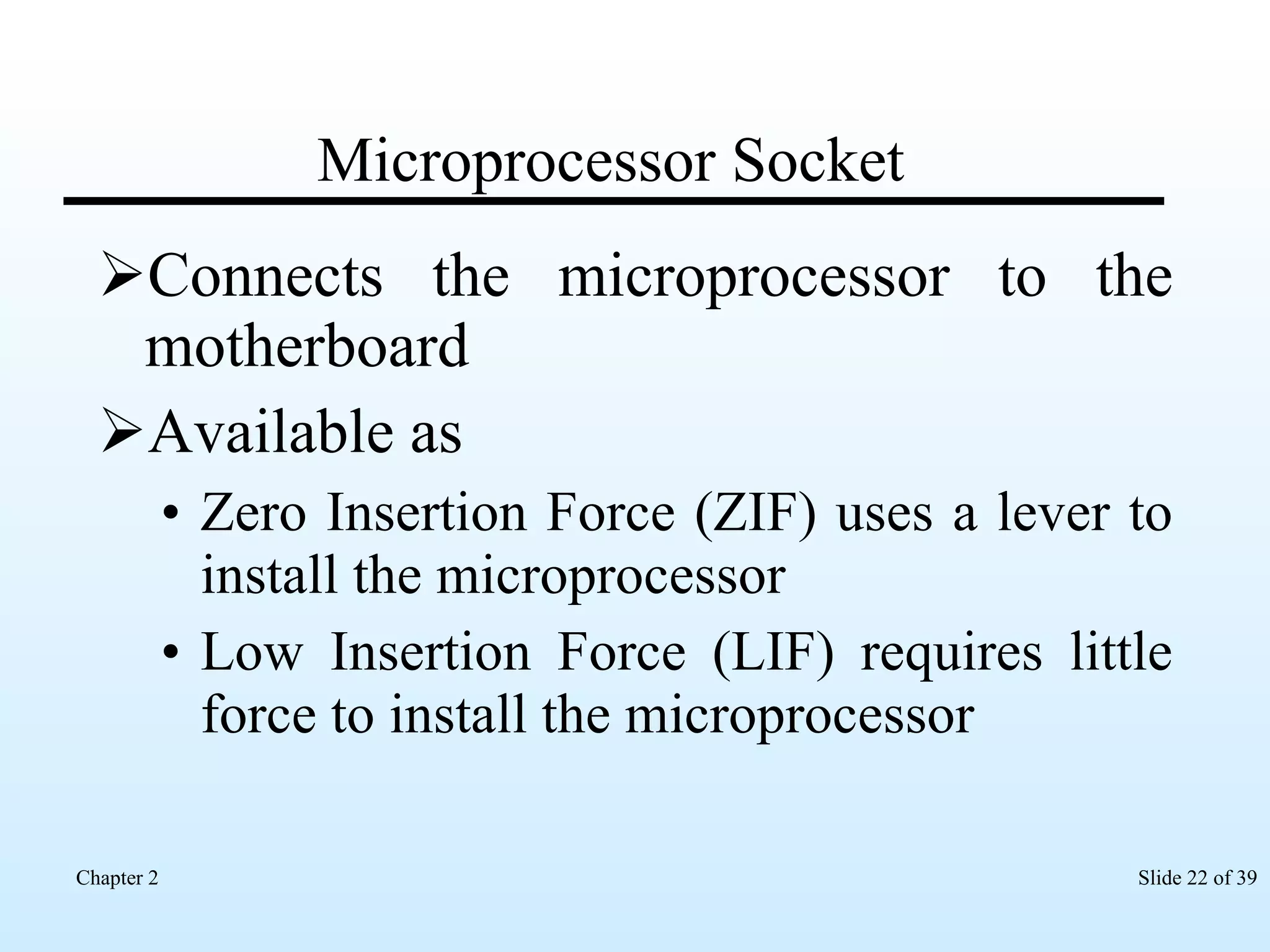
Microprocessor Socket Connects the microprocessor to the motherboard Available as Zero Insertion Force (ZIF) uses a lever to install the microprocessor Low Insertion Force (LIF) requires little force to install the microprocessor
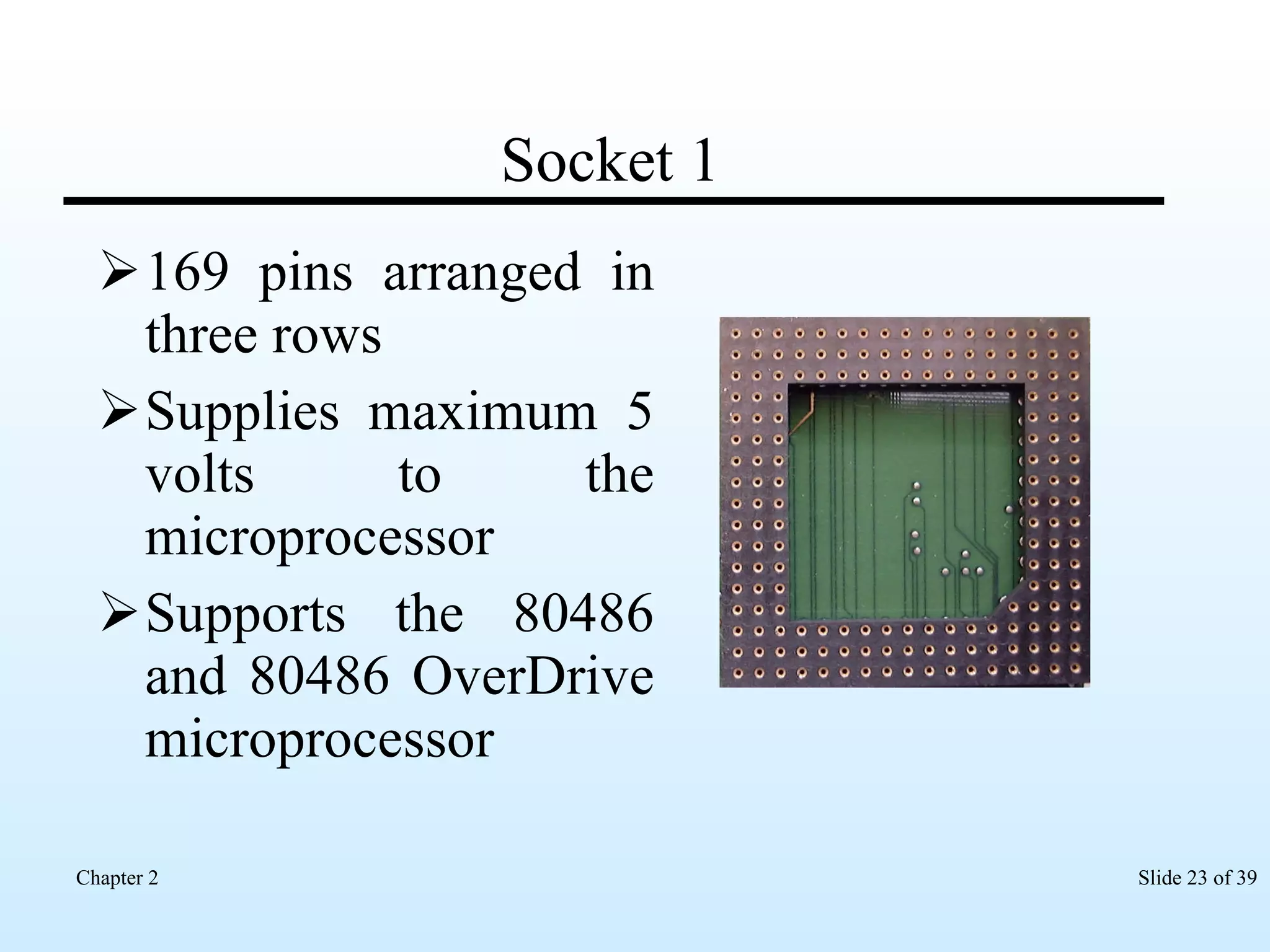
Socket 1 169 pins arranged in three rows Supplies maximum 5 volts to the microprocessor Supports the 80486 and 80486 OverDrive microprocessor
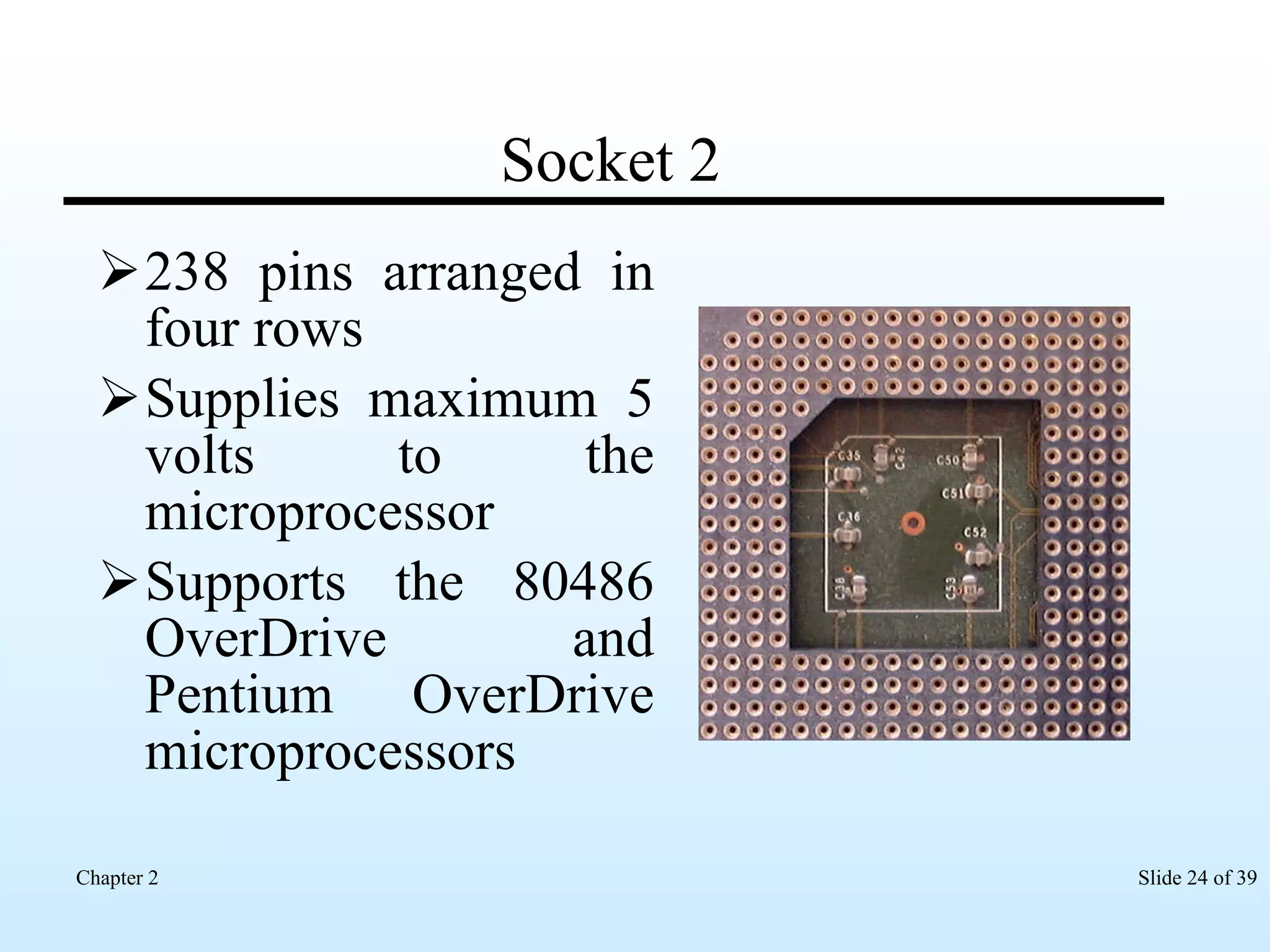
Socket 2 238 pins arranged in four rows Supplies maximum 5 volts to the microprocessor  Supports the 80486 OverDrive and Pentium OverDrive microprocessors
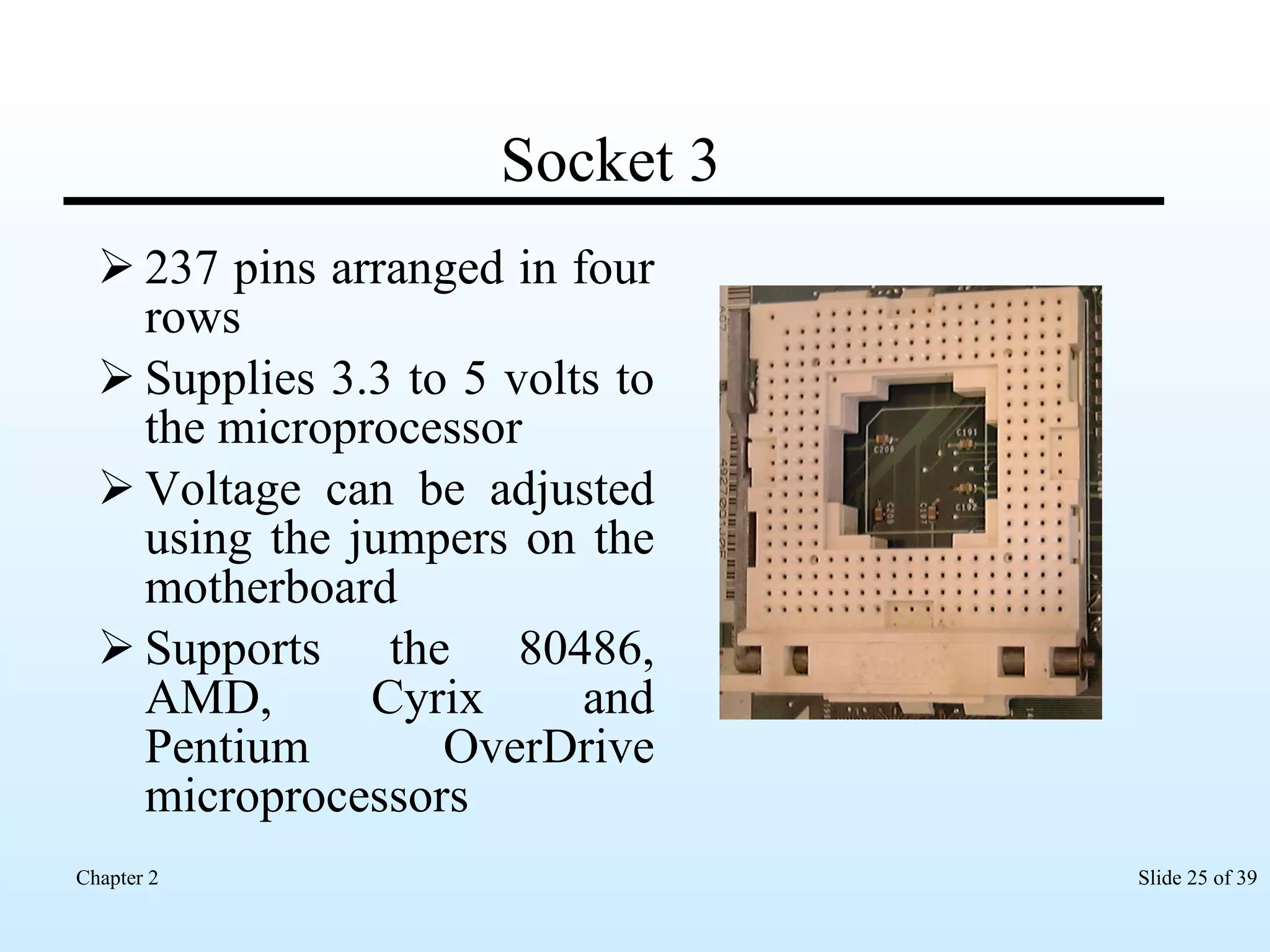
Socket 3 237 pins arranged in four rows Supplies 3.3 to 5 volts to the microprocessor  Voltage can be adjusted using the jumpers on the motherboard Supports the 80486, AMD, Cyrix and Pentium OverDrive microprocessors
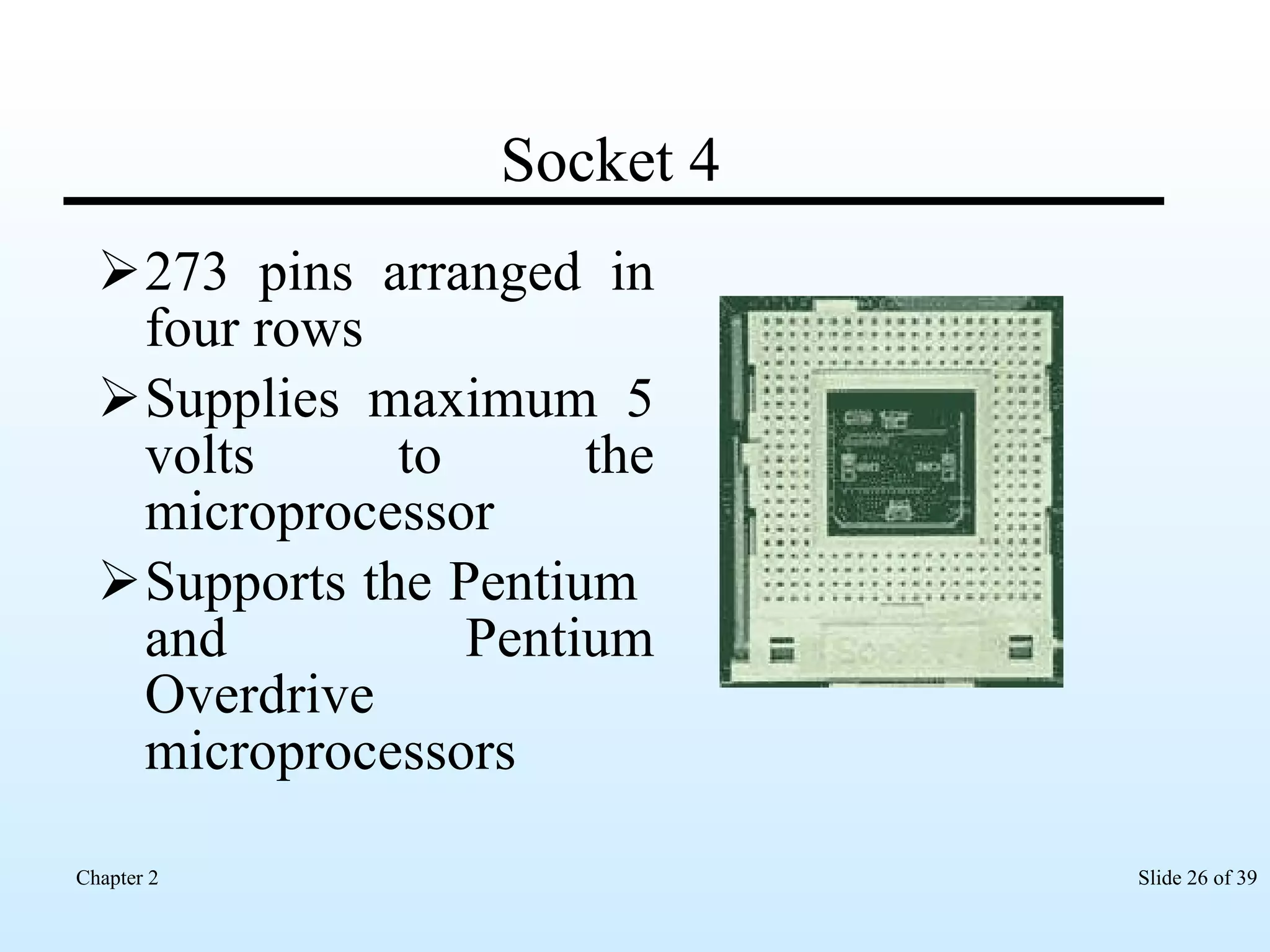
Socket 4 273 pins arranged in four rows Supplies maximum 5 volts to the microprocessor  Supports the Pentium  and Pentium Overdrive microprocessors
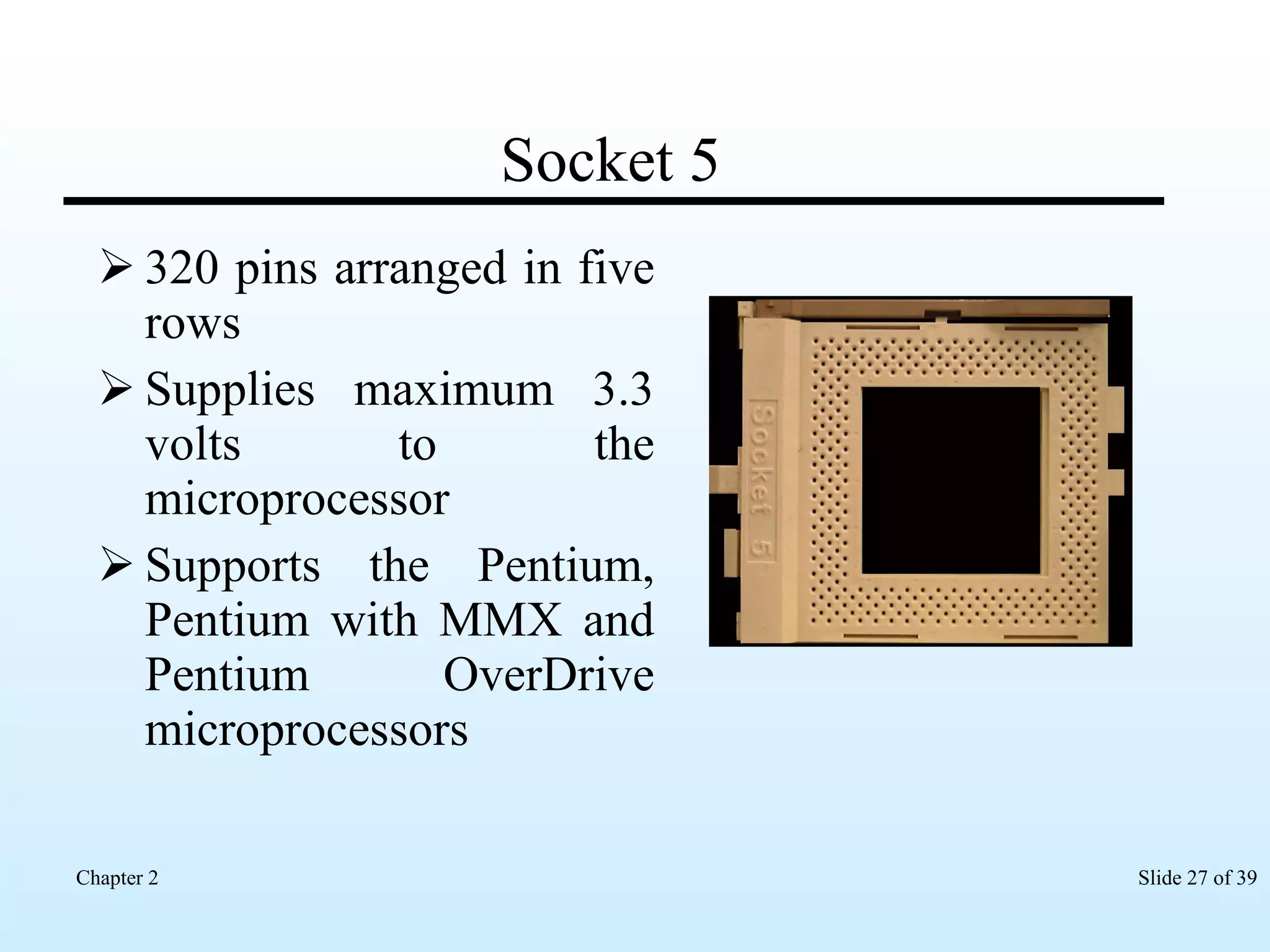
Socket 5 320 pins arranged in five rows Supplies maximum 3.3 volts to the microprocessor Supports the Pentium, Pentium with MMX and Pentium OverDrive microprocessors
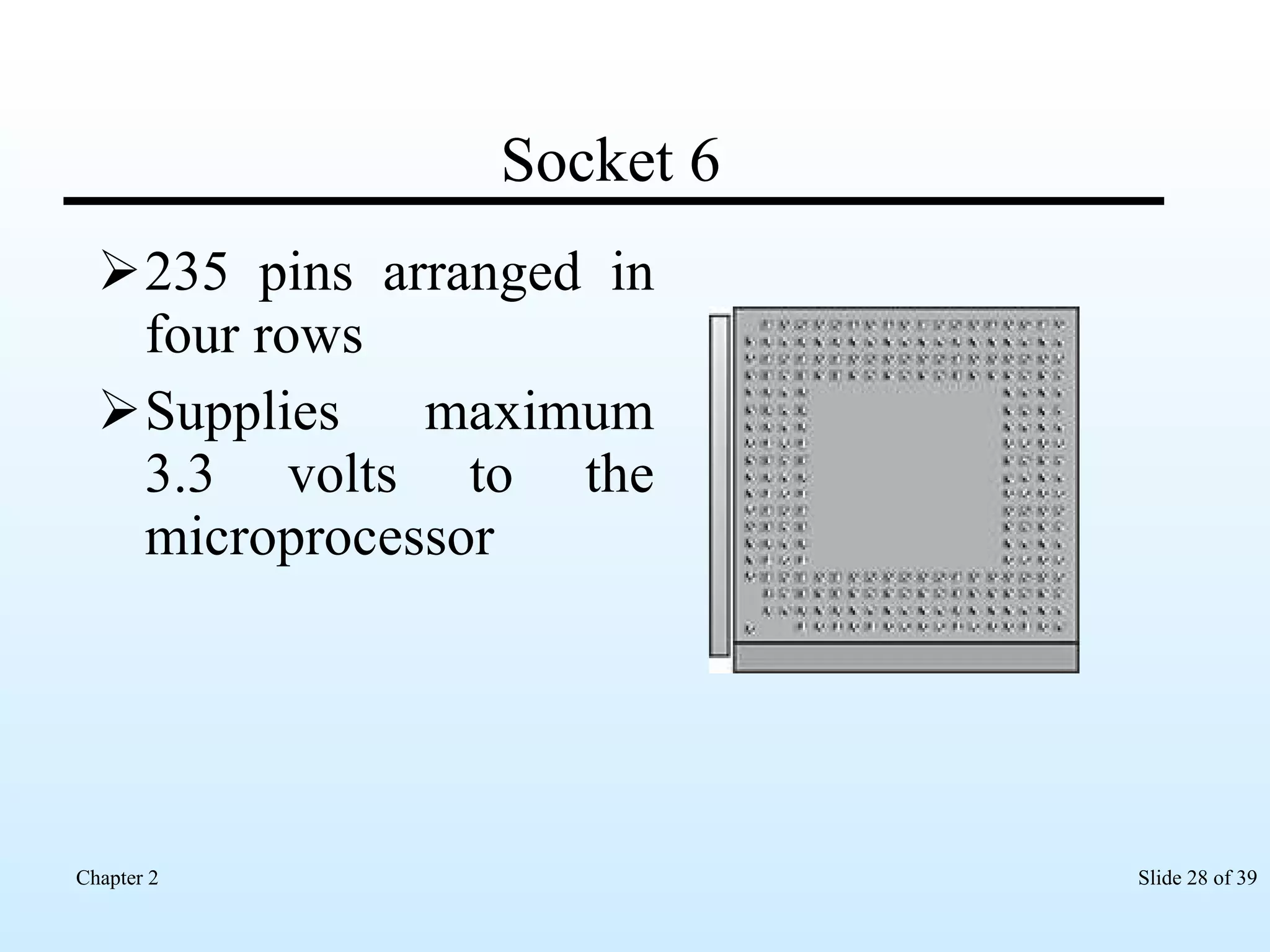
Socket 6 235 pins arranged in four rows Supplies maximum 3.3 volts to the microprocessor
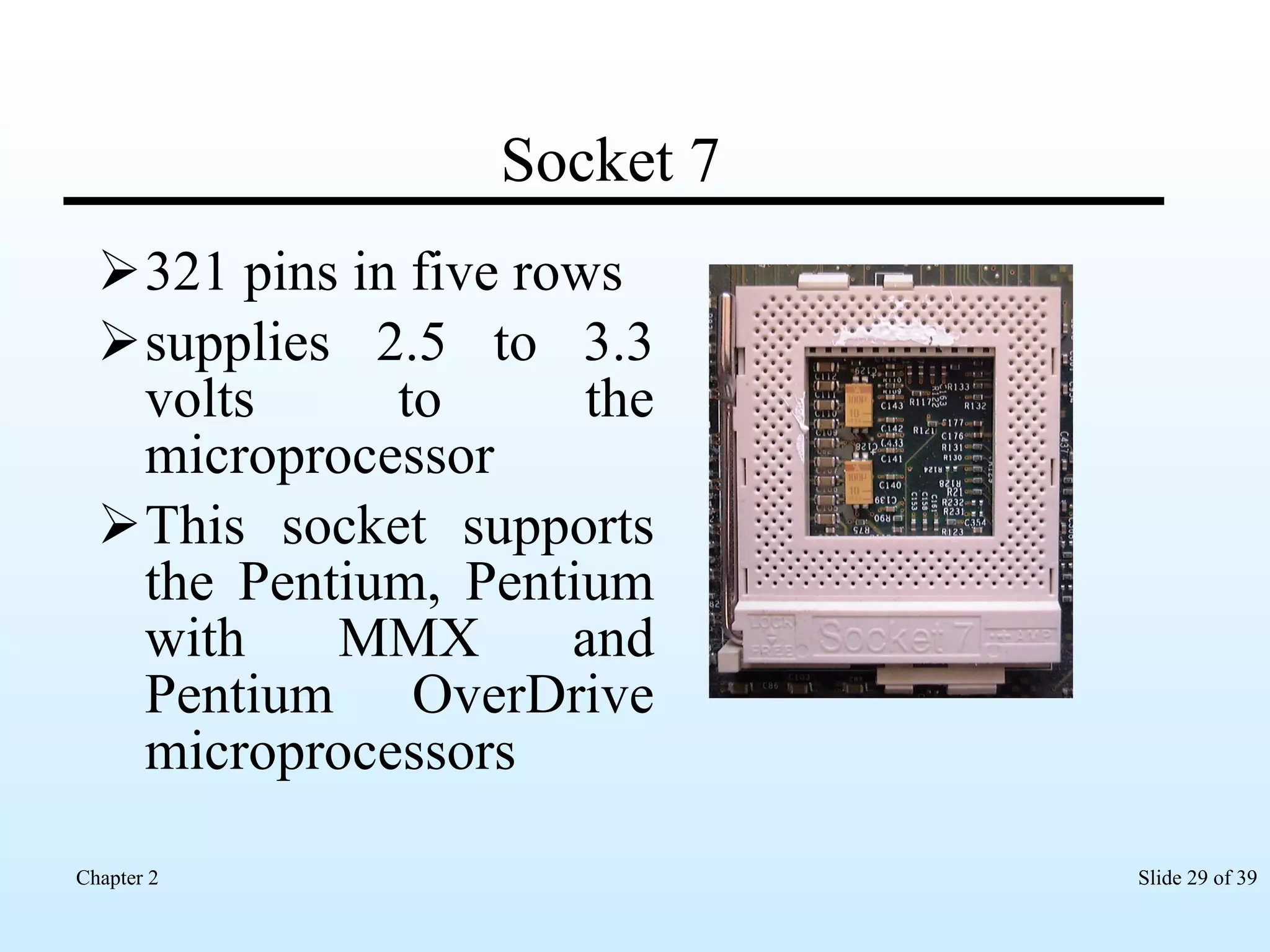
Socket 7 321 pins in five rows supplies 2.5 to 3.3 volts to the microprocessor This socket supports the Pentium, Pentium with MMX and Pentium OverDrive microprocessors
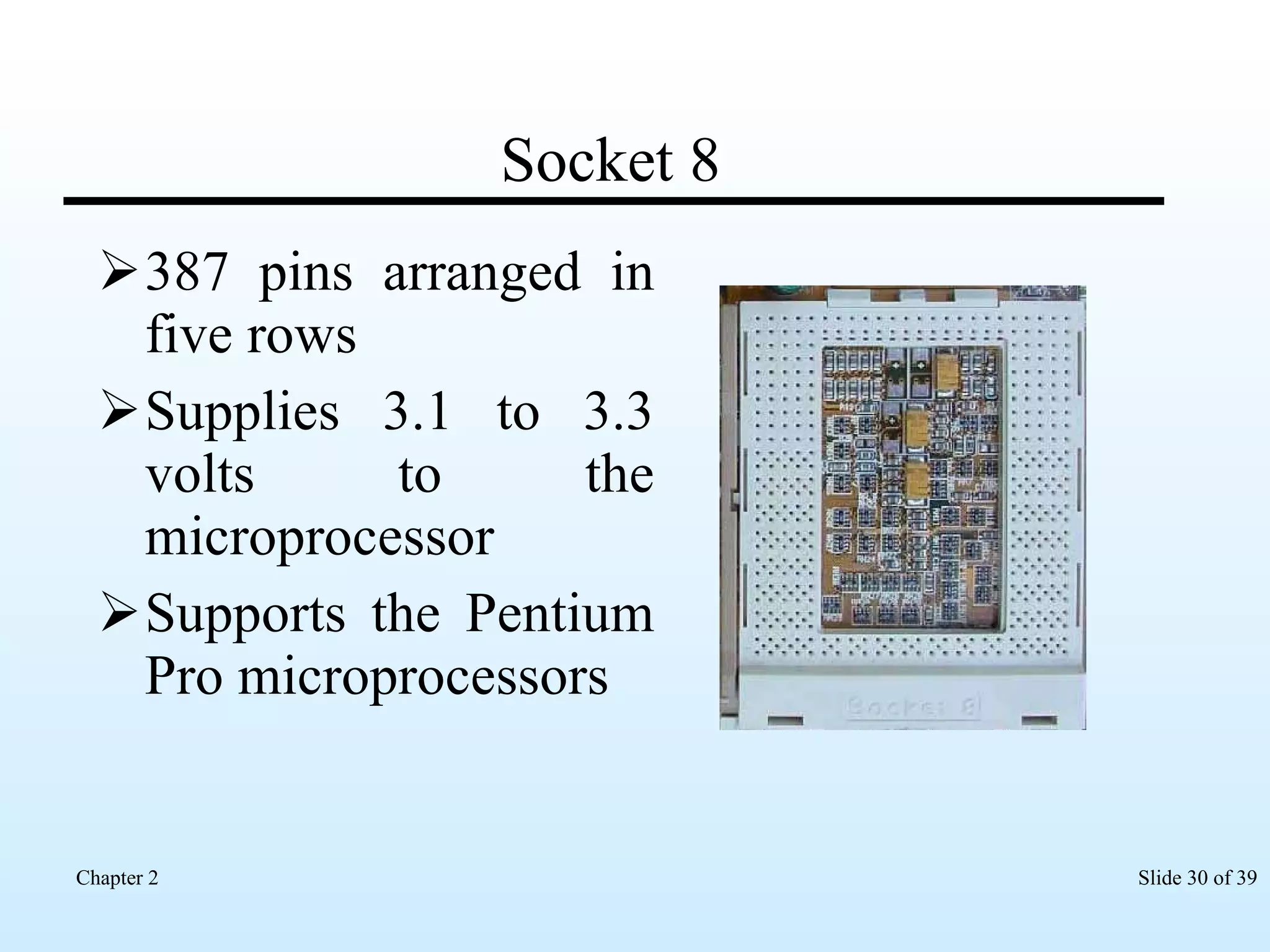
Socket 8 387 pins arranged in five rows Supplies 3.1 to 3.3 volts to the microprocessor Supports the Pentium Pro microprocessors
Socket 370 370 pins arranged in six rows Has L2 cache built into the microprocessor Supports Celeron 2 and Pentium III microprocessors
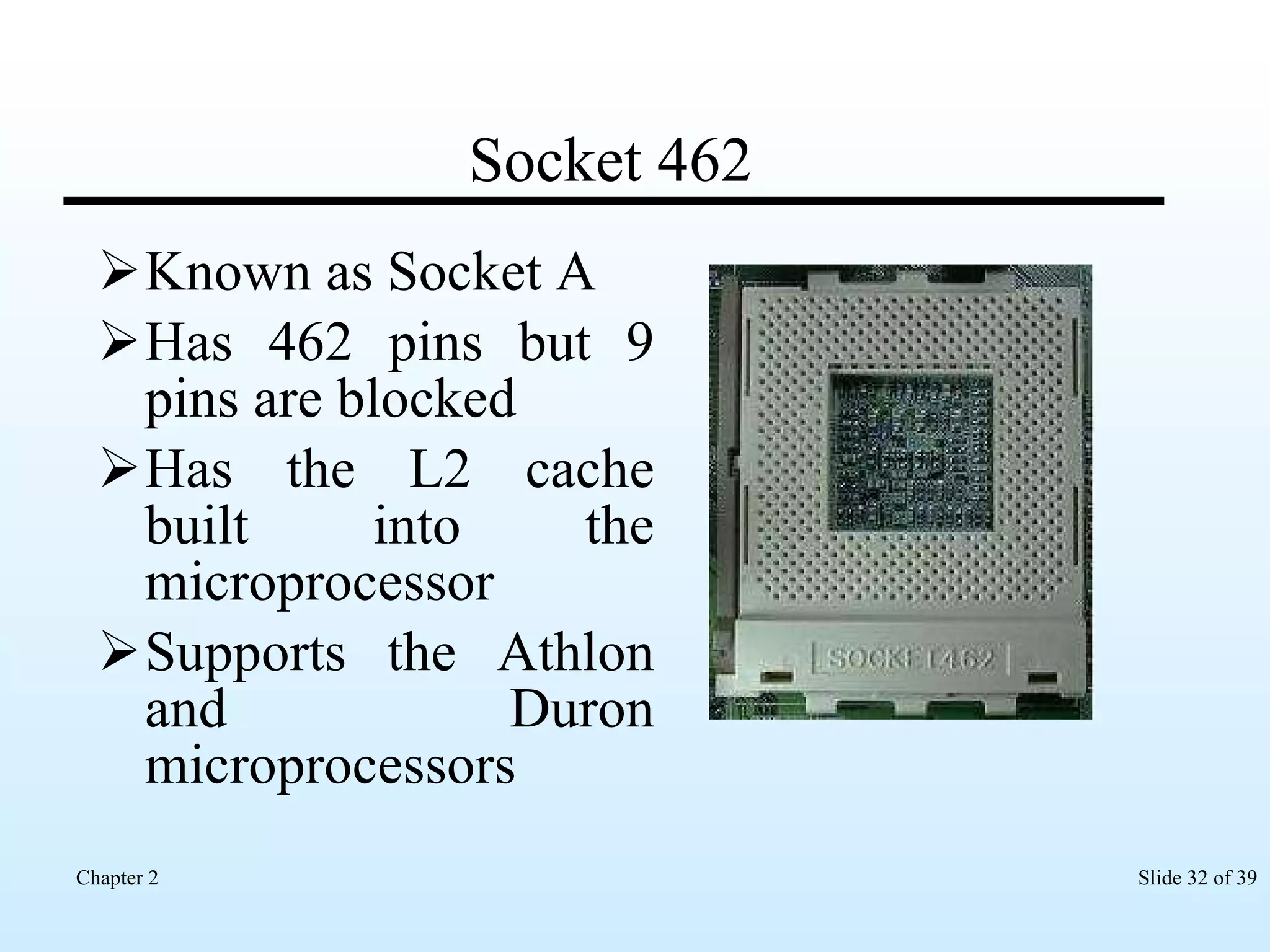
Socket 462 Known as Socket A Has 462 pins but 9 pins are blocked  Has the L2 cache built into the microprocessor Supports the Athlon and Duron microprocessors
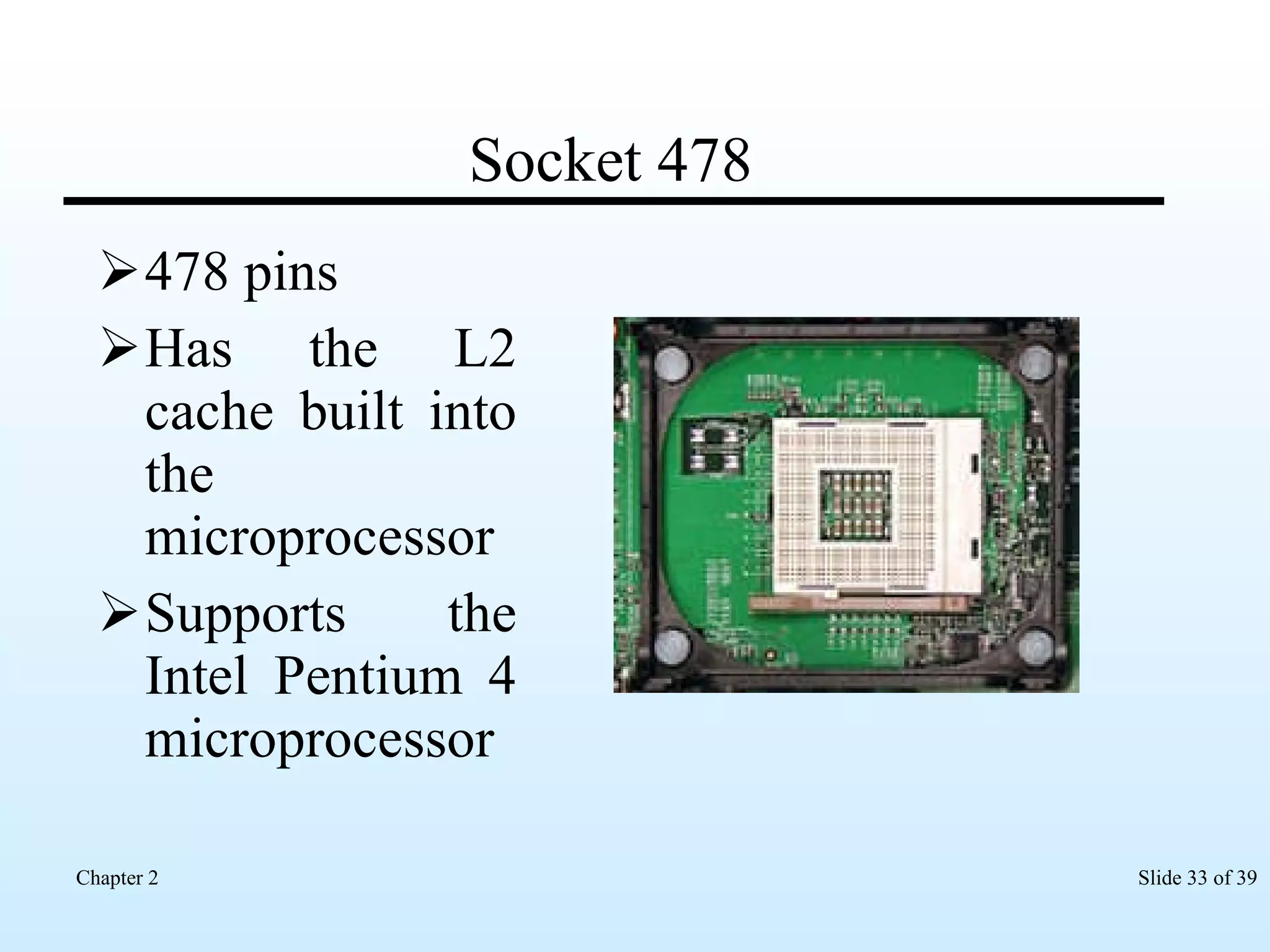
Socket 478 478 pins Has the L2 cache built into the microprocessor Supports the Intel Pentium 4 microprocessor
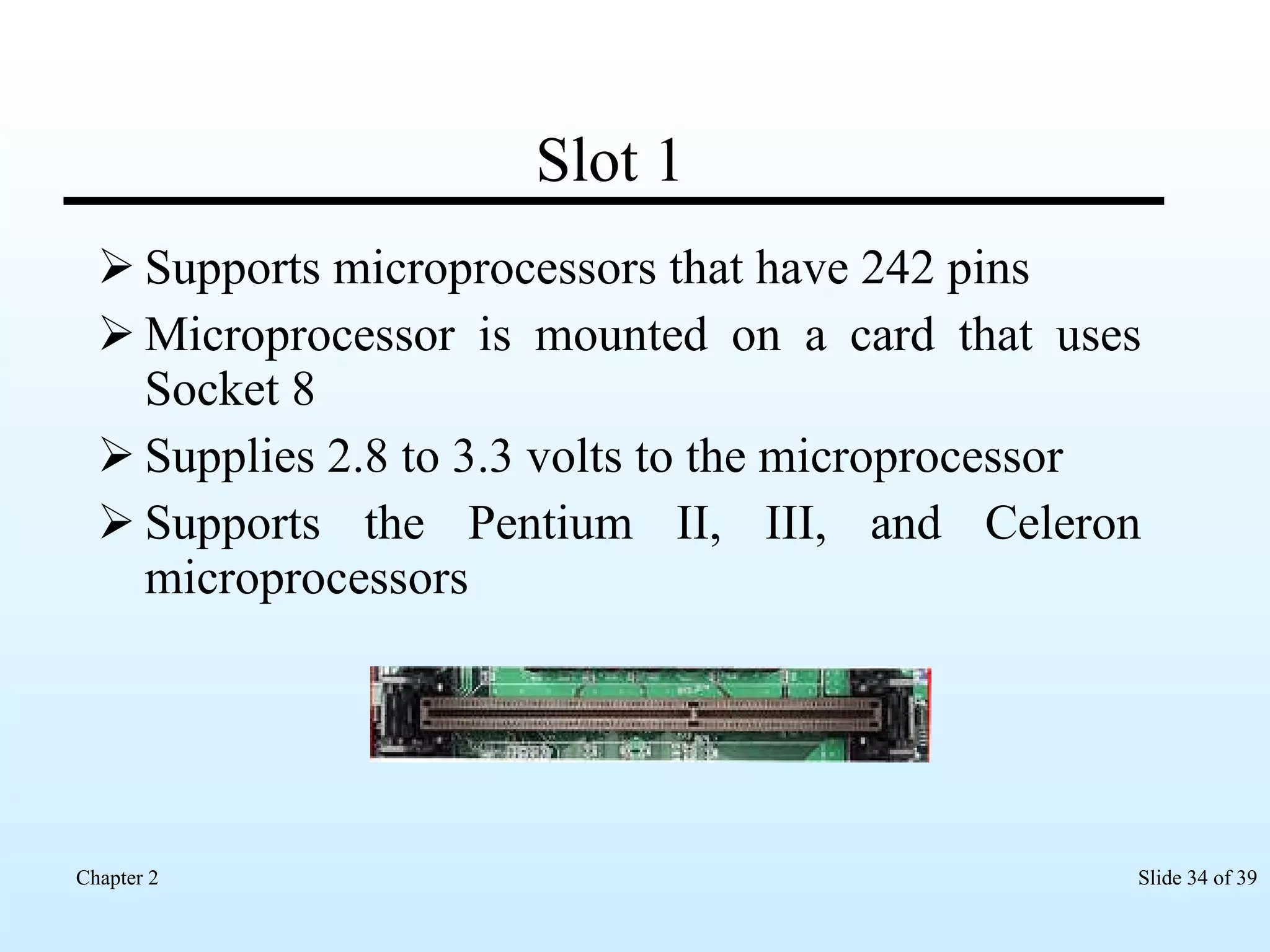
Slot 1 Supports microprocessors that have 242 pins Microprocessor is mounted on a card that uses Socket 8 Supplies 2.8 to 3.3 volts to the microprocessor Supports the Pentium II, III, and Celeron microprocessors
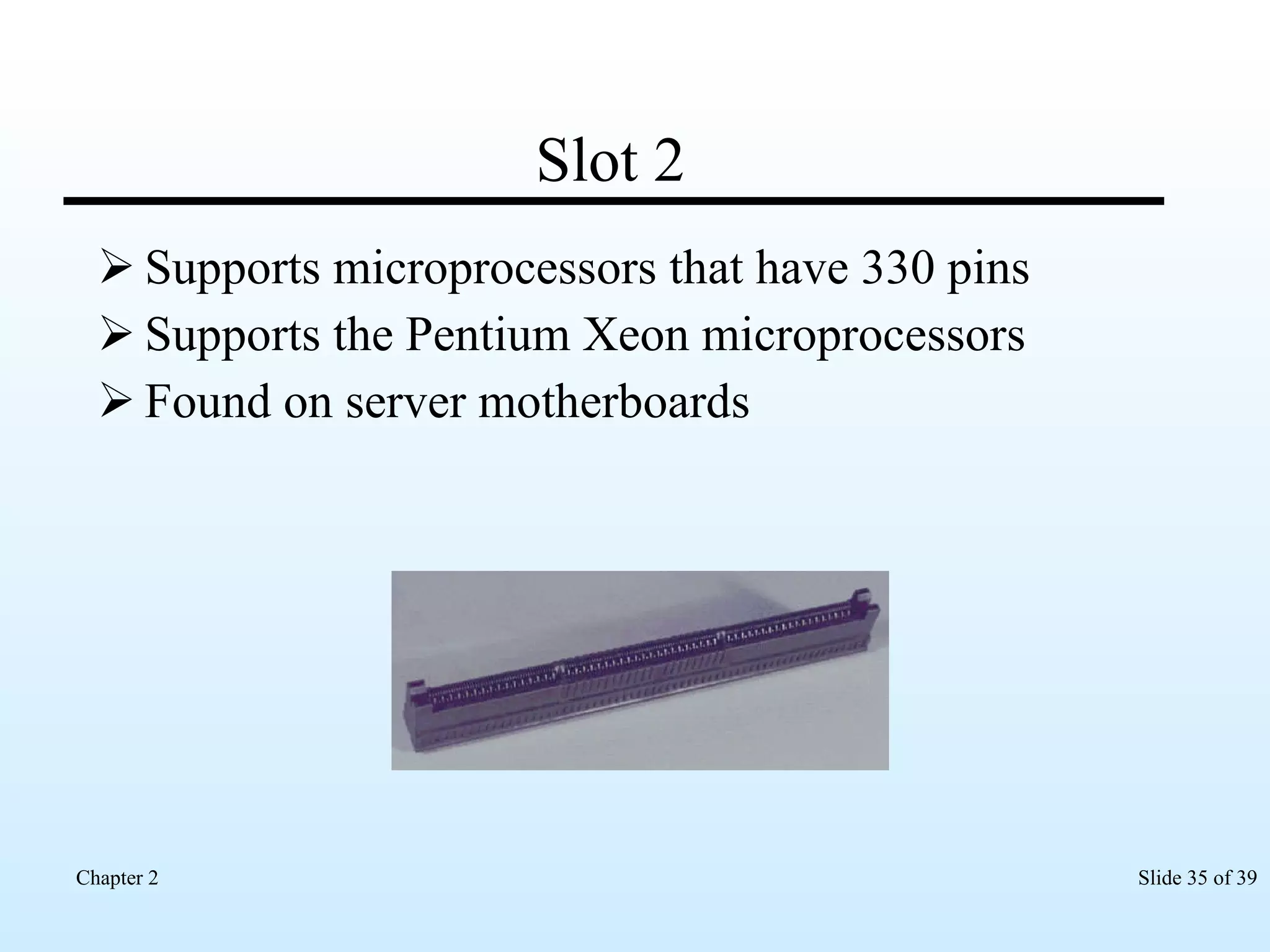
Slot 2 Supports microprocessors that have 330 pins Supports the Pentium Xeon microprocessors  Found on server motherboards
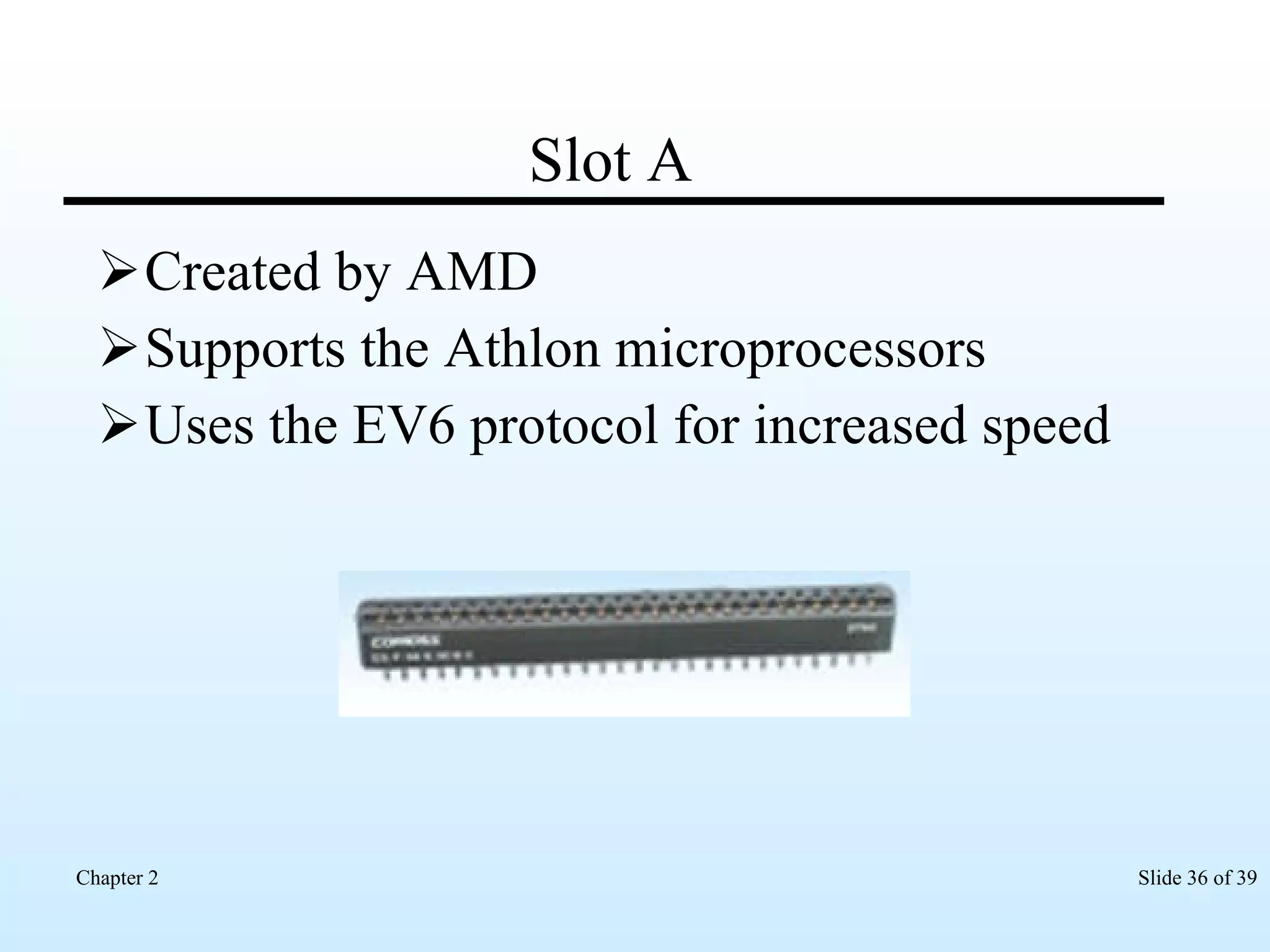
Slot A Created by AMD Supports the Athlon microprocessors Uses the EV6 protocol for increased speed
Install Microprocessor in ZIF socket - I Check voltage requirements Wear an anti-static wristband Place motherboard on work desk Take microprocessor out from anti-static bag Check that all pins on underside of microprocessor are straight
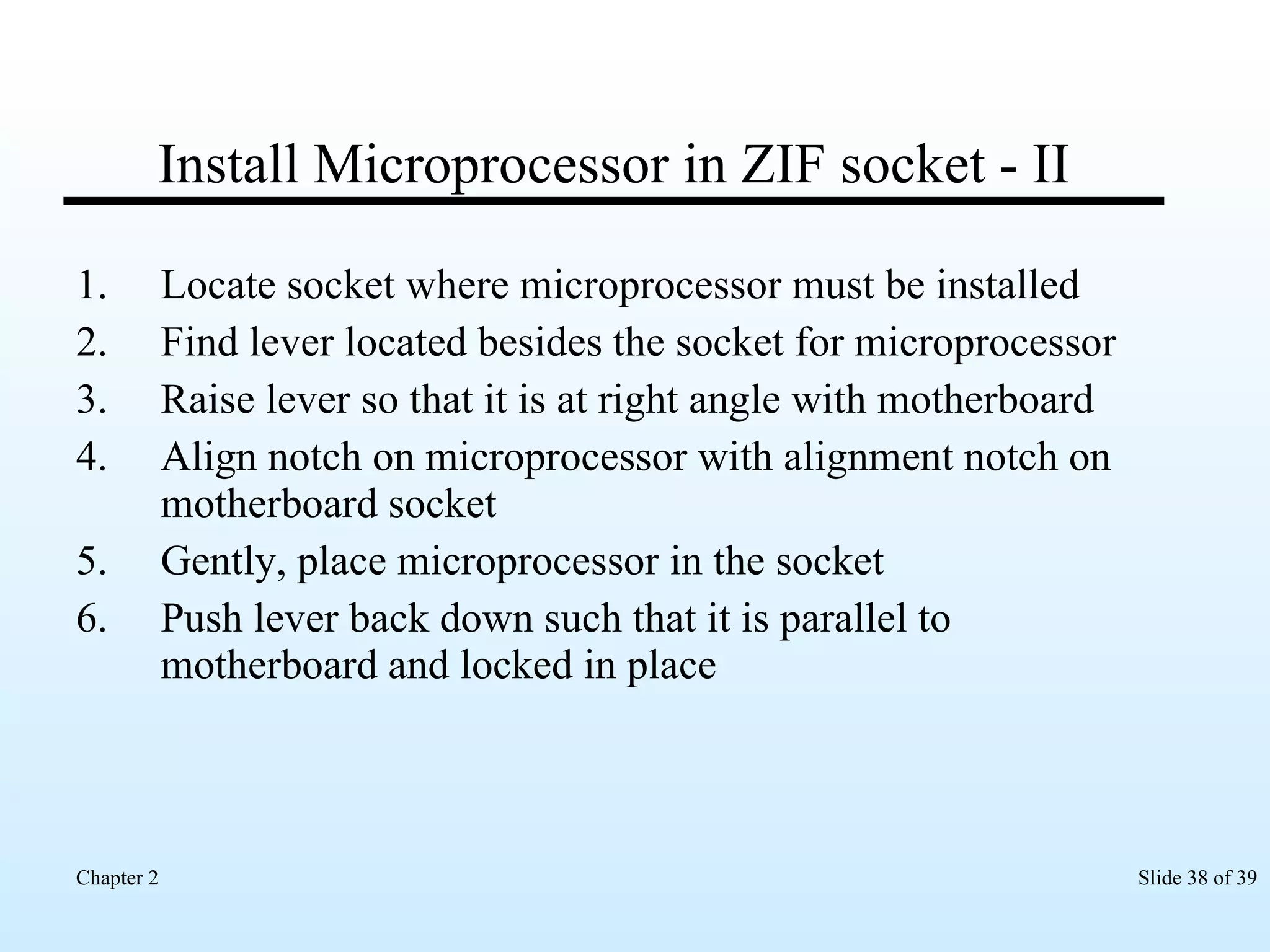
Install Microprocessor in ZIF socket - II Locate socket where microprocessor must be installed Find lever located besides the socket for microprocessor Raise lever so that it is at right angle with motherboard Align notch on microprocessor with alignment notch on motherboard socket Gently, place microprocessor in the socket Push lever back down such that it is parallel to motherboard and locked in place
Configuring the Microprocessor Possible by adjusting the jumpers or by changing the system BIOS  Overclocking the microprocessor to perform faster
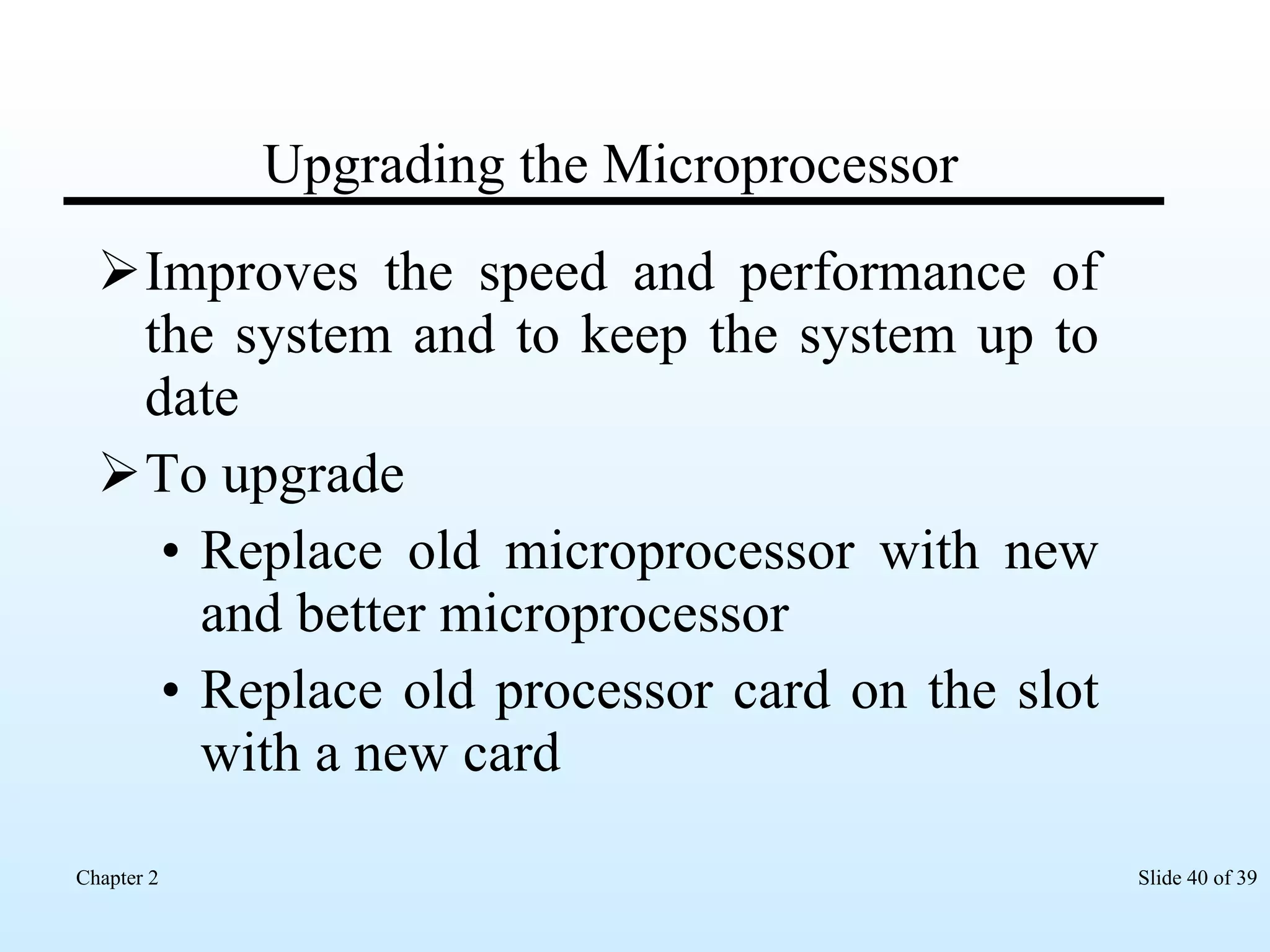
Upgrading the Microprocessor Improves the speed and performance of the system and to keep the system up to date To upgrade Replace old microprocessor with new and better microprocessor Replace old processor card on the slot with a new card
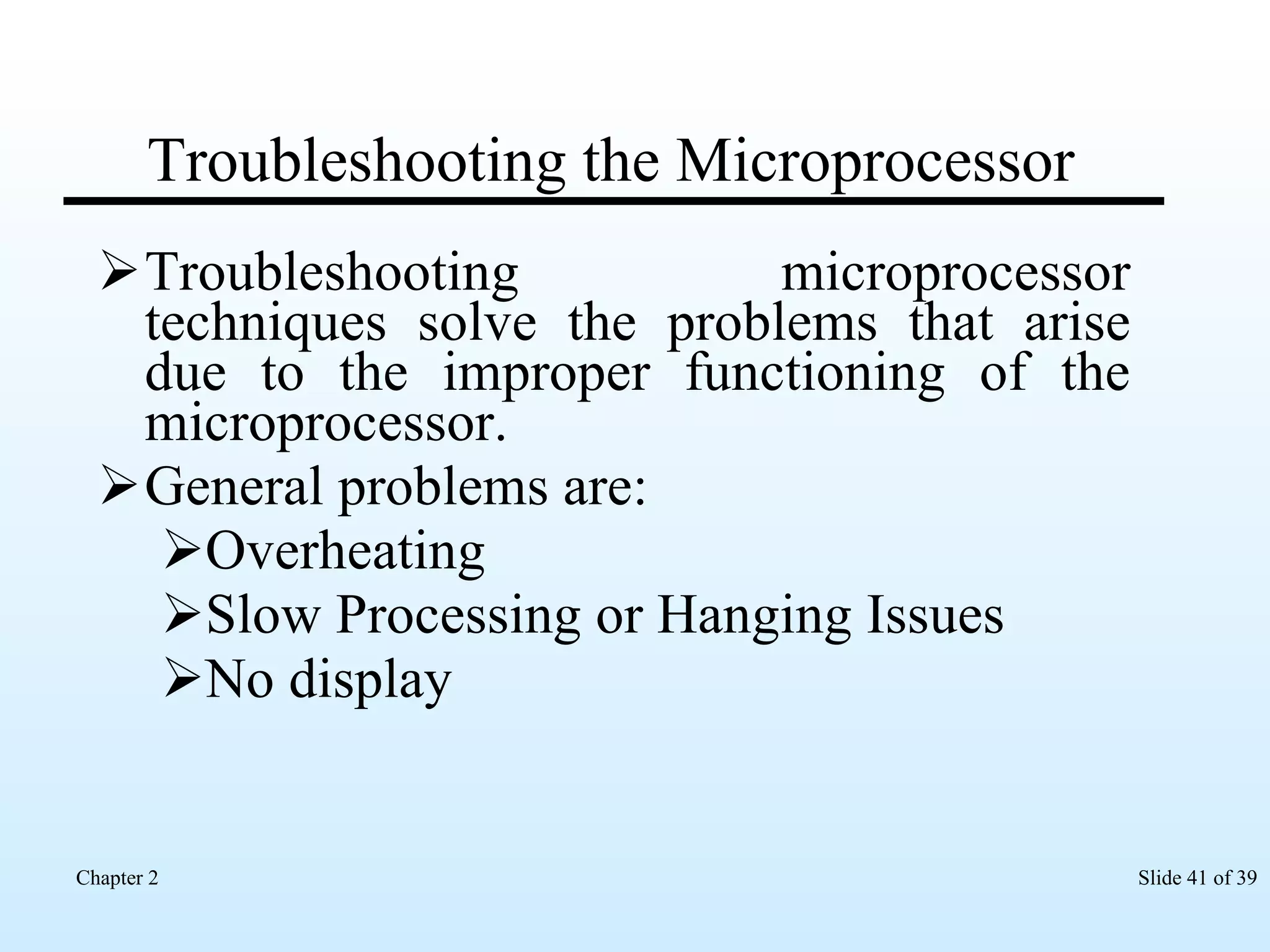
Troubleshooting the Microprocessor Troubleshooting microprocessor techniques solve the problems that arise due to the improper functioning of the microprocessor.  General problems are: Overheating Slow Processing or Hanging Issues No display
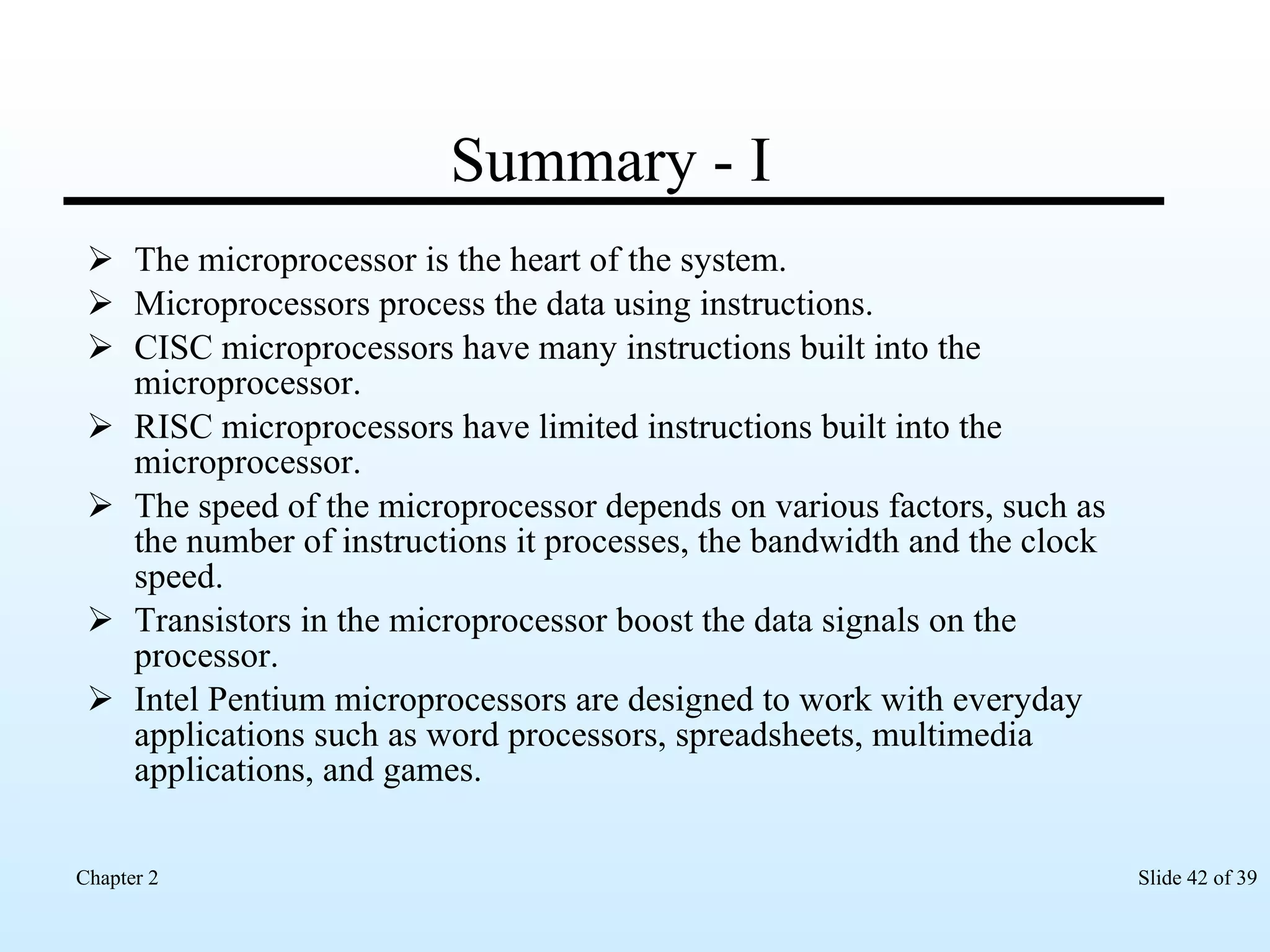
Summary - I The microprocessor is the heart of the system. Microprocessors process the data using instructions. CISC microprocessors have many instructions built into the microprocessor. RISC microprocessors have limited instructions built into the microprocessor. The speed of the microprocessor depends on various factors, such as the number of instructions it processes, the bandwidth and the clock speed. Transistors in the microprocessor boost the data signals on the processor. Intel Pentium microprocessors are designed to work with everyday applications such as word processors, spreadsheets, multimedia applications, and games.
Summary - II Intel Pentium M microprocessors are used for laptops and notebook computers. Intel Celeron microprocessors are cheaper and more economical than the Pentium microprocessors. Intel Celeron microprocessors have a smaller cache size than the Pentium microprocessors. Intel Xeon microprocessors power servers and workstations on a network. Intel Itanium is an RISC microprocessor that powers network servers and workstations. AMD Duron and Athlon are economical microprocessors. The socket on the motherboard connects the microprocessor to the motherboard.
Summary - III The microprocessors available on cards use motherboards that have a slot to install the microprocessor. The different parts of the microprocessor work together to process the data and give the user valuable information. Data and information flows from the microprocessor to the different devices connected to the system using the bus. Configuring the microprocessor is possible by adjusting jumpers on the motherboard or using the system BIOS. Overclocking the microprocessor increases the speed of the processor. To upgrade a microprocessor, we replace the microprocessor in the system with a new and better microprocessor. By troubleshooting, we can solve the microprocessor problems like overheating and slow processing.

Chapter 2: Microprocessors

  • 1.
  • 2.
    Objectives Discuss theworking of microprocessor Discuss the various interfaces of microprocessor List the types of microprocessors Discuss the evolution of microprocessors List the various microprocessor designs Install the microprocessor Configure the microprocessor Upgrade the microprocessor Troubleshoot the microprocessor
  • 3.
    Microprocessor Is achip Has transistors built into it Has cache to store information
  • 4.
    Working of theMicroprocessor Accepts data Processes data Stores data Sends output data
  • 5.
    Parts of microprocessorArithmetic and Logic Unit Control Unit Prefetch Unit Bus Unit Decode Unit Data and instruction cache Registers
  • 6.
    Interface of MicroprocessorSteps followed by the microprocessor to interface with a device: Checks the status of the device. Requests the device for transferring data. The device sends the data request to the microprocessor. The microprocessor sends the required data to the device.
  • 7.
    Packaging of microprocessorTypes of microprocessor packaging: Pin Grid Array (PGA) Staggered Pin Grid Array (SPGA) Single edge contact (SEC) and single edge processor packaging (SEPP)
  • 8.
    Types of microprocessorBased on the number of instructions built into it, they can be classified as: Complex Instruction Set Computing (CISC) – Many instructions built into it Reduced Instruction Set Computing (RISC) – Instructions built into the microprocessor
  • 9.
  • 10.
    Intel Pentium MicroprocessorDesigned to work with everyday applications Word processors Spreadsheets Multimedia applications Games Versions Pentium I Pentium II Pentium III Pentium IV
  • 11.
    Pentium I Releasedin 1993 First chip from the fifth generation of microprocessors Has a 5-stage data pipeline for executing instructions
  • 12.
    Pentium II Releasedin 1997 Available on a daughter card that has L2 cache Has a 14-stage data pipeline for executing instructions
  • 13.
    Pentium III Releasedin 1999 Has a unique Processor Serial Number (PSN) embedded in the chip Has a 10-stage data pipeline for executing instructions
  • 14.
    Pentium IV Releasedin 2000 Enables to work with applications that require a lot of processing Has a 20-stage data pipeline for executing instructions Available in the following editions: Hyper-Threading (HT) HT Extreme
  • 15.
    Intel Centrino MobileTechnology Released in the year 2003 Uses the SSE instruction set The components that constitute this technology are: Intel Pentium M Processor Intel 855 chipset family Intel PRO/Wireless 2100 Network connection
  • 16.
    Intel Pentium MSmall in size Consumes less energy and prolong the battery life Used in Laptops notebook computers
  • 17.
    Intel Celeron Cheaperand economical Used for running applications that do not require a lot of processing
  • 18.
    Intel Xeon Heavy-dutymicroprocessors Used to power servers and workstations on a network Supports multiprocessors
  • 19.
    Intel Itanium Usedto power network servers and workstations Can execute three instructions at a time Is a Reduced Instruction Set Computing (RISC) based microprocessor and has limited instructions built into the microprocessor
  • 20.
    Advanced Micro Devices(AMD) Created in the year 1969 Developed Duron Athlon Uses Slot A to connect the AMD microprocessor to the motherboard
  • 21.
    Microprocessor Design Specifiesthe type of the microprocessor that can be installed on the motherboard Uses the Socket Slot
  • 22.
    Microprocessor Socket Connectsthe microprocessor to the motherboard Available as Zero Insertion Force (ZIF) uses a lever to install the microprocessor Low Insertion Force (LIF) requires little force to install the microprocessor
  • 23.
    Socket 1 169pins arranged in three rows Supplies maximum 5 volts to the microprocessor Supports the 80486 and 80486 OverDrive microprocessor
  • 24.
    Socket 2 238pins arranged in four rows Supplies maximum 5 volts to the microprocessor Supports the 80486 OverDrive and Pentium OverDrive microprocessors
  • 25.
    Socket 3 237pins arranged in four rows Supplies 3.3 to 5 volts to the microprocessor Voltage can be adjusted using the jumpers on the motherboard Supports the 80486, AMD, Cyrix and Pentium OverDrive microprocessors
  • 26.
    Socket 4 273pins arranged in four rows Supplies maximum 5 volts to the microprocessor Supports the Pentium and Pentium Overdrive microprocessors
  • 27.
    Socket 5 320pins arranged in five rows Supplies maximum 3.3 volts to the microprocessor Supports the Pentium, Pentium with MMX and Pentium OverDrive microprocessors
  • 28.
    Socket 6 235pins arranged in four rows Supplies maximum 3.3 volts to the microprocessor
  • 29.
    Socket 7 321pins in five rows supplies 2.5 to 3.3 volts to the microprocessor This socket supports the Pentium, Pentium with MMX and Pentium OverDrive microprocessors
  • 30.
    Socket 8 387pins arranged in five rows Supplies 3.1 to 3.3 volts to the microprocessor Supports the Pentium Pro microprocessors
  • 31.
    Socket 370 370pins arranged in six rows Has L2 cache built into the microprocessor Supports Celeron 2 and Pentium III microprocessors
  • 32.
    Socket 462 Knownas Socket A Has 462 pins but 9 pins are blocked Has the L2 cache built into the microprocessor Supports the Athlon and Duron microprocessors
  • 33.
    Socket 478 478pins Has the L2 cache built into the microprocessor Supports the Intel Pentium 4 microprocessor
  • 34.
    Slot 1 Supportsmicroprocessors that have 242 pins Microprocessor is mounted on a card that uses Socket 8 Supplies 2.8 to 3.3 volts to the microprocessor Supports the Pentium II, III, and Celeron microprocessors
  • 35.
    Slot 2 Supportsmicroprocessors that have 330 pins Supports the Pentium Xeon microprocessors Found on server motherboards
  • 36.
    Slot A Createdby AMD Supports the Athlon microprocessors Uses the EV6 protocol for increased speed
  • 37.
    Install Microprocessor inZIF socket - I Check voltage requirements Wear an anti-static wristband Place motherboard on work desk Take microprocessor out from anti-static bag Check that all pins on underside of microprocessor are straight
  • 38.
    Install Microprocessor inZIF socket - II Locate socket where microprocessor must be installed Find lever located besides the socket for microprocessor Raise lever so that it is at right angle with motherboard Align notch on microprocessor with alignment notch on motherboard socket Gently, place microprocessor in the socket Push lever back down such that it is parallel to motherboard and locked in place
  • 39.
    Configuring the MicroprocessorPossible by adjusting the jumpers or by changing the system BIOS Overclocking the microprocessor to perform faster
  • 40.
    Upgrading the MicroprocessorImproves the speed and performance of the system and to keep the system up to date To upgrade Replace old microprocessor with new and better microprocessor Replace old processor card on the slot with a new card
  • 41.
    Troubleshooting the MicroprocessorTroubleshooting microprocessor techniques solve the problems that arise due to the improper functioning of the microprocessor. General problems are: Overheating Slow Processing or Hanging Issues No display
  • 42.
    Summary - IThe microprocessor is the heart of the system. Microprocessors process the data using instructions. CISC microprocessors have many instructions built into the microprocessor. RISC microprocessors have limited instructions built into the microprocessor. The speed of the microprocessor depends on various factors, such as the number of instructions it processes, the bandwidth and the clock speed. Transistors in the microprocessor boost the data signals on the processor. Intel Pentium microprocessors are designed to work with everyday applications such as word processors, spreadsheets, multimedia applications, and games.
  • 43.
    Summary - IIIntel Pentium M microprocessors are used for laptops and notebook computers. Intel Celeron microprocessors are cheaper and more economical than the Pentium microprocessors. Intel Celeron microprocessors have a smaller cache size than the Pentium microprocessors. Intel Xeon microprocessors power servers and workstations on a network. Intel Itanium is an RISC microprocessor that powers network servers and workstations. AMD Duron and Athlon are economical microprocessors. The socket on the motherboard connects the microprocessor to the motherboard.
  • 44.
    Summary - IIIThe microprocessors available on cards use motherboards that have a slot to install the microprocessor. The different parts of the microprocessor work together to process the data and give the user valuable information. Data and information flows from the microprocessor to the different devices connected to the system using the bus. Configuring the microprocessor is possible by adjusting jumpers on the motherboard or using the system BIOS. Overclocking the microprocessor increases the speed of the processor. To upgrade a microprocessor, we replace the microprocessor in the system with a new and better microprocessor. By troubleshooting, we can solve the microprocessor problems like overheating and slow processing.