INTRODUCTION TO
MULTIMEDIA
CHAPTER 1
What is Multimedia?
• Derived from the word “Multi” and “Media”
– Multi
• Many, Multiple,
– Media
• Distribution tool & information presentation – text,
graphic, voice, images, music and etc.
Definition of Multimedia
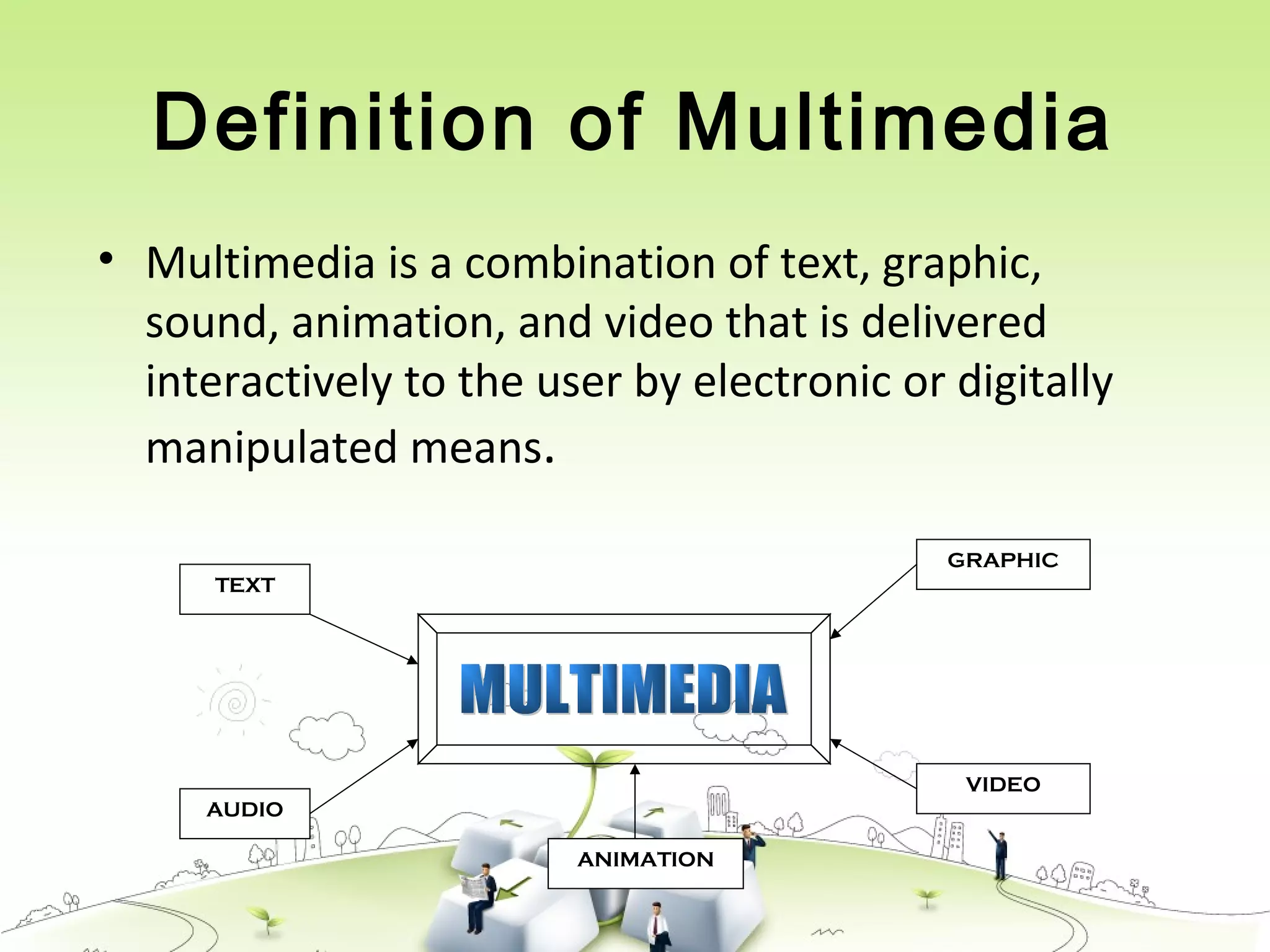
• Multimedia is a combination of text, graphic,
sound, animation, and video that is delivered
interactively to the user by electronic or digitally
manipulated means.
TEXT
AUDIO
GRAPHIC
VIDEO
ANIMATION
5 Elements of Multimedia
TEXTTEXT
TEXT
AUDIO
GRAPHIC
VIDEO
ANIMATION
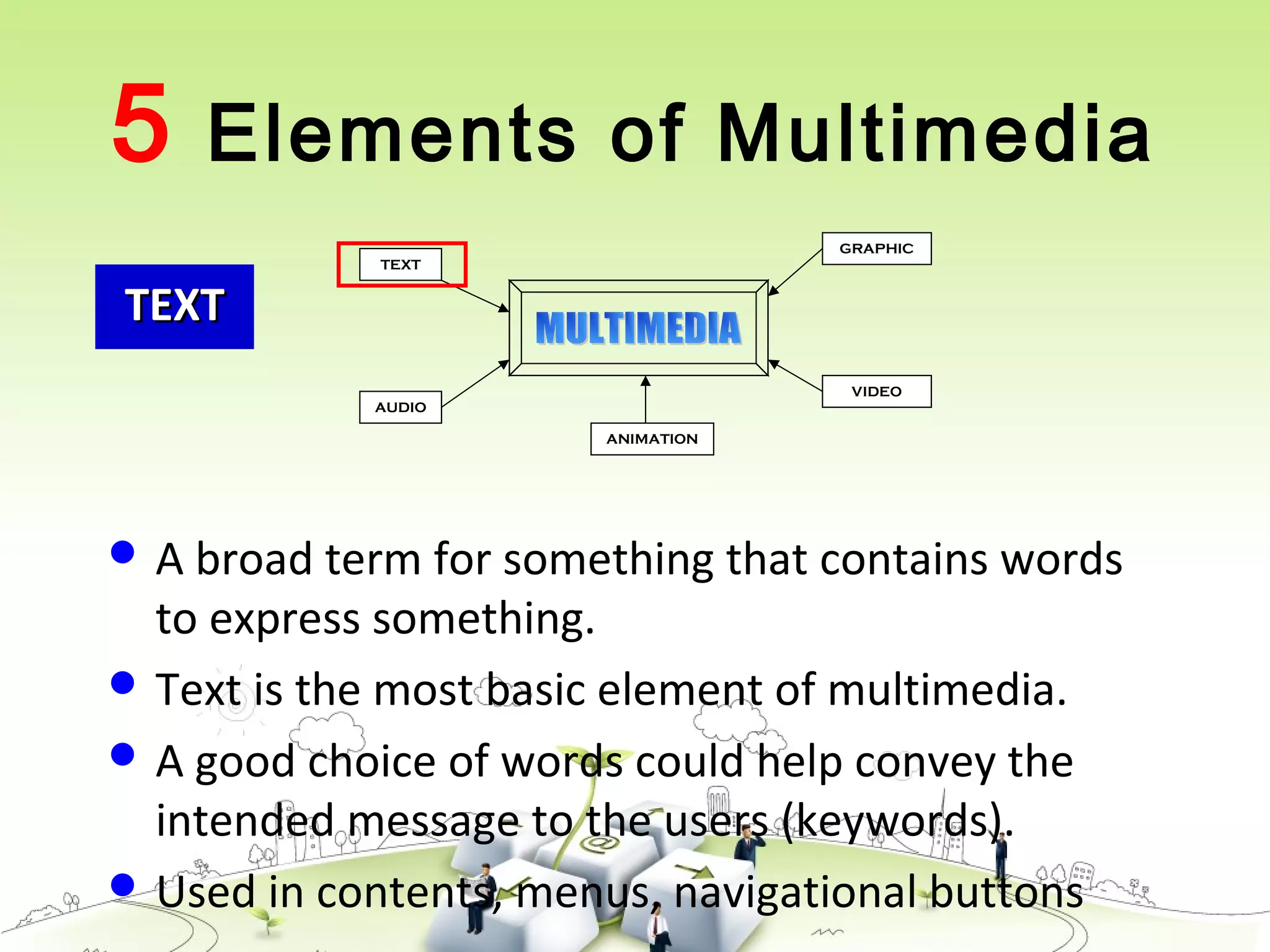
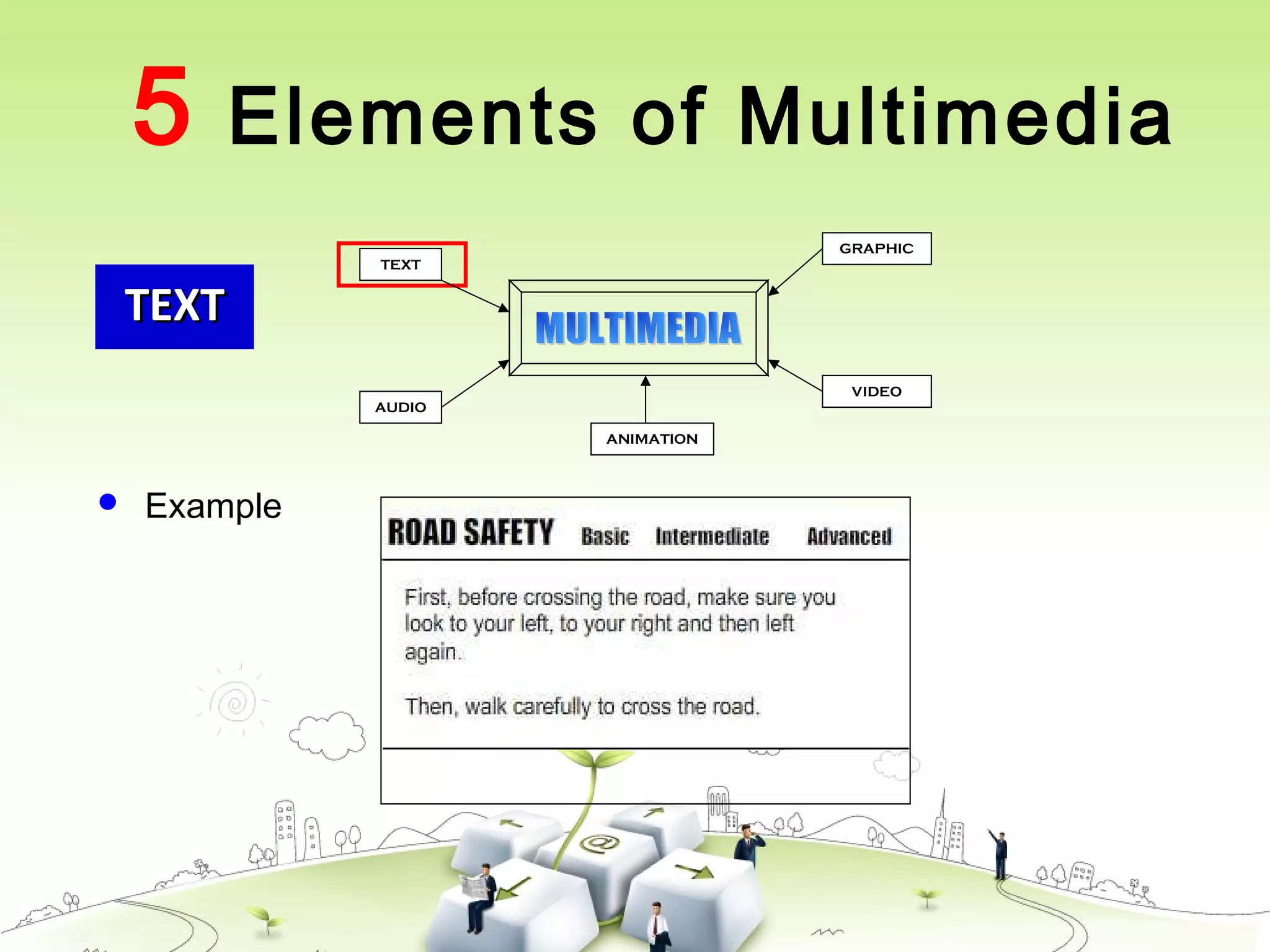
 A broad term for something that contains words
to express something.
 Text is the most basic element of multimedia.
 A good choice of words could help convey the
intended message to the users (keywords).
 Used in contents, menus, navigational buttons
TEXTTEXT
 Example
5 Elements of Multimedia
TEXT
AUDIO
GRAPHIC
VIDEO
ANIMATION
GRAPHICGRAPHIC
TEXT
AUDIO
GRAPHIC
VIDEO
ANIMATION
 Two-dimensional figure or illustration
 Could be produced manually (by drawing,
painting, carving, etc.) or by computer graphics
technology.
 Used in multimedia to show more clearly what a
particular information is all about (diagrams,
picture).
5 Elements of Multimedia
GRAPHICGRAPHIC
TEXT
AUDIO
GRAPHIC
VIDEO
ANIMATION
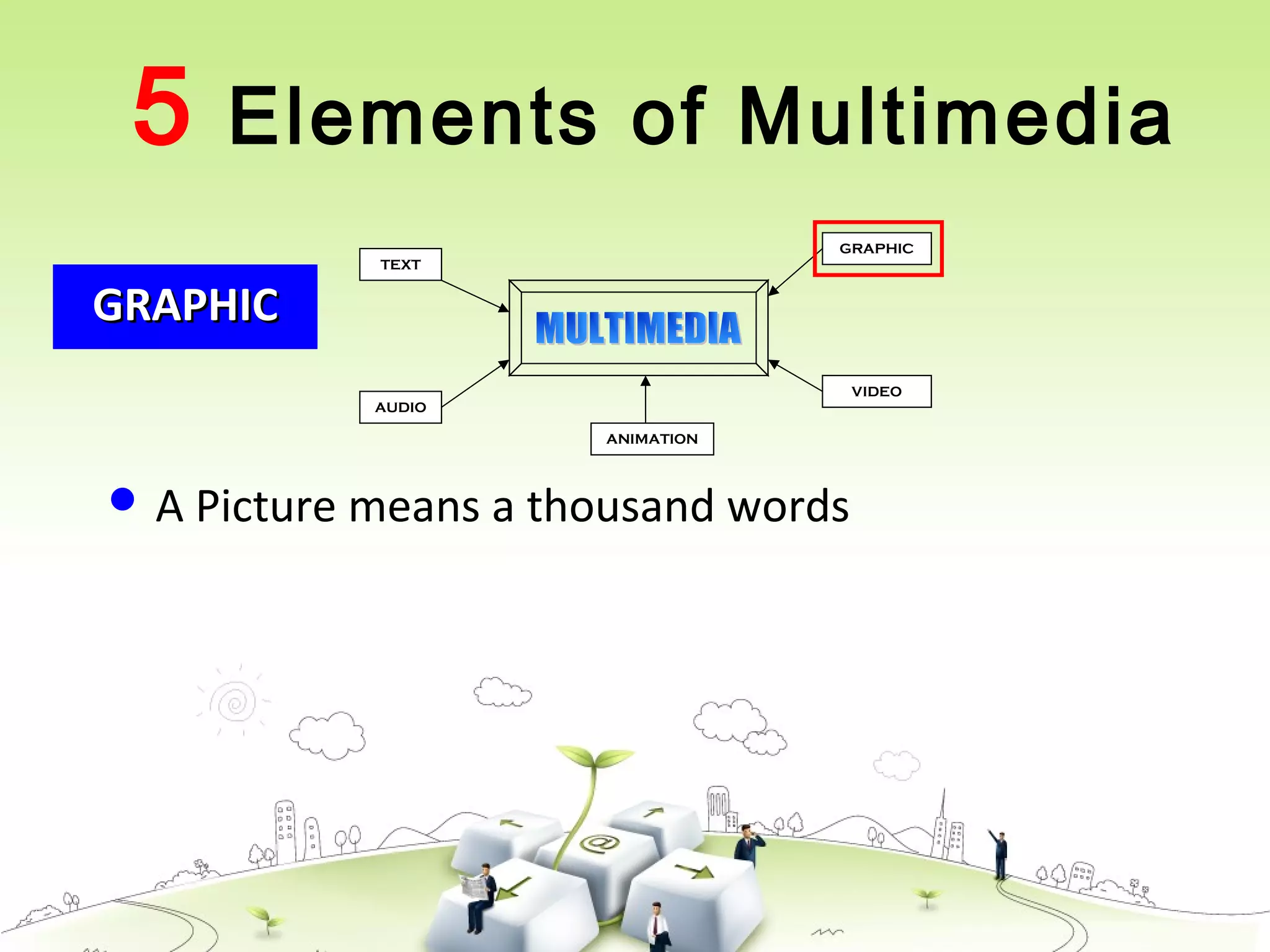
 A Picture means a thousand words
5 Elements of Multimedia
GRAPHICGRAPHIC
TEXT
AUDIO
GRAPHIC
VIDEO
ANIMATION
 Example
5 Elements of Multimedia
AUDIOAUDIO
TEXT
AUDIO
GRAPHIC
VIDEO
ANIMATION
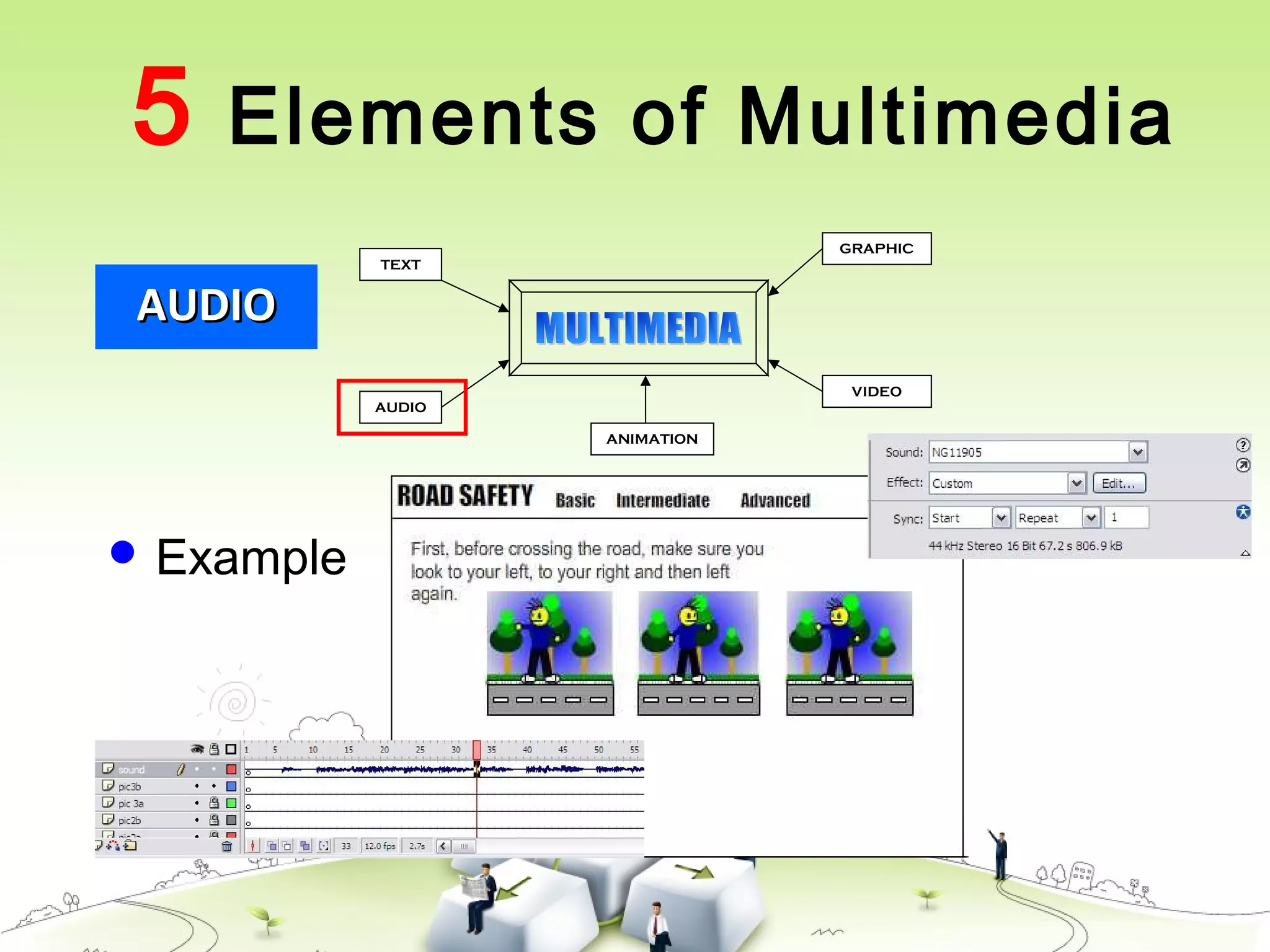
 Produced by vibration, as perceived by the sense of
hearing.
 In multimedia, audio could come in the form of
speech, sound effects and also music score.
5 Elements of Multimedia
AUDIOAUDIO
TEXT
AUDIO
GRAPHIC
VIDEO
ANIMATION
 Example
5 Elements of Multimedia
ANIMATIONANIMATION
TEXT
AUDIO
GRAPHIC
VIDEO
ANIMATION
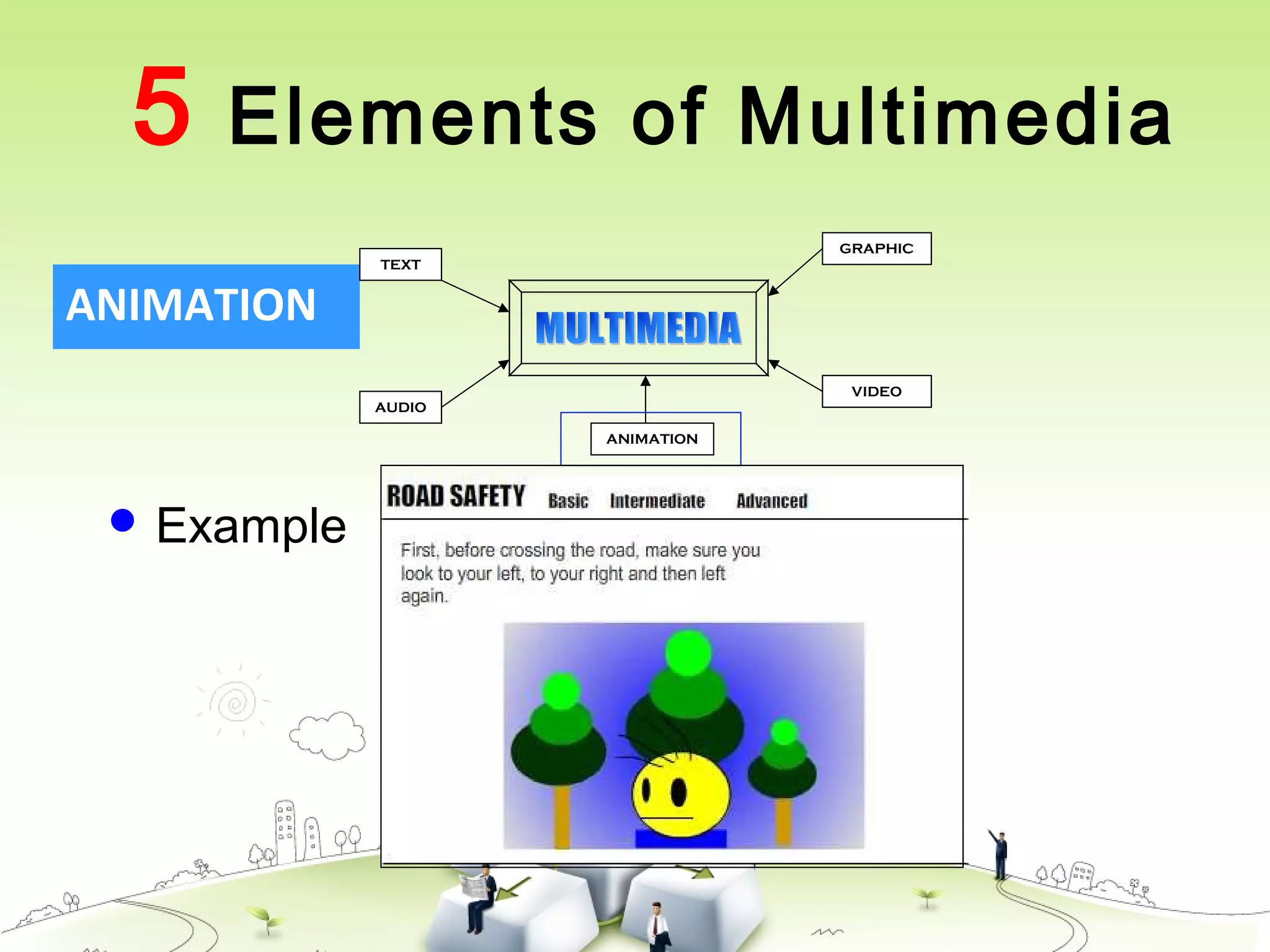
 The illusion of motion created by the consecutive
display of images of static elements.
 In multimedia, animation is used to further
enhance / enriched the experience of the user to
further understand the information conveyed to
them.
5 Elements of Multimedia
ANIMATION
TEXT
AUDIO
GRAPHIC
VIDEO
ANIMATION
 Example
5 Elements of Multimedia
VIDEOVIDEO
TEXT
AUDIO
GRAPHIC
VIDEO
ANIMATION
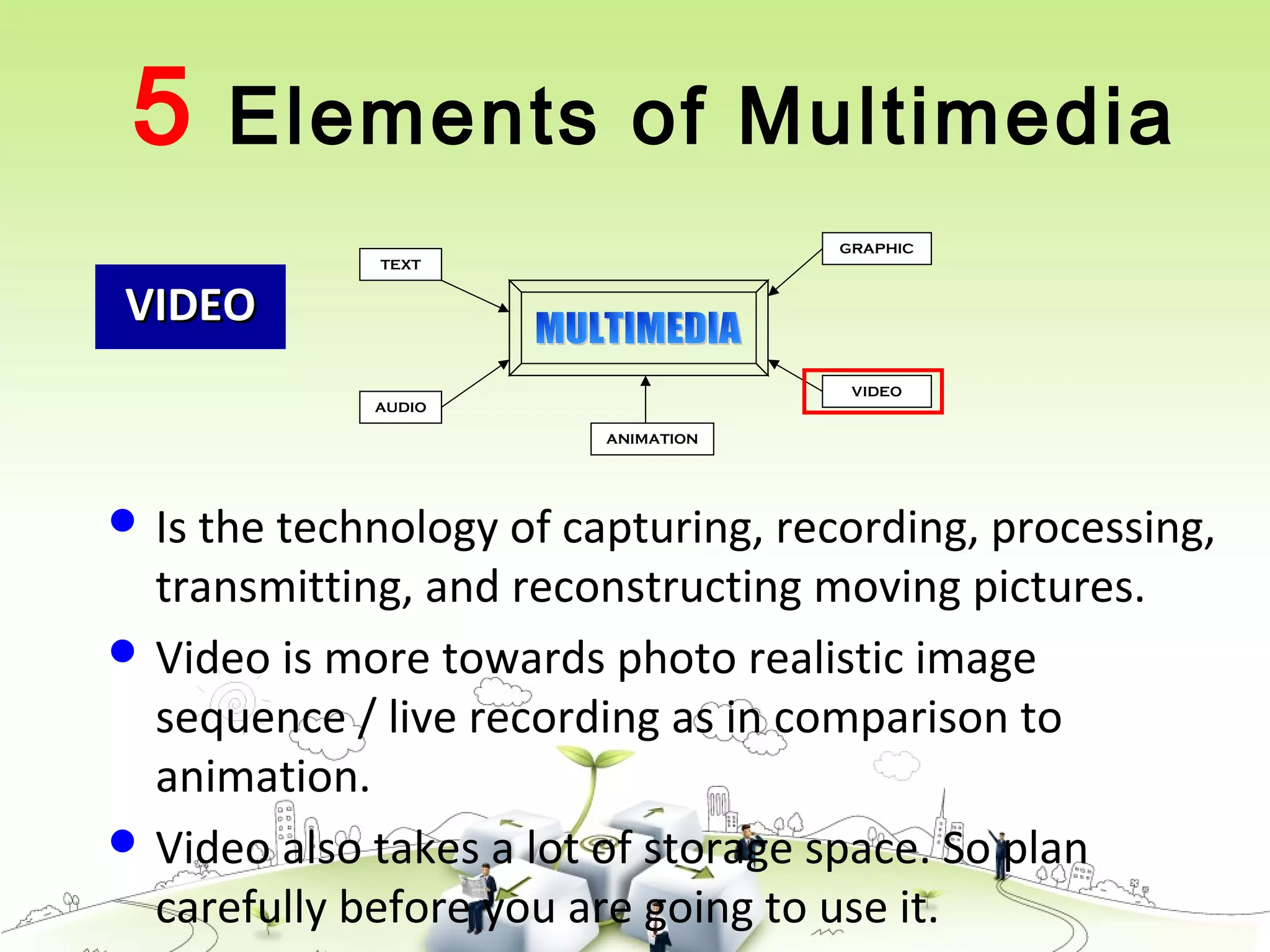
 Is the technology of capturing, recording, processing,
transmitting, and reconstructing moving pictures.
 Video is more towards photo realistic image
sequence / live recording as in comparison to
animation.
 Video also takes a lot of storage space. So plan
carefully before you are going to use it.
5 Elements of Multimedia
Interactive Multimedia
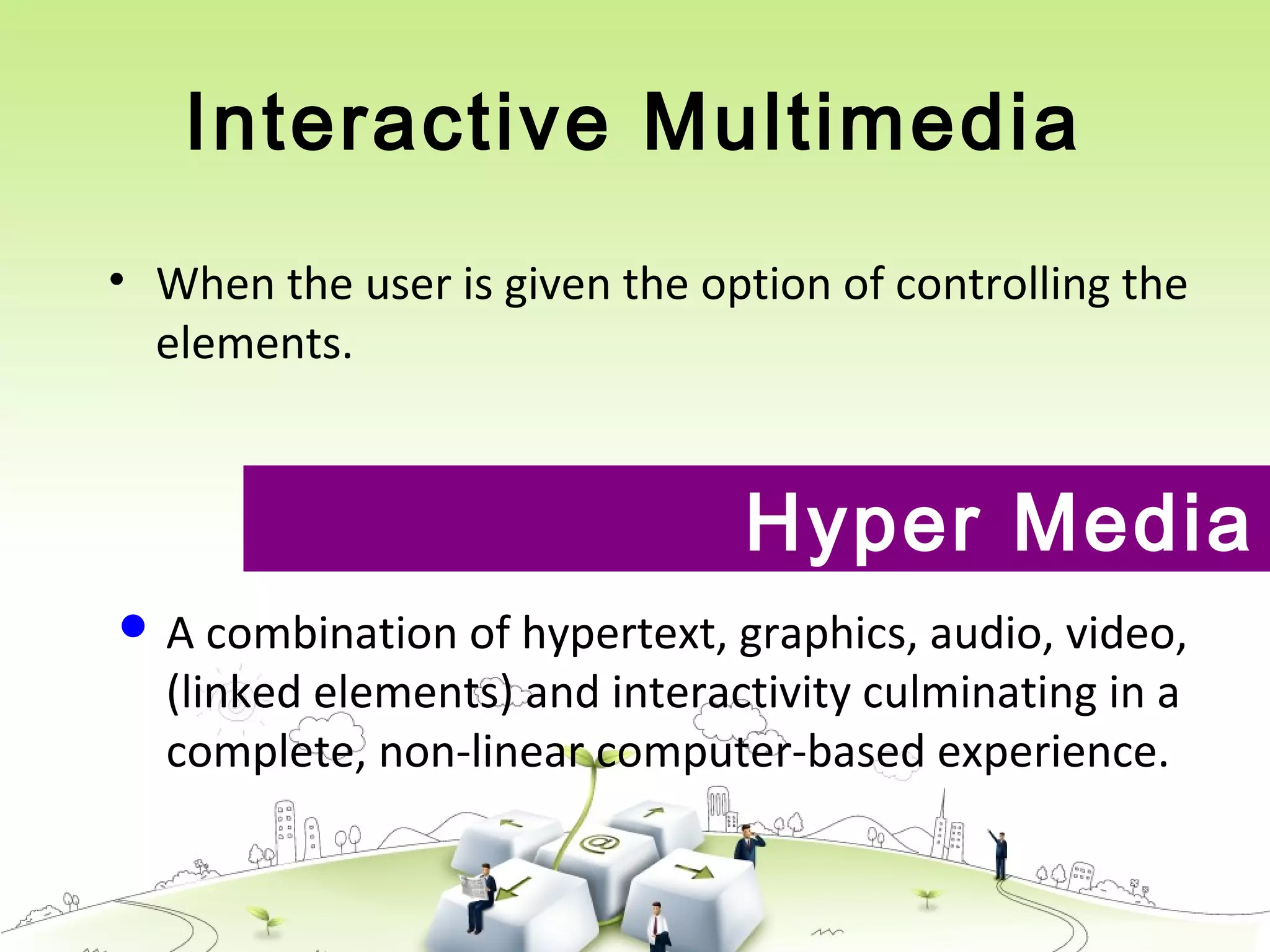
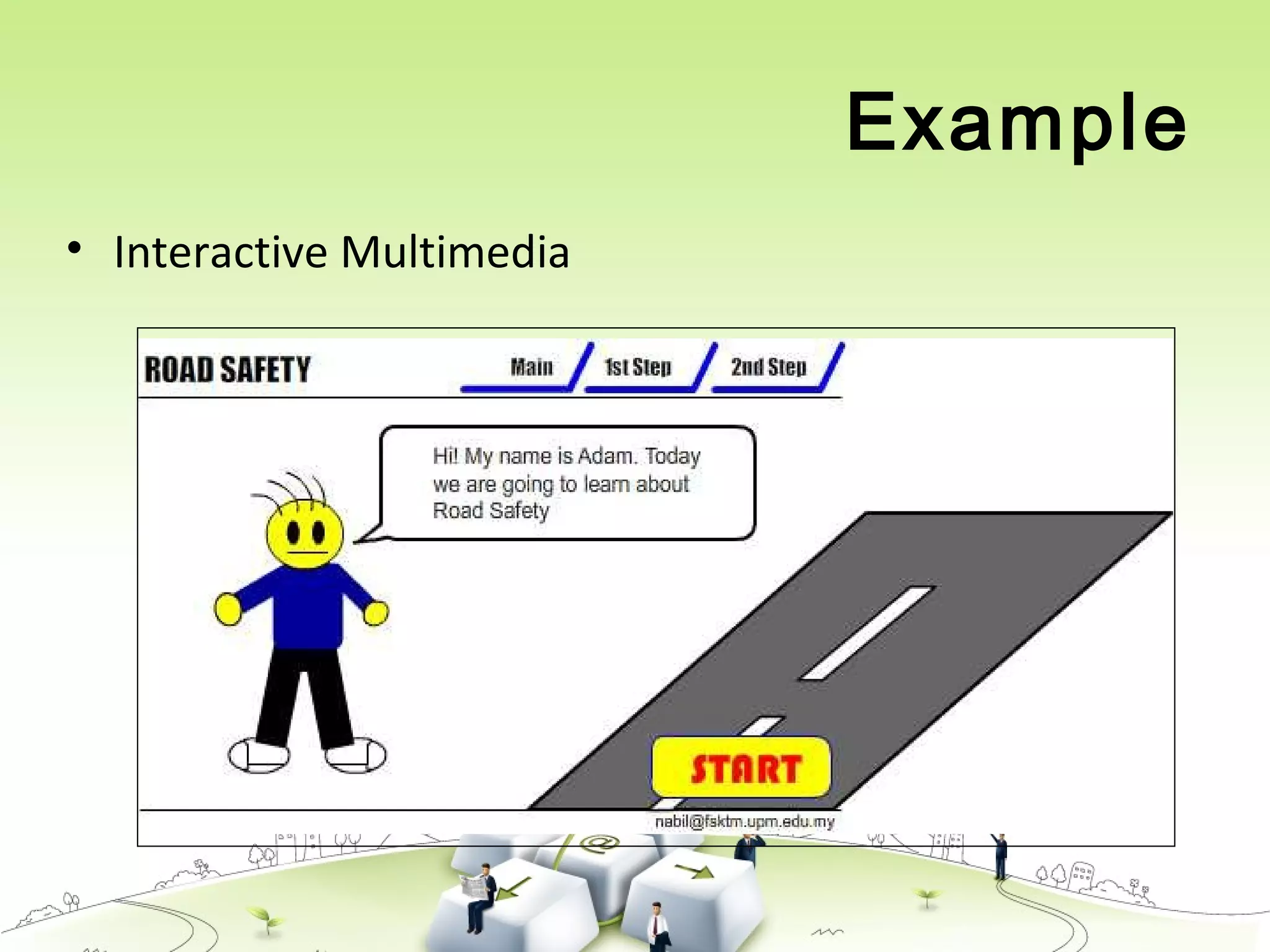
• When the user is given the option of controlling the
elements.
Hyper Media
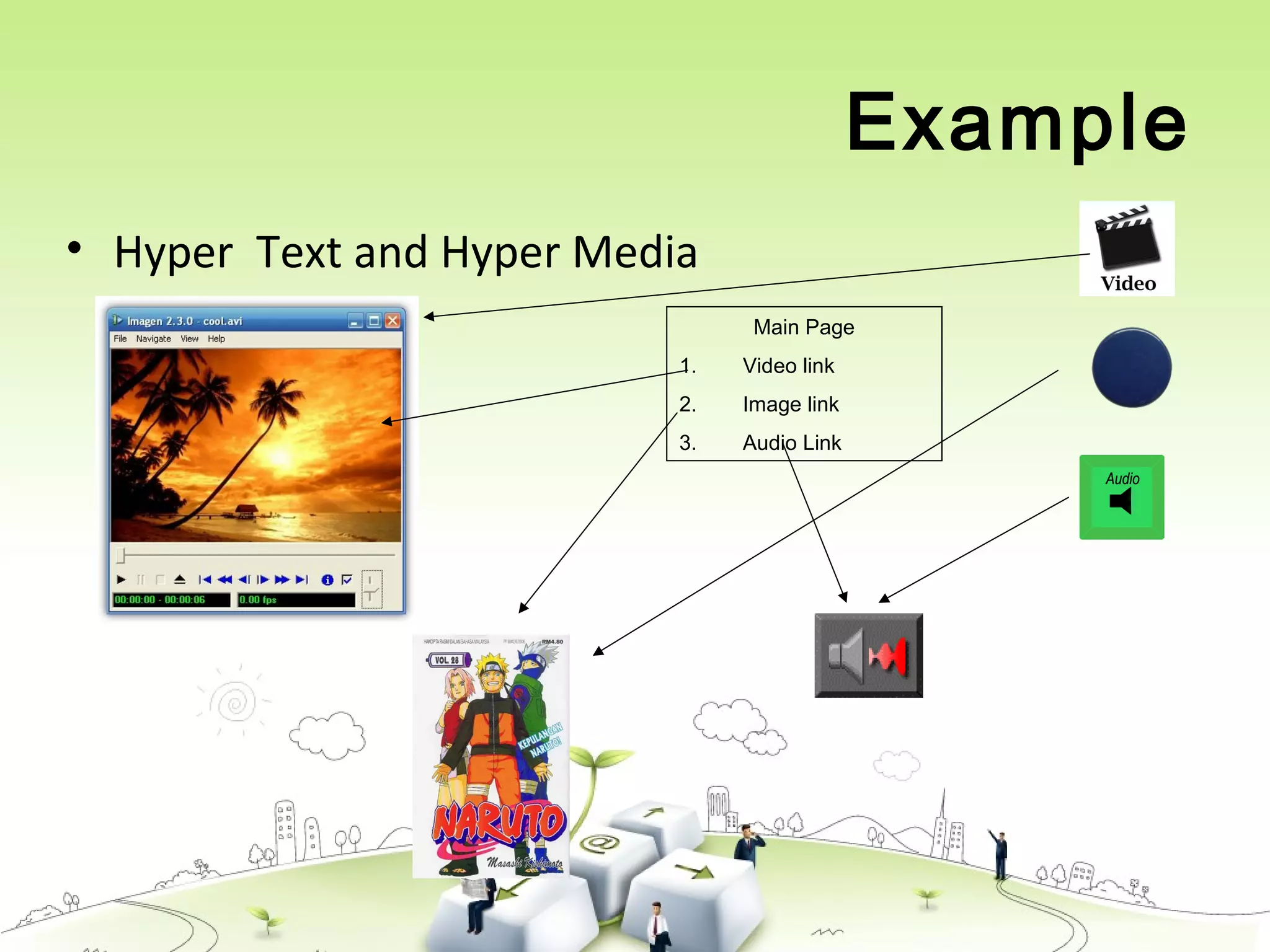
 A combination of hypertext, graphics, audio, video,
(linked elements) and interactivity culminating in a
complete, non-linear computer-based experience.
Example
• Interactive Multimedia
Example
• Hyper Text and Hyper Media
Main Page
1. Video link
2. Image link
3. Audio Link
Linear VS Non-Linear
• A Multimedia Project is identified as Linear when:
– It is not interactive
– User have no control over the content that is being
showed to them.
• Example:
– A movie
– A non-interactive lecture / demo show
LINEARLINEAR
Linear VS Non-Linear
• A Multimedia Project is identified as Non-Linear
when:
– It is interactive
– Users have control over the content that is
being showed to them.
– Users are given navigational control
• Example:
– Games
– Courseware
– Interactive CD
NON-LINEARNON-LINEAR
Authoring Tools
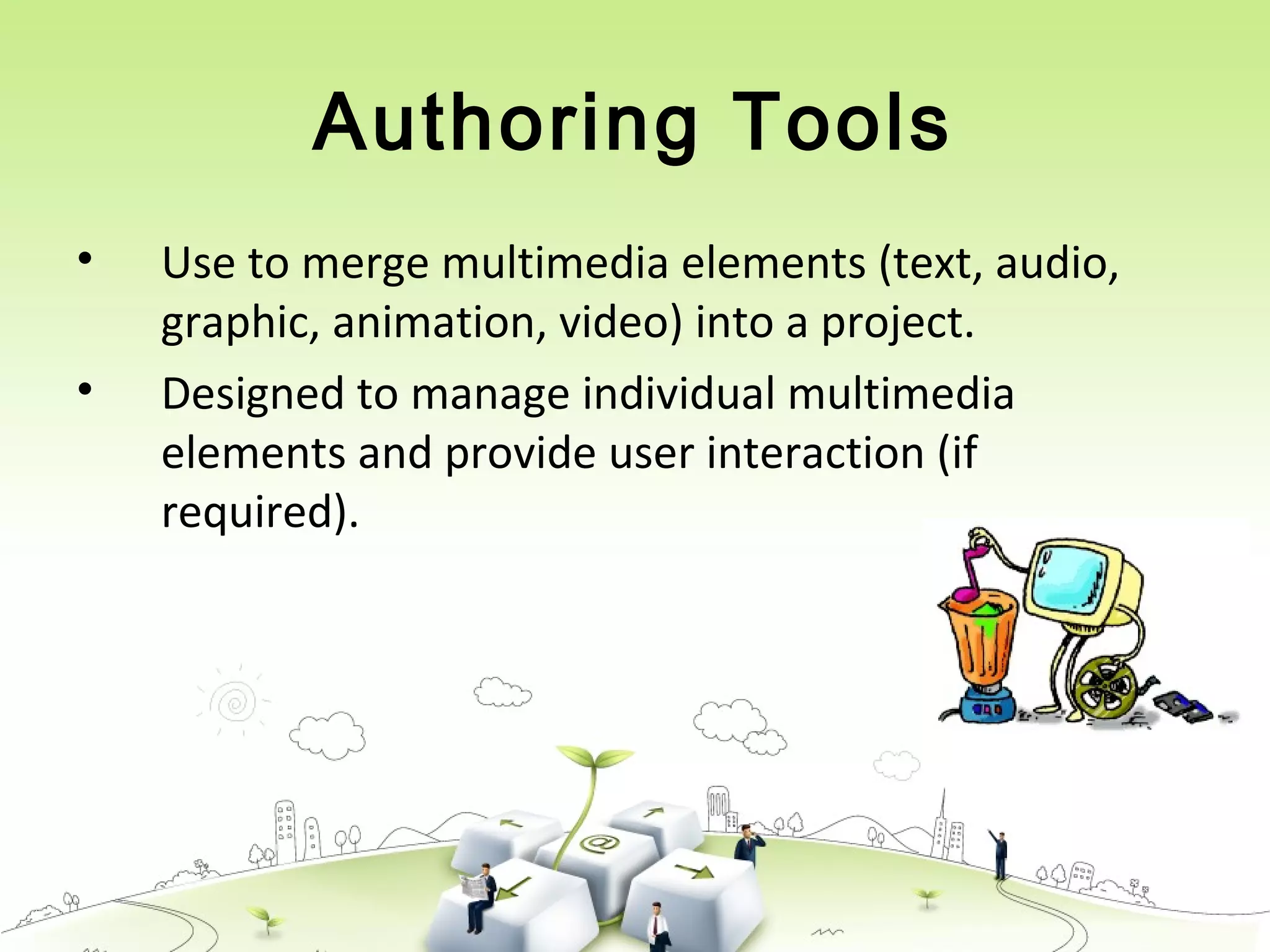
• Use to merge multimedia elements (text, audio,
graphic, animation, video) into a project.
• Designed to manage individual multimedia
elements and provide user interaction (if
required).
Authoring Tools
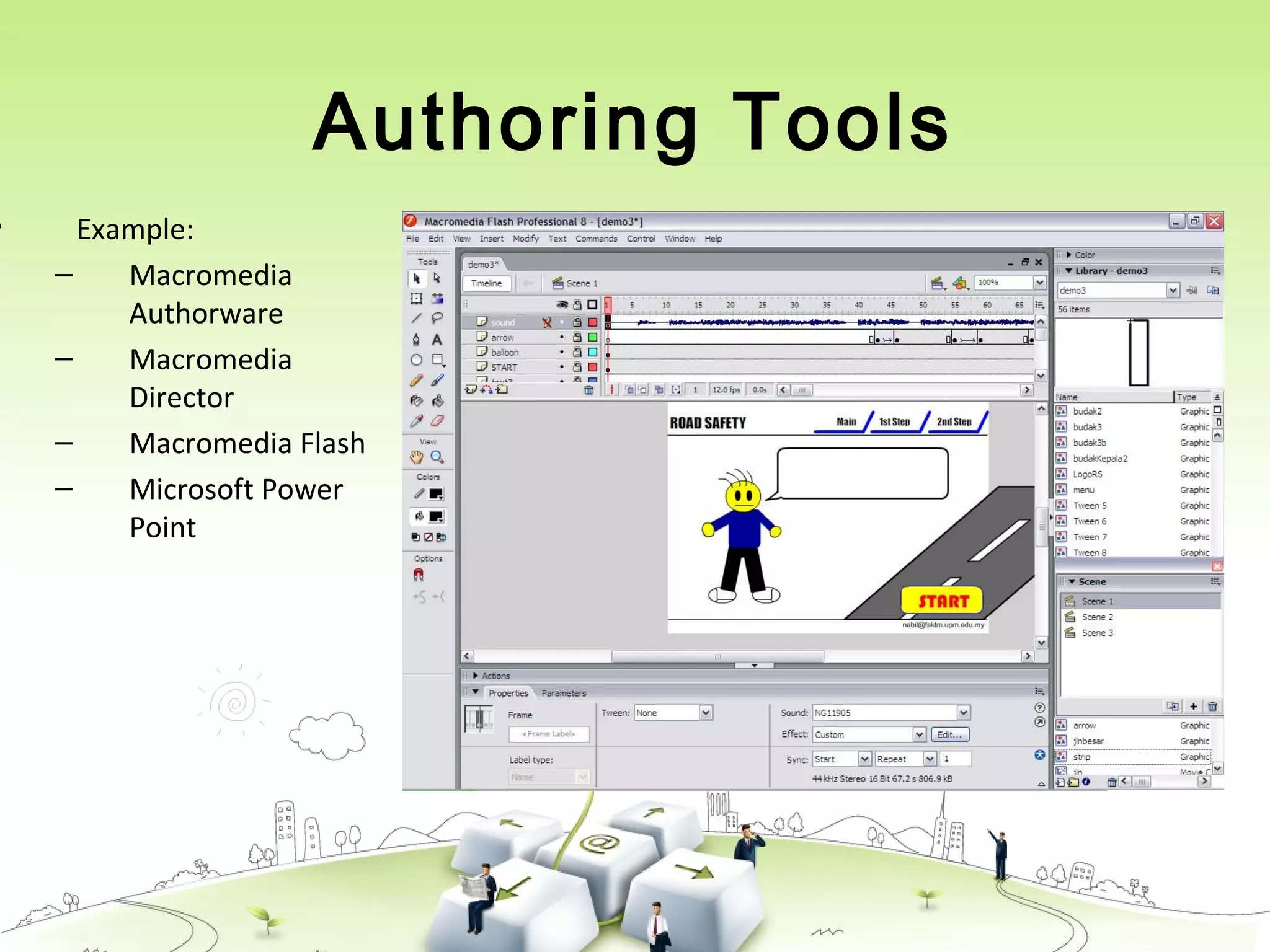
• Example:
– Macromedia
Authorware
– Macromedia
Director
– Macromedia Flash
– Microsoft Power
Point
Importance of Multimedia
• There are a number of fields where
multimedia could be of use. Examples are:-
– Business
– Education
– Entertainment
– Home
– Public Places
Importance of Multimedia
• Business
– Use and Applications
• Sales / Marketing Presentation
• Trade show production
• Staff Training Application
• Company Kiosk
Importance of Multimedia
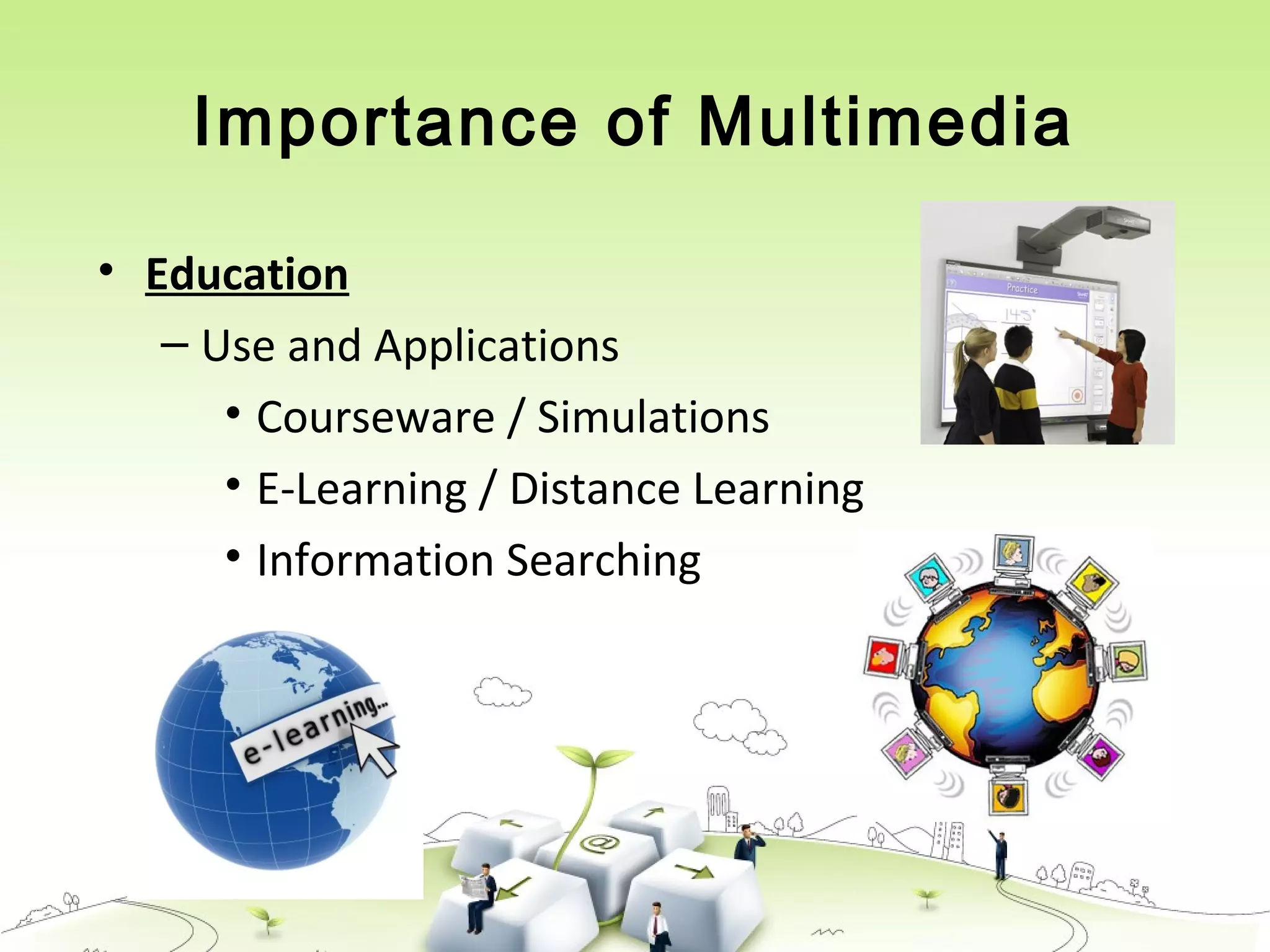
• Education
– Use and Applications
• Courseware / Simulations
• E-Learning / Distance Learning
• Information Searching
Importance of Multimedia
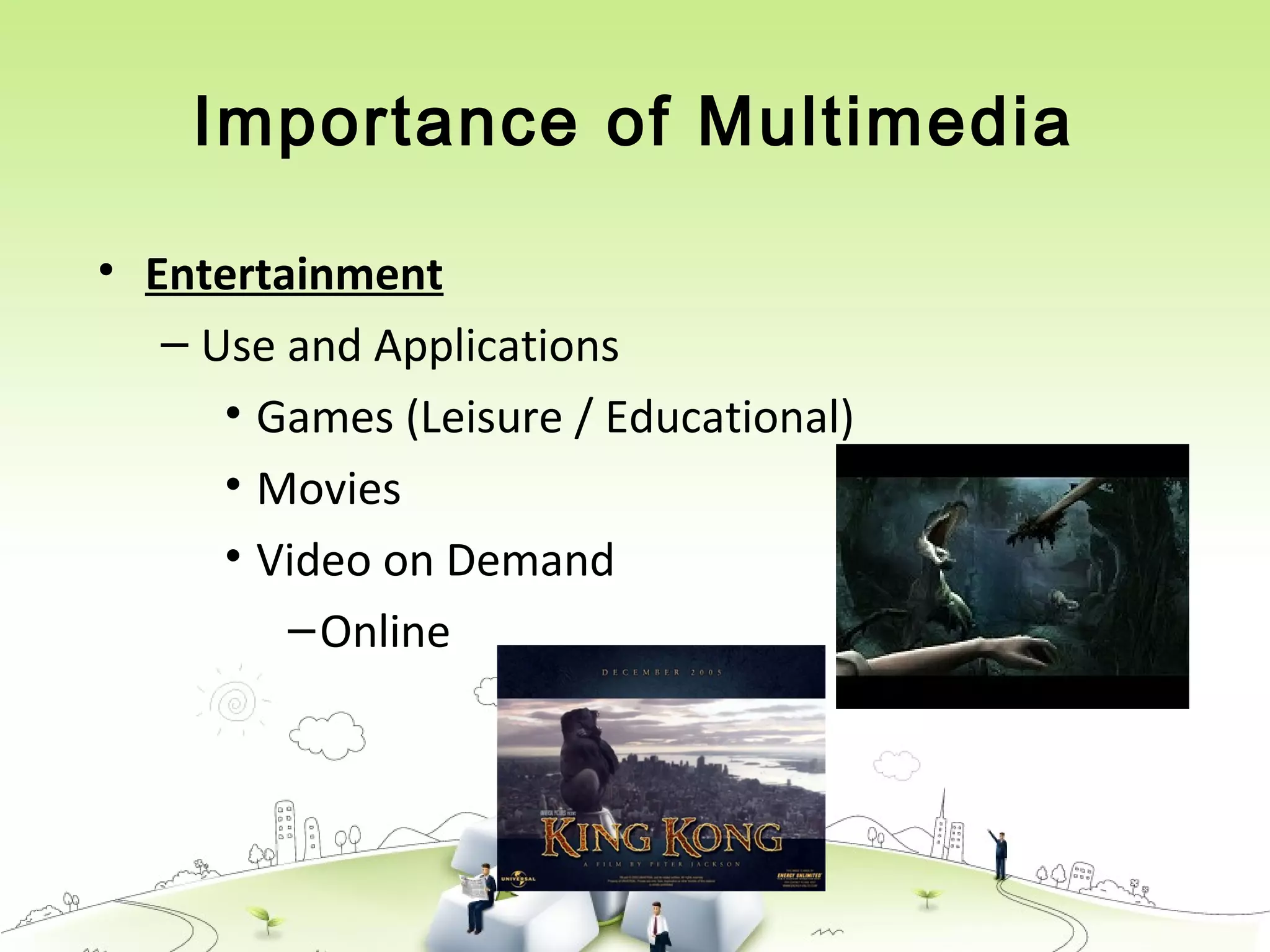
• Entertainment
– Use and Applications
• Games (Leisure / Educational)
• Movies
• Video on Demand
–Online
Importance of Multimedia
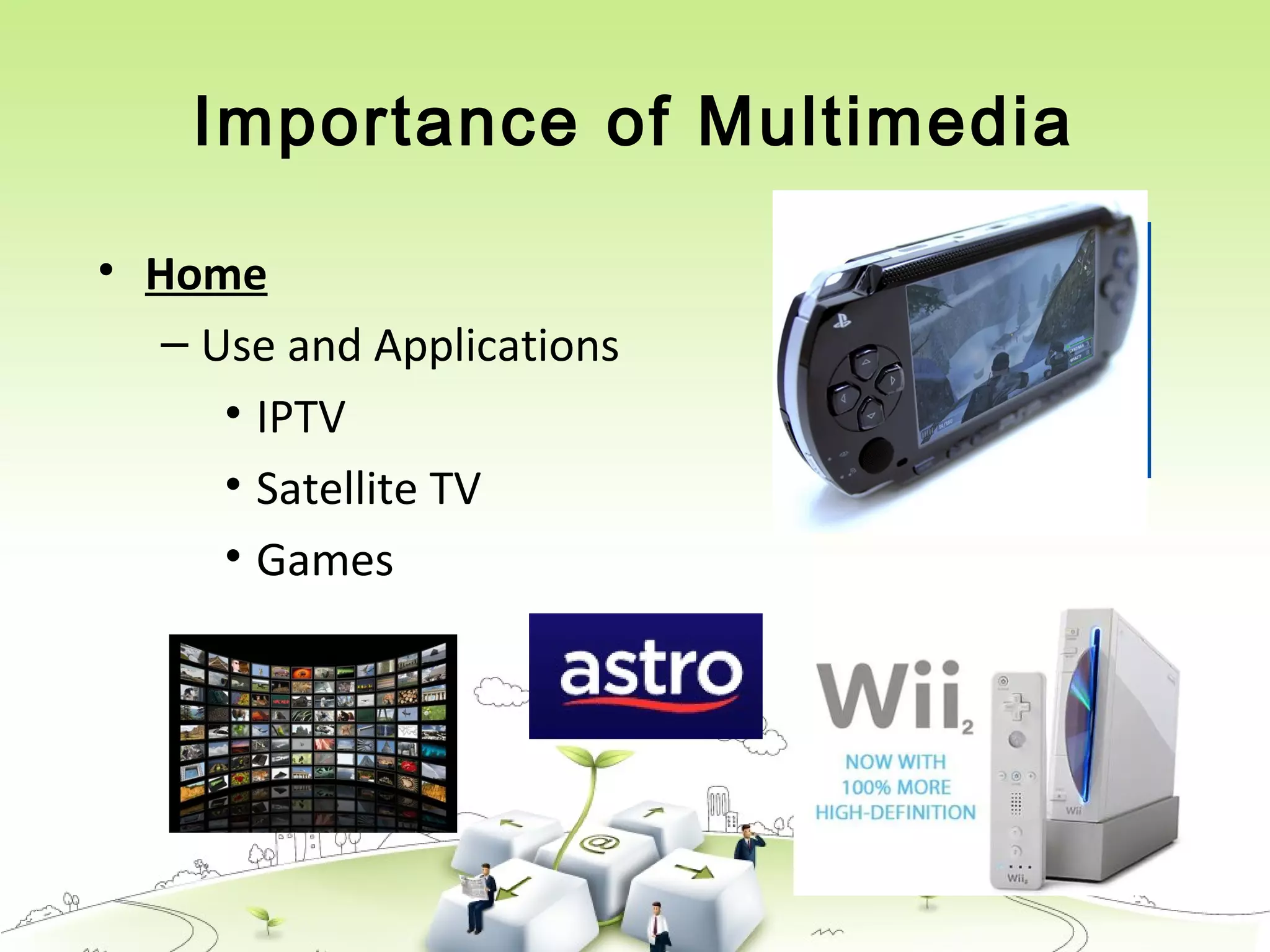
• Home
– Use and Applications
• IPTV
• Satellite TV
• Games
Importance of Multimedia
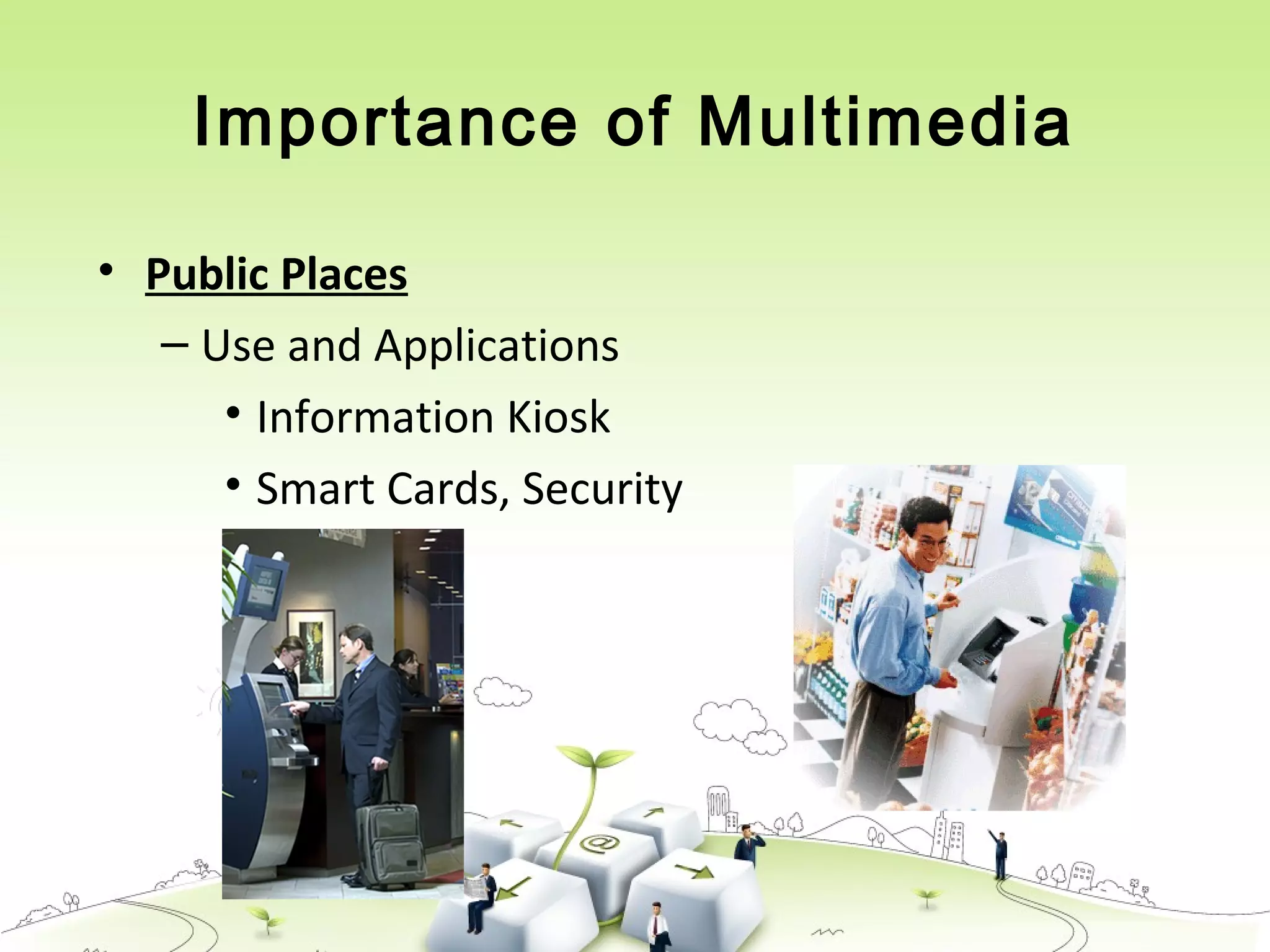
• Public Places
– Use and Applications
• Information Kiosk
• Smart Cards, Security
Multimedia Products
1. Briefing Products
2. Reference Products
3. Database Products
4. Education and Training Products
5. Kiosk
6. Entertainment and Games
Multimedia Products
Briefing ProductsBriefing Products
• Small, straightforward, linear products used to present
information quickly and concisely.
• Characteristic of briefing product:
 Short Development Cycle
 Limited Number of Presentations
 Usage of text to present information with limited use of
graphic, audio and video.
 Have few navigational controls. (mouse click and button
press to move from one page to another)
 Content and the format are suitable for the audience and
fulfill the purpose of the presentation.
1/2
Multimedia Products
Briefing ProductsBriefing Products
• Good briefing presentation depends on:
 The understanding of the presented subject.
 Seamless integration of content.
 Consistent layout
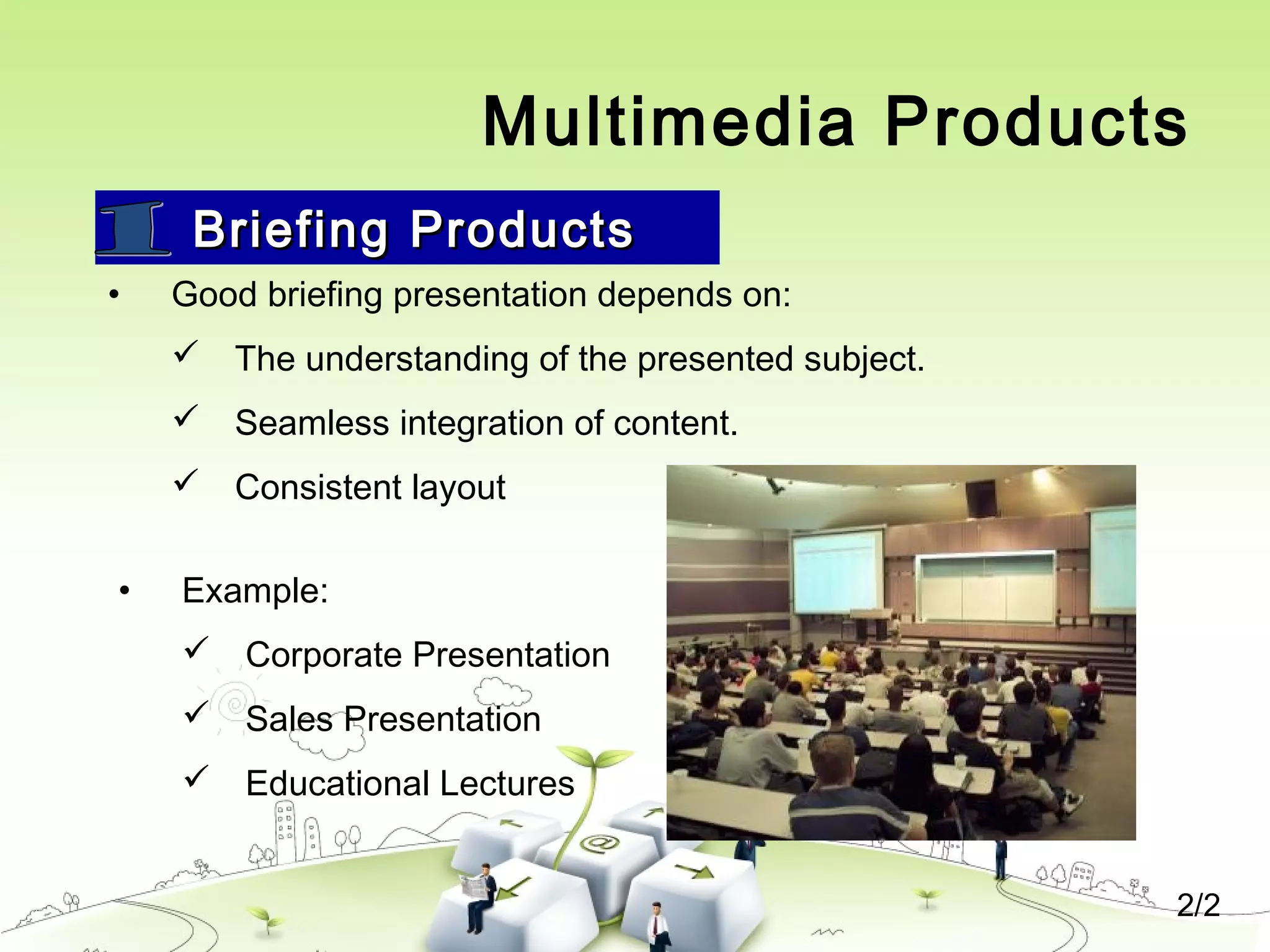
• Example:
 Corporate Presentation
 Sales Presentation
 Educational Lectures
2/2
Multimedia Products
Reference Products
1/2
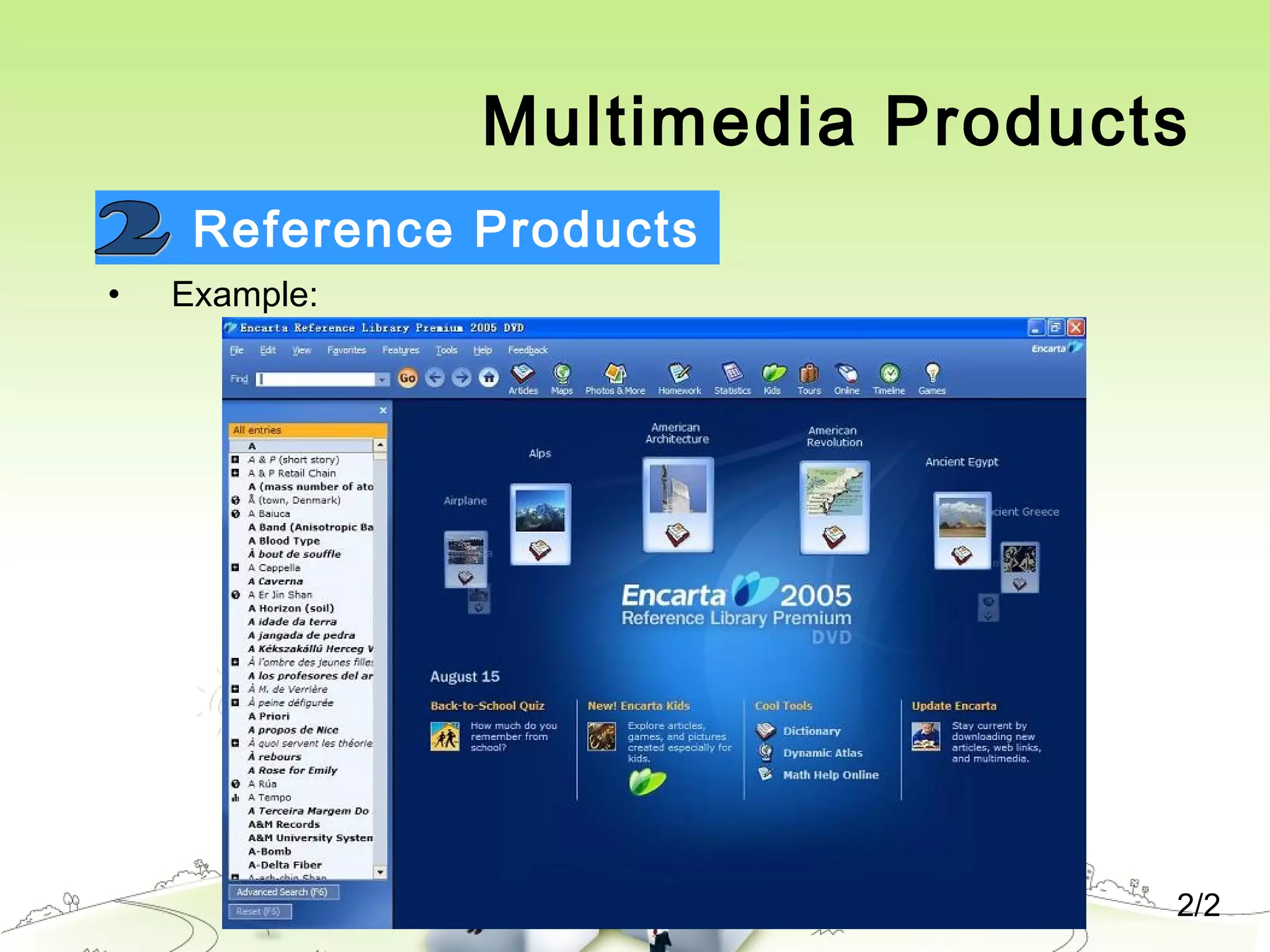
• Often used for answering specific questions or for general browsing of
information. (stored on CD/ DVD ROM)
• Characteristic of reference product:
 Used by wide range of user (small – adult)
 Have navigational menu, book marking, searching, printing utility
• 2 Basic classes of reference product:
 Generalized Content (dictionary/encyclopedia)
 Broad treatment of content at a limited depth
 Detailed Content
 Focus on specific area and provide extensive information.
Multimedia Products
Reference Products
• Good usability and success depends on:
 The developers understanding the body of information and
how the end user will want to access it.
 Help function should always available to explain how to
access and use the information
• Examples are electronic forms of:
 Encyclopedia
 Dictionaries
 Cookbooks, Historical, Informative
 Scientific surveys.
2/2
Multimedia Products
Reference Products
• Example:
2/2
Multimedia Products
Database Products
1/2
• Similar to reference product in a sense that large amount of information
are made available to the end user.
• Focus on storing and accessing the actual data (multimedia data such
as text, graphic, audio, animation and video)
• Characteristics of Database Products are:
 Manages multimedia data (large data)
 Descriptive finding methods
 Content based search
 Simultaneous access
 Online database
 Relational consistency in data management.
Multimedia Products
Database ProductsDatabase Products
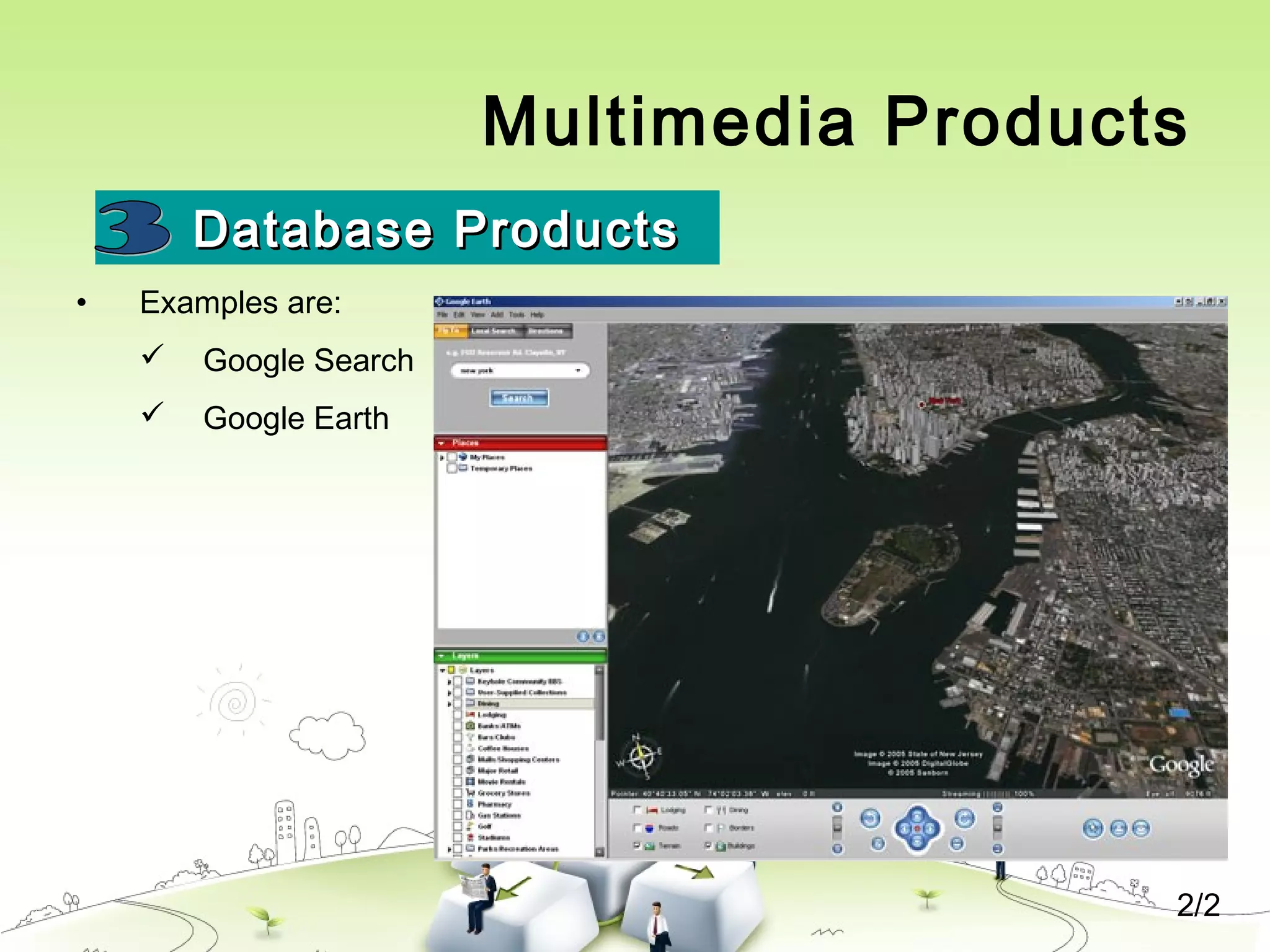
• Examples are:
 Google Search
 Google Earth
2/2
Multimedia Products
Education and Training ProductsEducation and Training Products
• Similar to textbook or training manuals but have added media such as
audio, animation and video.
• Make up a significant share of the multimedia market ranging from pre-
kindergarten to postgraduate offerings from technical to corporate
training products.
• 2 categories of reference product:
 Instructor Support Products
 Standalone or Self-Paced Products
 Combination Products
• Shares the same characteristics as Reference Product
1/2
Multimedia Products
Education and Training ProductsEducation and Training Products
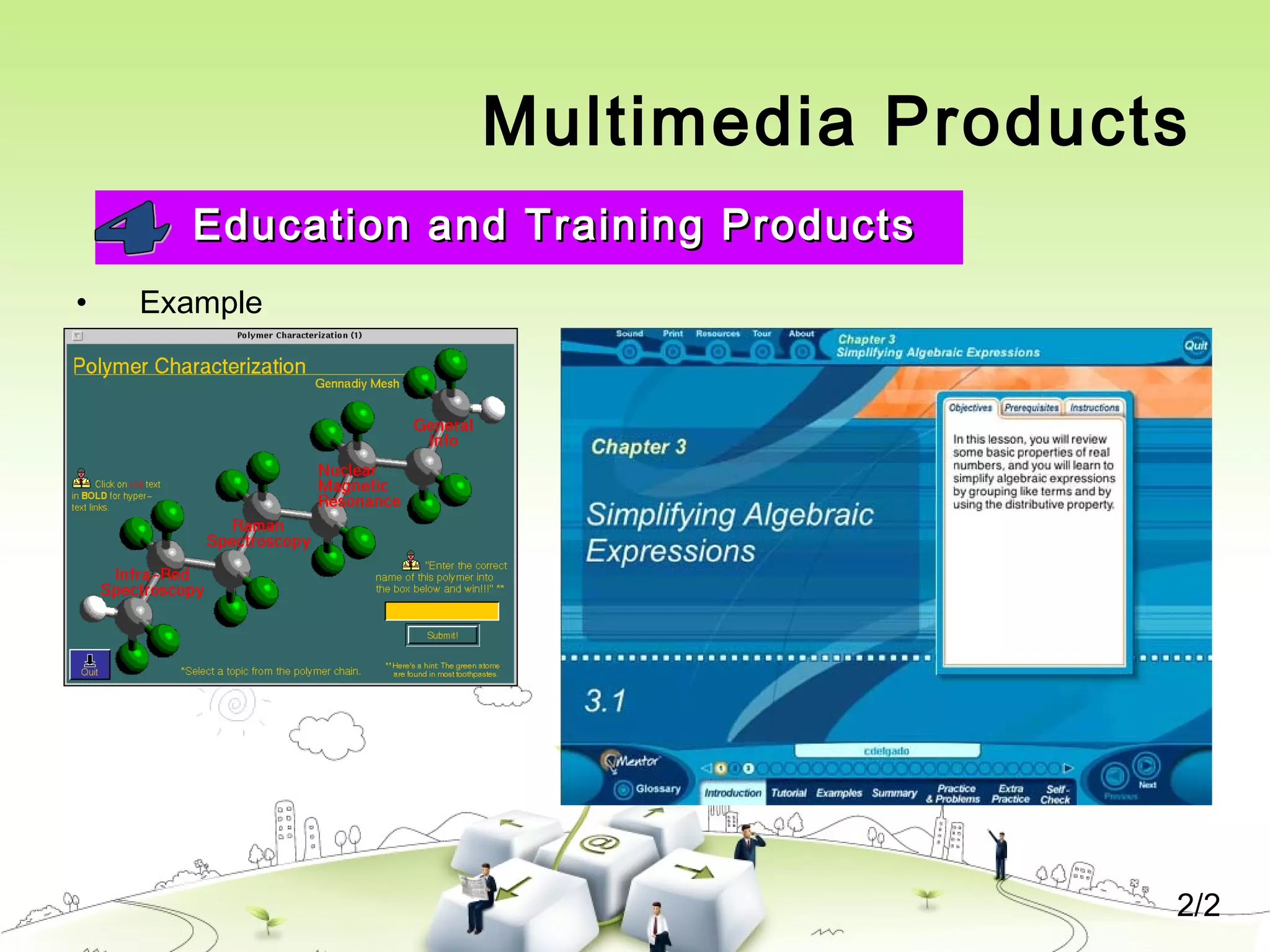
• Example
2/2
Multimedia Products
Kiosk ProductsKiosk Products
1/2
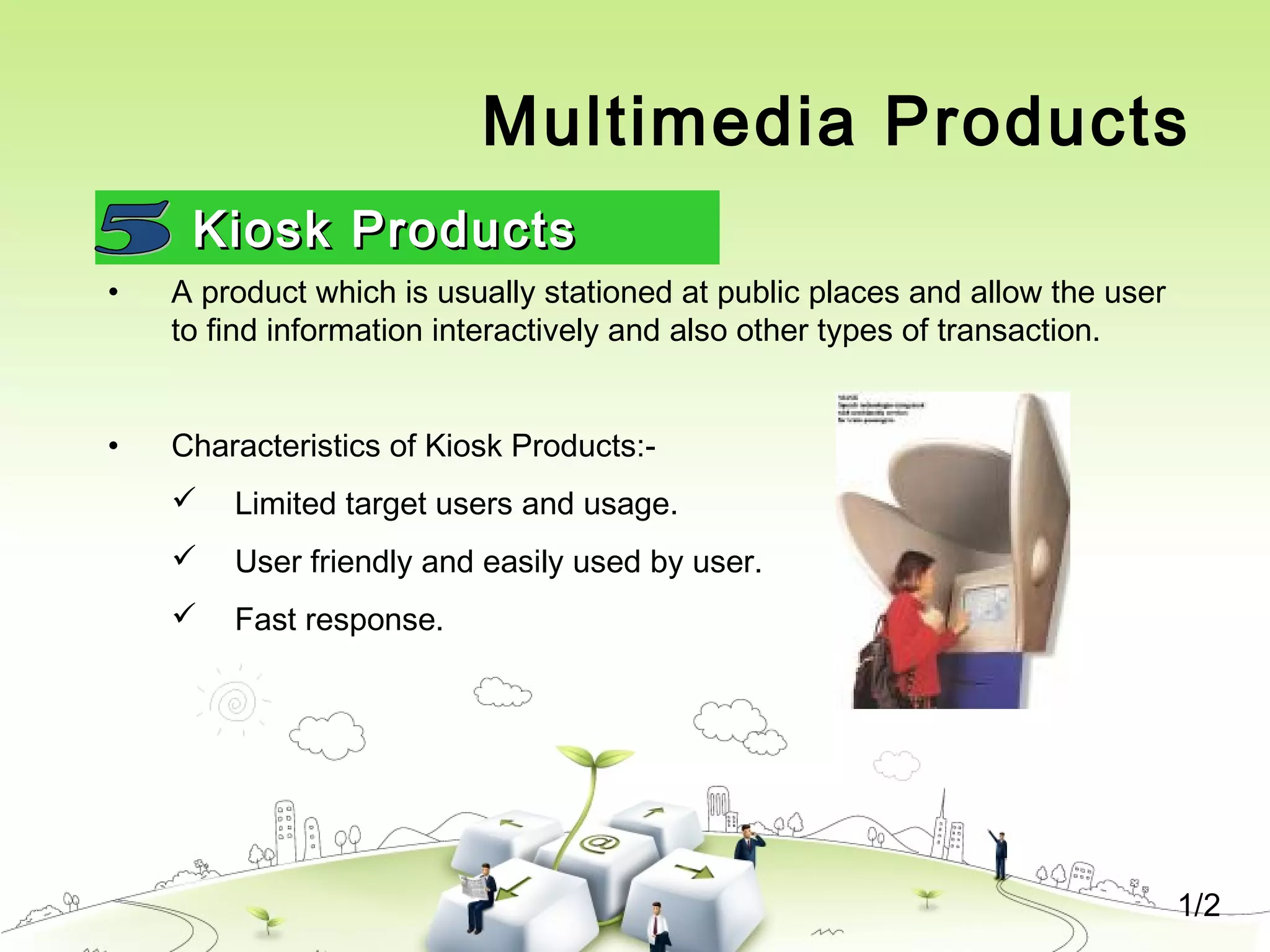
• A product which is usually stationed at public places and allow the user
to find information interactively and also other types of transaction.
• Characteristics of Kiosk Products:-
 Limited target users and usage.
 User friendly and easily used by user.
 Fast response.
Multimedia Products
Kiosk ProductsKiosk Products
2/2
• Categories of Kiosk
 Point Of Information
 Provide certain information (example map, timetable etc)
 Point Of Sales System
 Allow users to purchase or make orders
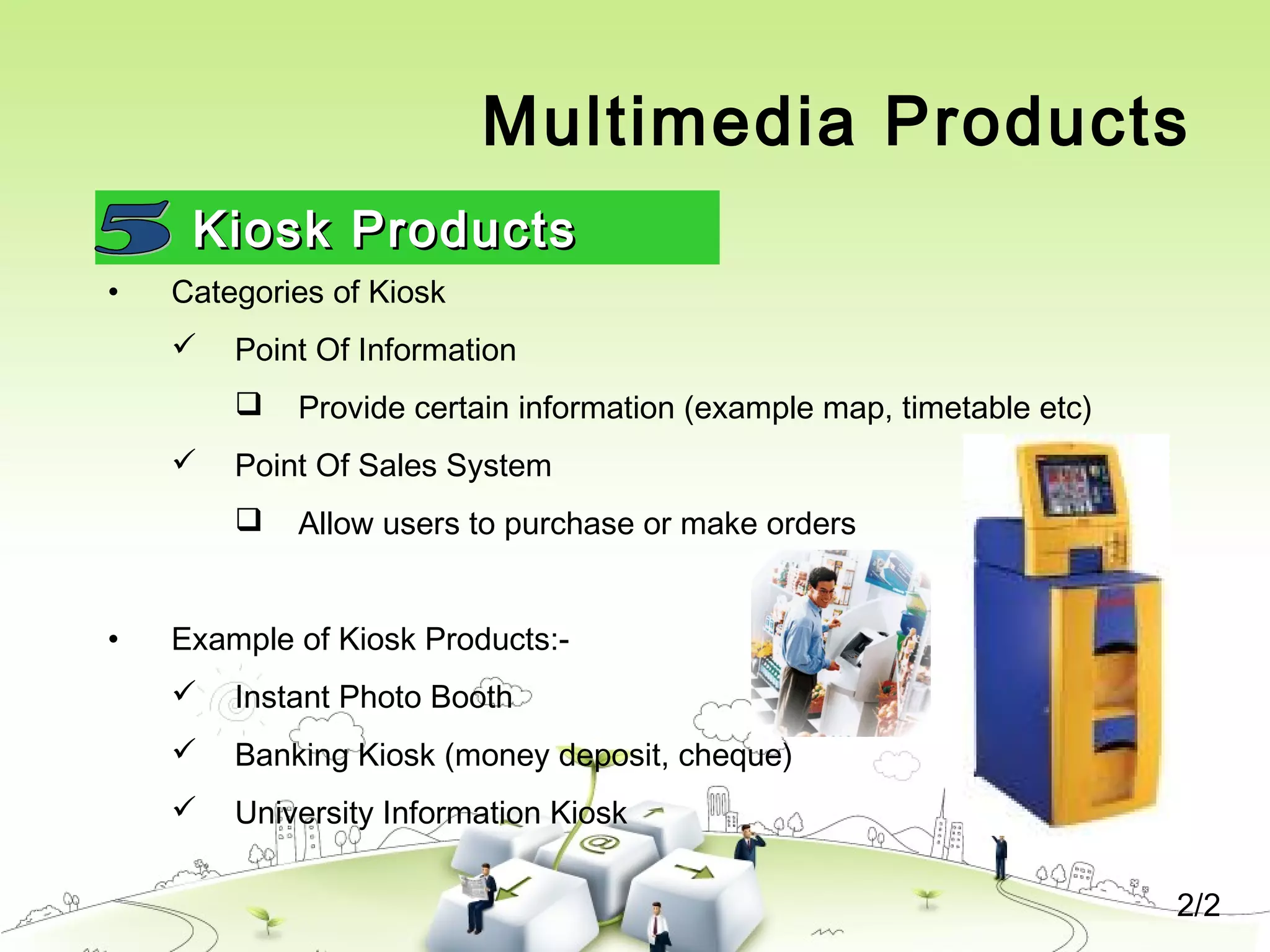
• Example of Kiosk Products:-
 Instant Photo Booth
 Banking Kiosk (money deposit, cheque)
 University Information Kiosk
Multimedia Products
Entertainment & GamesEntertainment & Games
• Most popular
• Shipped in the form of Interactive CD / DVD ROM.
• Characteristics of E & G Products:-
 Immersive.
 Requires constant feedback and interaction with the user.
 Challenging and sometimes intriguing for user
 Enabled online play for more than one user experience.
Delivering Multimedia
• Large storage and bandwidth ---- for delivery and distribution
• CD, DVD and Flash Drive.
• Broadband Internet

Chapter 1 : INTRODUCTION TO MULTIMEDIA

  • 1.
  • 2.
    What is Multimedia? •Derived from the word “Multi” and “Media” – Multi • Many, Multiple, – Media • Distribution tool & information presentation – text, graphic, voice, images, music and etc.
  • 3.
    Definition of Multimedia •Multimedia is a combination of text, graphic, sound, animation, and video that is delivered interactively to the user by electronic or digitally manipulated means. TEXT AUDIO GRAPHIC VIDEO ANIMATION
  • 4.
    5 Elements ofMultimedia TEXTTEXT TEXT AUDIO GRAPHIC VIDEO ANIMATION  A broad term for something that contains words to express something.  Text is the most basic element of multimedia.  A good choice of words could help convey the intended message to the users (keywords).  Used in contents, menus, navigational buttons
  • 5.
    TEXTTEXT  Example 5 Elementsof Multimedia TEXT AUDIO GRAPHIC VIDEO ANIMATION
  • 6.
    GRAPHICGRAPHIC TEXT AUDIO GRAPHIC VIDEO ANIMATION  Two-dimensional figureor illustration  Could be produced manually (by drawing, painting, carving, etc.) or by computer graphics technology.  Used in multimedia to show more clearly what a particular information is all about (diagrams, picture). 5 Elements of Multimedia
  • 7.
    GRAPHICGRAPHIC TEXT AUDIO GRAPHIC VIDEO ANIMATION  A Picturemeans a thousand words 5 Elements of Multimedia
  • 8.
  • 9.
    AUDIOAUDIO TEXT AUDIO GRAPHIC VIDEO ANIMATION  Produced byvibration, as perceived by the sense of hearing.  In multimedia, audio could come in the form of speech, sound effects and also music score. 5 Elements of Multimedia
  • 10.
  • 11.
    ANIMATIONANIMATION TEXT AUDIO GRAPHIC VIDEO ANIMATION  The illusionof motion created by the consecutive display of images of static elements.  In multimedia, animation is used to further enhance / enriched the experience of the user to further understand the information conveyed to them. 5 Elements of Multimedia
  • 12.
  • 13.
    VIDEOVIDEO TEXT AUDIO GRAPHIC VIDEO ANIMATION  Is thetechnology of capturing, recording, processing, transmitting, and reconstructing moving pictures.  Video is more towards photo realistic image sequence / live recording as in comparison to animation.  Video also takes a lot of storage space. So plan carefully before you are going to use it. 5 Elements of Multimedia
  • 14.
    Interactive Multimedia • Whenthe user is given the option of controlling the elements. Hyper Media  A combination of hypertext, graphics, audio, video, (linked elements) and interactivity culminating in a complete, non-linear computer-based experience.
  • 15.
  • 16.
    Example • Hyper Textand Hyper Media Main Page 1. Video link 2. Image link 3. Audio Link
  • 17.
    Linear VS Non-Linear •A Multimedia Project is identified as Linear when: – It is not interactive – User have no control over the content that is being showed to them. • Example: – A movie – A non-interactive lecture / demo show LINEARLINEAR
  • 18.
    Linear VS Non-Linear •A Multimedia Project is identified as Non-Linear when: – It is interactive – Users have control over the content that is being showed to them. – Users are given navigational control • Example: – Games – Courseware – Interactive CD NON-LINEARNON-LINEAR
  • 19.
    Authoring Tools • Useto merge multimedia elements (text, audio, graphic, animation, video) into a project. • Designed to manage individual multimedia elements and provide user interaction (if required).
  • 20.
    Authoring Tools • Example: –Macromedia Authorware – Macromedia Director – Macromedia Flash – Microsoft Power Point
  • 21.
    Importance of Multimedia •There are a number of fields where multimedia could be of use. Examples are:- – Business – Education – Entertainment – Home – Public Places
  • 22.
    Importance of Multimedia •Business – Use and Applications • Sales / Marketing Presentation • Trade show production • Staff Training Application • Company Kiosk
  • 23.
    Importance of Multimedia •Education – Use and Applications • Courseware / Simulations • E-Learning / Distance Learning • Information Searching
  • 24.
    Importance of Multimedia •Entertainment – Use and Applications • Games (Leisure / Educational) • Movies • Video on Demand –Online
  • 25.
    Importance of Multimedia •Home – Use and Applications • IPTV • Satellite TV • Games
  • 26.
    Importance of Multimedia •Public Places – Use and Applications • Information Kiosk • Smart Cards, Security
  • 27.
    Multimedia Products 1. BriefingProducts 2. Reference Products 3. Database Products 4. Education and Training Products 5. Kiosk 6. Entertainment and Games
  • 28.
    Multimedia Products Briefing ProductsBriefingProducts • Small, straightforward, linear products used to present information quickly and concisely. • Characteristic of briefing product:  Short Development Cycle  Limited Number of Presentations  Usage of text to present information with limited use of graphic, audio and video.  Have few navigational controls. (mouse click and button press to move from one page to another)  Content and the format are suitable for the audience and fulfill the purpose of the presentation. 1/2
  • 29.
    Multimedia Products Briefing ProductsBriefingProducts • Good briefing presentation depends on:  The understanding of the presented subject.  Seamless integration of content.  Consistent layout • Example:  Corporate Presentation  Sales Presentation  Educational Lectures 2/2
  • 30.
    Multimedia Products Reference Products 1/2 •Often used for answering specific questions or for general browsing of information. (stored on CD/ DVD ROM) • Characteristic of reference product:  Used by wide range of user (small – adult)  Have navigational menu, book marking, searching, printing utility • 2 Basic classes of reference product:  Generalized Content (dictionary/encyclopedia)  Broad treatment of content at a limited depth  Detailed Content  Focus on specific area and provide extensive information.
  • 31.
    Multimedia Products Reference Products •Good usability and success depends on:  The developers understanding the body of information and how the end user will want to access it.  Help function should always available to explain how to access and use the information • Examples are electronic forms of:  Encyclopedia  Dictionaries  Cookbooks, Historical, Informative  Scientific surveys. 2/2
  • 32.
  • 33.
    Multimedia Products Database Products 1/2 •Similar to reference product in a sense that large amount of information are made available to the end user. • Focus on storing and accessing the actual data (multimedia data such as text, graphic, audio, animation and video) • Characteristics of Database Products are:  Manages multimedia data (large data)  Descriptive finding methods  Content based search  Simultaneous access  Online database  Relational consistency in data management.
  • 34.
    Multimedia Products Database ProductsDatabaseProducts • Examples are:  Google Search  Google Earth 2/2
  • 35.
    Multimedia Products Education andTraining ProductsEducation and Training Products • Similar to textbook or training manuals but have added media such as audio, animation and video. • Make up a significant share of the multimedia market ranging from pre- kindergarten to postgraduate offerings from technical to corporate training products. • 2 categories of reference product:  Instructor Support Products  Standalone or Self-Paced Products  Combination Products • Shares the same characteristics as Reference Product 1/2
  • 36.
    Multimedia Products Education andTraining ProductsEducation and Training Products • Example 2/2
  • 37.
    Multimedia Products Kiosk ProductsKioskProducts 1/2 • A product which is usually stationed at public places and allow the user to find information interactively and also other types of transaction. • Characteristics of Kiosk Products:-  Limited target users and usage.  User friendly and easily used by user.  Fast response.
  • 38.
    Multimedia Products Kiosk ProductsKioskProducts 2/2 • Categories of Kiosk  Point Of Information  Provide certain information (example map, timetable etc)  Point Of Sales System  Allow users to purchase or make orders • Example of Kiosk Products:-  Instant Photo Booth  Banking Kiosk (money deposit, cheque)  University Information Kiosk
  • 39.
    Multimedia Products Entertainment &GamesEntertainment & Games • Most popular • Shipped in the form of Interactive CD / DVD ROM. • Characteristics of E & G Products:-  Immersive.  Requires constant feedback and interaction with the user.  Challenging and sometimes intriguing for user  Enabled online play for more than one user experience.
  • 40.
    Delivering Multimedia • Largestorage and bandwidth ---- for delivery and distribution • CD, DVD and Flash Drive. • Broadband Internet